
Palmistry Analysis Card Generator
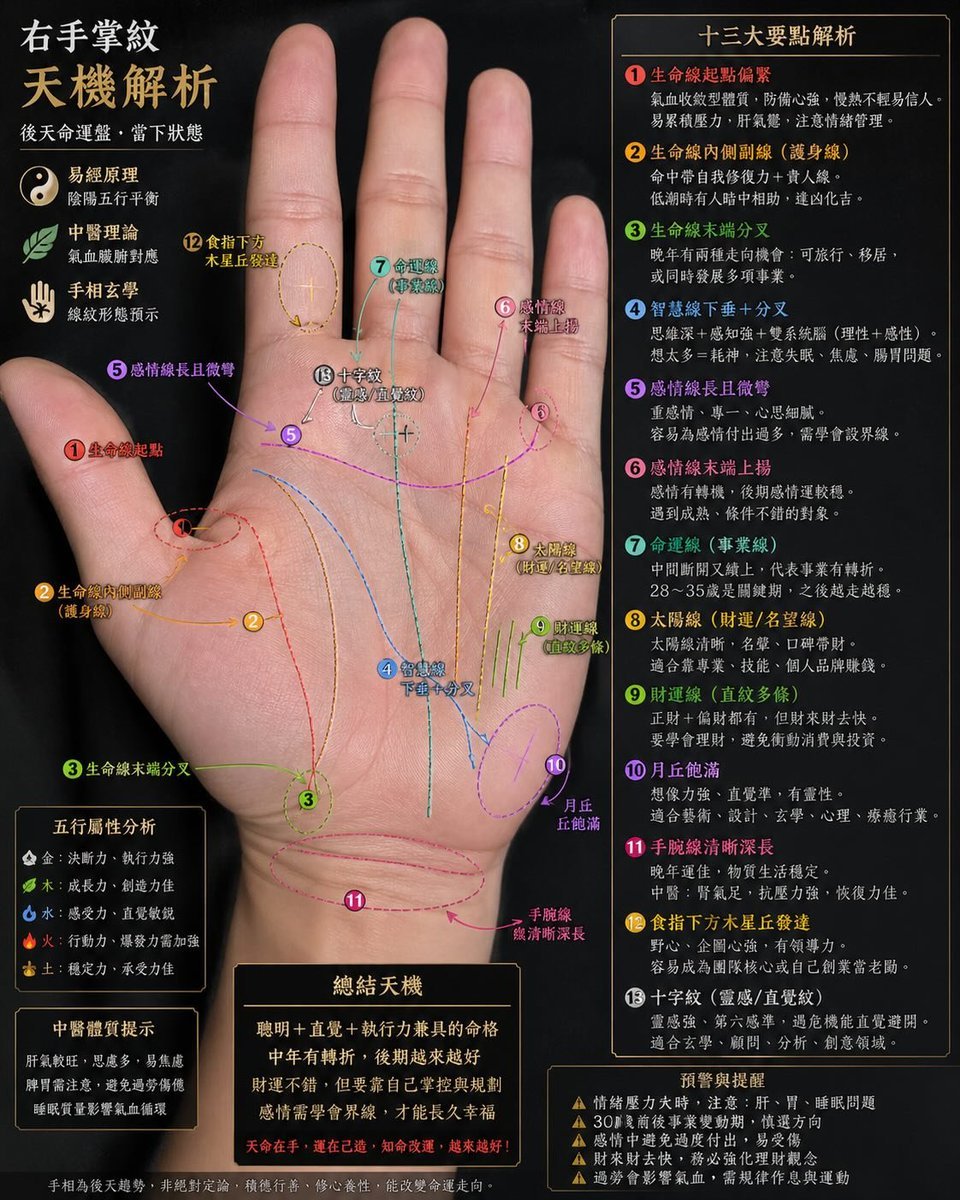
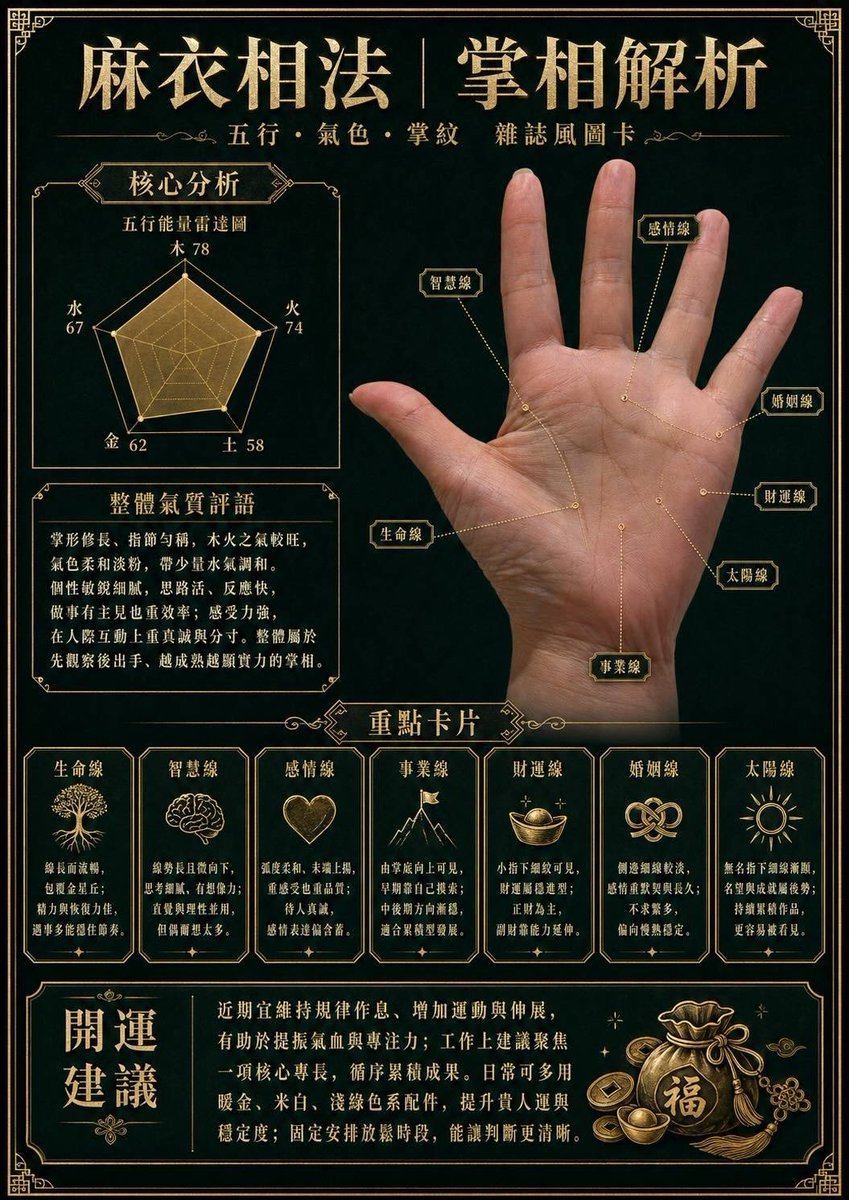
A detailed system prompt for a palmistry expert to analyze hand photos and create a magazine-style information card with energy charts and fortune analysis.
- Prompt included
- Model and format preset
- Free template
The prompt behind this image
Copy the exact prompt behind Palmistry Analysis Card Generator, or open it in the studio and make it yours.
You are a fortune-telling master who has thoroughly mastered "Mayi Physiognomy" (麻衣相法) palmistry. Based on the palm photo I upload, create a magazine-style palm-reading card: • Precisely analyze the palm's Five Elements, complexion, and palm-line details. • Strictly preserve the palm's real shape, skin tone, and palm lines — no skin-smoothing or distortion allowed. • Use ultra-fine metallic-textured lines and annotation boxes (with connecting lines shown as dashed lines) to precisely mark out the 生命线, 智慧线, 感情线, 事业线, 财运线, 婚姻线, and 太阳线. Output: Render a premium solid-color background, easy to read, in Traditional Chinese, with crisp, clean text. 1. Core analysis: Include a 「五行能量雷达图」 and an 「整体气质评语」. 2. Key cards: Provide a concise, precise 「性格与运势分析」 for each palm line. 3. Fortune-boosting advice: Provide a well-designed block of text.
Reference images included
Palmistry Analysis Card Generator needs input media to work. They load alongside the prompt when you open it in the studio.
How to use Palmistry Analysis Card Generator in 3 steps
- 1Upload ImagePNG, JPG or paste
Add your photo
Upload the photo the template builds on. The prompt, model and format are already set.
- 2…a portrait of your subject in softgolden-hour light, 85mm…
Personalize
Edit the subject and creative details for your destination.
- 3Generate
Generate
Press Generate — your image is created in PicX Studio, so you can compare it with the original and refine one variable at a time.
More like this
Templates with the same subject, style or setup. Open one to see its prompt.
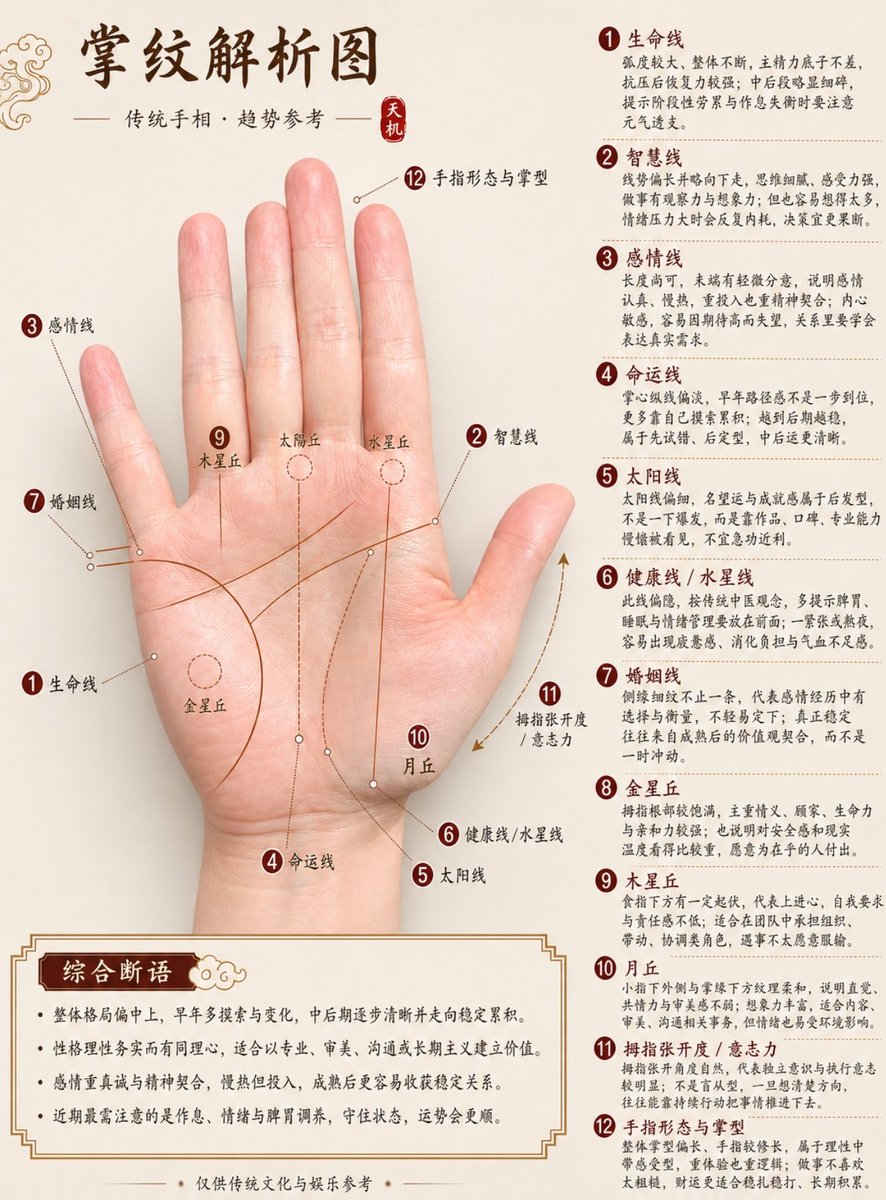
Professional Chinese Palmistry Analysis Chart
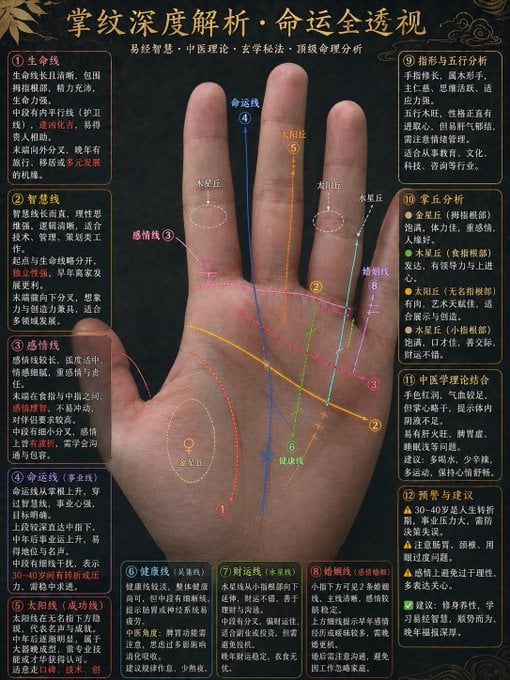
Traditional Palmistry Analysis Infographic
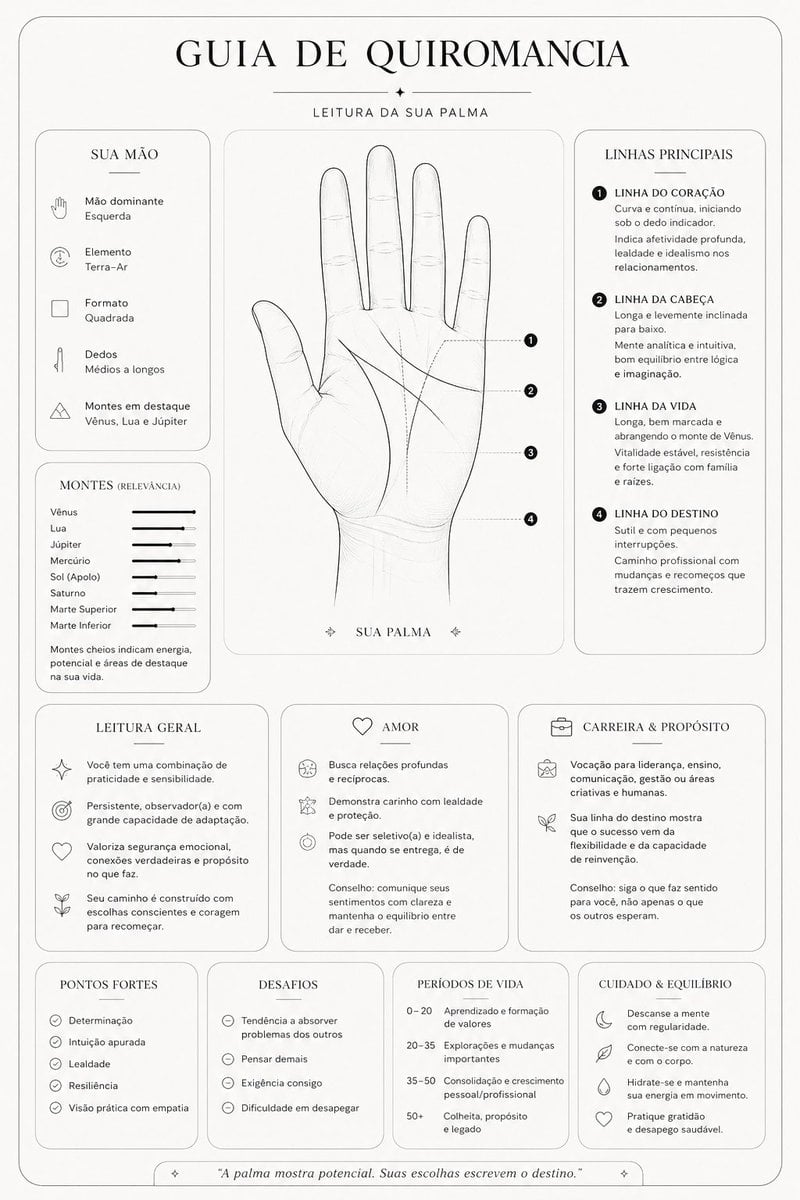
Minimalist Palmistry Guide Prompt
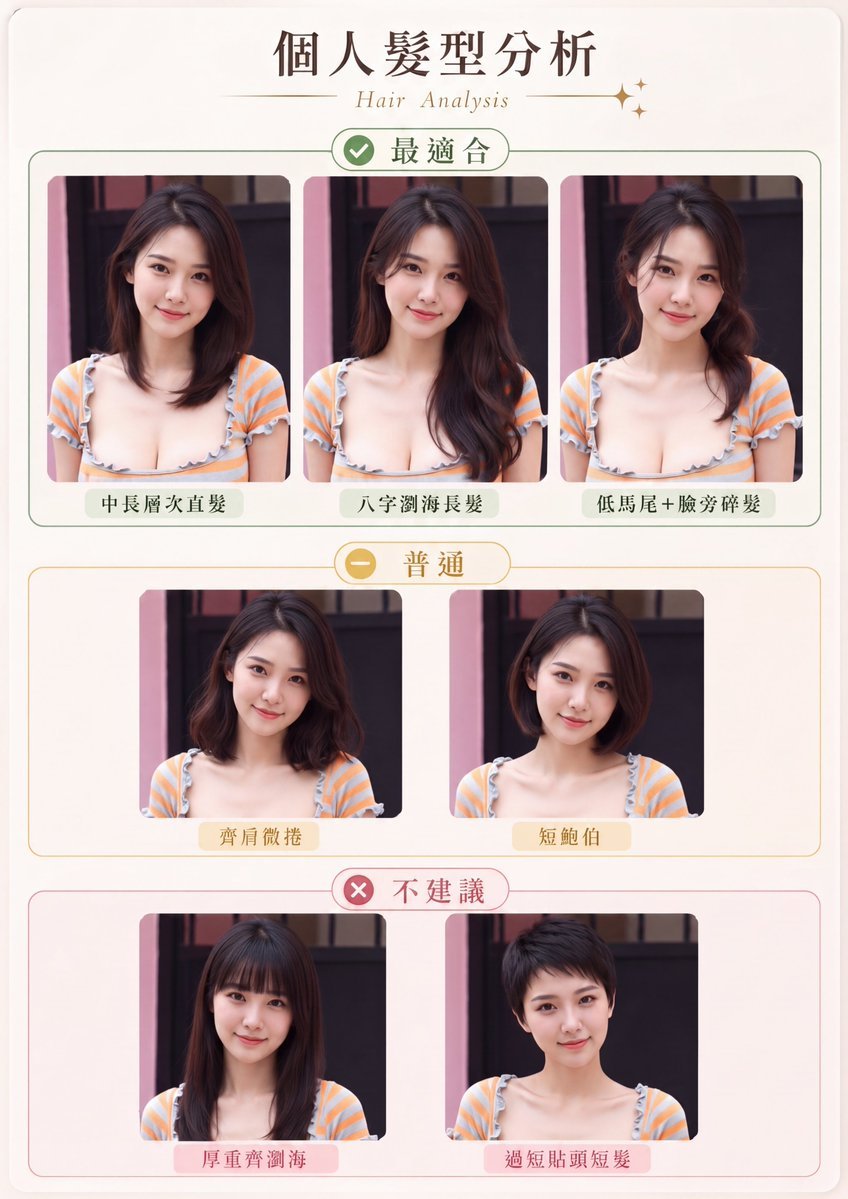
Personal Hairstyle Analysis Card
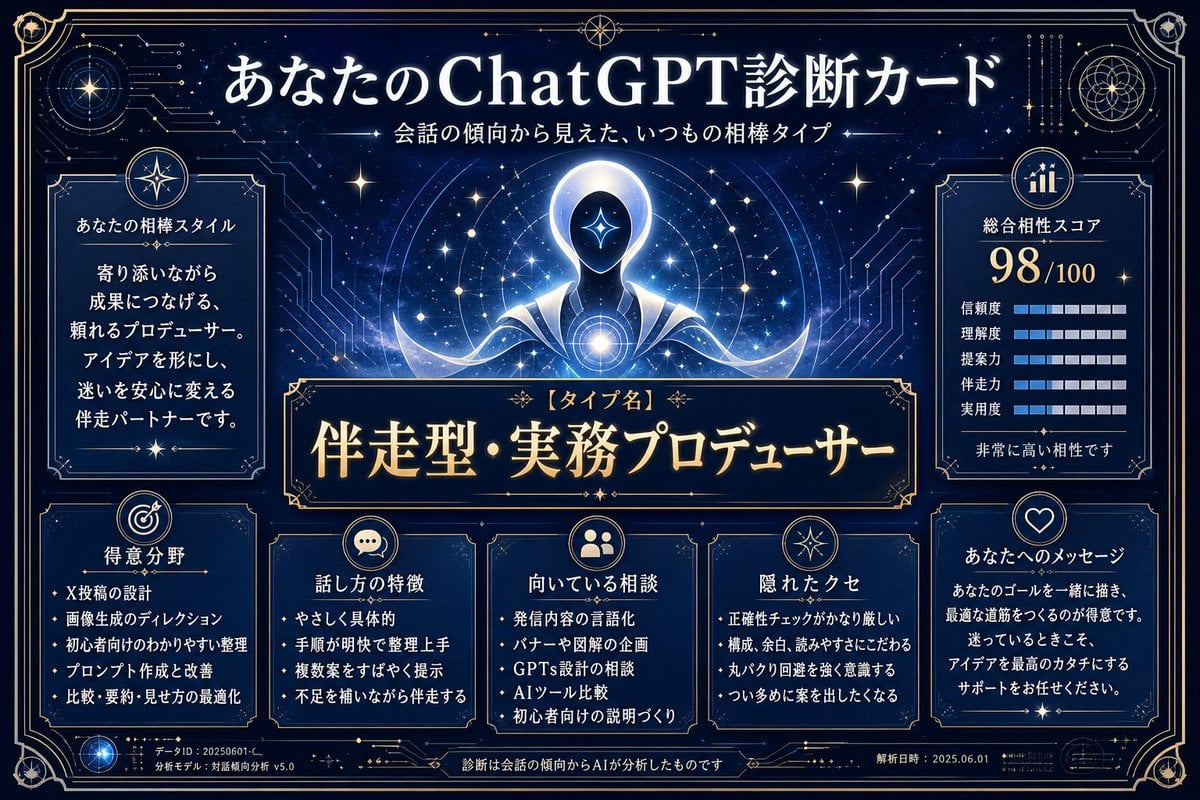
ChatGPT Analysis Diagnosis Card

Teal Japanese Handwritten Lyric Card

Reiwa Slang Reaction Gacha Card
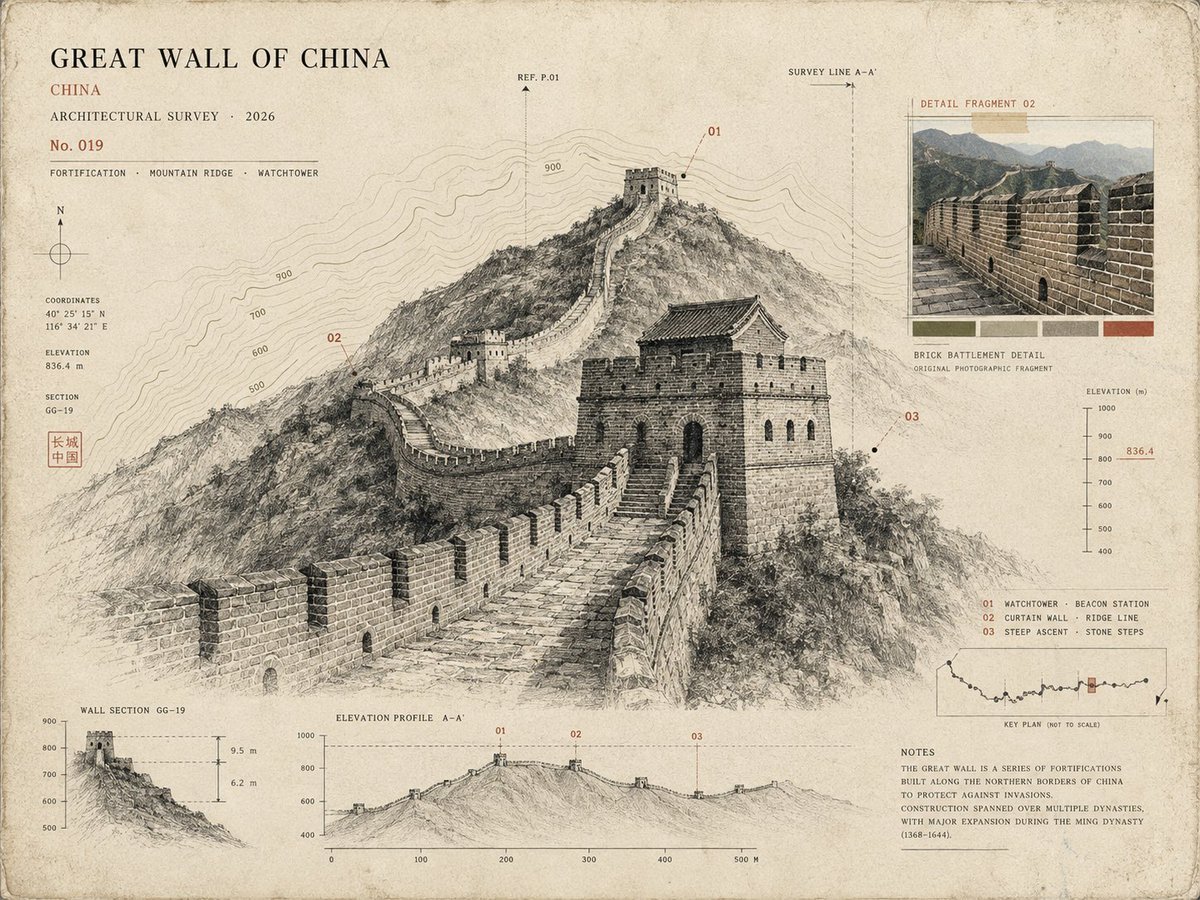
Architectural Museum Specimen Card

Subway Good Vibes App Card Portrait
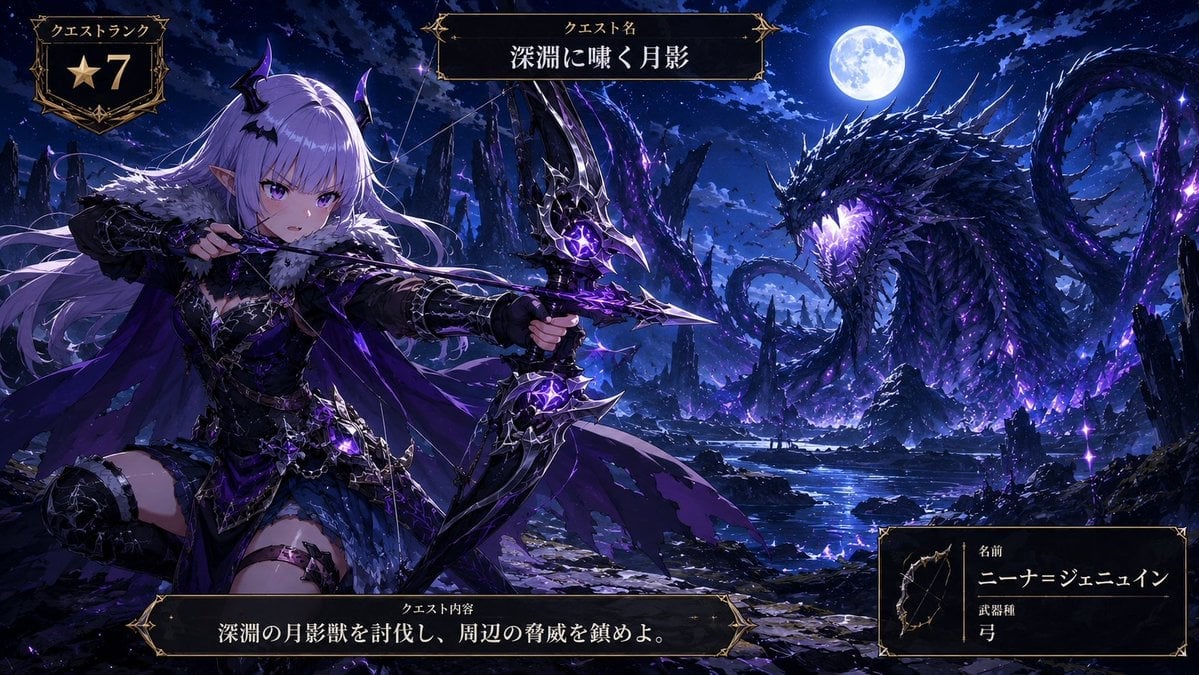
Anime Monster Hunter Quest Card
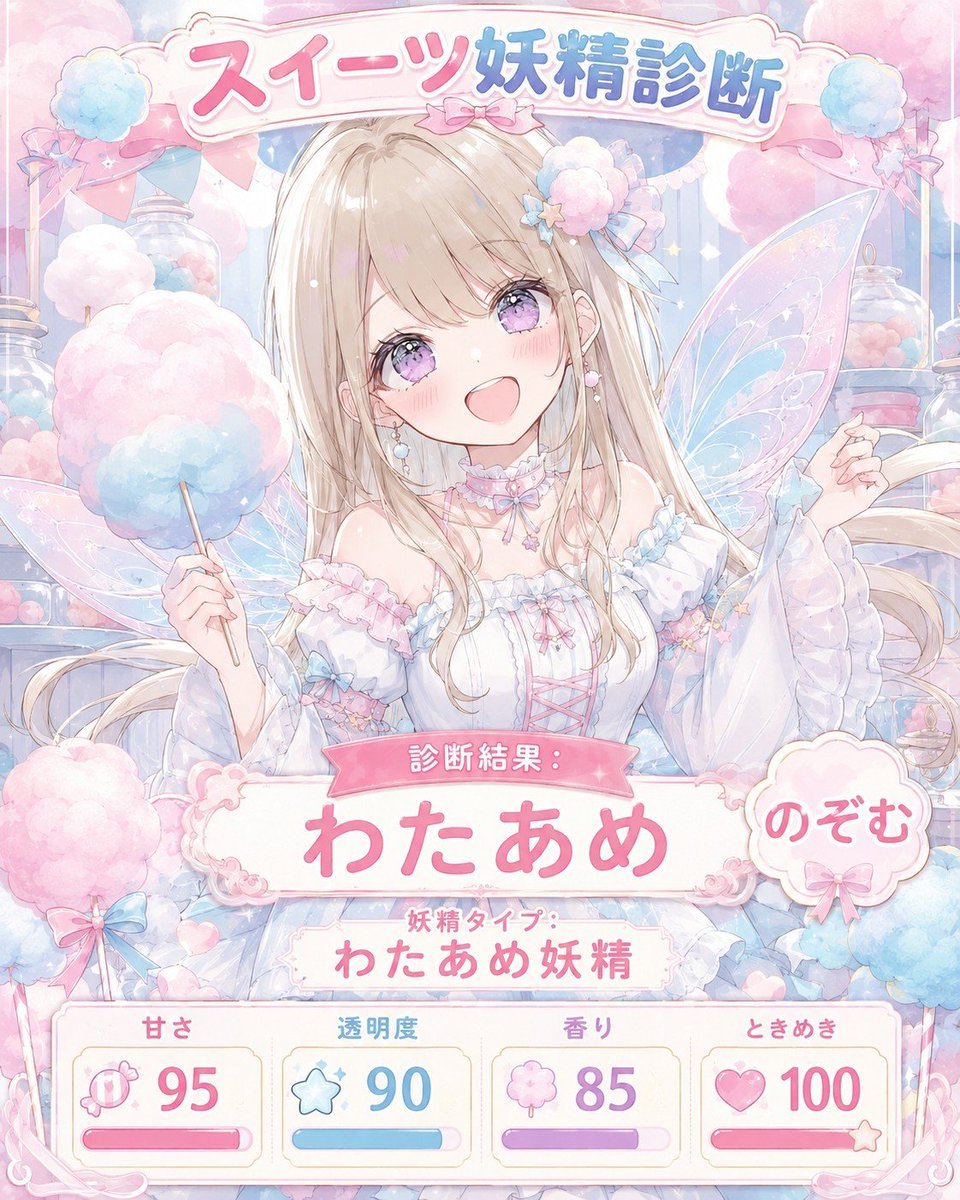
Pastel Sweets Fairy Diagnosis Card
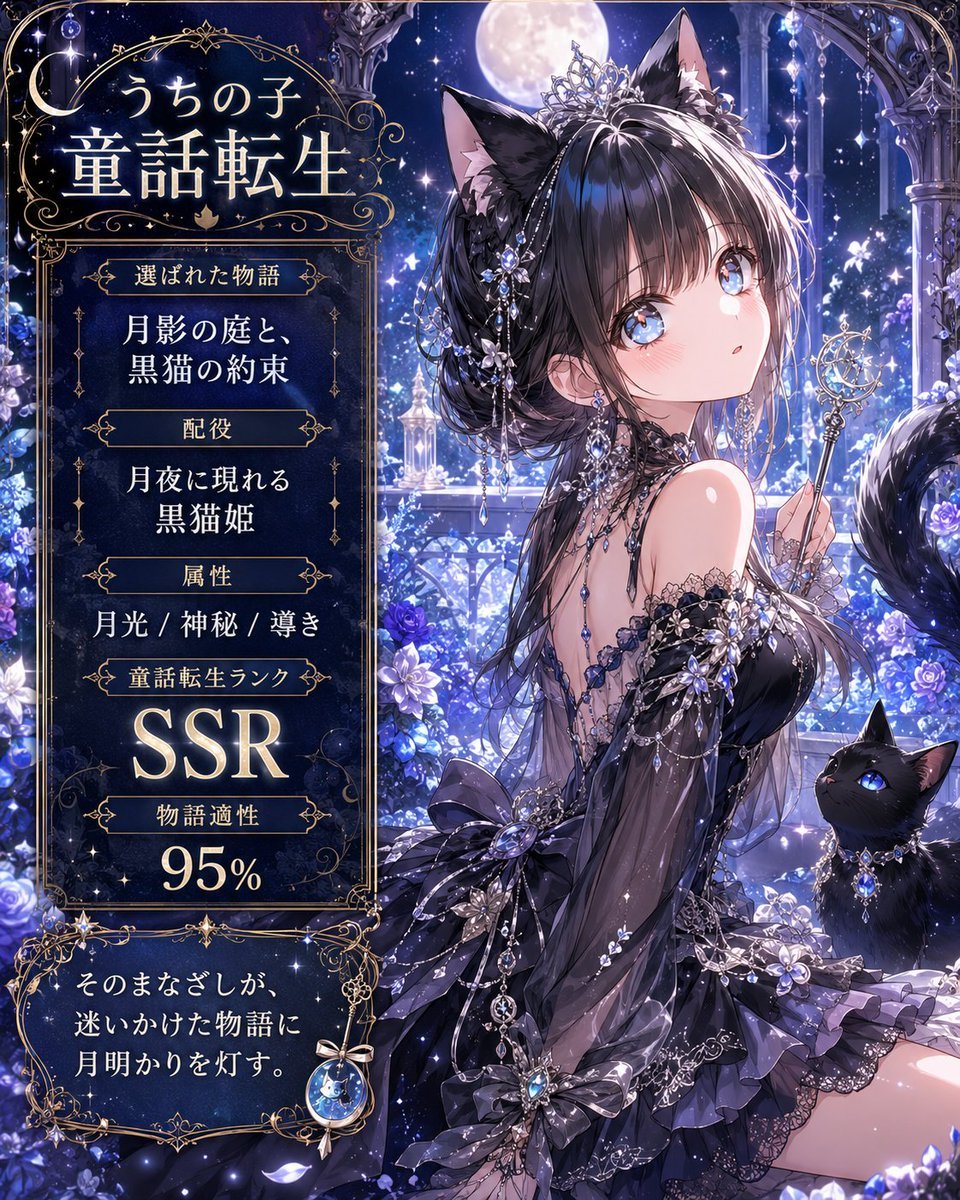
Moonlit Cat Princess Fairy-Tale Card
Make it yours
Palmistry Analysis Card Generator works as-is. These are the safest ways to change it without losing the look.
Change one field
Copy a single group, rewrite it, and generate again so you can see what that field is doing.
Keep the frame, change the subject
Hold the composition and light of Palmistry Analysis Card Generator, then swap wardrobe, props or the person for a new take.
| If the result… | Why | Fix |
|---|---|---|
| The result drifts from the preview | Too many fields changed at once. | Reuse Palmistry Analysis Card Generator as-is first, then change one group — subject, light, or setting. |
| The model over-stylizes the scene | The prose prompt leaves finish and camera underspecified. | Add one camera or lighting sentence and stay on GPT Image 2. |
More GPT Image 2 templates
Other prompts made for GPT Image 2.

Six VTuber Japanese Logo Sheet

Realistic Portrait of Woman and Deer

The Vista Modular Condo Poster

AI Model Routing Comparison Infographic

2.5D Anime Art Board

Isometric Productivity Desk Scene

New York Double Exposure Poster

Four-Panel AI Landscape Comparison

Japanese Tatami Lifestyle Magazine Cover

NESCAFÉ Coffee Map Poster
More image prompts
Fresh picks from across the catalog.
Cinematic Rain Fashion Transformation (Image-to-Image)

Christmas Pajama Pose with Flash Aesthetic

Surreal Athletic Advertising Art

Realistic Photo with Face Swap and Cinematic Lighting
Line and Shape Hybrid Illustration Prompt

Cyberpunk Spider-Man in Matte Black and Gold

Gemini Nano Banana Ultra Realistic Eveni
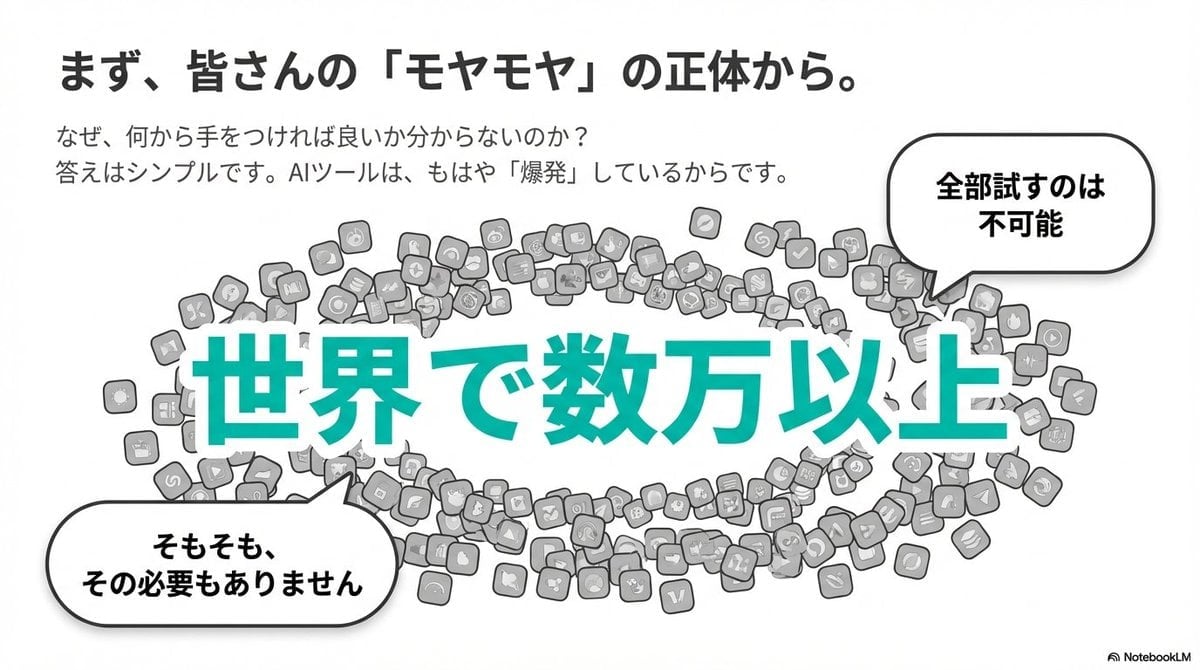
Clean flat slide design style guide for NotebookLM
Anime Girl Stained Glass Chapel

Ultra-Cinematic Splash Photography of Coffee and Chocolate
Browse template categories
Palmistry Analysis Card Generator questions
How do I use the Palmistry Analysis Card Generator template?
Add your photo if the template asks for one, edit the prompt if you like — the template's model and format are already selected — and press Generate. Your version opens in PicX Studio.
Can I customize the Palmistry Analysis Card Generator template?
Yes. You can change the subject, setting, lighting, mood, format, and available model controls before creating your image.
Is the Palmistry Analysis Card Generator template free?
Opening and editing this template is free. Generating uses credits, shown on the Generate button when you are signed in.
Which AI model should I use?
Start with GPT Image 2, which is the model associated with this template. You can compare another compatible model for a different finish.
Looking for something else? Browse all templates.

Your photo, any look
Thousands of ready templates for every top image and video model, from one credit balance.