
Reiwa Slang Reaction Gacha Card
Generates a vibrant anime gacha-result card featuring a winking idol reacting to a Japanese slang phrase with bold comic typography.

- Prompt included
- Model and format preset
- Free template
The prompt behind this image
Copy the exact prompt behind Reiwa Slang Reaction Gacha Card, or open it in the studio and make it yours.
Create a square, high-energy anime trading-card style illustration of a cheerful young female idol reacting to a randomized trendy phrase. The character is a cute anime girl named {argument name="character name" default="Rena"} with very long silver-white hair, twin braids mixed with loose flowing strands, blue eyes, pale skin, blush, and a playful wink. She wears a sporty cropped white zip-up jacket with bright cyan sleeves and trim, white belted shorts, blue gemstone accessories, a blue star hair clip, and small decorative flowers woven into her braids. Pose her close to the camera in a dynamic three-quarter composition, giving a huge thumbs-up toward the viewer with one hand while the other hand is clenched in an excited fist. Use bold manga line art, glossy modern anime rendering, halftone dots, speed lines, stickers, sparkles, stars, hearts, and explosive comic effects on a bright cyan-and-white background. Add one large vertical Japanese comic sound-word on the left, exactly 「それな!」, in huge blue letters with white fill highlights, thick black outline, and drop shadow. Add a rounded label in the upper left reading 「令和」 and 「流行語リアクションガチャ」. Add one colorful badge in the upper right reading “SUPER RARE” with a tiny crown. Overall mood: ultra-cute, energetic, celebratory, gacha-result reveal, Reiwa slang reaction. Use exactly these visible text elements: 1 large phrase 「それな!」, 1 era tag 「令和」, 1 title label 「流行語リアクションガチャ」, and 1 rarity badge “SUPER RARE”. Keep the palette dominated by cyan, white, black outlines, and small yellow accents; no watermark, no extra characters, no additional text.
How to use Reiwa Slang Reaction Gacha Card in 3 steps
- 1Upload ImagePNG, JPG or paste
Add your photo
Upload the photo the template builds on. The prompt, model and format are already set.
- 2…a portrait of your subject in softgolden-hour light, 85mm…
Personalize
Edit the subject and creative details for your destination.
- 3Generate
Generate
Press Generate — your image is created in PicX Studio, so you can compare it with the original and refine one variable at a time.
More like this
Templates with the same subject, style or setup. Open one to see its prompt.
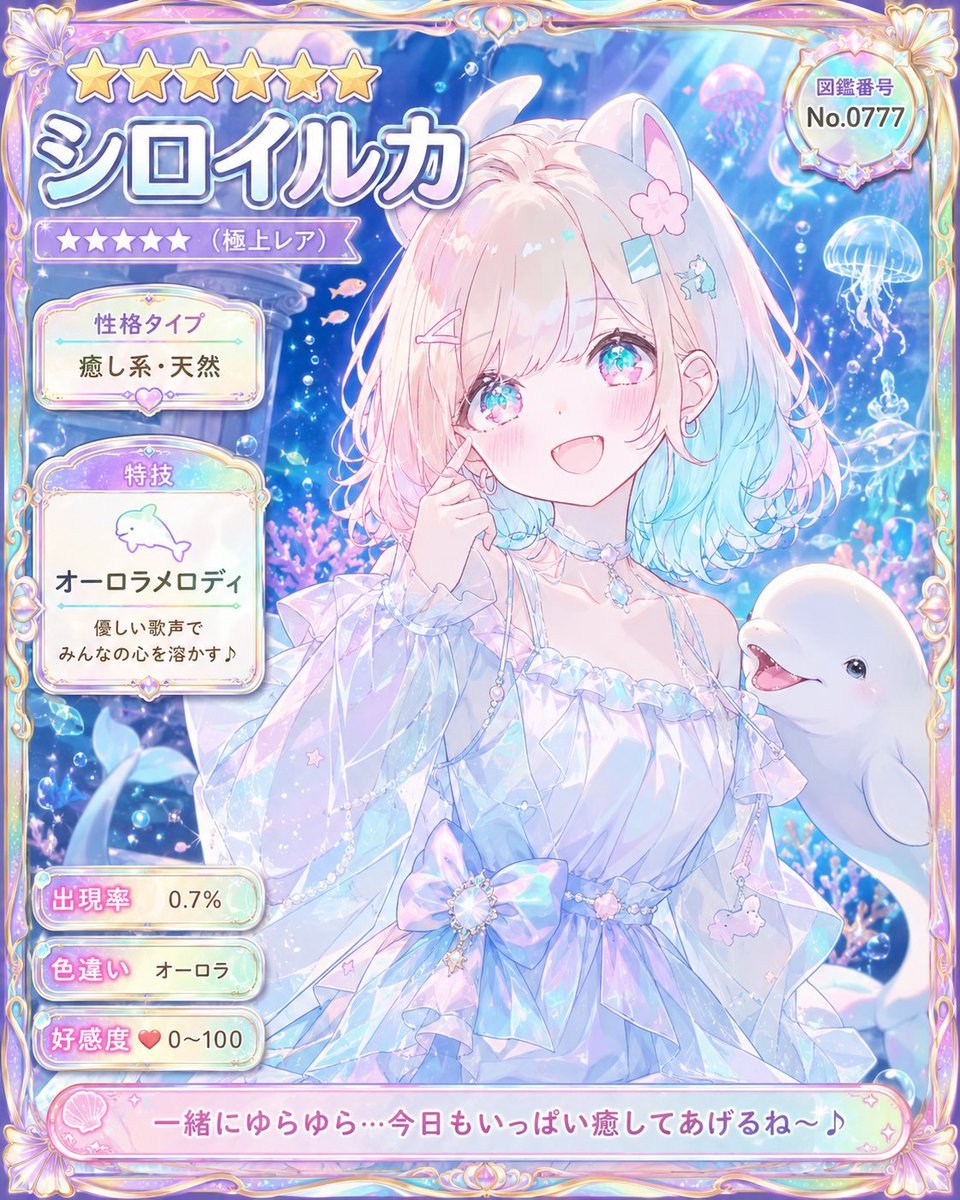
Pastel Beluga Idol Gacha Card
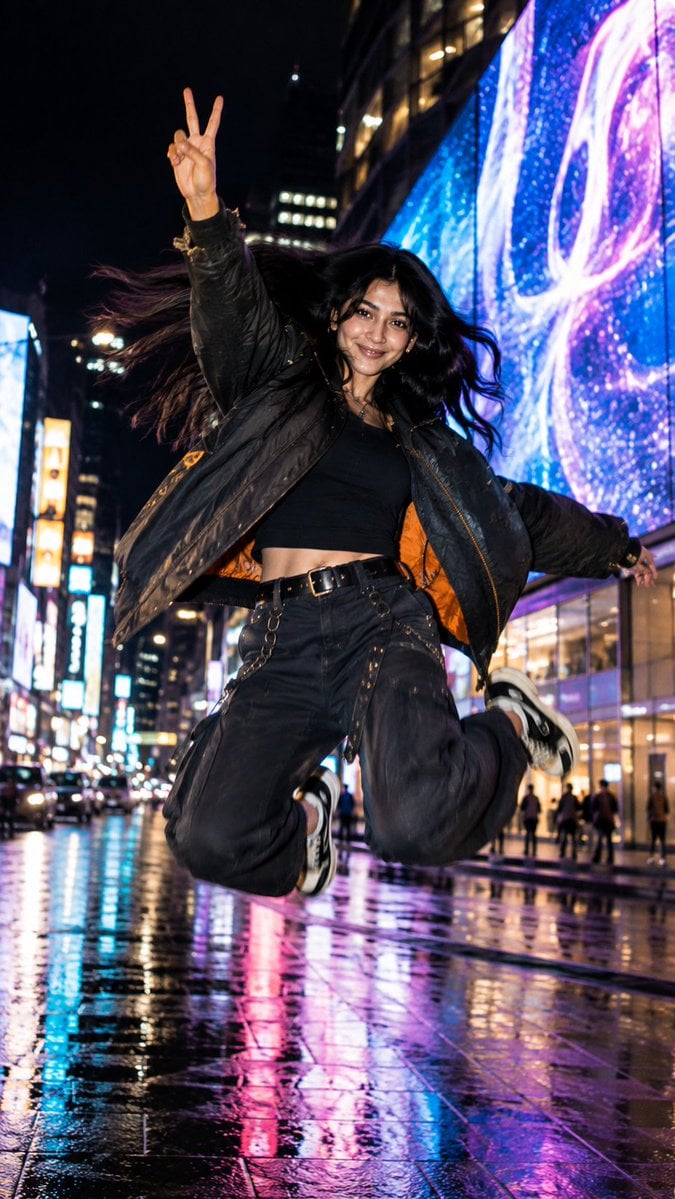
Street Photography Reaction Set
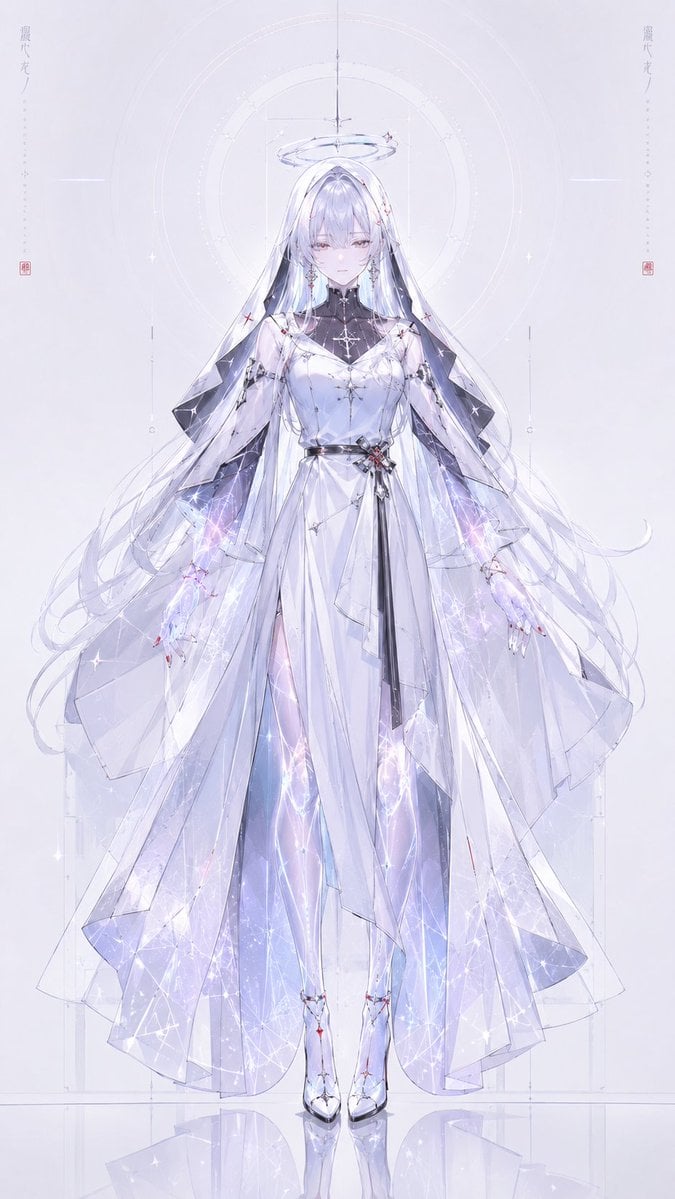
Celestial Gacha Angel Character
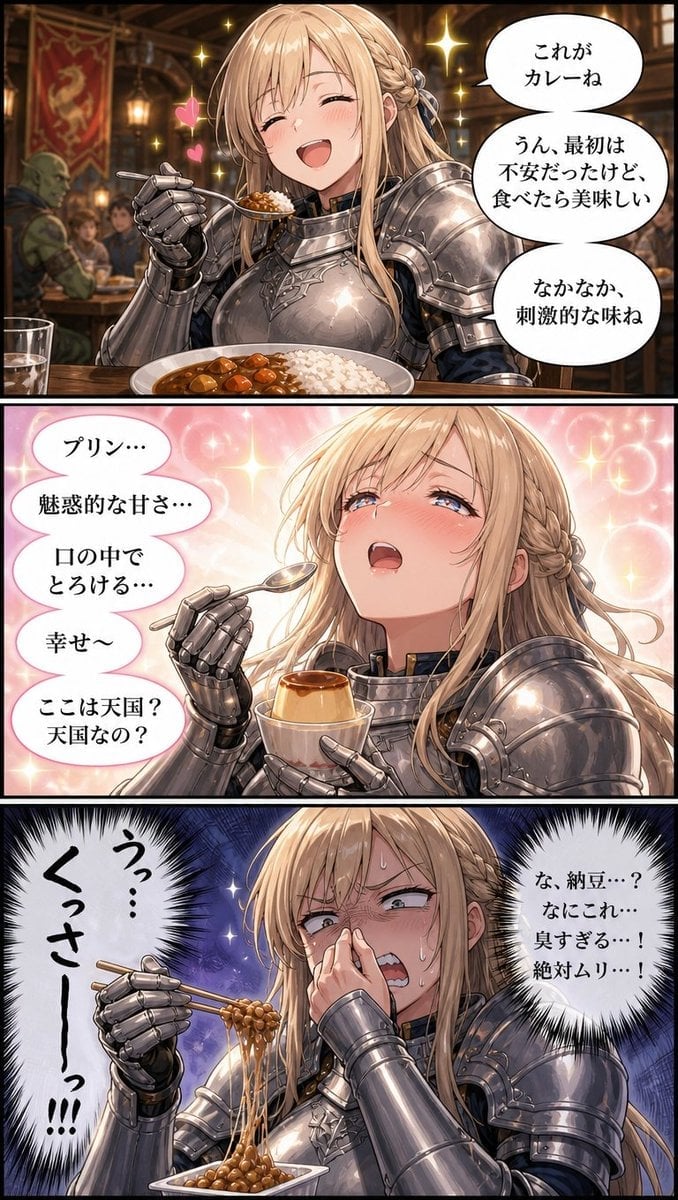
Fantasy Knight Food Reaction Manga
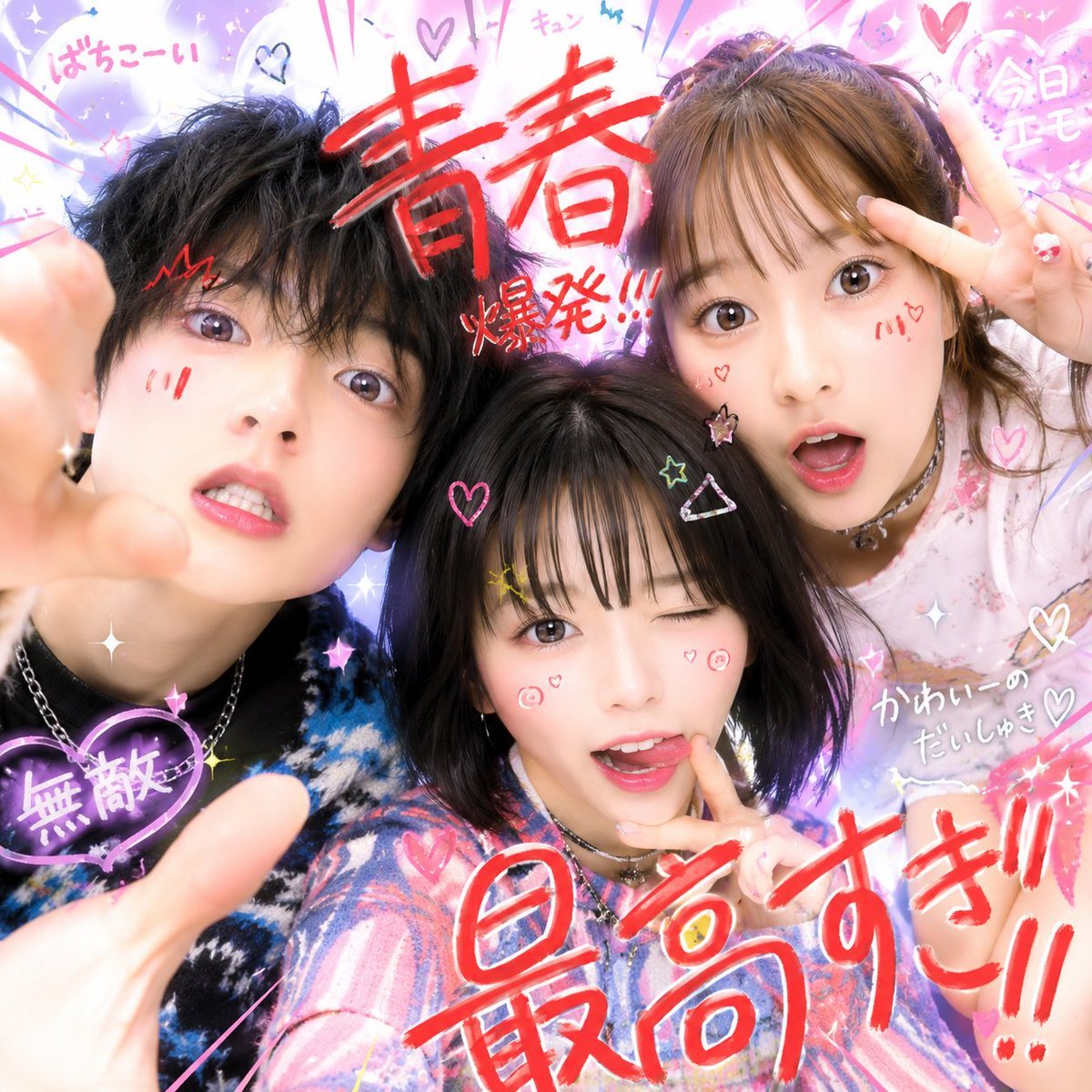
Neo-Reiwa Purikura Style Selfie
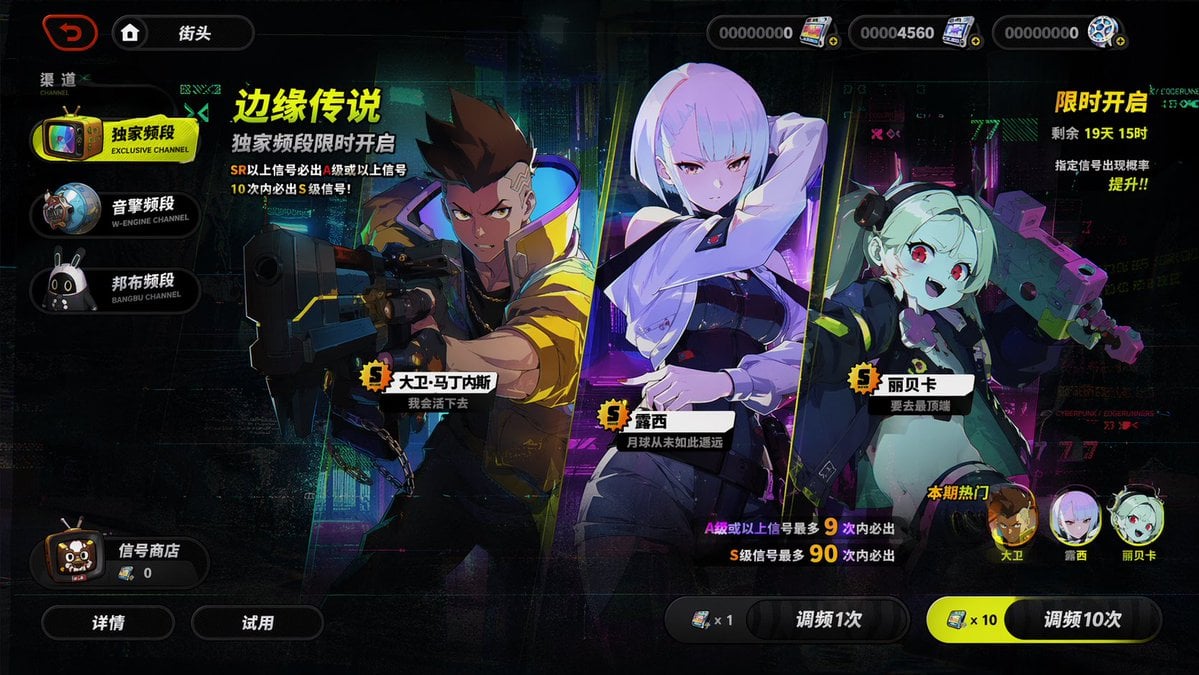
Mobile Game Gacha Interface Design
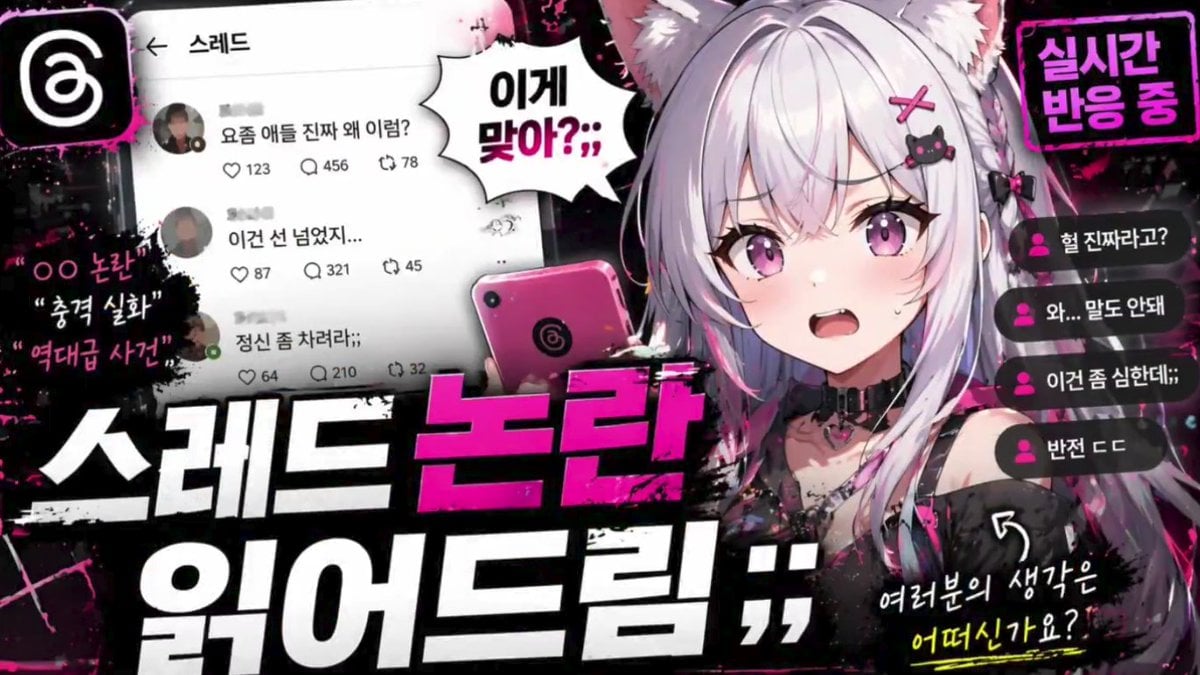
Anime VTuber Reaction Thumbnail
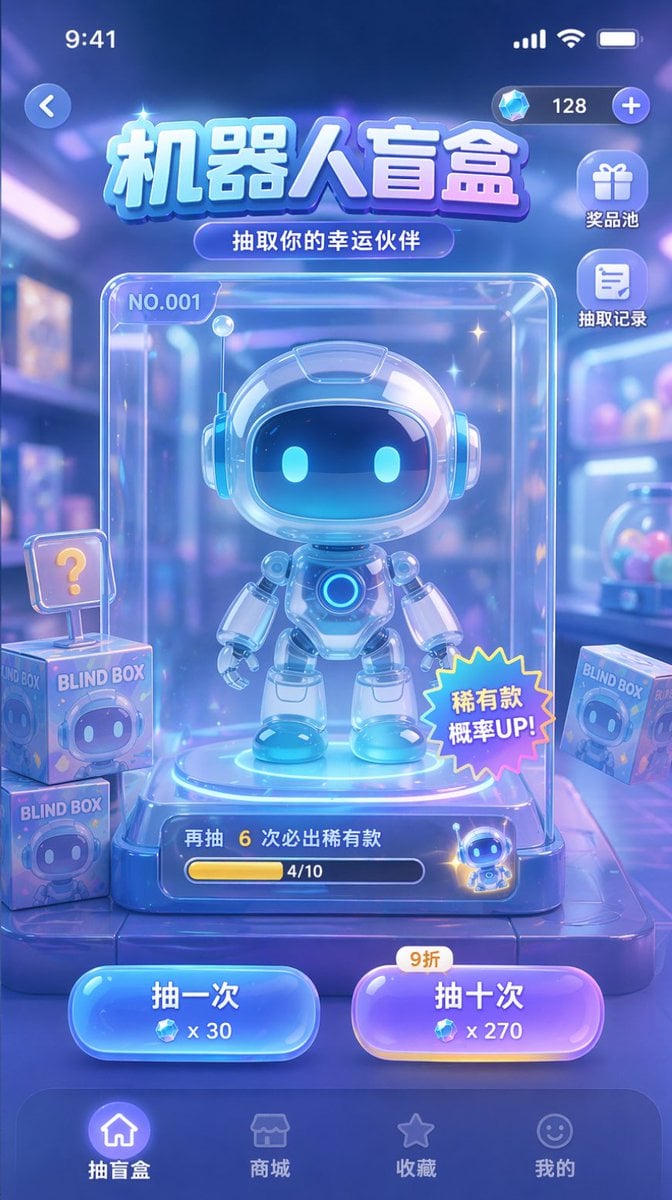
Gacha Game UI Mockup
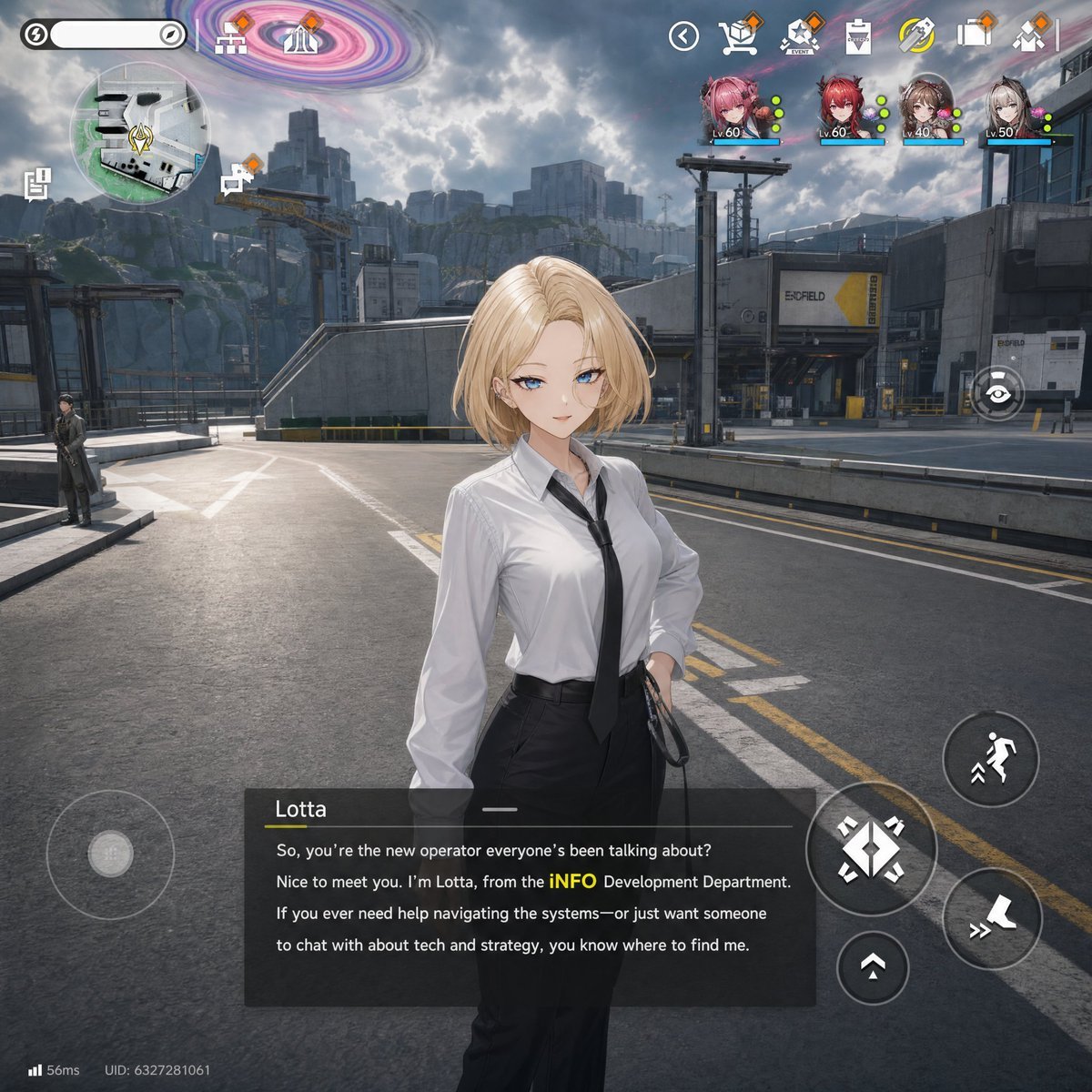
Sci-Fi Gacha RPG Dialogue Screenshot
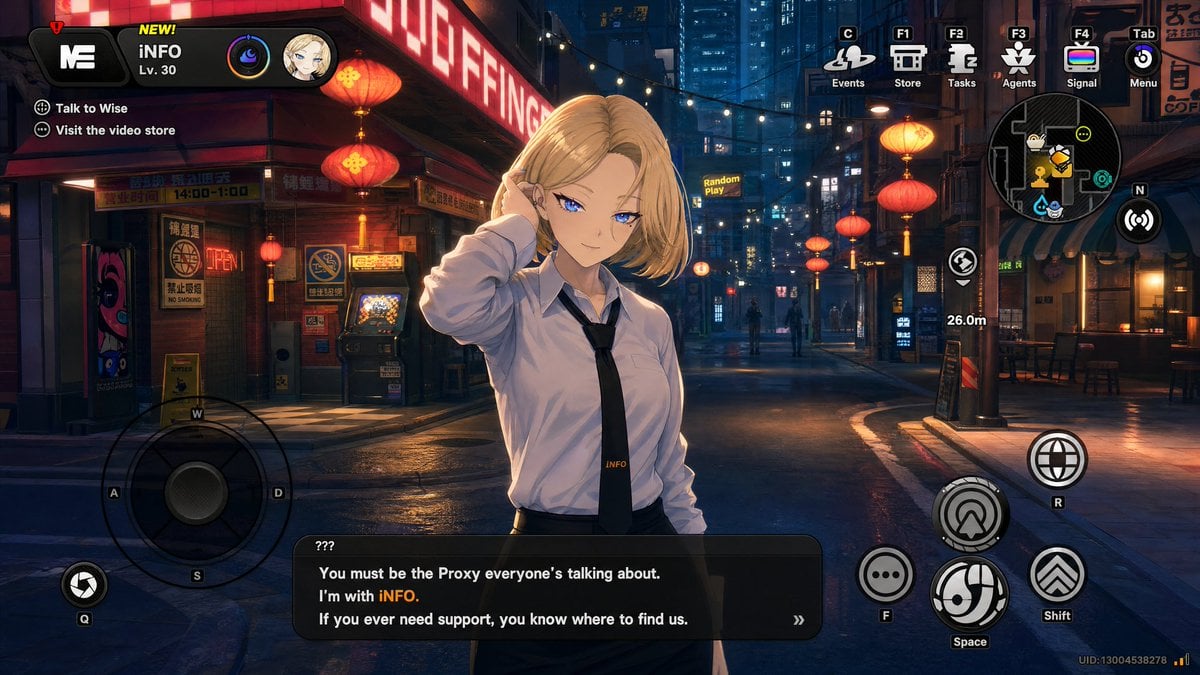
Cyberpunk Gacha Game Dialogue Screenshot
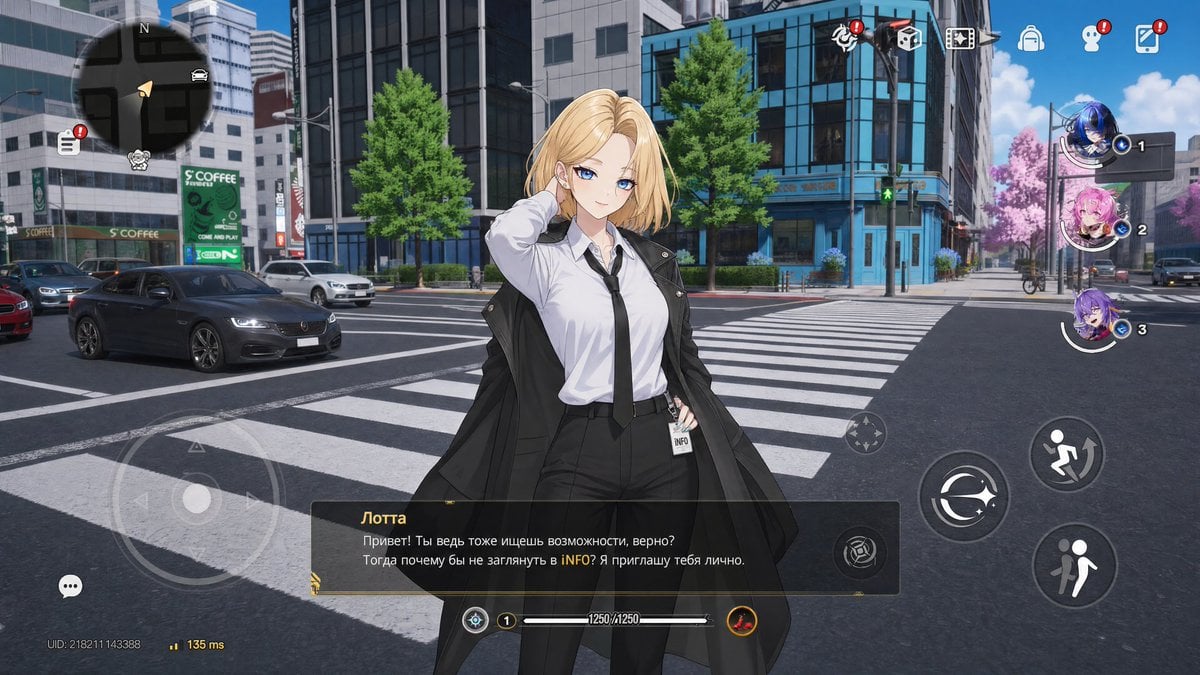
Open-World Gacha Dialogue Screenshot
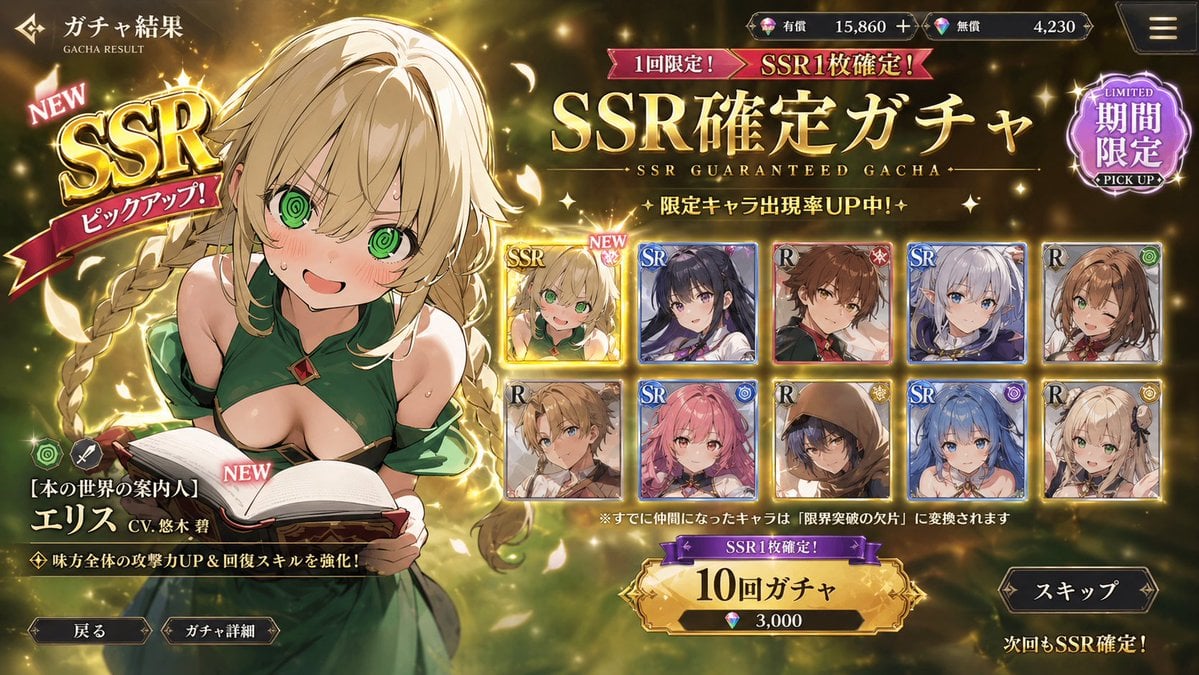
Mobile Game Gacha UI Design
Make it yours
Reiwa Slang Reaction Gacha Card works as-is. These are the safest ways to change it without losing the look.
Change one field
Copy a single group, rewrite it, and generate again so you can see what that field is doing.
Keep the frame, change the subject
Hold the composition and light of Reiwa Slang Reaction Gacha Card, then swap wardrobe, props or the person for a new take.
| If the result… | Why | Fix |
|---|---|---|
| The result drifts from the preview | Too many fields changed at once. | Reuse Reiwa Slang Reaction Gacha Card as-is first, then change one group — subject, light, or setting. |
| The model over-stylizes the scene | The prose prompt leaves finish and camera underspecified. | Add one camera or lighting sentence and stay on GPT Image 2. |
More GPT Image 2 templates
Other prompts made for GPT Image 2.

Six VTuber Japanese Logo Sheet

Realistic Portrait of Woman and Deer

The Vista Modular Condo Poster

AI Model Routing Comparison Infographic

2.5D Anime Art Board

Isometric Productivity Desk Scene

New York Double Exposure Poster

Four-Panel AI Landscape Comparison

Japanese Tatami Lifestyle Magazine Cover

NESCAFÉ Coffee Map Poster
More image prompts
Fresh picks from across the catalog.
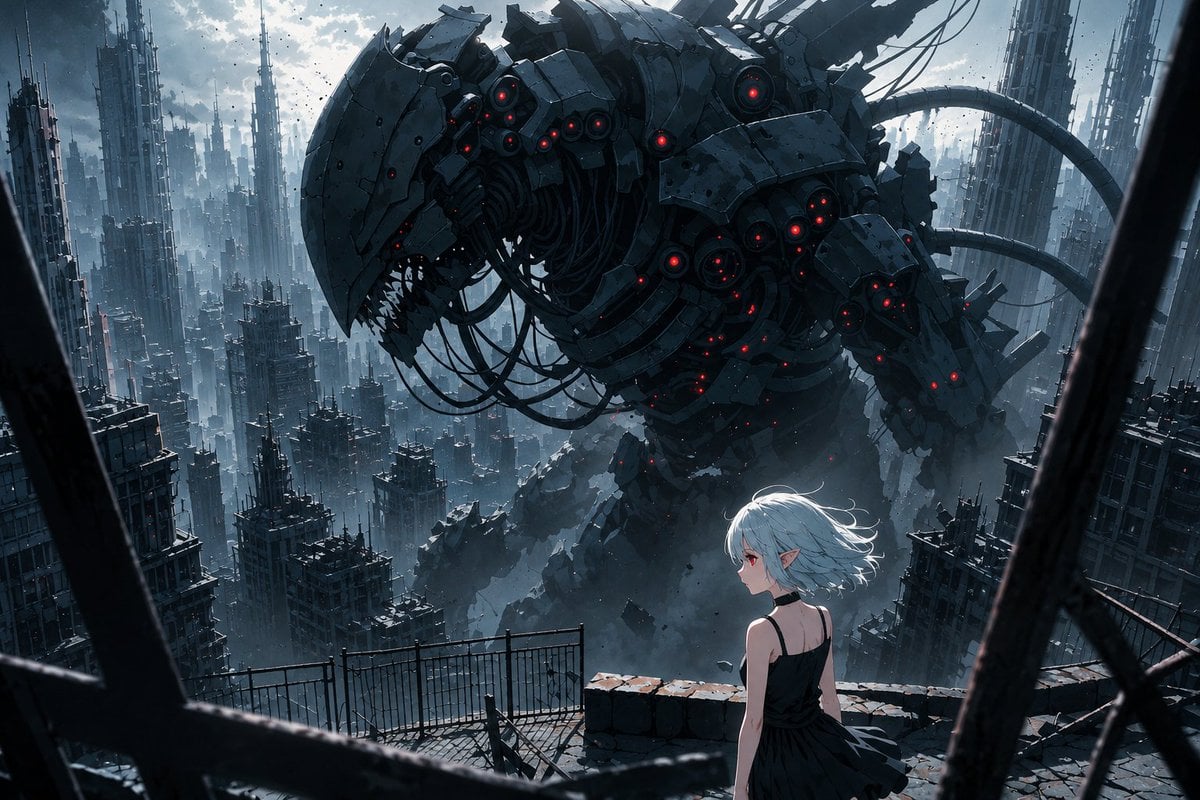
AI Illustration Quality Upscaler
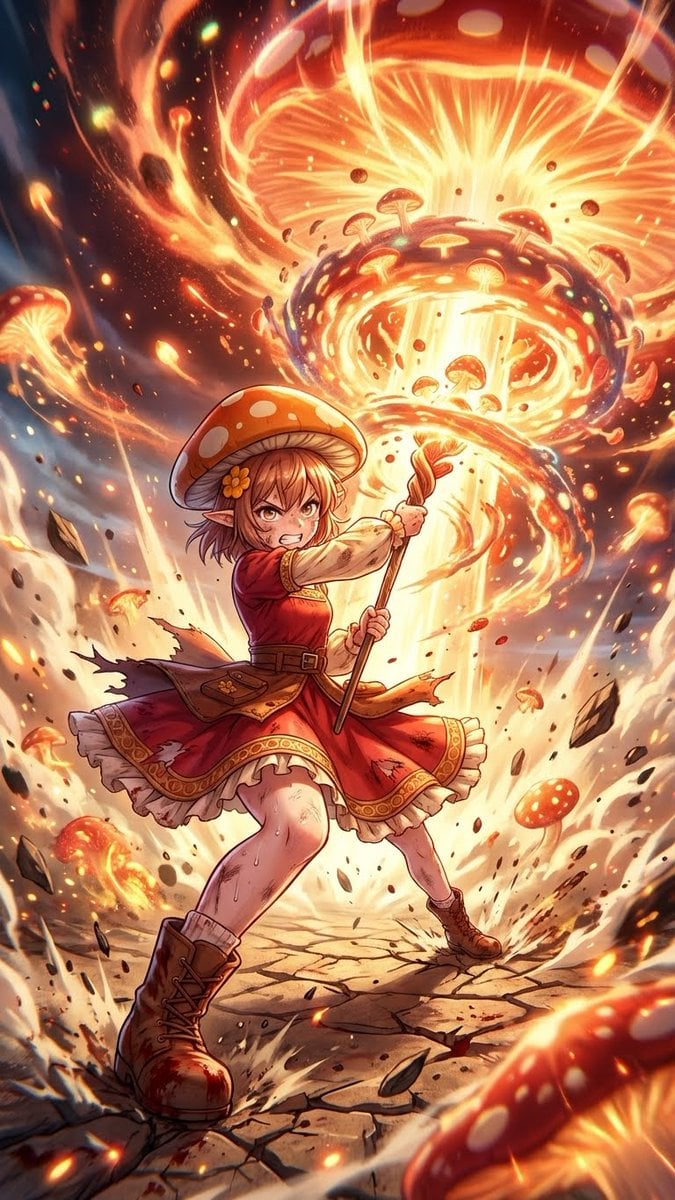
Ultimate Mushroom Crusher Illustration Prompt
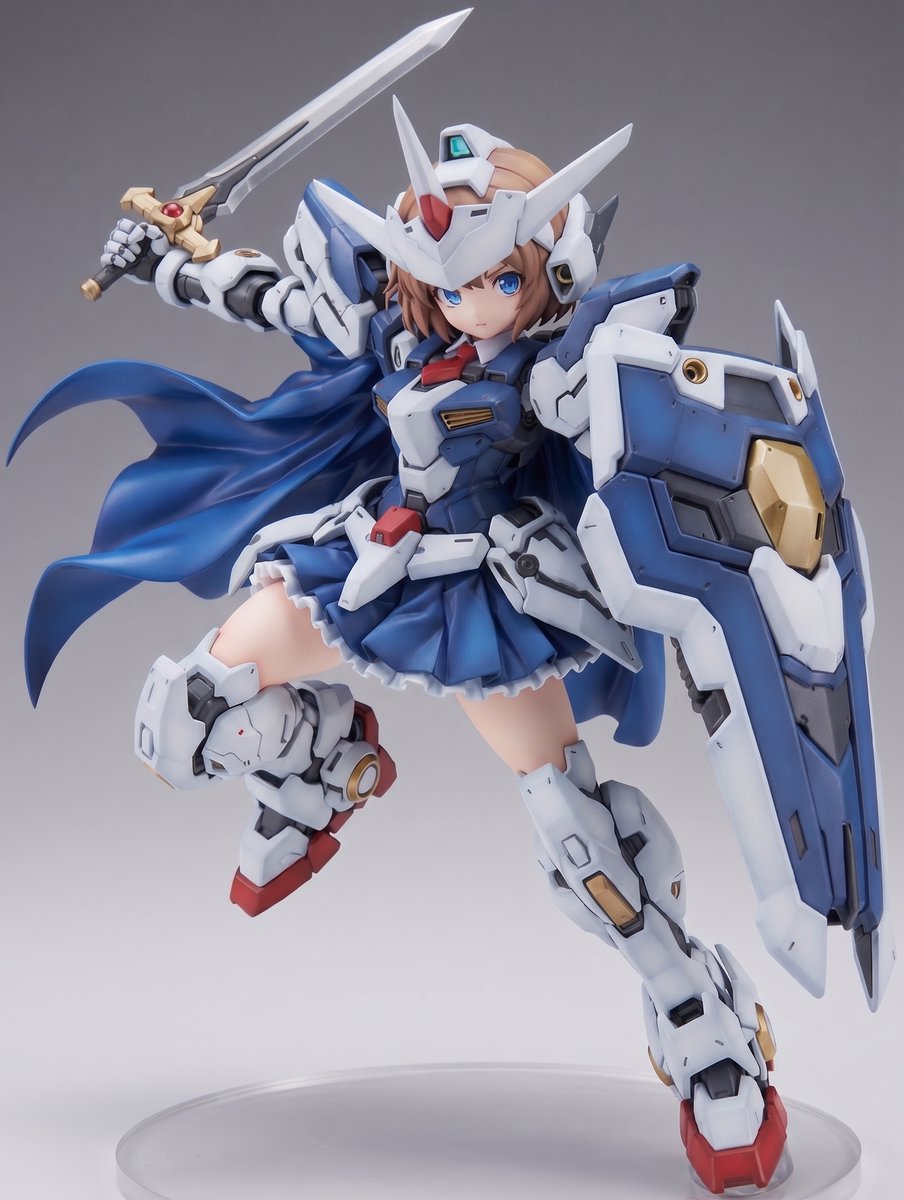
Mecha Girl Figure Product Render
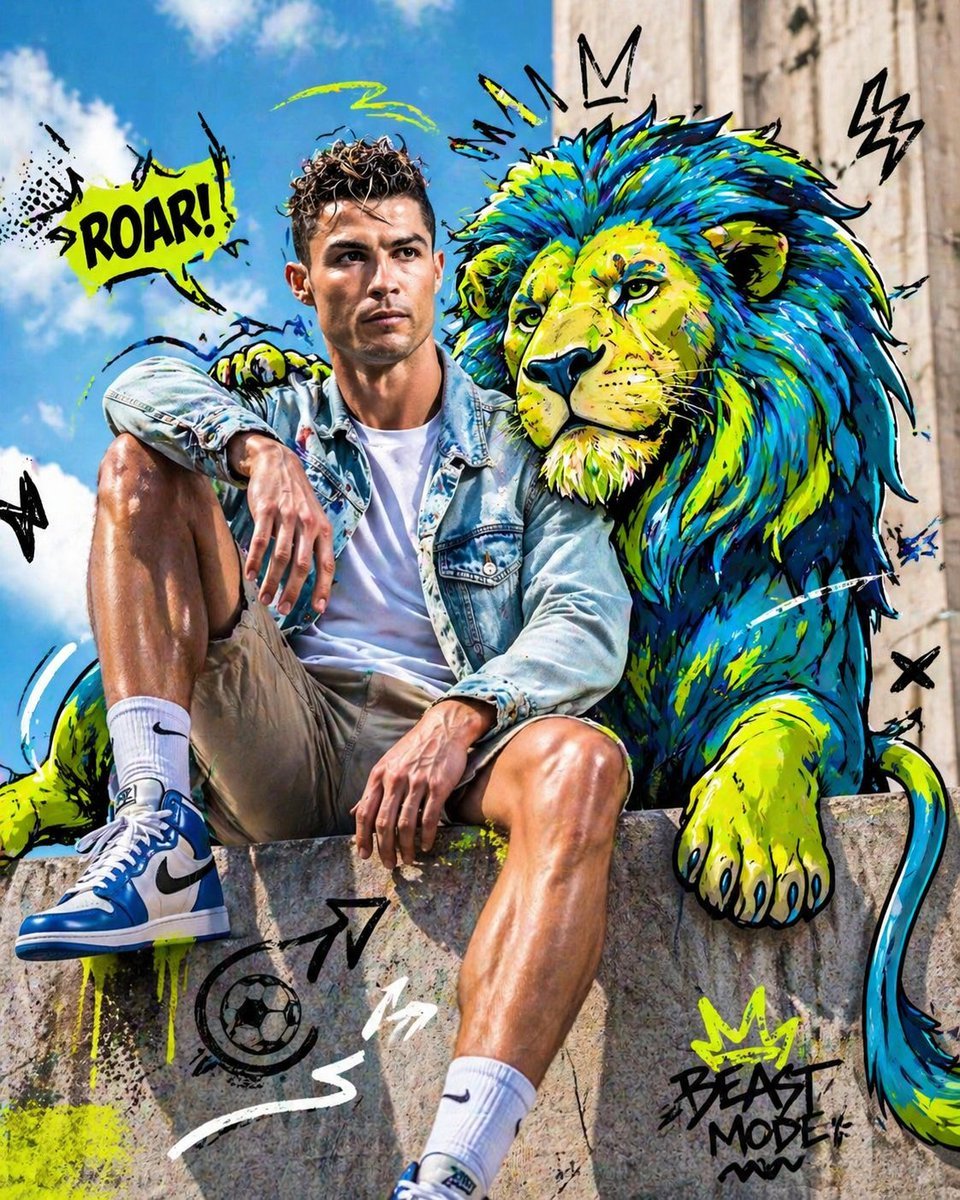
Mixed-Media Editorial Shot with Cartoon Character
Ink River Fairy Tale Diorama
Agency Grade Brand Identity Poster
Neon Creative Cloud Promo Poster
Ultra-Realistic 8K Candid Street Portrait
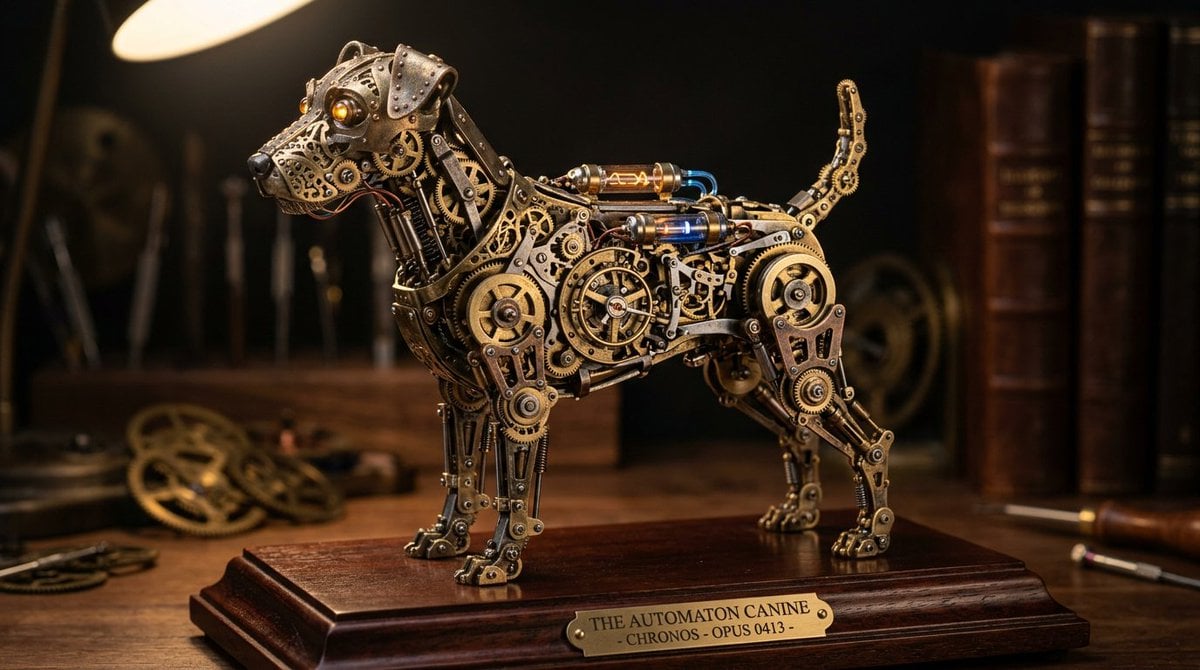
Steampunk Miniature Clockwork Machine
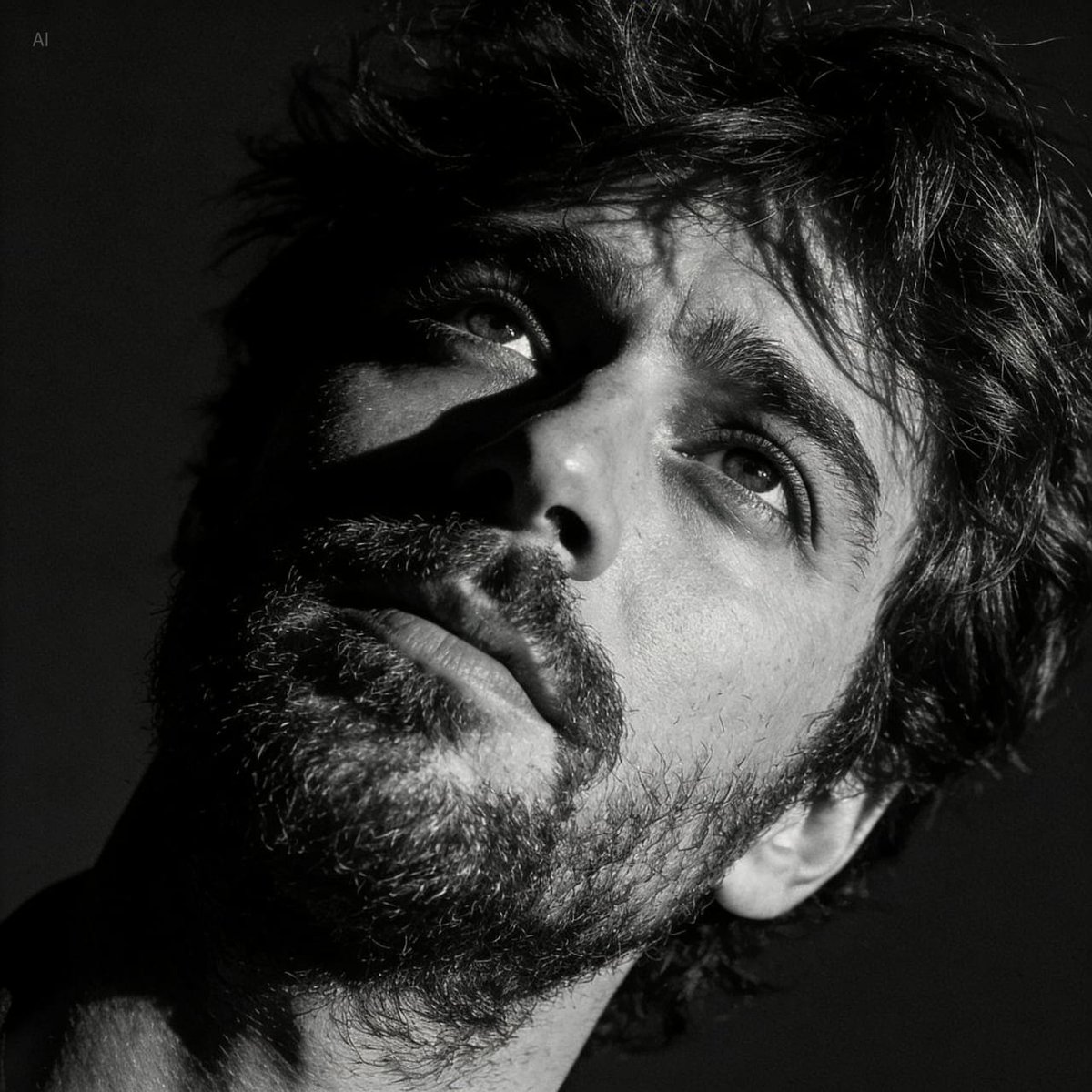
Dramatic Black and White Portrait with Silhouette Lighting Prompt
Browse template categories
Reiwa Slang Reaction Gacha Card questions
How do I use the Reiwa Slang Reaction Gacha Card template?
Add your photo if the template asks for one, edit the prompt if you like — the template's model and format are already selected — and press Generate. Your version opens in PicX Studio.
Can I customize the Reiwa Slang Reaction Gacha Card template?
Yes. You can change the subject, setting, lighting, mood, format, and available model controls before creating your image.
Is the Reiwa Slang Reaction Gacha Card template free?
Opening and editing this template is free. Generating uses credits, shown on the Generate button when you are signed in.
Which AI model should I use?
Start with GPT Image 2, which is the model associated with this template. You can compare another compatible model for a different finish.
Looking for something else? Browse all templates.

Your photo, any look
Thousands of ready templates for every top image and video model, from one credit balance.