
Ink River Fairy Tale Diorama
Generates a magical macro scene of a fountain pen drawing a miniature storybook world on aged parchment.
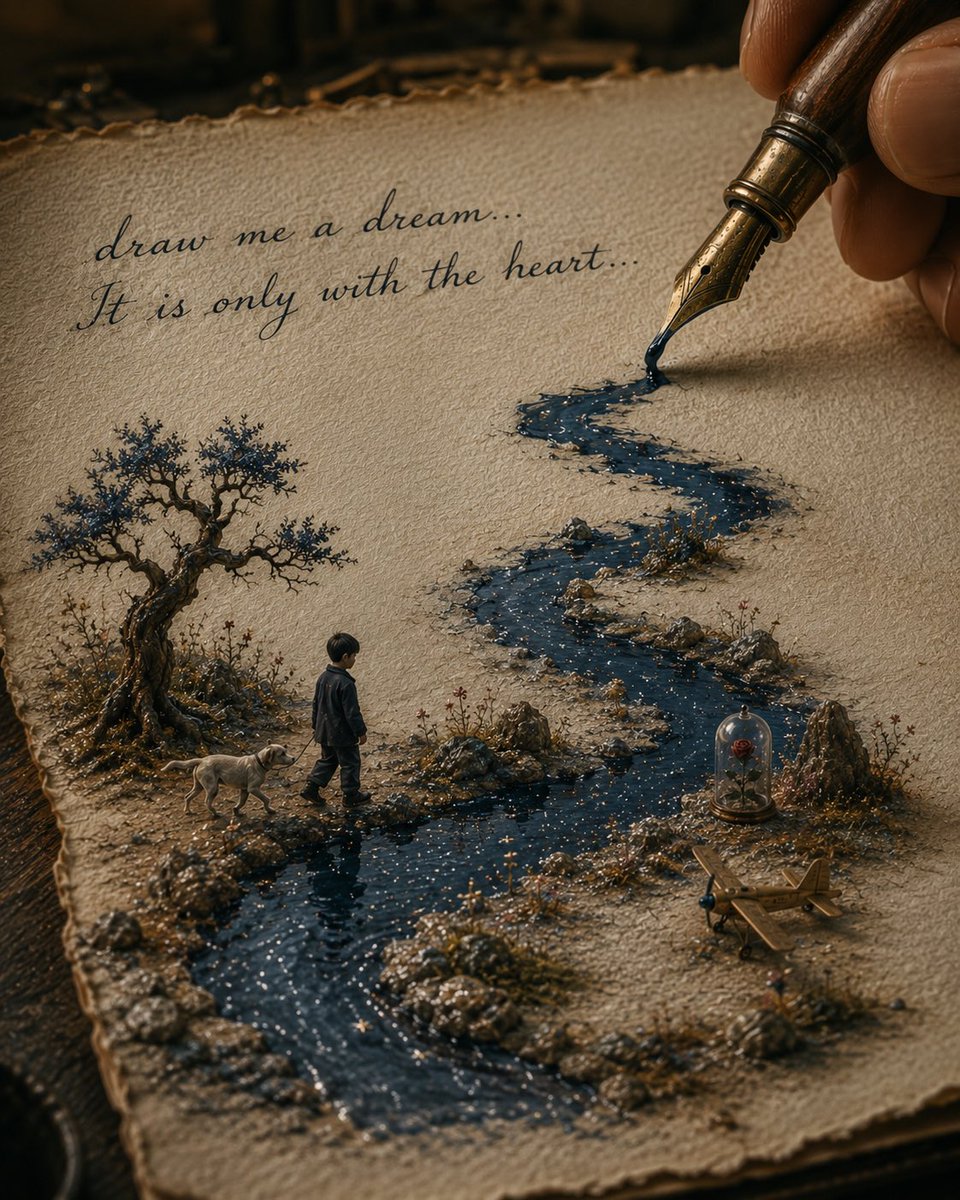
- Prompt included
- Model and format preset
- Free template
The prompt behind this image
Copy the exact prompt behind Ink River Fairy Tale Diorama, or open it in the studio and make it yours.
Create a warm, cinematic macro still life of an old fairy-tale illustration coming alive on a sheet of rough handmade parchment lying on a dark wooden desk. A human hand holds an antique fountain pen at the upper right, the nib touching the paper and releasing glossy dark blue ink that becomes a winding miniature river across the page. The river snakes from the pen nib through the center and foreground, sparkling with tiny star-like flecks, bordered by raised pebbles, moss, tiny flowers, and miniature rocky banks as if the drawing has become a 3D diorama. Include exactly 6 main story elements: 1 antique fountain pen held by fingers, 1 winding ink river, 1 small boy in dark clothes walking beside the river, 1 small light-colored dog walking with him, 1 twisted old tree with sparse blue-black foliage on the left, 1 glass bell jar containing a single red rose on the right. Add exactly 1 small wooden toy airplane near the lower right bank. At the upper left of the parchment, write exactly 2 lines of elegant cursive ink text: line 1, “{argument name="first handwritten line" default="draw me a dream..."}”; line 2, “{argument name="second handwritten line" default="It is only with the heart..."}”. The scene should feel like a miniature world from an old storybook, inspired by poetic childhood adventure, pen-and-ink illustration, and magical realism. Use a shallow depth of field, warm amber lighting, dark vignetted background, highly detailed paper fibers, wet ink reflections, realistic macro photography texture, and painterly handcrafted details. Keep the composition vertical, with the parchment filling most of the frame, the pen entering from the top right, the handwritten text at upper left, and the boy and dog placed in the lower-left-middle area beside the river. Do not add extra characters, extra animals, modern objects, logos, or additional readable text.
How to use Ink River Fairy Tale Diorama in 3 steps
- 1Upload ImagePNG, JPG or paste
Add your photo
Upload the photo the template builds on. The prompt, model and format are already set.
- 2…a portrait of your subject in softgolden-hour light, 85mm…
Personalize
Edit the subject and creative details for your destination.
- 3Generate
Generate
Press Generate — your image is created in PicX Studio, so you can compare it with the original and refine one variable at a time.
More like this
Templates with the same subject, style or setup. Open one to see its prompt.
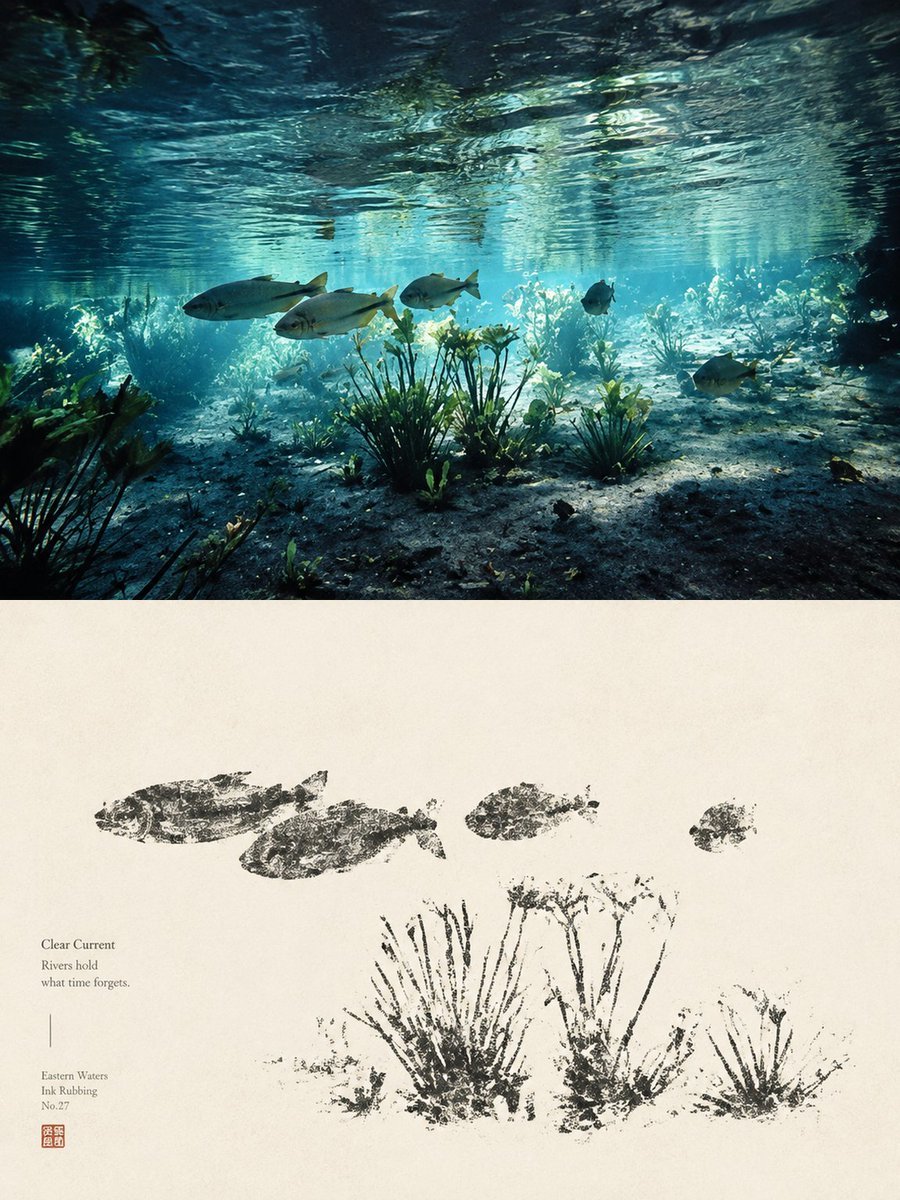
Underwater River Ink Rubbing Diptych
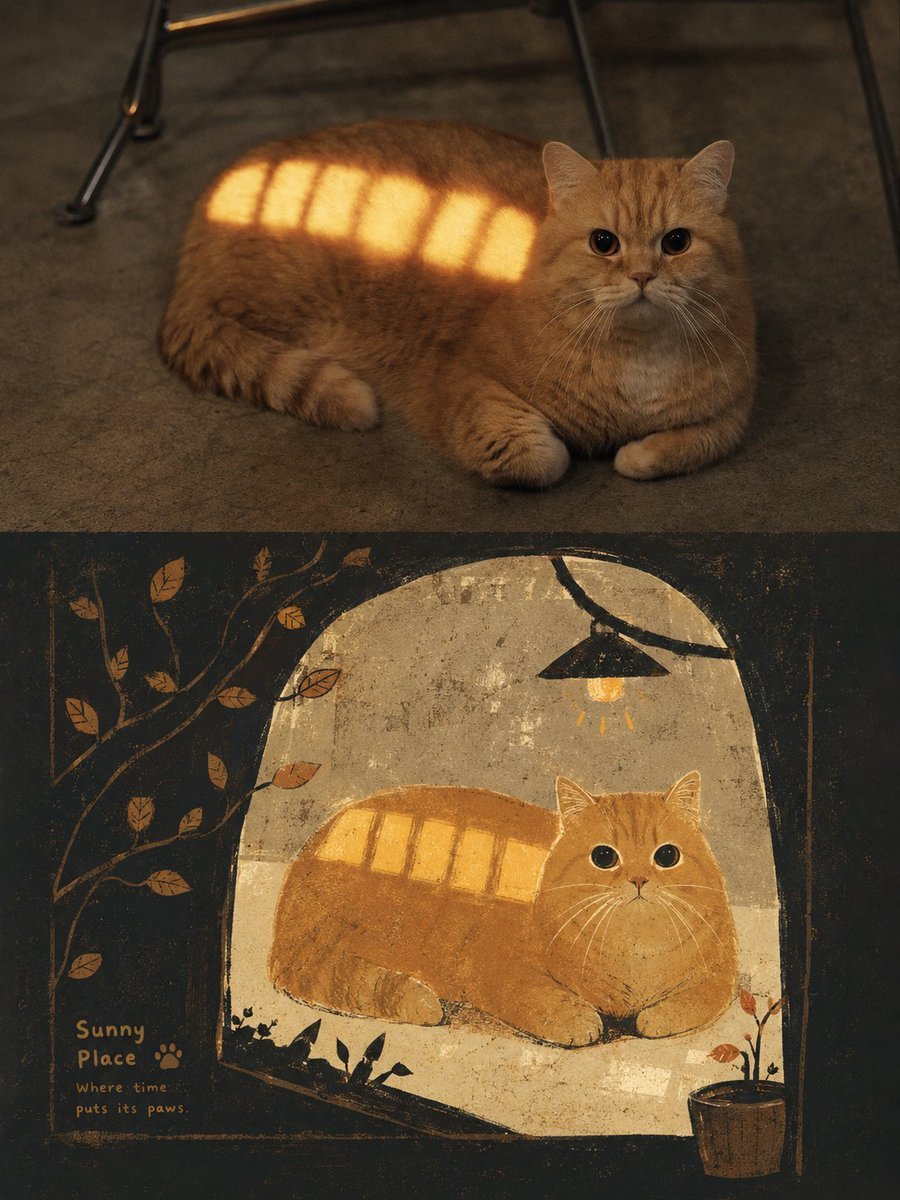
Grimm's Fairy Tale Woodcut Poster
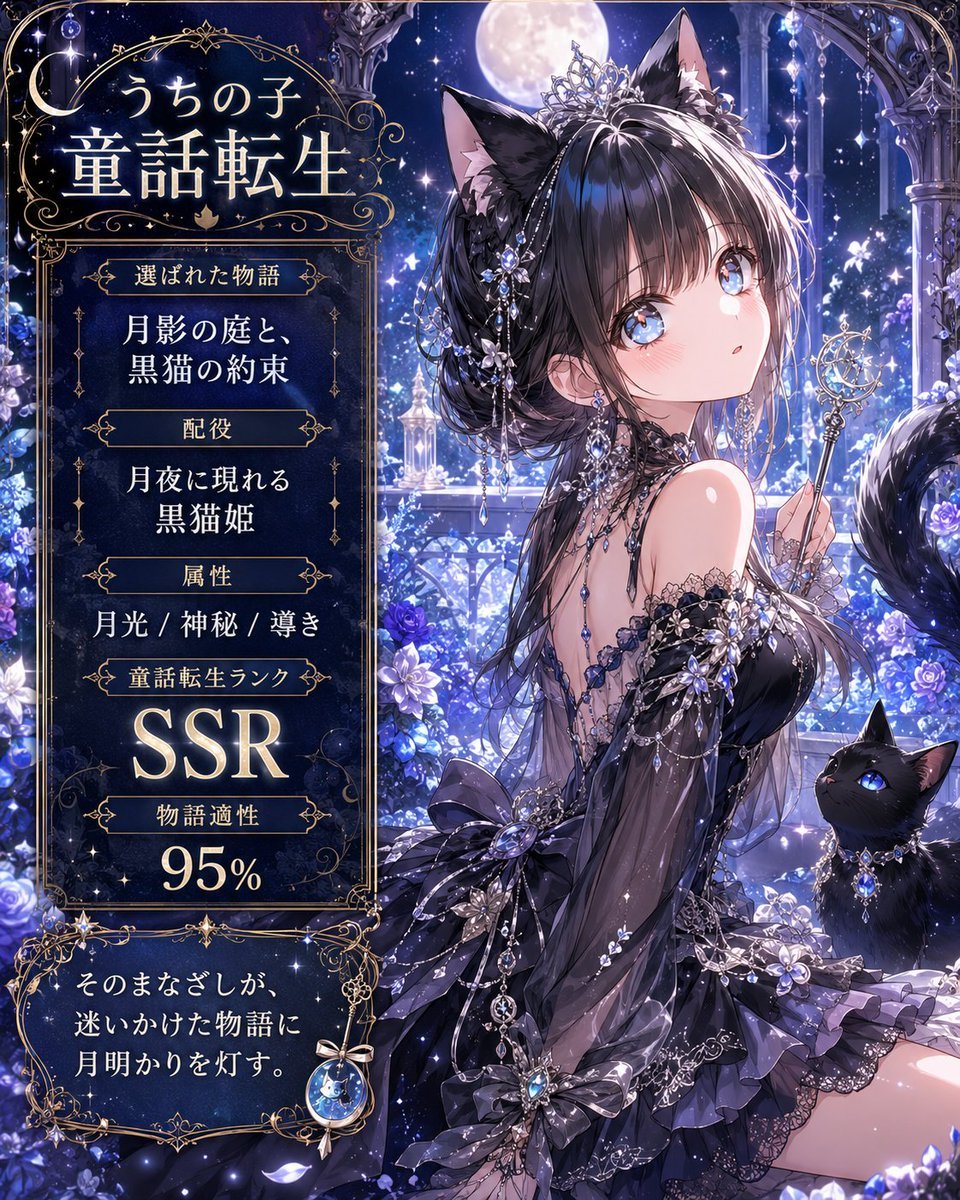
Moonlit Cat Princess Fairy-Tale Card
Paper Cut Fairy Tale Scene

Layered Paper Cut Forest Diorama

Soft Handcrafted Paper-Cut Layered Illustration
Fairy-Tale Park Travel Photo

Vintage Lithograph Retro World Cup Poster
Vintage Lithograph Retro World Cup Poster

Isometric Process Educational Diorama

Isometric Brand Store Diorama

FIFA World Cup — Brazil National Pass Diorama
Make it yours
Ink River Fairy Tale Diorama works as-is. These are the safest ways to change it without losing the look.
Change one field
Copy a single group, rewrite it, and generate again so you can see what that field is doing.
Keep the frame, change the subject
Hold the composition and light of Ink River Fairy Tale Diorama, then swap wardrobe, props or the person for a new take.
| If the result… | Why | Fix |
|---|---|---|
| The result drifts from the preview | Too many fields changed at once. | Reuse Ink River Fairy Tale Diorama as-is first, then change one group — subject, light, or setting. |
| The model over-stylizes the scene | The prose prompt leaves finish and camera underspecified. | Add one camera or lighting sentence and stay on GPT Image 2. |
More GPT Image 2 templates
Other prompts made for GPT Image 2.

Six VTuber Japanese Logo Sheet

Realistic Portrait of Woman and Deer

The Vista Modular Condo Poster

AI Model Routing Comparison Infographic

2.5D Anime Art Board

Isometric Productivity Desk Scene

New York Double Exposure Poster

Four-Panel AI Landscape Comparison

Japanese Tatami Lifestyle Magazine Cover

NESCAFÉ Coffee Map Poster
More image prompts
Fresh picks from across the catalog.
Detailed Character Prompt: Vampire Girl with Werewolves
Golden Hour Fitness Muse
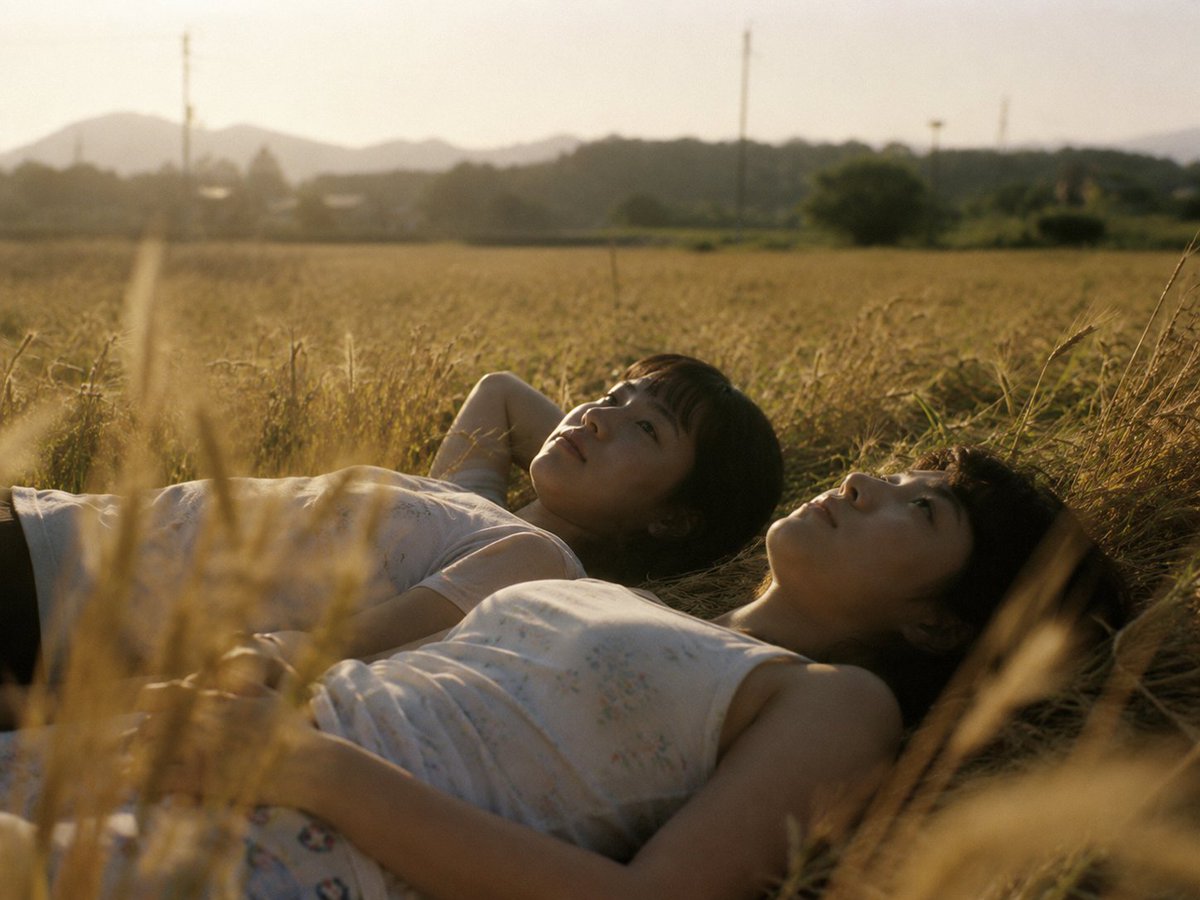
Golden Field Sunset Portrait
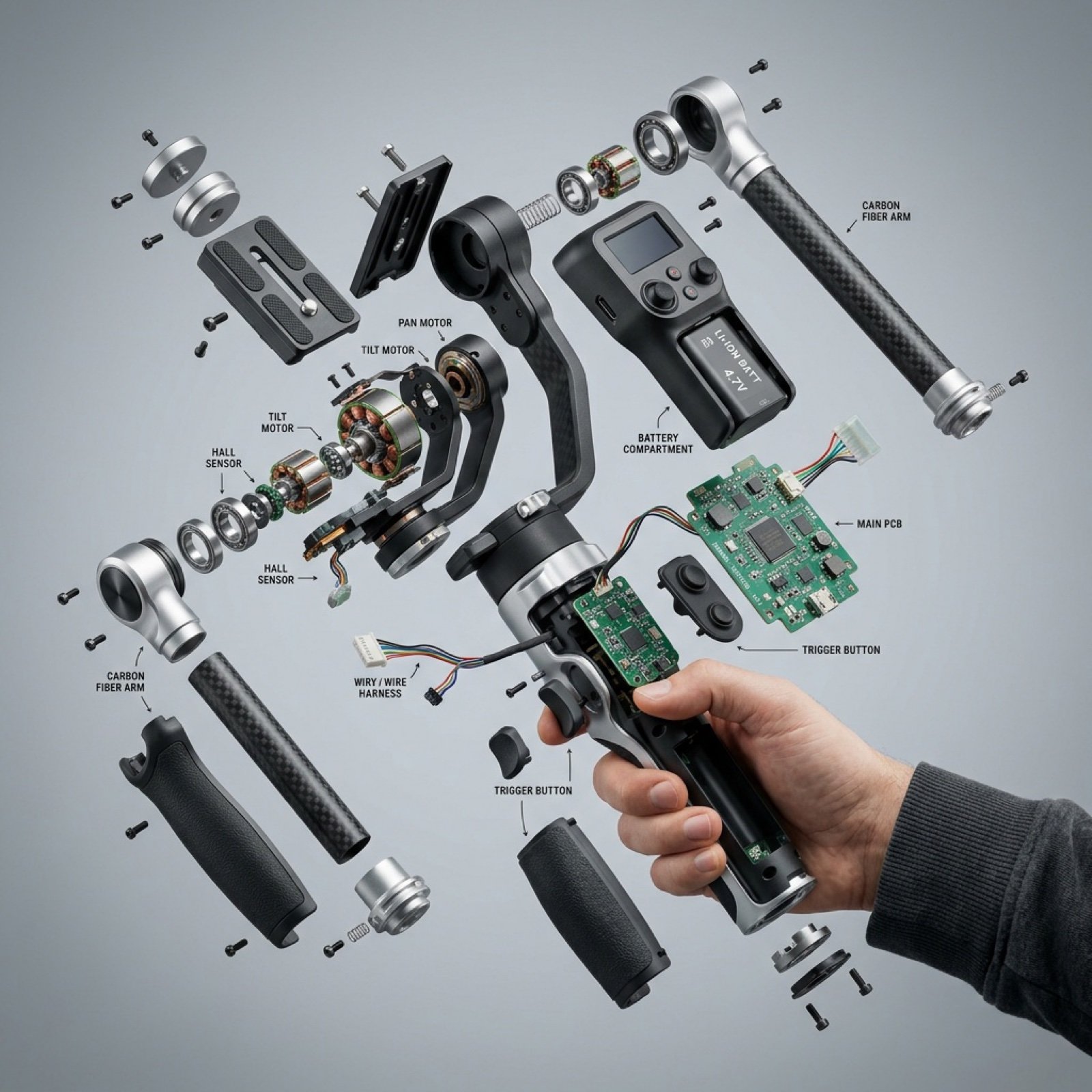
Exploded View Product Visualization Prompt

Prompt for stylized urban portrait with reference image fidelity
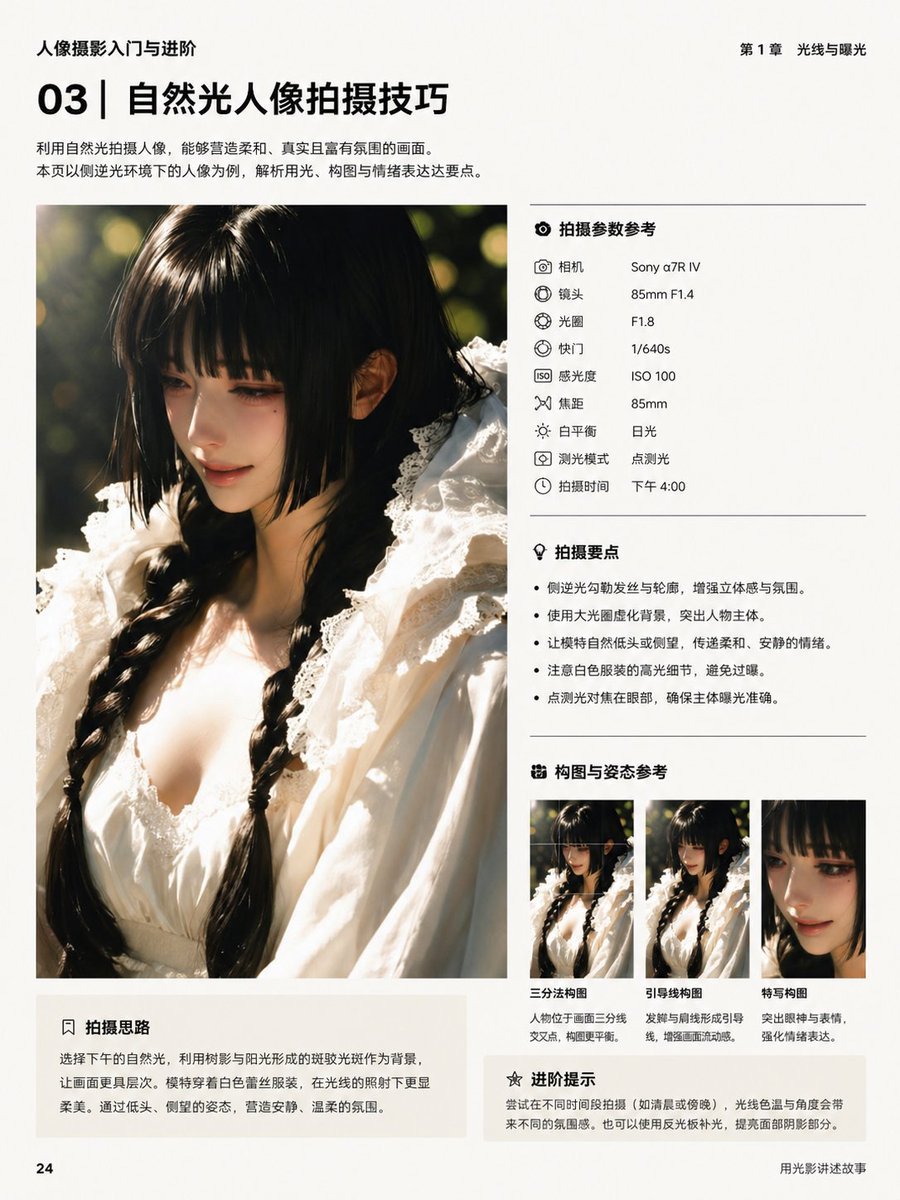
Chinese Photography Book Layout
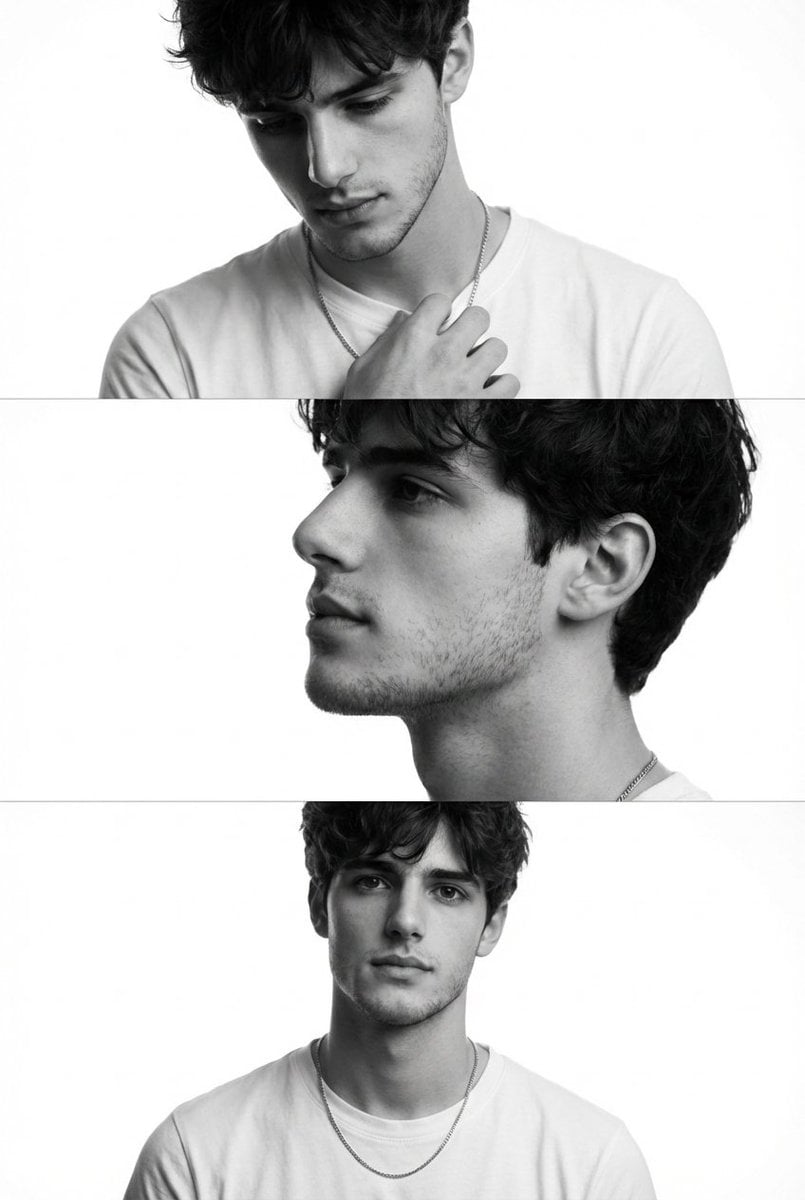
Monochrome Fashion Editorial Triptych (Male)
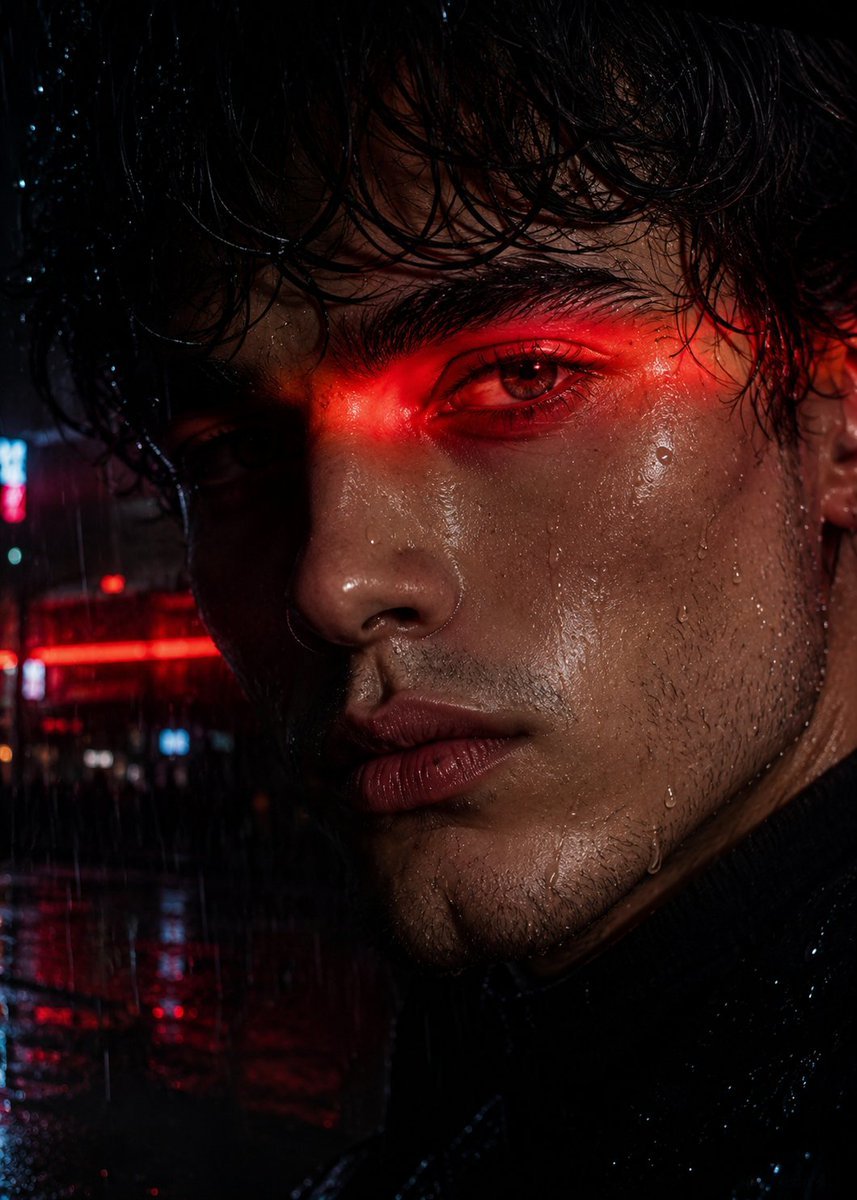
Neo-Noir Close-up Portrait
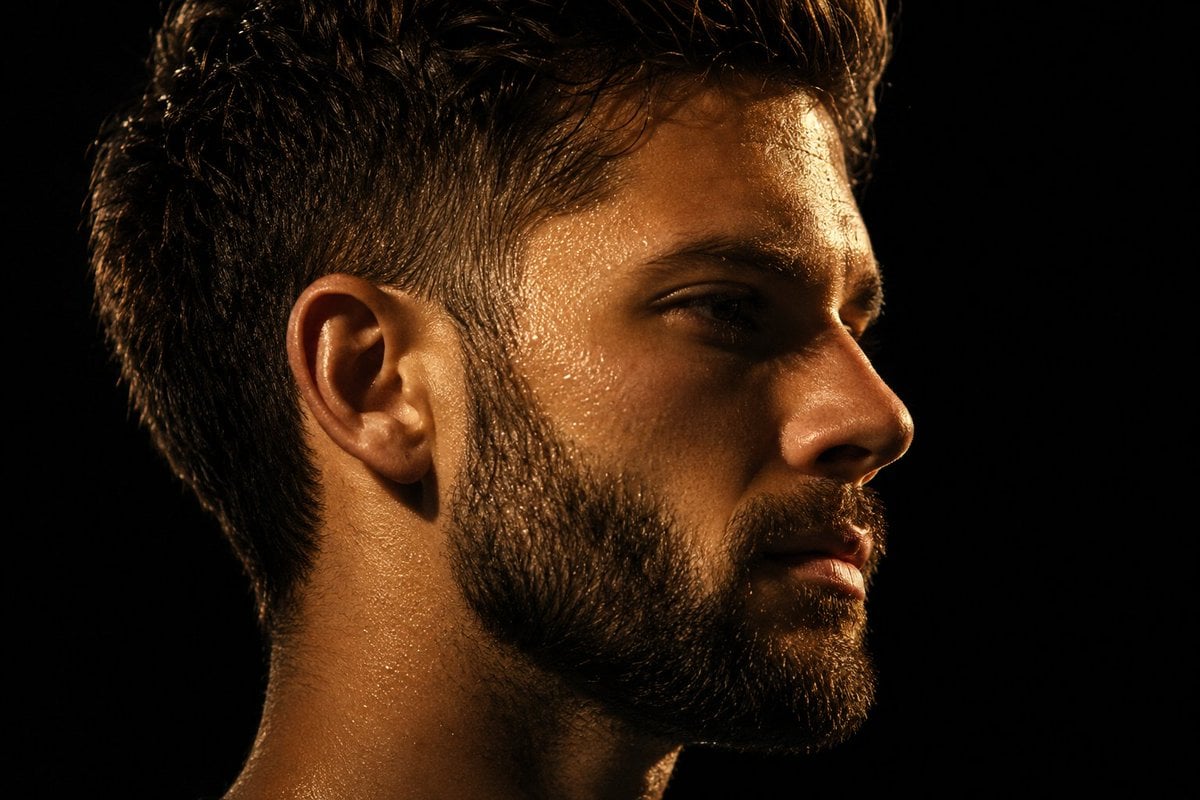
Chiaroscuro Mullet Profile Portrait
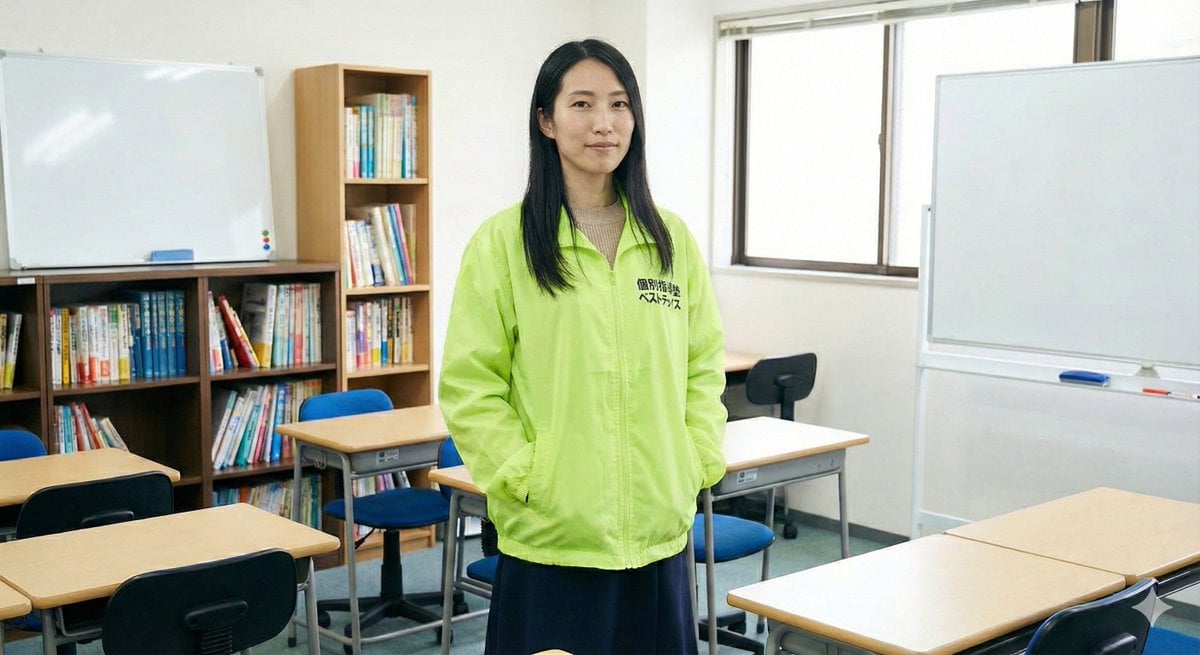
Character Generation Based on Literary Description
Browse template categories
Ink River Fairy Tale Diorama questions
How do I use the Ink River Fairy Tale Diorama template?
Add your photo if the template asks for one, edit the prompt if you like — the template's model and format are already selected — and press Generate. Your version opens in PicX Studio.
Can I customize the Ink River Fairy Tale Diorama template?
Yes. You can change the subject, setting, lighting, mood, format, and available model controls before creating your image.
Is the Ink River Fairy Tale Diorama template free?
Opening and editing this template is free. Generating uses credits, shown on the Generate button when you are signed in.
Which AI model should I use?
Start with GPT Image 2, which is the model associated with this template. You can compare another compatible model for a different finish.
Looking for something else? Browse all templates.

Your photo, any look
Thousands of ready templates for every top image and video model, from one credit balance.