
Detailed Character Prompt: Vampire Girl with Werewolves
A highly structured JSON prompt for generating a cinematic fantasy image of a vampire girl sitting on a log in a dark forest, flanked by three highly detailed werewolf creatures, focusing on gothic Victorian style and…
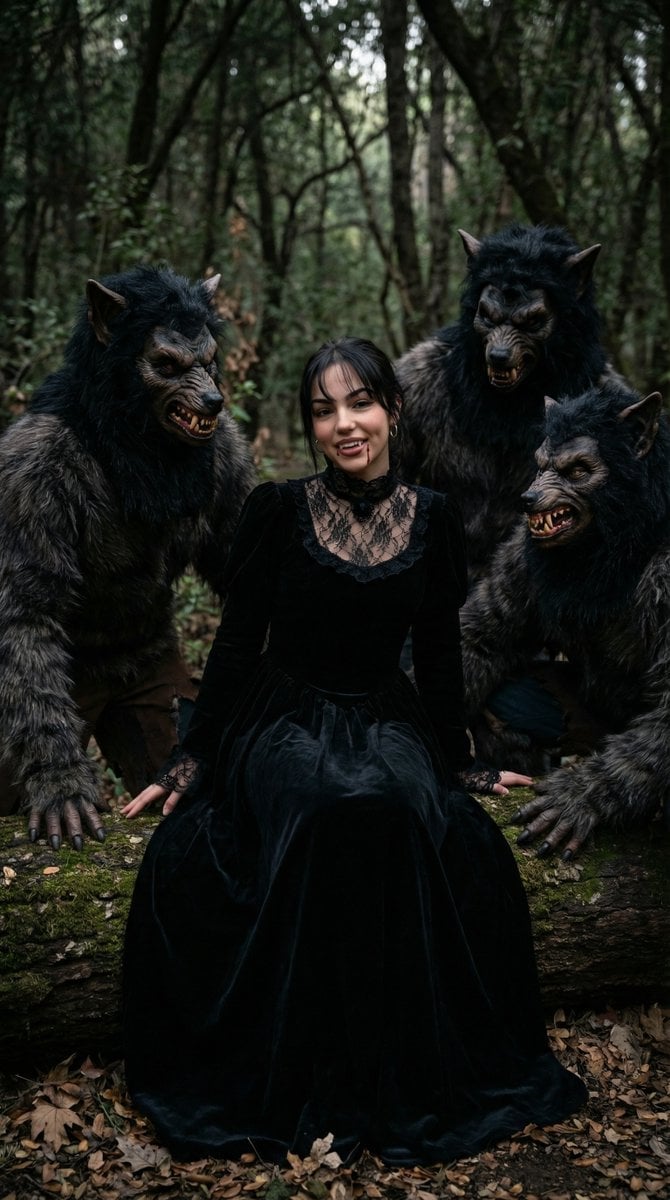
- Prompt included
- Model and format preset
- Free template
The prompt behind this image
Copy the exact prompt behind Detailed Character Prompt: Vampire Girl with Werewolves, or open it in the studio and make it yours.
{ "scene": "A young woman dressed as a vampire sitting on a mossy log in a dark forest, flanked by three realistic werewolf creatures.", "subject": { "character": "Vampire girl", "face": { "structure": "Symmetrical, youthful, soft features", "skin": "Fair, pale complexion", "eyes": { "shape": "Almond-shaped", "color": "Dark brown", "expression": "Friendly, slightly mischievous smile" }, "mouth": { "lips": "Natural pink tone with visible vampire fangs and small droplets of blood at the corners" }, "makeup": "Subtle eyeliner, natural brows" }, "hair": { "color": "Dark brown / Black", "length": "Long, flowing behind shoulders", "texture": "Straight with slight wave", "style": "Center-parted with thin bangs framing the face", "shine": "Natural healthy sheen" }, "accessories": { "necklace": "Black lace choker with a central dark gem", "earrings": "Small silver-toned hoop earrings" } }, "creatures": { "type": "Werewolves", "count": 3, "appearance": "Highly detailed animatronic or costume style, thick brown/black fur, snarling expressions, visible yellowed fangs, pointed ears", "hands": "Large clawed hands resting on the log" }, "pose": { "overall": "Relaxed sitting position", "position": { "base": "Seated on a fallen moss-covered tree trunk", "orientation": "Centrally framed, facing the camera" }, "torso": { "direction": "Forward-facing", "posture": "Upright and poised" }, "arms": { "position": "Hands resting at her sides on the log", "other": "Lace sleeve details visible near wrists" }, "head": { "turn": "Directly facing camera", "expression": "Playful vampire aesthetic" } }, "outfit": { "dress": { "type": "Gothic Victorian style gown", "color": "Deep black", "material": "Velvet body with lace detailing", "details": { "neckline": "High lace collar with sheer lace chest panel", "sleeves": "Long velvet sleeves with lace cuffs", "skirt": "Full, heavy velvet skirt gathering on the forest floor" } } }, "body": { "type": "Slender", "skin": "Pale and smooth" }, "environment": { "location": "Dense, dark forest", "ground": "Covered in dry brown leaves and a large mossy log", "background": { "trees": "Thin, vertical trunks creating a dense thicket", "foliage": "Sparse green leaves and tangled branches" } }, "lighting": { "type": "Natural, diffused woodland light", "quality": { "intensity": "Soft, moody", "direction": "Top-down filtered through canopy" }, "on_subject": { "skin": "Evenly lit, emphasizing paleness", "hair": "Subtle highlights on the crown" } }, "photography": { "angle": "Eye-level", "framing": "Full body shot, centered subject", "focus": "Sharp focus on the girl, slight depth of field blurring the distant trees", "style": "Cinematic fantasy" }, "color_palette": { "subject": { "hair": "Black", "skin": "Pale porcelain", "dress": "Jet black", "details": "Deep red blood accents" }, "environment": { "wood": "Deep brown and moss green", "leaves": "Earth tones, copper, and tan", "background":
How to use Detailed Character Prompt: Vampire Girl with Werewolves in 3 steps
- 1
Open
The prompt is already in the box next to the preview, with the template's model and format selected.
- 2…a portrait of your subject in softgolden-hour light, 85mm…
Personalize
Edit the subject and creative details for your destination.
- 3Generate
Generate
Press Generate — your image is created in PicX Studio, so you can compare it with the original and refine one variable at a time.
More like this
Templates with the same subject, style or setup. Open one to see its prompt.

Teen Girl Alpine Lake Mountain View
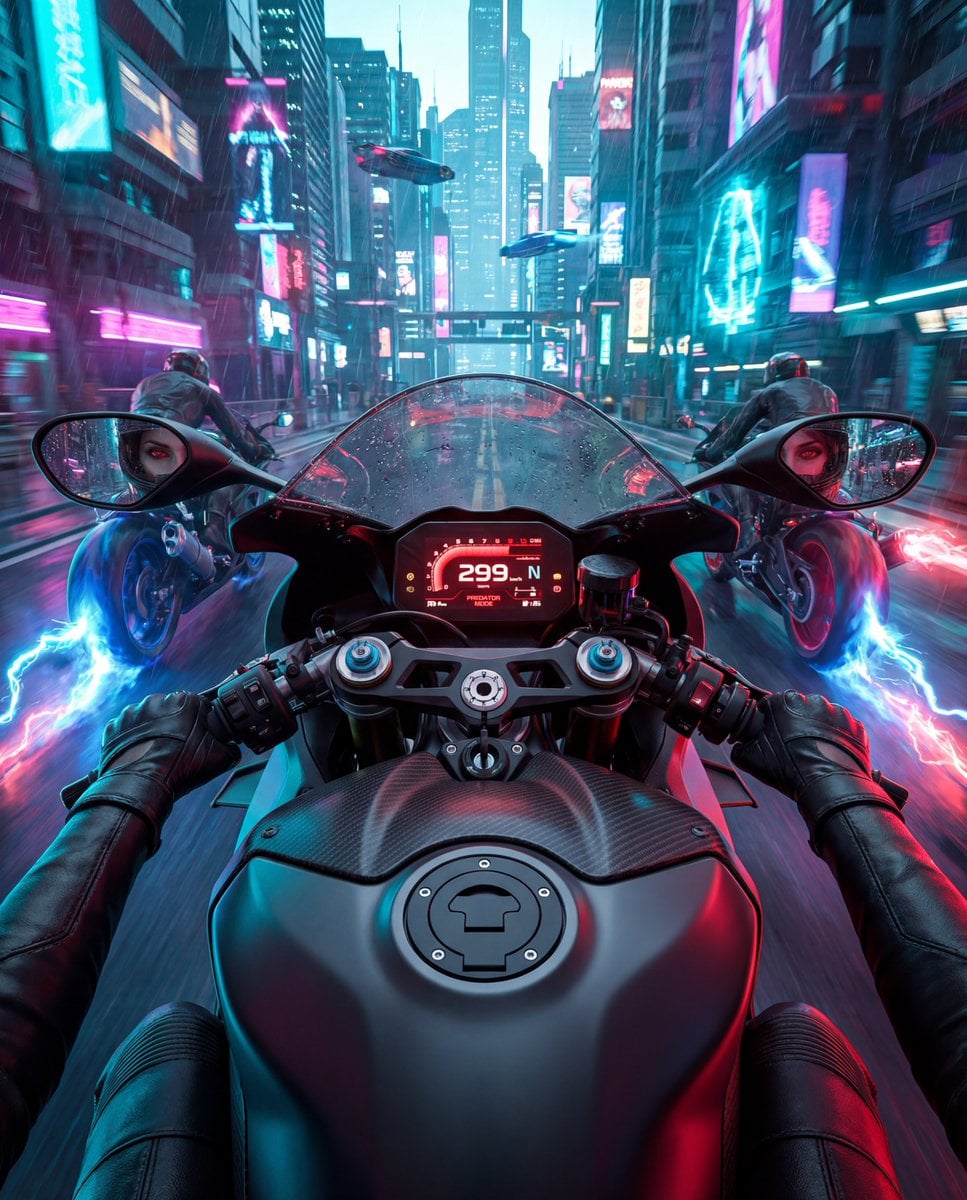
Cyberpunk POV Motorcycle Ride with Vampire Mafia Girl
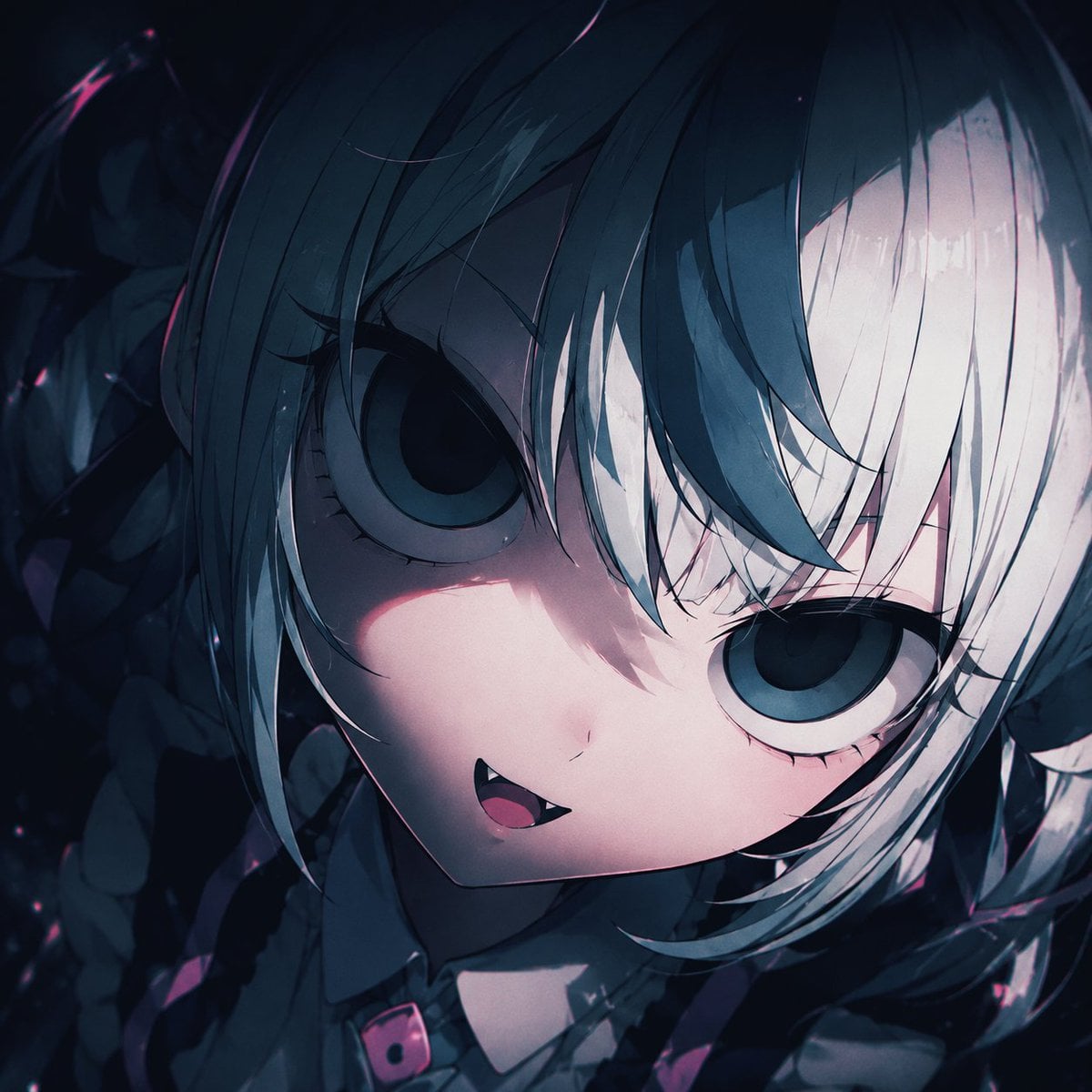
Gothic Chibi Vampire Album Cover
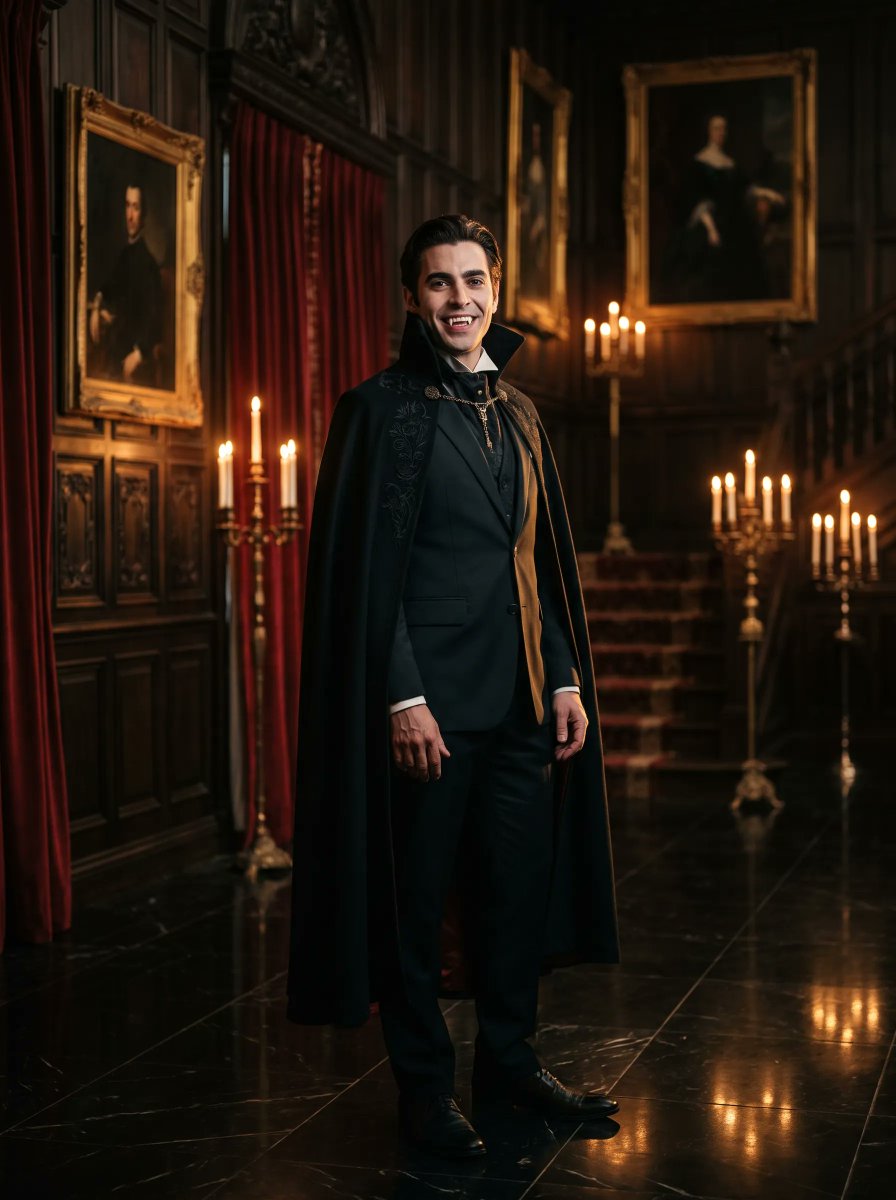
Gothic Vampire Noble Portrait
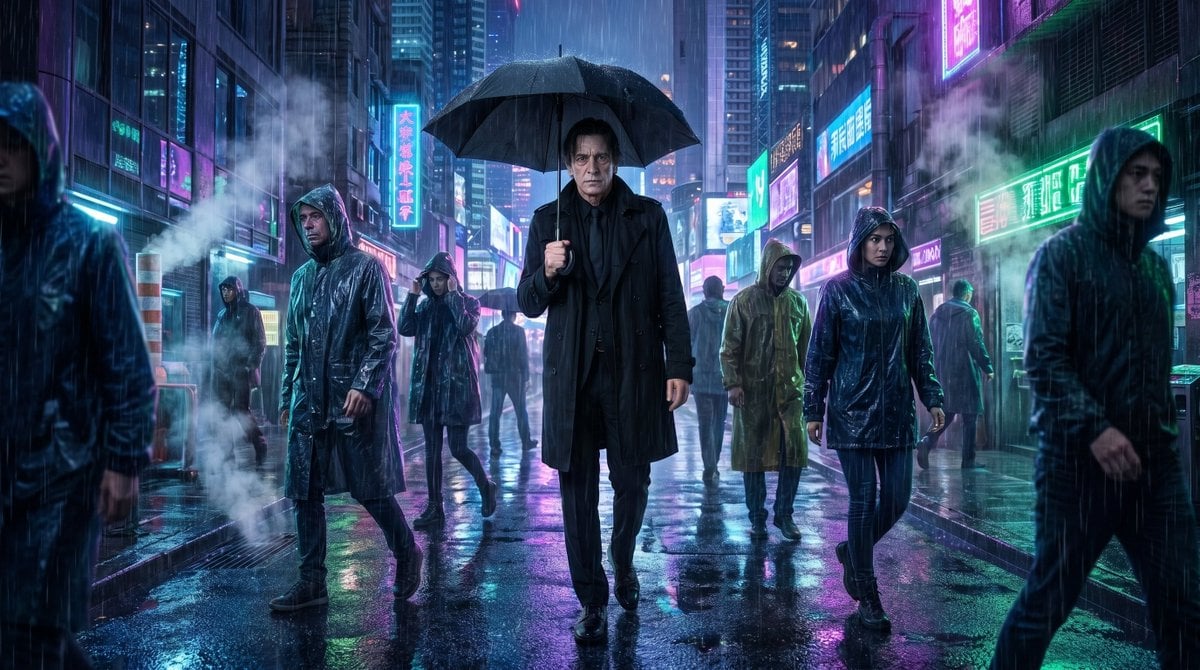
Vampire Detective Cyberpunk Scene
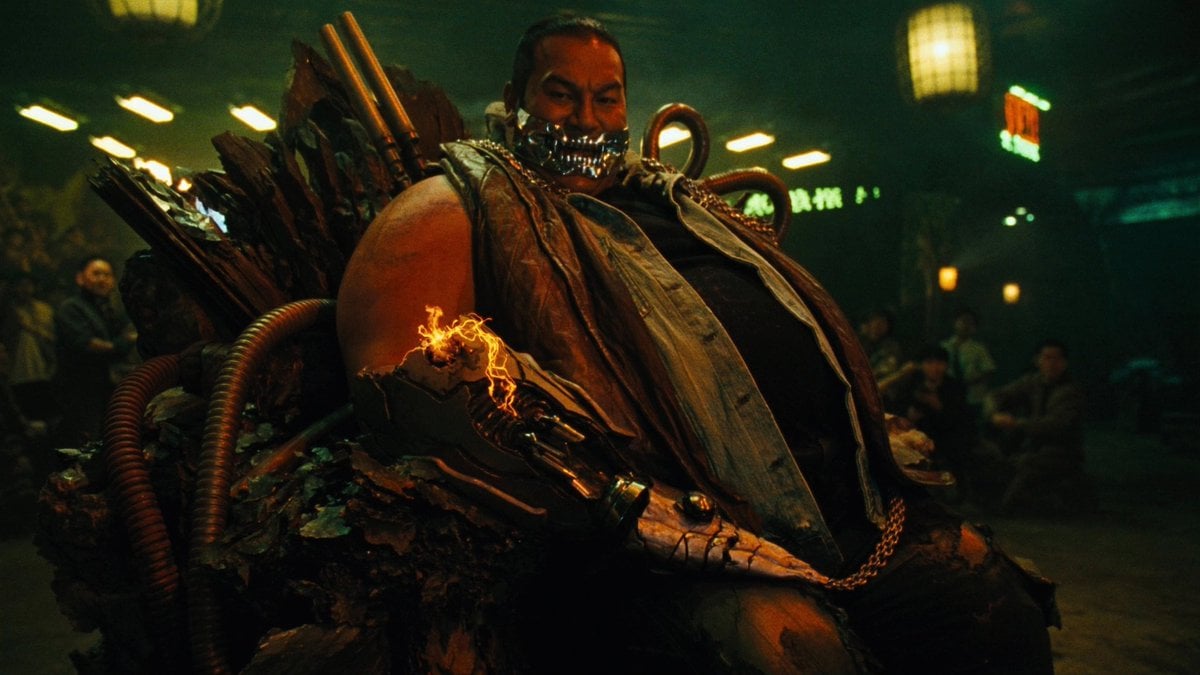
Cyber Vampire Character Turnaround Sheet
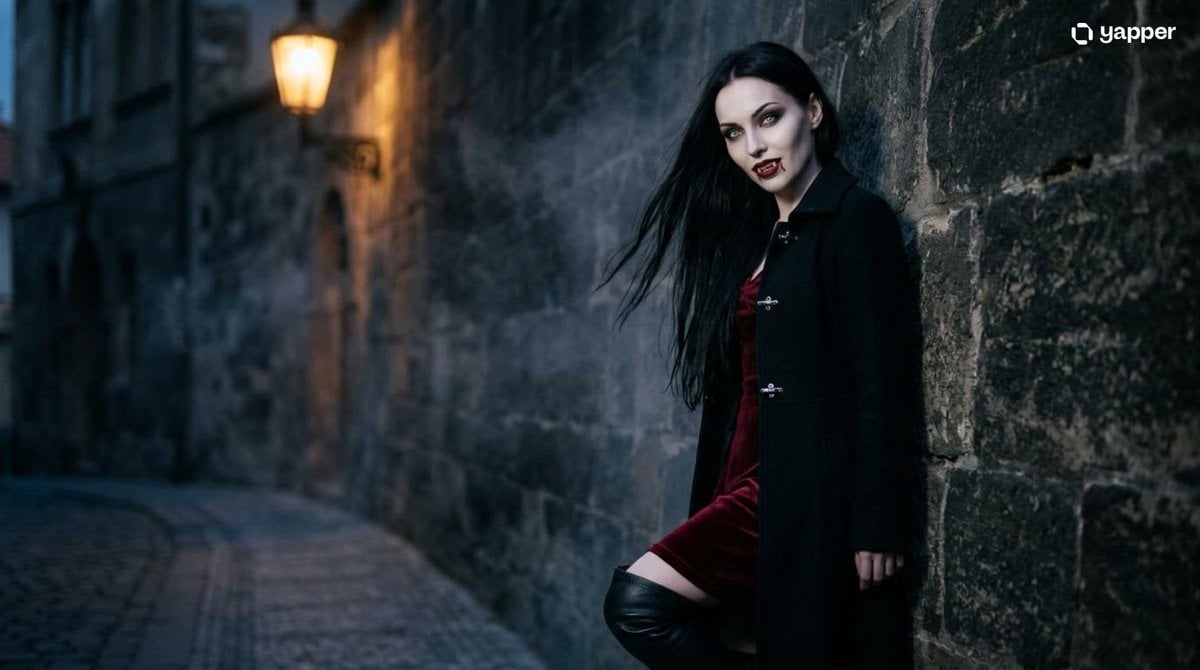
Gothic Vampire Cinematic Scene
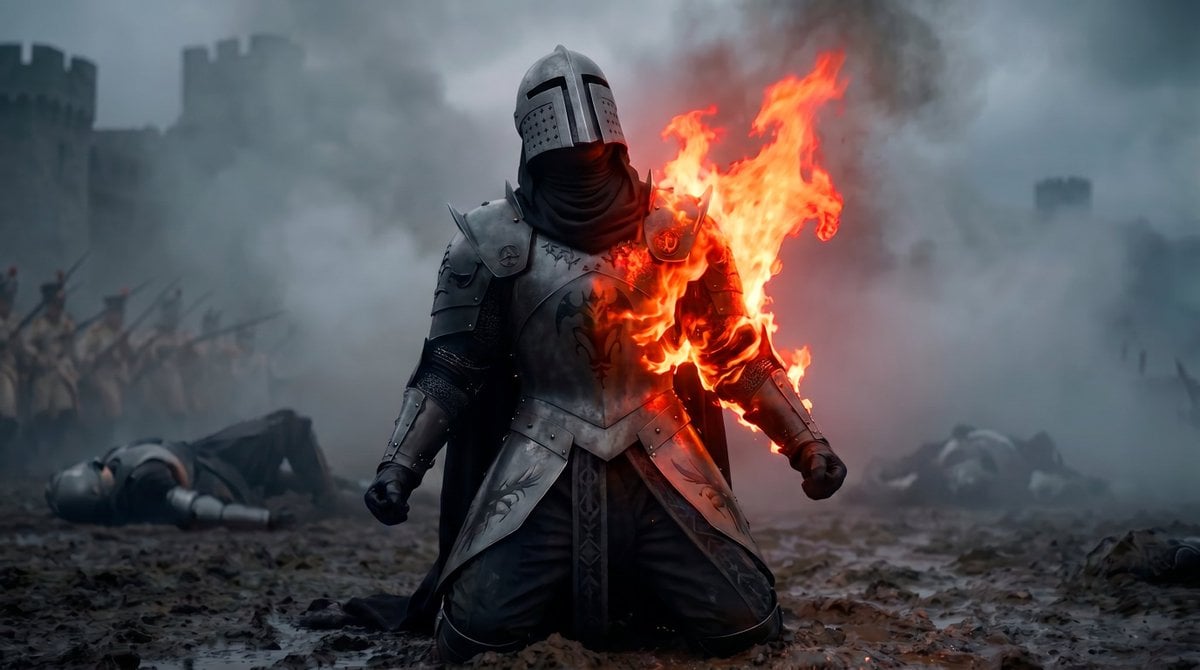
Vampire Knight Sunlight Exposure
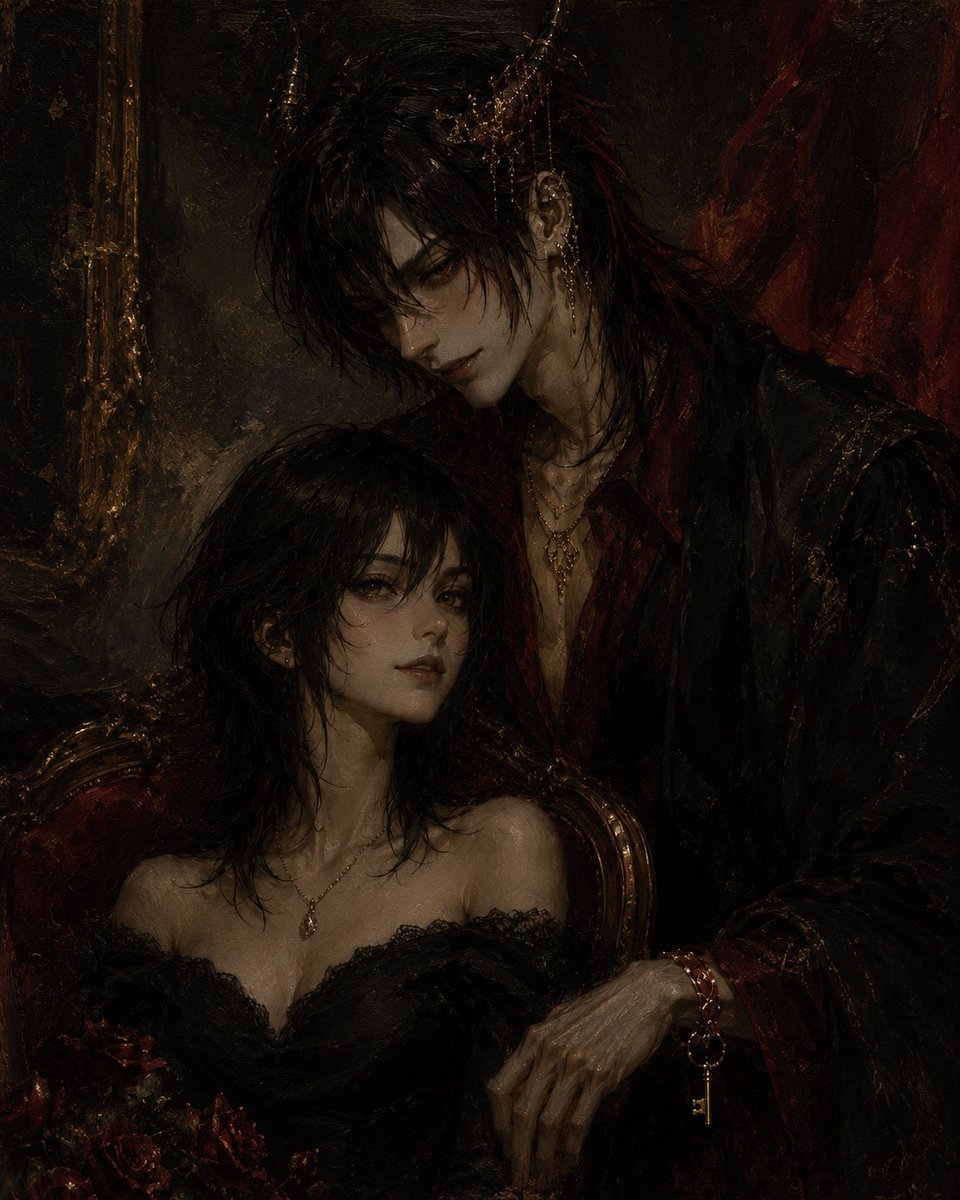
Gothic Vampire Couple Oil Portrait
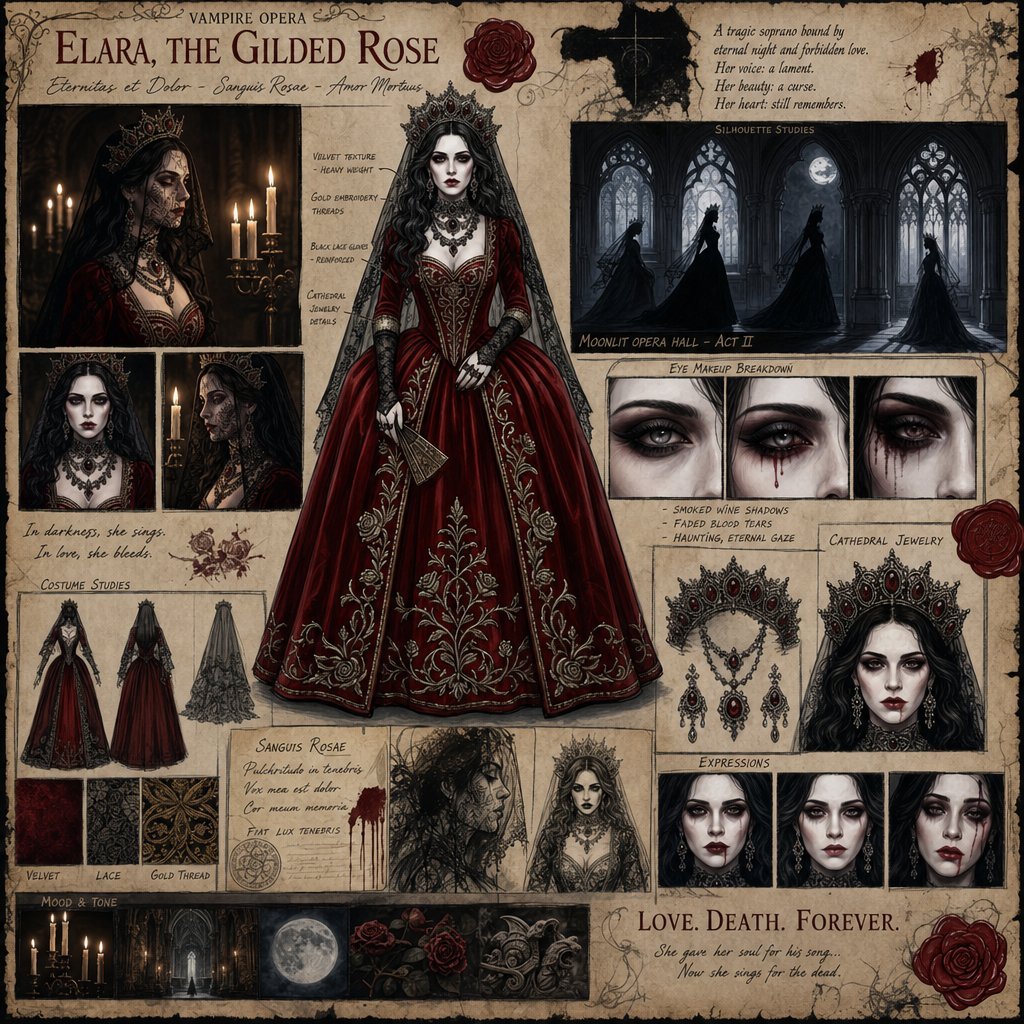
Dark Gothic Vampire Opera Character Design
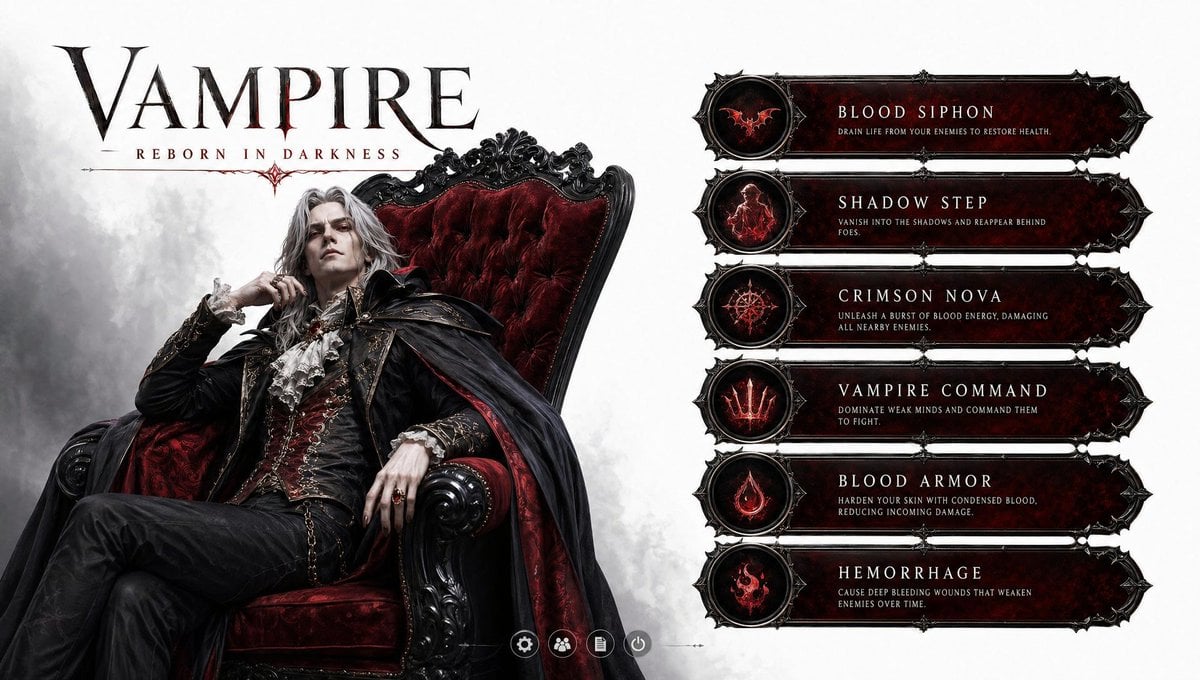
3D Vampire Gaming Character
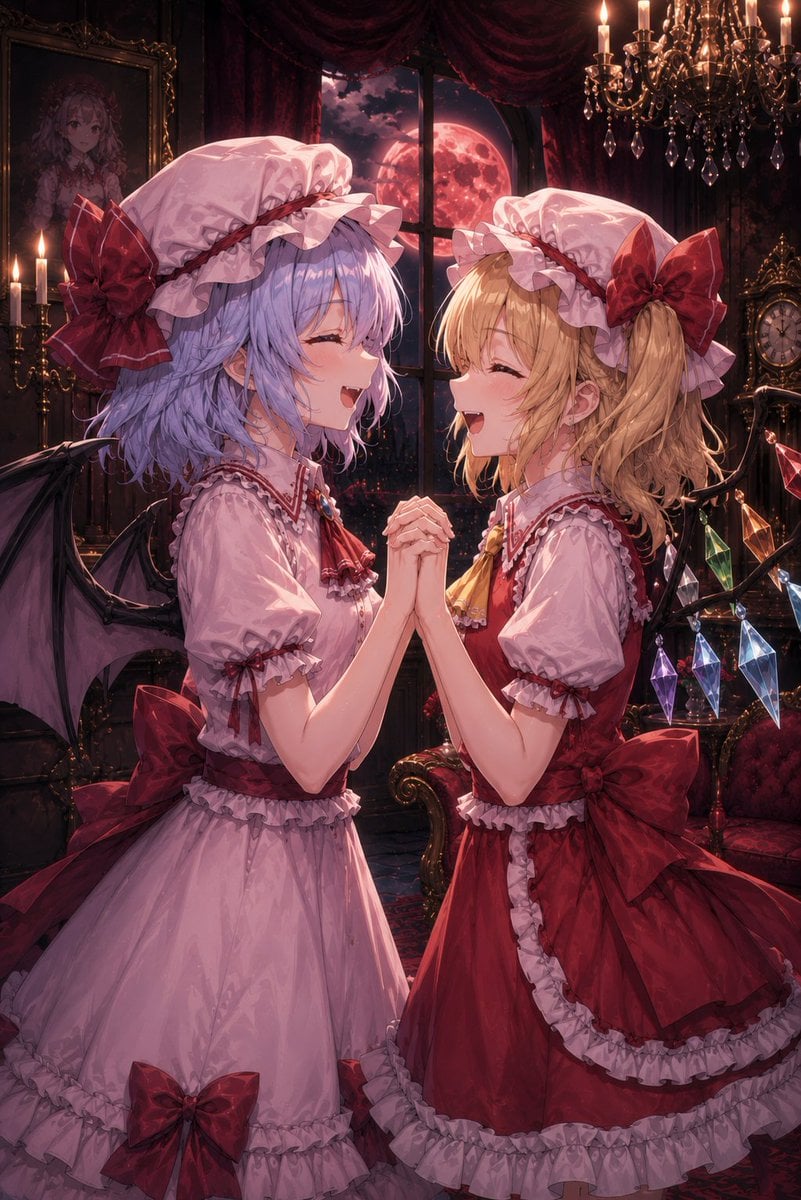
Gothic Vampire Sisters
Make it yours
Detailed Character Prompt: Vampire Girl with Werewolves works as-is. These are the safest ways to change it without losing the look.
Change one field
Copy a single group, rewrite it, and generate again so you can see what that field is doing.
Keep the frame, change the subject
Hold the composition and light of Detailed Character Prompt: Vampire Girl with Werewolves, then swap wardrobe, props or the person for a new take.
| If the result… | Why | Fix |
|---|---|---|
| The result drifts from the preview | Too many fields changed at once. | Reuse Detailed Character Prompt: Vampire Girl with Werewolves as-is first, then change one group — subject, light, or setting. |
| The model over-stylizes the scene | The prose prompt leaves finish and camera underspecified. | Add one camera or lighting sentence and stay on Nano Banana 2. |
More Nano Banana 2 templates
Other prompts made for Nano Banana 2.

Photorealistic Leaf Shaped Like a Dragon

K-Pop Idol Portrait Grid for Rapid Selection

Poetic Rain Forest Portrait During Golden Hour

Urban Street Portrait with Cartoon Inner Self Duo

Candid Nighttime Photo with Cat Prompt

High-Concept 3D Diorama Generation Prompt

Cinematic Futuristic Studio Portrait Template

Skincare Editorial Photography Collage Prompt

Hyper-Realistic Commercial Product Photography (Splash Effect)

Hyper-Realistic Nightclub Portrait Prompt
More image prompts
Fresh picks from across the catalog.
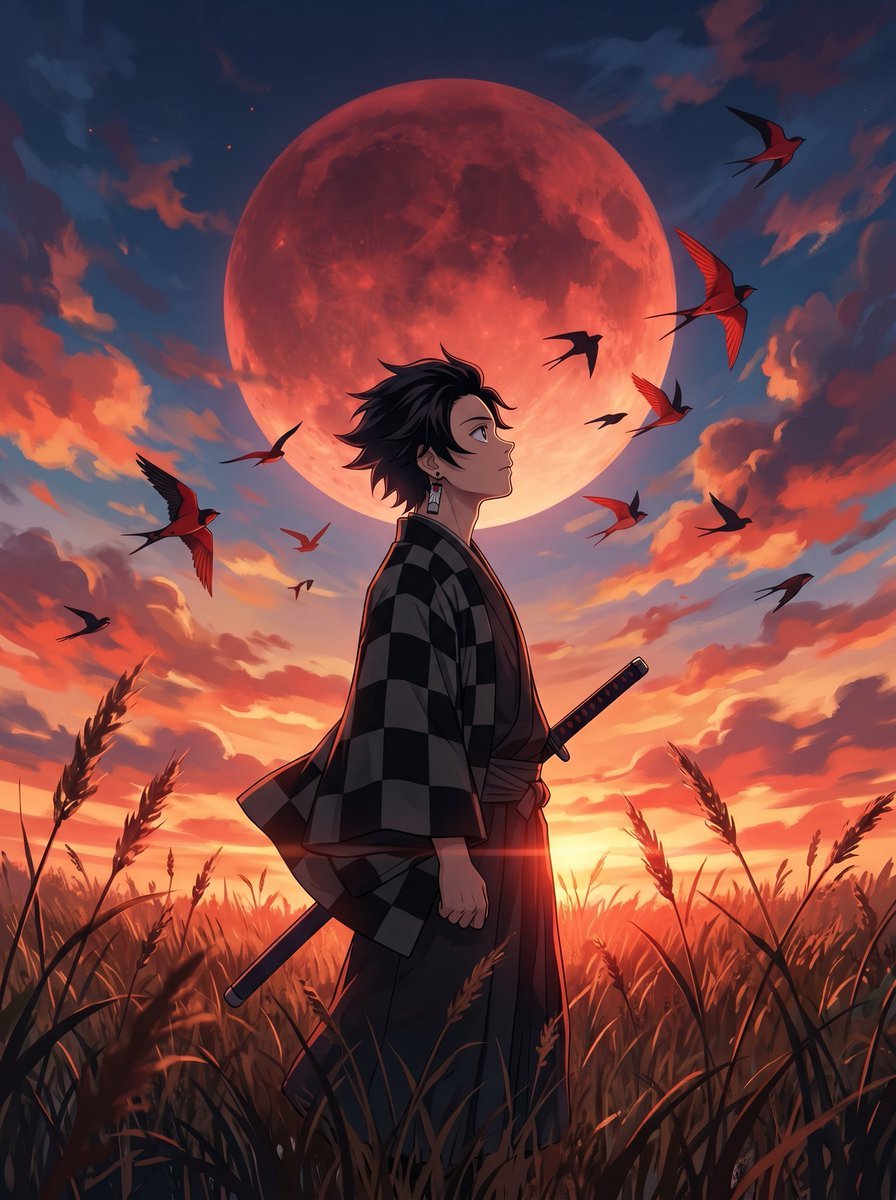
Cinematic Anime Warrior Under Crimson Moon
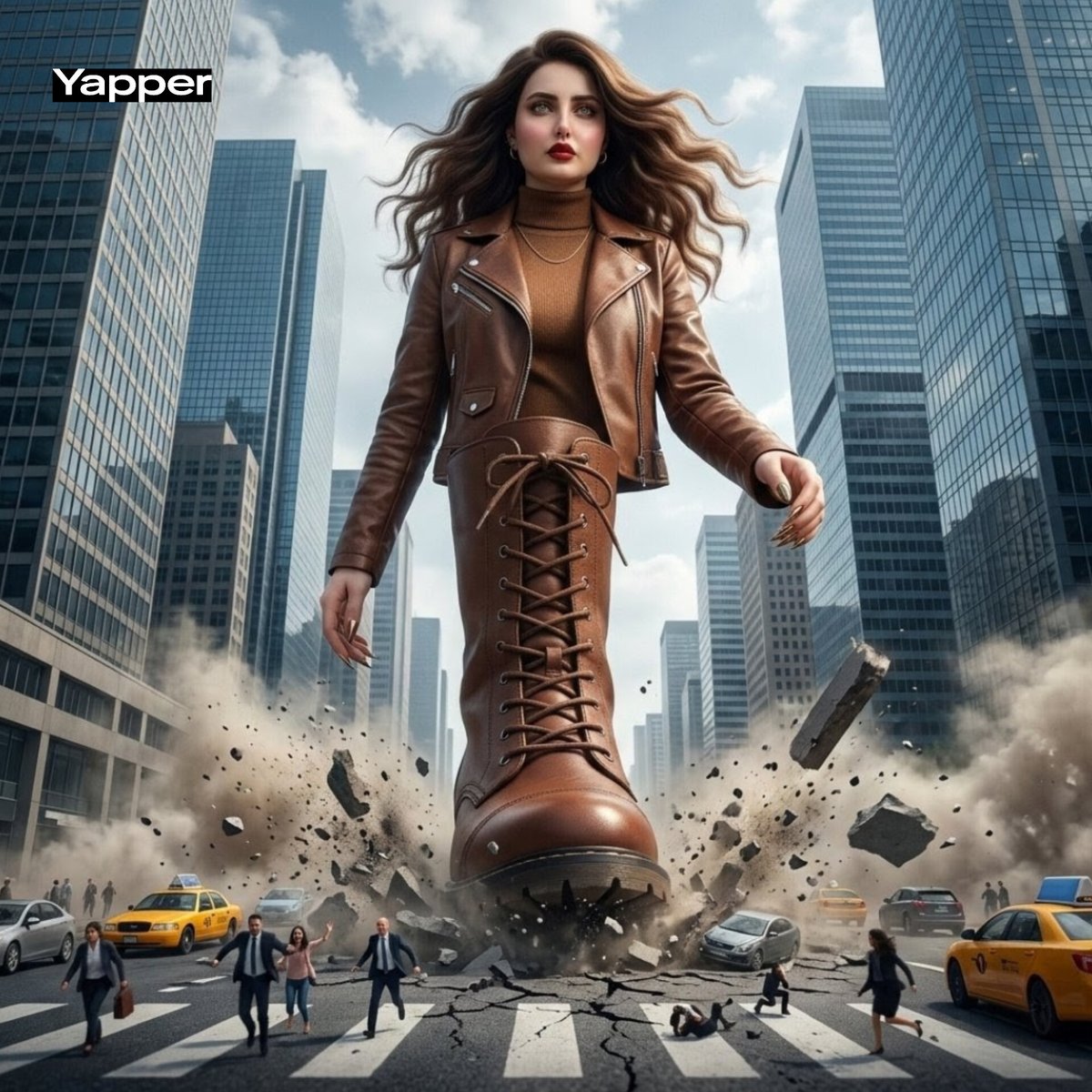
Giant Woman City Walk Video Prompt
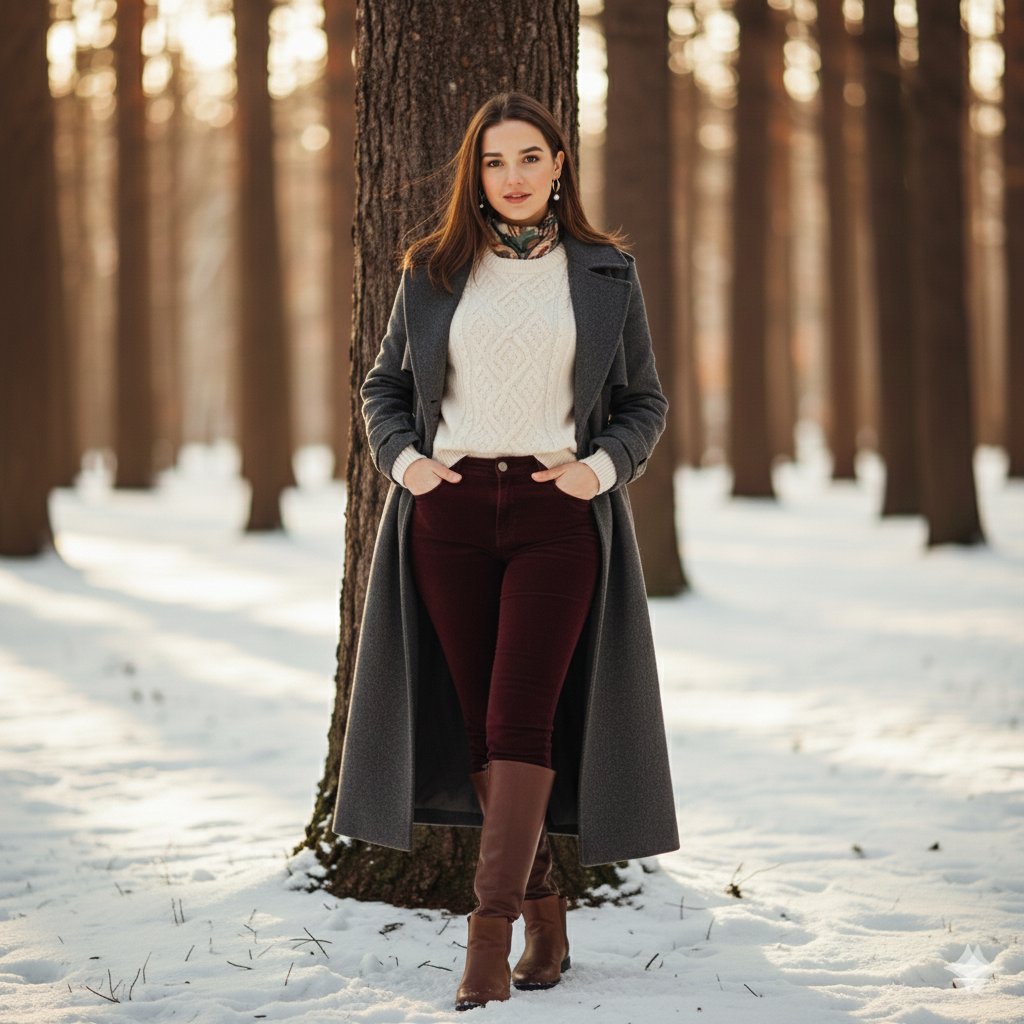
Cinematic Winter Portrait Photoshoot Prompt
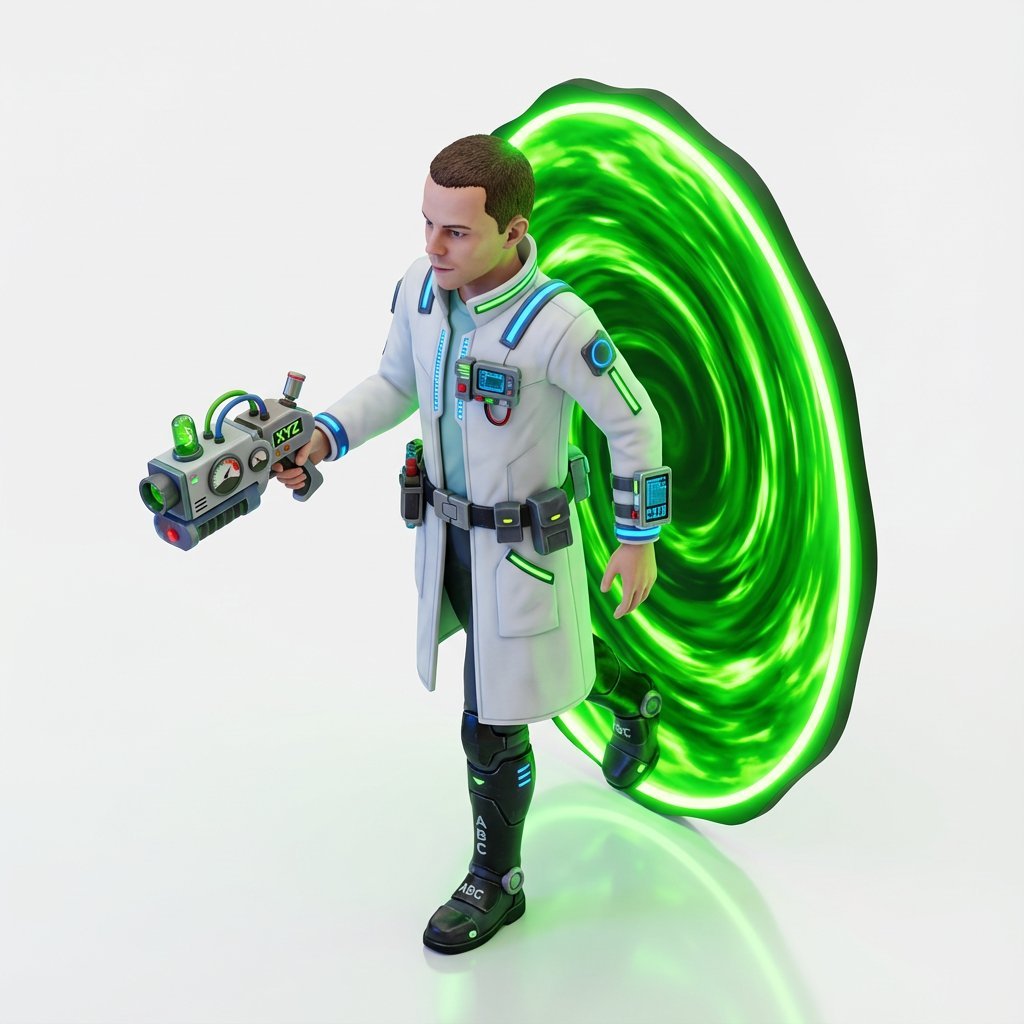
Miniature Isometric Figurine Prompt for nano banana pro
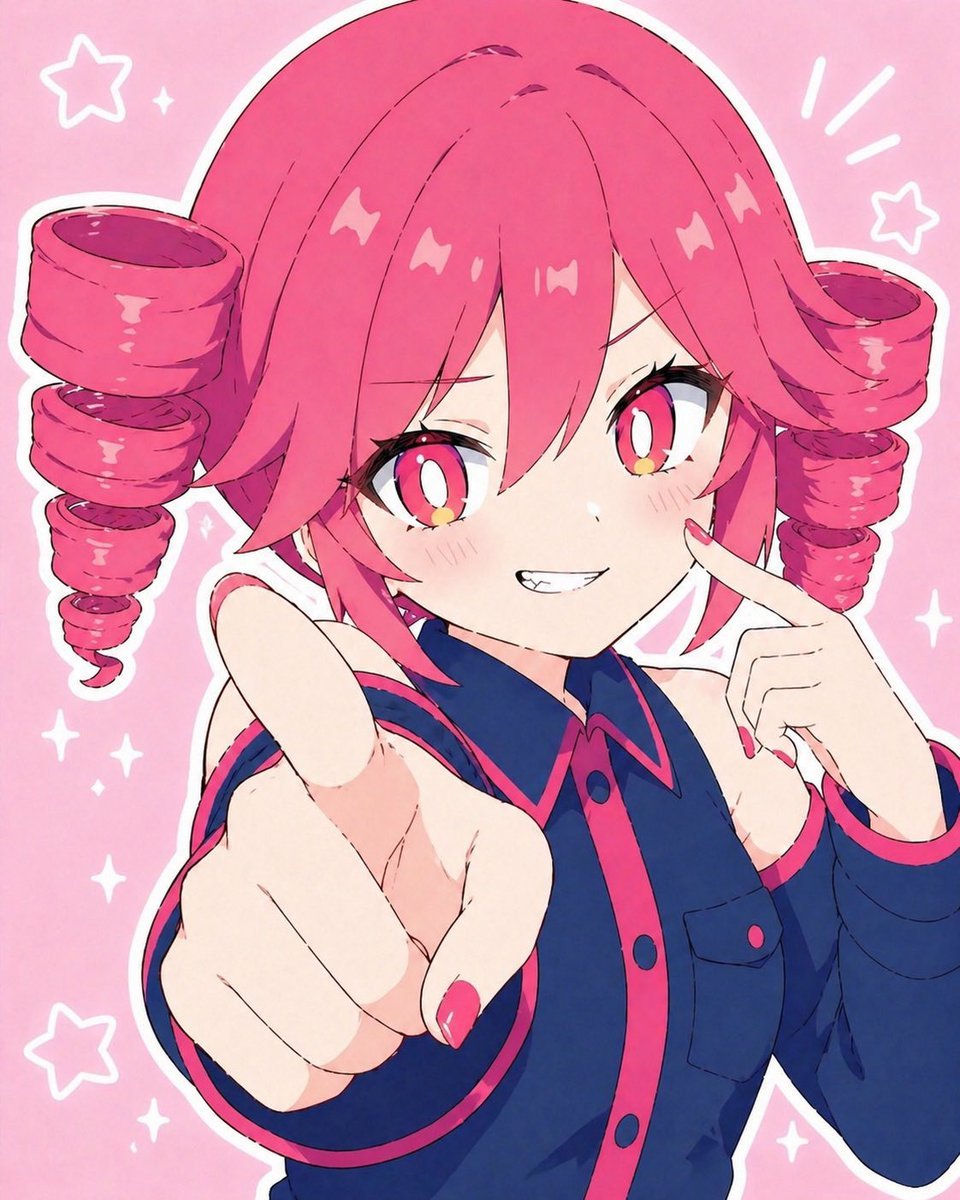
Kasane Teto Pop Idol Portrait
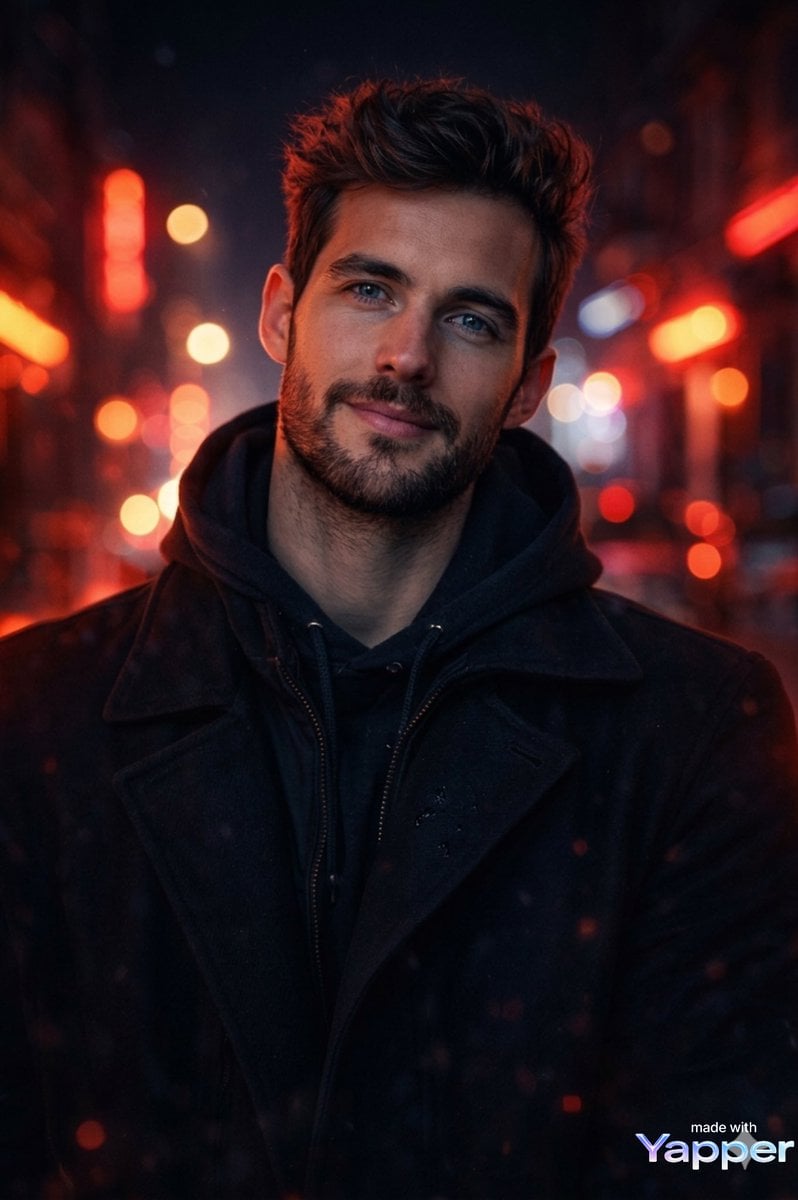
Cinematic Portrait Prompt with Neon Lighting
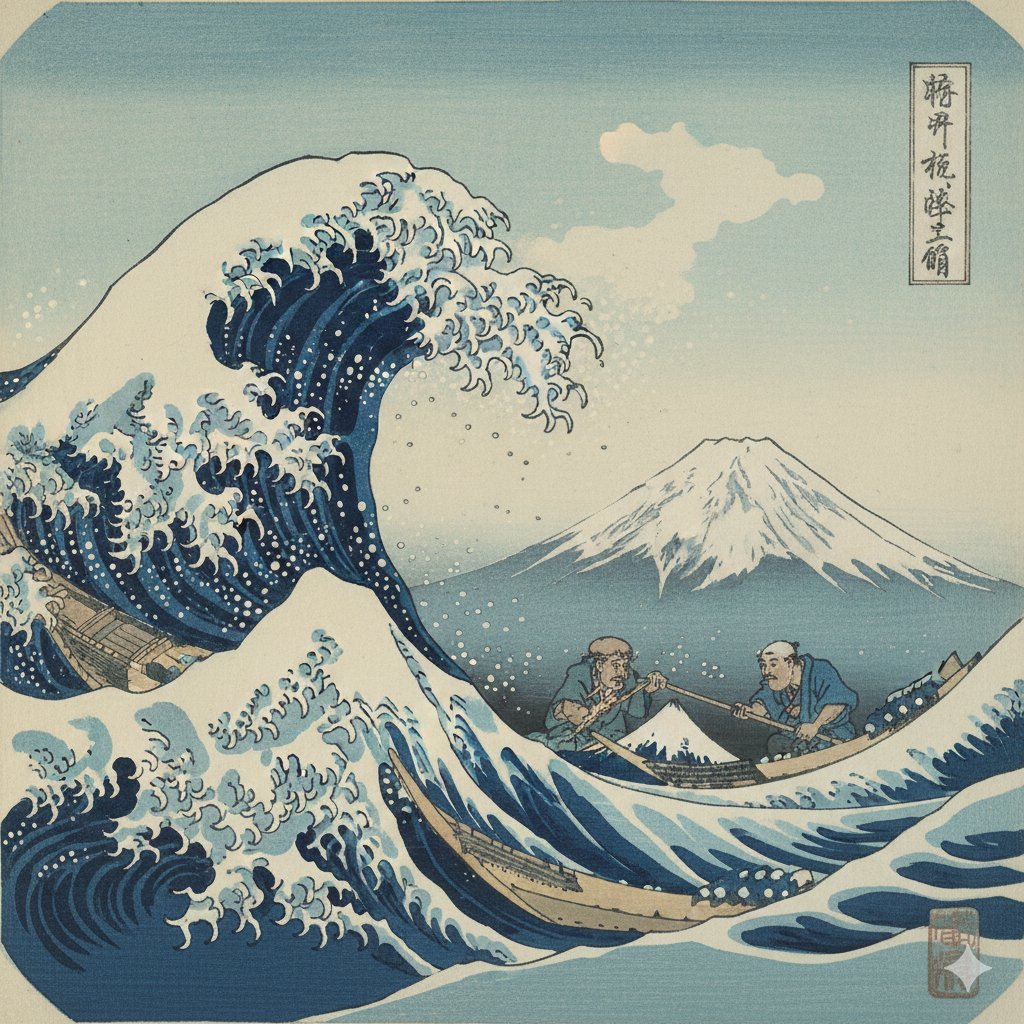
Hokusai Style Woodblock Print Generation

21 Glass Floor Skyscraper — California Series
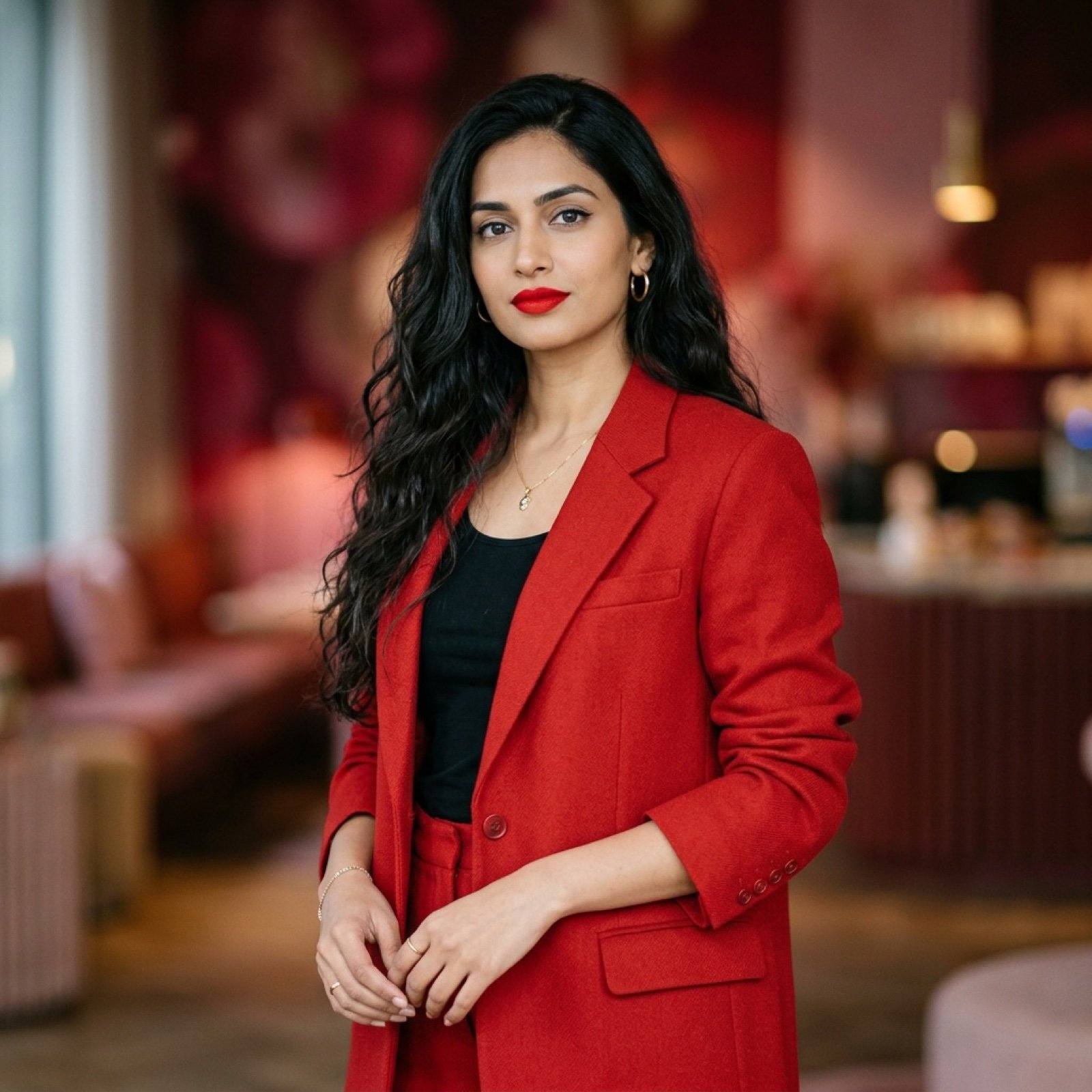
Indian Woman in Red Suit Portrait
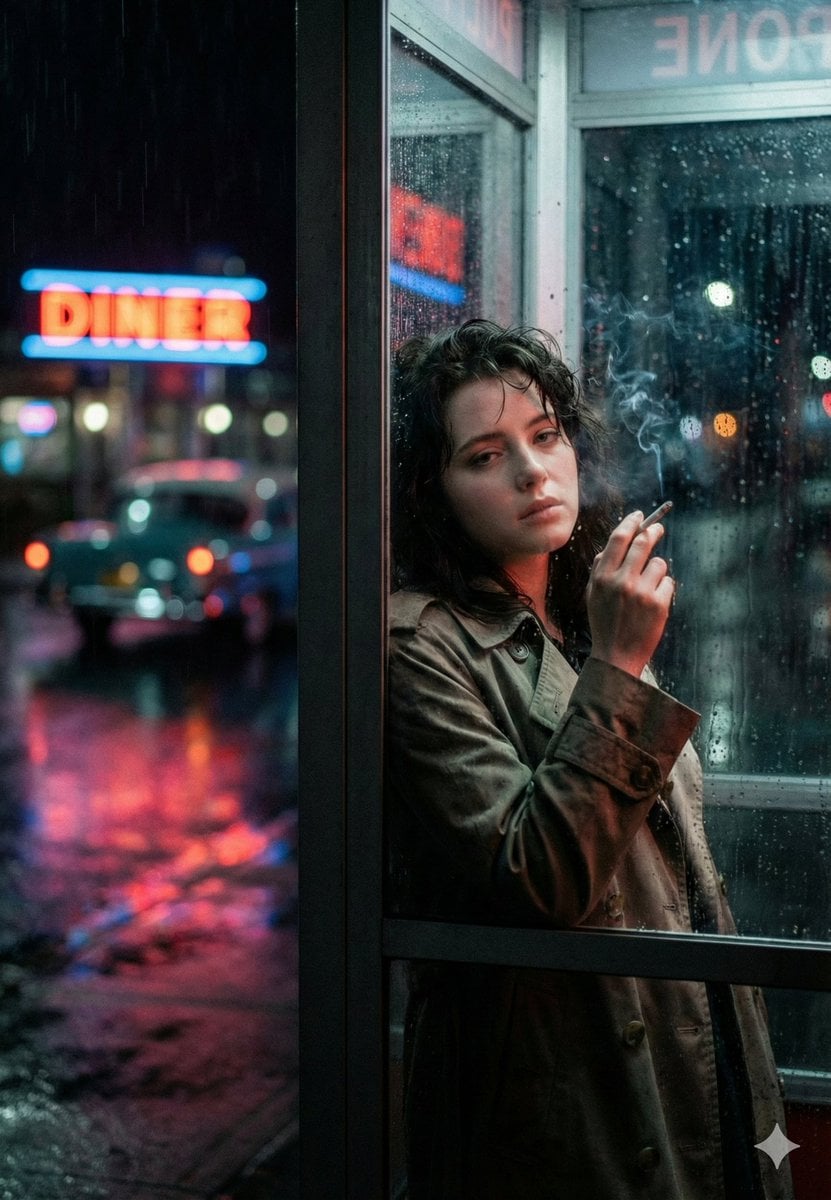
Neo-Noir Phone Booth Scene in the Rain
Browse template categories
Detailed Character Prompt: Vampire Girl with Werewolves questions
How do I use the Detailed Character Prompt: Vampire Girl with Werewolves template?
Add your photo if the template asks for one, edit the prompt if you like — the template's model and format are already selected — and press Generate. Your version opens in PicX Studio.
Can I customize the Detailed Character Prompt: Vampire Girl with Werewolves template?
Yes. You can change the subject, setting, lighting, mood, format, and available model controls before creating your image.
Is the Detailed Character Prompt: Vampire Girl with Werewolves template free?
Opening and editing this template is free. Generating uses credits, shown on the Generate button when you are signed in.
Which AI model should I use?
Start with Nano Banana 2, which is the model associated with this template. You can compare another compatible model for a different finish.
Looking for something else? Browse all templates.

Your photo, any look
Thousands of ready templates for every top image and video model, from one credit balance.