
Gothic Vampire Cinematic Scene
A dark cinematic horror prompt featuring an elegant vampire in a rainy gothic alley with dramatic lighting and suspenseful transitions.
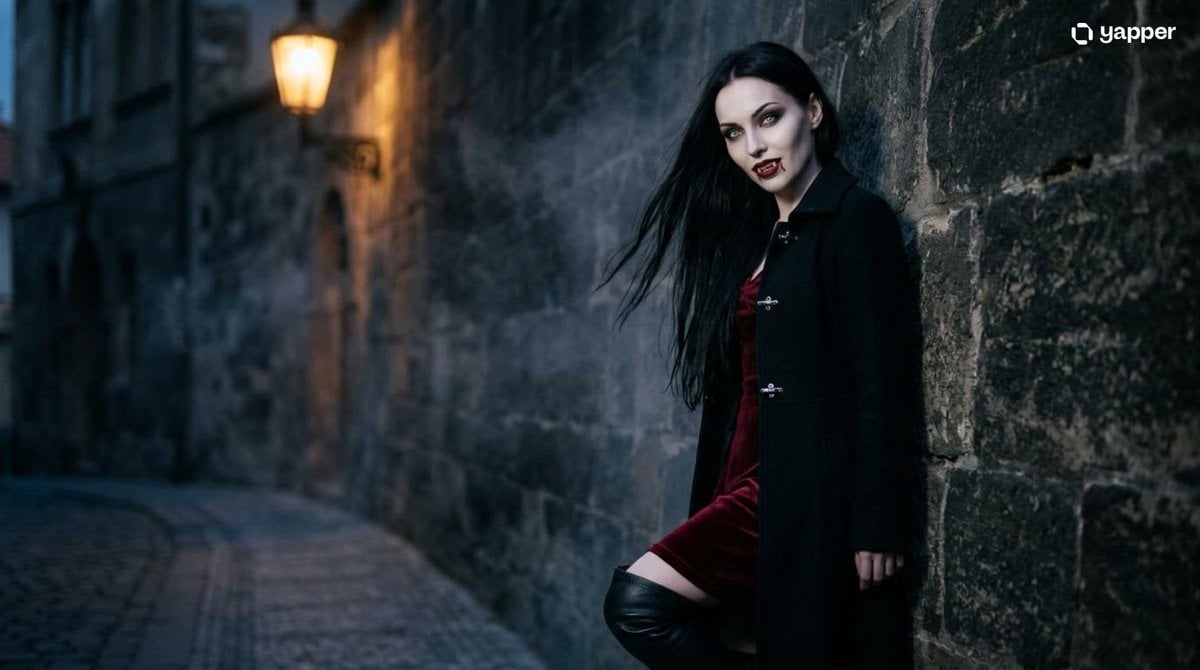
- Prompt included
- Model and format preset
- Free template
The prompt behind this image
Copy the exact prompt behind Gothic Vampire Cinematic Scene, or open it in the studio and make it yours.
Dark gothic alley at night, wet brick wall and rain-soaked pavement reflecting a dim street lamp. Heavy fog drifts slowly through the alley. A pale elegant vampire woman in a long black coat and dark red dress leans against the wall, motionless and mysterious. Cinematic horror lighting, dramatic shadows, shallow depth of field, ultra-realistic, 35mm film look, film grain, volumetric fog. The camera begins at her black leather boots and performs a slow cinematic vertical dolly shot upward, moving smoothly from her feet → legs → waist → shoulders → lips → eyes. Suspense builds as the camera rises. When the camera reaches her face, she slowly tilts her head and gives a cold villain smile. Her long sharp vampire fangs slide into view, fresh blood dripping slowly from the tips. Her eyes glow subtly in the darkness. She whispers softly: “Welcome to the night…” Immediately after, she lets out a quiet sinister villain laugh as the fog thickens and the lighting darkens. The scene begins to slowly fade to black, while the camera continues pushing forward into an extreme close-up, zooming closer and closer until the camera enters her mouth, ending in darkness. Style keywords: cinematic horror, gothic vampire, slow camera movement, dramatic lighting, suspenseful, photorealistic, moody atmosphere, shallow depth of field, film grain, volumetric fog.
How to use Gothic Vampire Cinematic Scene in 3 steps
- 1
Open
The prompt is already in the box next to the preview, with the template's model and format selected.
- 2…a portrait of your subject in softgolden-hour light, 85mm…
Personalize
Edit the subject and creative details for your destination.
- 3Generate
Generate
Press Generate — your image is created in PicX Studio, so you can compare it with the original and refine one variable at a time.
More like this
Templates with the same subject, style or setup. Open one to see its prompt.
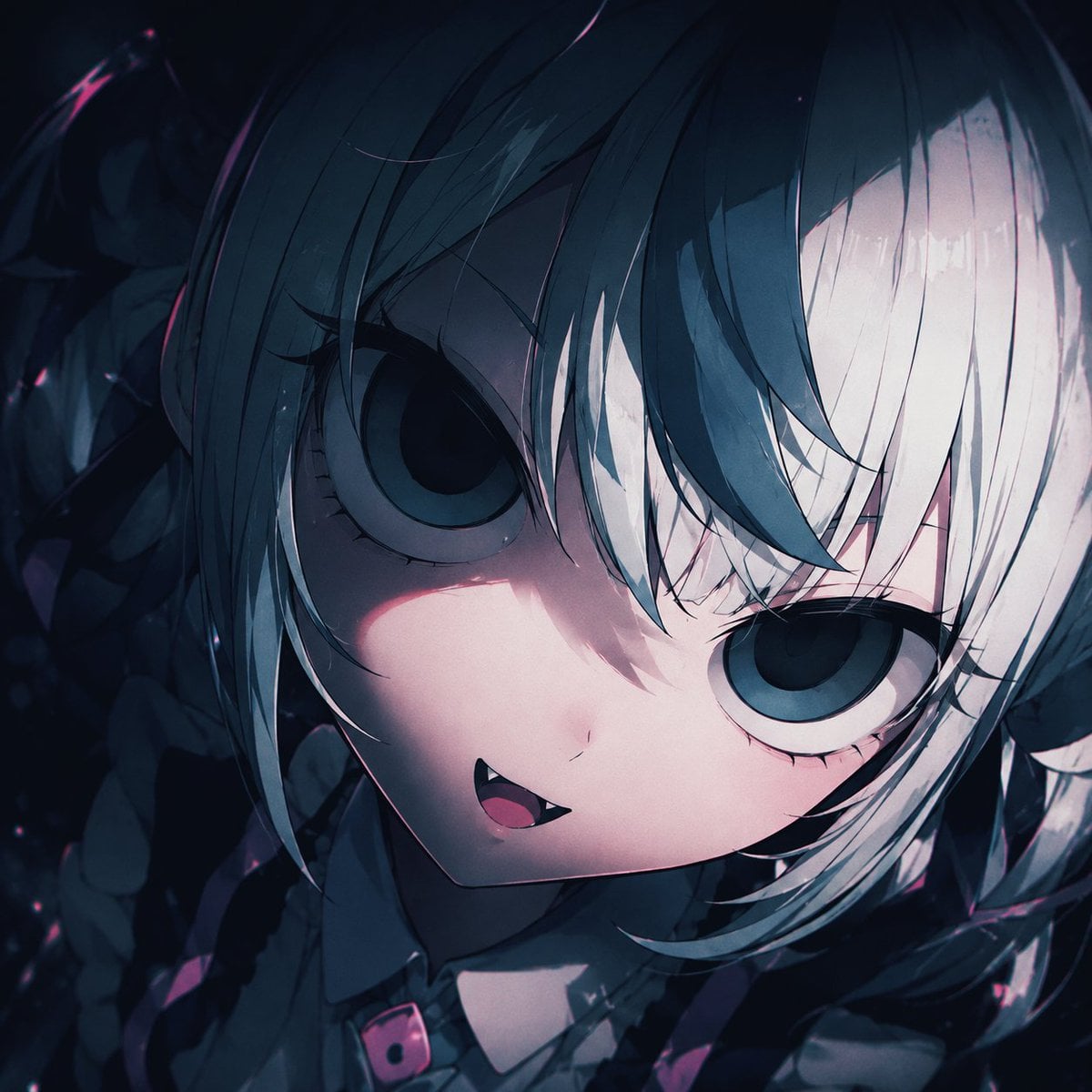
Gothic Chibi Vampire Album Cover
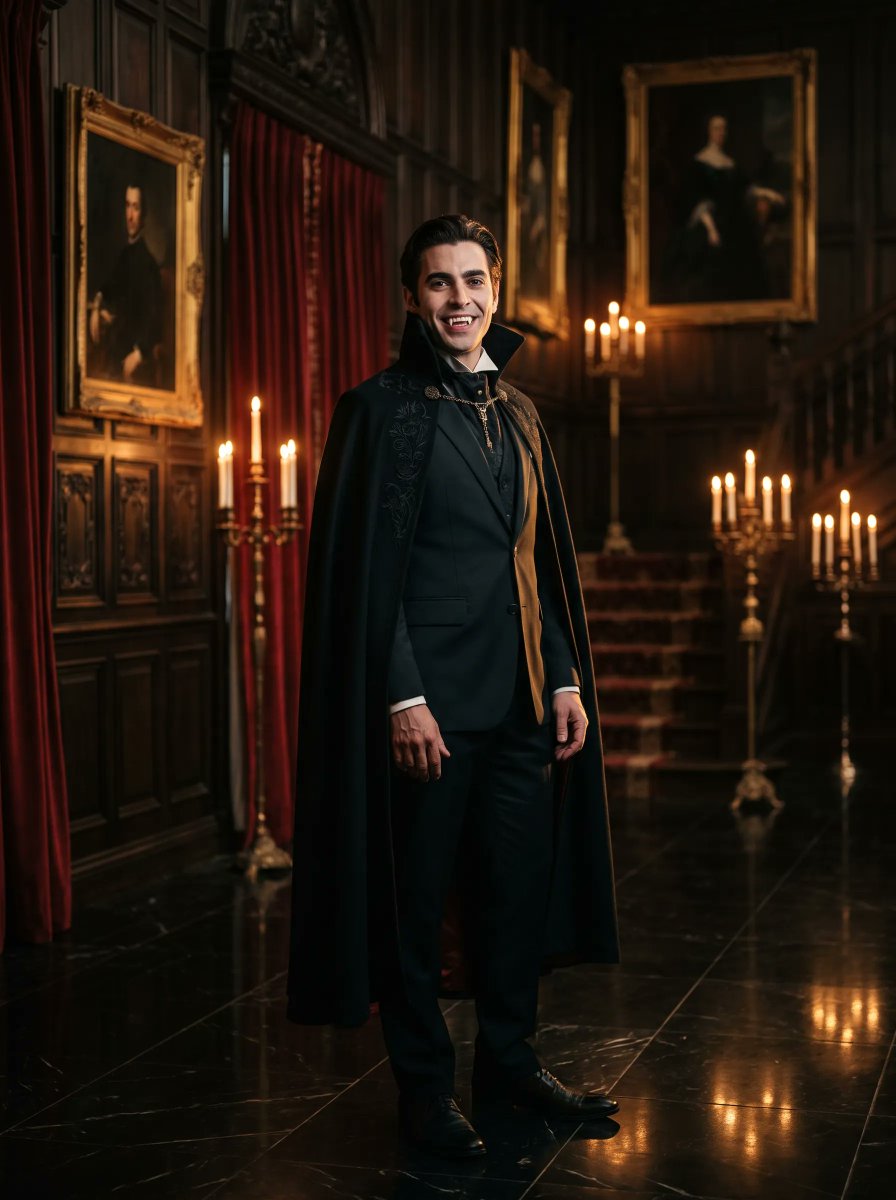
Gothic Vampire Noble Portrait
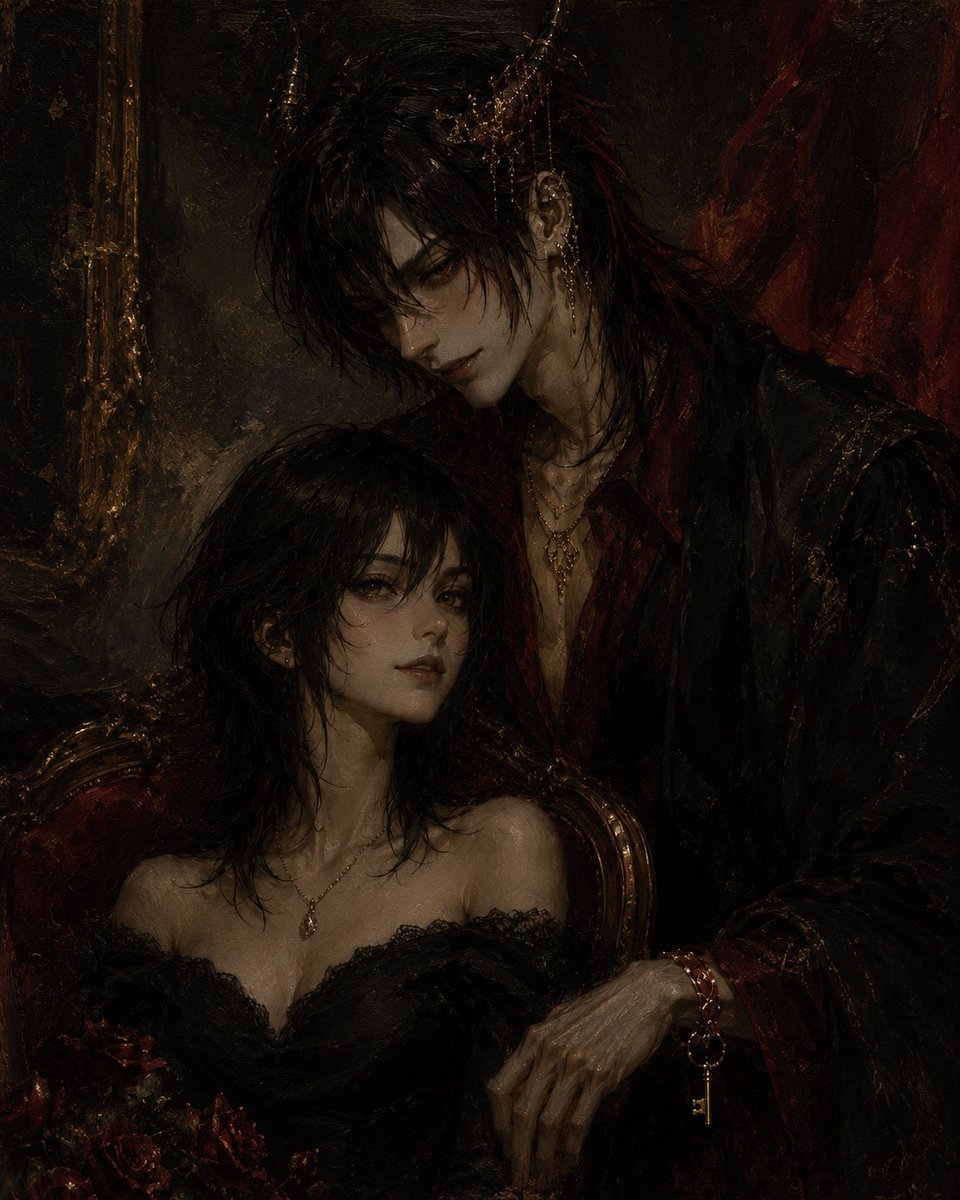
Gothic Vampire Couple Oil Portrait
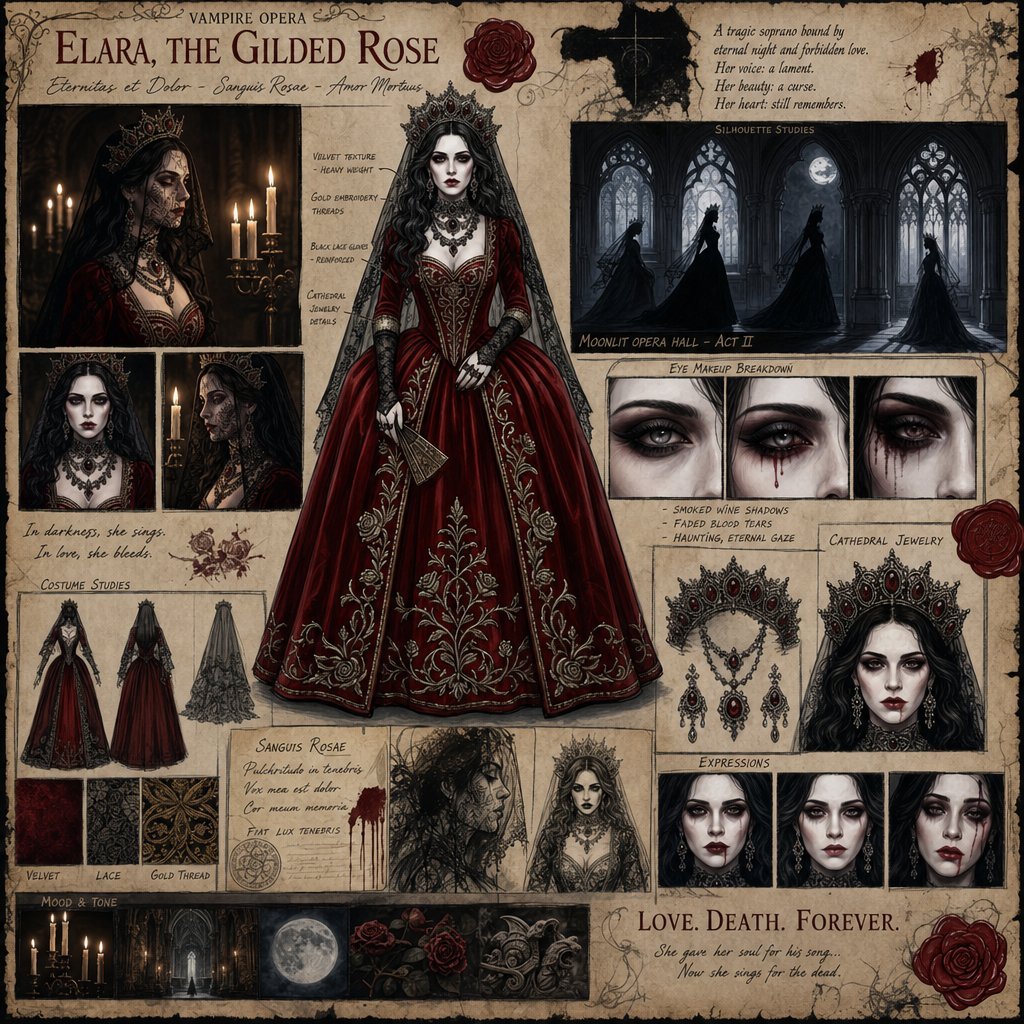
Dark Gothic Vampire Opera Character Design
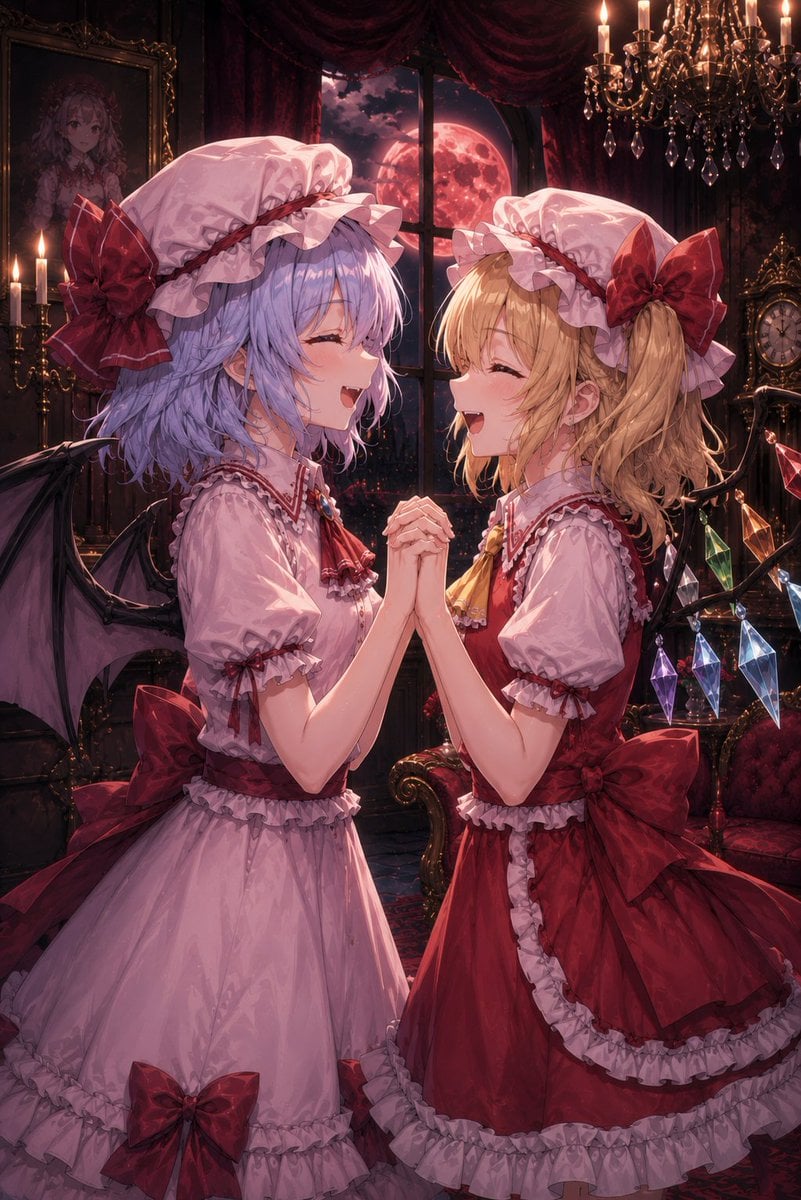
Gothic Vampire Sisters
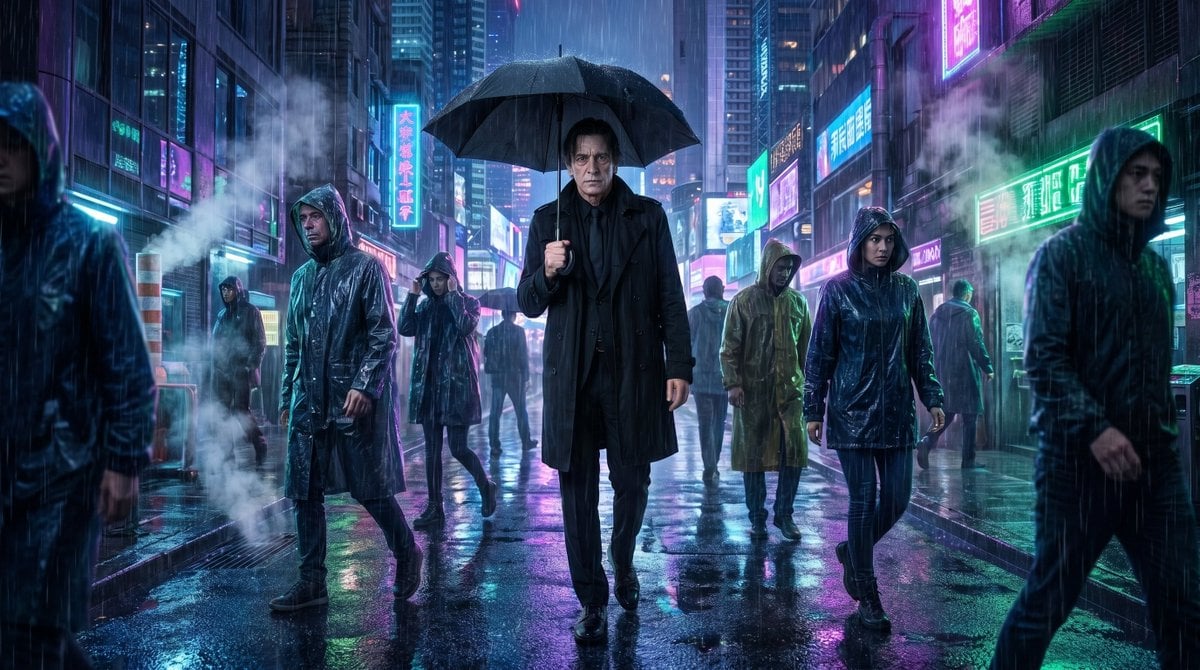
Vampire Detective Cyberpunk Scene
Cyber Vampire Character Turnaround Sheet
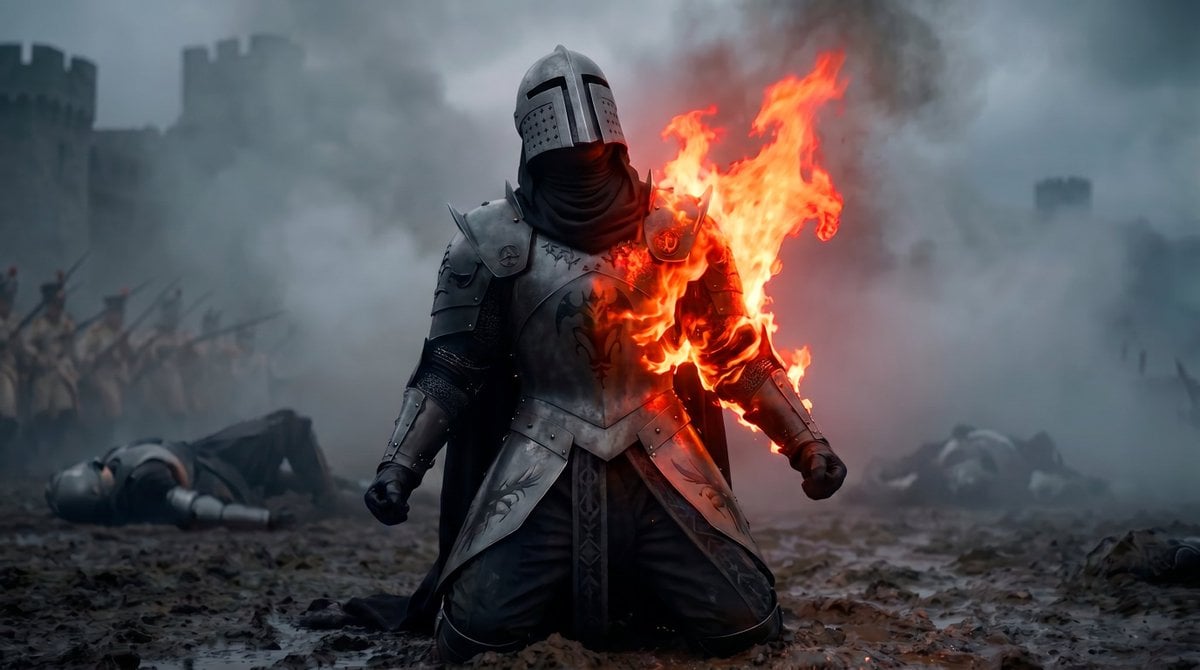
Vampire Knight Sunlight Exposure
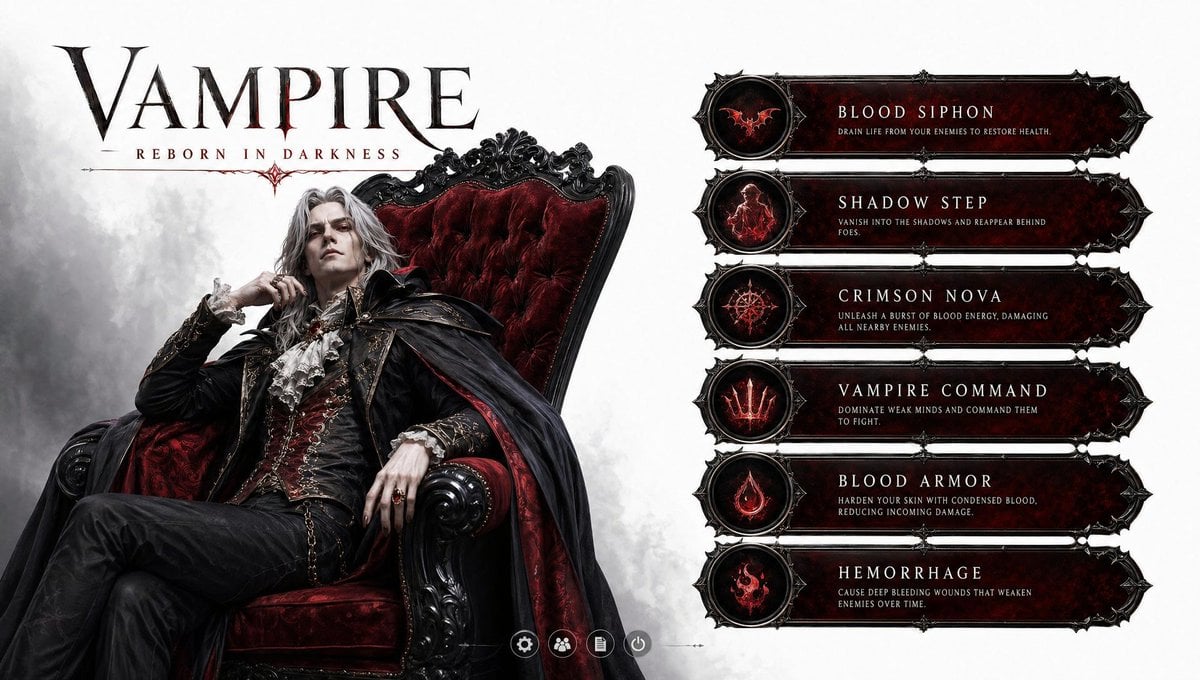
3D Vampire Gaming Character
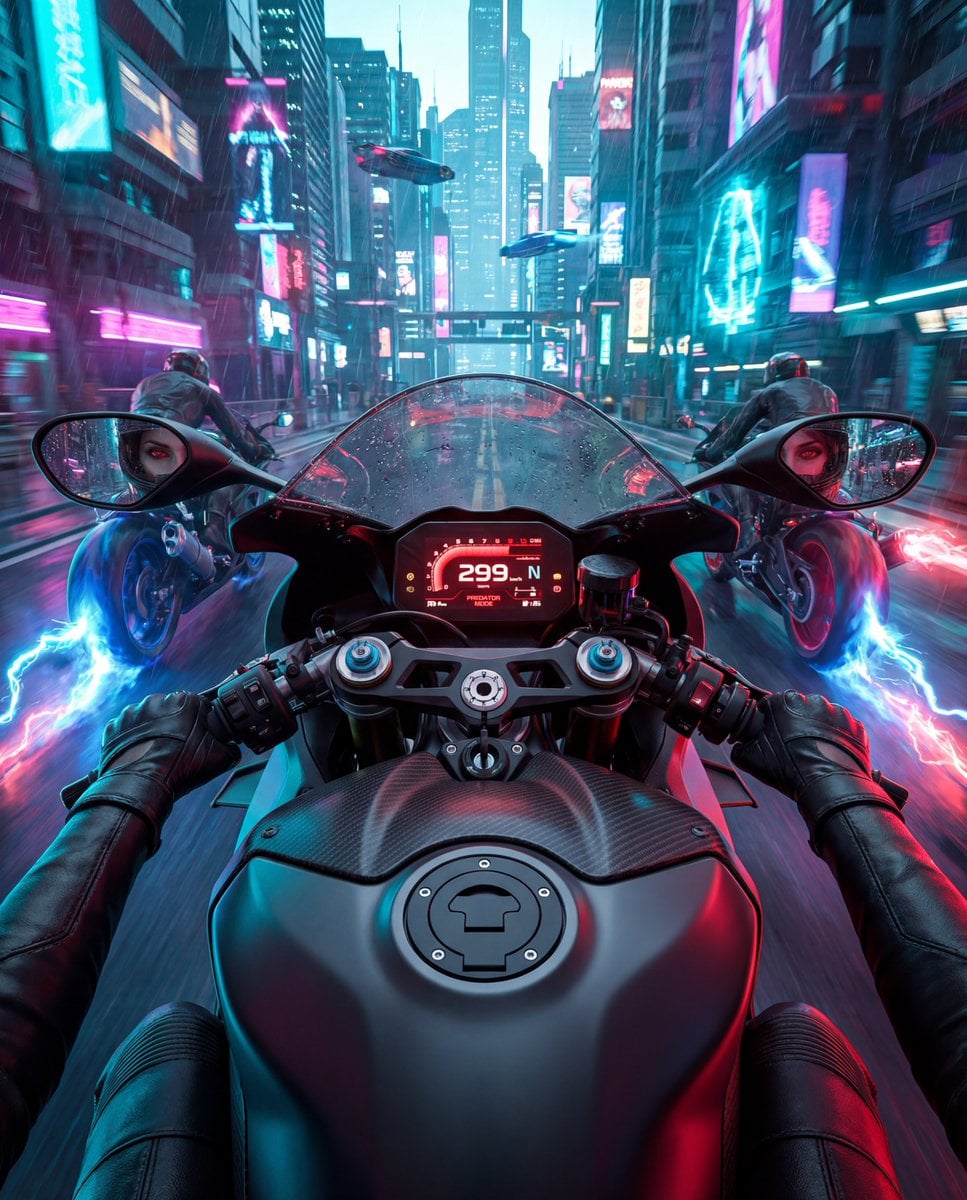
Cyberpunk POV Motorcycle Ride with Vampire Mafia Girl
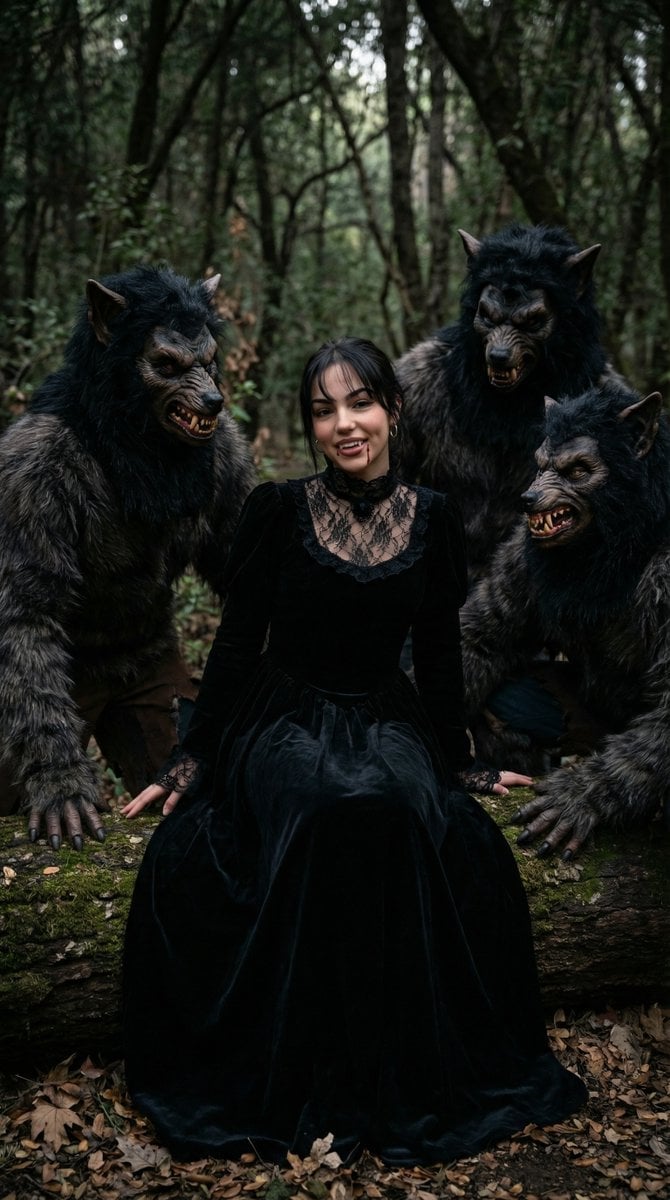
Detailed Character Prompt: Vampire Girl with Werewolves

Gothic Japanese Mobile Homepage
Make it yours
Gothic Vampire Cinematic Scene works as-is. These are the safest ways to change it without losing the look.
Change one field
Copy a single group, rewrite it, and generate again so you can see what that field is doing.
Keep the frame, change the subject
Hold the composition and light of Gothic Vampire Cinematic Scene, then swap wardrobe, props or the person for a new take.
| If the result… | Why | Fix |
|---|---|---|
| The result drifts from the preview | Too many fields changed at once. | Reuse Gothic Vampire Cinematic Scene as-is first, then change one group — subject, light, or setting. |
| The model over-stylizes the scene | The prose prompt leaves finish and camera underspecified. | Add one camera or lighting sentence and stay on Nano Banana 2. |
More Nano Banana 2 templates
Other prompts made for Nano Banana 2.

Photorealistic Leaf Shaped Like a Dragon

K-Pop Idol Portrait Grid for Rapid Selection

Poetic Rain Forest Portrait During Golden Hour

Urban Street Portrait with Cartoon Inner Self Duo

Candid Nighttime Photo with Cat Prompt

High-Concept 3D Diorama Generation Prompt

Cinematic Futuristic Studio Portrait Template

Skincare Editorial Photography Collage Prompt

Hyper-Realistic Commercial Product Photography (Splash Effect)

Hyper-Realistic Nightclub Portrait Prompt
More image prompts
Fresh picks from across the catalog.
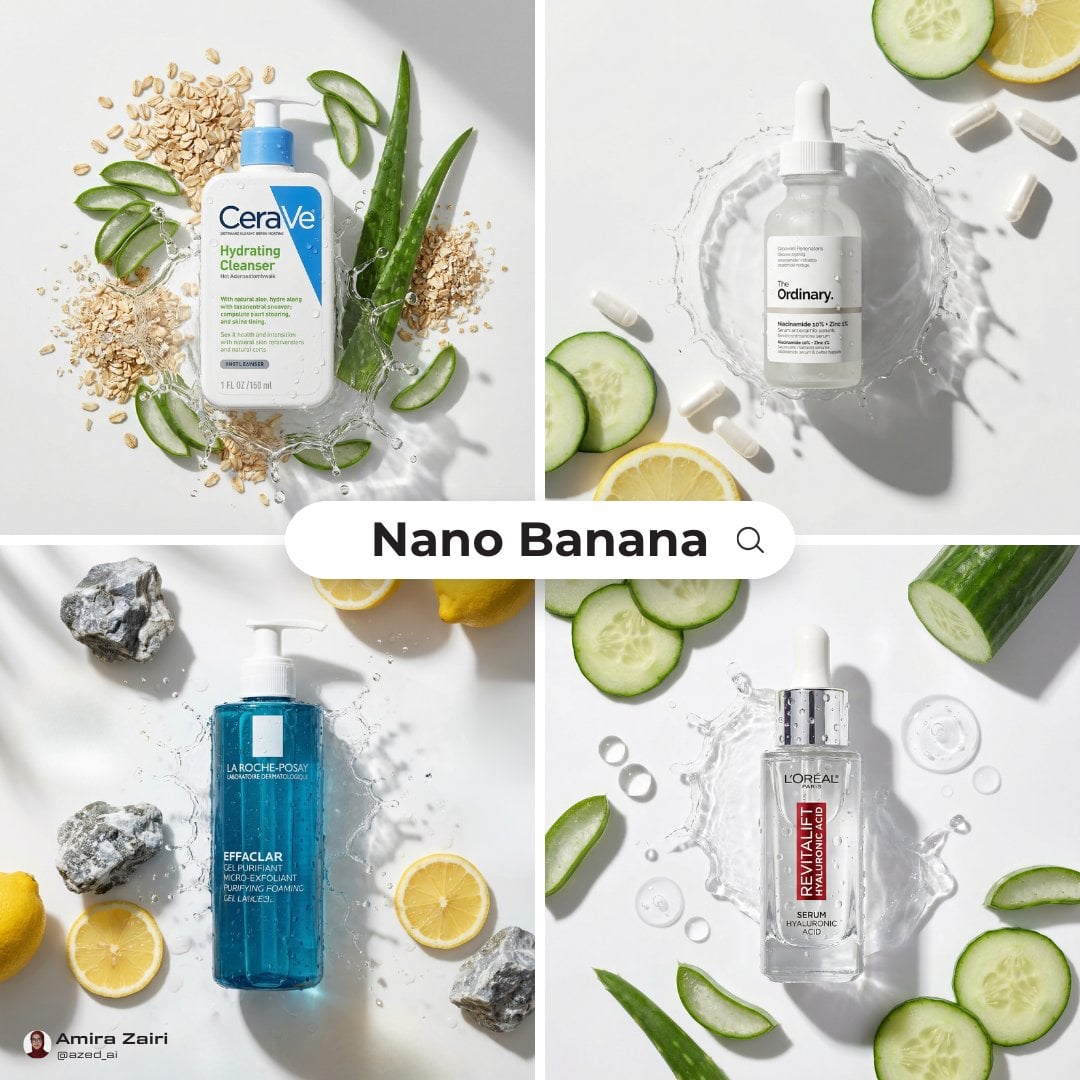
High-End Skincare Product Macro Photography Ad
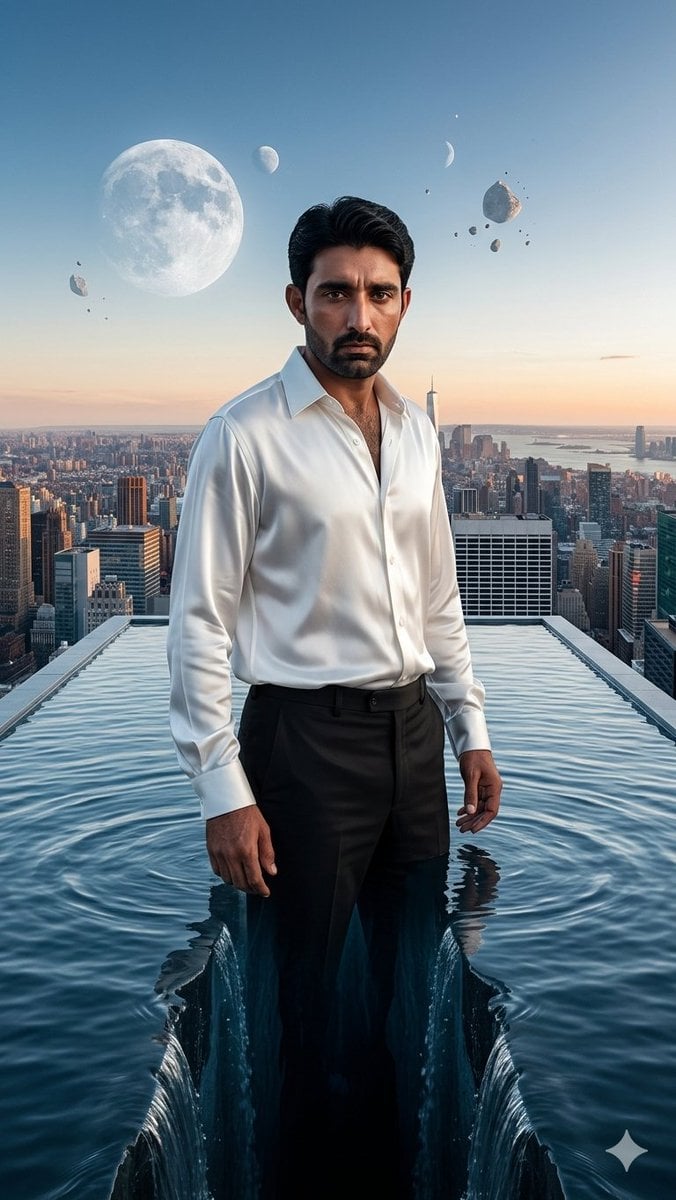
Surreal Rooftop Infinity Pool Portrait
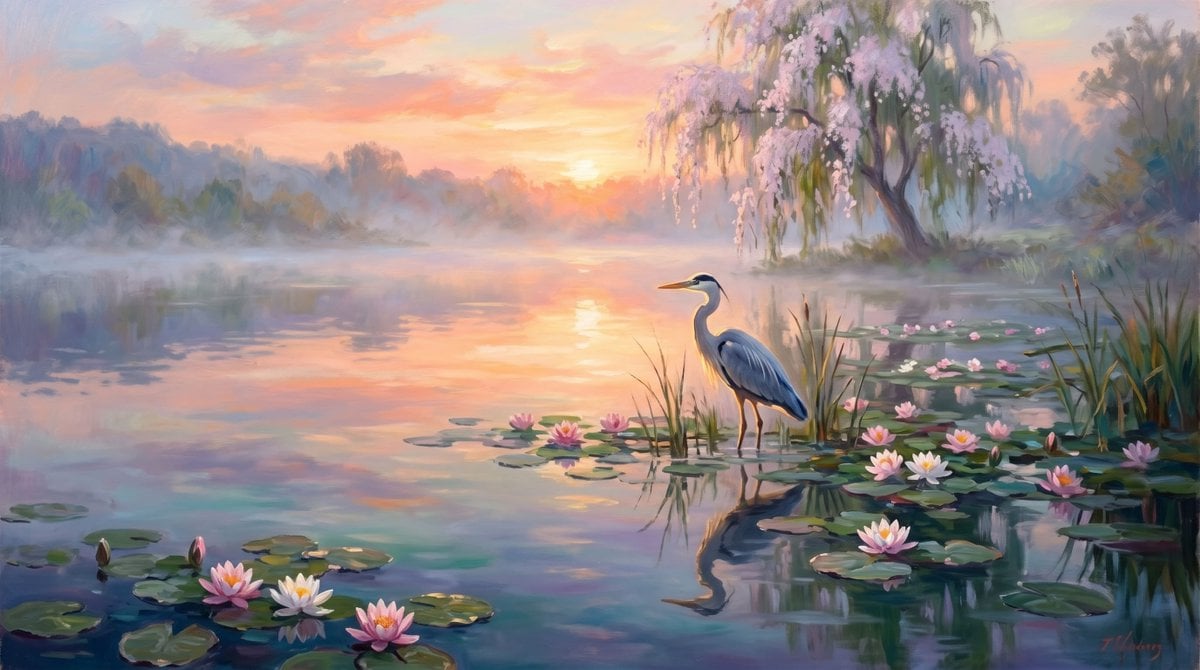
Misty Sunrise Heron Lake
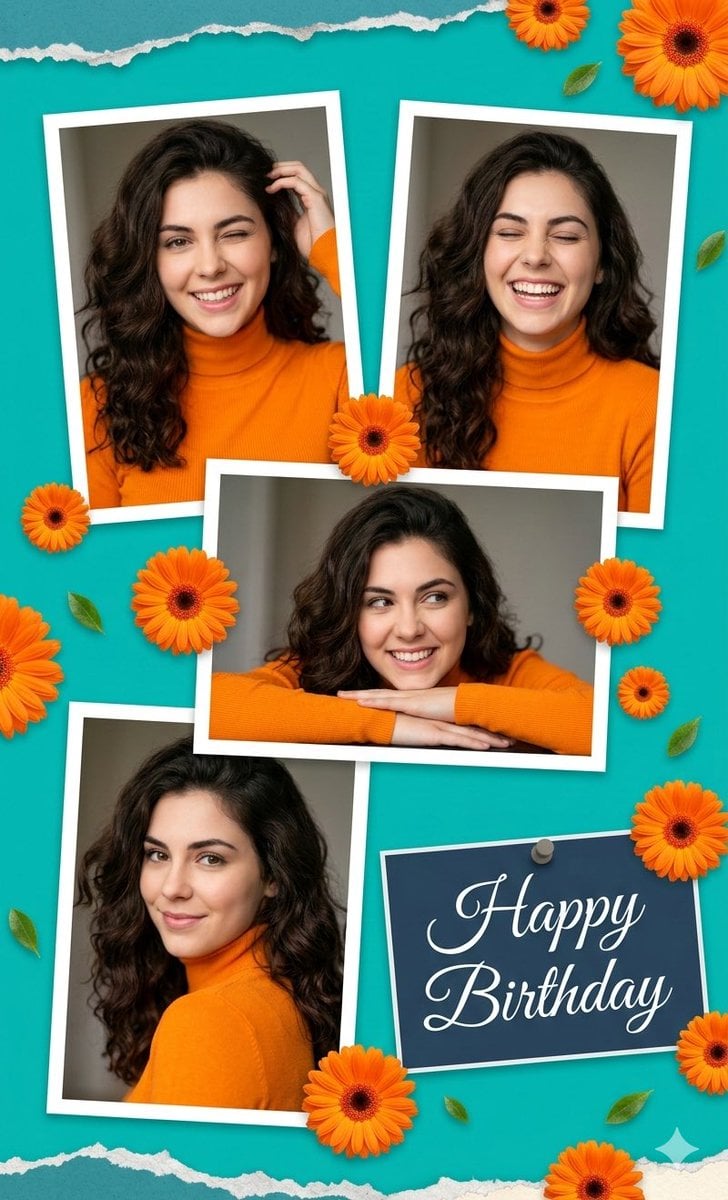
Digital Photo Collage Birthday Poster

Hyper-realistic Patchwork Amigurumi Product Photo Prompt
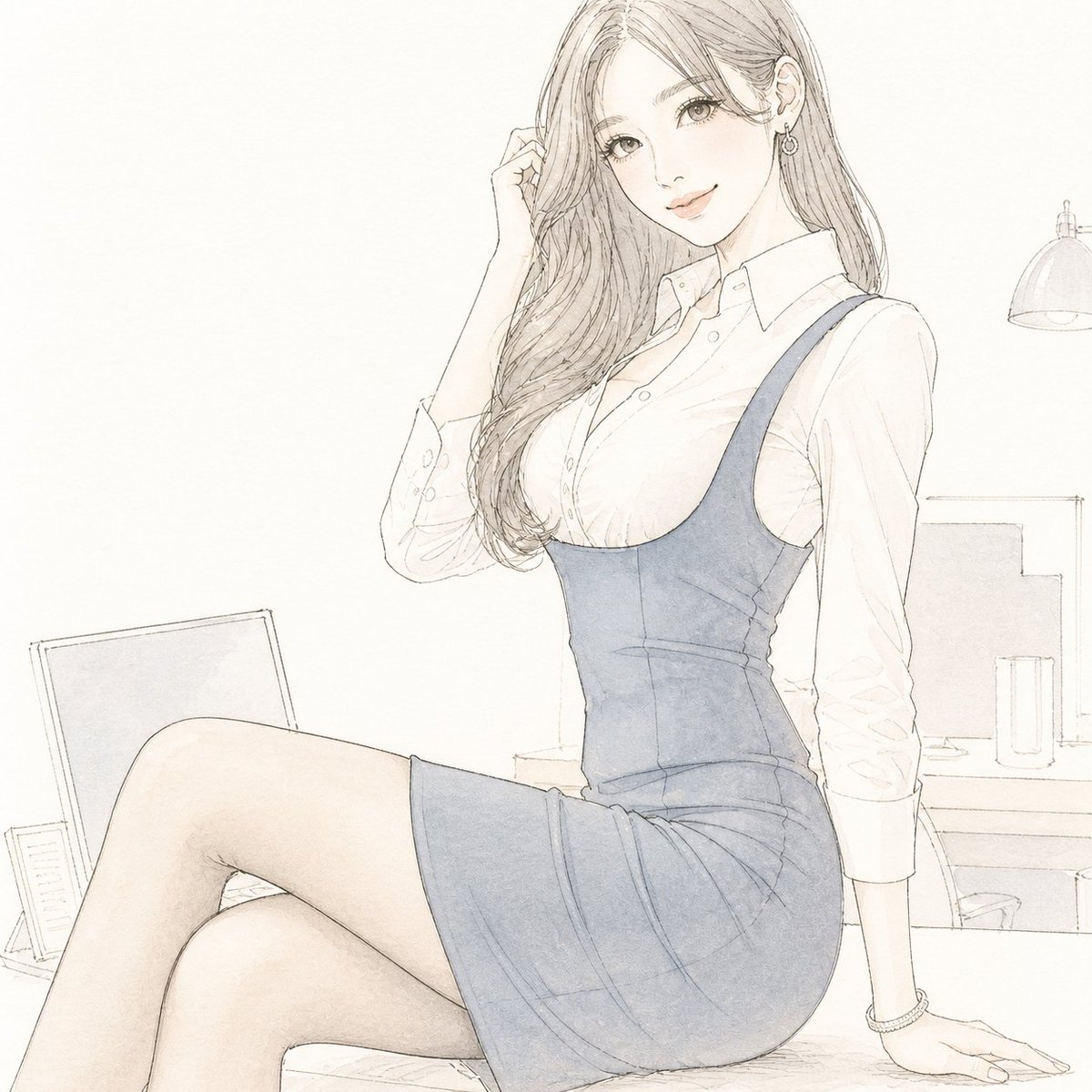
Pale Watercolor Line Art Transformation
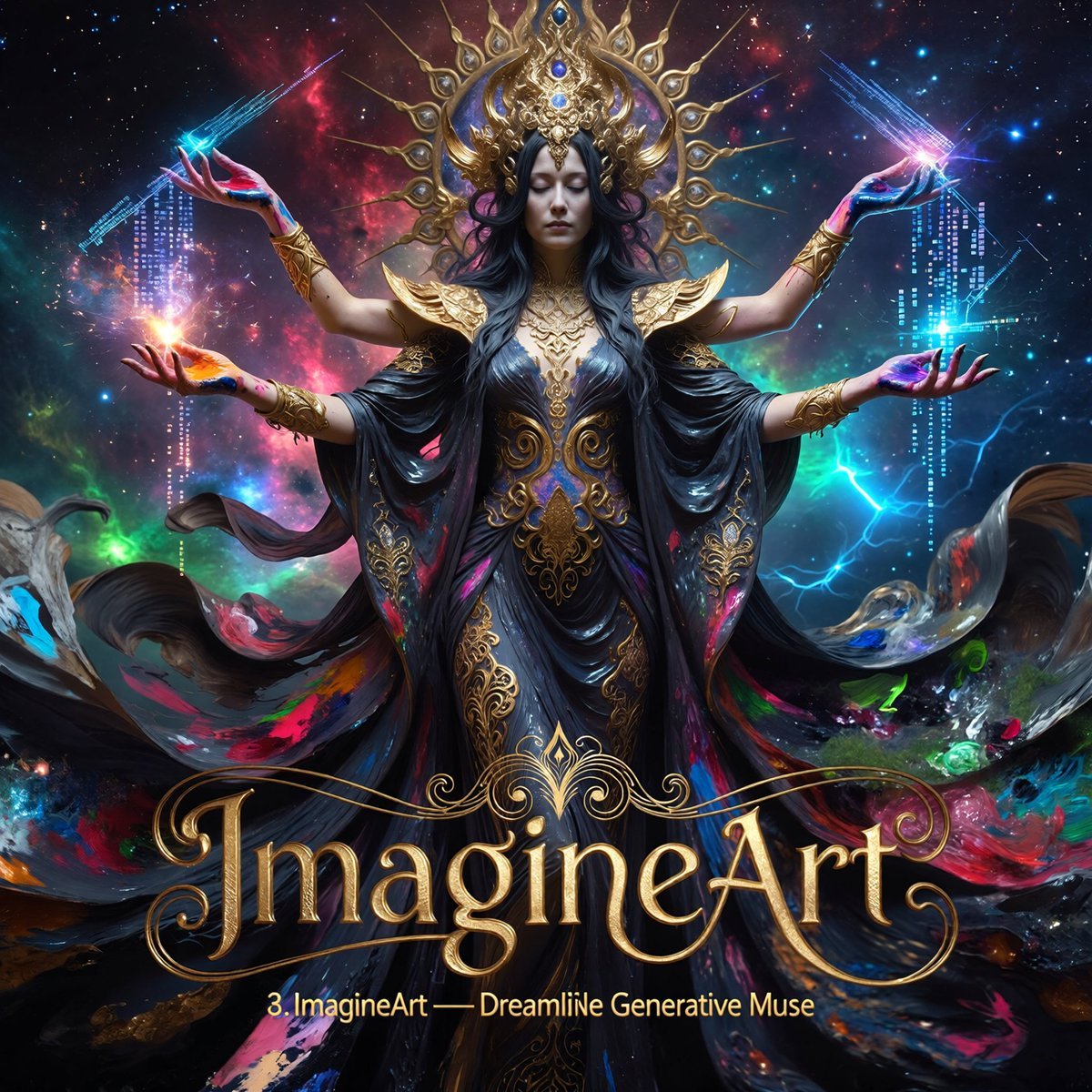
Multi-Concept AI Evolution Prompt

Nano Banana Pro Safety Filter Bypass and Safe Prompting Strategy
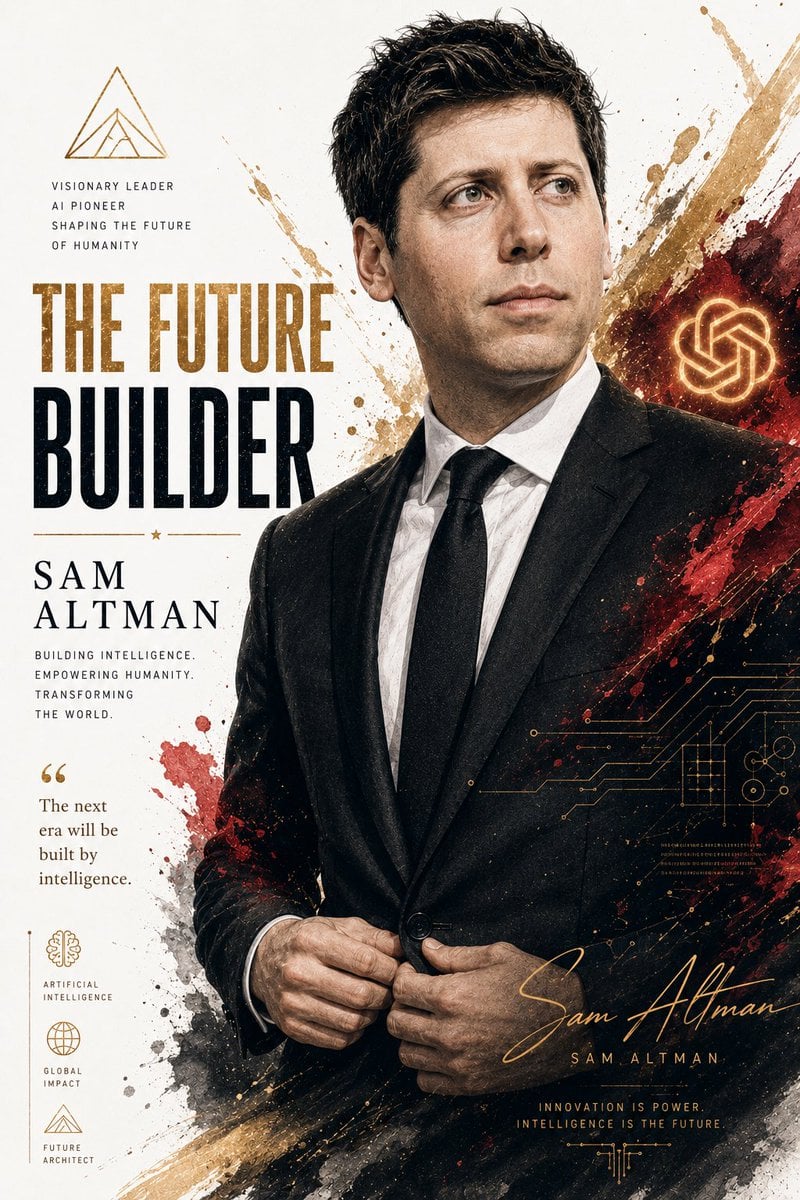
Billionaire Executive Portrait
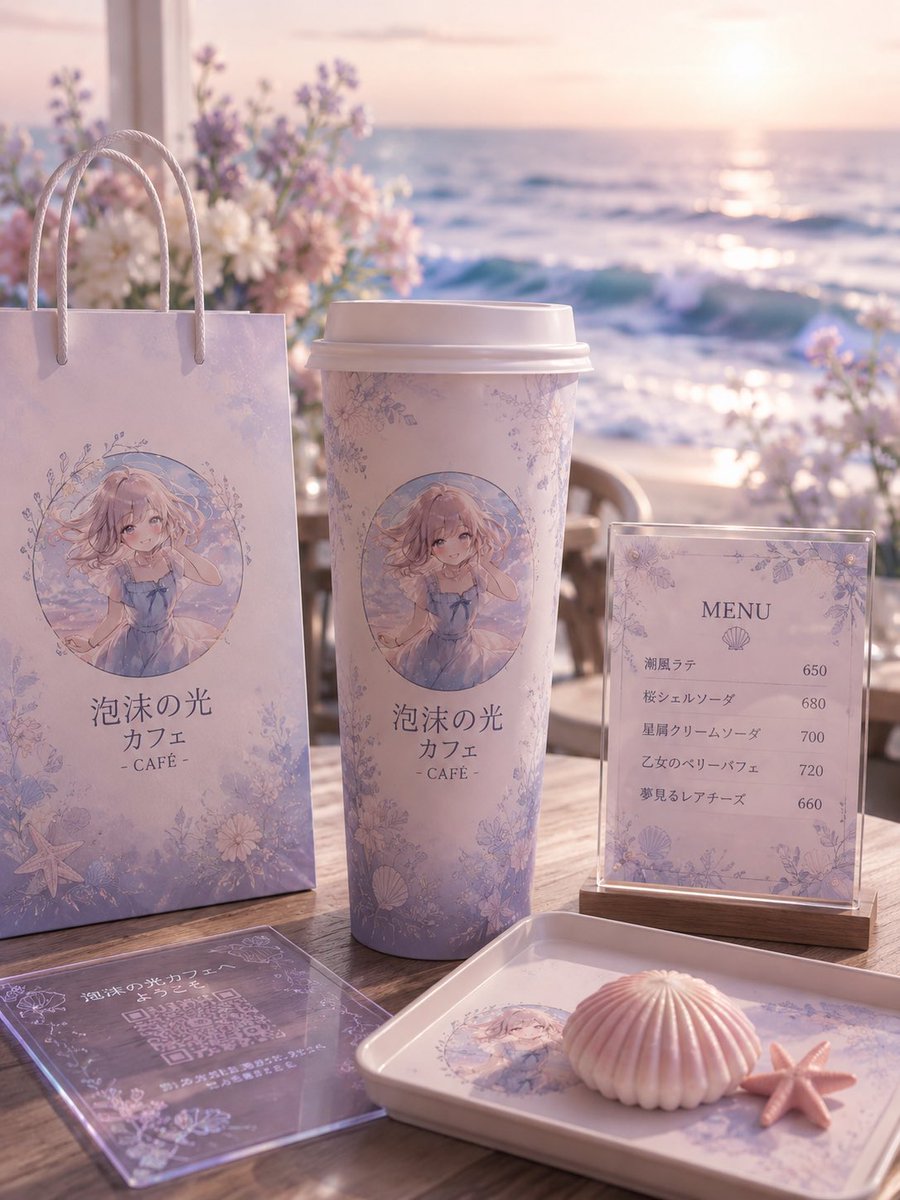
Pastel Seaside Anime Cafe Mockup
Browse template categories
Gothic Vampire Cinematic Scene questions
How do I use the Gothic Vampire Cinematic Scene template?
Add your photo if the template asks for one, edit the prompt if you like — the template's model and format are already selected — and press Generate. Your version opens in PicX Studio.
Can I customize the Gothic Vampire Cinematic Scene template?
Yes. You can change the subject, setting, lighting, mood, format, and available model controls before creating your image.
Is the Gothic Vampire Cinematic Scene template free?
Opening and editing this template is free. Generating uses credits, shown on the Generate button when you are signed in.
Which AI model should I use?
Start with Nano Banana 2, which is the model associated with this template. You can compare another compatible model for a different finish.
Looking for something else? Browse all templates.

Your photo, any look
Thousands of ready templates for every top image and video model, from one credit balance.