
Gothic Chibi Vampire Album Cover
A square dark anime close-up portrait of a fang-toothed gothic chibi vampire girl for music artwork or album cover use.
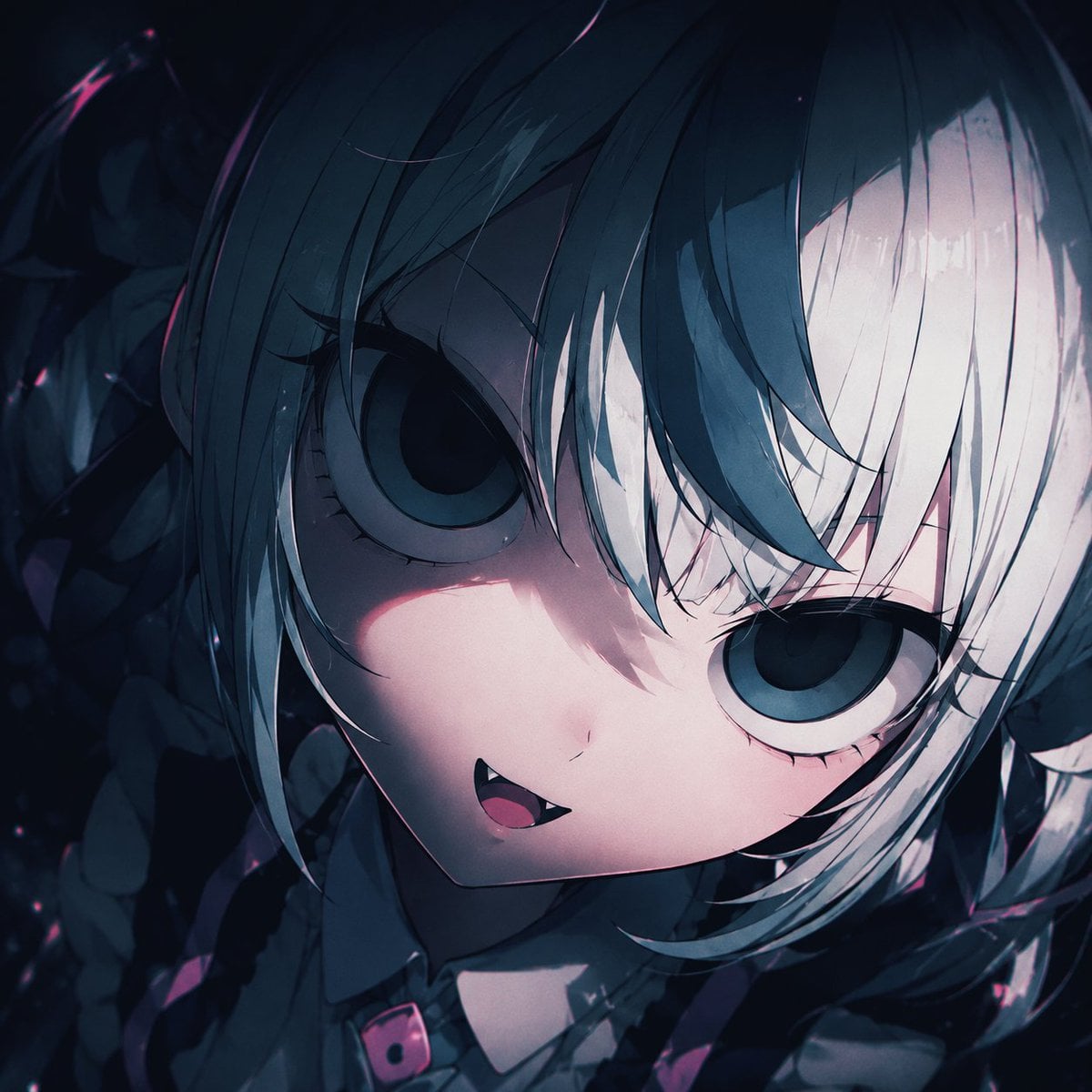
- Prompt included
- Model and format preset
- Free template
The prompt behind this image
Copy the exact prompt behind Gothic Chibi Vampire Album Cover, or open it in the studio and make it yours.
Create a square 1:1 anime album-cover artwork for Suno music art, featuring an extreme close-up portrait of a cute gothic chibi vampire girl named {argument name="character name" default="unnamed vampire girl"}. The camera is very close to her face, slightly above and tilted, with her head angled diagonally across the frame. She has enormous round dark blue-gray eyes, pale porcelain skin, a tiny nose, a small open smiling mouth with one sharp visible fang, and a mischievous yet eerie expression. Her hair is {argument name="hair color" default="split black and white"}, short and messy with long layered bangs falling over her eyes; one side is deep blue-black and the other side is icy white, with glossy strand highlights. Add dark gothic twin-tail or braid-like hair shapes and shadowy ribbon details around the edges, mostly obscured by darkness. She wears a dark frilly gothic outfit with a small collar and a black choker or strap featuring a vivid pink buckle accent near the bottom center. Use a moody night palette of navy, charcoal, black, icy white, muted cyan, and small magenta-pink highlights. Lighting should be dramatic and cinematic: strong diagonal shadow across the face, soft pinkish rim light on the cheek and mouth, high contrast, glossy eyes, deep background darkness, subtle grain, bloom, and painterly anime cel-shading. Background is abstract, dark, and crowded with indistinct gothic shapes, ribbons, hair, and faint sparkles, with no readable text. Composition should feel intimate, mysterious, cute, and slightly unsettling, like dark J-pop / gothic electronic music cover art. Keep the face filling most of the canvas, crop the hair and outfit at the edges, avoid realism, avoid extra characters, and do not add logos, watermark, or text.
How to use Gothic Chibi Vampire Album Cover in 3 steps
- 1Upload ImagePNG, JPG or paste
Add your photo
Upload the photo the template builds on. The prompt, model and format are already set.
- 2…a portrait of your subject in softgolden-hour light, 85mm…
Personalize
Edit the subject and creative details for your destination.
- 3Generate
Generate
Press Generate — your image is created in PicX Studio, so you can compare it with the original and refine one variable at a time.
More like this
Templates with the same subject, style or setup. Open one to see its prompt.
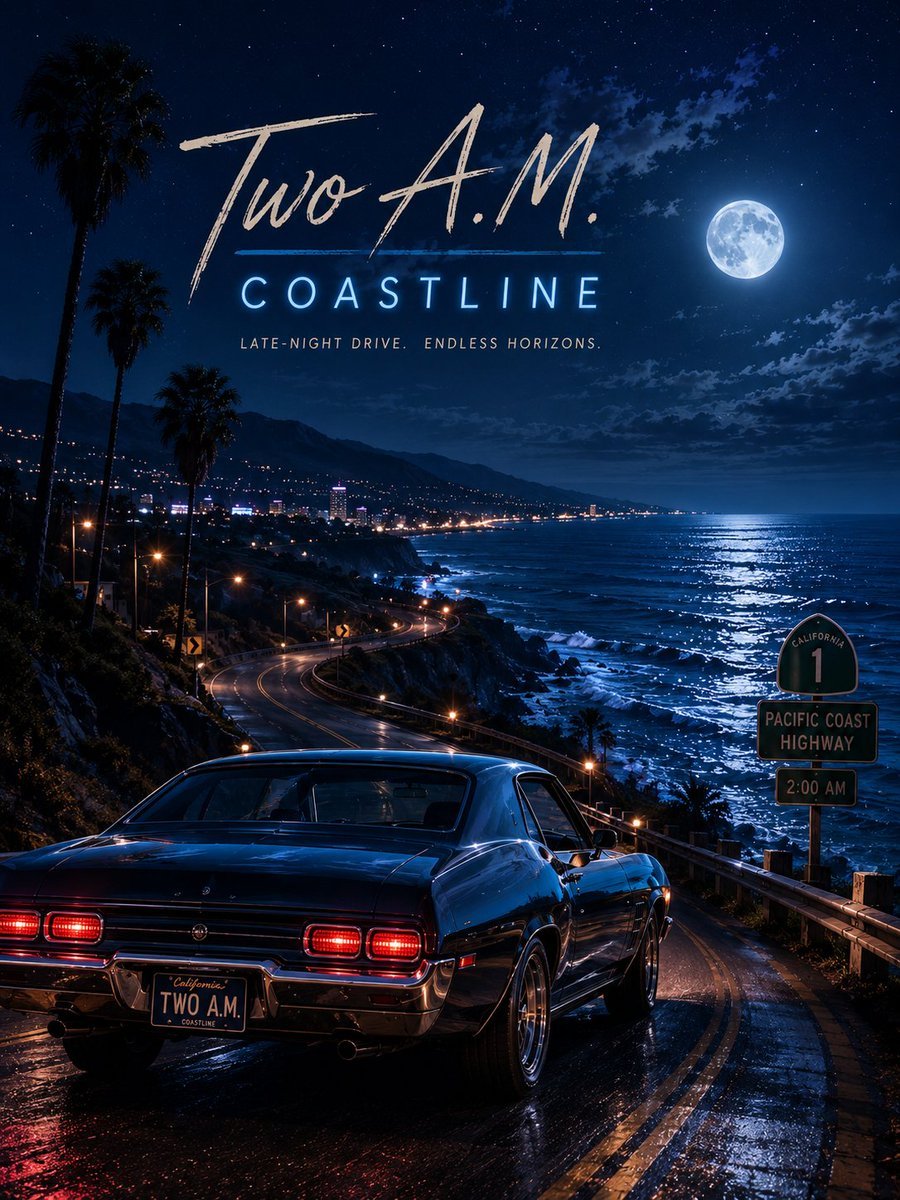
Two A.M. Coastline Album Cover
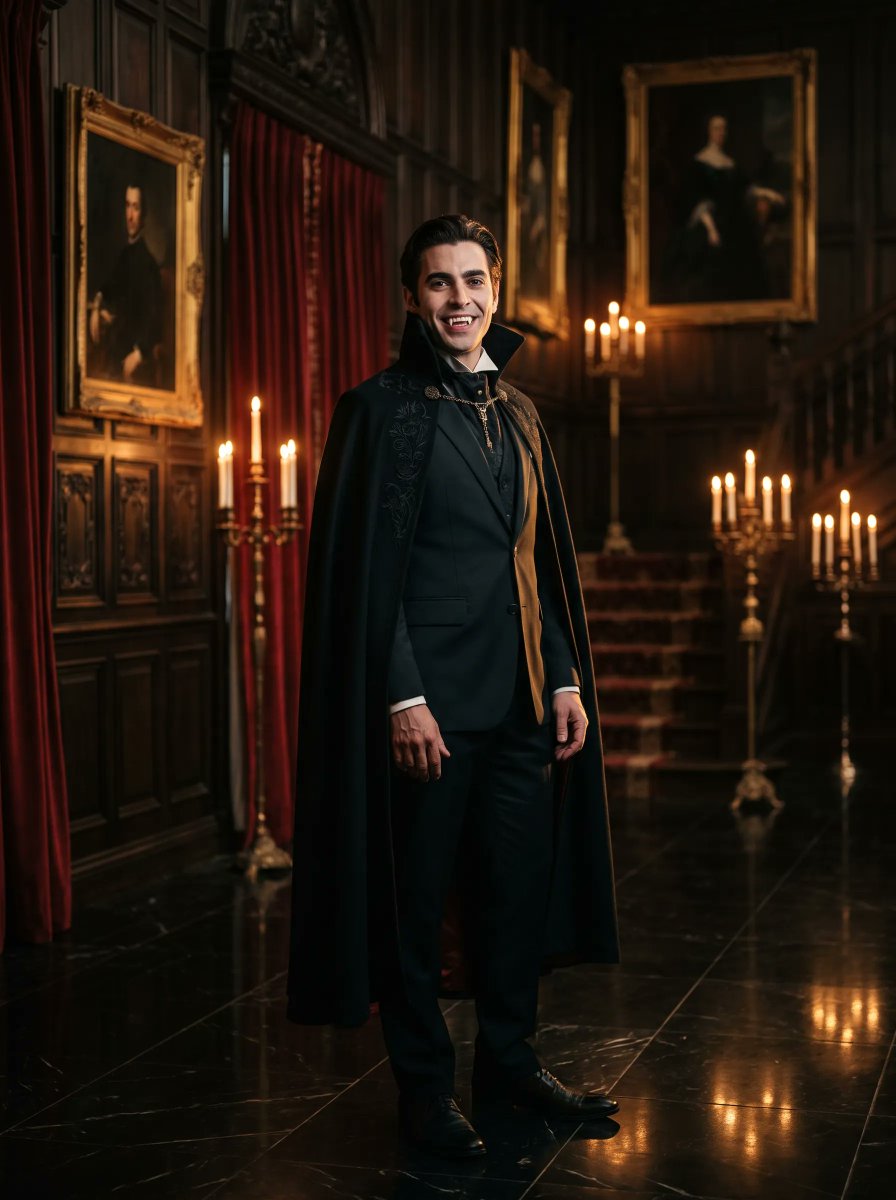
Gothic Vampire Noble Portrait

Music Album Cover Abstract Liquid Mercury

Sparkling Seaside Anime Album Cover
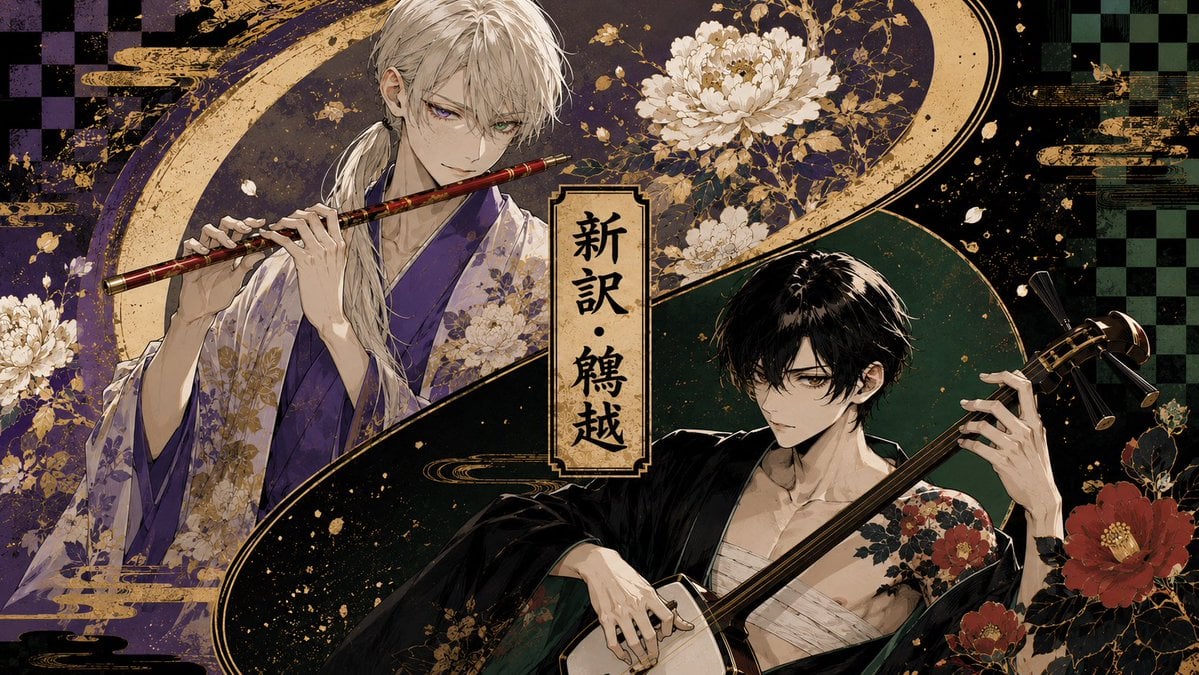
Japanese Musician Album Cover

Ornate A-Un Kimono Album Cover
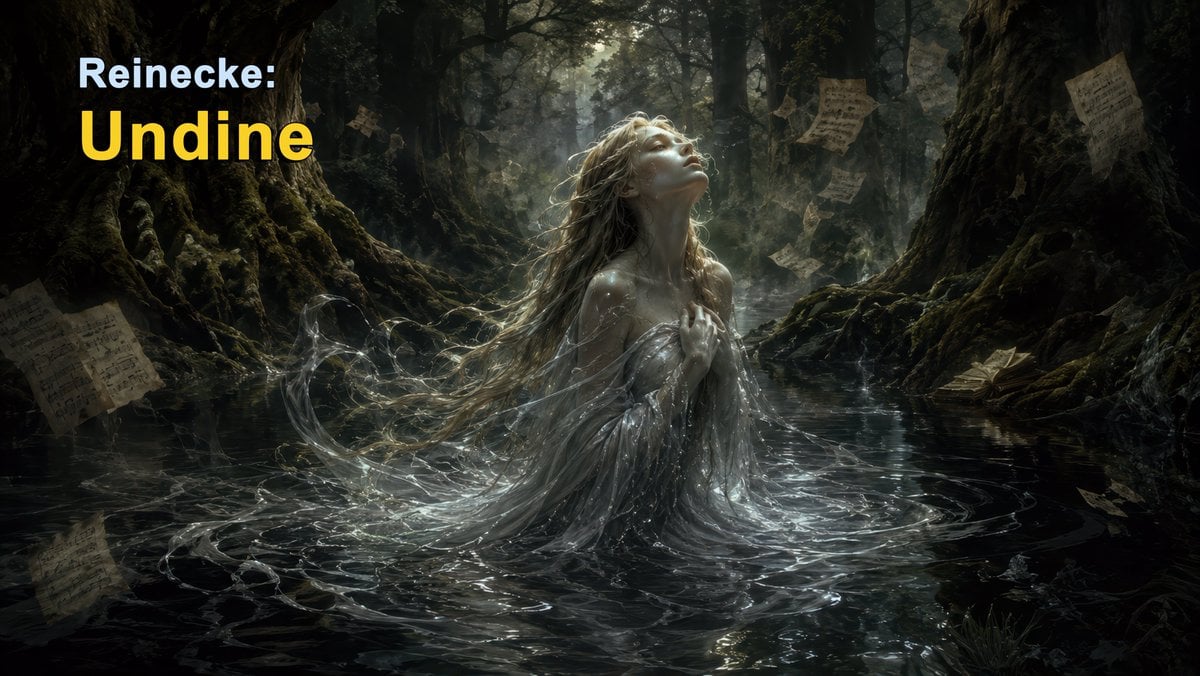
Dark Forest Undine Album Cover
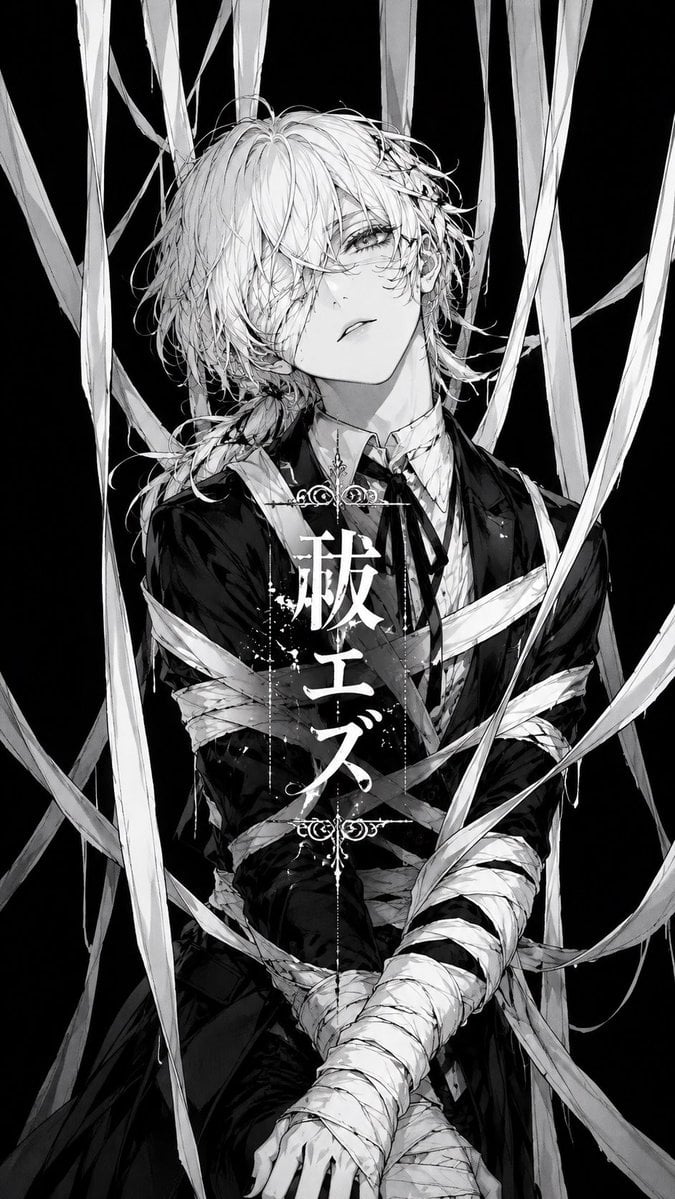
Monochrome Visual-Kei Album Cover
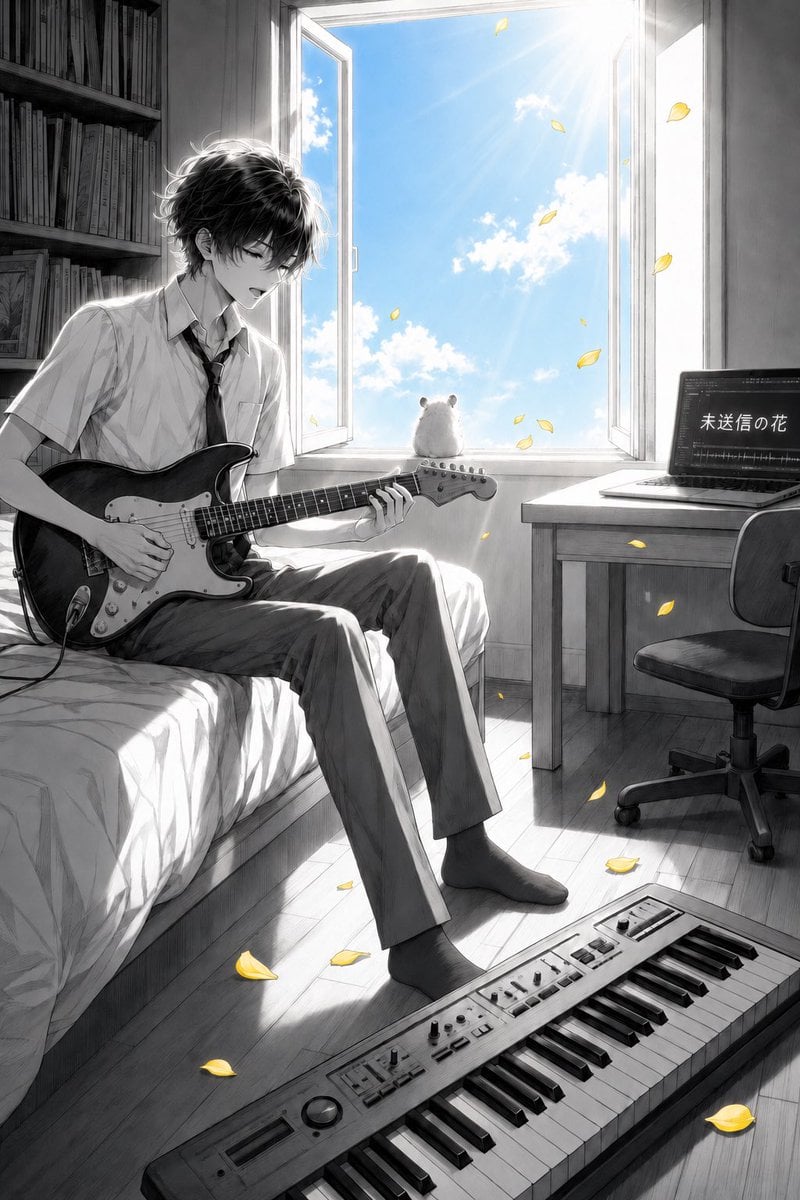
Anime Bedroom Guitar Album Cover

Cute Layered Paper Cut Chibi Girl
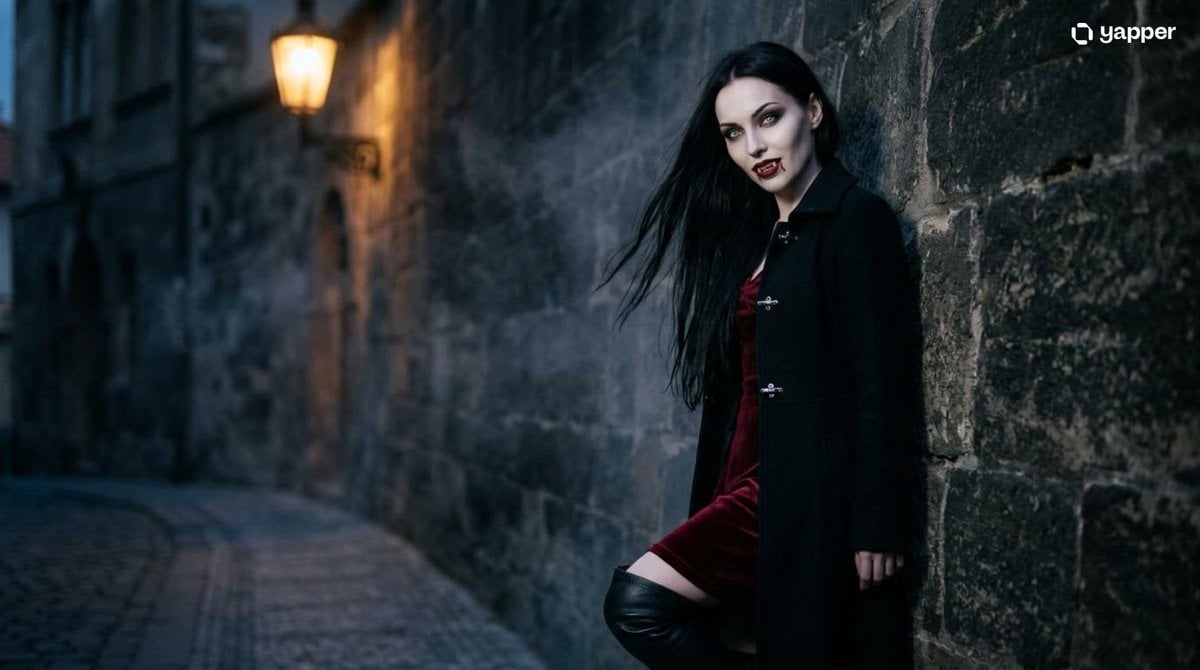
Gothic Vampire Cinematic Scene

Pixar-Style Chibi Café Morning Scene
Make it yours
Gothic Chibi Vampire Album Cover works as-is. These are the safest ways to change it without losing the look.
Change one field
Copy a single group, rewrite it, and generate again so you can see what that field is doing.
Keep the frame, change the subject
Hold the composition and light of Gothic Chibi Vampire Album Cover, then swap wardrobe, props or the person for a new take.
| If the result… | Why | Fix |
|---|---|---|
| The result drifts from the preview | Too many fields changed at once. | Reuse Gothic Chibi Vampire Album Cover as-is first, then change one group — subject, light, or setting. |
| The model over-stylizes the scene | The prose prompt leaves finish and camera underspecified. | Add one camera or lighting sentence and stay on GPT Image 2. |
More GPT Image 2 templates
Other prompts made for GPT Image 2.

Six VTuber Japanese Logo Sheet

Realistic Portrait of Woman and Deer

The Vista Modular Condo Poster

AI Model Routing Comparison Infographic

2.5D Anime Art Board

Isometric Productivity Desk Scene

New York Double Exposure Poster

Four-Panel AI Landscape Comparison

Japanese Tatami Lifestyle Magazine Cover

NESCAFÉ Coffee Map Poster
More image prompts
Fresh picks from across the catalog.
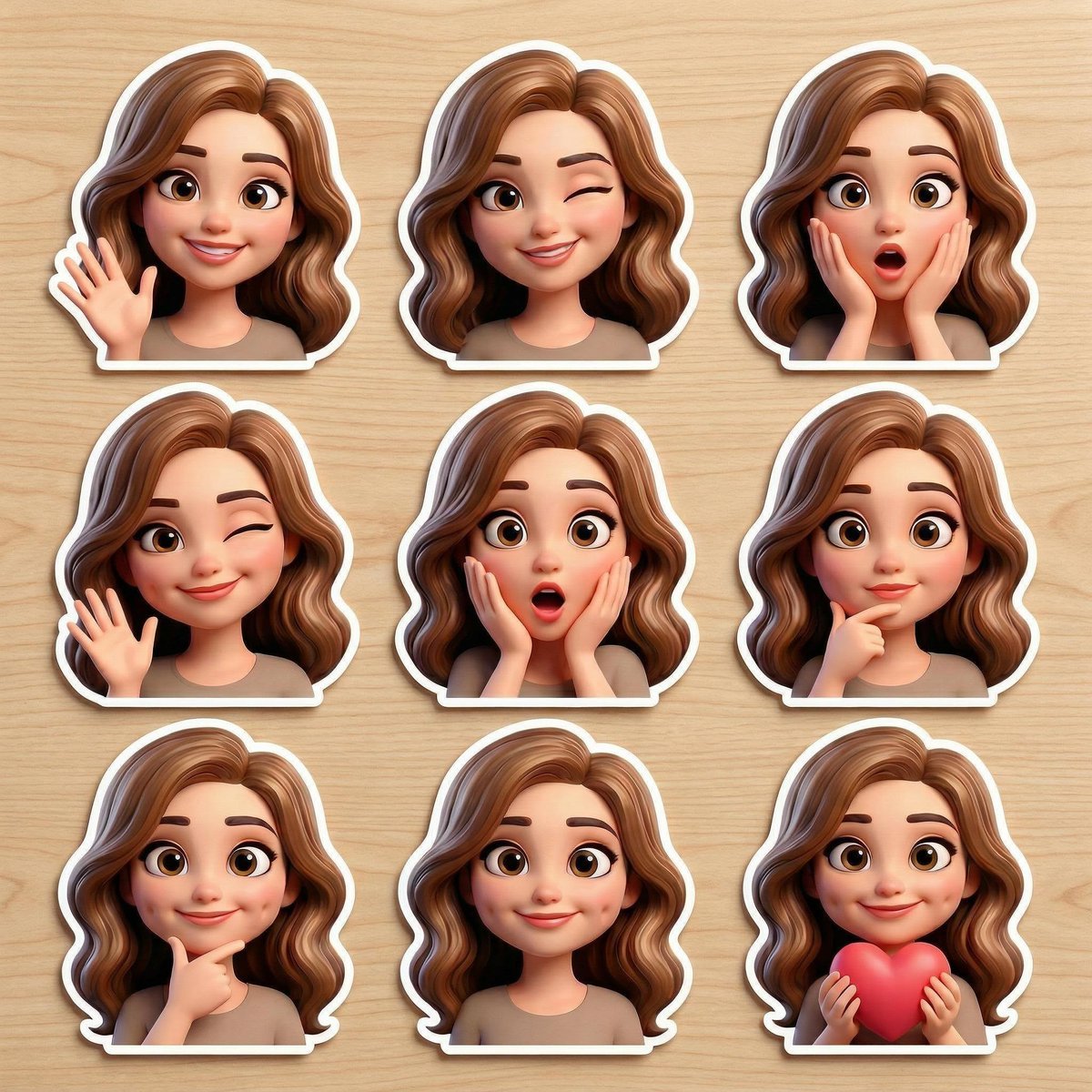
Pixar-Style Avatar Stickers with Identity Lock
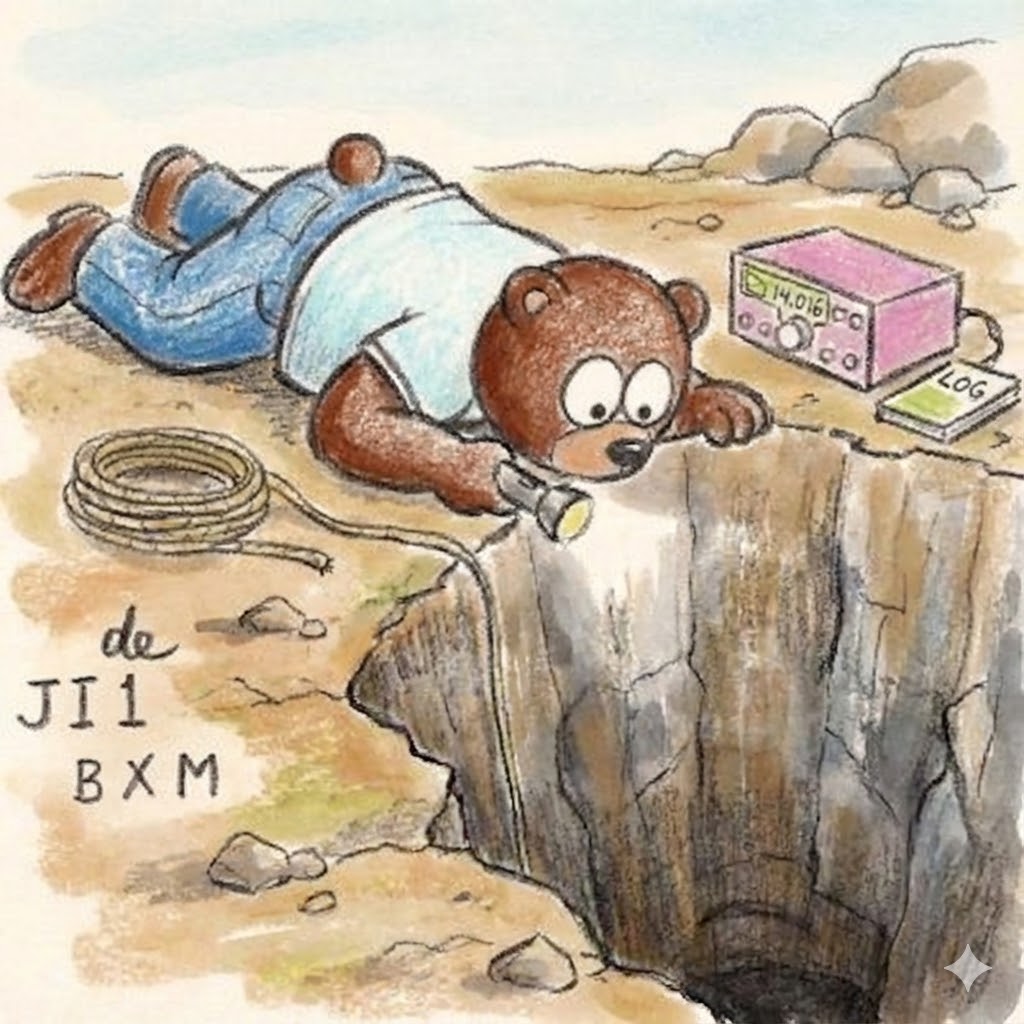
Bear Peering into a Deep Hole Illustration
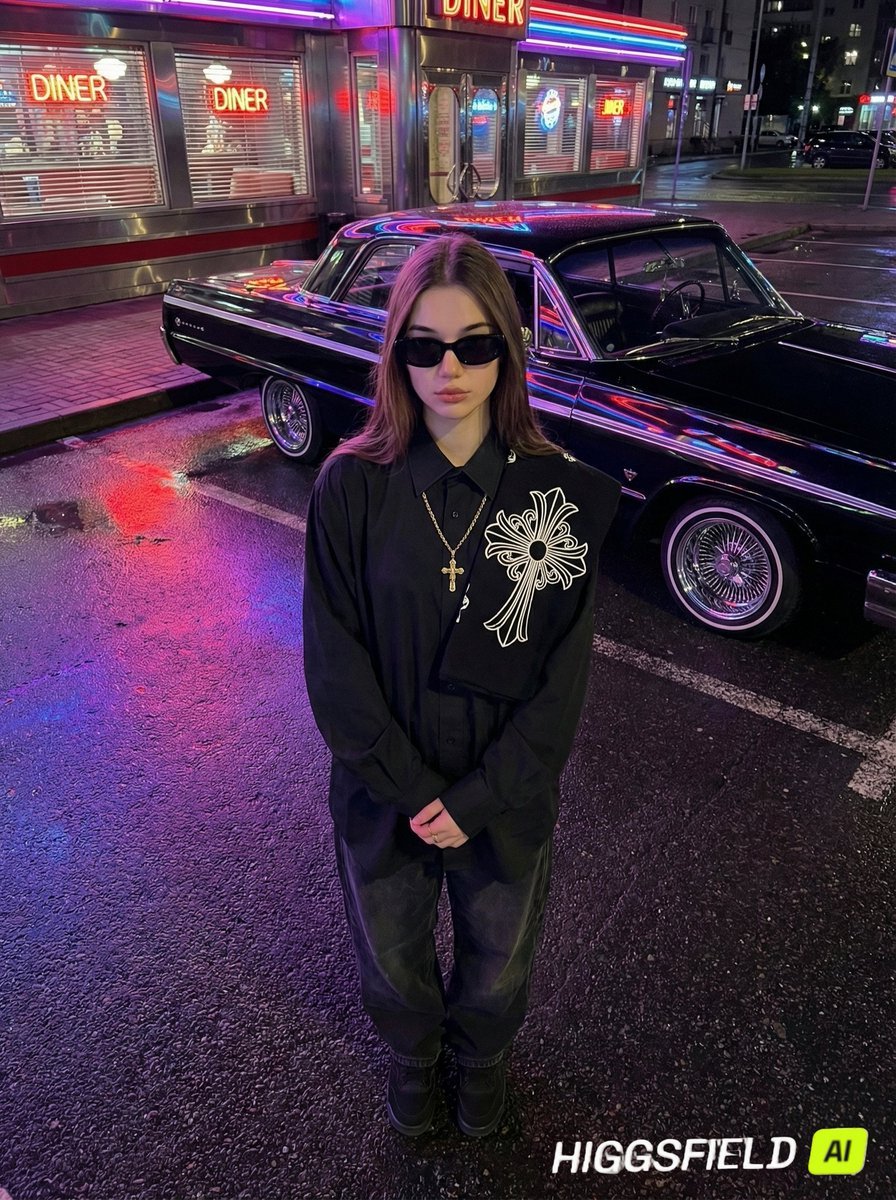
Urban Noir Identity Preservation Prompt
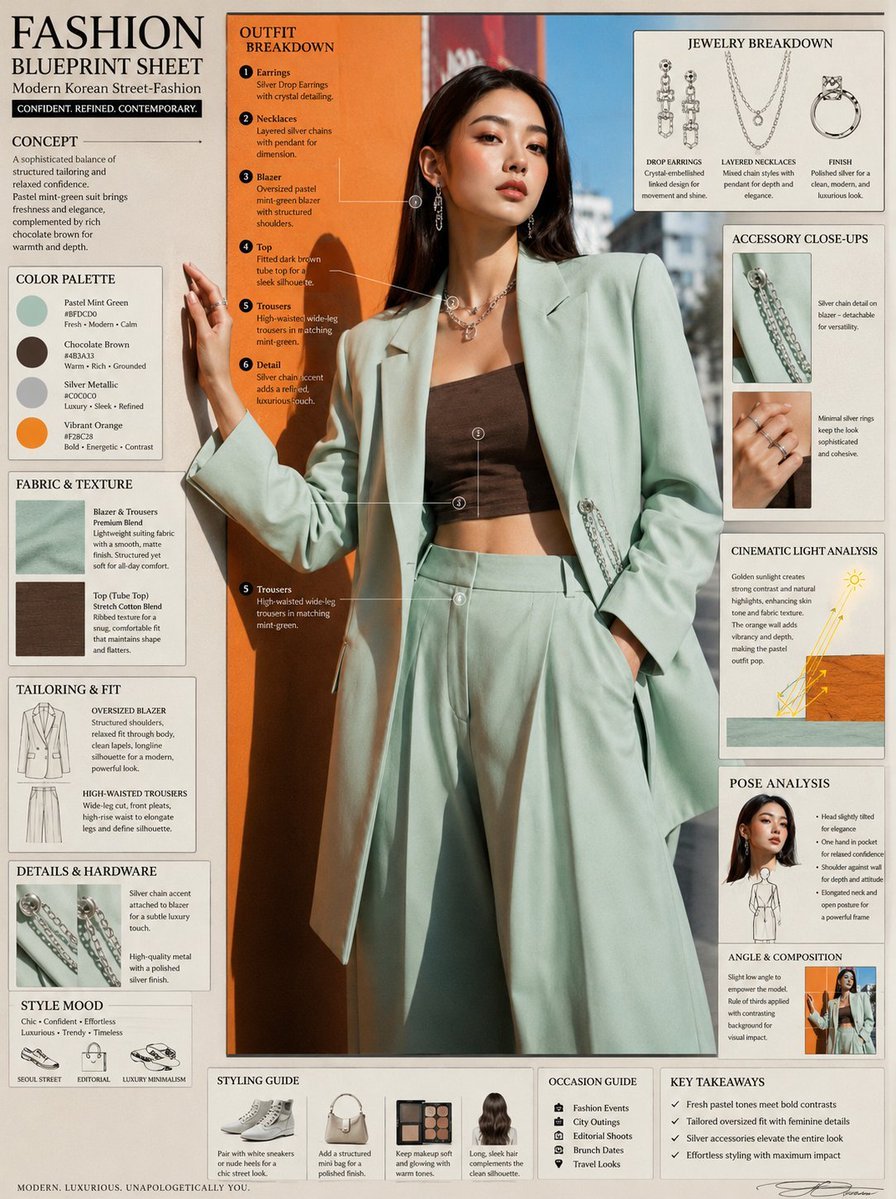
Fashion Editorial Blueprint Sheet
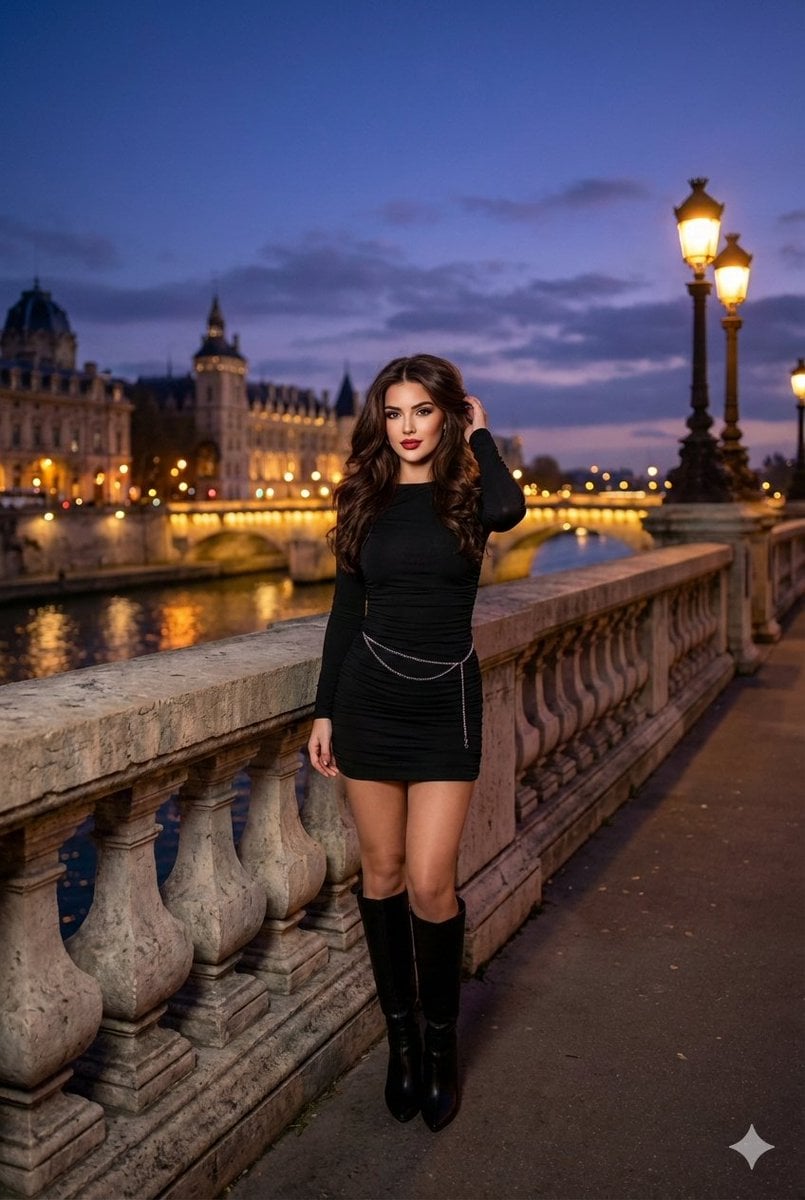
Evening cityscape bridge fashion portrait

Retro Open-World Seaplane Screenshot
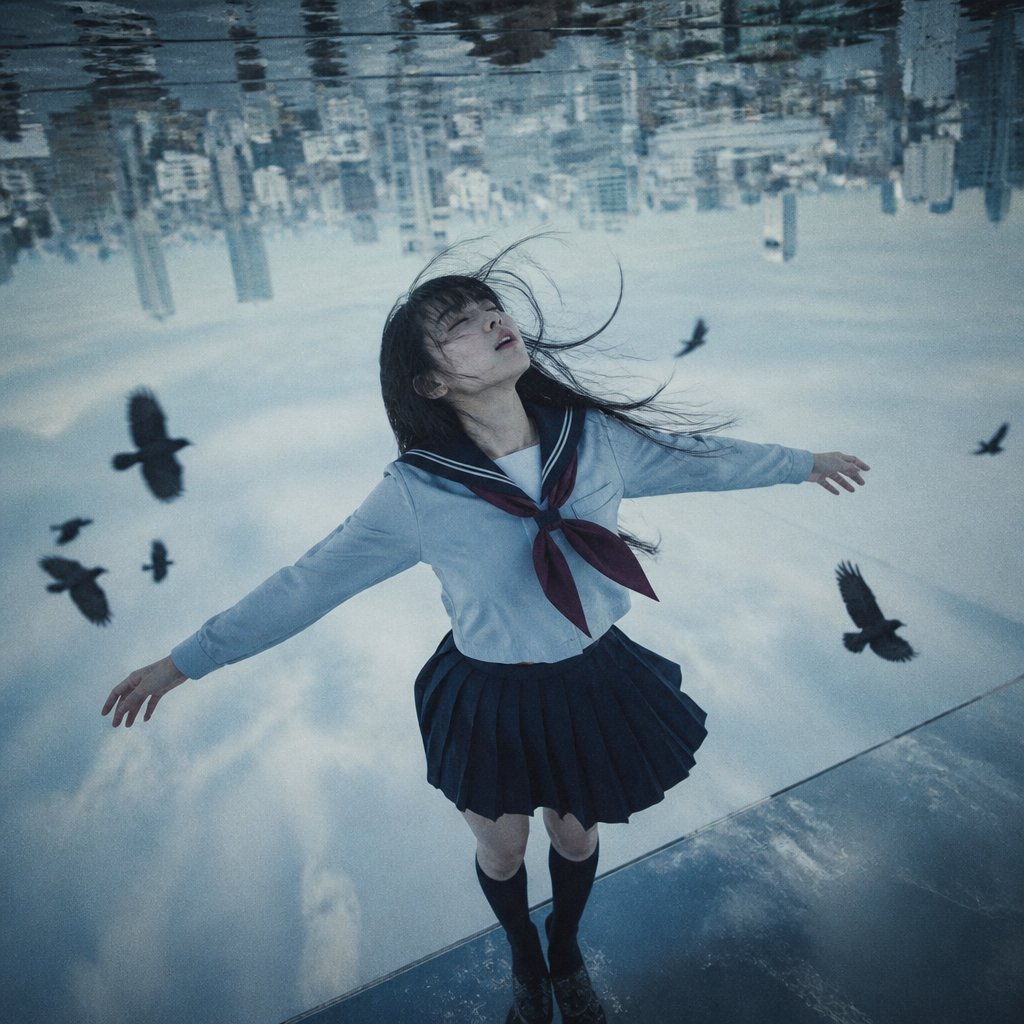
Upside-Down Sky Schoolgirl
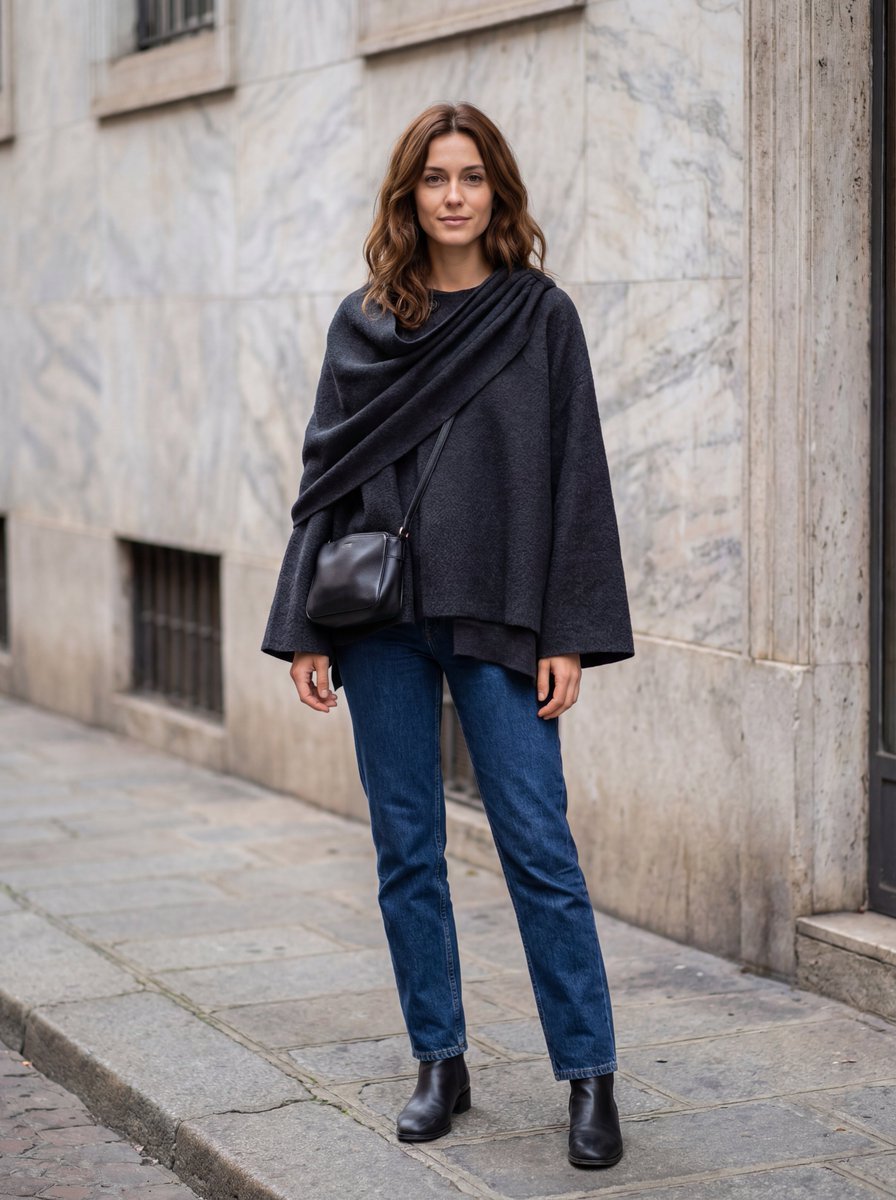
Hyper-Realistic Lifestyle Fashion Photo (Wool Poncho)
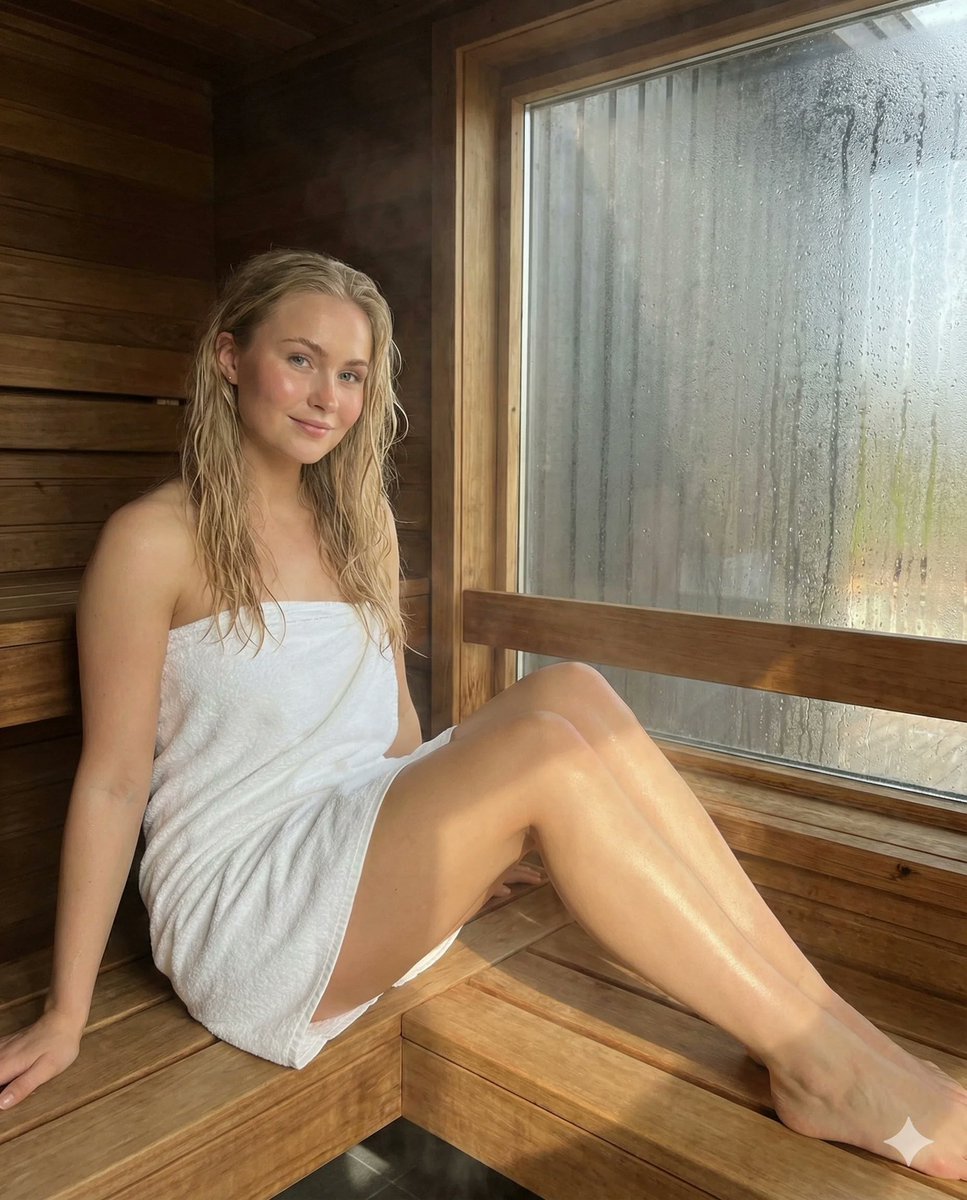
Photorealistic Spa Lifestyle Portrait with Identity Lock
Moonlit Yuri Wedding Poster
Browse template categories
Gothic Chibi Vampire Album Cover questions
How do I use the Gothic Chibi Vampire Album Cover template?
Add your photo if the template asks for one, edit the prompt if you like — the template's model and format are already selected — and press Generate. Your version opens in PicX Studio.
Can I customize the Gothic Chibi Vampire Album Cover template?
Yes. You can change the subject, setting, lighting, mood, format, and available model controls before creating your image.
Is the Gothic Chibi Vampire Album Cover template free?
Opening and editing this template is free. Generating uses credits, shown on the Generate button when you are signed in.
Which AI model should I use?
Start with GPT Image 2, which is the model associated with this template. You can compare another compatible model for a different finish.
Looking for something else? Browse all templates.

Your photo, any look
Thousands of ready templates for every top image and video model, from one credit balance.