
Moonlit Yuri Wedding Poster
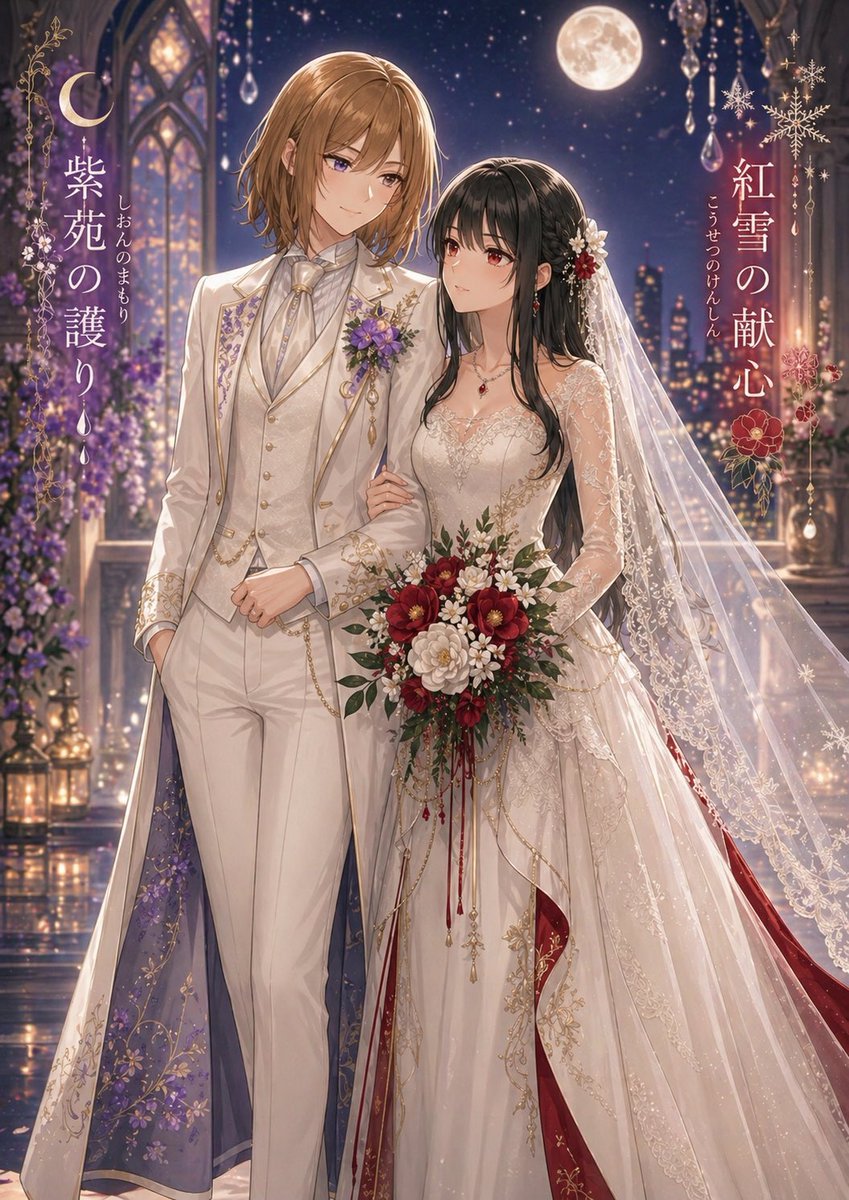
This prompt generates a luxurious anime-style wedding poster of two brides in coordinated fantasy attire, ideal for original character pairings, romance key visuals, or decorative cover art.
- Prompt included
- Model and format preset
- Free template
The prompt behind this image
Copy the exact prompt behind Moonlit Yuri Wedding Poster, or open it in the studio and make it yours.
A romantic fantasy wedding illustration of two women standing arm in arm in a moonlit palace balcony at night, highly detailed anime style with luminous painterly rendering, elegant and dreamy. The taller woman on the left has {argument name="left character hair color" default="light brown"} shoulder-length softly layered hair and wears a regal ivory-white tailored wedding suit with gold embroidery, a high-collared ruffled shirt, cream vest, cravat, chain accessories, and a long ceremonial coat whose inner lining is deep violet with floral patterns; a purple flower corsage is pinned to her chest. The woman on the right has {argument name="right character hair color" default="black"} long wavy hair and wears an ornate bridal gown in ivory with gold lace embroidery, sheer lace sleeves, a fitted bodice, a very long translucent veil, and rich crimson inner panels and accents peeking from the skirt; she wears red gemstone jewelry and floral hair ornaments in white and red. She holds a large bouquet of red, burgundy, and white flowers with greenery and trailing red ribbons while gently linking arms with her partner. Set them before gothic arched windows, hanging crystal ornaments, glowing lanterns, purple flowers, a distant city skyline, a star-filled sky, and a bright full moon. Add decorative vertical Japanese title text integrated into the composition: on the left, {argument name="left title text" default="紫苑の護り"} with smaller vertical ruby text beside it; on the right, {argument name="right title text" default="紅雪の献心"} with smaller vertical ruby text beside it. Include crescent moon and snowflake-like decorative motifs framing the titles. Use a tall poster composition, full-body view, luxurious fabrics, sparkling highlights, soft bokeh, and an overall palette of ivory, gold, violet, crimson, and midnight blue.
How to use Moonlit Yuri Wedding Poster in 3 steps
- 1Upload ImagePNG, JPG or paste
Add your photo
Upload the photo the template builds on. The prompt, model and format are already set.
- 2…a portrait of your subject in softgolden-hour light, 85mm…
Personalize
Edit the subject and creative details for your destination.
- 3Generate
Generate
Press Generate — your image is created in PicX Studio, so you can compare it with the original and refine one variable at a time.
More like this
Templates with the same subject, style or setup. Open one to see its prompt.
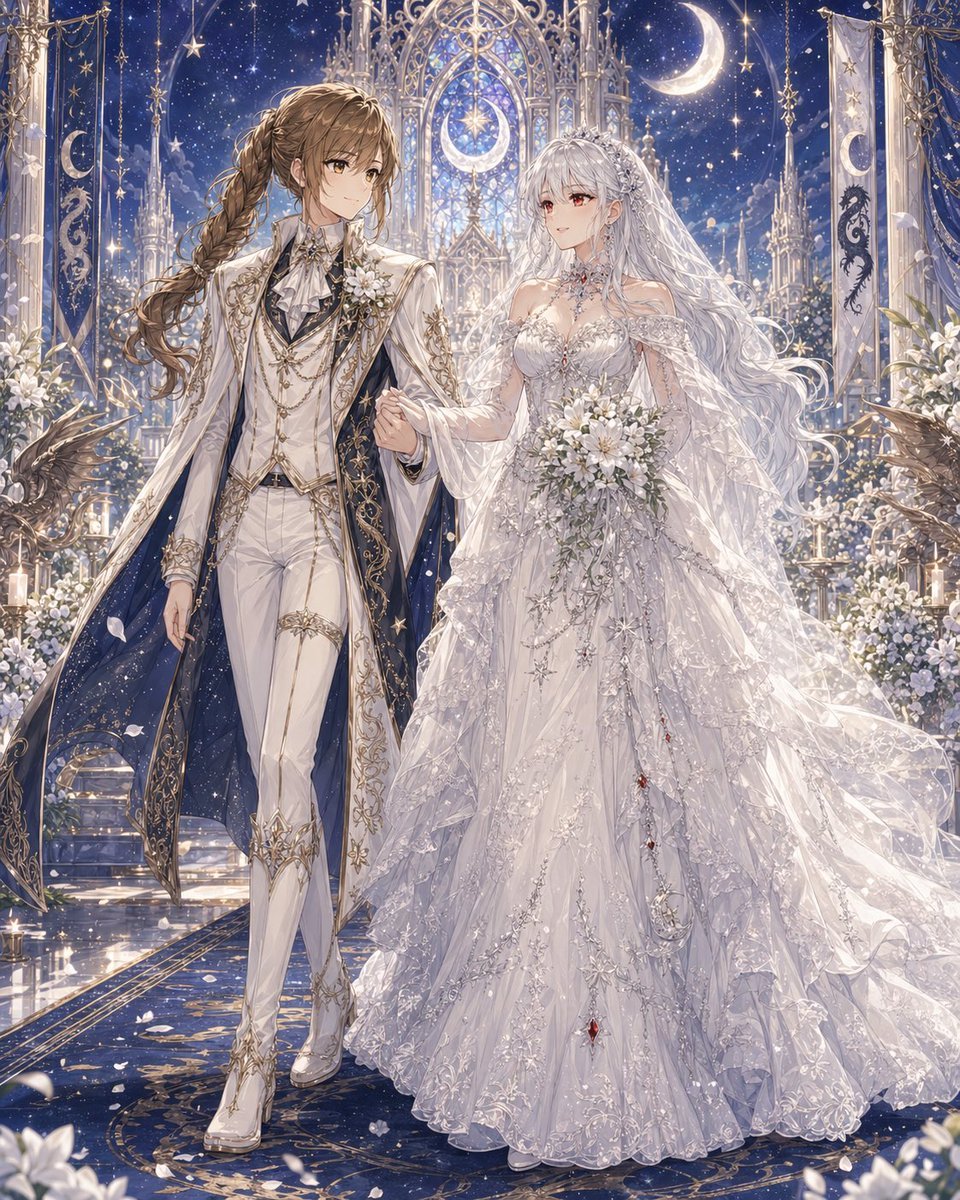
Celestial Yuri Wedding in Moonlit Cathedral

Japan Travel Brochure Poster

Cartoon TV Show Poster Pack

Trendy Cafe Drink Promo Poster

Urban Fashion Editorial Collage Streetwear Poster

Premium Fashion Editorial Cover Layout System

Polo Ralph Lauren Luxury American Heritage Fashion Campaign

Monochrome Halftone Editorial Fashion Poster

Retro Mirror Luxury Fashion Campaign Poster

Luxury Fashion Campaign Typography Poster System

Premium Fashion Editorial Campaign Poster System

Ultra-Stylized High-Fashion Streetwear Poster
Make it yours
Moonlit Yuri Wedding Poster works as-is. These are the safest ways to change it without losing the look.
Change one field
Copy a single group, rewrite it, and generate again so you can see what that field is doing.
Keep the frame, change the subject
Hold the composition and light of Moonlit Yuri Wedding Poster, then swap wardrobe, props or the person for a new take.
| If the result… | Why | Fix |
|---|---|---|
| The result drifts from the preview | Too many fields changed at once. | Reuse Moonlit Yuri Wedding Poster as-is first, then change one group — subject, light, or setting. |
| The model over-stylizes the scene | The prose prompt leaves finish and camera underspecified. | Add one camera or lighting sentence and stay on GPT Image 2. |
More GPT Image 2 templates
Other prompts made for GPT Image 2.

Six VTuber Japanese Logo Sheet

Realistic Portrait of Woman and Deer

The Vista Modular Condo Poster

AI Model Routing Comparison Infographic

2.5D Anime Art Board

Isometric Productivity Desk Scene

New York Double Exposure Poster

Four-Panel AI Landscape Comparison

Japanese Tatami Lifestyle Magazine Cover

NESCAFÉ Coffee Map Poster
More image prompts
Fresh picks from across the catalog.
Misty Heron Lily Pond
Epic Milestone X Poster
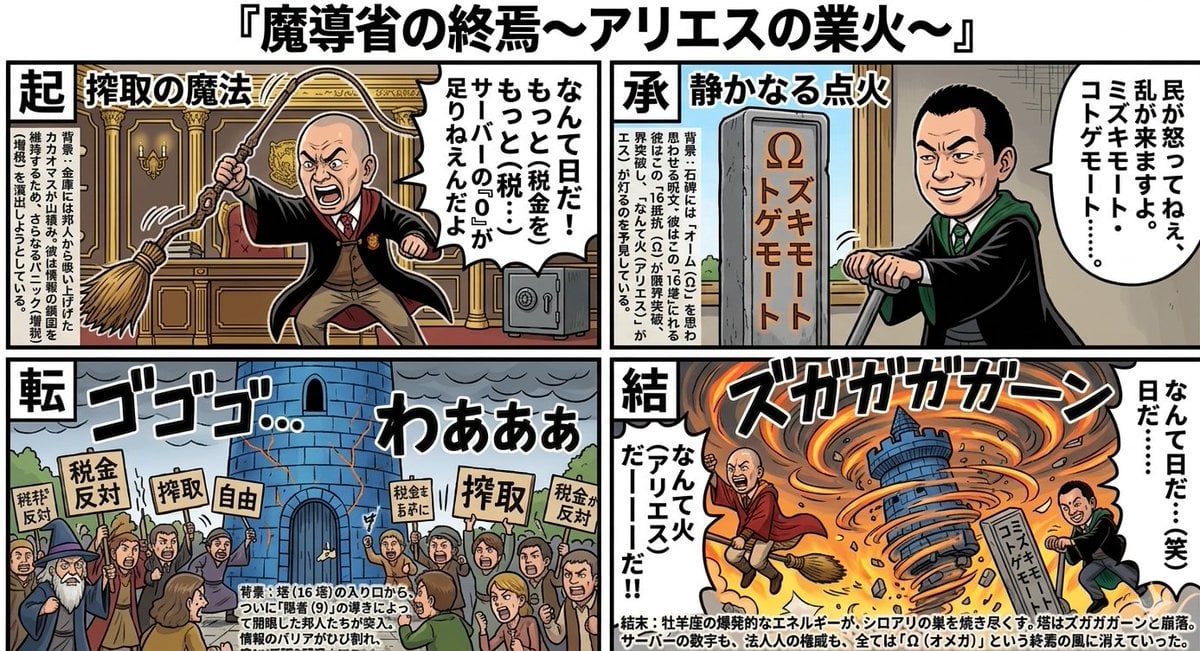
Four-Panel Manga: The End of the Magic Ministry

3D stylized cartoon avatar prompt
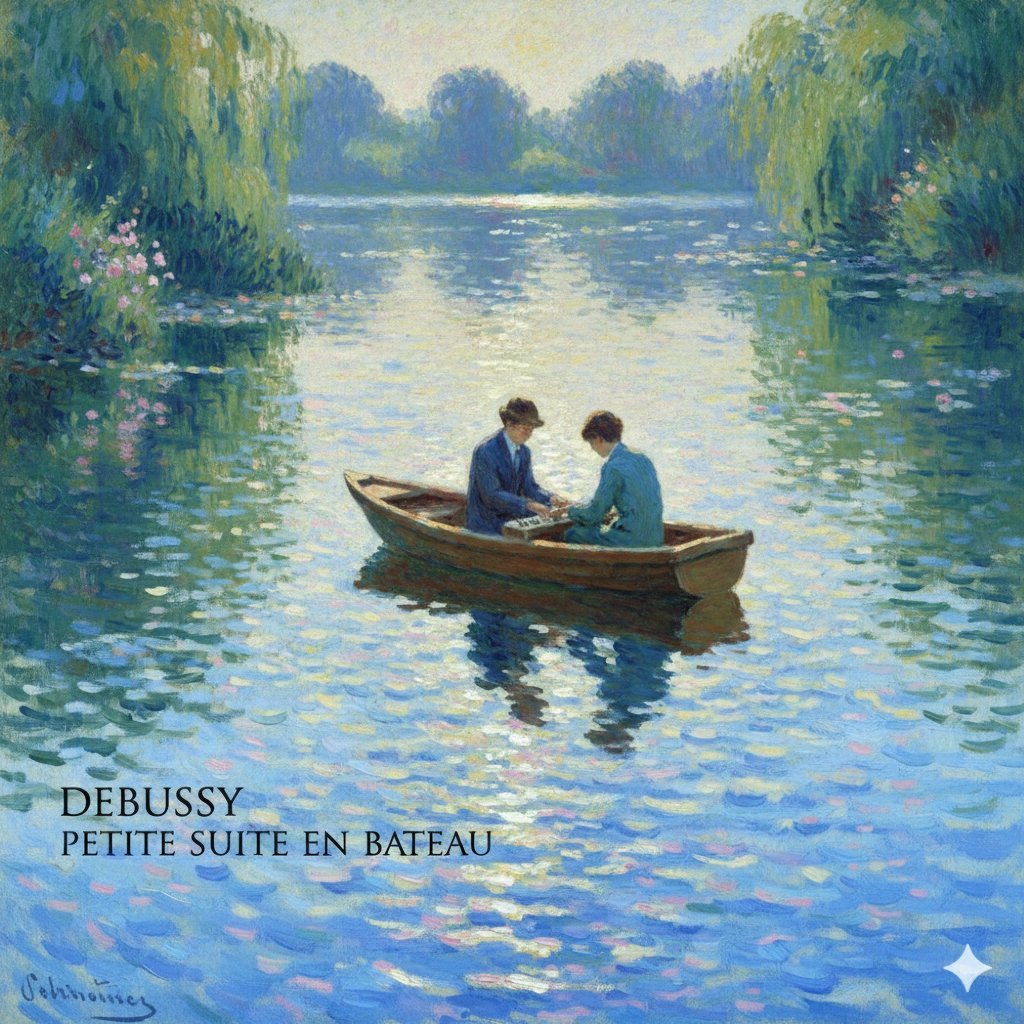
Generate Debussy's 'Petit Suite: En Bateau' in Monet's Style with Color Modification
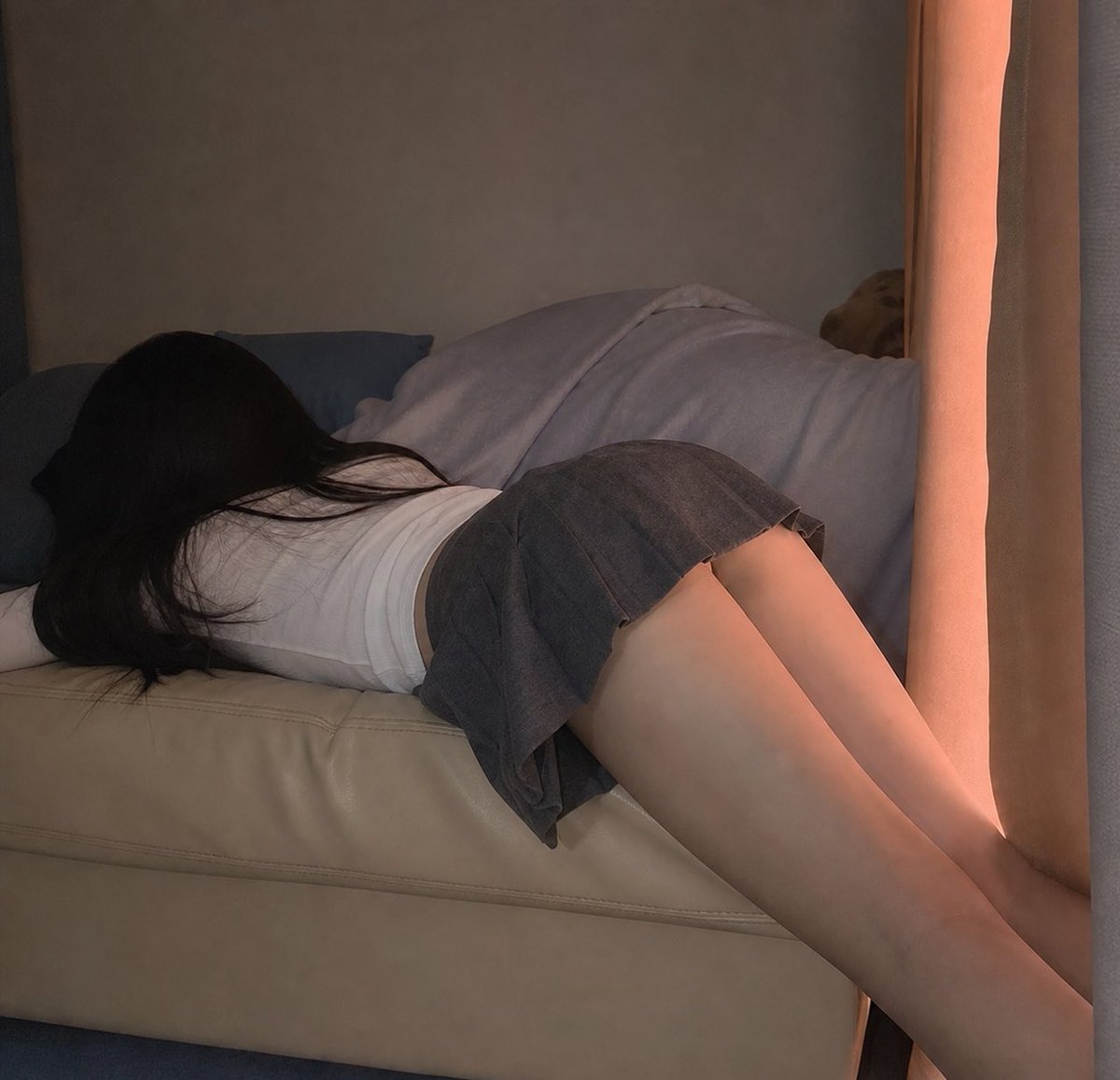
Photorealistic Indoor Lifestyle Scene
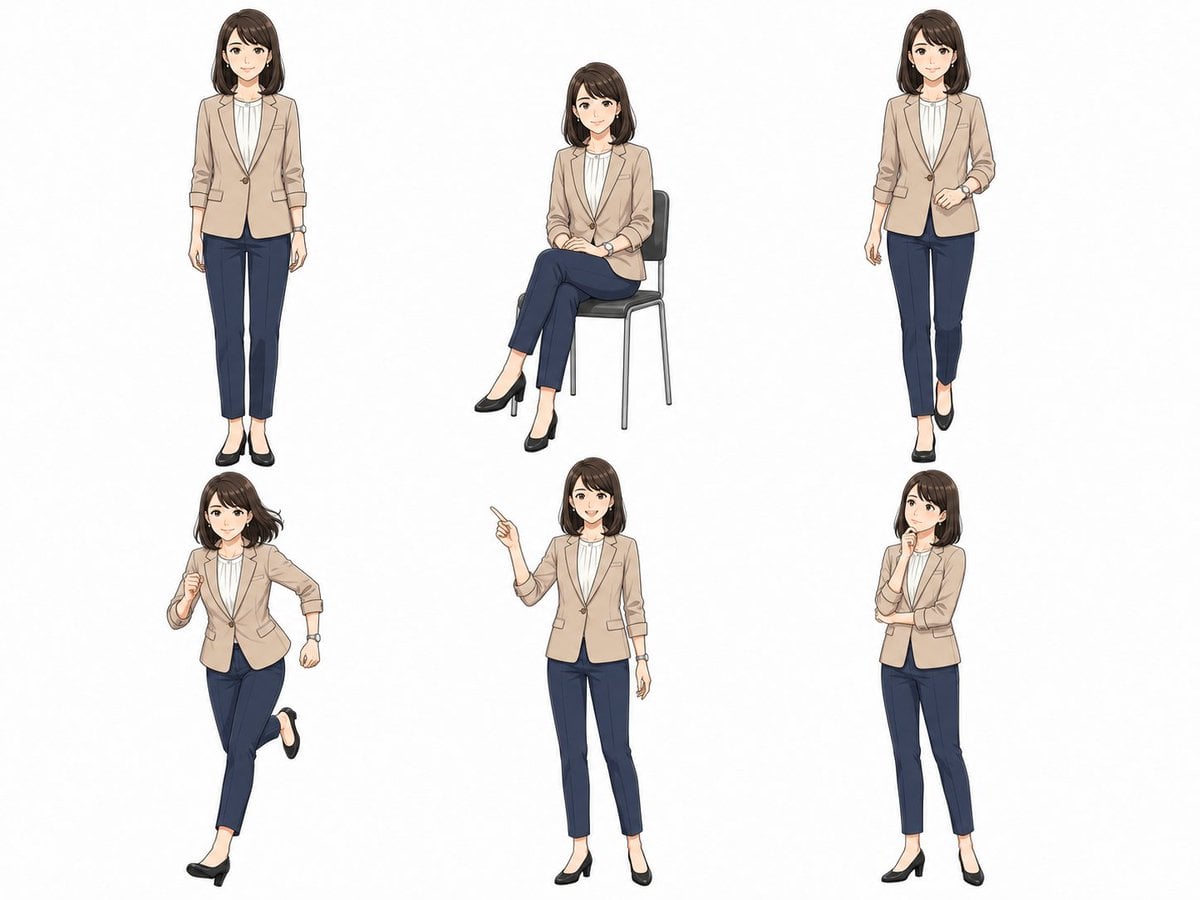
Anime Businesswoman Pose Sheet
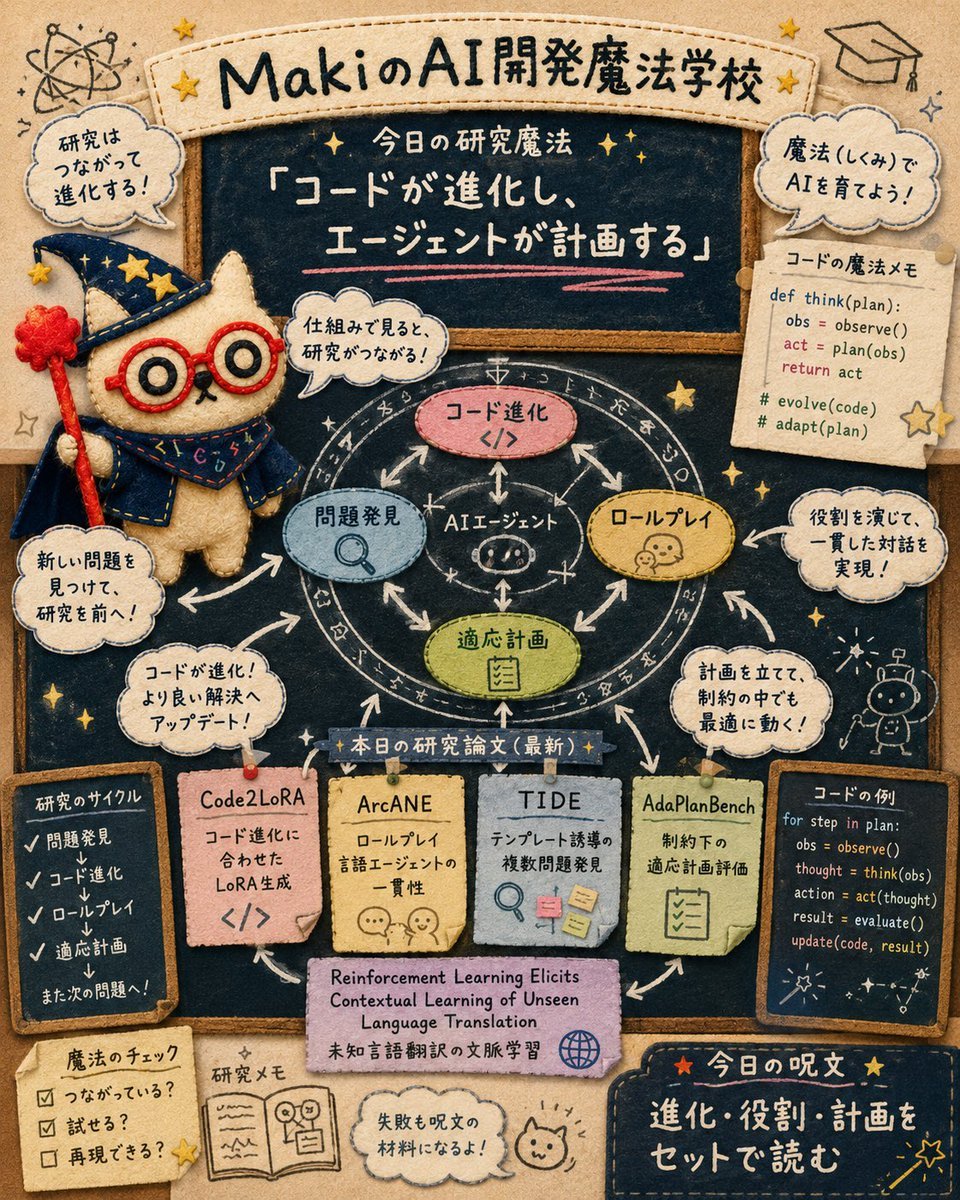
Felt AI Magic School Infographic
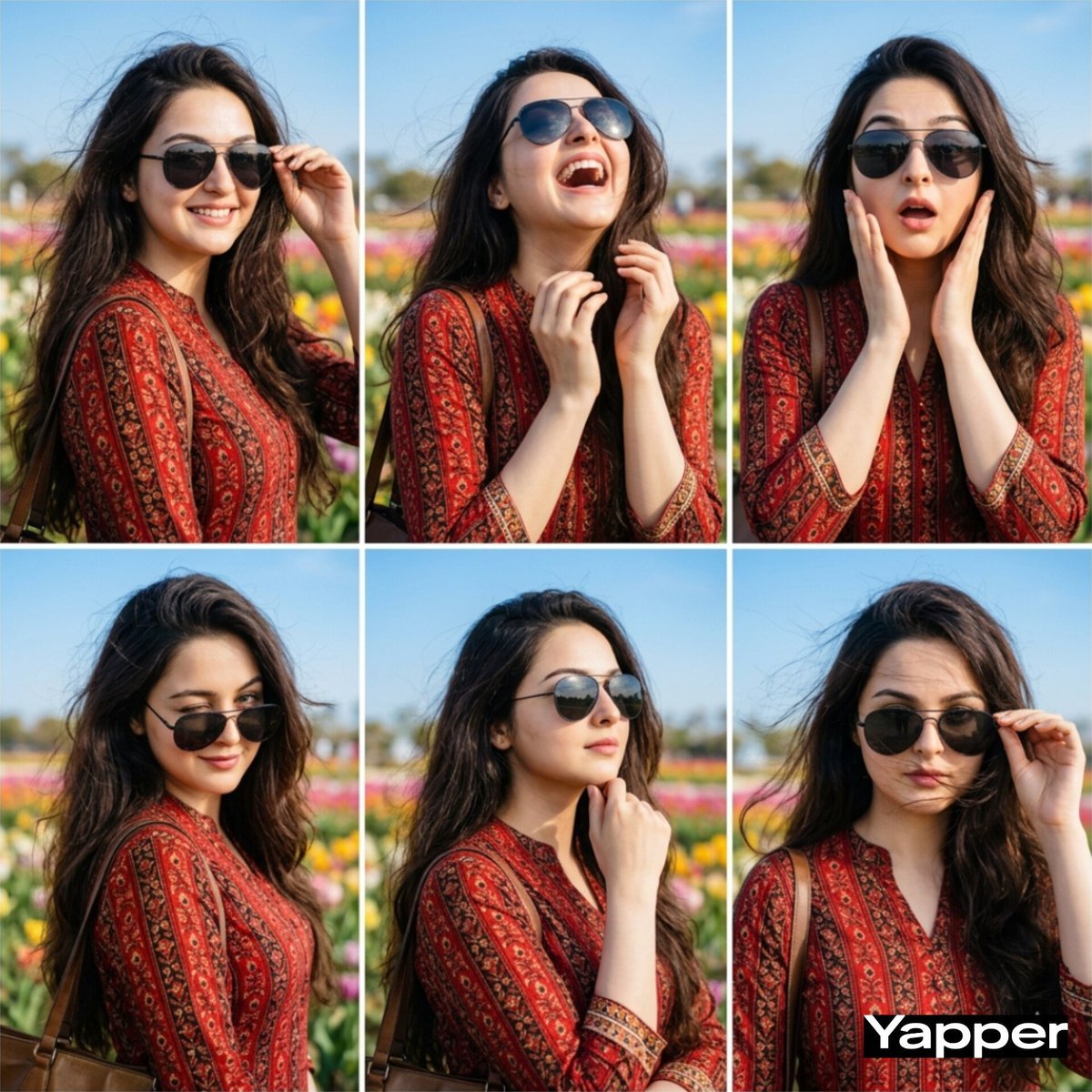
Stylish Six-Portrait Collage Prompt
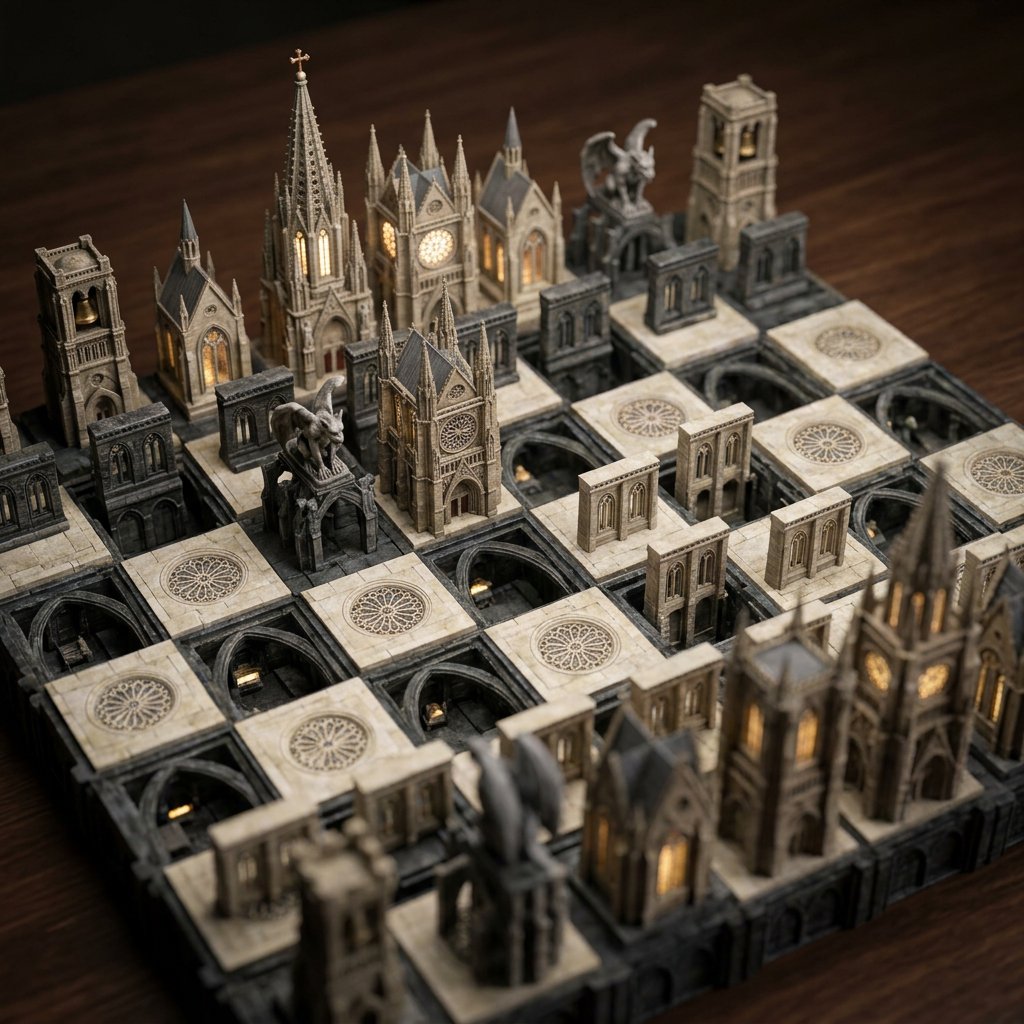
Custom Architectural Chessboard Diorama Prompt Template
Browse template categories
Moonlit Yuri Wedding Poster questions
How do I use the Moonlit Yuri Wedding Poster template?
Add your photo if the template asks for one, edit the prompt if you like — the template's model and format are already selected — and press Generate. Your version opens in PicX Studio.
Can I customize the Moonlit Yuri Wedding Poster template?
Yes. You can change the subject, setting, lighting, mood, format, and available model controls before creating your image.
Is the Moonlit Yuri Wedding Poster template free?
Opening and editing this template is free. Generating uses credits, shown on the Generate button when you are signed in.
Which AI model should I use?
Start with GPT Image 2, which is the model associated with this template. You can compare another compatible model for a different finish.
Looking for something else? Browse all templates.

Your photo, any look
Thousands of ready templates for every top image and video model, from one credit balance.