
Misty Heron Lily Pond
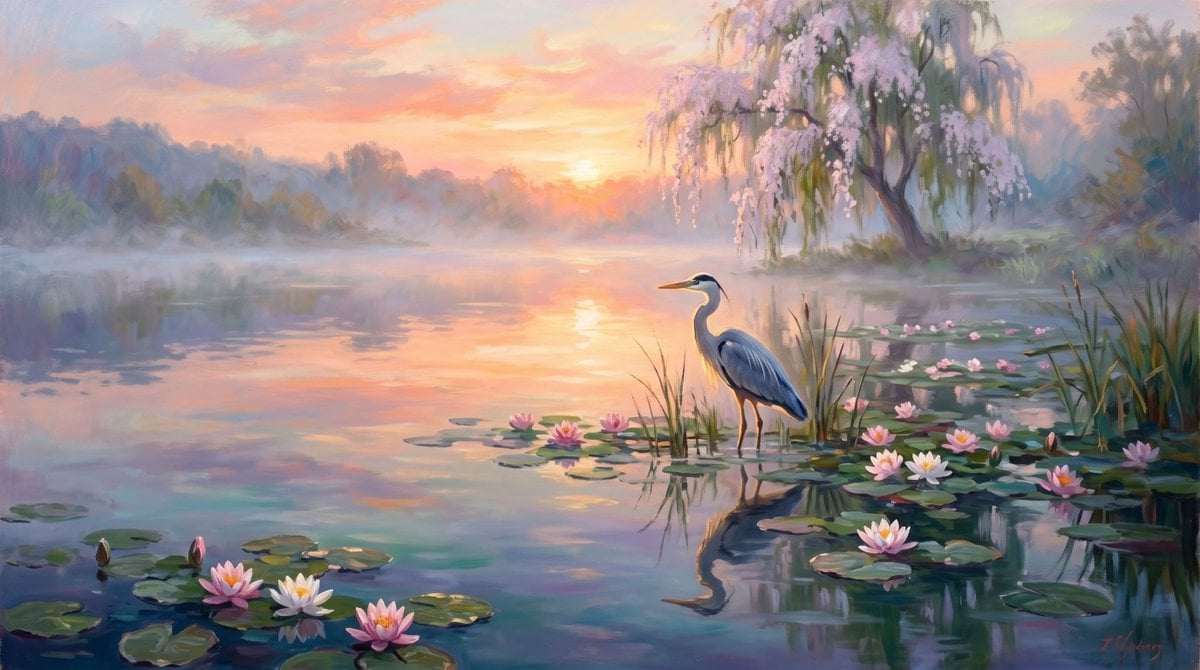
A dreamy impressionist landscape prompt for creating a tranquil sunrise lake with a heron, water lilies, and a flowering willow.
- Prompt included
- Model and format preset
- Free template
The prompt behind this image
Copy the exact prompt behind Misty Heron Lily Pond, or open it in the studio and make it yours.
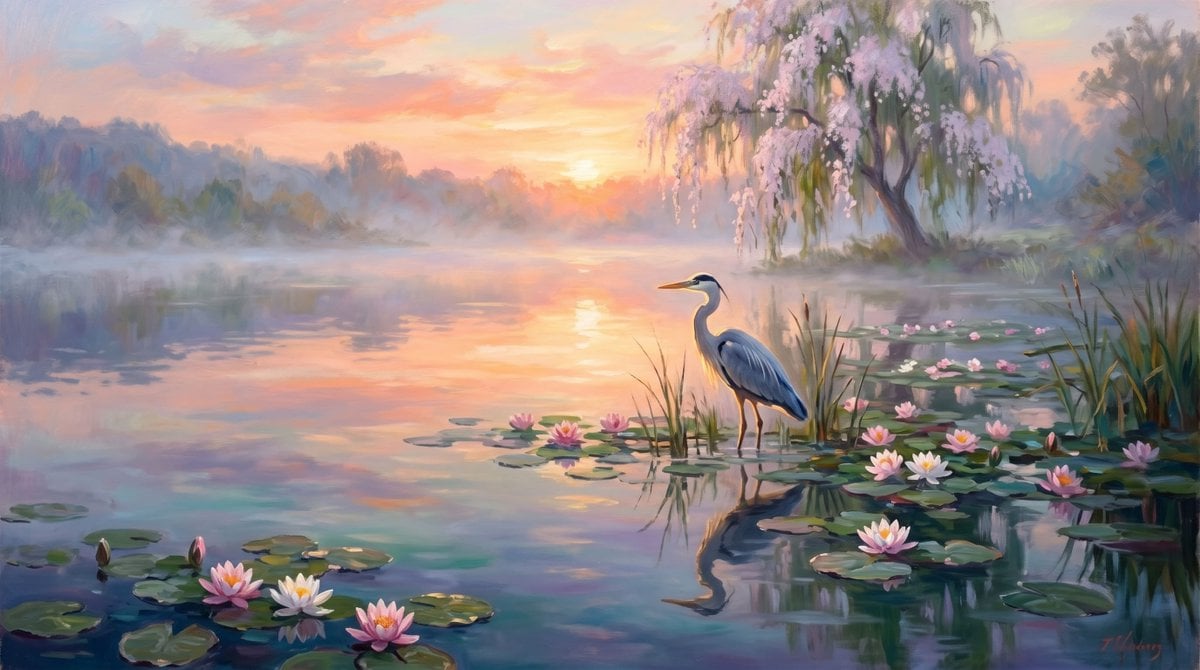
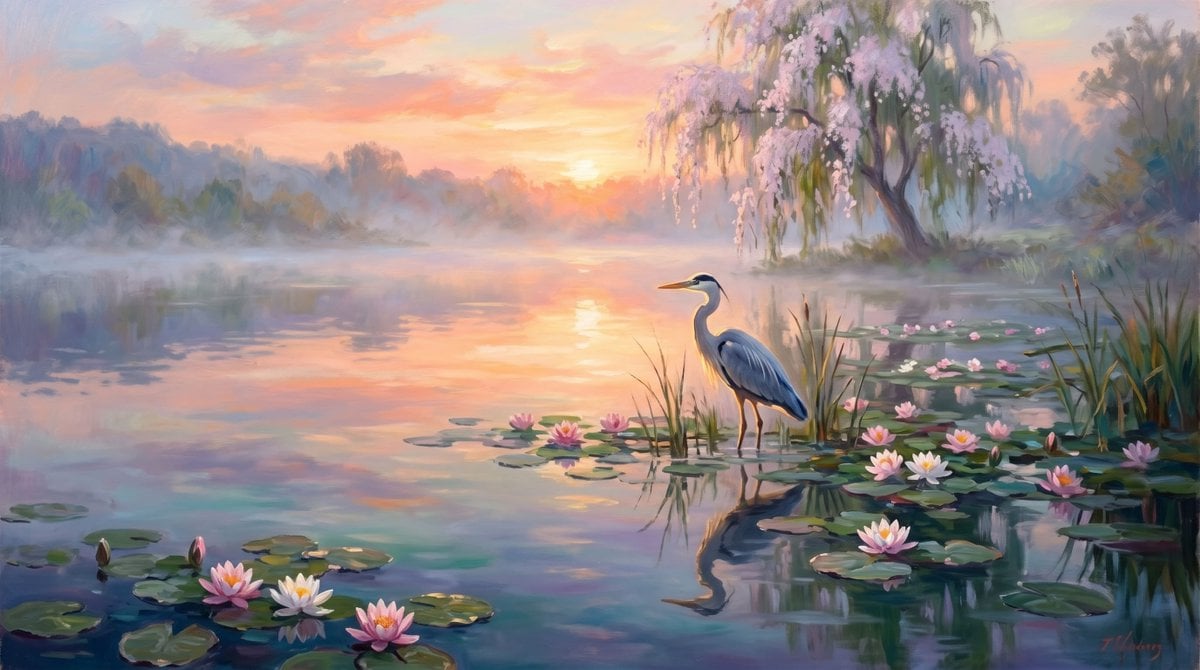
Create a serene impressionist oil painting of a {argument name="wetland scene" default="misty lake at sunrise"}, wide horizontal canvas. Show a calm reflective pond filled with lily pads and exactly 16 visible water lilies: 3 large blossoms in the lower-left foreground, 1 bud near them, 4 blossoms clustered near the center around the heron, 7 blossoms scattered across the right side among lily pads, and 1 small blossom in the mid-right distance. Place one elegant blue-gray heron standing in shallow water slightly right of center, long neck upright, orange beak pointing left, thin legs reflected in the water. The background has a glowing low sun near the center horizon, peach, coral, lavender, and pale gold sunrise clouds, soft mist over the water, and hazy tree silhouettes along the far shore. On the upper right, include one graceful willow tree with drooping branches and abundant pale pink blossoms hanging over the lake. Add reeds and grasses around the heron and along the right bank. Use soft painterly brushstrokes, dreamy pastel colors, gentle atmospheric haze, realistic but romantic composition, luminous water reflections, no text, no people, no buildings, no harsh outlines. Overall mood: {argument name="mood" default="peaceful, ethereal, romantic"}.
How to use Misty Heron Lily Pond in 3 steps
- 1Upload ImagePNG, JPG or paste
Add your photo
Upload the photo the template builds on. The prompt, model and format are already set.
- 2…a portrait of your subject in softgolden-hour light, 85mm…
Personalize
Edit the subject and creative details for your destination.
- 3Generate
Generate
Press Generate — your image is created in PicX Studio, so you can compare it with the original and refine one variable at a time.
More like this
Templates with the same subject, style or setup. Open one to see its prompt.
Misty Lotus Pond Heron Sunrise
Misty Lotus Pond Heron Sunrise
Misty Lotus Pond Heron Sunrise

Otter Family Lily Pond Illustration
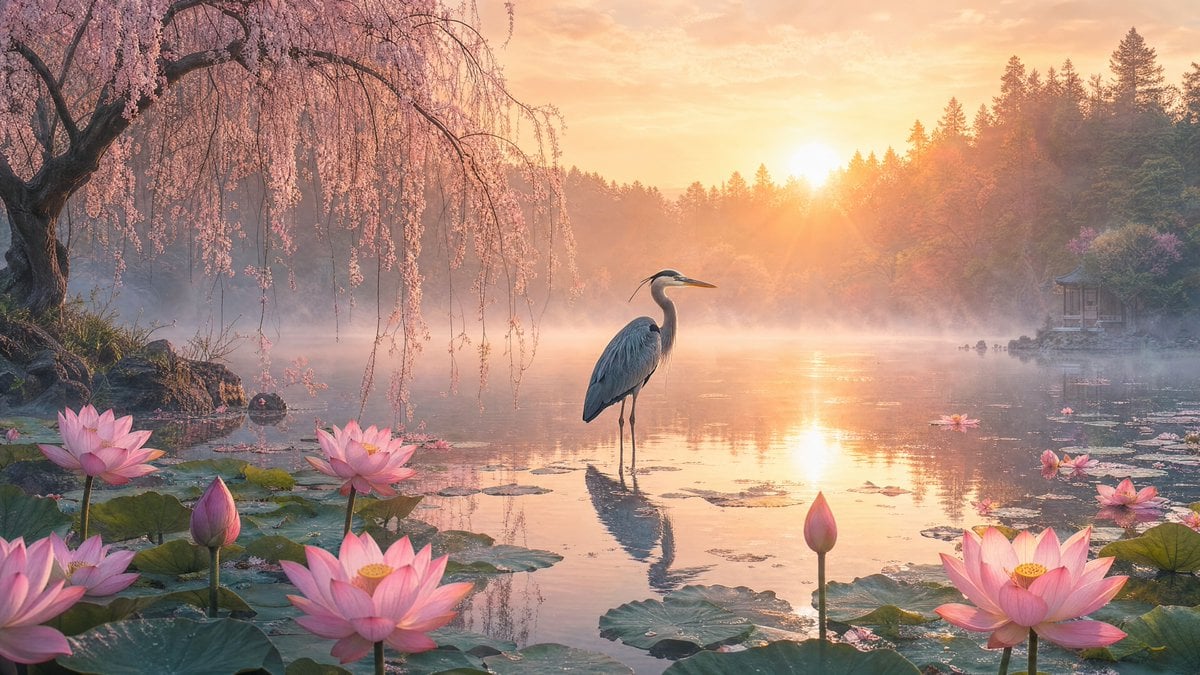
Misty Sunrise Lotus Pond
Misty Sunrise Heron Lake
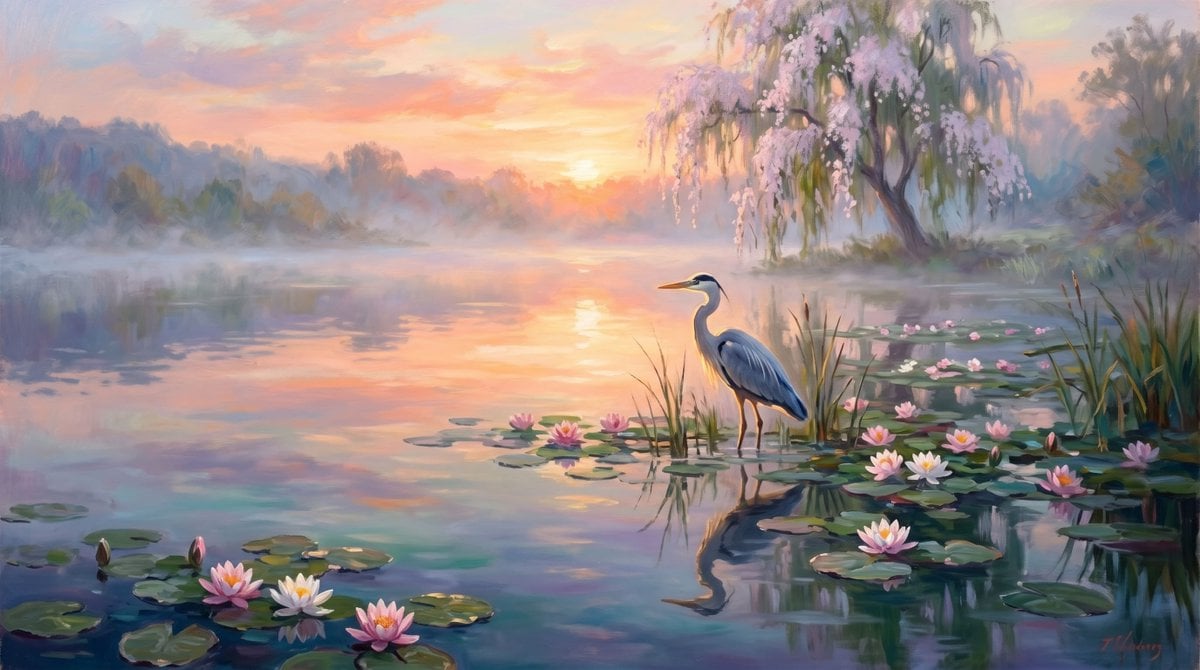
Misty Sunrise Heron Lake
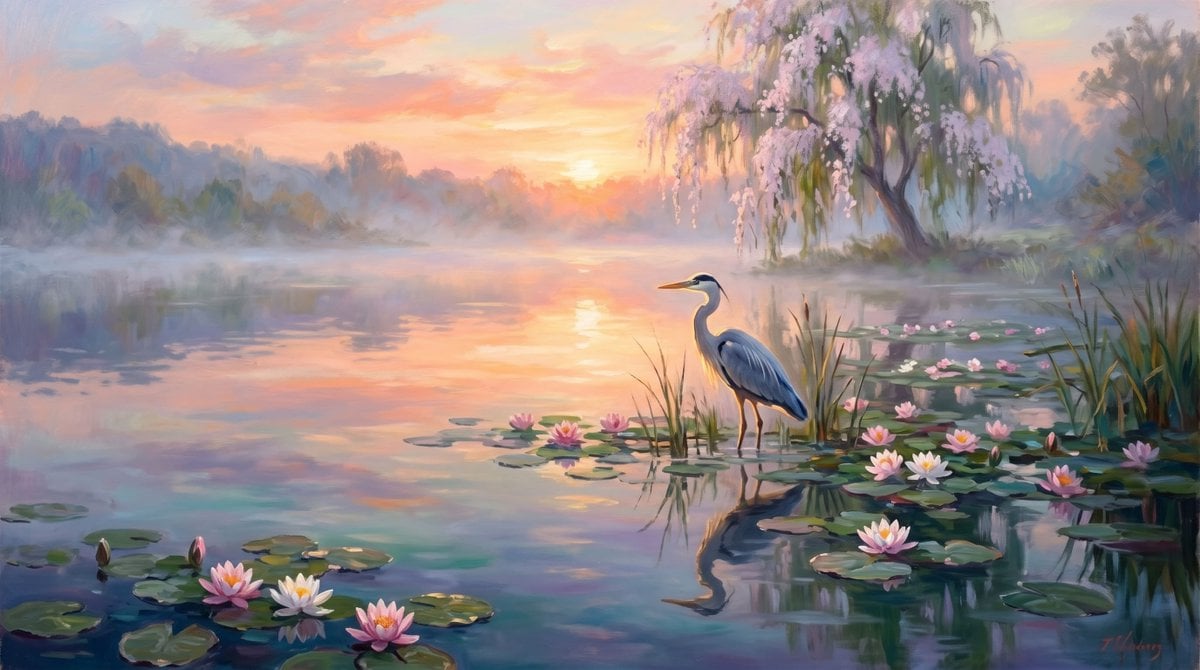
Misty Heron Sunrise Lake
Misty Sunrise Heron Lake
Misty Sunrise Heron Lake
Misty Lotus Pond at Sunrise
Misty Heron Lake at Sunrise
Make it yours
Misty Heron Lily Pond works as-is. These are the safest ways to change it without losing the look.
Change one field
Copy a single group, rewrite it, and generate again so you can see what that field is doing.
Keep the frame, change the subject
Hold the composition and light of Misty Heron Lily Pond, then swap wardrobe, props or the person for a new take.
| If the result… | Why | Fix |
|---|---|---|
| The result drifts from the preview | Too many fields changed at once. | Reuse Misty Heron Lily Pond as-is first, then change one group — subject, light, or setting. |
| The model over-stylizes the scene | The prose prompt leaves finish and camera underspecified. | Add one camera or lighting sentence and stay on GPT Image 2. |
More GPT Image 2 templates
Other prompts made for GPT Image 2.

Six VTuber Japanese Logo Sheet

Realistic Portrait of Woman and Deer

The Vista Modular Condo Poster

AI Model Routing Comparison Infographic

2.5D Anime Art Board

Isometric Productivity Desk Scene

New York Double Exposure Poster

Four-Panel AI Landscape Comparison

Japanese Tatami Lifestyle Magazine Cover

NESCAFÉ Coffee Map Poster
More image prompts
Fresh picks from across the catalog.
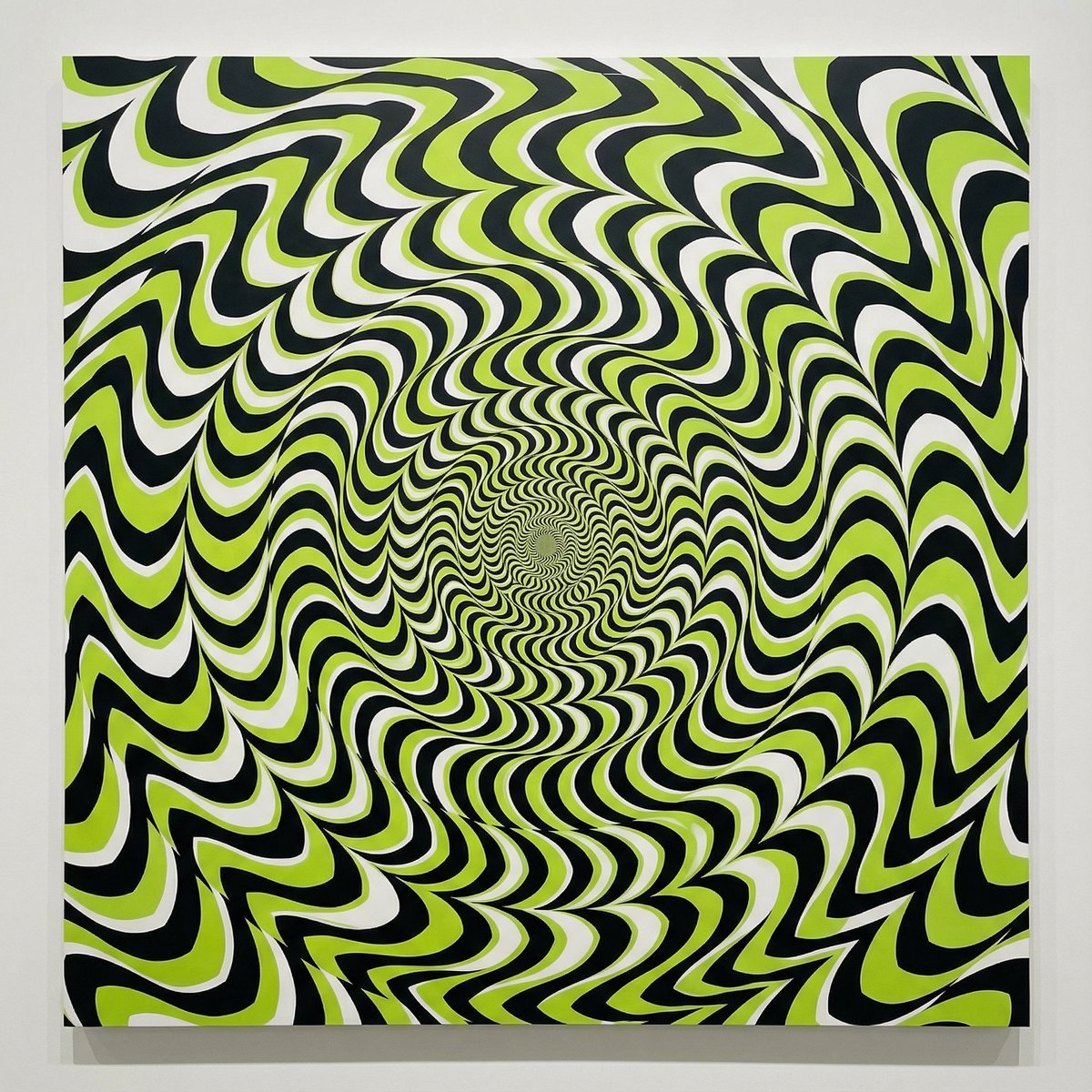
Optical Illusion of Illusory Motion

Complex Illustration Prompt: Cycling on the Moon

Pregnant Selfie with Unimpressed Partner

Candid Wedding Afterparty Pizza Flash Editorial Prompt for Nano Banana 2
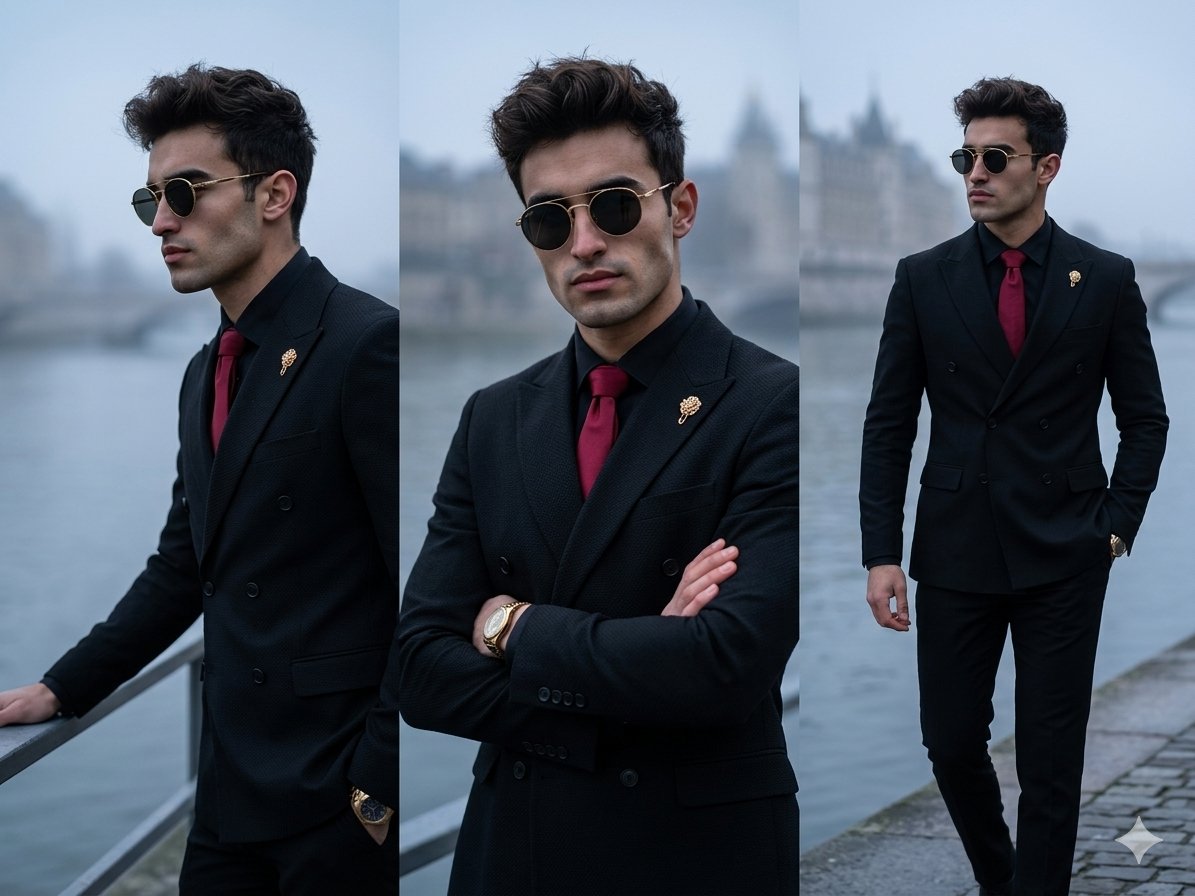
Vertical Panel Menswear Editorial
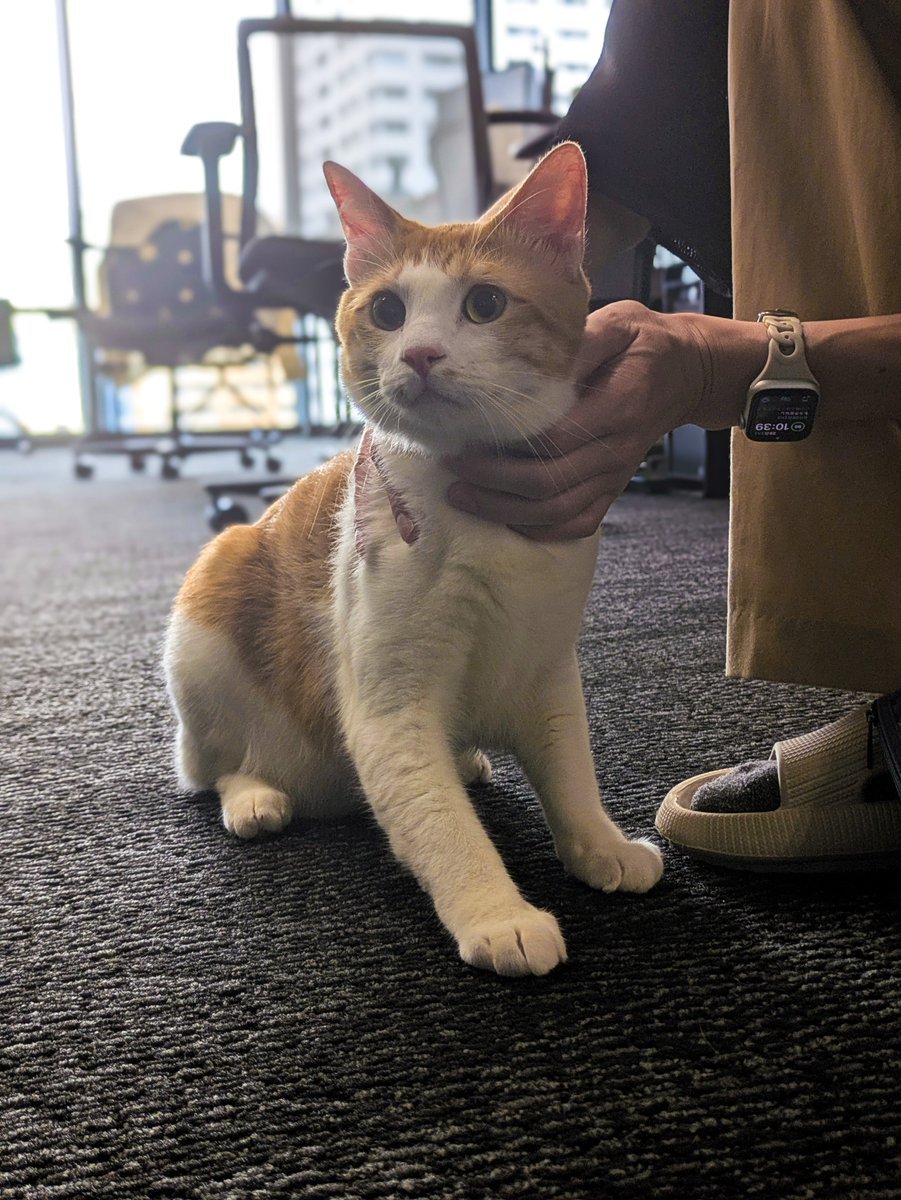
Generate black-and-white storyboards from an image

Ultra-realistic Commercial Veg Burger Photography and Exploded View
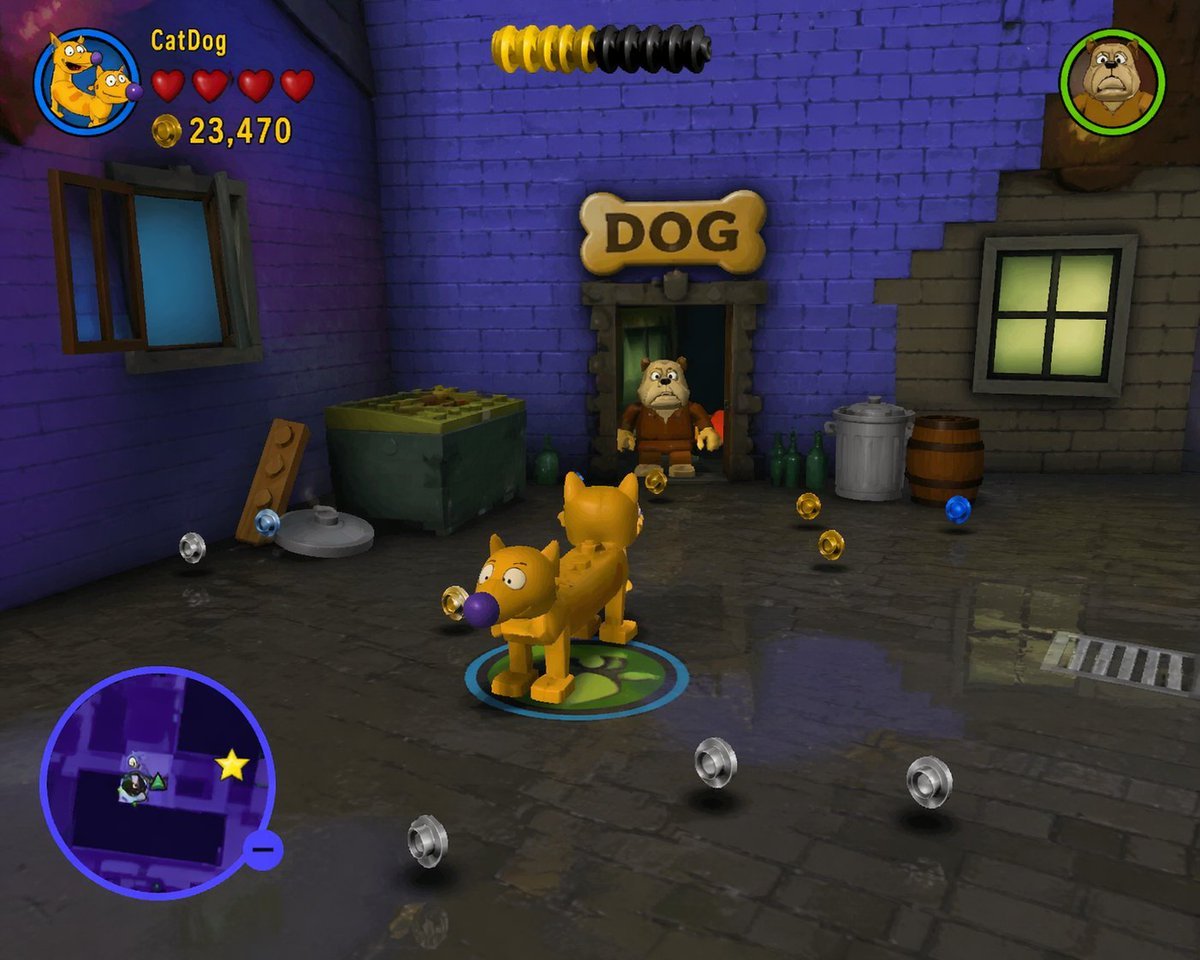
LEGO Video Game Mockup
Candid Luxury Bathroom Portrait (Identity Locked)

Architectural Typography Micro-World Render Prompt (New York)
Browse template categories
Misty Heron Lily Pond questions
How do I use the Misty Heron Lily Pond template?
Add your photo if the template asks for one, edit the prompt if you like — the template's model and format are already selected — and press Generate. Your version opens in PicX Studio.
Can I customize the Misty Heron Lily Pond template?
Yes. You can change the subject, setting, lighting, mood, format, and available model controls before creating your image.
Is the Misty Heron Lily Pond template free?
Opening and editing this template is free. Generating uses credits, shown on the Generate button when you are signed in.
Which AI model should I use?
Start with GPT Image 2, which is the model associated with this template. You can compare another compatible model for a different finish.
Looking for something else? Browse all templates.

Your photo, any look
Thousands of ready templates for every top image and video model, from one credit balance.