
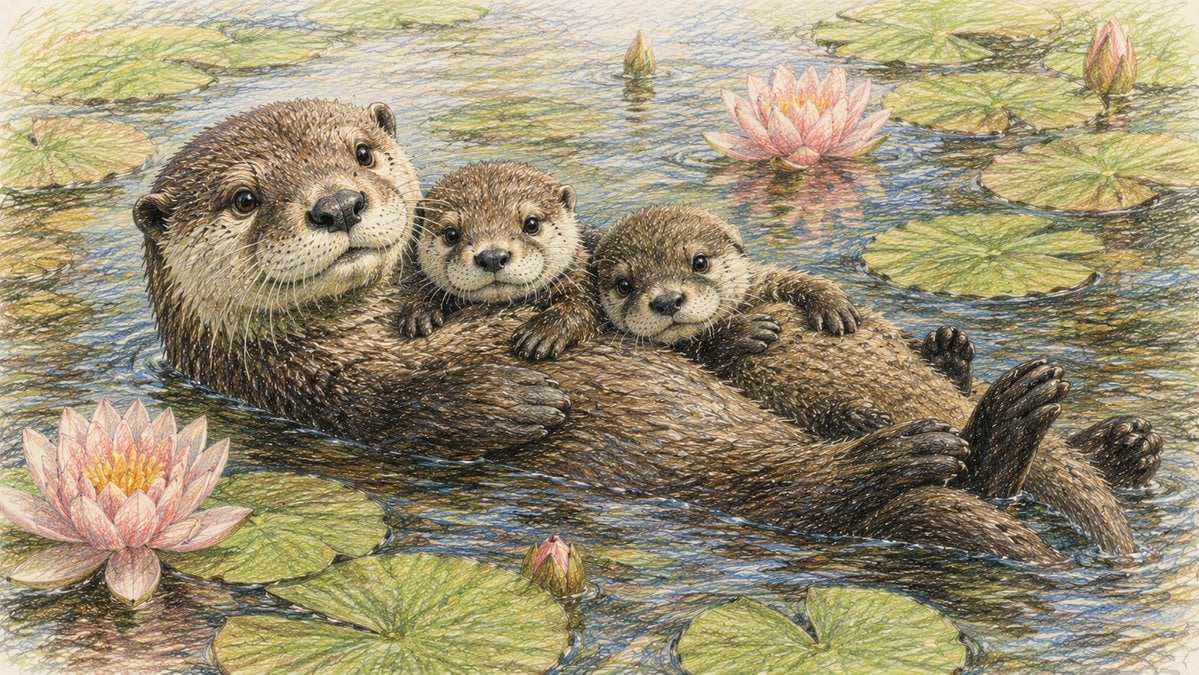
Otter Family Lily Pond Illustration
A tender colored-pencil storybook illustration of a mother otter floating with two pups among lily pads and pink water lilies.
- Prompt included
- Model and format preset
- Free template
The prompt behind this image
Copy the exact prompt behind Otter Family Lily Pond Illustration, or open it in the studio and make it yours.
Create a warm, highly detailed colored-pencil and ink illustration of a mother river otter floating on her back in a calm lily pond, cradling exactly two baby otters on her belly. The adult otter is large on the left side of the composition, facing the viewer with glossy dark eyes, a rounded black nose, pale whiskered muzzle, small ears, and dense brown fur rendered with thousands of fine crosshatched pencil strokes. The two pups sit close together across her torso, both looking forward with tiny paws resting on the mother’s wet fur; the right pup is slightly lower and more reclined. The mother’s hind feet and tail extend toward the right edge, partly submerged, with one dark webbed foot raised above the water. Surround them with a tranquil pond surface filled with exactly 9 visible lily pads of varying sizes and exactly 5 pink water lilies or buds: one large open flower in the lower left foreground, one large open flower near the upper center-right, one closed bud at the upper right, one small pointed bud near the upper center, and one small pink bud near the lower center. Use soft natural daylight, delicate ripples, blue-green water reflections, muted yellow-green lily pads, and pastel pink petals with yellow centers. The image should feel tender, cozy, and storybook-like, with a hand-drawn naturalist style, visible paper texture, fine sketch lines, no text, no border, and a wide horizontal 16:9 composition.
How to use Otter Family Lily Pond Illustration in 3 steps
- 1Upload ImagePNG, JPG or paste
Add your photo
Upload the photo the template builds on. The prompt, model and format are already set.
- 2…a portrait of your subject in softgolden-hour light, 85mm…
Personalize
Edit the subject and creative details for your destination.
- 3Generate
Generate
Press Generate — your image is created in PicX Studio, so you can compare it with the original and refine one variable at a time.
More like this
Templates with the same subject, style or setup. Open one to see its prompt.
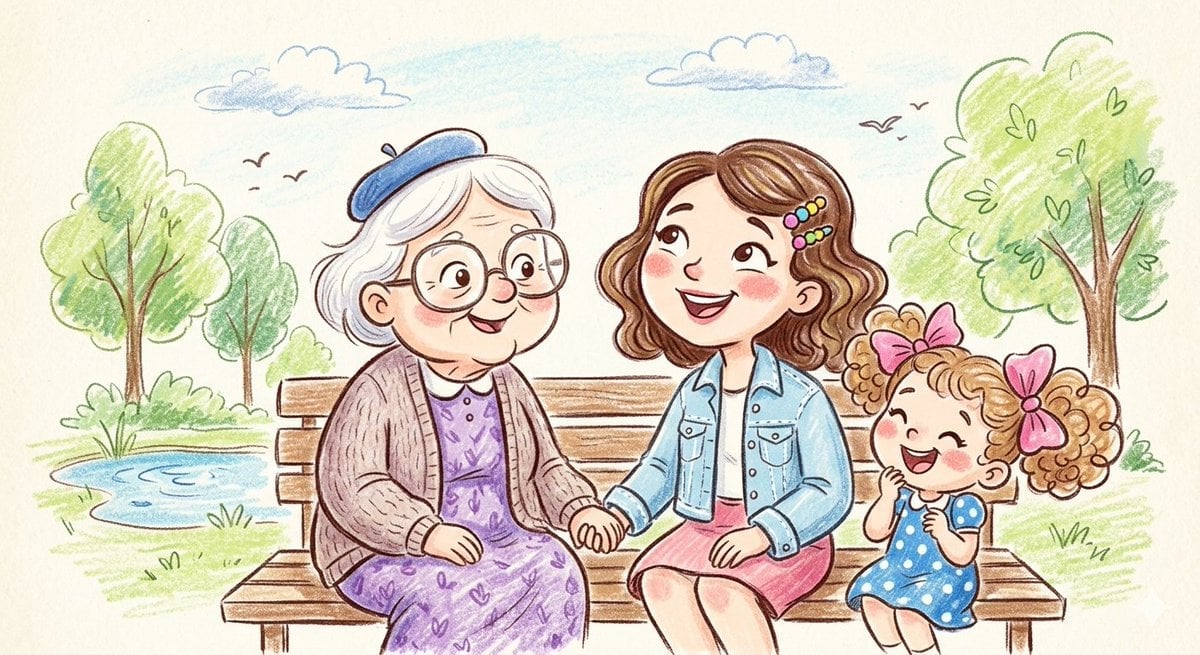
Crayon and Pencil Family Illustration

Quiet Minimalist Anime Style Guide

Real Illustration Split Portrait Transition
Quiet Minimalist Anime Style Guide

Watercolor Café Cheesecake Editorial Illustration
Real Illustration Split Portrait Transition

Bold Side Profile Superhero Poster

Hero Portrait Comic Multi-Panel Poster

Spider-Verse Painterly Portrait Poster

Captain Tsubasa Anime World Cup Poster

Anime Character Charm Analysis Sheet
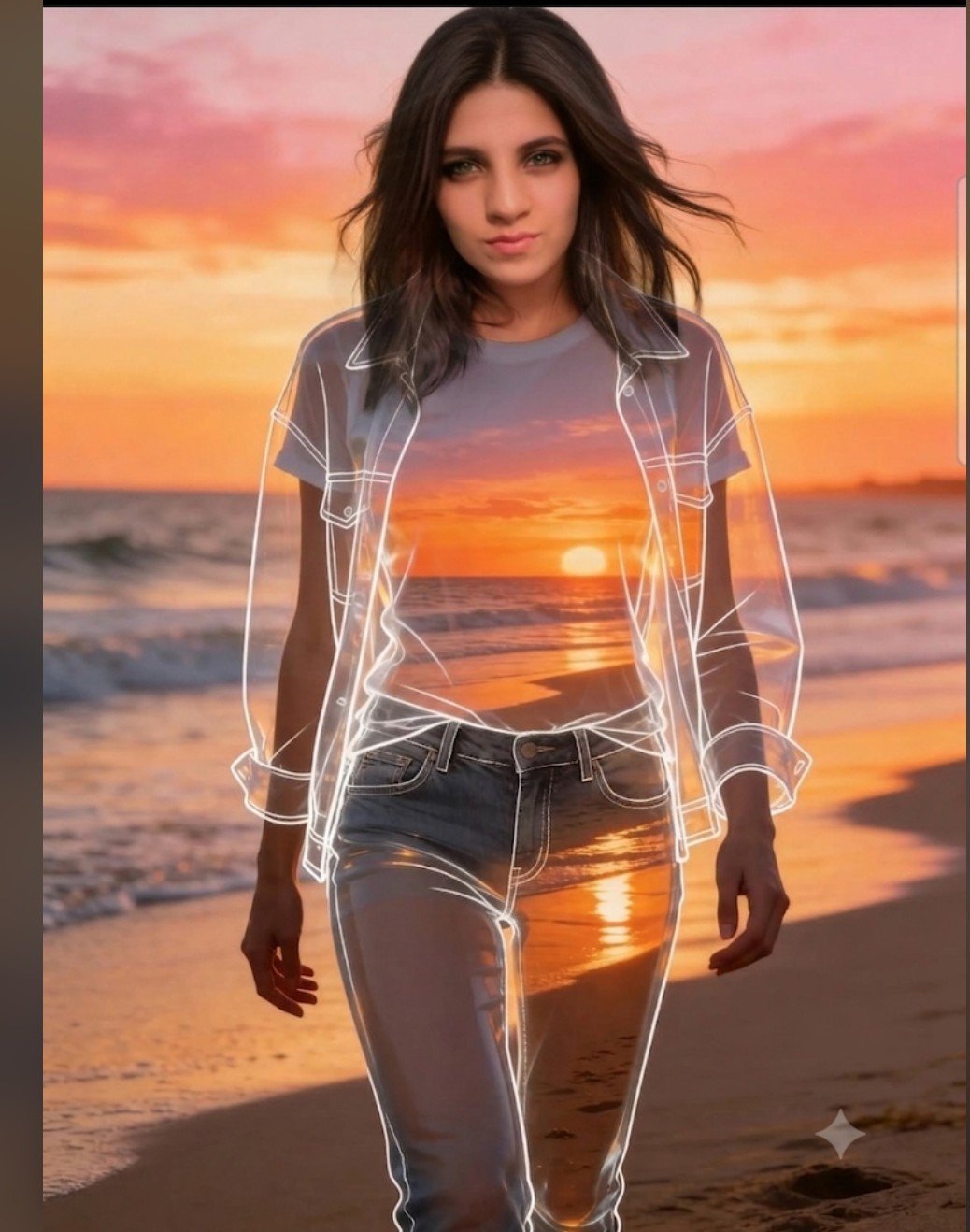
Beach Sunset Double Exposure Wireframe Portrait
Make it yours
Otter Family Lily Pond Illustration works as-is. These are the safest ways to change it without losing the look.
Change one field
Copy a single group, rewrite it, and generate again so you can see what that field is doing.
Keep the frame, change the subject
Hold the composition and light of Otter Family Lily Pond Illustration, then swap wardrobe, props or the person for a new take.
| If the result… | Why | Fix |
|---|---|---|
| The result drifts from the preview | Too many fields changed at once. | Reuse Otter Family Lily Pond Illustration as-is first, then change one group — subject, light, or setting. |
| The model over-stylizes the scene | The prose prompt leaves finish and camera underspecified. | Add one camera or lighting sentence and stay on GPT Image 2. |
More GPT Image 2 templates
Other prompts made for GPT Image 2.

Six VTuber Japanese Logo Sheet

Realistic Portrait of Woman and Deer

The Vista Modular Condo Poster

AI Model Routing Comparison Infographic

2.5D Anime Art Board

Isometric Productivity Desk Scene

New York Double Exposure Poster

Four-Panel AI Landscape Comparison

Japanese Tatami Lifestyle Magazine Cover

NESCAFÉ Coffee Map Poster
More image prompts
Fresh picks from across the catalog.
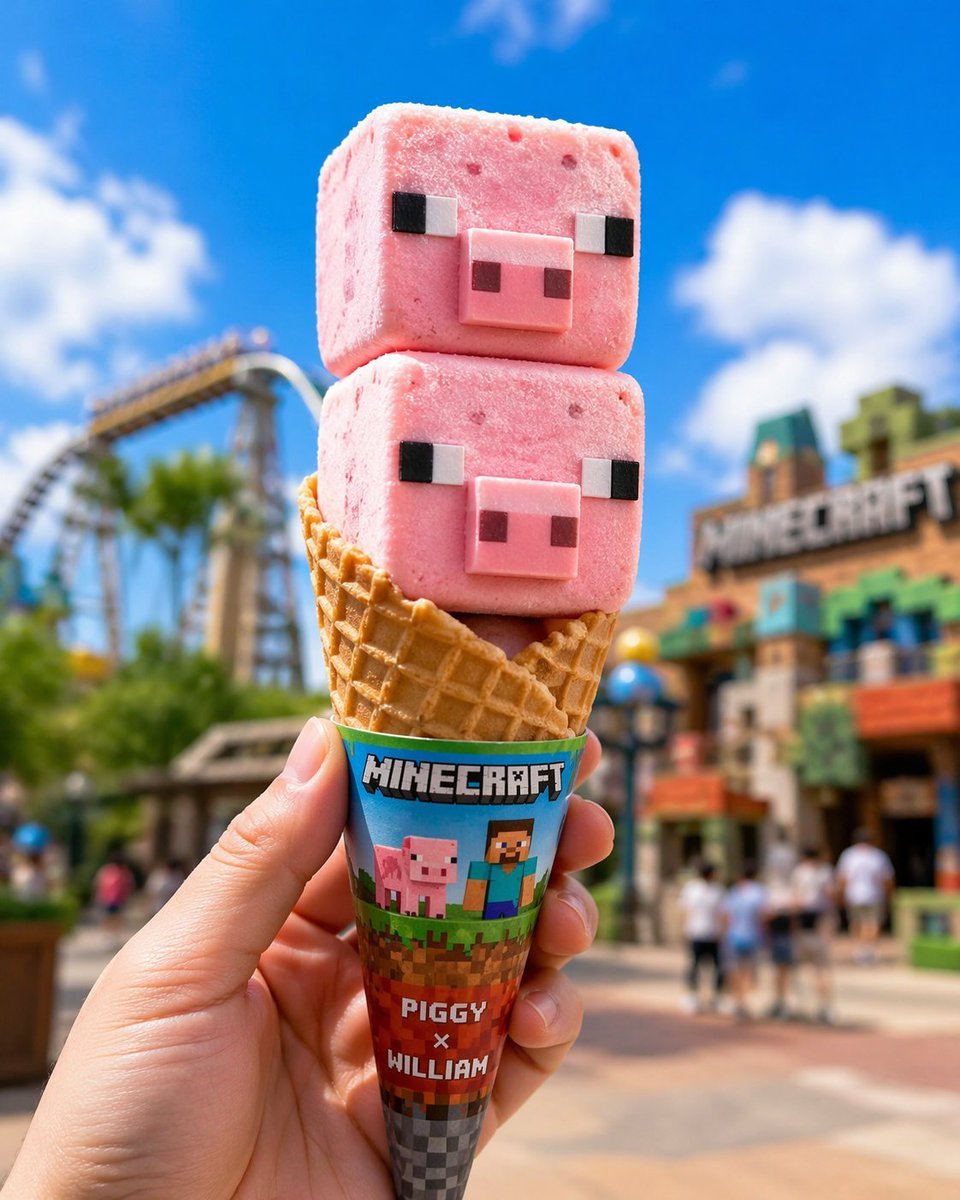
Co-branded IP Ice Cream Design
Layered Photo Print Figure
Oddly Terrifying Everyday Photo Prompt
Crayon Drawing Transformation
Schoolgirl With Cat by Sunlit Window

Cinematic Subway Thriller Portrait Prompt for Nano Banana 2
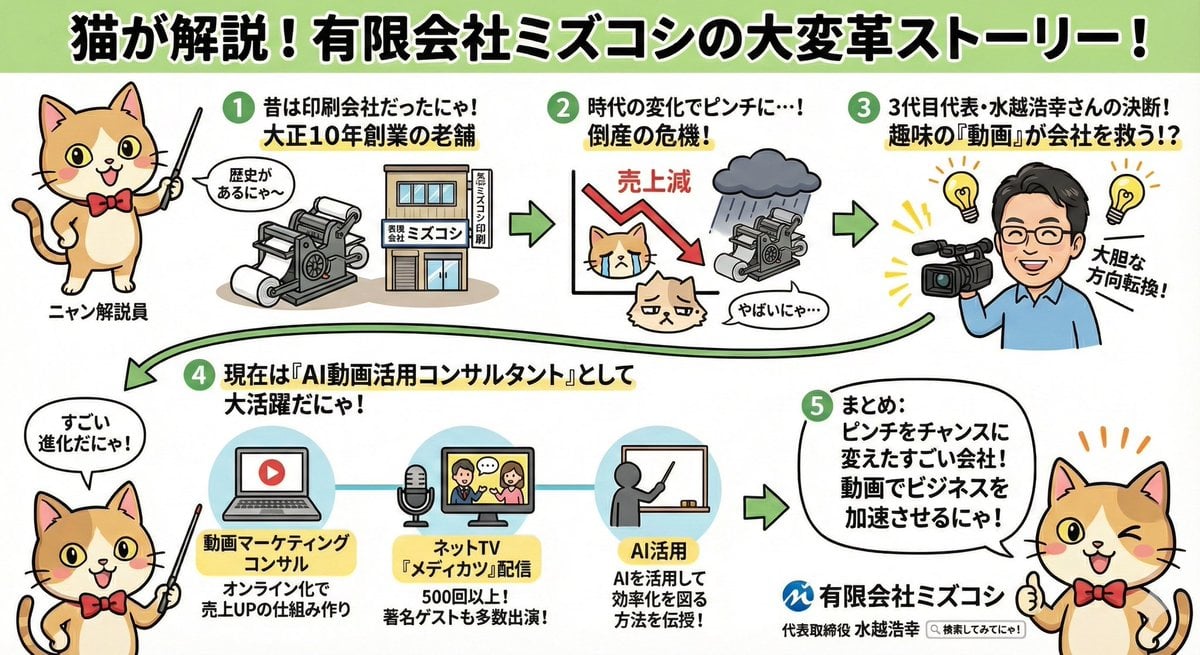
Anime-style Graphic Recording from Web Search Results
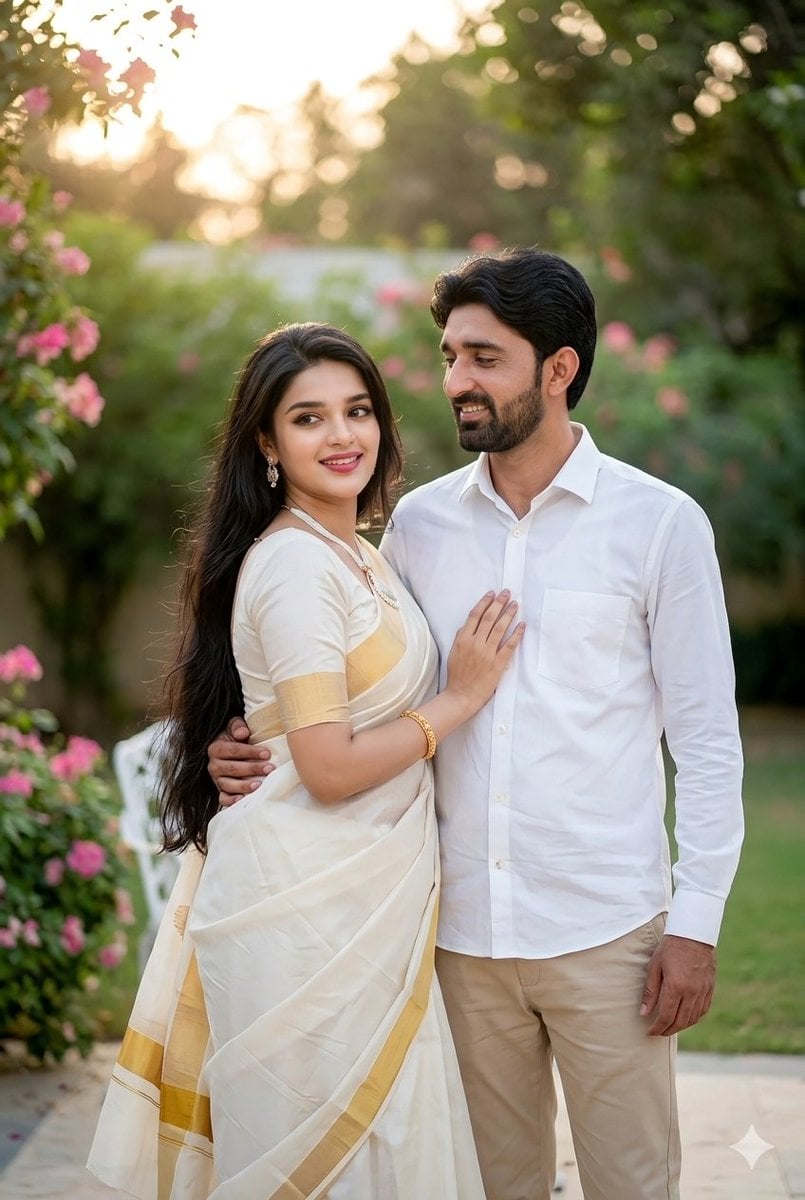
Indian Couple Portrait Prompt

Dreamy Glam Portrait with Soft Focus Vintage Realism
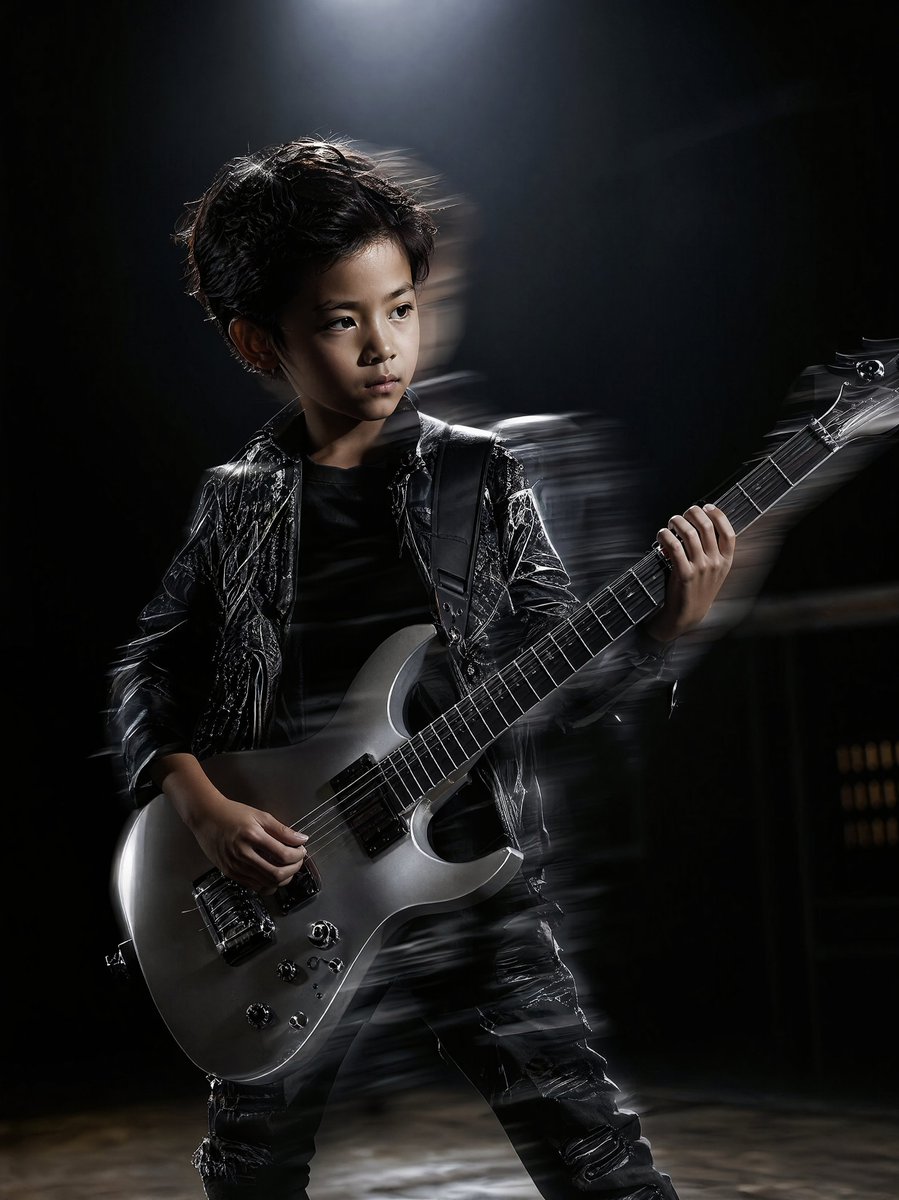
Moody Guitarist Portrait
Browse template categories
Otter Family Lily Pond Illustration questions
How do I use the Otter Family Lily Pond Illustration template?
Add your photo if the template asks for one, edit the prompt if you like — the template's model and format are already selected — and press Generate. Your version opens in PicX Studio.
Can I customize the Otter Family Lily Pond Illustration template?
Yes. You can change the subject, setting, lighting, mood, format, and available model controls before creating your image.
Is the Otter Family Lily Pond Illustration template free?
Opening and editing this template is free. Generating uses credits, shown on the Generate button when you are signed in.
Which AI model should I use?
Start with GPT Image 2, which is the model associated with this template. You can compare another compatible model for a different finish.
Looking for something else? Browse all templates.

Your photo, any look
Thousands of ready templates for every top image and video model, from one credit balance.