
Beach Sunset Double Exposure Wireframe Portrait
Beach Sunset Double Exposure Wireframe Portrait is a ready photo look.
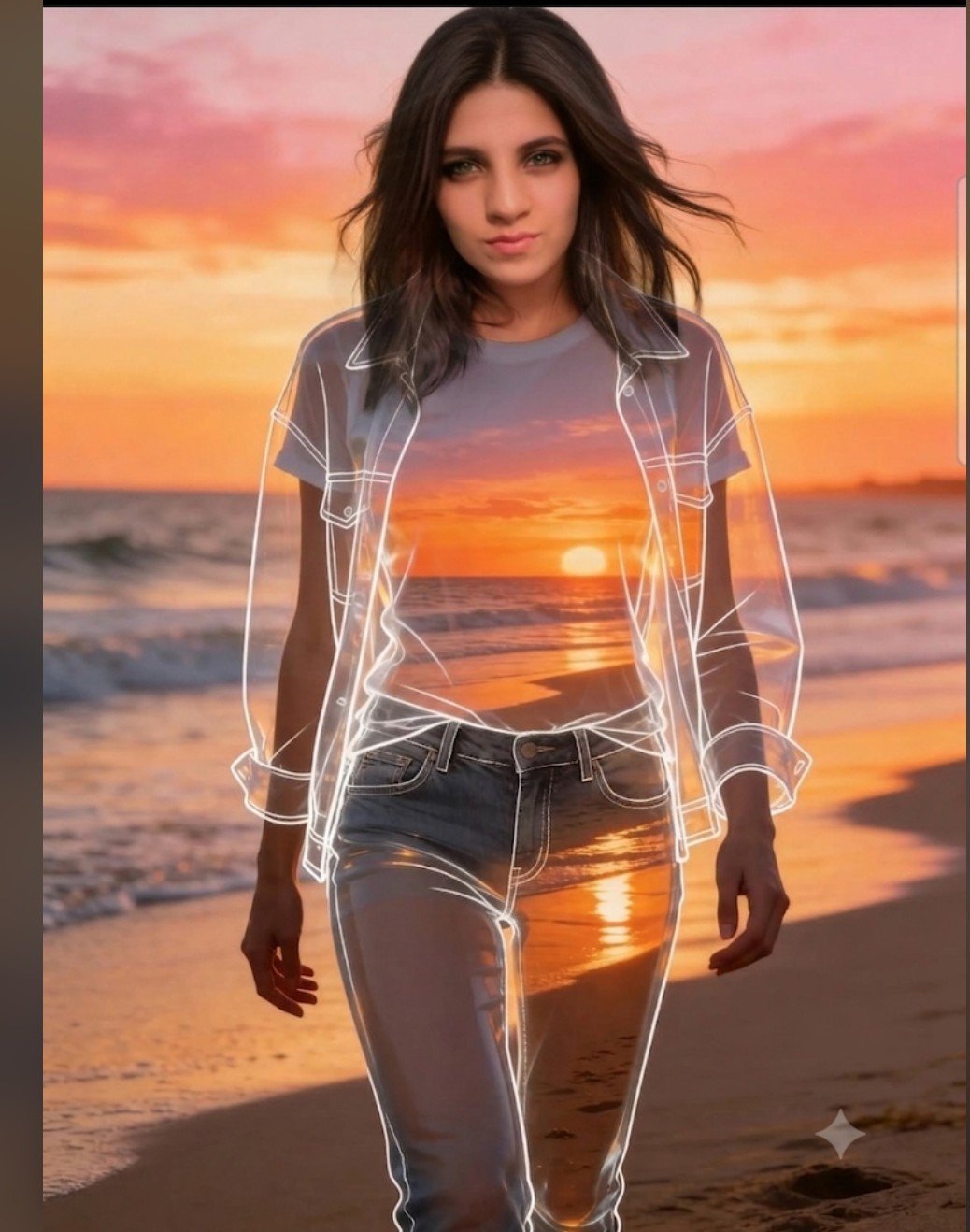
- Prompt included
- Model and format preset
- Free template
The prompt behind this image
Copy the exact prompt behind Beach Sunset Double Exposure Wireframe Portrait, or open it in the studio and make it yours.
Promp A high-definition, ethereal portrait photograph featuring a young woman (identical to the subject in image_0.png with her specific features, dark hair, and steady gaze) walking forward on a beach at sunset. The entire scene, inside and outside her silhouette, depicts the same stunning golden hour beach sunset with the sun setting over the ocean, creating a pink and orange sky with soft clouds and waves washing ashore. The woman is centered, and her body, including her long hair, skin, and clothing, acts as a perfectly detailed double-exposure, holding the complete beach scene within its bounds. Crucially, superimposed over this entire double-exposed form, there are extremely precise, detailed, glowing white wireframe or line-art overlays. These intricate lines perfectly trace the contours and details of three distinct layers of clothing: first, a t-shirt (seen as a graphic panel within the form), second, an open denim jacket (tracing its lapels, buttons, seams, and cuffs over the shirt), and third, the complete pairs of jeans (tracing pockets, zipper, belt loops, and seams). These clothing lines are complex, layered, and look like architectural blueprints, creating a clear hierarchical clothing structure over the double-exposed sun and ocean scene within her body. Her face, outside this complex clothing wireframe, is clear and looking forward, with her hair flowing softly. The lighting is dominated by the sunset. The background (outside her body) is the clear, unfocused same sunset beach. The style is a precise fusion of high-fashion editorial, surrealist art, and technical illustration. No other overlay elements or interfaces are present.
How to use Beach Sunset Double Exposure Wireframe Portrait in 3 steps
- 1
Open
The prompt is already in the box next to the preview, with the template's model and format selected.
- 2…a portrait of your subject in softgolden-hour light, 85mm…
Personalize
Edit the subject and creative details for your destination.
- 3Generate
Generate
Press Generate — your image is created in PicX Studio, so you can compare it with the original and refine one variable at a time.
More like this
Templates with the same subject, style or setup. Open one to see its prompt.

80s Golden Hour Cinema

Rooftop Fisheye — Cat-Ear Balaclava at Golden Hour

Nano Banana 2 High Fashion Sports Campai

Couture Fashion Editorial Woman and Drag

Ive Yujin Fashion Portrait in Blue

Nano Banana 2 Editorial Fashion Portrait

Caution Tape Fashion — Industrial Editorial
Double Exposure High-Fashion Portrait

Kids Crayon Travel Journal Illustration
Sunset Beach Walk Portrait
Dynamic Double-Exposure Artistic Portrait
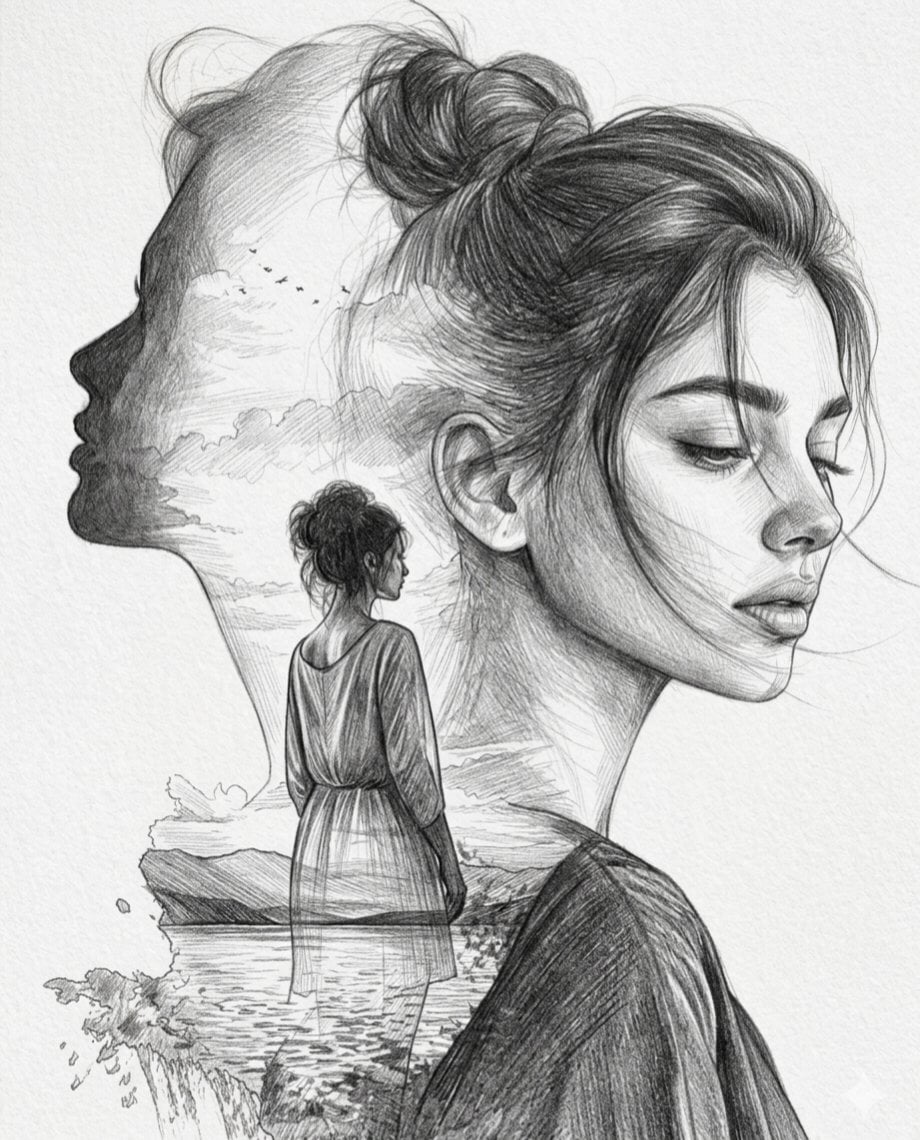
Double Exposure Pencil Sketch Portrait
Make it yours
Beach Sunset Double Exposure Wireframe Portrait works as-is. These are the safest ways to change it without losing the look.
Change one field
Copy a single group, rewrite it, and generate again so you can see what that field is doing.
Keep the frame, change the subject
Hold the composition and light of Beach Sunset Double Exposure Wireframe Portrait, then swap wardrobe, props or the person for a new take.
| If the result… | Why | Fix |
|---|---|---|
| The result drifts from the preview | Too many fields changed at once. | Reuse Beach Sunset Double Exposure Wireframe Portrait as-is first, then change one group — subject, light, or setting. |
| The model over-stylizes the scene | The prose prompt leaves finish and camera underspecified. | Add one camera or lighting sentence and stay on PicX Studio. |
More image prompts
Fresh picks from across the catalog.
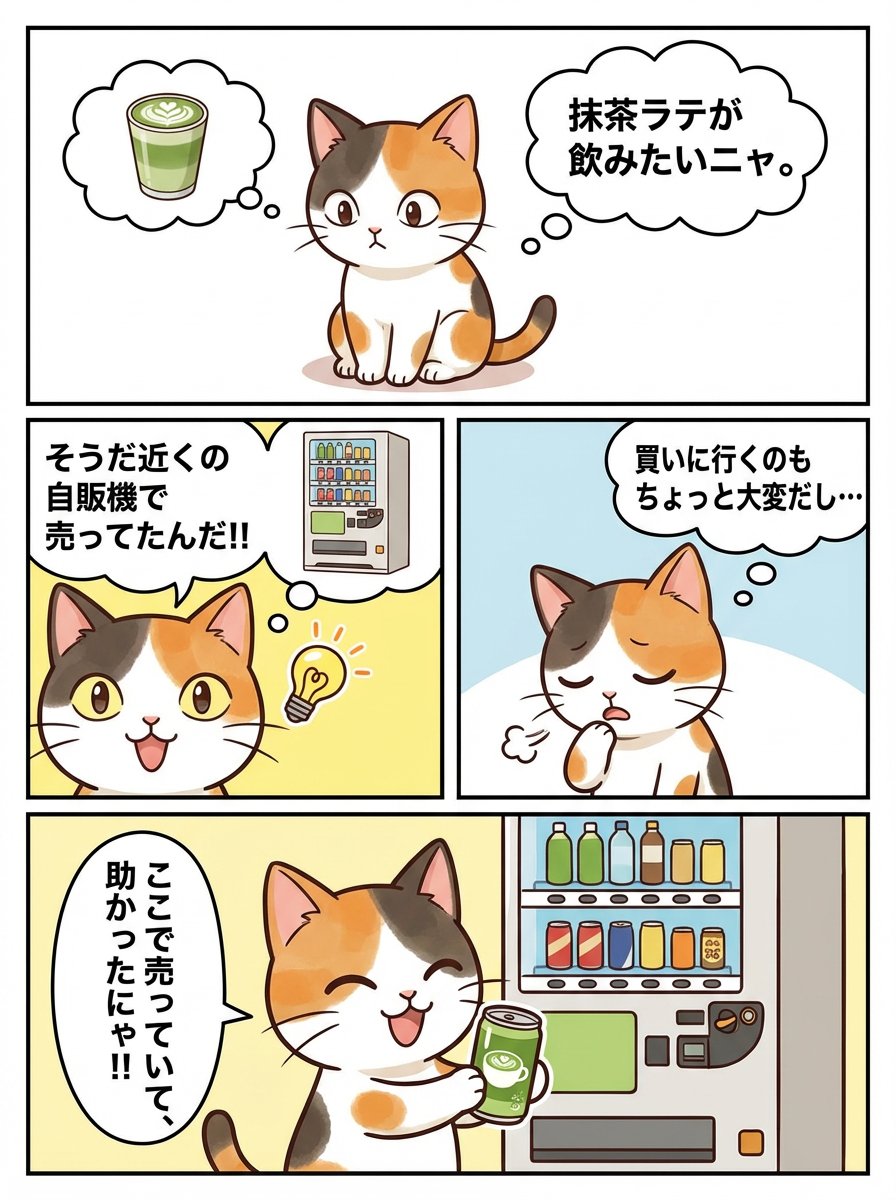
Panel Manga Story Generator (Cat Character)
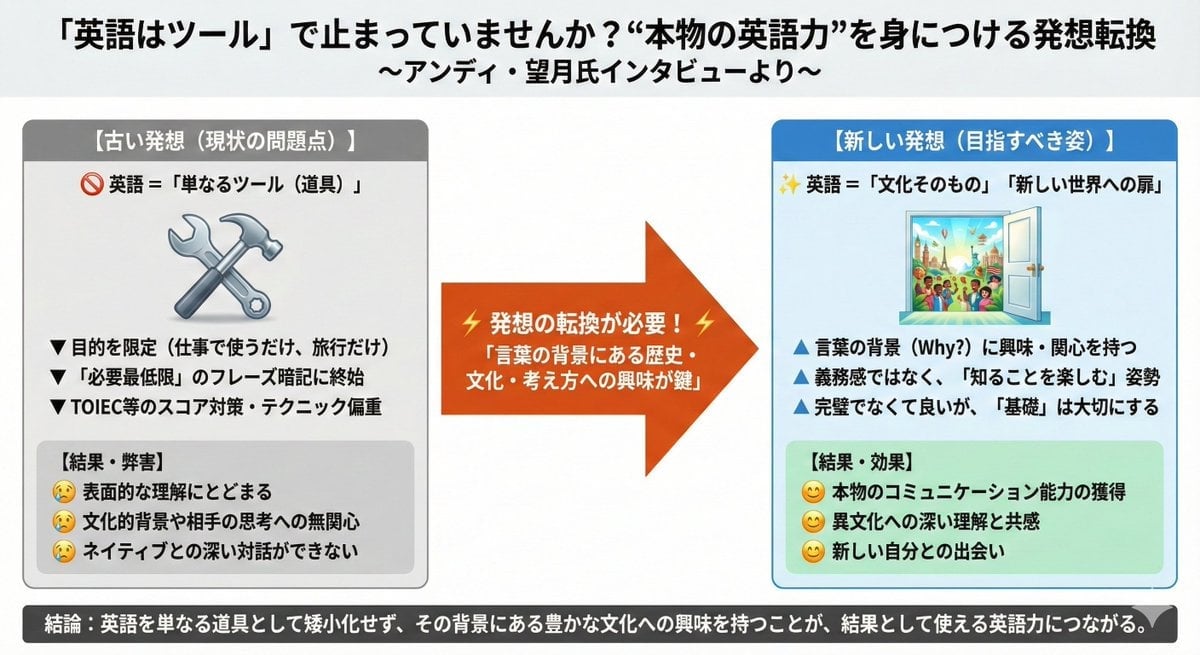
News Article Diagram Generation
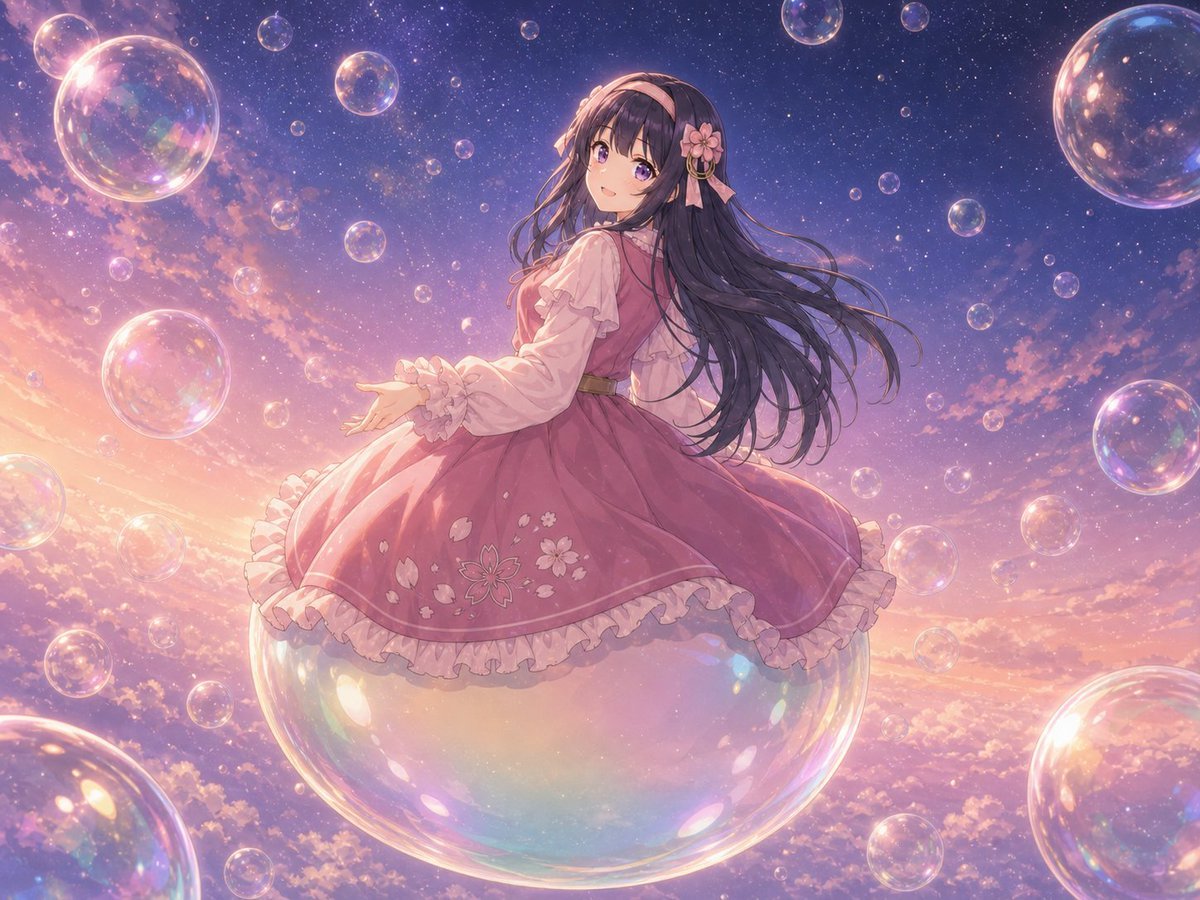
Poetic Surreal Portrait
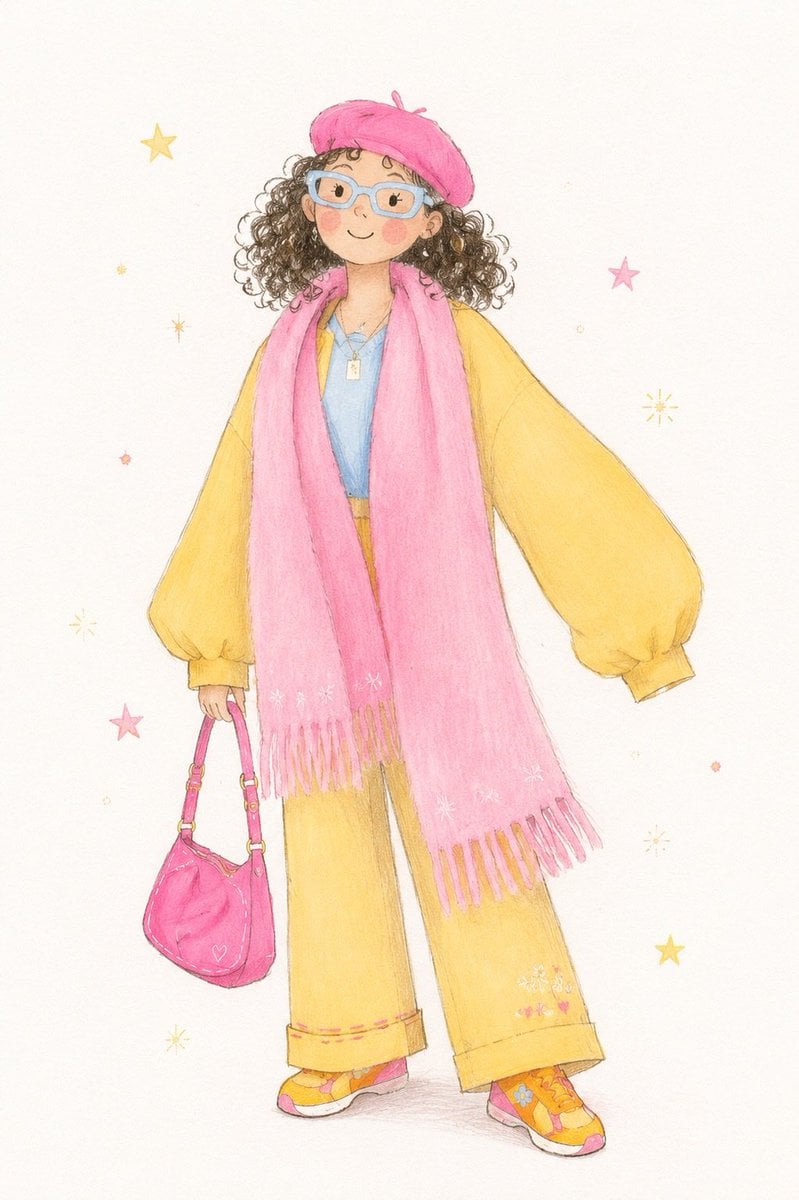
Minimalist Children's Illustration Style
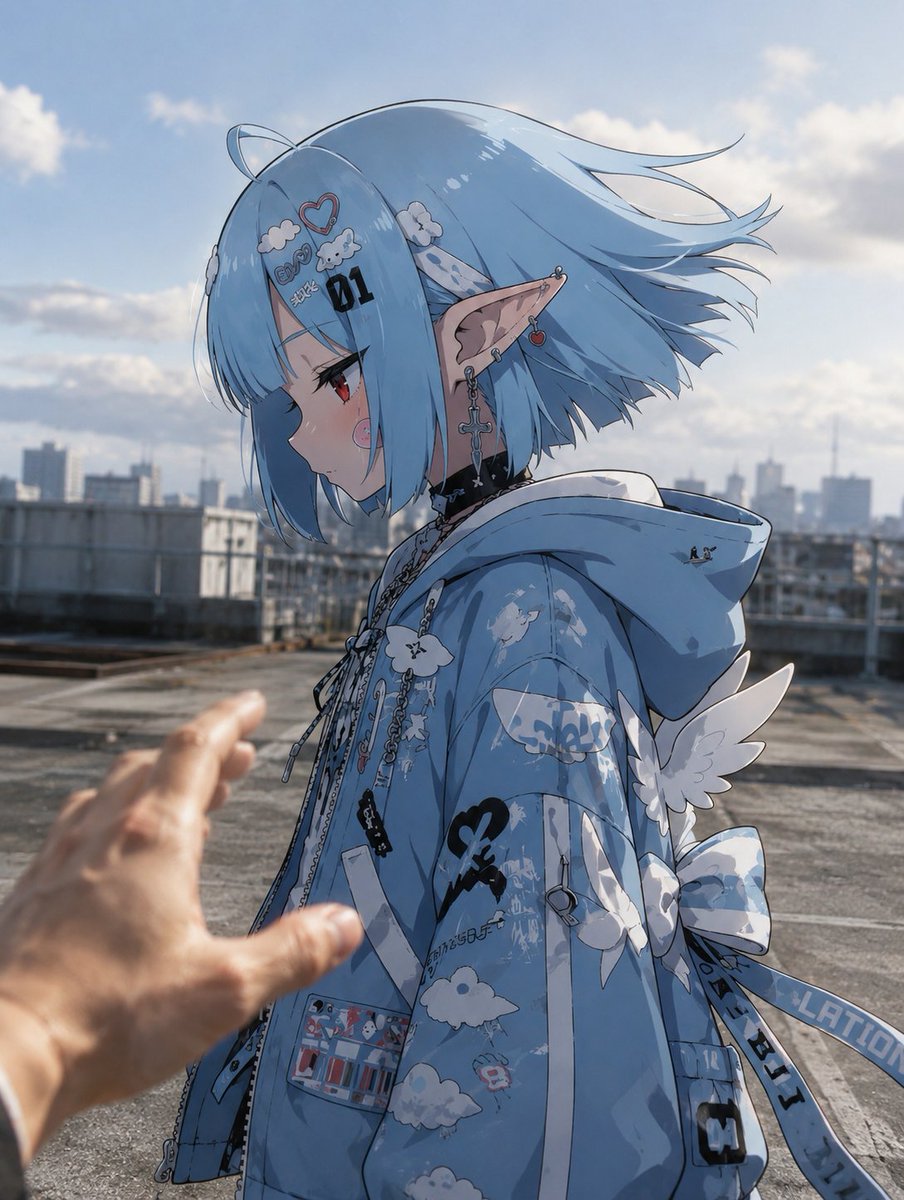
Anime Character in Real Rooftop Scene
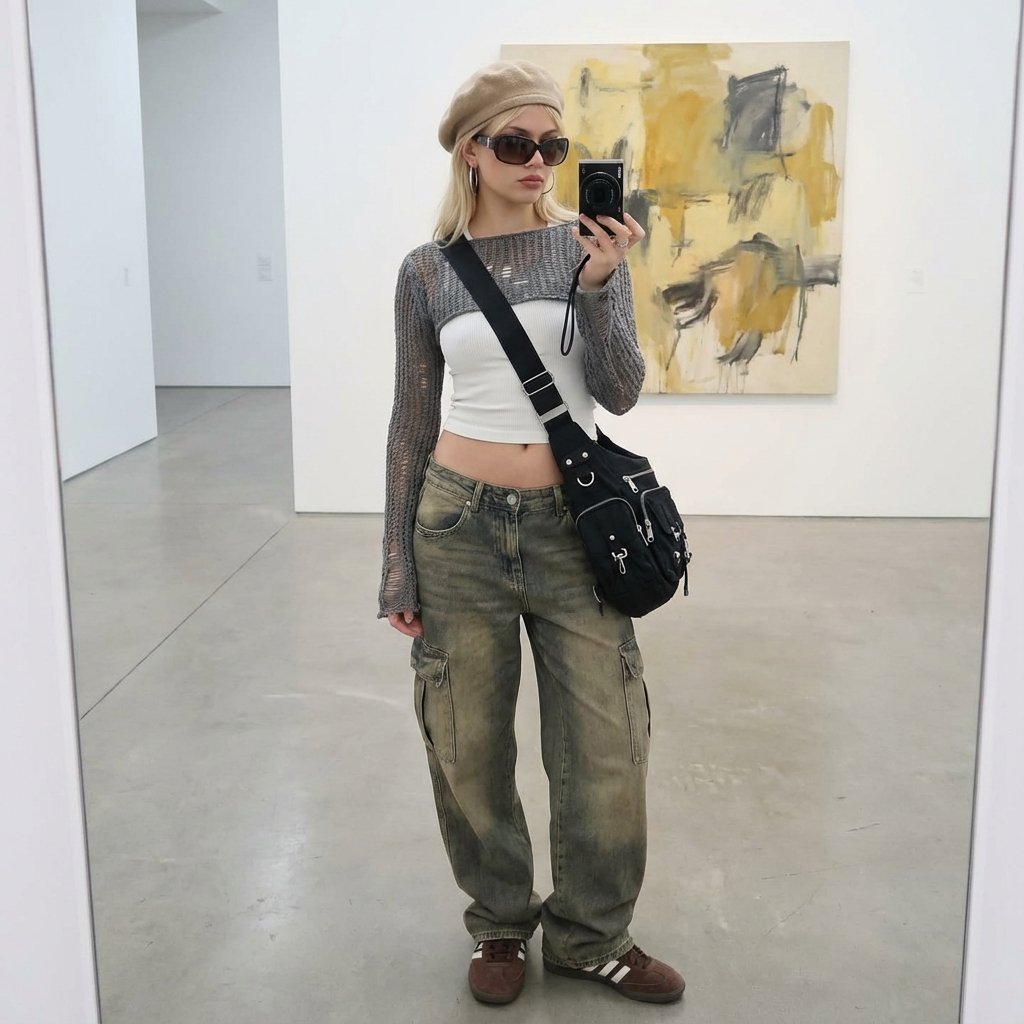
Art Gallery Mirror Selfie Fashion Editorial

Flashy Japanese AI Thumbnail

Surrealist Rolex Advertisement Poster
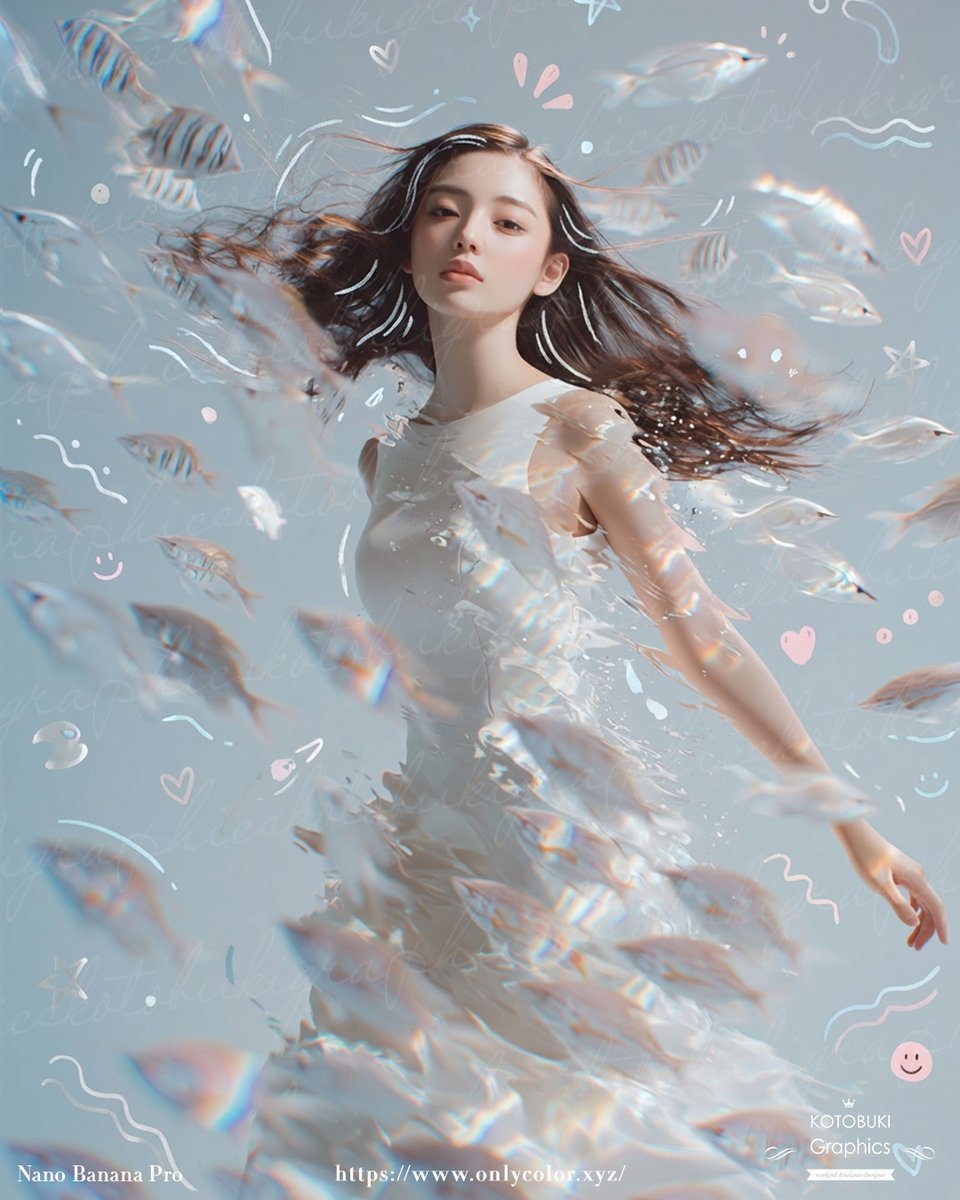
Gpt2 Profile Avatar Dreamy Underwater Woman with Translucent Fish
Monochrome Anime Gothic Dress Girl
Browse template categories
Beach Sunset Double Exposure Wireframe Portrait questions
How do I use the Beach Sunset Double Exposure Wireframe Portrait template?
Add your photo if the template asks for one, edit the prompt if you like — the template's model and format are already selected — and press Generate. Your version opens in PicX Studio.
Can I customize the Beach Sunset Double Exposure Wireframe Portrait template?
Yes. You can change the subject, setting, lighting, mood, format, and available model controls before creating your image.
Is the Beach Sunset Double Exposure Wireframe Portrait template free?
Opening and editing this template is free. Generating uses credits, shown on the Generate button when you are signed in.
Which AI model should I use?
Choose a compatible model in PicX Studio based on the style, speed, and output controls your project needs.
Looking for something else? Browse all templates.

Your photo, any look
Thousands of ready templates for every top image and video model, from one credit balance.