
Ultra-realistic Commercial Veg Burger Photography and Exploded View
A dual-prompt entry for food photography.
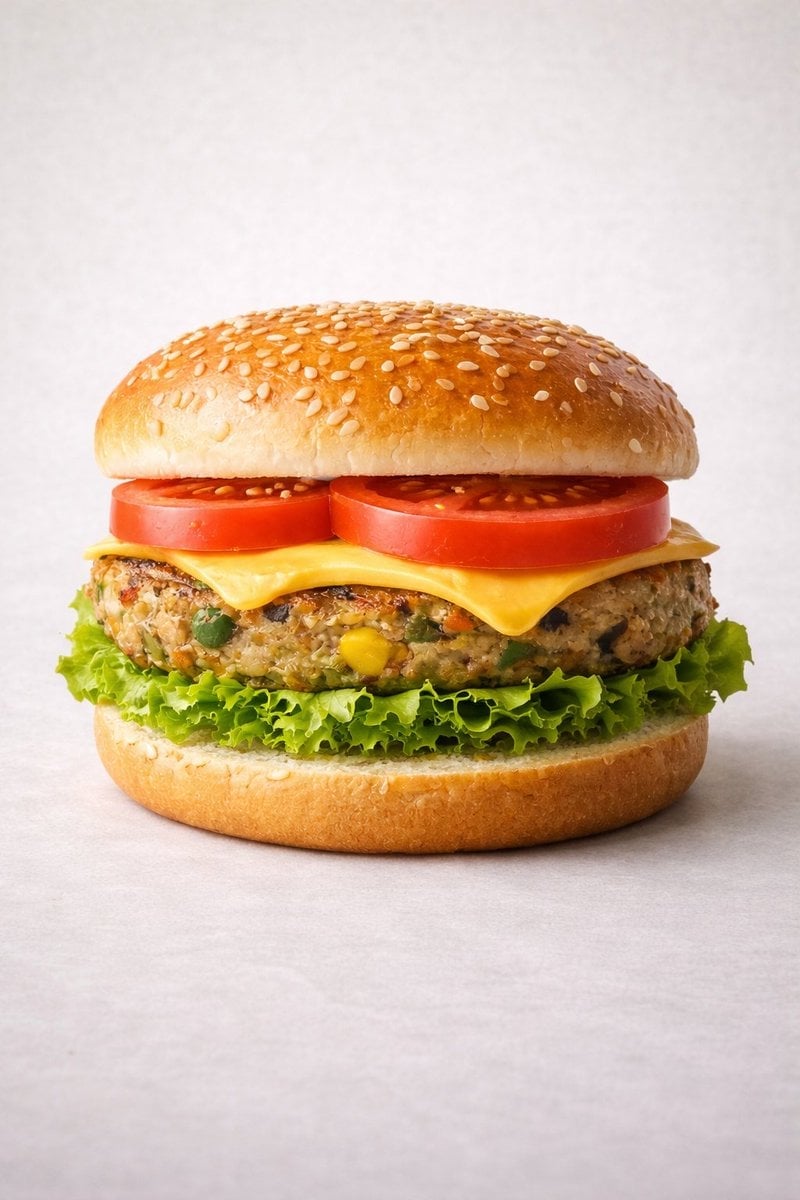
- Prompt included
- Model and format preset
- Free template
The prompt behind this image
Copy the exact prompt behind Ultra-realistic Commercial Veg Burger Photography and Exploded View, or open it in the studio and make it yours.
Motion Prompt: The burger start to round spin while ingredients separate gently and precisely, maintaining alignment and scale. The motion is smooth, with no extra effects. IMAGE 1 - Ultra-realistic studio food photography of a freshly prepared {argument name="burger type" default="vegetarian"} burger, centered in frame. A soft sesame seed bun on top, layered with ripe red tomato slices, melted cheddar cheese, a thick grilled veg patty with visible vegetables (corn, peas, carrots), crisp green lettuce, and a soft bottom bun. Perfectly stacked and symmetrical. Neutral light grey studio background with subtle texture, soft diffused lighting, gentle shadows beneath the burger, high sharpness and natural colors. Premium fast-food commercial style, realistic textures, glossy highlights on cheese and bun, shallow depth of field, ultra-high resolution, clean composition, no text, no labels, no hands, no props, no watermark. IMAGE 2 - Exploded view of the same veg burger, presented as a clean, commercial recipe-style breakdown. Exactly five ingredients, separated and arranged vertically from top to bottom, evenly spaced and perfectly aligned. Ingredient order (top → bottom): Fresh tomato slices — 30 g Cheddar cheese slice — 25 g Grilled veg patty — 90 g Crisp lettuce — 20 g Soft sesame burger bun — 80 g (bottom base) Add clear infographic-style annotations for each ingredient with exact weights. Minimal, instructional, commercial style on a light neutral background.
How to use Ultra-realistic Commercial Veg Burger Photography and Exploded View in 3 steps
- 1Upload ImagePNG, JPG or paste
Add your photo
Upload the photo the template builds on. The prompt, model and format are already set.
- 2…a portrait of your subject in softgolden-hour light, 85mm…
Personalize
Edit the subject and creative details for your destination.
- 3Generate
Generate
Press Generate — your image is created in PicX Studio, so you can compare it with the original and refine one variable at a time.
More like this
Templates with the same subject, style or setup. Open one to see its prompt.
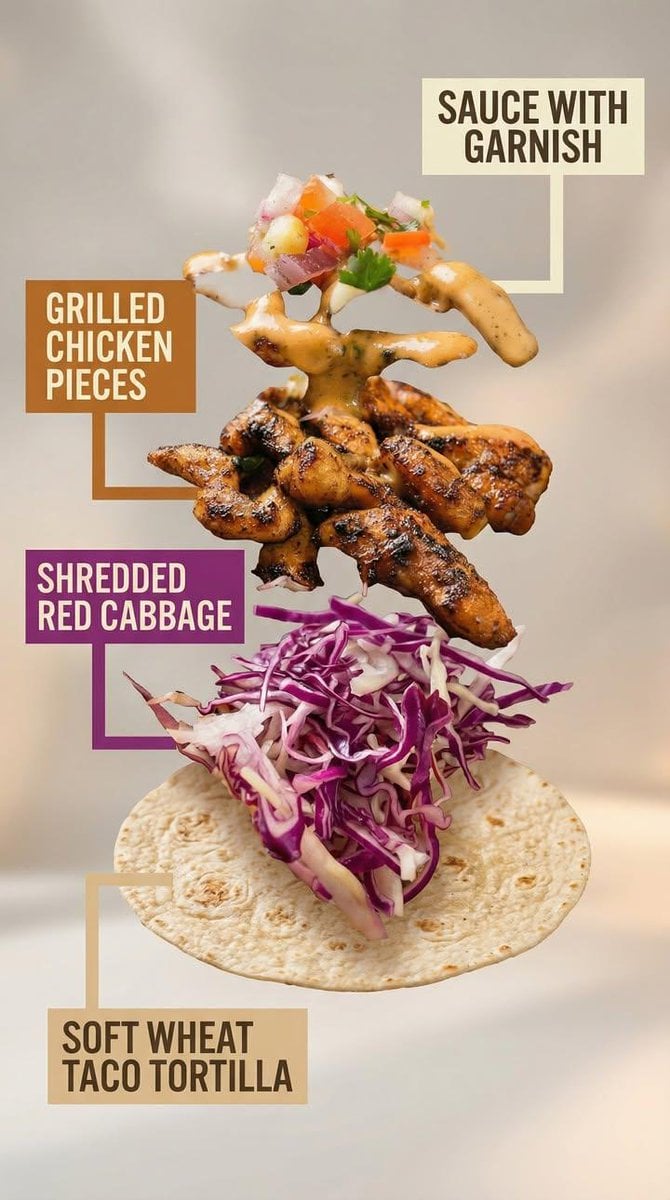
Exploded View Taco Visualization and Commercial Food Photography Prompt
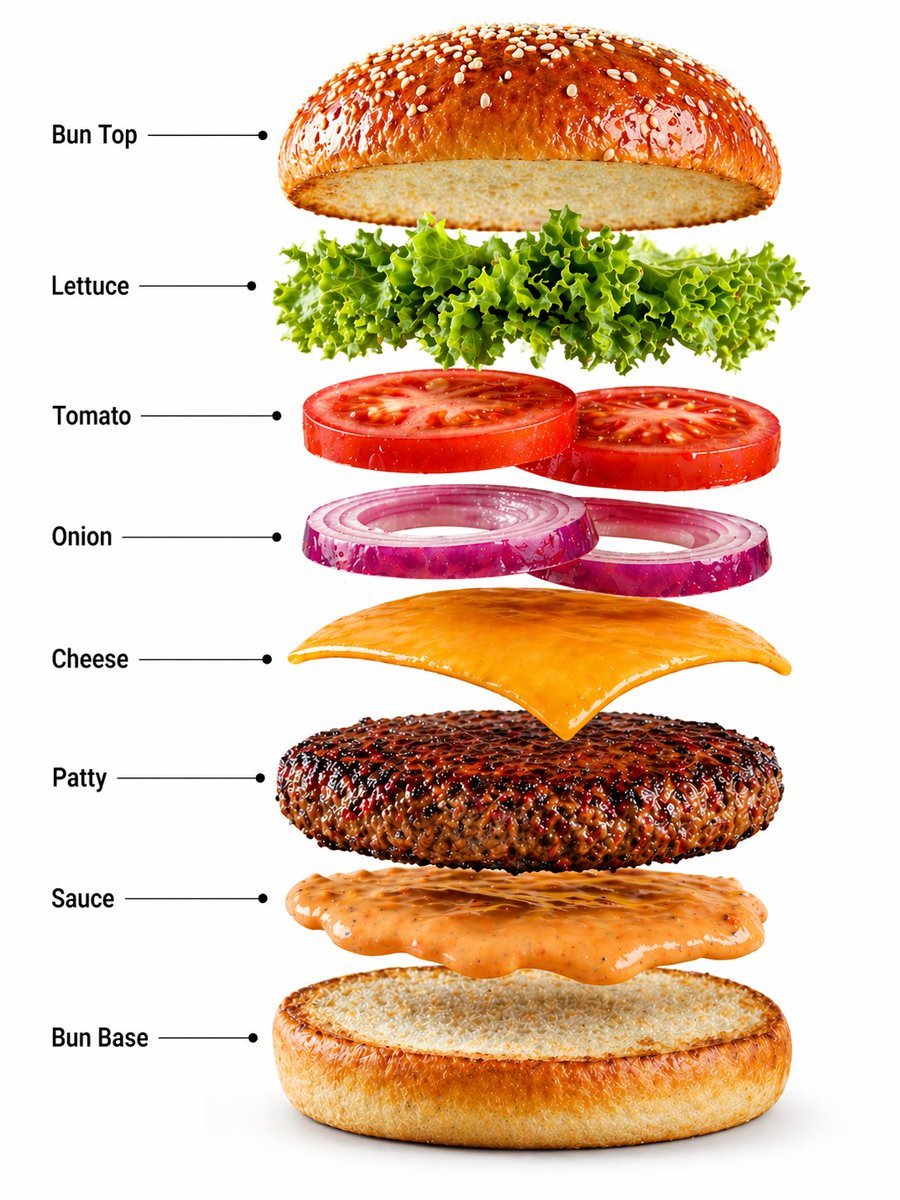
Gourmet Burger Commercial Photography
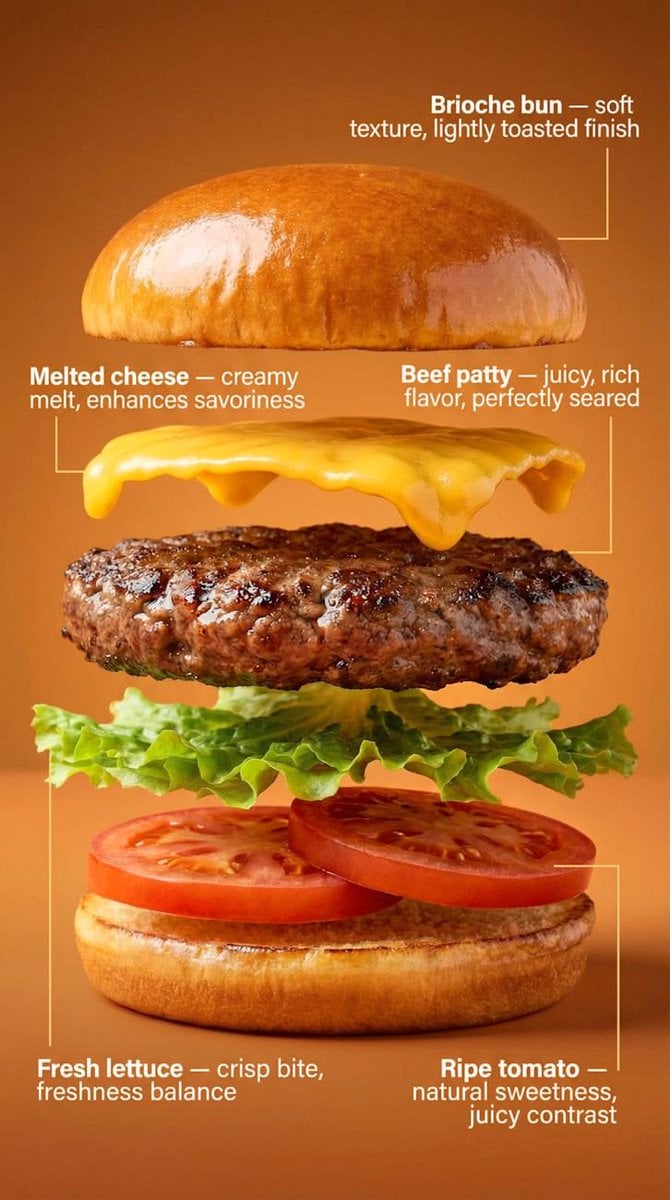
Exploded-View Burger Composition with Annotations
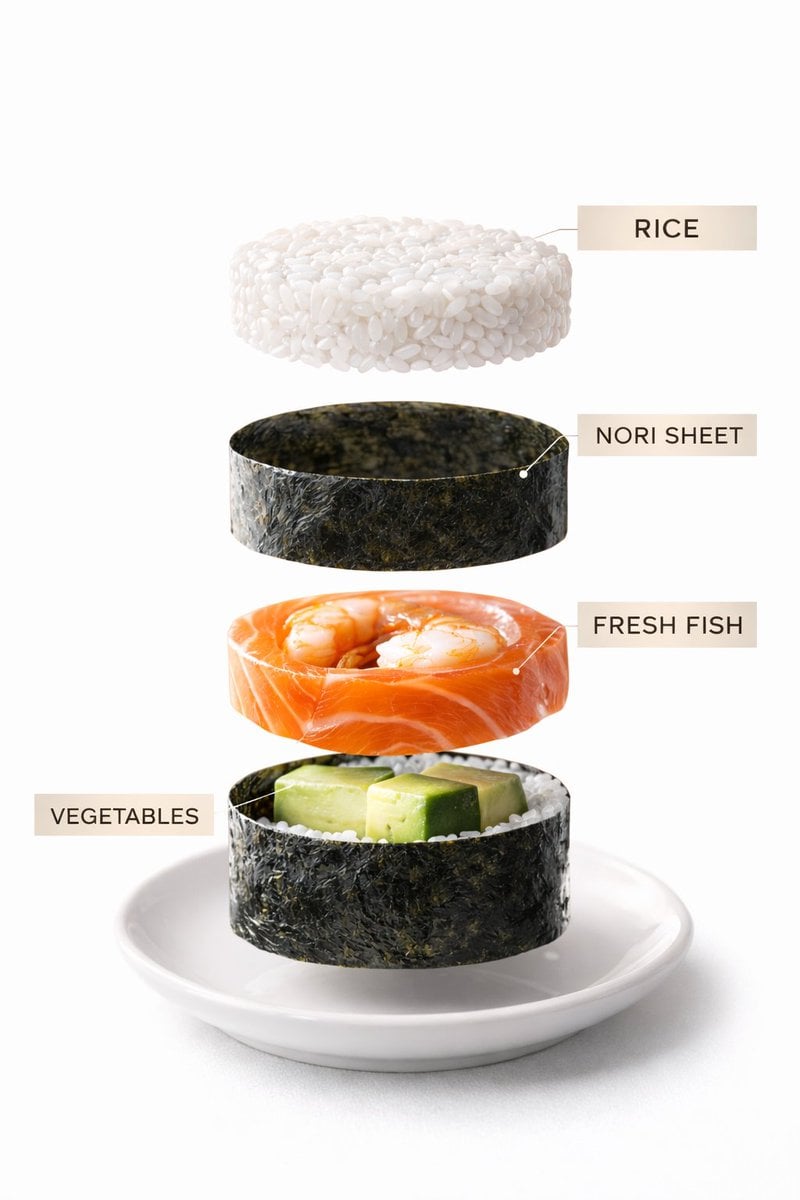
Sushi Commercial Photography and Exploded Diagram Prompt
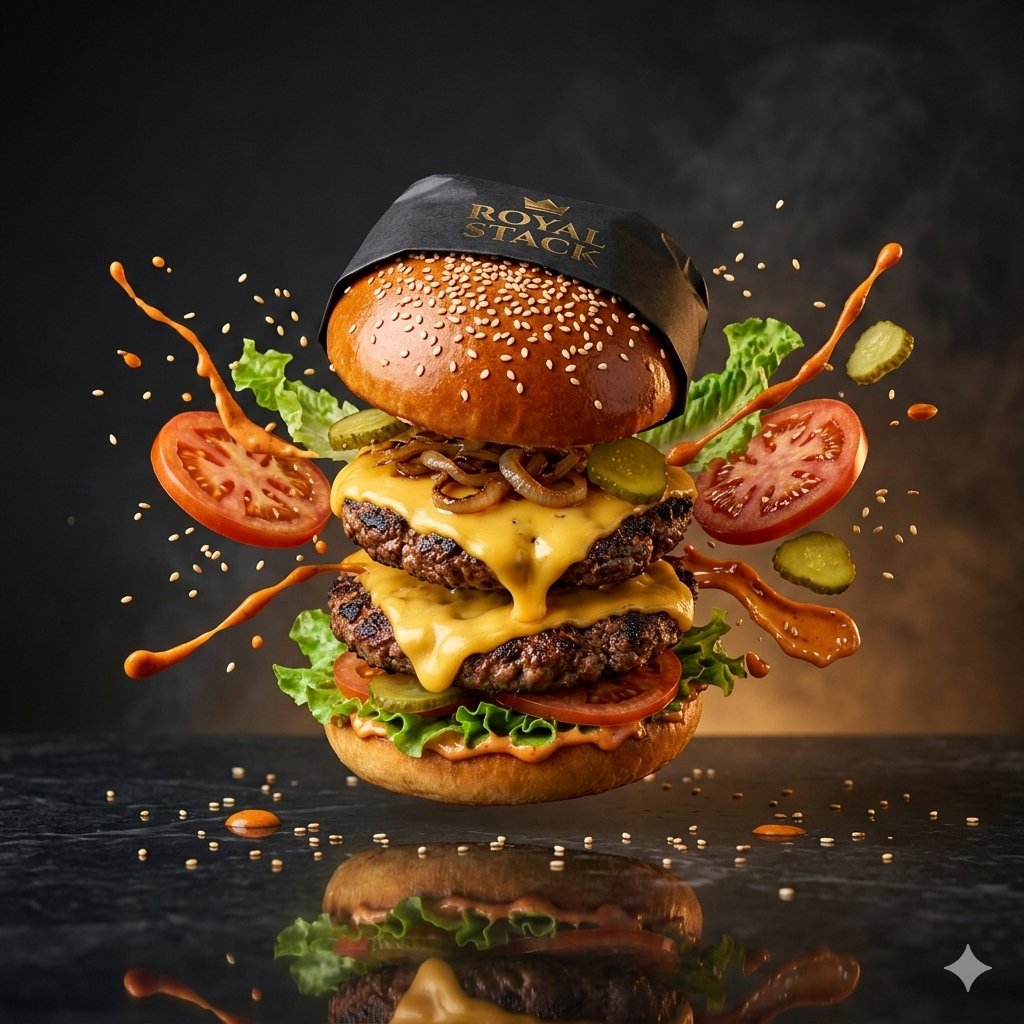
High-Speed Commercial Luxury Burger Photography

Mirror Selfie Chibi Characters Pixar Style
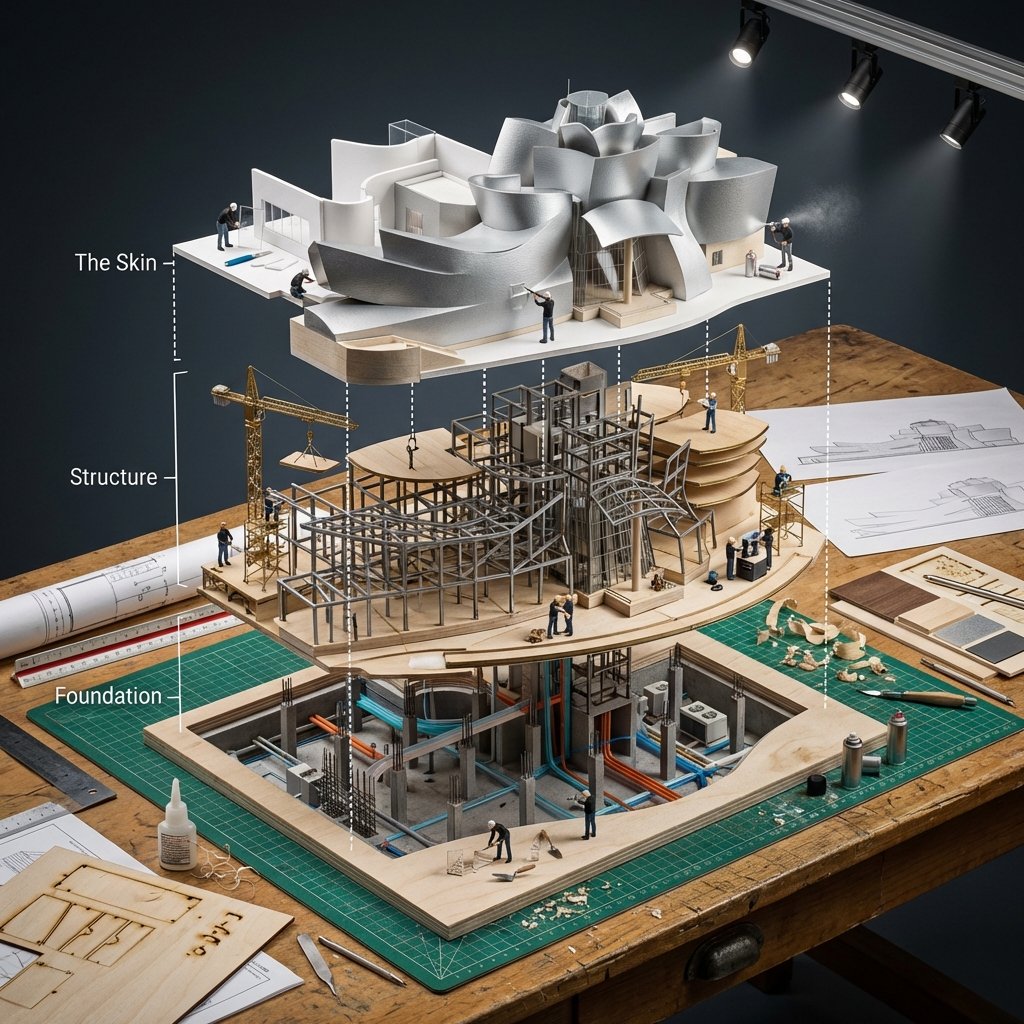
Building Exploded View Architectural Diorama

Flower Petal Sunglasses Couture Portrait

Fashion Portrait Colored Smoke Studio

Mountain Valley Lifestyle Portrait
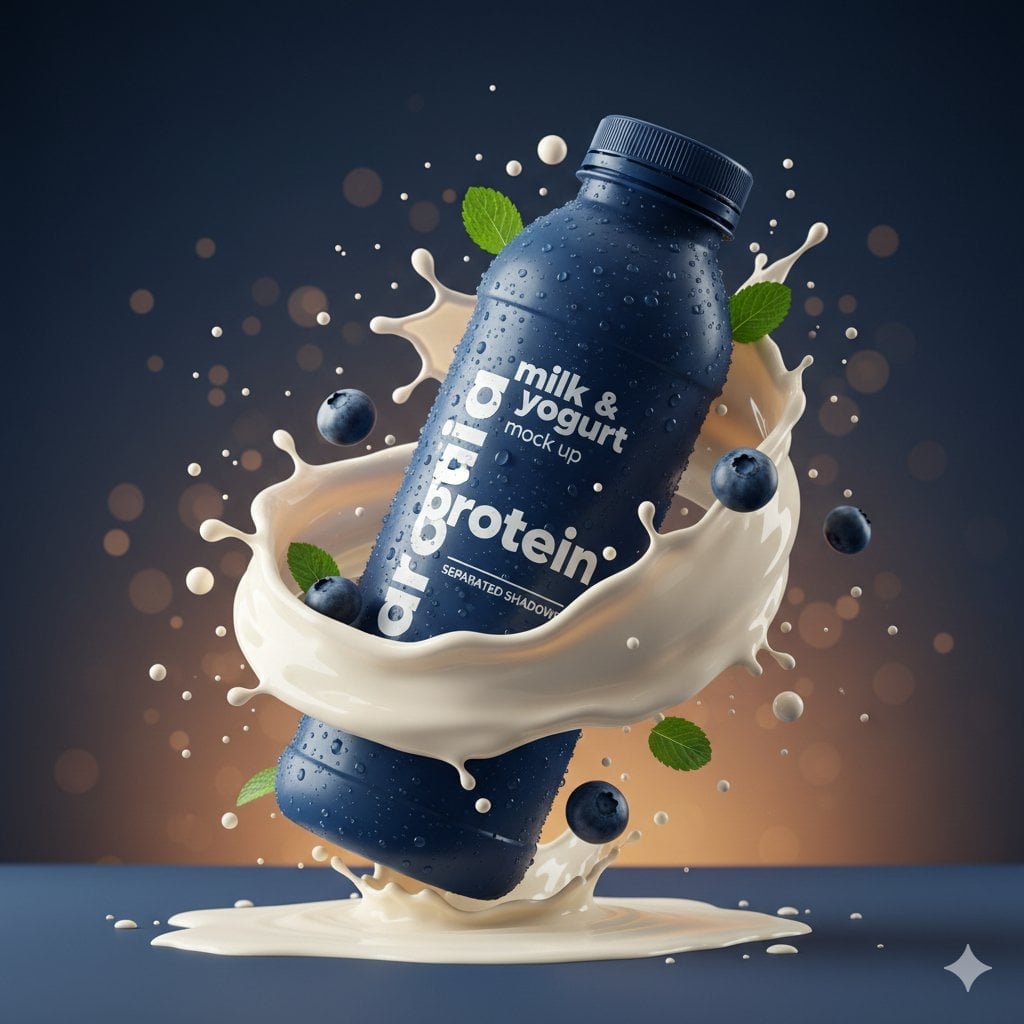
Commercial Product Splash Photography

青蛇小青写真大片,绿色紧身蛇鳞裙,湿发红唇,妖娆妩媚
Make it yours
Ultra-realistic Commercial Veg Burger Photography and Exploded View works as-is. These are the safest ways to change it without losing the look.
Change one field
Copy a single group, rewrite it, and generate again so you can see what that field is doing.
Keep the frame, change the subject
Hold the composition and light of Ultra-realistic Commercial Veg Burger Photography and Exploded View, then swap wardrobe, props or the person for a new take.
| If the result… | Why | Fix |
|---|---|---|
| The result drifts from the preview | Too many fields changed at once. | Reuse Ultra-realistic Commercial Veg Burger Photography and Exploded View as-is first, then change one group — subject, light, or setting. |
| The model over-stylizes the scene | The prose prompt leaves finish and camera underspecified. | Add one camera or lighting sentence and stay on Nano Banana 2. |
More Nano Banana 2 templates
Other prompts made for Nano Banana 2.

Photorealistic Leaf Shaped Like a Dragon

K-Pop Idol Portrait Grid for Rapid Selection

Poetic Rain Forest Portrait During Golden Hour

Urban Street Portrait with Cartoon Inner Self Duo

Candid Nighttime Photo with Cat Prompt

High-Concept 3D Diorama Generation Prompt

Cinematic Futuristic Studio Portrait Template

Skincare Editorial Photography Collage Prompt

Hyper-Realistic Commercial Product Photography (Splash Effect)

Hyper-Realistic Nightclub Portrait Prompt
More image prompts
Fresh picks from across the catalog.

Photorealistic Egg with Map of Africa Crack
Vintage Tennis Editorial Shot Prompt
Twin Soap Bubble Birds at Tomamu
Character Analysis Newspaper Rip-Through Effect
Ultra-Photorealistic Macro Shot of a Red Hibiscus
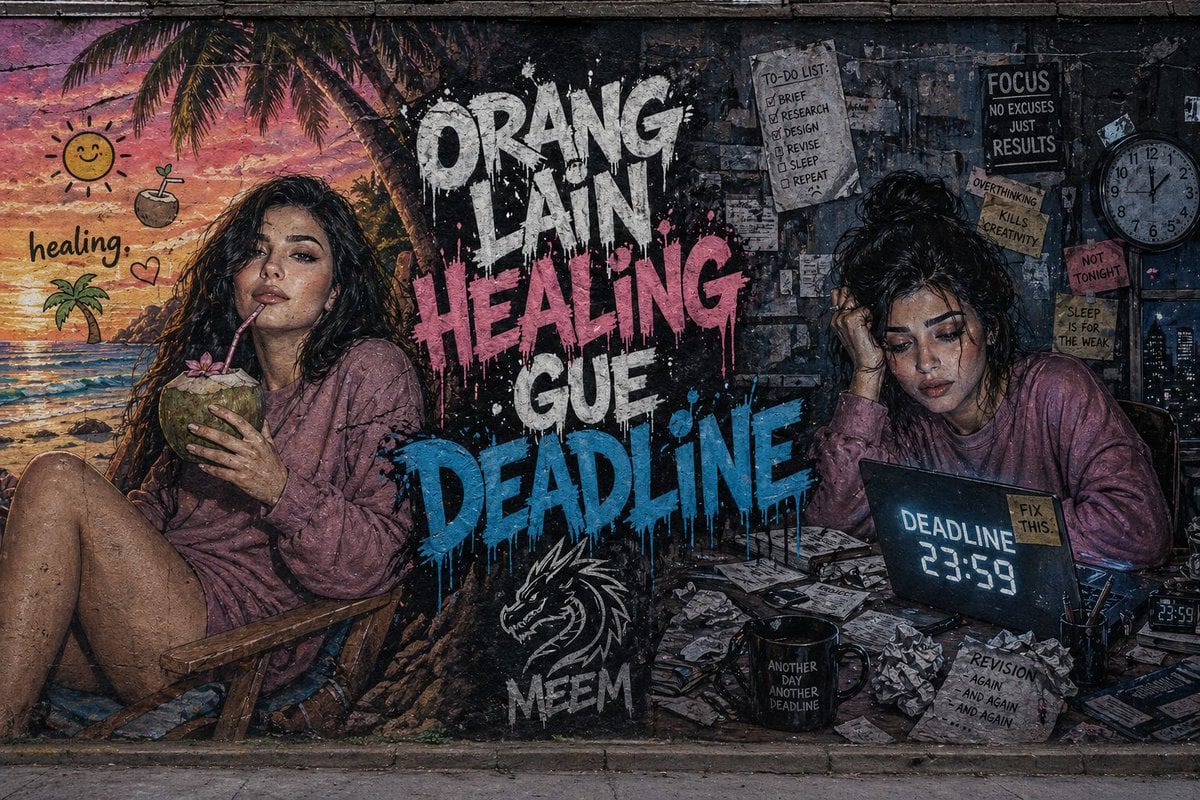
Dual-Concept Street Art Mural
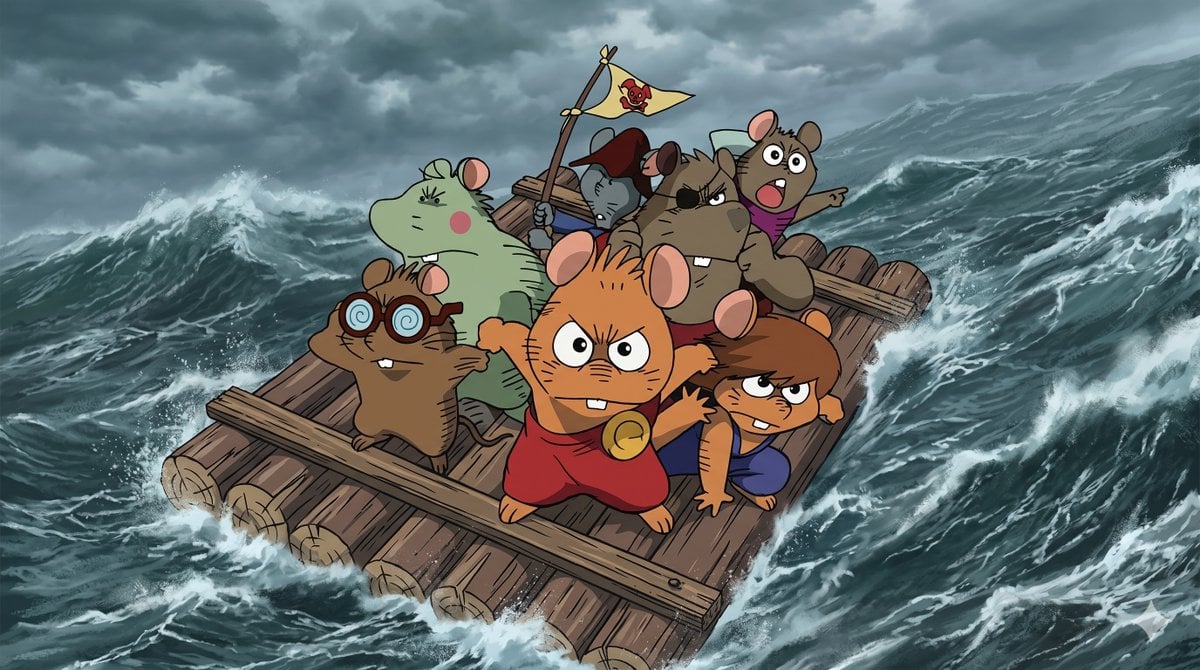
Anime Scene Reconstruction and Expansion
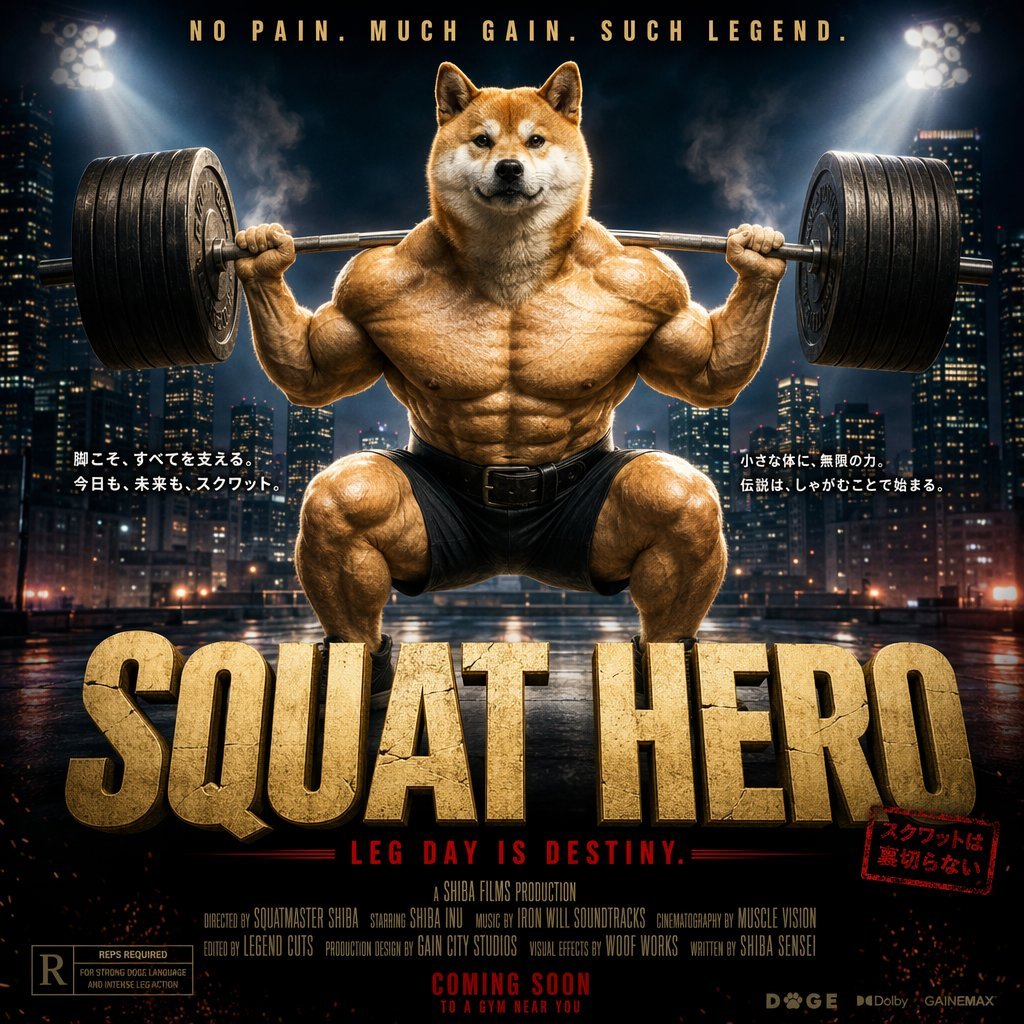
Cinematic Shiba Squat Hero Poster
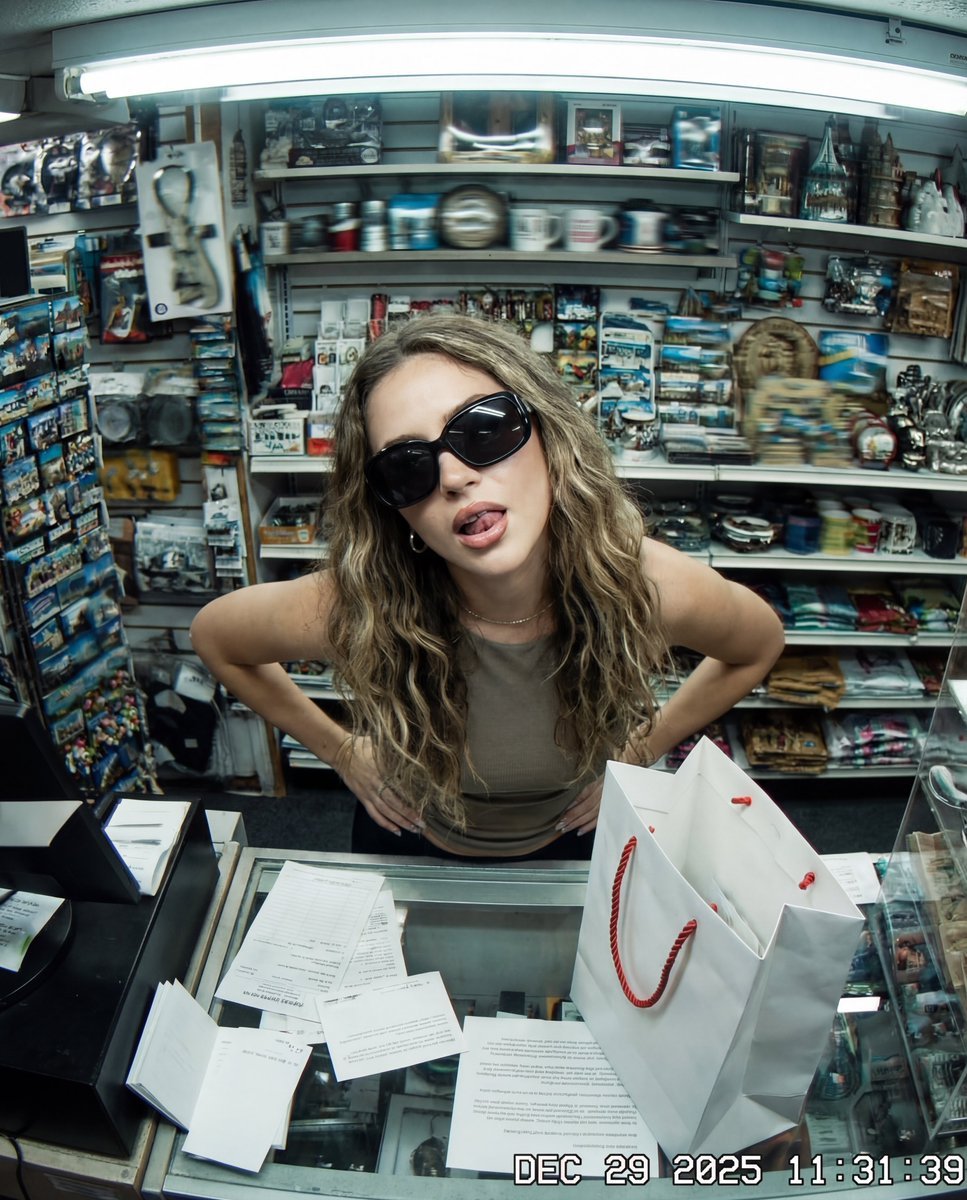
Y2K Surveillance Footage Style Prompt
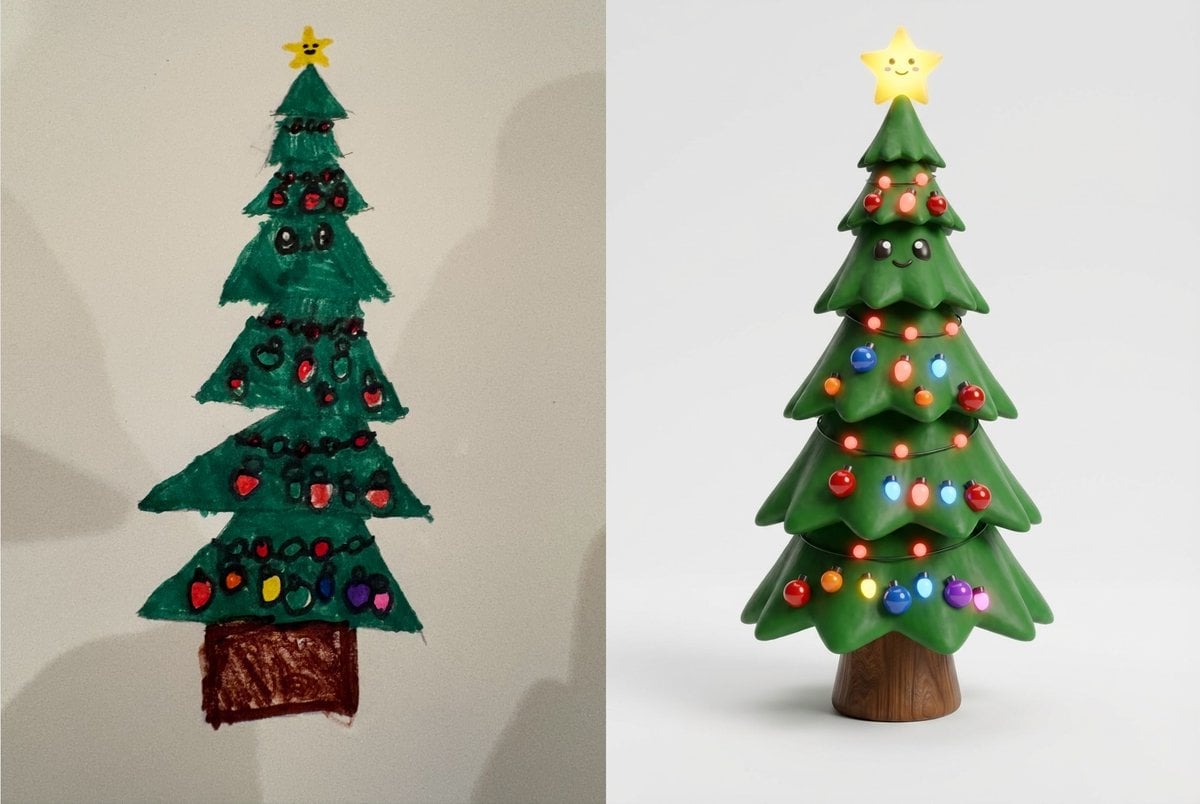
Child's Drawing to 3D Image Prompt
Browse template categories
Ultra-realistic Commercial Veg Burger Photography and Exploded View questions
How do I use the Ultra-realistic Commercial Veg Burger Photography and Exploded View template?
Add your photo if the template asks for one, edit the prompt if you like — the template's model and format are already selected — and press Generate. Your version opens in PicX Studio.
Can I customize the Ultra-realistic Commercial Veg Burger Photography and Exploded View template?
Yes. You can change the subject, setting, lighting, mood, format, and available model controls before creating your image.
Is the Ultra-realistic Commercial Veg Burger Photography and Exploded View template free?
Opening and editing this template is free. Generating uses credits, shown on the Generate button when you are signed in.
Which AI model should I use?
Start with Nano Banana 2, which is the model associated with this template. You can compare another compatible model for a different finish.
Looking for something else? Browse all templates.

Your photo, any look
Thousands of ready templates for every top image and video model, from one credit balance.