
Exploded View Taco Visualization and Commercial Food Photography Prompt
A detailed multi-part prompt for generating two distinct images and a motion sequence related to a taco.
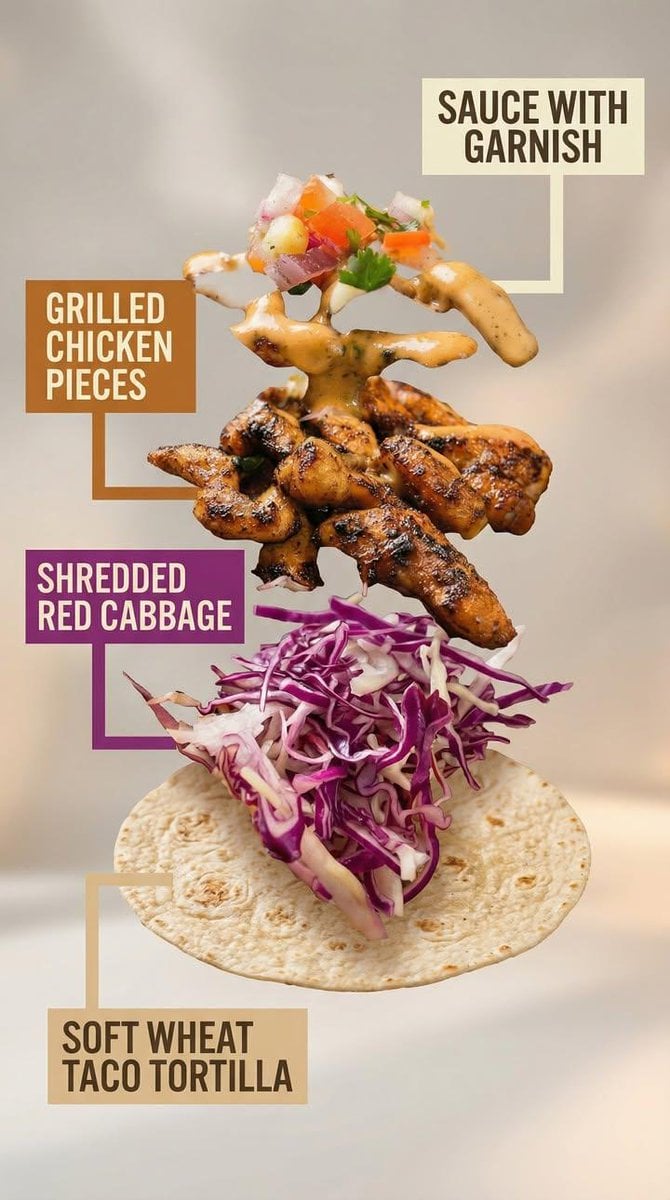
- Prompt included
- Model and format preset
- Free template
The prompt behind this image
Copy the exact prompt behind Exploded View Taco Visualization and Commercial Food Photography Prompt, or open it in the studio and make it yours.
Motion Prompt: The food start to round spin while ingredients separate gently and precisely, maintaining alignment and scale. The motion is smooth, with no extra effects. Image 1: A high-end commercial food photograph of the same two tacos from the reference image, preserving their exact structure, fillings, proportions, and arrangement. The camera angle is slightly adjusted to a more flattering three-quarter close-up, enhancing depth and appetite appeal without altering the tacos themselves. Soft cinematic lighting highlights the textures of the tortillas and fillings, with subtle steam and natural sheen to emphasize freshness. The background is replaced with a clean, modern, out-of-focus setting in warm complementary tones that enhance the food without distracting from it. Shallow depth of field, crisp focus on the tacos, rich contrast, natural colors, and premium restaurant advertising quality. No added or removed ingredients, refined composition, lighting, and environment. Image 2: Exploded-view commercial visualization of the taco from the image, presented as premium recipe-style breakdown. The taco is deconstructed into four visible ingredients, matching the original taco precisely in composition, color, and texture. No additional ingredients. The ingredients are separated and arranged in a clean vertical stack, evenly spaced from bottom to top, floating in place with precise alignment and symmetry. Ingredient order (bottom → top): Soft wheat taco tortilla Shredded red cabbage Grilled chicken pieces Sauce with garnish (topped with a small mixed garnish of diced onion, tomato, and parsley, approximately 5–6 small cubes total, lightly mixed, placed naturally on top) Each ingredient is visually distinct and clearly readable in shape and texture. Annotation design requirements: – Large, bold sans-serif font, high legibility at feed scale – Each annotation placed inside a solid or softly rounded rectangular color block – Background color of each block corresponds subtly to the ingredient color (tomato red, lettuce green, meat warm brown, sauce white/cream, pita beige) – High contrast text (dark on light, light on dark) – Thick, clean connector lines pointing clearly to each ingredient – No transparency that reduces readability – Annotations must visually dominate over background without covering ingredients Background is soft, neutral, and atmospheric, with subtle depth and gentle gradients, inspired by premium food advertising. Overall style is clean, modern, and appetizing, commercial-ready without technical or schematic feel. No extra elements, no substitutions, no reinterpretation of ingredients.
How to use Exploded View Taco Visualization and Commercial Food Photography Prompt in 3 steps
- 1Upload ImagePNG, JPG or paste
Add your photo
Upload the photo the template builds on. The prompt, model and format are already set.
- 2…a portrait of your subject in softgolden-hour light, 85mm…
Personalize
Edit the subject and creative details for your destination.
- 3Generate
Generate
Press Generate — your image is created in PicX Studio, so you can compare it with the original and refine one variable at a time.
More like this
Templates with the same subject, style or setup. Open one to see its prompt.
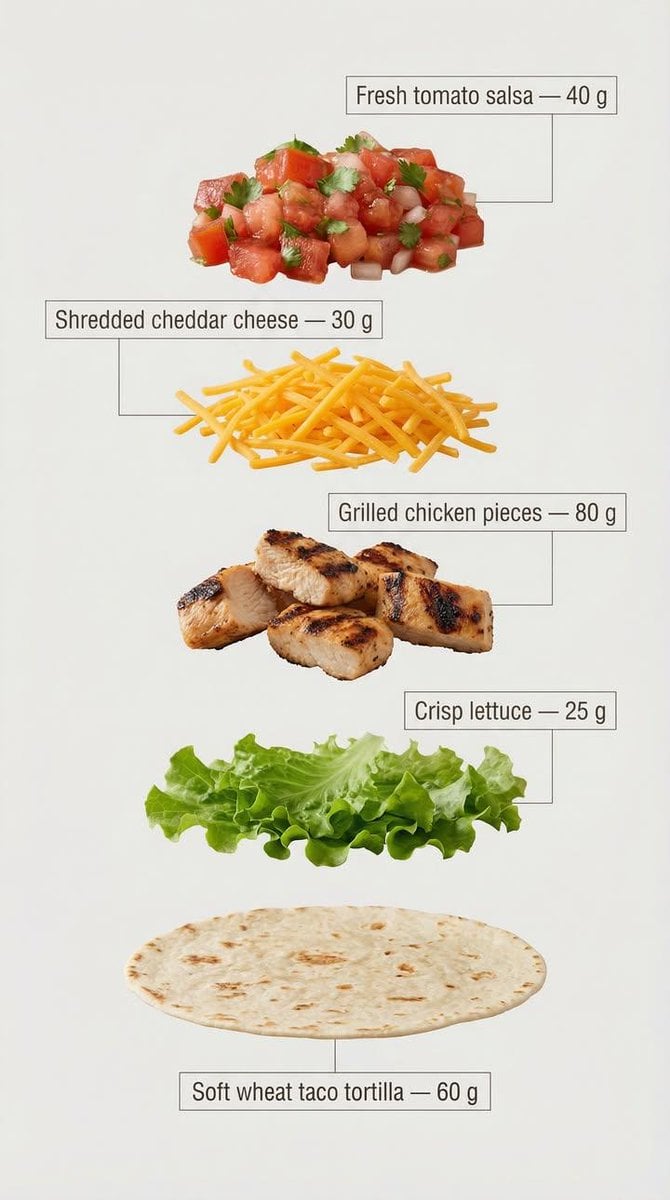
Exploded View Taco Infographic for Commercial Use
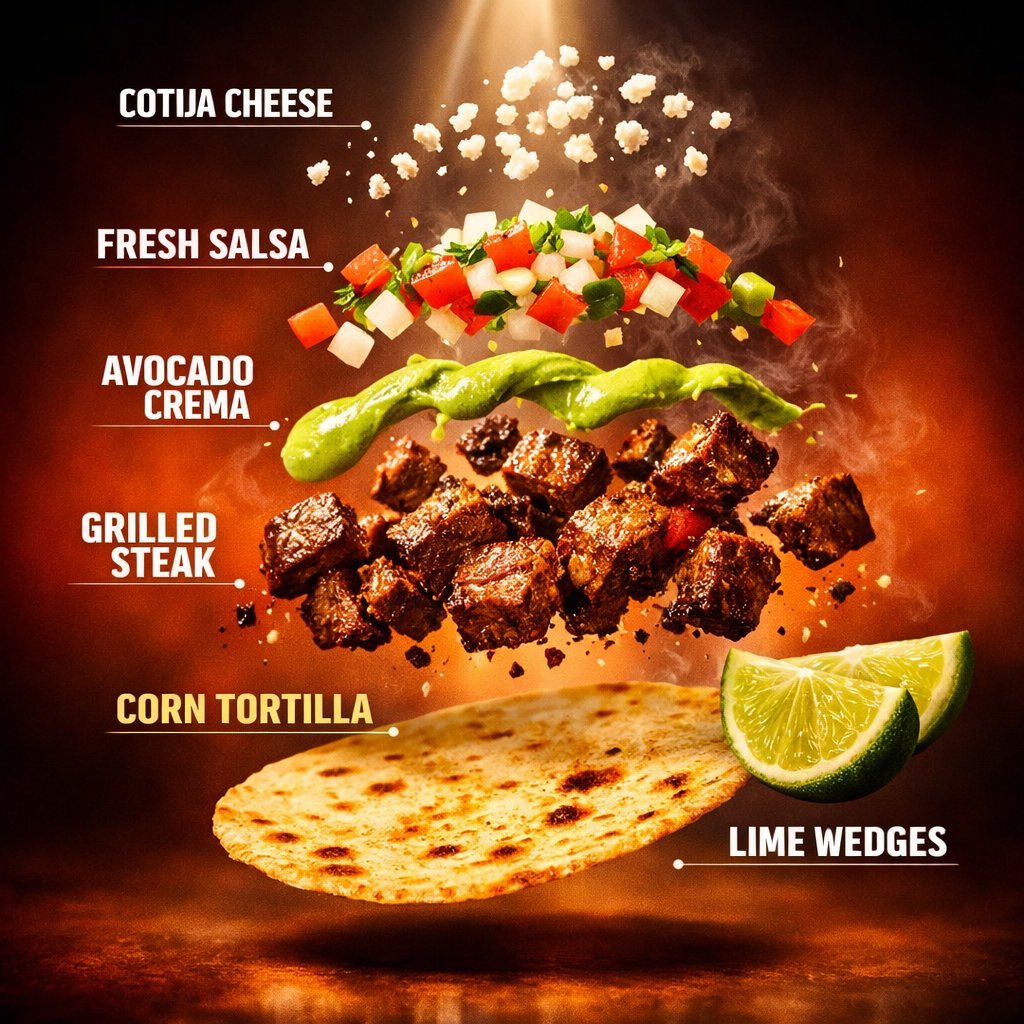
Exploded Tacos Commercial Visualization
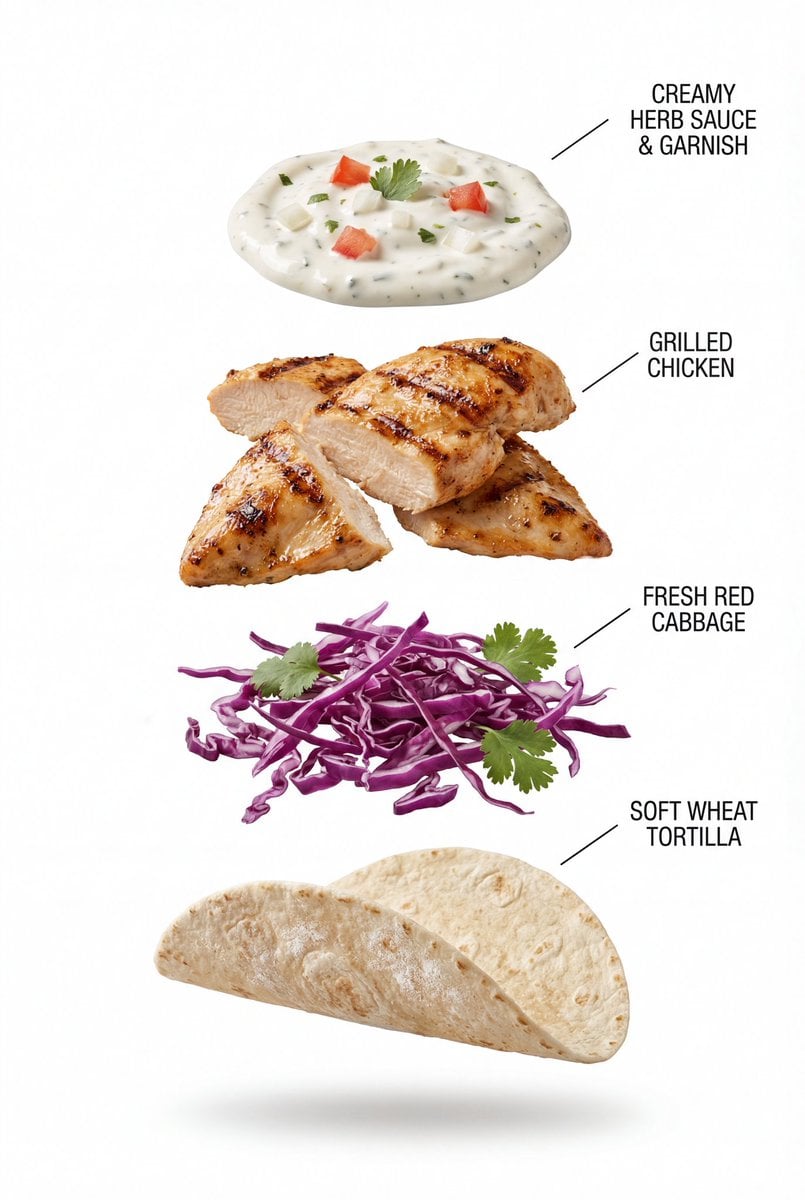
Exploded View Grilled Chicken Taco Product Photography
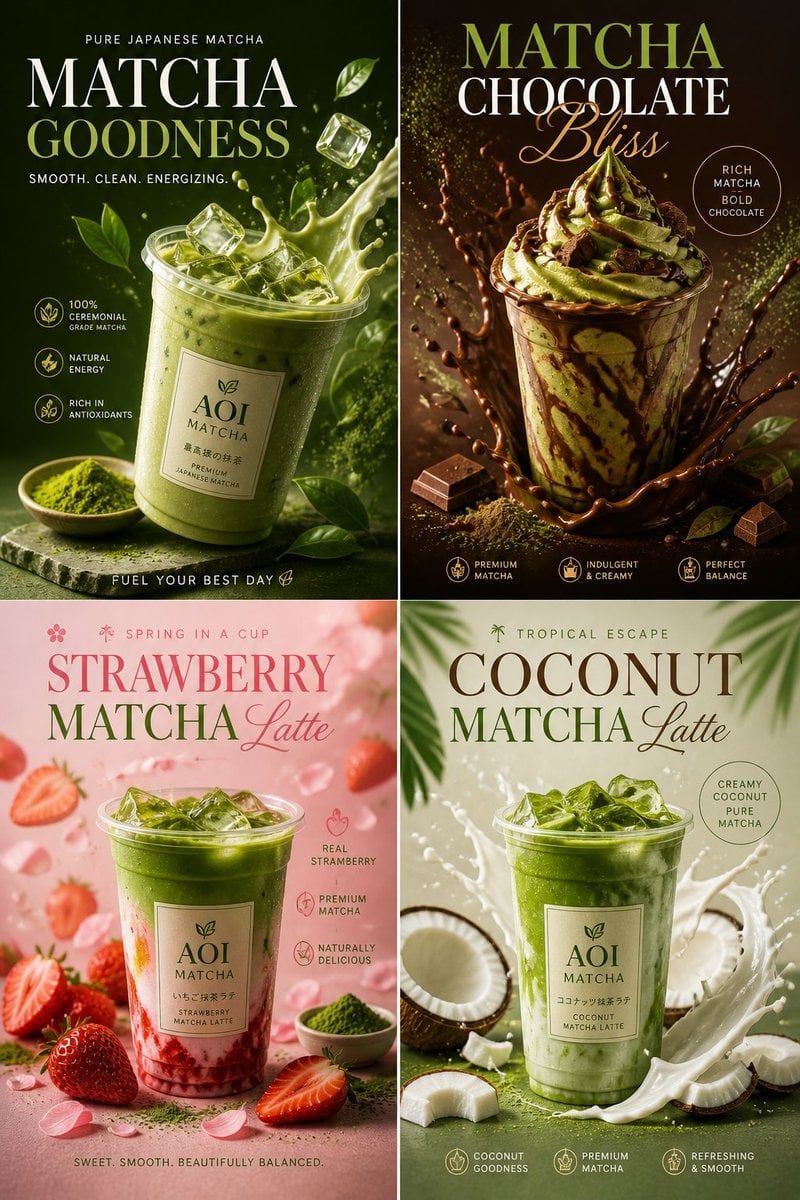
Commercial Food Photography Poster
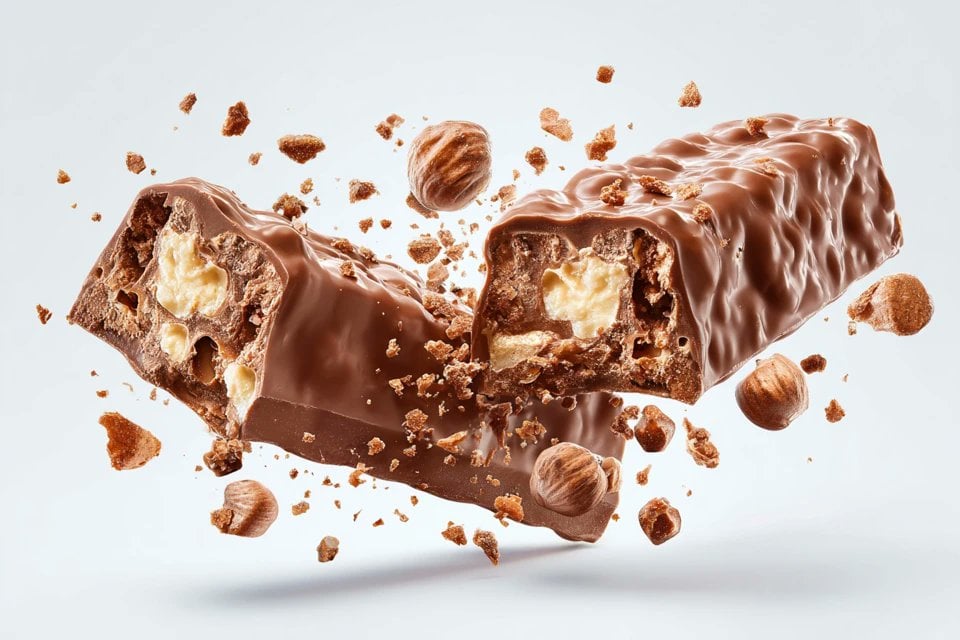
Exploding Food Commercial Photography
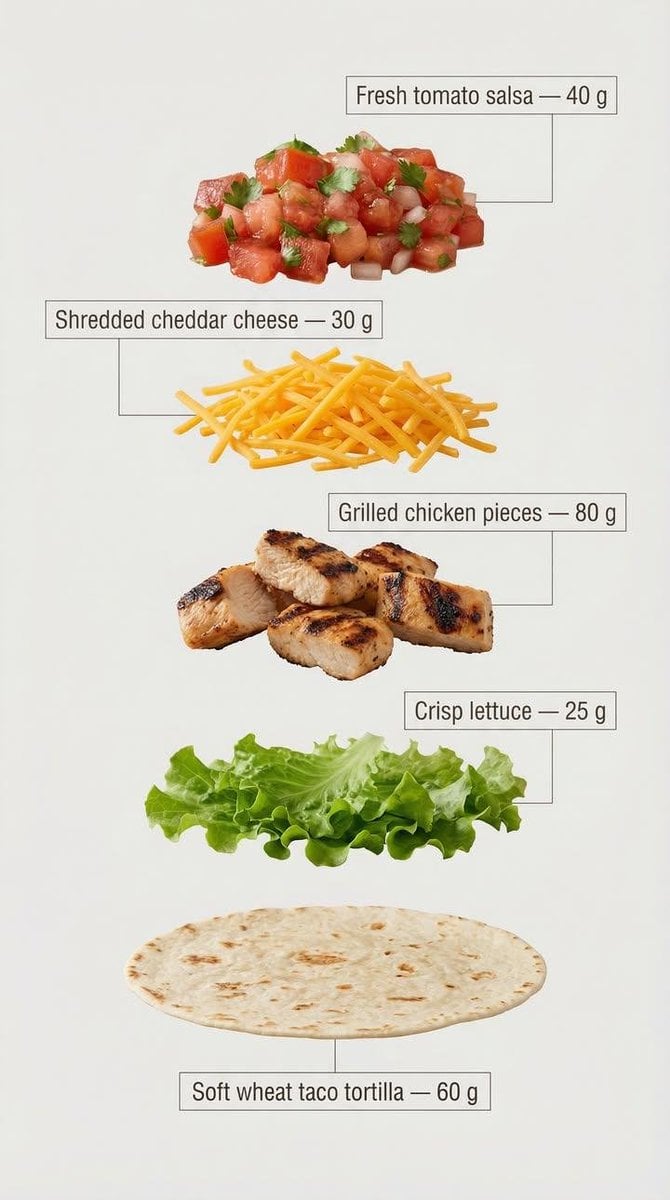
Exploded View Tacos Infographic for Marketing

Hyper-Realistic Commercial Food Photography Prompt for Gemini Nano Banana Pro

Commercial Food Photography Modules (Waffles, Biscuits, Ice Cream Bar)
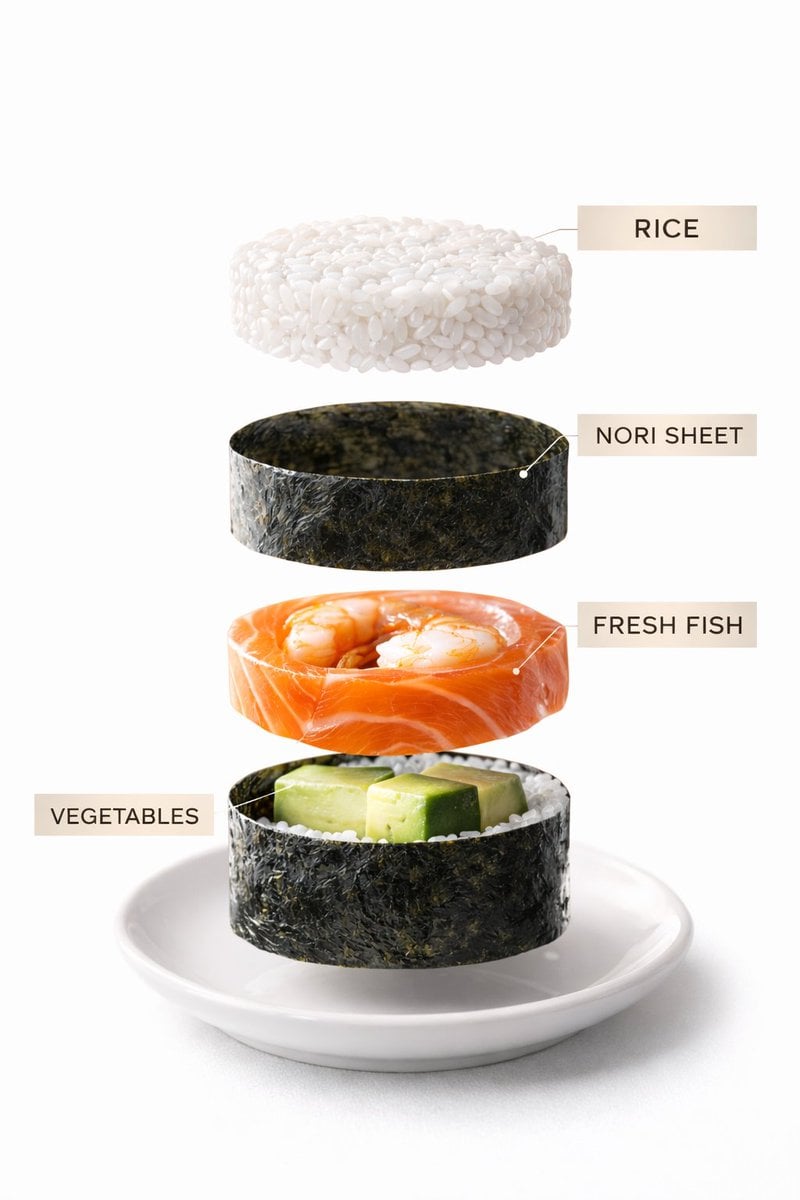
Sushi Commercial Photography and Exploded Diagram Prompt
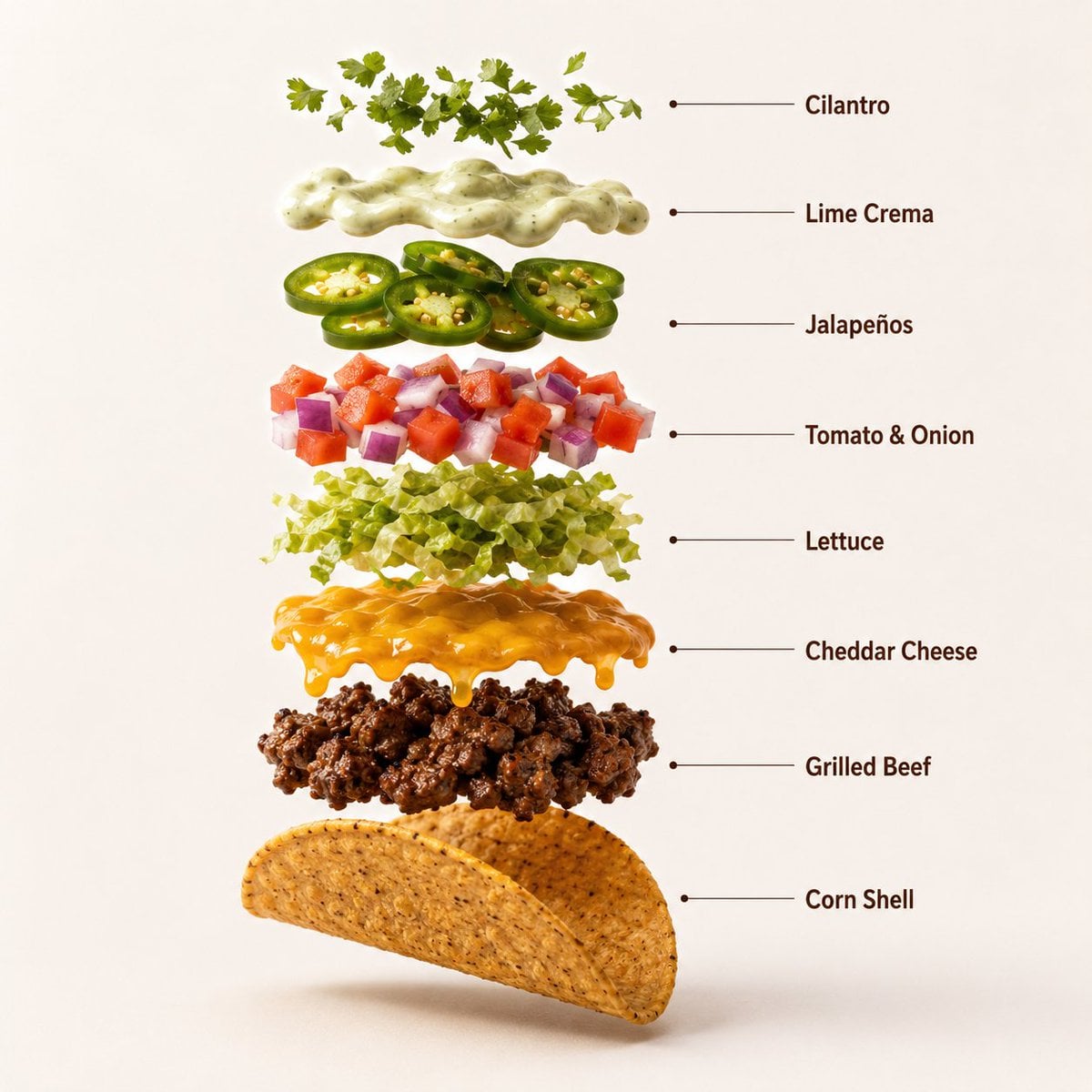
Professional Beef Taco Product Photography

Mirror Selfie Chibi Characters Pixar Style
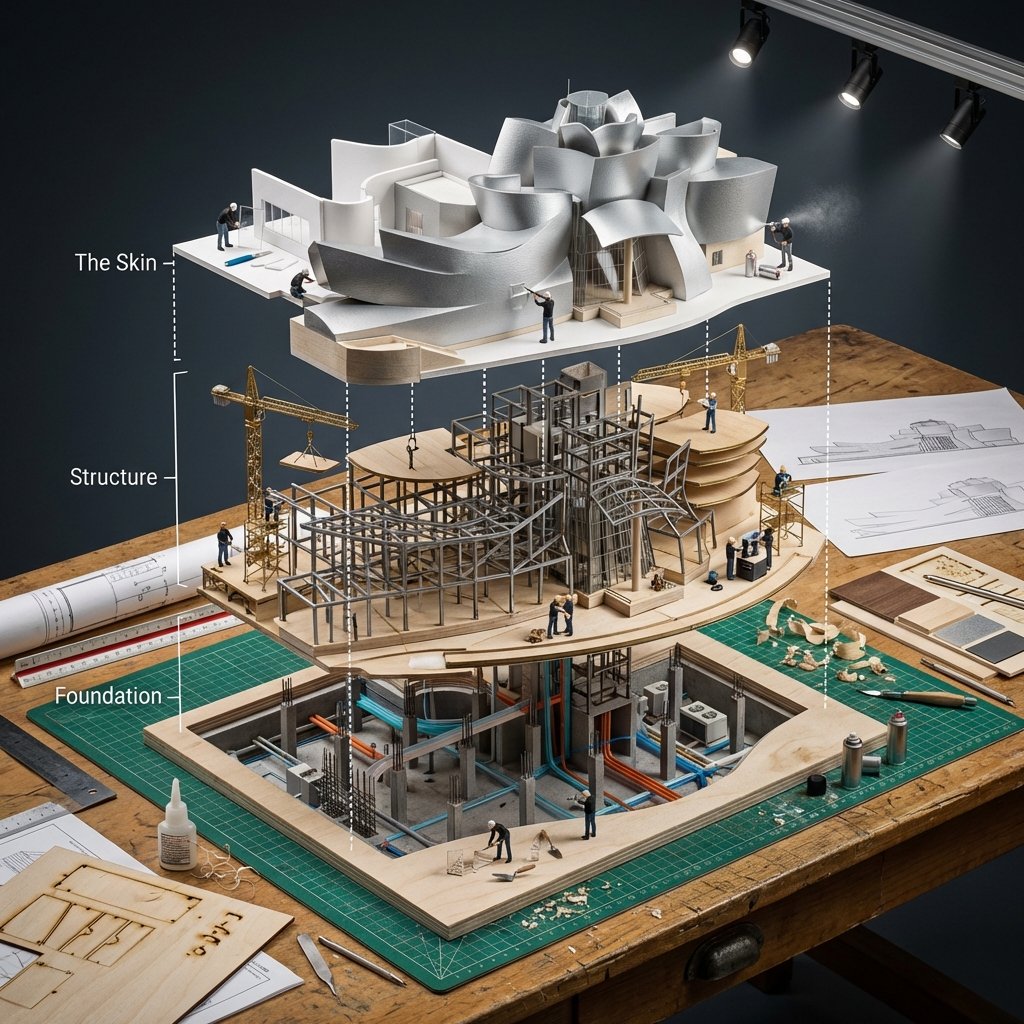
Building Exploded View Architectural Diorama
Make it yours
Exploded View Taco Visualization and Commercial Food Photography Prompt works as-is. These are the safest ways to change it without losing the look.
Change one field
Copy a single group, rewrite it, and generate again so you can see what that field is doing.
Keep the frame, change the subject
Hold the composition and light of Exploded View Taco Visualization and Commercial Food Photography Prompt, then swap wardrobe, props or the person for a new take.
| If the result… | Why | Fix |
|---|---|---|
| The result drifts from the preview | Too many fields changed at once. | Reuse Exploded View Taco Visualization and Commercial Food Photography Prompt as-is first, then change one group — subject, light, or setting. |
| The model over-stylizes the scene | The prose prompt leaves finish and camera underspecified. | Add one camera or lighting sentence and stay on Nano Banana 2. |
More Nano Banana 2 templates
Other prompts made for Nano Banana 2.

Photorealistic Leaf Shaped Like a Dragon

K-Pop Idol Portrait Grid for Rapid Selection

Poetic Rain Forest Portrait During Golden Hour

Urban Street Portrait with Cartoon Inner Self Duo

Candid Nighttime Photo with Cat Prompt

High-Concept 3D Diorama Generation Prompt

Cinematic Futuristic Studio Portrait Template

Skincare Editorial Photography Collage Prompt

Hyper-Realistic Commercial Product Photography (Splash Effect)

Hyper-Realistic Nightclub Portrait Prompt
More image prompts
Fresh picks from across the catalog.

Ornate Chinese Bridal Portrait

Urban Rebel Cinematic Portrait Prompt (Identity Locked)
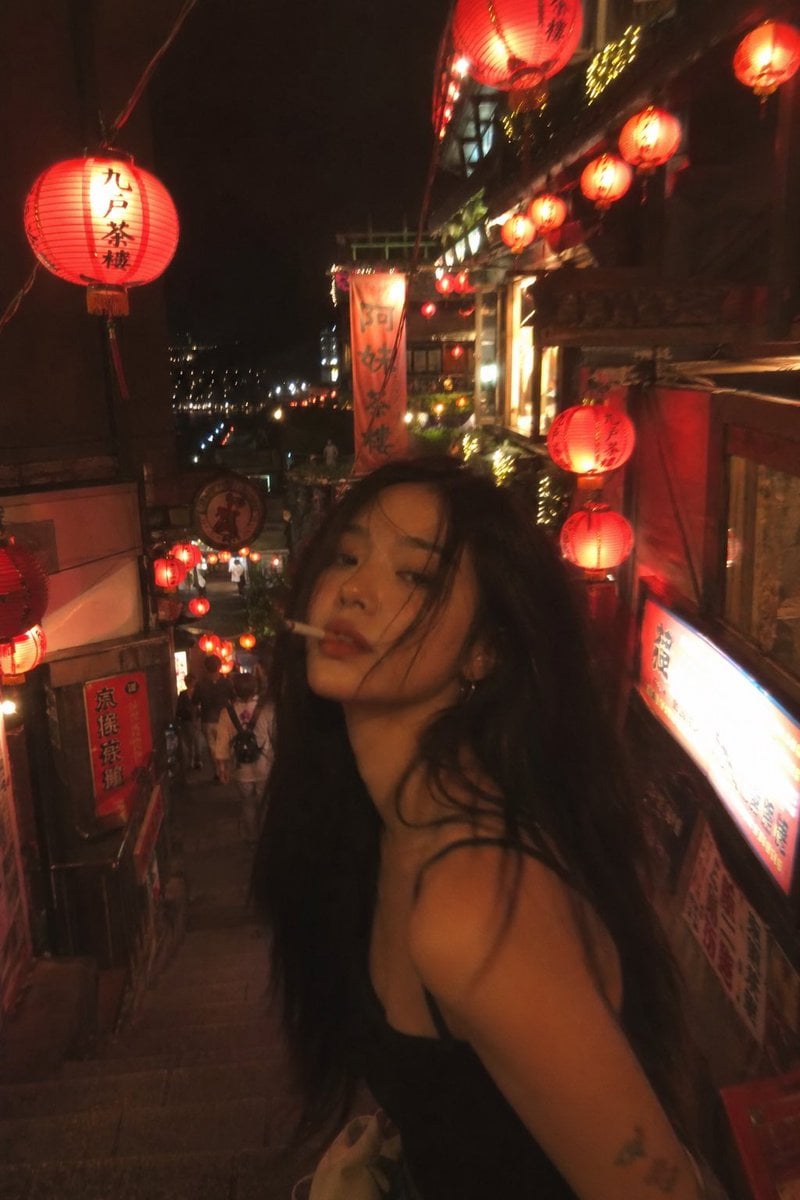
Asian Fashion Model in Taipei Night Scene
Fantasy GPTImage2 Skill Banner

Macro Toy Photography: Beast Escaping Comic Panel

Cinematic Futuristic Portrait Prompt
POV Seaside Elf Maid Dinner
Pixar Style 3D Avatar
Mars Rover Discovery Photo

Cinematic Winter Portrait Prompt
Browse template categories
Exploded View Taco Visualization and Commercial Food Photography Prompt questions
How do I use the Exploded View Taco Visualization and Commercial Food Photography Prompt template?
Add your photo if the template asks for one, edit the prompt if you like — the template's model and format are already selected — and press Generate. Your version opens in PicX Studio.
Can I customize the Exploded View Taco Visualization and Commercial Food Photography Prompt template?
Yes. You can change the subject, setting, lighting, mood, format, and available model controls before creating your image.
Is the Exploded View Taco Visualization and Commercial Food Photography Prompt template free?
Opening and editing this template is free. Generating uses credits, shown on the Generate button when you are signed in.
Which AI model should I use?
Start with Nano Banana 2, which is the model associated with this template. You can compare another compatible model for a different finish.
Looking for something else? Browse all templates.

Your photo, any look
Thousands of ready templates for every top image and video model, from one credit balance.