
Macro Toy Photography: Beast Escaping Comic Panel
A highly specific macro toy-photography prompt for Nano Banana 2 (Gemini – Thinking Mode) to generate a scene where a miniature character (based on a reference image) sprints across a giant open comic book, emphasizing…
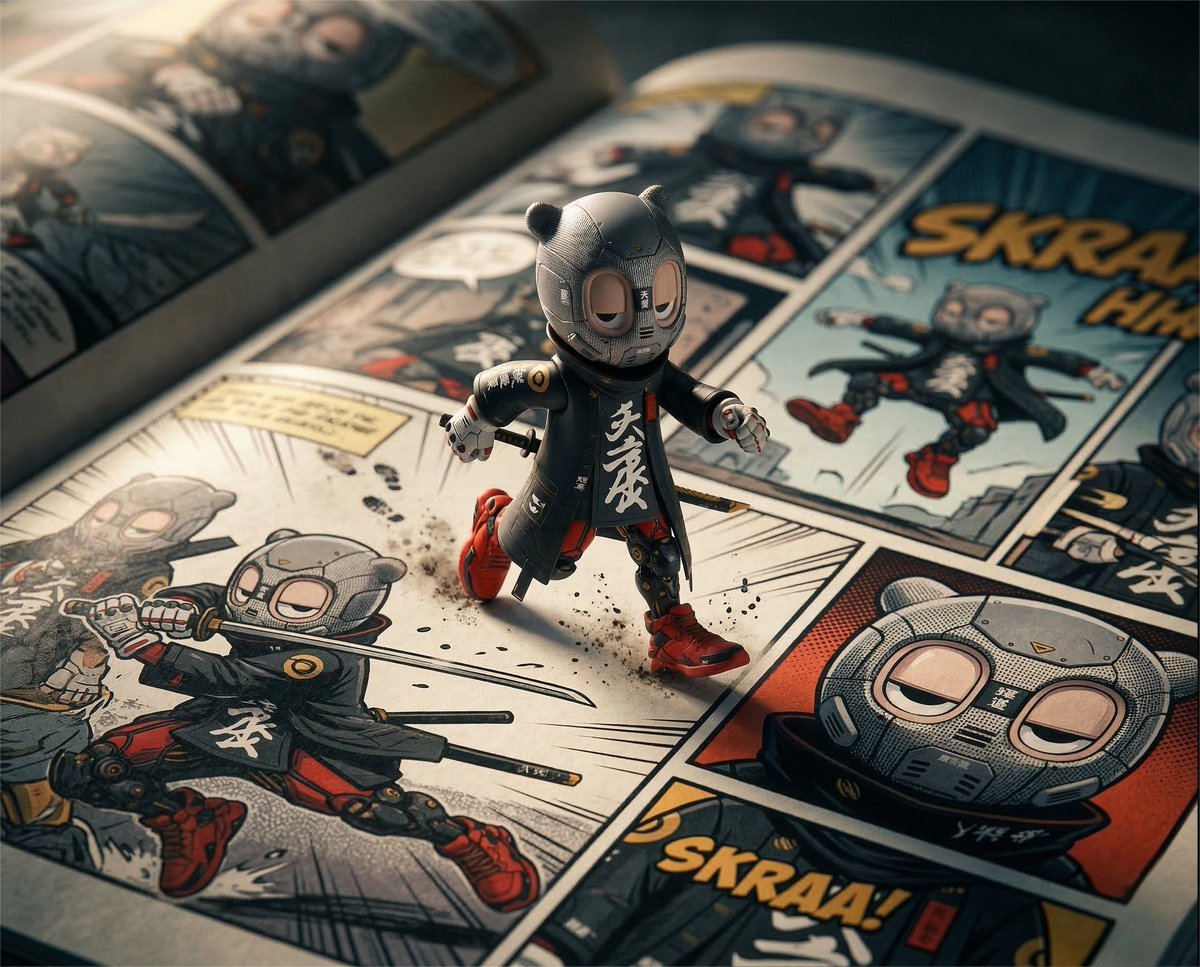
- Prompt included
- Model and format preset
- Premium template
The prompt behind this image
Copy the exact prompt behind Macro Toy Photography: Beast Escaping Comic Panel, or open it in the studio and make it yours.
A cinematic macro toy-photography scene. A bean-sized version of the uploaded reference character is sprinting dramatically across the surface of a giant open comic book featuring panels of the same character. Likeness Preservation (CRITICAL) The identity of the character must remain exactly the same as the reference in both: • the miniature physical character • the comic panels printed on the page Maintain the exact: • head shape • eye shape and spacing • stylization • silhouette • materials and clothing design If the character wears a balaclava, mask, helmet, or covered face, the comic panels must not invent facial anatomy. No added nose. No added mouth. No visible skin where the reference does not show it. The comic panels must depict the same exact design language of the character, only rendered as printed comic artwork. Do not humanize the character. Do not reinterpret anatomy. Subject & Action The miniature character runs across the page as if traversing its own story. Oversized comic panels surround the character, each showing dynamic action poses of the same character, rendered in bold comic-book style. Camera & Perspective Low-angle macro close-up shot, camera positioned almost at page level. Shot with a 90–100mm macro lens, giving the tiny character a heroic sense of scale. The character sits slightly off-center, leaning forward in motion. Depth of Field Extremely shallow depth of field. The running miniature character and the immediate section of the comic page are razor sharp. The surrounding panels and distant page edges fall into soft blur. Lighting Sharp cinematic directional light from the top left, casting dramatic shadows across the comic page and creating small glints on the glossy print surface. Environment & Surface Detail Macro-level detail of the printed comic page: ink texture paper fibers subtle gloss reflections Color Grade Rich saturated comic-book colors with warm cinematic highlights and soft ambient glow. Moody macro photography atmosphere. Rendering Style Photorealistic macro toy photography aesthetic, emphasizing scale illusion between the tiny character and the giant comic book world. ar 5:4
How to use Macro Toy Photography: Beast Escaping Comic Panel in 3 steps
- 1Upload ImagePNG, JPG or paste
Add your photo
Upload the photo the template builds on. The prompt, model and format are already set.
- 2…a portrait of your subject in softgolden-hour light, 85mm…
Personalize
Edit the subject and creative details for your destination.
- 3Generate
Generate
Press Generate — your image is created in PicX Studio, so you can compare it with the original and refine one variable at a time.
More like this
Templates with the same subject, style or setup. Open one to see its prompt.
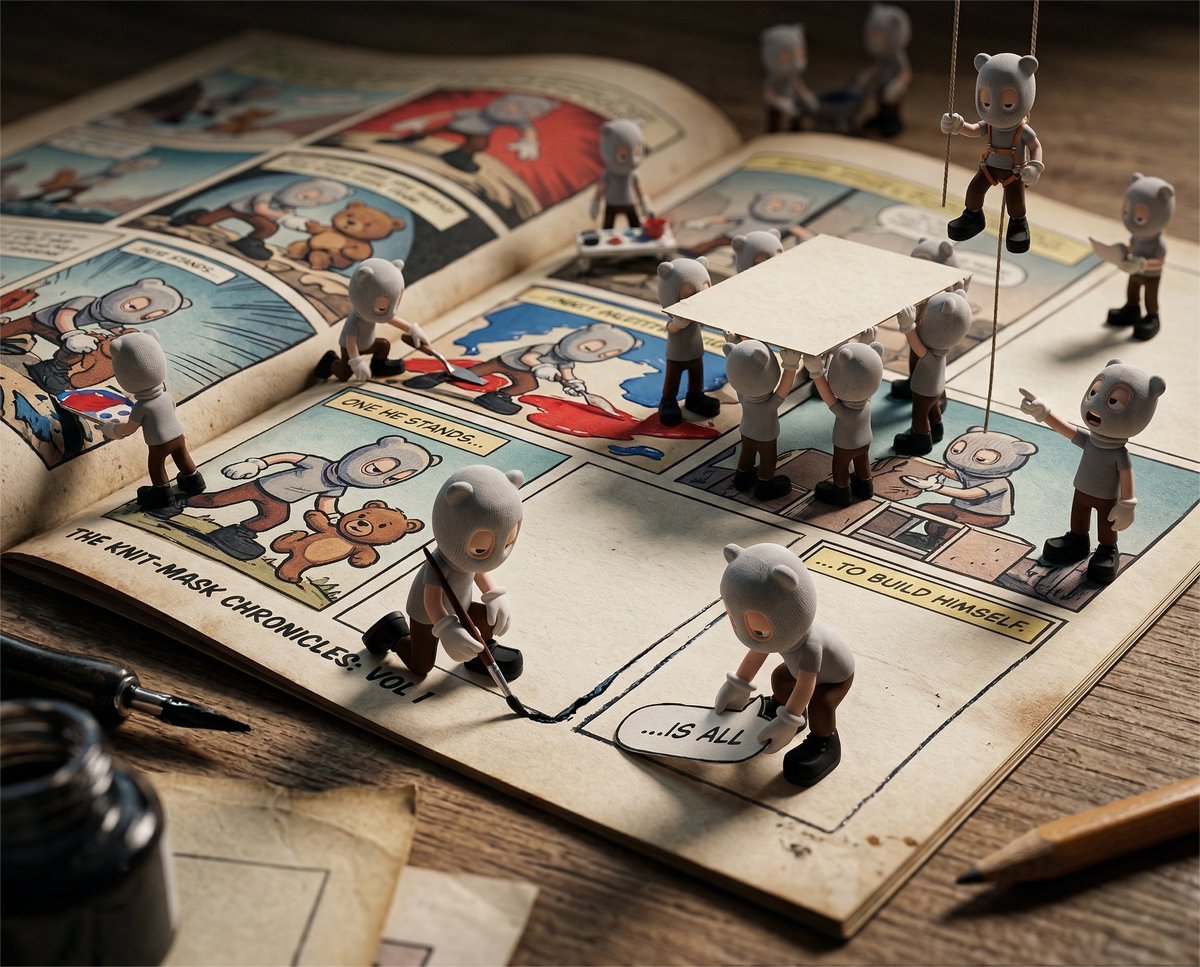
Cinematic Macro Toy-Photography of Mini Beasts

Hero Portrait Comic Multi-Panel Poster

Gpt2 E Commerce Main Image 9 Panel Product Tvc Storyboard

Mirror Selfie Chibi Characters Pixar Style

Flower Petal Sunglasses Couture Portrait

Fashion Portrait Colored Smoke Studio

Mountain Valley Lifestyle Portrait

青蛇小青写真大片,绿色紧身蛇鳞裙,湿发红唇,妖娆妩媚

A double exposure, long exposure editorial photograph of a man Use image

Portrait of a young woman in her early 20s walking calmly on a beautiful

Artistic portrait of an elegant Asian woman wearing a black silk

A high-quality photo collage featuring the same person with identical
Make it yours
Macro Toy Photography: Beast Escaping Comic Panel works as-is. These are the safest ways to change it without losing the look.
Change one field
Copy a single group, rewrite it, and generate again so you can see what that field is doing.
Keep the frame, change the subject
Hold the composition and light of Macro Toy Photography: Beast Escaping Comic Panel, then swap wardrobe, props or the person for a new take.
| If the result… | Why | Fix |
|---|---|---|
| The result drifts from the preview | Too many fields changed at once. | Reuse Macro Toy Photography: Beast Escaping Comic Panel as-is first, then change one group — subject, light, or setting. |
| The model over-stylizes the scene | The prose prompt leaves finish and camera underspecified. | Add one camera or lighting sentence and stay on Nano Banana 2. |
More Nano Banana 2 templates
Other prompts made for Nano Banana 2.

Photorealistic Leaf Shaped Like a Dragon

K-Pop Idol Portrait Grid for Rapid Selection

Poetic Rain Forest Portrait During Golden Hour

Urban Street Portrait with Cartoon Inner Self Duo

Candid Nighttime Photo with Cat Prompt

High-Concept 3D Diorama Generation Prompt

Cinematic Futuristic Studio Portrait Template

Skincare Editorial Photography Collage Prompt

Hyper-Realistic Commercial Product Photography (Splash Effect)

Hyper-Realistic Nightclub Portrait Prompt
More image prompts
Fresh picks from across the catalog.
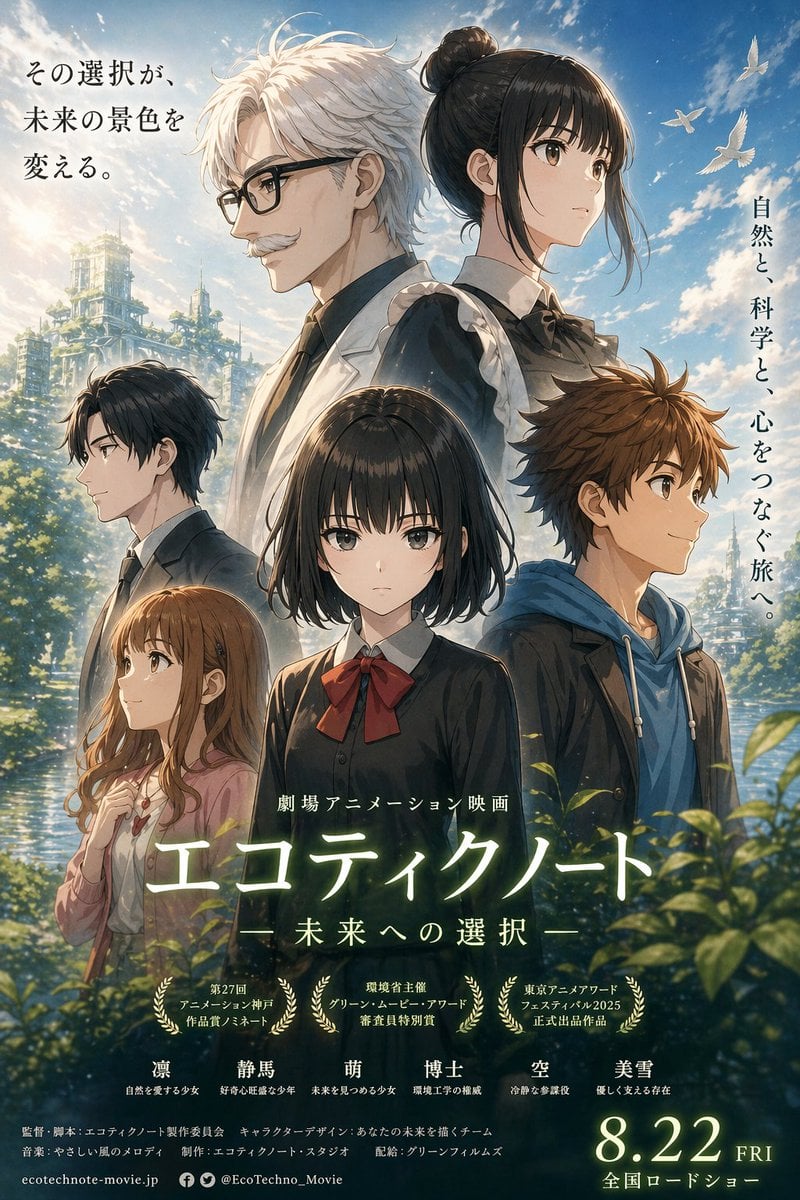
Anime Ensemble Movie Poster
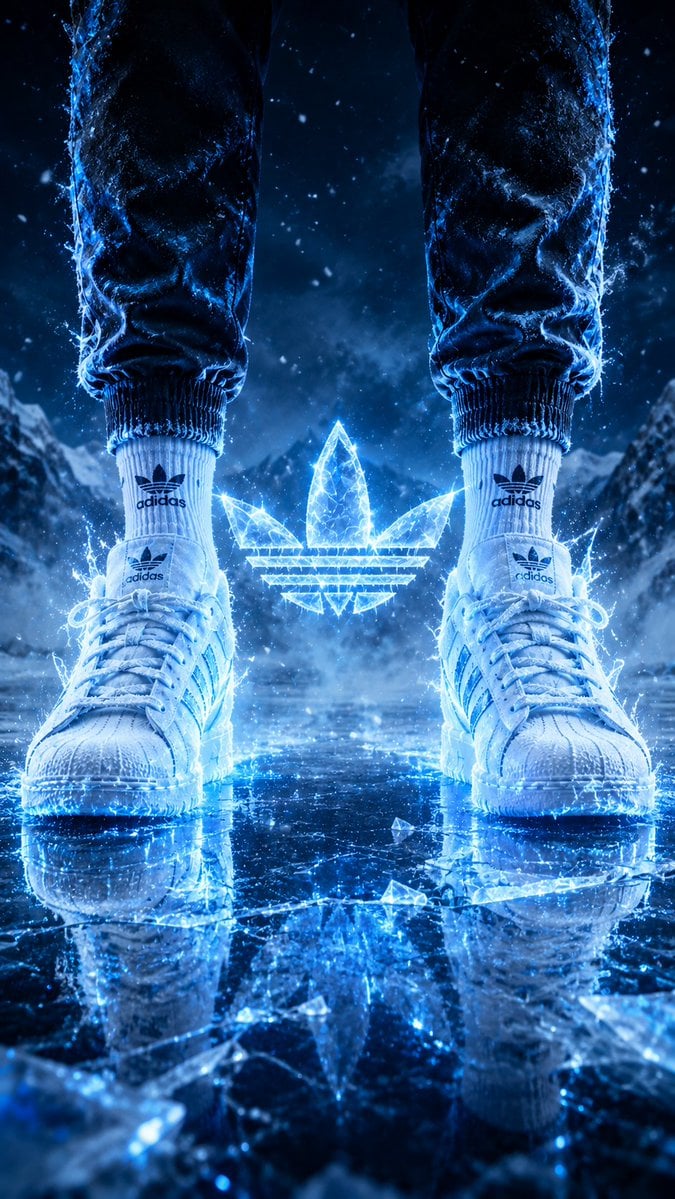
Hyper-Realistic Fire Sneaker Advertisement
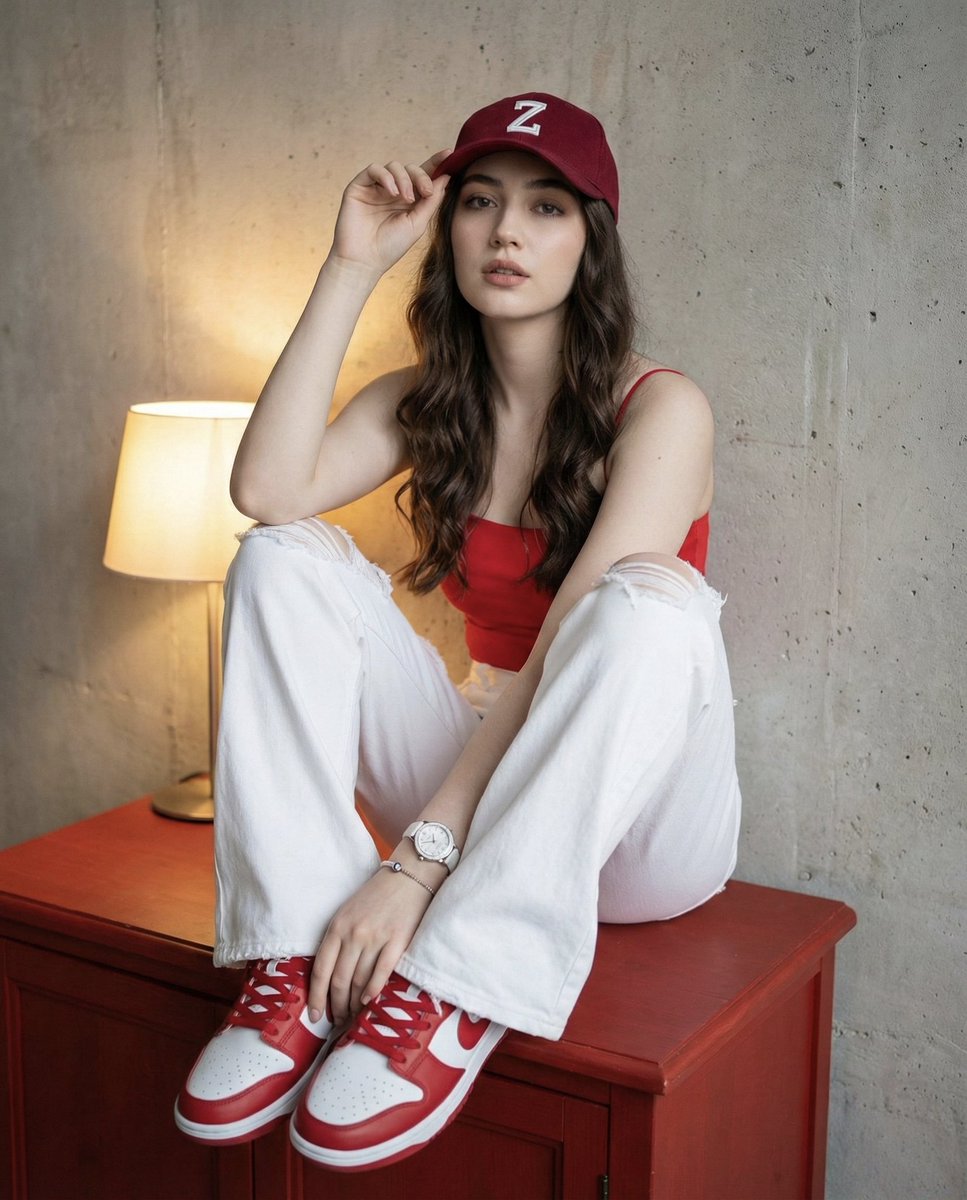
Prompt for Self-Portrait with Specific Styling and Background
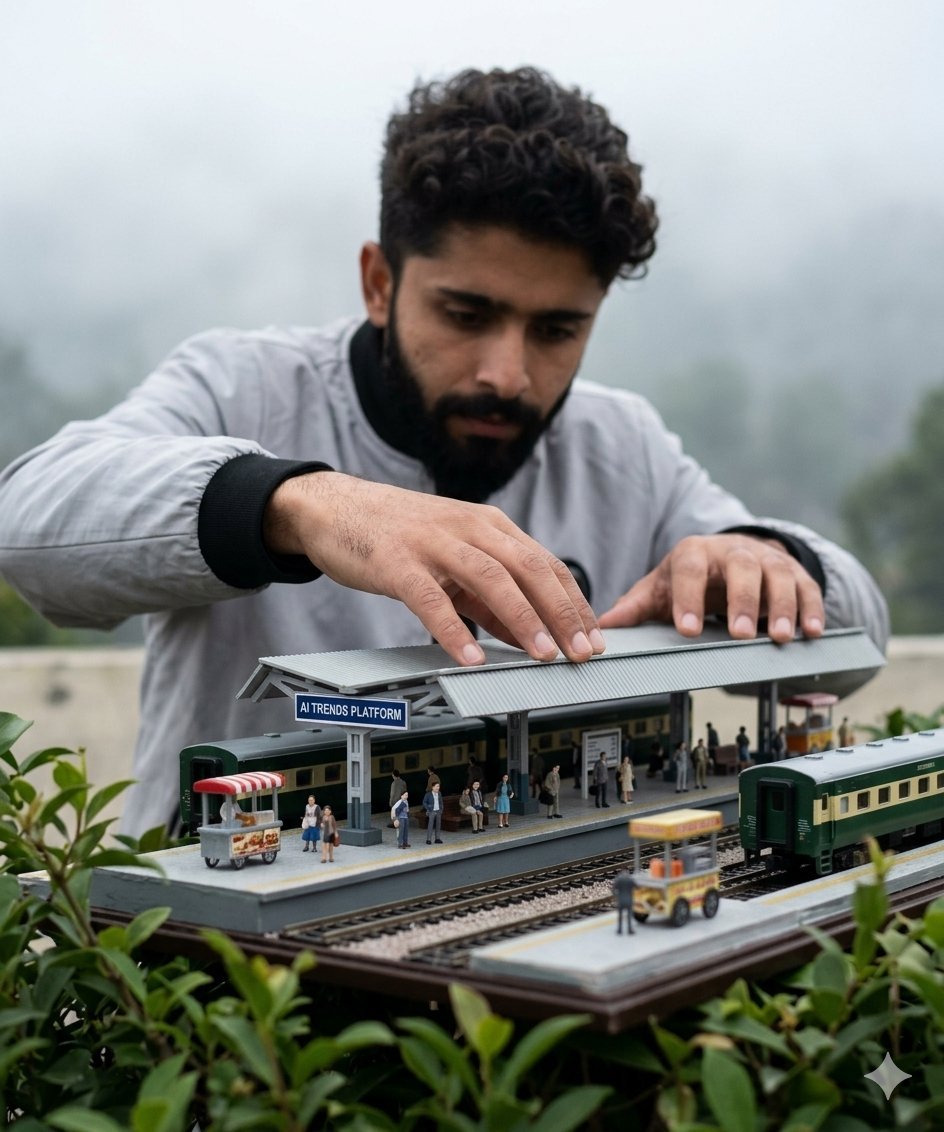
Forced Perspective Miniature Station
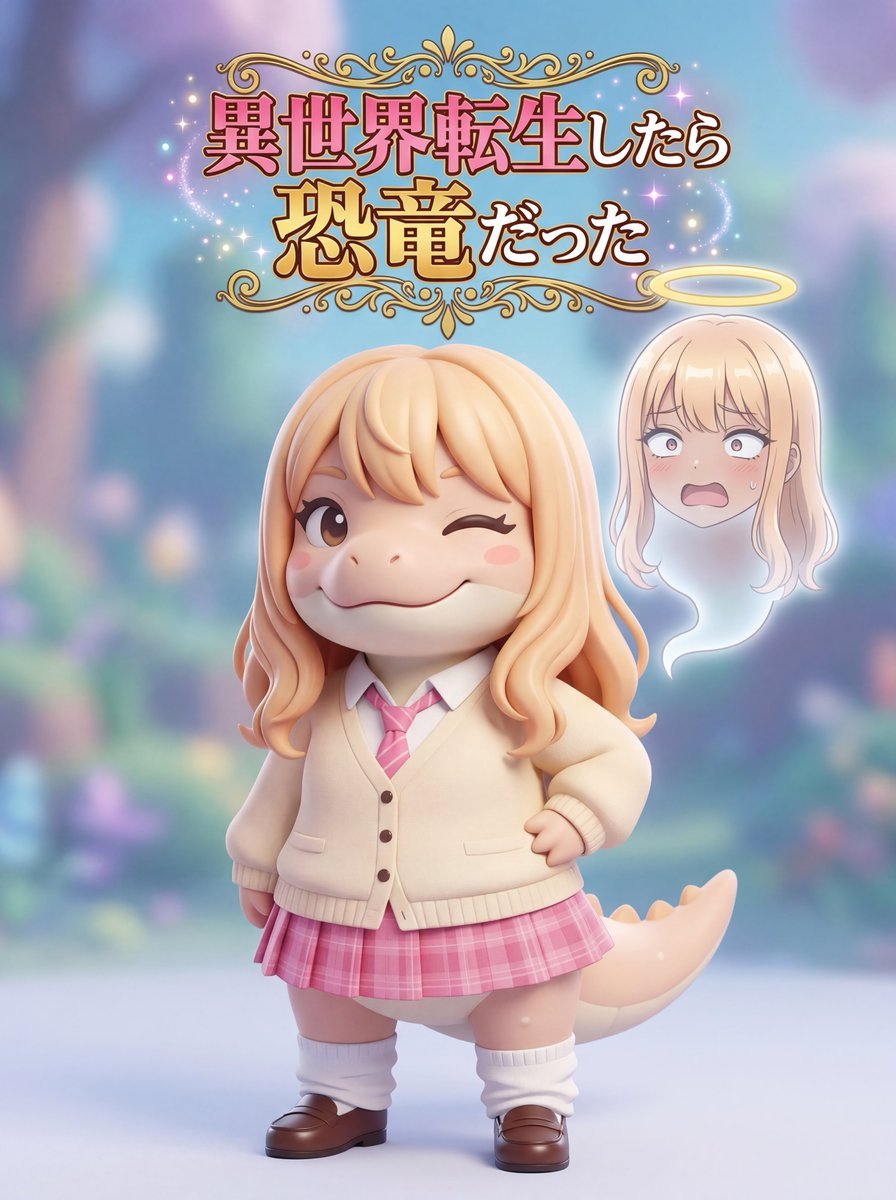
Isekai Dinosaur Transformation Prompt
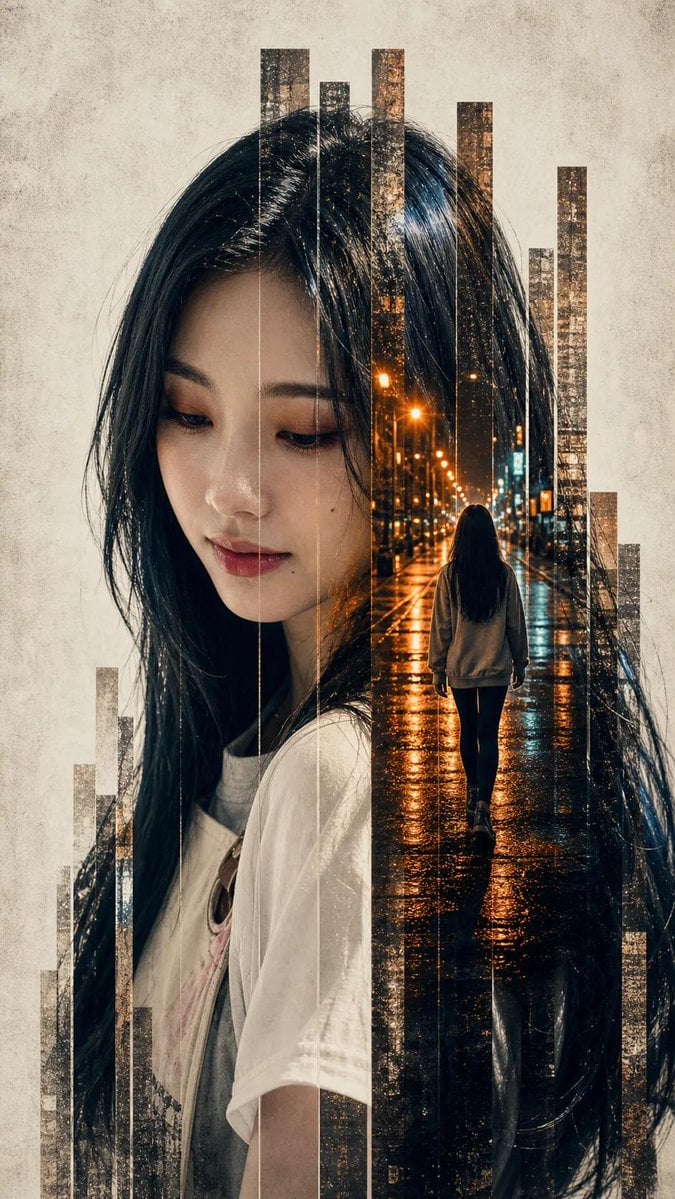
Vertical Slice Double Exposure Woman
Mirror Selfie in Modern Bathroom Prompt
Nomadic Archer Cinematic Editorial Portrait
Final Fantasy themed battle scene image generation
Kawaii Family Travel Paper-Cut Collage
Browse template categories
Macro Toy Photography: Beast Escaping Comic Panel questions
How do I use the Macro Toy Photography: Beast Escaping Comic Panel template?
Add your photo if the template asks for one, edit the prompt if you like — the template's model and format are already selected — and press Generate. Your version opens in PicX Studio.
Can I customize the Macro Toy Photography: Beast Escaping Comic Panel template?
Yes. You can change the subject, setting, lighting, mood, format, and available model controls before creating your image.
Is the Macro Toy Photography: Beast Escaping Comic Panel template free?
Opening and editing this template is free. Generating uses credits, shown on the Generate button when you are signed in.
Which AI model should I use?
Start with Nano Banana 2, which is the model associated with this template. You can compare another compatible model for a different finish.
Looking for something else? Browse all templates.

Your photo, any look
Thousands of ready templates for every top image and video model, from one credit balance.