
Nomadic Archer Cinematic Editorial Portrait
A high-end editorial-style prompt for creating a realistic nomadic warrior portrait on horseback with detailed textures and moody lighting.
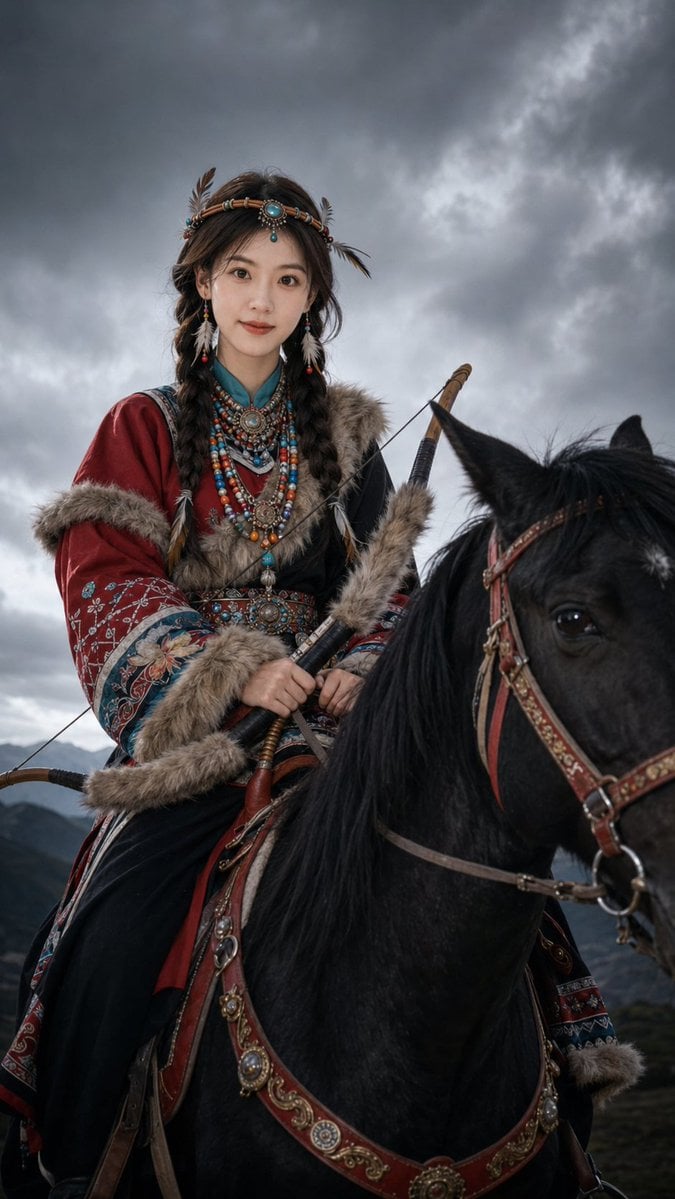
- Prompt included
- Model and format preset
- Free template
The prompt behind this image
Copy the exact prompt behind Nomadic Archer Cinematic Editorial Portrait, or open it in the studio and make it yours.
Use my uploaded portrait only as the identity reference for facial features, face shape, hairstyle, hairline, skin tone, and real-person presence. Do not copy the face, identity, ethnicity, or gender expression from the reference image. Recreate the uploaded person as a realistic cinematic {argument name="subject" default="nomadic warrior-style"} portrait on a {argument name="horse color" default="black horse"}, inspired by the reference image. The person is seated on the horse in a calm, powerful pose, holding a traditional bow, facing slightly toward the camera with a composed expression. Keep the horse large in the foreground on the right side, with the rider positioned slightly left of center. Use a dramatic low-to-mid camera angle, close portrait framing, vertical composition. The outfit should follow the reference style: {argument name="outfit colors" default="layered red and black"} embroidered riding robes, fur-trimmed sleeves and collar, ornate belt, colorful bead necklaces, turquoise and silver head accessories, feather details, and handcrafted ethnic-style ornaments. Adapt the hairstyle accessories naturally without changing the uploaded person’s original hairstyle and hairline. Keep the clothing highly detailed but realistic, with natural fabric weight, fur texture, metal reflections, and believable interaction with the riding pose. Background: dark cloudy sky, distant mountains, cold outdoor atmosphere, moody cinematic lighting, slightly underexposed environment, soft natural daylight mixed with dramatic shadow. The image should feel like a real high-end editorial photograph, not fantasy illustration. Keep the uploaded person highly recognizable, with natural skin texture, realistic facial structure, real hair detail, and no AI-plastic smoothing. No watermark, no logo, no text. Negative Prompt: watermark, logo, text, Doubao watermark, anime style, cartoon face, doll-like face, plastic skin, over-smoothed skin, fake skin texture, unrealistic eyes, distorted face, wrong identity, copied reference face, face swap look, bad hands, extra fingers, deformed body, unrealistic horse anatomy, blurry face, low quality, over-polished CGI, fantasy game render, excessive makeup, incorrect lighting, pasted face effect.
How to use Nomadic Archer Cinematic Editorial Portrait in 3 steps
- 1Upload ImagePNG, JPG or paste
Add your photo
Upload the photo the template builds on. The prompt, model and format are already set.
- 2…a portrait of your subject in softgolden-hour light, 85mm…
Personalize
Edit the subject and creative details for your destination.
- 3Generate
Generate
Press Generate — your image is created in PicX Studio, so you can compare it with the original and refine one variable at a time.
More like this
Templates with the same subject, style or setup. Open one to see its prompt.

untitled

Gpt Image 2 Fashion Portrait

Caution Tape Fashion — Industrial Editorial

Couture Fashion Editorial Woman and Drag

Nano Banana 2 Editorial Fashion Portrait

Found Photograph: Us, 1970

80s Couple Studio Portrait

80s Bollywood Star

80s Golden Hour Cinema

Me in 1985

1985 Studio Portrait

Hyper-Realistic Minecraft POV Portrait
Make it yours
Nomadic Archer Cinematic Editorial Portrait works as-is. These are the safest ways to change it without losing the look.
Change one field
Copy a single group, rewrite it, and generate again so you can see what that field is doing.
Keep the frame, change the subject
Hold the composition and light of Nomadic Archer Cinematic Editorial Portrait, then swap wardrobe, props or the person for a new take.
| If the result… | Why | Fix |
|---|---|---|
| The result drifts from the preview | Too many fields changed at once. | Reuse Nomadic Archer Cinematic Editorial Portrait as-is first, then change one group — subject, light, or setting. |
| The model over-stylizes the scene | The prose prompt leaves finish and camera underspecified. | Add one camera or lighting sentence and stay on GPT Image 2. |
More GPT Image 2 templates
Other prompts made for GPT Image 2.

Six VTuber Japanese Logo Sheet

Realistic Portrait of Woman and Deer

The Vista Modular Condo Poster

AI Model Routing Comparison Infographic

2.5D Anime Art Board

Isometric Productivity Desk Scene

New York Double Exposure Poster

Four-Panel AI Landscape Comparison

Japanese Tatami Lifestyle Magazine Cover

NESCAFÉ Coffee Map Poster
More image prompts
Fresh picks from across the catalog.
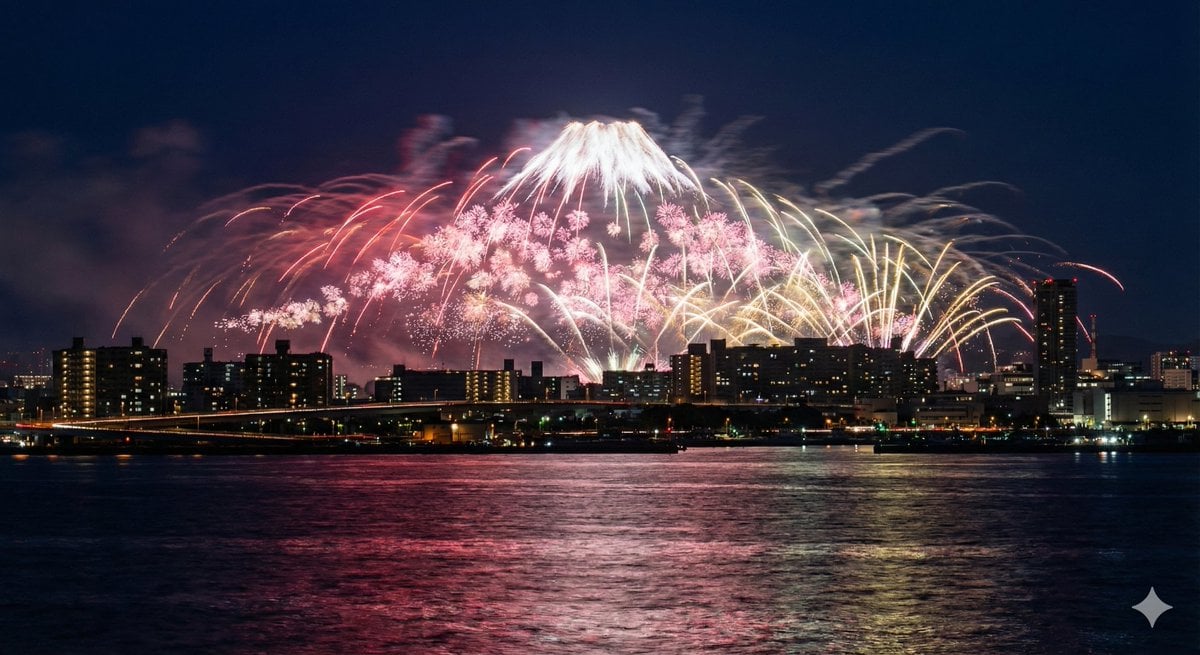
Photorealistic Long-Exposure Fireworks over a City Skyline
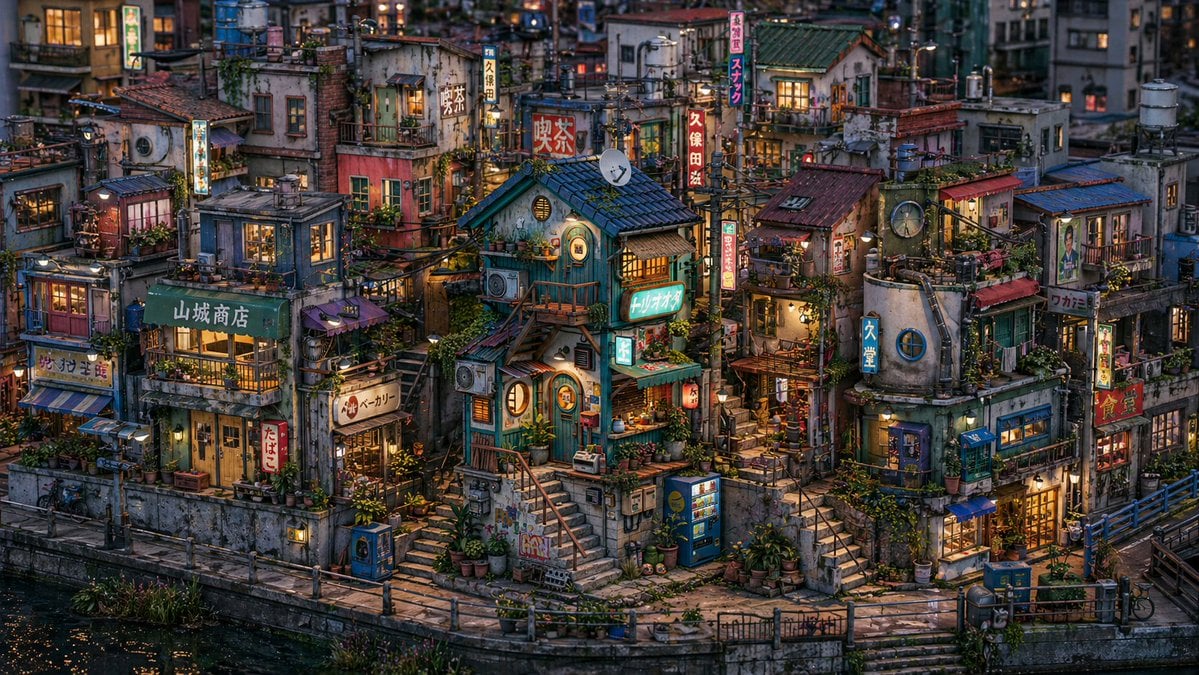
Miniature Japanese Canal Town at Dusk
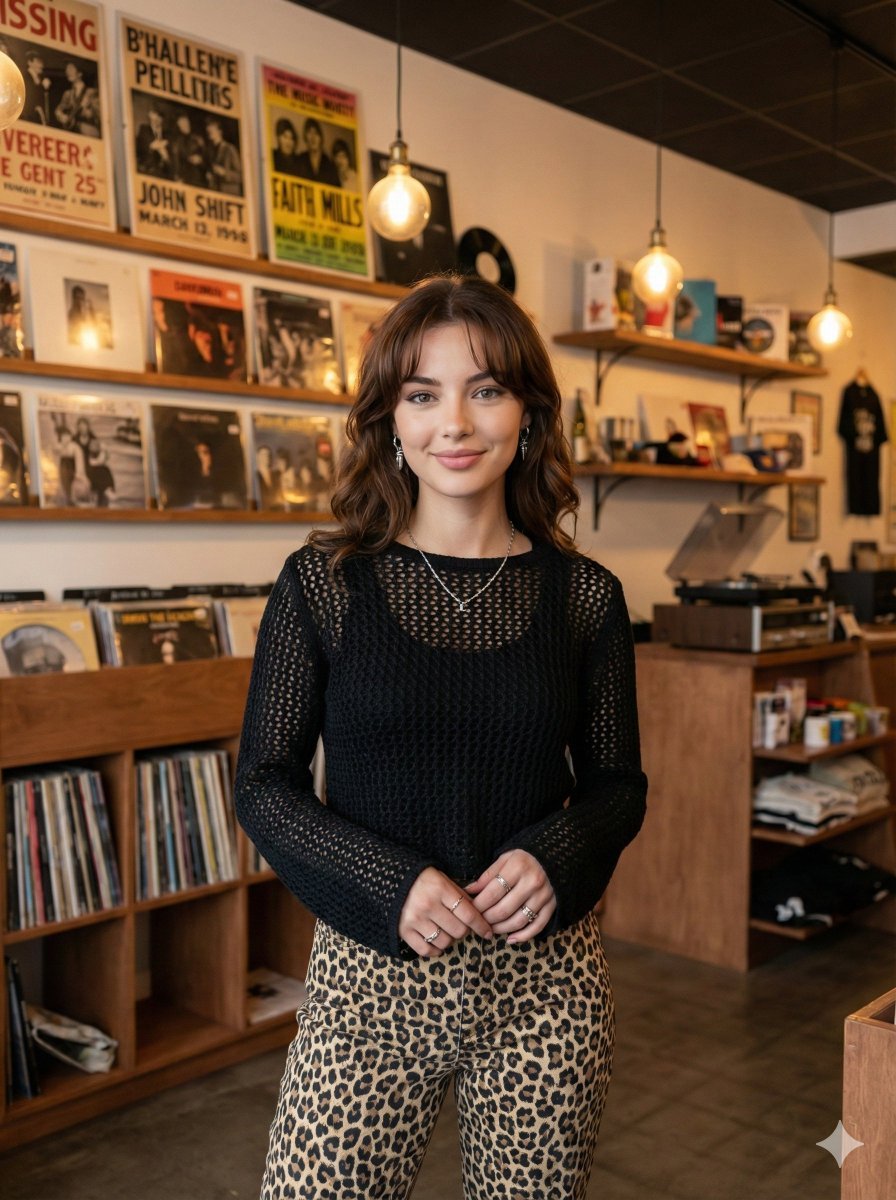
Modern Candid Portrait in a Record Store
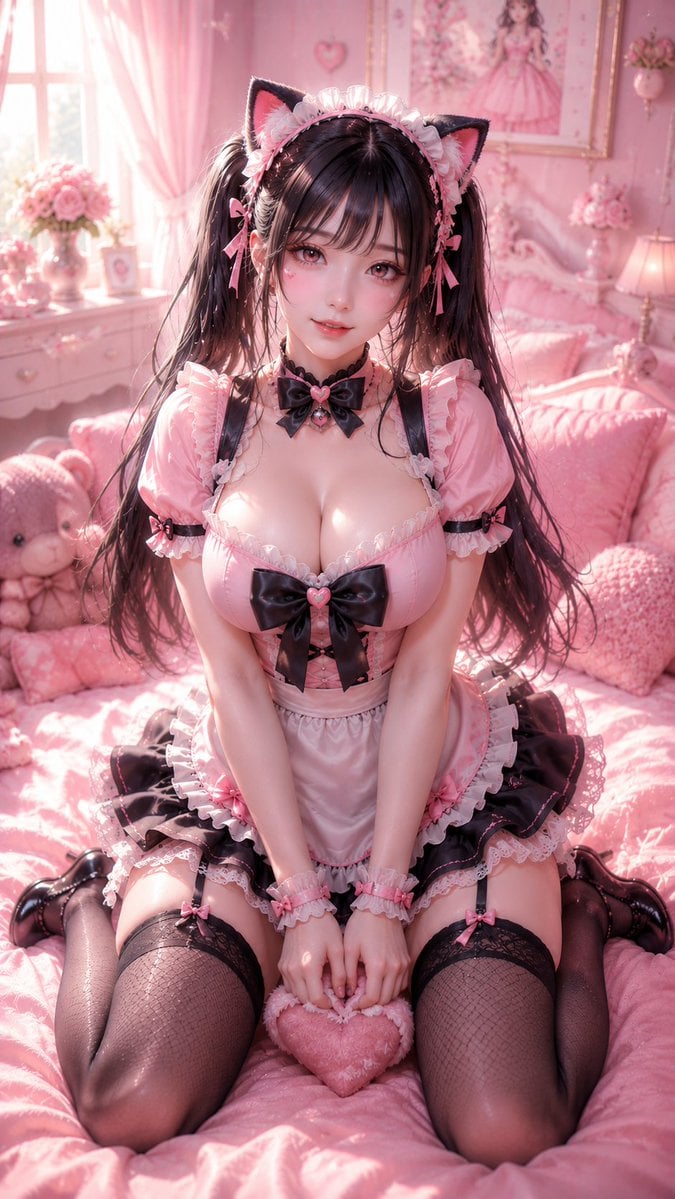
3D CG Pink Maid Illustration
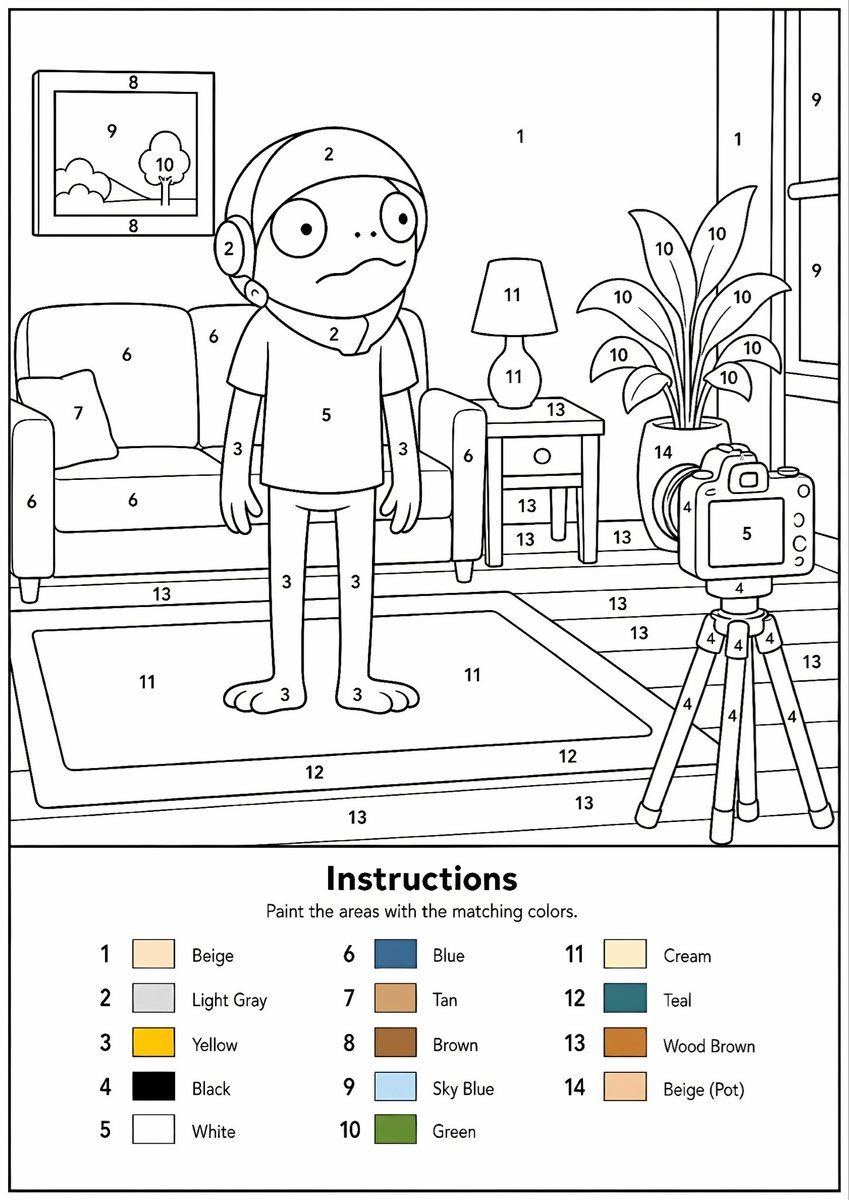
Printable Paint by Numbers Generator
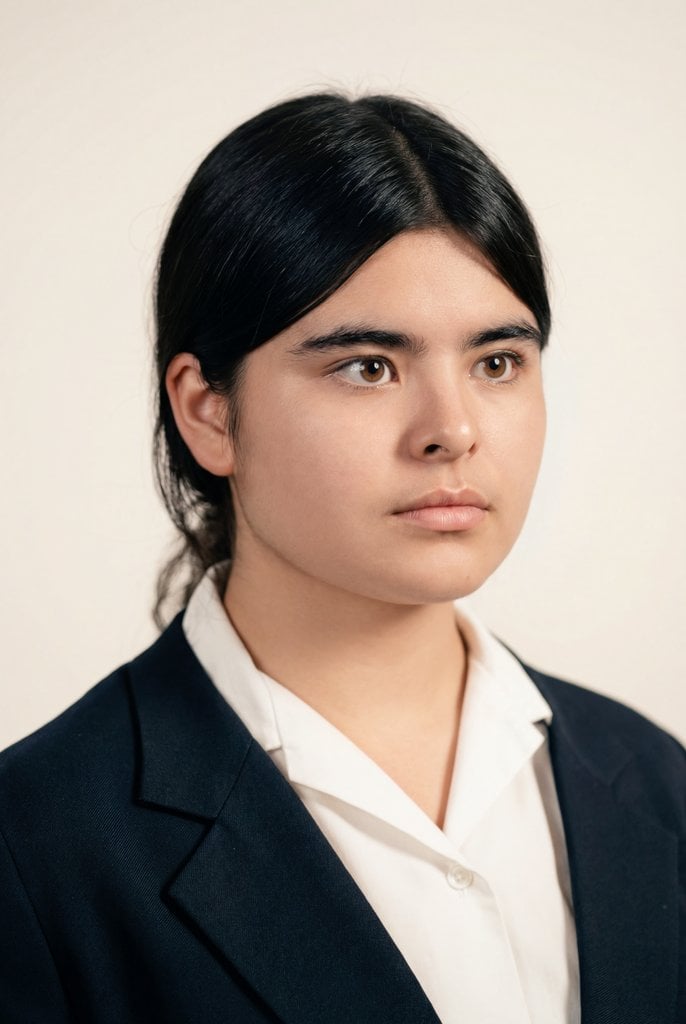
Cinematic Portrait Restoration with Golden-Hour Lighting
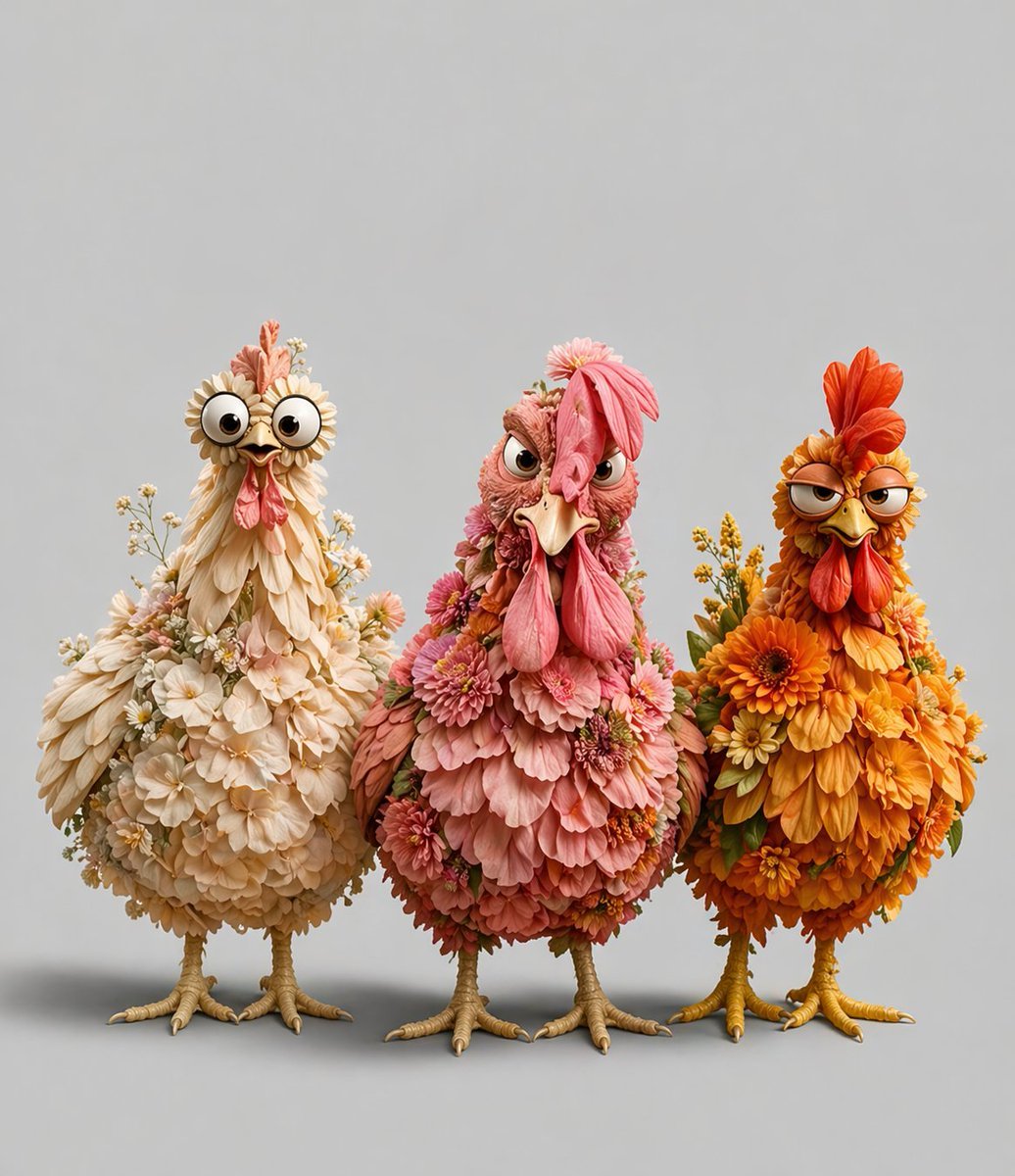
Three Floral Chickens Portrait
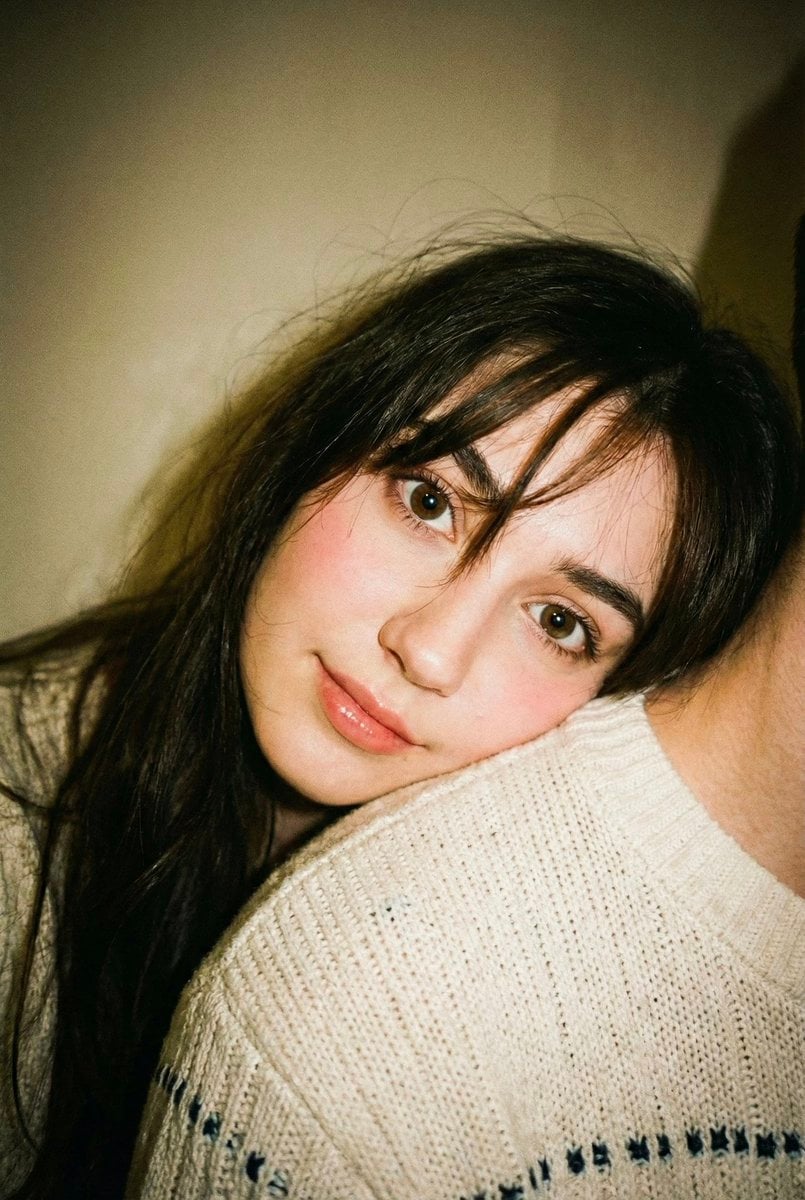
Disposable Camera Aesthetic Portrait with Intimate Pose
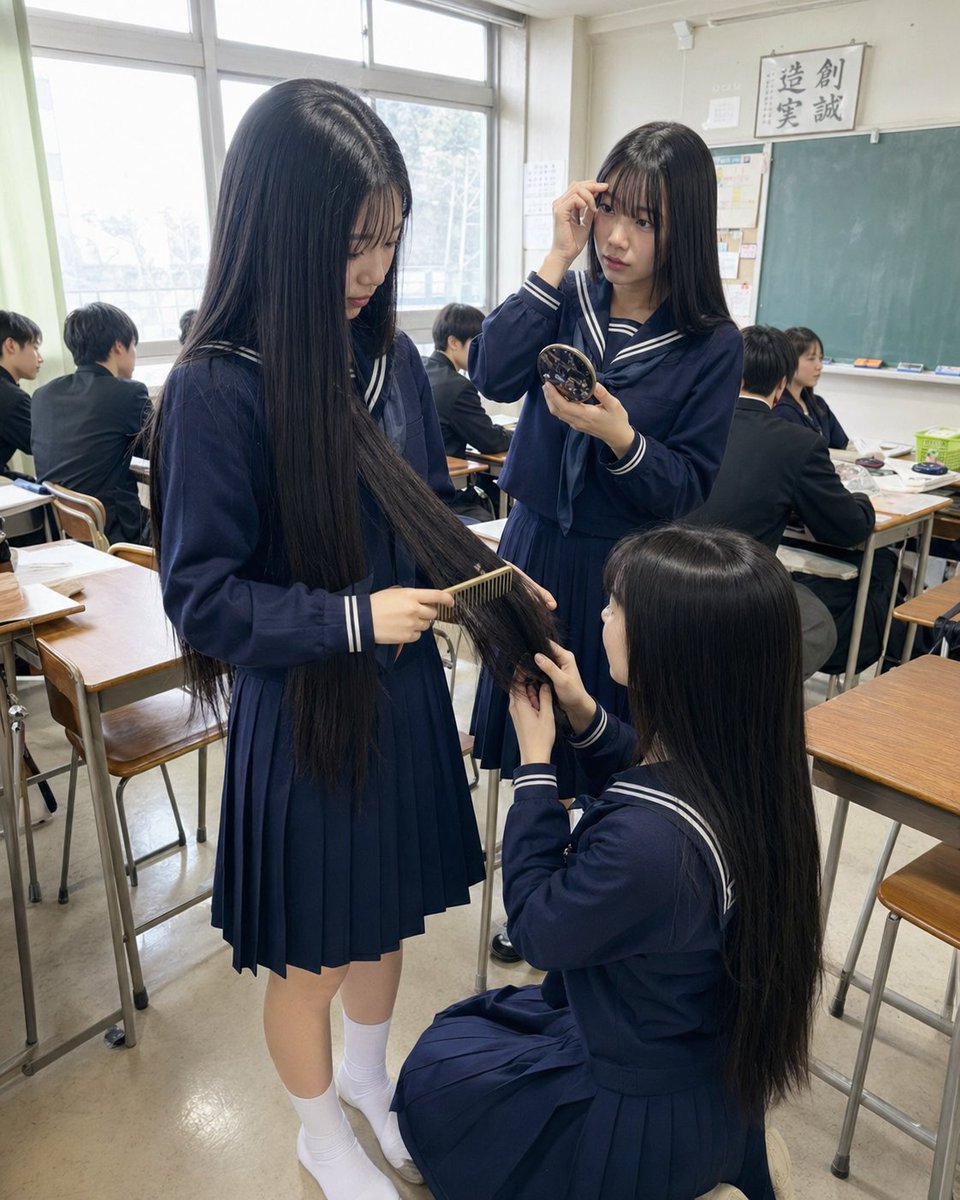
Gpt2 Profile Avatar Japanese Classroom Long Hair Snapshot
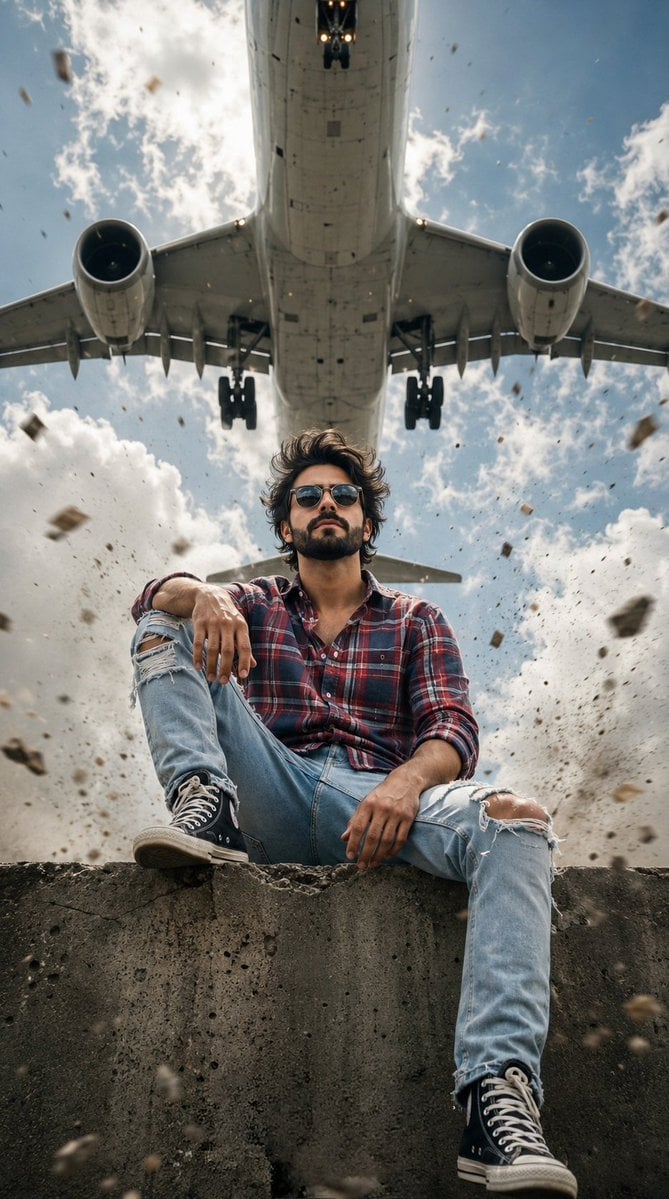
Extreme Low Angle Airplane Portrait
Browse template categories
Nomadic Archer Cinematic Editorial Portrait questions
How do I use the Nomadic Archer Cinematic Editorial Portrait template?
Add your photo if the template asks for one, edit the prompt if you like — the template's model and format are already selected — and press Generate. Your version opens in PicX Studio.
Can I customize the Nomadic Archer Cinematic Editorial Portrait template?
Yes. You can change the subject, setting, lighting, mood, format, and available model controls before creating your image.
Is the Nomadic Archer Cinematic Editorial Portrait template free?
Opening and editing this template is free. Generating uses credits, shown on the Generate button when you are signed in.
Which AI model should I use?
Start with GPT Image 2, which is the model associated with this template. You can compare another compatible model for a different finish.
Looking for something else? Browse all templates.

Your photo, any look
Thousands of ready templates for every top image and video model, from one credit balance.