
3D CG Pink Maid Illustration
A detailed prompt for generating high-quality 3D CG illustrations of a fantasy female character in a dreamy pink maid-themed bedroom.
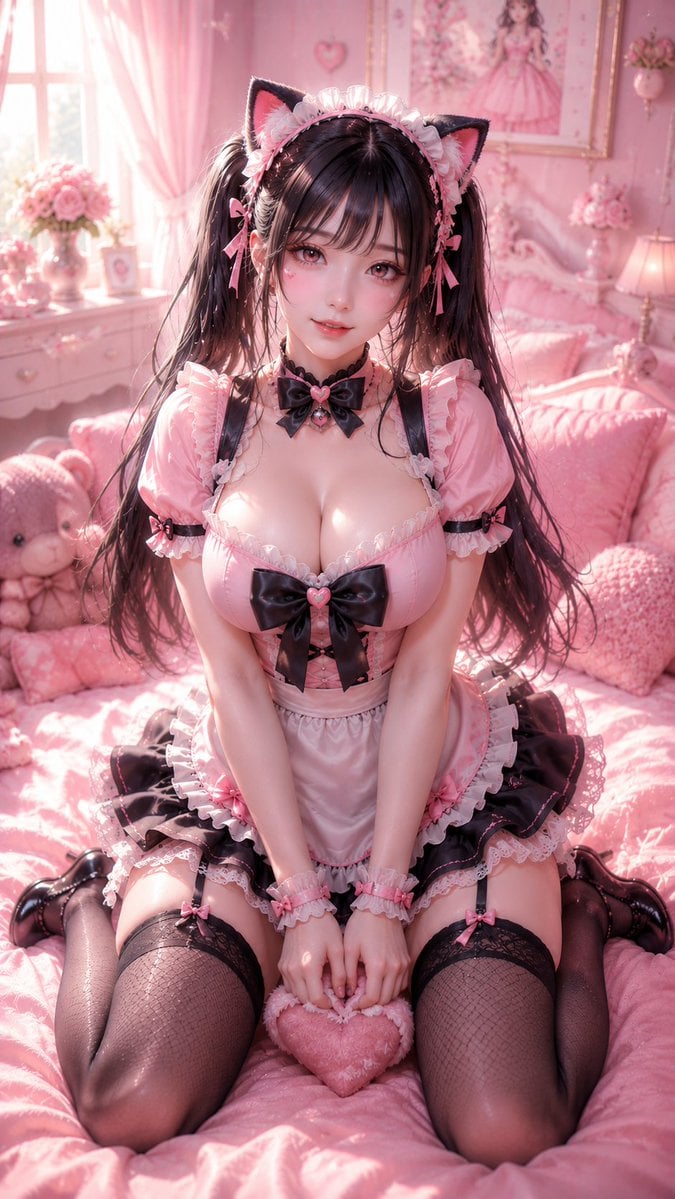
- Prompt included
- Model and format preset
- Free template
The prompt behind this image
Copy the exact prompt behind 3D CG Pink Maid Illustration, or open it in the studio and make it yours.
An adult fantasy-style female character, in a refined 3D CG illustration style, ultra-high detail, 9:16 vertical composition, sitting on a soft pink bed, overall themed around {argument name="character theme" default="pink dream maid"}, in a {argument name="scene" default="bedroom scene"}. The character is positioned at the center of the frame, facing the camera directly, kneeling on the bed with both knees (a "duck-sit" pose), her posture natural and upright, body leaning slightly forward, shoulders and neck softly relaxed, waist naturally cinched, the overall figure showing mature, soft, feminine curves. Her body type is mature and voluptuous, with rounded, soft shoulders, a full, natural bust, a waistline that is defined but not overly slender, rounded and well-proportioned hip and leg curves, and soft, healthily fleshy thighs and arms — overall expressing a gentle, sweet, voluptuous, and elegant feminine beauty. She has a delicate, cute face shape, fair and fine skin, large, bright eyes with a soft, dreamy gaze, a slender nose bridge, and soft lips with a natural smile — overall facial features carrying a sweet, cute, delicate Japanese-doll-like feel. Her hairstyle is {argument name="hairstyle" default="long black hair in twin tails"}, with light, fine strands, soft and fluffy bangs, wearing a white ruffled maid headpiece, paired with a pink bow and cat-ear-style decorations. Her outfit is a black-and-pink Japanese-style sweet maid costume: the top is a pink, fitted, short-sleeved maid blouse with a large black bow on the chest, and white ruffle trim at the collar and cuffs; the bottom is a black puffy short skirt with a multi-layered white lace apron and pink bow details. The overall outfit is delicate and cute, richly layered, emphasizing a sweet, dreamy style while fitting her voluptuous, soft figure. Her legs are in black fishnet stockings or black thigh-highs, paired with glossy black small leather shoes, completing the look. The setting is a gentle, dreamy pink bedroom, with a background of pink bedding, a plush teddy bear, pink curtains, soft-focus floral ornaments, and light-colored furniture — the overall mood soft, cute, delicate, and warm. Soft natural light filters in by the window, creating a creamy, soft-glow effect, with the air carrying a faint glow of light particles and a shallow depth-of-field blur. The overall color tone is centered on pink, white, and black; the image is sweet, dreamy, soft, and delicate, with a highly finished 3D CG portrait quality — the character's face and outfit details are clear, the skin is translucent, the lighting and shadow are delicate, the depth of field is natural, and the image is high-end and beautiful, ultra-clear, 8K, masterpiece, best quality, ultra detailed, soft lighting, dreamy atmosphere, delicate face, elegant feminine beauty, curvy body, mature adult female, 3D CG render.
How to use 3D CG Pink Maid Illustration in 3 steps
- 1
Open
The prompt is already in the box next to the preview, with the template's model and format selected.
- 2…a portrait of your subject in softgolden-hour light, 85mm…
Personalize
Edit the subject and creative details for your destination.
- 3Generate
Generate
Press Generate — your image is created in PicX Studio, so you can compare it with the original and refine one variable at a time.
More like this
Templates with the same subject, style or setup. Open one to see its prompt.
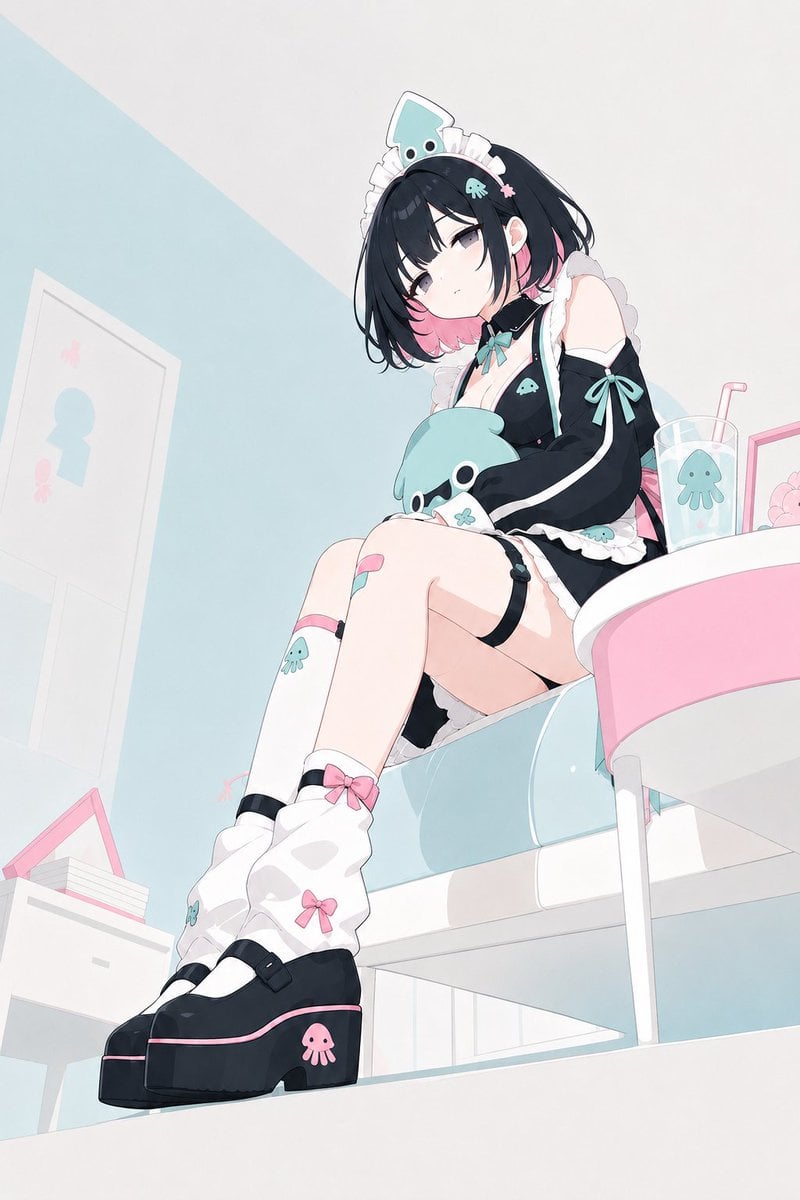
Pastel Squid Maid Bedroom Illustration

Quiet Minimalist Anime Style Guide

Real Illustration Split Portrait Transition
Quiet Minimalist Anime Style Guide

Watercolor Café Cheesecake Editorial Illustration
Real Illustration Split Portrait Transition

Bold Side Profile Superhero Poster

Hero Portrait Comic Multi-Panel Poster

Spider-Verse Painterly Portrait Poster

Captain Tsubasa Anime World Cup Poster

Anime Character Charm Analysis Sheet
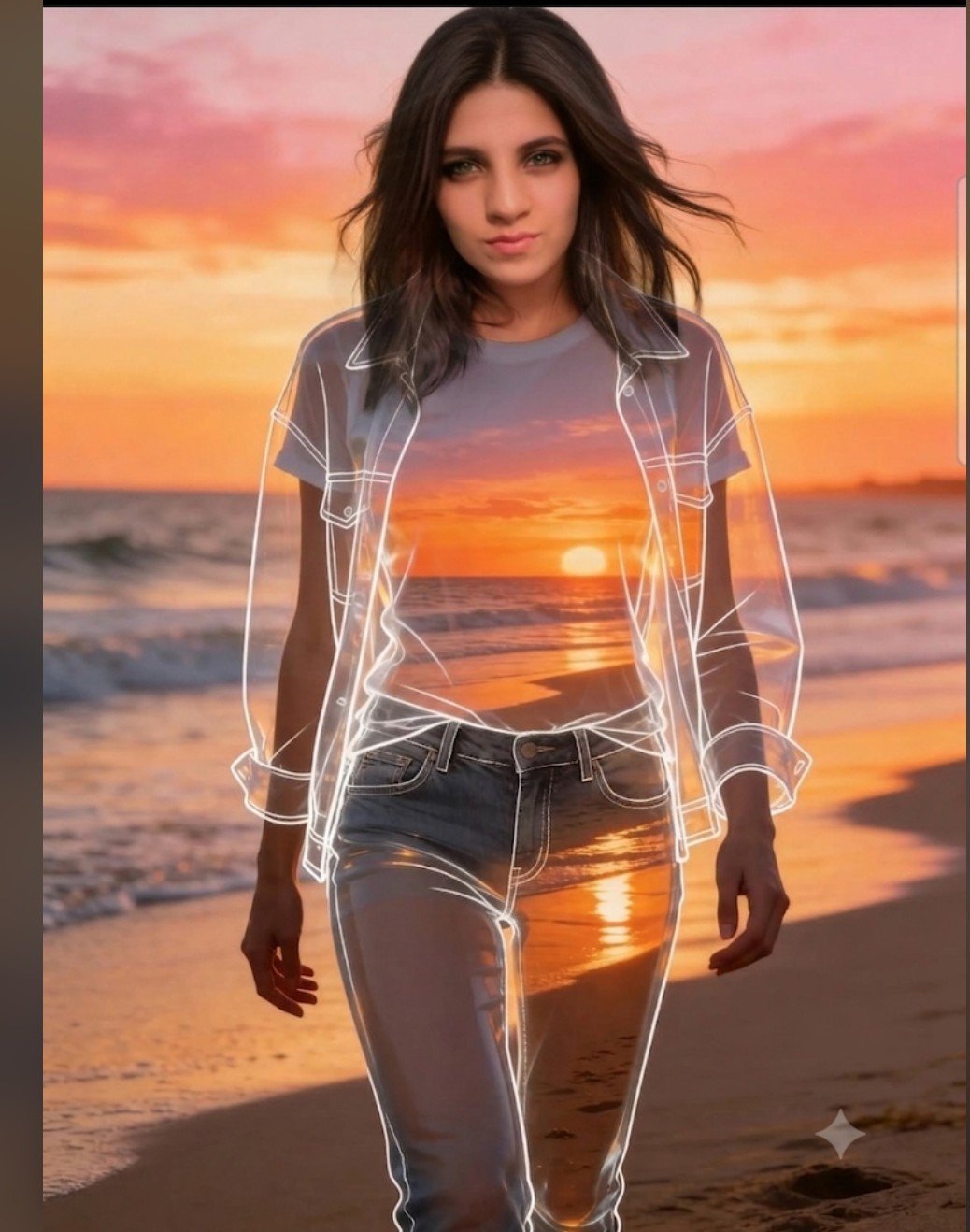
Beach Sunset Double Exposure Wireframe Portrait
Make it yours
3D CG Pink Maid Illustration works as-is. These are the safest ways to change it without losing the look.
Change one field
Copy a single group, rewrite it, and generate again so you can see what that field is doing.
Keep the frame, change the subject
Hold the composition and light of 3D CG Pink Maid Illustration, then swap wardrobe, props or the person for a new take.
| If the result… | Why | Fix |
|---|---|---|
| The result drifts from the preview | Too many fields changed at once. | Reuse 3D CG Pink Maid Illustration as-is first, then change one group — subject, light, or setting. |
| The model over-stylizes the scene | The prose prompt leaves finish and camera underspecified. | Add one camera or lighting sentence and stay on GPT Image 2. |
More GPT Image 2 templates
Other prompts made for GPT Image 2.

Six VTuber Japanese Logo Sheet

Realistic Portrait of Woman and Deer

The Vista Modular Condo Poster

AI Model Routing Comparison Infographic

2.5D Anime Art Board

Isometric Productivity Desk Scene

New York Double Exposure Poster

Four-Panel AI Landscape Comparison

Japanese Tatami Lifestyle Magazine Cover

NESCAFÉ Coffee Map Poster
More image prompts
Fresh picks from across the catalog.
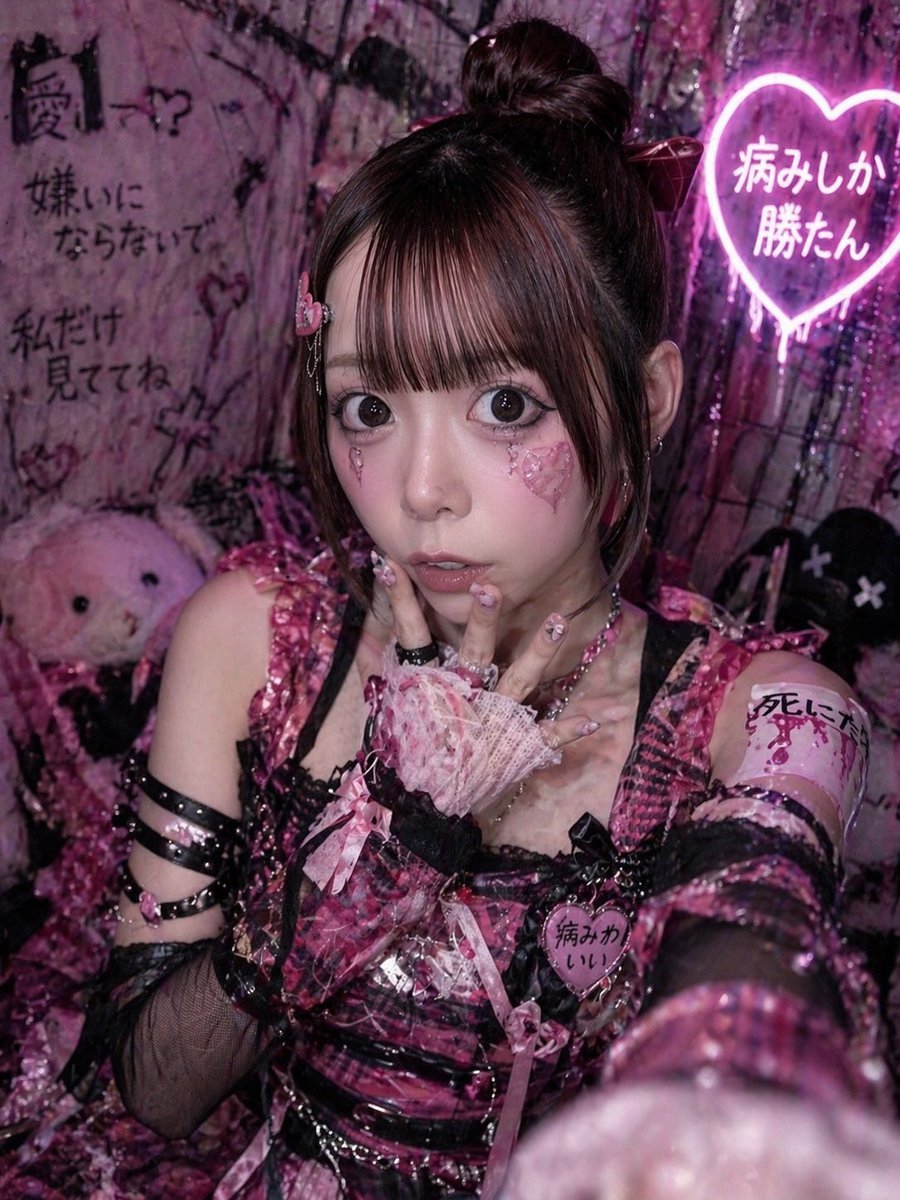
Yami Kawaii Idol Selfie
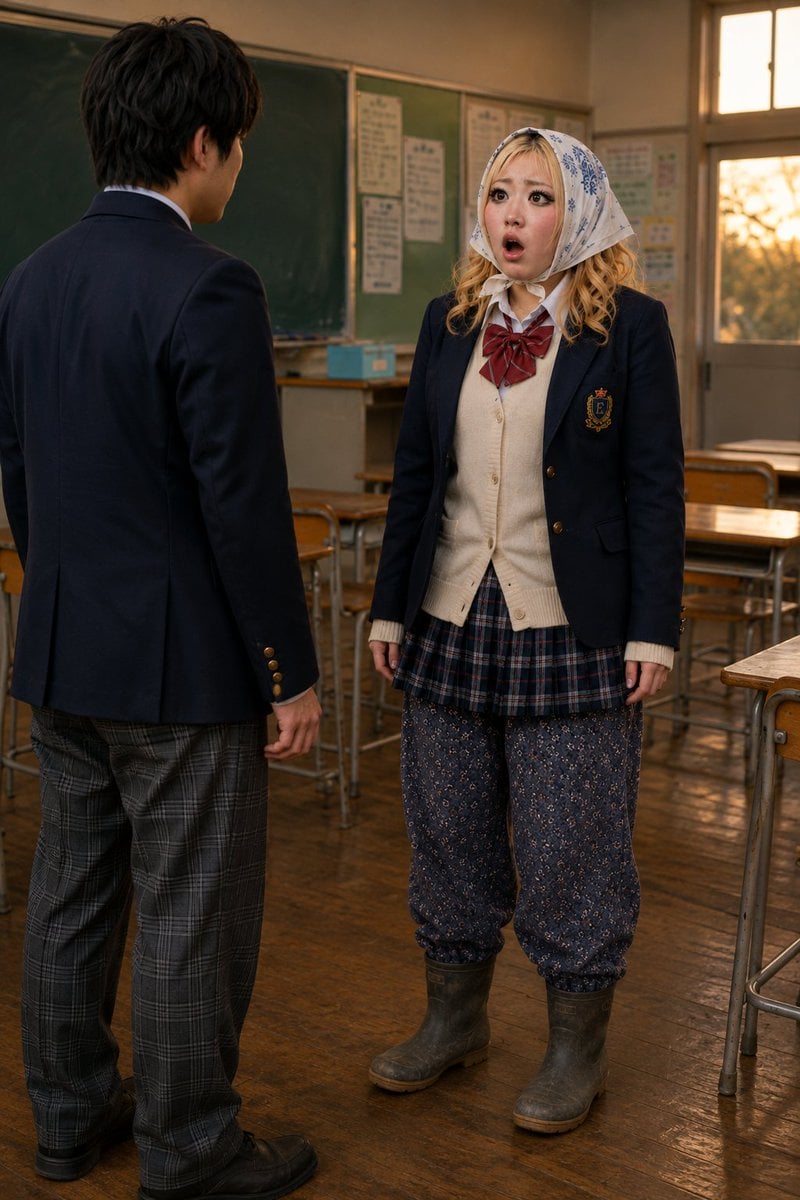
Schoolgirl Turned Rural Farmer Classroom Scene
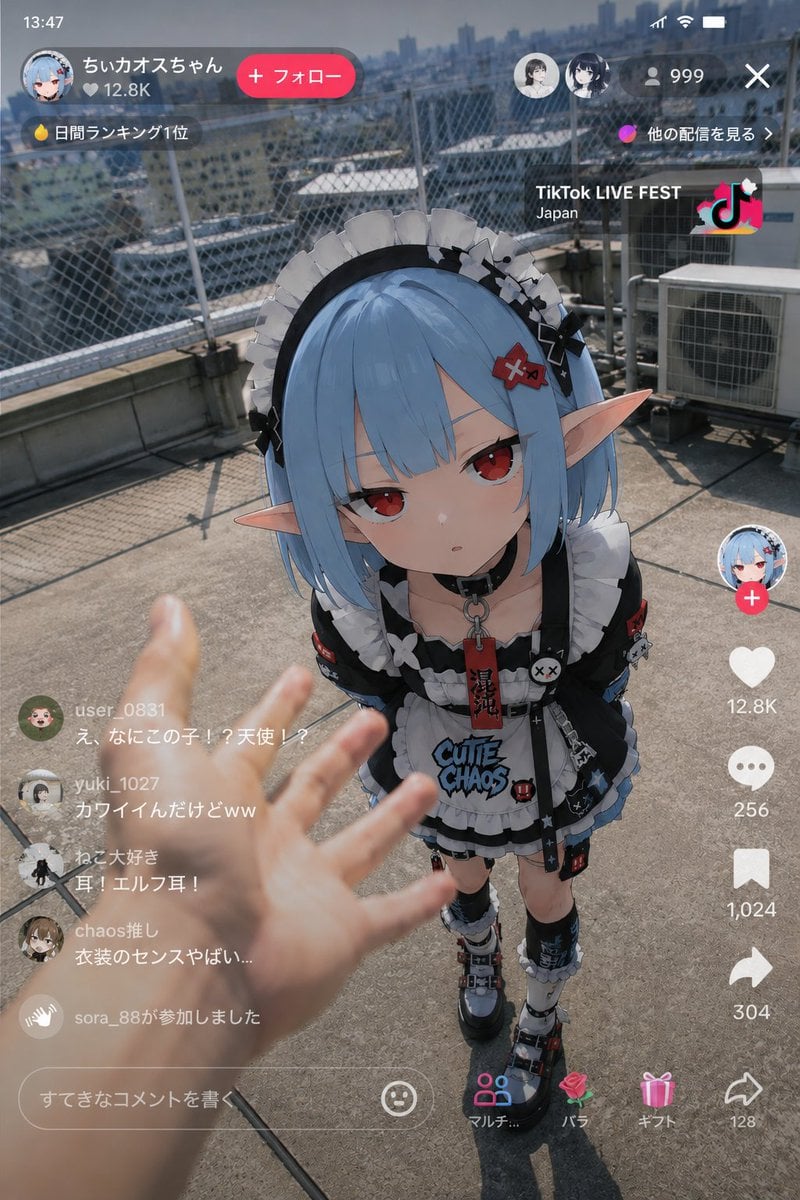
Anime Character Real-World Stream i2i
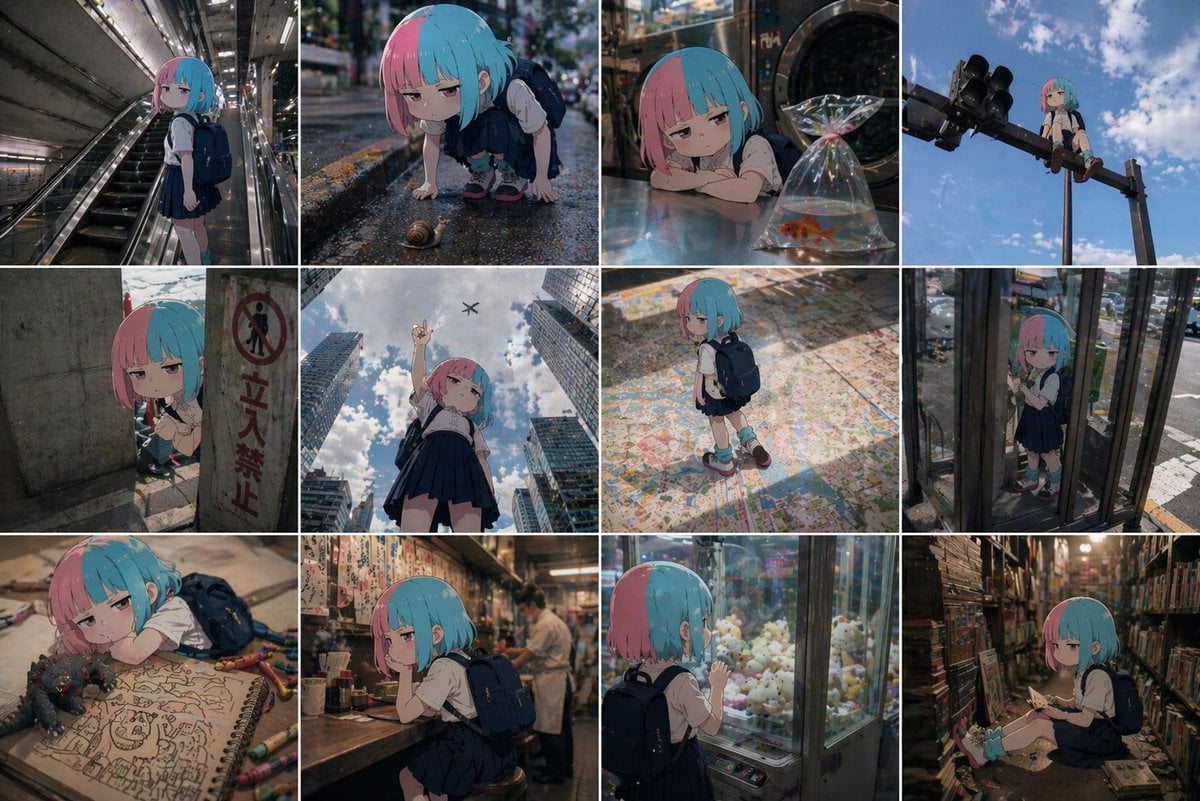
Anime Character in Real World Grid

Cinematic Overhead Portrait with Wide-Angle Distortion

Handmade Claymation Style i2i

Y2K Surrealism Scale Shift Editorial Prompt
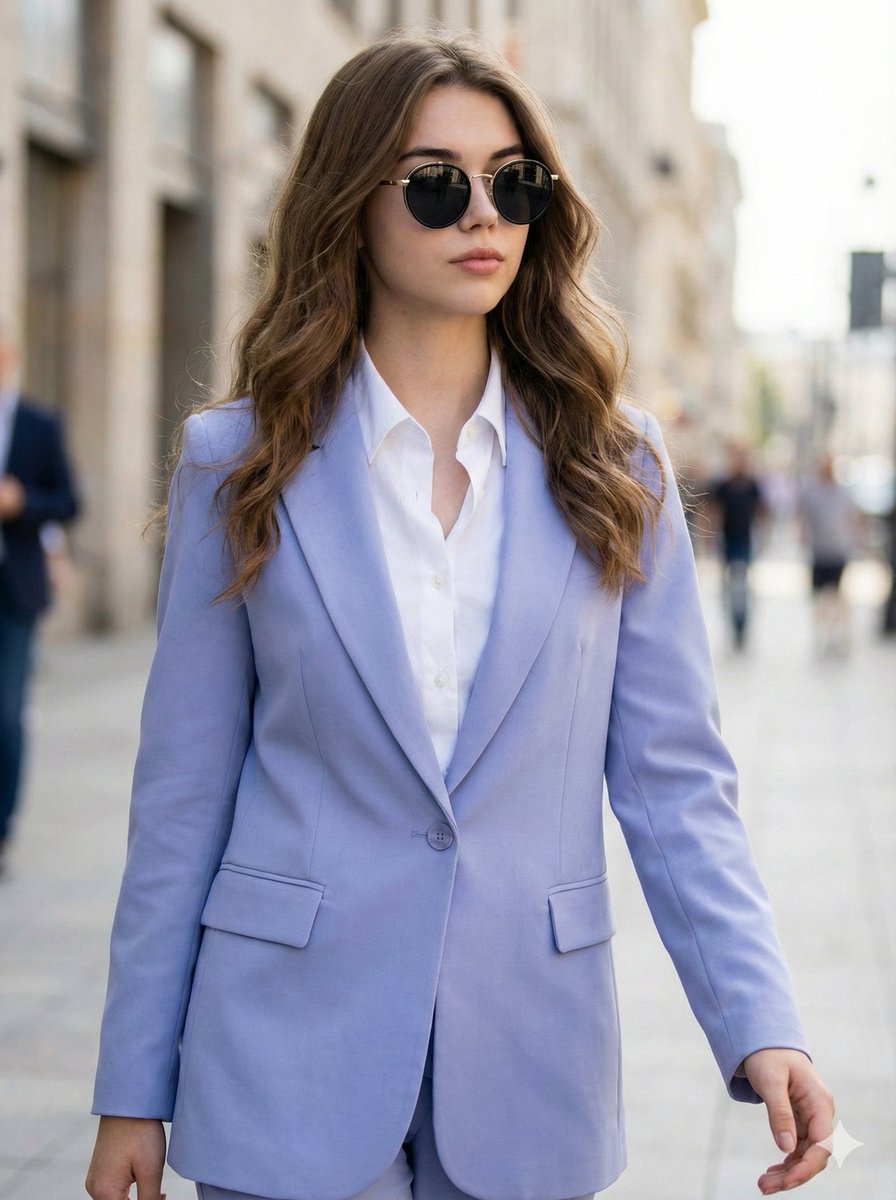
Ultra-Realistic High-Fashion Editorial Prompt
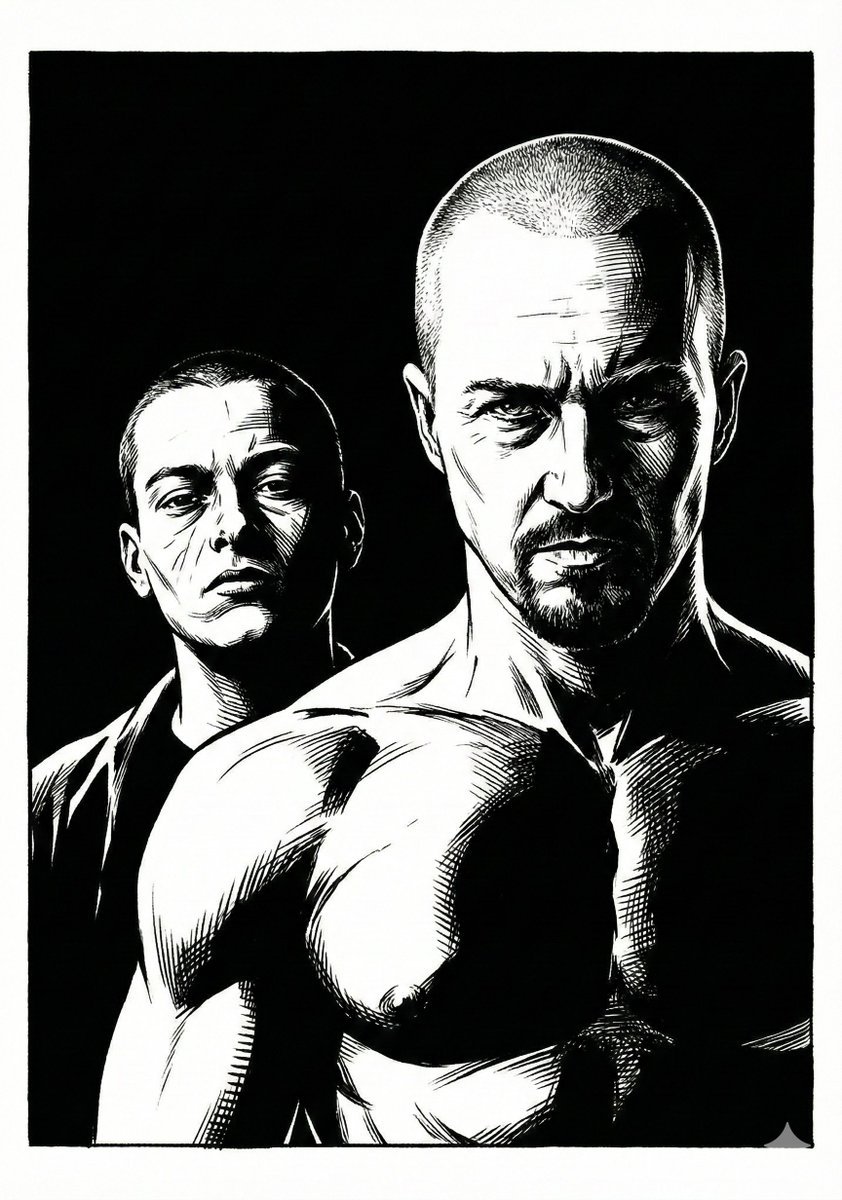
Frank Miller Sin City Graphic Novel Style Transfer
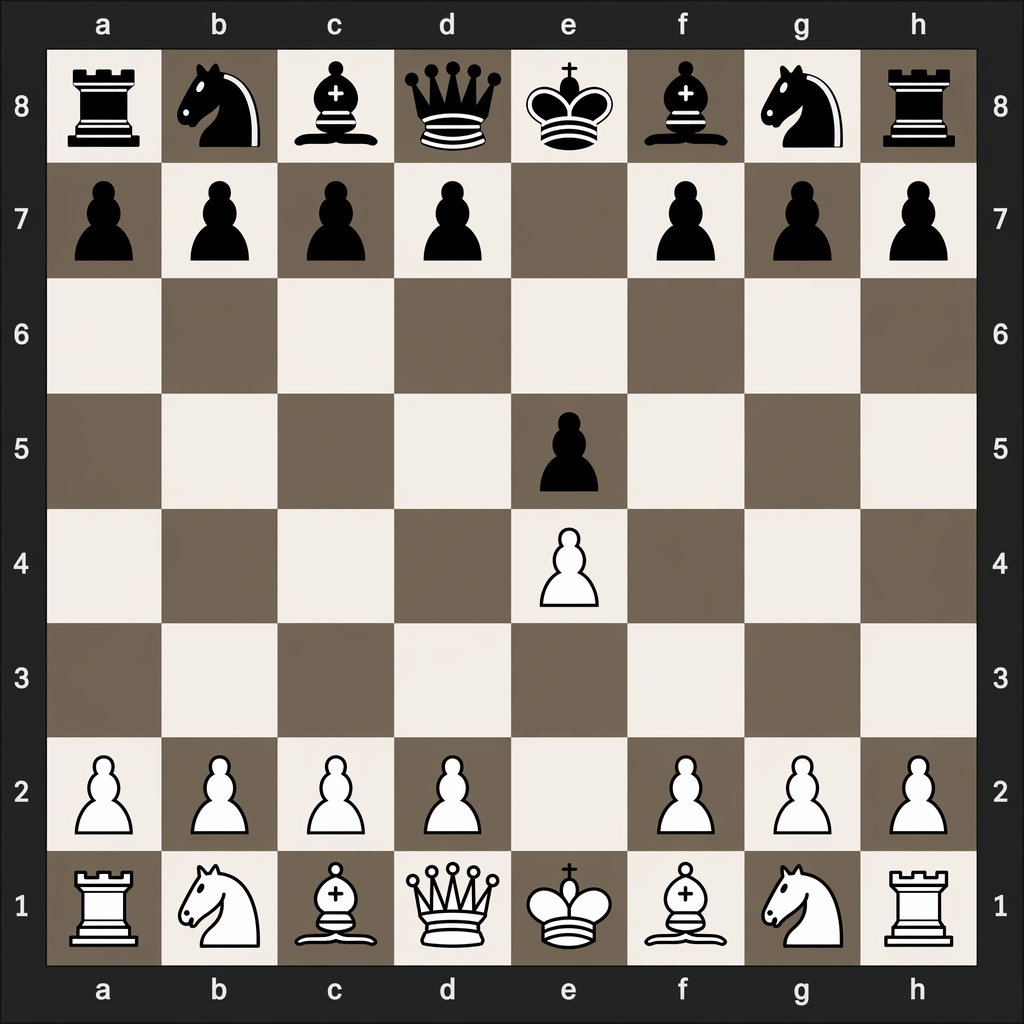
Digital Chessboard After 1.e4 e5
Browse template categories
3D CG Pink Maid Illustration questions
How do I use the 3D CG Pink Maid Illustration template?
Add your photo if the template asks for one, edit the prompt if you like — the template's model and format are already selected — and press Generate. Your version opens in PicX Studio.
Can I customize the 3D CG Pink Maid Illustration template?
Yes. You can change the subject, setting, lighting, mood, format, and available model controls before creating your image.
Is the 3D CG Pink Maid Illustration template free?
Opening and editing this template is free. Generating uses credits, shown on the Generate button when you are signed in.
Which AI model should I use?
Start with GPT Image 2, which is the model associated with this template. You can compare another compatible model for a different finish.
Looking for something else? Browse all templates.

Your photo, any look
Thousands of ready templates for every top image and video model, from one credit balance.