
Yami Kawaii Idol Selfie
This prompt generates a moody pink-and-black idol selfie portrait with yami-kawaii fashion and neon Japanese decor, ideal for social media-style character art.
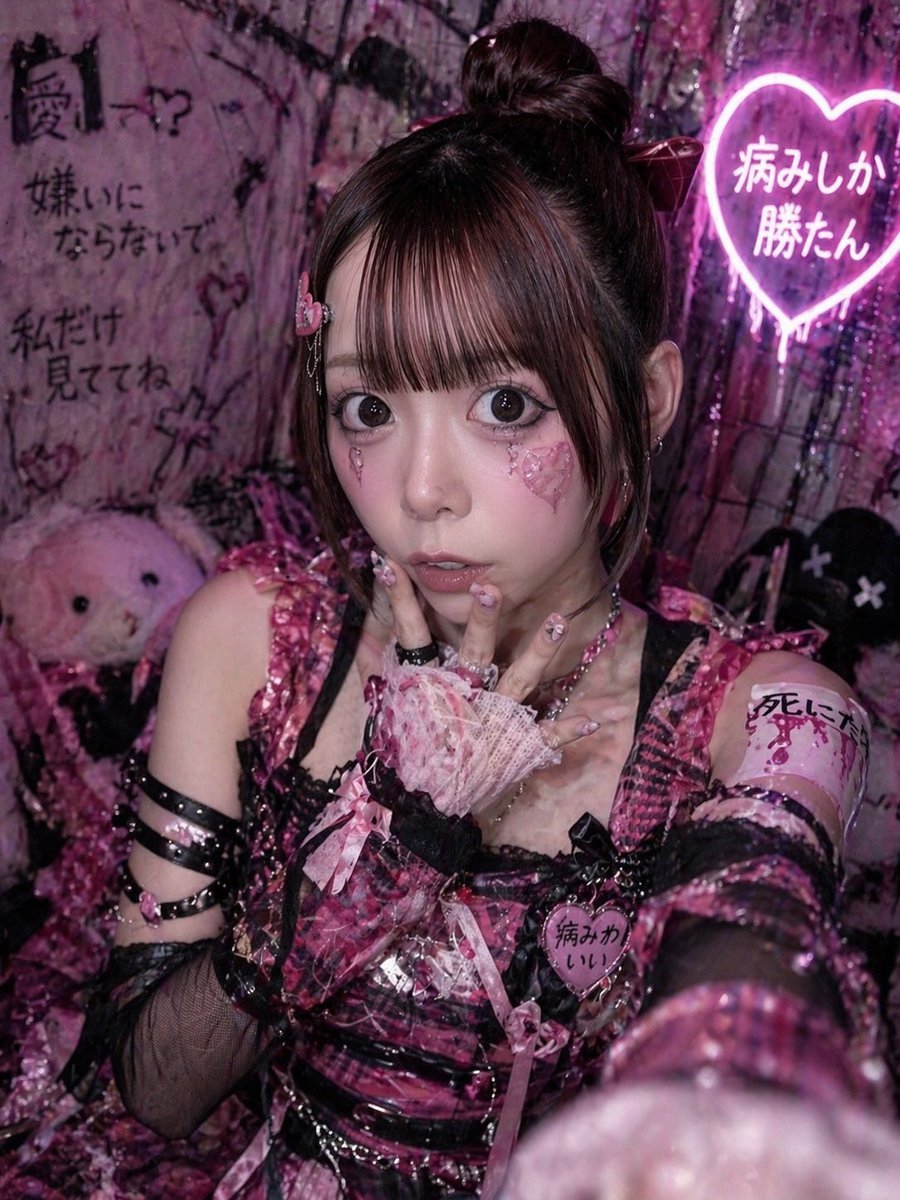
- Prompt included
- Model and format preset
- Free template
The prompt behind this image
Copy the exact prompt behind Yami Kawaii Idol Selfie, or open it in the studio and make it yours.
A close-up vertical selfie portrait of a {argument name="idol theme" default="dark yami-kawaii idol"} girl in a cramped neon-pink room, shot with her arm extended toward the camera so one glittery sleeve and hand blur large in the foreground. She wears a highly detailed black-and-hot-pink plaid stage outfit with glossy vinyl straps, lace trim, ribbons, buckles, and layered accessories: a sleeveless bodice, black fishnet detached sleeves, multiple black armbands on one upper arm, pink bows, and a heart-shaped chest badge that reads "病みかわいい". Her hair is dark brown, styled in a high bun with long straight sections framing the sides, decorated with a large ribbon. Her visible hand is posed near her lips in a coy idol gesture, wearing a frilly pink lace fingerless glove, long decorated nails, and chunky rings. Add a pink armband on the upper arm with handwritten Japanese text, and subtle earrings. The face is intentionally hidden by a large centered rectangular censor blur covering most of the face from forehead to chin. The background is dense and grungy, filled with black-and-pink graffiti, plastic curtains, plush toys, and distressed decor. Include exactly 4 visible Japanese text elements in the scene: graffiti on the left reading "闇ー?", graffiti below it reading "嫌いにならないで", graffiti further down reading "私だけ見ててね", and a glowing heart-shaped neon sign on the upper right reading "病みしか勝たん". Place 2 plush figures in the background: one pale pink stuffed animal on the left and one black plush with X eyes on the right. Lighting is moody club-style magenta and violet with glossy highlights, giving a chaotic underground idol dressing-room vibe. Ultra-detailed, flashy textures, glitter, lace, vinyl, messy cute-goth atmosphere, high contrast, smartphone selfie composition, portrait orientation.
How to use Yami Kawaii Idol Selfie in 3 steps
- 1Upload ImagePNG, JPG or paste
Add your photo
Upload the photo the template builds on. The prompt, model and format are already set.
- 2…a portrait of your subject in softgolden-hour light, 85mm…
Personalize
Edit the subject and creative details for your destination.
- 3Generate
Generate
Press Generate — your image is created in PicX Studio, so you can compare it with the original and refine one variable at a time.
More like this
Templates with the same subject, style or setup. Open one to see its prompt.

Rooftop Fisheye — Cat-Ear Balaclava at Golden Hour

Felt & Knit 3D Character — Photo-Exact Face, Pixar-Quality Plush Figurine

Eid al-Adha Cute Chaos — Fisheye Selfie with Farm Selfie, Mosque & Animals

Cat Photobomb Selfie — 0.5x Wide Angle Café Chaos

Gen Z Triple Selfie Collage — Y2K Flash Photography

Surreal Cat Astronaut — Humanoid Face Freefall

Cute Layered Paper Cut Chibi Girl
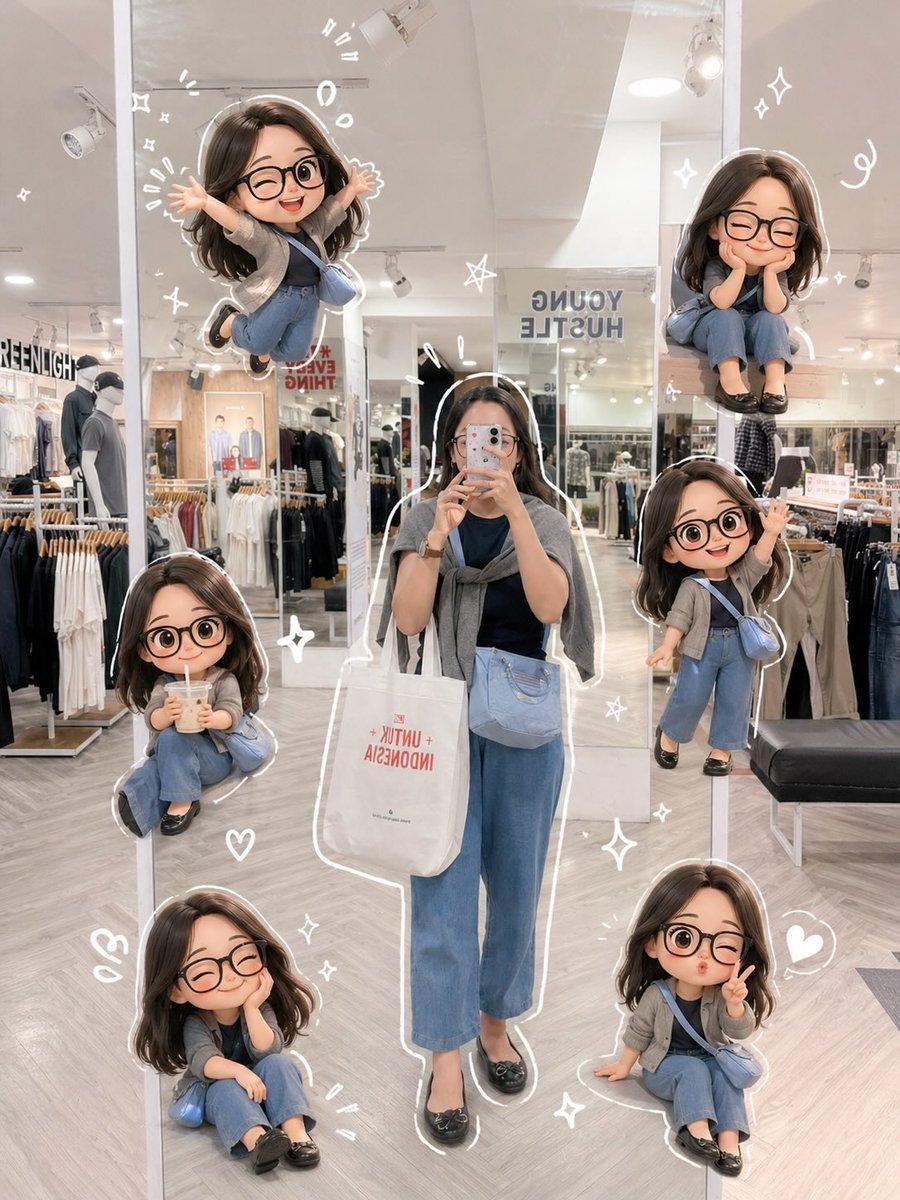
Chibi Mirror Selfie with Kawaii Doodles

Photoreal Village Lanterns Minecraft Scene

Photoreal Snow Biome Name Tag UI

Photoreal Selfie Minecraft Block World

Photoreal Selfie Minecraft Village Ghast UI
Make it yours
Yami Kawaii Idol Selfie works as-is. These are the safest ways to change it without losing the look.
Change one field
Copy a single group, rewrite it, and generate again so you can see what that field is doing.
Keep the frame, change the subject
Hold the composition and light of Yami Kawaii Idol Selfie, then swap wardrobe, props or the person for a new take.
| If the result… | Why | Fix |
|---|---|---|
| The result drifts from the preview | Too many fields changed at once. | Reuse Yami Kawaii Idol Selfie as-is first, then change one group — subject, light, or setting. |
| The model over-stylizes the scene | The prose prompt leaves finish and camera underspecified. | Add one camera or lighting sentence and stay on GPT Image 2. |
More GPT Image 2 templates
Other prompts made for GPT Image 2.

Six VTuber Japanese Logo Sheet

Realistic Portrait of Woman and Deer

The Vista Modular Condo Poster

AI Model Routing Comparison Infographic

2.5D Anime Art Board

Isometric Productivity Desk Scene

New York Double Exposure Poster

Four-Panel AI Landscape Comparison

Japanese Tatami Lifestyle Magazine Cover

NESCAFÉ Coffee Map Poster
More image prompts
Fresh picks from across the catalog.
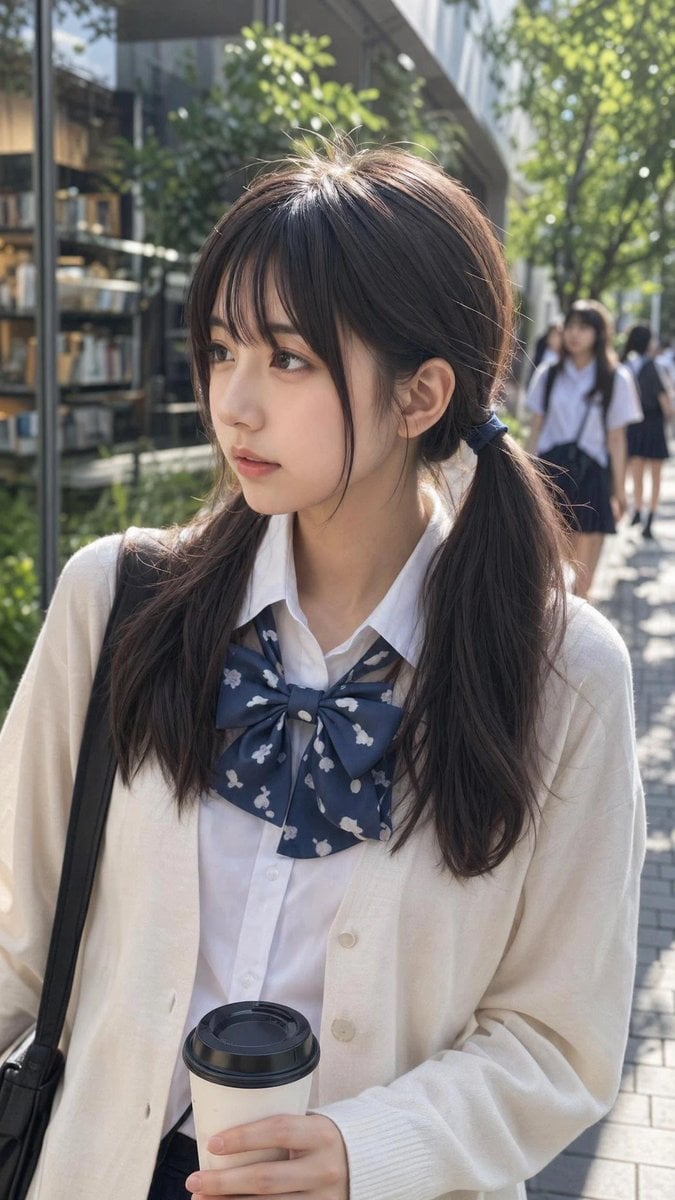
Ordinary Schoolgirl Street Snapshot
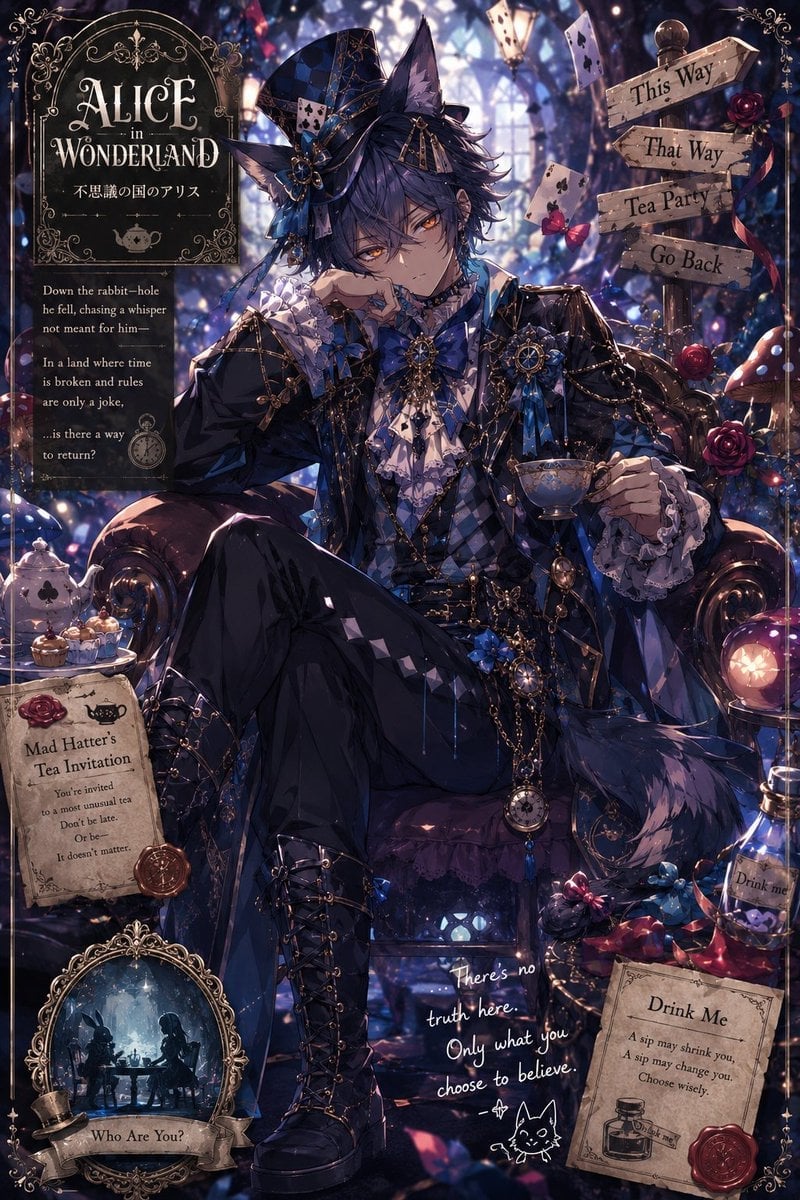
Gothic Alice Tea Party Poster
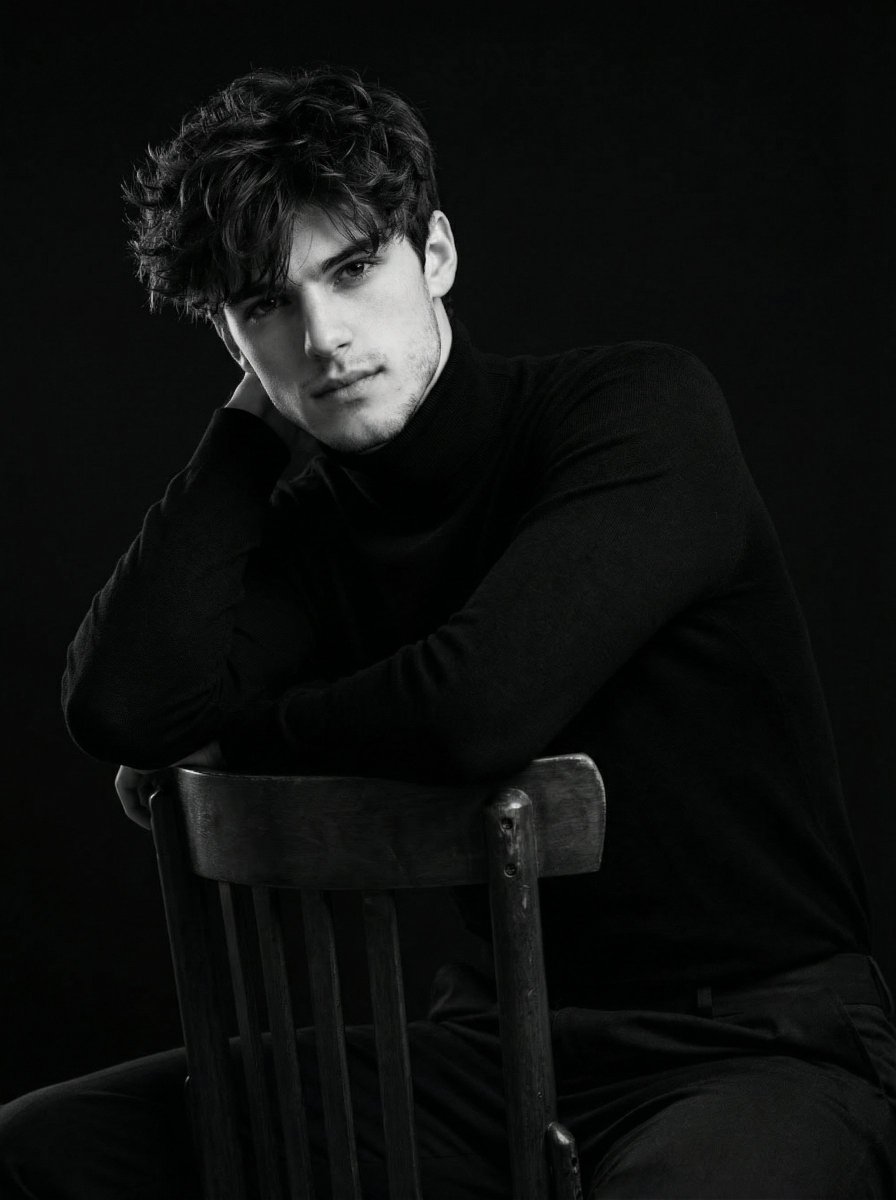
Ultra-Realistic Cinematic Black and White Portrait
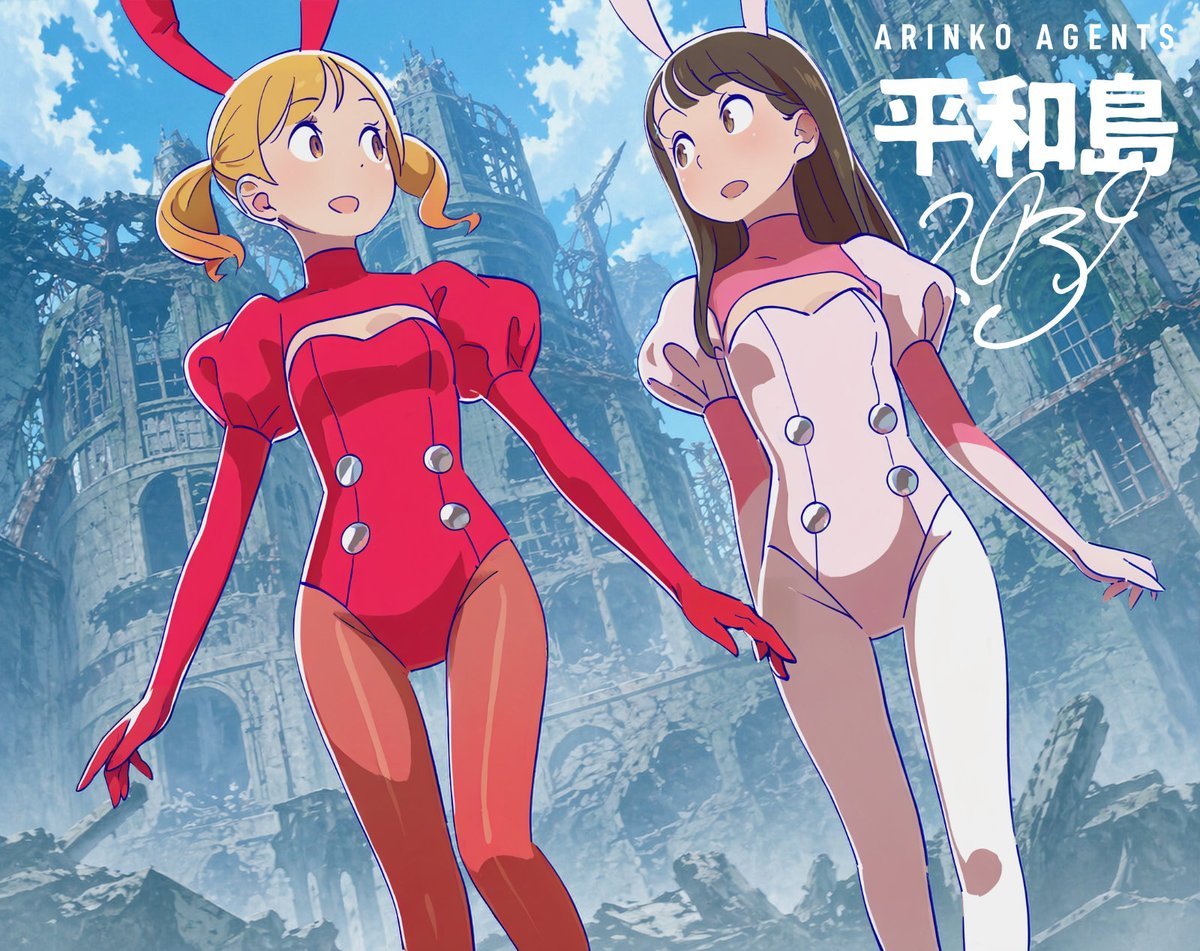
Low-Angle Anime Bunny Girls in Ruins
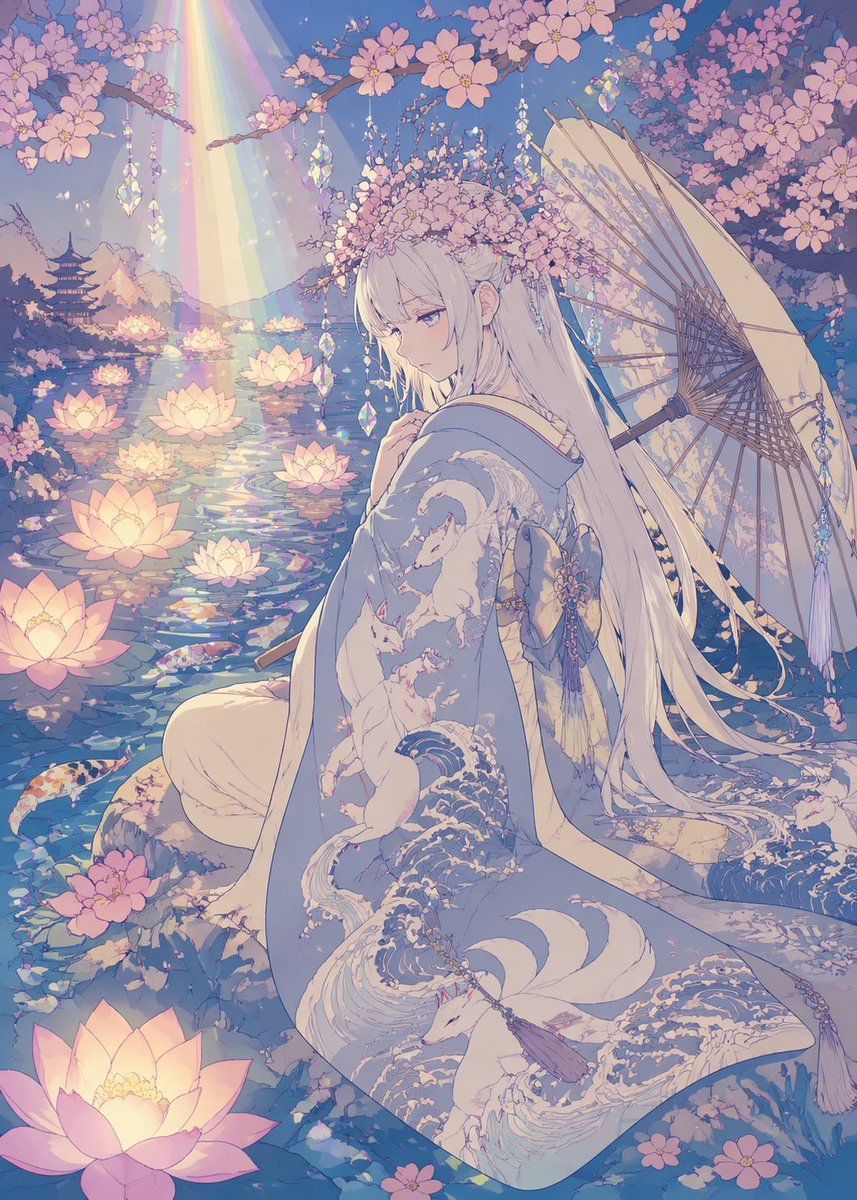
Pastel Anime Kimono by Lotus Pond
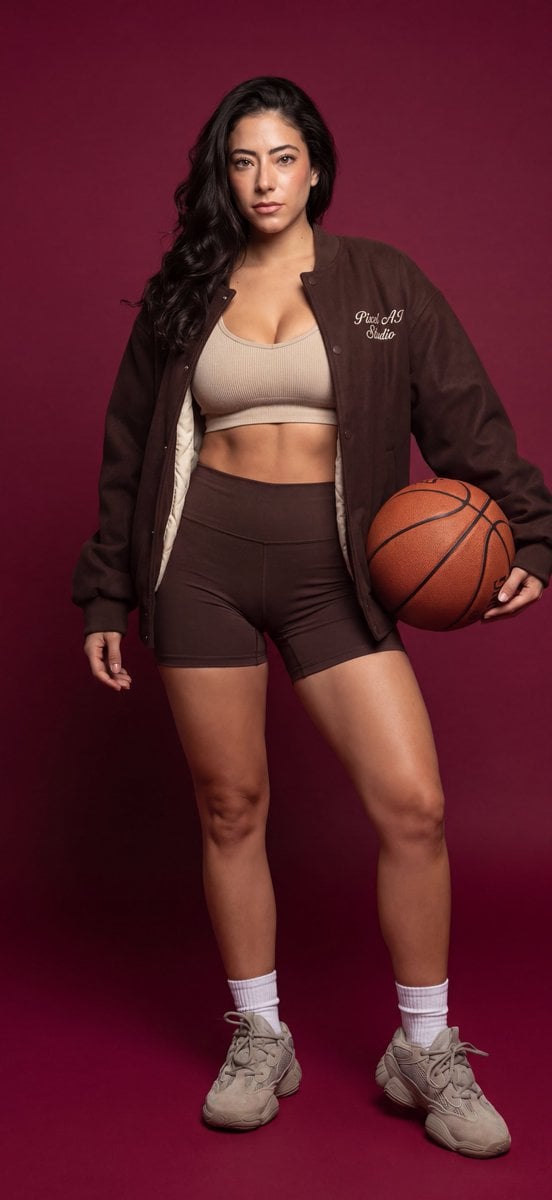
Athletic female portrait in studio
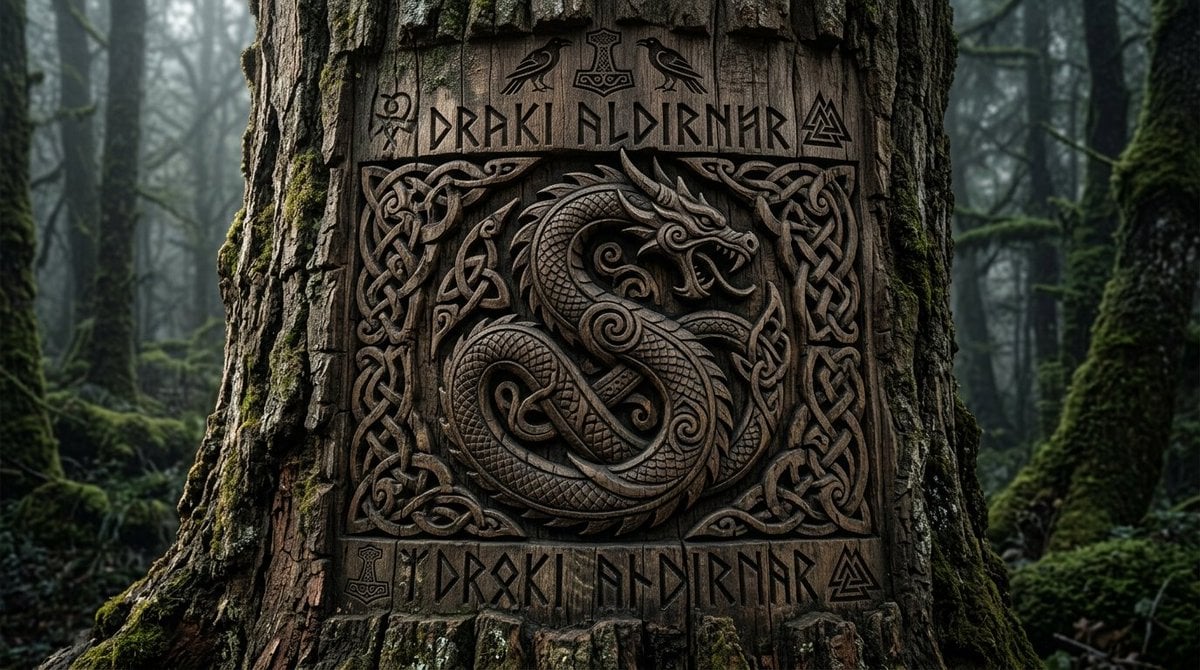
Viking Tree Carvings
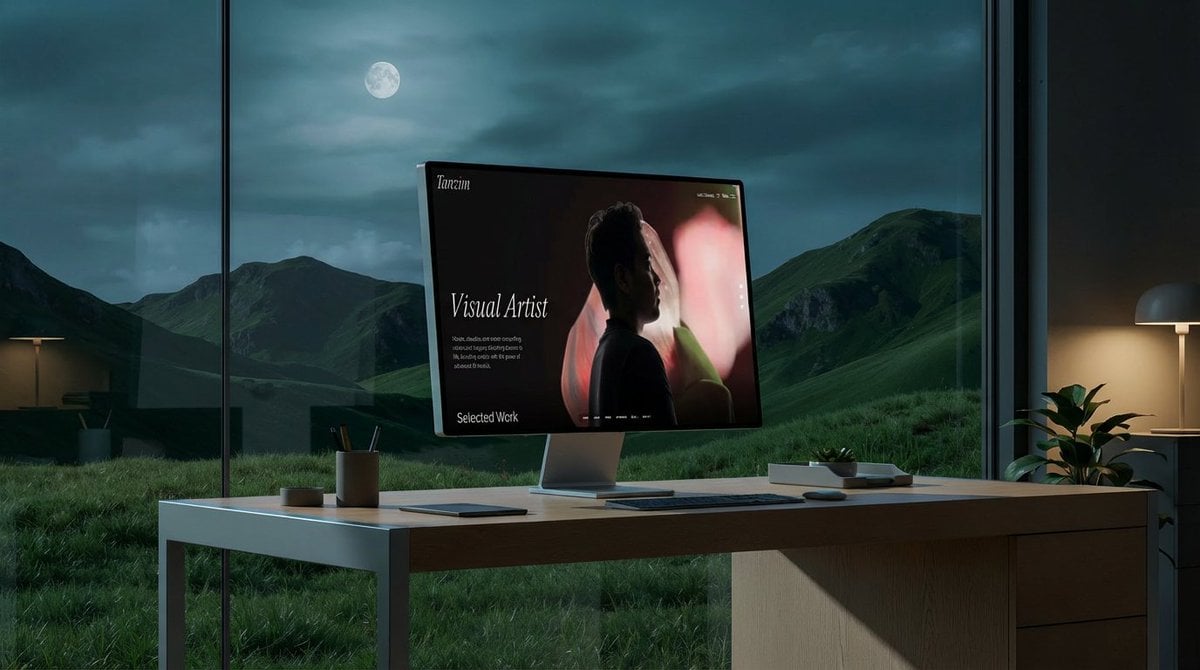
Mockup generation prompt for screen replacement
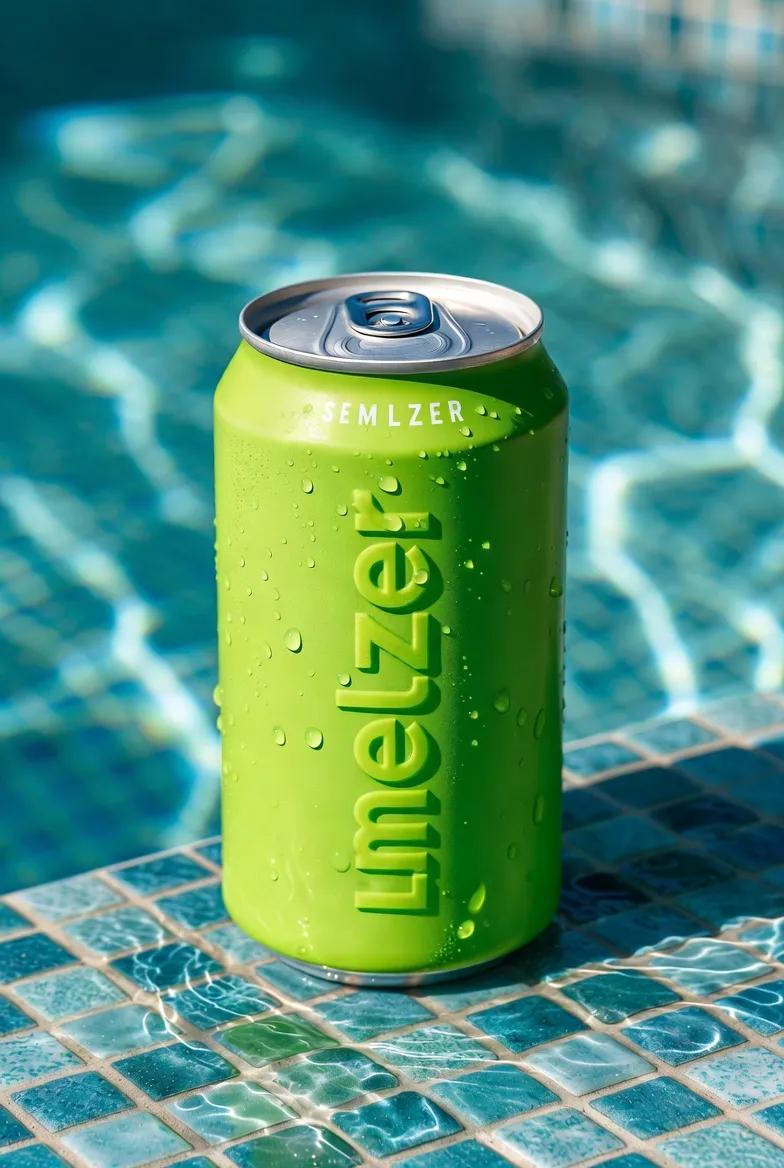
Macro Product Shot of Seltzer Can

Ultra-Realistic Corporate Executive Portrait
Browse template categories
Yami Kawaii Idol Selfie questions
How do I use the Yami Kawaii Idol Selfie template?
Add your photo if the template asks for one, edit the prompt if you like — the template's model and format are already selected — and press Generate. Your version opens in PicX Studio.
Can I customize the Yami Kawaii Idol Selfie template?
Yes. You can change the subject, setting, lighting, mood, format, and available model controls before creating your image.
Is the Yami Kawaii Idol Selfie template free?
Opening and editing this template is free. Generating uses credits, shown on the Generate button when you are signed in.
Which AI model should I use?
Start with GPT Image 2, which is the model associated with this template. You can compare another compatible model for a different finish.
Looking for something else? Browse all templates.

Your photo, any look
Thousands of ready templates for every top image and video model, from one credit balance.