
Pastel Anime Kimono by Lotus Pond
This prompt generates a dreamy vertical anime fantasy illustration of a kimono-clad woman by a glowing lotus pond, ideal for wallpaper art or elegant character-themed visuals.
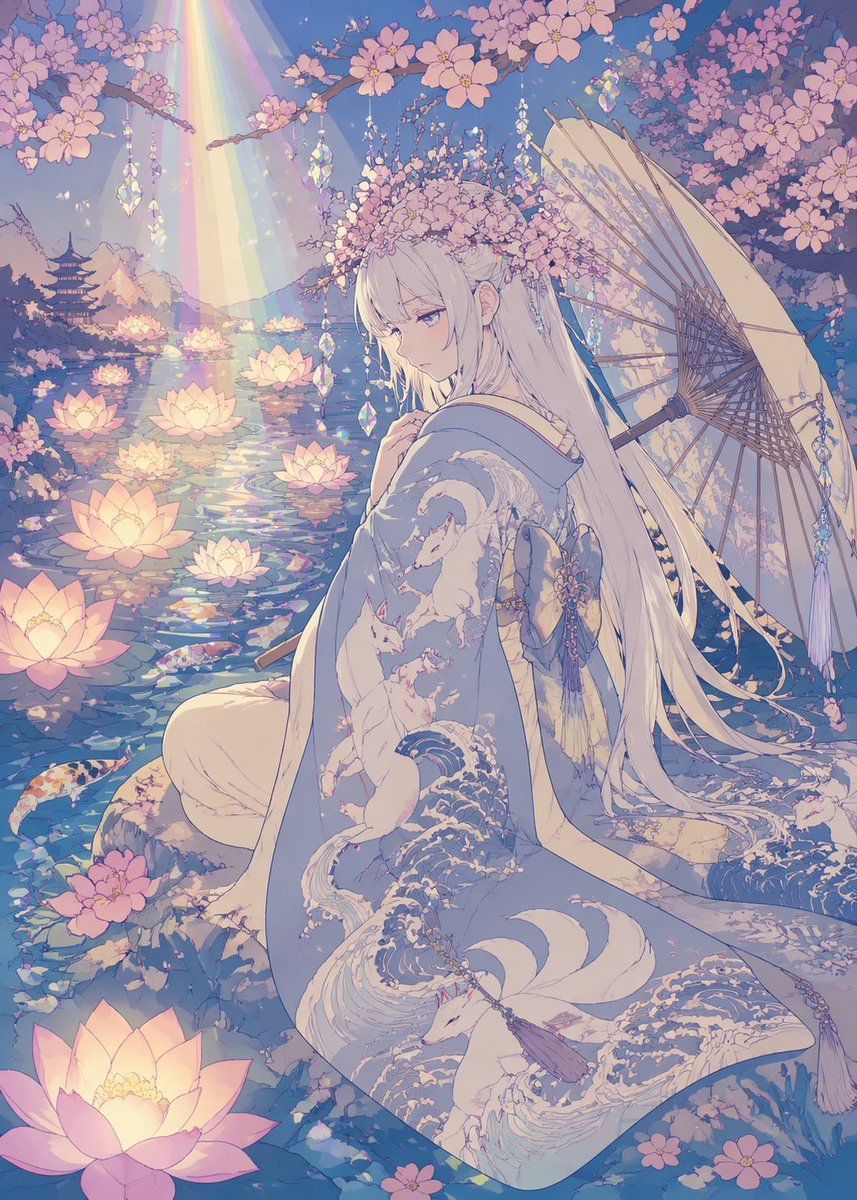
- Prompt included
- Model and format preset
- Premium template
The prompt behind this image
Copy the exact prompt behind Pastel Anime Kimono by Lotus Pond, or open it in the studio and make it yours.
A dreamy pastel anime illustration of a serene young woman in a moonlit spring garden beside a pond, rendered in delicate Japanese fantasy style with flat anime coloring, no shadows, ultra-clean linework, and no grainy texture. She is seated in three-quarter back view at the water’s edge, turning her face slightly toward the viewer with a calm, melancholic expression. She has very long straight {argument name="hair color" default="silver-white"} hair with soft bangs and floral ornaments woven into a blossom crown. She wears an elegant flowing kimono in pale blue and cream, richly patterned with stylized waves and white foxes, with layered fabric pooling around her. A large traditional paper parasol rests behind her on the right side, partly open, with dangling crystal-like ornaments. Surround her with dense blooming cherry blossom branches overhead and scattered petals in the foreground. The pond is filled with exactly 10 glowing lotus flowers floating on reflective water and exactly 4 visible koi fish swimming near the surface. In the distant left background, include a small multi-tier pagoda silhouette across the water. From the upper left, a soft rainbow beam of light descends diagonally onto the pond, creating iridescent reflections. Hang several faceted crystal ornaments from the branches so they sparkle in the light. Use a palette dominated by lavender, blush pink, pale blue, ivory, and soft gold. The atmosphere should feel ethereal, romantic, tranquil, and magical, with intricate decorative detail, luminous water reflections, and a polished vertical composition.
How to use Pastel Anime Kimono by Lotus Pond in 3 steps
- 1Upload ImagePNG, JPG or paste
Add your photo
Upload the photo the template builds on. The prompt, model and format are already set.
- 2…a portrait of your subject in softgolden-hour light, 85mm…
Personalize
Edit the subject and creative details for your destination.
- 3Generate
Generate
Press Generate — your image is created in PicX Studio, so you can compare it with the original and refine one variable at a time.
More like this
Templates with the same subject, style or setup. Open one to see its prompt.

Anime Frog Pond Wish

Moonlit Ghost Lotus Anime Portrait
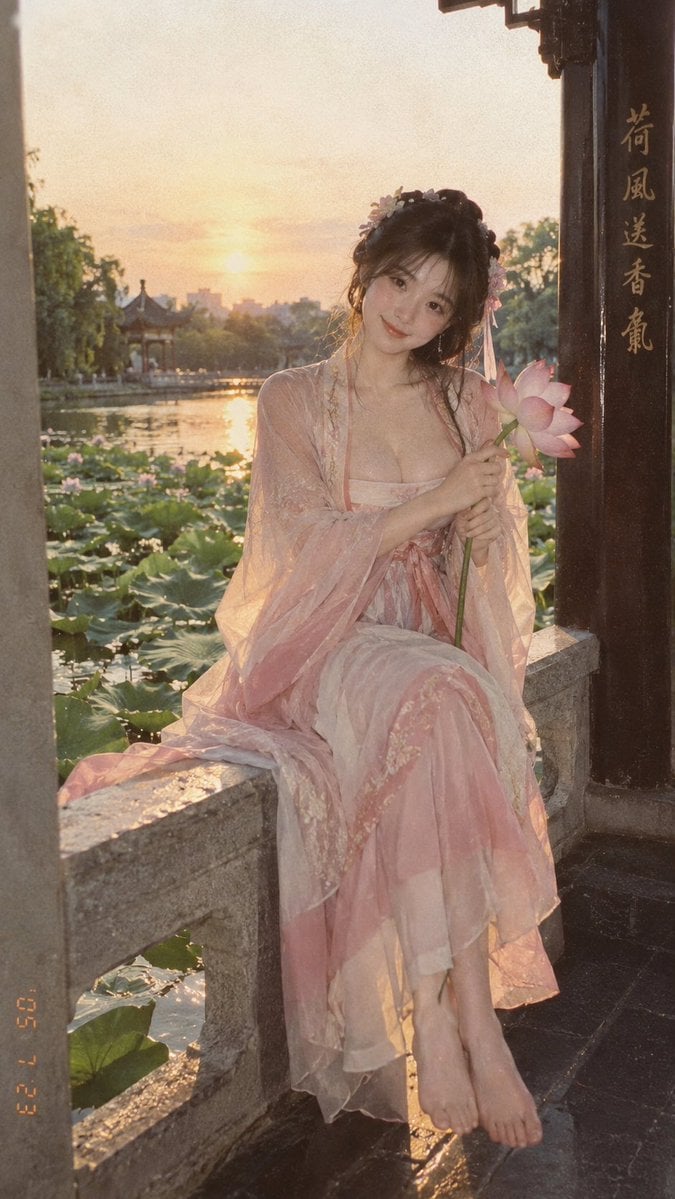
Lotus Pond Hanfu Sunset Portrait

Giant Lotus Pond Portrait

Pastel Anime Idol Concert Finale
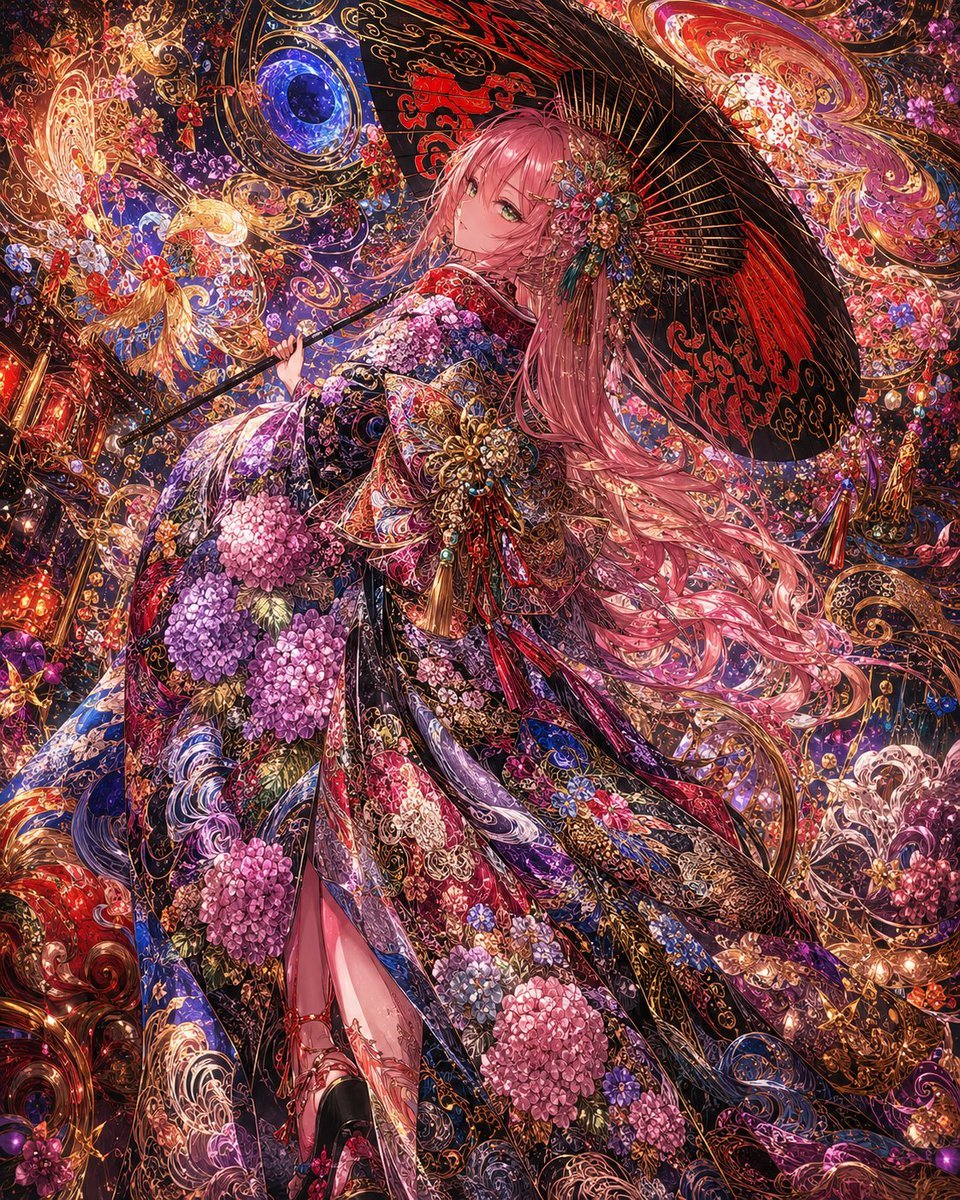
Ornate Kimono Anime Woman

Pastel Anime Summer Beach Collage
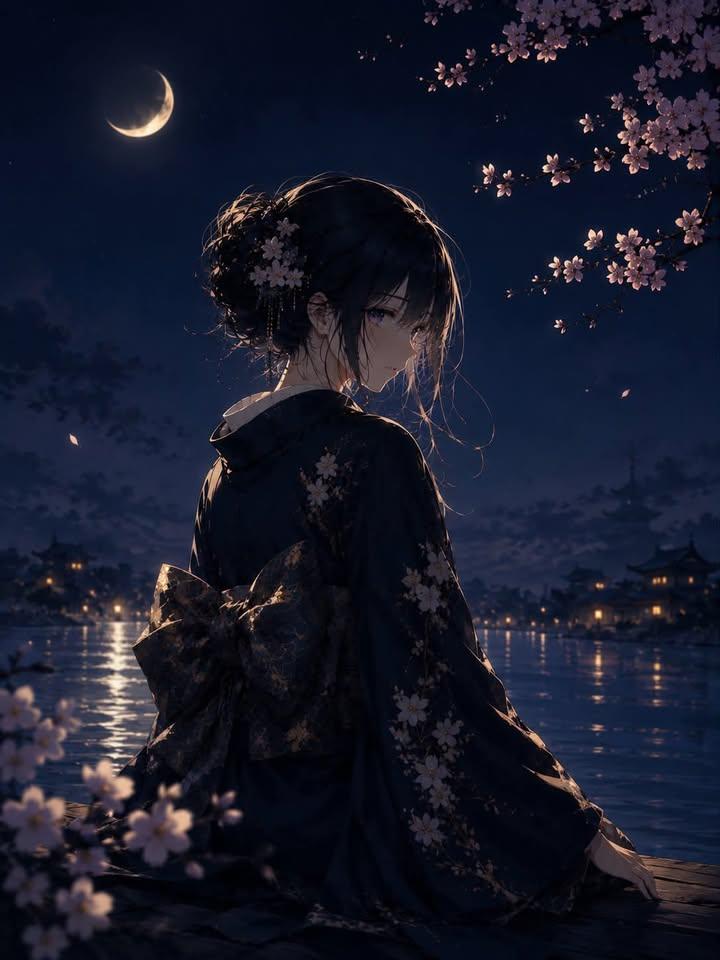
Luxury Japanese Fantasy Anime Kimono

Layered Paper Cut Illustration Template
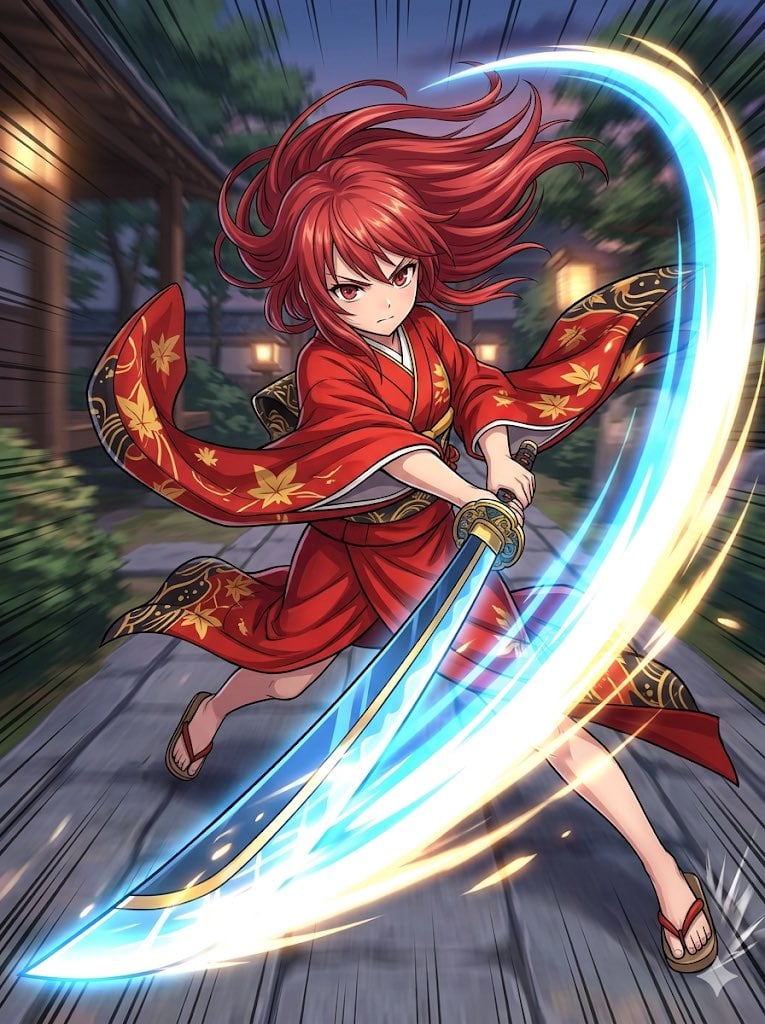
Anime Action Girl in Kimono

Cel 2D Finale Fireworks

Cel 2D Garden Maze
Make it yours
Pastel Anime Kimono by Lotus Pond works as-is. These are the safest ways to change it without losing the look.
Change one field
Copy a single group, rewrite it, and generate again so you can see what that field is doing.
Keep the frame, change the subject
Hold the composition and light of Pastel Anime Kimono by Lotus Pond, then swap wardrobe, props or the person for a new take.
| If the result… | Why | Fix |
|---|---|---|
| The result drifts from the preview | Too many fields changed at once. | Reuse Pastel Anime Kimono by Lotus Pond as-is first, then change one group — subject, light, or setting. |
| The model over-stylizes the scene | The prose prompt leaves finish and camera underspecified. | Add one camera or lighting sentence and stay on GPT Image 2. |
More GPT Image 2 templates
Other prompts made for GPT Image 2.

Six VTuber Japanese Logo Sheet

Realistic Portrait of Woman and Deer

The Vista Modular Condo Poster

AI Model Routing Comparison Infographic

2.5D Anime Art Board

Isometric Productivity Desk Scene

New York Double Exposure Poster

Four-Panel AI Landscape Comparison

Japanese Tatami Lifestyle Magazine Cover

NESCAFÉ Coffee Map Poster
More image prompts
Fresh picks from across the catalog.
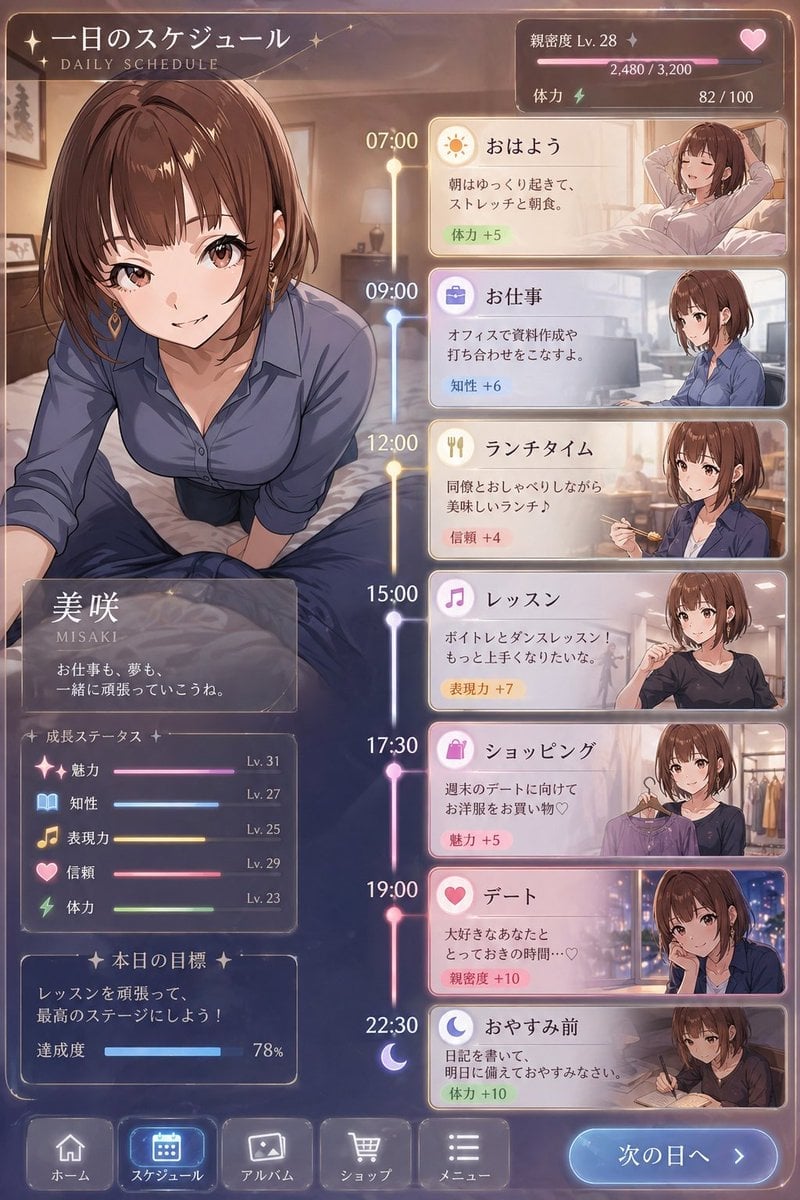
Character Schedule UI Design

Social Media Magazine Cover
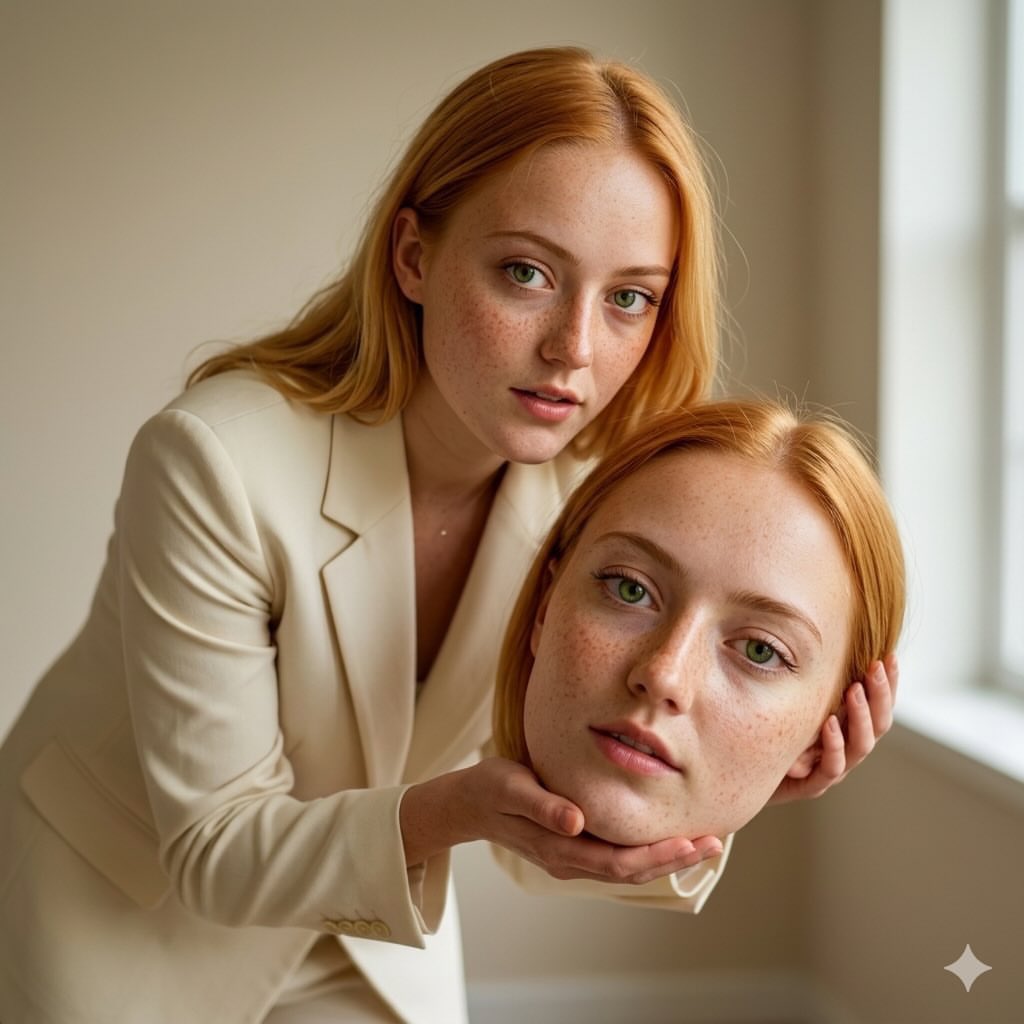
Surreal Conceptual Fashion Portrait
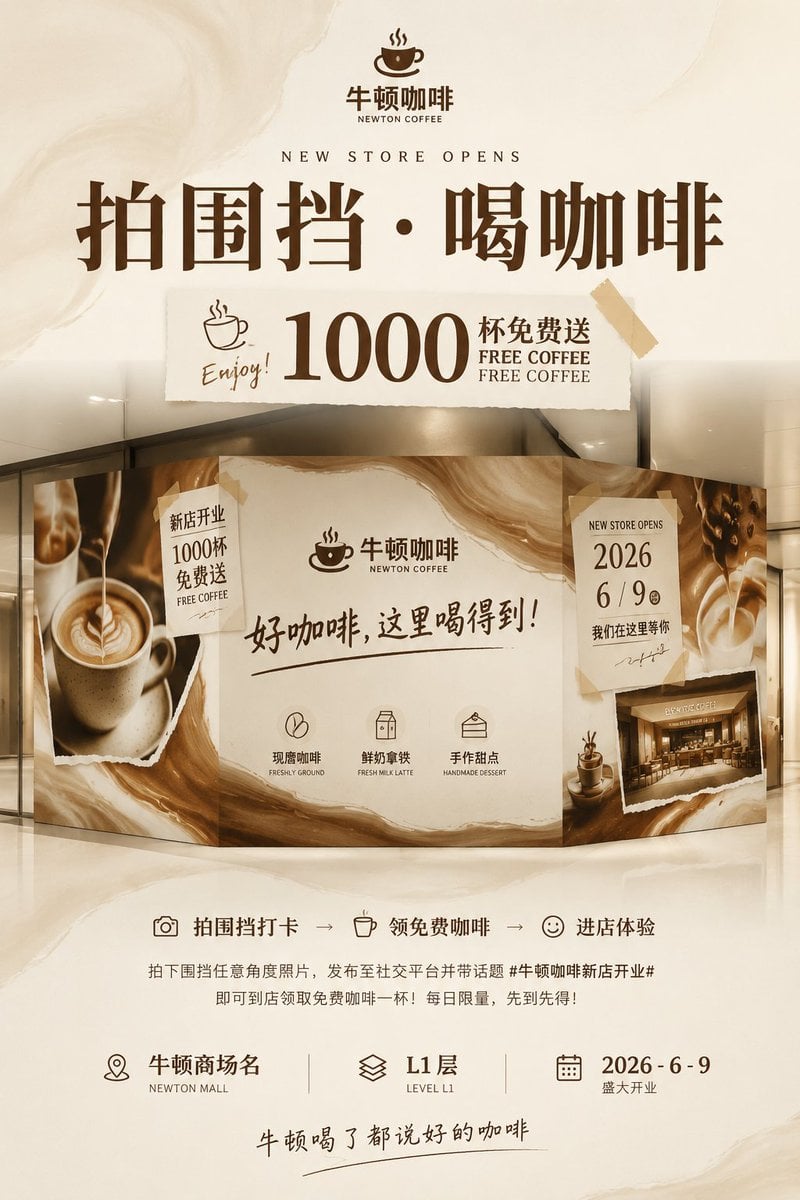
Newton Coffee Opening Poster
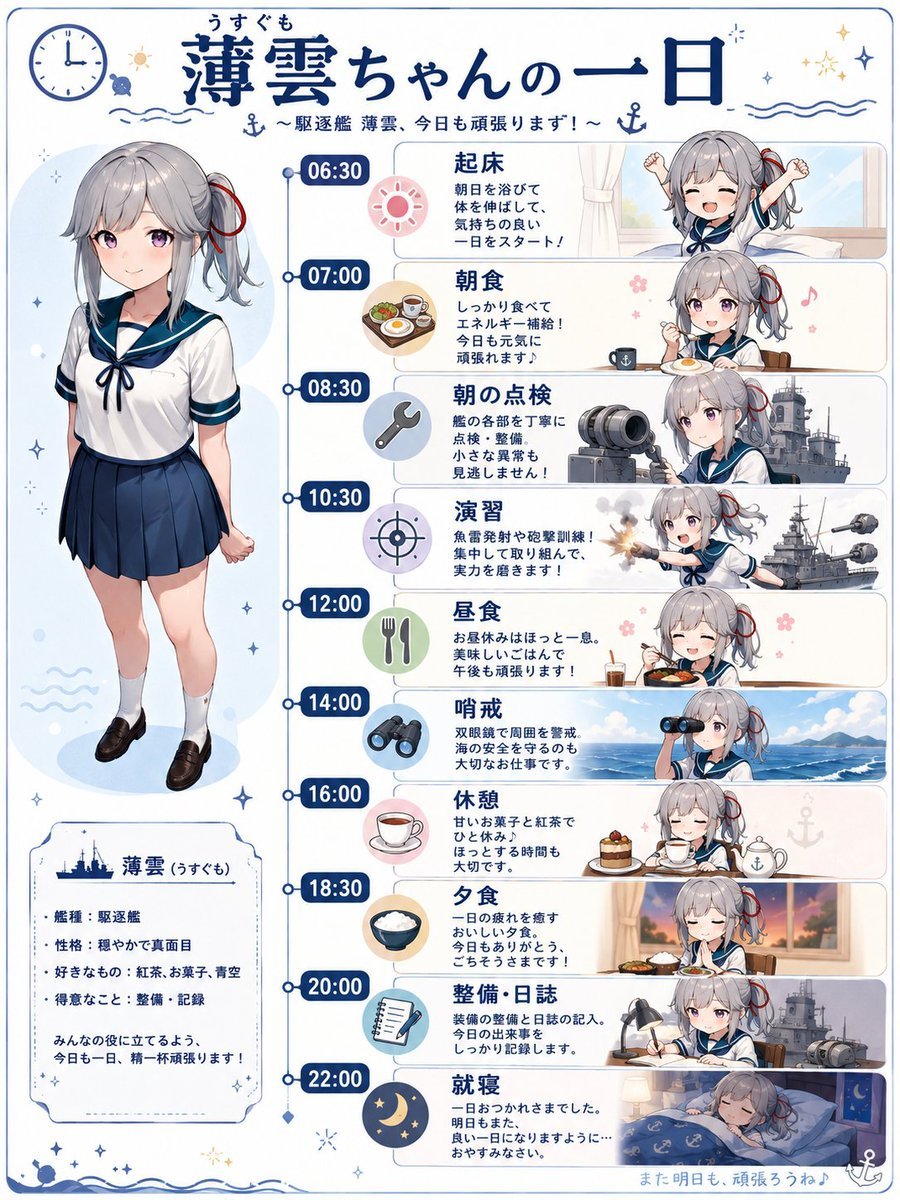
Ship Girl Daily Schedule Poster

Product Poster: Sunglasses with Shallow Depth of Field
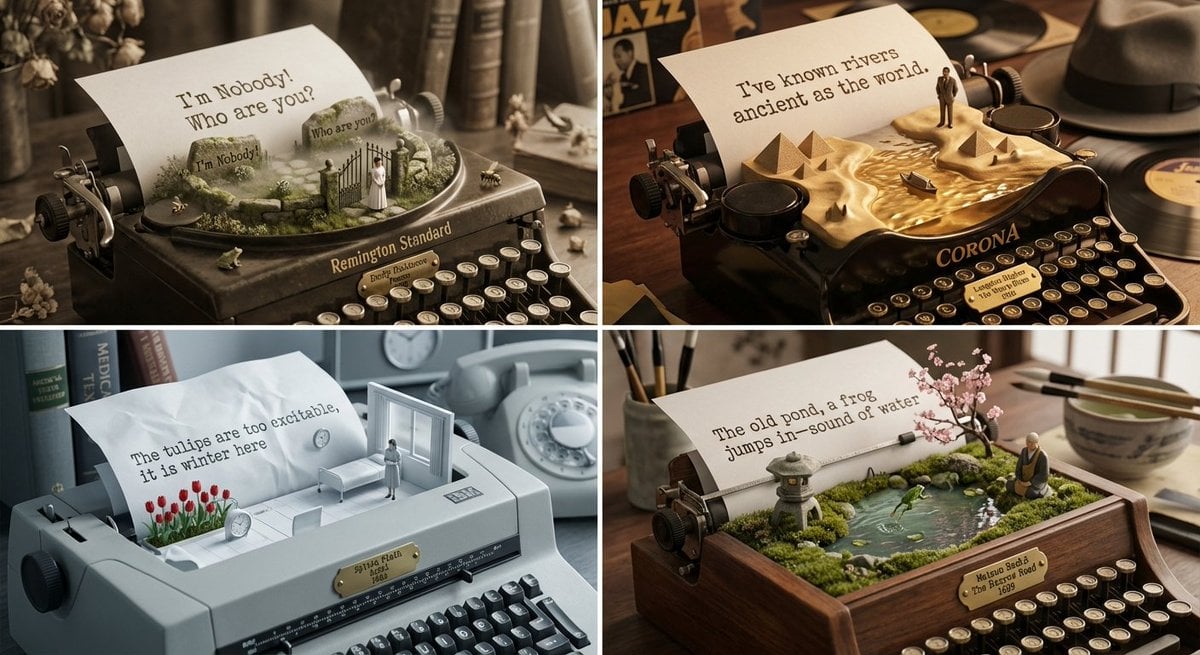
Literary Curator and Typewriter Sculptor Prompt
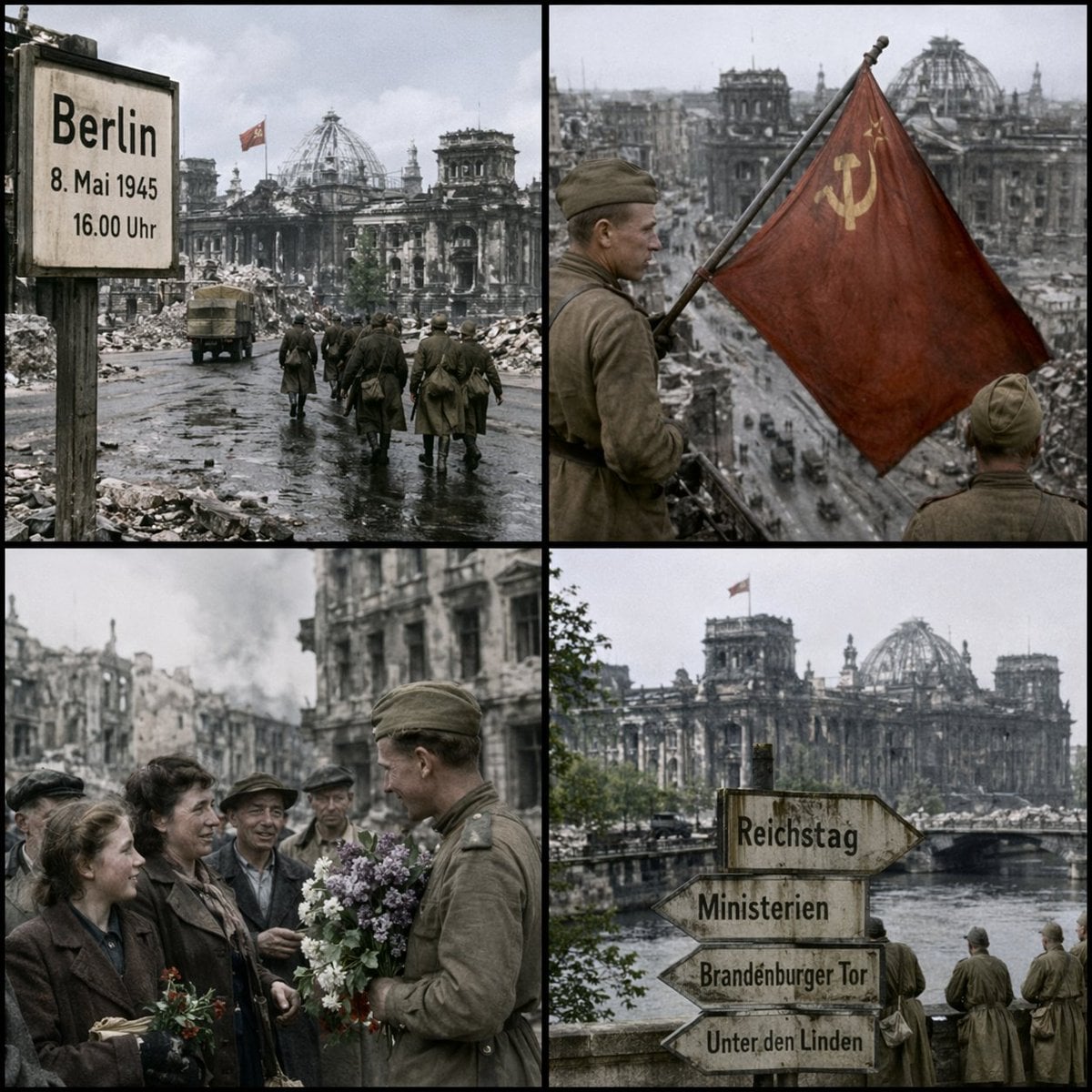
Historical Coordinate Grid Generation
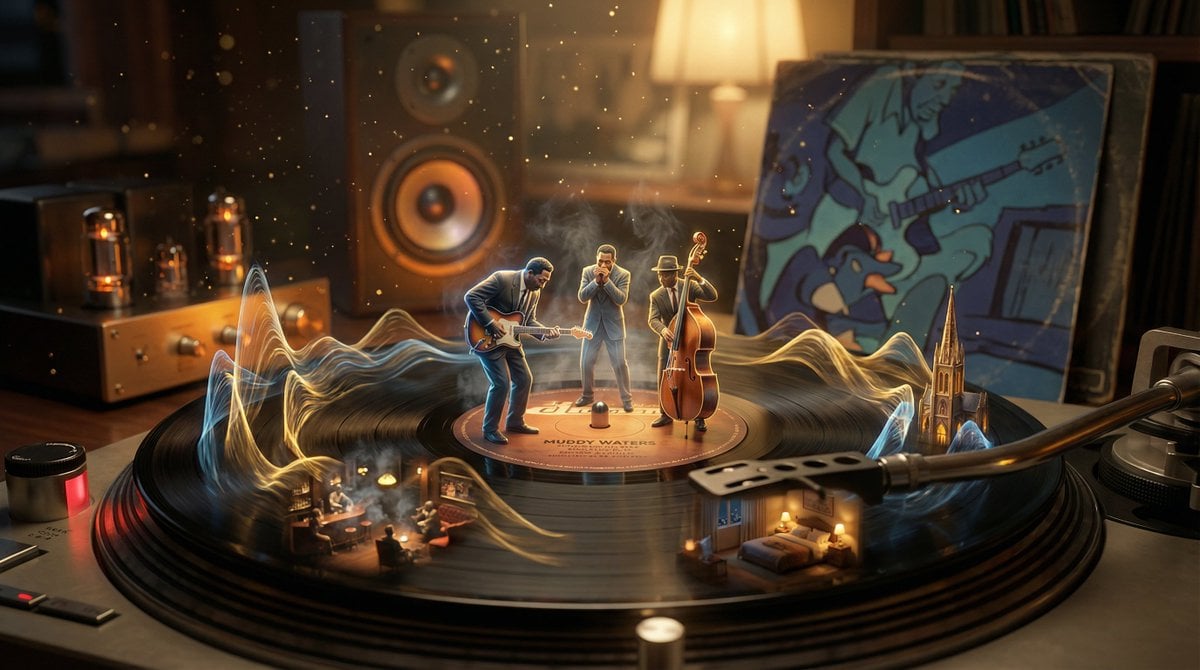
Surreal Vinyl Record Mid-Play Visualization
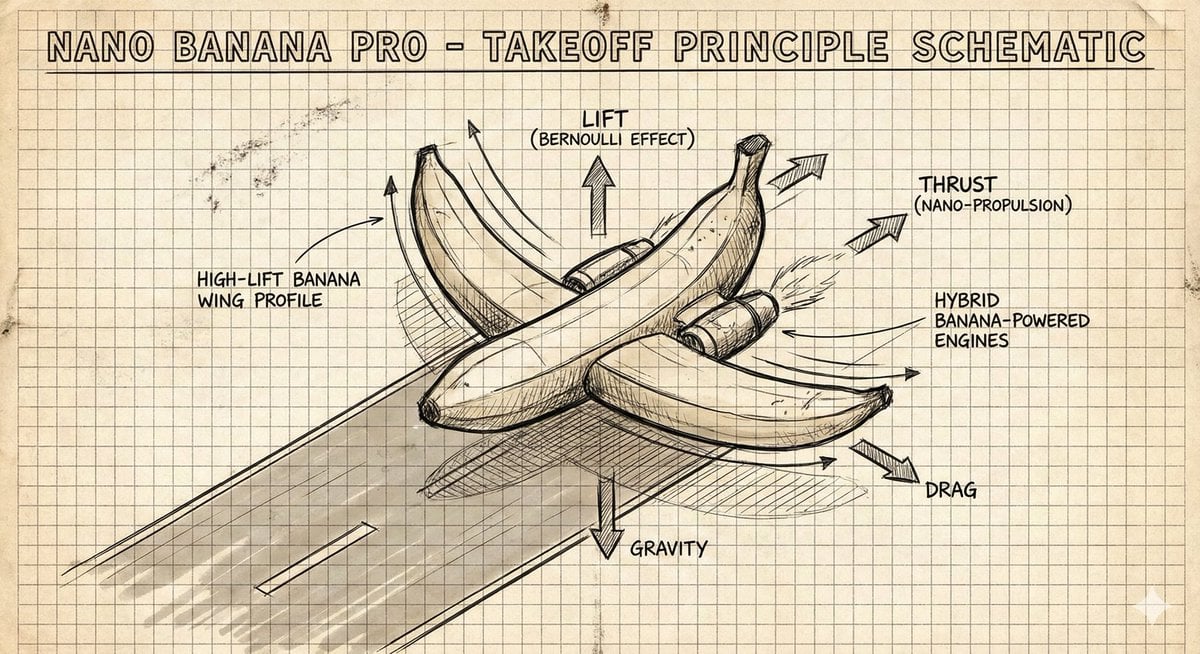
Hand-Drawn Isometric Schematic Diagram Prompt
Browse template categories
Pastel Anime Kimono by Lotus Pond questions
How do I use the Pastel Anime Kimono by Lotus Pond template?
Add your photo if the template asks for one, edit the prompt if you like — the template's model and format are already selected — and press Generate. Your version opens in PicX Studio.
Can I customize the Pastel Anime Kimono by Lotus Pond template?
Yes. You can change the subject, setting, lighting, mood, format, and available model controls before creating your image.
Is the Pastel Anime Kimono by Lotus Pond template free?
Opening and editing this template is free. Generating uses credits, shown on the Generate button when you are signed in.
Which AI model should I use?
Start with GPT Image 2, which is the model associated with this template. You can compare another compatible model for a different finish.
Looking for something else? Browse all templates.

Your photo, any look
Thousands of ready templates for every top image and video model, from one credit balance.