
Surreal Vinyl Record Mid-Play Visualization
A highly creative and descriptive prompt for visualizing music emanating from a vinyl record as it plays.
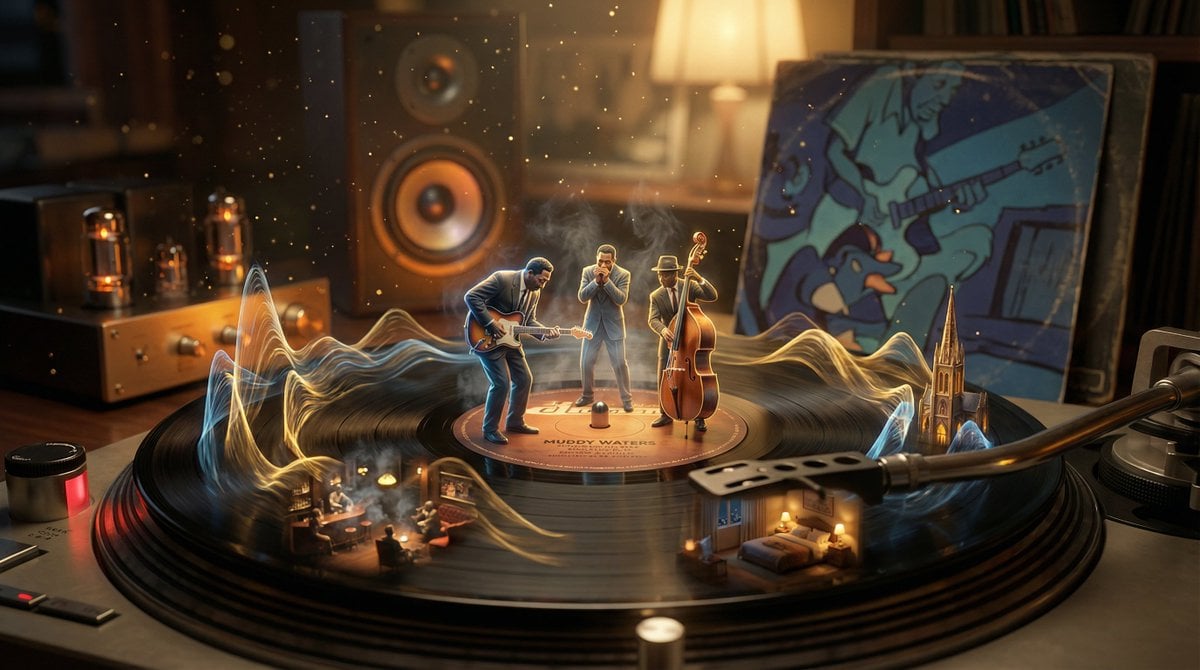
- Prompt included
- Model and format preset
- Free template
The prompt behind this image
Copy the exact prompt behind Surreal Vinyl Record Mid-Play Visualization, or open it in the studio and make it yours.
A vinyl record mid-play, its grooves erupting into the music they contain. The needle touches down and sound becomes visible: {argument name="music genre" default="[GENRE/SONG]"} manifests as sculptural waveforms rising from the spinning surface. Musicians emerge in miniature, performing on the label. Different tracks create different landscapes—a jazz section becomes smoky club interior, a crescendo builds into cathedral architecture, a quiet passage forms intimate bedroom scene. Dust motes dance as visible frequencies. The album artwork on the sleeve animates and watches. Worn sleeve edges tell stories of hands that held it. Tube amplifier glows amber in background, speaker cone pulses. The whole room vibrates at 33⅓ RPM. Warm analog tones, vinyl crackle almost visible as golden particulate, 8K, nostalgic hyperrealism.
How to use Surreal Vinyl Record Mid-Play Visualization in 3 steps
- 1
Open
The prompt is already in the box next to the preview, with the template's model and format selected.
- 2…a portrait of your subject in softgolden-hour light, 85mm…
Personalize
Edit the subject and creative details for your destination.
- 3Generate
Generate
Press Generate — your image is created in PicX Studio, so you can compare it with the original and refine one variable at a time.
More like this
Templates with the same subject, style or setup. Open one to see its prompt.

Surreal Cat Astronaut — Humanoid Face Freefall
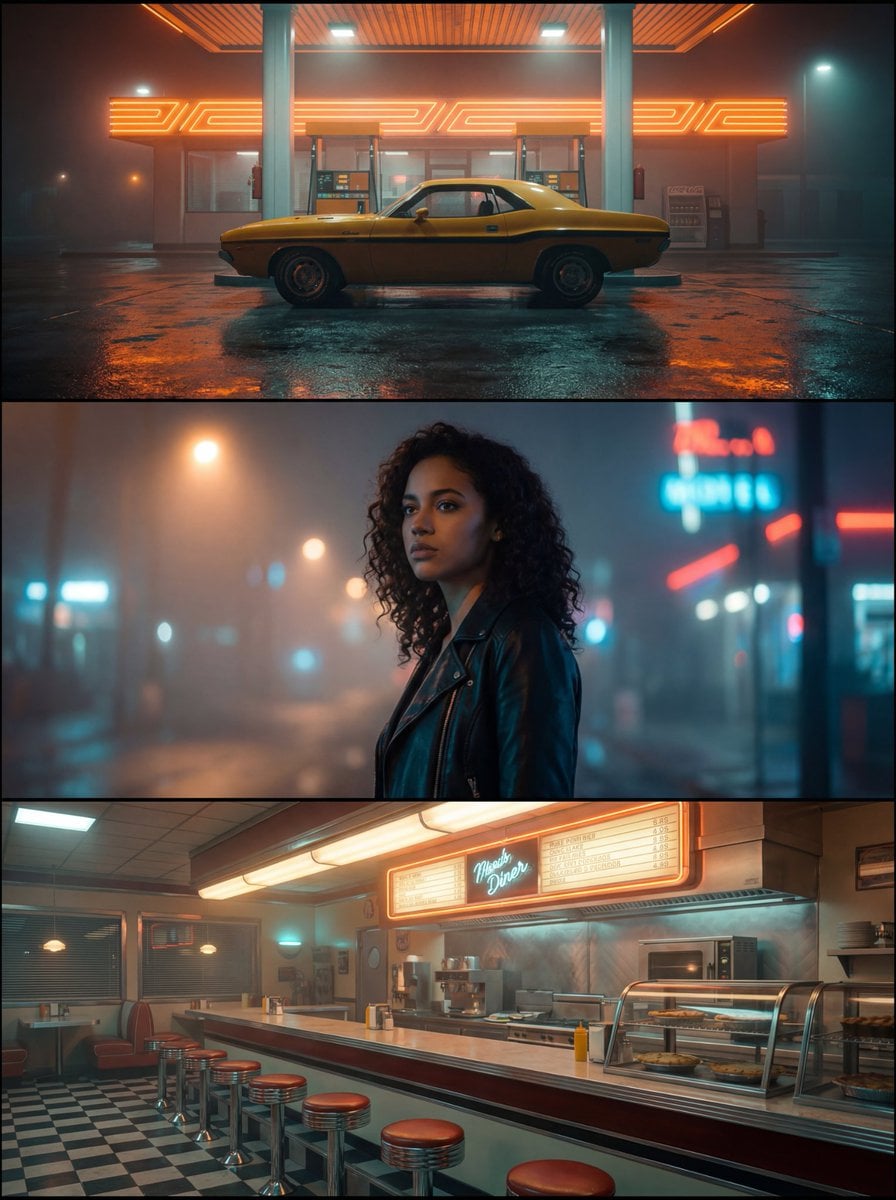
Vinyl Record Spin Abstract

Bold Red Contrast Fashion Editorial Newspaper Room

Stylized Fashion Portrait Bold Color Contrast Editorial
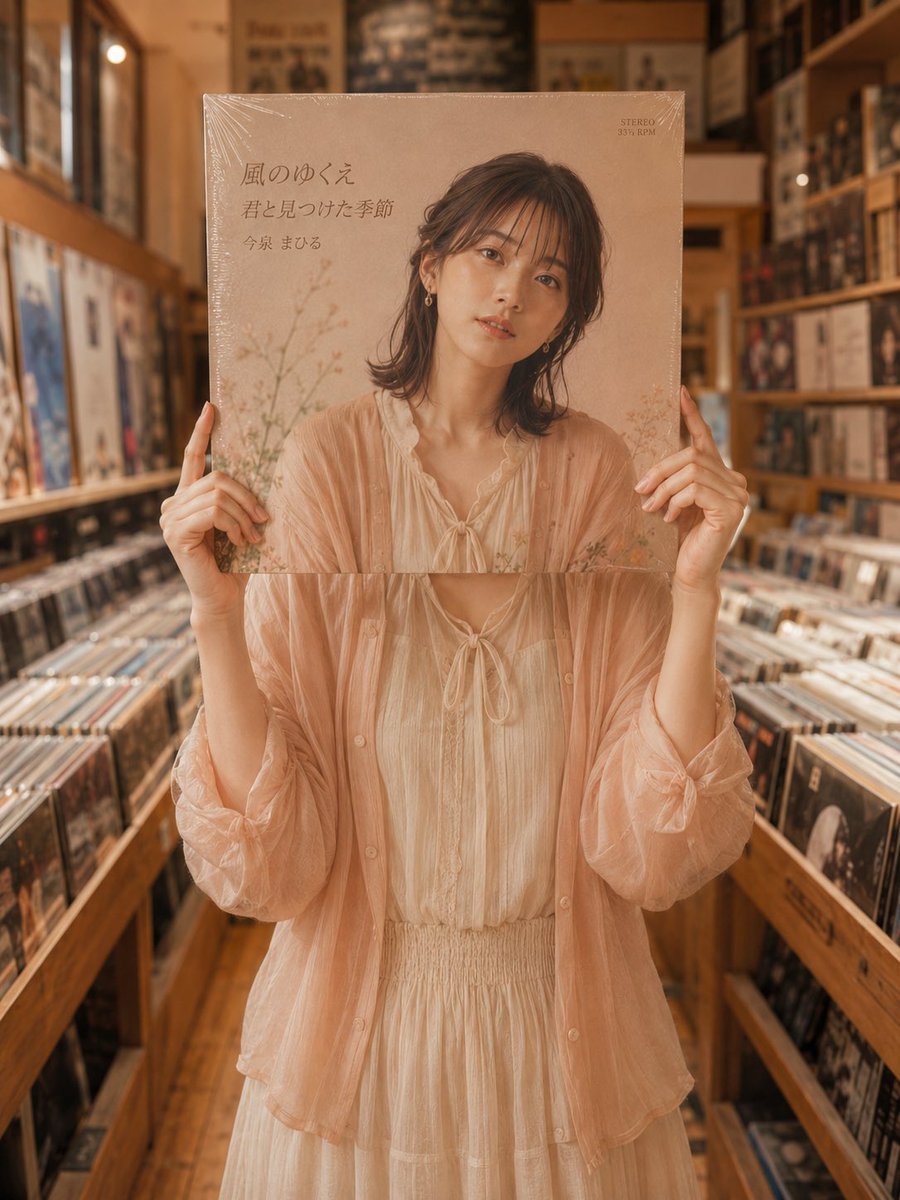
Vinyl Record Store Illusion Portrait
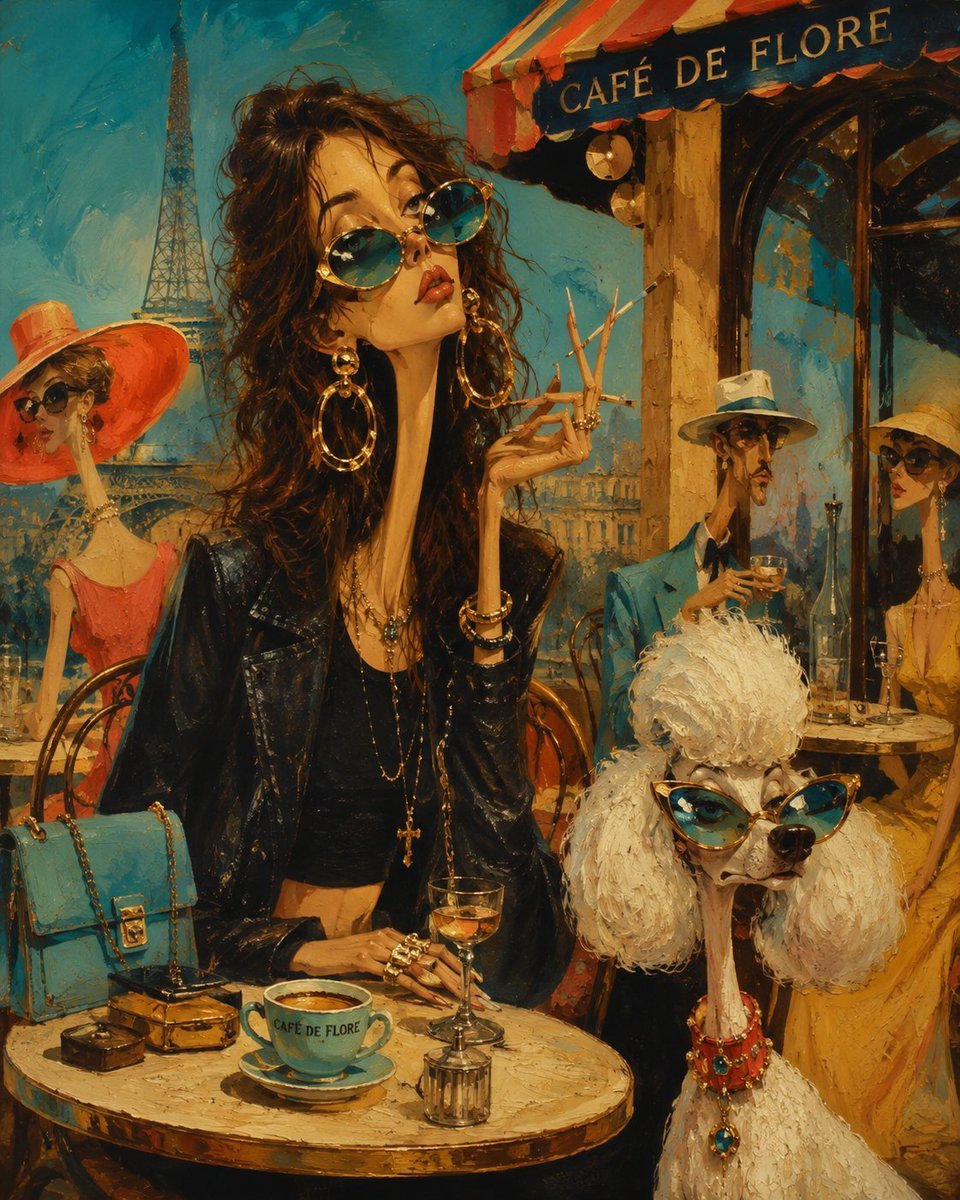
Surreal Mid-Century Editorial Illustration

Azed Double Exposure

Firefly Pixar Spill — Nano Banana Pro

One Dance Before Midnight
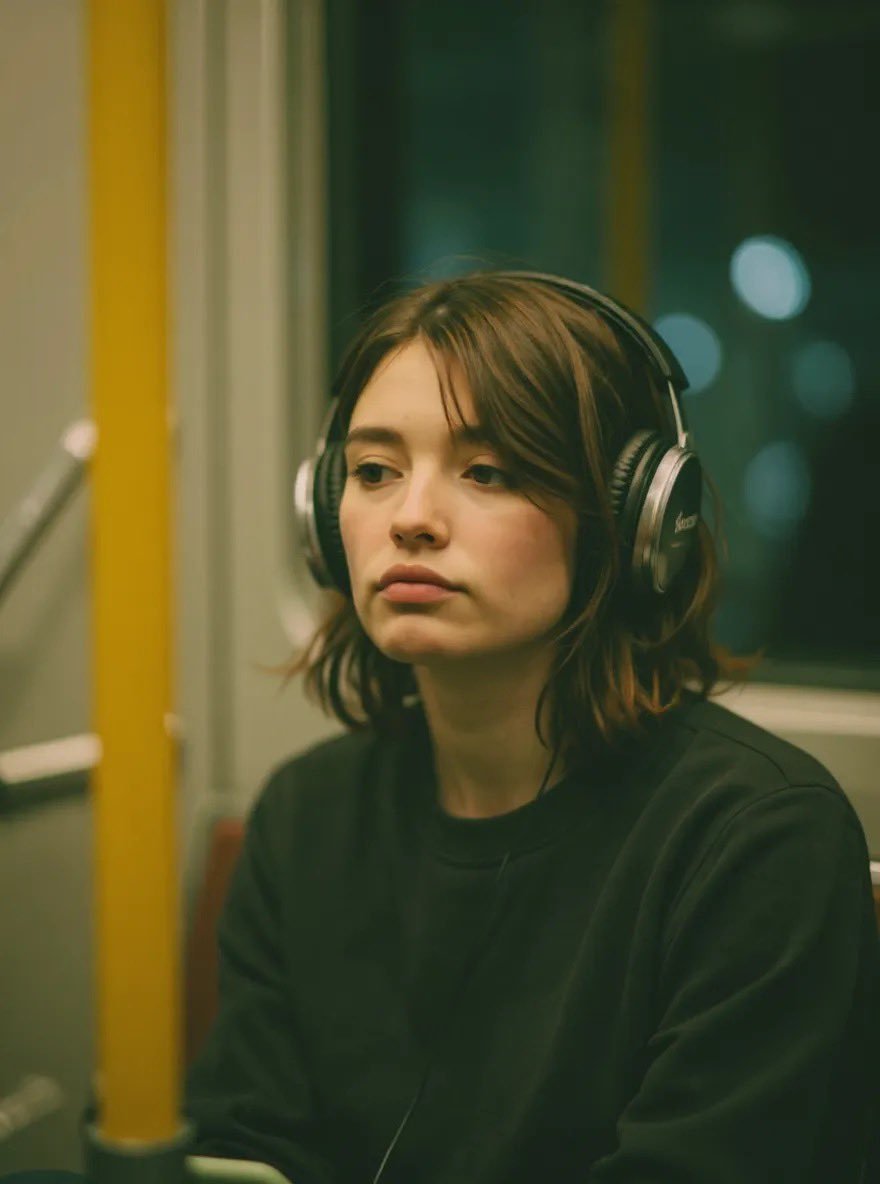
Cinematic Recording Studio Portrait
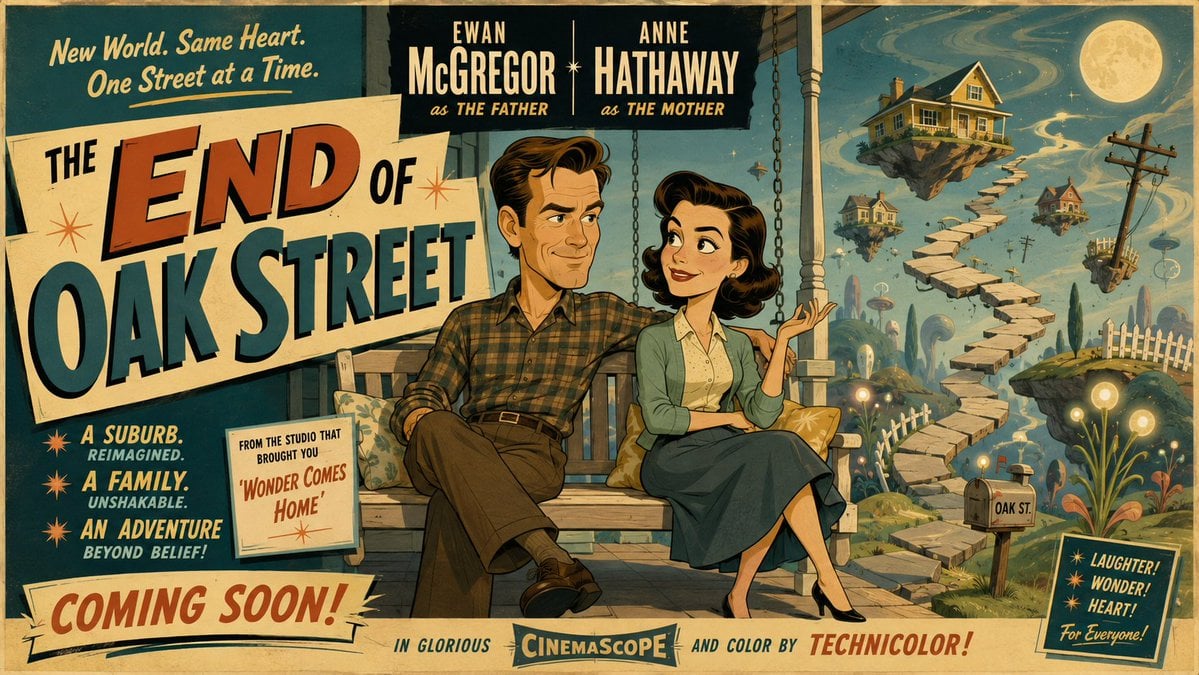
50s Mid-Century Cartoon Movie Banner

Serene Mid-Autumn Lantern Poster
Make it yours
Surreal Vinyl Record Mid-Play Visualization works as-is. These are the safest ways to change it without losing the look.
Change one field
Copy a single group, rewrite it, and generate again so you can see what that field is doing.
Keep the frame, change the subject
Hold the composition and light of Surreal Vinyl Record Mid-Play Visualization, then swap wardrobe, props or the person for a new take.
| If the result… | Why | Fix |
|---|---|---|
| The result drifts from the preview | Too many fields changed at once. | Reuse Surreal Vinyl Record Mid-Play Visualization as-is first, then change one group — subject, light, or setting. |
| The model over-stylizes the scene | The prose prompt leaves finish and camera underspecified. | Add one camera or lighting sentence and stay on Nano Banana 2. |
More Nano Banana 2 templates
Other prompts made for Nano Banana 2.

Photorealistic Leaf Shaped Like a Dragon

K-Pop Idol Portrait Grid for Rapid Selection

Poetic Rain Forest Portrait During Golden Hour

Urban Street Portrait with Cartoon Inner Self Duo

Candid Nighttime Photo with Cat Prompt

High-Concept 3D Diorama Generation Prompt

Cinematic Futuristic Studio Portrait Template

Skincare Editorial Photography Collage Prompt

Hyper-Realistic Commercial Product Photography (Splash Effect)

Hyper-Realistic Nightclub Portrait Prompt
More image prompts
Fresh picks from across the catalog.
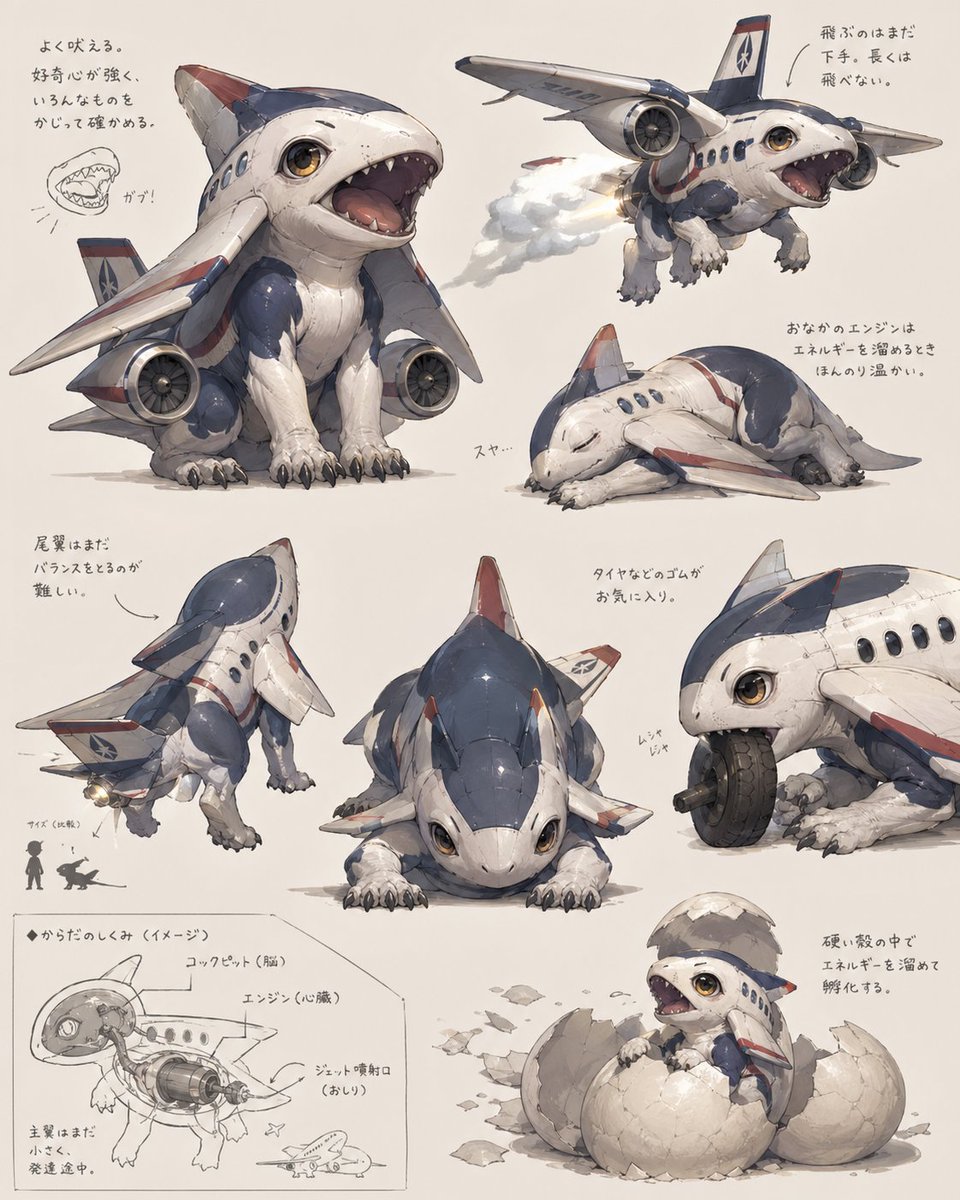
Jet Airplane Puppy Creature Sheet

Golden Hour Editorial Portrait with Complex Lighting
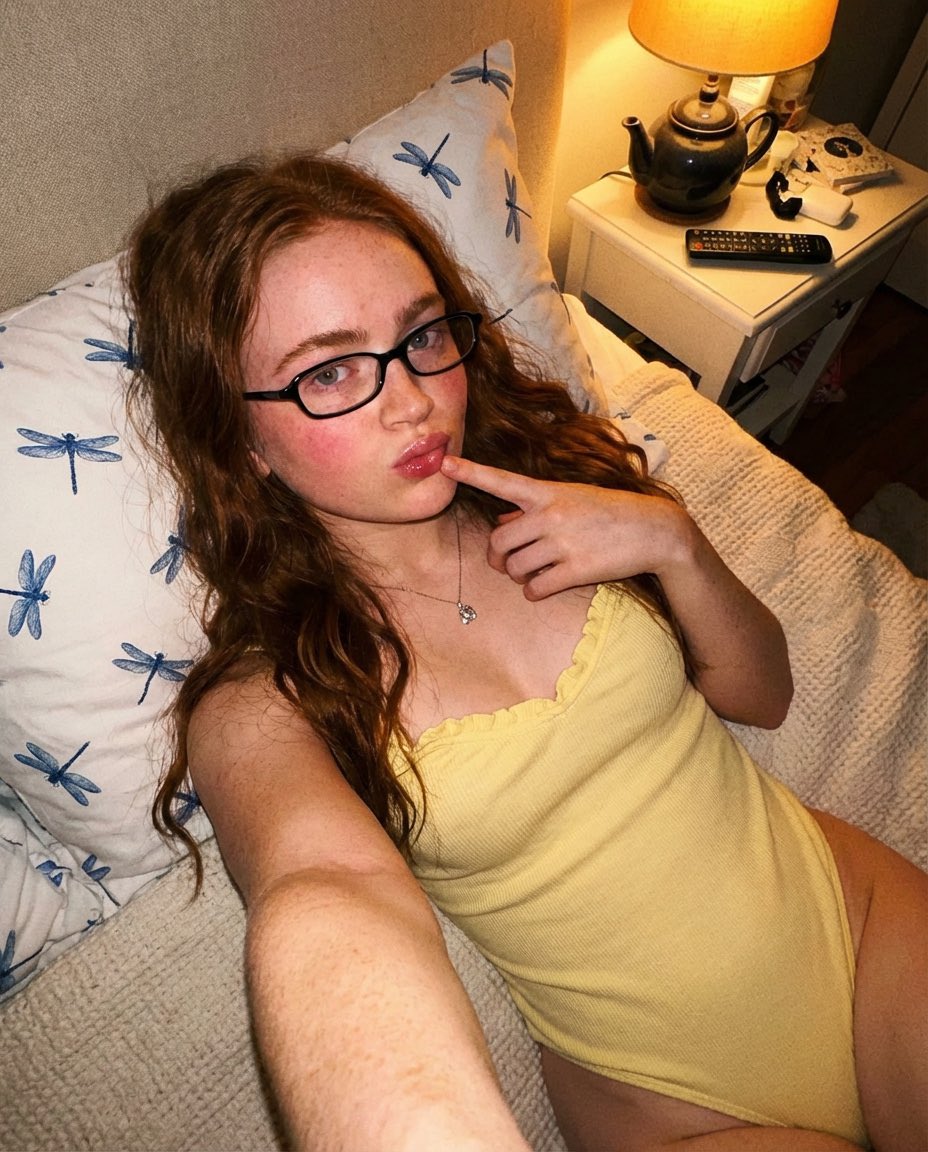
Cozy Indoor Bedroom Portrait

GPT-Image V2 Feature Announcement
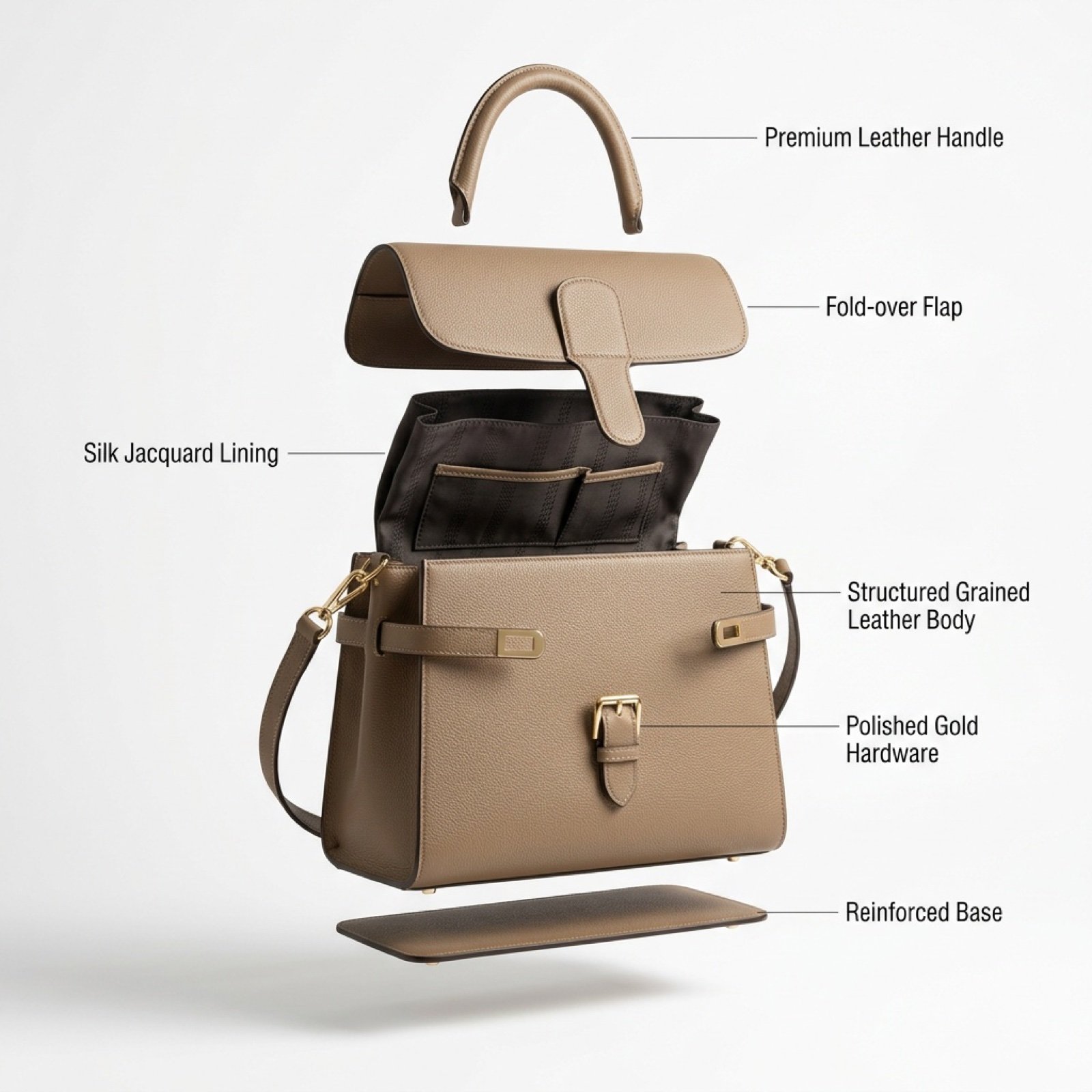
Luxury Handbag Exploded View Animation Prompt

Handwritten Cafe Photo Annotations
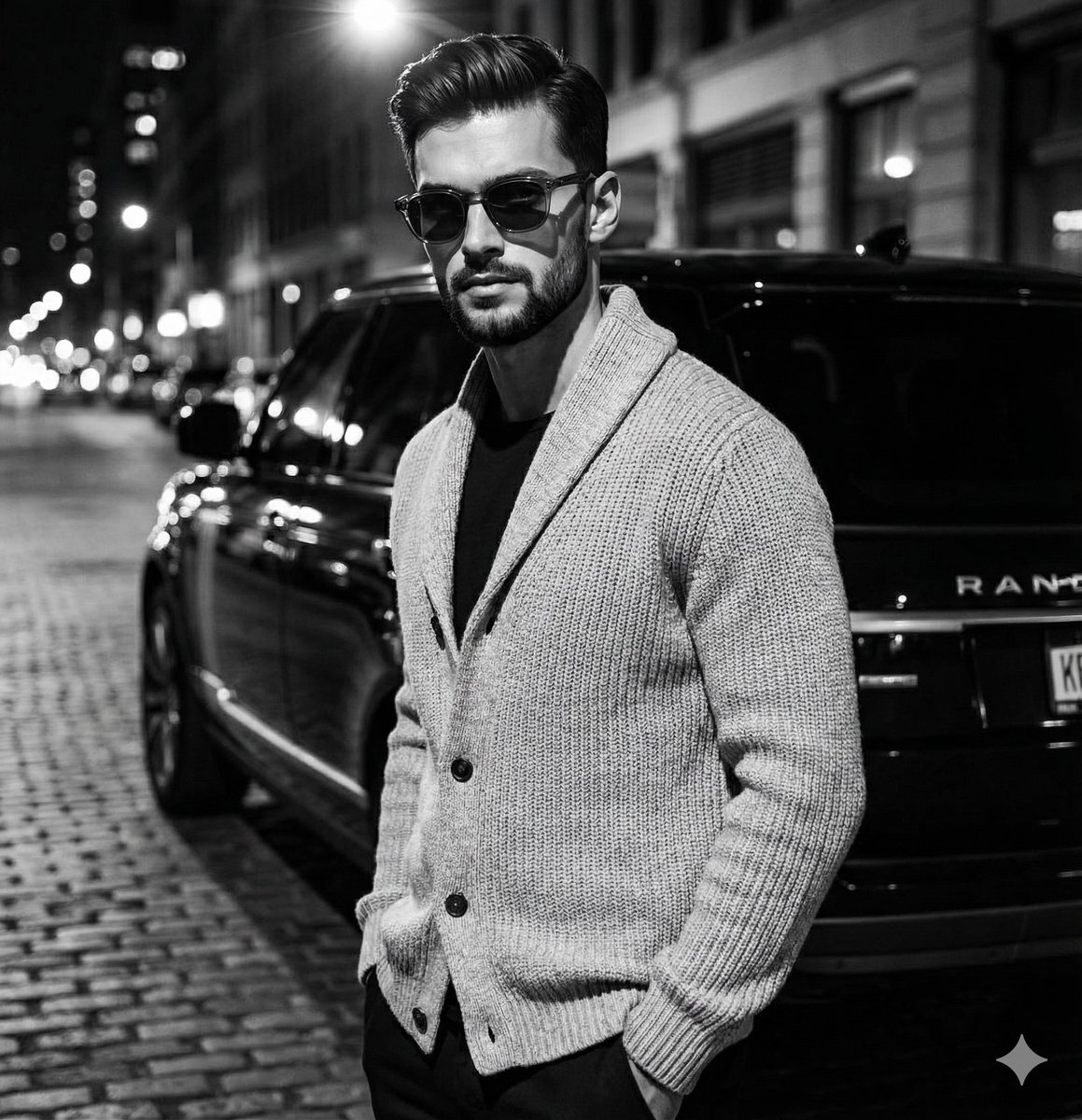
High-Contrast Black and White Fashion Editorial

Christmas Cake with Text Plate Prompt
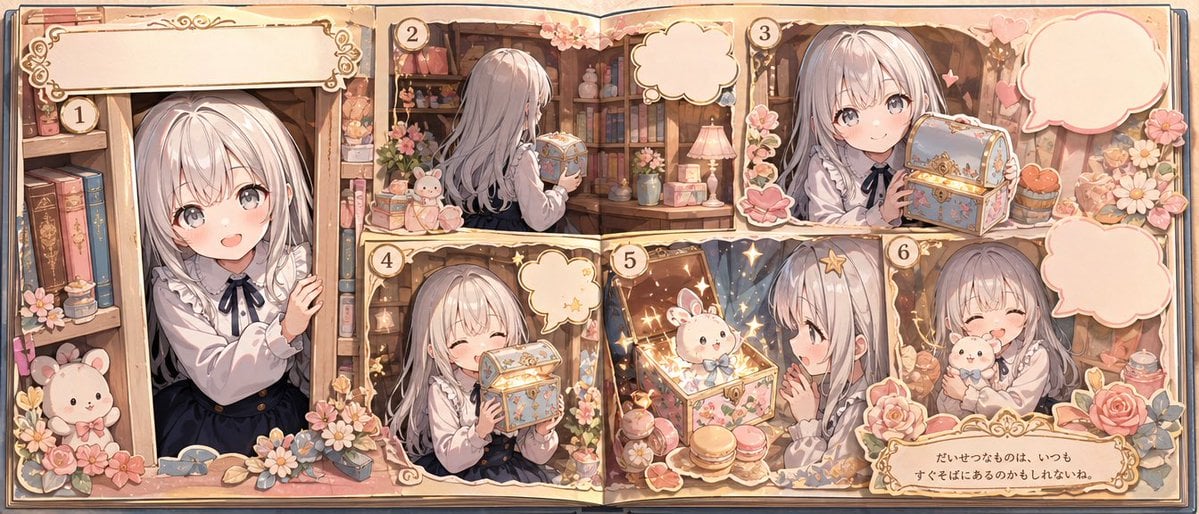
Whimsical Storybook Treasure Spread
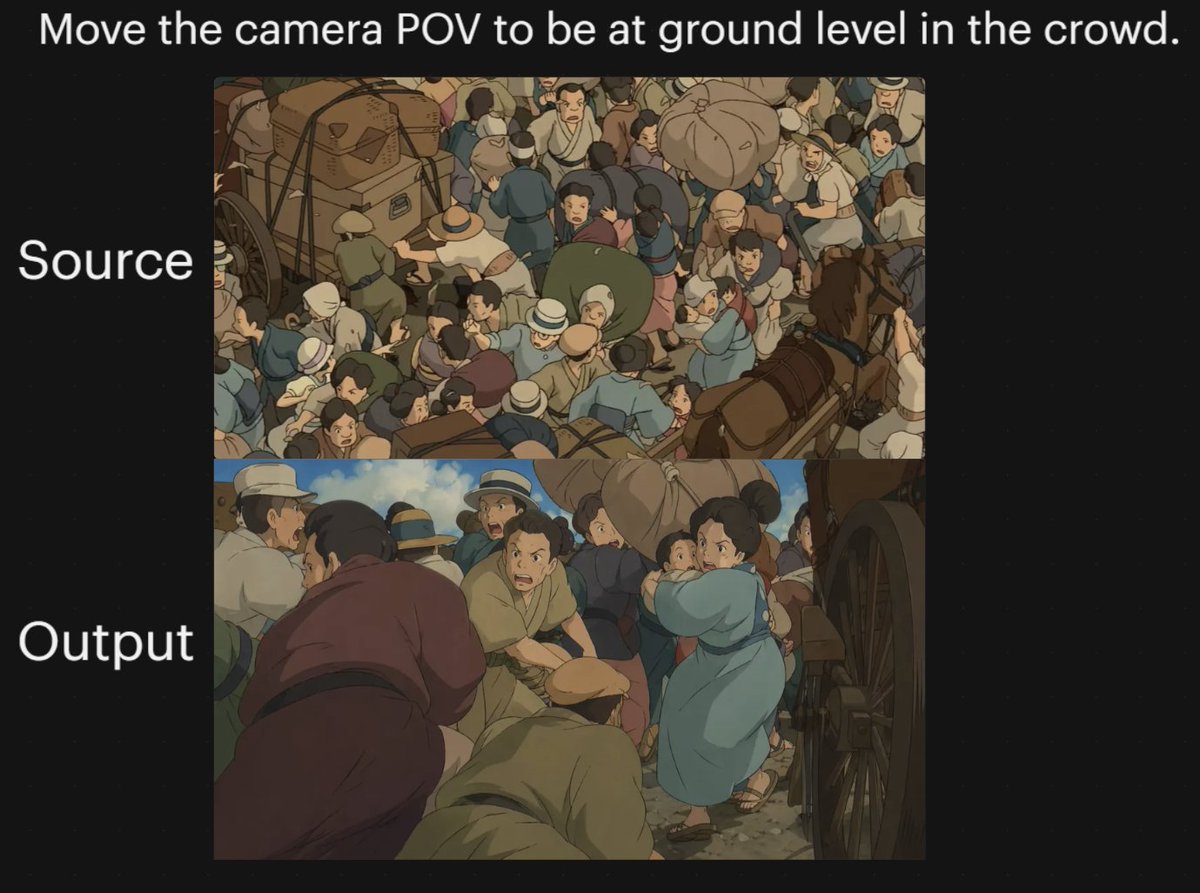
Anime Crowd Camera POV Comparison
Browse template categories
Surreal Vinyl Record Mid-Play Visualization questions
How do I use the Surreal Vinyl Record Mid-Play Visualization template?
Add your photo if the template asks for one, edit the prompt if you like — the template's model and format are already selected — and press Generate. Your version opens in PicX Studio.
Can I customize the Surreal Vinyl Record Mid-Play Visualization template?
Yes. You can change the subject, setting, lighting, mood, format, and available model controls before creating your image.
Is the Surreal Vinyl Record Mid-Play Visualization template free?
Opening and editing this template is free. Generating uses credits, shown on the Generate button when you are signed in.
Which AI model should I use?
Start with Nano Banana 2, which is the model associated with this template. You can compare another compatible model for a different finish.
Looking for something else? Browse all templates.

Your photo, any look
Thousands of ready templates for every top image and video model, from one credit balance.