
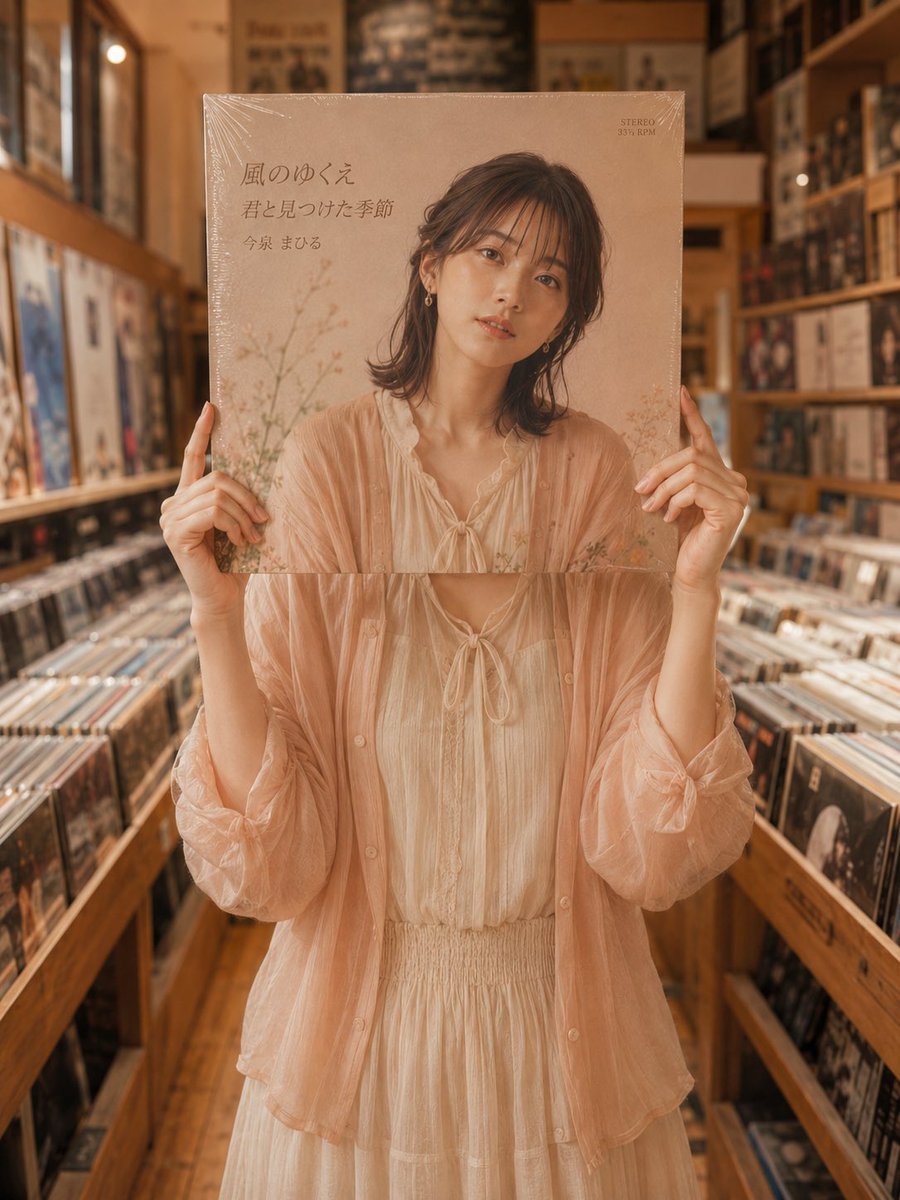
Vinyl Record Store Illusion Portrait
A creative prompt designed to generate an image where a person's face is seamlessly integrated with a record jacket portrait, set in a nostalgic record shop.
- Prompt included
- Model and format preset
- Free template
The prompt behind this image
Copy the exact prompt behind Vinyl Record Store Illusion Portrait, or open it in the studio and make it yours.
Theme: {argument name="theme" default="A record-shopping day in May"} Person / Expression: A Japanese woman in her early 20s, dark brown medium-length hair, thin bangs, translucent skin, natural Japanese-style makeup, a gentle, calm atmosphere. Her face is almost entirely hidden behind {argument name="prop" default="a 12-inch record jacket"}, so that the woman's portrait on the jacket cover naturally reads as her own face Outfit / Pose: A warm-toned Japanese outfit fitting for May — a light, airy sheer cardigan in pale peach-beige, a soft ivory blouse or dress, in light spring-appropriate fabric. She holds the record jacket in front of her face with both hands, with the position of her hands and the angle of her arms naturally connecting with the shoulders, arms, and posture of the person on the jacket cover. The color, texture, and silhouette of her clothing should also feel highly unified with the person on the jacket Background / Lighting: The interior of a record shop with warm wooden tones, an aisle lined with record racks on both sides, a space with a sense of depth. Soft warm interior lighting and natural ambient light, gentle shadows, a slightly nostalgic atmosphere Composition / Camera: Vertical composition, centered on the upper body, with the record jacket placed large in the center of the frame. A composition that looks as though the person on a finished album cover has stepped straight into real space. Rather than cutting the face in half and joining it, the completed figure on the jacket cover naturally merges with the real hands, body, and clothing. 50mm–85mm portrait lens, shallow depth of field, a realistic snapshot look with the background moderately blurred Texture / Style: High resolution, photorealistic, 8K quality, natural skin texture, realistic hand texture, the paper texture of the record jacket and fine reflections off the shrink wrap, a soft film-like feel. The album jacket has a vintage design based in pale pink-beige tones, an elegant English-lettered title and a fictional artist name, with a few Japanese-text elements added as needed. A refined record-shop snapshot where the person, clothing, pose, hands, and jacket harmonize without any sense of wrongness Negative: Low quality, unnaturally cut-off face, only half a face, unnatural joins, mismatched clothing, mismatched pose, doubled face, a composition that looks like it has two heads, extra fingers, missing fingers, deformed hands, extra arms, a black record disc, real artist names, reproductions of real albums, logos, watermarks, meaningless text, hard-to-read text, a cheap composited look
How to use Vinyl Record Store Illusion Portrait in 3 steps
- 1
Open
The prompt is already in the box next to the preview, with the template's model and format selected.
- 2…a portrait of your subject in softgolden-hour light, 85mm…
Personalize
Edit the subject and creative details for your destination.
- 3Generate
Generate
Press Generate — your image is created in PicX Studio, so you can compare it with the original and refine one variable at a time.
More like this
Templates with the same subject, style or setup. Open one to see its prompt.
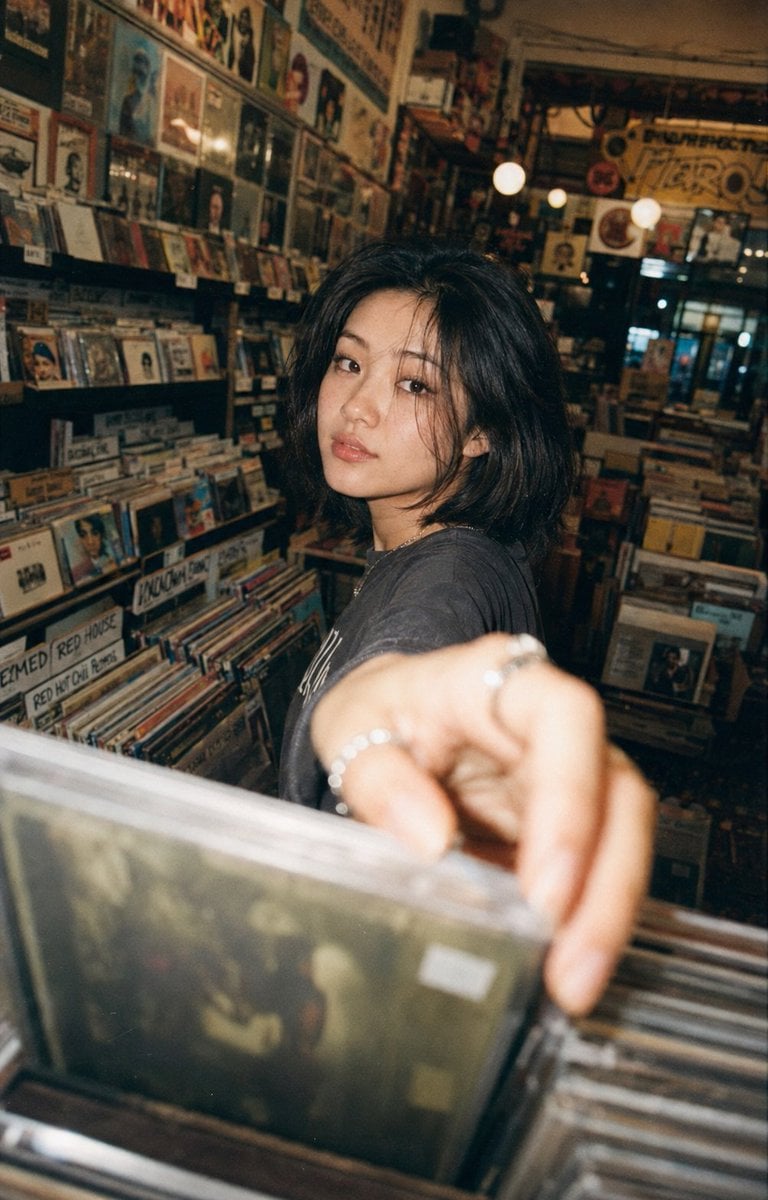
Vintage Record Store Lifestyle Portrait
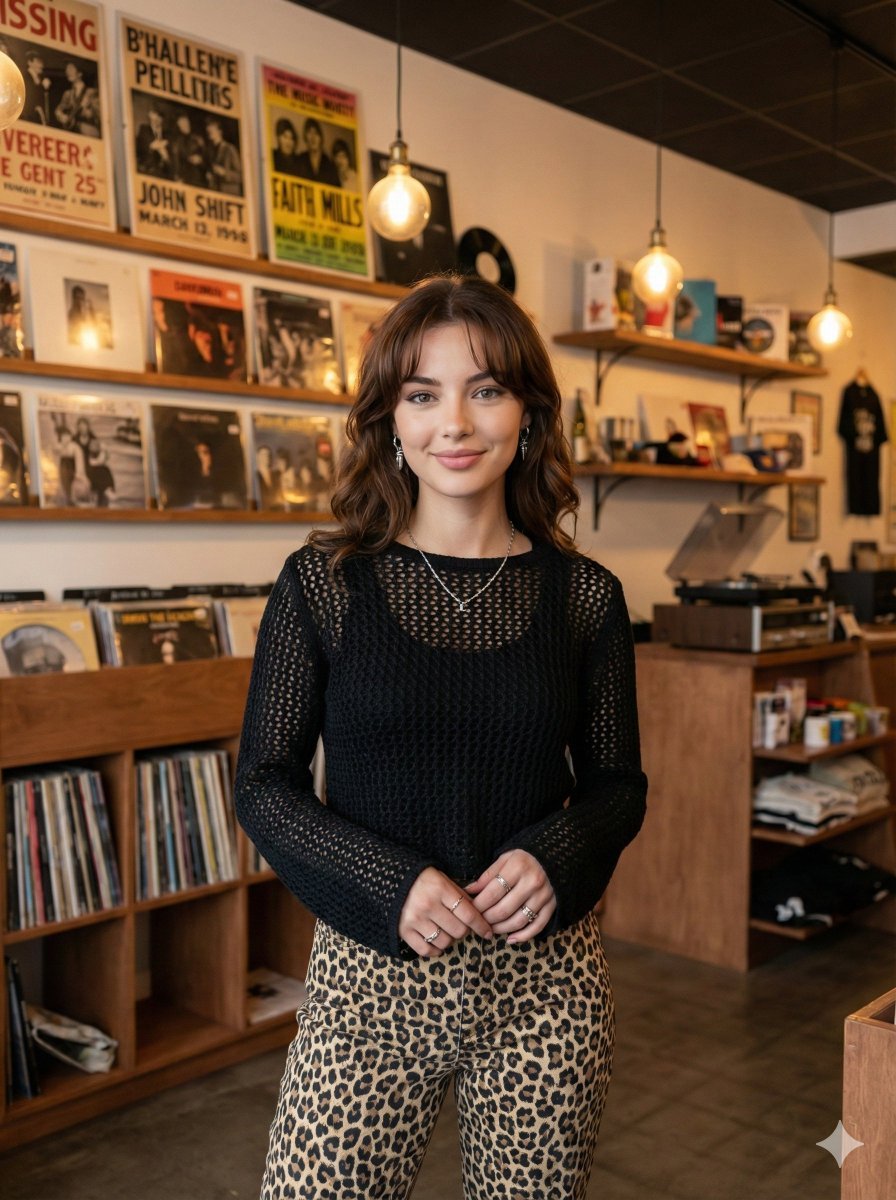
Modern Candid Portrait in a Record Store

Found Photograph: Us, 1970

80s Couple Studio Portrait

80s Bollywood Star

80s Golden Hour Cinema

Me in 1985

1985 Studio Portrait
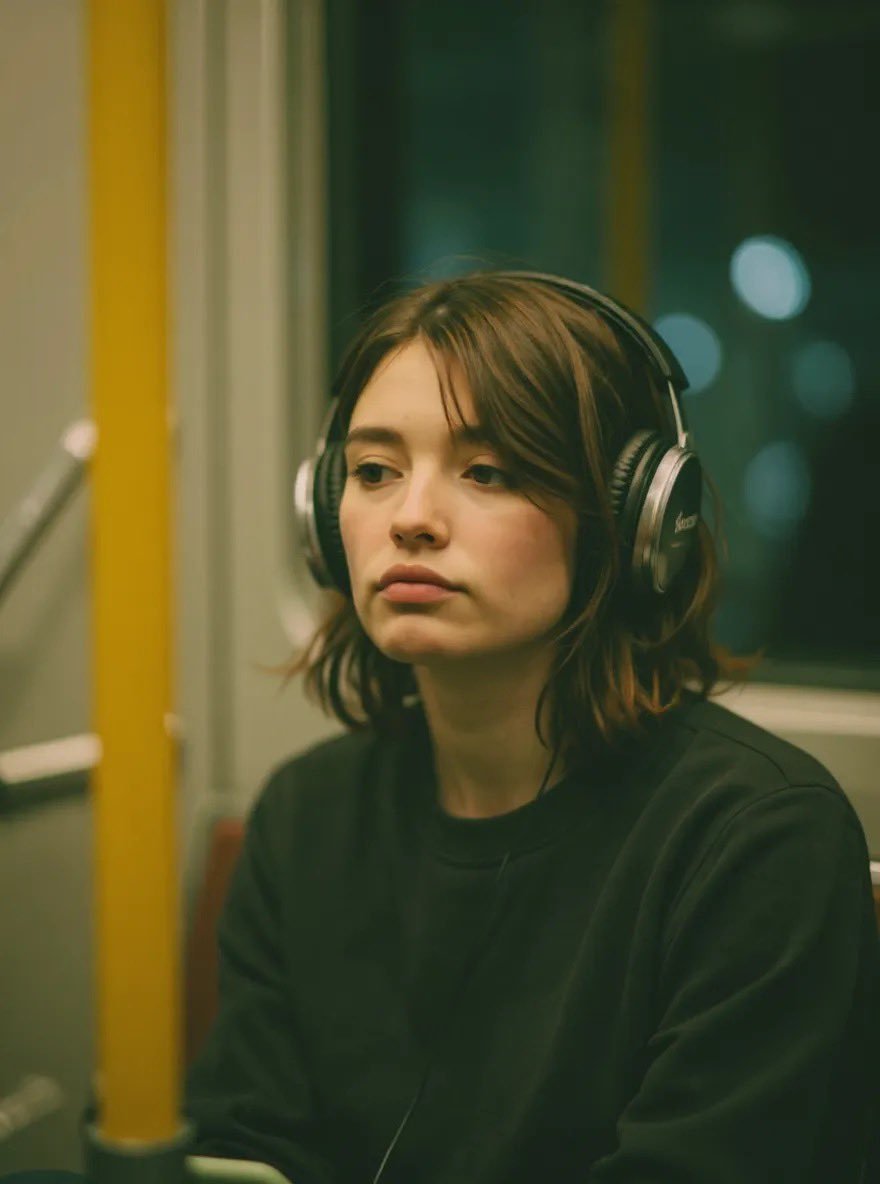
Cinematic Recording Studio Portrait

Hyper-Realistic Minecraft POV Portrait
Rainbow Vinyl Anime Girl Portrait
Urban Record Store Browsing
Make it yours
Vinyl Record Store Illusion Portrait works as-is. These are the safest ways to change it without losing the look.
Change one field
Copy a single group, rewrite it, and generate again so you can see what that field is doing.
Keep the frame, change the subject
Hold the composition and light of Vinyl Record Store Illusion Portrait, then swap wardrobe, props or the person for a new take.
| If the result… | Why | Fix |
|---|---|---|
| The result drifts from the preview | Too many fields changed at once. | Reuse Vinyl Record Store Illusion Portrait as-is first, then change one group — subject, light, or setting. |
| The model over-stylizes the scene | The prose prompt leaves finish and camera underspecified. | Add one camera or lighting sentence and stay on GPT Image 2. |
More GPT Image 2 templates
Other prompts made for GPT Image 2.

Six VTuber Japanese Logo Sheet

Realistic Portrait of Woman and Deer

The Vista Modular Condo Poster

AI Model Routing Comparison Infographic

2.5D Anime Art Board

Isometric Productivity Desk Scene

New York Double Exposure Poster

Four-Panel AI Landscape Comparison

Japanese Tatami Lifestyle Magazine Cover

NESCAFÉ Coffee Map Poster
More image prompts
Fresh picks from across the catalog.
Cinematic Alpine Sunset Hiker
Serene Western Girl in Tall Grass Portrait
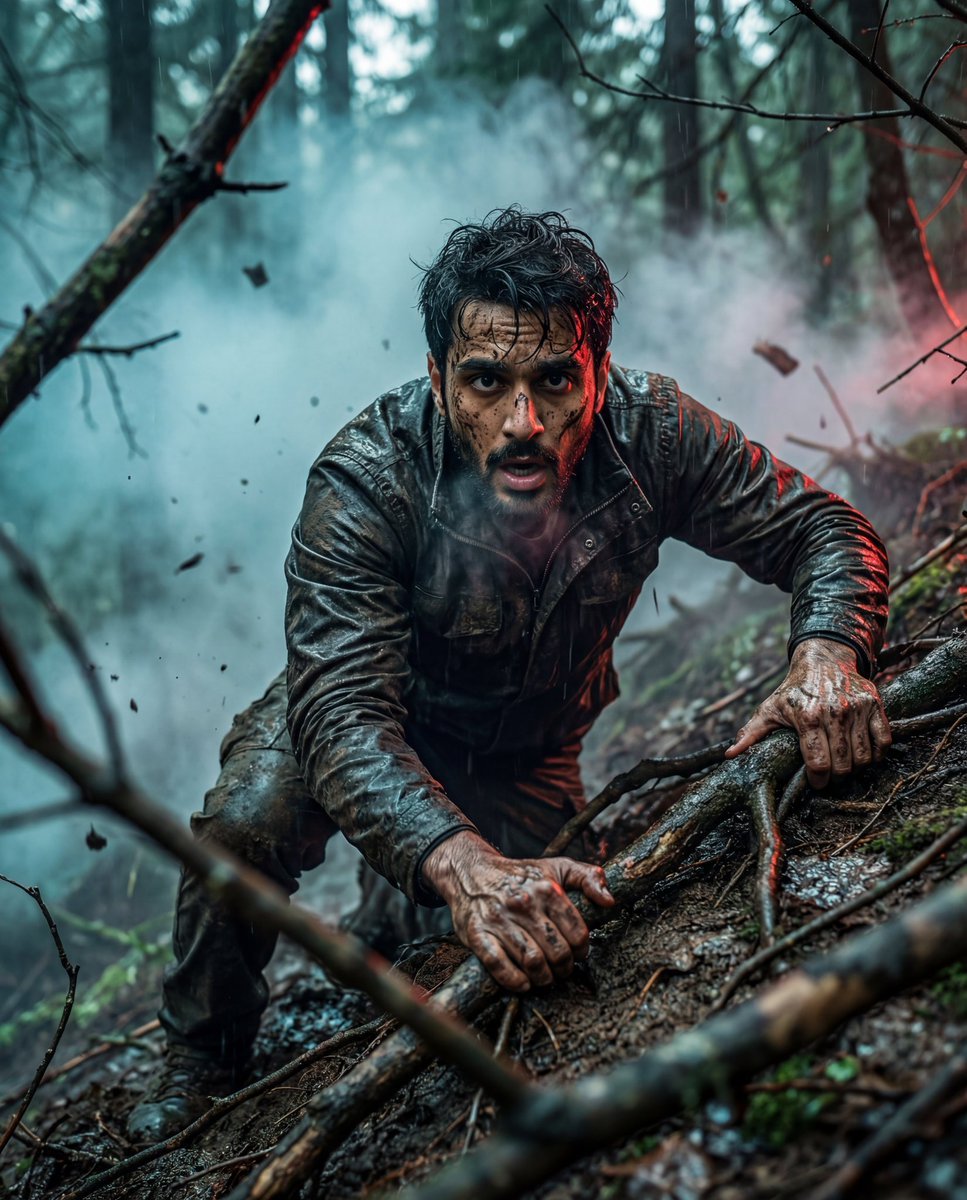
Hyper-Realistic Survival Cinematic Still Prompt
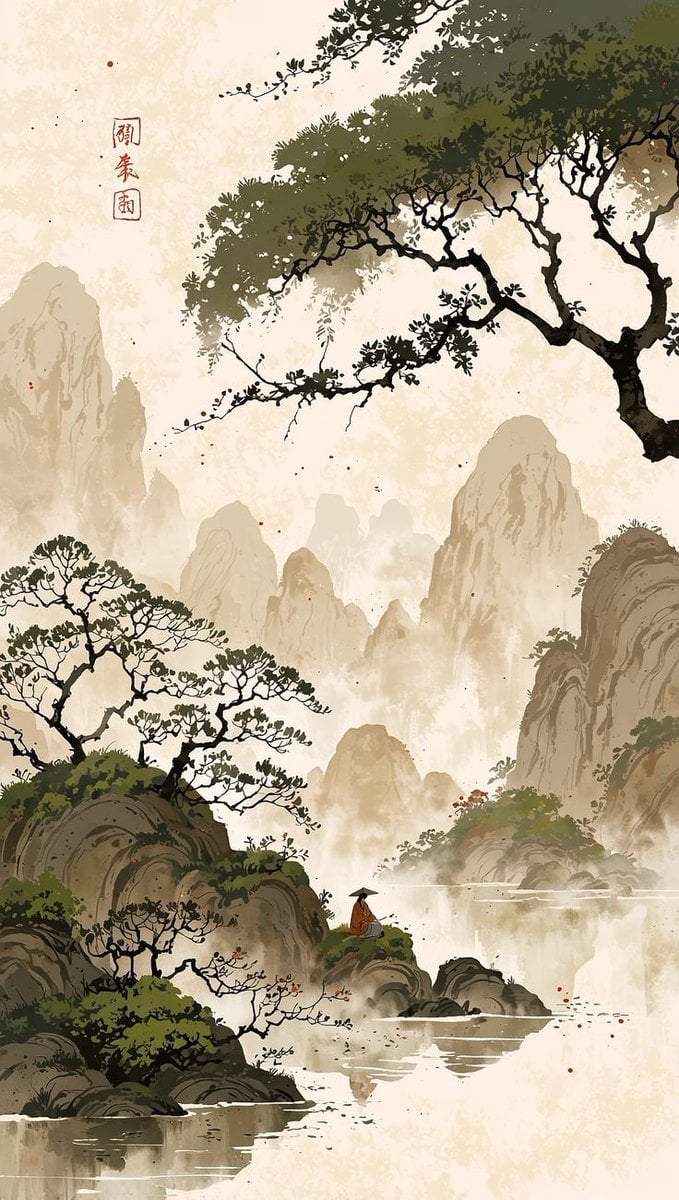
Cinematic Chinese Ink Landscape
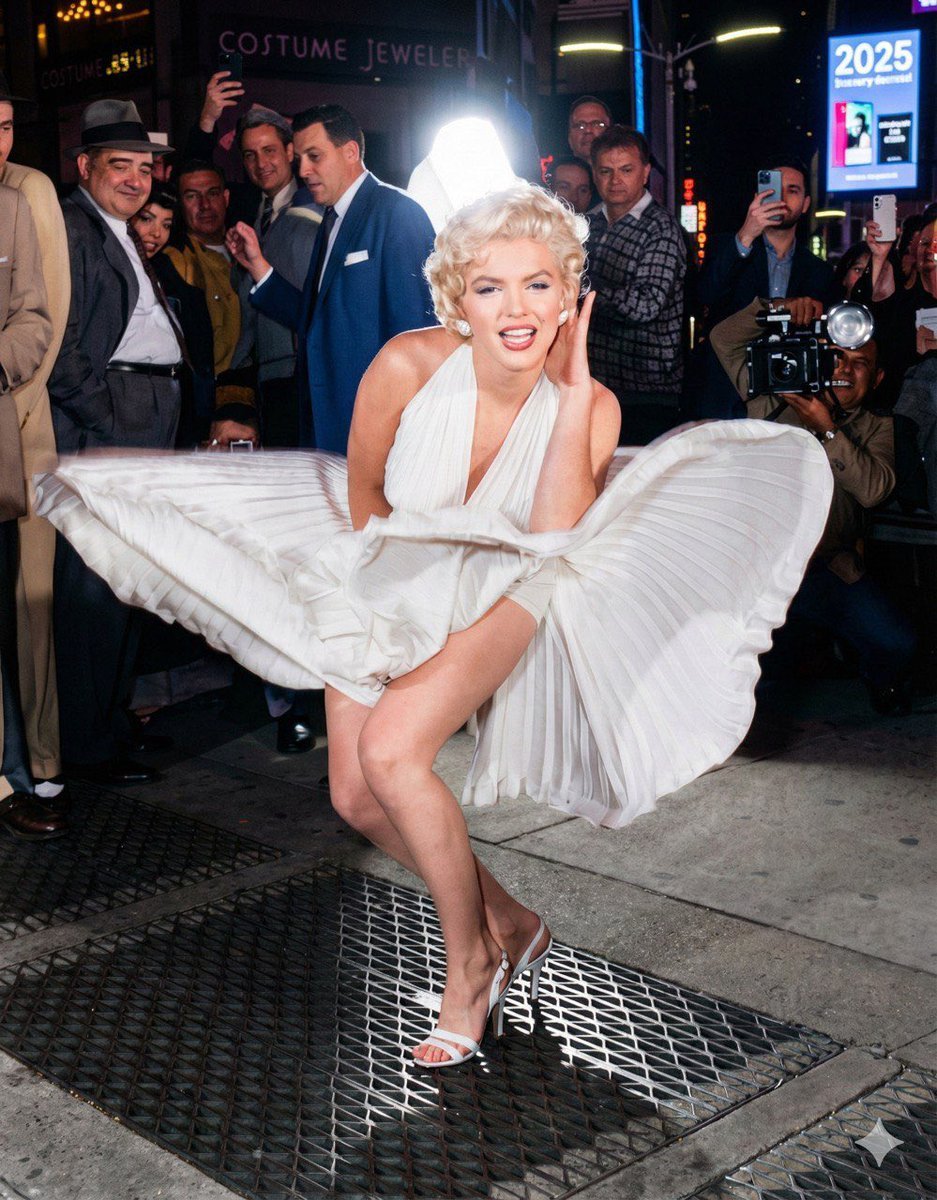
Future Aesthetic Image Generation Prompt (2025)
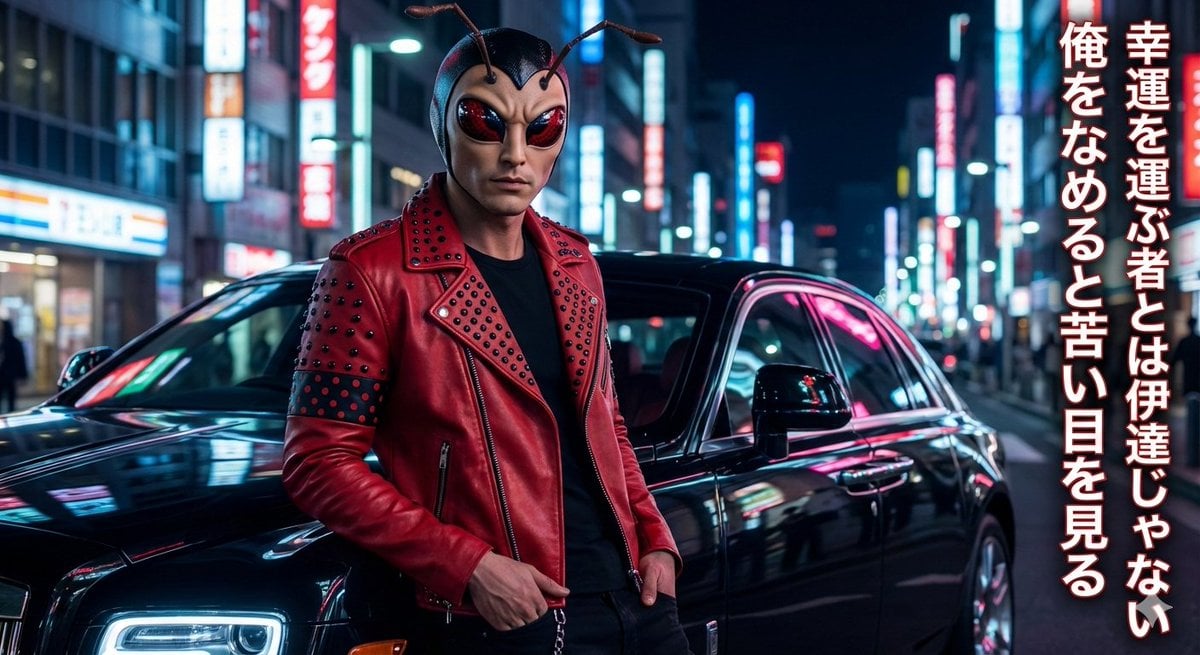
Mushi Tanka (Insect Haiku) Gravure Photo

Golden Hour Mountain Viewpoint Portrait
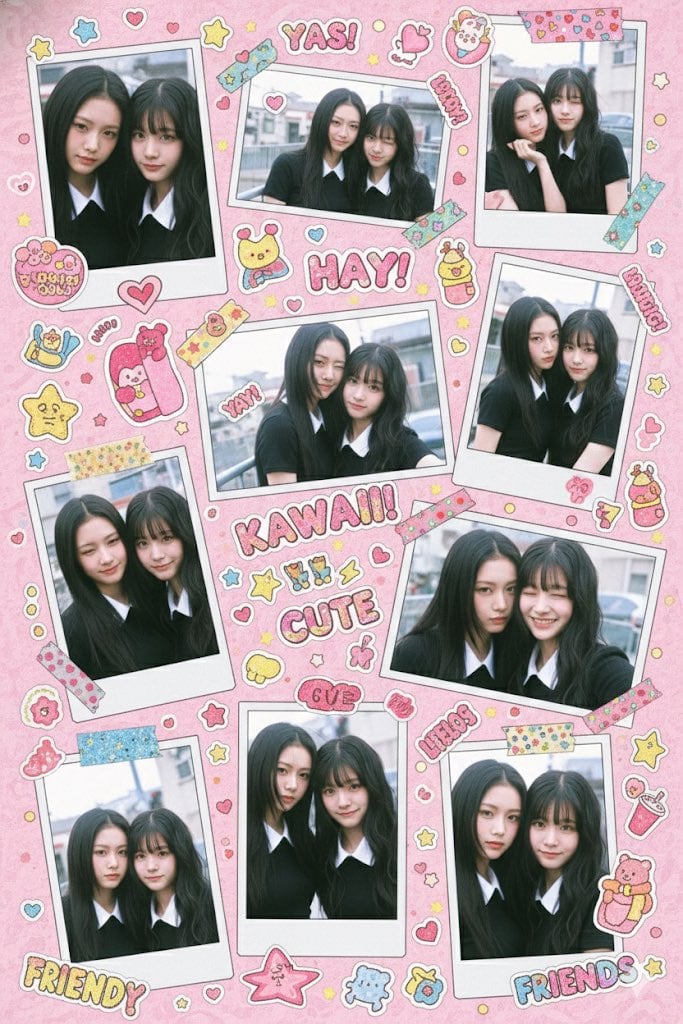
Kawaii Stylebook Collage with Polaroid Effect
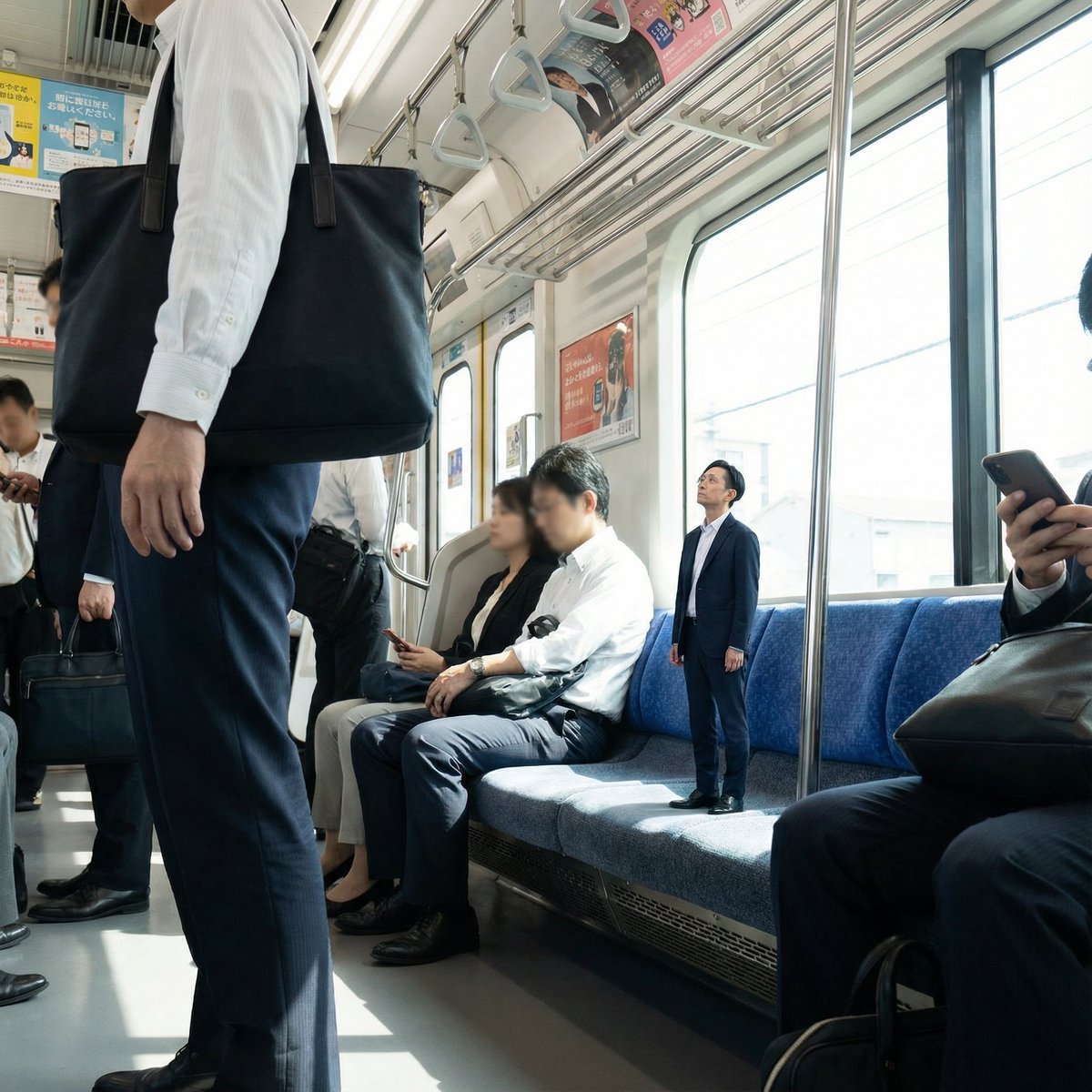
Miniature Person in Train Prompt
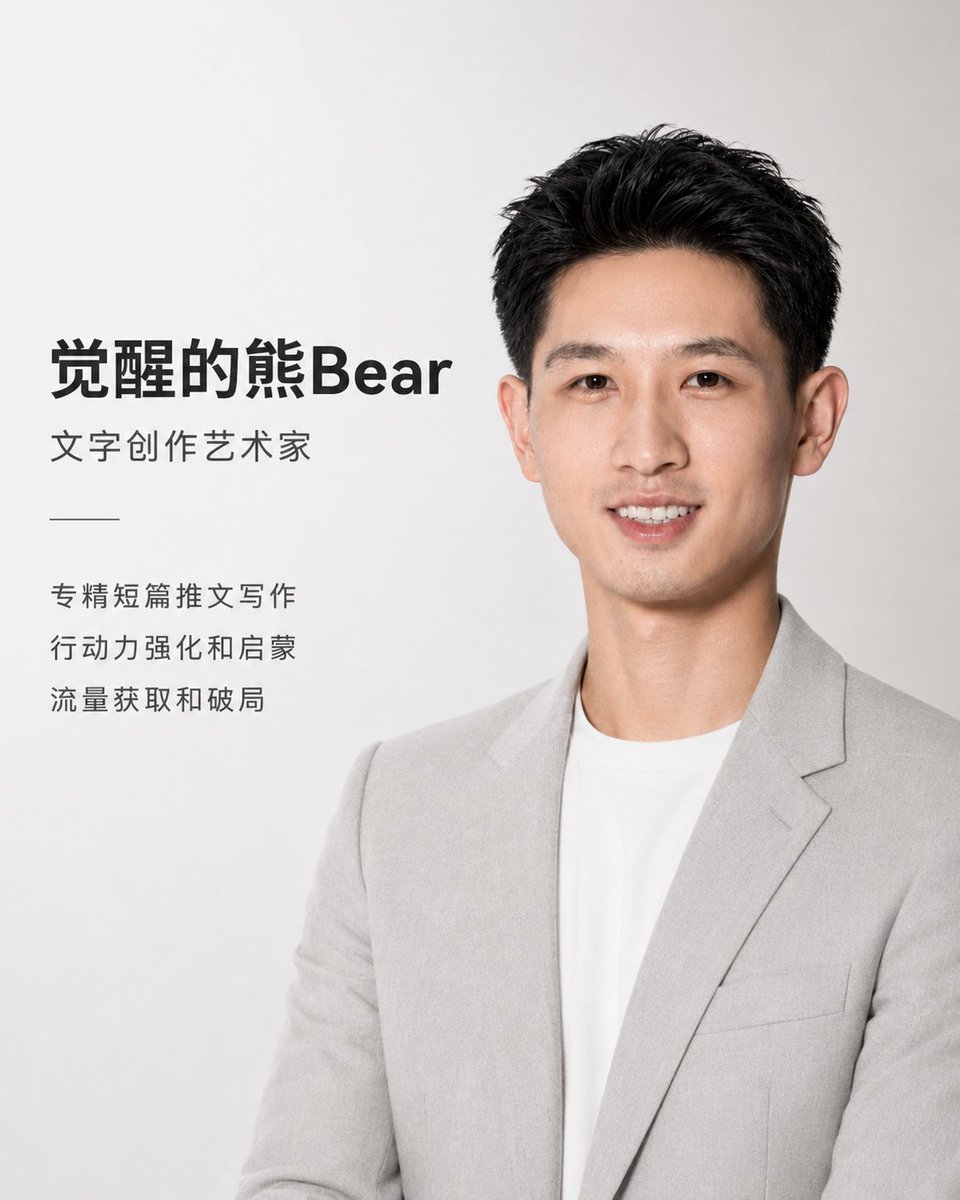
Apple Style Coach Branding Poster
Browse template categories
Vinyl Record Store Illusion Portrait questions
How do I use the Vinyl Record Store Illusion Portrait template?
Add your photo if the template asks for one, edit the prompt if you like — the template's model and format are already selected — and press Generate. Your version opens in PicX Studio.
Can I customize the Vinyl Record Store Illusion Portrait template?
Yes. You can change the subject, setting, lighting, mood, format, and available model controls before creating your image.
Is the Vinyl Record Store Illusion Portrait template free?
Opening and editing this template is free. Generating uses credits, shown on the Generate button when you are signed in.
Which AI model should I use?
Start with GPT Image 2, which is the model associated with this template. You can compare another compatible model for a different finish.
Looking for something else? Browse all templates.

Your photo, any look
Thousands of ready templates for every top image and video model, from one credit balance.