
Apple Style Coach Branding Poster
A minimalist, high-end promotional poster prompt following the Apple aesthetic, designed for personal branding and professional coaching.
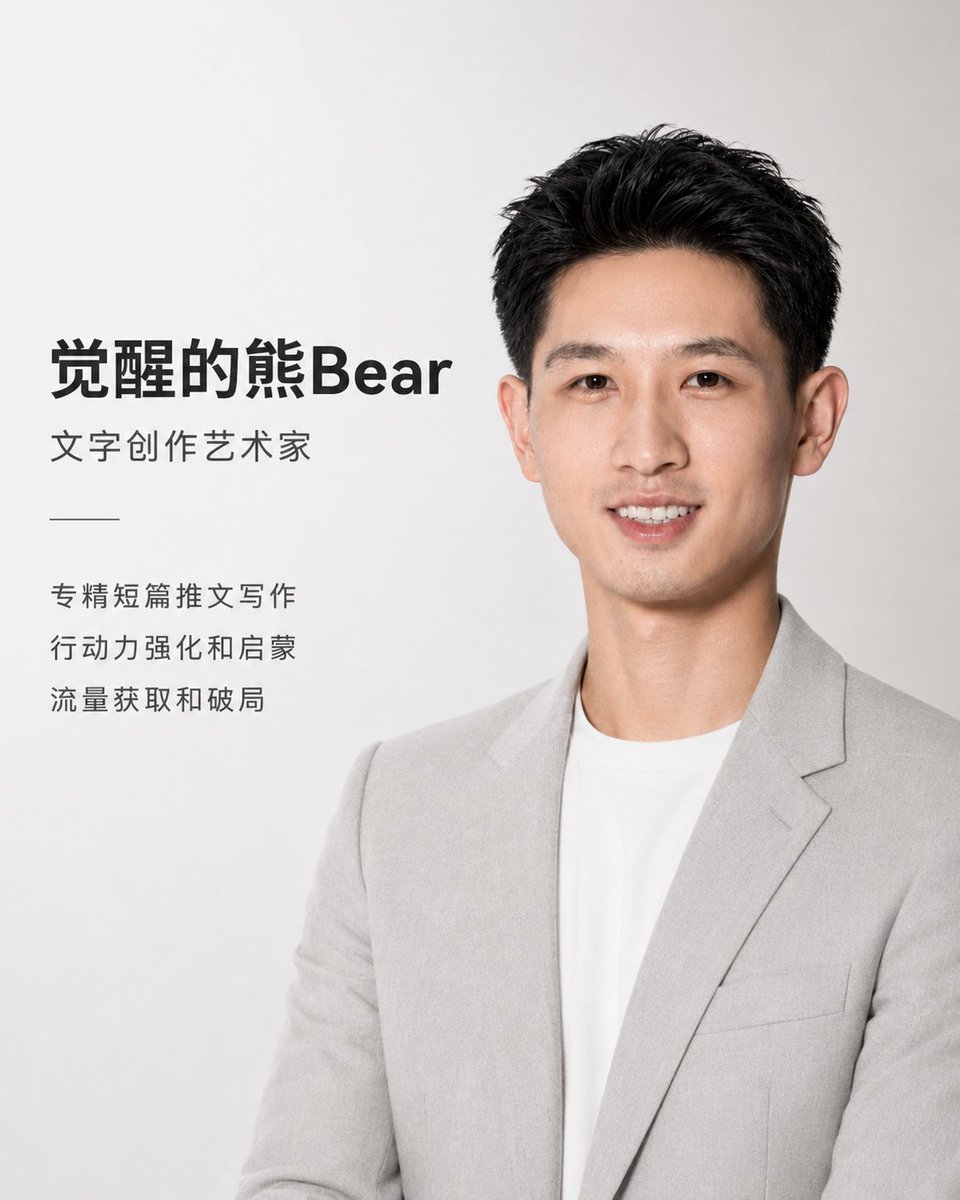
- Prompt included
- Model and format preset
- Free template
The prompt behind this image
Copy the exact prompt behind Apple Style Coach Branding Poster, or open it in the studio and make it yours.
使用上传的人物照片作为参考,设计一张高端、极简、Apple 风格的中文教练宣传海报。 整体视觉风格: 现代、干净、克制、高级、极简,类似 Apple 产品发布会海报的视觉语言。画面以大量留白、柔和光影、浅灰白背景、精致排版为主。不要出现 Apple 标志,不要出现多余装饰,不要复杂背景。 人物呈现: 保留人物真实五官特征和气质,让人物看起来专业、亲和、自信。人物穿着浅灰西装外套 + 白色圆领内搭 / 白衬衫,保持干净利落的棚拍质感。人物放在画面右侧或中右侧,上半身构图,光线柔和自然,面部清晰,背景为白色到浅灰色渐变。 版式设计: 左侧为文字排版,右侧为人物肖像。文字使用现代无衬线中文字体,黑色或深灰色,层级清晰,排版有呼吸感。主标题最大,副标题中等,能力介绍较小,整体对齐整齐,保持高级品牌感。 海报文字: 主标题: {argument name="姓名" default="觉醒的熊Bear"} 副标题: {argument name="职业称号" default="文字创作艺术家"} 能力介绍: {argument name="能力列表" default="专精短篇推文写作 行动力强化和启蒙 流量获取和破局"} 设计要求: 竖版海报,4:5比例。整体色彩以白色、浅灰、深灰、黑色为主。避免花哨颜色,避免卡通风,避免夸张动作,避免杂乱元素。画面要像高端个人品牌宣传海报,简洁、有力量、专业、温和。
How to use Apple Style Coach Branding Poster in 3 steps
- 1Upload ImagePNG, JPG or paste
Add your photo
Upload the photo the template builds on. The prompt, model and format are already set.
- 2…a portrait of your subject in softgolden-hour light, 85mm…
Personalize
Edit the subject and creative details for your destination.
- 3Generate
Generate
Press Generate — your image is created in PicX Studio, so you can compare it with the original and refine one variable at a time.
More like this
Templates with the same subject, style or setup. Open one to see its prompt.
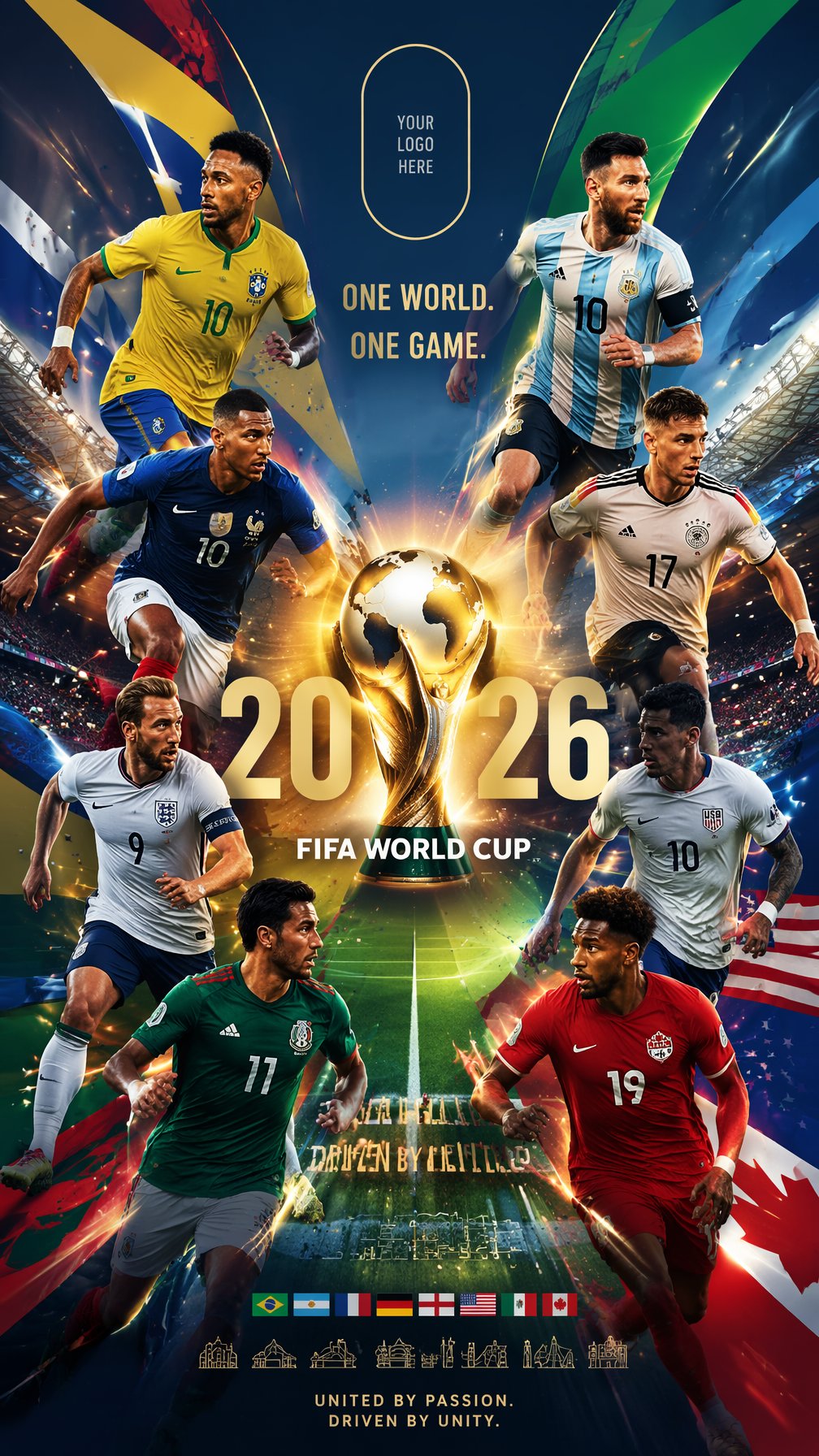
Global Slugfest Multi Nation Poster

Premium Vertical Product Campaign Poster

Japan Travel Brochure Poster

Cartoon TV Show Poster Pack

Trendy Cafe Drink Promo Poster

Urban Fashion Editorial Collage Streetwear Poster

Premium Fashion Editorial Cover Layout System

Polo Ralph Lauren Luxury American Heritage Fashion Campaign

Monochrome Halftone Editorial Fashion Poster

Retro Mirror Luxury Fashion Campaign Poster

Luxury Fashion Campaign Typography Poster System

Premium Fashion Editorial Campaign Poster System
Make it yours
Apple Style Coach Branding Poster works as-is. These are the safest ways to change it without losing the look.
Change one field
Copy a single group, rewrite it, and generate again so you can see what that field is doing.
Keep the frame, change the subject
Hold the composition and light of Apple Style Coach Branding Poster, then swap wardrobe, props or the person for a new take.
| If the result… | Why | Fix |
|---|---|---|
| The result drifts from the preview | Too many fields changed at once. | Reuse Apple Style Coach Branding Poster as-is first, then change one group — subject, light, or setting. |
| The model over-stylizes the scene | The prose prompt leaves finish and camera underspecified. | Add one camera or lighting sentence and stay on GPT Image 2. |
More GPT Image 2 templates
Other prompts made for GPT Image 2.

Six VTuber Japanese Logo Sheet

Realistic Portrait of Woman and Deer

The Vista Modular Condo Poster

AI Model Routing Comparison Infographic

2.5D Anime Art Board

Isometric Productivity Desk Scene

New York Double Exposure Poster

Four-Panel AI Landscape Comparison

Japanese Tatami Lifestyle Magazine Cover

NESCAFÉ Coffee Map Poster
More image prompts
Fresh picks from across the catalog.
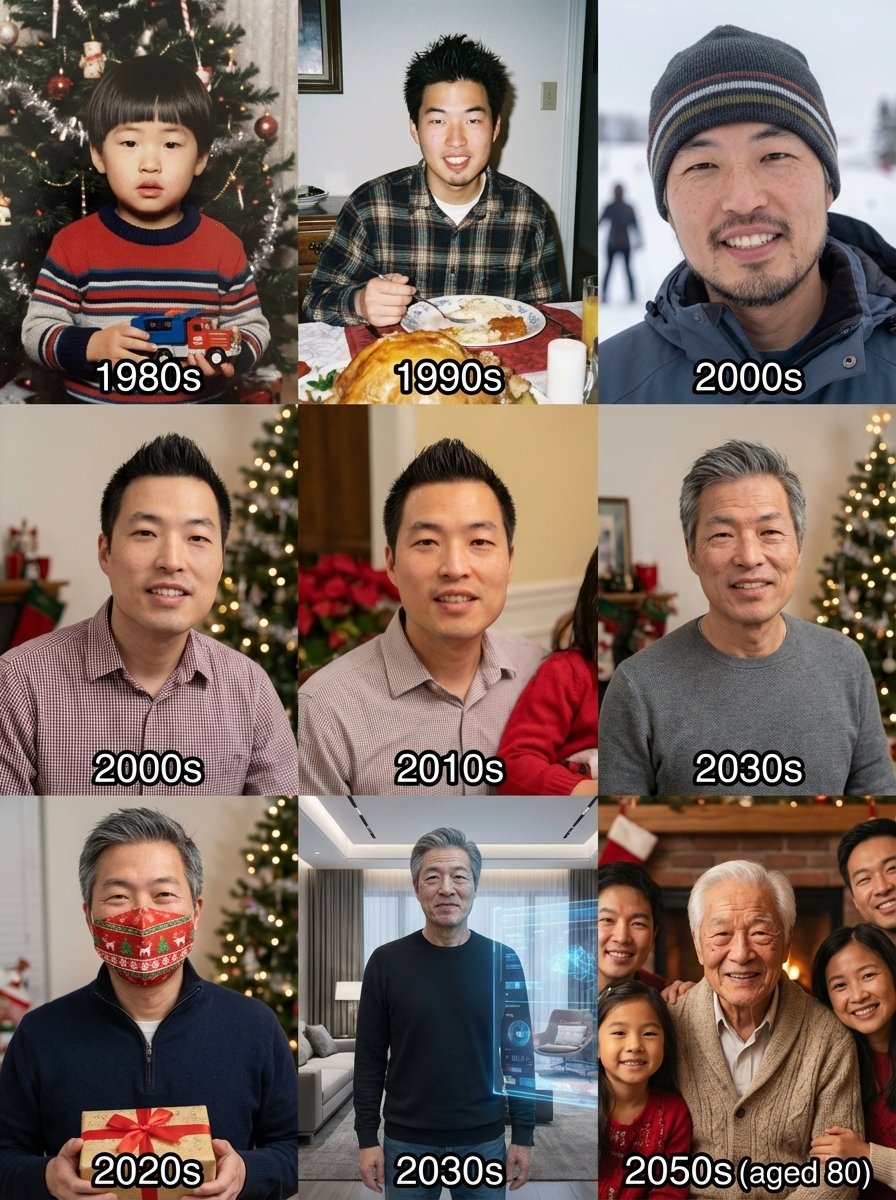
Holiday photos across a lifetime
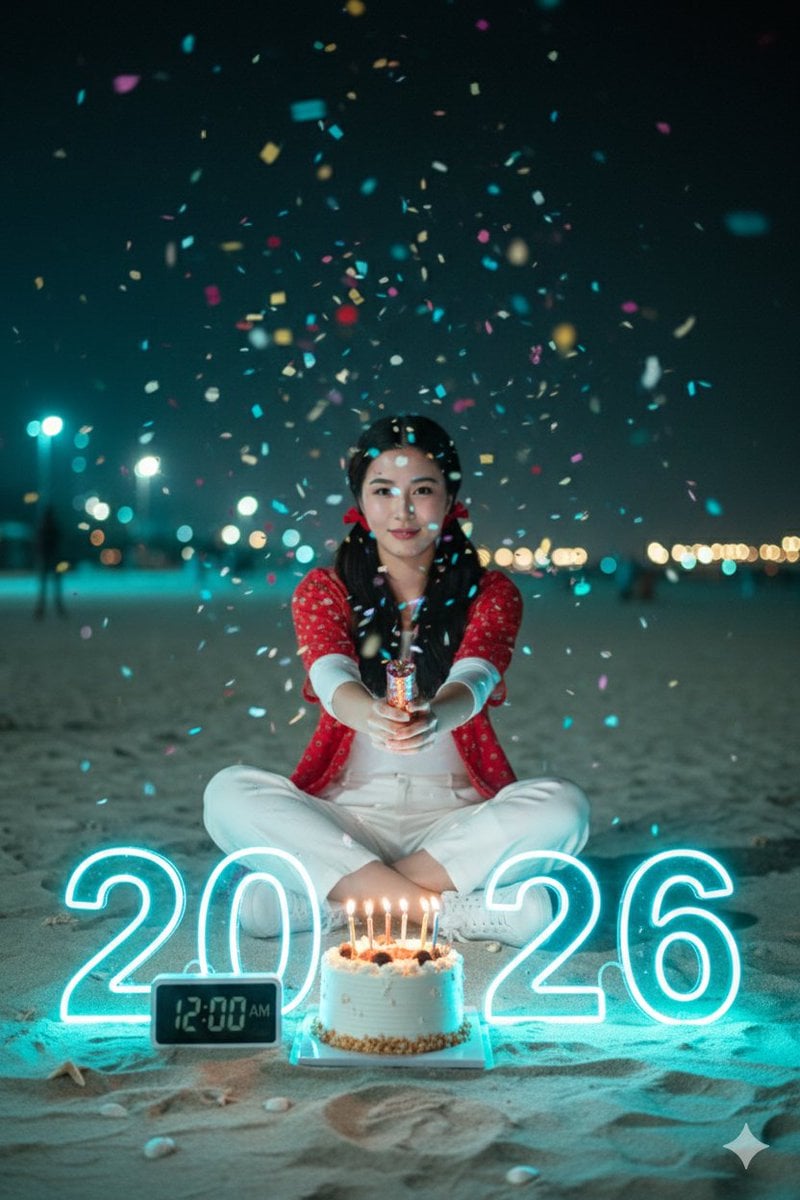
Cinematic New Year 2026 Birthday Photoshoot Prompt
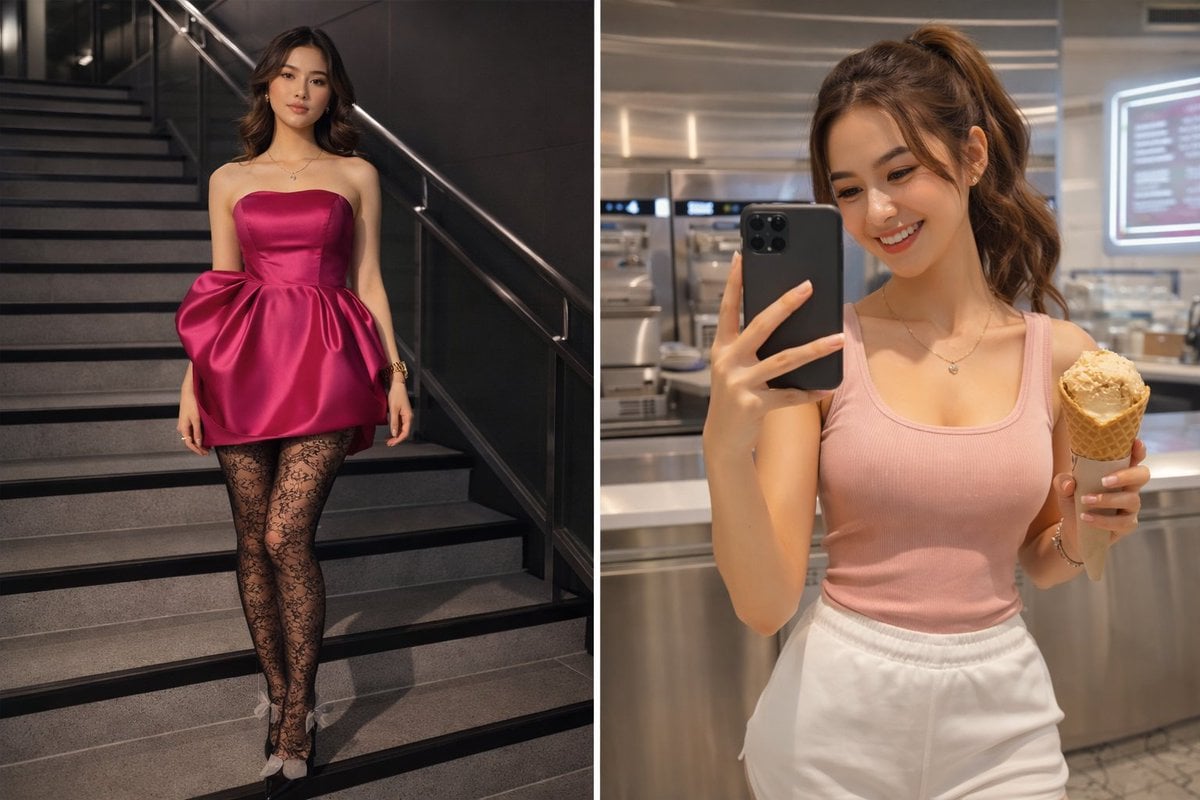
Dual Persona Fashion and Lifestyle Prompts
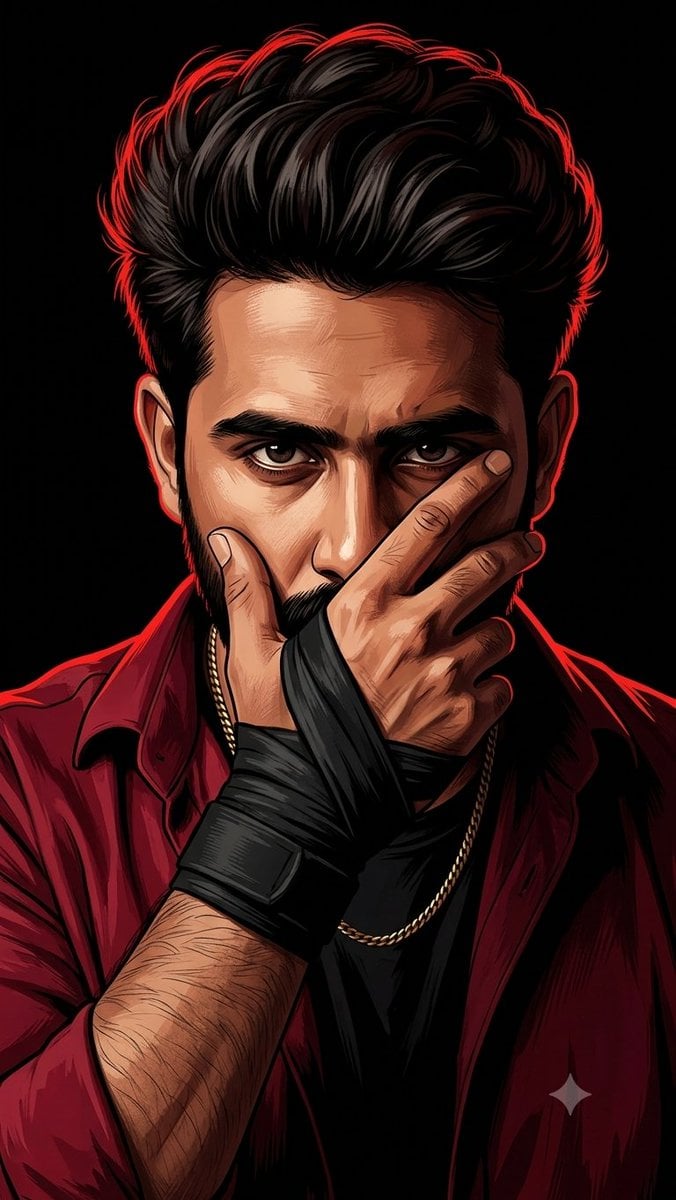
Mysterious Red Rim Lighting Portrait
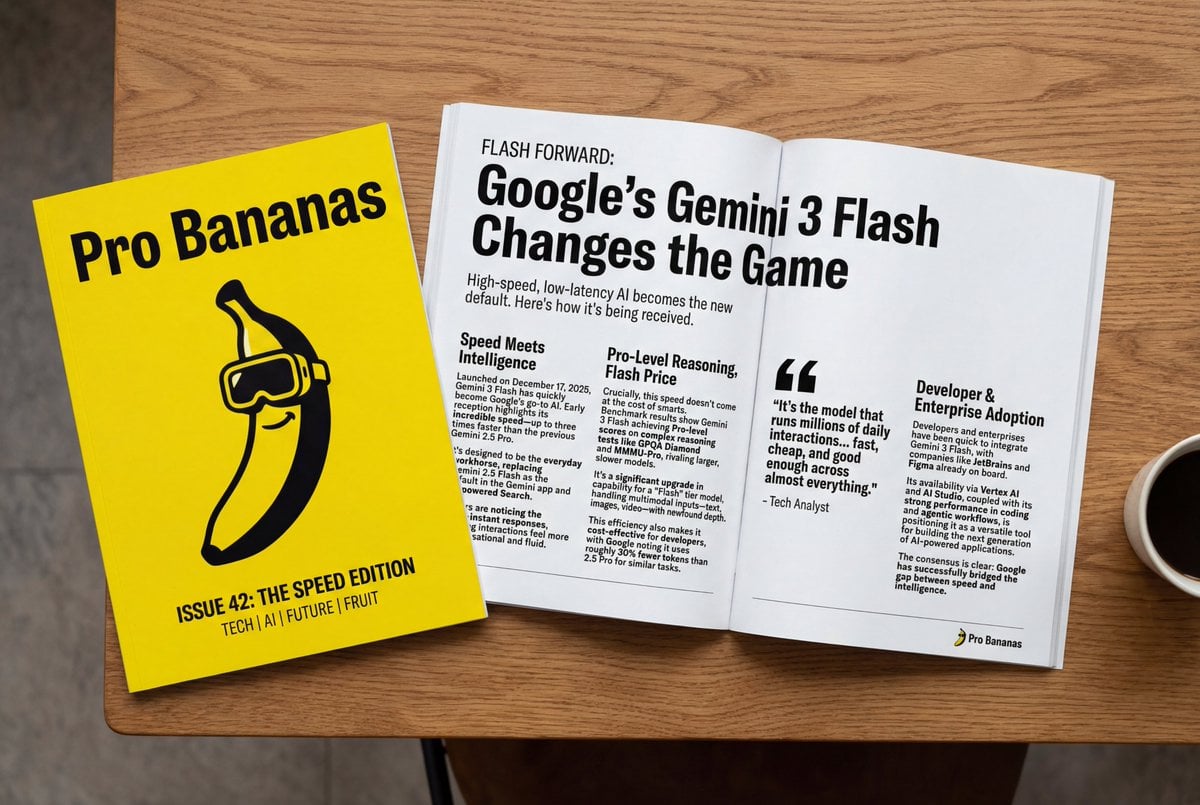
Generate Magazine Article and Cover (LLM/Image)
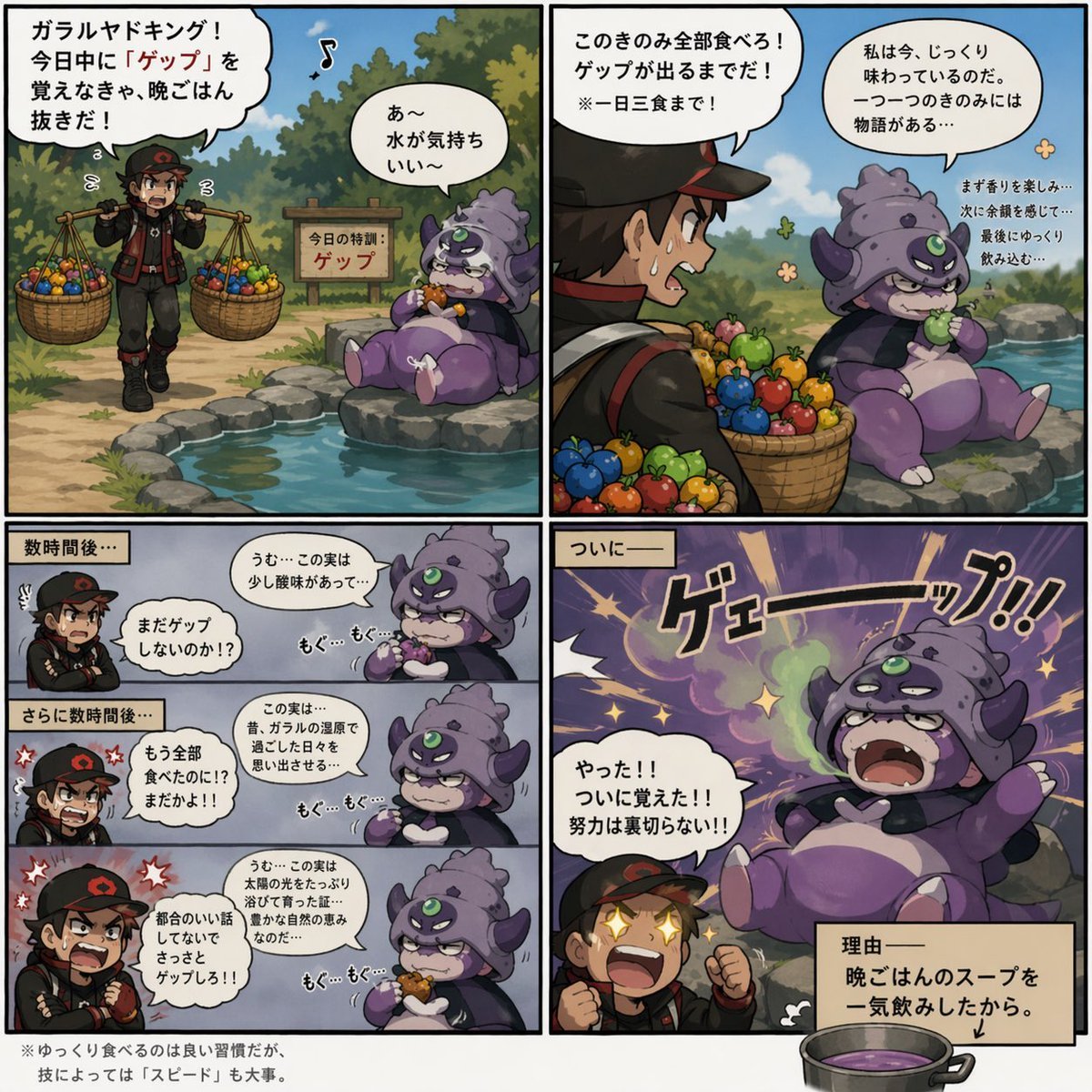
Galarian Slowking Learns Belch
Nostalgic Disposable Camera Snap Prompt

Tropical Resort Travel Ad Banner
Forest Spring Tomatoes
Beginner Coin Collecting Manga Page
Browse template categories
Apple Style Coach Branding Poster questions
How do I use the Apple Style Coach Branding Poster template?
Add your photo if the template asks for one, edit the prompt if you like — the template's model and format are already selected — and press Generate. Your version opens in PicX Studio.
Can I customize the Apple Style Coach Branding Poster template?
Yes. You can change the subject, setting, lighting, mood, format, and available model controls before creating your image.
Is the Apple Style Coach Branding Poster template free?
Opening and editing this template is free. Generating uses credits, shown on the Generate button when you are signed in.
Which AI model should I use?
Start with GPT Image 2, which is the model associated with this template. You can compare another compatible model for a different finish.
Looking for something else? Browse all templates.

Your photo, any look
Thousands of ready templates for every top image and video model, from one credit balance.