
Cinematic Alpine Sunset Hiker
A wide cinematic prompt for generating an epic golden-hour alpine landscape with one lone hiker, autumn meadow, misty valley, and jagged mountain peaks.
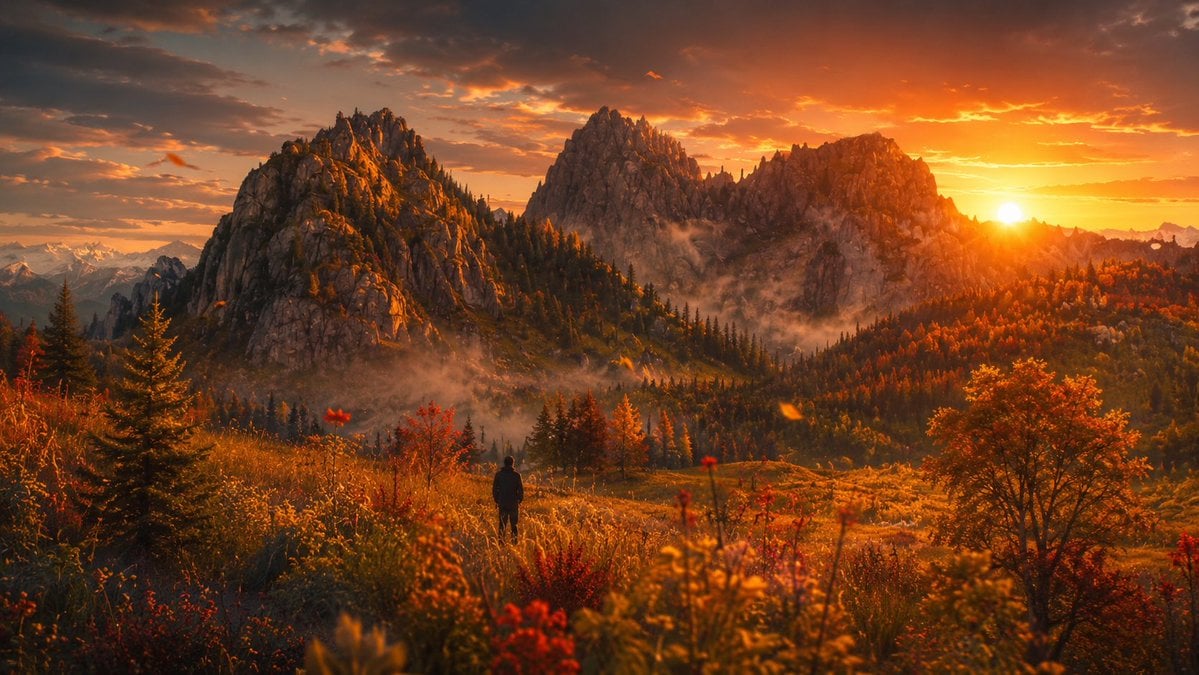
- Prompt included
- Model and format preset
- Free template
The prompt behind this image
Copy the exact prompt behind Cinematic Alpine Sunset Hiker, or open it in the studio and make it yours.
Create a cinematic ultra-realistic landscape photograph of a lone hiker standing in an alpine meadow at golden-hour sunset, looking toward dramatic jagged mountain peaks. The scene is in early autumn with warm orange, red, and golden foliage, tall grasses, wildflowers, evergreen trees, and a broad valley filled with thin drifting mist. The sun sits low near the right horizon, partially touching the mountain ridge, casting intense amber light, long shadows, glowing rim light, and soft lens flare across the frame. Include exactly one visible human figure: a small dark silhouette near the lower center, wearing outdoor clothing and standing still with their back to the viewer. The background contains three dominant rocky mountain massifs across the middle of the image, with distant snow-capped peaks faintly visible on the far left horizon. Use a wide 16:9 composition, low meadow foreground with shallow depth of field and blurred red and yellow flowers, crisp midground trees and rock textures, atmospheric haze in the valley, dramatic orange cloud-filled sky, high dynamic range, natural colors, epic travel photography style, no text, no buildings, no roads, no watermark.
How to use Cinematic Alpine Sunset Hiker in 3 steps
- 1Upload ImagePNG, JPG or paste
Add your photo
Upload the photo the template builds on. The prompt, model and format are already set.
- 2…a portrait of your subject in softgolden-hour light, 85mm…
Personalize
Edit the subject and creative details for your destination.
- 3Generate
Generate
Press Generate — your image is created in PicX Studio, so you can compare it with the original and refine one variable at a time.
More like this
Templates with the same subject, style or setup. Open one to see its prompt.

Teen Girl Alpine Lake Mountain View

Mountain Lake Sunset Landscape

Artistic Arborpunk Garden Observatory Complex

Indian Village Cattle Herding — Nano Banana

Golden Retriever Sunset Campfire Photography
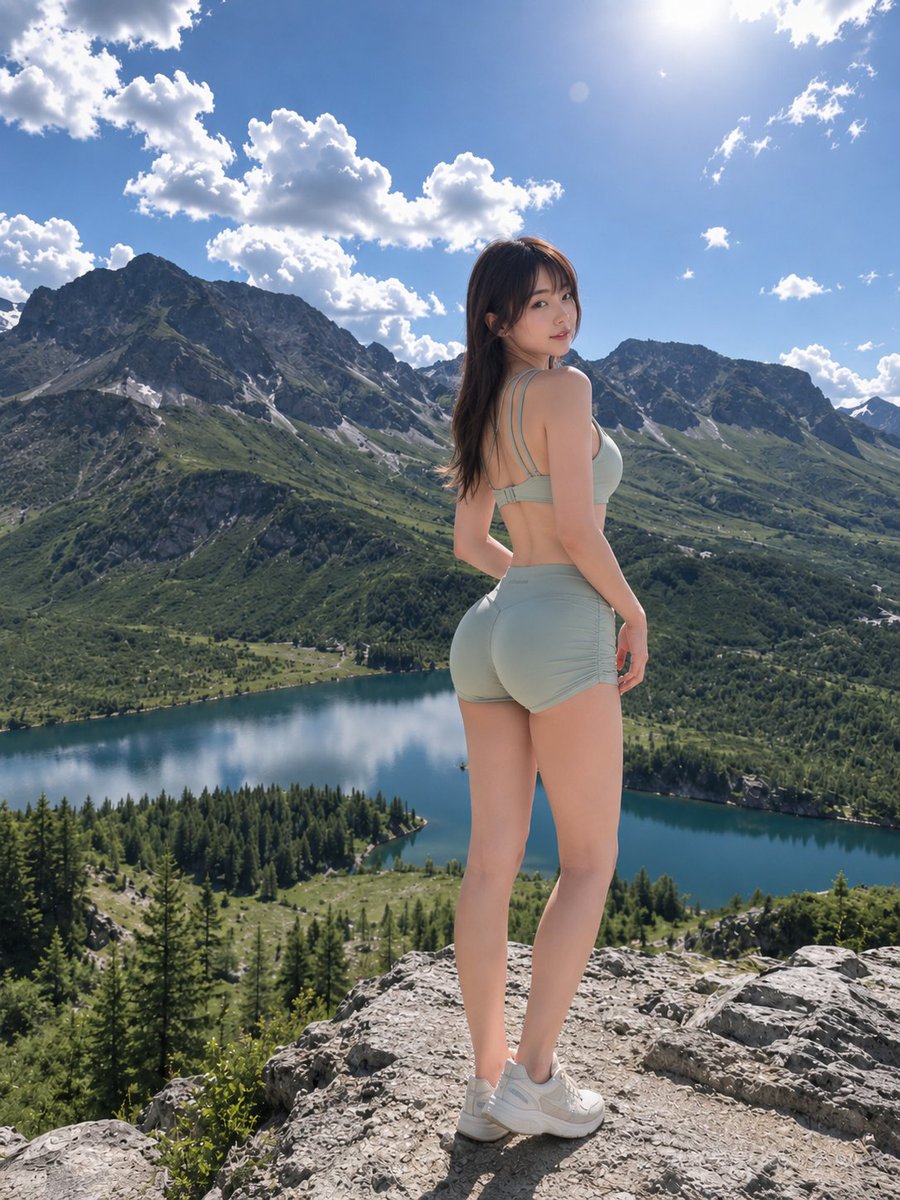
Hiker at Mountain Lake Lookout
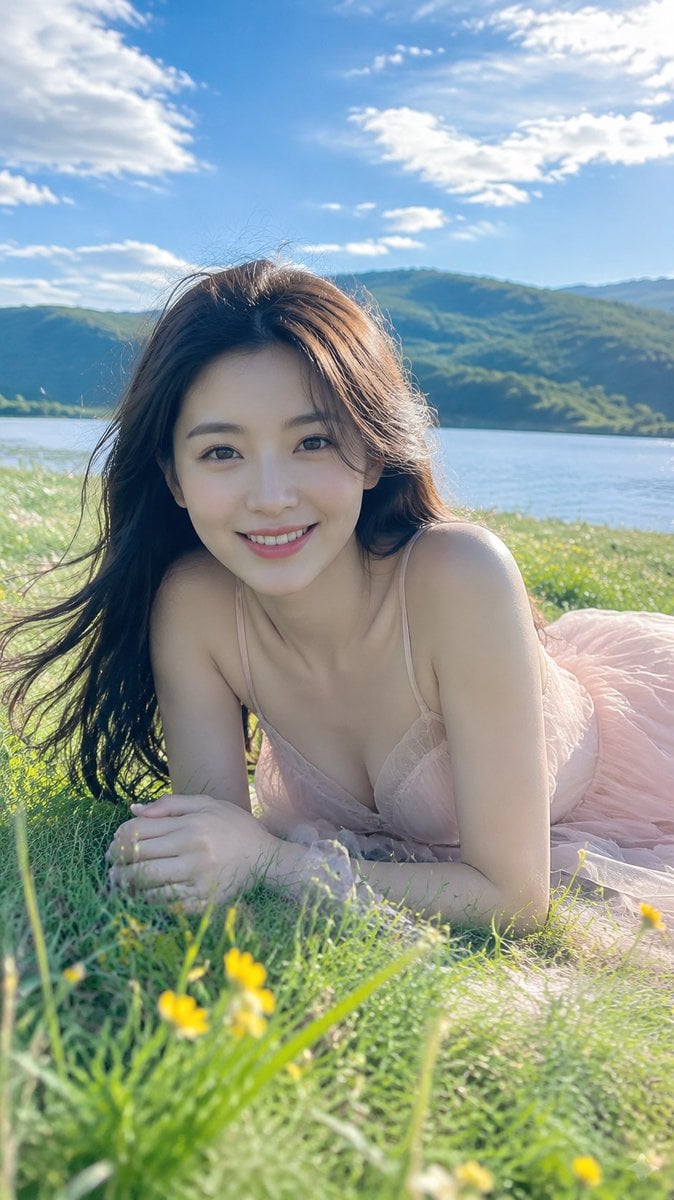
Alpine Lake Candid — Mountain Air Moment
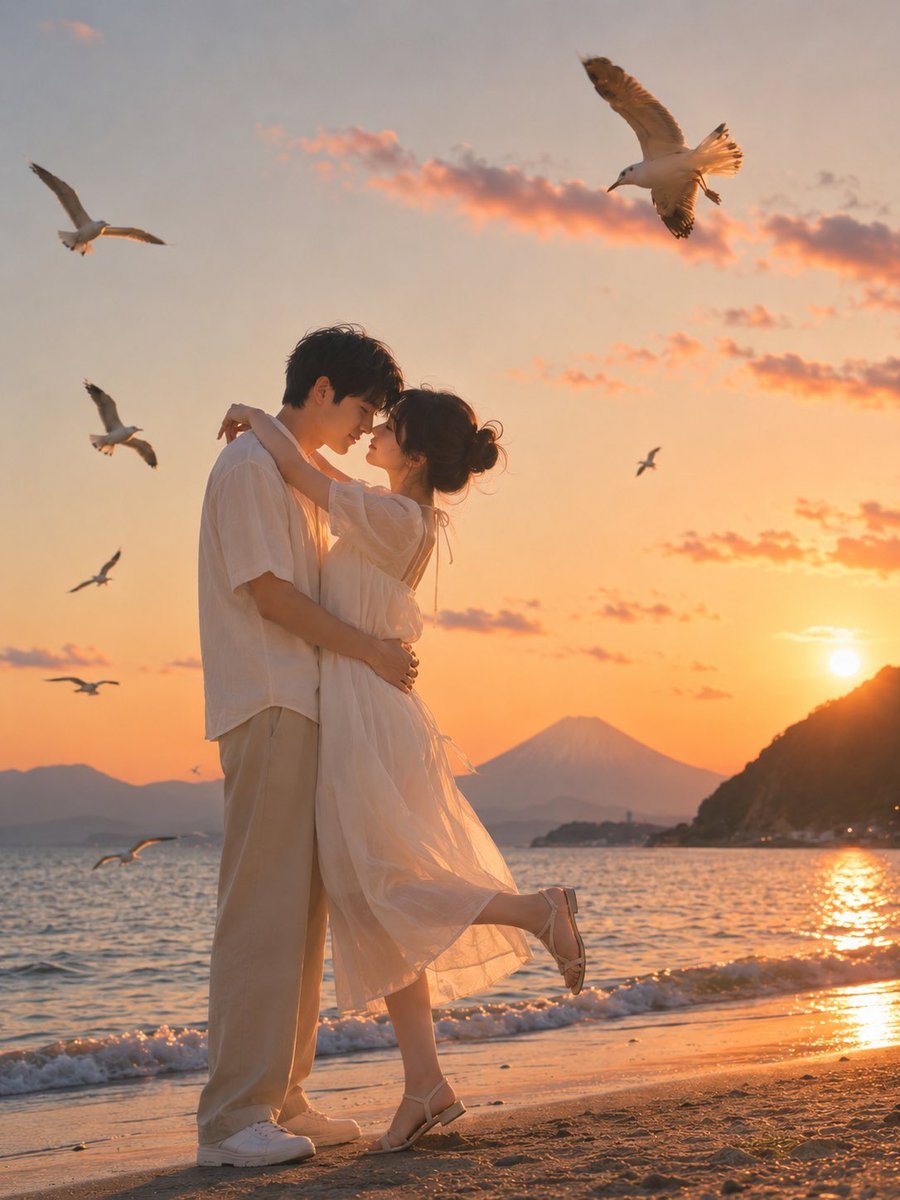
Romantic Zushi Beach Sunset Couple
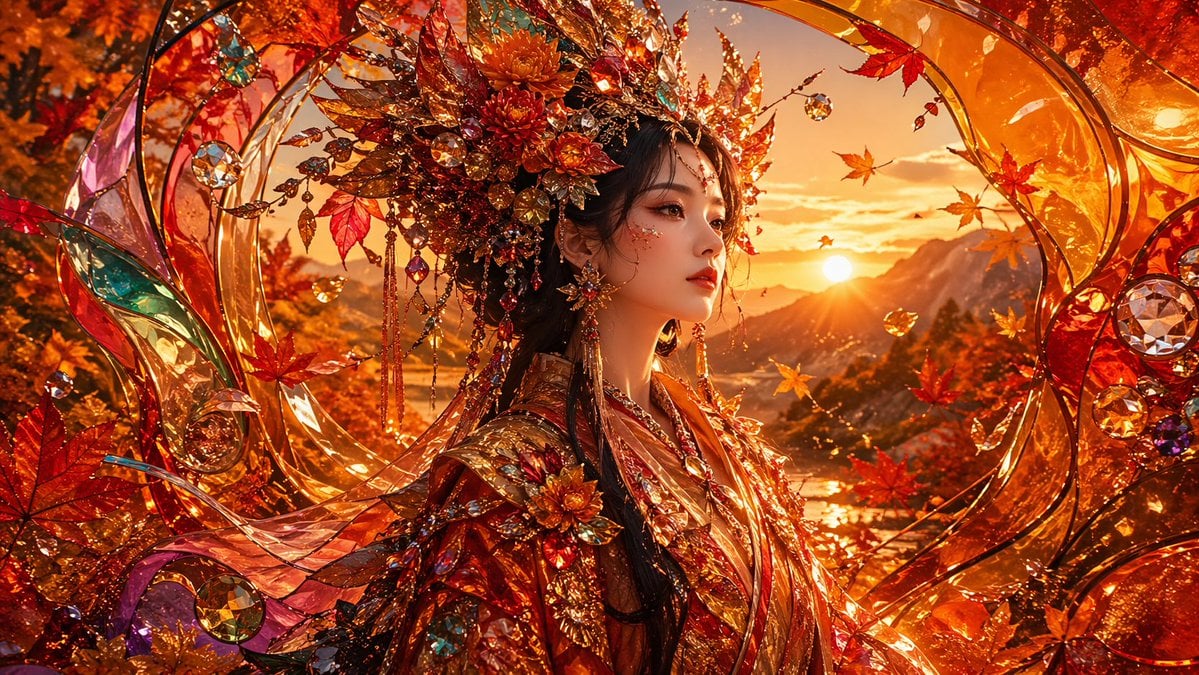
Opulent Autumn Empress at Sunset
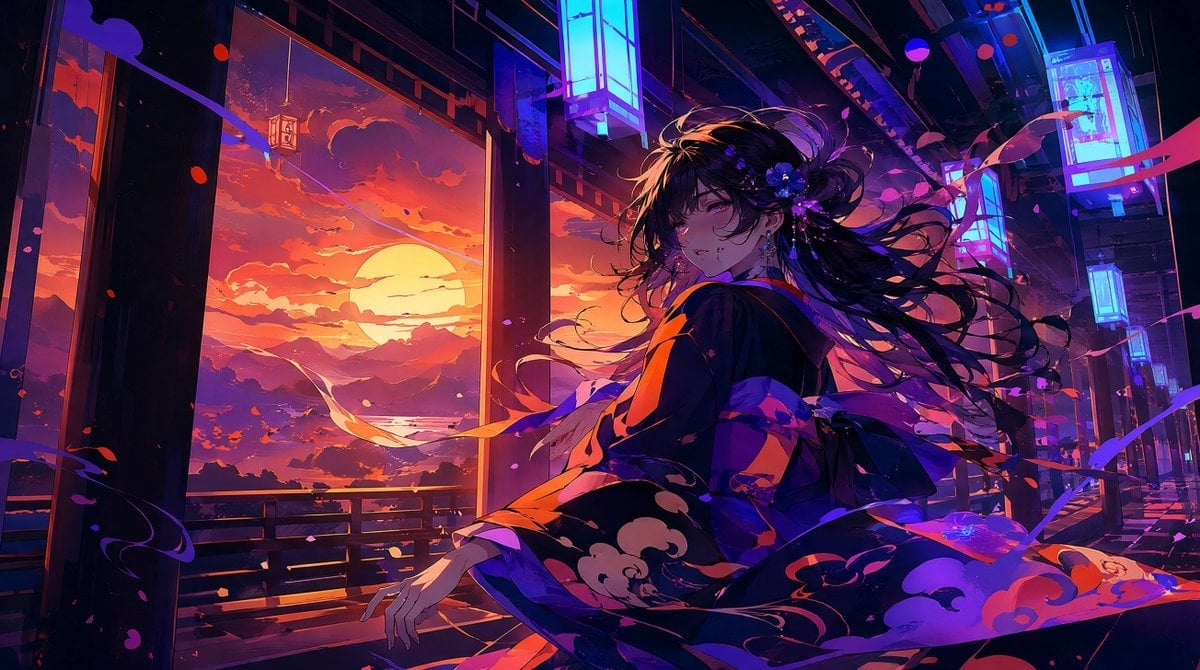
Neon Sunset Kimono Girl
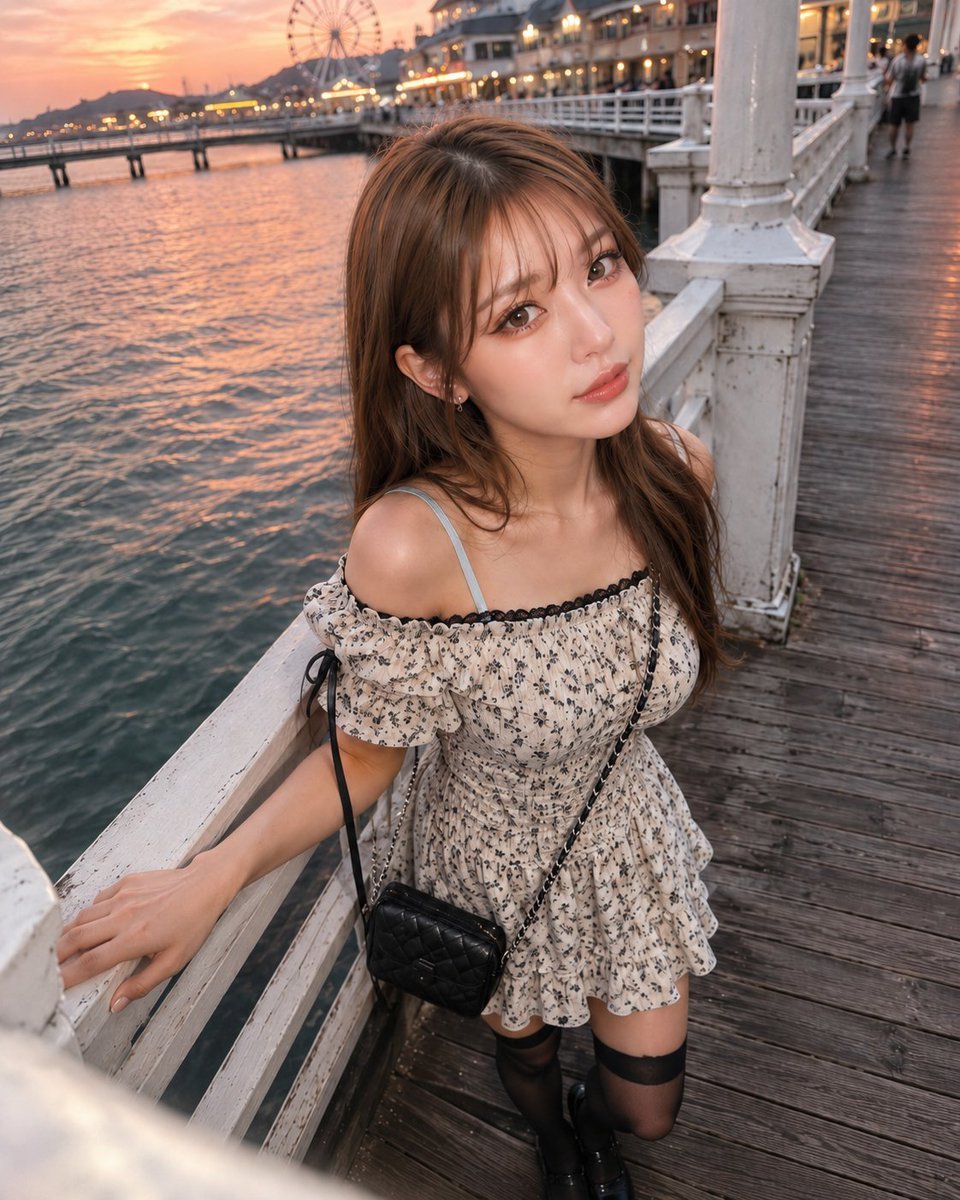
Boyfriend POV Seaside Sunset Date
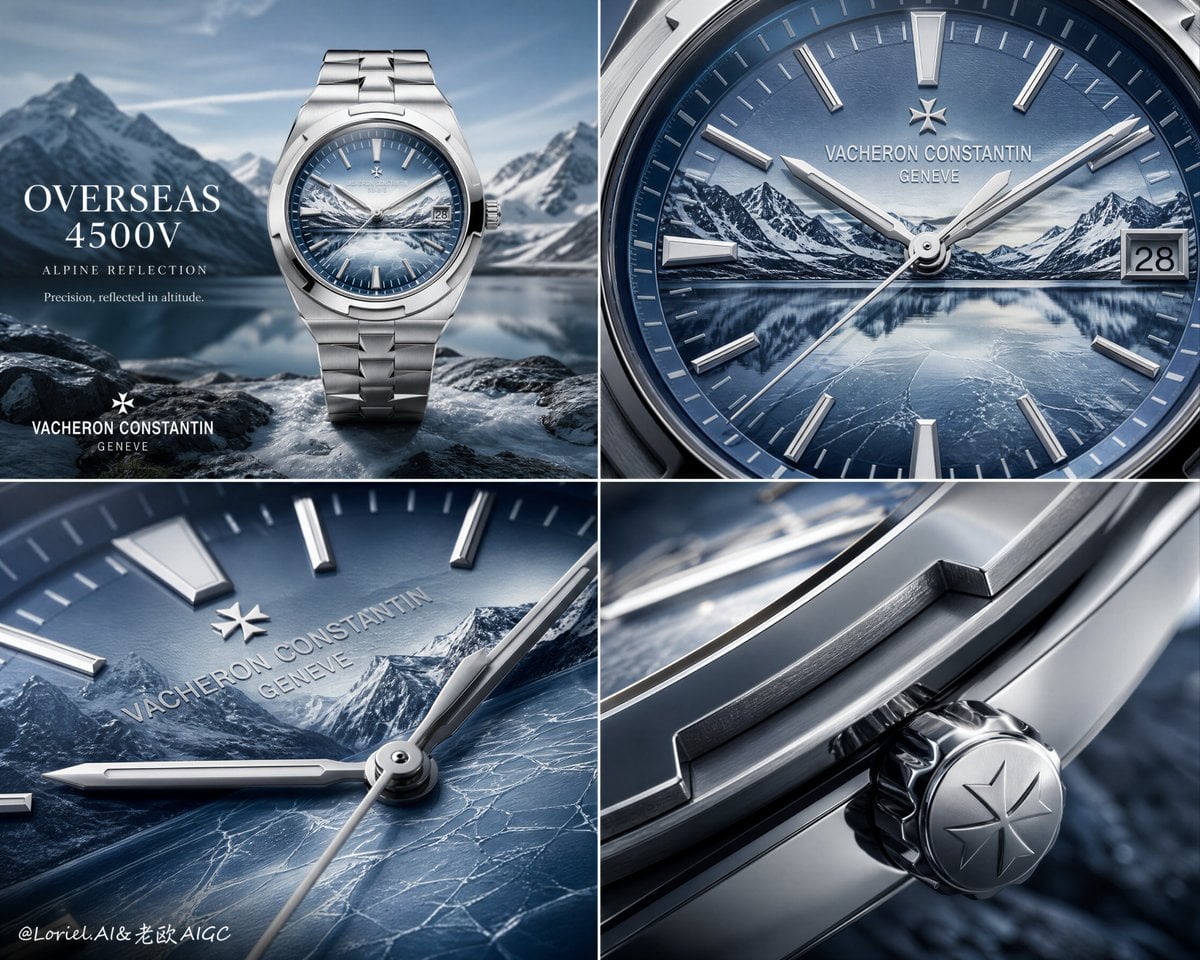
Luxury Watch Alpine Advertising Board
Make it yours
Cinematic Alpine Sunset Hiker works as-is. These are the safest ways to change it without losing the look.
Change one field
Copy a single group, rewrite it, and generate again so you can see what that field is doing.
Keep the frame, change the subject
Hold the composition and light of Cinematic Alpine Sunset Hiker, then swap wardrobe, props or the person for a new take.
| If the result… | Why | Fix |
|---|---|---|
| The result drifts from the preview | Too many fields changed at once. | Reuse Cinematic Alpine Sunset Hiker as-is first, then change one group — subject, light, or setting. |
| The model over-stylizes the scene | The prose prompt leaves finish and camera underspecified. | Add one camera or lighting sentence and stay on GPT Image 2. |
More GPT Image 2 templates
Other prompts made for GPT Image 2.

Six VTuber Japanese Logo Sheet

Realistic Portrait of Woman and Deer

The Vista Modular Condo Poster

AI Model Routing Comparison Infographic

2.5D Anime Art Board

Isometric Productivity Desk Scene

New York Double Exposure Poster

Four-Panel AI Landscape Comparison

Japanese Tatami Lifestyle Magazine Cover

NESCAFÉ Coffee Map Poster
More image prompts
Fresh picks from across the catalog.
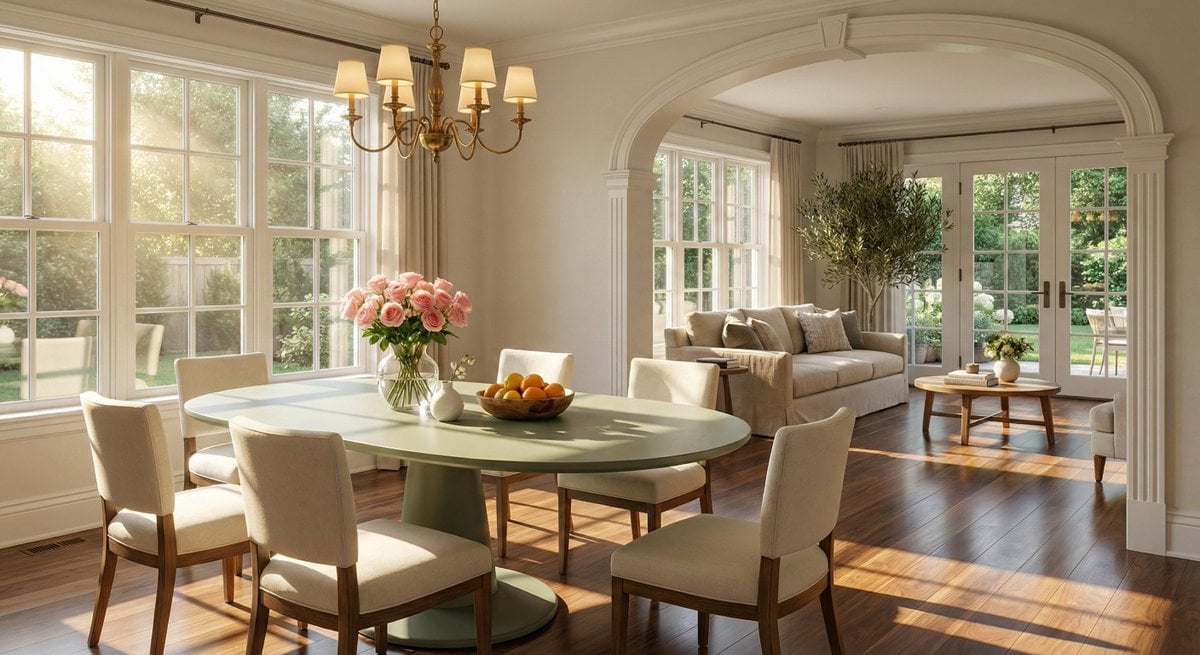
Sophisticated Interior Design Photograph Prompt (Dining/Living Space)

Character Image Transformation Prompt
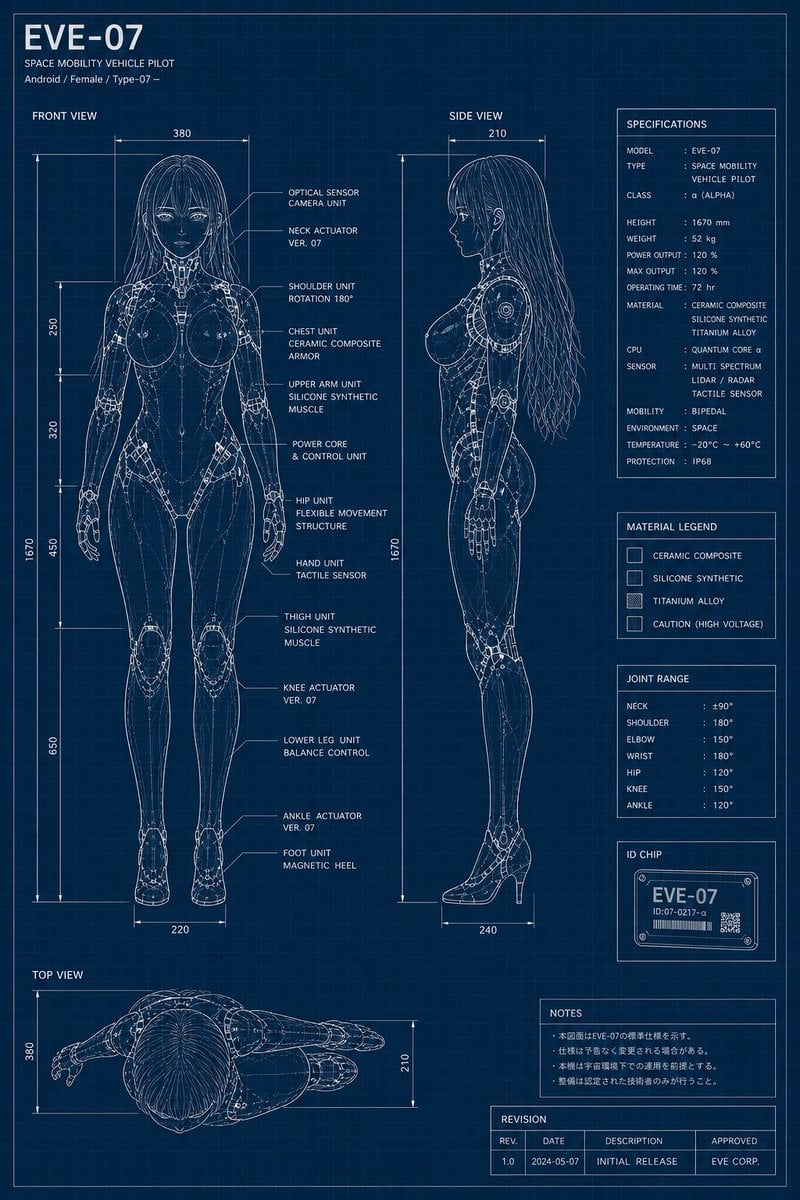
EVE-07 Android Blueprint Sheet
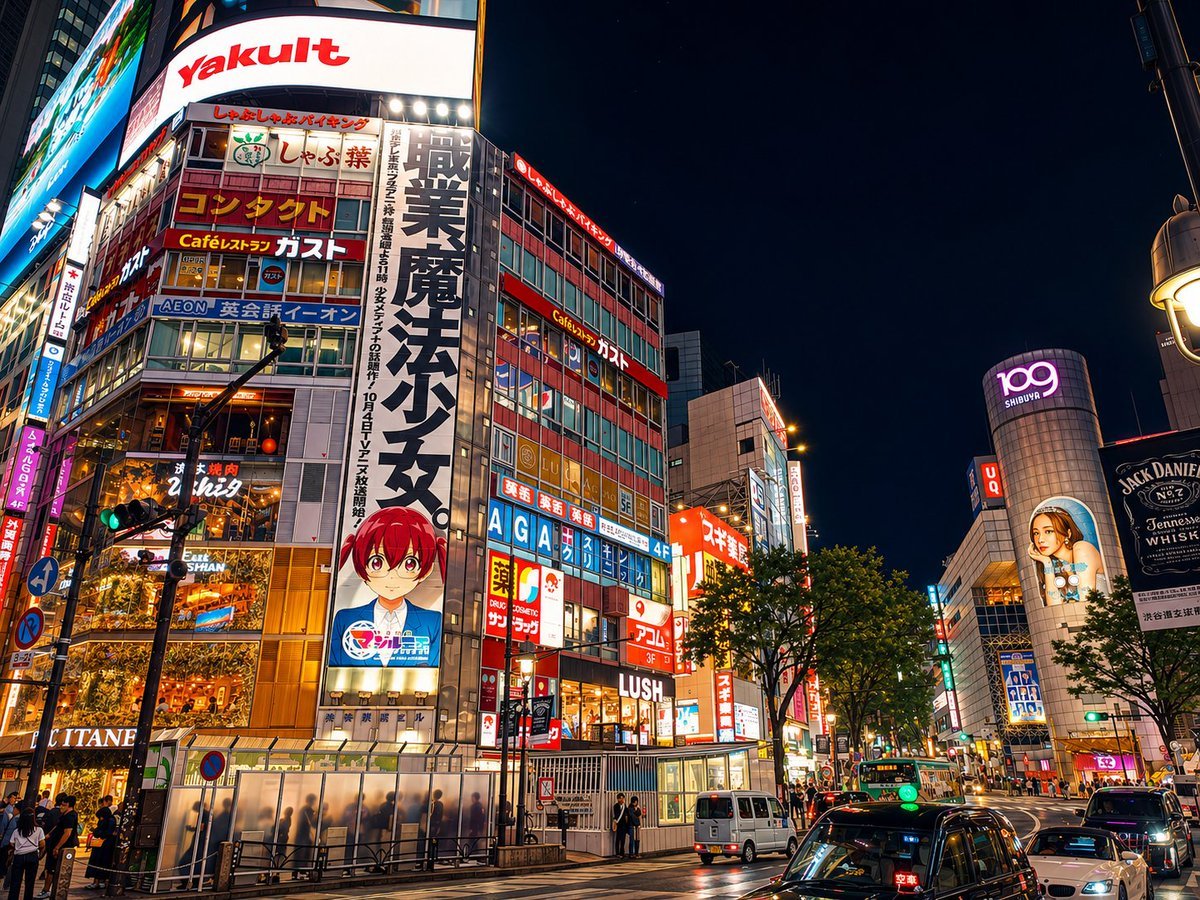
Google Maps to Illustration Transformation
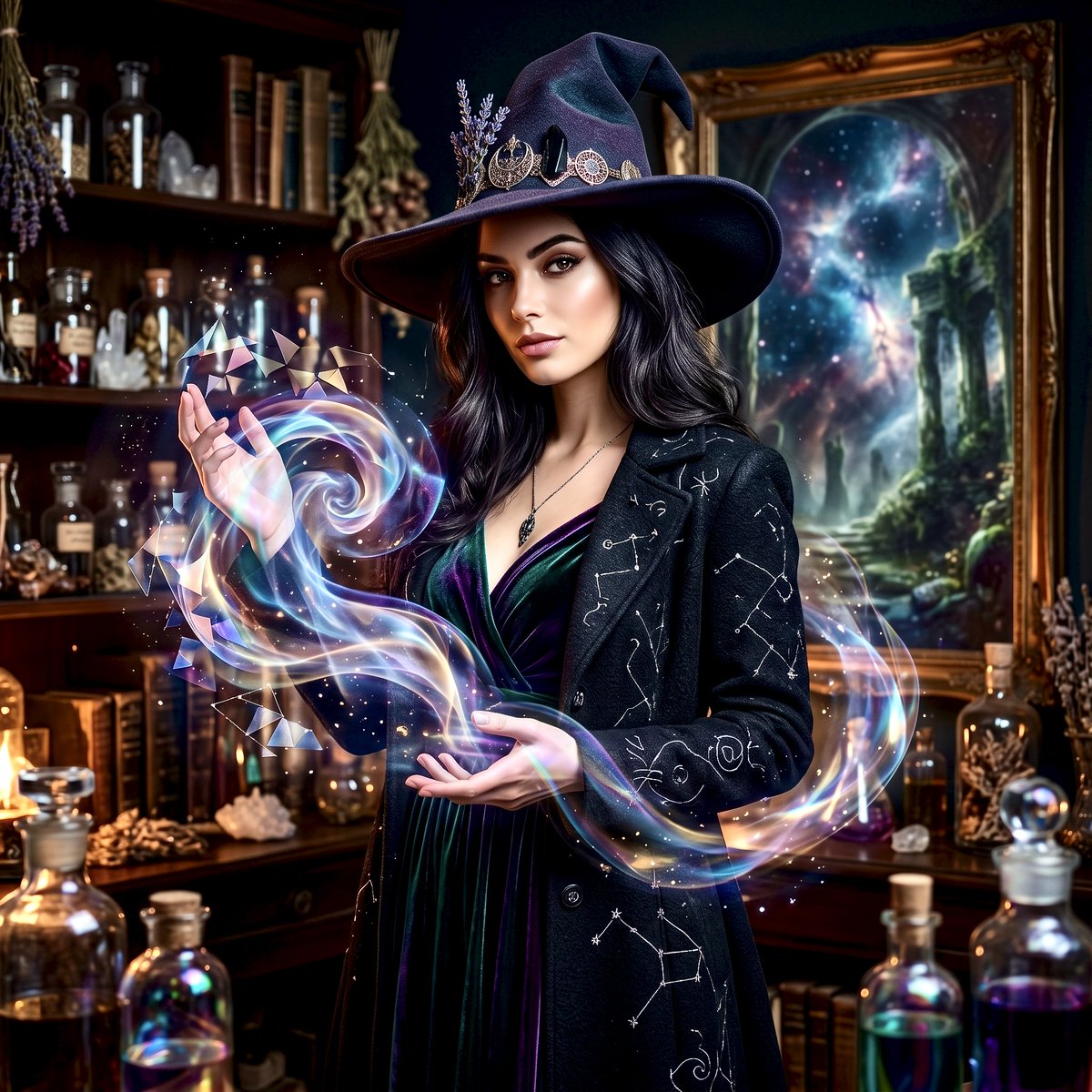
Mystical Witch Apothecary Portrait

Athlete on Giant Tennis Ball

Futuristic Sci-Fi Still Life Photography Template

Seaside Anime Sketch Aesthetic

Pastel Kitten Café iPhone Lock Screen

Miniature Isometric Figurine Prompt for nano banana pro
Browse template categories
Cinematic Alpine Sunset Hiker questions
How do I use the Cinematic Alpine Sunset Hiker template?
Add your photo if the template asks for one, edit the prompt if you like — the template's model and format are already selected — and press Generate. Your version opens in PicX Studio.
Can I customize the Cinematic Alpine Sunset Hiker template?
Yes. You can change the subject, setting, lighting, mood, format, and available model controls before creating your image.
Is the Cinematic Alpine Sunset Hiker template free?
Opening and editing this template is free. Generating uses credits, shown on the Generate button when you are signed in.
Which AI model should I use?
Start with GPT Image 2, which is the model associated with this template. You can compare another compatible model for a different finish.
Looking for something else? Browse all templates.

Your photo, any look
Thousands of ready templates for every top image and video model, from one credit balance.