
Athlete on Giant Tennis Ball
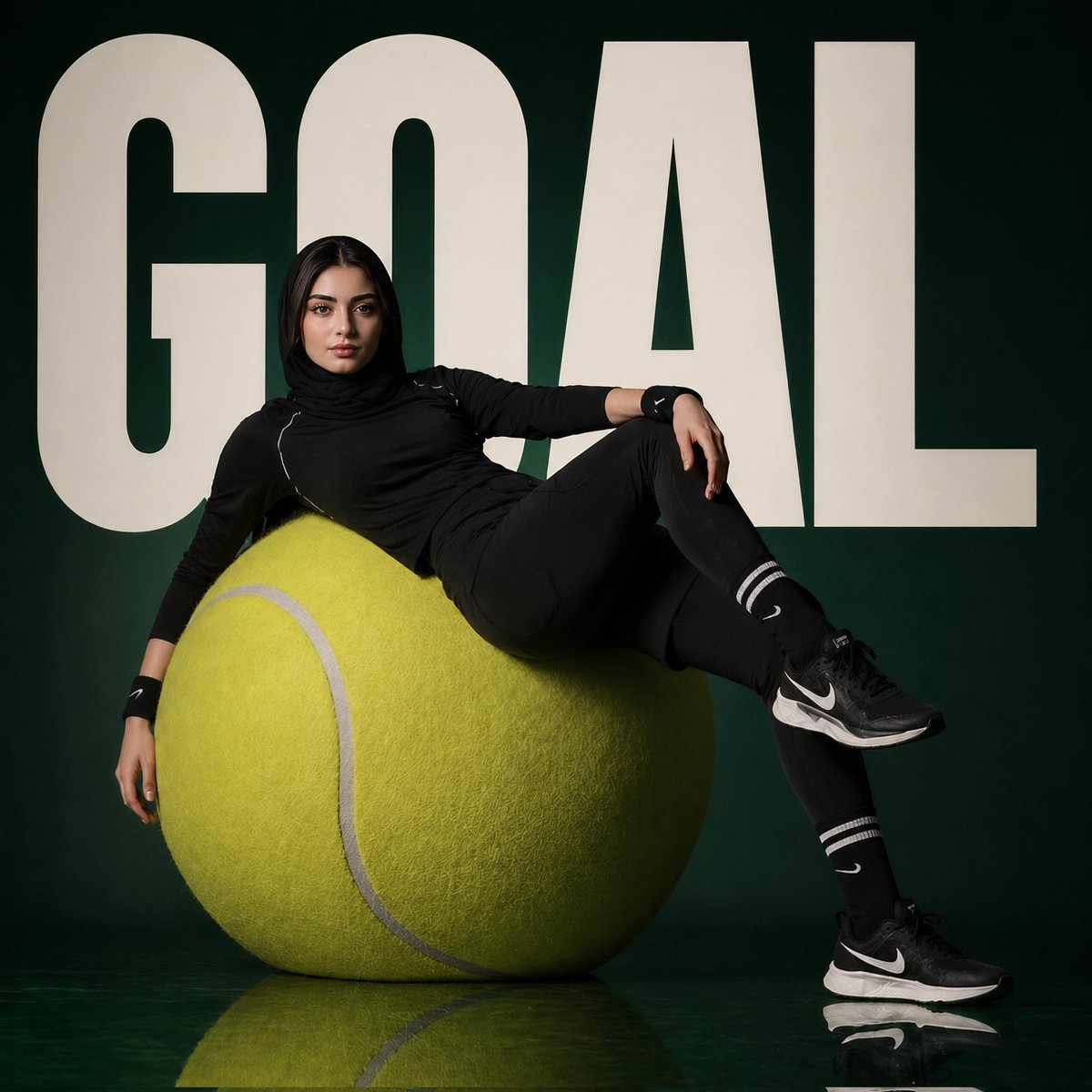
A realistic studio sports editorial scene featuring a hijab-wearing athlete lounging on an oversized tennis ball in front of bold goal lettering.
- Prompt included
- Model and format preset
- Free template
The prompt behind this image
Copy the exact prompt behind Athlete on Giant Tennis Ball, or open it in the studio and make it yours.
Create a square studio sports fashion editorial image with a dark forest-green background and glossy reflective green floor. A young adult female athlete wearing a black hijab and all-black training outfit lounges confidently on an oversized fuzzy yellow tennis ball placed in the lower center-left. Her face is intentionally anonymized with a soft rectangular blur. Outfit details: fitted black long-sleeve athletic top with subtle white piping, black leggings, black Nike-style wristbands, black crew socks with two white stripes and small white swoosh-like marks, and black running shoes with white swoosh-like logos and white midsoles. Pose: reclining diagonally across the giant tennis ball, left arm hanging down, right arm resting on a raised bent knee, one leg draped across the ball and the other foot planted on the reflective floor. Behind her, huge cream-colored bold block letters spell {argument name="background word" default="GOAL"}, filling almost the entire width and height of the backdrop, partially obscured by the athlete and ball. Use dramatic soft studio lighting, high contrast, realistic textures, crisp editorial photography, a premium athletic campaign look, and subtle floor reflections. Keep the composition centered and minimal with exactly 1 athlete, 1 giant tennis ball, and 1 oversized background word.
How to use Athlete on Giant Tennis Ball in 3 steps
- 1Upload ImagePNG, JPG or paste
Add your photo
Upload the photo the template builds on. The prompt, model and format are already set.
- 2…a portrait of your subject in softgolden-hour light, 85mm…
Personalize
Edit the subject and creative details for your destination.
- 3Generate
Generate
Press Generate — your image is created in PicX Studio, so you can compare it with the original and refine one variable at a time.
More like this
Templates with the same subject, style or setup. Open one to see its prompt.
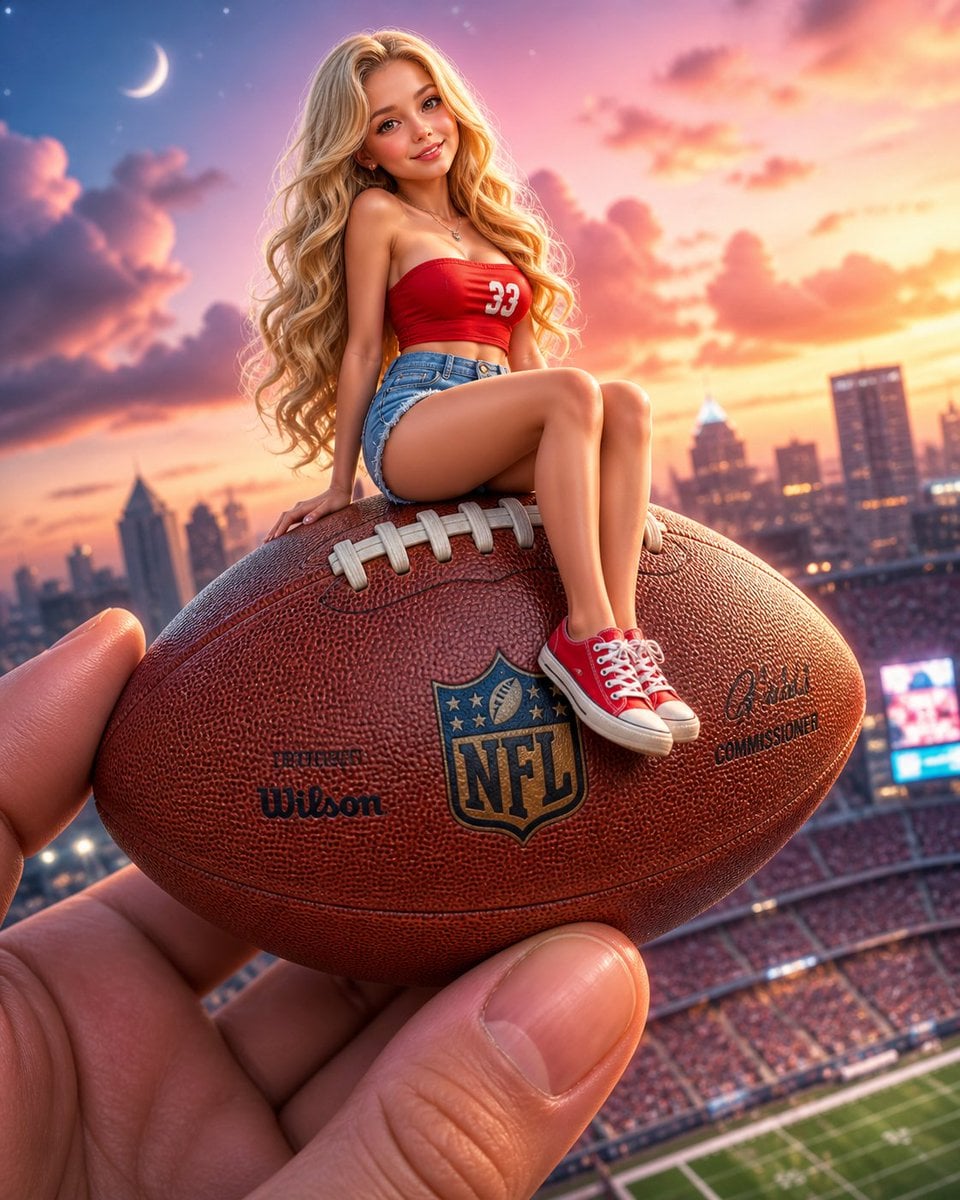
Miniature Girl on Giant Football
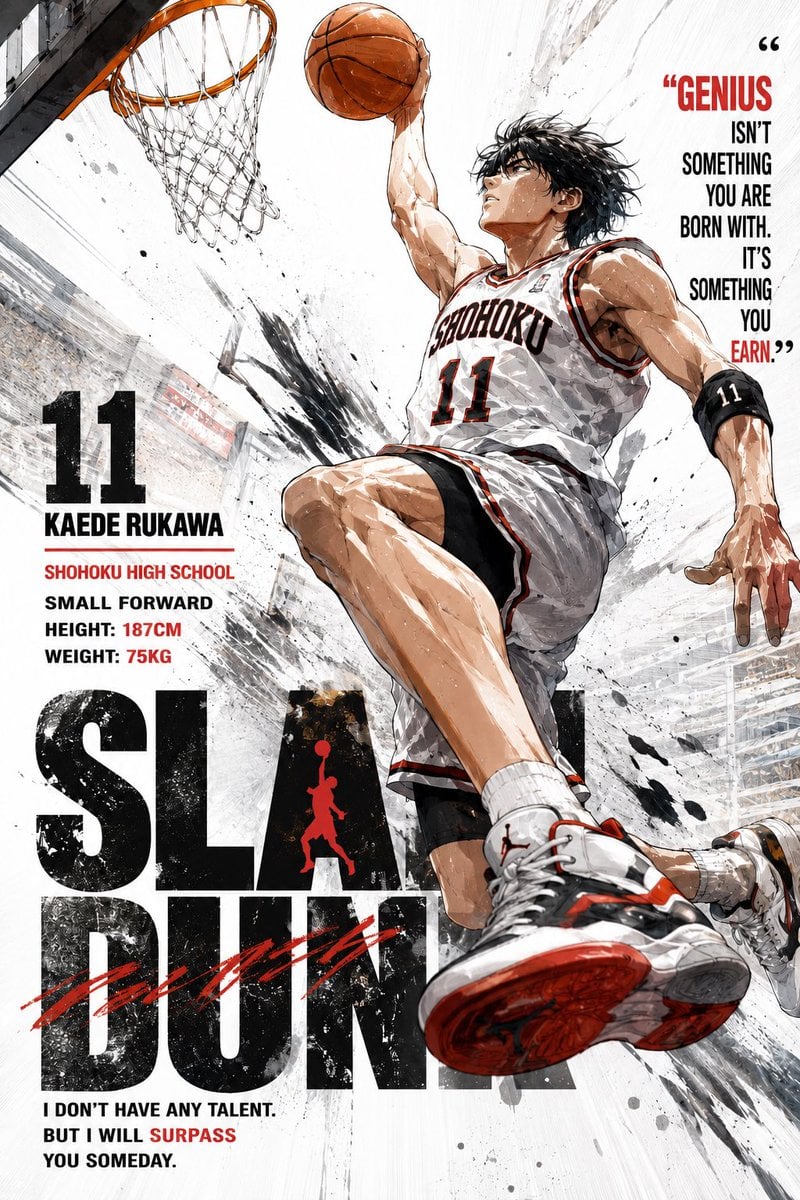
Anime Style Basketball Athlete Poster

Gpt2 Avant Garde Tennis Fashion

Gpt Image 2 Fashion Portrait

Giant Lotus Pond Portrait
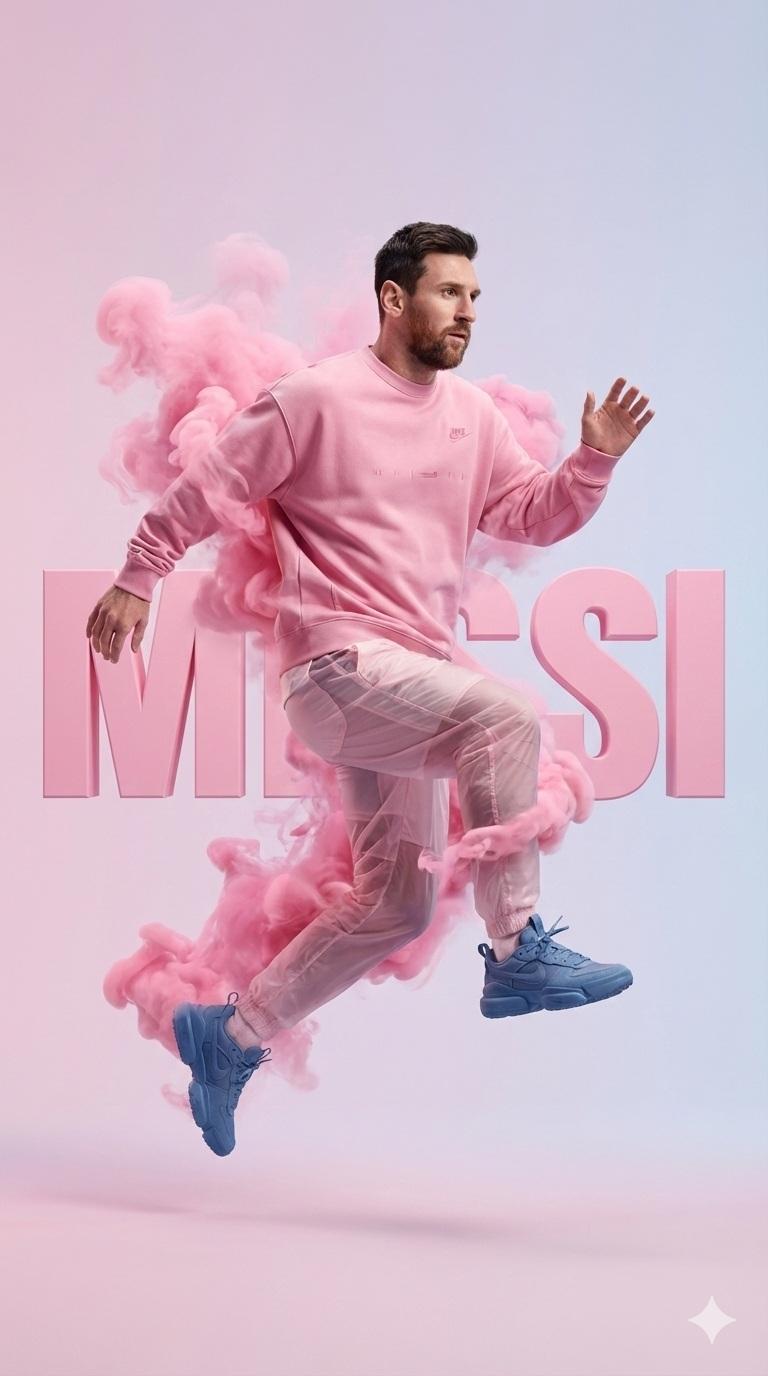
A hyper-realistic studio photograph of a male athlete mid-air as if

Futuristic Neon Wireframe Athlete Portrait
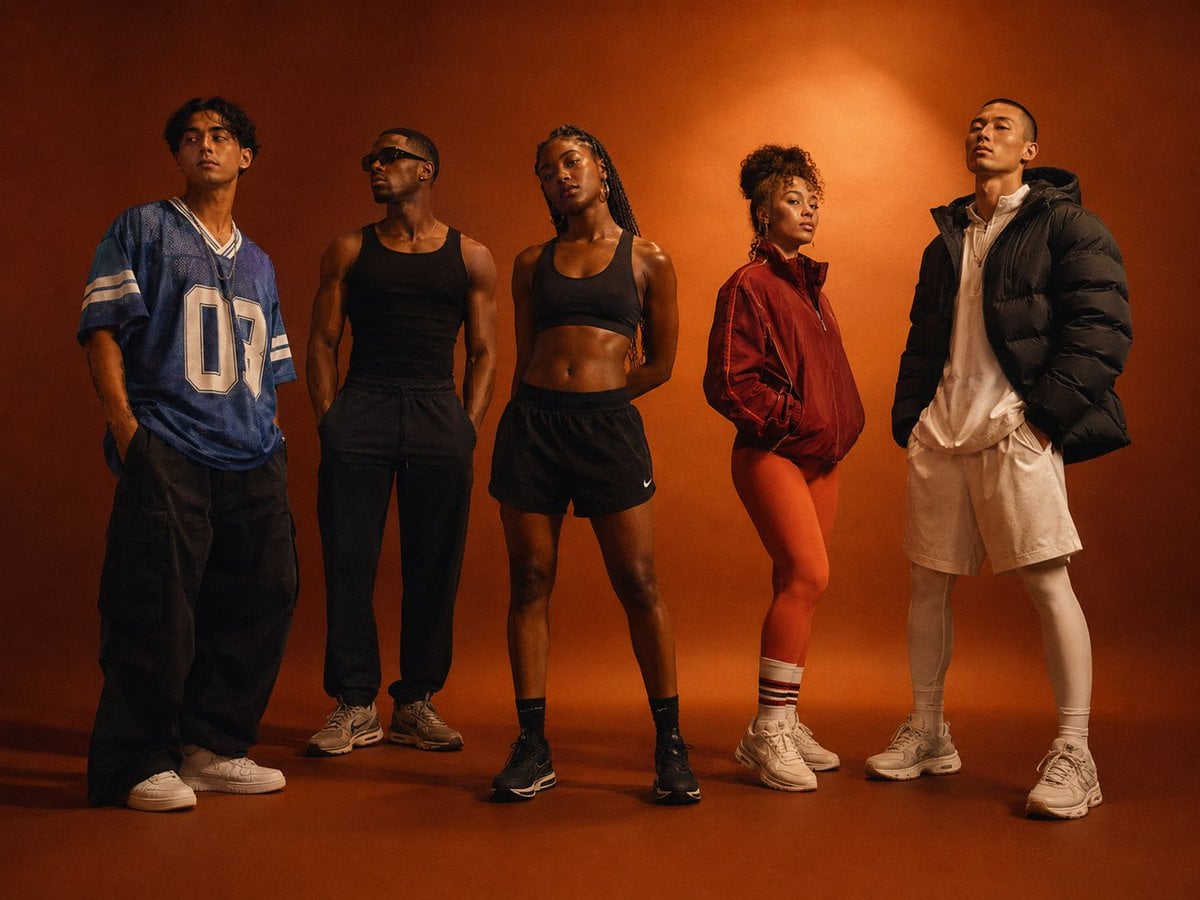
Diverse Athlete Fashion Portrait

Knight Facing Cathedral Giant

Giant Woman Forced Perspective Street Photo

Miniature Girl on Giant Smartphone Desk
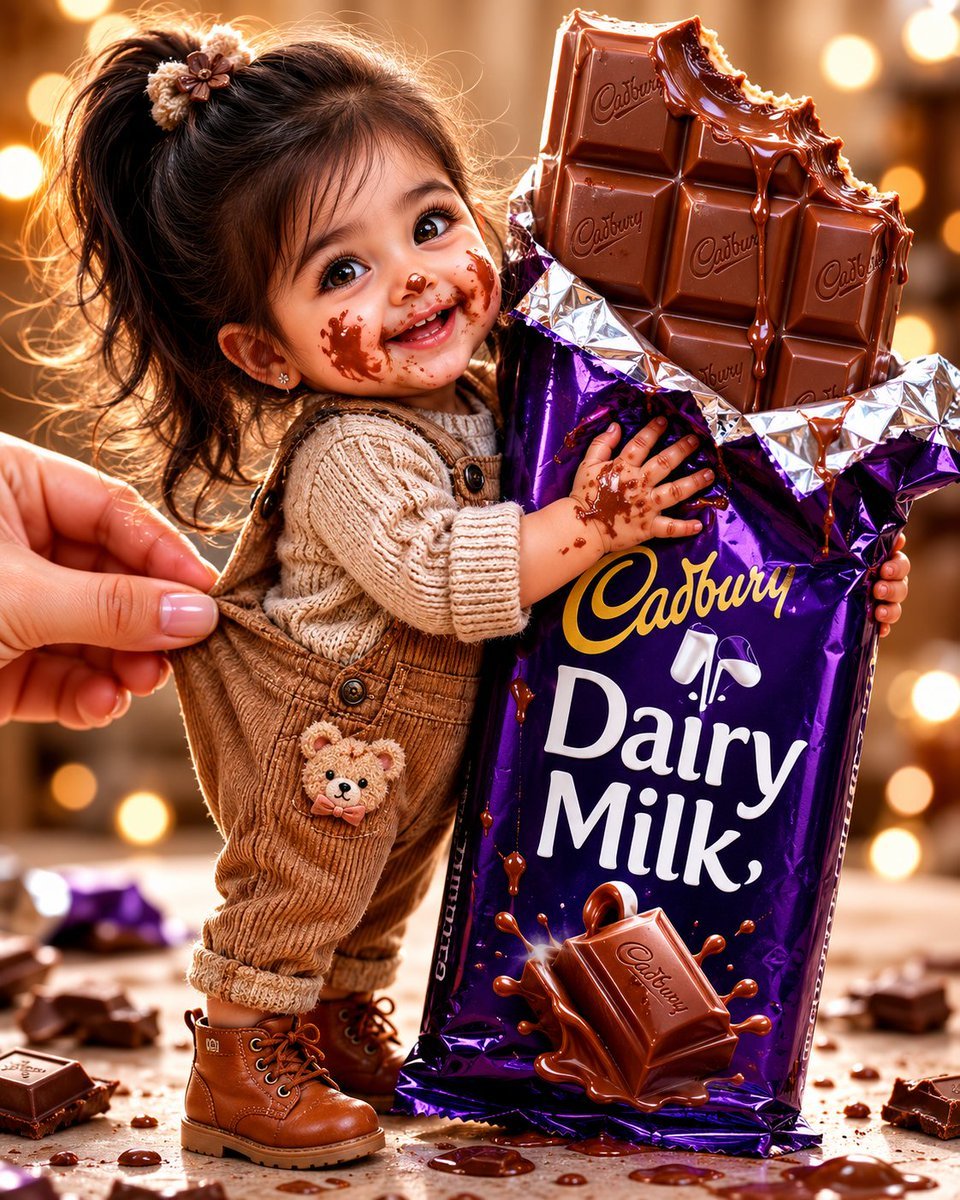
Tiny Toddler Hugging Giant Chocolate Bar
Make it yours
Athlete on Giant Tennis Ball works as-is. These are the safest ways to change it without losing the look.
Change one field
Copy a single group, rewrite it, and generate again so you can see what that field is doing.
Keep the frame, change the subject
Hold the composition and light of Athlete on Giant Tennis Ball, then swap wardrobe, props or the person for a new take.
| If the result… | Why | Fix |
|---|---|---|
| The result drifts from the preview | Too many fields changed at once. | Reuse Athlete on Giant Tennis Ball as-is first, then change one group — subject, light, or setting. |
| The model over-stylizes the scene | The prose prompt leaves finish and camera underspecified. | Add one camera or lighting sentence and stay on GPT Image 2. |
More GPT Image 2 templates
Other prompts made for GPT Image 2.

Six VTuber Japanese Logo Sheet

Realistic Portrait of Woman and Deer

The Vista Modular Condo Poster

AI Model Routing Comparison Infographic

2.5D Anime Art Board

Isometric Productivity Desk Scene

New York Double Exposure Poster

Four-Panel AI Landscape Comparison

Japanese Tatami Lifestyle Magazine Cover

NESCAFÉ Coffee Map Poster
More image prompts
Fresh picks from across the catalog.
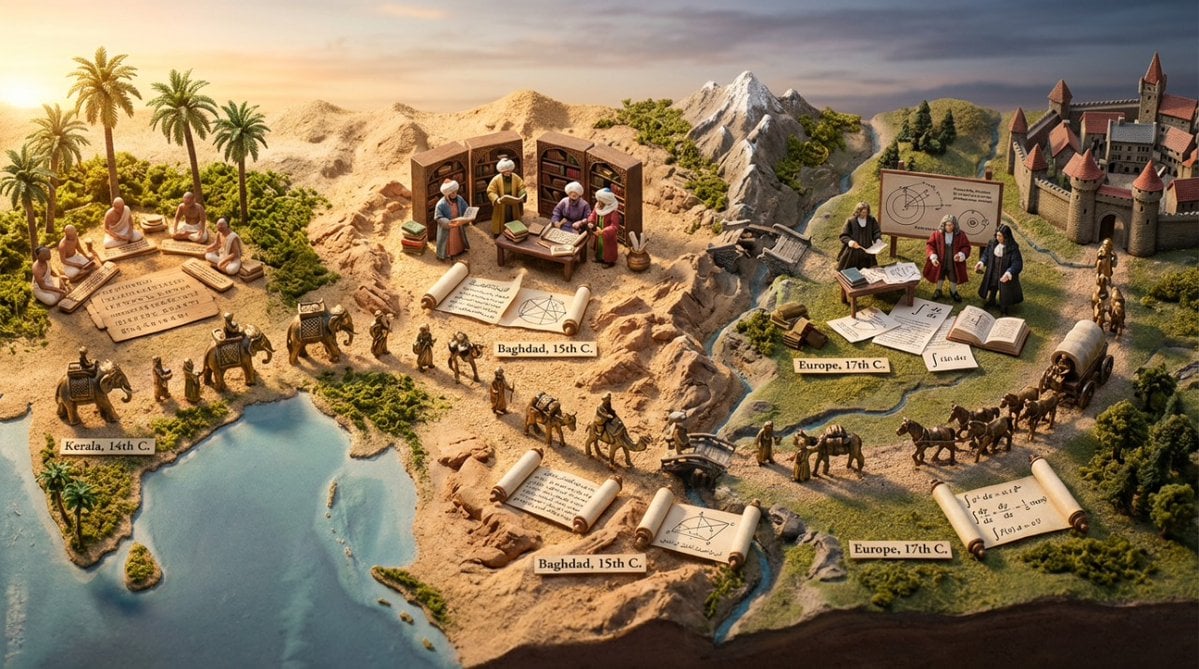
Miniature Diorama Prompt for Visualizing the Historical Journey of Calculus

wikiHow Article Mockup
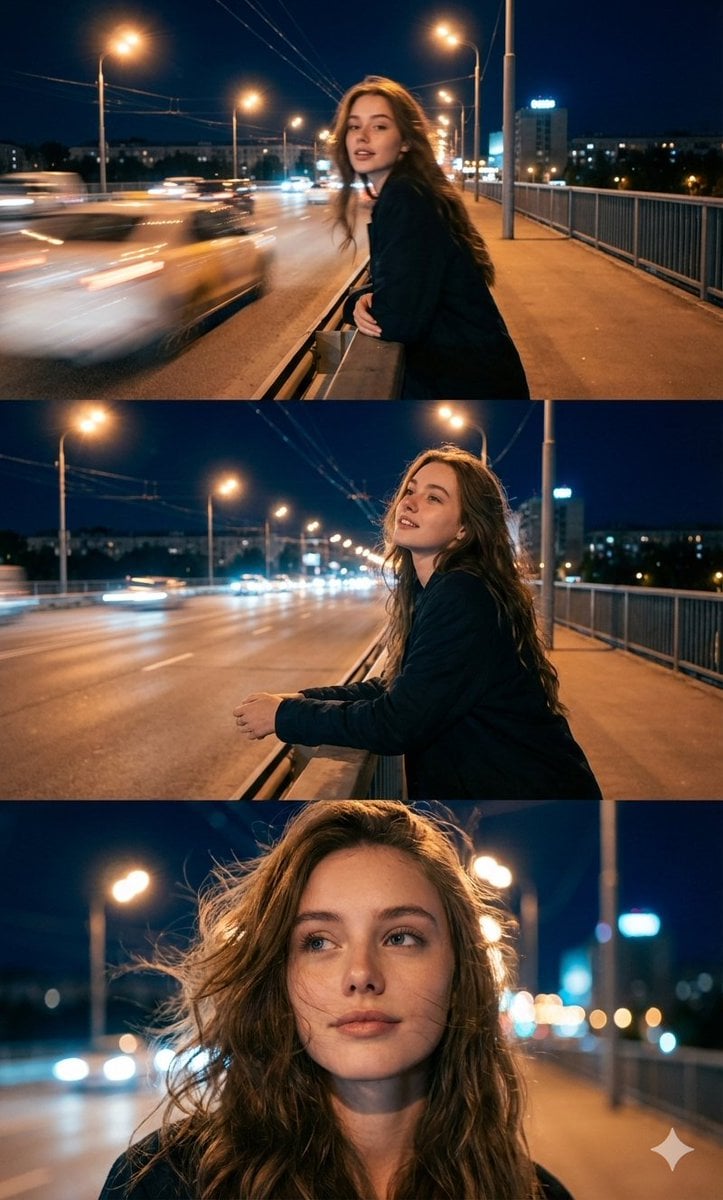
Cinematic Triptych Portrait in a Night City Setting
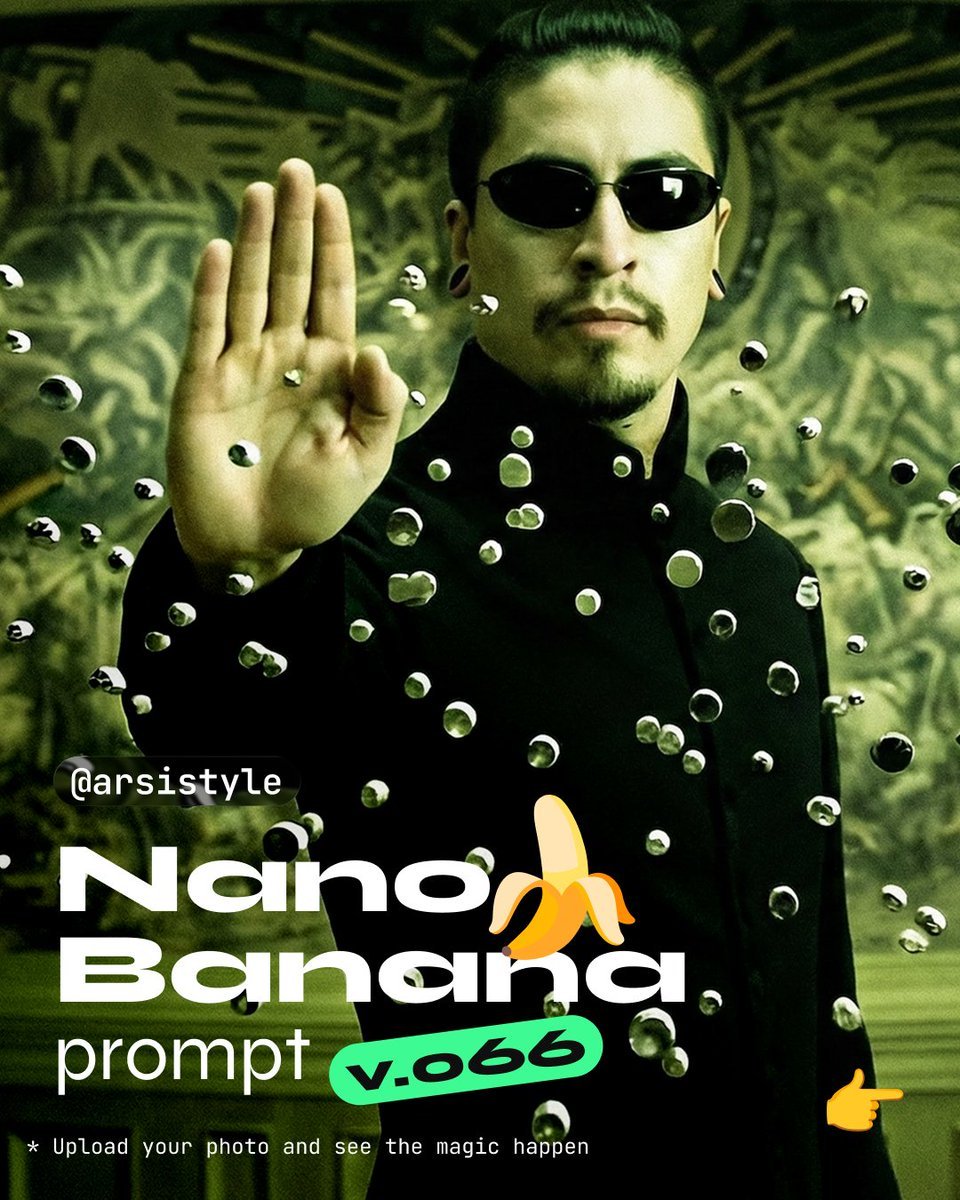
Cinematic Action Shot with Suspended Projectiles
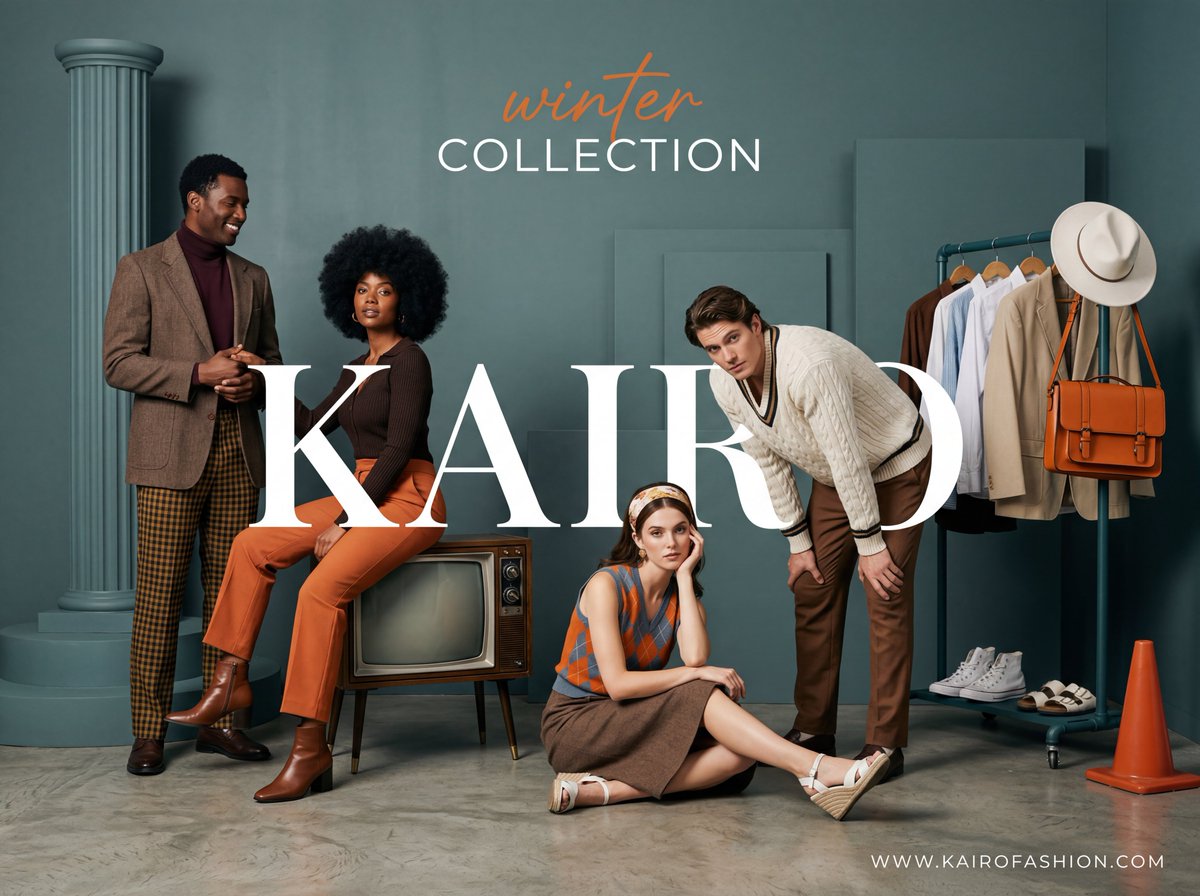
Retro-Modern Fashion Editorial Advertisement
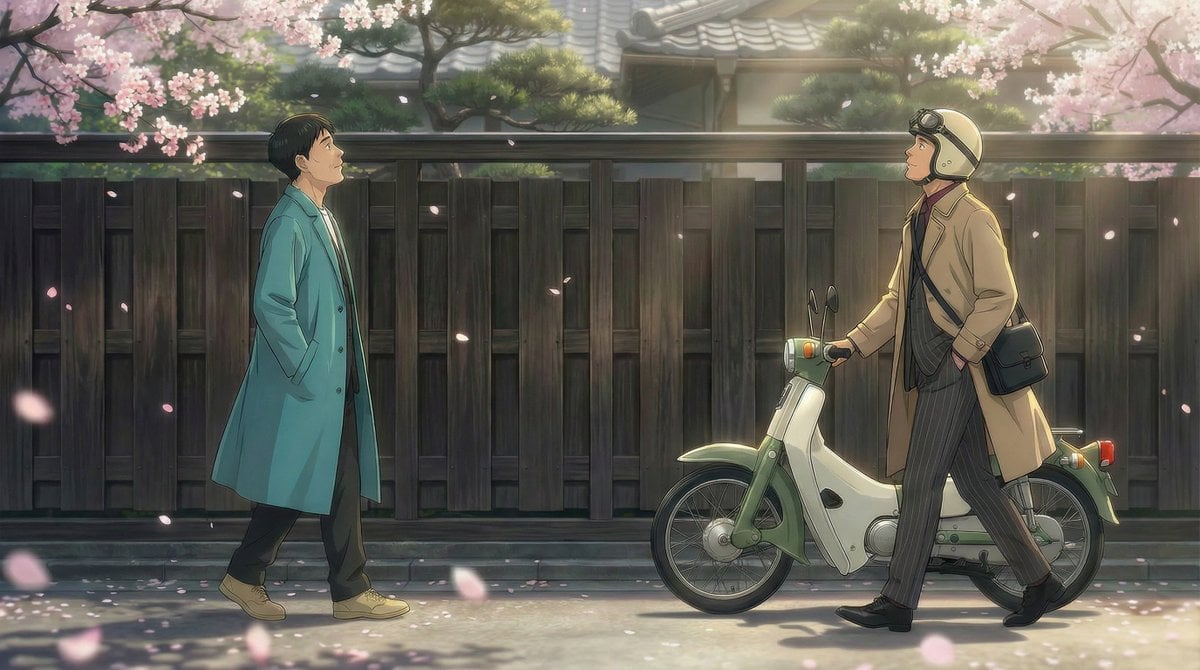
Nano Banana Pro Prompt for 'Scramble Spring' Fan Art
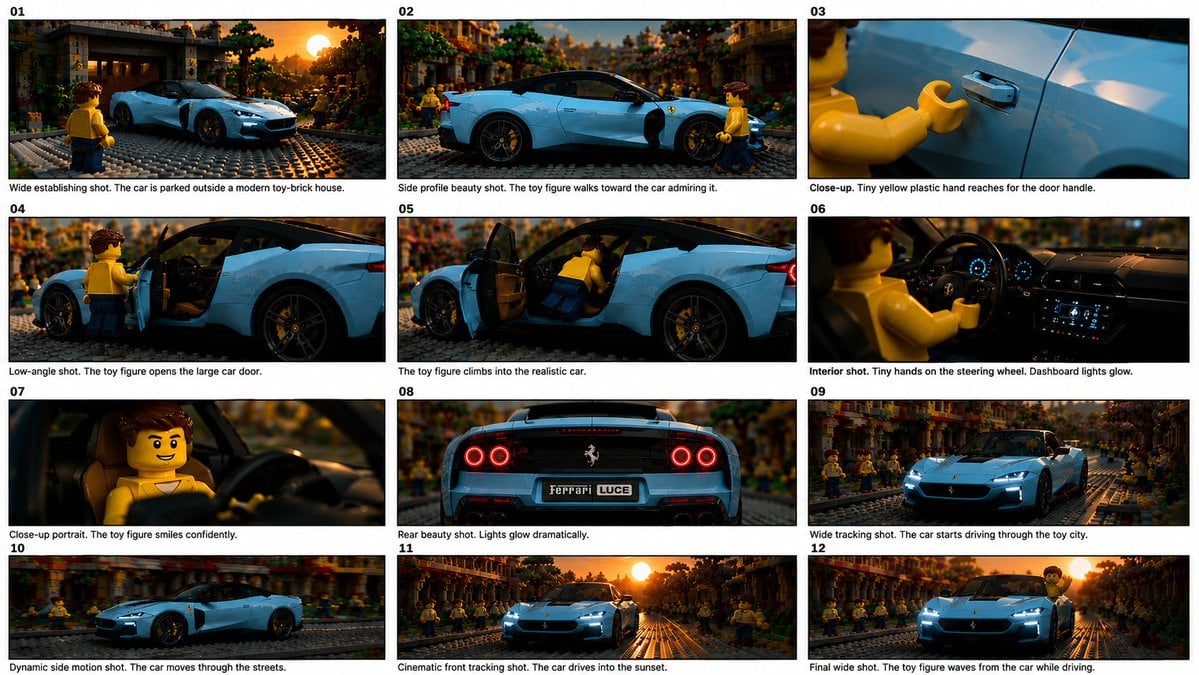
Toy Ferrari Storyboard Contact Sheet
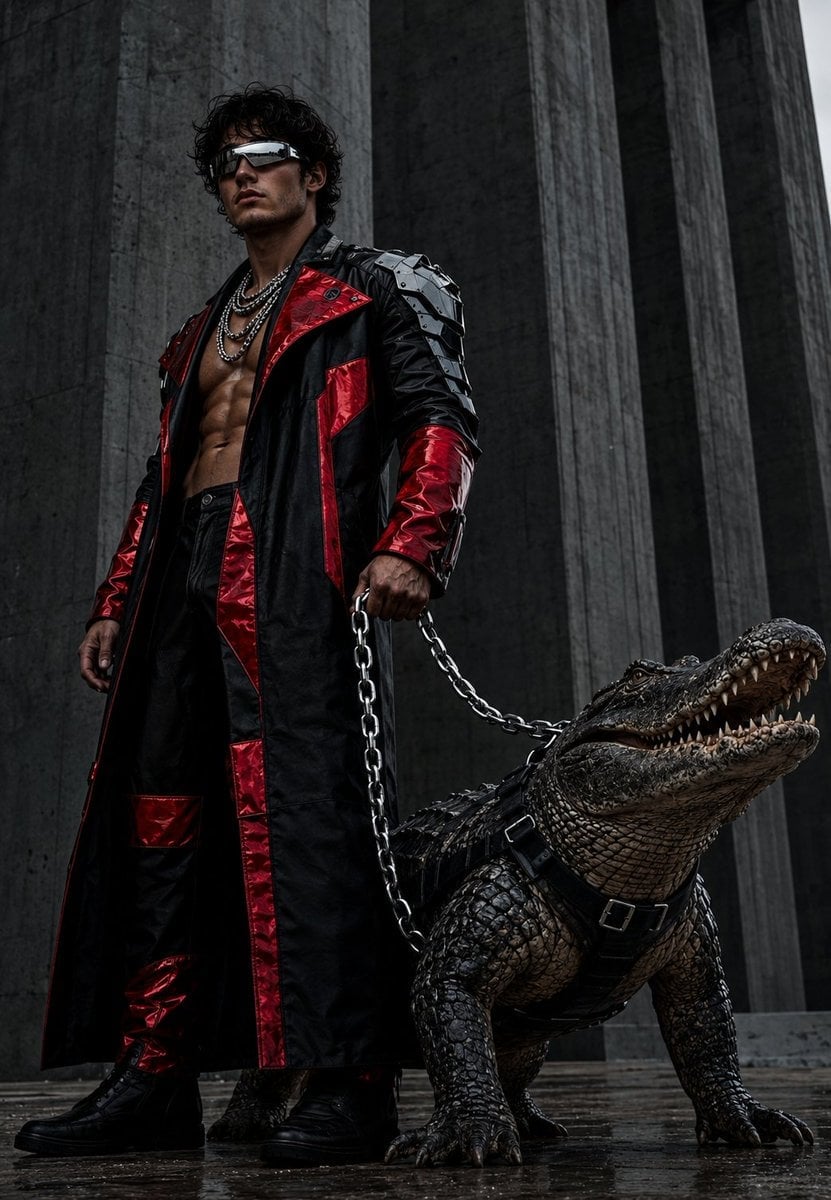
Brutalist Fashion with Alligator
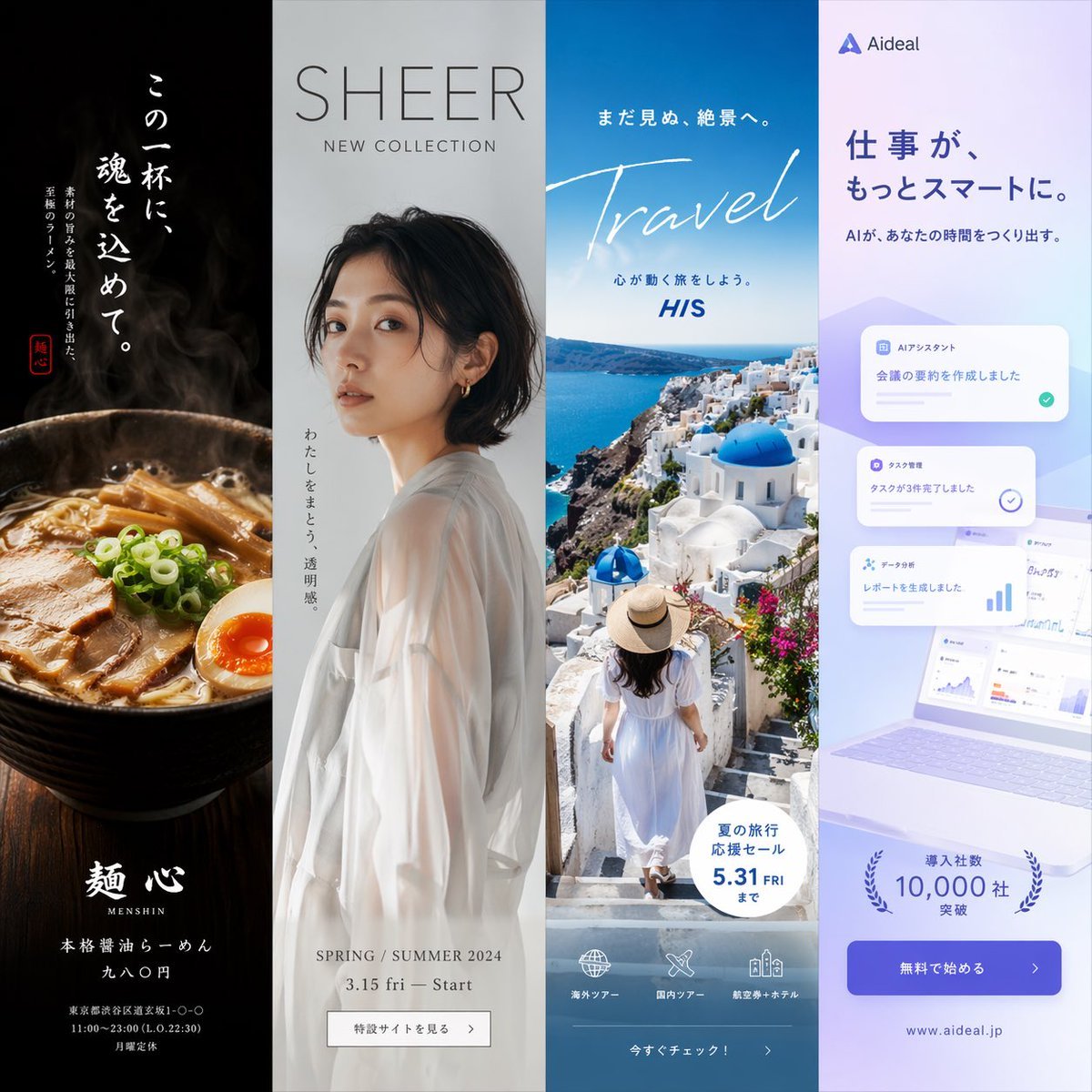
Four-Panel Vertical Advertisement Mockups
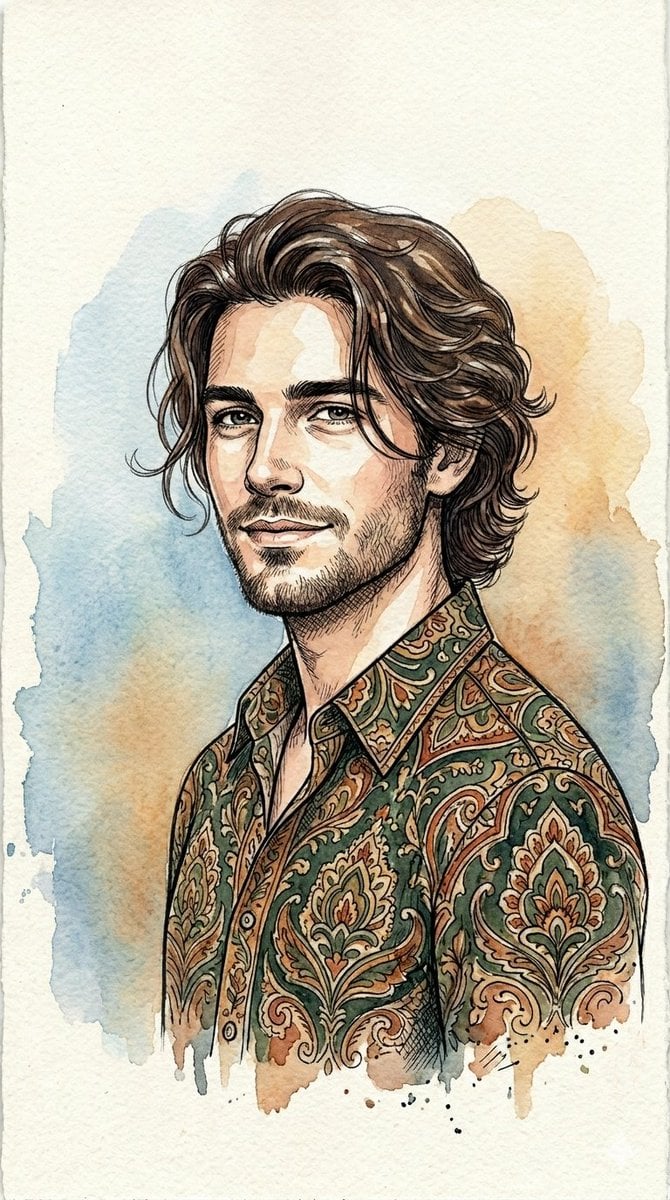
Watercolor and Ink Line Art Portrait
Browse template categories
Athlete on Giant Tennis Ball questions
How do I use the Athlete on Giant Tennis Ball template?
Add your photo if the template asks for one, edit the prompt if you like — the template's model and format are already selected — and press Generate. Your version opens in PicX Studio.
Can I customize the Athlete on Giant Tennis Ball template?
Yes. You can change the subject, setting, lighting, mood, format, and available model controls before creating your image.
Is the Athlete on Giant Tennis Ball template free?
Opening and editing this template is free. Generating uses credits, shown on the Generate button when you are signed in.
Which AI model should I use?
Start with GPT Image 2, which is the model associated with this template. You can compare another compatible model for a different finish.
Looking for something else? Browse all templates.

Your photo, any look
Thousands of ready templates for every top image and video model, from one credit balance.