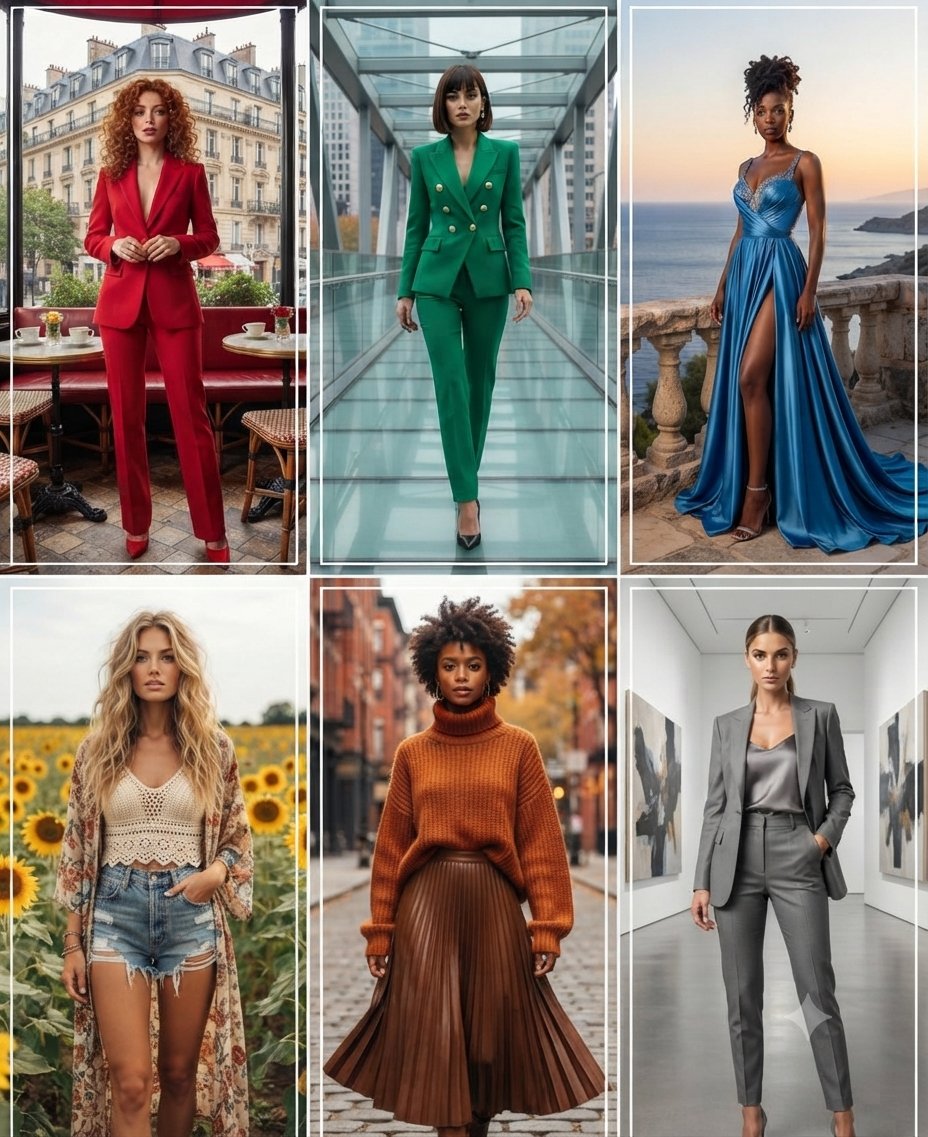
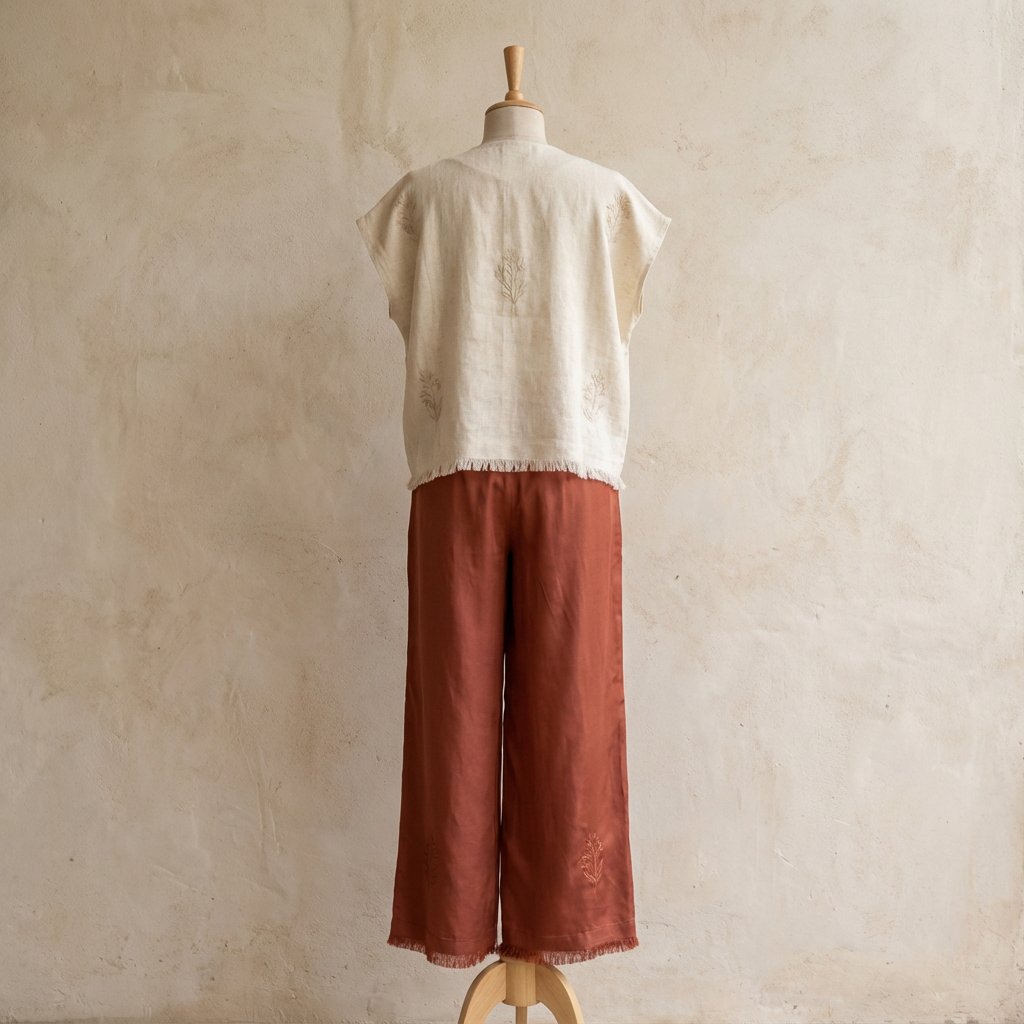
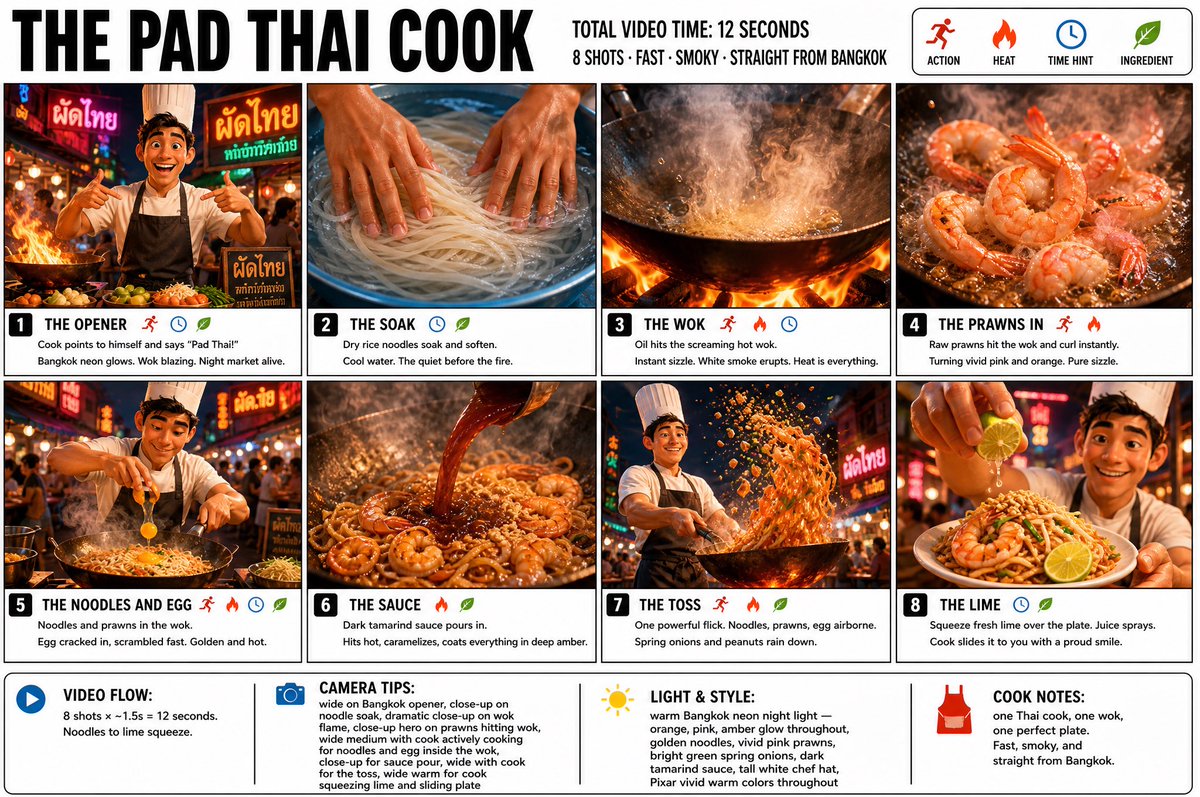
How do I use the Diverse Athlete Fashion Portrait template?
Choose the primary action to open PicX Studio with the available template settings. Review the model and format, personalize the creative direction, and generate when ready.
A highly detailed cinematic prompt for a group portrait of diverse athletes in a stylized studio setting, perfect for streetwear fashion campaigns.
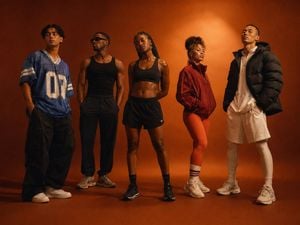
Premium cinematic group portrait of {argument name="athlete count" default="five"} diverse young adult athletes standing in a loose horizontal formation inside a warm {argument name="studio color" default="burnt orange"} photography studio. Each person has a distinct fashion forward athletic identity and confident individual pose: one wearing an oversized blue sports jersey and wide leg trousers, one in a black tank top with dark relaxed pants and sunglasses, one female athlete in cropped black sportswear with braided hair, one woman wearing a warm red training jacket with bright leggings and striped socks, and one person in an oversized dark puffer jacket with pale athletic layers. Full body composition, subjects spaced naturally with subtle variations in stance and direction, modern multicultural fitness community, editorial streetwear meets performance fashion, dramatic warm spotlighting, deep floor shadows, soft {argument name="background color" default="red orange"} gradient background, cinematic fashion campaign photography, authentic skin texture, understated expressions, medium format camera aesthetic, rich film grain, no text, no logos, no watermark.
Choose the primary action to open PicX Studio with the available template settings. Review the model and format, personalize the creative direction, and generate when ready.
Yes. You can change the subject, setting, lighting, mood, format, and available model controls before creating your image.
This template is free to open and customize. Generation usage is shown in PicX Studio before you create.
Start with GPT Image 2, which is the model associated with this template. You can compare another compatible model for a different finish.
Follow a topic to a crawlable collection of related PicX Studio templates.