
Moody Paris Street Editorial Portrait
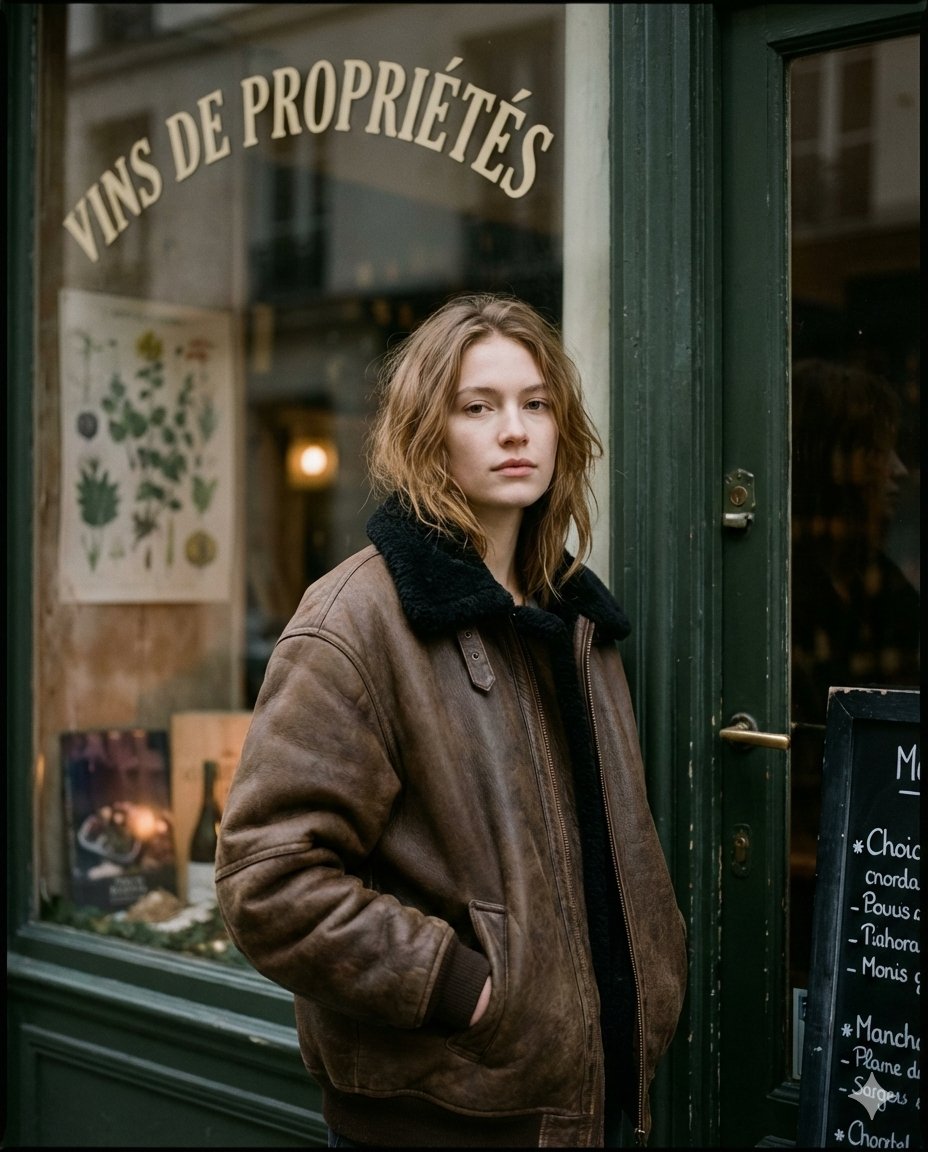
A highly detailed prompt for generating an ultra-realistic, moody street editorial portrait set in Paris at dusk.
- Prompt included
- Model and format preset
- Free template
The prompt behind this image
Copy the exact prompt behind Moody Paris Street Editorial Portrait, or open it in the studio and make it yours.
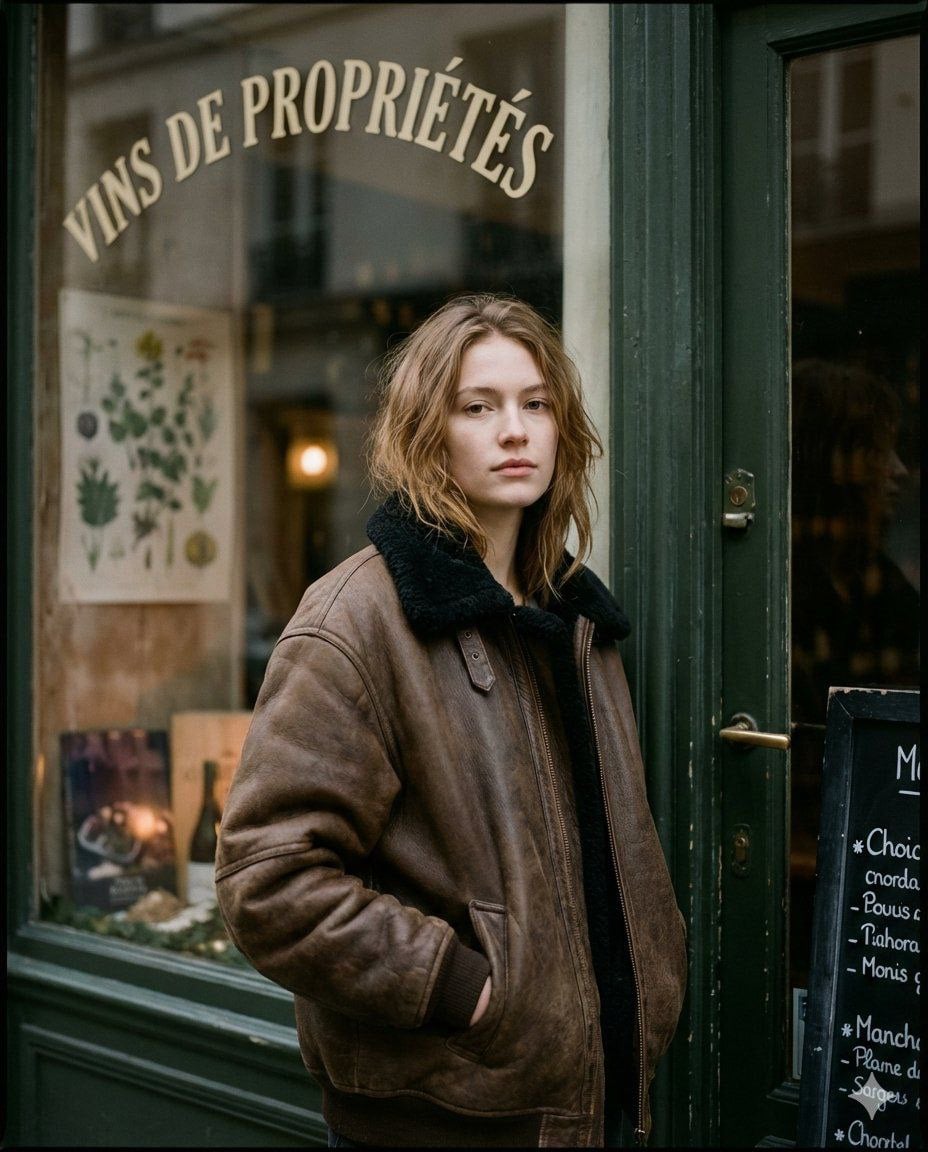
Ultra-realistic moody Paris street editorial portrait, shot outside a vintage shopfront at dusk/overcast twilight, film-scanned look. A young woman (early–mid 20s), fair skin, slim build, shoulder-length light brown/dark blonde hair with a soft center/loose part, slightly tousled ends. Expression: calm, distant, slightly tired gaze; lips relaxed, almost pouting; eyes looking straight at camera with subtle softness. Pose: standing close to the shop entrance, shoulders slightly forward, body angled 3/4; one hand tucked into the coat pocket (hand visible at pocket opening), the other arm relaxed inside the oversized coat. She is framed from mid-thigh to a little above head, vertical portrait. Wardrobe: oversized {argument name="coat material" default="brown leather/bomber-style coat"} with a worn matte sheen, slightly wrinkled texture; very large fit with dropped shoulders. Collar: thick black shearling/faux-fur collar folded up around the neck. No visible logos, no jewelry emphasis. Location / Background details: •She stands at the edge of a dark green/black painted wooden doorframe with aged patina; the frame runs vertically on the right side of the image. •Behind her is a large shop window with reflective glass showing faint street reflections (trees/sky shapes), but interior objects remain visible. •At the very top of the window, large curved cream lettering reads: “{argument name="window text" default="VINS DE PROPRIÉTÉS"}” (French text, arched across the glass). •Inside the shop window, a botanical poster is visible on the left side (green leaves illustration), slightly blurred due to depth/reflection. •Lower left inside the window: a display area with dark surfaces and small objects (bottles/produce-like shapes), dimly lit. •On the far right edge, partially inside the frame, a black menu/chalkboard with small white writing is visible (text not fully readable), aligned vertically near the doorframe. Lighting: natural ambient street light, soft and diffused; gentle highlights on cheekbones and nose; shadows are deep but not crushed. No direct flash. The shop interior glows faintly warm compared to the cooler exterior. Color / Tone / Aesthetic: muted brown, olive-green, charcoal palette; cinematic, slightly desaturated; subtle warm sundayfunday undertone in skin and shop interior; overall dark, cozy, rainy-winter vibe (even if no rain visible). Film grain present, slight halation on highlights, mild vignette, soft contrast roll-off. Background softly blurred but readable; subject sharpest point is face and coat collar. Cooks. Composition / Camera: vertical portrait (approx 4:5 feel), subject centered slightly left; window text occupies upper third; doorframe and menu board anchor the right third; medium shot at eye level, ~50mm perspective, shallow-to-moderate depth of field, realistic lens softness toward edges. Surface / python Texture cues: aged paint on doorframe, smudged window reflections, leather coat creases, fur collar fibers visible, fine pores and natural skin texture
How to use Moody Paris Street Editorial Portrait in 3 steps
- 1
Open
The prompt is already in the box next to the preview, with the template's model and format selected.
- 2…a portrait of your subject in softgolden-hour light, 85mm…
Personalize
Edit the subject and creative details for your destination.
- 3Generate
Generate
Press Generate — your image is created in PicX Studio, so you can compare it with the original and refine one variable at a time.
More like this
Templates with the same subject, style or setup. Open one to see its prompt.
Moody Paris Street Editorial Portrait

Rainy Café Window Moody Portrait

untitled

Caution Tape Fashion — Industrial Editorial

Nano Banana - Street Paris T-Shirt
Nano Banana - Paris Street with Flowers

Nano Banana - Paris Cafe Editorial
Nano Banana - Opera Red Gown Couture
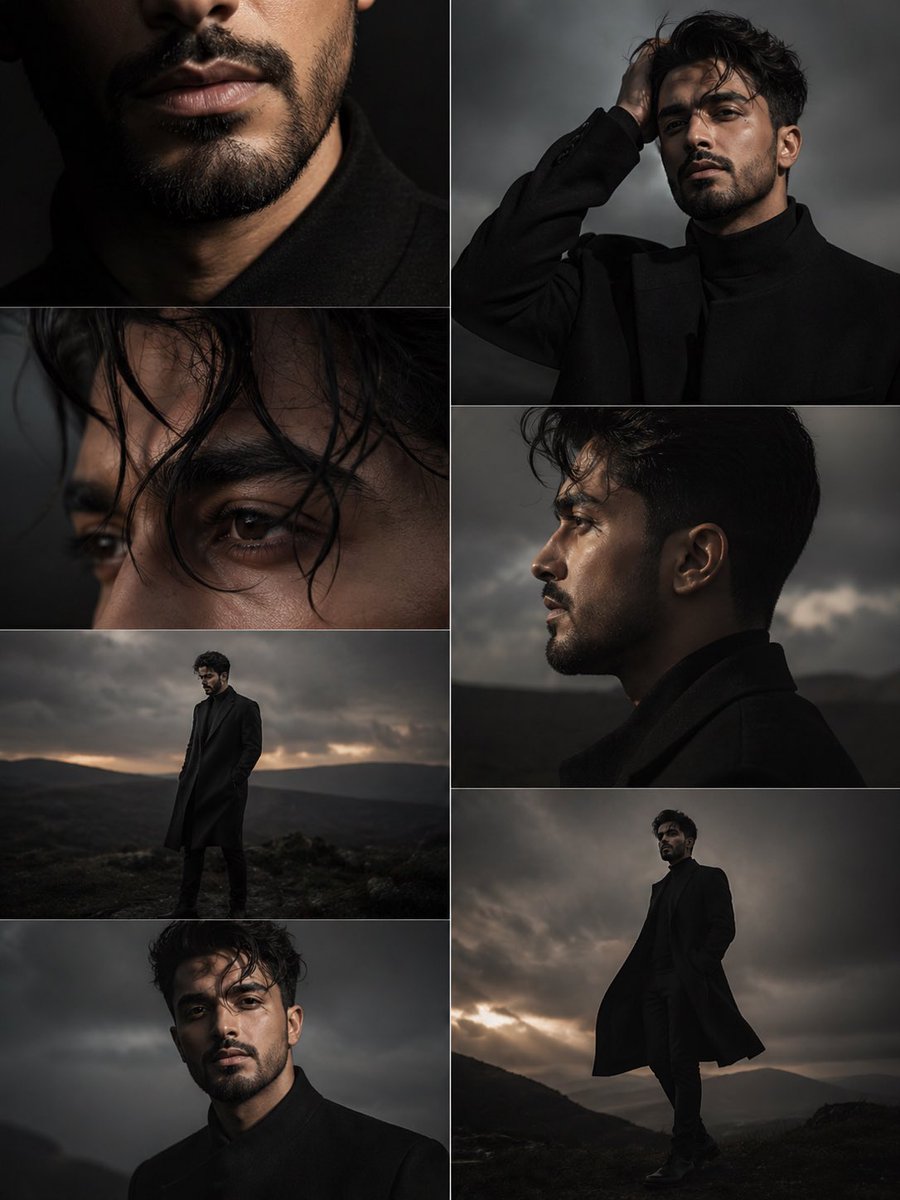
Dark Moody Editorial Portrait
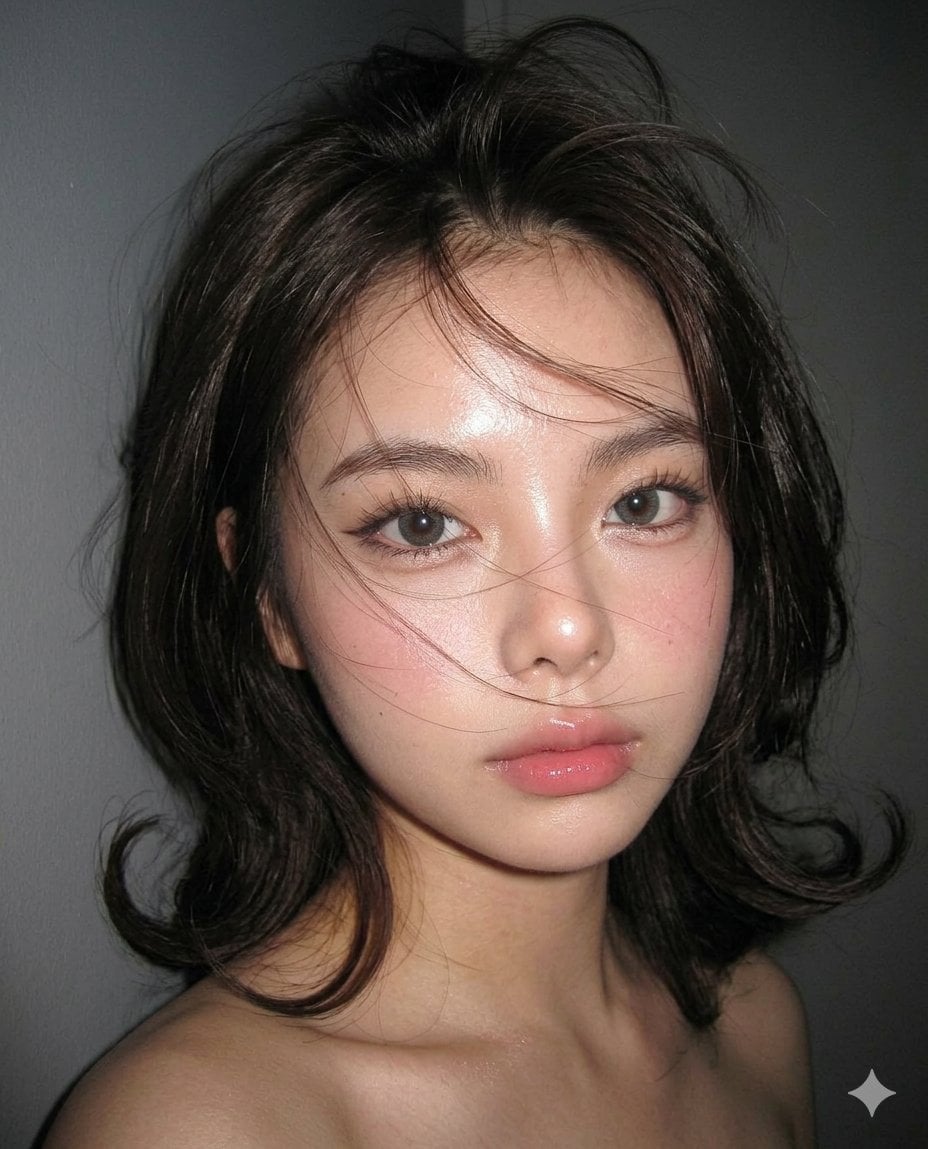
Moody Editorial CCD Digicam Portrait

Couture Fashion Editorial Woman and Drag

Nano Banana 2 Editorial Fashion Portrait
Make it yours
Moody Paris Street Editorial Portrait works as-is. These are the safest ways to change it without losing the look.
Change one field
Copy a single group, rewrite it, and generate again so you can see what that field is doing.
Keep the frame, change the subject
Hold the composition and light of Moody Paris Street Editorial Portrait, then swap wardrobe, props or the person for a new take.
| If the result… | Why | Fix |
|---|---|---|
| The result drifts from the preview | Too many fields changed at once. | Reuse Moody Paris Street Editorial Portrait as-is first, then change one group — subject, light, or setting. |
| The model over-stylizes the scene | The prose prompt leaves finish and camera underspecified. | Add one camera or lighting sentence and stay on Nano Banana 2. |
More Nano Banana 2 templates
Other prompts made for Nano Banana 2.

Photorealistic Leaf Shaped Like a Dragon

K-Pop Idol Portrait Grid for Rapid Selection

Poetic Rain Forest Portrait During Golden Hour

Urban Street Portrait with Cartoon Inner Self Duo

Candid Nighttime Photo with Cat Prompt

High-Concept 3D Diorama Generation Prompt

Cinematic Futuristic Studio Portrait Template

Skincare Editorial Photography Collage Prompt

Hyper-Realistic Commercial Product Photography (Splash Effect)

Hyper-Realistic Nightclub Portrait Prompt
More image prompts
Fresh picks from across the catalog.

Anime Ship Girl Saluting on Beach
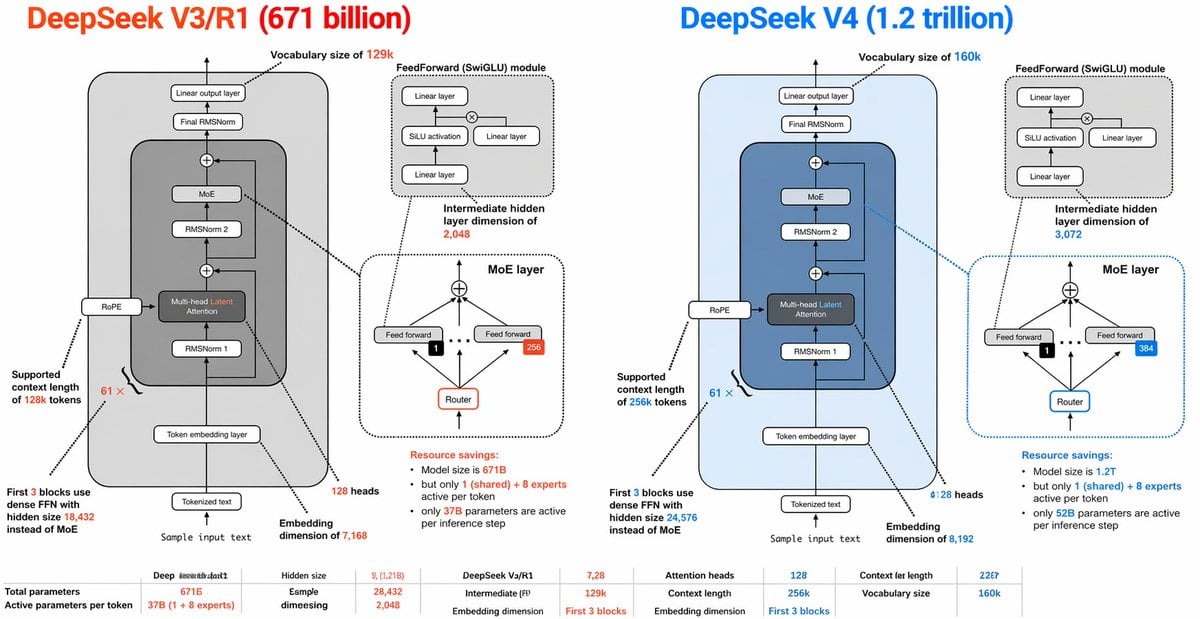
DeepSeek V3 vs V4 Architecture Infographic
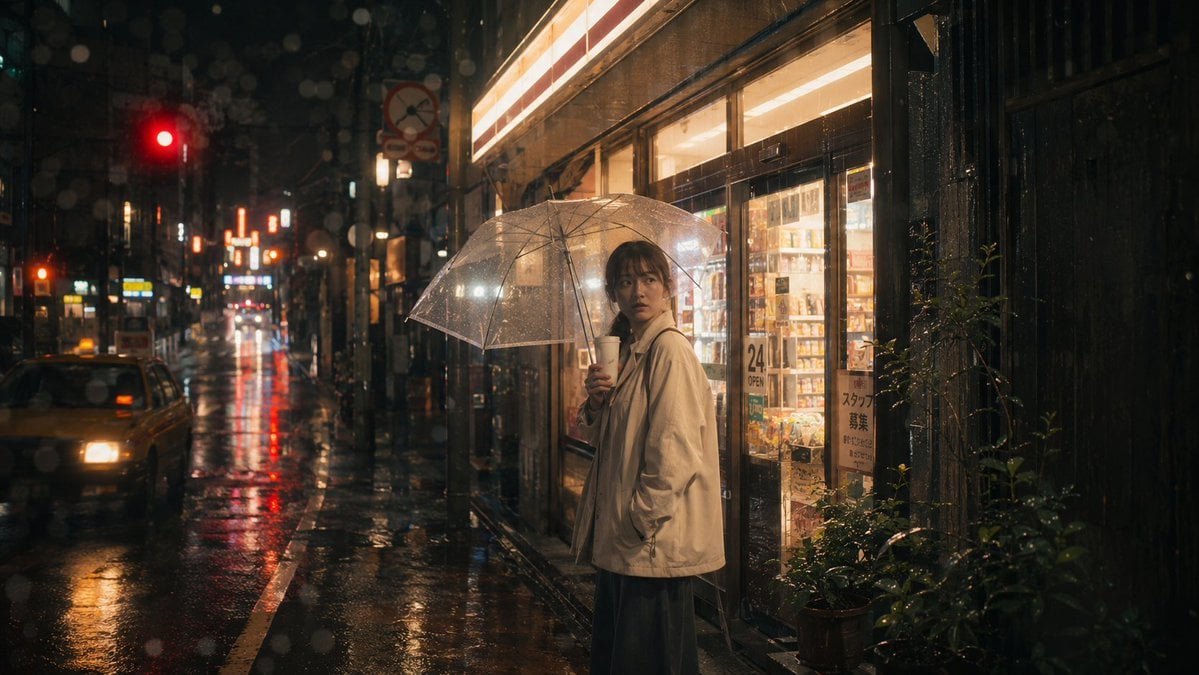
Rainy Tokyo Convenience Store Scene
Seasonal Transformation Grid
Celestial Magician Duo
AI Illustration Comparison Prompt
Cosmic Ink Splash Couple Silhouette
Cinematic Fire Portrait - Boy
Hyper-Realistic Salad Explosion Food Photography Prompt
Branded Fast Food Leather Bag
Browse template categories
Moody Paris Street Editorial Portrait questions
How do I use the Moody Paris Street Editorial Portrait template?
Add your photo if the template asks for one, edit the prompt if you like — the template's model and format are already selected — and press Generate. Your version opens in PicX Studio.
Can I customize the Moody Paris Street Editorial Portrait template?
Yes. You can change the subject, setting, lighting, mood, format, and available model controls before creating your image.
Is the Moody Paris Street Editorial Portrait template free?
Opening and editing this template is free. Generating uses credits, shown on the Generate button when you are signed in.
Which AI model should I use?
Start with Nano Banana 2, which is the model associated with this template. You can compare another compatible model for a different finish.
Looking for something else? Browse all templates.

Your photo, any look
Thousands of ready templates for every top image and video model, from one credit balance.