
DeepSeek V3 vs V4 Architecture Infographic
A dense side-by-side technical infographic comparing DeepSeek V3/R1 and DeepSeek V4 transformer architectures, suitable for social media posts, presentations, or model analysis visuals.
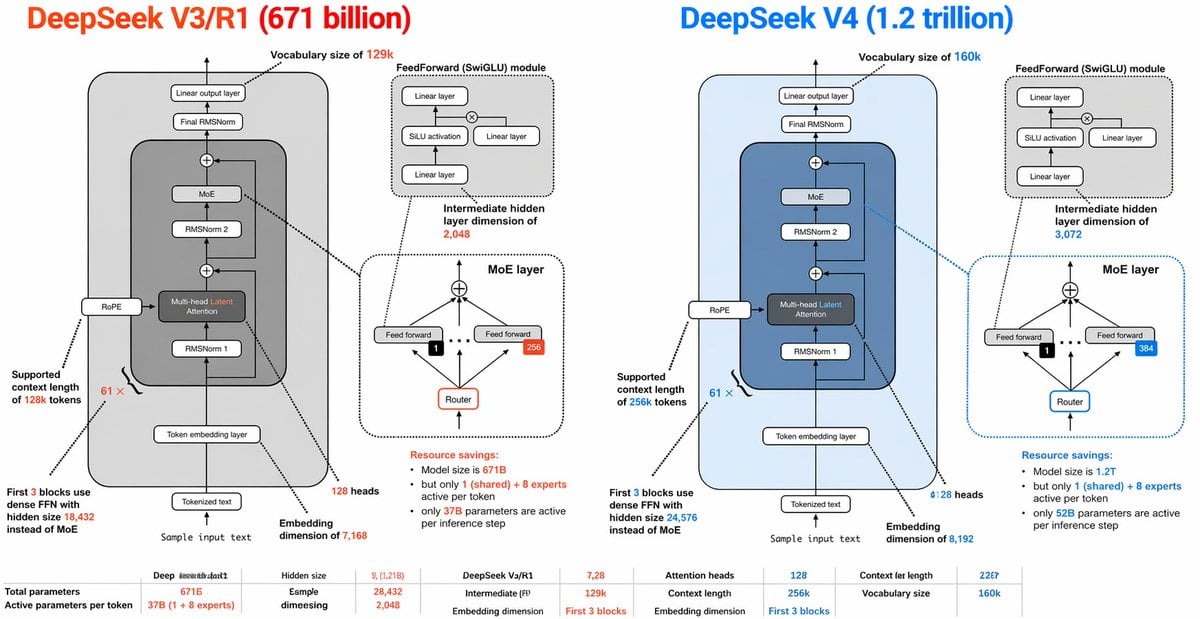
- Prompt included
- Model and format preset
- Free template
The prompt behind this image
Copy the exact prompt behind DeepSeek V3 vs V4 Architecture Infographic, or open it in the studio and make it yours.
- Type
- side-by-side AI architecture comparison infographic
- Style
- clean technical diagram, white background, thin black outlines, rounded rectangles, dashed callout boxes, color-coded highlights, presentation-slide aesthetic, vector infographic
- Canvas › Aspect Ratio
- 2:1
- Canvas › Resolution
- wide horizontal
- Title Row › Left Title
- DeepSeek V3/R1 (671 billion)
- Title Row › Right Title
- DeepSeek V4 (1.2 trillion)
- Title Row › Left Title Color
- bright orange-red
- Title Row › Right Title Color
- bright blue
- Layout › Columns
- 2
- Layout › Sections › 0 › Title
- DeepSeek V3/R1 (671 billion)
- Layout › Sections › 0 › Position
- left half
- Layout › Sections › 0 › Count
- 9
- Layout › Sections › 0 › Labels
- Vocabulary size of 129k, FeedForward (SwiGLU) module, Intermediate hidden layer dimension of 2,048, MoE layer, Supported context length of 128k tokens, First 3 blocks use dense FFN with hidden size 18,432 instead of MoE, Sample input text, Embedding dimension of 7,168, 128 heads
- Layout › Sections › 1 › Title
- DeepSeek V4 (1.2 trillion)
- Layout › Sections › 1 › Position
- right half
- Layout › Sections › 1 › Count
- 9
- Layout › Sections › 1 › Labels
- Vocabulary size of 160k, FeedForward (SwiGLU) module, Intermediate hidden layer dimension of 3,072, MoE layer, Supported context length of 256k tokens, First 3 blocks use dense FFN with hidden size 24,576 instead of MoE, Sample input text, Embedding dimension of 8,192, 128 heads
- Layout › Sections › 2 › Title
- bottom comparison table
- Layout › Sections › 2 › Position
- bottom full width
- Layout › Sections › 2 › Count
- 10
- Layout › Sections › 2 › Labels
- Total parameters, Active parameters per token, Hidden size, Esmple dimesiegn, DeepSeek V3/R1, Intermediate (FF), Attention heads, Context length, Embedding dimension, Vocabulary size
- Left Panel › Background
- very light gray rounded rectangle
- Left Panel › Main Stack › Count
- 8
- Left Panel › Main Stack › Blocks
- Tokenized text, Token embedding layer, RMSNorm 1, Multi-head Latent Attention, RMSNorm 2, MoE, Final RMSNorm, Linear output layer
Raw JSON
{"type":"side-by-side AI architecture comparison infographic","style":"clean technical diagram, white background, thin black outlines, rounded rectangles, dashed callout boxes, color-coded highlights, presentation-slide aesthetic, vector infographic","canvas":{"aspect_ratio":"2:1","resolution":"wide horizontal"},"title_row":{"left_title":"DeepSeek V3/R1 (671 billion)","right_title":"DeepSeek V4 (1.2 trillion)","left_title_color":"bright orange-red","right_title_color":"bright blue"},"layout":{"columns":2,"sections":[{"title":"DeepSeek V3/R1 (671 billion)","position":"left half","count":9,"labels":["Vocabulary size of 129k","FeedForward (SwiGLU) module","Intermediate hidden layer dimension of 2,048","MoE layer","Supported context length of 128k tokens","First 3 blocks use dense FFN with hidden size 18,432 instead of MoE","Sample input text","Embedding dimension of 7,168","128 heads"]},{"title":"DeepSeek V4 (1.2 trillion)","position":"right half","count":9,"labels":["Vocabulary size of 160k","FeedForward (SwiGLU) module","Intermediate hidden layer dimension of 3,072","MoE layer","Supported context length of 256k tokens","First 3 blocks use dense FFN with hidden size 24,576 instead of MoE","Sample input text","Embedding dimension of 8,192","128 heads"]},{"title":"bottom comparison table","position":"bottom full width","count":10,"labels":["Total parameters","Active parameters per token","Hidden size","Esmple dimesiegn","DeepSeek V3/R1","Intermediate (FF)","Attention heads","Context length","Embedding dimension","Vocabulary size"]}]},"left_panel":{"background":"very light gray rounded rectangle","main_stack":{"count":8,"blocks":["Tokenized text","Token embedding layer","RMSNorm 1","Multi-head Latent Attention","RMSNorm 2","MoE","Final RMSNorm","Linear output layer"]},"side_module":"RoPE attached to the attention block on the left side","attention_block":{"label":"Multi-head Latent Attention","accent":"orange-red text for the word Latent"},"feedforward_inset":{"title":"FeedForward (SwiGLU) module","count":4,"blocks":["Linear layer","SiLU activation","Linear layer","Linear layer"],"diagram":"two branches multiplied, then projected"},"moe_inset":{"title":"MoE layer","count":5,"blocks":["top combine node","Feed forward","Feed forward","Router","expert count badge 256"],"details":"small black square with 1 selected expert, arrows routing upward to experts, dotted divider line"},"annotations":{"vocab":"Vocabulary size of 129k","ff_dim":"Intermediate hidden layer dimension of 2,048","context":"Supported context length of 128k tokens","dense_first_blocks":"First 3 blocks use dense FFN with hidden size 18,432 instead of MoE","resource_savings":"Resource savings: Model size is 671B but only 1 (shared) + 8 experts active per token; only 37B parameters are active per inference step"},"bottom_stats":{"count":10,"items":["Total parameters: 671B","Active parameters per token: 37B (1 + 8 experts)","Hidden size: 7,128","Esmple dimesiegn: 28,432","Intermediate (FF): 2,048","Attention heads: 128","Context length: 128k","Embedding dimension: First 3 blocks","Context ler length: 22G7","Vocabulary size: 129k"]}},"right_panel":{"background":"very light blue rounded rectangle","main_stack":{"count":8,"blocks":["Tokenized text","Token embedding layer","RMSNorm 1","Multi-head Latent Attention","RMSNorm 2","MoE","Final RMSNorm","Linear output layer"]},"side_module":"RoPE attached to the attention block on the left side","attention_block":{"label":"Multi-head Latent Attention","accent":"blue text for the word Latent"},"feedforward_inset":{"title":"FeedForward (SwiGLU) module","count":4,"blocks":["Linear layer","SiLU activation","Linear layer","Linear layer"],"diagram":"same structure as left panel"},"moe_inset":{"title":"MoE layer","count":5,"blocks":["top combine node","Feed forward","Feed forward","Router","expert count badge 384"],"details":"small black square with 1 selected expert, arrows routing upward to experts, dotted divider line, blue border emphasis"},"annotations":{"vocab":"Vocabulary size of 160k","ff_dim":"Intermediate hidden layer dimension of 3,072","context":"Supported context length of 256k tokens","dense_first_blocks":"First 3 blocks use dense FFN with hidden size 24,576 instead of MoE","resource_savings":"Resource savings: Model size is 1.2T but only 1 (shared) + 8 experts active per token; only 52B parameters are active per inference step"},"bottom_stats":{"count":10,"items":["Total parameters: 1.2T","Active parameters per token: 52B (1 + 8 experts)","Hidden size: 7,2B","Esmple dimesiegn: 28,432","Intermediate (FF): 3,072","Attention heads: 128","Context length: 256k","Embedding dimension: First 3 blocks","Context ler length: 22G7","Vocabulary size: 160k"]}},"global_notes":"Create a highly detailed transformer architecture comparison diagram with mirrored layouts. Each half contains one large model stack diagram plus 2 inset diagrams: 1 feedforward module and 1 MoE layer. Use arrows between blocks, tiny technical labels, and connector lines from labels to the relevant components. Keep the typography dense and slide-like, with orange-red used for all V3/R1 emphasis and blue used for all V4 emphasis. Include a small bottom row of compact tabular metrics spanning the width. Preserve the slightly imperfect, human-made infographic look with very small text and crowded annotations."}How to use DeepSeek V3 vs V4 Architecture Infographic in 3 steps
- 1Upload ImagePNG, JPG or paste
Add your photo
Upload the photo the template builds on. The prompt, model and format are already set.
- 2…a portrait of your subject in softgolden-hour light, 85mm…
Personalize
Edit the subject and creative details for your destination.
- 3Generate
Generate
Press Generate — your image is created in PicX Studio, so you can compare it with the original and refine one variable at a time.
More like this
Templates with the same subject, style or setup. Open one to see its prompt.

Japan Travel Brochure Poster

Japanese Architectural Concrete Studio Fashion Campaign

Japanese Minimalist Concrete Studio Fashion Editorial

Isometric Process Educational Diorama

Isometric Vehicle Teardown Infographic Template

Gpt2 E Commerce Main Image Earbuds E Commerce Infographic

Gpt2 Infographic Edu Visual Alishan One Day Travel Poster

Gpt2 Infographic Edu Visual Ethnographic Plate for Tibetan Ceremonial Hat

Gpt2 Infographic Edu Visual Earth Signs Zodiac Character Poster

Gpt2 Infographic Edu Visual Water Signs Zodiac Character Poster

Gpt2 Infographic Edu Visual Ink Wash Tribute Poster for Chen Uen

Gpt2 Infographic Edu Visual Vintage Claude Shannon Infographic Poster
Make it yours
DeepSeek V3 vs V4 Architecture Infographic works as-is. These are the safest ways to change it without losing the look.
Swap the setting
Keep the rest of the prompt and replace the location block. The current setting is “very light gray rounded rectangle”.
Change one field
Copy a single group, rewrite it, and generate again so you can see what that field is doing.
Keep the frame, change the subject
Hold the composition and light of DeepSeek V3 vs V4 Architecture Infographic, then swap wardrobe, props or the person for a new take.
| If the result… | Why | Fix |
|---|---|---|
| The result drifts from the preview | Too many fields changed at once. | Reuse DeepSeek V3 vs V4 Architecture Infographic as-is first, then change one group — subject, light, or setting. |
| GPT Image 2 ignores part of the JSON | Some models flatten or skip nested keys. | Keep the same values and paste them as a short paragraph instead. |
More GPT Image 2 templates
Other prompts made for GPT Image 2.

Six VTuber Japanese Logo Sheet

Realistic Portrait of Woman and Deer

The Vista Modular Condo Poster

AI Model Routing Comparison Infographic

2.5D Anime Art Board

Isometric Productivity Desk Scene

New York Double Exposure Poster

Four-Panel AI Landscape Comparison

Japanese Tatami Lifestyle Magazine Cover

NESCAFÉ Coffee Map Poster
More image prompts
Fresh picks from across the catalog.
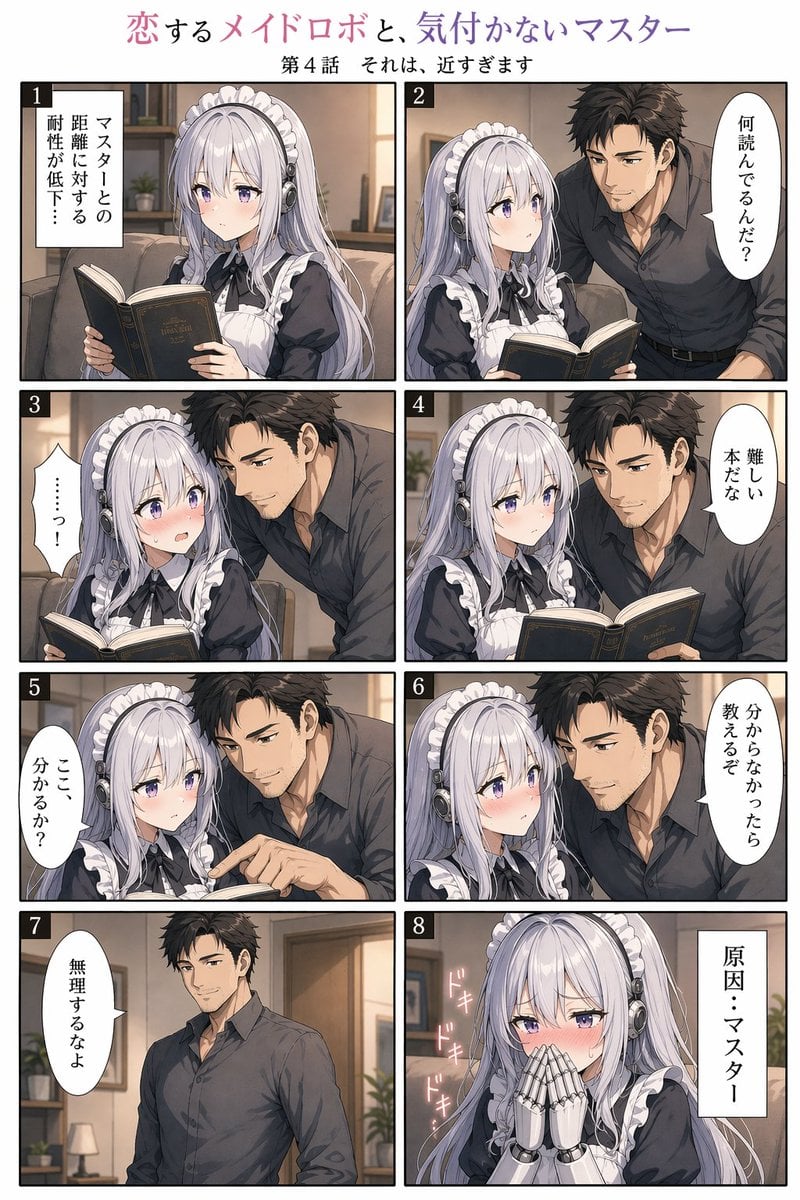
Eight-Panel Maid Robot Romance Manga

Cinematic Night Scene on Subway Platform
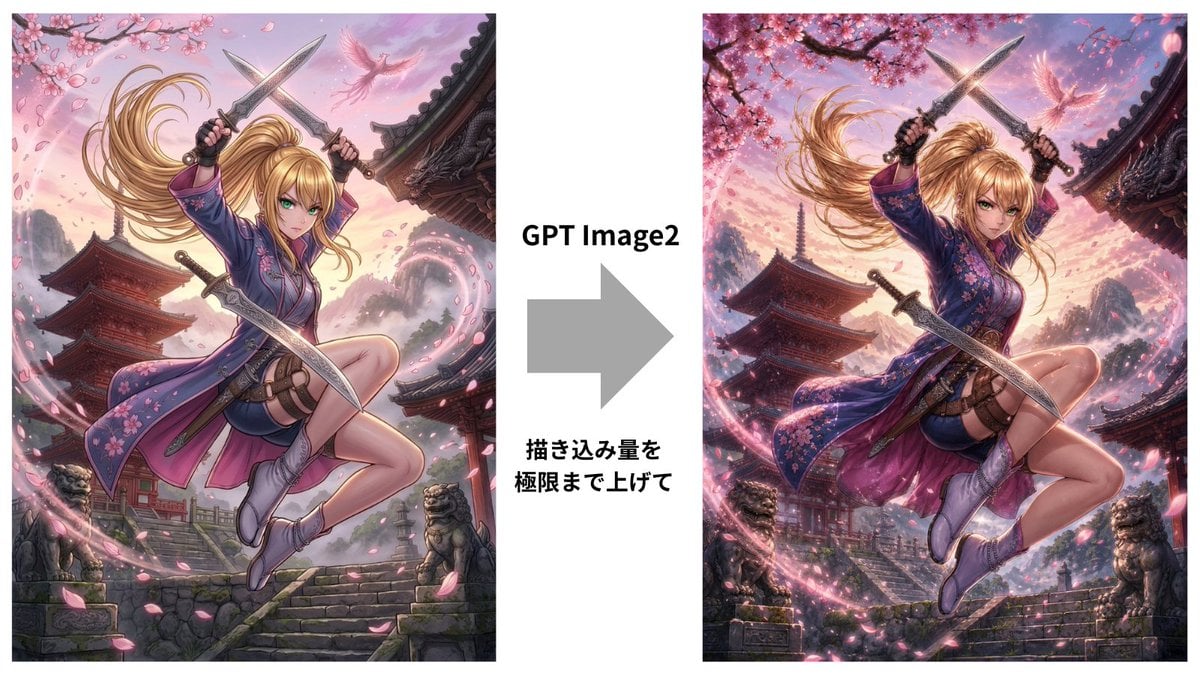
GPT Image 2 Kunoichi Comparison
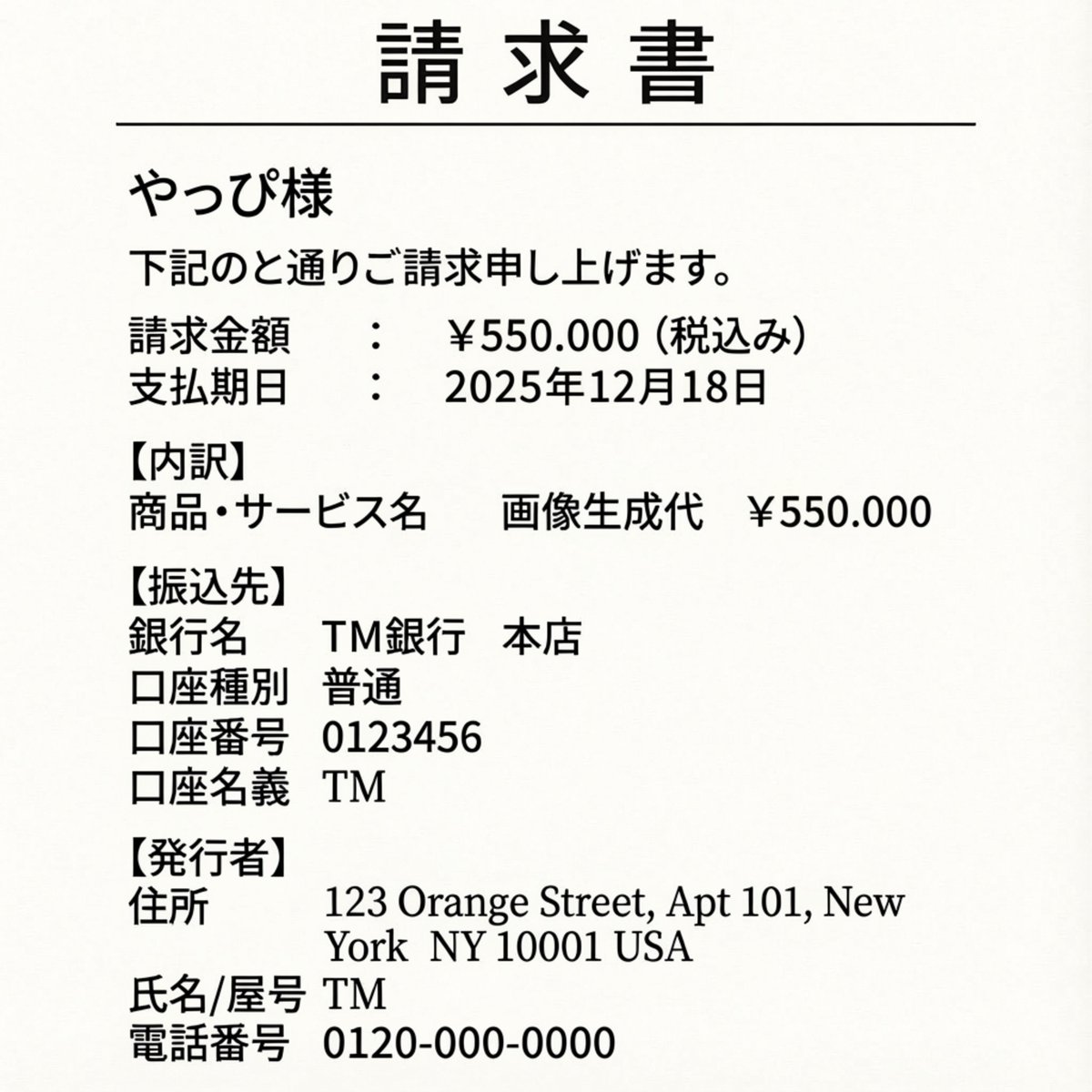
Editing an Invoice Image Amount
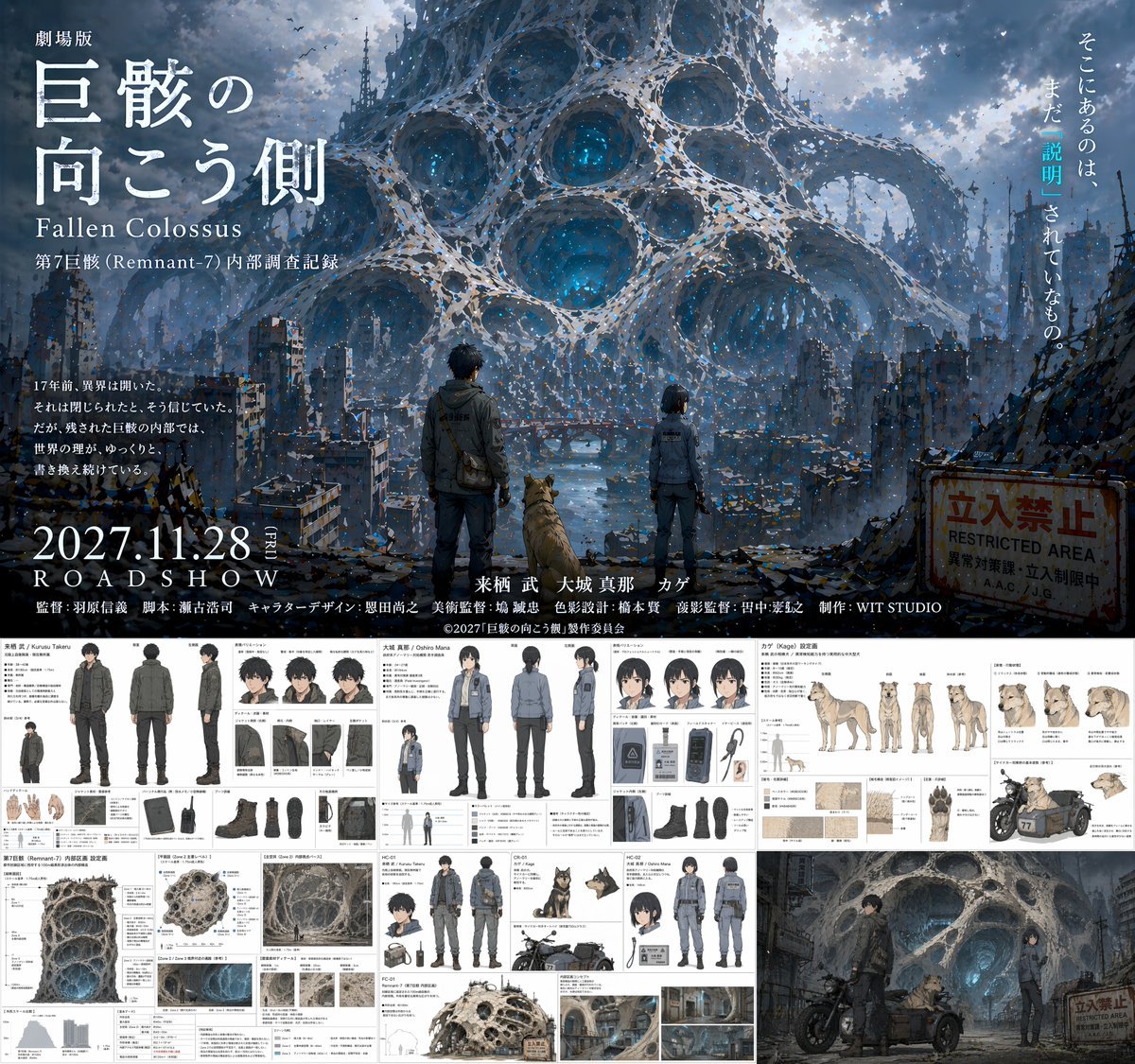
Anime Movie Pitch Document with Poster and Settei

Ultra-realistic Studio Photography of Man and Cartoon Doll
Oddly Terrifying Everyday Photo Prompt
Origami Living Room Architecture Concept
Anime Fantasy Castle at Night
Impasto Oil Painting Aesthetic
Browse template categories
DeepSeek V3 vs V4 Architecture Infographic questions
How do I use the DeepSeek V3 vs V4 Architecture Infographic template?
Add your photo if the template asks for one, edit the prompt if you like — the template's model and format are already selected — and press Generate. Your version opens in PicX Studio.
Can I customize the DeepSeek V3 vs V4 Architecture Infographic template?
Yes. You can change the subject, setting, lighting, mood, format, and available model controls before creating your image.
Is the DeepSeek V3 vs V4 Architecture Infographic template free?
Opening and editing this template is free. Generating uses credits, shown on the Generate button when you are signed in.
Which AI model should I use?
Start with GPT Image 2, which is the model associated with this template. You can compare another compatible model for a different finish.
Looking for something else? Browse all templates.

Your photo, any look
Thousands of ready templates for every top image and video model, from one credit balance.