
Anime Fantasy Castle at Night
Generates a detailed anime-style background illustration of a fantasy castle complex illuminated at night, perfect for visual novels or RPG environments.
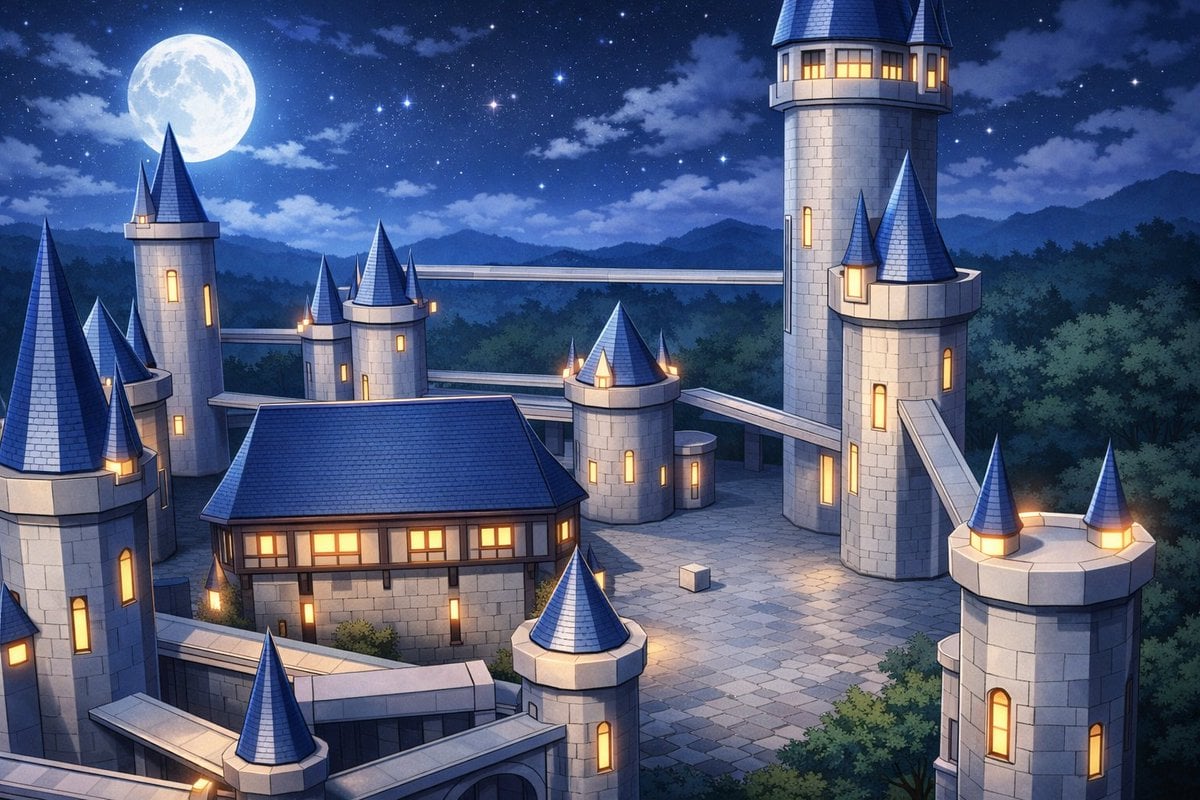
- Prompt included
- Model and format preset
- Free template
The prompt behind this image
Copy the exact prompt behind Anime Fantasy Castle at Night, or open it in the studio and make it yours.
A high-quality {argument name="art style" default="anime background art"} illustration of a sprawling fantasy castle complex at {argument name="time of day" default="night"}. The sky is deep blue, filled with sparkling stars and a {argument name="celestial object" default="large full moon"} positioned in the upper left. The architecture consists of light gray stone walls, featuring exactly 8 prominent cylindrical towers with {argument name="roof color" default="blue"} conical roofs, and a main rectangular building with a matching pitched roof. {argument name="window light color" default="warm yellow"} light warmly illuminates the windows, creating a striking contrast against the cool night palette. Elevated stone walkways bridge the gaps between the towers. The central courtyard is paved with neat stone tiles, featuring a single small white cube resting mysteriously in the middle. The fortress is nestled within dense, dark green forests, with rolling mountain silhouettes fading into the distant background.
Reference images included
Anime Fantasy Castle at Night needs input media to work. They load alongside the prompt when you open it in the studio.
How to use Anime Fantasy Castle at Night in 3 steps
- 1Upload ImagePNG, JPG or paste
Add your photo
Upload the photo the template builds on. The prompt, model and format are already set.
- 2…a portrait of your subject in softgolden-hour light, 85mm…
Personalize
Edit the subject and creative details for your destination.
- 3Generate
Generate
Press Generate — your image is created in PicX Studio, so you can compare it with the original and refine one variable at a time.
More like this
Templates with the same subject, style or setup. Open one to see its prompt.









Make it yours
Anime Fantasy Castle at Night works as-is. These are the safest ways to change it without losing the look.
Change one field
Copy a single group, rewrite it, and generate again so you can see what that field is doing.
Keep the frame, change the subject
Hold the composition and light of Anime Fantasy Castle at Night, then swap wardrobe, props or the person for a new take.
| If the result… | Why | Fix |
|---|---|---|
| The result drifts from the preview | Too many fields changed at once. | Reuse Anime Fantasy Castle at Night as-is first, then change one group — subject, light, or setting. |
| The model over-stylizes the scene | The prose prompt leaves finish and camera underspecified. | Add one camera or lighting sentence and stay on GPT Image 2. |
More GPT Image 2 templates
Other prompts made for GPT Image 2.

Six VTuber Japanese Logo Sheet

Realistic Portrait of Woman and Deer

The Vista Modular Condo Poster

AI Model Routing Comparison Infographic

2.5D Anime Art Board

Isometric Productivity Desk Scene

New York Double Exposure Poster

Four-Panel AI Landscape Comparison

Japanese Tatami Lifestyle Magazine Cover

NESCAFÉ Coffee Map Poster
More image prompts
Fresh picks from across the catalog.
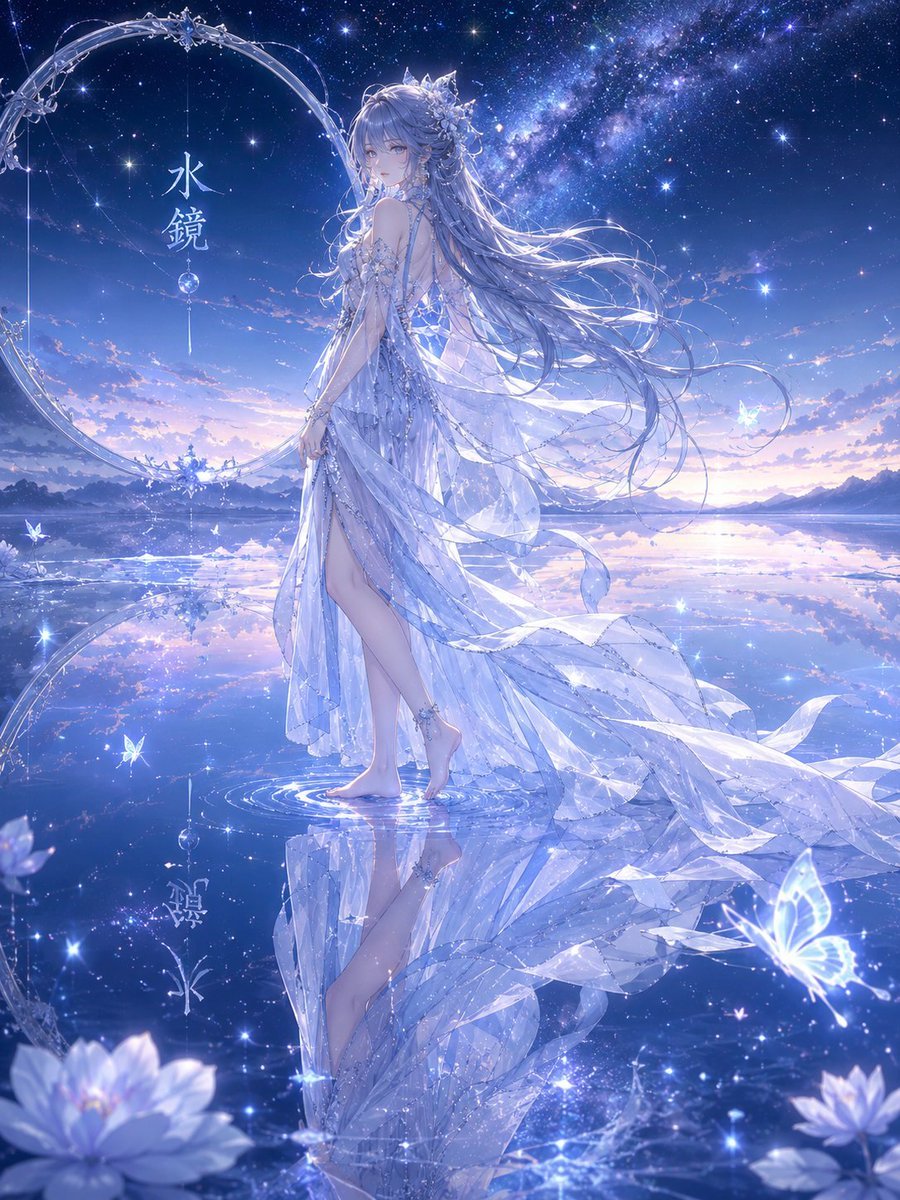
Water Mirror Fantasy Maiden

Hanna-Barbera Style Political Figures Cartoon Portrait

Rooftop Walkway Fashion OOTD
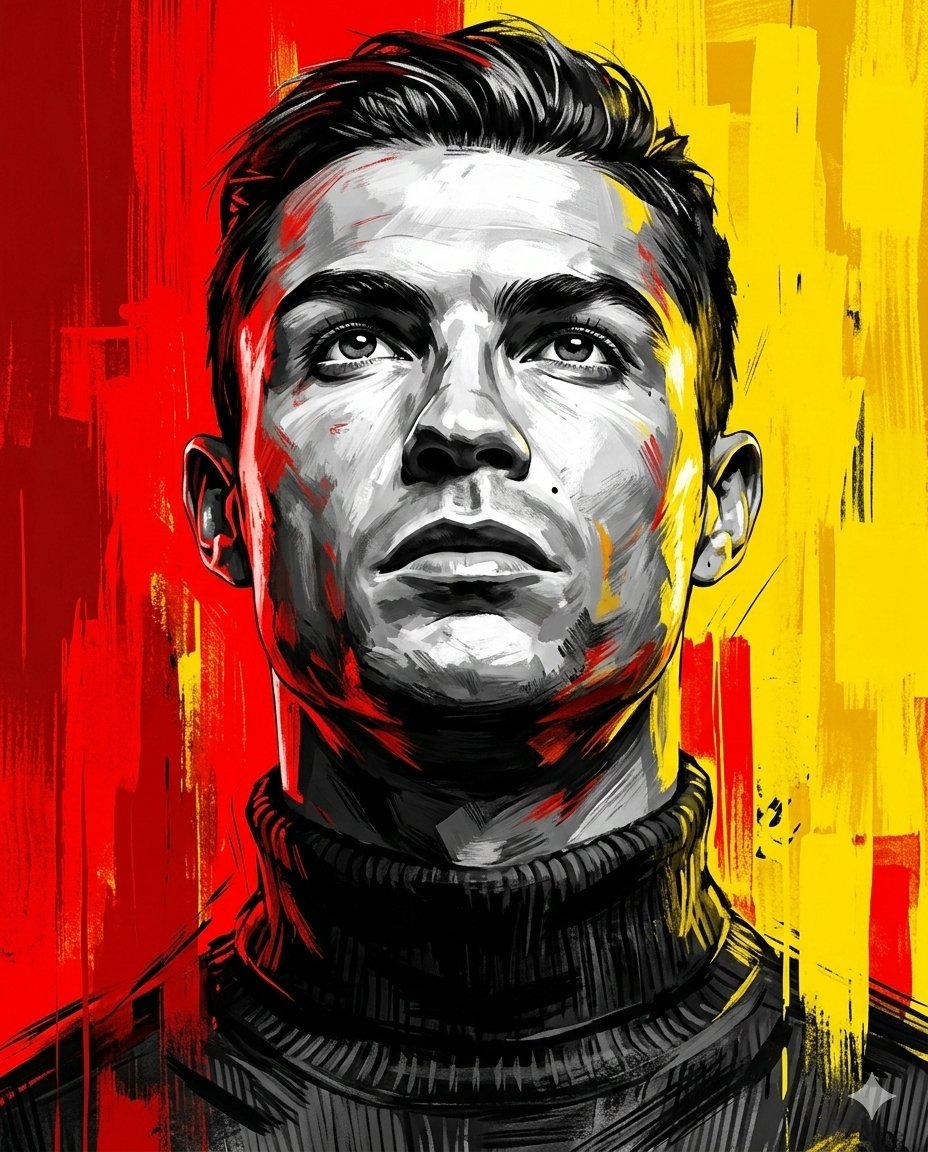
Dramatic Digital Painting Portrait Prompt
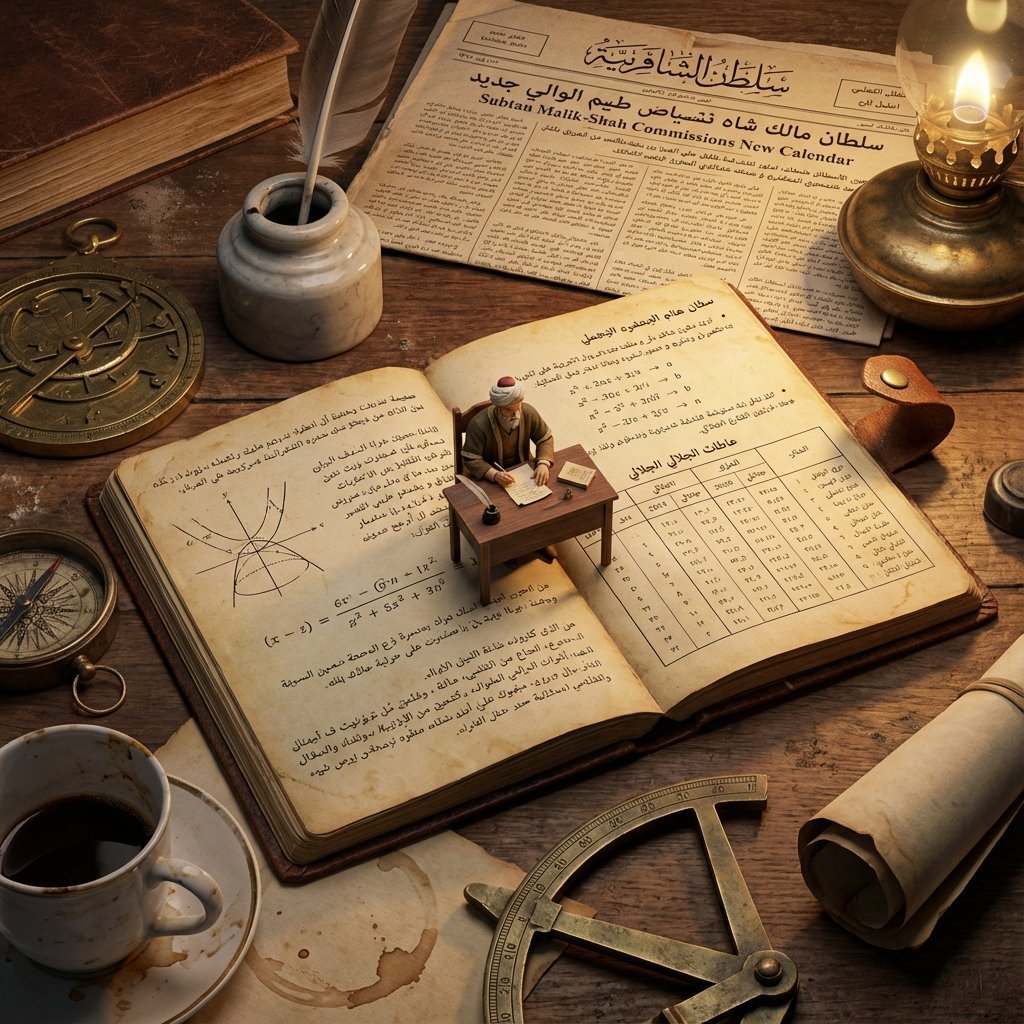
Macro Diorama of a Historical Scientist's Workspace
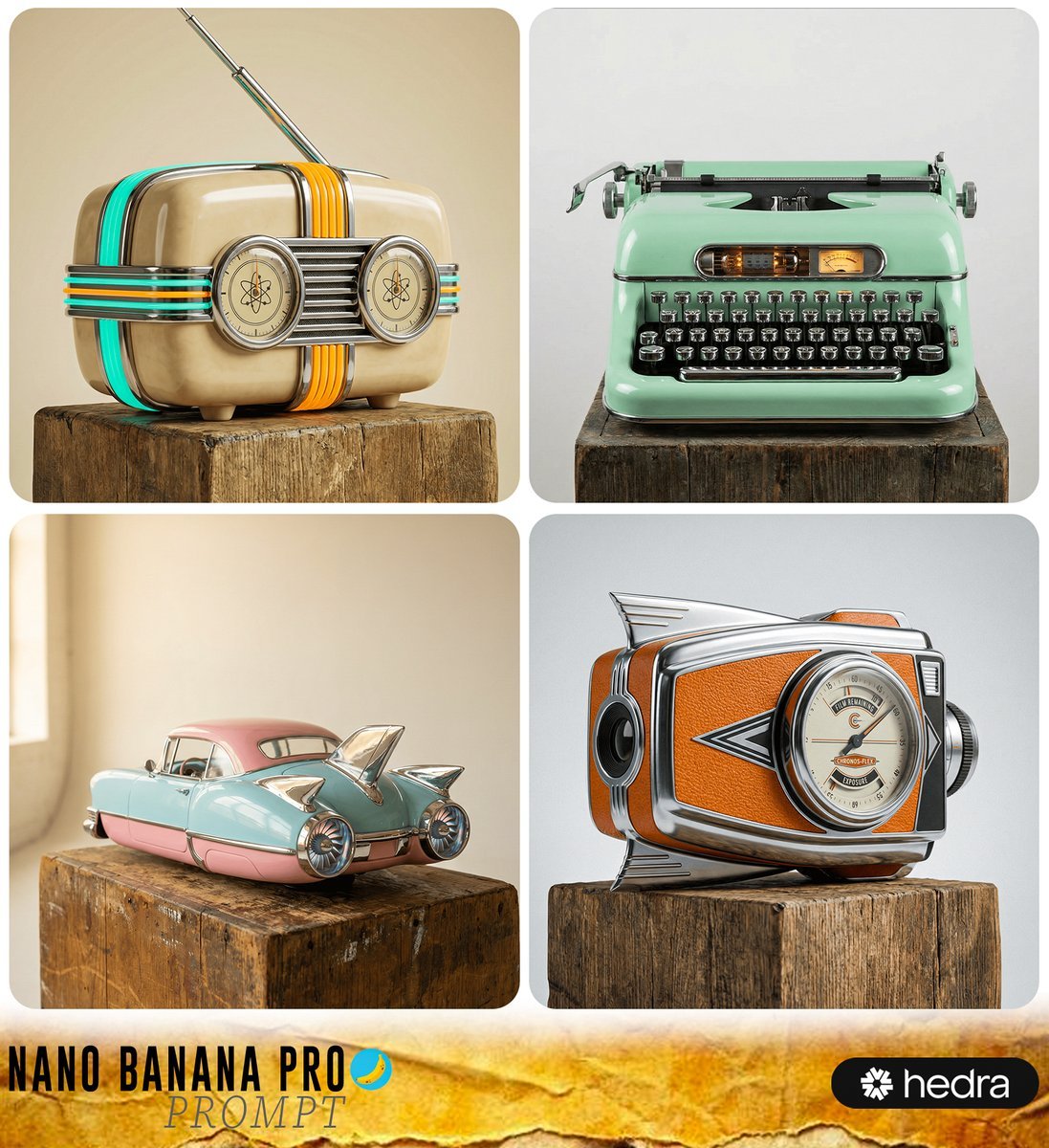
Retro-Futuristic Product Photography Prompt
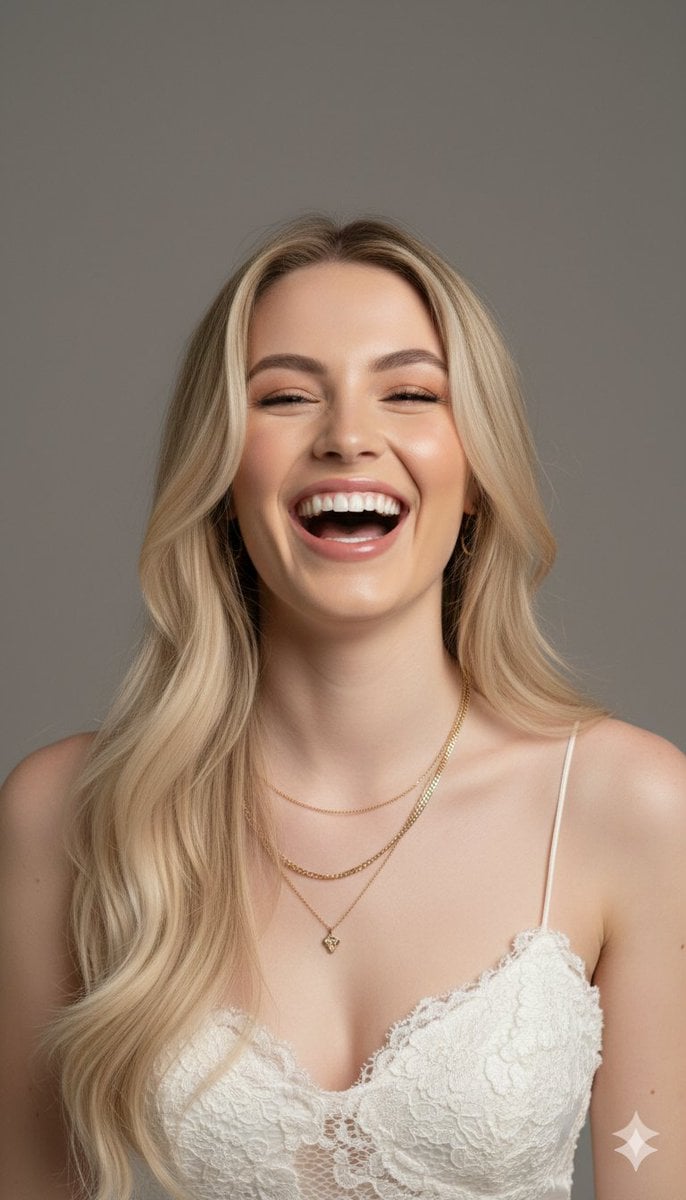
Hyper-Realistic Portrait Generation Prompt (Polina Gagarina)
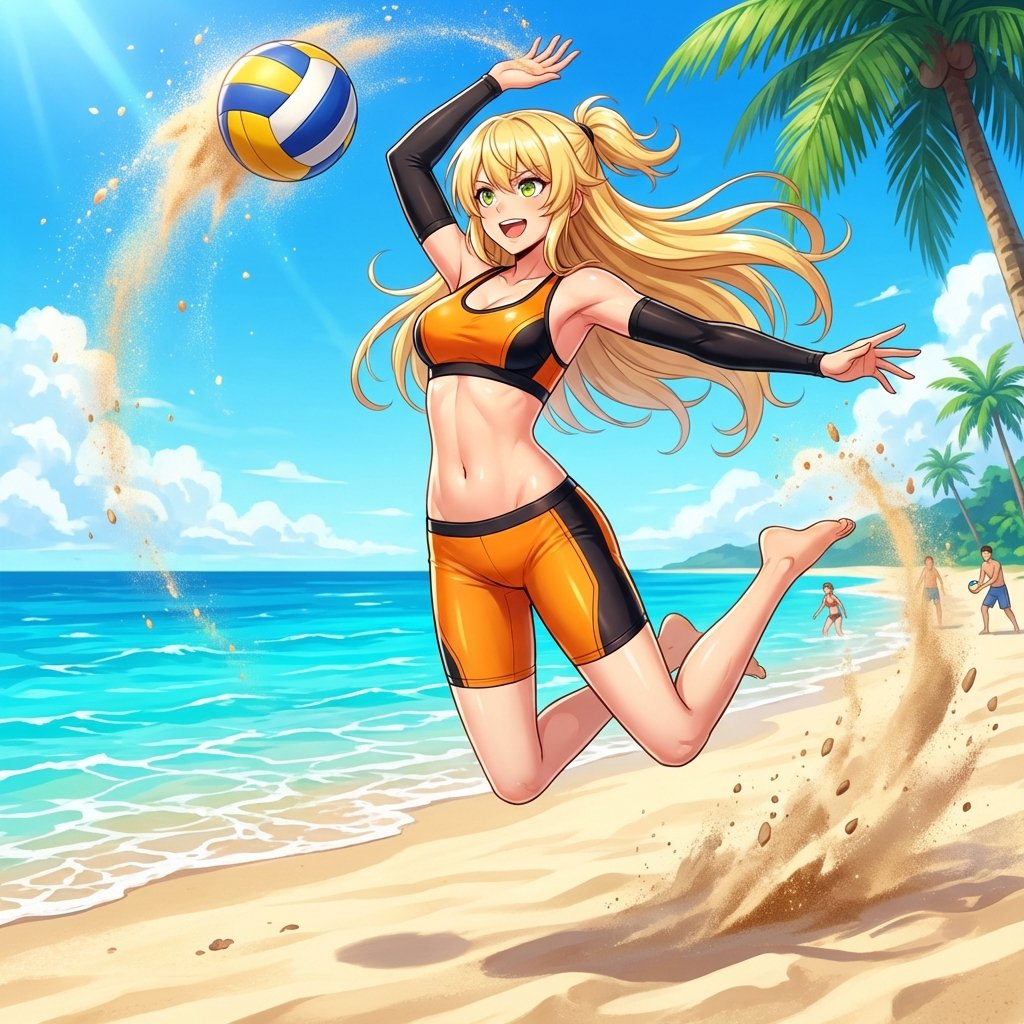
Prompt for Converting Subject into a Beach Volleyball Player
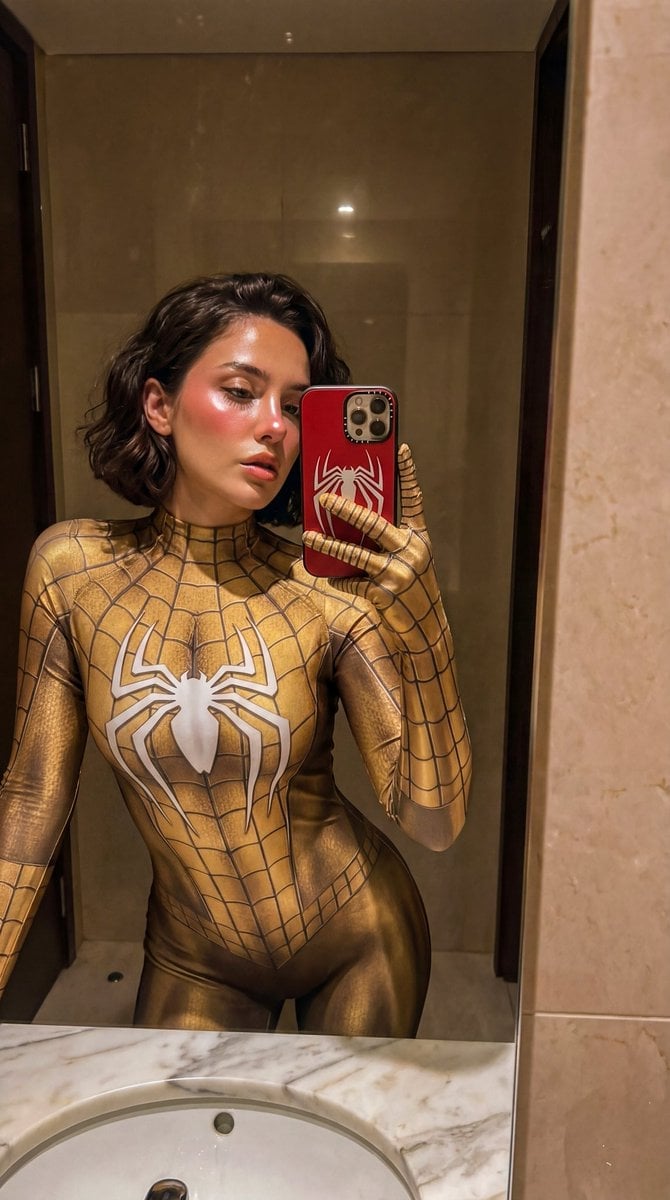
Gold Symbiote Mirror Selfie Prompt
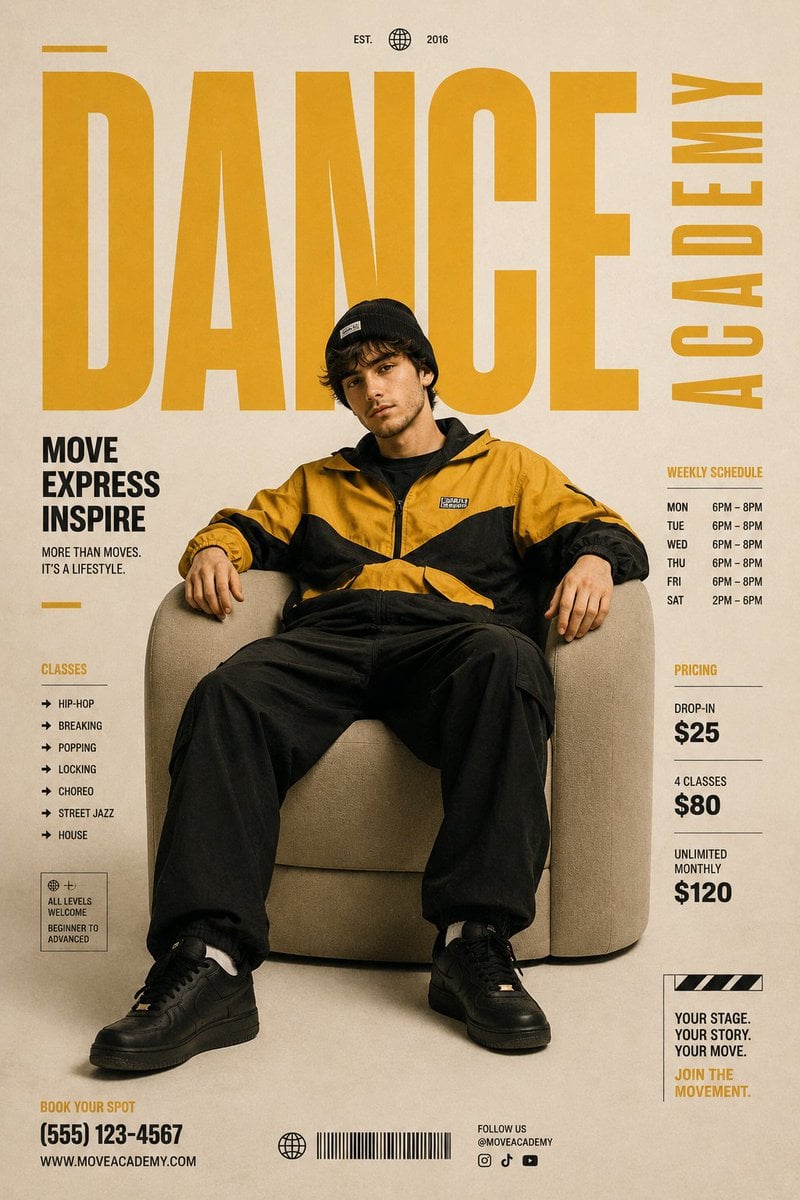
Minimalist Contemporary Dance Academy Poster
Browse template categories
Anime Fantasy Castle at Night questions
How do I use the Anime Fantasy Castle at Night template?
Add your photo if the template asks for one, edit the prompt if you like — the template's model and format are already selected — and press Generate. Your version opens in PicX Studio.
Can I customize the Anime Fantasy Castle at Night template?
Yes. You can change the subject, setting, lighting, mood, format, and available model controls before creating your image.
Is the Anime Fantasy Castle at Night template free?
Opening and editing this template is free. Generating uses credits, shown on the Generate button when you are signed in.
Which AI model should I use?
Start with GPT Image 2, which is the model associated with this template. You can compare another compatible model for a different finish.
Looking for something else? Browse all templates.

Your photo, any look
Thousands of ready templates for every top image and video model, from one credit balance.