
Rainy Tokyo Convenience Store Scene
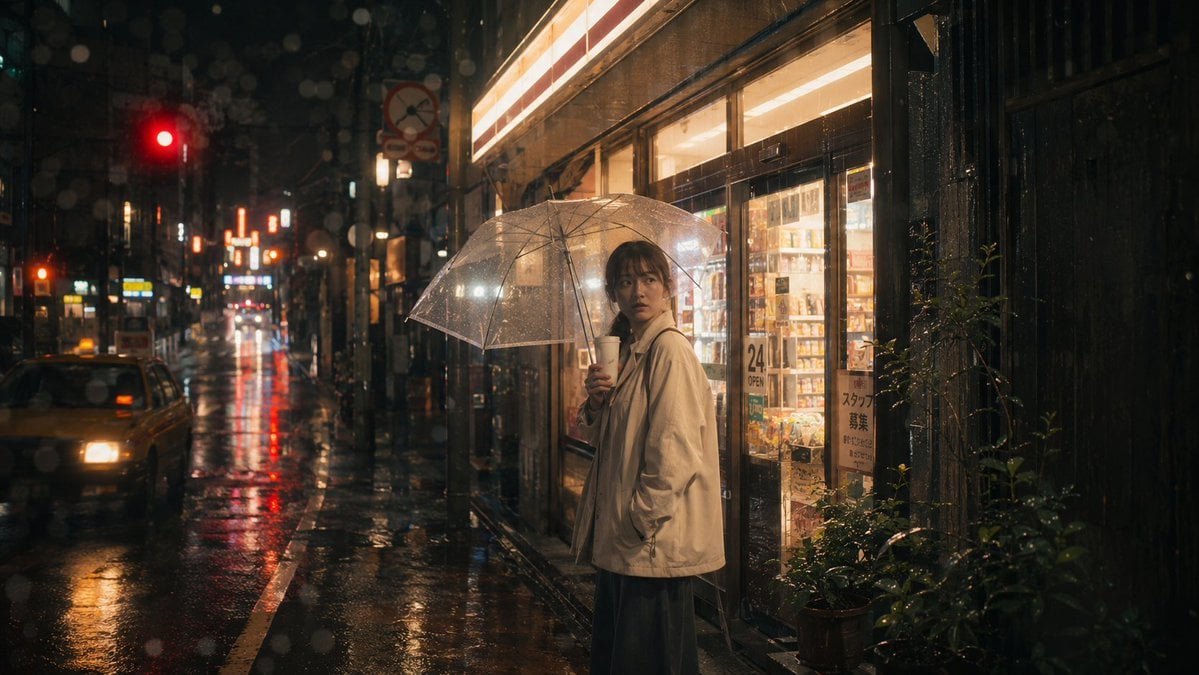
A cinematic photorealistic prompt for creating a moody rainy-night Tokyo street image with a lone umbrella-carrying subject outside a glowing convenience store.
- Prompt included
- Model and format preset
- Free template
The prompt behind this image
Copy the exact prompt behind Rainy Tokyo Convenience Store Scene, or open it in the studio and make it yours.
Create a cinematic photorealistic nighttime street scene in rainy Tokyo, horizontal 16:9 composition. A solitary {argument name="subject" default="young woman"} stands slightly right of center outside a brightly lit convenience store, holding a transparent plastic umbrella above her head and a white takeaway coffee cup near her mouth. She wears an oversized light beige rain jacket over a long dark skirt, with damp dark hair and a calm, introspective posture; keep the face softly blurred and indistinct. The store windows glow warm yellow and reveal shelves of products, with visible Japanese-style signage including a “24 OPEN” sign and a staff recruitment notice. The wet asphalt street stretches into the background on the left, reflecting red traffic lights, neon shop signs, and car headlights; include one taxi-like car at the far left foreground, a red traffic signal high left, narrow urban buildings, poles, and deep perspective bokeh. Add heavy rain, water droplets on the lens, umbrella highlights, puddles, reflections, and moody steam-like atmosphere. Visual style: ultra-realistic street photography, cinematic film still, shallow depth of field, warm store light contrasting with cool dark rain, high dynamic range, 35mm lens feel, subtle grain, natural imperfections, no posed fashion look, no readable branding beyond generic convenience-store signs. Use {argument name="location" default="Tokyo side street"}, {argument name="weather" default="heavy rain at night"}, {argument name="main clothing" default="oversized light beige rain jacket"}, and {argument name="mood" default="quiet melancholy and urban solitude"}.
How to use Rainy Tokyo Convenience Store Scene in 3 steps
- 1Upload ImagePNG, JPG or paste
Add your photo
Upload the photo the template builds on. The prompt, model and format are already set.
- 2…a portrait of your subject in softgolden-hour light, 85mm…
Personalize
Edit the subject and creative details for your destination.
- 3Generate
Generate
Press Generate — your image is created in PicX Studio, so you can compare it with the original and refine one variable at a time.
More like this
Templates with the same subject, style or setup. Open one to see its prompt.
Rainy Convenience Store Selfie
Convenience Store Fight Scene

Casual Girl at Convenience Store
Anime Schoolgirl in Convenience Store
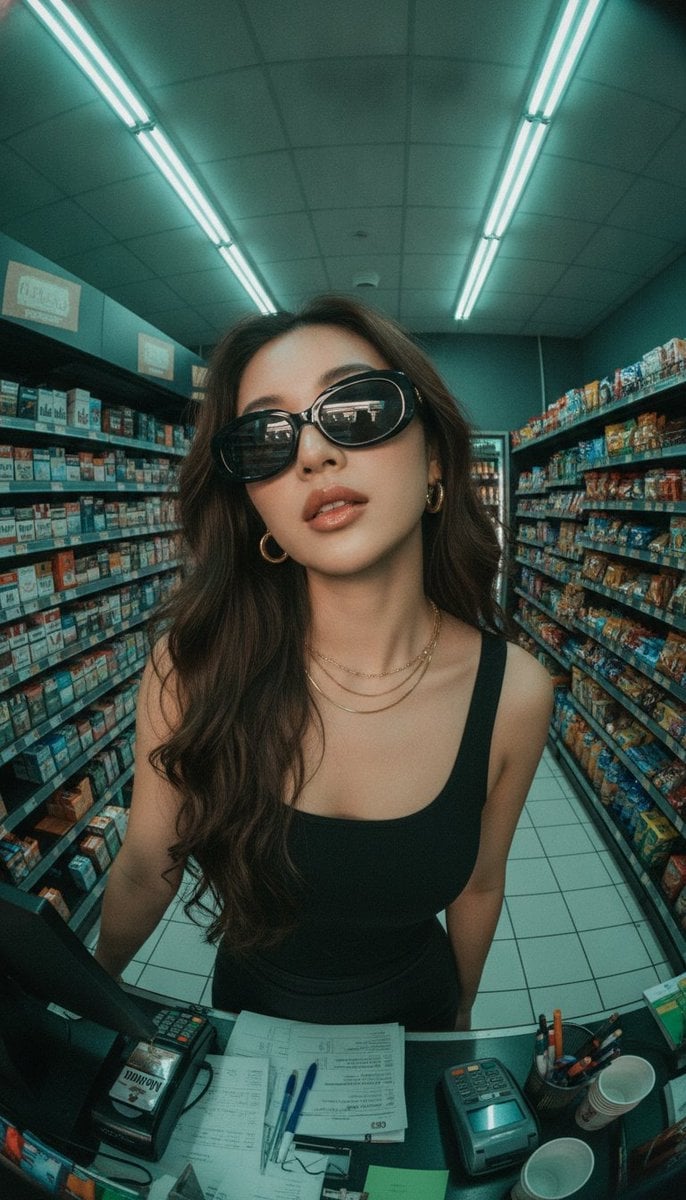
Fisheye Convenience Store Portrait
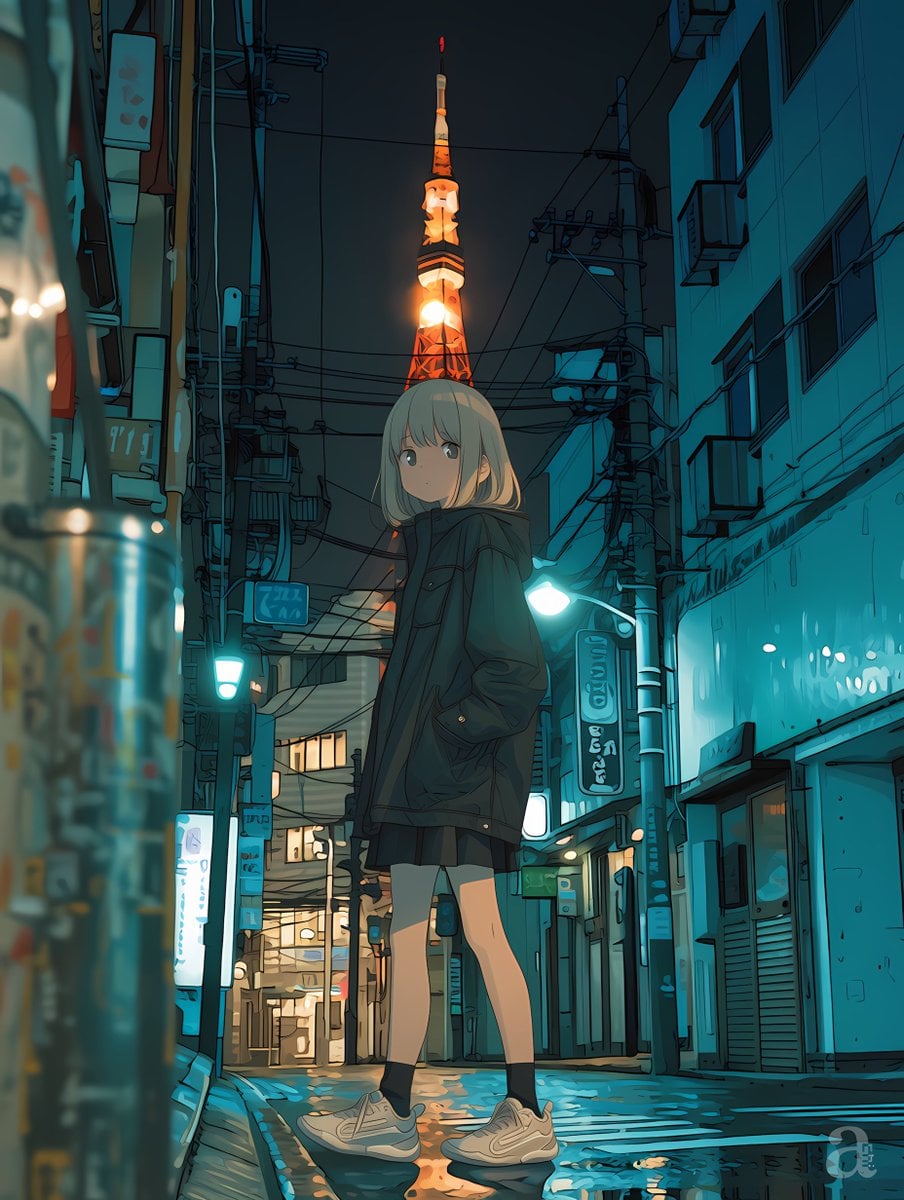
Anime Girl in Rainy Tokyo Alley
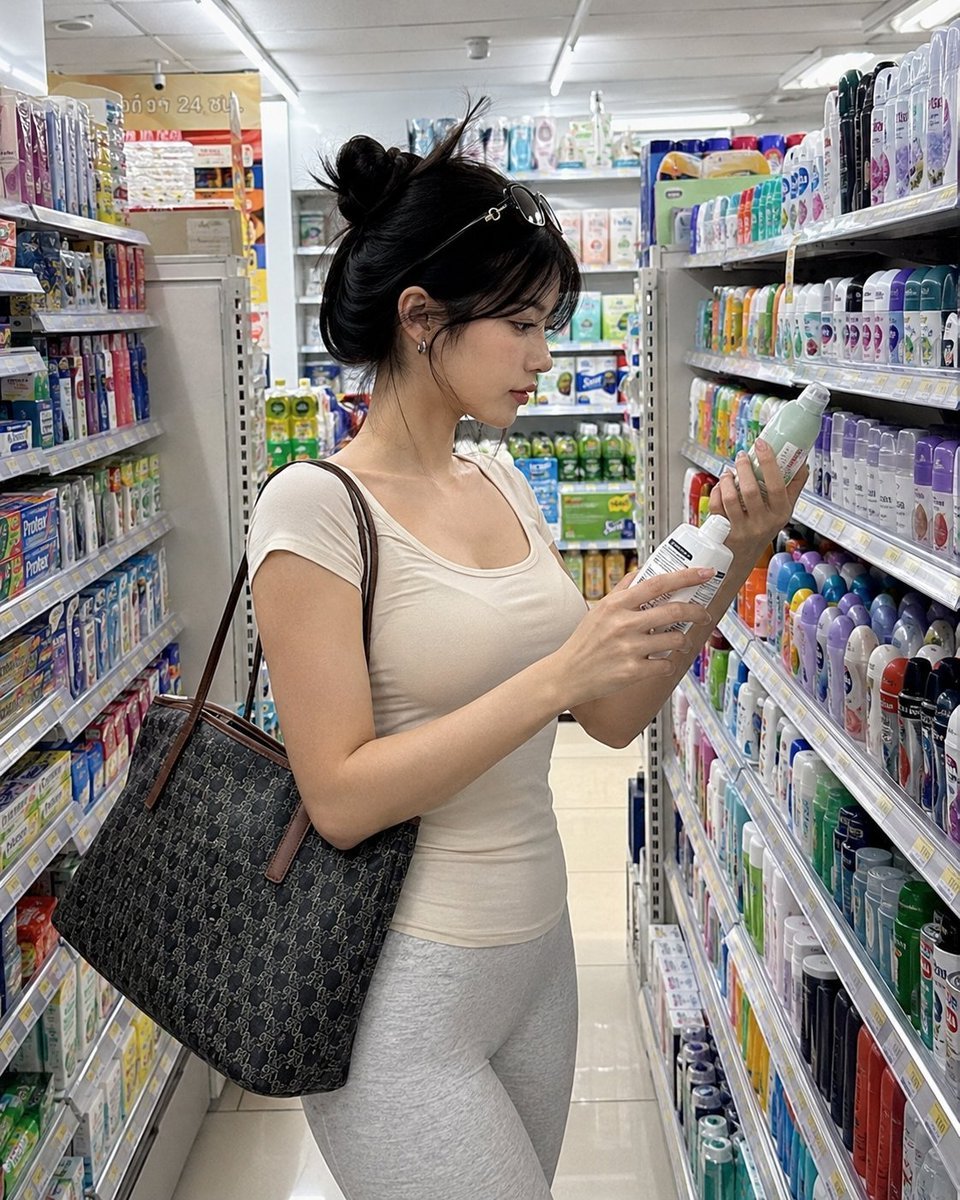
Realistic Convenience Store Shopping Scene
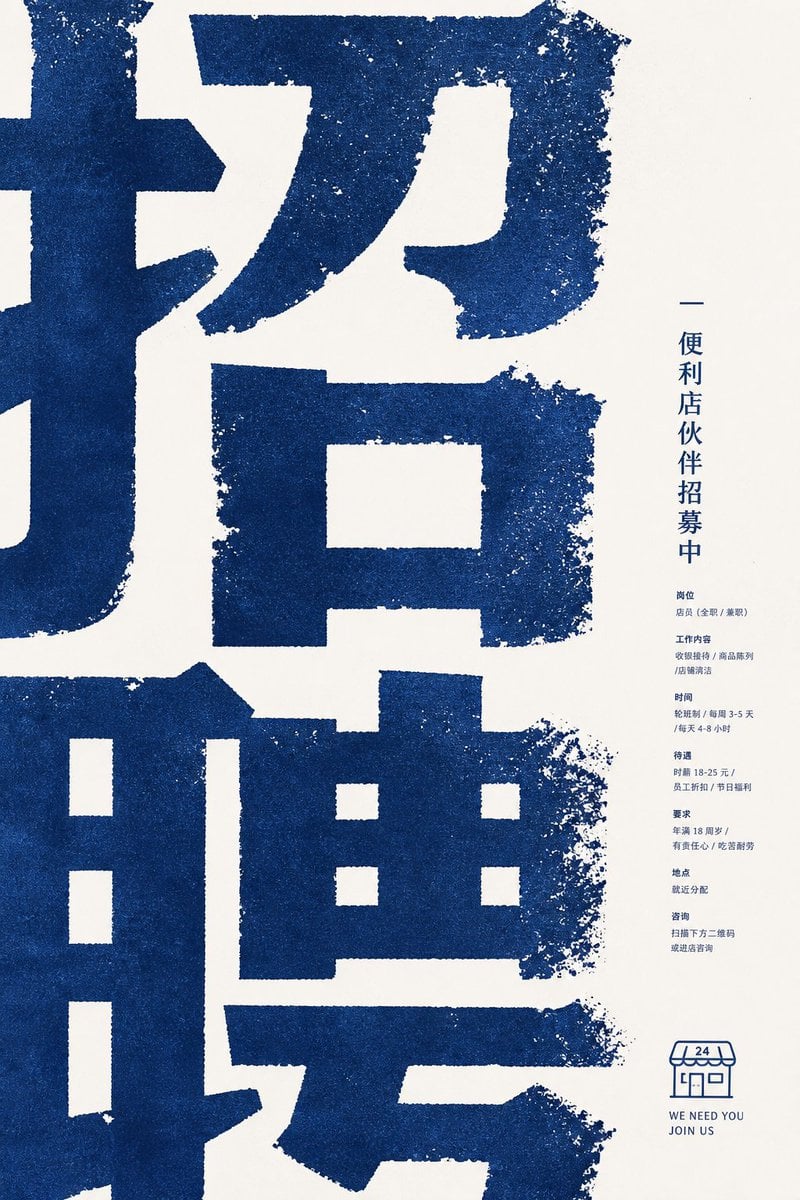
Distressed Convenience Store Recruitment Poster
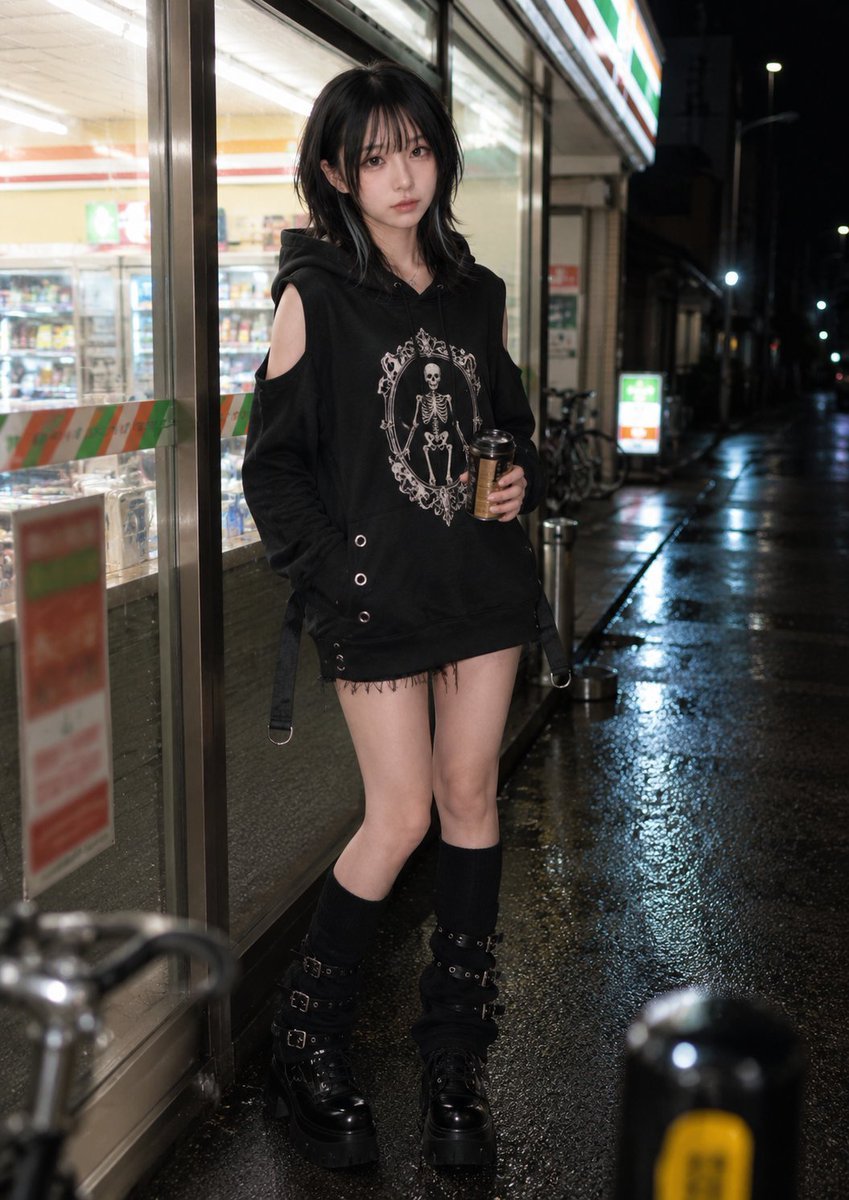
Nighttime Convenience Store Street Photography
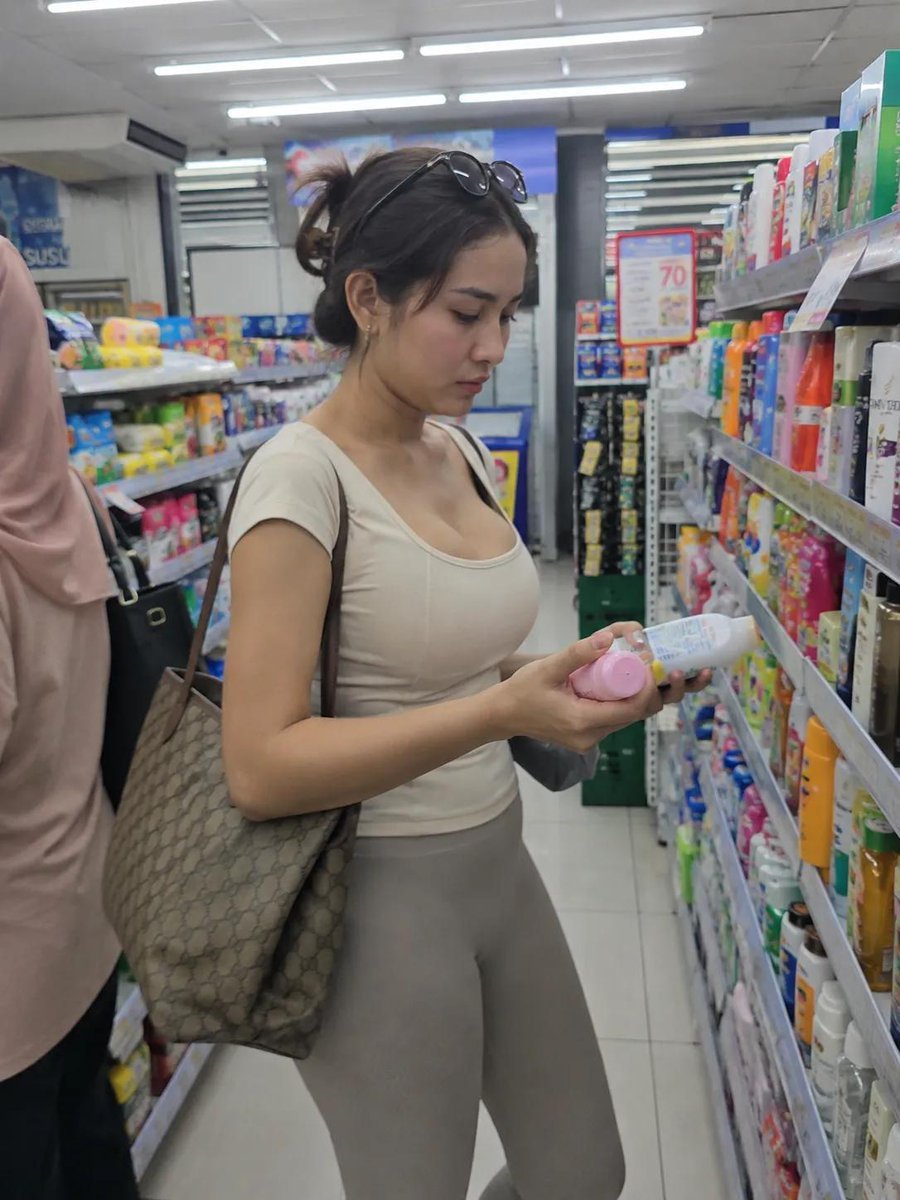
Realistic Convenience Store Lifestyle Photo
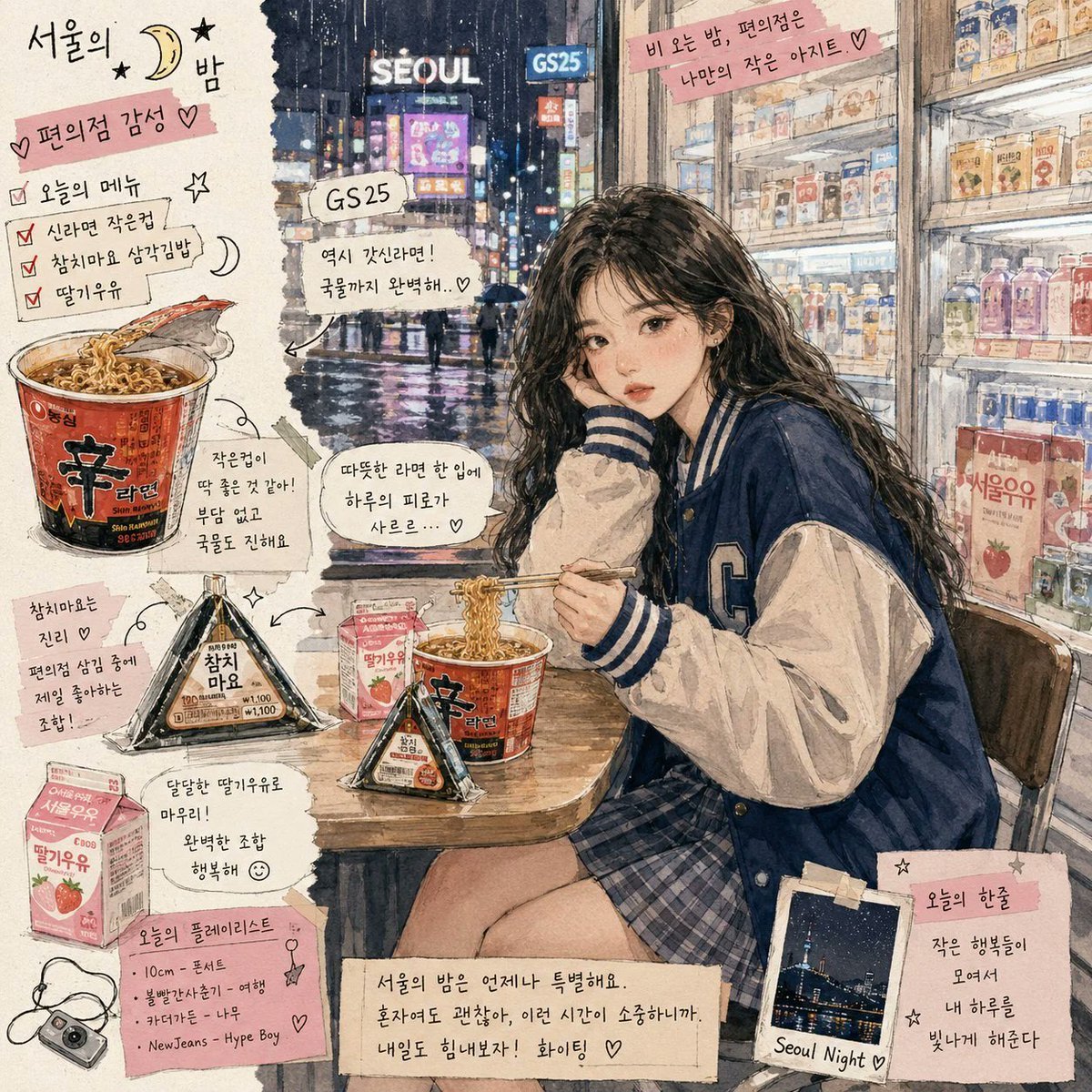
Korean Convenience Store Magazine Illustration
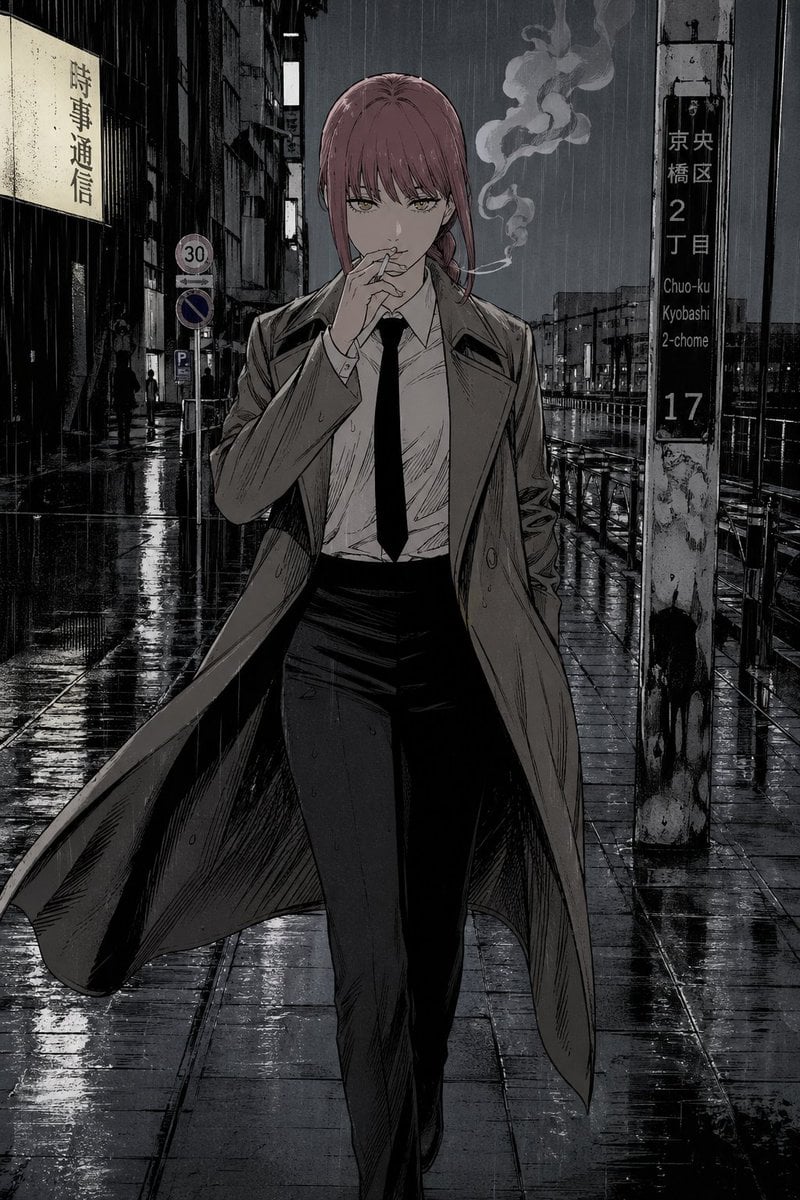
Rainy Tokyo Noir Woman
Make it yours
Rainy Tokyo Convenience Store Scene works as-is. These are the safest ways to change it without losing the look.
Change one field
Copy a single group, rewrite it, and generate again so you can see what that field is doing.
Keep the frame, change the subject
Hold the composition and light of Rainy Tokyo Convenience Store Scene, then swap wardrobe, props or the person for a new take.
| If the result… | Why | Fix |
|---|---|---|
| The result drifts from the preview | Too many fields changed at once. | Reuse Rainy Tokyo Convenience Store Scene as-is first, then change one group — subject, light, or setting. |
| The model over-stylizes the scene | The prose prompt leaves finish and camera underspecified. | Add one camera or lighting sentence and stay on GPT Image 2. |
More GPT Image 2 templates
Other prompts made for GPT Image 2.

Six VTuber Japanese Logo Sheet

Realistic Portrait of Woman and Deer

The Vista Modular Condo Poster

AI Model Routing Comparison Infographic

2.5D Anime Art Board

Isometric Productivity Desk Scene

New York Double Exposure Poster

Four-Panel AI Landscape Comparison

Japanese Tatami Lifestyle Magazine Cover

NESCAFÉ Coffee Map Poster
More image prompts
Fresh picks from across the catalog.

Hyper-Stylized 3D Character Synthesis (Designer Toy Aesthetic)
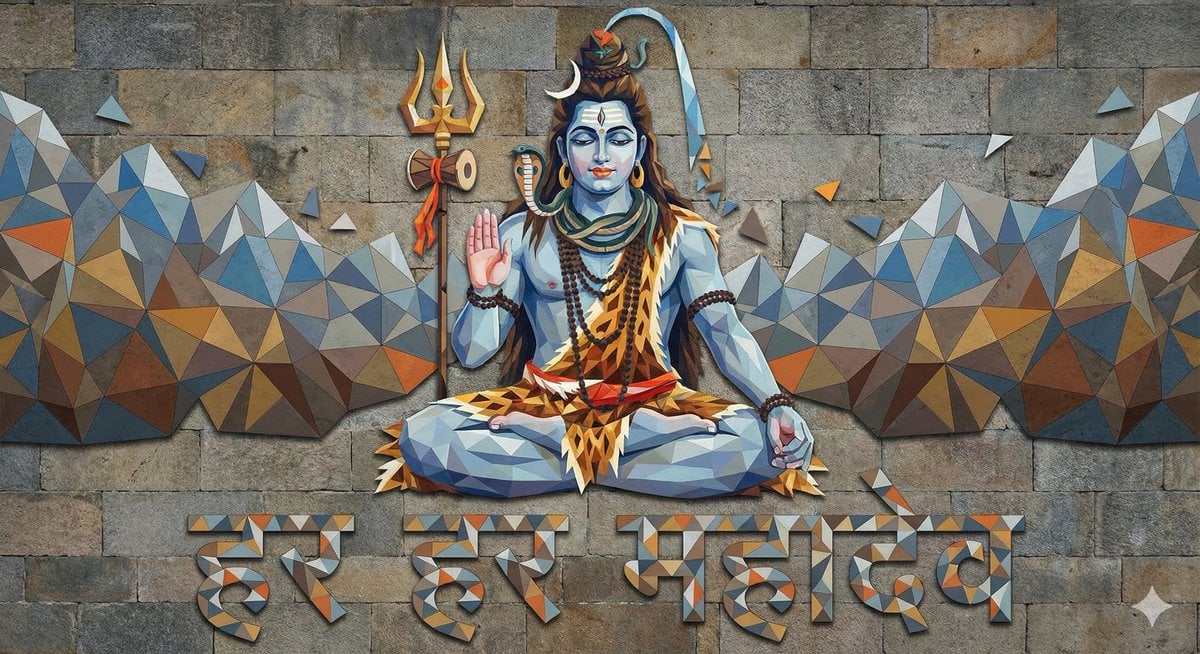
Mahadev Triangle Art Prompt
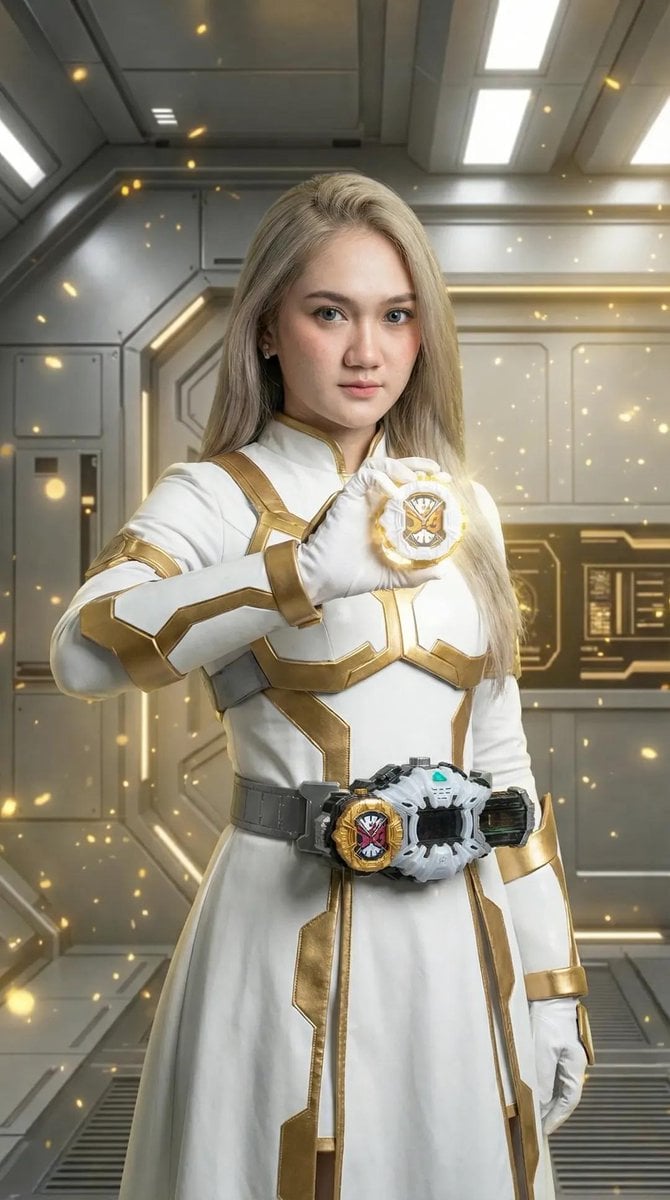
Kamen Rider Armor Transformation Sequence Prompt
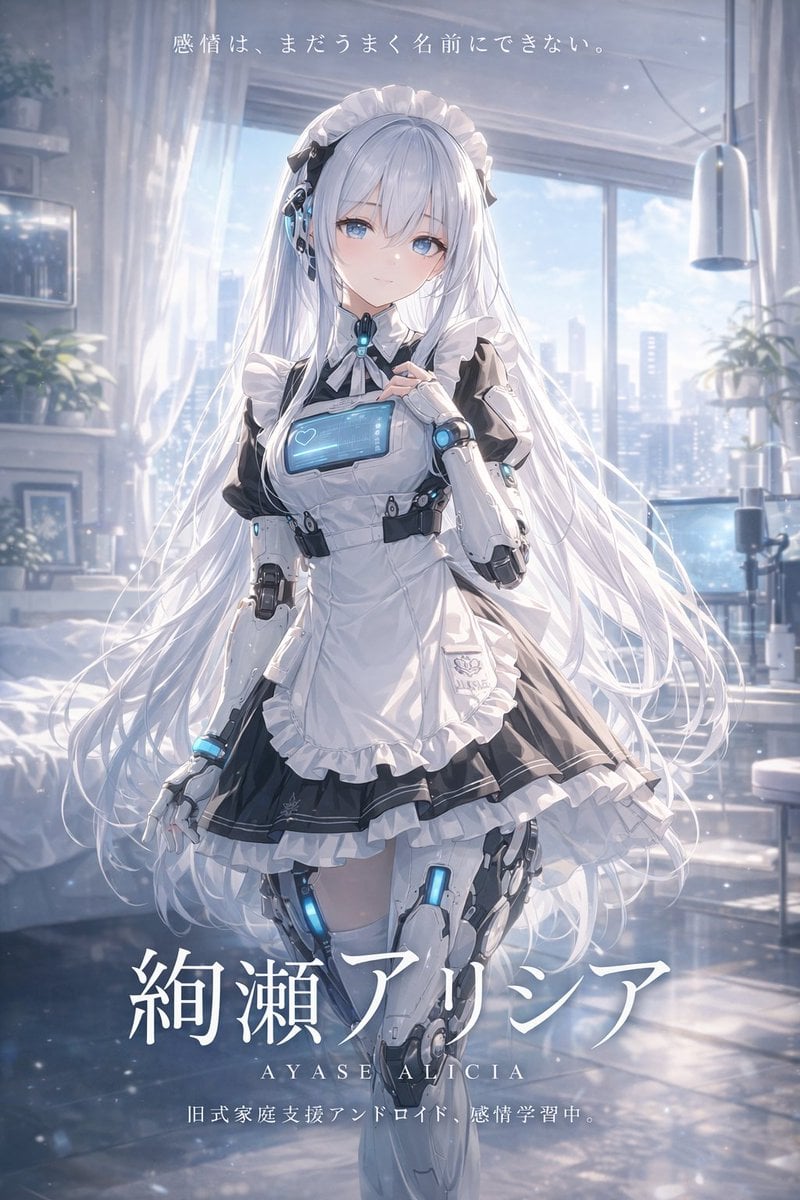
Sci-Fi Android Maid Light Novel Cover
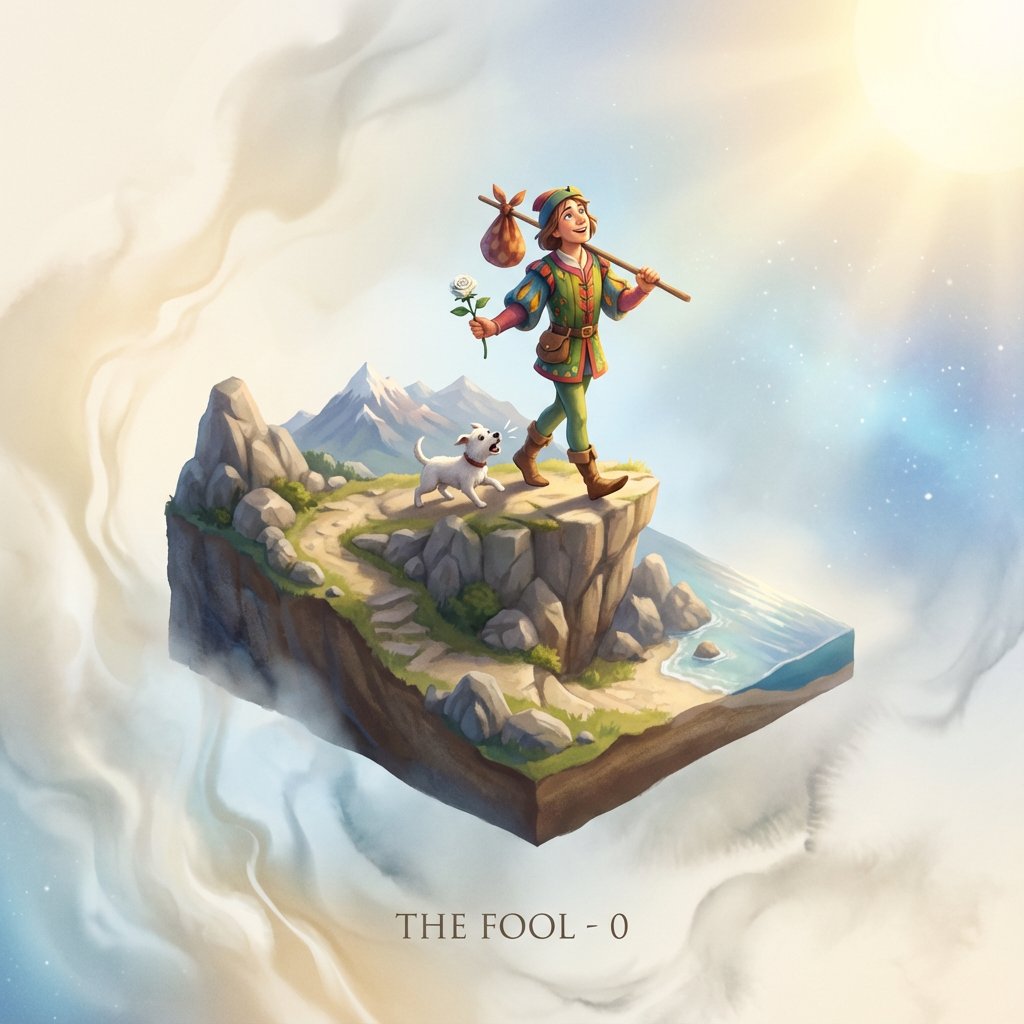
Tarot Card Image Generation Prompt
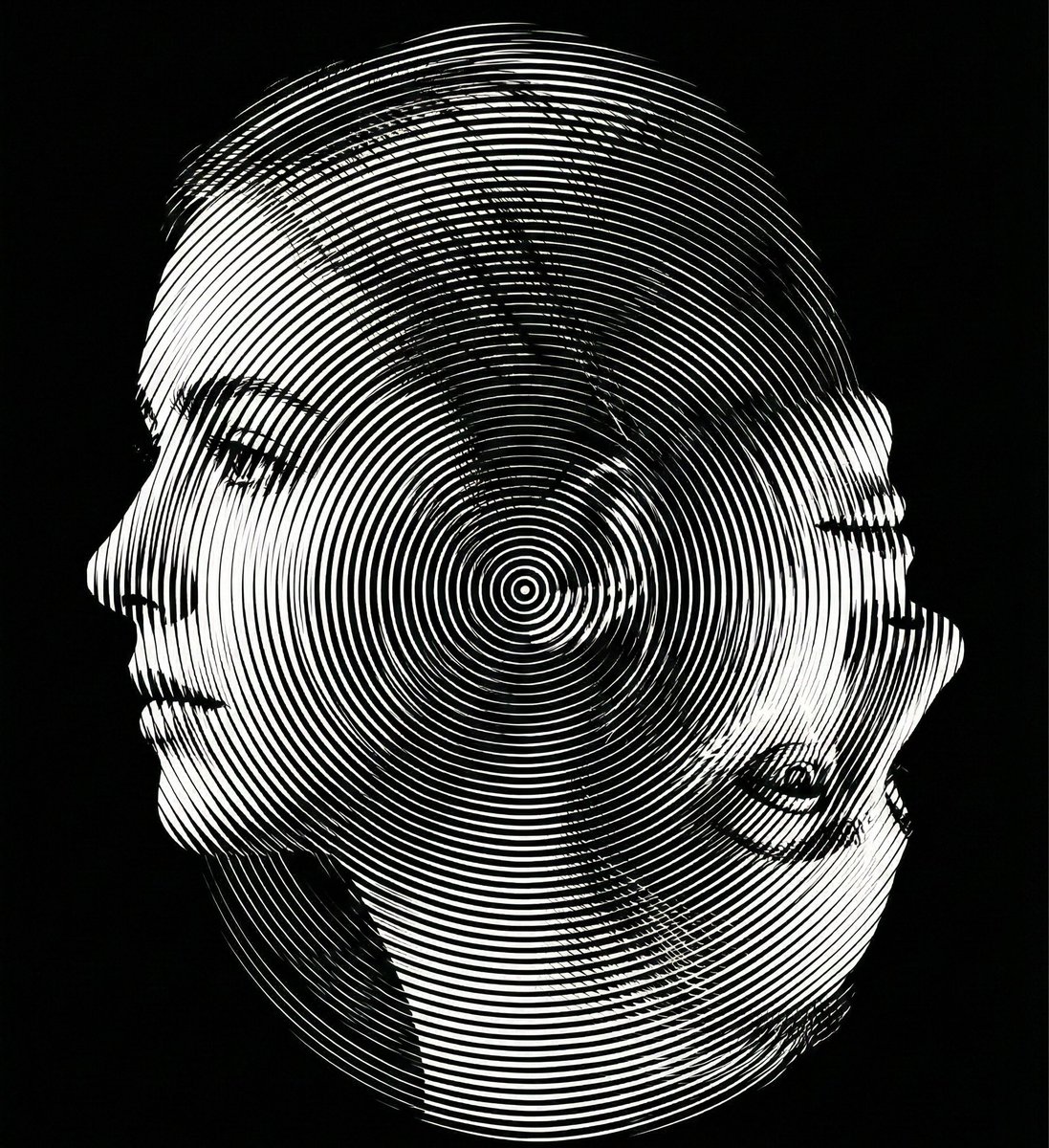
Dual-Orientation Optical Illusion Portrait
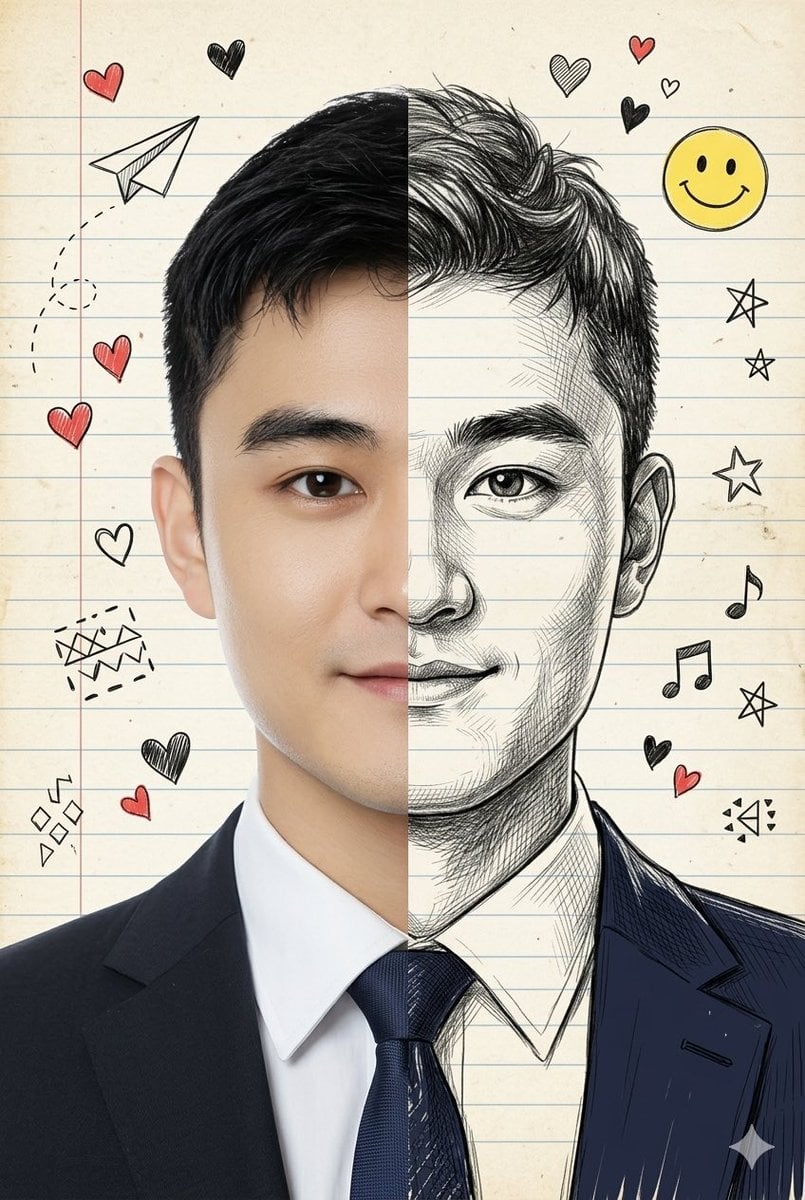
Split-View Mixed-Media Portrait (Photo and Illustration)
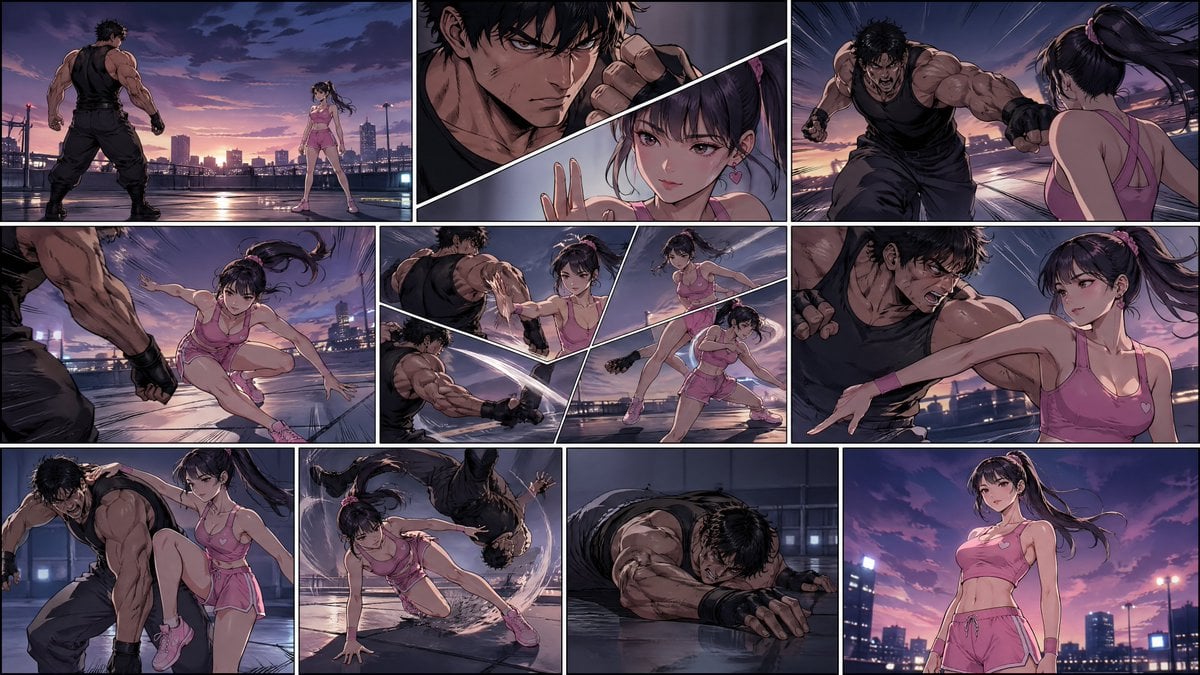
Manhwa Style Fighting Storyboard
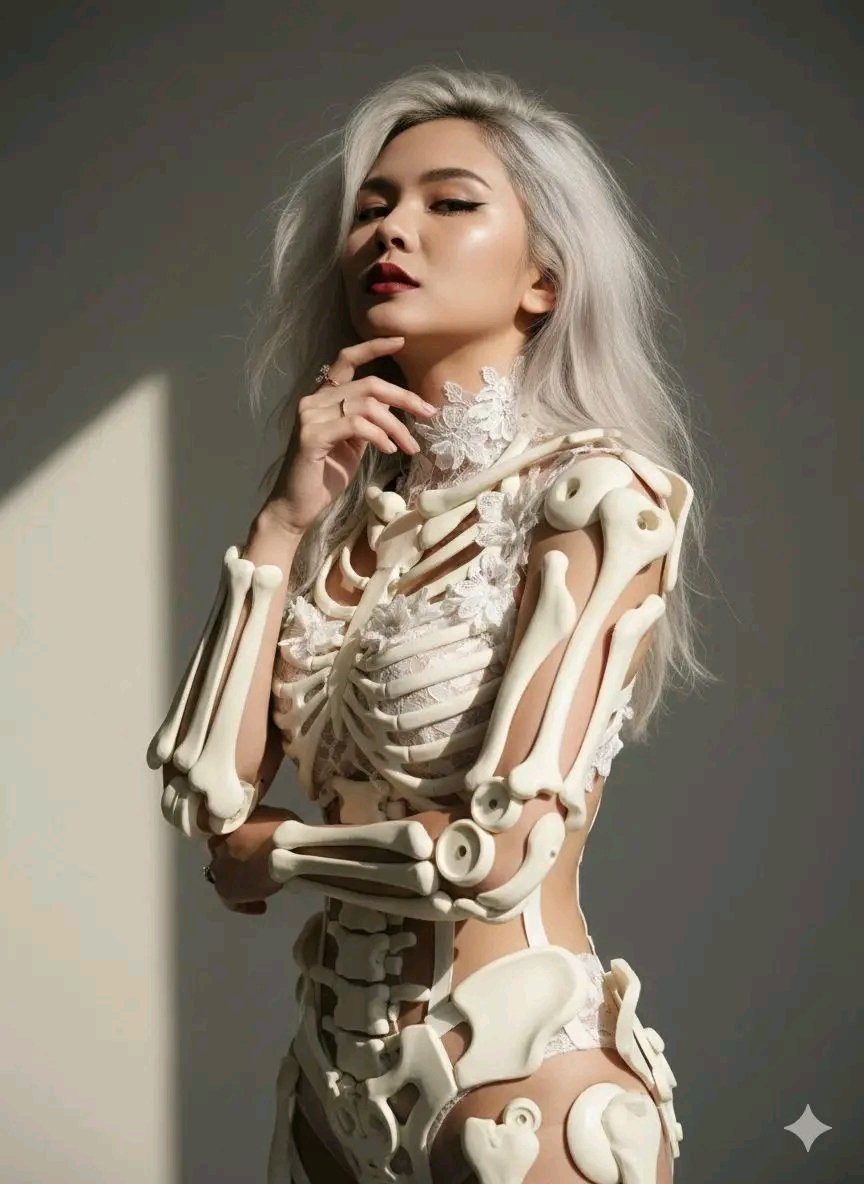
Avant-Garde Sculptural Portrait with Skeletal Elements
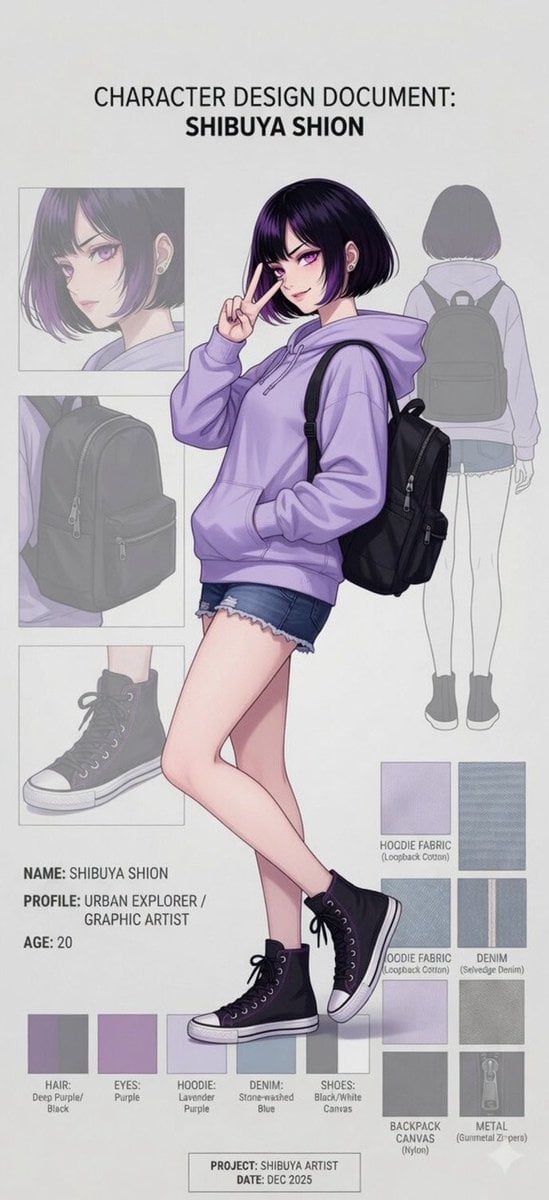
Anime Character Design Document
Browse template categories
Rainy Tokyo Convenience Store Scene questions
How do I use the Rainy Tokyo Convenience Store Scene template?
Add your photo if the template asks for one, edit the prompt if you like — the template's model and format are already selected — and press Generate. Your version opens in PicX Studio.
Can I customize the Rainy Tokyo Convenience Store Scene template?
Yes. You can change the subject, setting, lighting, mood, format, and available model controls before creating your image.
Is the Rainy Tokyo Convenience Store Scene template free?
Opening and editing this template is free. Generating uses credits, shown on the Generate button when you are signed in.
Which AI model should I use?
Start with GPT Image 2, which is the model associated with this template. You can compare another compatible model for a different finish.
Looking for something else? Browse all templates.

Your photo, any look
Thousands of ready templates for every top image and video model, from one credit balance.