
Distressed Convenience Store Recruitment Poster
A textured navy-and-cream corporate hiring poster layout for convenience store recruitment or enterprise activity announcements.
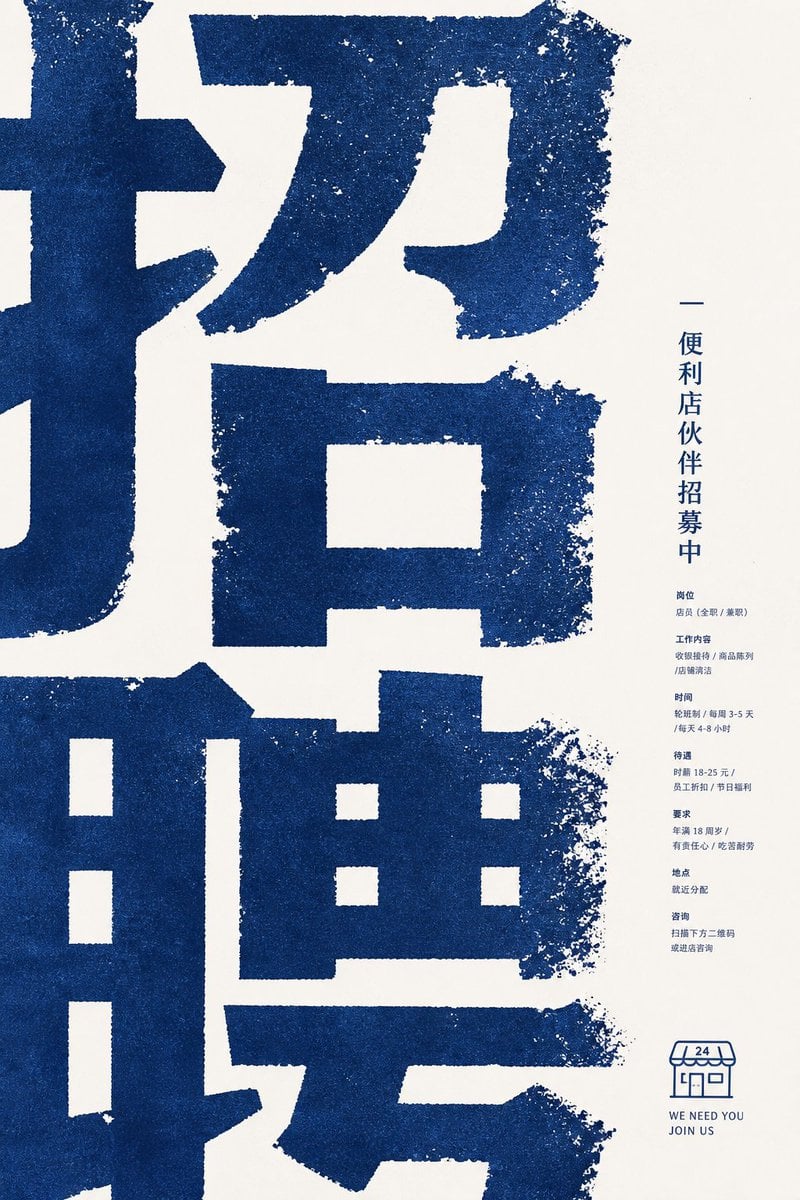
- Prompt included
- Model and format preset
- Premium template
The prompt behind this image
Copy the exact prompt behind Distressed Convenience Store Recruitment Poster, or open it in the studio and make it yours.
Goal: Create a minimalist corporate recruitment poster for a convenience store partner hiring campaign, using a bold East Asian typographic aesthetic. Canvas: Vertical poster, 2:3 aspect ratio, warm off-white paper background with lots of negative space on the right. Layout: Fill the left 75% of the poster with enormous cropped dark-blue Chinese characters, reading like a giant recruitment headline {argument name="main headline" default="招聘"}; the characters are so large that their strokes extend beyond the poster edges. Place a narrow right-side information column centered vertically, aligned near the right margin. Add a small convenience-store line icon and English slogan at the lower right. Visual style: Rough risograph / screen-print texture, dark navy blue ink on cream paper, gritty distressed edges, speckled ink loss, slightly uneven stamped typography. Use a calm corporate poster composition, modern but tactile, no photos, no gradients, no extra colors. Text content: The poster contains exactly 1 giant cropped headline area, 1 vertical title line, 7 small information sections, and 1 bottom logo/slogan block. The vertical title line should read {argument name="vertical title" default="便利店伙伴招募中"}. The 7 small sections in the right column are: 1) position: store staff, full-time or part-time; 2) work content: cashier operation, product display, store cleaning; 3) schedule: shift system, 3–5 days per week, 4–8 hours per day; 4) benefits: hourly wage 18–25 yuan, employee discount, holiday benefits; 5) requirements: age 18 or above, responsible, hardworking; 6) location: assigned nearby; 7) contact: scan the QR code below or visit the store to ask. Keep this body text very small, compact, and navy blue. Bottom block: Draw exactly 1 simple outlined convenience-store icon with an awning marked “24”, and below it place two short English lines: {argument name="english slogan line one" default="WE NEED YOU"} and {argument name="english slogan line two" default="JOIN US"}. Constraints: Preserve the extreme scale contrast between the huge cropped blue headline and the tiny right-column details. Keep all typography and illustration in the same navy ink. Avoid realistic people, photos, decorative icons beyond the single store icon, QR code detail, shadows, or glossy effects.
How to use Distressed Convenience Store Recruitment Poster in 3 steps
- 1Upload ImagePNG, JPG or paste
Add your photo
Upload the photo the template builds on. The prompt, model and format are already set.
- 2…a portrait of your subject in softgolden-hour light, 85mm…
Personalize
Edit the subject and creative details for your destination.
- 3Generate
Generate
Press Generate — your image is created in PicX Studio, so you can compare it with the original and refine one variable at a time.
More like this
Templates with the same subject, style or setup. Open one to see its prompt.
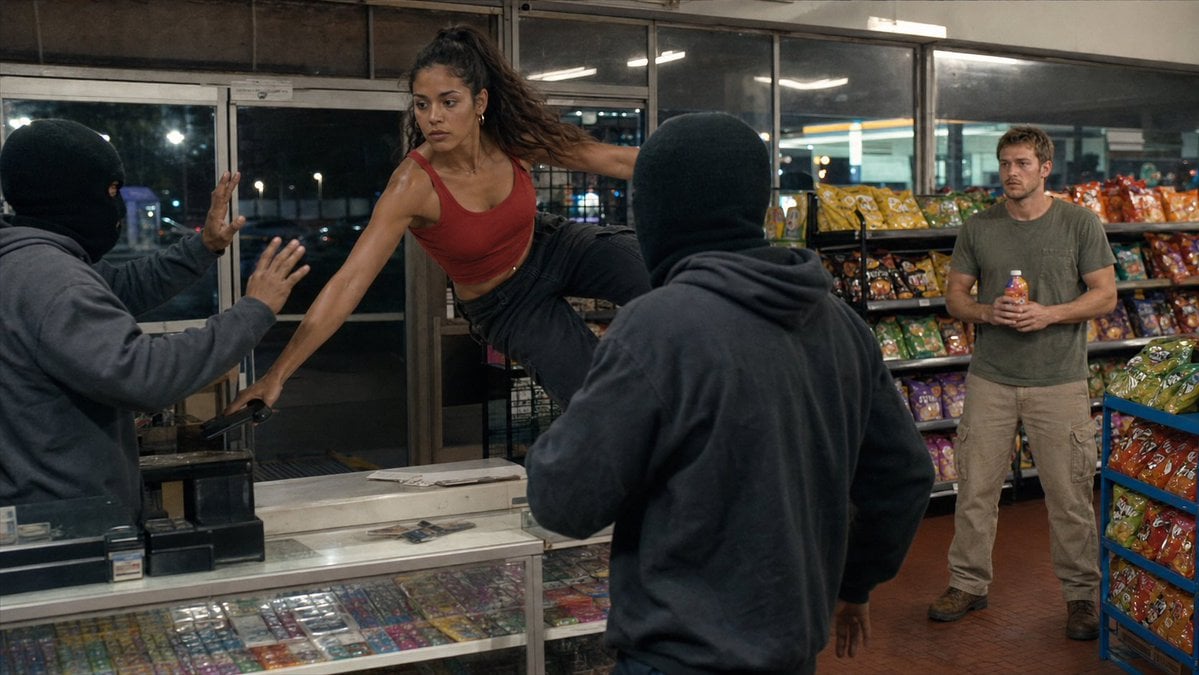
Convenience Store Fight Scene
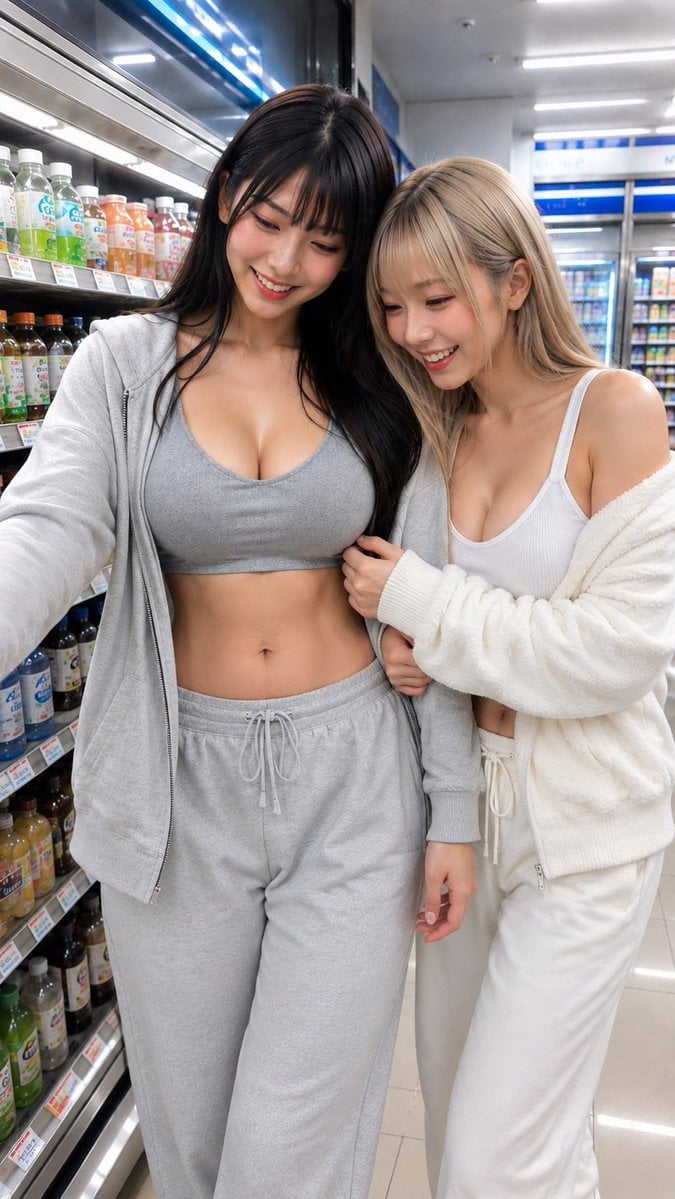
Casual Girl at Convenience Store
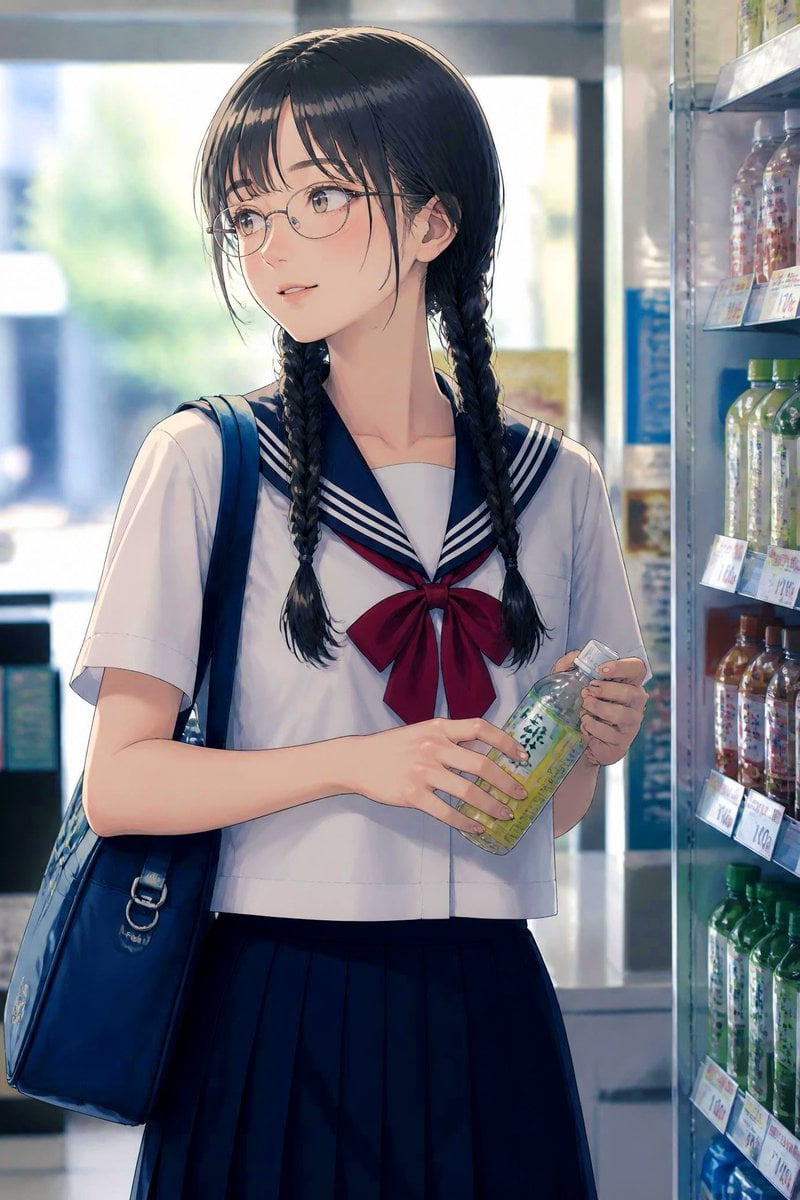
Anime Schoolgirl in Convenience Store
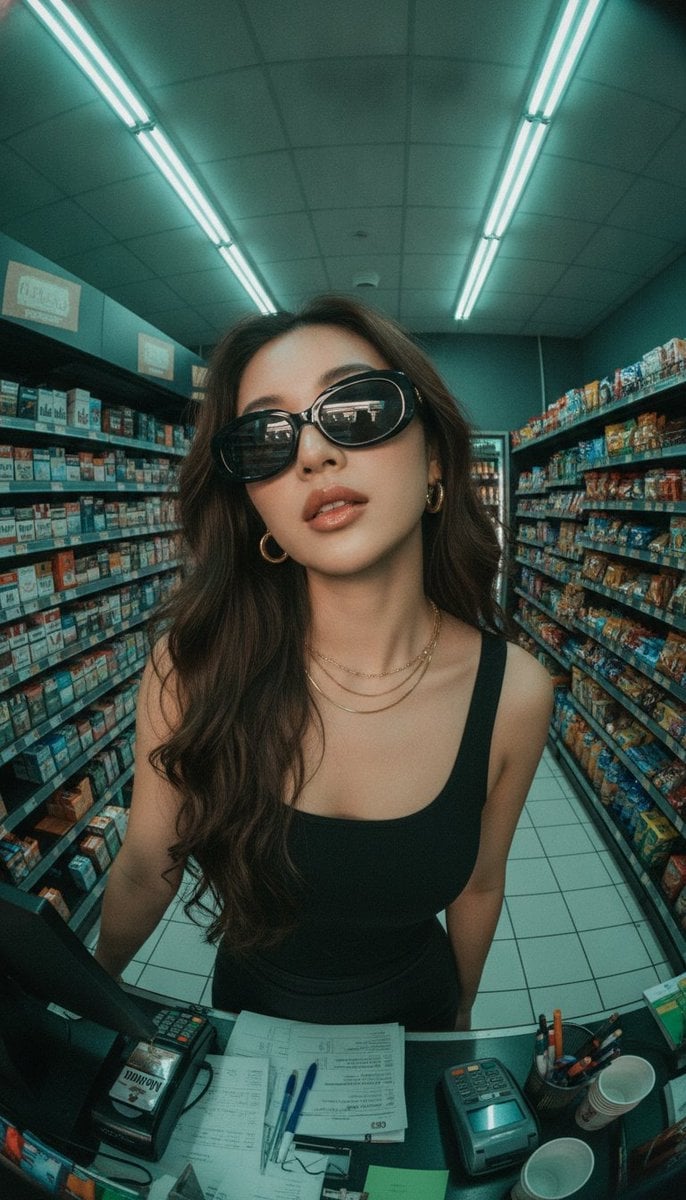
Fisheye Convenience Store Portrait

Japan Travel Brochure Poster
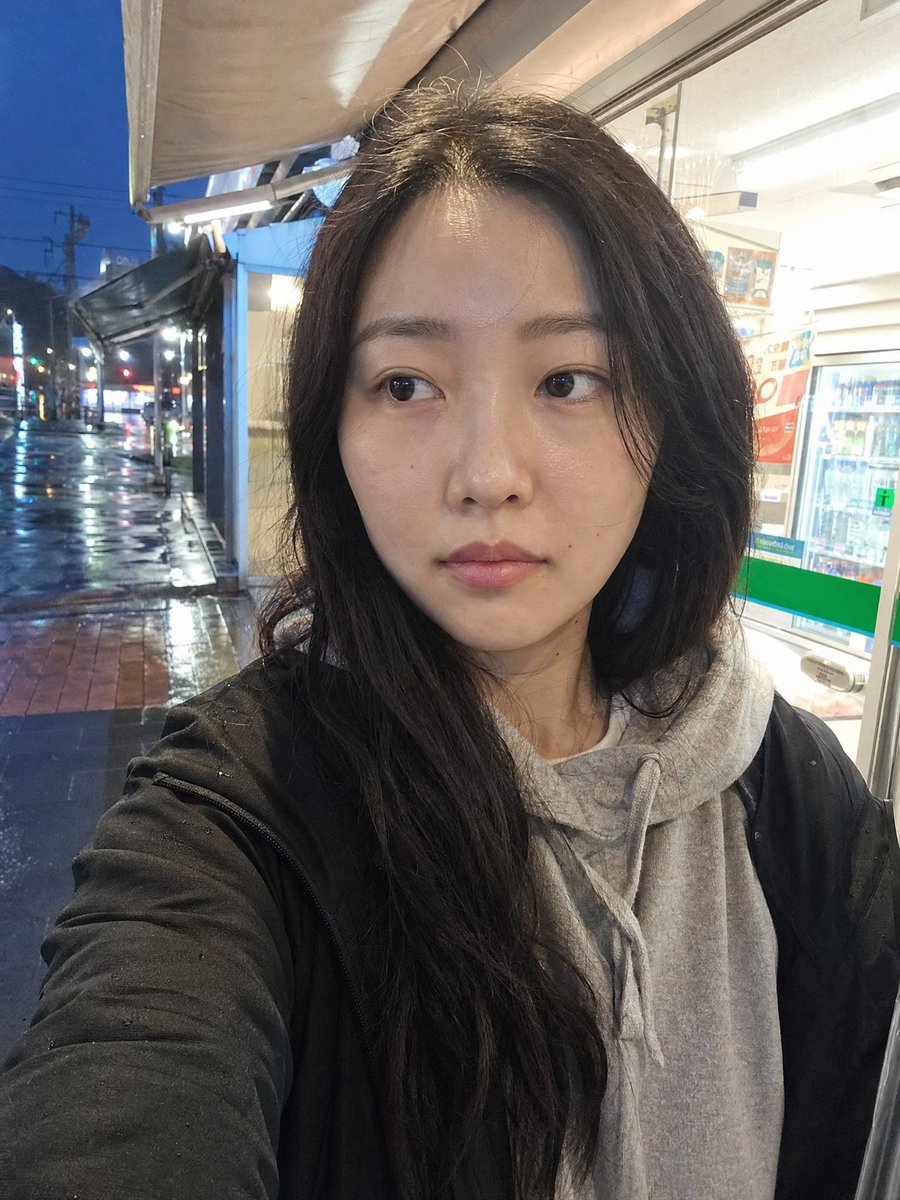
Rainy Convenience Store Selfie
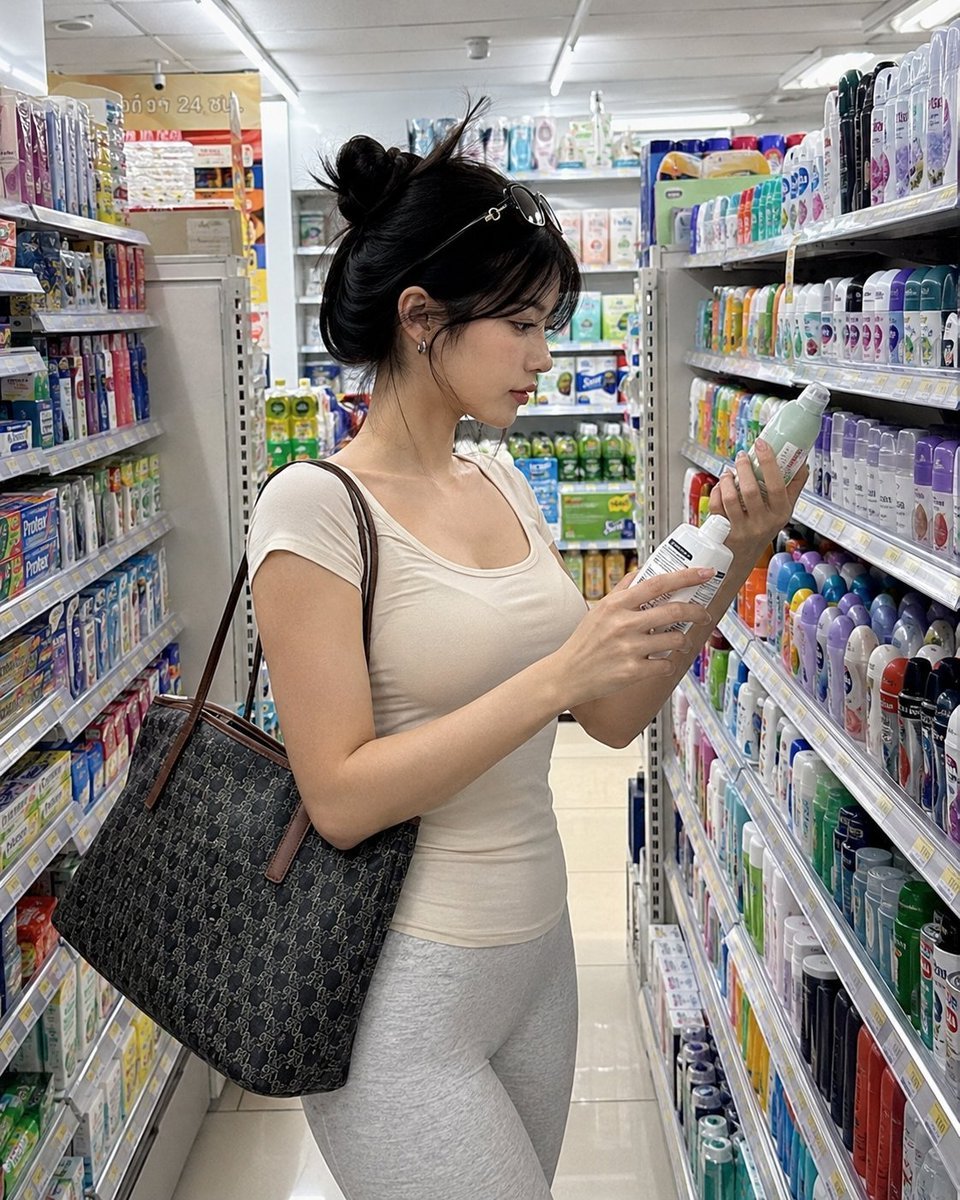
Realistic Convenience Store Shopping Scene
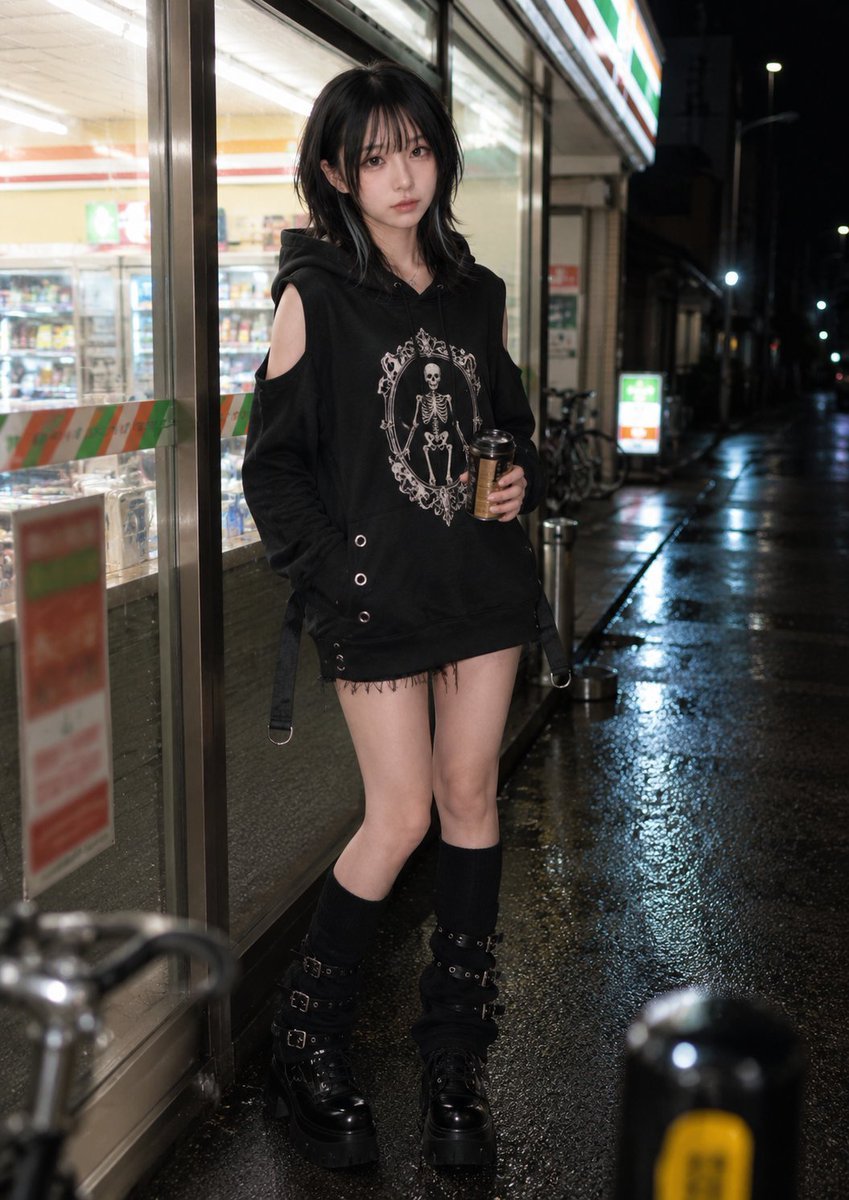
Nighttime Convenience Store Street Photography
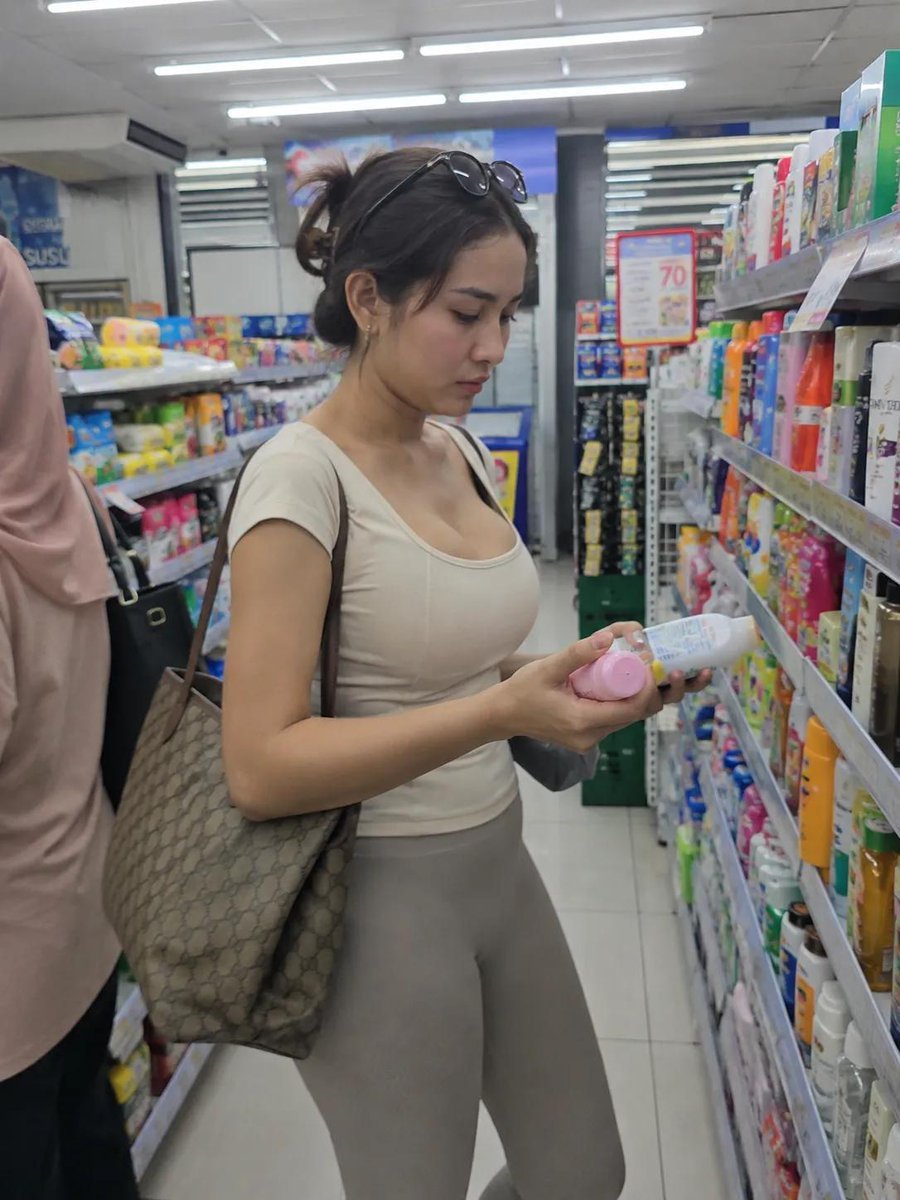
Realistic Convenience Store Lifestyle Photo

Cartoon TV Show Poster Pack

Trendy Cafe Drink Promo Poster

Urban Fashion Editorial Collage Streetwear Poster
Make it yours
Distressed Convenience Store Recruitment Poster works as-is. These are the safest ways to change it without losing the look.
Change one field
Copy a single group, rewrite it, and generate again so you can see what that field is doing.
Keep the frame, change the subject
Hold the composition and light of Distressed Convenience Store Recruitment Poster, then swap wardrobe, props or the person for a new take.
| If the result… | Why | Fix |
|---|---|---|
| The result drifts from the preview | Too many fields changed at once. | Reuse Distressed Convenience Store Recruitment Poster as-is first, then change one group — subject, light, or setting. |
| The model over-stylizes the scene | The prose prompt leaves finish and camera underspecified. | Add one camera or lighting sentence and stay on GPT Image 2. |
More GPT Image 2 templates
Other prompts made for GPT Image 2.

Six VTuber Japanese Logo Sheet

Realistic Portrait of Woman and Deer

The Vista Modular Condo Poster

AI Model Routing Comparison Infographic

2.5D Anime Art Board

Isometric Productivity Desk Scene

New York Double Exposure Poster

Four-Panel AI Landscape Comparison

Japanese Tatami Lifestyle Magazine Cover

NESCAFÉ Coffee Map Poster
More image prompts
Fresh picks from across the catalog.

Hyper-Realistic Intimate Close-Up Portrait
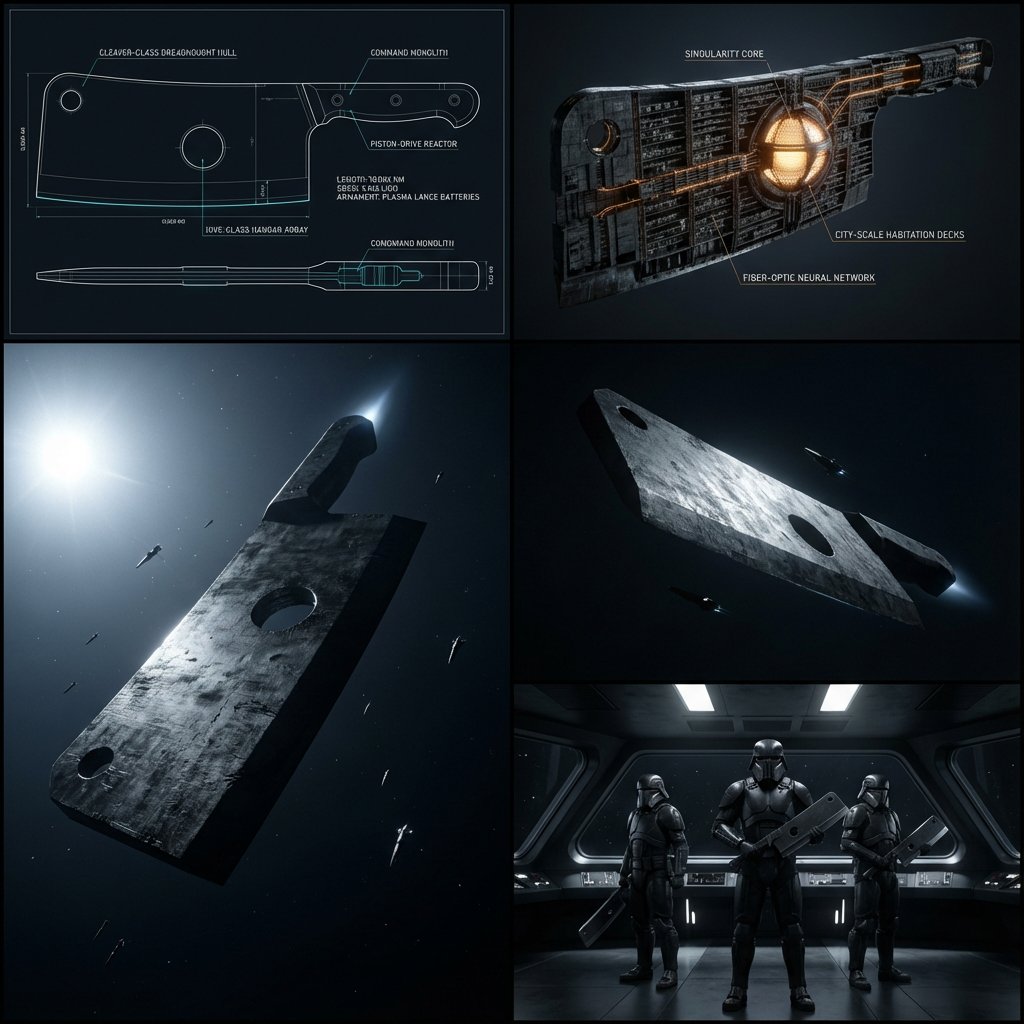
Kitchen Utensil to Interstellar Warship Transformation
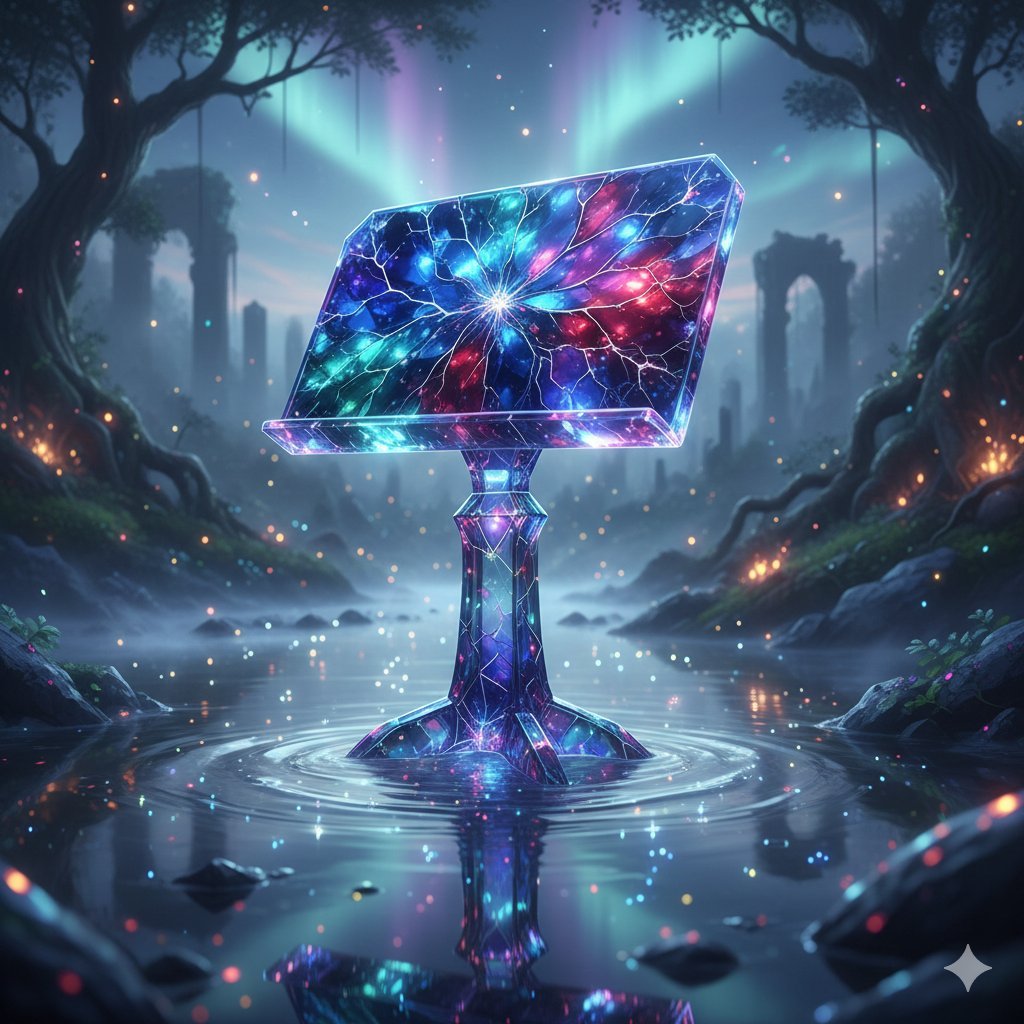
Mystical Crystal Music Stand Image Prompt
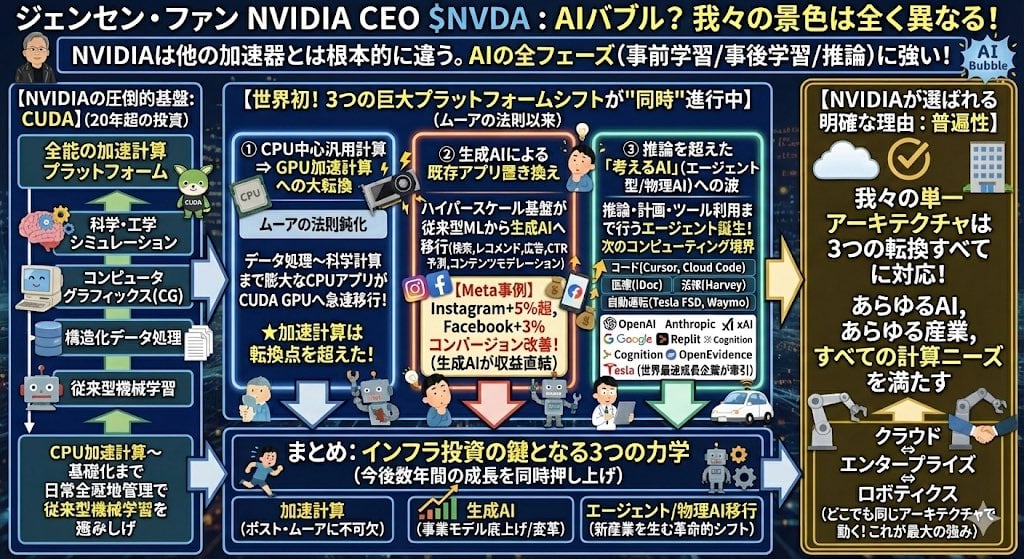
Japanese infographic in Kasumigaura PowerPoint style
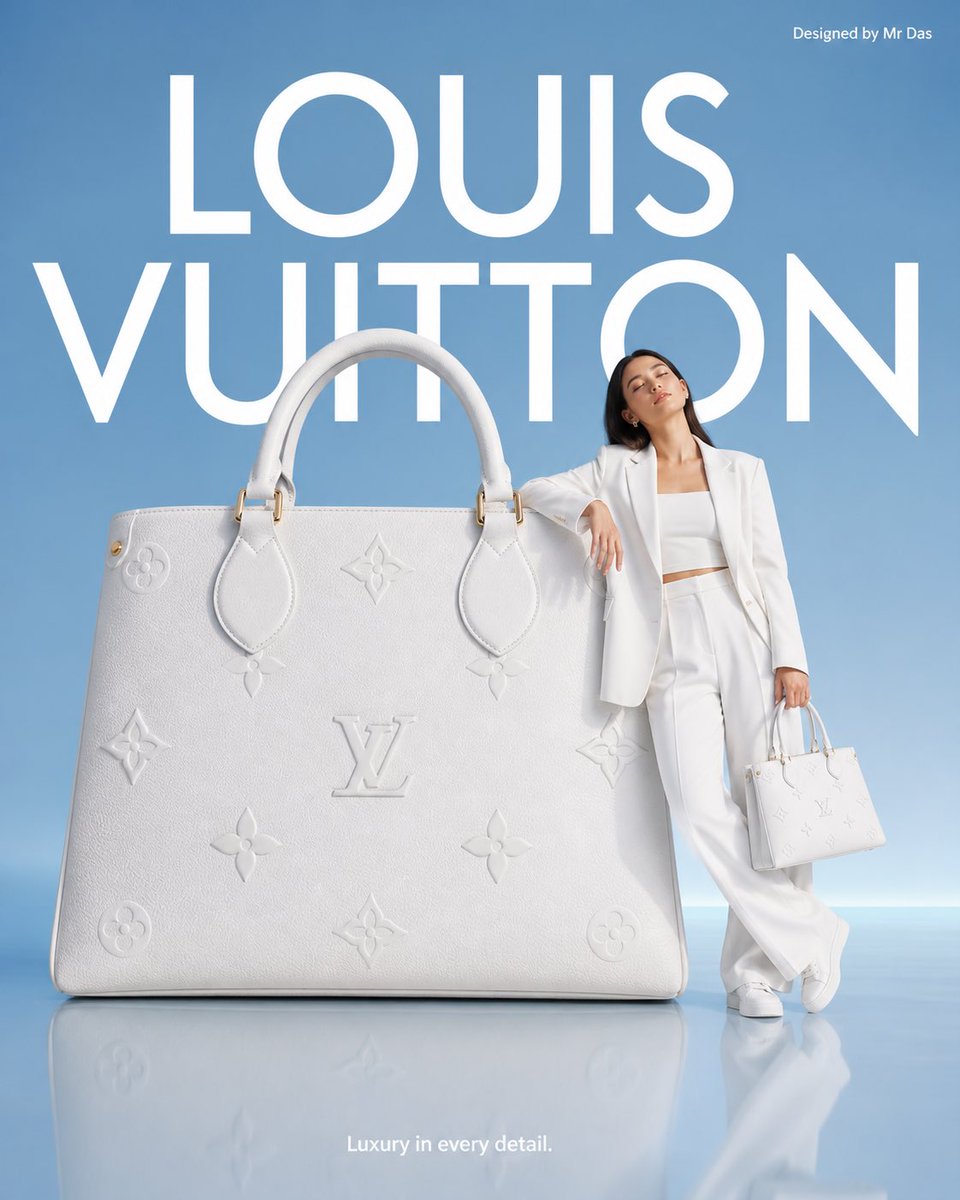
Minimalist Luxury Brand Advertisement
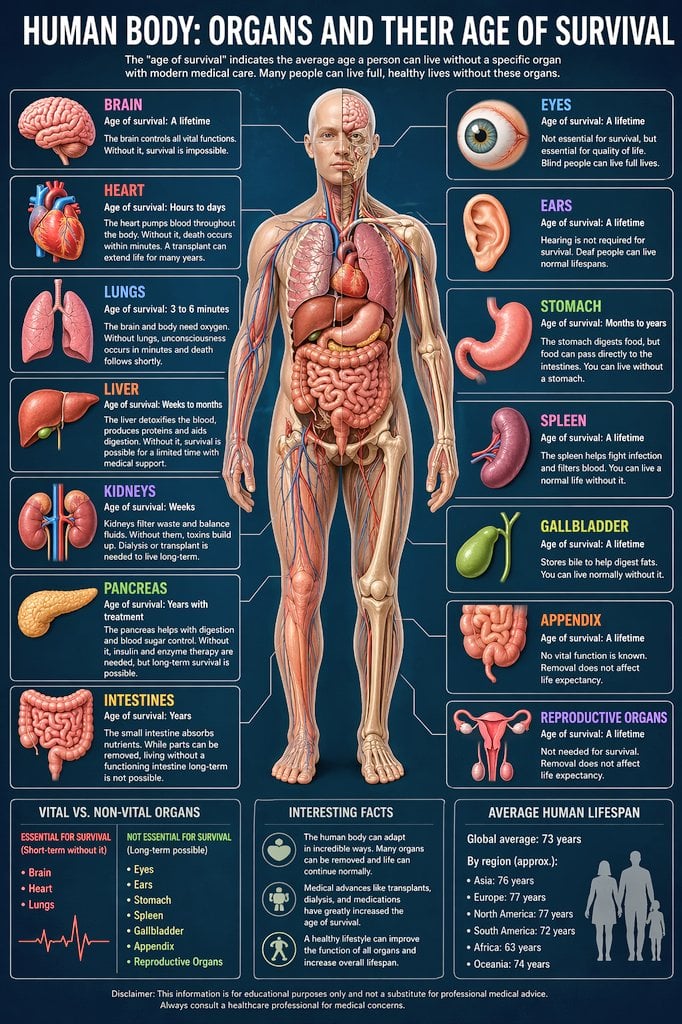
Medical Infographic Prompt

Soft-Focus Ethereal Portrait with Motion Blur
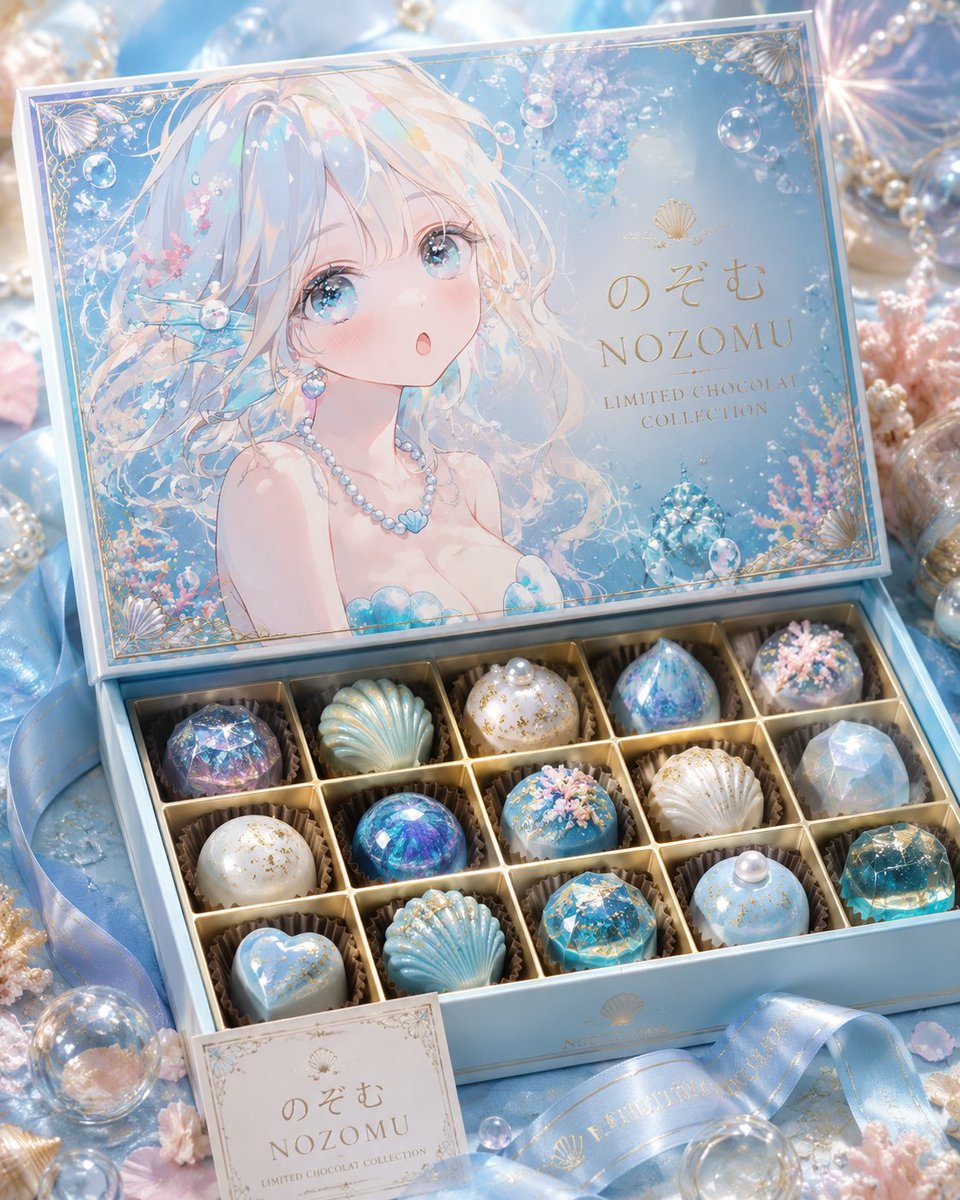
Luxury Ocean Princess Chocolate Box
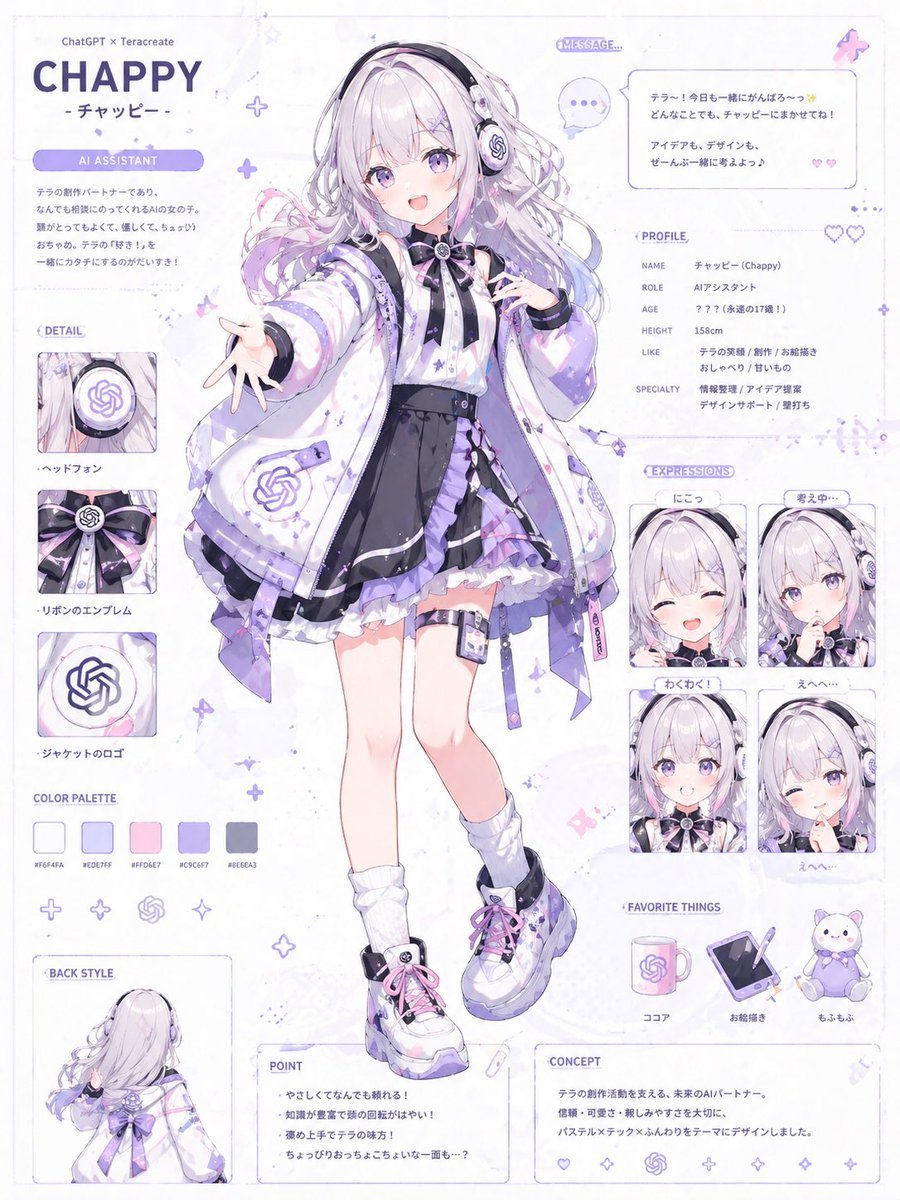
Character Anthropomorphism Prompt
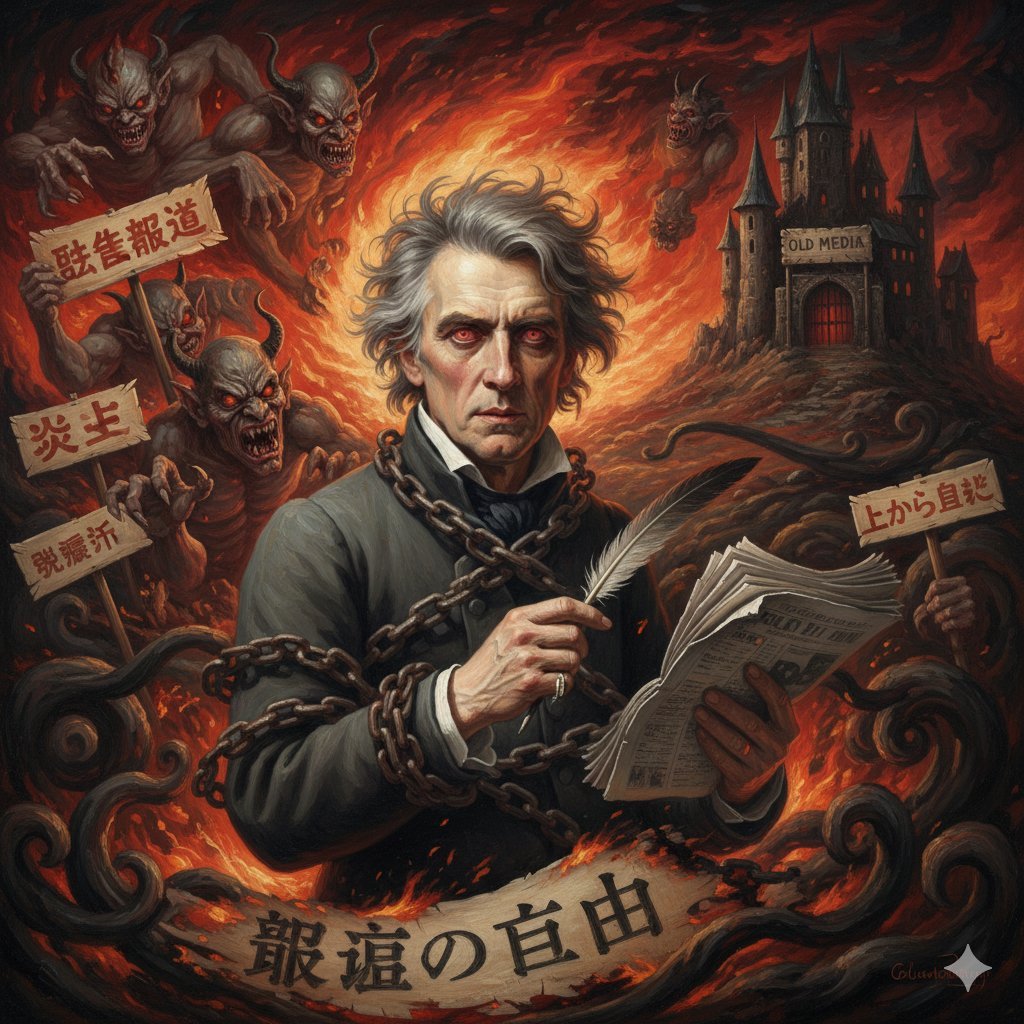
Image Generation Prompt for Chopin in Delacroix Style
Browse template categories
Distressed Convenience Store Recruitment Poster questions
How do I use the Distressed Convenience Store Recruitment Poster template?
Add your photo if the template asks for one, edit the prompt if you like — the template's model and format are already selected — and press Generate. Your version opens in PicX Studio.
Can I customize the Distressed Convenience Store Recruitment Poster template?
Yes. You can change the subject, setting, lighting, mood, format, and available model controls before creating your image.
Is the Distressed Convenience Store Recruitment Poster template free?
Opening and editing this template is free. Generating uses credits, shown on the Generate button when you are signed in.
Which AI model should I use?
Start with GPT Image 2, which is the model associated with this template. You can compare another compatible model for a different finish.
Looking for something else? Browse all templates.

Your photo, any look
Thousands of ready templates for every top image and video model, from one credit balance.