
Convenience Store Fight Scene
A cinematic action prompt for generating a realistic convenience store robbery fight scene with a heroine battling two masked robbers while a bystander watches.
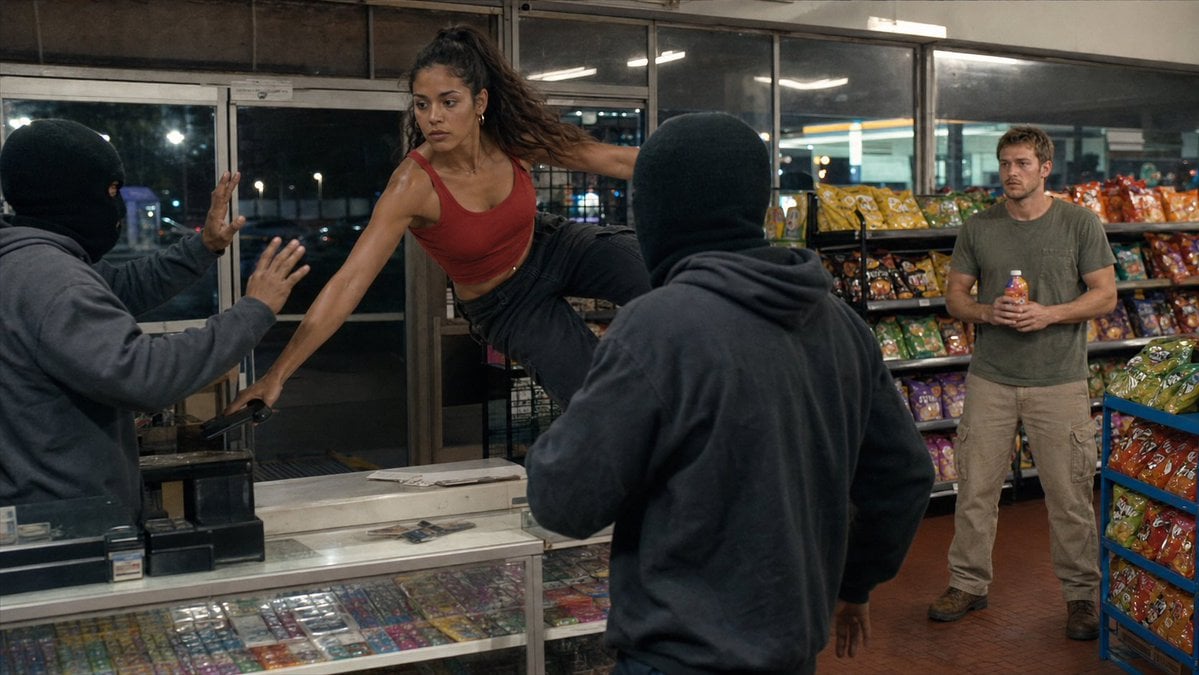
- Prompt included
- Model and format preset
- Free template
The prompt behind this image
Copy the exact prompt behind Convenience Store Fight Scene, or open it in the studio and make it yours.
Create a cinematic, realistic action still set inside a brightly lit convenience store at night. The scene shows {argument name="main character" default="an athletic young woman with tan skin and long dark hair in a high ponytail"} wearing {argument name="hero outfit" default="a red cropped tank top and black pants"}, frozen mid-fight as she vaults sideways over the checkout counter with one hand planted on the glass display case and one leg extended in a powerful flying kick. Count exactly four visible people: 1) the woman hero at center-left, focused and intense; 2) a masked robber on the far left in a black ski mask and dark gray hoodie, recoiling with both hands raised; 3) a second masked robber in the foreground center-right, seen from behind in a black ski mask and dark hoodie, facing the woman; 4) a scruffy male bystander on the right wearing {argument name="bystander outfit" default="an olive green T-shirt and beige cargo pants"}, standing near snack shelves and holding a bottled drink while watching anxiously. The store interior should include a glass checkout counter filled with colorful small packaged goods, a cash register on the left, sliding glass entrance doors and dark windows behind the counter, fluorescent ceiling reflections, brick-red tile flooring, and multiple racks of bright chip bags and snacks on the right and back wall. Use a wide 16:9 movie frame, eye-level perspective, dynamic frozen motion, realistic anatomy, gritty modern crime-thriller mood, natural fluorescent store lighting mixed with night reflections, shallow cinematic depth of field, detailed textures, and a high-budget film still look. Avoid text overlays, logos, captions, watermarks, extra characters, gore, or cartoon styling.
How to use Convenience Store Fight Scene in 3 steps
- 1Upload ImagePNG, JPG or paste
Add your photo
Upload the photo the template builds on. The prompt, model and format are already set.
- 2…a portrait of your subject in softgolden-hour light, 85mm…
Personalize
Edit the subject and creative details for your destination.
- 3Generate
Generate
Press Generate — your image is created in PicX Studio, so you can compare it with the original and refine one variable at a time.
More like this
Templates with the same subject, style or setup. Open one to see its prompt.

Seedance 2.0 - Anime Girl Fight
Seedance - Epic Fight Scene
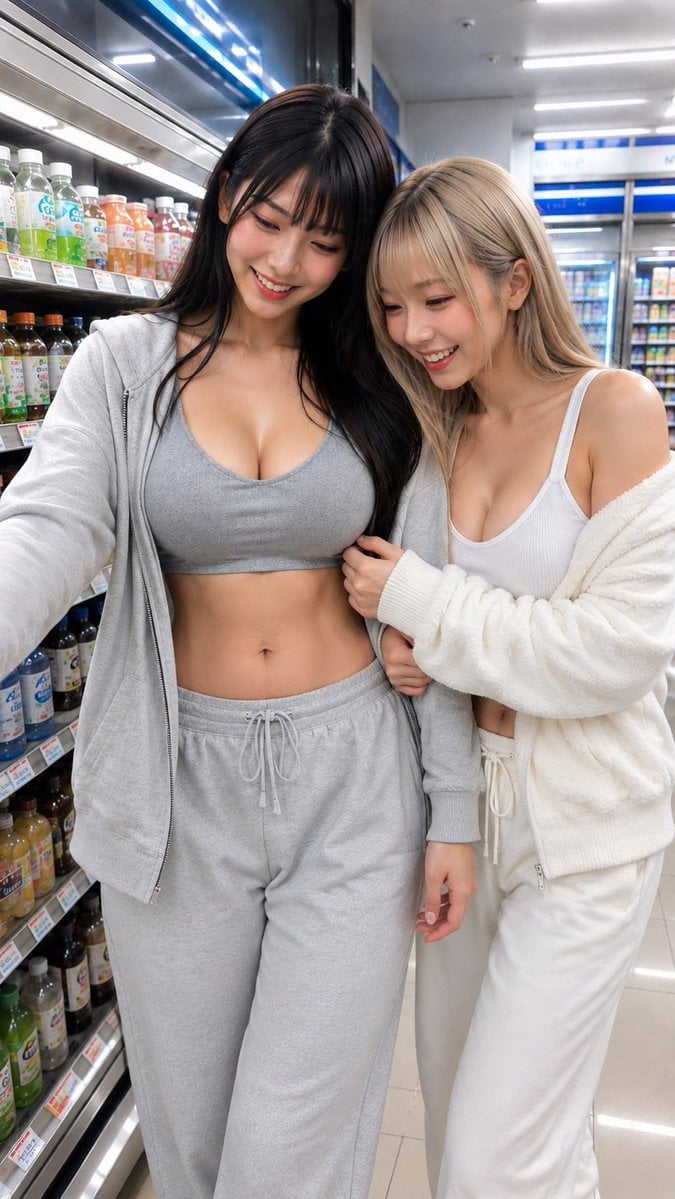
Casual Girl at Convenience Store
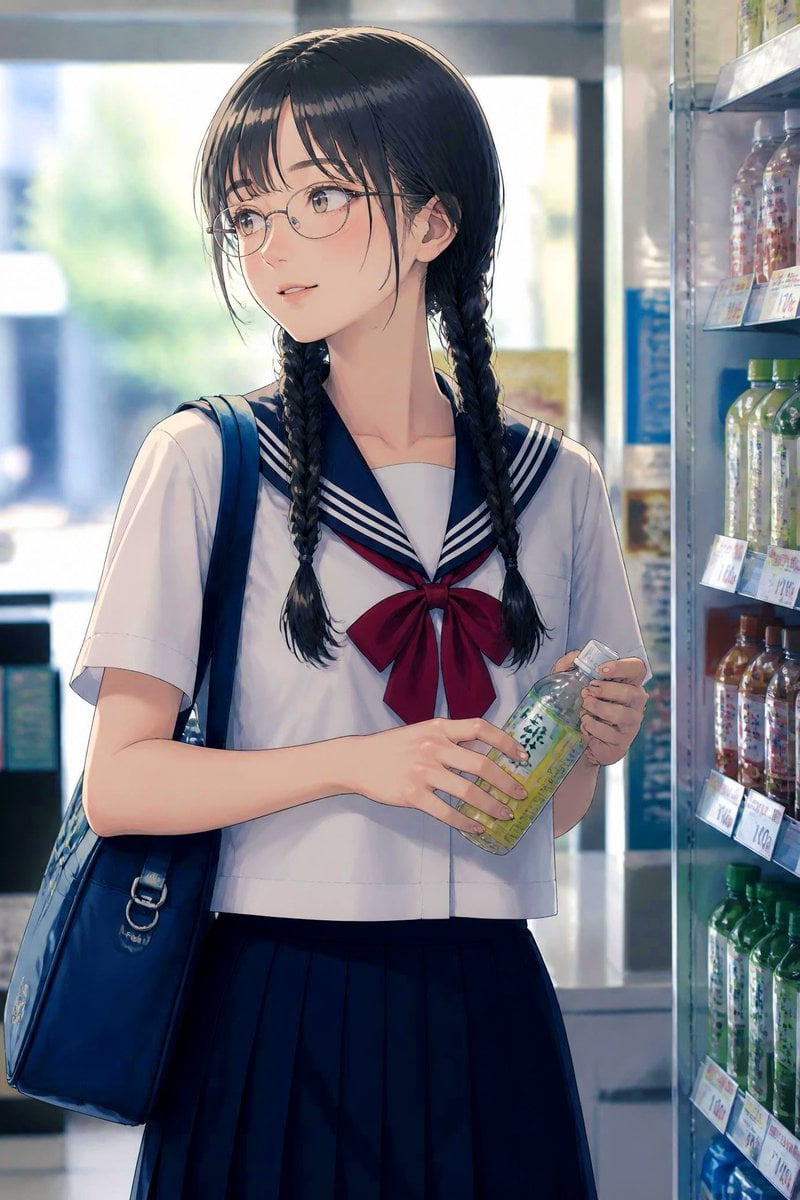
Anime Schoolgirl in Convenience Store
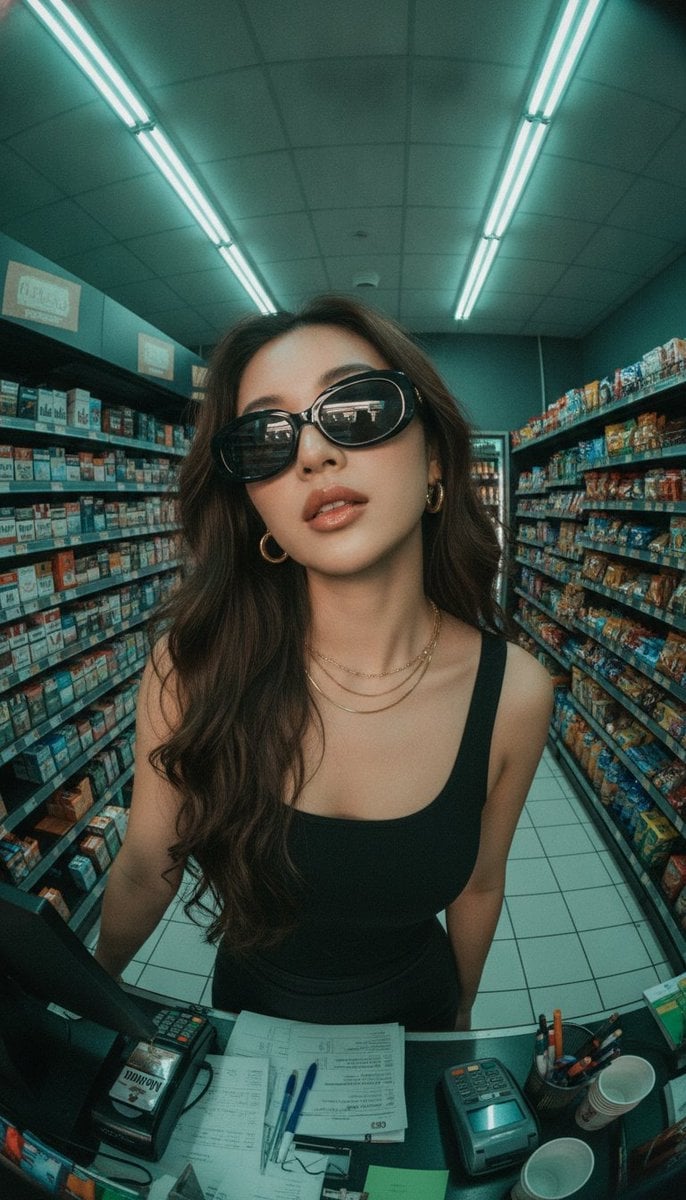
Fisheye Convenience Store Portrait
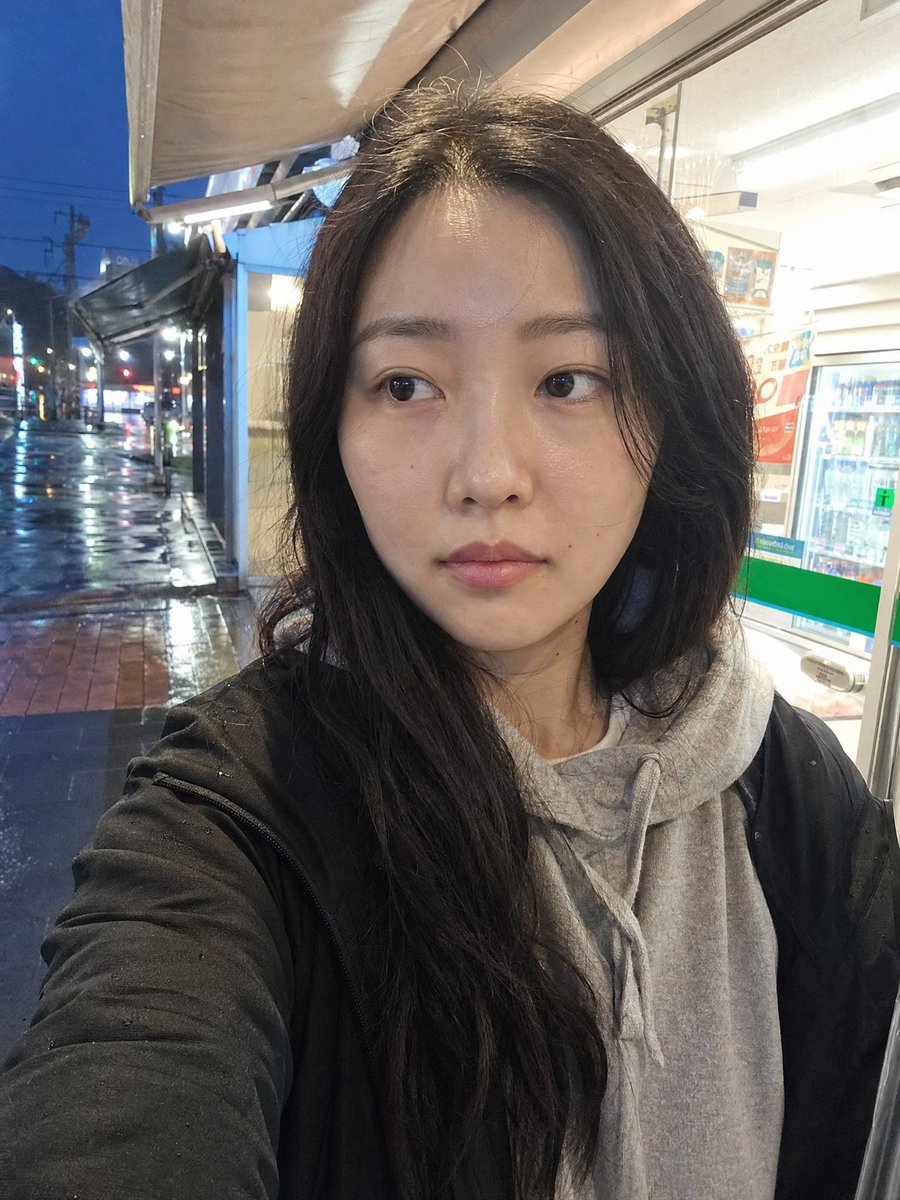
Rainy Convenience Store Selfie
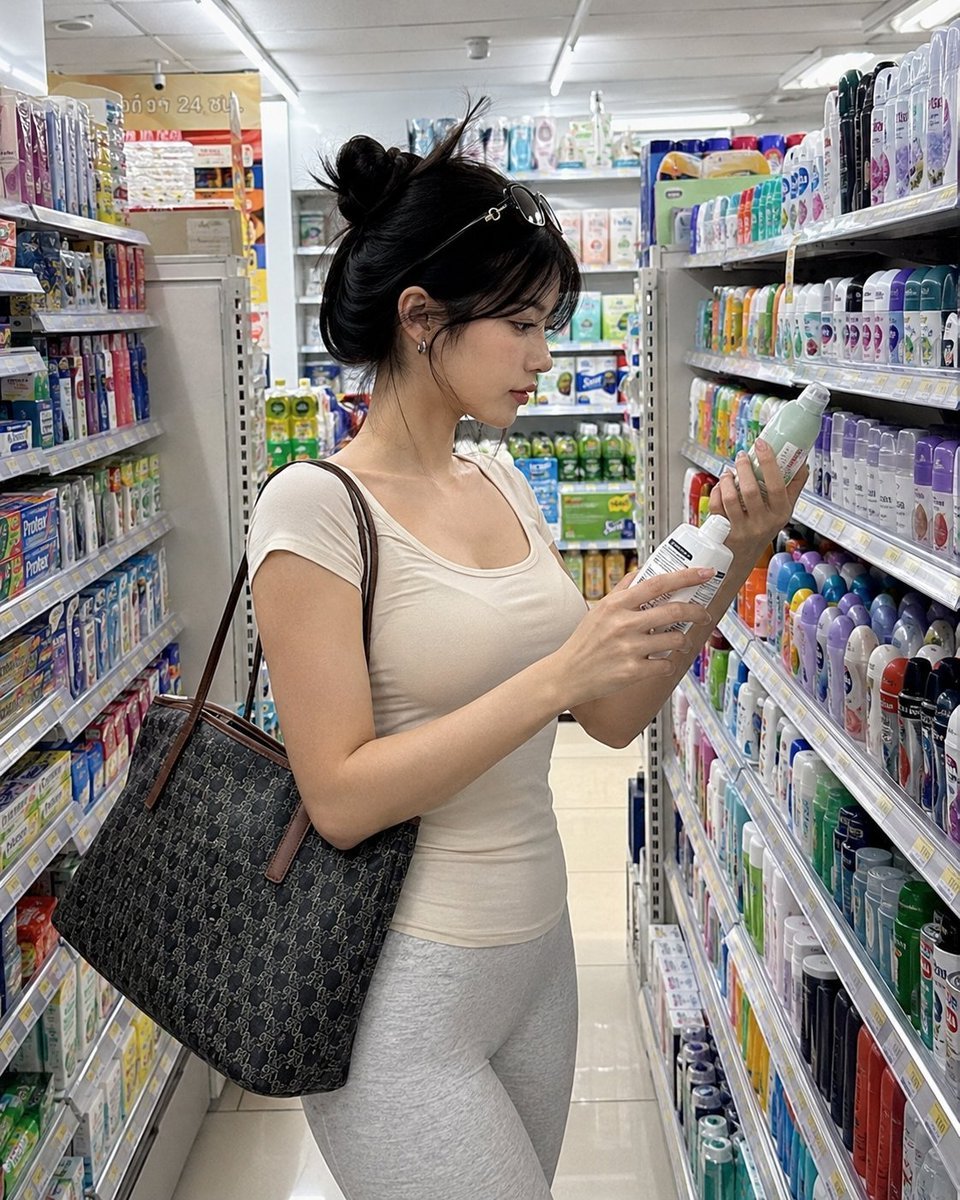
Realistic Convenience Store Shopping Scene
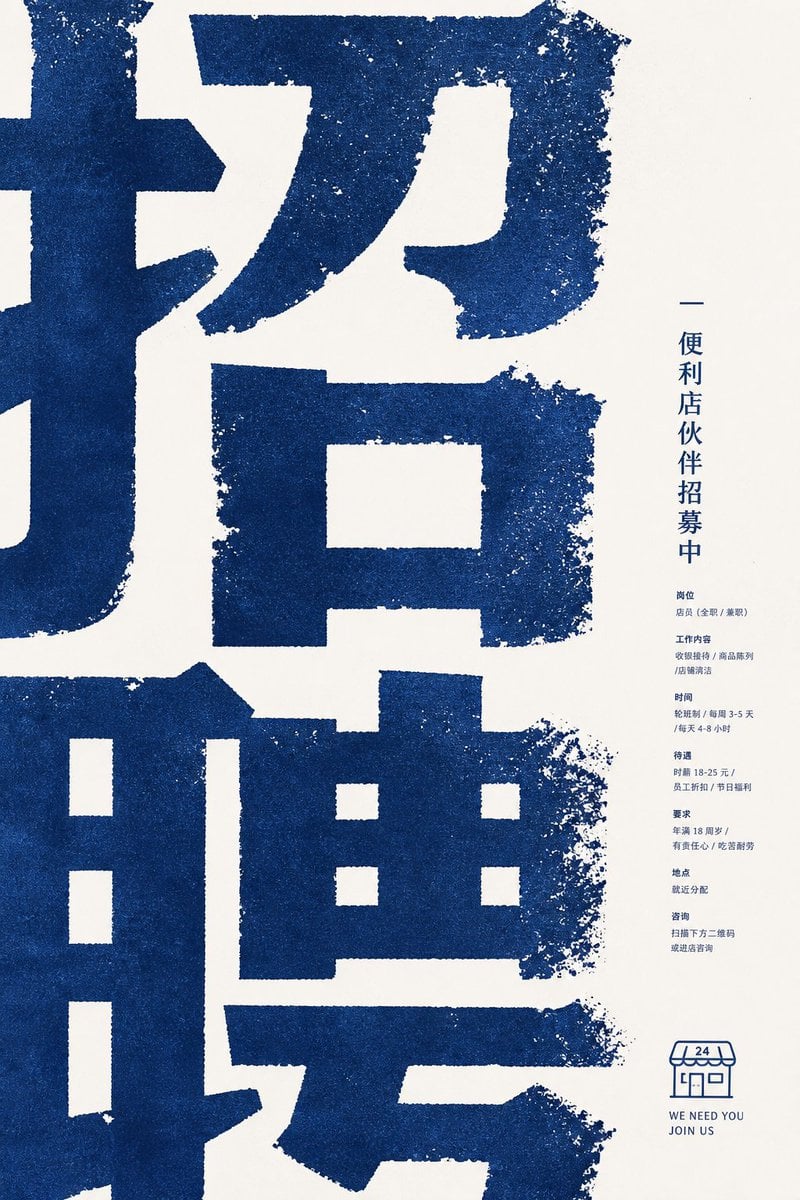
Distressed Convenience Store Recruitment Poster
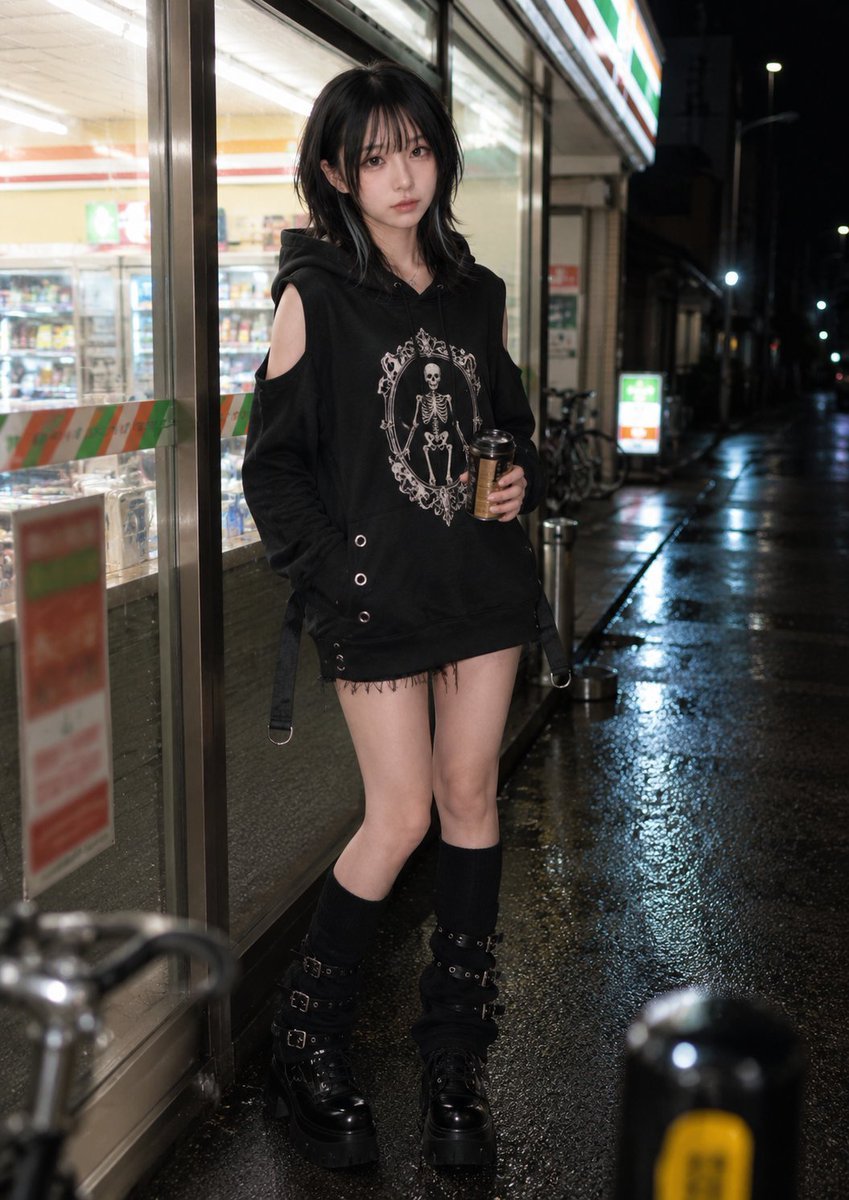
Nighttime Convenience Store Street Photography
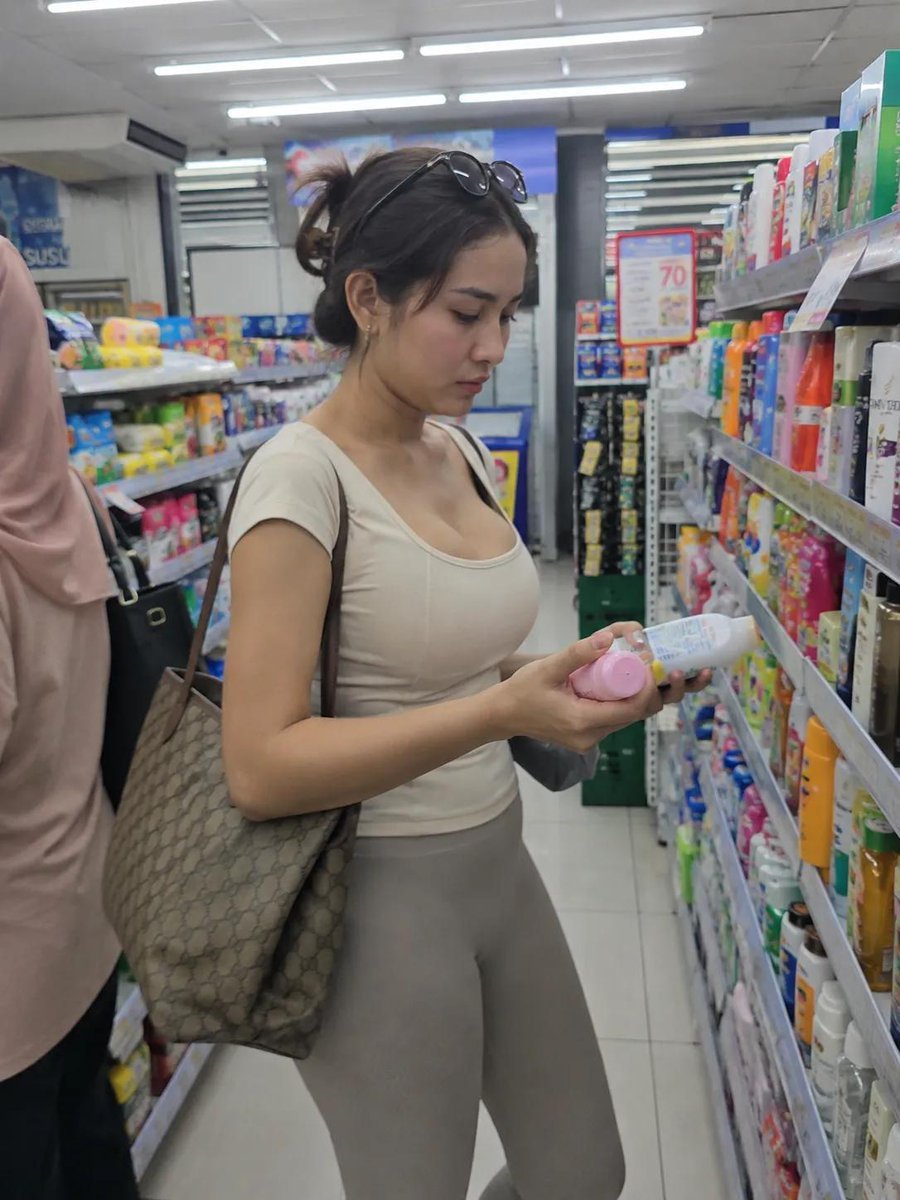
Realistic Convenience Store Lifestyle Photo
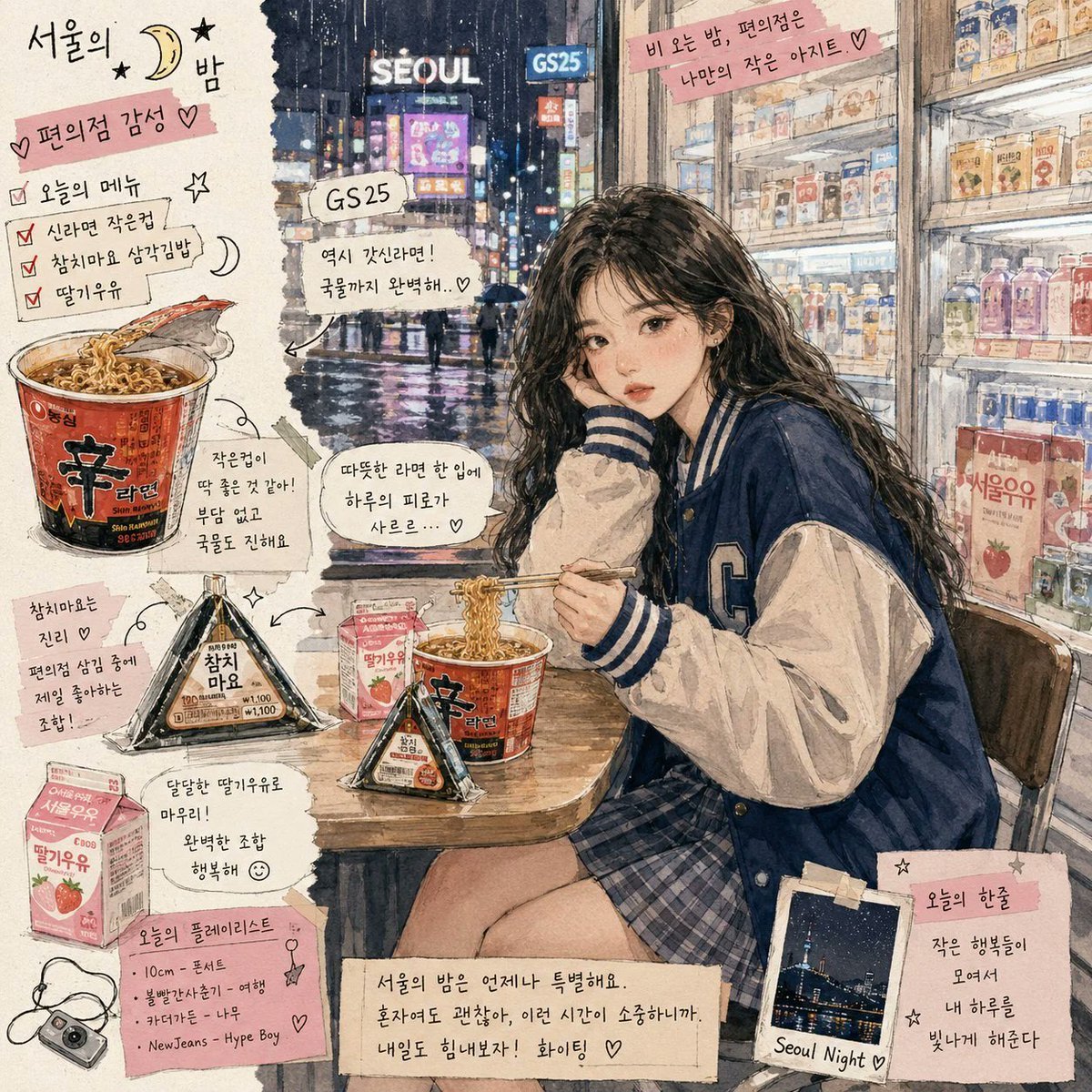
Korean Convenience Store Magazine Illustration
Cinematic Neon Convenience Store Prompt
Make it yours
Convenience Store Fight Scene works as-is. These are the safest ways to change it without losing the look.
Change one field
Copy a single group, rewrite it, and generate again so you can see what that field is doing.
Keep the frame, change the subject
Hold the composition and light of Convenience Store Fight Scene, then swap wardrobe, props or the person for a new take.
| If the result… | Why | Fix |
|---|---|---|
| The result drifts from the preview | Too many fields changed at once. | Reuse Convenience Store Fight Scene as-is first, then change one group — subject, light, or setting. |
| The model over-stylizes the scene | The prose prompt leaves finish and camera underspecified. | Add one camera or lighting sentence and stay on GPT Image 2. |
More GPT Image 2 templates
Other prompts made for GPT Image 2.

Six VTuber Japanese Logo Sheet

Realistic Portrait of Woman and Deer

The Vista Modular Condo Poster

AI Model Routing Comparison Infographic

2.5D Anime Art Board

Isometric Productivity Desk Scene

New York Double Exposure Poster

Four-Panel AI Landscape Comparison

Japanese Tatami Lifestyle Magazine Cover

NESCAFÉ Coffee Map Poster
More image prompts
Fresh picks from across the catalog.
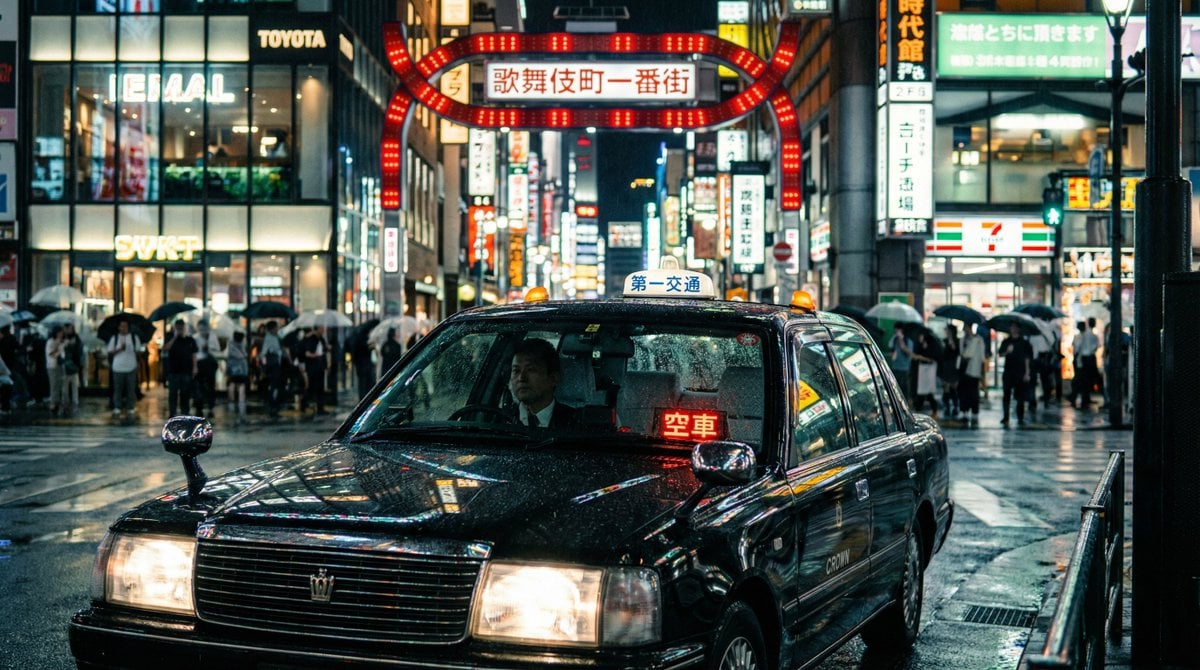
Cinematic taxi in rainy Kabukicho at night
Hyper-Realistic Crochet Doll Transformation
Gatsby Style Art Deco Wedding Photos
Sports Car Advertisement with Japanese Girl
Sci-Fi Movie Poster and Production Design Sheet
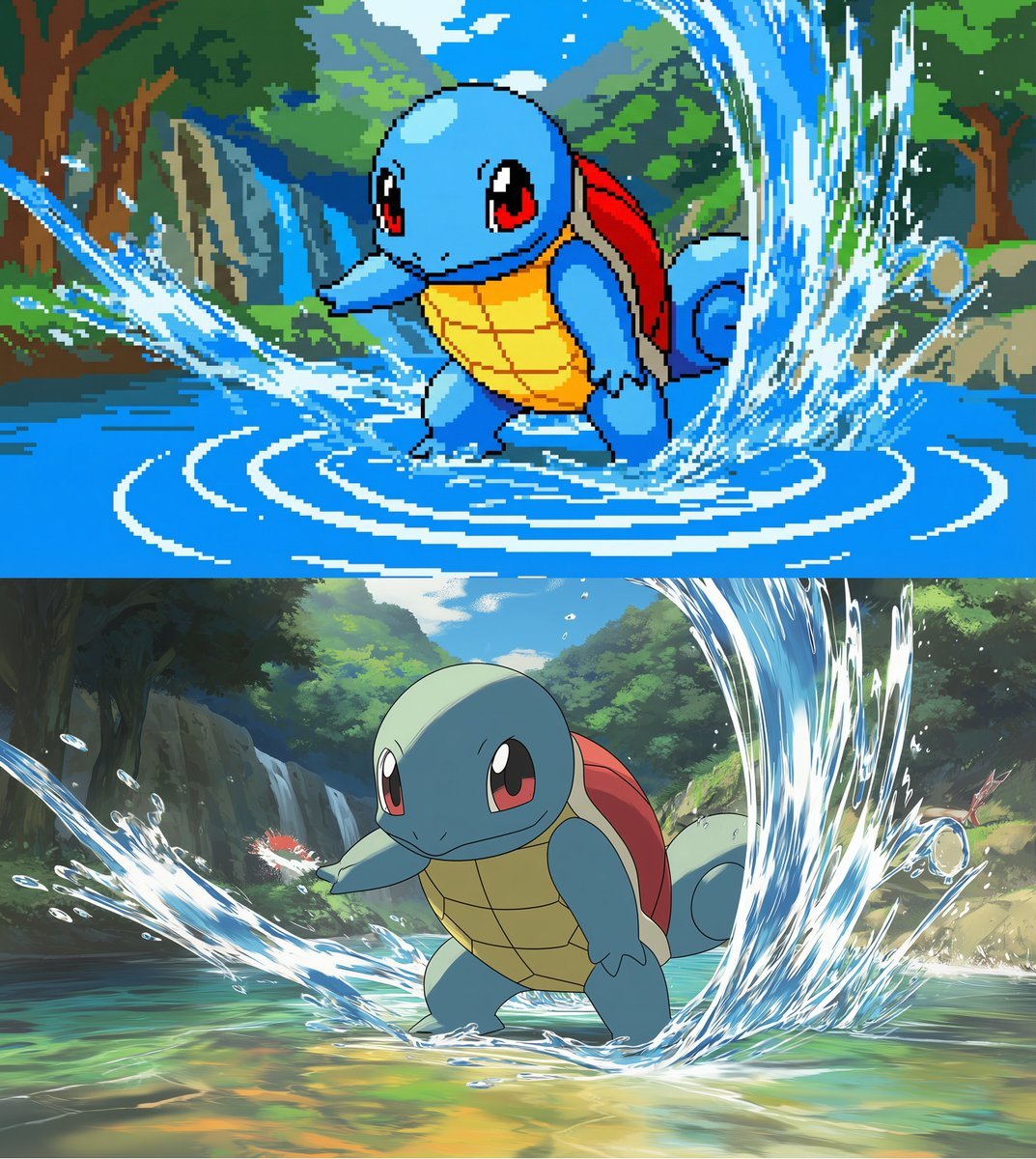
Convert scene to low-res pixel art

untitled

Cyberpunk AI Entrepreneur Portrait
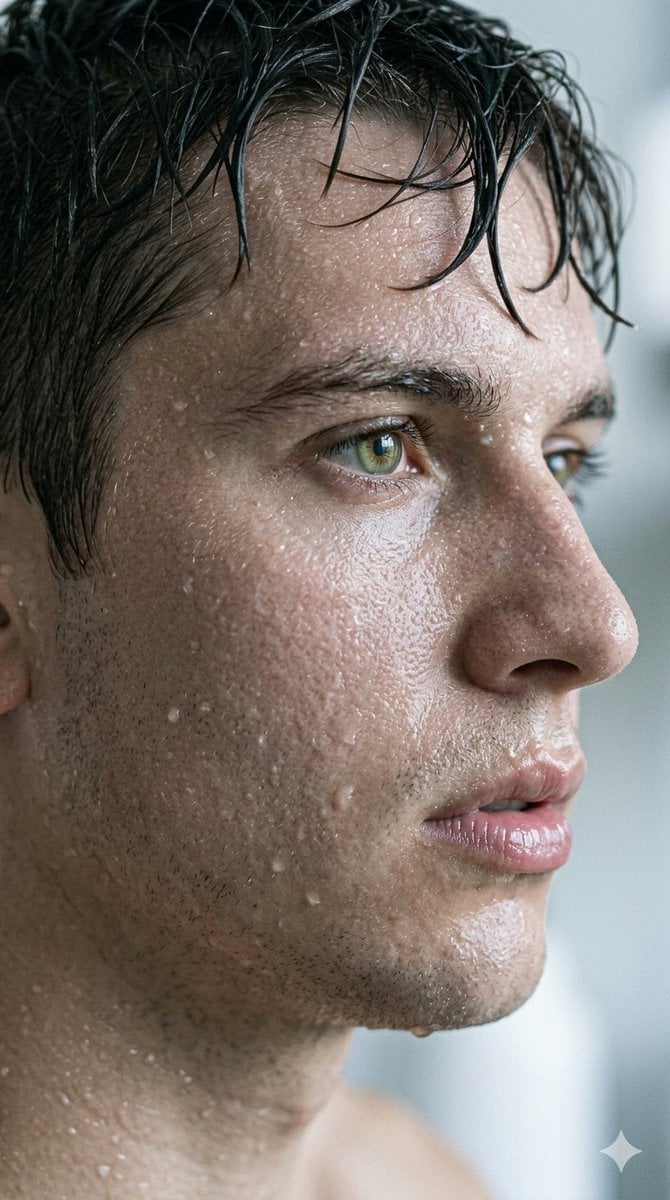
Hyper-Realistic Cinematic Macro Portrait with JSON Structure
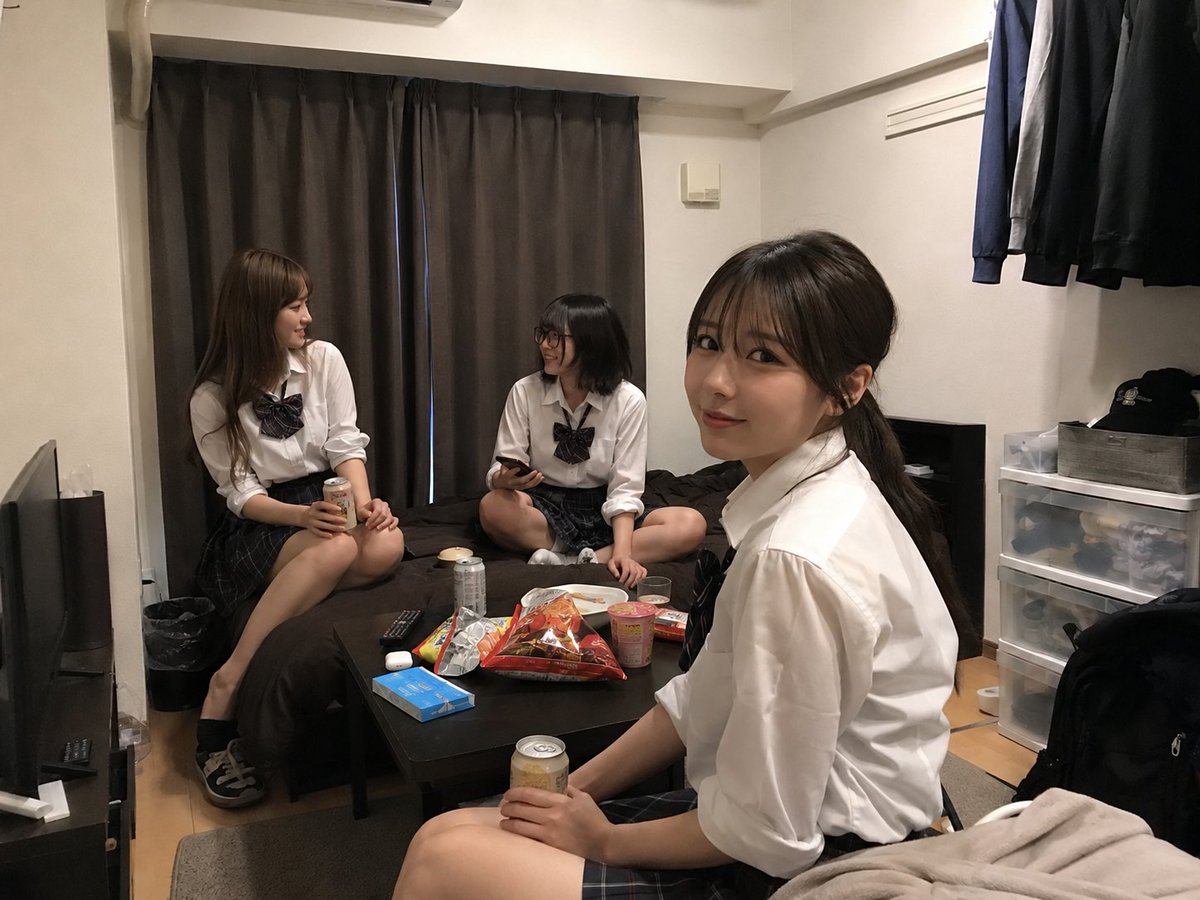
Student Hangout Room Transformation
Browse template categories
Convenience Store Fight Scene questions
How do I use the Convenience Store Fight Scene template?
Add your photo if the template asks for one, edit the prompt if you like — the template's model and format are already selected — and press Generate. Your version opens in PicX Studio.
Can I customize the Convenience Store Fight Scene template?
Yes. You can change the subject, setting, lighting, mood, format, and available model controls before creating your image.
Is the Convenience Store Fight Scene template free?
Opening and editing this template is free. Generating uses credits, shown on the Generate button when you are signed in.
Which AI model should I use?
Start with GPT Image 2, which is the model associated with this template. You can compare another compatible model for a different finish.
Looking for something else? Browse all templates.

Your photo, any look
Thousands of ready templates for every top image and video model, from one credit balance.