
Rainy Convenience Store Selfie
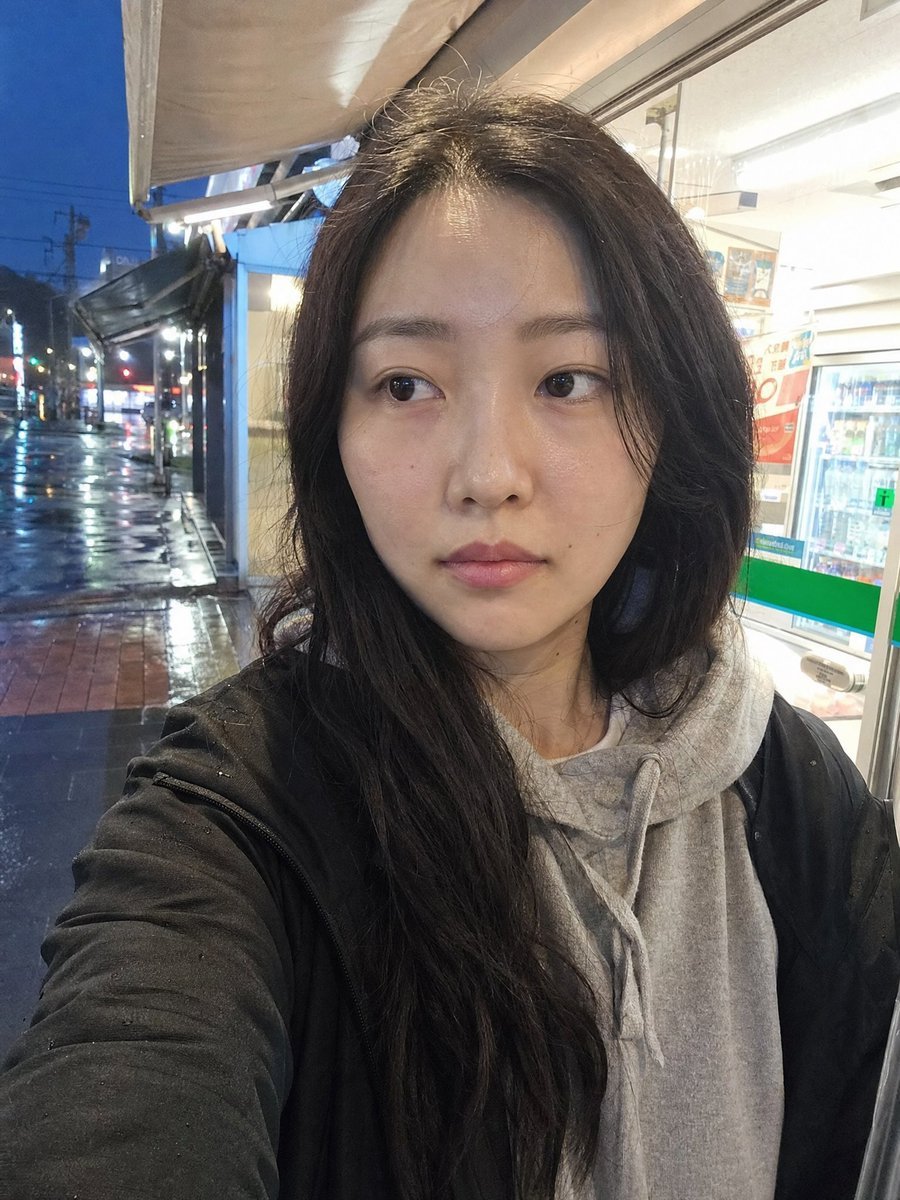
Generates a candid, realistic phone selfie outside a convenience store after rain, useful for authentic lifestyle portrait scenes.
- Prompt included
- Model and format preset
- Free template
The prompt behind this image
Copy the exact prompt behind Rainy Convenience Store Selfie, or open it in the studio and make it yours.
Create a realistic smartphone front-camera selfie of {argument name="character description" default="a young East Asian woman with long slightly messy black hair"} standing just outside a brightly lit convenience store on a rainy evening. The framing is imperfect and close, with the subject filling most of the vertical image; one arm is extended toward the camera, creating mild wide-angle distortion and a casual snapshot feel. The subject wears exactly 2 visible clothing layers: a light gray drawstring hoodie and a black rain jacket with small raindrops on the sleeve and shoulder. The face area is intentionally covered by a plain centered rectangular privacy block in a muted brown-gray skin-tone color, obscuring facial features completely while leaving hair, neck, and clothing visible. Background: show the convenience store entrance and window on the right with bright fluorescent indoor lighting, drink shelves and indistinct posters inside, and a wet sidewalk and street receding on the left with reflections, traffic lights, utility poles, awning, and deep blue dusk sky. Lighting should feel mixed and unpolished: strong white fluorescent spill from the store, cool rainy ambient street light, shiny reflections on pavement, slight overexposure near the shop window, subtle digital noise, slight lens softness, imperfect focus, and no studio lighting. Mood: everyday, tired, candid, post-rain errand snapshot rather than a polished portrait. Use realistic phone-camera color science, visible hair flyaways, natural fabric texture, wet pavement detail, and casual asymmetrical composition. Negative constraints: no beauty filter, no influencer retouching, no cinematic grading, no CGI, no fashion editorial posing, no perfect composition, no watermark, no readable brand logos.
How to use Rainy Convenience Store Selfie in 3 steps
- 1Upload ImagePNG, JPG or paste
Add your photo
Upload the photo the template builds on. The prompt, model and format are already set.
- 2…a portrait of your subject in softgolden-hour light, 85mm…
Personalize
Edit the subject and creative details for your destination.
- 3Generate
Generate
Press Generate — your image is created in PicX Studio, so you can compare it with the original and refine one variable at a time.
More like this
Templates with the same subject, style or setup. Open one to see its prompt.
Rainy Tokyo Convenience Store Scene
Convenience Store Selfie Reflection Prompt (Suggestive)
Convenience Store Fight Scene
Casual Girl at Convenience Store
Anime Schoolgirl in Convenience Store
Fisheye Convenience Store Portrait
Realistic Convenience Store Shopping Scene
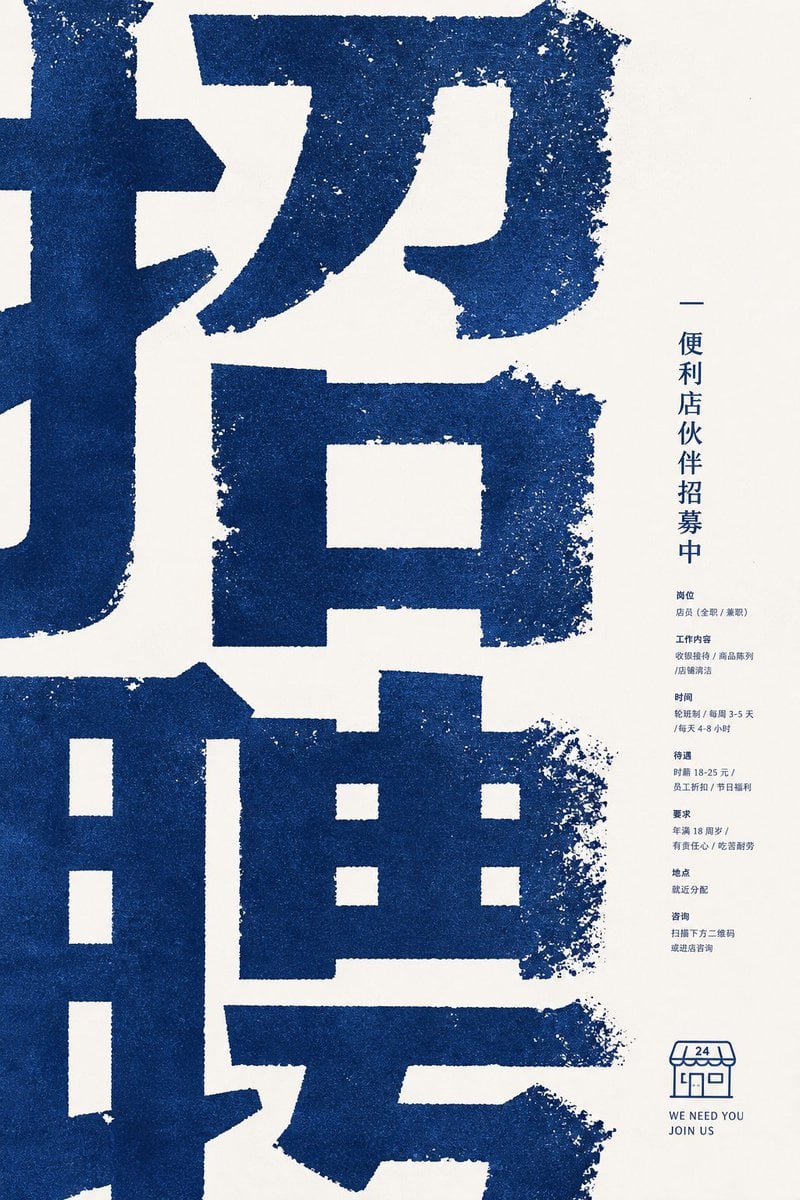
Distressed Convenience Store Recruitment Poster
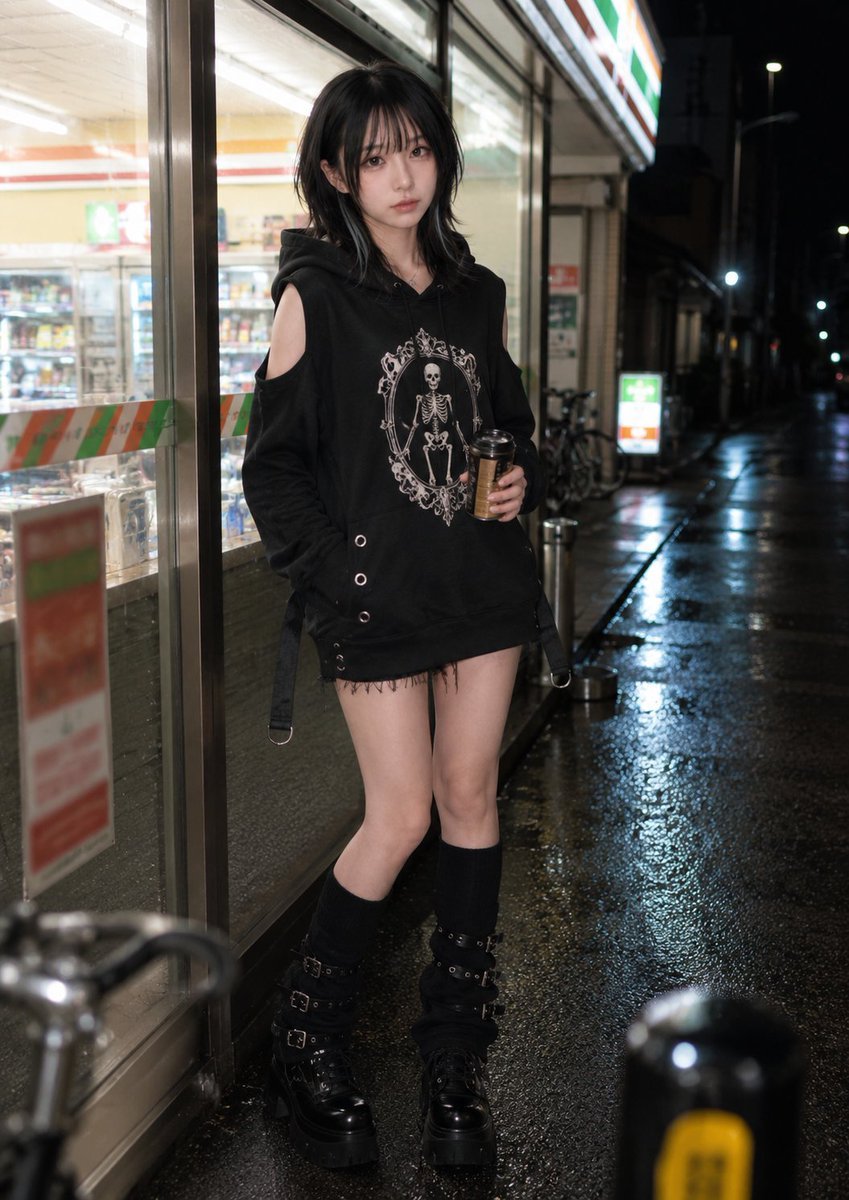
Nighttime Convenience Store Street Photography
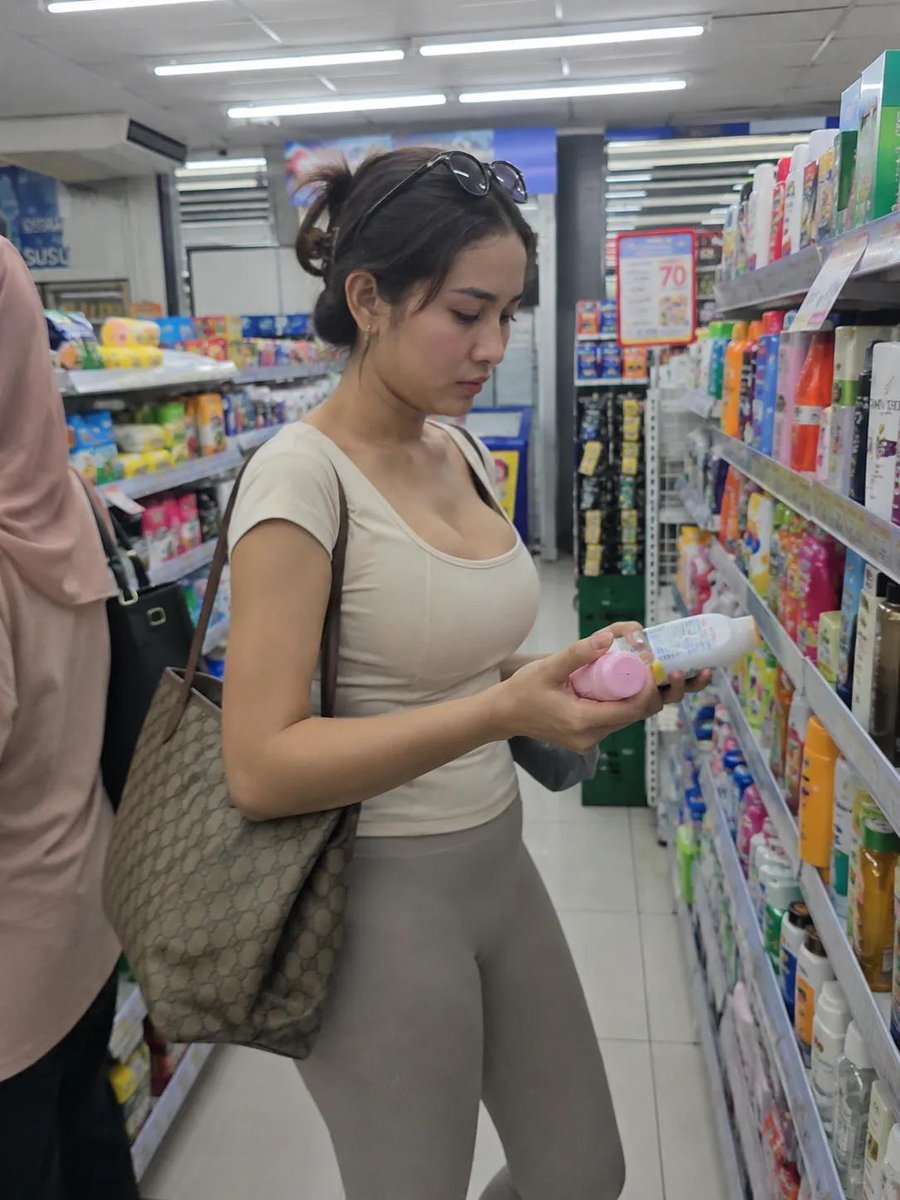
Realistic Convenience Store Lifestyle Photo

Rooftop Fisheye — Cat-Ear Balaclava at Golden Hour

Felt & Knit 3D Character — Photo-Exact Face, Pixar-Quality Plush Figurine
Make it yours
Rainy Convenience Store Selfie works as-is. These are the safest ways to change it without losing the look.
Change one field
Copy a single group, rewrite it, and generate again so you can see what that field is doing.
Keep the frame, change the subject
Hold the composition and light of Rainy Convenience Store Selfie, then swap wardrobe, props or the person for a new take.
| If the result… | Why | Fix |
|---|---|---|
| The result drifts from the preview | Too many fields changed at once. | Reuse Rainy Convenience Store Selfie as-is first, then change one group — subject, light, or setting. |
| The model over-stylizes the scene | The prose prompt leaves finish and camera underspecified. | Add one camera or lighting sentence and stay on GPT Image 2. |
More GPT Image 2 templates
Other prompts made for GPT Image 2.

Six VTuber Japanese Logo Sheet

Realistic Portrait of Woman and Deer

The Vista Modular Condo Poster

AI Model Routing Comparison Infographic

2.5D Anime Art Board

Isometric Productivity Desk Scene

New York Double Exposure Poster

Four-Panel AI Landscape Comparison

Japanese Tatami Lifestyle Magazine Cover

NESCAFÉ Coffee Map Poster
More image prompts
Fresh picks from across the catalog.
Berry Loud Cafe Campaign Screenshot
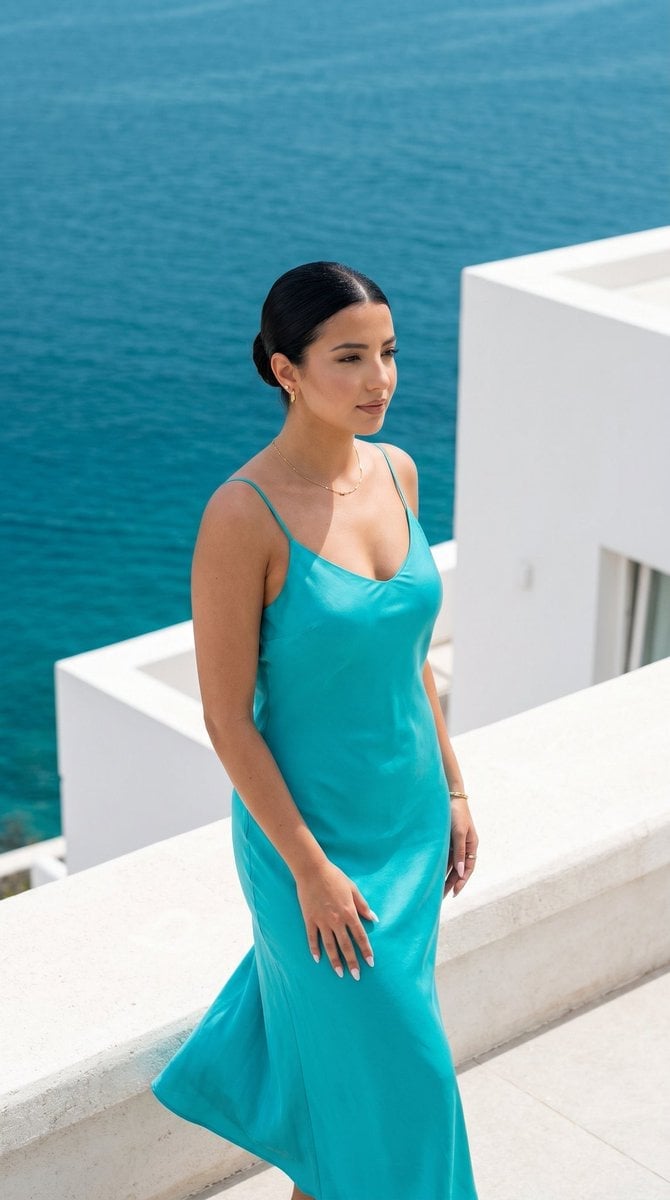
Minimalist Capri Luxury Editorial
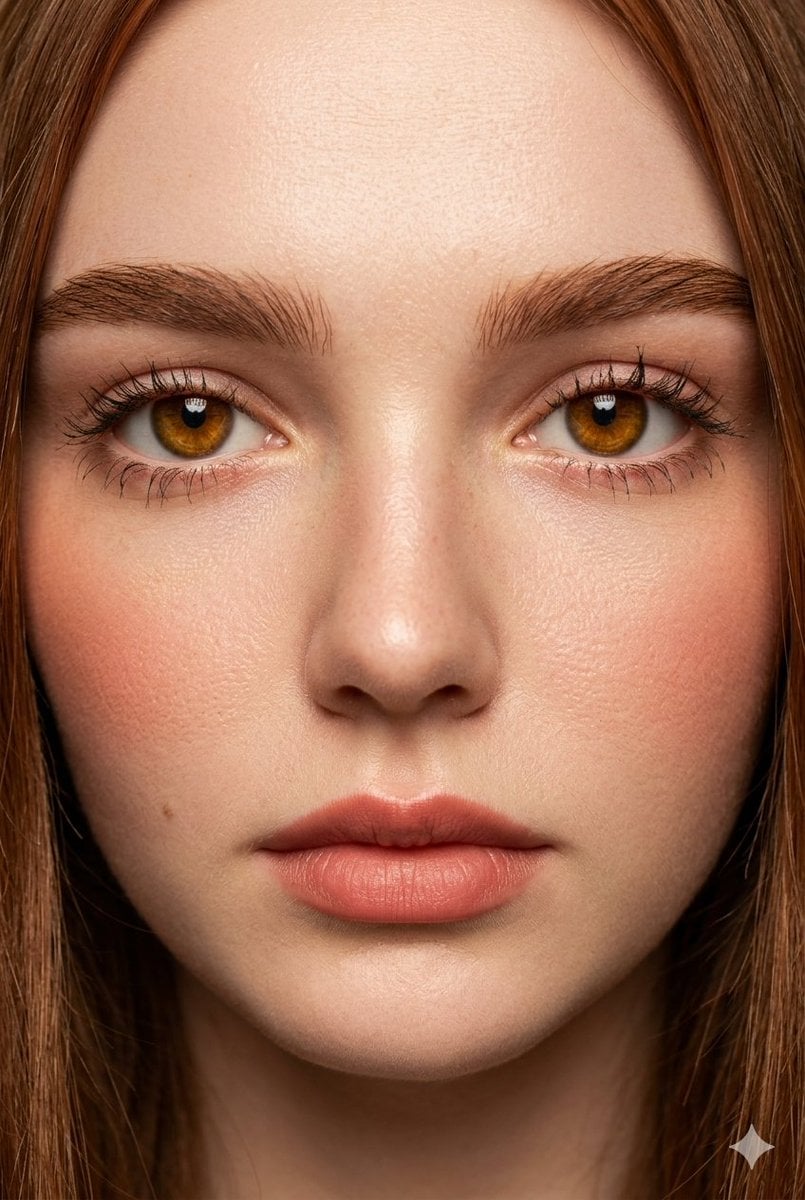
Extreme Close-Up Fashion Beauty Portrait
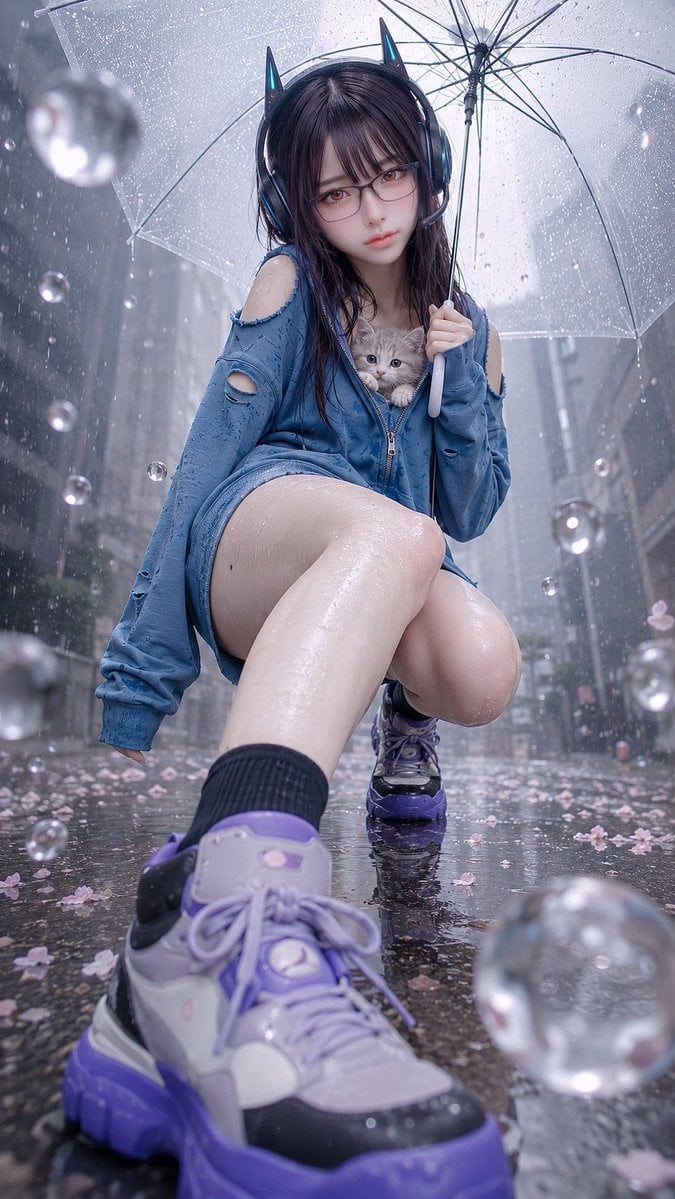
Rainy Cat-Ear Girl with Kitten

Bored Club Chibi Kids Poster
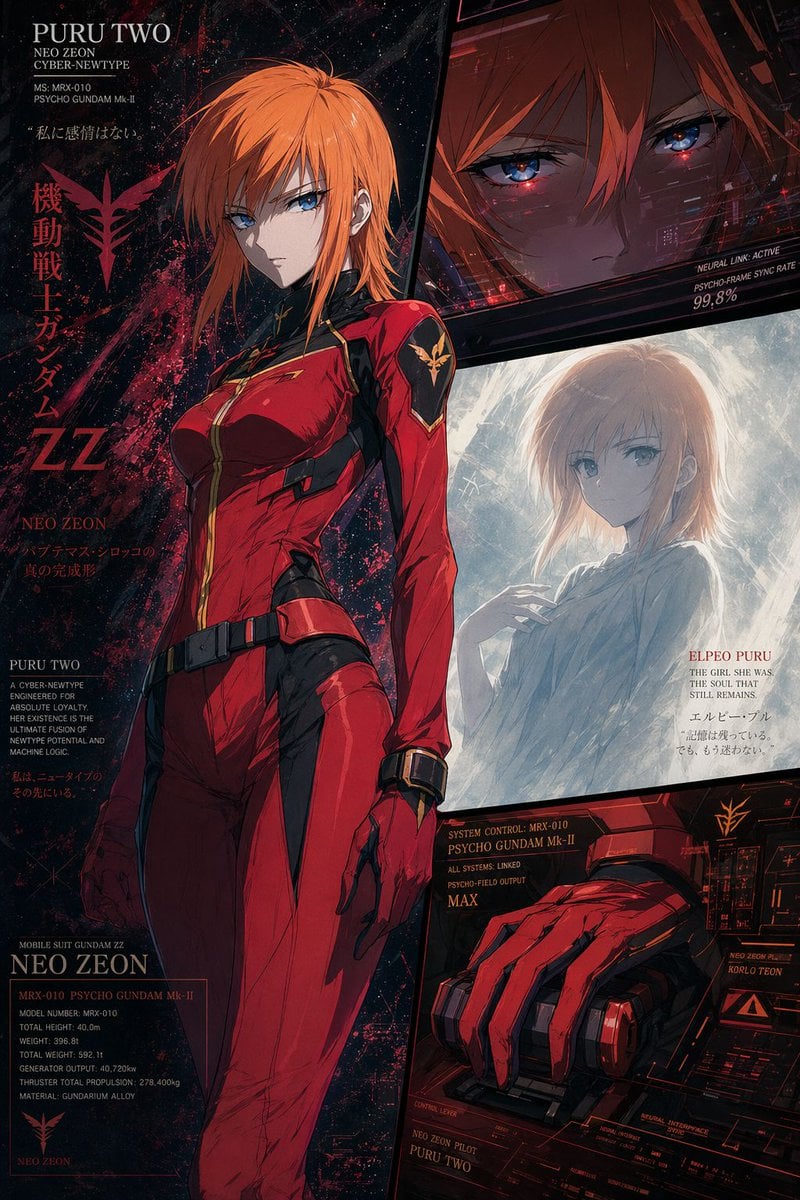
Anime Mecha Pilot Poster
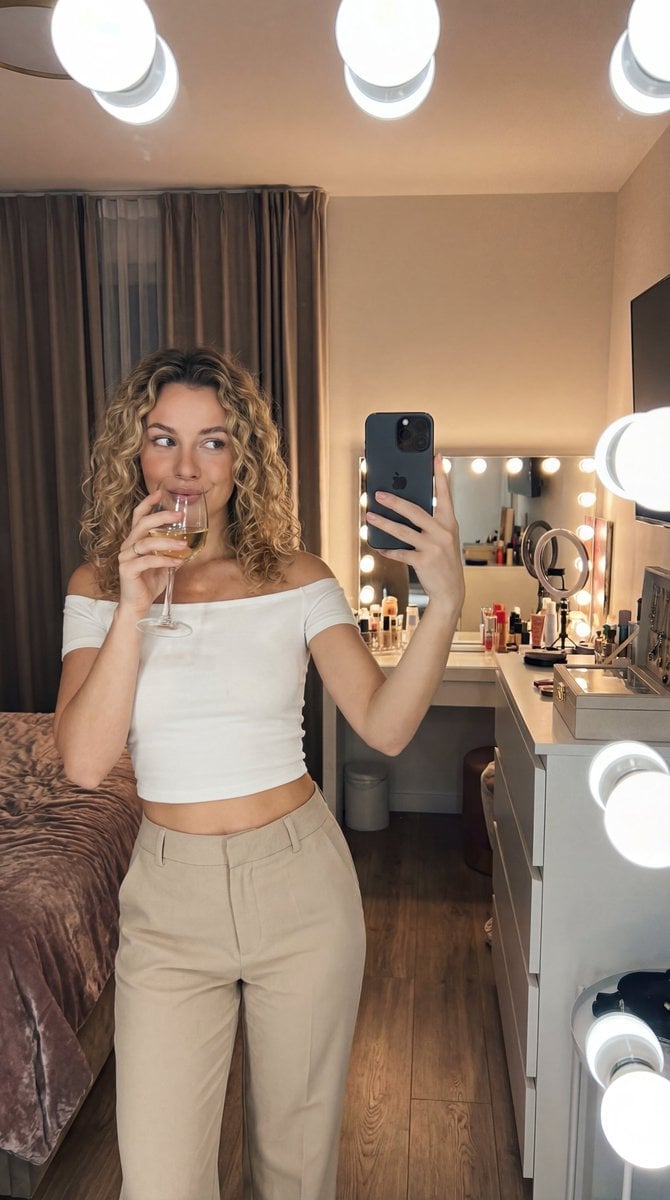
Editorial Mirror Selfie with Detailed Identity Lock
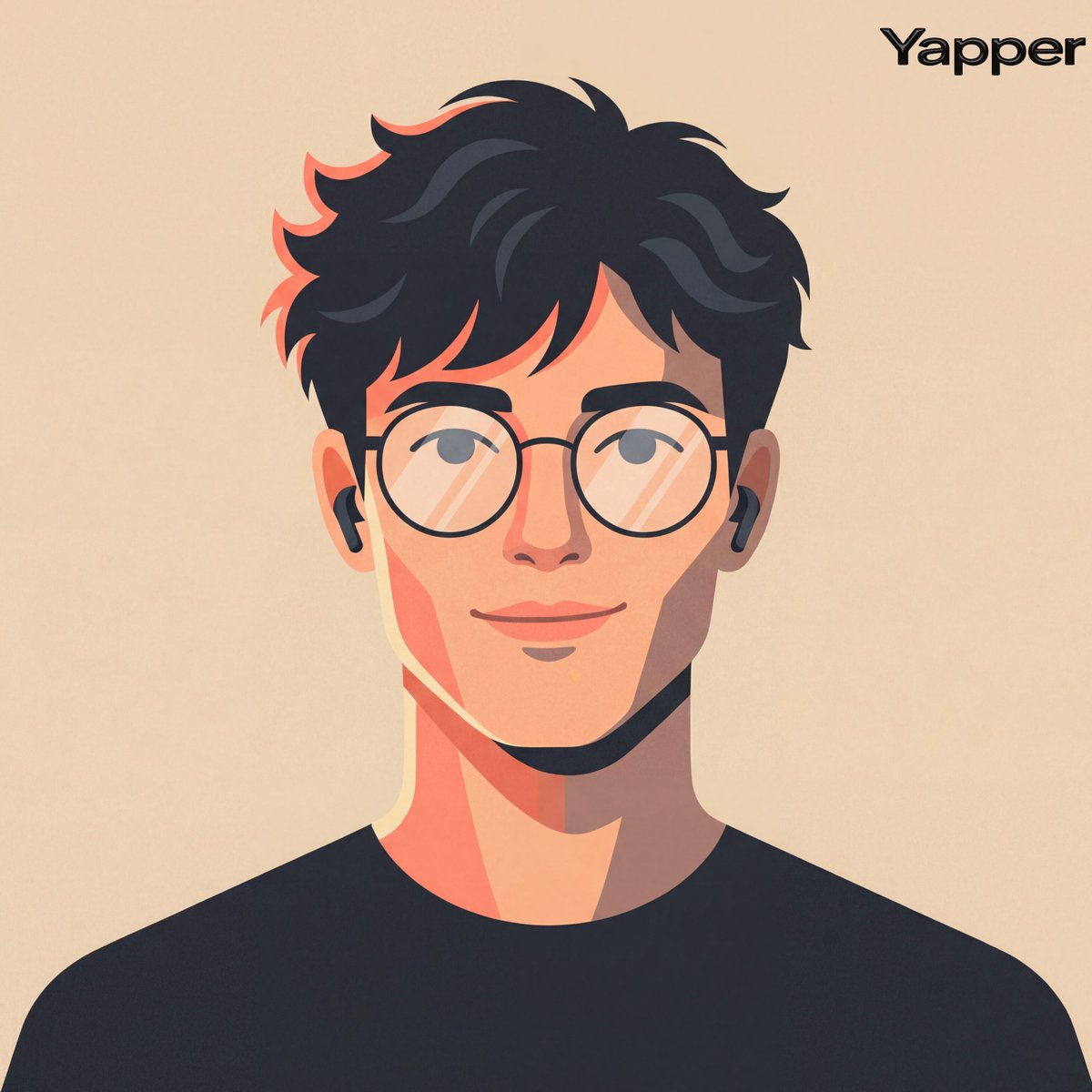
Cinematic Vector Fashion Portrait

Burj Khalifa Epic Infographic Poster
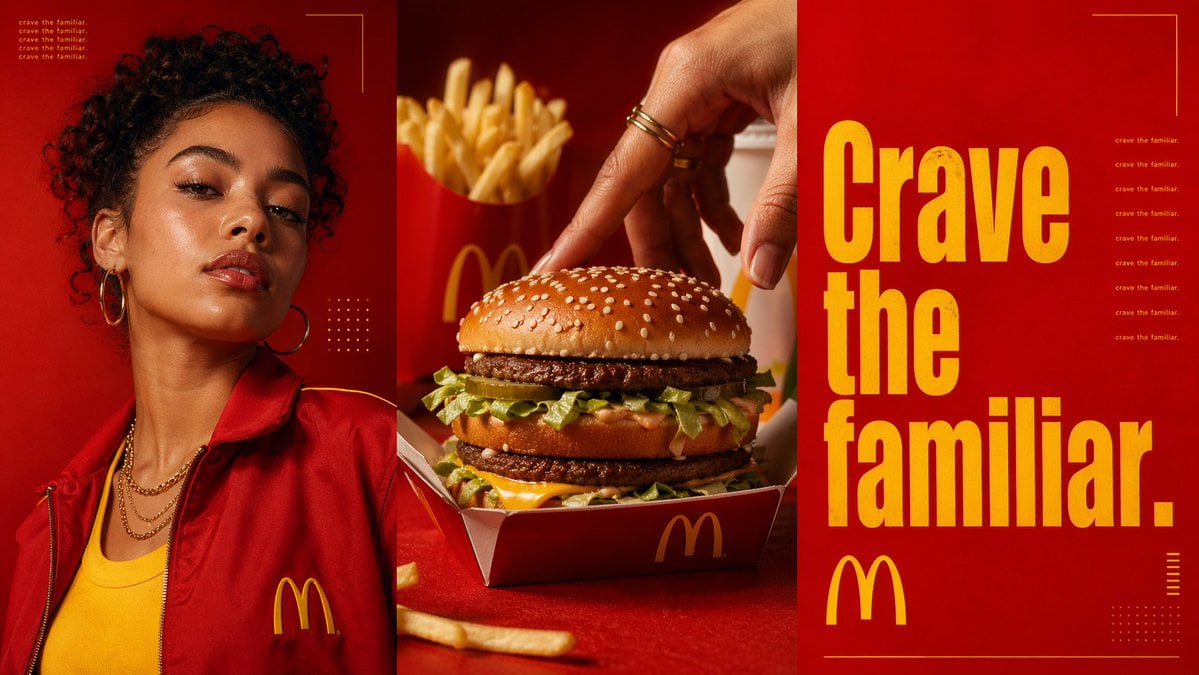
Triptych Fast-Food Ad Poster
Browse template categories
Rainy Convenience Store Selfie questions
How do I use the Rainy Convenience Store Selfie template?
Add your photo if the template asks for one, edit the prompt if you like — the template's model and format are already selected — and press Generate. Your version opens in PicX Studio.
Can I customize the Rainy Convenience Store Selfie template?
Yes. You can change the subject, setting, lighting, mood, format, and available model controls before creating your image.
Is the Rainy Convenience Store Selfie template free?
Opening and editing this template is free. Generating uses credits, shown on the Generate button when you are signed in.
Which AI model should I use?
Start with GPT Image 2, which is the model associated with this template. You can compare another compatible model for a different finish.
Looking for something else? Browse all templates.

Your photo, any look
Thousands of ready templates for every top image and video model, from one credit balance.