
Editorial Mirror Selfie with Detailed Identity Lock
A highly detailed image generation prompt for an editorial-style mirror selfie of a young athletic woman.
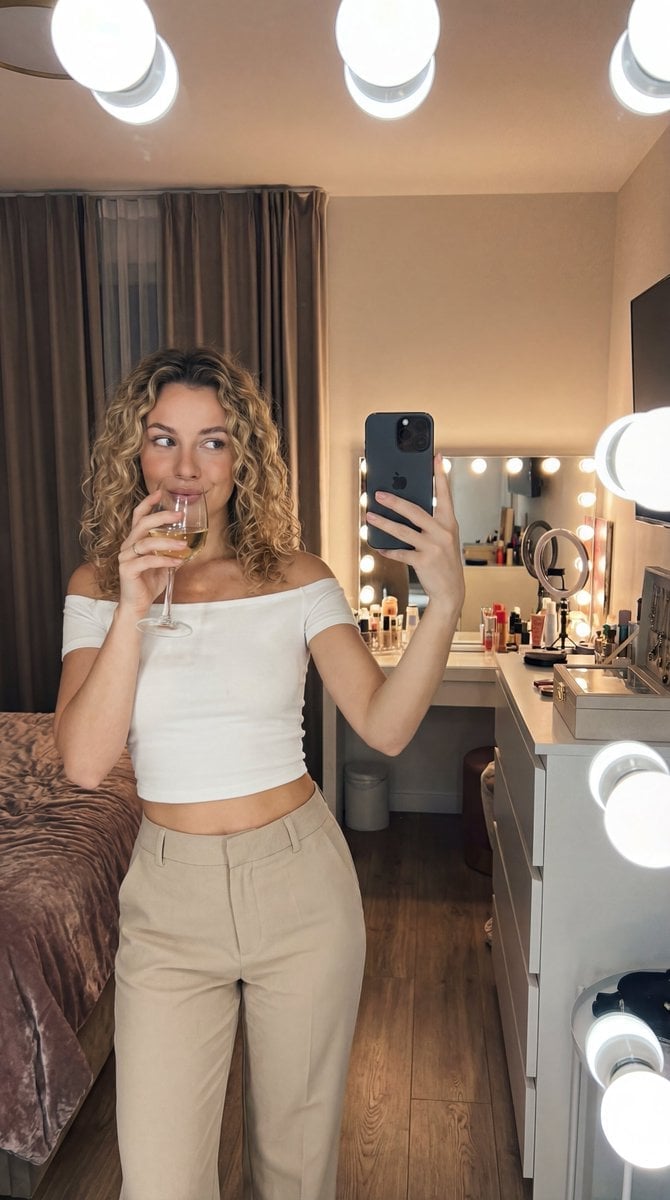
- Prompt included
- Model and format preset
- Free template
The prompt behind this image
Copy the exact prompt behind Editorial Mirror Selfie with Detailed Identity Lock, or open it in the studio and make it yours.
"ar": "9:16", "intent": "rooftop golden hour, city skyline background, editorial feel", "subject": { "type": "young woman", "age": "mid-20s", "identity_lock": "young athletic woman in her mid-20s with long platinum-blonde hair, fair skin with a light tan, soft feminine facial features (defined jawline, high cheekbones, natural lips), fit gym-trained body (toned shoulders, visible abs, strong legs and glutes)", "face_lock": { "face_shape": "oval face with soft features", "eyes": "almond-shaped light hazel/green eyes, sharp catchlights, slightly lifted outer corners, natural lashes", "brows": "full natural brows with a clean arch", "nose": "small button nose", "lips": "slightly pouty lips", "skin": "real skin texture with visible pores and faint freckles (no smoothing)" }, "hair": { "style": "medium-length curls", "finish": "perfectly styled with no flyaways" }, "makeup": "minimal: tinted moisturizer, mascara, tinted lip balm", "expression": "playful side-glance + soft smirk, relaxed jaw" }, "outfit": { "top": { "type": "fitted tank top", "cut": "off-shoulder", "structure": "cropped at waist", "fabric": "soft cotton jersey" }, "bottom": { "type": "tailored trousers", "fit": "A-line silhouette" } }, "accessories": { "earrings": "statement chandelier earrings", "bracelets": "none", "rings": "none", "other": "dainty pendant necklace" }, "action_pose": { "type": "mirror selfie", "body_position": "walking mid-stride", "upper_body": "arms crossed casually", "phone_hand": "phone extended at arm's length", "glass_action": "mid-sip with the rim touching lips, white wine visible inside", "framing": "full body from head to feet visible; subject centered" }, "scene": { "location": "modern bedroom (hotel-like)", "table": [ "bread basket", "water glass", "silverware set on the right edge of frame" ], "background": [ "rows of tables with white tablecloths", "glass/window wall on the right with reflections", "ceiling with angled panels/awnings", "palm trees visible outside through the large windows" ], "bed": { "bedding": "plush velvet comforter", "throw_blanket": "none" }, "background_details": { "vanity_setup": [ "makeup vanity/desk with lots of items scattered naturally (brush cup, palettes, bottles, perfume silhouettes)", "jewelry box with items spilling out" ], "mirror_lights": "Hollywood-style bulb lights around mirror", "ring_light": "ring light behind the vanity with tripod legs visible (off or dim)", "extra_room_details": [ "a water glass or bottle on a side table edge", "small scented candle on the vanity (soft glow)", "laptop slightly open on the desk edge or chair (screen dim, no " }
How to use Editorial Mirror Selfie with Detailed Identity Lock in 3 steps
- 1
Open
The prompt is already in the box next to the preview, with the template's model and format selected.
- 2…a portrait of your subject in softgolden-hour light, 85mm…
Personalize
Edit the subject and creative details for your destination.
- 3Generate
Generate
Press Generate — your image is created in PicX Studio, so you can compare it with the original and refine one variable at a time.
More like this
Templates with the same subject, style or setup. Open one to see its prompt.

Rooftop Fisheye — Cat-Ear Balaclava at Golden Hour

Felt & Knit 3D Character — Photo-Exact Face, Pixar-Quality Plush Figurine

Surreal Cat Astronaut — Humanoid Face Freefall
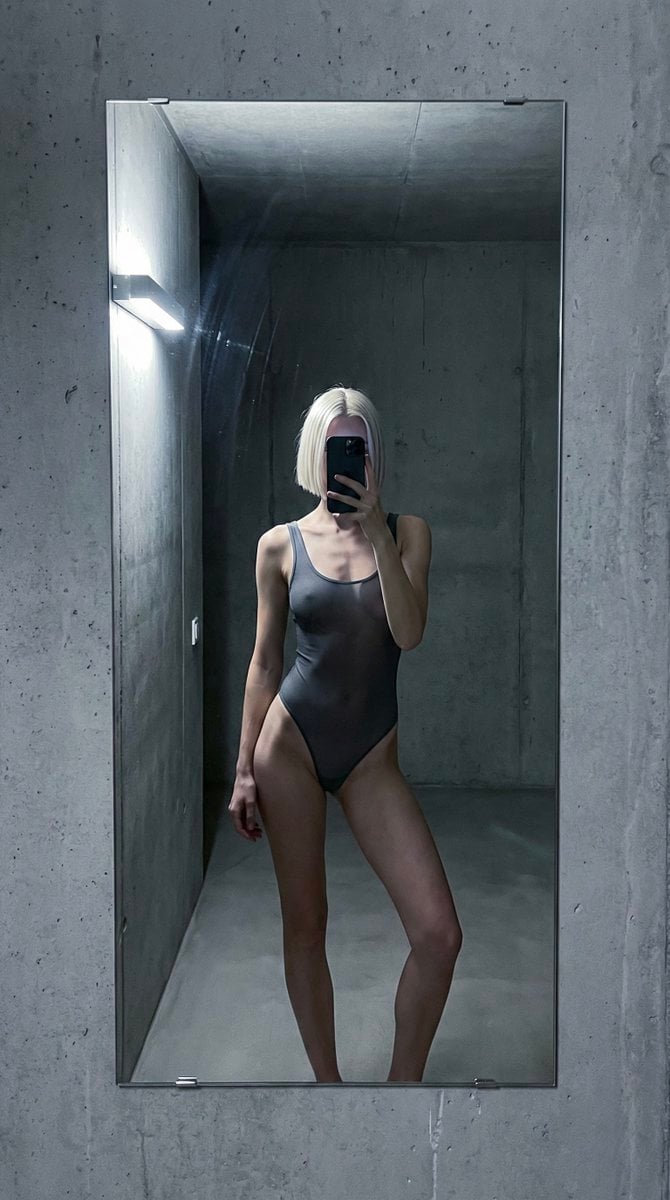
Concrete Hallway Editorial Mirror Selfie
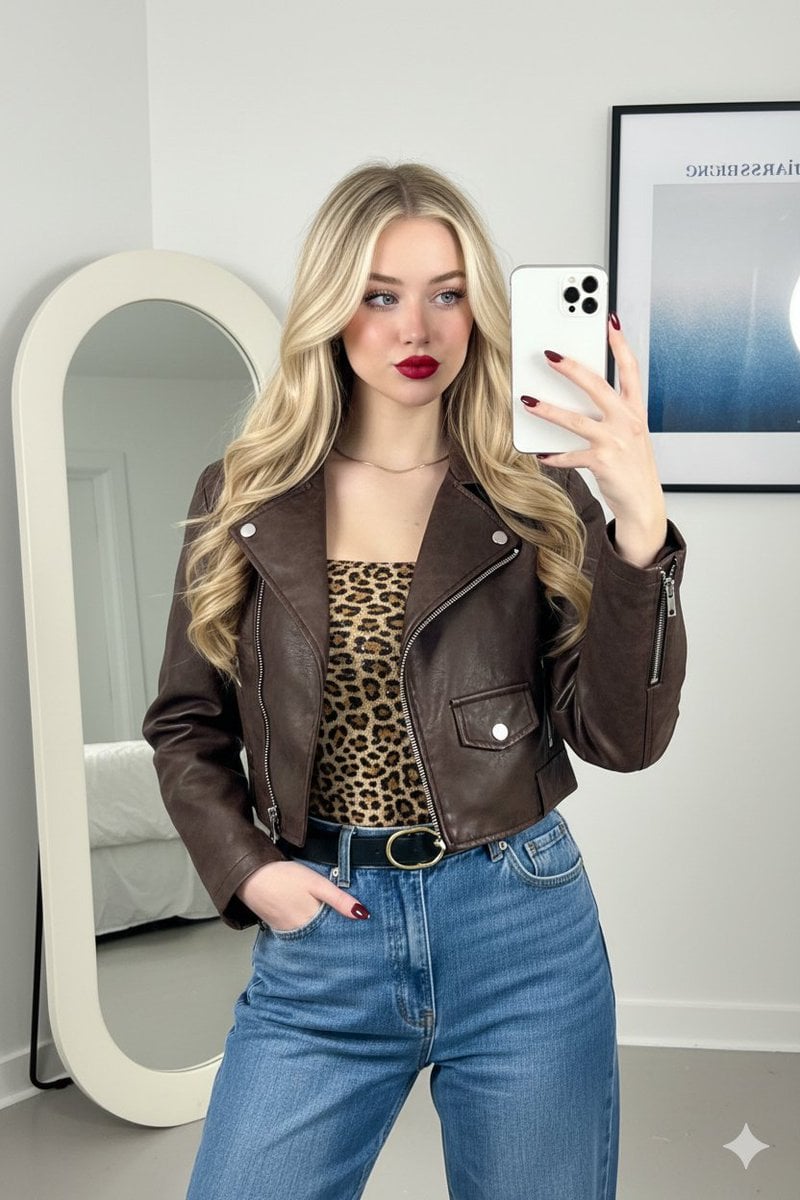
Mirror Selfie Fashion Prompt with Face Lock
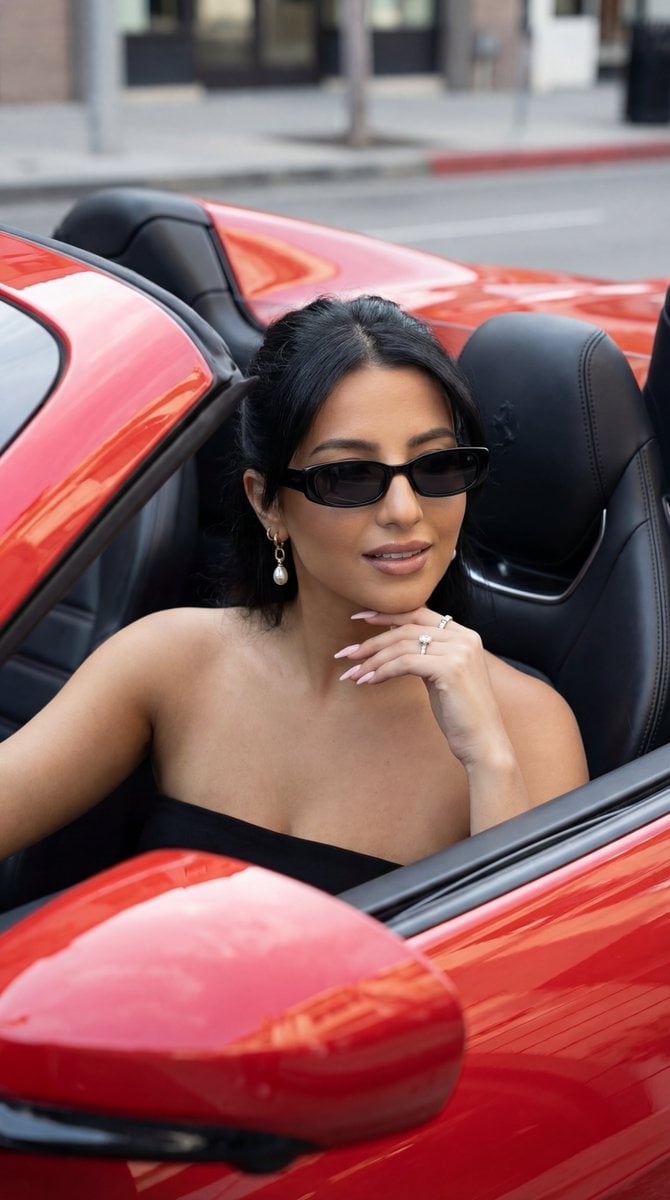
Luxury Car Editorial Portrait (Identity Lock)
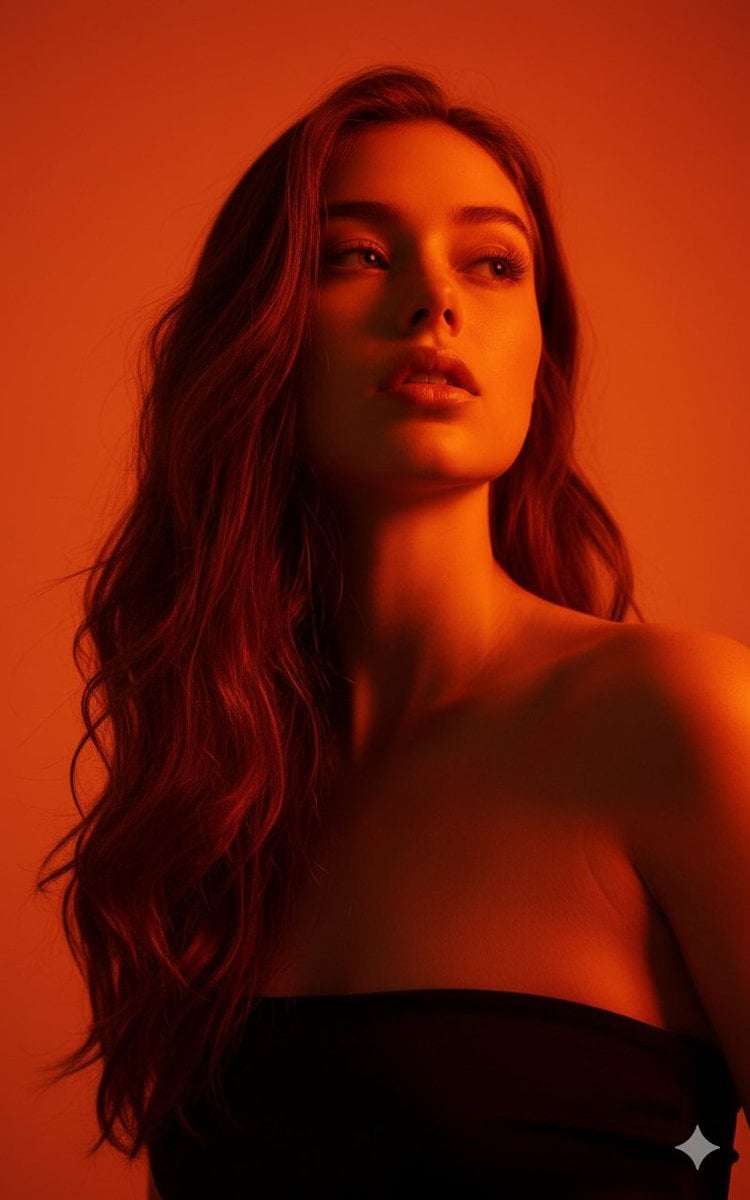
Editorial Portrait with Identity Lock and Dramatic Lighting

Nano Banana Pro Identity Lock — Composition + Face Reference
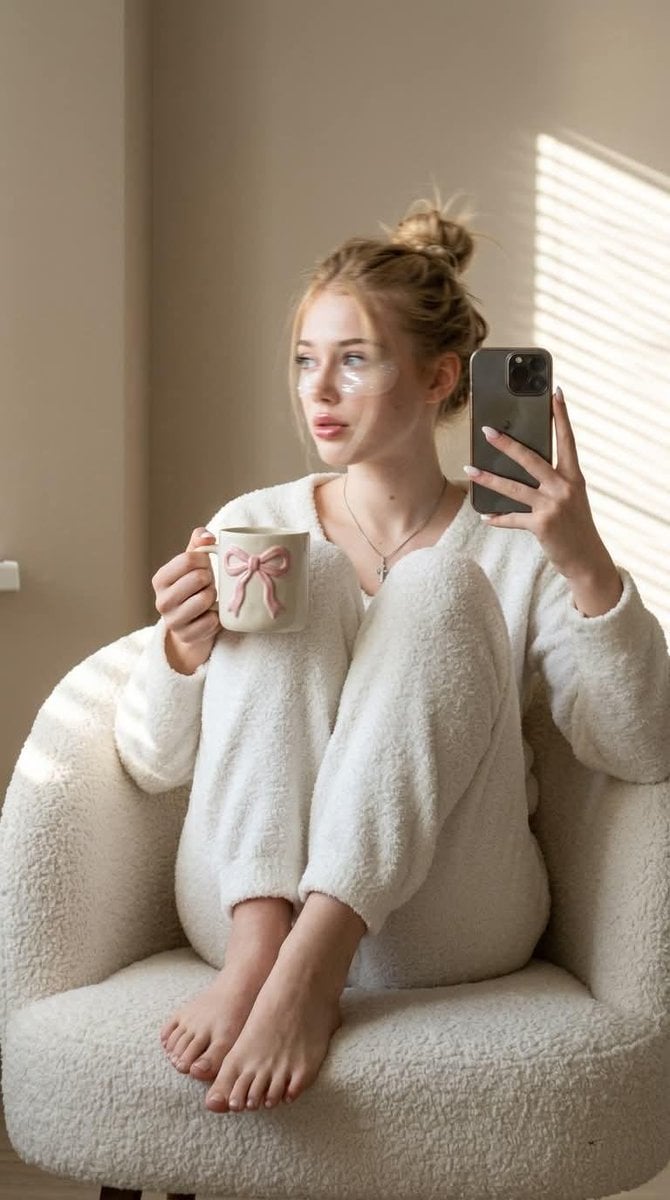
Morning Mirror Selfie Candid

Panel Mirror Selfie Collage
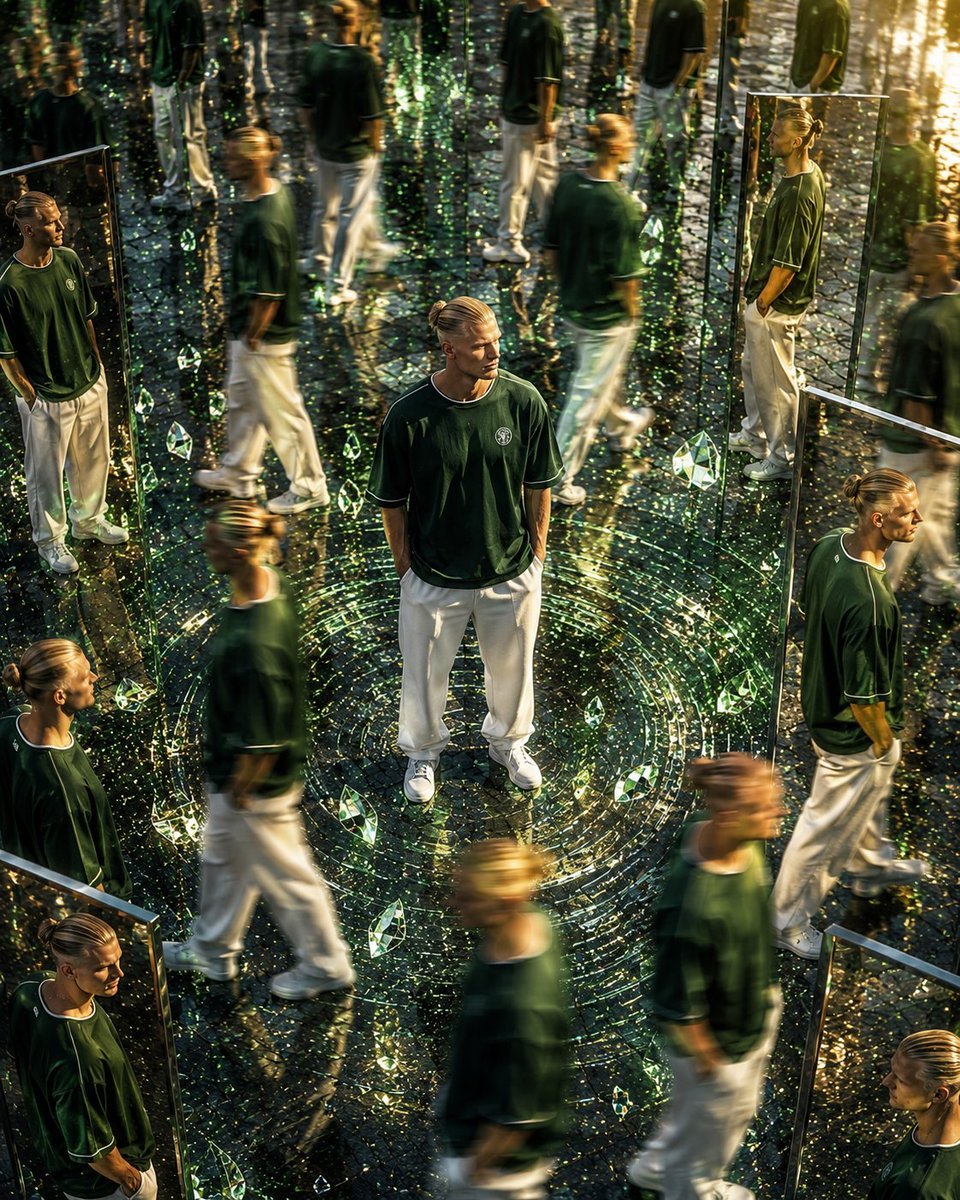
Surreal Mirror Clone Editorial
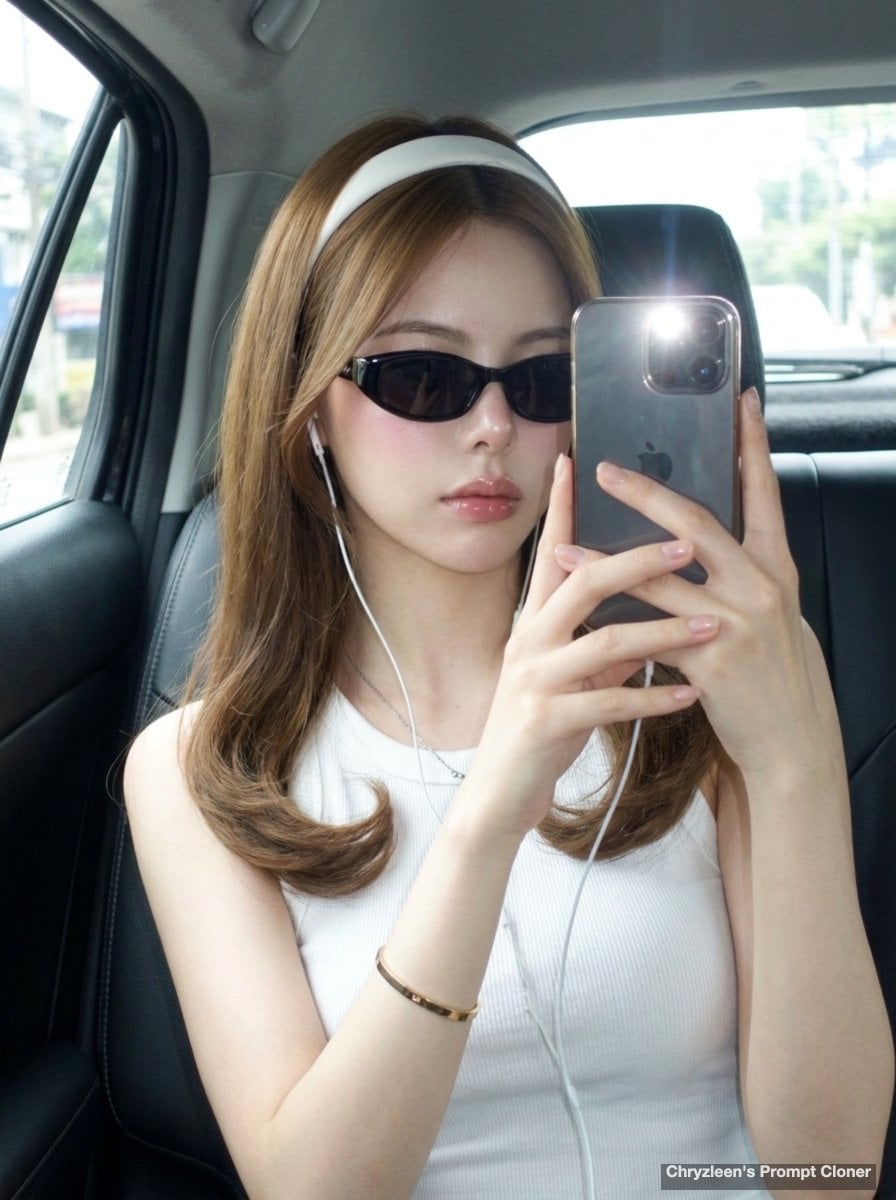
Backseat Mirror Selfie
Make it yours
Editorial Mirror Selfie with Detailed Identity Lock works as-is. These are the safest ways to change it without losing the look.
Change one field
Copy a single group, rewrite it, and generate again so you can see what that field is doing.
Keep the frame, change the subject
Hold the composition and light of Editorial Mirror Selfie with Detailed Identity Lock, then swap wardrobe, props or the person for a new take.
| If the result… | Why | Fix |
|---|---|---|
| The result drifts from the preview | Too many fields changed at once. | Reuse Editorial Mirror Selfie with Detailed Identity Lock as-is first, then change one group — subject, light, or setting. |
| The model over-stylizes the scene | The prose prompt leaves finish and camera underspecified. | Add one camera or lighting sentence and stay on Nano Banana 2. |
More Nano Banana 2 templates
Other prompts made for Nano Banana 2.

Photorealistic Leaf Shaped Like a Dragon

K-Pop Idol Portrait Grid for Rapid Selection

Poetic Rain Forest Portrait During Golden Hour

Urban Street Portrait with Cartoon Inner Self Duo

Candid Nighttime Photo with Cat Prompt

High-Concept 3D Diorama Generation Prompt

Cinematic Futuristic Studio Portrait Template

Skincare Editorial Photography Collage Prompt

Hyper-Realistic Commercial Product Photography (Splash Effect)

Hyper-Realistic Nightclub Portrait Prompt
More image prompts
Fresh picks from across the catalog.
Modern Combat Tank Infographic Prompt
Detailed Cinematic Portrait Prompt for Nano Banana Pro
Urban Lifestyle Travel Editorial
Realistic Raw Flash Mirror Selfie
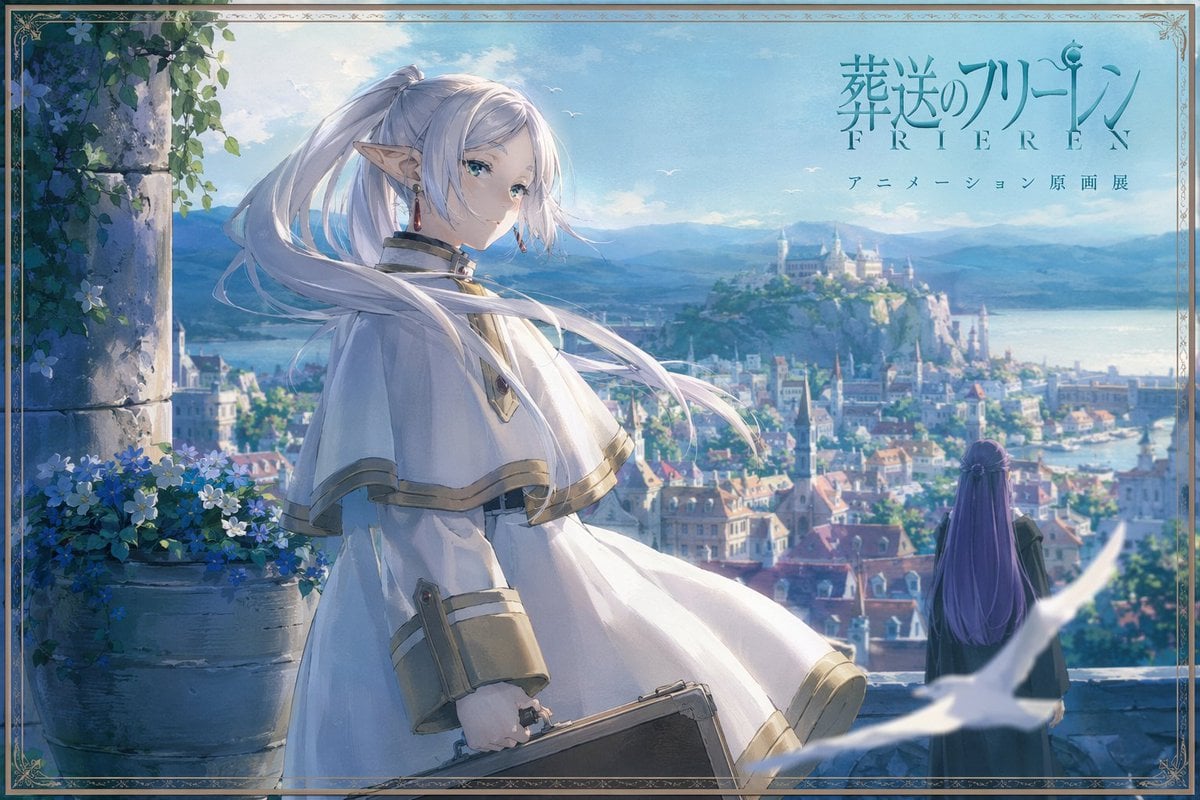
Anime Fantasy Cityscape Exhibition Poster
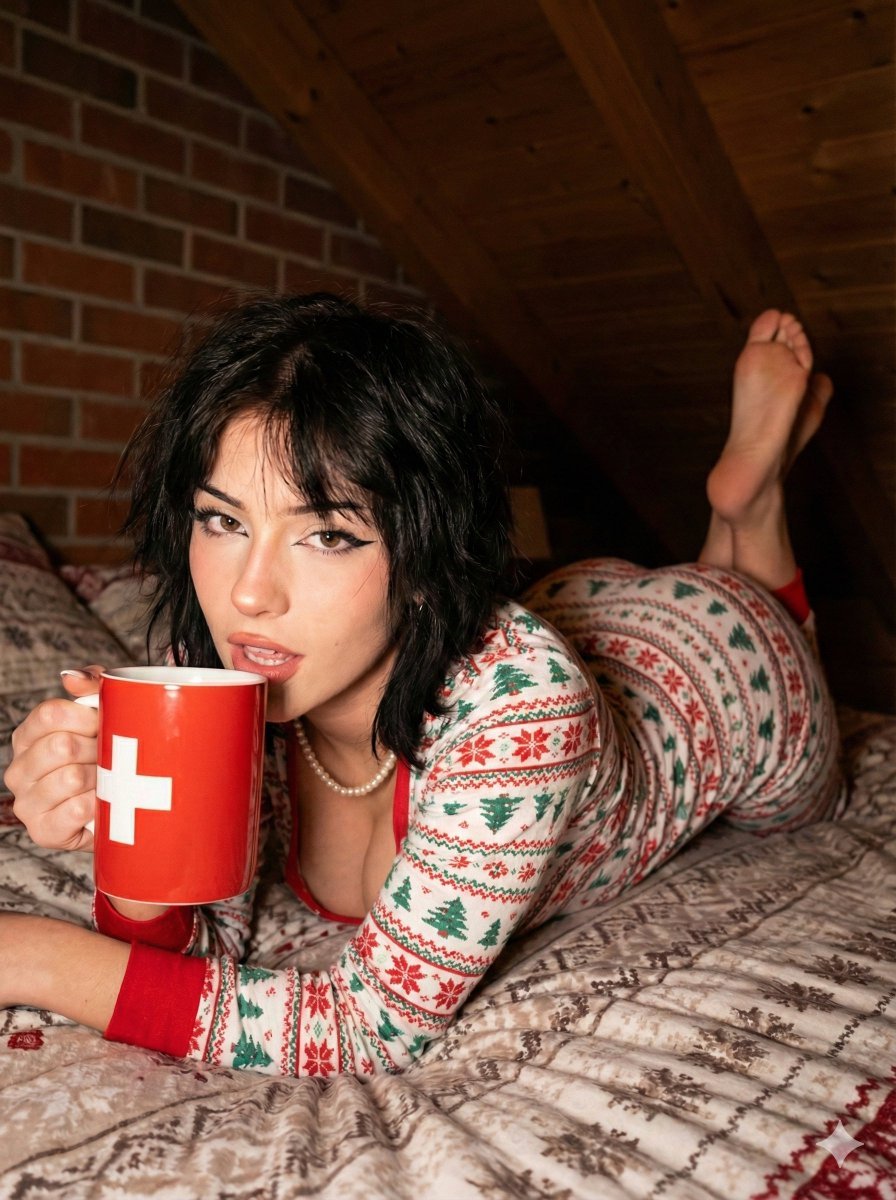
Christmas Pajama Pose with Flash Aesthetic
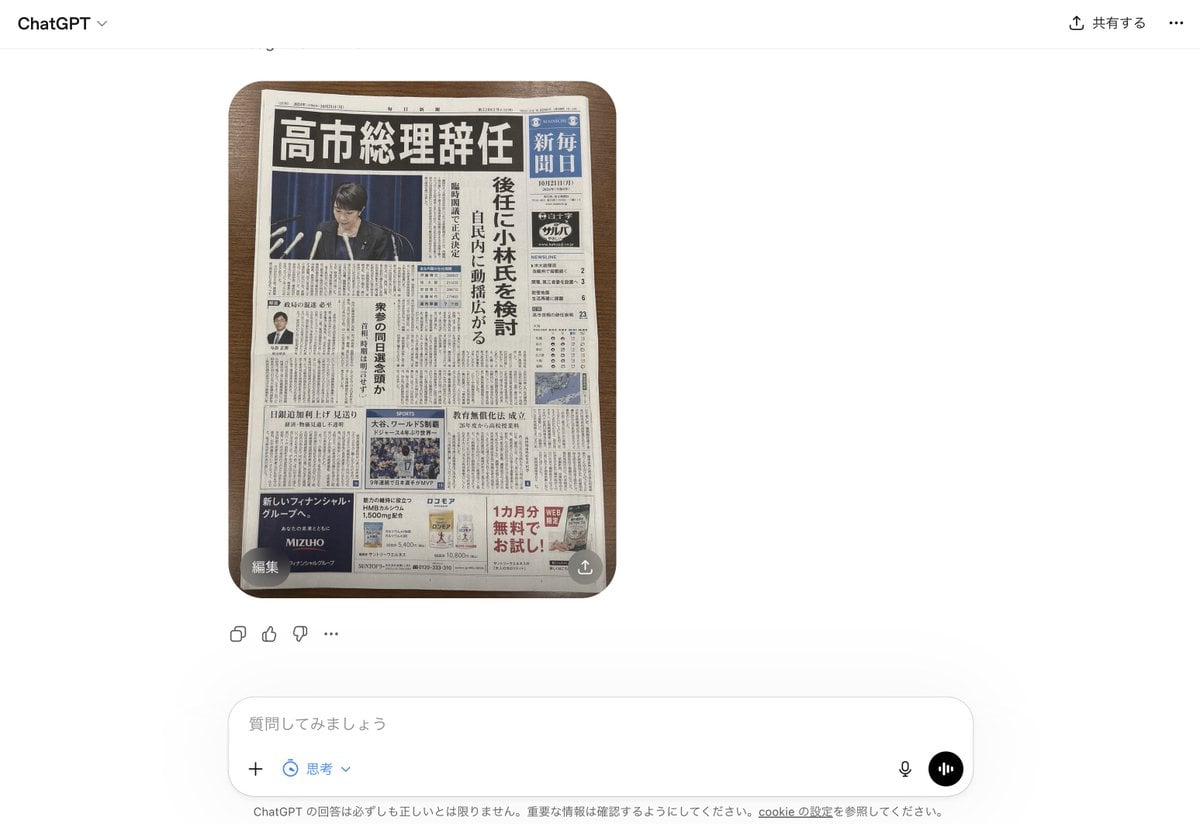
Fake Japanese Newspaper in ChatGPT UI
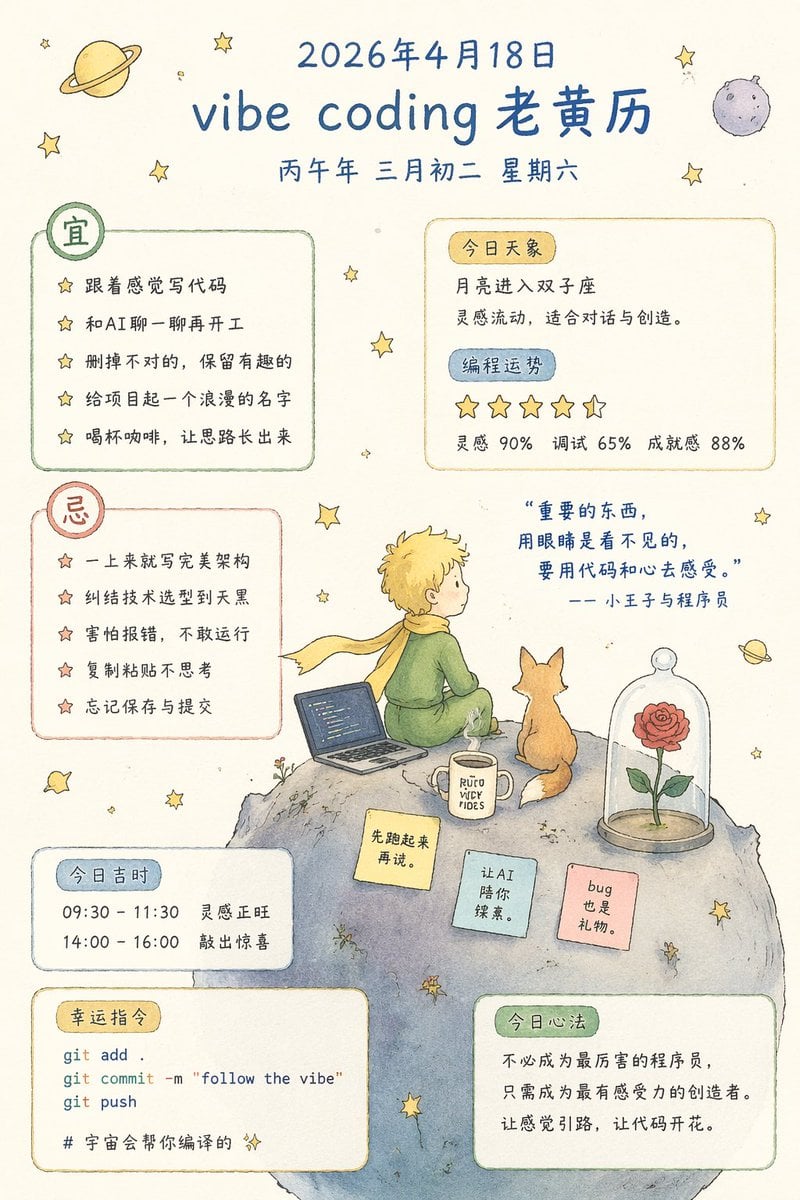
Whimsical Programmer Almanac Infographic
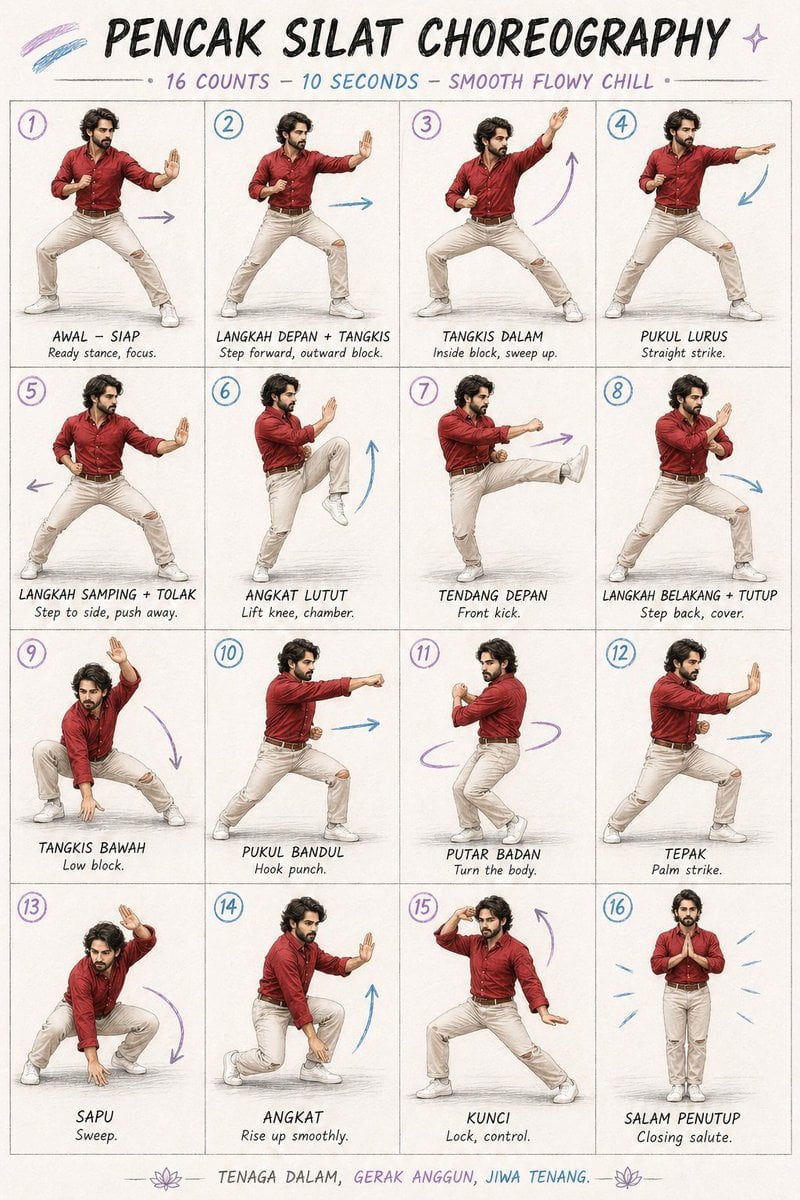
Martial Arts Choreography Poster
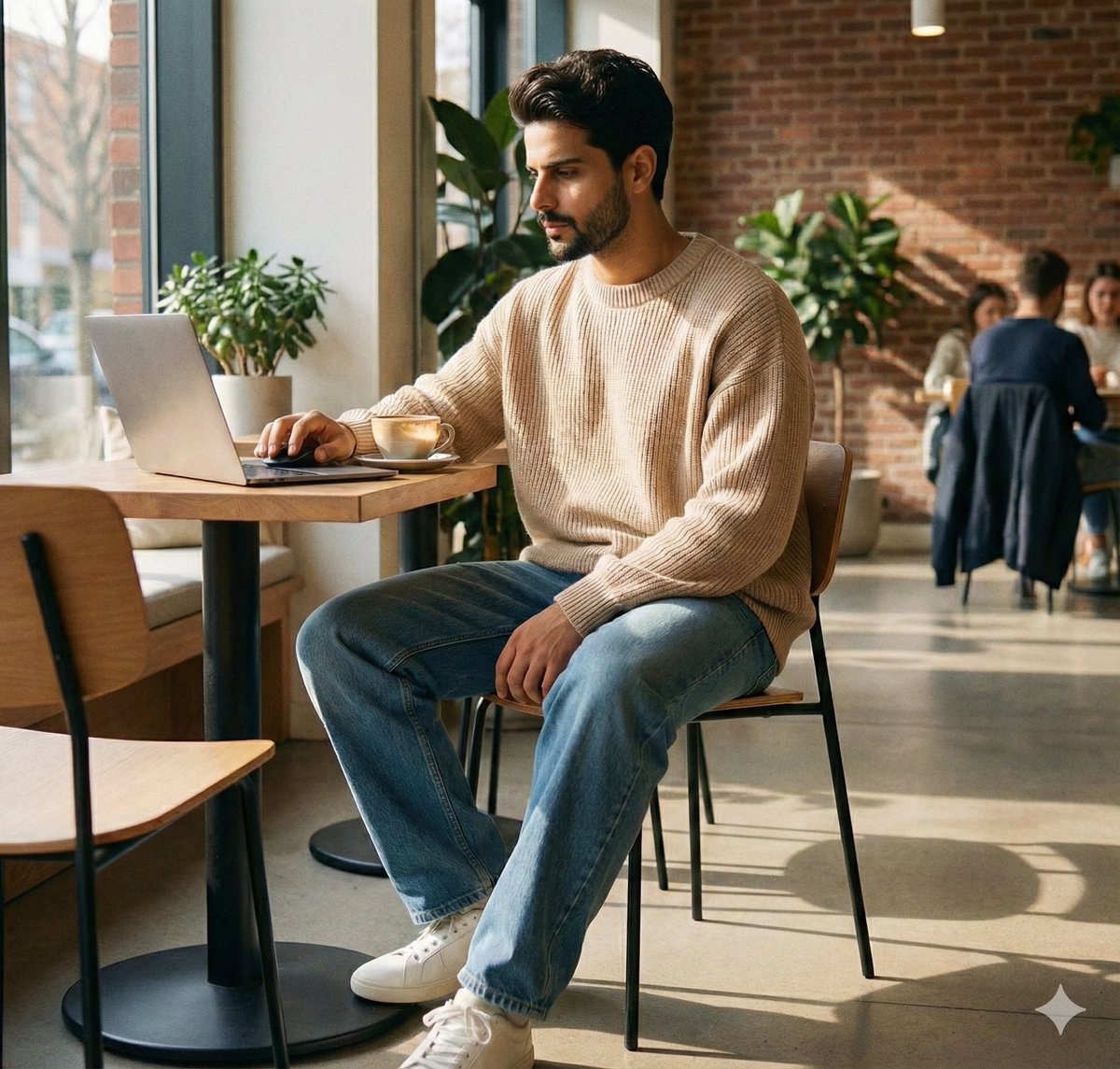
JSON Prompt for Lifestyle Portrait in Coffee Shop
Browse template categories
Editorial Mirror Selfie with Detailed Identity Lock questions
How do I use the Editorial Mirror Selfie with Detailed Identity Lock template?
Add your photo if the template asks for one, edit the prompt if you like — the template's model and format are already selected — and press Generate. Your version opens in PicX Studio.
Can I customize the Editorial Mirror Selfie with Detailed Identity Lock template?
Yes. You can change the subject, setting, lighting, mood, format, and available model controls before creating your image.
Is the Editorial Mirror Selfie with Detailed Identity Lock template free?
Opening and editing this template is free. Generating uses credits, shown on the Generate button when you are signed in.
Which AI model should I use?
Start with Nano Banana 2, which is the model associated with this template. You can compare another compatible model for a different finish.
Looking for something else? Browse all templates.

Your photo, any look
Thousands of ready templates for every top image and video model, from one credit balance.