
Surreal Mirror Clone Editorial
A complex surreal editorial prompt that creates a central subject surrounded by motion-blurred identical clones and angled glass mirrors.
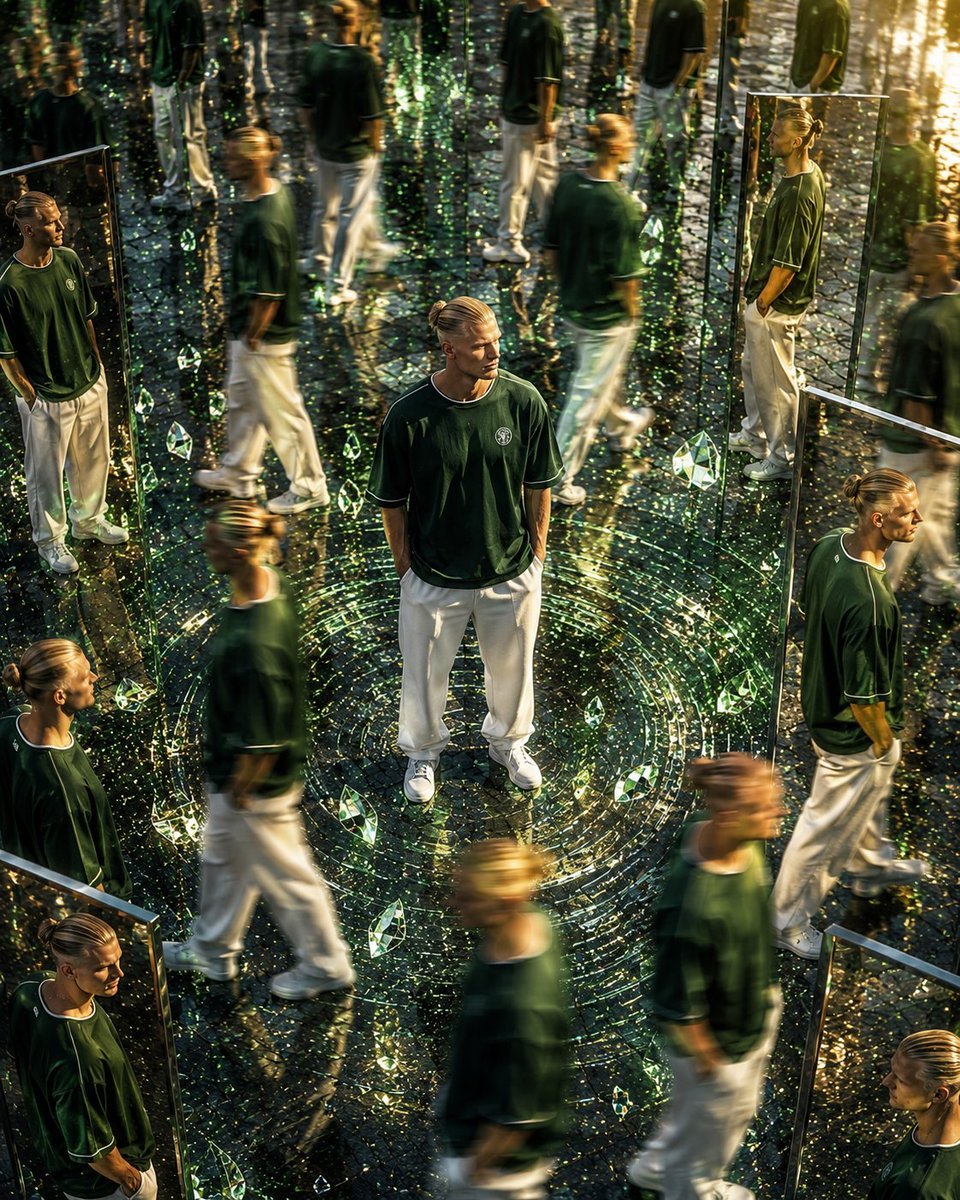
- Prompt included
- Model and format preset
- Premium template
The prompt behind this image
Copy the exact prompt behind Surreal Mirror Clone Editorial, or open it in the studio and make it yours.
Use the uploaded reference image as the ABSOLUTE IDENTITY REFERENCE. Preserve the exact same face, facial structure, hairstyle, hairline, eyebrows, eye shape, nose, lips, jawline, skin tone, beard (if present), body proportions, age, expression, and overall identity with zero deviation. Face consistency is the highest priority. Every clone, every reflection, and every mirrored version must have the exact same identity as the uploaded reference. Do not beautify, stylize, age, de-age, or alter facial features in any way. Create an ultra-premium cinematic surreal editorial photograph from a high aerial angle (approximately 45° bird's-eye perspective). The subject stands perfectly still in the exact center with hands naturally inside pockets while dozens of identical clones move naturally around in different directions with realistic long-exposure motion blur, creating a mesmerizing time-loop effect. Surround the environment with massive floor-to-ceiling ultra-clear frameless glass mirror panels positioned at different angles. Every mirror reflects the exact same person with perfect identity consistency. Add floating crystal prisms, tiny refractive glass fragments, subtle cinematic light streaks, shimmering dust particles, realistic optical reflections, elegant lens refractions, and premium HDR lighting. Create a circular energy ripple beneath the central subject using realistic glass-like concentric reflections rather than glowing fantasy effects. The surrounding clones remain motion blurred while the central subject is perfectly sharp with razor-sharp eye focus. Outfit: {argument name="outfit" default="Luxury oversized white hoodie with relaxed black cargo pants and premium white sneakers."} Environment: Large premium stone plaza with polished reflective flooring, luxury architectural surroundings, subtle wet reflections, soft atmospheric haze, elegant depth, no visual clutter. Lighting: Warm golden hour sunlight, cinematic volumetric lighting, soft rim light, realistic global illumination, premium HDR dynamic range, subtle anamorphic lens flare, balanced highlights, rich shadows, luxury fashion campaign lighting. Color Grading: High-end Vogue editorial, luxury perfume advertisement aesthetics, deep blacks, rich contrast, natural skin tones, soft golden highlights, cinematic teal-and-gold balance, realistic color separation, premium filmic look. Camera: Sony A7R V 85mm GM Lens f/1.8 ISO 100 Ultra HDR Tilt-shift depth effect Hyper-realistic Photorealistic Ultra-detailed 8K Professional commercial fashion photography Luxury editorial masterpiece Ratio 4:5
How to use Surreal Mirror Clone Editorial in 3 steps
- 1Upload ImagePNG, JPG or paste
Add your photo
Upload the photo the template builds on. The prompt, model and format are already set.
- 2…a portrait of your subject in softgolden-hour light, 85mm…
Personalize
Edit the subject and creative details for your destination.
- 3Generate
Generate
Press Generate — your image is created in PicX Studio, so you can compare it with the original and refine one variable at a time.
More like this
Templates with the same subject, style or setup. Open one to see its prompt.

Surreal Cat Astronaut — Humanoid Face Freefall
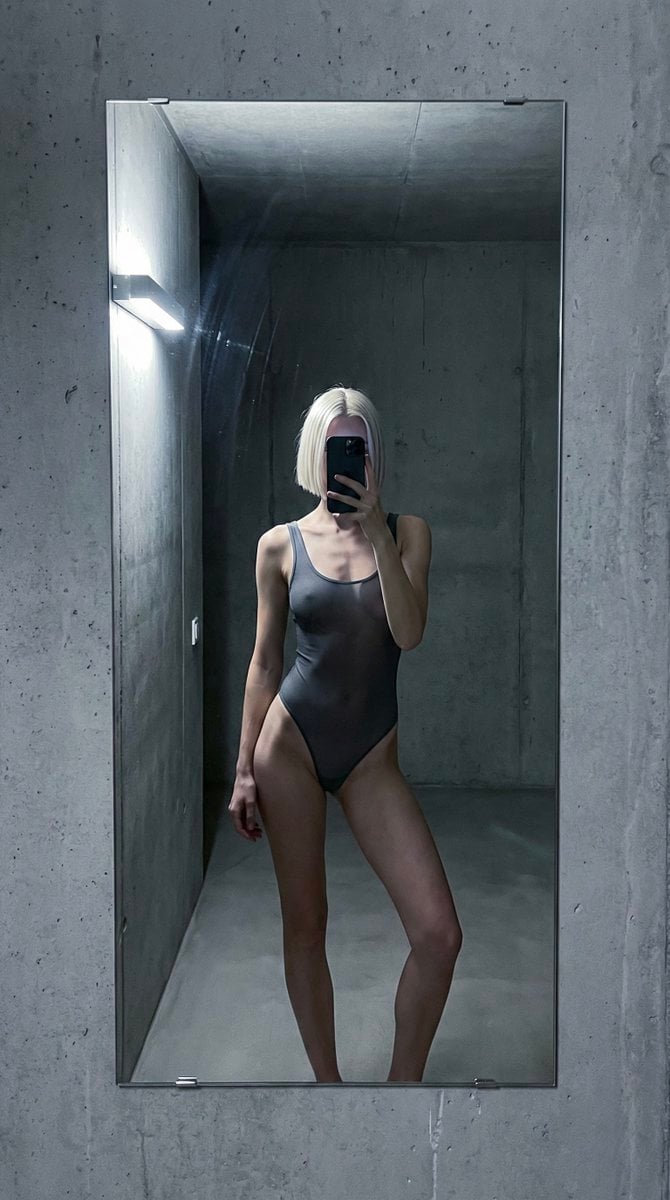
Concrete Hallway Editorial Mirror Selfie
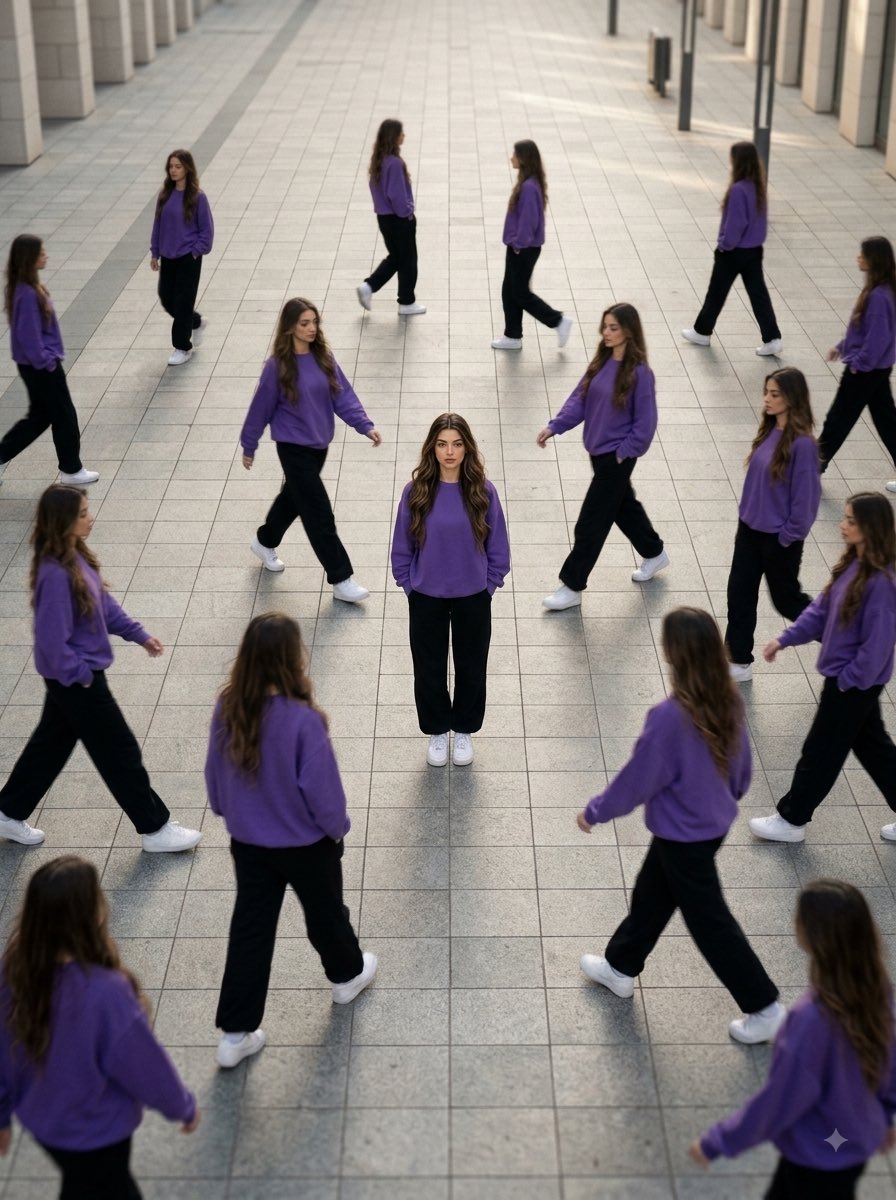
Aerial Surreal Clone Photography
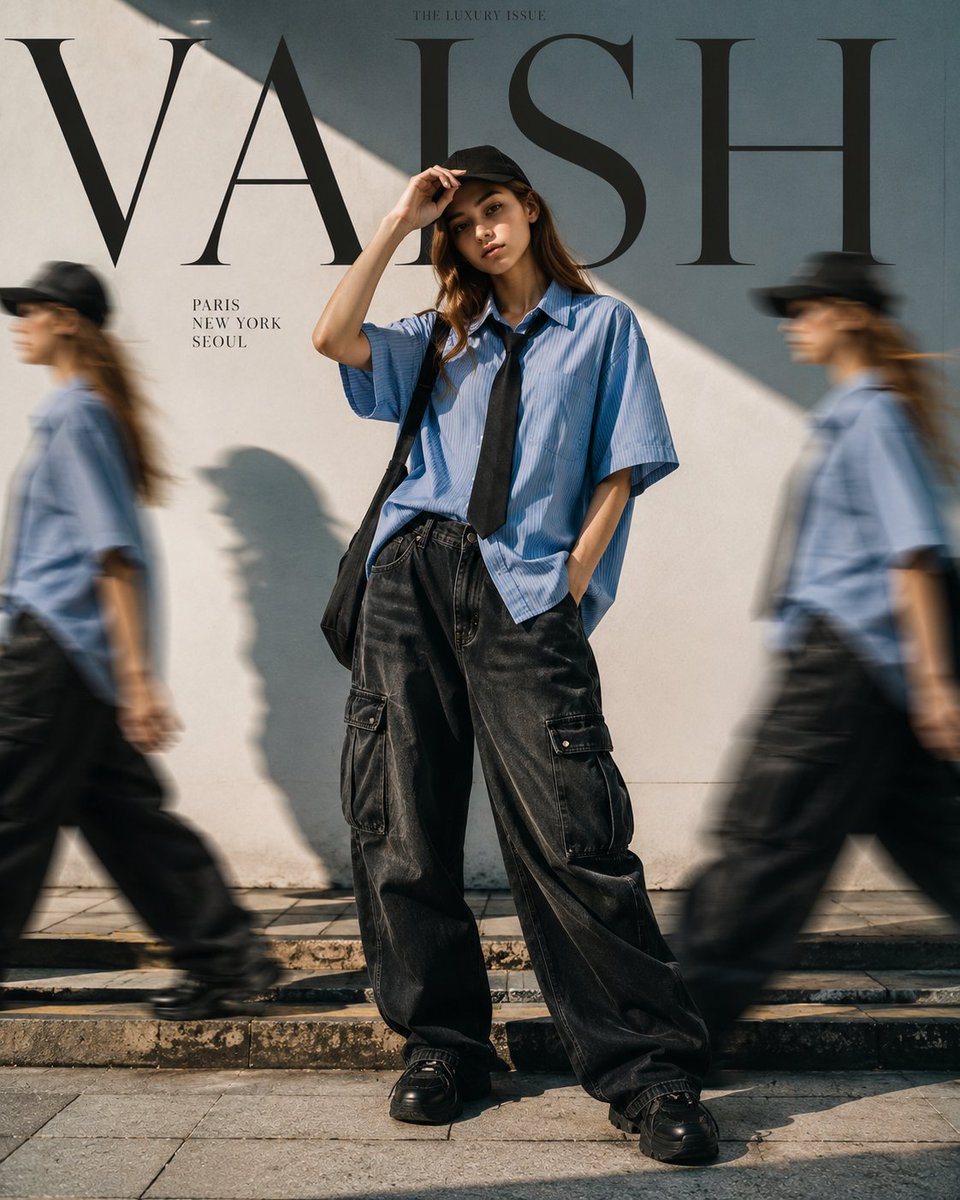
Fashion Editorial with Motion Clones
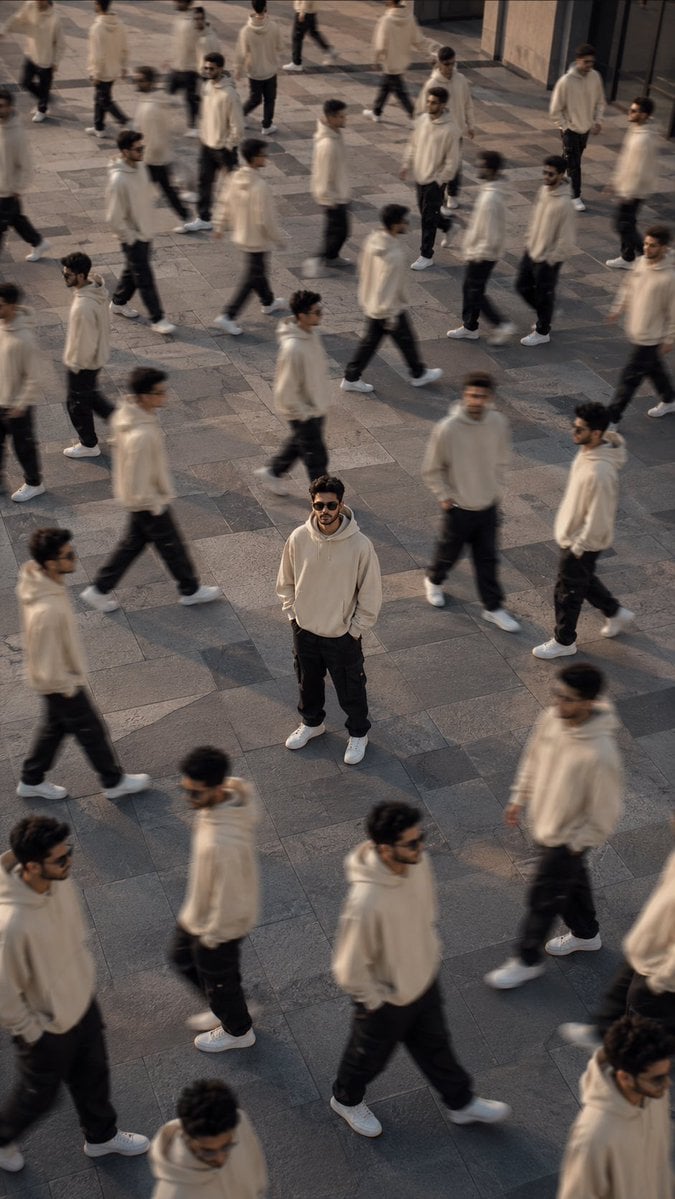
Surreal Urban Clone Photography
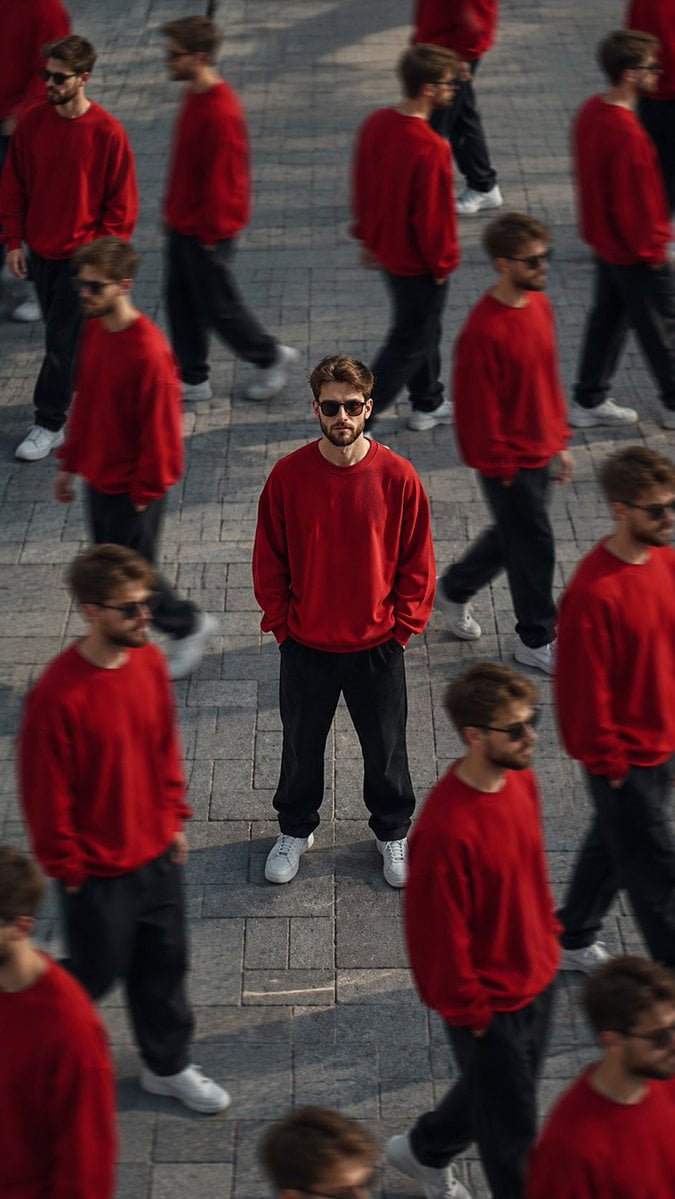
Surreal Cinematic Clone Photography
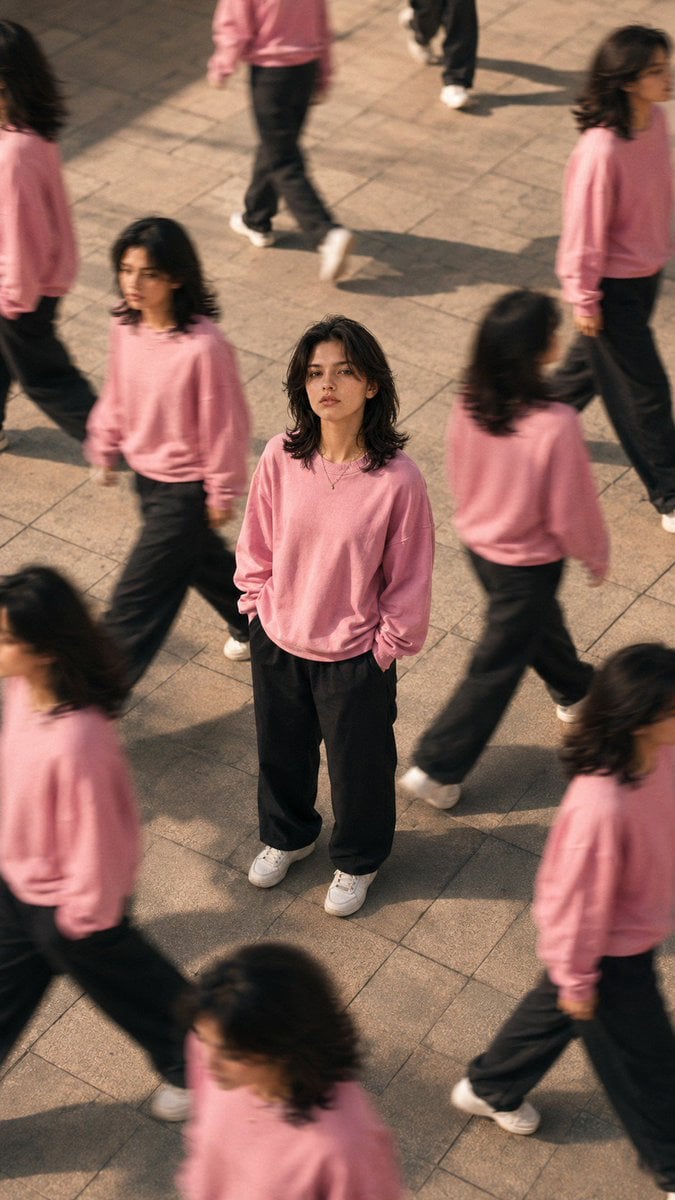
Surreal Clone Street Photography

Rooftop Fisheye — Cat-Ear Balaclava at Golden Hour

Felt & Knit 3D Character — Photo-Exact Face, Pixar-Quality Plush Figurine

Surreal Luxury Handbag Editorial

Urban Fashion Editorial Collage Streetwear Poster

Monochrome Hypebeast Street Fashion Editorial Motion
Make it yours
Surreal Mirror Clone Editorial works as-is. These are the safest ways to change it without losing the look.
Change one field
Copy a single group, rewrite it, and generate again so you can see what that field is doing.
Keep the frame, change the subject
Hold the composition and light of Surreal Mirror Clone Editorial, then swap wardrobe, props or the person for a new take.
| If the result… | Why | Fix |
|---|---|---|
| The result drifts from the preview | Too many fields changed at once. | Reuse Surreal Mirror Clone Editorial as-is first, then change one group — subject, light, or setting. |
| The model over-stylizes the scene | The prose prompt leaves finish and camera underspecified. | Add one camera or lighting sentence and stay on GPT Image 2. |
More GPT Image 2 templates
Other prompts made for GPT Image 2.

Six VTuber Japanese Logo Sheet

Realistic Portrait of Woman and Deer

The Vista Modular Condo Poster

AI Model Routing Comparison Infographic

2.5D Anime Art Board

Isometric Productivity Desk Scene

New York Double Exposure Poster

Four-Panel AI Landscape Comparison

Japanese Tatami Lifestyle Magazine Cover

NESCAFÉ Coffee Map Poster
More image prompts
Fresh picks from across the catalog.
Surreal Fisheye Stadium Portrait
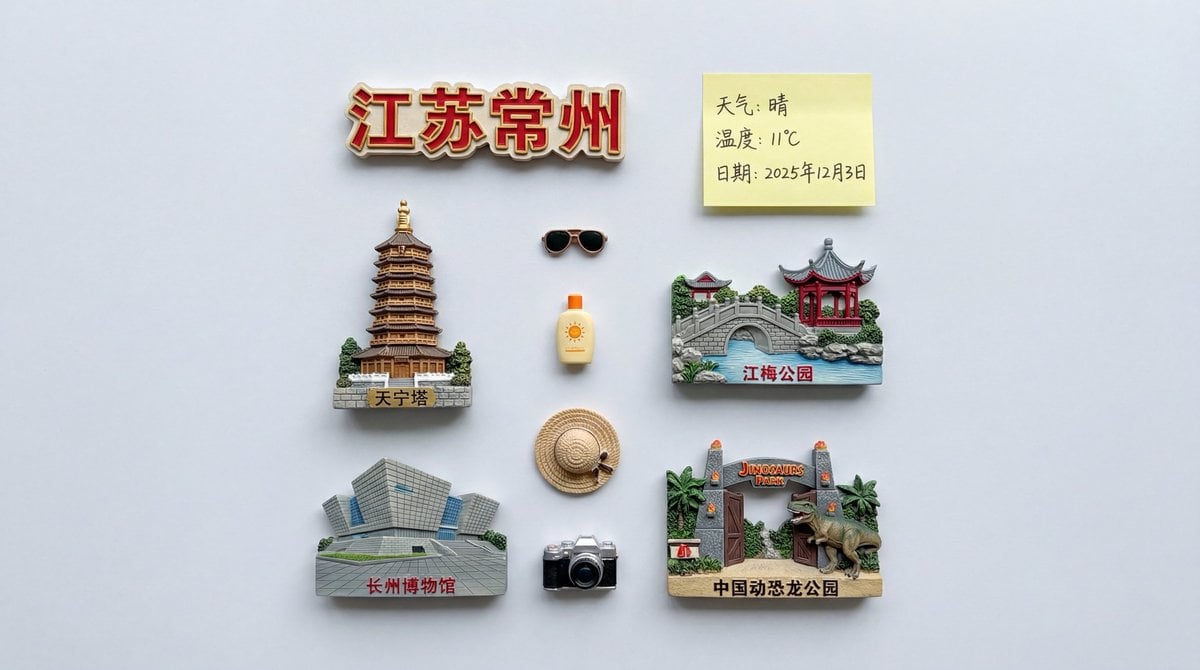
Nano Banana Pro Prompt for Nostalgic Scene
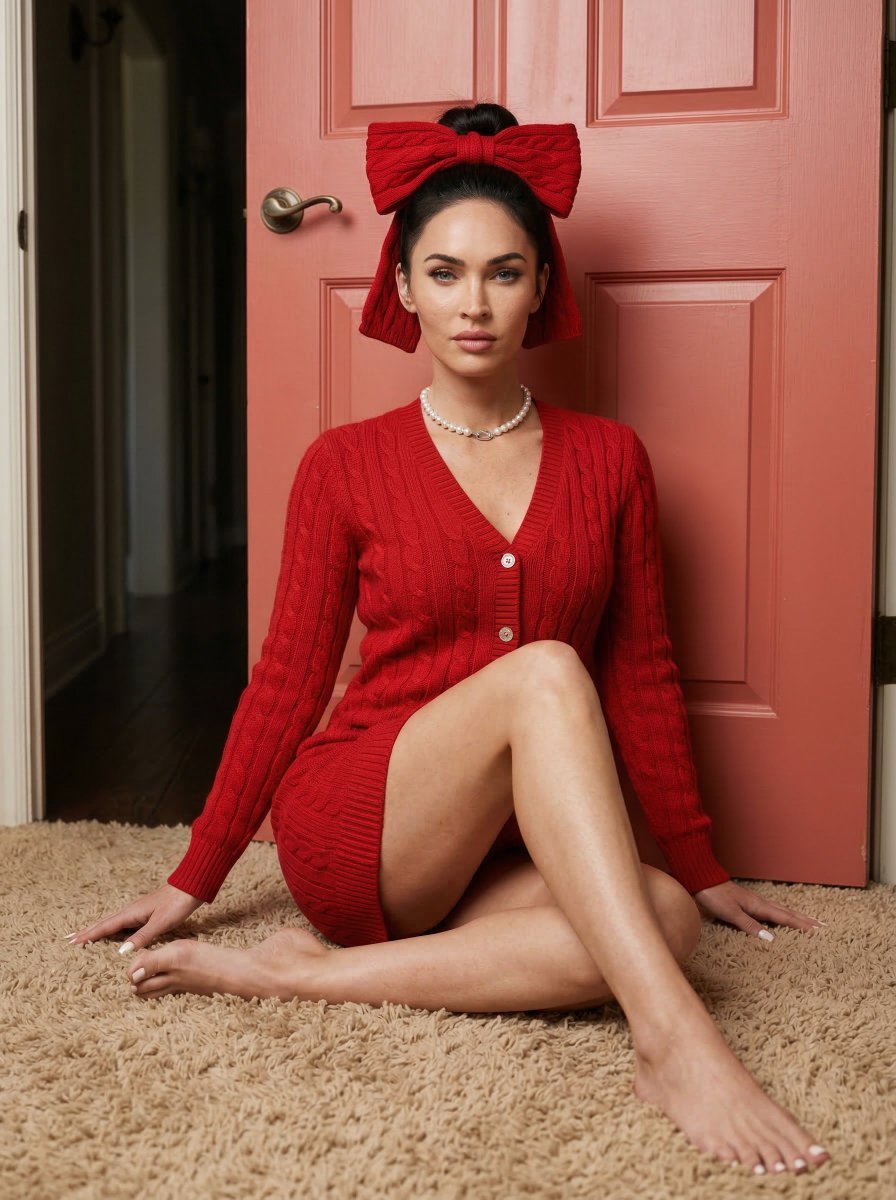
Aesthetic Seated Portrait with Cable-Knit Dress and Ribbon Bow
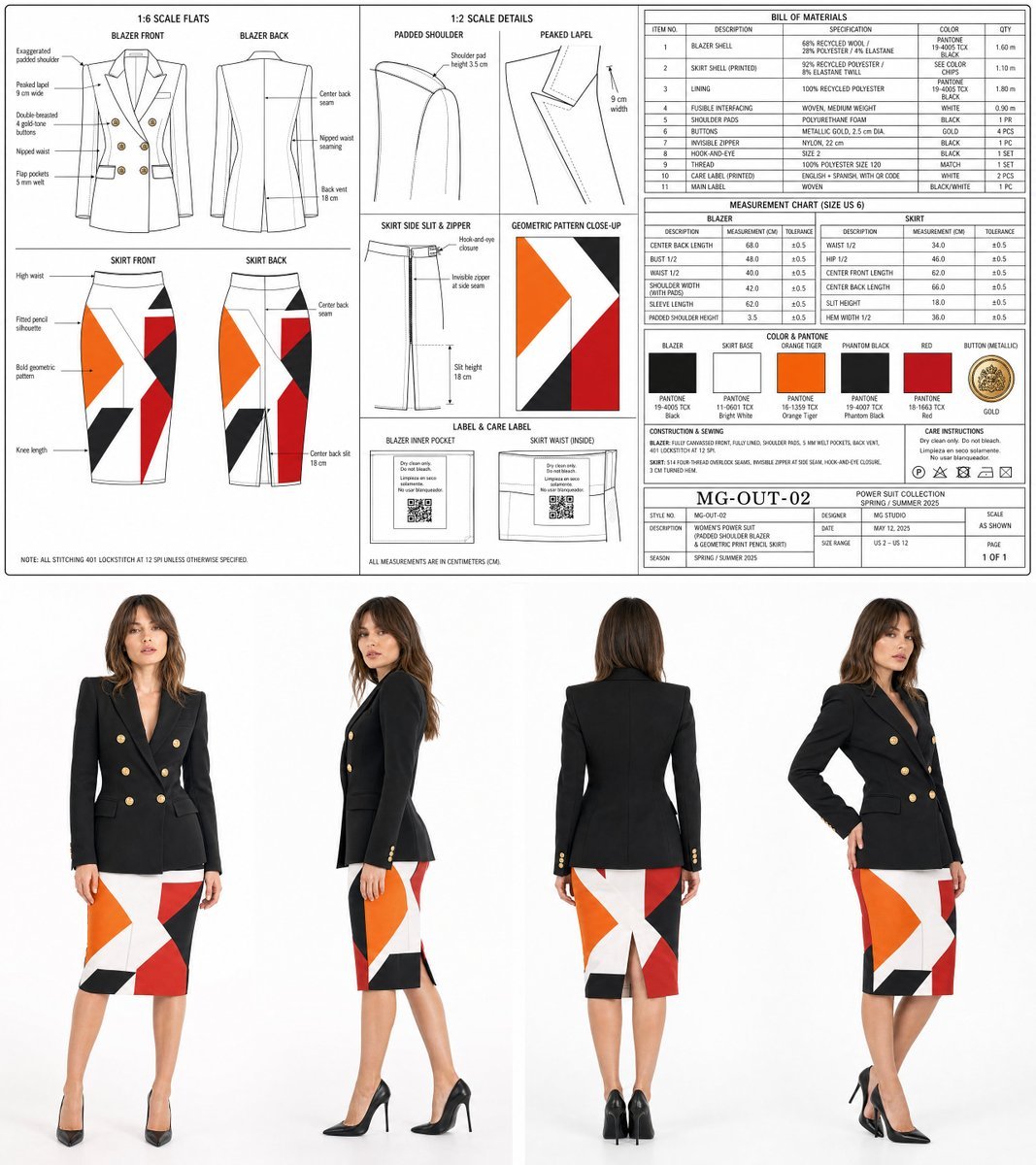
Women's Power Suit Tech Pack
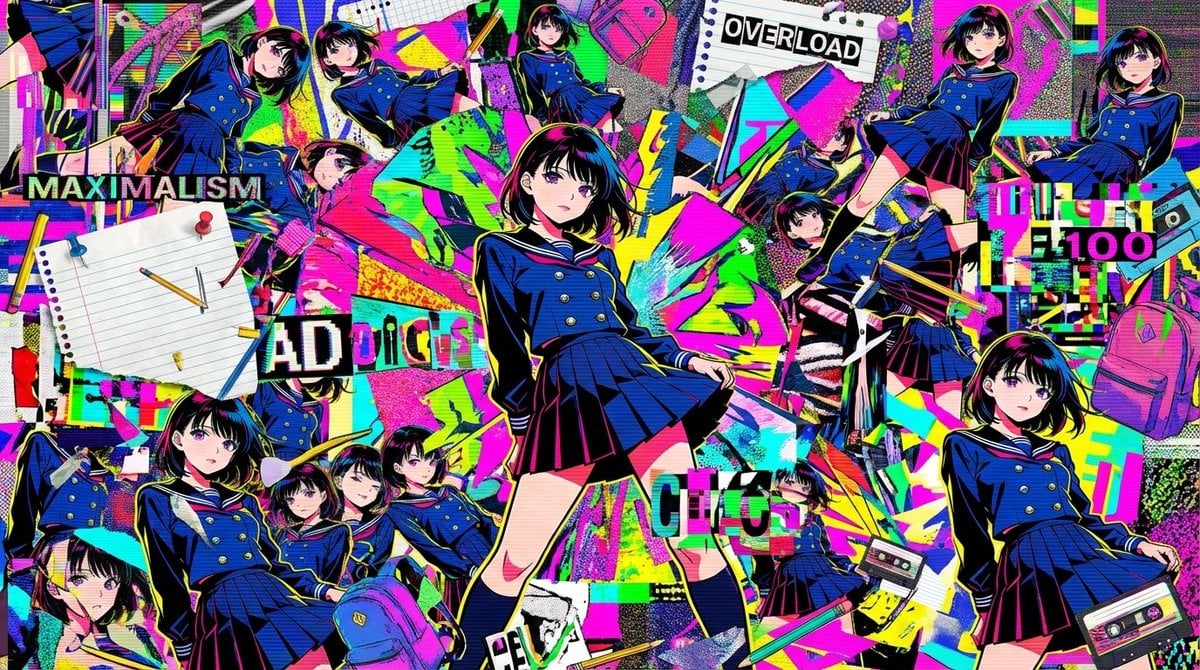
Chaotic Maximalist Anime Poster Prompt (100 Girls)
Nano Banana Asian Cold Glamour Portrait
Blue Celestial Anime Girl Design
Four-Panel Manga: Politician Manju Incident

Anime Friends Eating Soba
Premium Gen-Z Streetwear Fashion Collage
Browse template categories
Surreal Mirror Clone Editorial questions
How do I use the Surreal Mirror Clone Editorial template?
Add your photo if the template asks for one, edit the prompt if you like — the template's model and format are already selected — and press Generate. Your version opens in PicX Studio.
Can I customize the Surreal Mirror Clone Editorial template?
Yes. You can change the subject, setting, lighting, mood, format, and available model controls before creating your image.
Is the Surreal Mirror Clone Editorial template free?
Opening and editing this template is free. Generating uses credits, shown on the Generate button when you are signed in.
Which AI model should I use?
Start with GPT Image 2, which is the model associated with this template. You can compare another compatible model for a different finish.
Looking for something else? Browse all templates.

Your photo, any look
Thousands of ready templates for every top image and video model, from one credit balance.