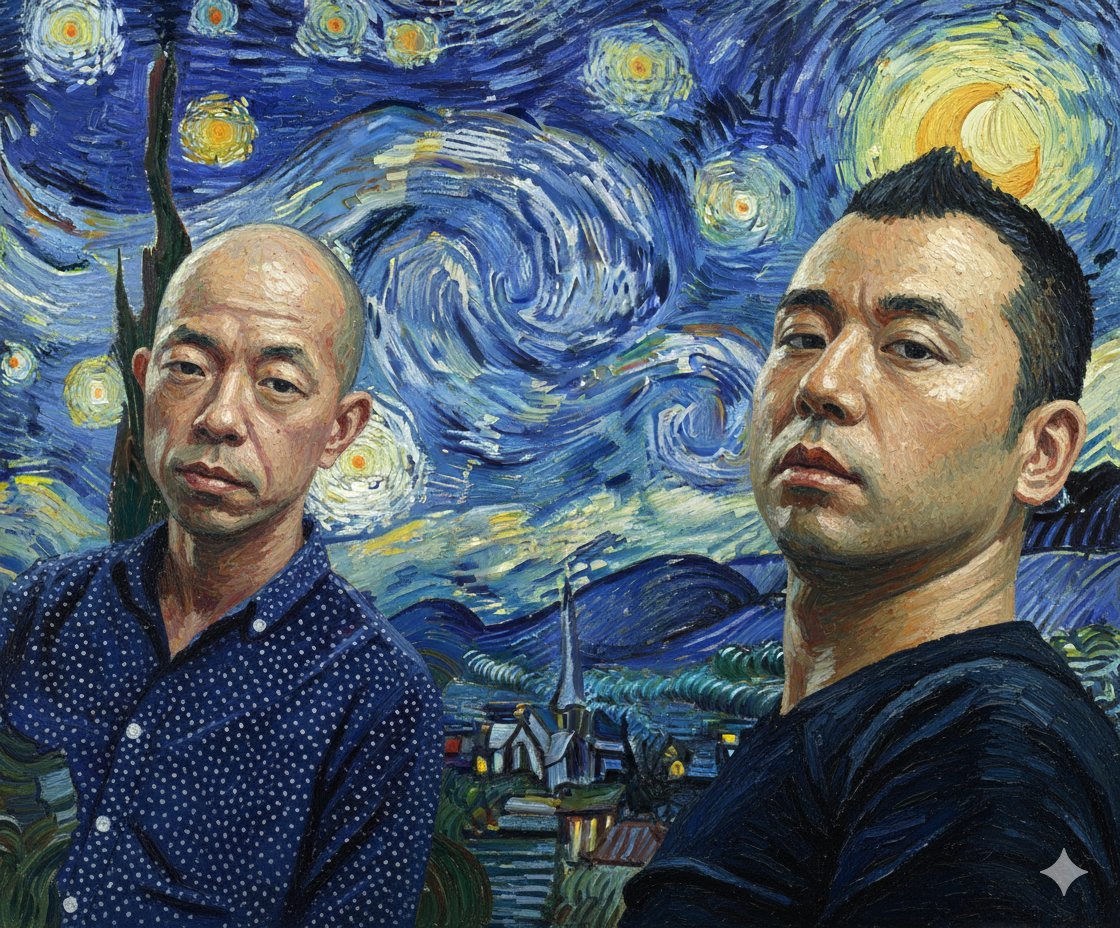
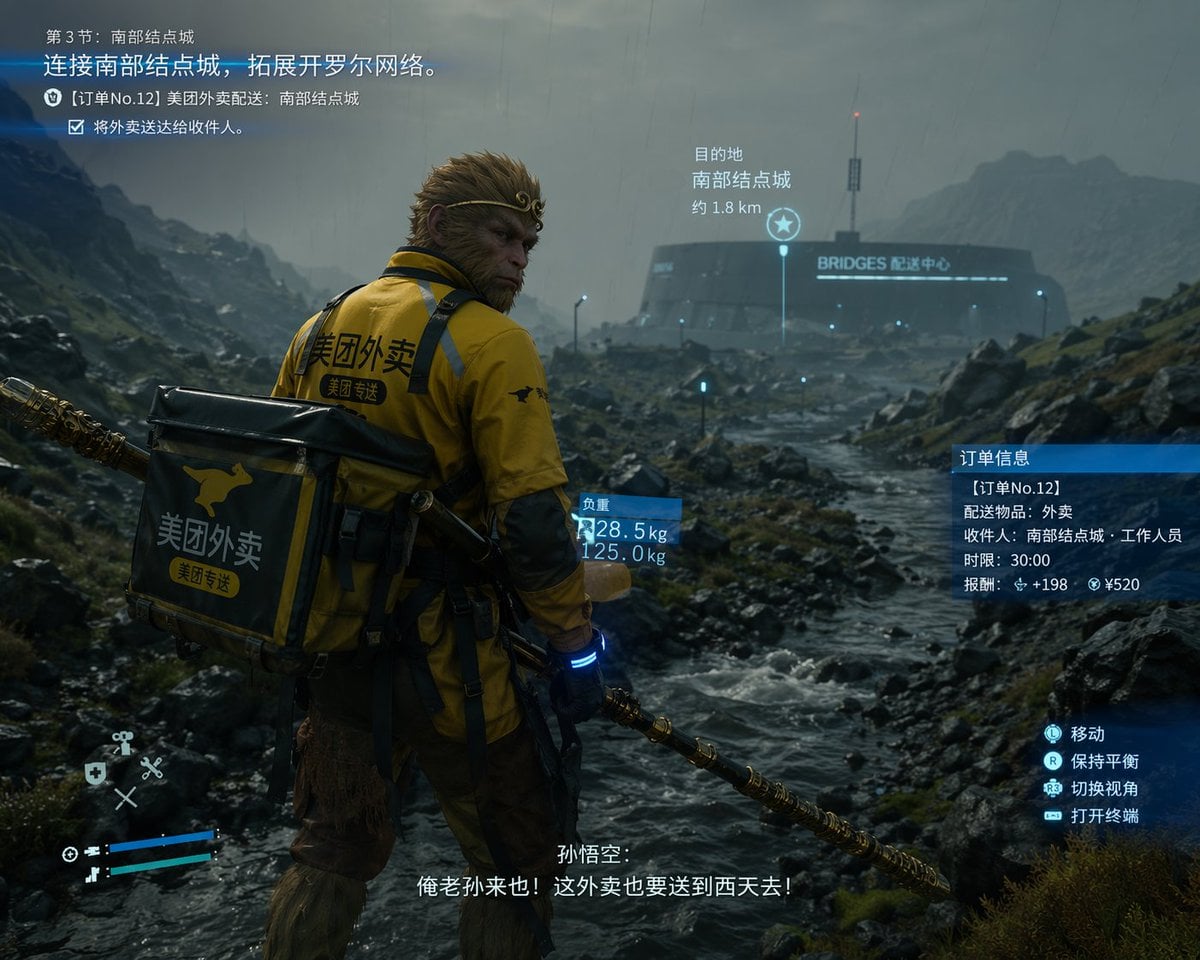
How do I use the Fashion Editorial with Motion Clones template?
Edit the prompt in the box under the preview — the template's model and format are already selected — and press Generate. Your version appears right on this page.
A complex cinematic prompt for a high-fashion streetwear shoot featuring motion clones, motion blur effects, and integrated brand typography.

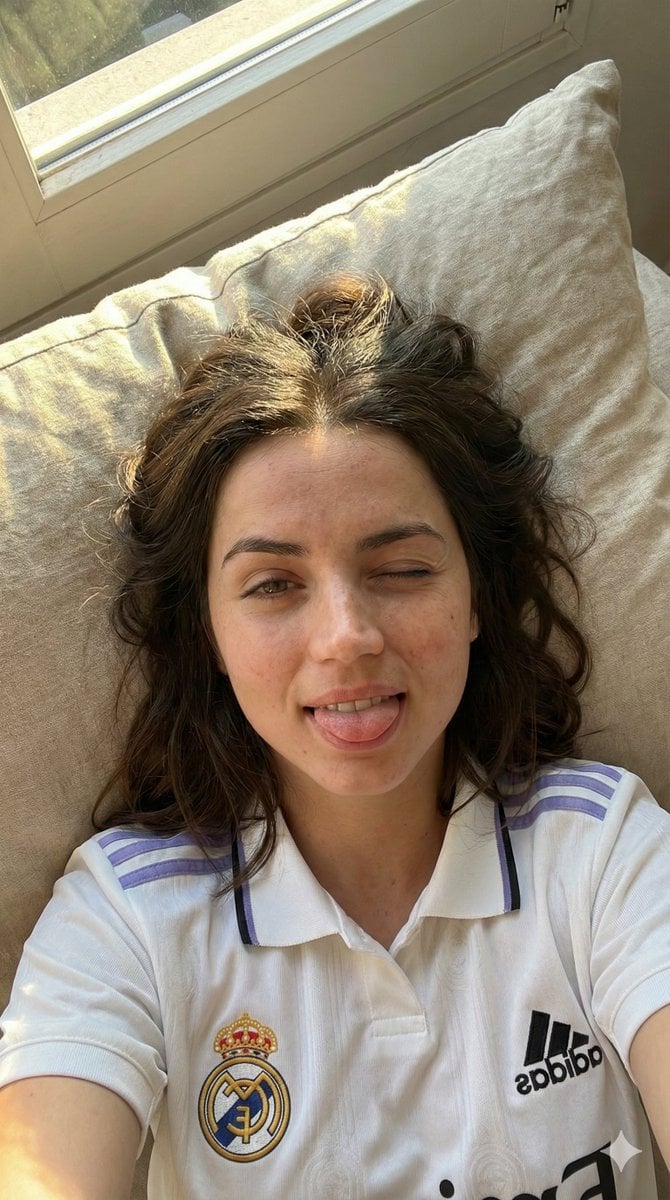
This template uses your photo — add one with the + button.
Cinematic fashion editorial photography of a {argument name="subject" default="woman"} with identical facial features as the reference image, wearing an {argument name="outfit" default="oversized blue short-sleeve button-down shirt with a black tie"}, loose black baggy cargo jeans, black sneakers, and a black cap. She is standing confidently in front of a clean, minimal white wall, with dramatic direct sunlight casting sharp, strong geometric shadows. Relaxed, stylish pose with one hand touching the brim of her cap. Motion clones of the same woman walk past on both sides with a cinematic motion blur effect. Wide-angle, low-angle shot, teal and orange color grading, luxury urban streetwear aesthetic. In the background, a high-fashion magazine cover design features the large, bold typography text "{argument name="brand name" default="VAISH"}" seamlessly integrated behind her. Ultra-realistic texture, HDR, sharp focus, high detail, depth of field, 8k resolution.
Cinematic fashion editorial photography of a {argument name="subject" default="woman"} with identical facial features as the reference image, wearing an {argument name="outfit" default="oversized blue short-sleeve button-down shirt with a black tie"}, loose black baggy cargo jeans, black sneakers, and a black cap. She is standing confidently in front of a clean, minimal white wall, with dramatic direct sunlight casting sharp, strong geometric shadows. Relaxed, stylish pose with one hand touching the brim of her cap. Motion clones of the same woman walk past on both sides with a cinematic motion blur effect. Wide-angle, low-angle shot, teal and orange color grading, luxury urban streetwear aesthetic. In the background, a high-fashion magazine cover design features the large, bold typography text "{argument name="brand name" default="VAISH"}" seamlessly integrated behind her. Ultra-realistic texture, HDR, sharp focus, high detail, depth of field, 8k resolution.
Edit the prompt in the box under the preview — the template's model and format are already selected — and press Generate. Your version appears right on this page.
Yes. You can change the subject, setting, lighting, mood, format, and available model controls before creating your image.
Opening and editing this template is free. Generating uses credits, shown on the Generate button when you are signed in.
Start with GPT Image 2, which is the model associated with this template. You can compare another compatible model for a different finish.
Follow a topic to a crawlable collection of related PicX Studio templates.