
Dark Ritual Dancer Concept Board
A cinematic fashion concept sheet showing a mysterious masked dancer with turnaround views, material inspiration, accessory details, and a coordinated color palette for character design or costume development.
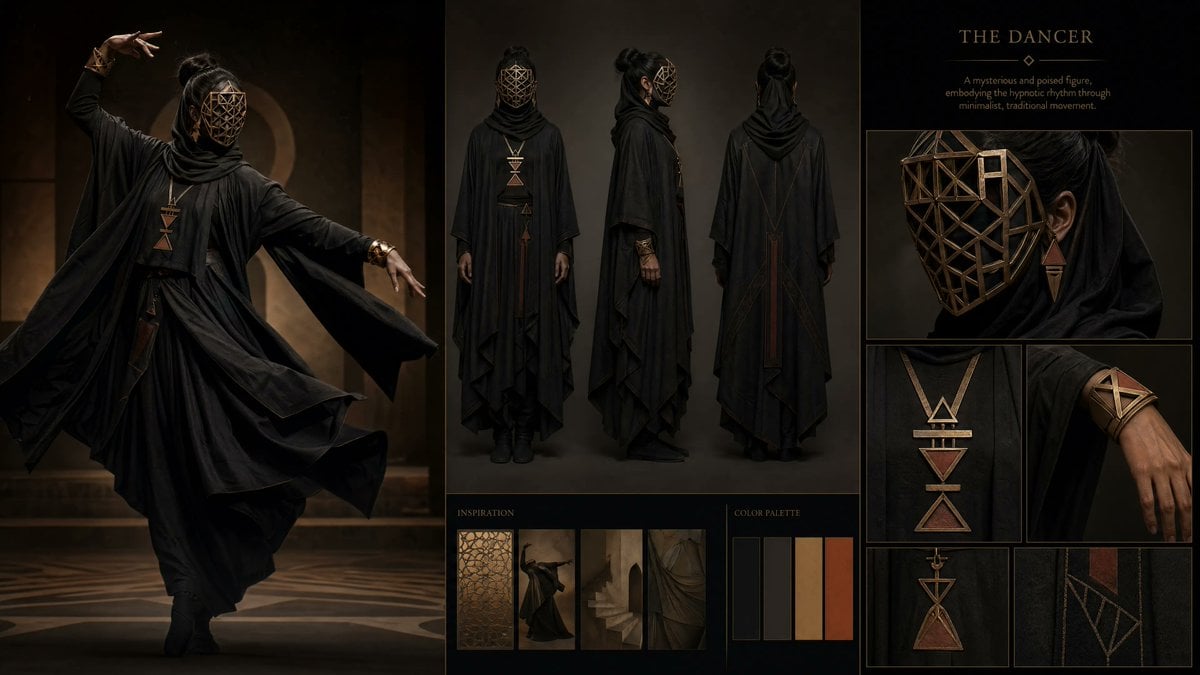
- Prompt included
- Model and format preset
- Free template
The prompt behind this image
Copy the exact prompt behind Dark Ritual Dancer Concept Board, or open it in the studio and make it yours.
- Type
- fashion character concept board
- Subject › Archetype
- enigmatic ceremonial dancer
- Subject › Title Text
- {argument name="headline text" default="THE DANCER"}
- Subject › Gender Presentation
- feminine
- Subject › Mood
- mysterious, poised, hypnotic, minimalist, ritualistic
- Subject › Ethnicity
- ambiguous
- Subject › Hair › Color
- black
- Subject › Hair › Style
- high bun with a half-up section, loose lengths hidden beneath draped fabric
- Subject › Face › Covered
- true
- Subject › Face › Mask
- full-face geometric lattice mask in aged bronze, angular polygon framework with open gaps revealing darkness beneath
- Subject › Outfit › Base Color
- matte black
- Subject › Outfit › Silhouette
- layered draped robe and cloak ensemble with wide flowing sleeves, high wrapped cowl scarf, ankle-length asymmetric hems, fitted underlayer, black boots
- Subject › Outfit › Count
- 6
- Subject › Outfit › Pieces
- draped hooded outer robe, high wrapped scarf collar, long flowing inner dress or tunic, wide cape-like sleeves, black fitted pants or leggings underneath, black ankle boots
- Subject › Accessories › Count
- 4
- Subject › Accessories › Items
- large bronze geometric pendant necklace with stacked triangle and bar motifs, matching small triangular drop earring visible on one side, bronze geometric forearm cuff made of intersecting bands, long vertical back ornament or stitched panel in rust bronze
- Subject › Materials
- matte fabric, soft layered textiles, aged bronze metal
- Subject › Color Palette › Count
- 5
- Subject › Color Palette › Colors
- black, charcoal gray, deep taupe, sand beige, burnt sienna
- Layout › Background
- dark editorial board on black with thin bronze divider lines
- Layout › Sections › 0 › Title
- hero image
- Layout › Sections › 0 › Position
- left
- Layout › Sections › 0 › Count
- 1
- Layout › Sections › 0 › Labels
- full-body dance pose
Raw JSON
{"type":"fashion character concept board","subject":{"archetype":"enigmatic ceremonial dancer","title_text":"{argument name=\"headline text\" default=\"THE DANCER\"}","gender_presentation":"feminine","mood":"mysterious, poised, hypnotic, minimalist, ritualistic","ethnicity":"ambiguous","hair":{"color":"black","style":"high bun with a half-up section, loose lengths hidden beneath draped fabric"},"face":{"covered":true,"mask":"full-face geometric lattice mask in aged bronze, angular polygon framework with open gaps revealing darkness beneath"},"outfit":{"base_color":"matte black","silhouette":"layered draped robe and cloak ensemble with wide flowing sleeves, high wrapped cowl scarf, ankle-length asymmetric hems, fitted underlayer, black boots","count":6,"pieces":["draped hooded outer robe","high wrapped scarf collar","long flowing inner dress or tunic","wide cape-like sleeves","black fitted pants or leggings underneath","black ankle boots"]},"accessories":{"count":4,"items":["large bronze geometric pendant necklace with stacked triangle and bar motifs","matching small triangular drop earring visible on one side","bronze geometric forearm cuff made of intersecting bands","long vertical back ornament or stitched panel in rust bronze"]},"materials":["matte fabric","soft layered textiles","aged bronze metal"],"color_palette":{"count":5,"colors":["black","charcoal gray","deep taupe","sand beige","burnt sienna"]}},"layout":{"background":"dark editorial board on black with thin bronze divider lines","sections":[{"title":"hero image","position":"left","count":1,"labels":["full-body dance pose"]},{"title":"turnaround","position":"center top","count":3,"labels":["front view","side view","back view"]},{"title":"description panel","position":"upper right","count":1,"labels":["title and short character description"]},{"title":"detail close-ups","position":"right column","count":6,"labels":["mask close-up","necklace close-up","forearm cuff close-up","small pendant detail","garment seam embroidery detail","one additional accessory or costume crop"]},{"title":"inspiration","position":"bottom center-left","count":4,"labels":["geometric lattice texture","dancer silhouette","arched stairway","draped fabric study"]},{"title":"color palette","position":"bottom center-right","count":5,"labels":["black","charcoal","taupe","beige","burnt orange"]}],"composition":"high-end fashion mood board with one large cinematic figure on the left, three standing reference views in the center, and stacked detail panels on the right"},"scene":{"hero_pose":"graceful mid-dance movement with one arm raised overhead and the other extended sideways, robe swirling around the body","setting":"dim architectural interior with warm amber lighting, soft shadows, circular arch motif in the background, patterned floor","lighting":"moody studio-meets-palace lighting, low key, warm bronze highlights, subtle rim light on fabric folds and metal"},"style":{"image_type":"luxury editorial concept art sheet","rendering":"photorealistic fashion photography blended with costume design board presentation","quality":"ultra-detailed, refined, cinematic, elegant, sharp textile texture, premium art direction"}}How to use Dark Ritual Dancer Concept Board in 3 steps
- 1Upload ImagePNG, JPG or paste
Add your photo
Upload the photo the template builds on. The prompt, model and format are already set.
- 2…a portrait of your subject in softgolden-hour light, 85mm…
Personalize
Edit the subject and creative details for your destination.
- 3Generate
Generate
Press Generate — your image is created in PicX Studio, so you can compare it with the original and refine one variable at a time.
More like this
Templates with the same subject, style or setup. Open one to see its prompt.
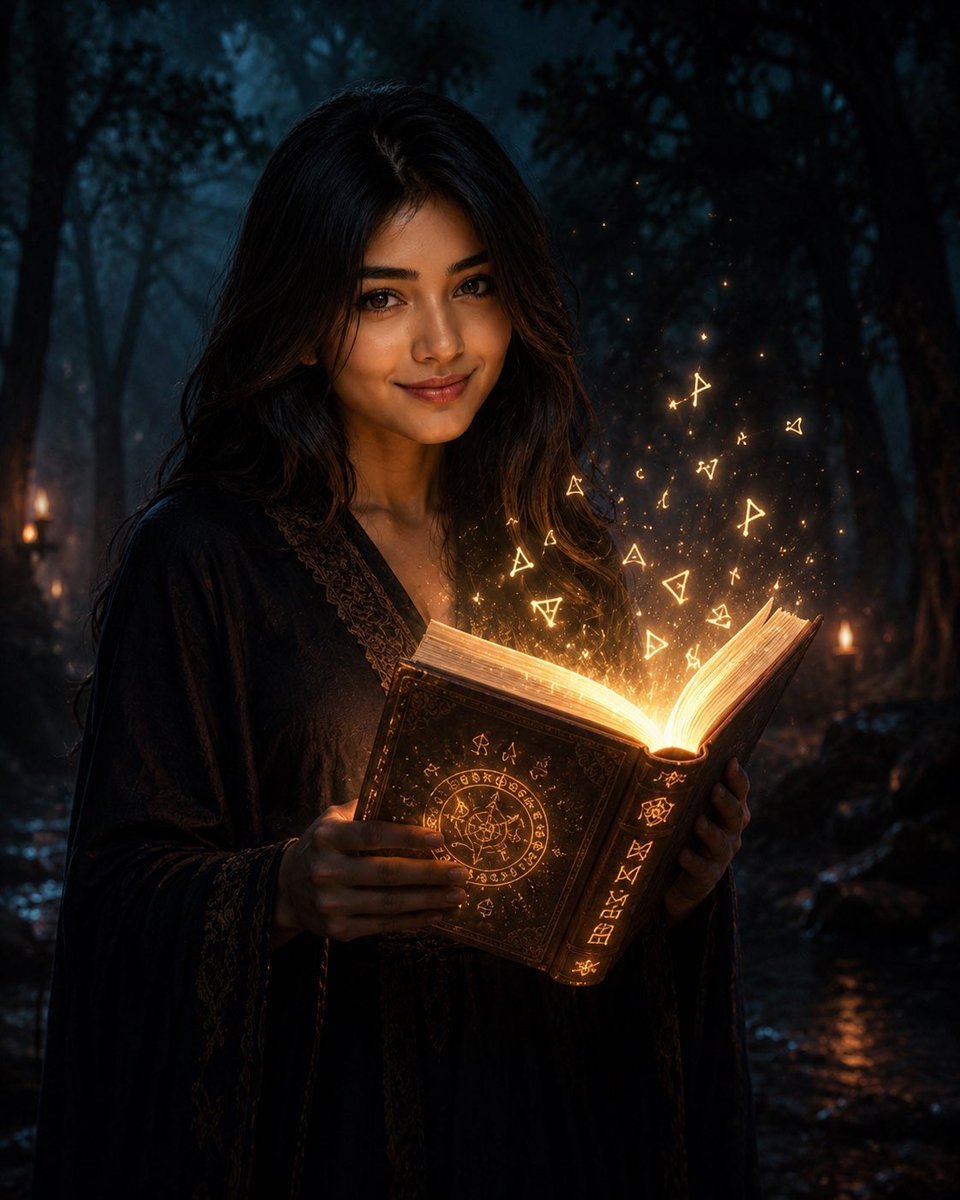
Mysterious Dark Forest Ritual Portrait
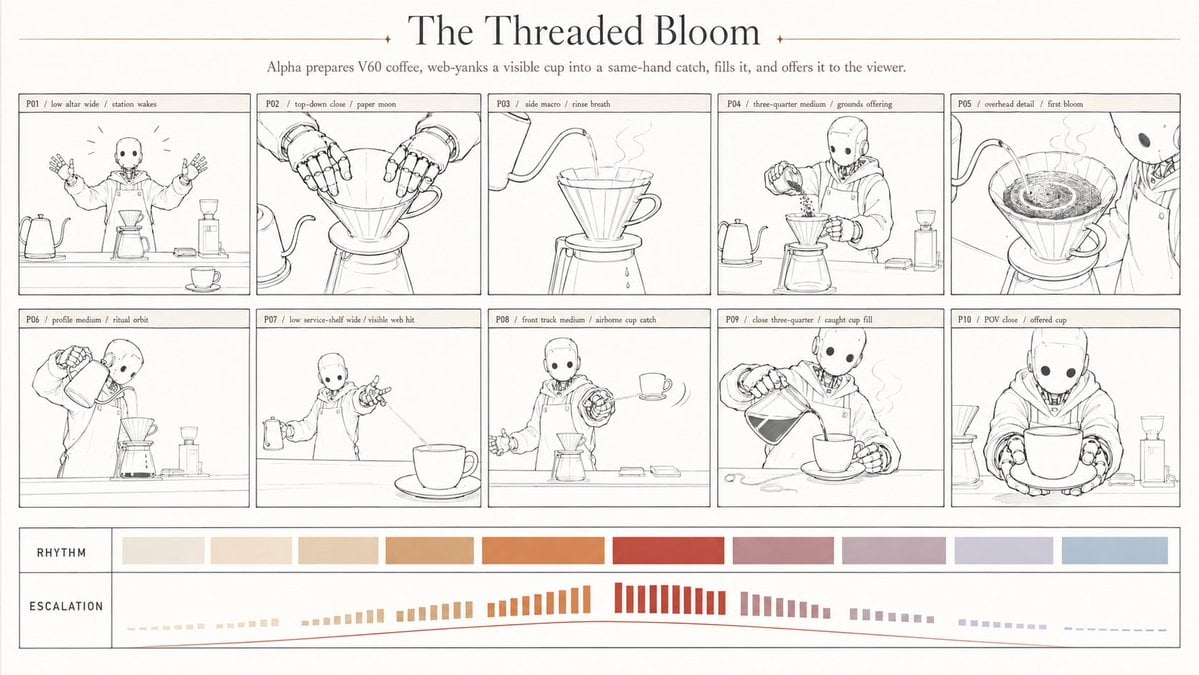
Robotic coffee ritual storyboard
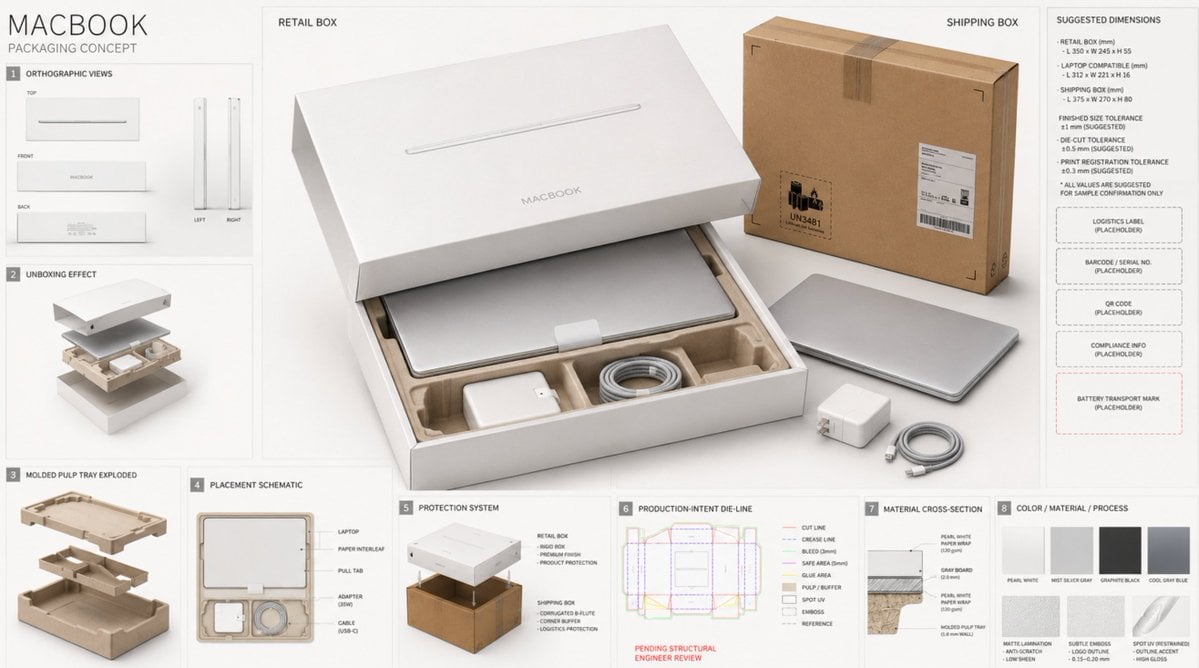
High-End Laptop Packaging Concept Board
Dark Academia AI Moodboard Collage

Dark Fantasy Sorceress Storyboard

Glass Brand Logo Volcanic Landscape

Blueprint Split Reality Archetype Prompt

Real Illustration Split Portrait Transition

Selective Color Monochrome Football Poster
Crimson Dark Sorceress Ritual
Emerald Dark Sorceress Ritual
Dark Gothic Ritual in Cathedral
Make it yours
Dark Ritual Dancer Concept Board works as-is. These are the safest ways to change it without losing the look.
Swap the setting
Keep the rest of the prompt and replace the location block. The current setting is “dark editorial board on black with thin bronze divider lines”.
Swap the light
One lighting change is enough to compare takes. Current light: “moody studio-meets-palace lighting, low key, warm bronze highlights, subtle rim ”.
Change one field
Copy a single group, rewrite it, and generate again so you can see what that field is doing.
| If the result… | Why | Fix |
|---|---|---|
| The result drifts from the preview | Too many fields changed at once. | Reuse Dark Ritual Dancer Concept Board as-is first, then change one group — subject, light, or setting. |
| GPT Image 2 ignores part of the JSON | Some models flatten or skip nested keys. | Keep the same values and paste them as a short paragraph instead. |
More GPT Image 2 templates
Other prompts made for GPT Image 2.

Six VTuber Japanese Logo Sheet

Realistic Portrait of Woman and Deer

The Vista Modular Condo Poster

AI Model Routing Comparison Infographic

2.5D Anime Art Board

Isometric Productivity Desk Scene

New York Double Exposure Poster

Four-Panel AI Landscape Comparison

Japanese Tatami Lifestyle Magazine Cover

NESCAFÉ Coffee Map Poster
More image prompts
Fresh picks from across the catalog.
Urban Street Motorcycle Portrait
Hyper-Realistic Cinematic Portrait of Elemental Balance (Fire and Water)
Candid Street Photo of Woman Walking in City
Moss-Covered Industrial Survivors
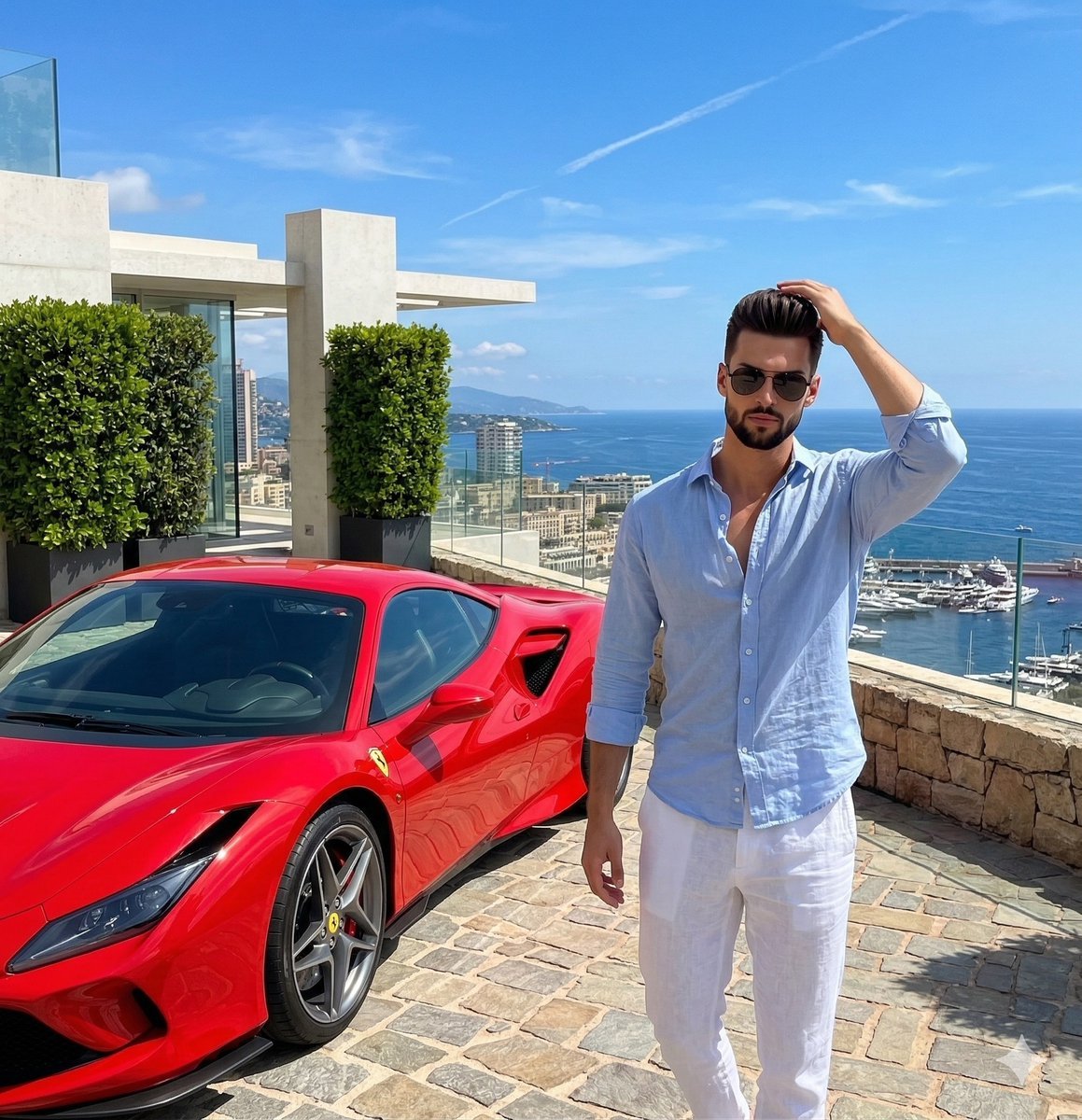
Luxury Lifestyle Photography Prompt: Man with Red Sports Car
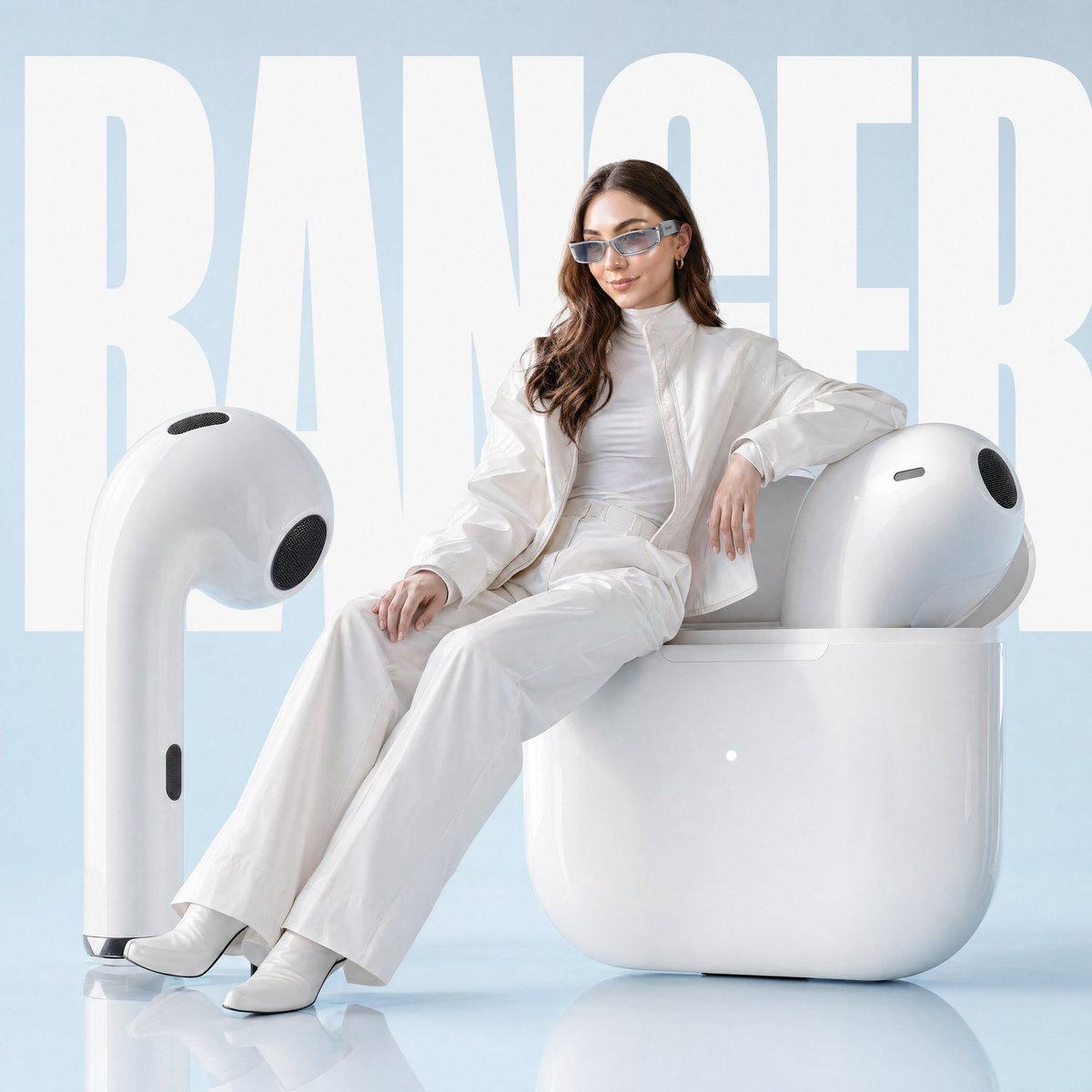
Avant-garde Fashion Advertisement Prompt
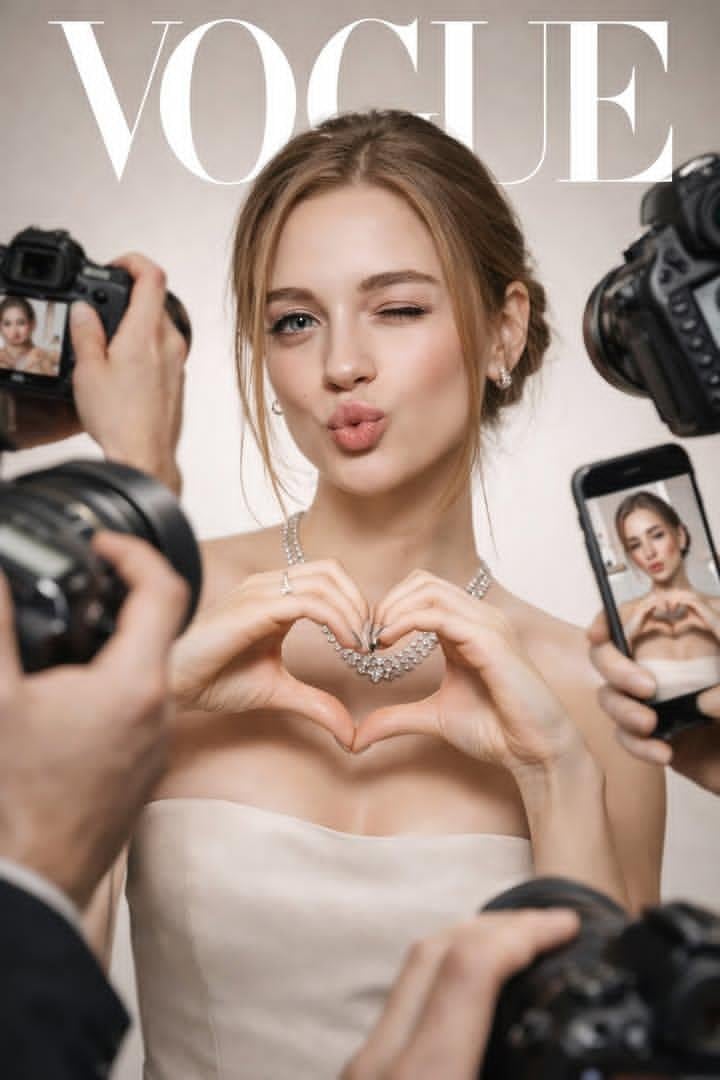
Vogue Cover Paparazzi Portrait
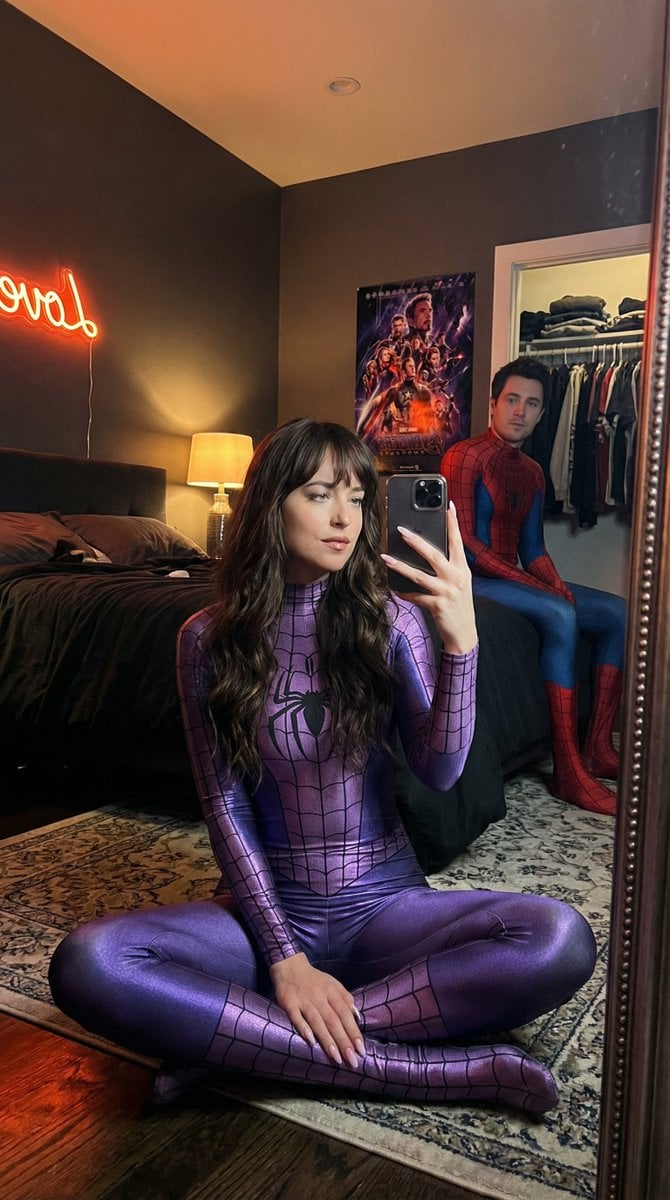
IG-Baddie Spider-Man Cosplay Mirror Selfie
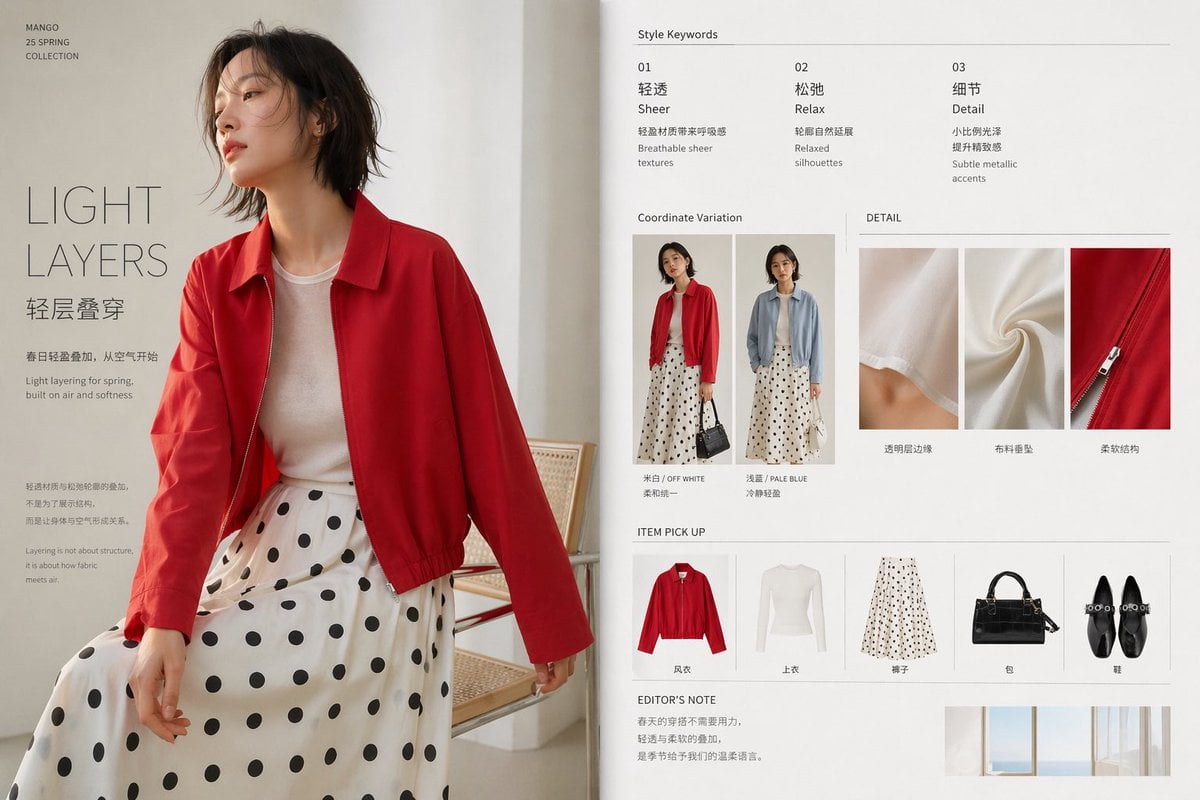
Minimal Spring Fashion Editorial Board
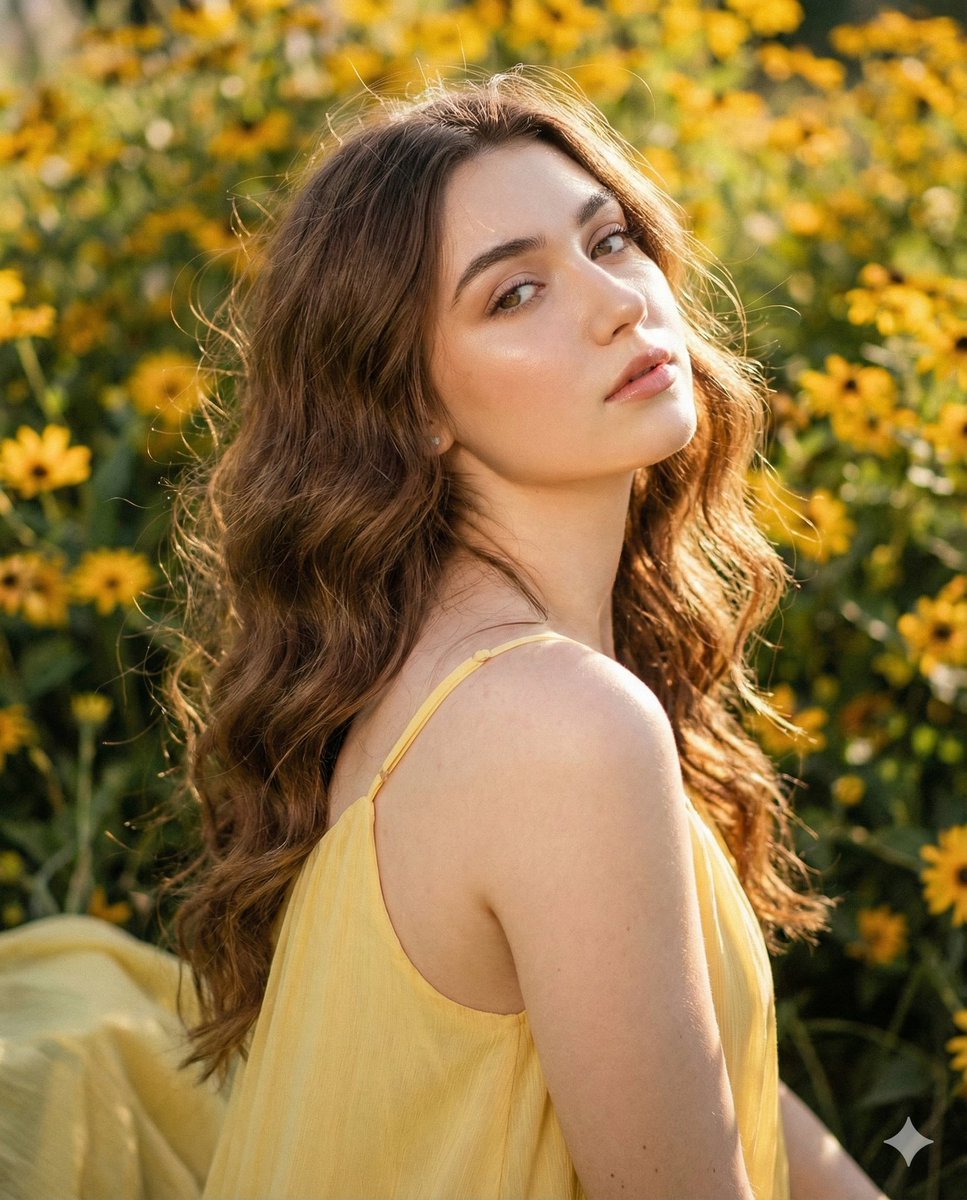
Cinematic Portrait with Harsh Flash and Floral Background
Browse template categories
Dark Ritual Dancer Concept Board questions
How do I use the Dark Ritual Dancer Concept Board template?
Add your photo if the template asks for one, edit the prompt if you like — the template's model and format are already selected — and press Generate. Your version opens in PicX Studio.
Can I customize the Dark Ritual Dancer Concept Board template?
Yes. You can change the subject, setting, lighting, mood, format, and available model controls before creating your image.
Is the Dark Ritual Dancer Concept Board template free?
Opening and editing this template is free. Generating uses credits, shown on the Generate button when you are signed in.
Which AI model should I use?
Start with GPT Image 2, which is the model associated with this template. You can compare another compatible model for a different finish.
Looking for something else? Browse all templates.

Your photo, any look
Thousands of ready templates for every top image and video model, from one credit balance.