
High-End Laptop Packaging Concept Board
A comprehensive prompt for designing professional electronics packaging boards, including technical annotations and structural details.
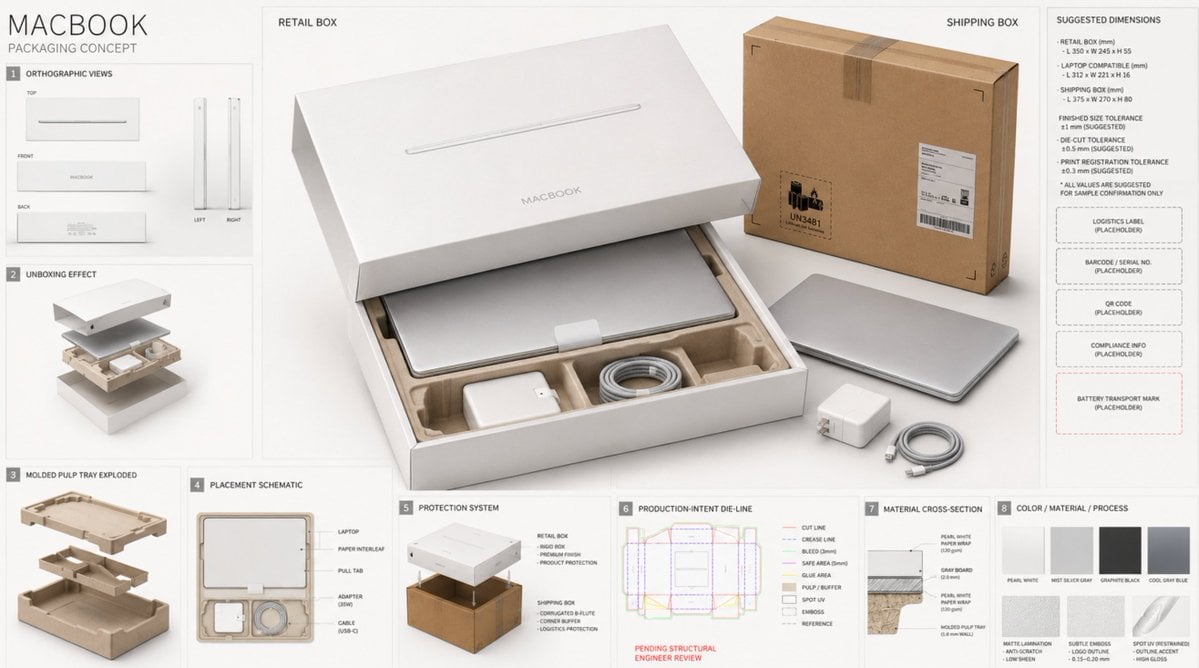
- Prompt included
- Model and format preset
- Premium template
The prompt behind this image
Copy the exact prompt behind High-End Laptop Packaging Concept Board, or open it in the studio and make it yours.
Use case: product-mockup Asset type: professional electronics packaging proposal board 创建一张“{argument name="产品名称" default="Apple MacBook 高端电商包装提案板"}”的非官方概念设计,产品为一台轻薄银色高端笔记本电脑。品牌气质极简、精密、安静、现代,面向专业创作者、商务人士和高端科技消费者。不得暗示这是 Apple 官方发布或真实量产方案。 画布采用 {argument name="画幅比例" default="16:9 横向构图"}、干净的暖白色专业设计提案板背景。画面中心放置一个超大尺寸主包装展示图,占整体画面约 50%–55%,作为绝对第一视觉焦点。主包装以 45° 立体透视展示:珍珠白天地盖硬质零售礼盒微微开启,内部是一台纤薄银色笔记本电脑,盒盖表面只有克制的笔记本轮廓图与简洁产品名;真实高白纸张、灰板厚度、精密盒角和细腻哑光触感清晰可见。主包装旁少量摆放银色笔记本、电源适配器和编织充电线,所有物体真实落地、有接触阴影,不漂浮。 内部结构必须符合真实电子产品包装逻辑:一体成型环保纸浆托盘,四角悬浮限位并形成缓冲区,电脑底部不直接接触硬质盒底;屏幕与键盘之间设置薄型保护衬纸;左右设置手指取物缺口;电源适配器和充电线置于独立纸质分仓,不与电脑表面接触;预留开盖净空,避免盒盖压迫设备;纸托具有清晰加强筋、圆角和合理壁厚。零售礼盒外部另展示一个原色 B 楞高强瓦楞运输外箱,带四角缓冲、封箱结构、防拆封签、物流面单占位区、条码占位区和电池运输标识占位区。 主包装周围使用 7–9 个小尺寸辅助模块,按严格网格排列,不能抢夺主视觉: 1. 零售礼盒正面、背面、顶部和侧面正投影视图; 2. 开箱效果图; 3. 纸浆内托爆炸结构图; 4. 笔记本、电源适配器和线缆摆放示意; 5. 零售礼盒与运输外箱的双层防护关系; 6. production-intent dieline visualization,待结构工程师复核; 7. 材料剖面与厚度示意; 8. {argument name="配色方案" default="珍珠白、雾银灰、石墨黑、冷灰蓝色彩样"}; 9. 哑膜、击凸、局部 UV 工艺样片与简短生产注释。 刀模与工程图例采用:红色实线代表裁切线,蓝色虚线代表压痕线,绿色线代表出血线,紫色线代表安全线,灰色线代表参考线,黄色区域代表粘胶位,浅棕色区域代表纸浆内托和缓冲结构,亮白区域代表局部 UV,浮雕阴影区域代表击凸。标注单位 mm、每边 3 mm 出血、5 mm 安全边距、成品尺寸公差 ±1 mm、模切公差 ±0.5 mm、印刷套位公差 ±0.3 mm,所有数据标注为“建议值,打样确认”。预留物流面单、条码、序列号、二维码、合规信息和电池运输标识的占位区域,不生成可扫描的真实代码。 视觉设计保持 Apple-inspired minimal technology aesthetic,但不要复制现有官方包装版式。珍珠白为主色,雾银灰与石墨黑为辅助色,极少量冷灰蓝点缀。字体为克制的现代无衬线字体,留白充足,信息层级清楚。盒面工艺仅使用细腻哑膜、轻微击凸和克制局部 UV,不使用烫金、繁复图案或廉价促销元素。 摄影与渲染:photorealistic premium electronics packaging, oversized 45-degree hero box, realistic rigid paperboard and molded pulp texture, precise industrial packaging structure, soft diffused studio lighting, subtle contact shadows, realistic scale, clean modular technical annotations, award-winning packaging presentation, high-resolution commercial product visualization, crisp edges, restrained luxury, sophisticated negative space. 画面短文案仅使用: “MACBOOK” “PACKAGING CONCEPT” “RETAIL BOX” “SHIPPING BOX” “MOLDED PULP TRAY” “PROTECTION SYSTEM” “SUGGESTED DIMENSIONS” 其余密集说明以短横线和规范占位块表达,避免长段落乱码。 负面提示词: official Apple launch material, counterfeit retail packaging, cluttered board, tiny hero package, cheap promotional style, excessive decoration, gold foil, floating laptop, laptop intersecting tray, generic plastic insert, EPS foam, missing corner protection, adapter touching laptop, unsupported device, unrealistic box thickness, fragile shipping box, contradictory opening structure, impossible dieline, fake readable barcode, scannable QR code, dense illegible text, spelling errors, distorted laptop, wrong perspective, weak focal hierarchy, harsh shadows, low quality, blurry, watermark
How to use High-End Laptop Packaging Concept Board in 3 steps
- 1
Open
The prompt is already in the box next to the preview, with the template's model and format selected.
- 2…a portrait of your subject in softgolden-hour light, 85mm…
Personalize
Edit the subject and creative details for your destination.
- 3Generate
Generate
Press Generate — your image is created in PicX Studio, so you can compare it with the original and refine one variable at a time.
More like this
Templates with the same subject, style or setup. Open one to see its prompt.
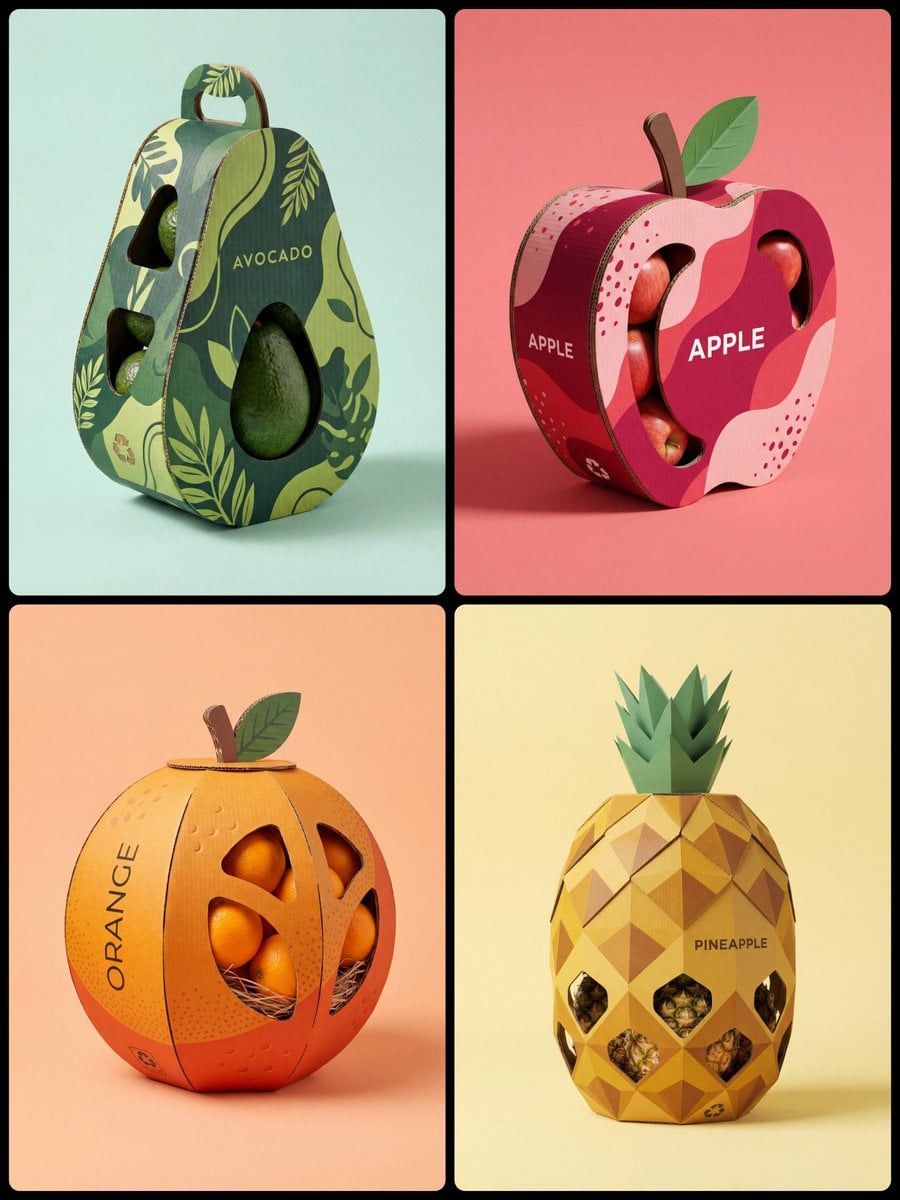
Corrugated Cardboard Fruit Packaging Concept Prompt
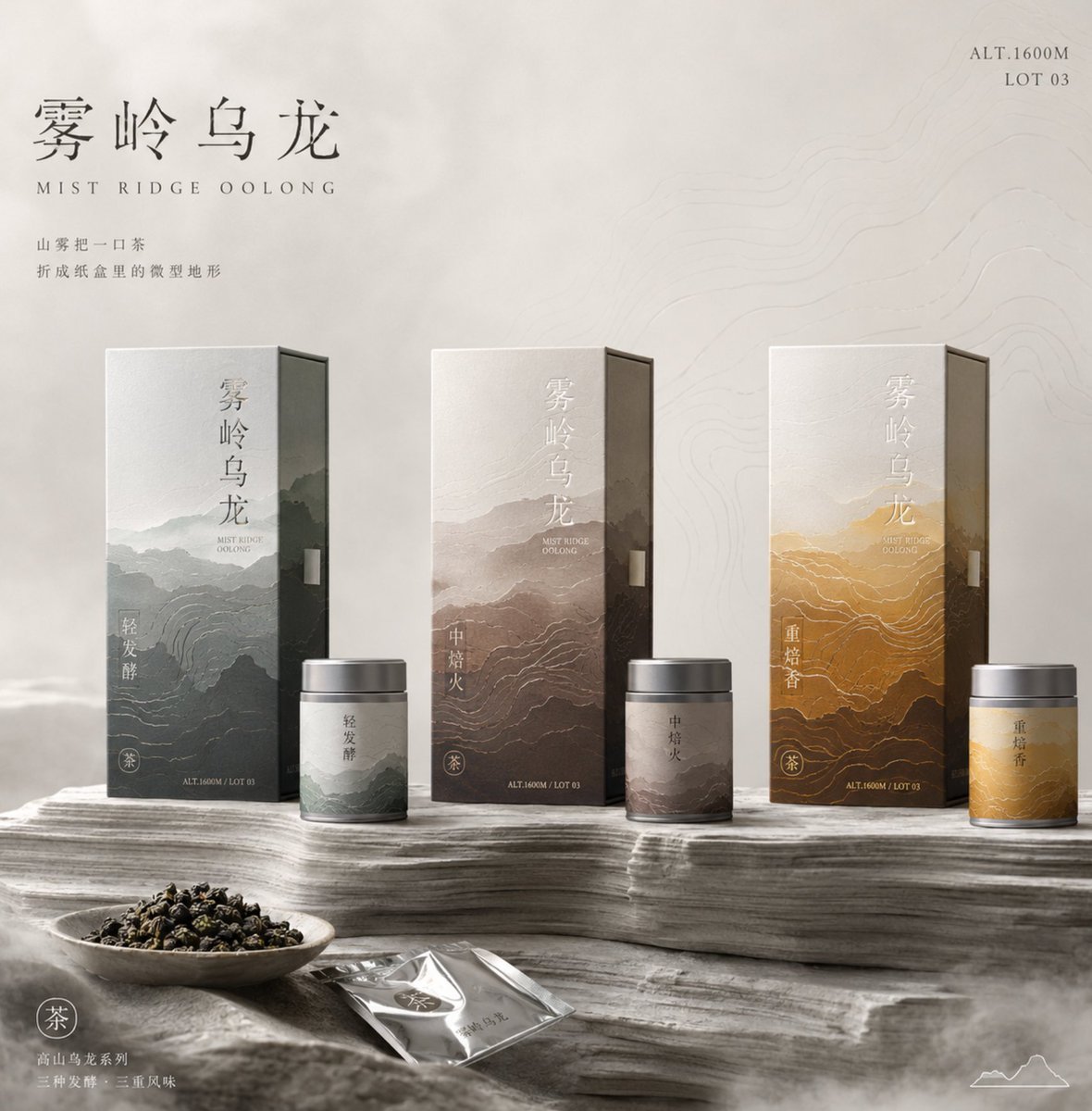
Tea Packaging Terrain Visual Concept
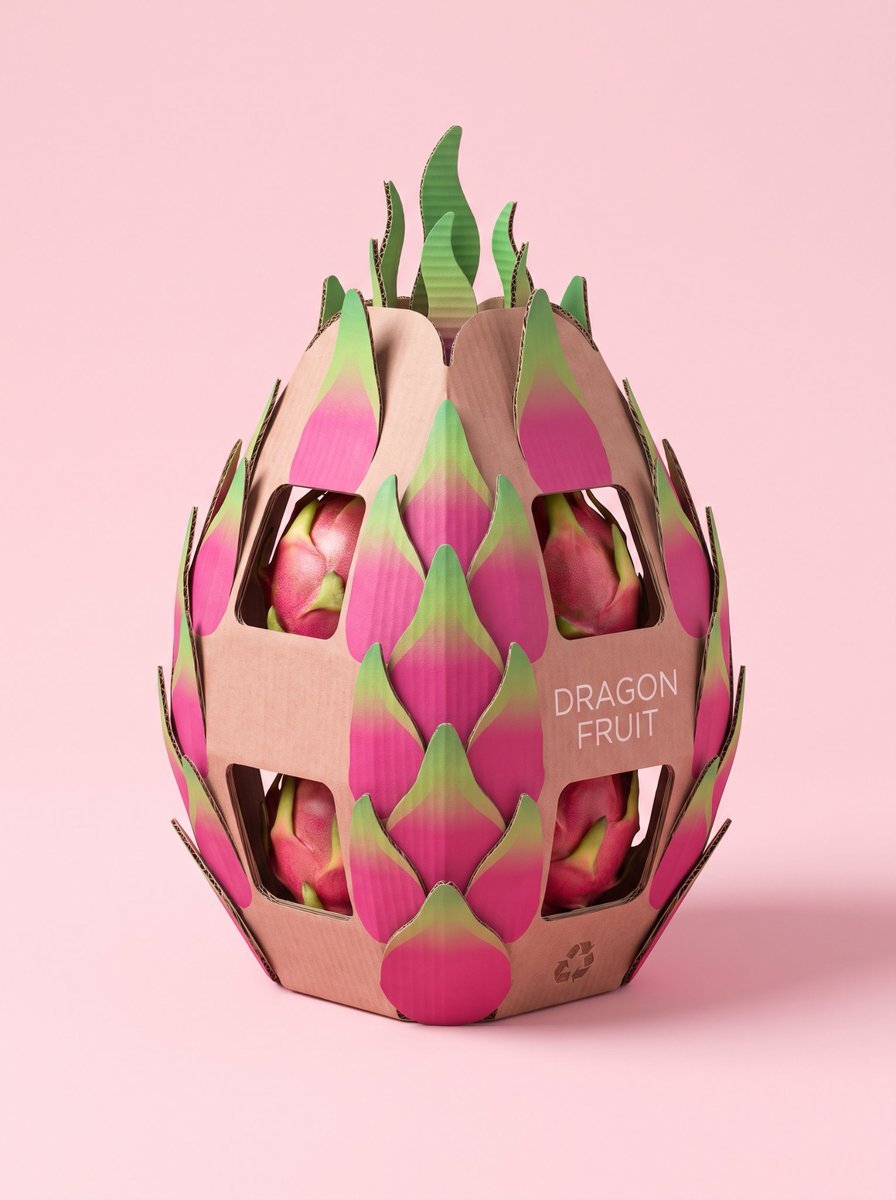
Structural Cardboard Packaging Design

Glass Brand Logo Volcanic Landscape

Blueprint Split Reality Archetype Prompt

Real Illustration Split Portrait Transition
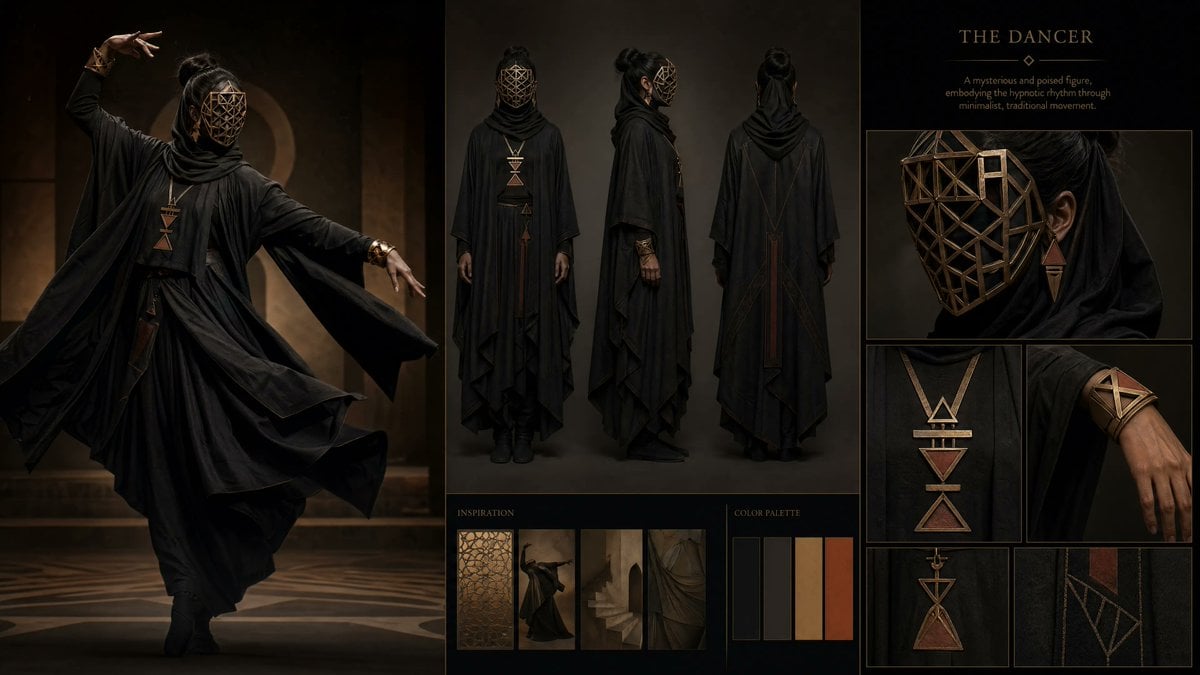
Dark Ritual Dancer Concept Board
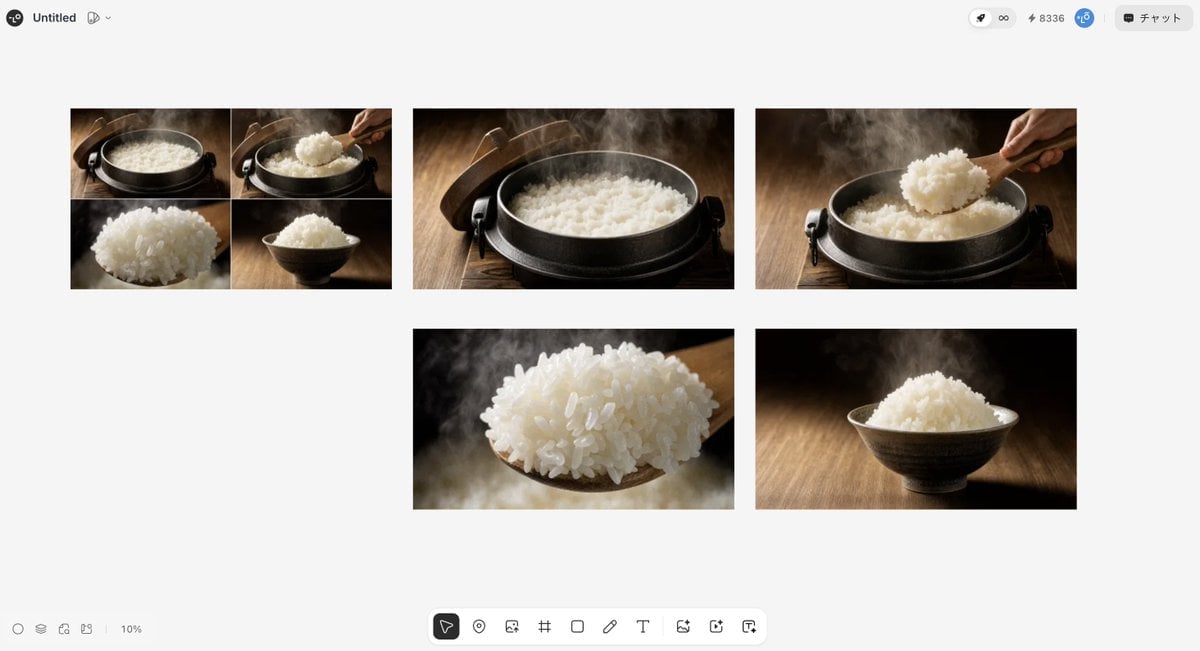
Japanese High-End Cuisine Storyboard
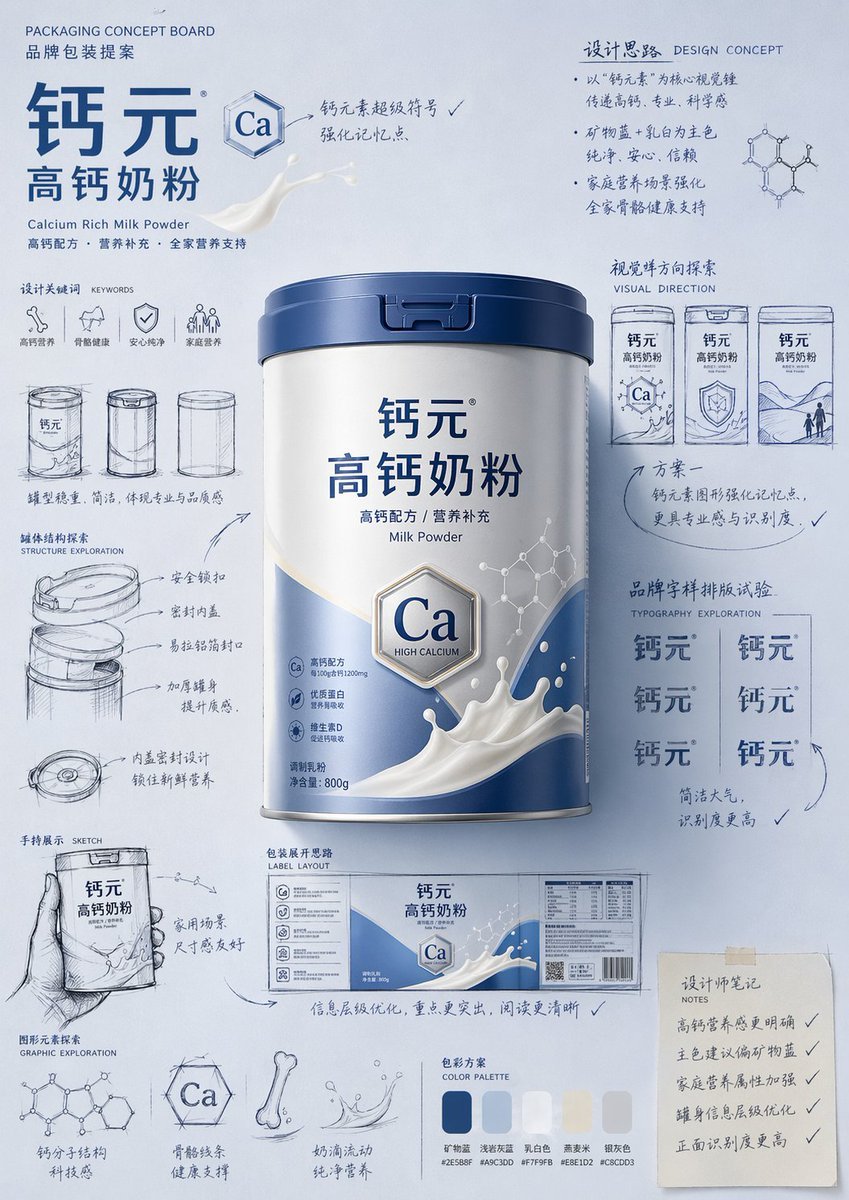
Packaging Design Proposal Board Prompt
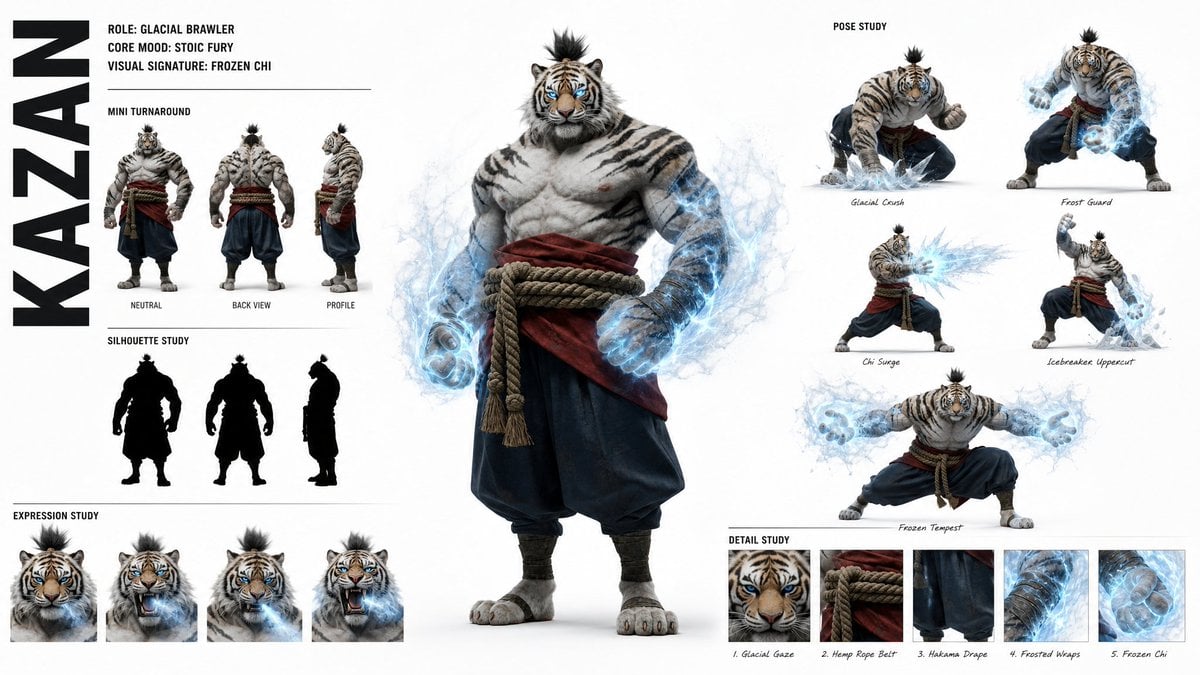
High-Fashion Character Concept Art Sheet
Cozy Laptop Portrait by Window

Cozy Night Laptop Portrait
Make it yours
High-End Laptop Packaging Concept Board works as-is. These are the safest ways to change it without losing the look.
Change one field
Copy a single group, rewrite it, and generate again so you can see what that field is doing.
Keep the frame, change the subject
Hold the composition and light of High-End Laptop Packaging Concept Board, then swap wardrobe, props or the person for a new take.
| If the result… | Why | Fix |
|---|---|---|
| The result drifts from the preview | Too many fields changed at once. | Reuse High-End Laptop Packaging Concept Board as-is first, then change one group — subject, light, or setting. |
| The model over-stylizes the scene | The prose prompt leaves finish and camera underspecified. | Add one camera or lighting sentence and stay on GPT Image 2. |
More GPT Image 2 templates
Other prompts made for GPT Image 2.

Six VTuber Japanese Logo Sheet

Realistic Portrait of Woman and Deer

The Vista Modular Condo Poster

AI Model Routing Comparison Infographic

2.5D Anime Art Board

Isometric Productivity Desk Scene

New York Double Exposure Poster

Four-Panel AI Landscape Comparison

Japanese Tatami Lifestyle Magazine Cover

NESCAFÉ Coffee Map Poster
More image prompts
Fresh picks from across the catalog.
Futuristic Streetwear Campaign Poster
Graffiti Sketch Style AI Builder
Stylized 3D Footballer Avatar
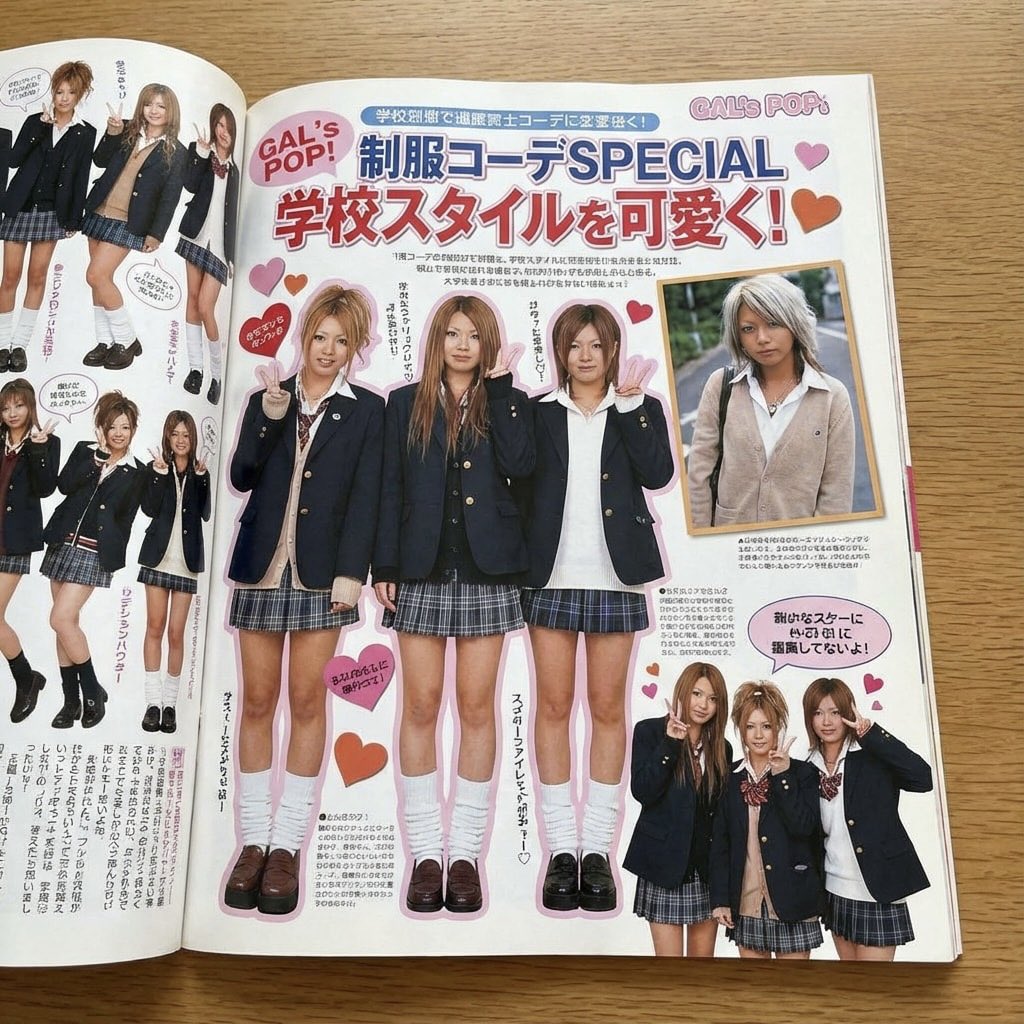
Japanese gyaru magazine spread on school uniforms
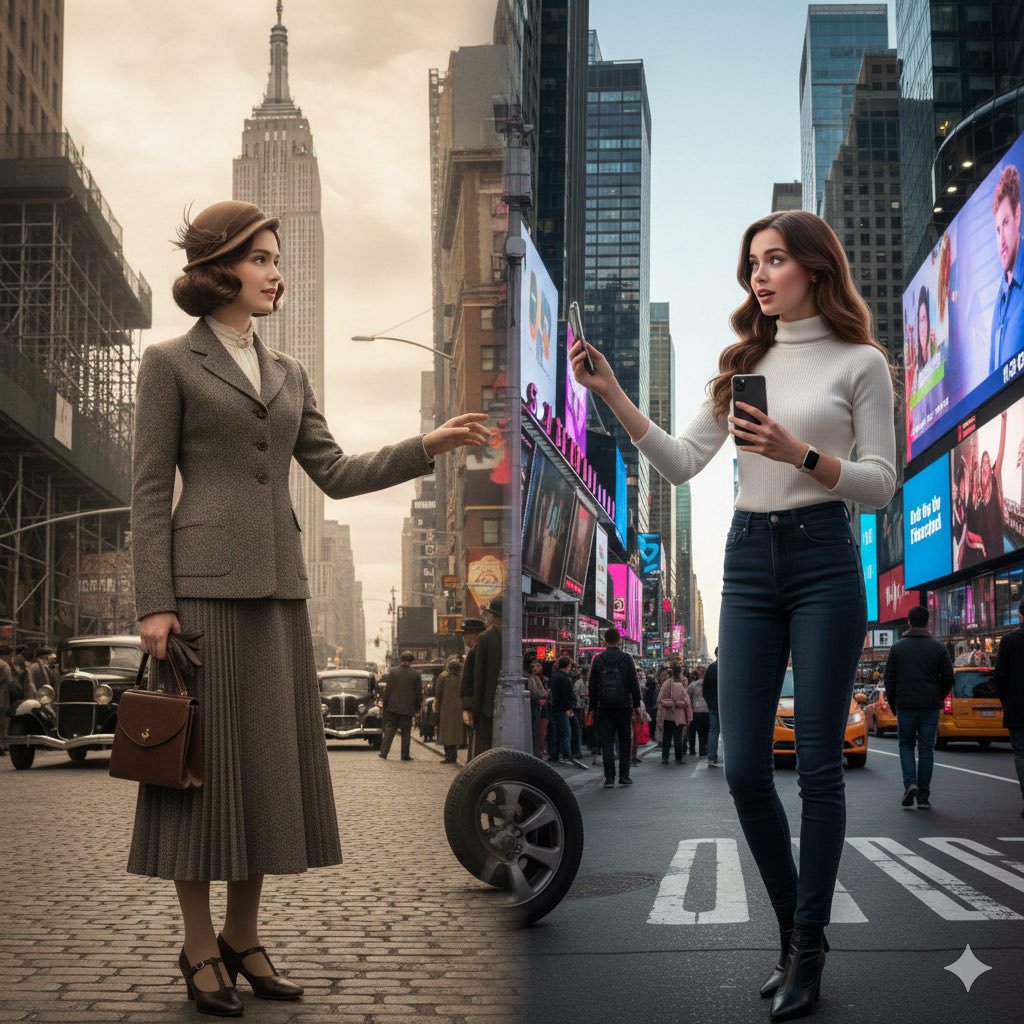
Split-Screen Cinematic Time Travel Prompt

Anime Girl Meadow Reading
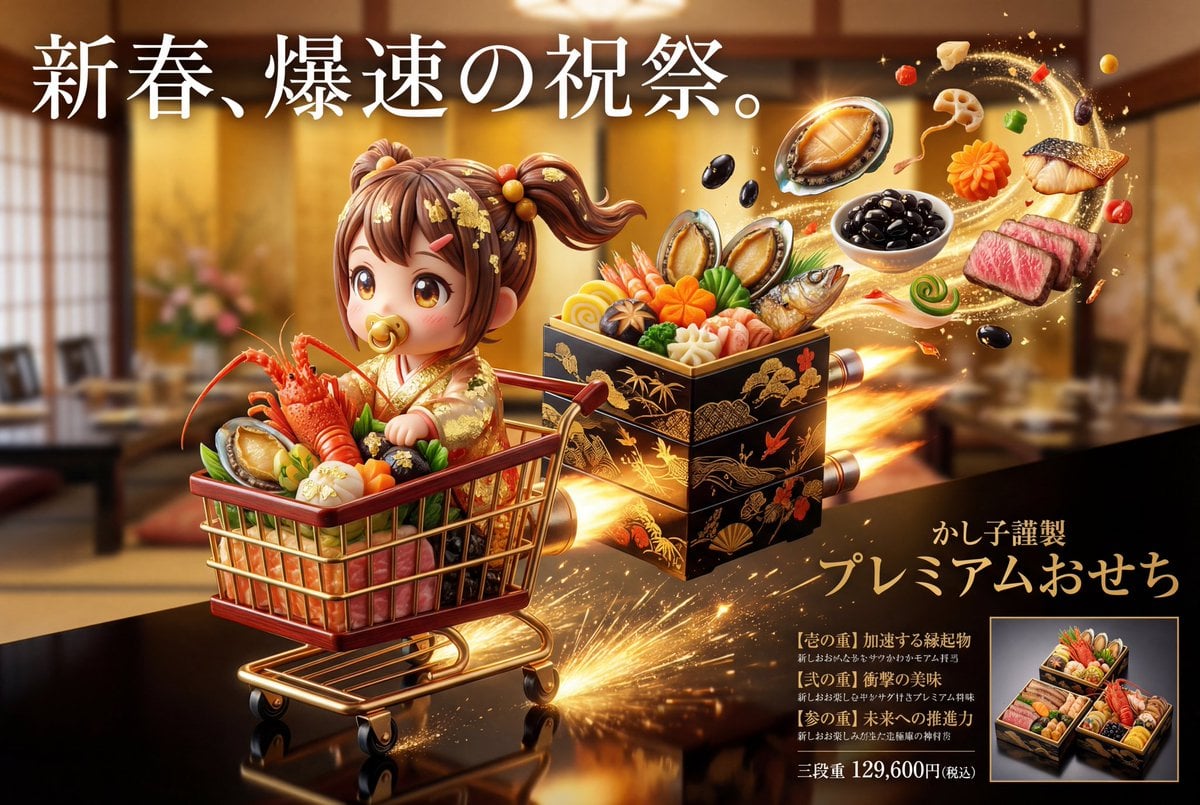
Luxury Osechi (New Year's Food) Key Visual Generation Prompt

Valentine S Day Couple Portraits

Ultra-Realistic Studio Portrait of Lady in Yellow Gown
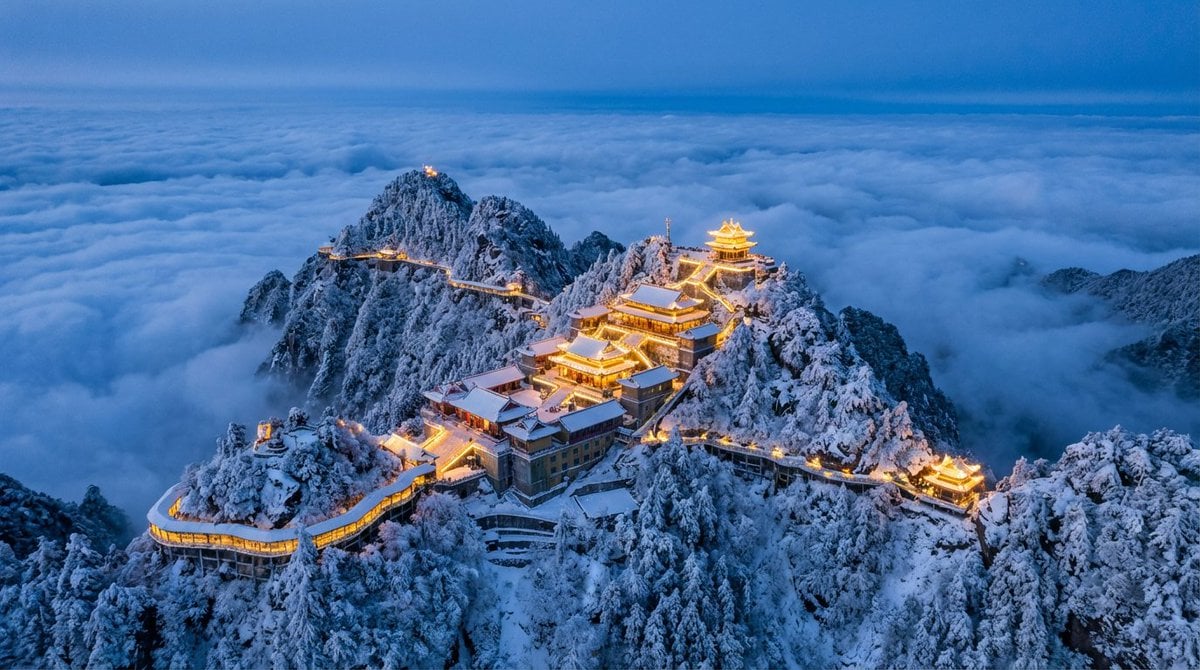
Spectacular Aerial View of Laojun Mountain Temple in Winter
Browse template categories
High-End Laptop Packaging Concept Board questions
How do I use the High-End Laptop Packaging Concept Board template?
Add your photo if the template asks for one, edit the prompt if you like — the template's model and format are already selected — and press Generate. Your version opens in PicX Studio.
Can I customize the High-End Laptop Packaging Concept Board template?
Yes. You can change the subject, setting, lighting, mood, format, and available model controls before creating your image.
Is the High-End Laptop Packaging Concept Board template free?
Opening and editing this template is free. Generating uses credits, shown on the Generate button when you are signed in.
Which AI model should I use?
Start with GPT Image 2, which is the model associated with this template. You can compare another compatible model for a different finish.
Looking for something else? Browse all templates.

Your photo, any look
Thousands of ready templates for every top image and video model, from one credit balance.