
Packaging Design Proposal Board Prompt
A highly detailed prompt for creating professional hand-drawn style product packaging design proposals and conceptual mood boards.
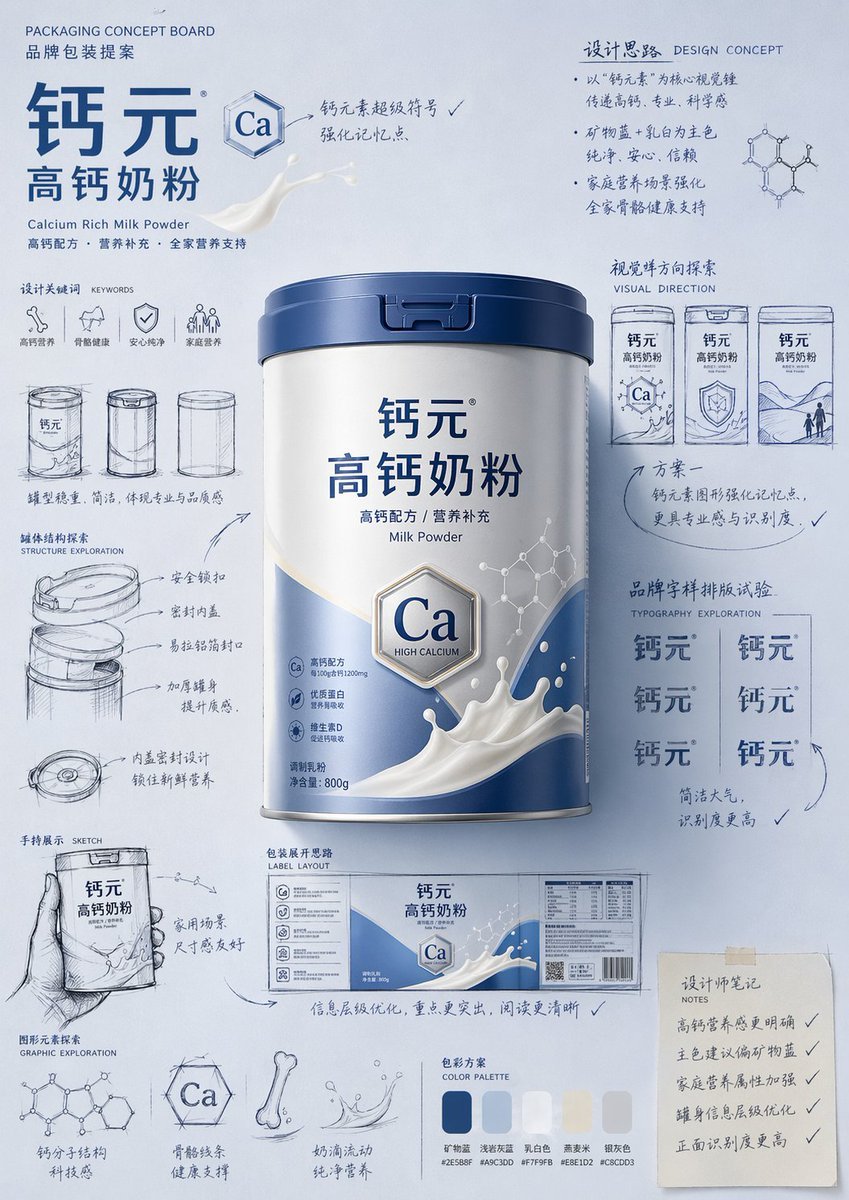
- Prompt included
- Model and format preset
- Free template
The prompt behind this image
Copy the exact prompt behind Packaging Design Proposal Board Prompt, or open it in the studio and make it yours.
Please generate a "hand-drawn packaging proposal board style" product-introduction poster for 【{argument name="product name" default="baby formula"}】. If I've provided a product image, use it as your primary reference, preserving the product's core appearance features, packaging shape, colors, materials, brand identity, and overall character, and prioritize carrying over the primary color and color relationships from the reference image into your design. If I haven't provided a product image, automatically generate a product appearance and packaging design that fits the positioning of 【{argument name="product name" default="baby formula"}】, and automatically pair it with a natural, reasonable primary color, secondary colors, and background color based on the product's attributes, category traits, and character. Overall Poster Style Requirements: This is not an ordinary e-commerce product-detail page, nor a plain studio-shot poster, but rather a creative proposal board that blends a "finished product visual + packaging design sketches + brand concept development process." The overall result should present a highly aesthetic, highly polished brand-design showcase, as if a designer is presenting a packaging concept proposal. Image Requirements: - Portrait-orientation composition - Use a unified, brand-appropriate primary-color background; the background color should be naturally determined by the product itself, not fixed to any one color - The color scheme should harmonize with the product's attributes: if a reference image is provided, prioritize inheriting its primary color and brand colors; if there is no reference image, automatically generate a reasonable color scheme based on the product name - Place the single most complete, most eye-catching product hero visual at the center of the frame, with realistic texture, three-dimensional lighting, and a commercial, finished-product effect - Add multiple supporting visual elements around the product: packaging sketches from different angles, structural sketches, exploration of partial forms, small hand-held display sketches, packaging-unfolding concepts, and brand-lettering typography trials - Add natural, casual black or dark hand-drawn line art, arrows, circled annotations, symbols, and handwritten Chinese notes, to give the image a strong sense of "design process" and "creative proposal" - The finished-product visual should be relatively refined and realistic, while the sketch portions should be relatively loose and lively, forming a contrast between "finished product + design sketches" - The layout should feel relaxed and free, yet the overall composition should still be orderly, rhythmic, and have a clear visual center, expressing a premium graphic-design sensibility - Small graphics, symbols, or playful elements related to the product can be added in moderation, to strengthen brand memorability - The final result should convey a sense of brand identity, creativity, process, and visual impact Color Principles: - Do not default to a yellow background - Automatically choose the primary color based on the product type, material, use, consumer feel, and brand character - The background color, product color, text color, and sketch line-art color should all harmonize with one another - You may use a highly saturated solid-color background, or a soft, unified color-family background — as long as the overall result has brand identity and visual impact - The color should naturally serve the product, rather than overshadowing it Style Keywords: packaging-design proposal board, brand concept development, hand-drawn sketches, sense of design process, moodboard, creative review draft, finished-product rendering, visual experimentation, commercial design poster Please Pay Special Attention To: - If a reference product image is provided, prioritize following it and do not deviate from the actual product - If there is no reference image, automatically generate a reasonable product appearance, packaging, and color scheme based on the product name, and keep the overall style consistent - The focus of the image is "product introduction + creative design-process showcase" - Do not make it into an ordinary e-commerce product-detail page, do not make it into a promotional sale poster, do not make it overly neat and rigid, do not leave out the sketches and handwritten notes, avoid a cheap feel, and avoid a juvenile, cartoonish feel.
How to use Packaging Design Proposal Board Prompt in 3 steps
- 1Upload ImagePNG, JPG or paste
Add your photo
Upload the photo the template builds on. The prompt, model and format are already set.
- 2…a portrait of your subject in softgolden-hour light, 85mm…
Personalize
Edit the subject and creative details for your destination.
- 3Generate
Generate
Press Generate — your image is created in PicX Studio, so you can compare it with the original and refine one variable at a time.
More like this
Templates with the same subject, style or setup. Open one to see its prompt.
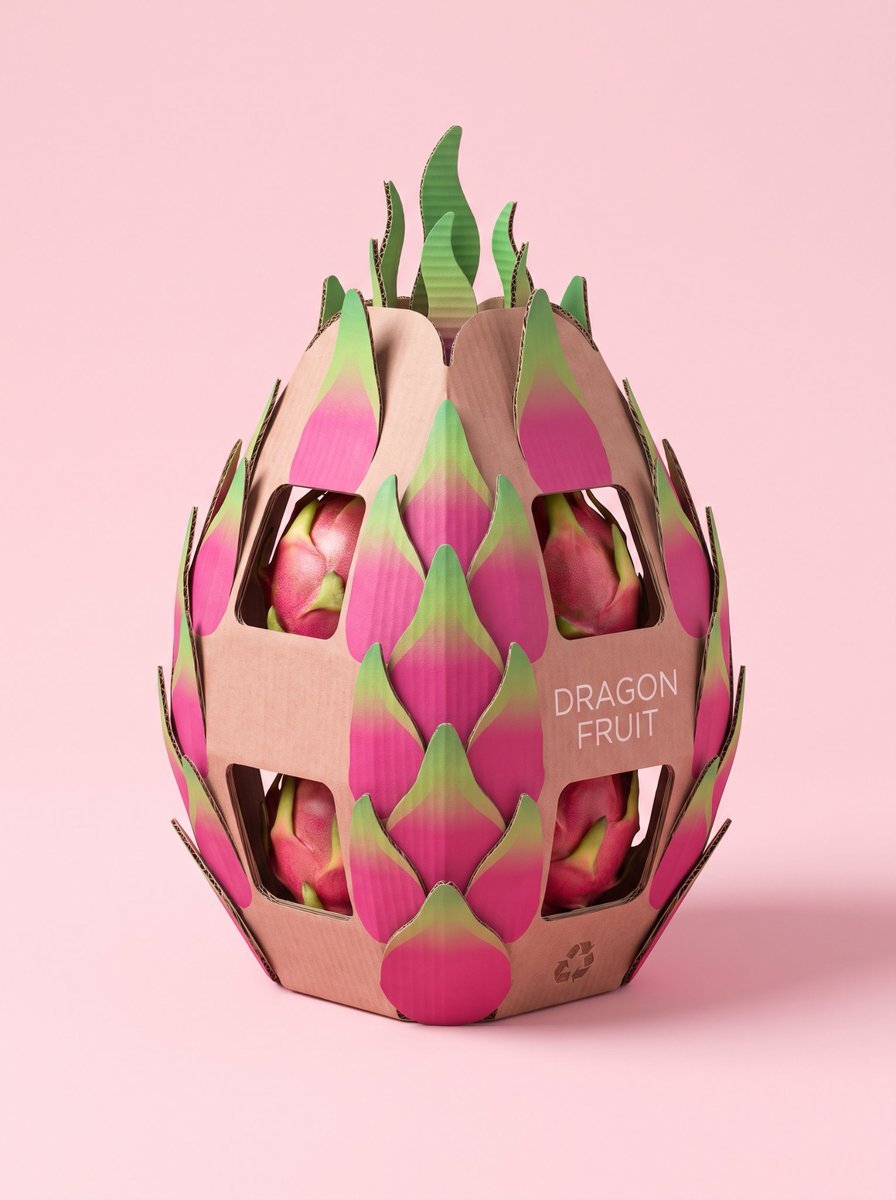
Structural Cardboard Packaging Design
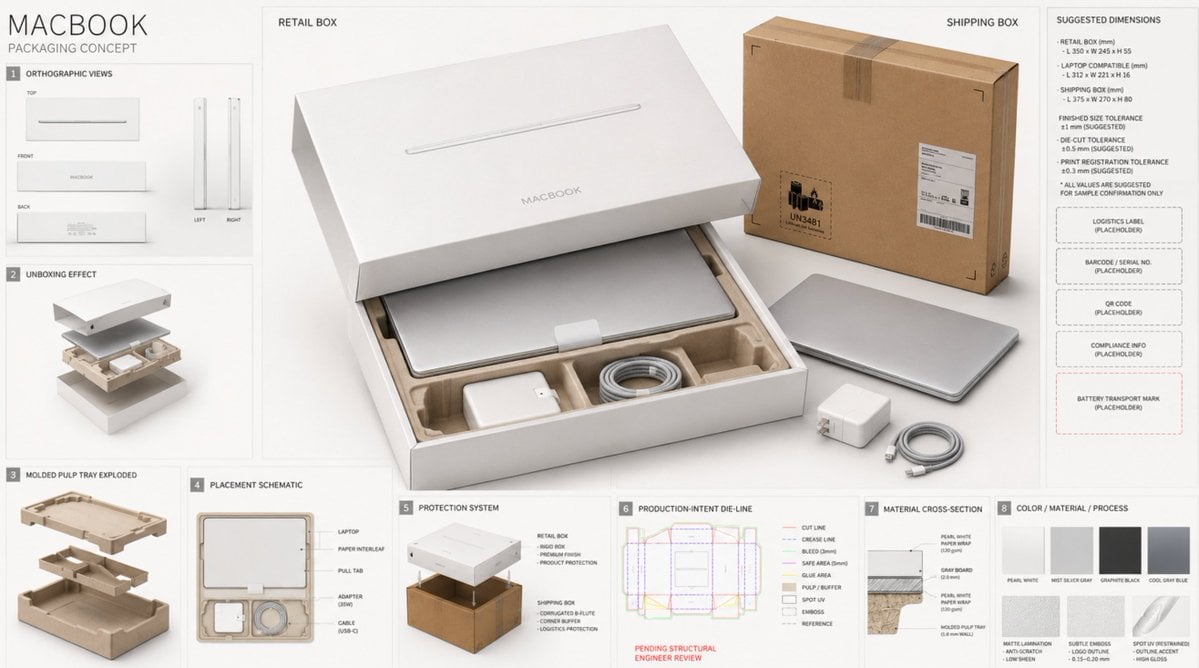
High-End Laptop Packaging Concept Board
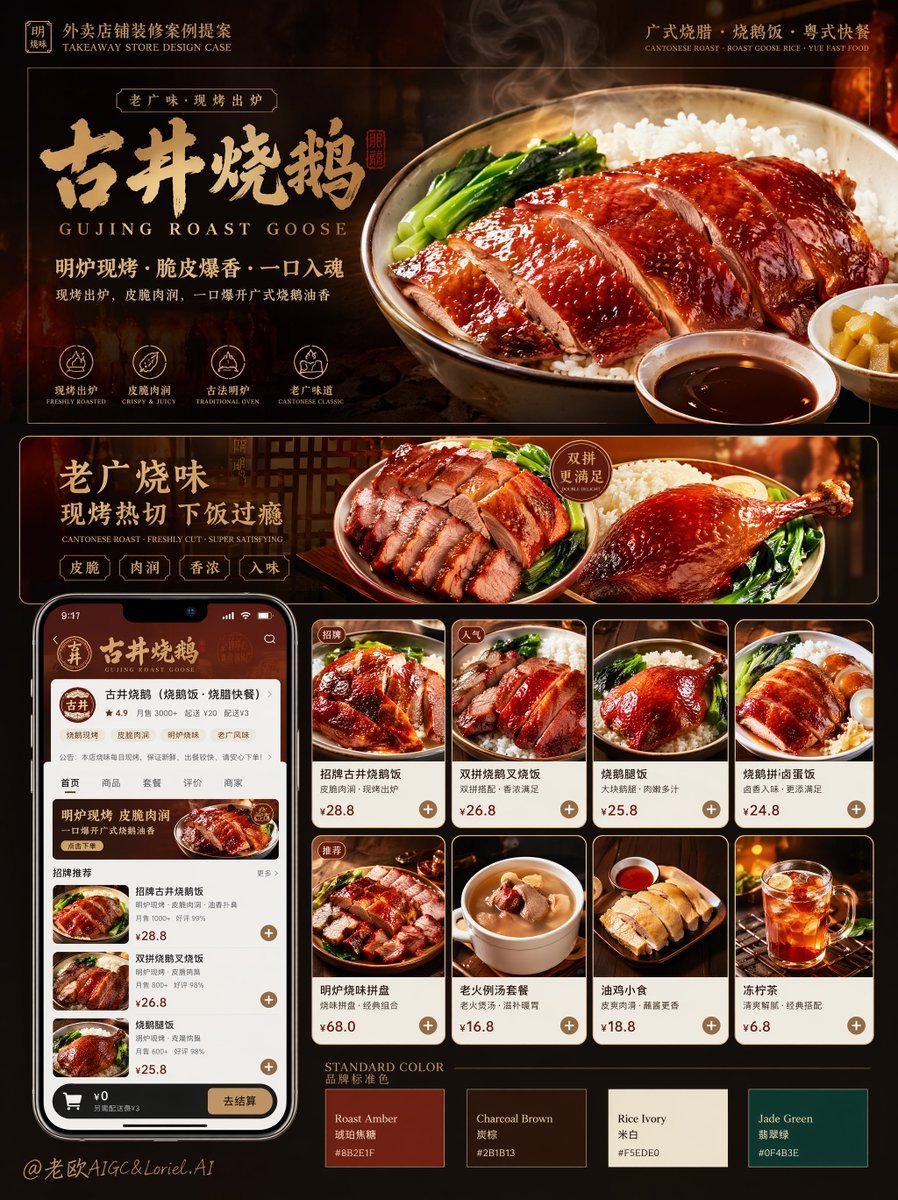
Roast Rice Branding Proposal Board
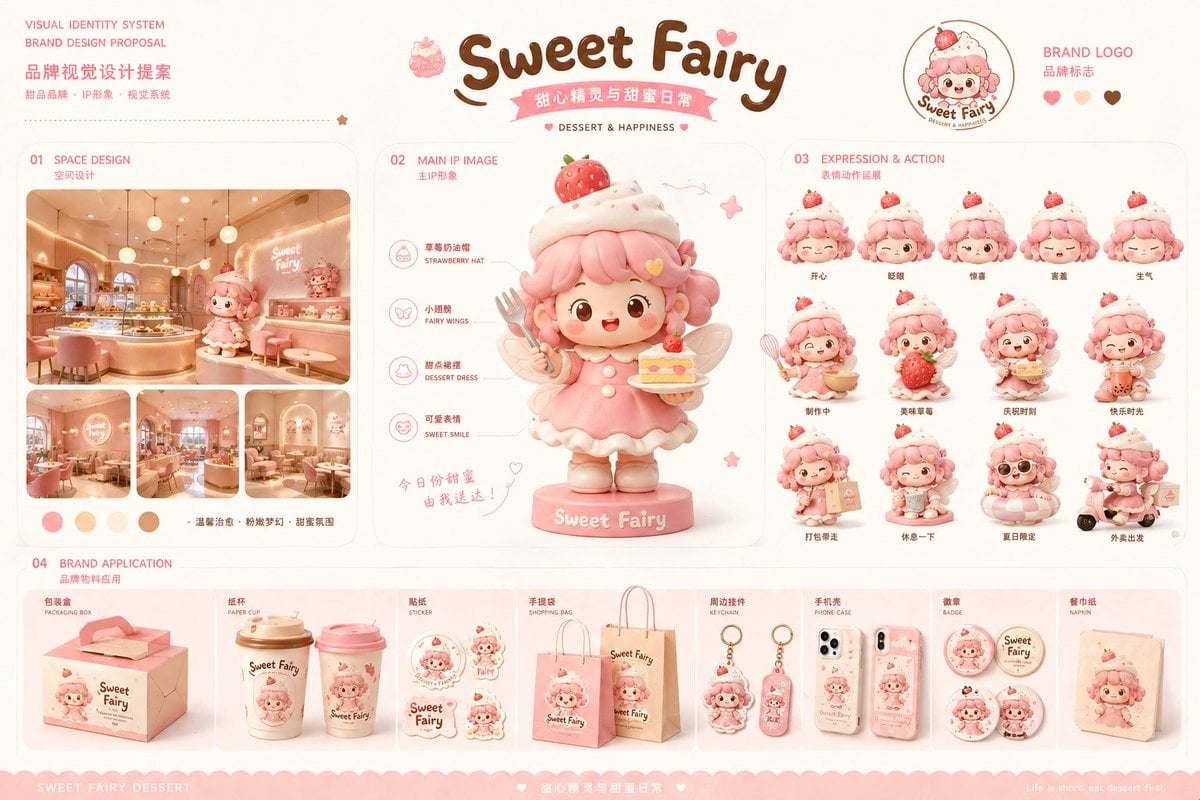
Dessert Brand Visual Identity Proposal Board
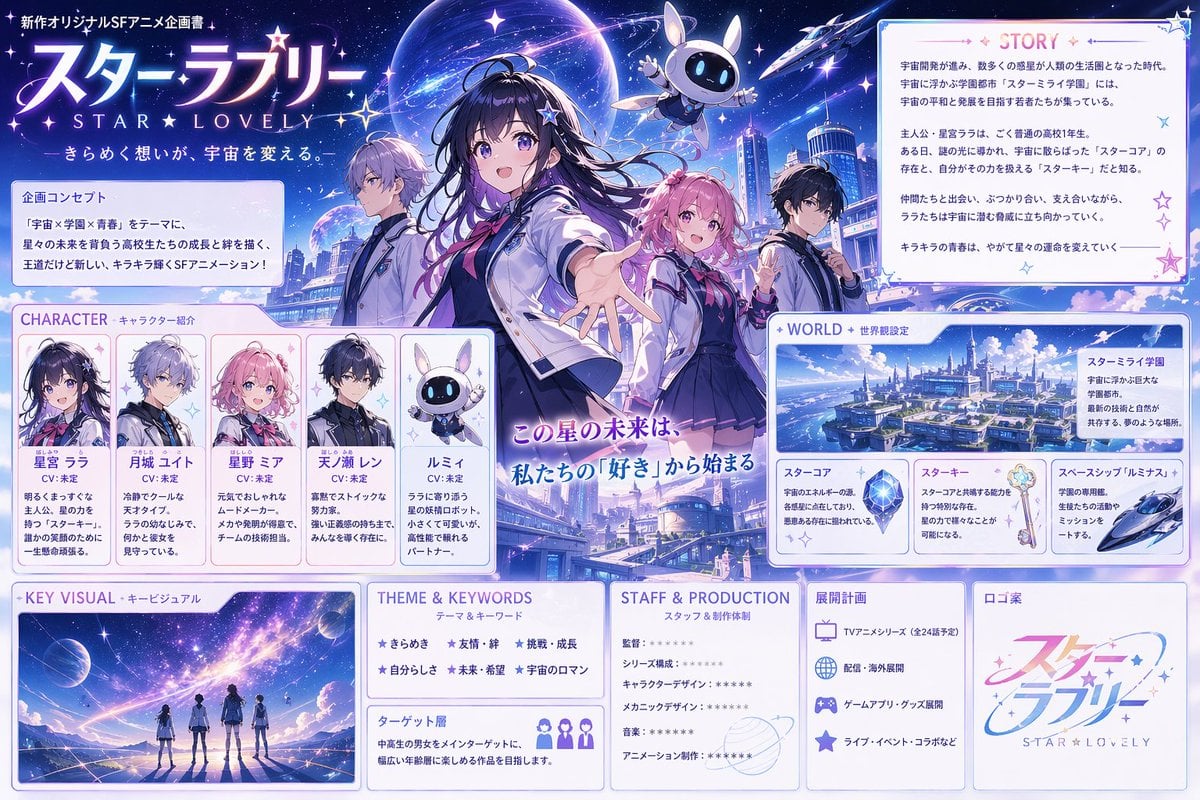
Anime Sci-Fi School Proposal Board
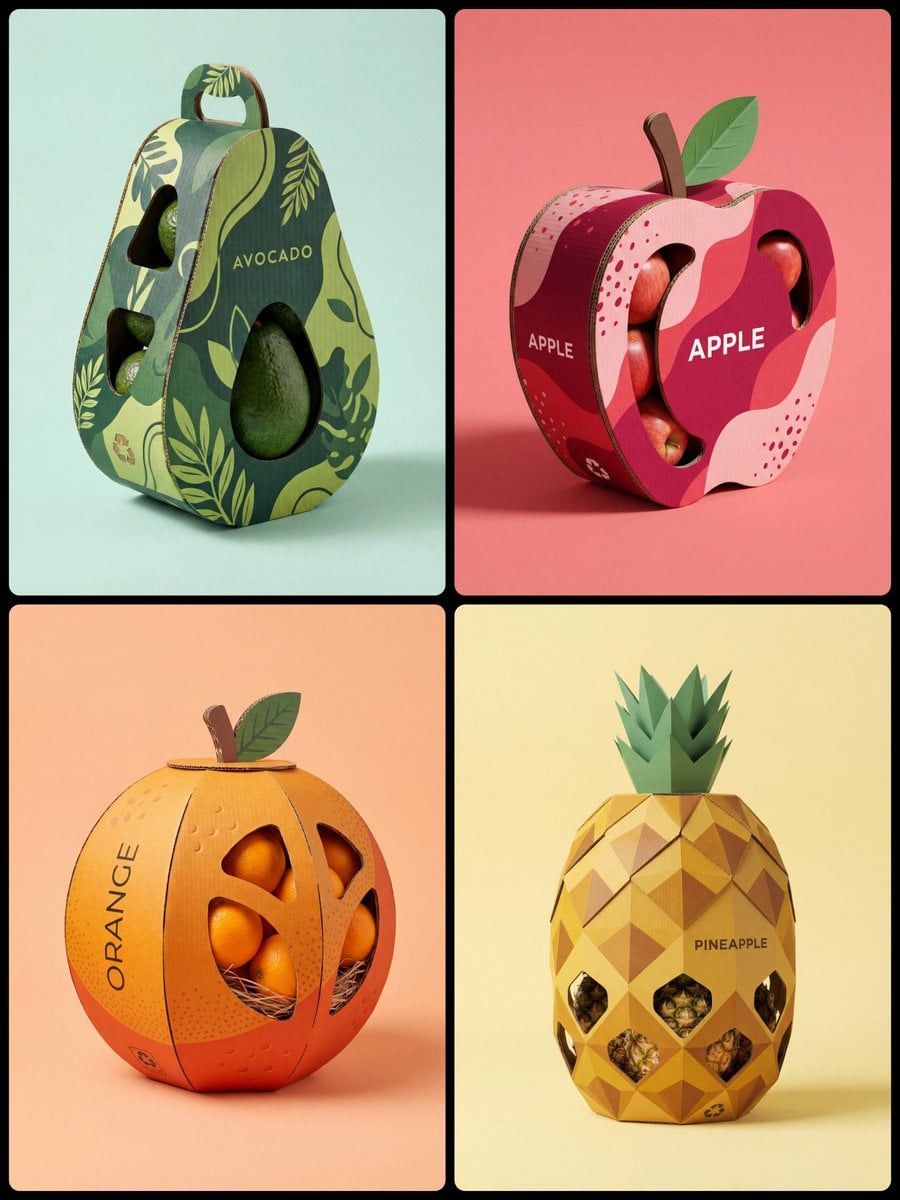
Corrugated Cardboard Fruit Packaging Concept Prompt
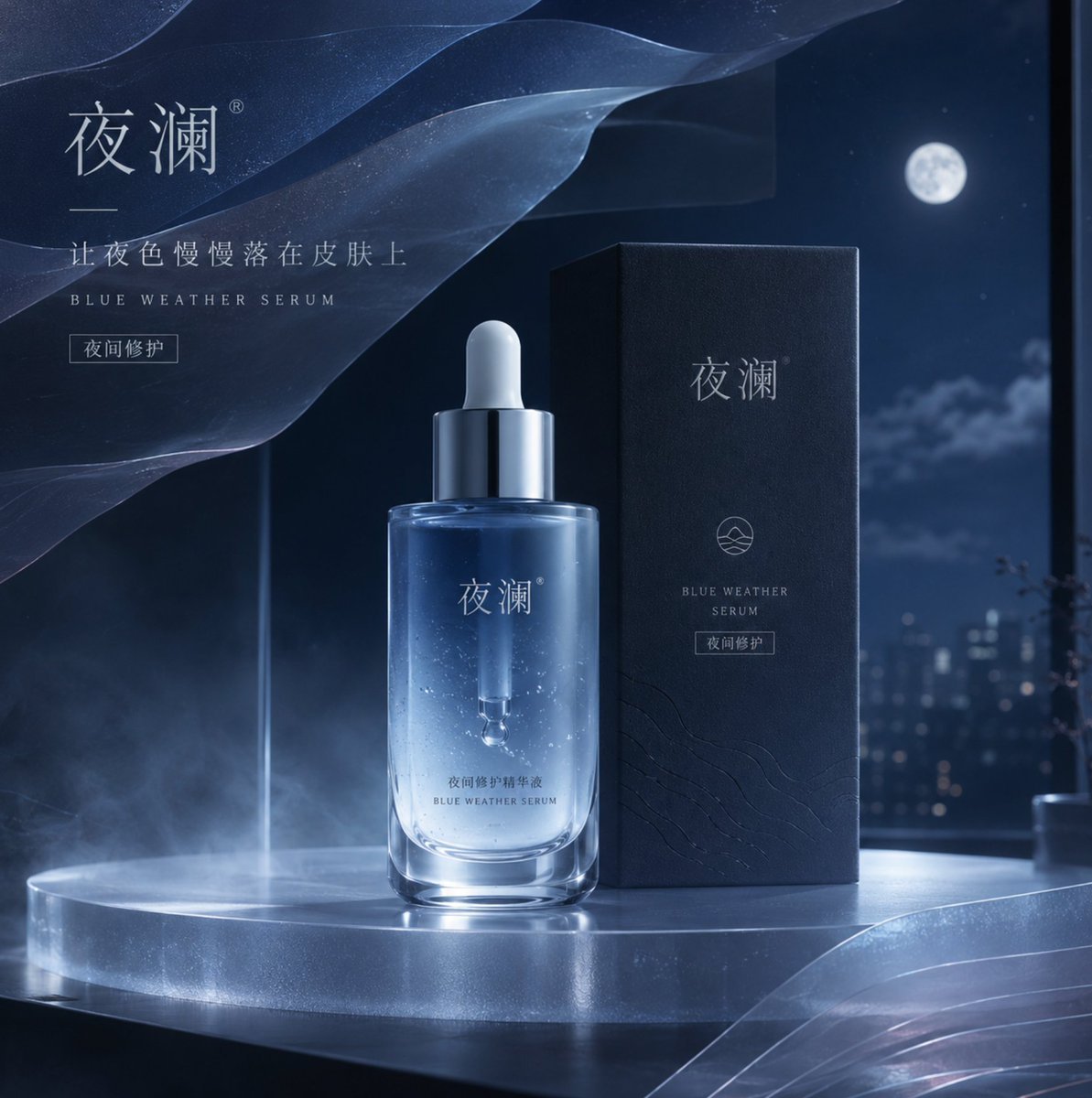
Blue Weather Skincare Visual Proposal
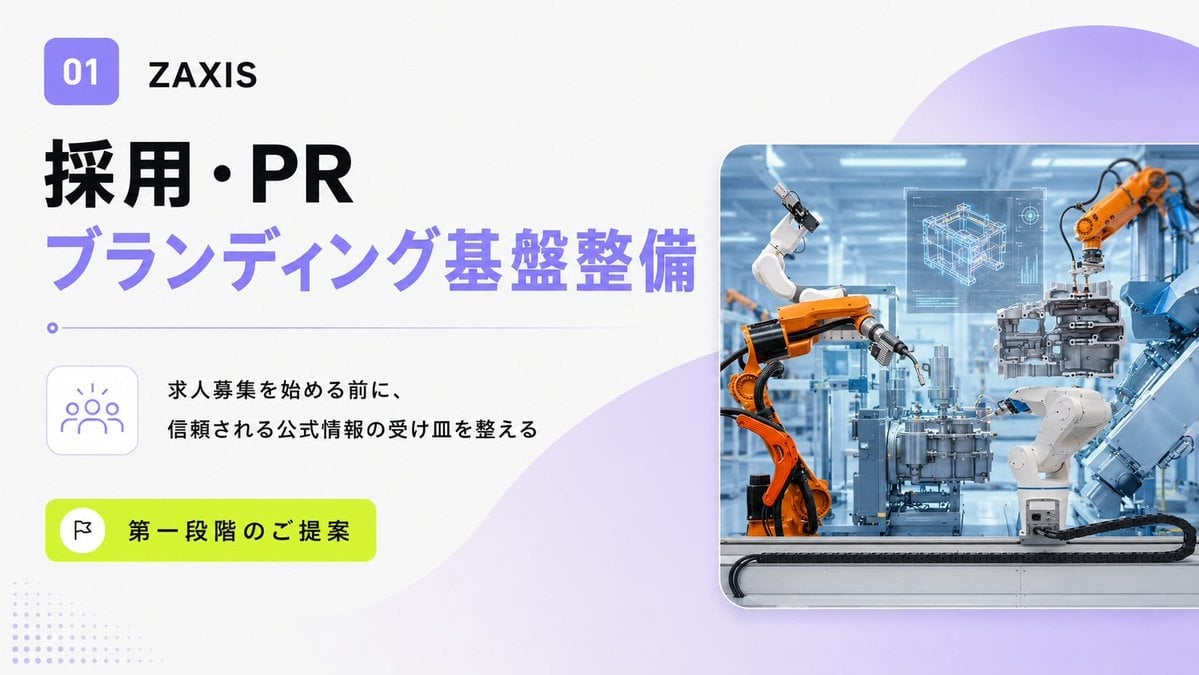
Japanese Industrial Proposal Cover Slide
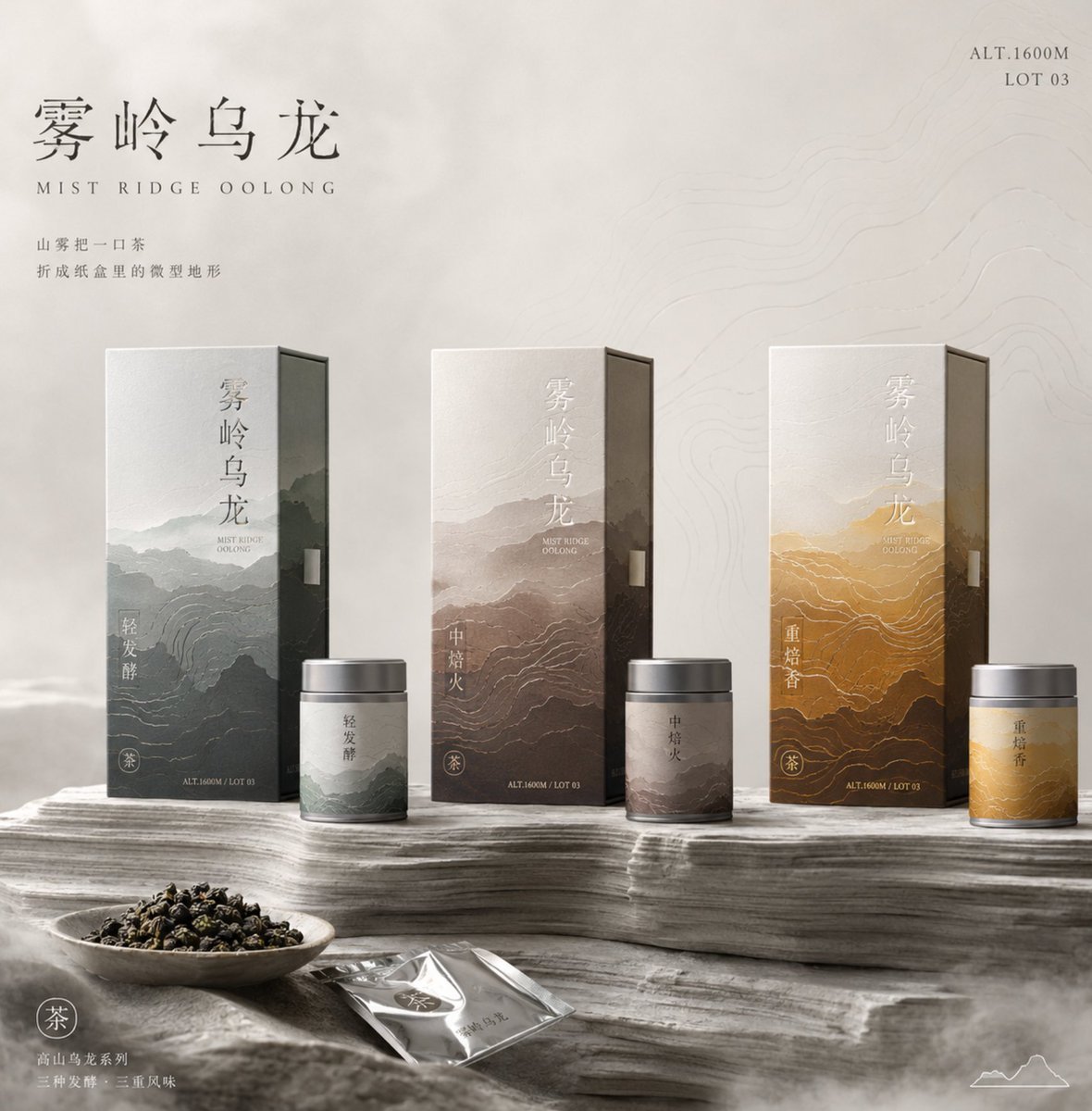
Tea Packaging Terrain Visual Concept
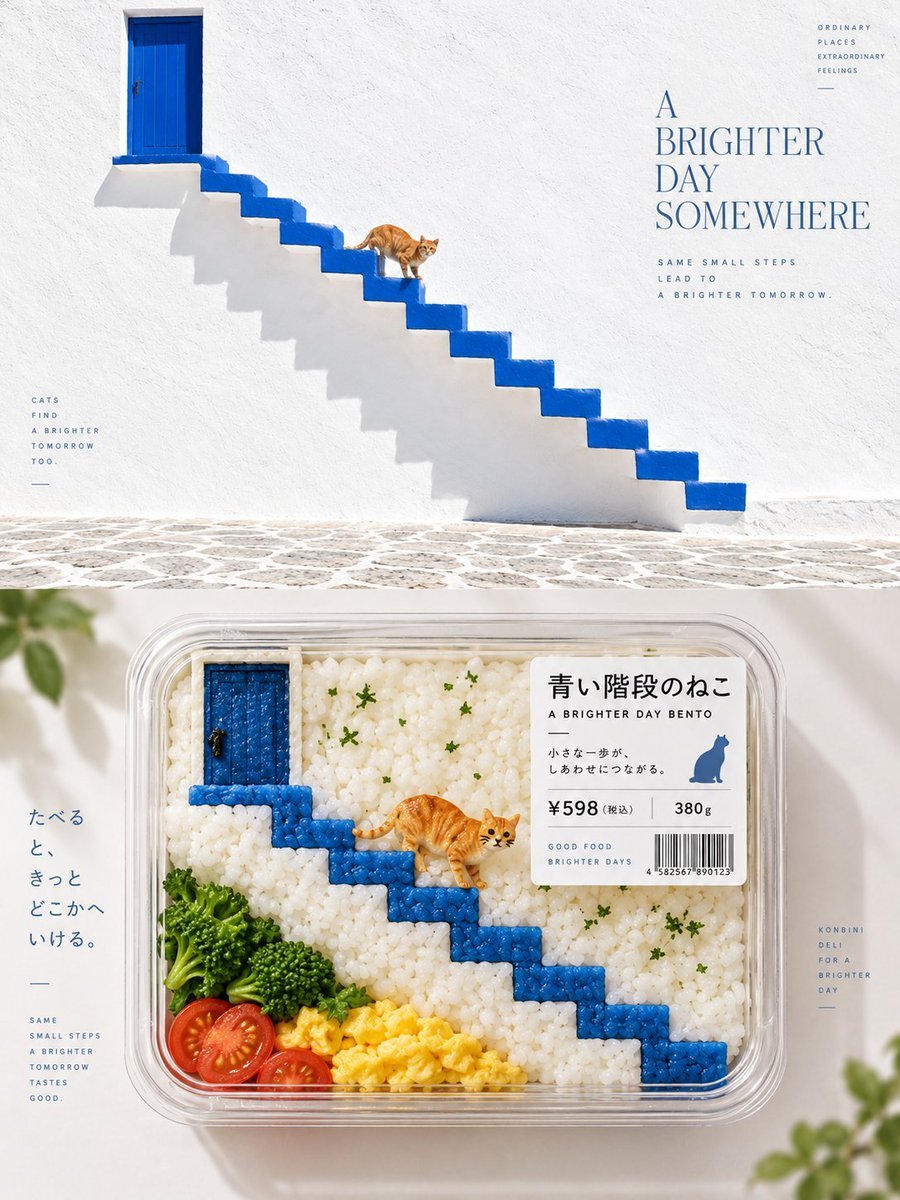
Bento-Style Food Packaging Transformation
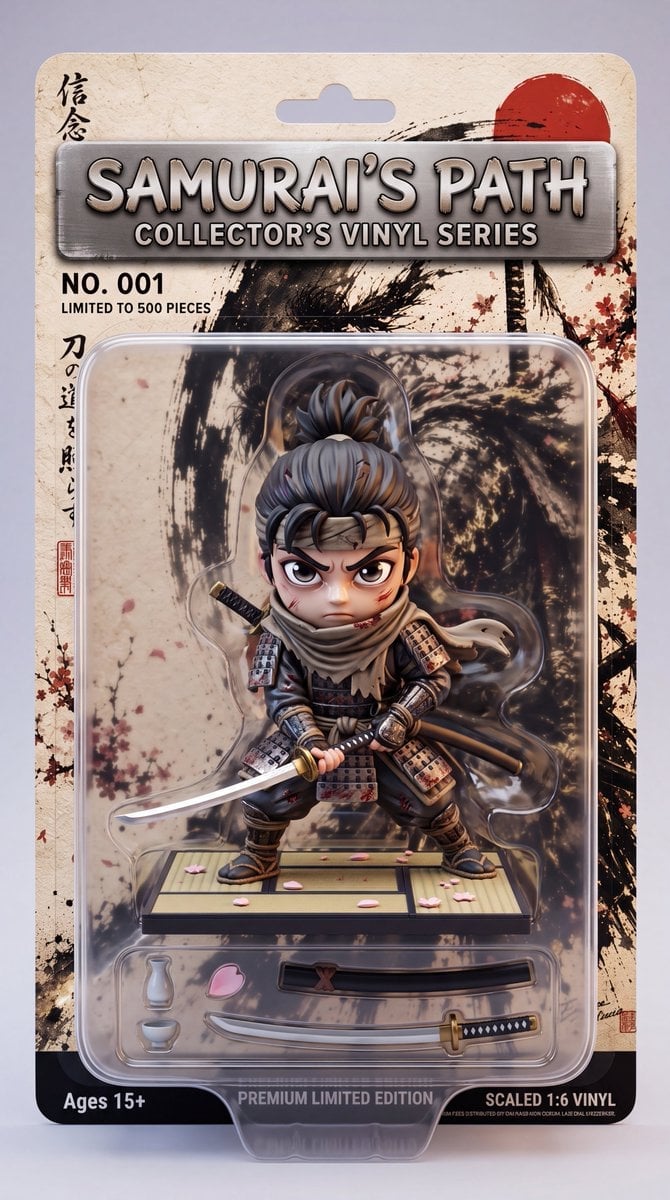
Stylized Collectible Toy Packaging
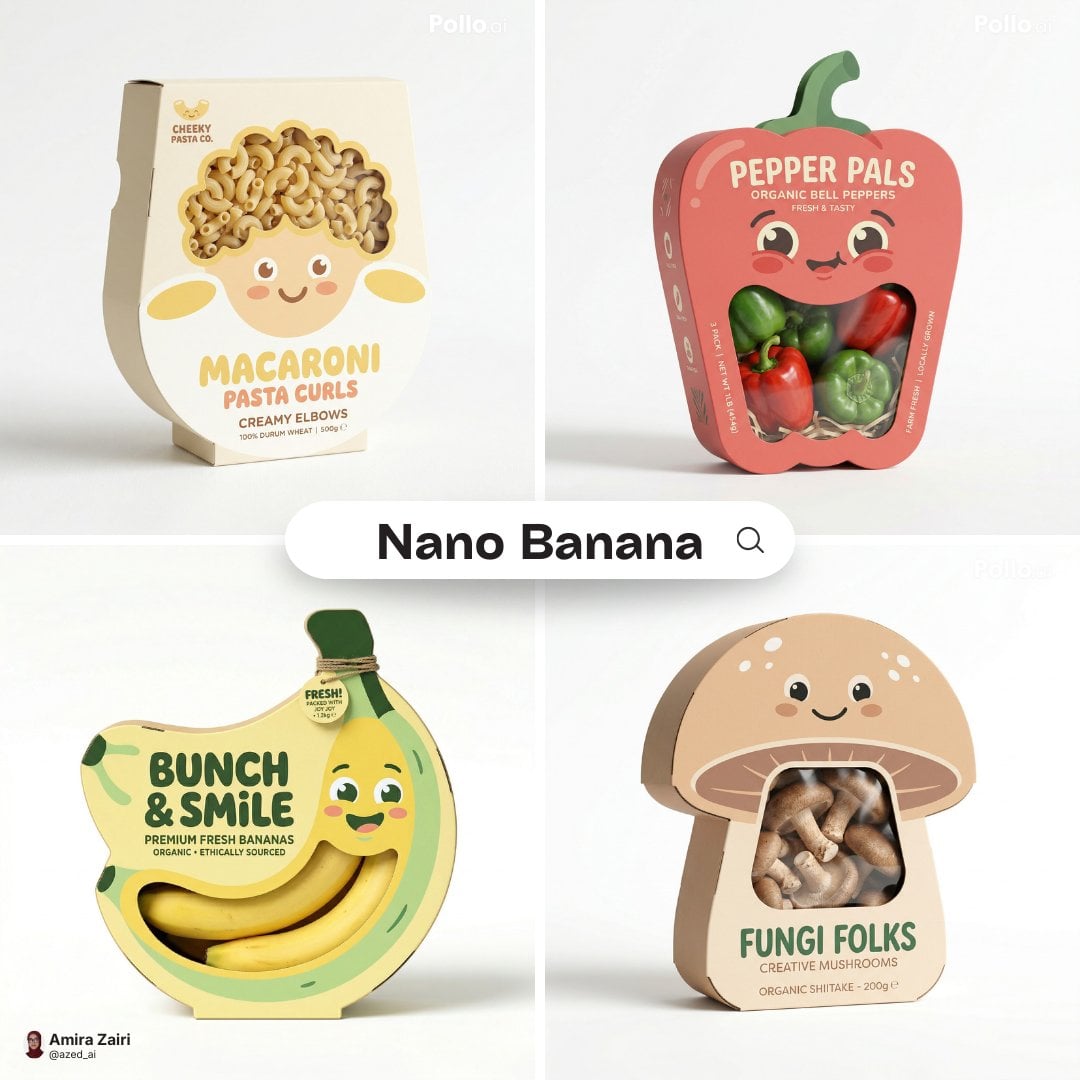
Playful designer packaging creative box shaped like the product
Make it yours
Packaging Design Proposal Board Prompt works as-is. These are the safest ways to change it without losing the look.
Change one field
Copy a single group, rewrite it, and generate again so you can see what that field is doing.
Keep the frame, change the subject
Hold the composition and light of Packaging Design Proposal Board Prompt, then swap wardrobe, props or the person for a new take.
| If the result… | Why | Fix |
|---|---|---|
| The result drifts from the preview | Too many fields changed at once. | Reuse Packaging Design Proposal Board Prompt as-is first, then change one group — subject, light, or setting. |
| The model over-stylizes the scene | The prose prompt leaves finish and camera underspecified. | Add one camera or lighting sentence and stay on GPT Image 2. |
More GPT Image 2 templates
Other prompts made for GPT Image 2.

Six VTuber Japanese Logo Sheet

Realistic Portrait of Woman and Deer

The Vista Modular Condo Poster

AI Model Routing Comparison Infographic

2.5D Anime Art Board

Isometric Productivity Desk Scene

New York Double Exposure Poster

Four-Panel AI Landscape Comparison

Japanese Tatami Lifestyle Magazine Cover

NESCAFÉ Coffee Map Poster
More image prompts
Fresh picks from across the catalog.
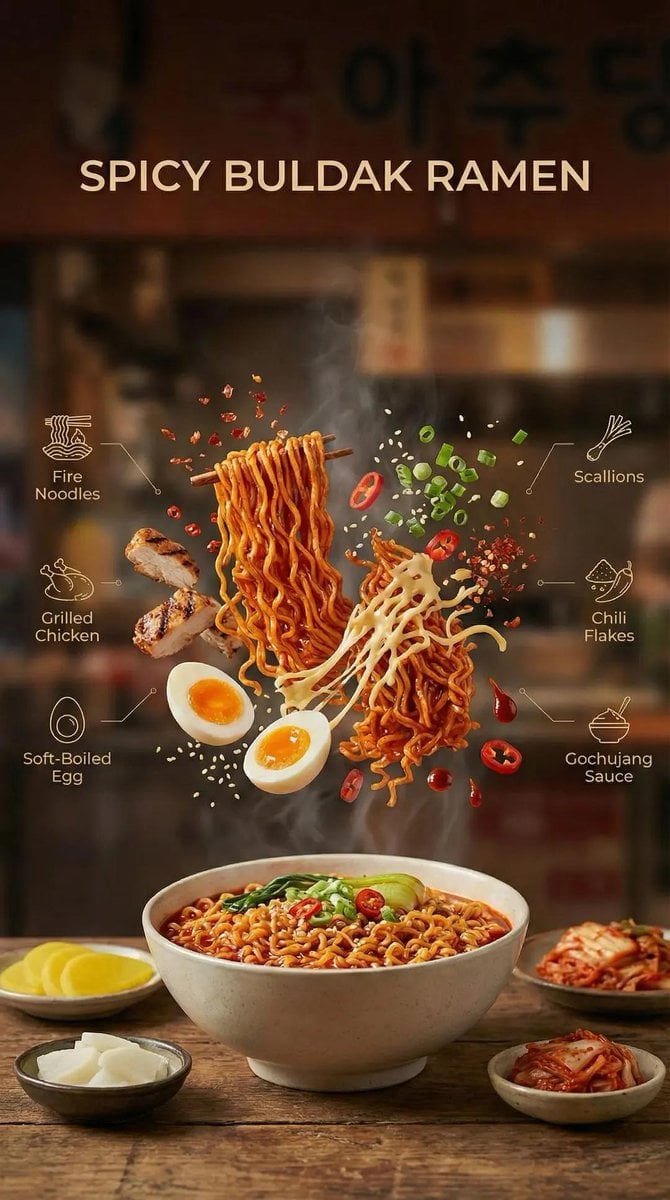
Cinematic Commercial Shot of Deconstructed Buldak Ramen
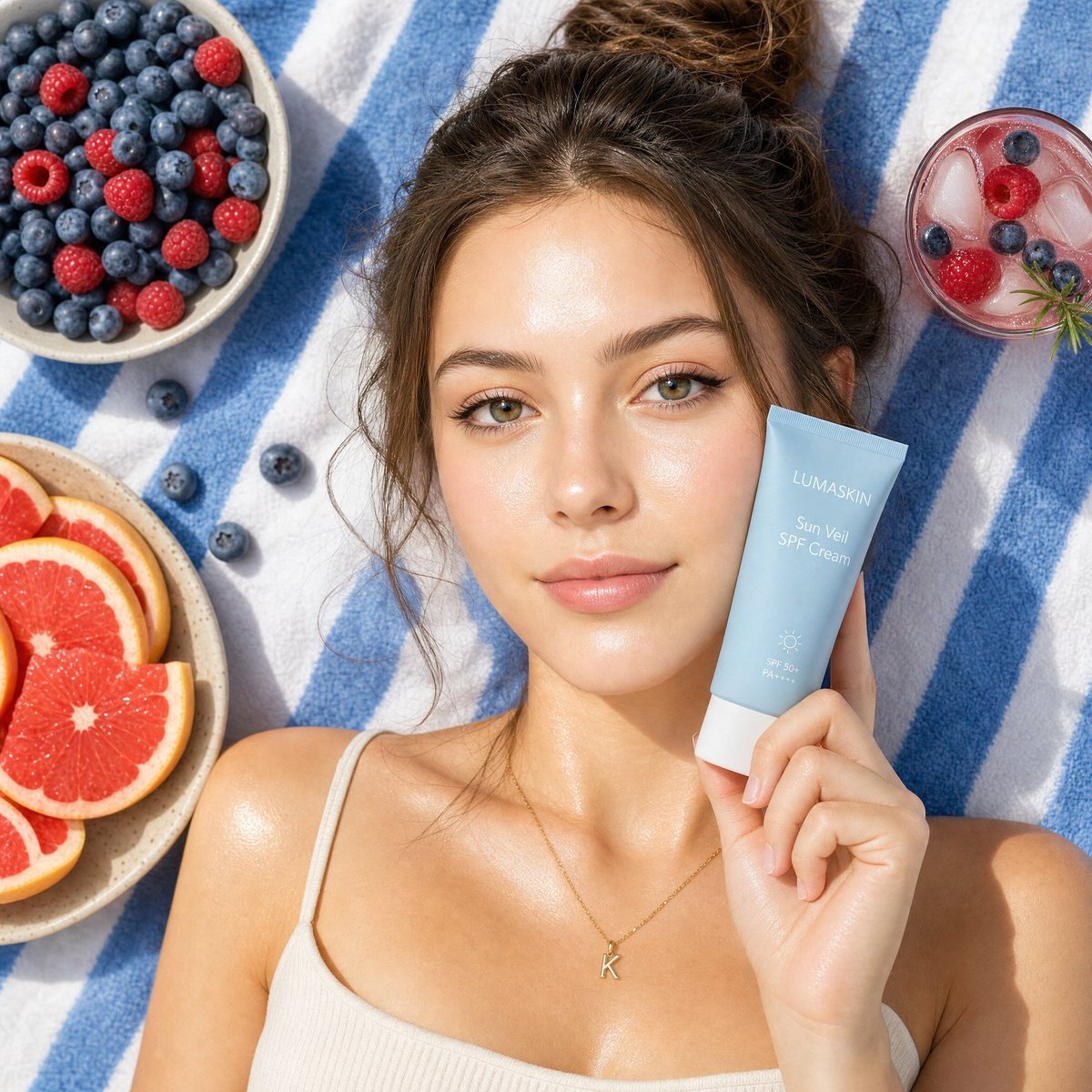
Summery Skincare Beauty Advertisement
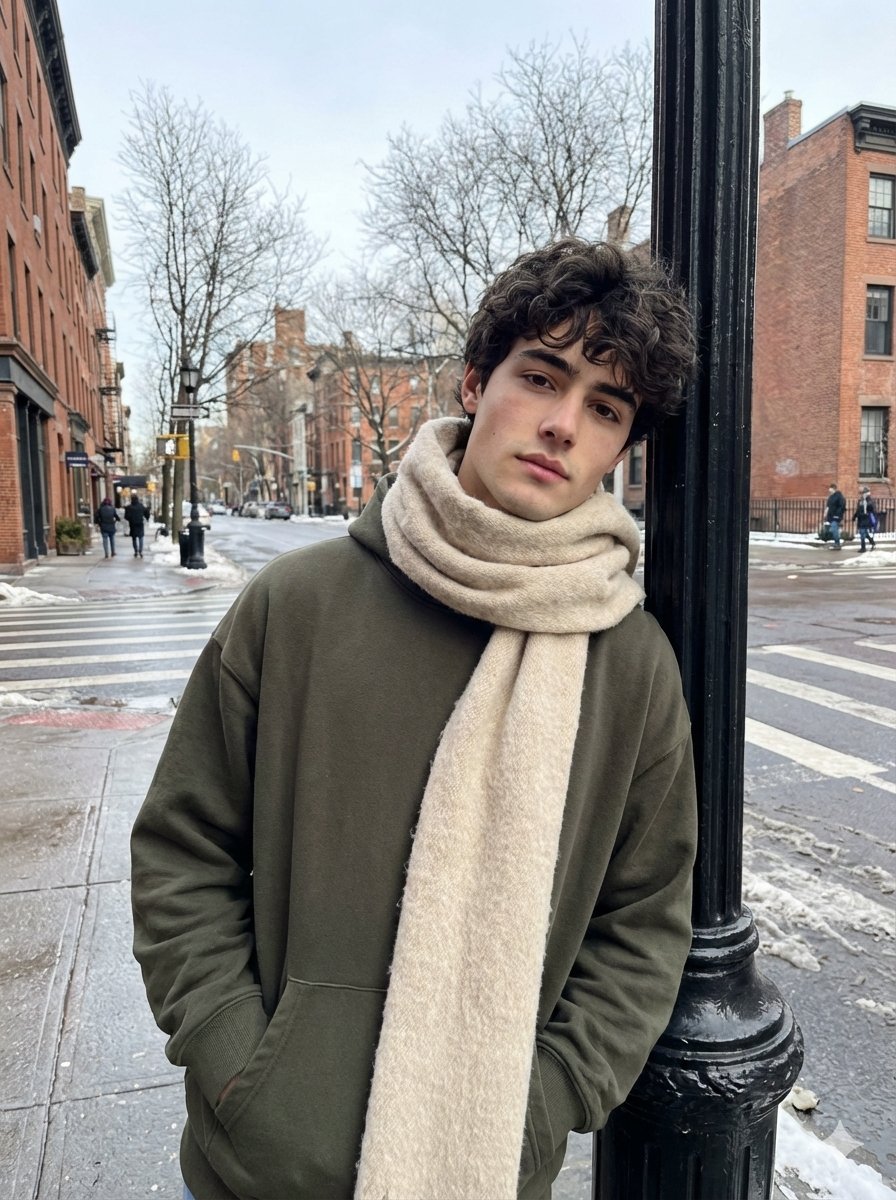
Ultra-Realistic Street Photo with Specific Subject Preservation
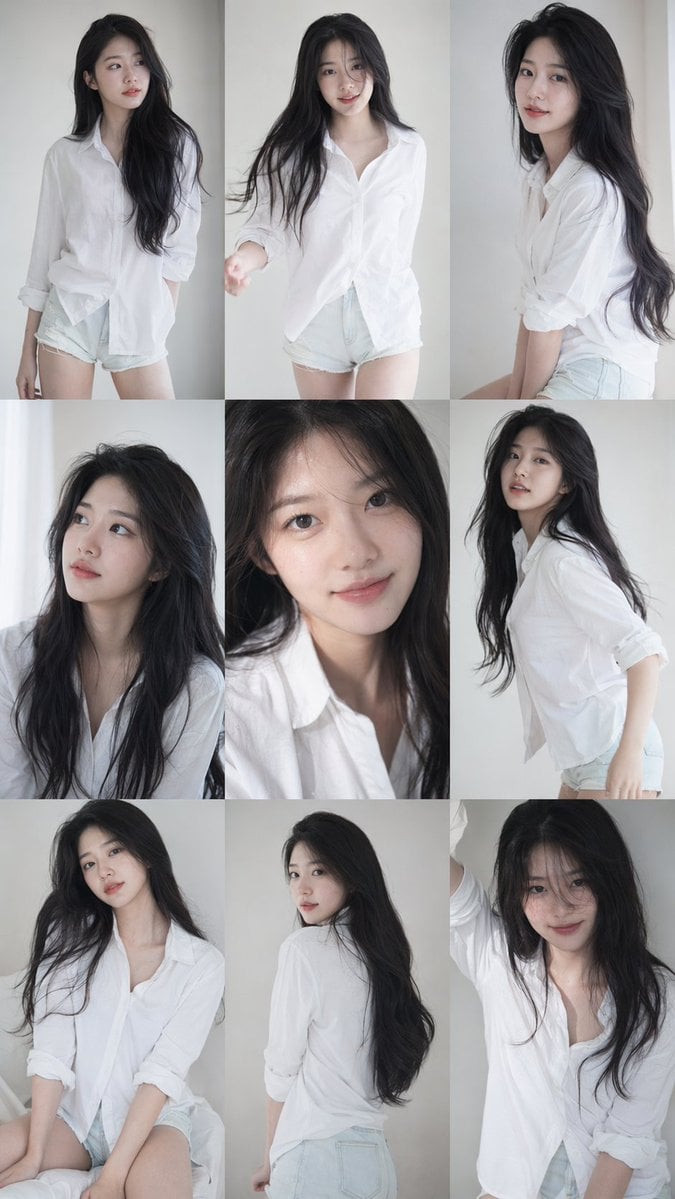
Korean Idol Photocard Grid Collage
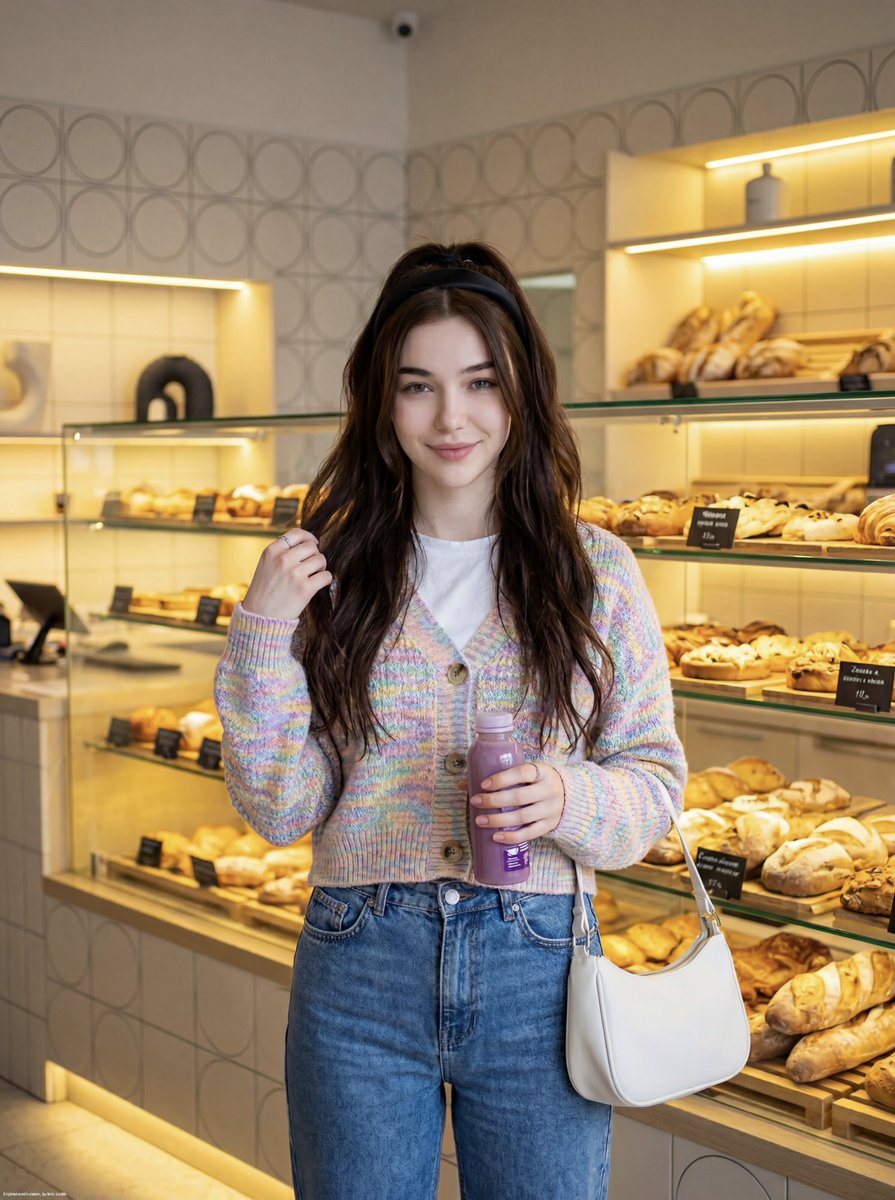
Cute Lifestyle Photo in a Modern Bakery

Semi-Realistic Dogfight between Santa and Reindeer Robots
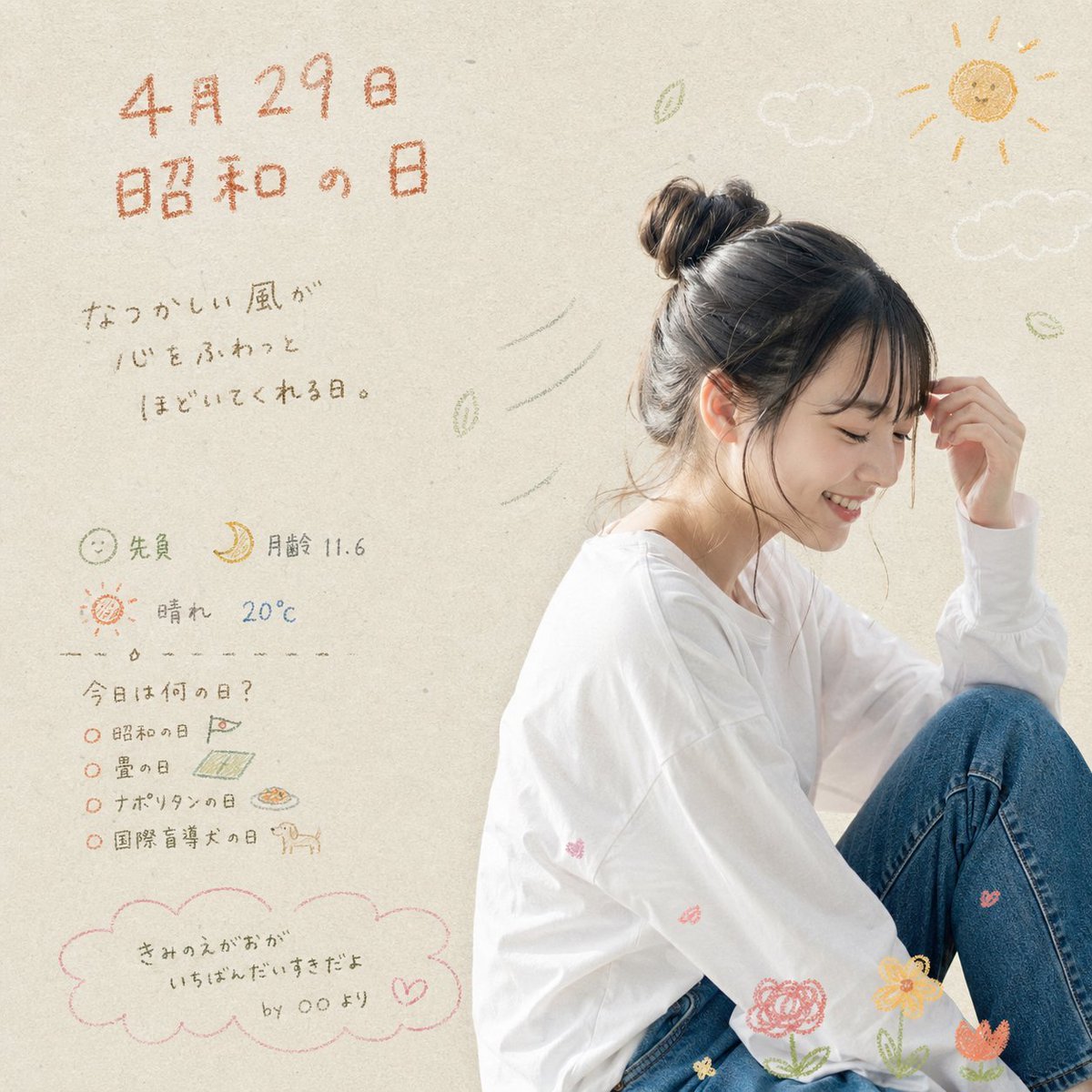
Showa Day Scrapbook Portrait
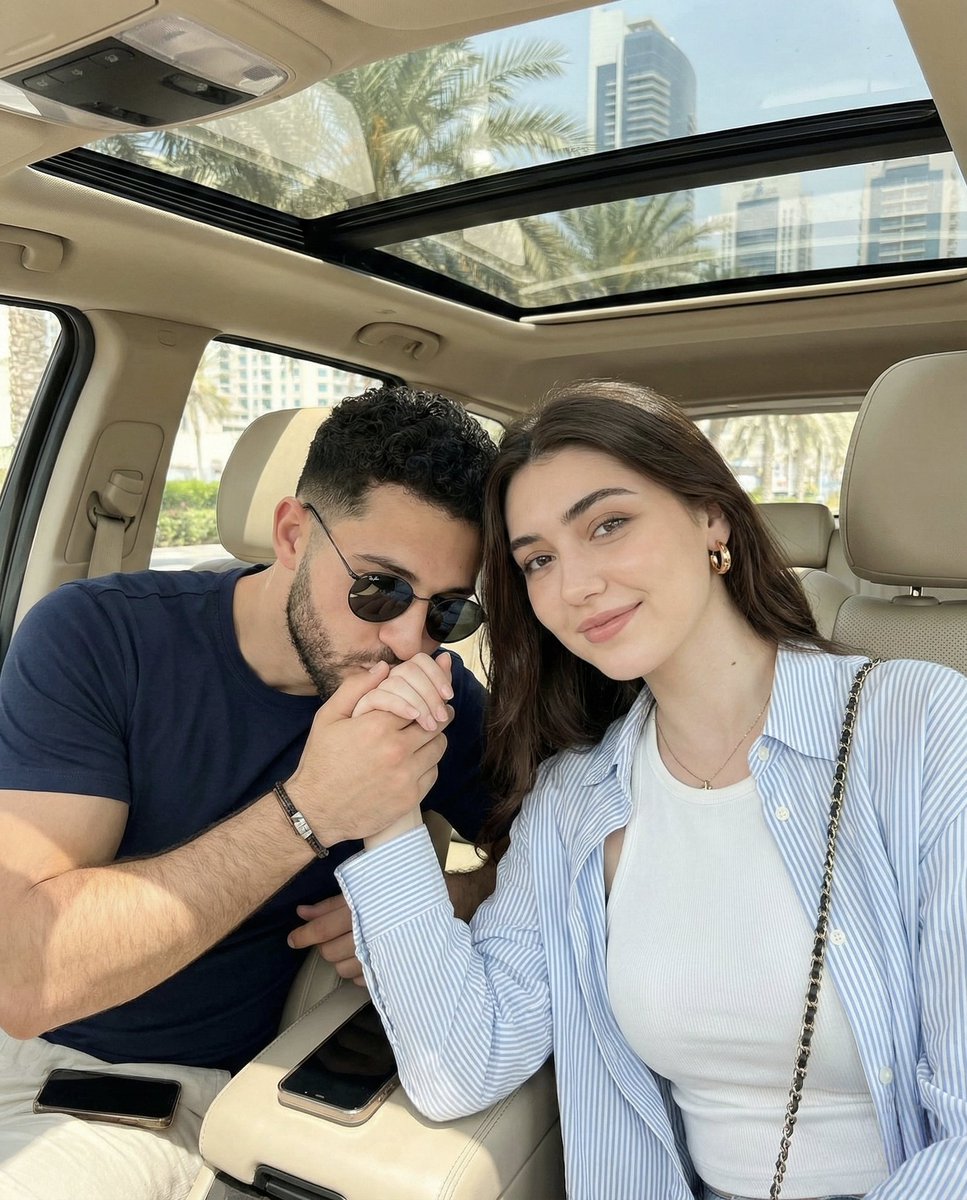
Candid Car Interior Lifestyle Photo of Couple
Mini London Sugar Landscape
Blue Hair Repetition
Browse template categories
Packaging Design Proposal Board Prompt questions
How do I use the Packaging Design Proposal Board Prompt template?
Add your photo if the template asks for one, edit the prompt if you like — the template's model and format are already selected — and press Generate. Your version opens in PicX Studio.
Can I customize the Packaging Design Proposal Board Prompt template?
Yes. You can change the subject, setting, lighting, mood, format, and available model controls before creating your image.
Is the Packaging Design Proposal Board Prompt template free?
Opening and editing this template is free. Generating uses credits, shown on the Generate button when you are signed in.
Which AI model should I use?
Start with GPT Image 2, which is the model associated with this template. You can compare another compatible model for a different finish.
Looking for something else? Browse all templates.

Your photo, any look
Thousands of ready templates for every top image and video model, from one credit balance.