
Japanese Industrial Proposal Cover Slide
Generates a polished Japanese B2B presentation cover slide for recruitment, PR, and branding proposals in construction or industrial sectors.
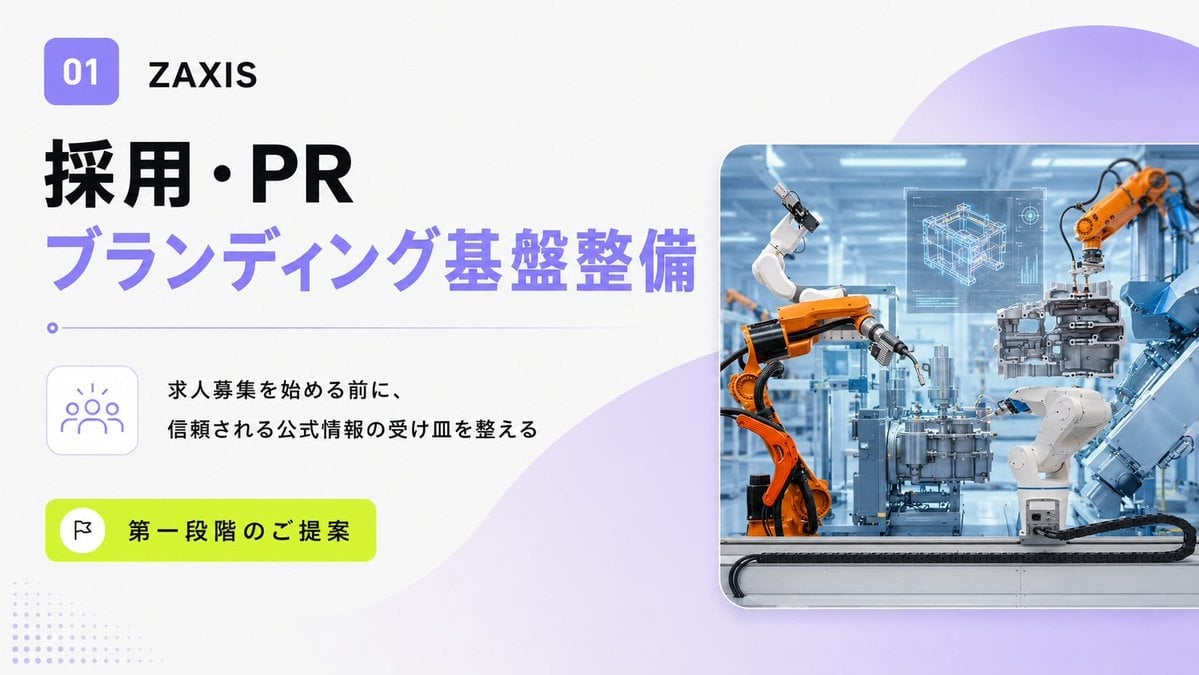
- Prompt included
- Model and format preset
- Free template
The prompt behind this image
Copy the exact prompt behind Japanese Industrial Proposal Cover Slide, or open it in the studio and make it yours.
Goal: Create a clean 16:9 Japanese corporate proposal cover slide for a construction/civil engineering or industrial automation company, introducing recruitment and PR branding preparation for {argument name="company name" default="ZAXIS"}. Canvas: Wide presentation slide, 1200×675 or 16:9 ratio, bright white background with soft lavender gradients. Use a modern consulting-deck aesthetic: generous whitespace, bold typography, rounded cards, and subtle tech/corporate accents. Layout: Top left has a small rounded purple square badge with white “01”, followed by the company name in black. Below it, place a large bold black Japanese headline “採用・PR” and directly underneath a large bold lavender headline “ブランディング基盤整備”. Add a thin horizontal lavender rule with a small circular dot at the left under the headline. In the left-middle area, place a rounded square outline icon card showing a simple people/community icon in lavender. To the right of that icon, add two lines of black Japanese body copy: “求人募集を始める前に、” and “信頼される公式情報の受け皿を整える”. Near the lower left, place a vivid lime-green rounded pill button containing a small white circle with a black flag icon and the text “第一段階のご提案”. Right side visual: Place one large rounded-rectangle photo card occupying the right half of the slide, with a subtle drop shadow and thin white border. The photo should show a bright futuristic factory floor with orange and white industrial robotic arms assembling mechanical parts, blue-tinted machinery, and a translucent holographic CAD blueprint/interface floating above the work area. The image should feel like advanced manufacturing, automation, precision engineering, and smart factory technology. Background details: Add a large semi-transparent lavender circular gradient shape in the upper-right corner behind the photo, and a soft lavender wave/blob sweeping upward from the lower center toward the right. Add a small dotted halftone pattern in pale lavender at the bottom-left corner. Keep the overall look polished, airy, and presentation-ready. Visual style: Minimal Japanese B2B proposal design, crisp sans-serif typography, high contrast black and purple text, accent color neon lime, rounded corners, subtle shadows, premium consulting slide layout. Text parameters: Use {argument name="main headline" default="採用・PR"}, {argument name="sub headline" default="ブランディング基盤整備"}, {argument name="body copy" default="求人募集を始める前に、\n信頼される公式情報の受け皿を整える"}, and {argument name="button text" default="第一段階のご提案"} exactly as visible Japanese text unless customized. Constraints: Include exactly one section badge, one company name, two headline lines, one divider line with one dot, one people icon card, one two-line body text block, one lime-green CTA pill with one flag icon, one main factory photo card, one upper-right lavender circle, one lower lavender wave/blob, and one dotted bottom-left pattern. Do not add extra logos, watermarks, charts, or additional paragraphs.
How to use Japanese Industrial Proposal Cover Slide in 3 steps
- 1Upload ImagePNG, JPG or paste
Add your photo
Upload the photo the template builds on. The prompt, model and format are already set.
- 2…a portrait of your subject in softgolden-hour light, 85mm…
Personalize
Edit the subject and creative details for your destination.
- 3Generate
Generate
Press Generate — your image is created in PicX Studio, so you can compare it with the original and refine one variable at a time.
More like this
Templates with the same subject, style or setup. Open one to see its prompt.
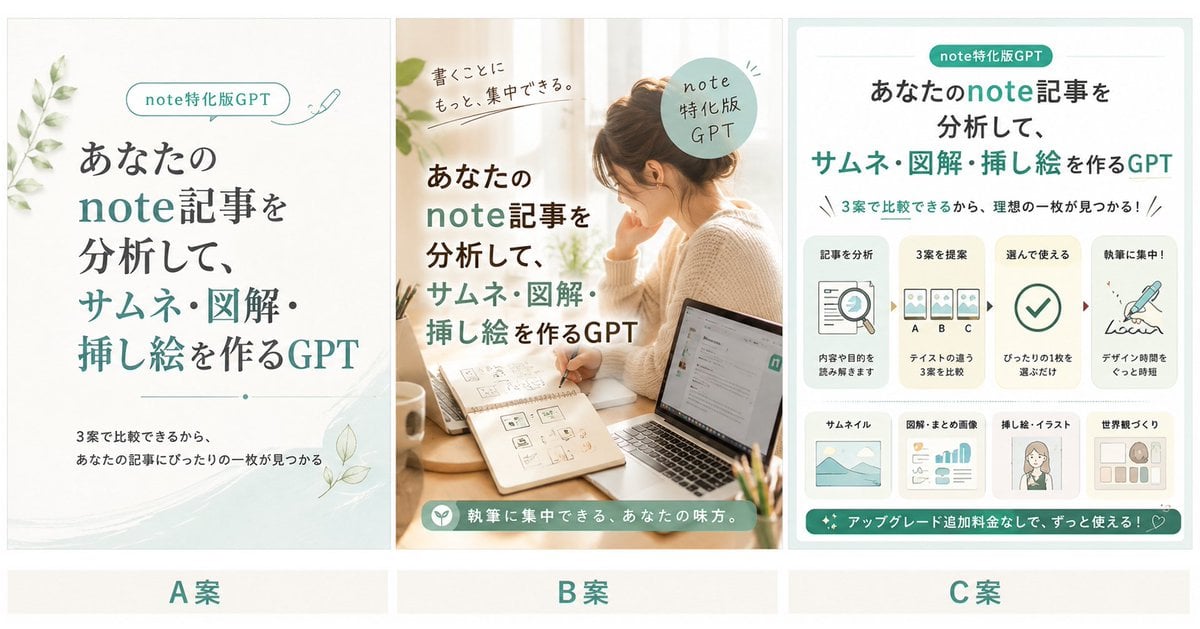
Three Japanese Note GPT Cover Proposals

Minecraft Japanese Research Lab Exploration

Premium 4 3 presentation cover slide introducing Chronicle
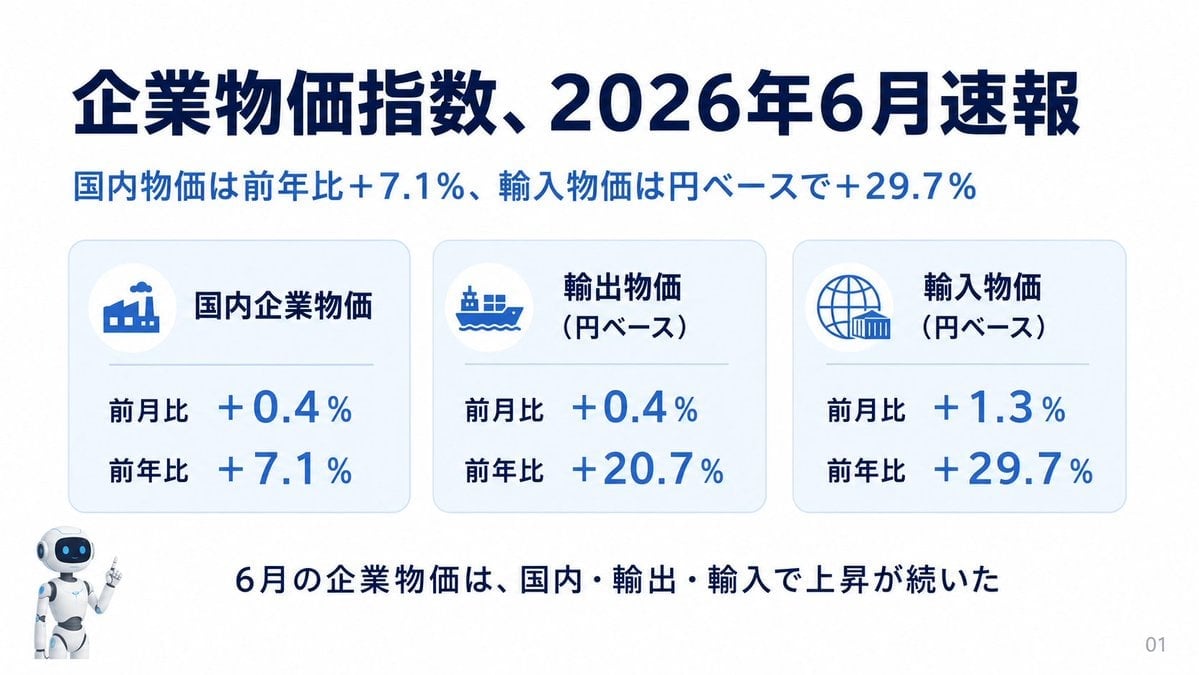
Japanese Corporate Price Index Slide
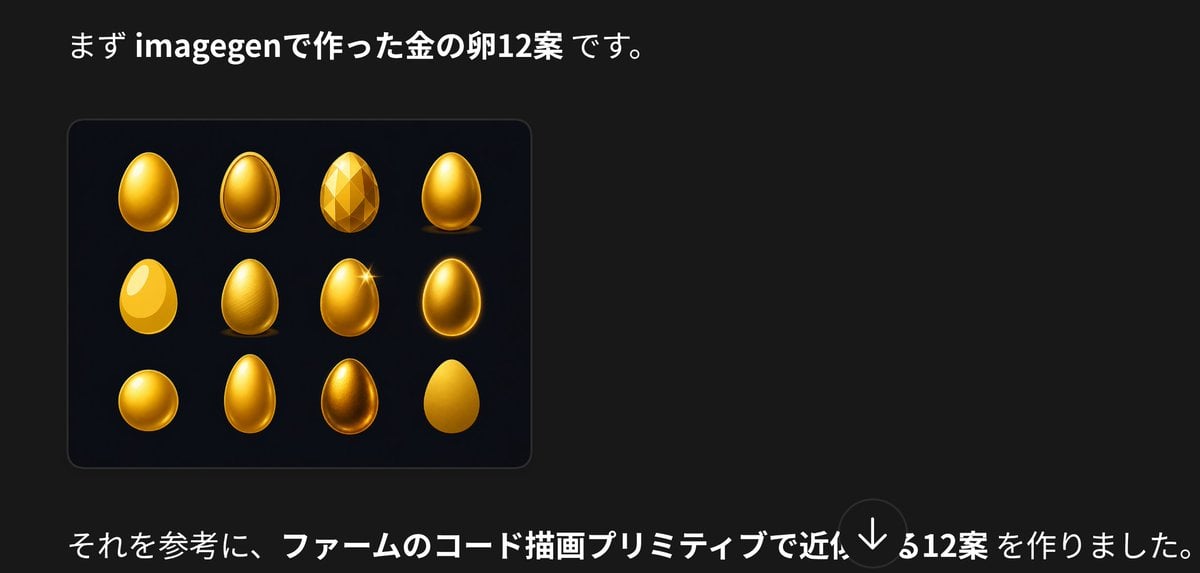
Japanese Golden Egg Design Slide

Japanese Tatami Lifestyle Magazine Cover

Japanese Architectural Concrete Studio Fashion Campaign

Japanese Minimalist Concrete Studio Fashion Editorial

Blue Backdrop Luxury Fashion Portrait Campaign
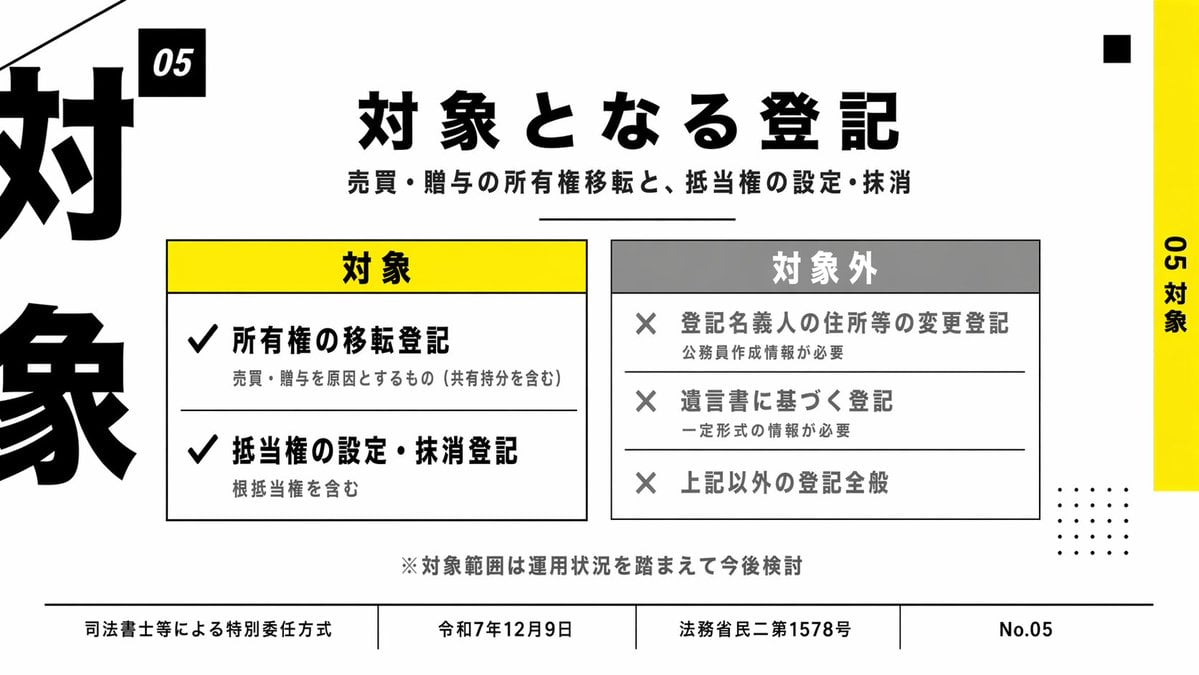
Japanese Corporate Scope Slide

Cyberpunk Japanese Manga Cover
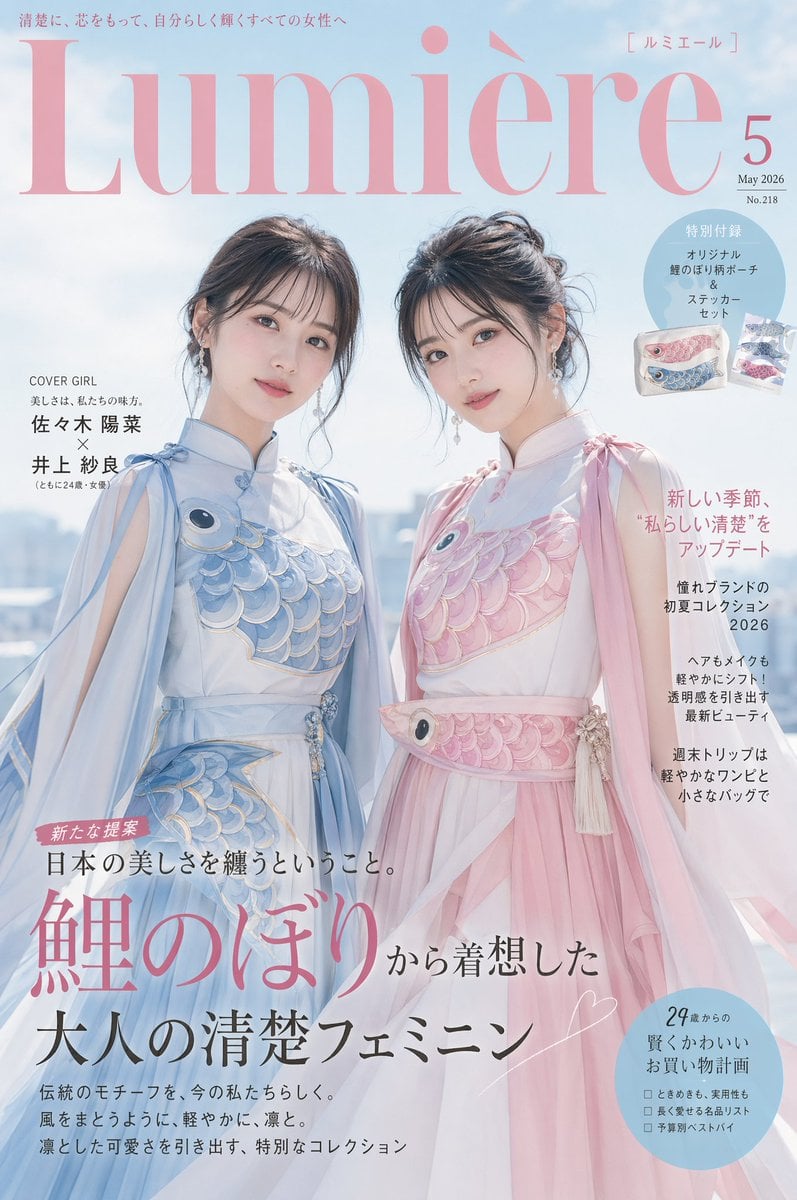
Japanese Fashion Cover with Koinobori Dresses
Make it yours
Japanese Industrial Proposal Cover Slide works as-is. These are the safest ways to change it without losing the look.
Change one field
Copy a single group, rewrite it, and generate again so you can see what that field is doing.
Keep the frame, change the subject
Hold the composition and light of Japanese Industrial Proposal Cover Slide, then swap wardrobe, props or the person for a new take.
| If the result… | Why | Fix |
|---|---|---|
| The result drifts from the preview | Too many fields changed at once. | Reuse Japanese Industrial Proposal Cover Slide as-is first, then change one group — subject, light, or setting. |
| The model over-stylizes the scene | The prose prompt leaves finish and camera underspecified. | Add one camera or lighting sentence and stay on GPT Image 2. |
More GPT Image 2 templates
Other prompts made for GPT Image 2.

Realistic Portrait of Woman and Deer

The Vista Modular Condo Poster

AI Model Routing Comparison Infographic

2.5D Anime Art Board

Isometric Productivity Desk Scene

New York Double Exposure Poster

Four-Panel AI Landscape Comparison

NESCAFÉ Coffee Map Poster

Brutalist Cogito Chinese Typography Poster

Cinematic Luxury Terrace Portrait
More image prompts
Fresh picks from across the catalog.

Japanese Film Aesthetic Unboxing Scene

High-Fashion Mirror Selfie Identity Reference

Stunning 8K Outdoor Photo Prompt

Cinematic Cafe Studio Portrait

FIFA World Cup Sports Poster

Cyberpunk Science Portrait

Scene Composition Control with Visual Reference

Hyper-realistic Editorial Photo at Cotopaxi, Ecuador

Floating Gourmet Burger Commercial Shot

French New Wave Torn Poster Collage
Browse template categories
Japanese Industrial Proposal Cover Slide questions
How do I use the Japanese Industrial Proposal Cover Slide template?
Add your photo if the template asks for one, edit the prompt if you like — the template's model and format are already selected — and press Generate. Your version opens in PicX Studio.
Can I customize the Japanese Industrial Proposal Cover Slide template?
Yes. You can change the subject, setting, lighting, mood, format, and available model controls before creating your image.
Is the Japanese Industrial Proposal Cover Slide template free?
Opening and editing this template is free. Generating uses credits, shown on the Generate button when you are signed in.
Which AI model should I use?
Start with GPT Image 2, which is the model associated with this template. You can compare another compatible model for a different finish.
Looking for something else? Browse all templates.

Your photo, any look
Thousands of ready templates for every top image and video model, from one credit balance.