
Japanese Corporate Scope Slide
A clean Japanese presentation slide showing included and excluded registration categories, suitable for business decks, policy summaries, and legal explainer presentations.
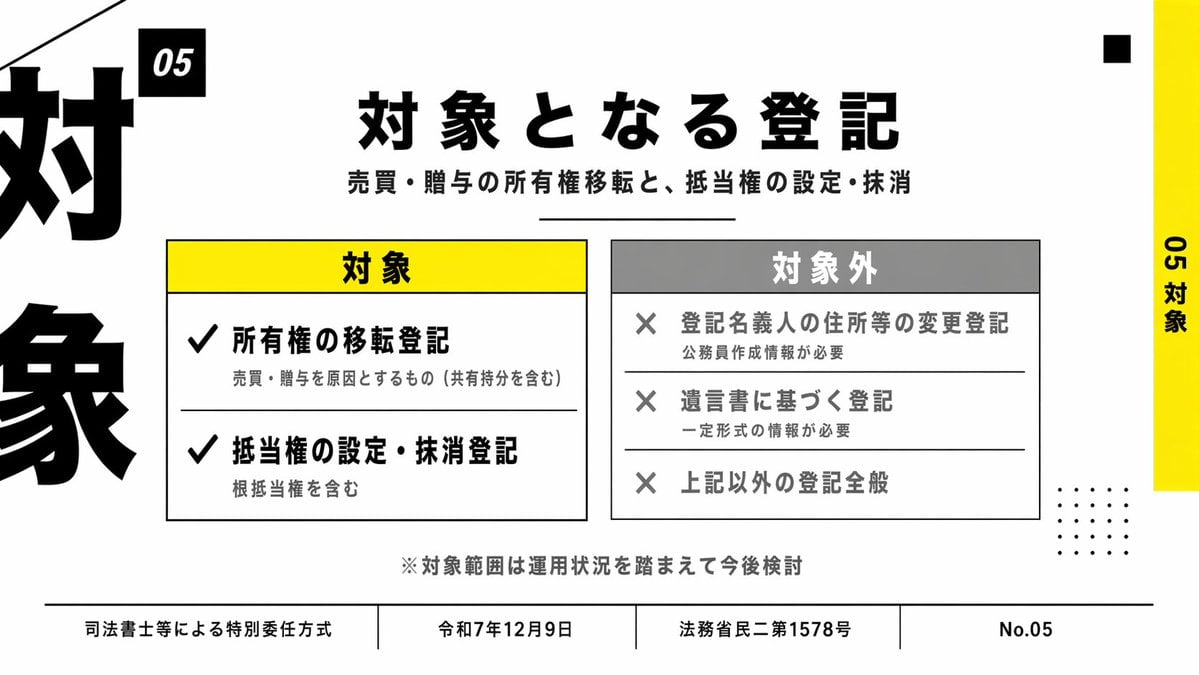
- Prompt included
- Model and format preset
- Free template
The prompt behind this image
Copy the exact prompt behind Japanese Corporate Scope Slide, or open it in the studio and make it yours.
- Type
- Japanese presentation slide
- Style
- clean corporate infographic, minimal modern editorial layout, high contrast, light gray background with black, white, yellow, and medium gray accents, bold Japanese gothic sans-serif typography, precise grid alignment, print-like slide design
- Canvas › Aspect Ratio
- 16:9
- Canvas › Background Color
- #ececec
- Headline › Page Number
- 05
- Headline › Title
- {argument name="headline text" default="対象となる登記"}
- Headline › Subtitle
- 売買・贈与の所有権移転と、抵当権の設定・抹消
- Headline › Alignment
- center top
- Layout › Sections › 0 › Title
- 対象
- Layout › Sections › 0 › Position
- center-left main panel
- Layout › Sections › 0 › Count
- 2
- Layout › Sections › 0 › Labels
- 所有権の移転登記, 抵当権の設定・抹消登記
- Layout › Sections › 0 › Panel Style
- white box with thin black border and yellow header bar
- Layout › Sections › 1 › Title
- 対象外
- Layout › Sections › 1 › Position
- center-right main panel
- Layout › Sections › 1 › Count
- 3
- Layout › Sections › 1 › Labels
- 登記名義人の住所等の変更登記, 遺言書に基づく登記, 上記以外の登記全般
- Layout › Sections › 1 › Panel Style
- light gray box with thin dark border and darker gray header bar
- Layout › Sections › 2 › Title
- footer information
- Layout › Sections › 2 › Position
- bottom full width
- Layout › Sections › 2 › Count
- 4
- Layout › Sections › 2 › Labels
- 司法書士等による特別委任方式, 令和7年12月9日, 法務省民二第1578号, No.05
- Layout › Sections › 2 › Panel Style
- horizontal footer row separated by vertical divider lines
- Layout › Decorative Elements › Count
- 5
Raw JSON
{"type":"Japanese presentation slide","style":"clean corporate infographic, minimal modern editorial layout, high contrast, light gray background with black, white, yellow, and medium gray accents, bold Japanese gothic sans-serif typography, precise grid alignment, print-like slide design","canvas":{"aspect_ratio":"16:9","background_color":"#ececec"},"headline":{"page_number":"05","title":"{argument name=\"headline text\" default=\"対象となる登記\"}","subtitle":"売買・贈与の所有権移転と、抵当権の設定・抹消","alignment":"center top"},"layout":{"sections":[{"title":"対象","position":"center-left main panel","count":2,"labels":["所有権の移転登記","抵当権の設定・抹消登記"],"panel_style":"white box with thin black border and yellow header bar"},{"title":"対象外","position":"center-right main panel","count":3,"labels":["登記名義人の住所等の変更登記","遺言書に基づく登記","上記以外の登記全般"],"panel_style":"light gray box with thin dark border and darker gray header bar"},{"title":"footer information","position":"bottom full width","count":4,"labels":["司法書士等による特別委任方式","令和7年12月9日","法務省民二第1578号","No.05"],"panel_style":"horizontal footer row separated by vertical divider lines"}],"decorative_elements":{"count":5,"items":["large cropped black Japanese characters running vertically along the far left edge","small black square near the top right corner","vertical yellow sidebar on the far right with rotated text '05 対象'","1 dotted grid cluster near the lower right with 18 visible black dots arranged in 3 rows by 6 columns","short horizontal black divider line beneath the subtitle"]}},"content_blocks":{"included_panel":{"items":[{"icon":"check mark","main":"所有権の移転登記","sub":"売買・贈与を原因とするもの(共有持分を含む)"},{"icon":"check mark","main":"抵当権の設定・抹消登記","sub":"根抵当権を含む"}]},"excluded_panel":{"items":[{"icon":"x mark","main":"登記名義人の住所等の変更登記","sub":"公務員作成情報が必要"},{"icon":"x mark","main":"遺言書に基づく登記","sub":"一定形式の情報が必要"},{"icon":"x mark","main":"上記以外の登記全般","sub":""}]},"note":{"text":"※対象範囲は運用状況を踏まえて今後検討","position":"below the two main panels, centered"}},"composition":"large centered title at top, subtitle below, two side-by-side information panels in the middle, small note under panels, footer rule and four-segment footer at the bottom, strong asymmetrical left-edge typographic crop for dynamic editorial feel","rendering":"flat vector slide graphic, crisp edges, no photographic texture, no people, no shadows except minimal panel definition"}How to use Japanese Corporate Scope Slide in 3 steps
- 1Upload ImagePNG, JPG or paste
Add your photo
Upload the photo the template builds on. The prompt, model and format are already set.
- 2…a portrait of your subject in softgolden-hour light, 85mm…
Personalize
Edit the subject and creative details for your destination.
- 3Generate
Generate
Press Generate — your image is created in PicX Studio, so you can compare it with the original and refine one variable at a time.
More like this
Templates with the same subject, style or setup. Open one to see its prompt.
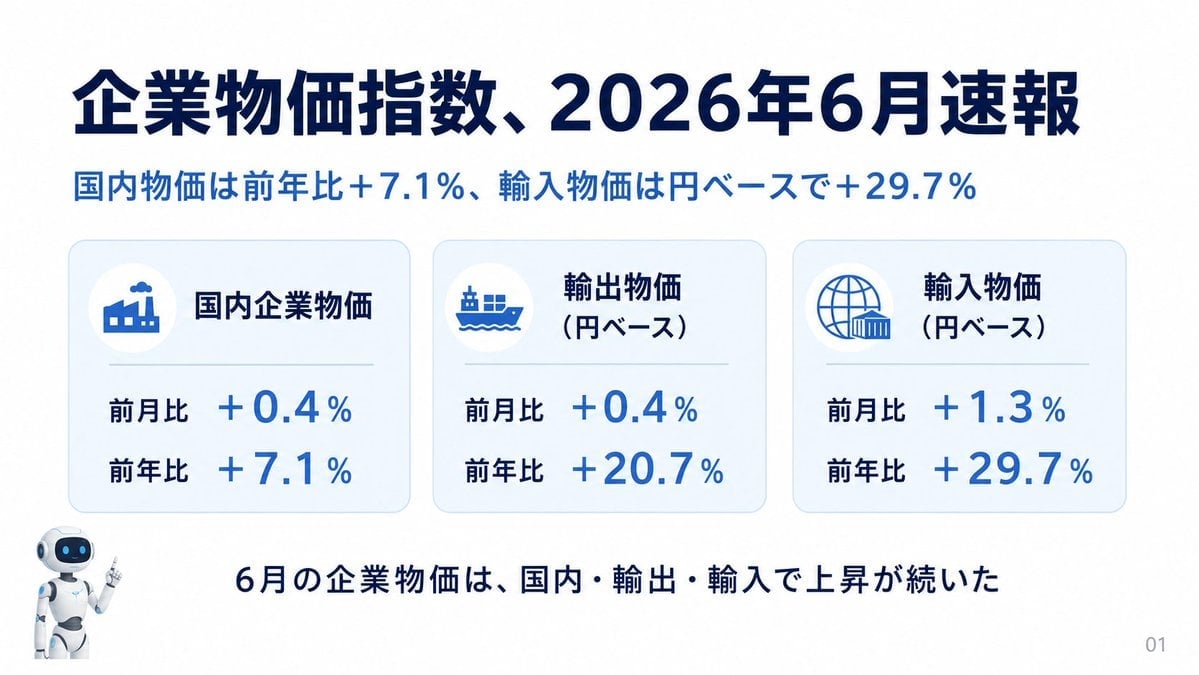
Japanese Corporate Price Index Slide
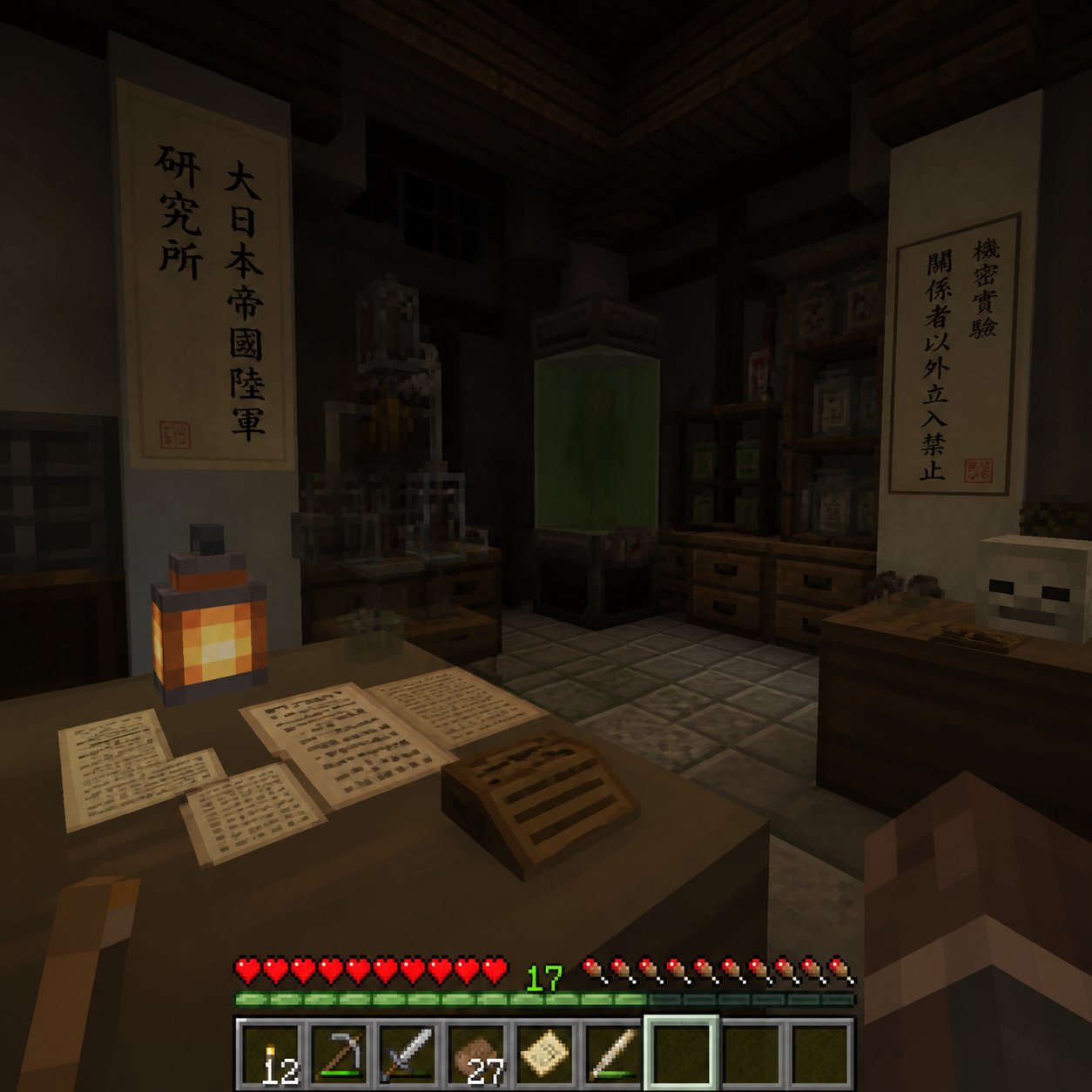
Minecraft Japanese Research Lab Exploration
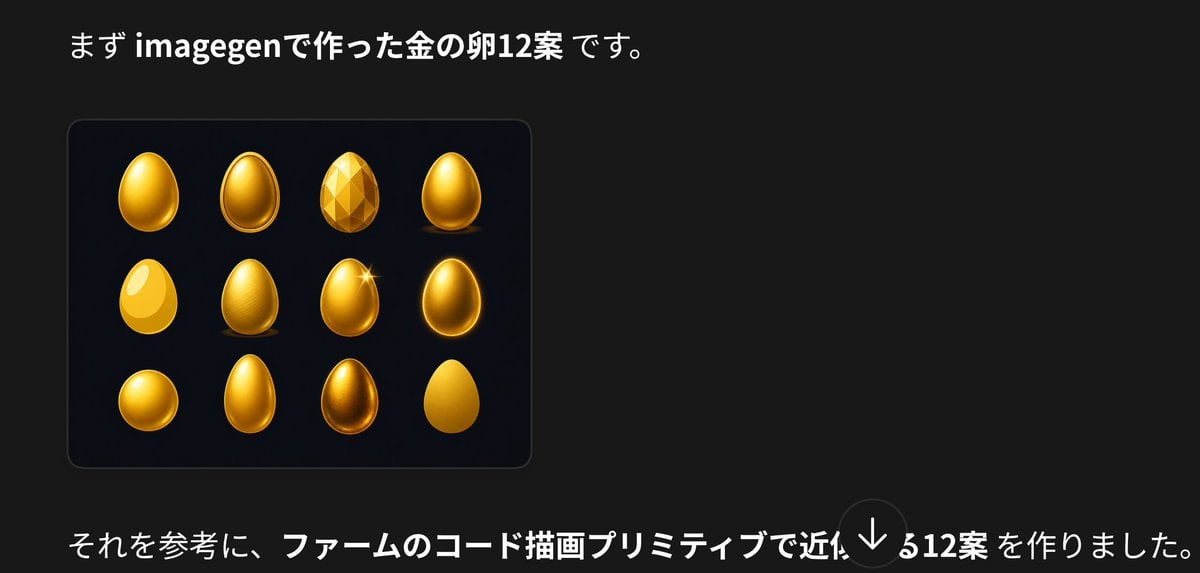
Japanese Golden Egg Design Slide

Japanese Architectural Concrete Studio Fashion Campaign
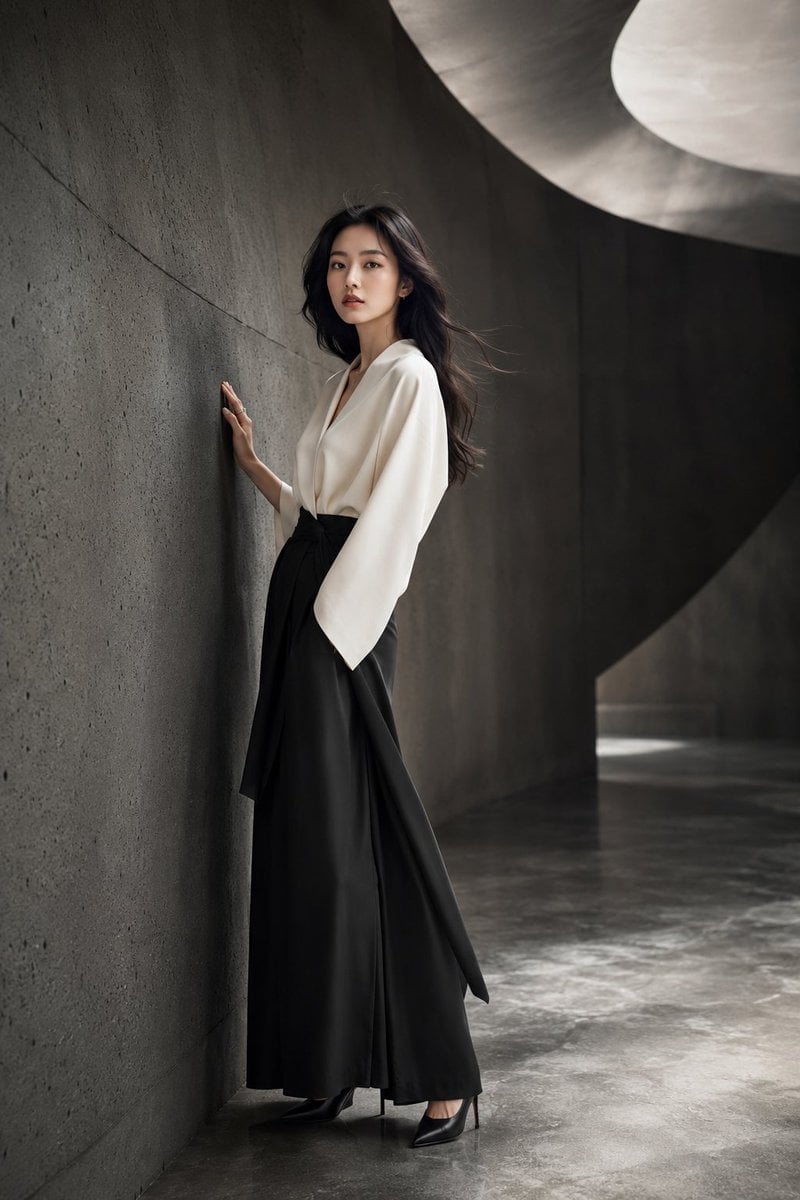
Japanese Minimalist Concrete Studio Fashion Editorial

Blue Backdrop Luxury Fashion Portrait Campaign
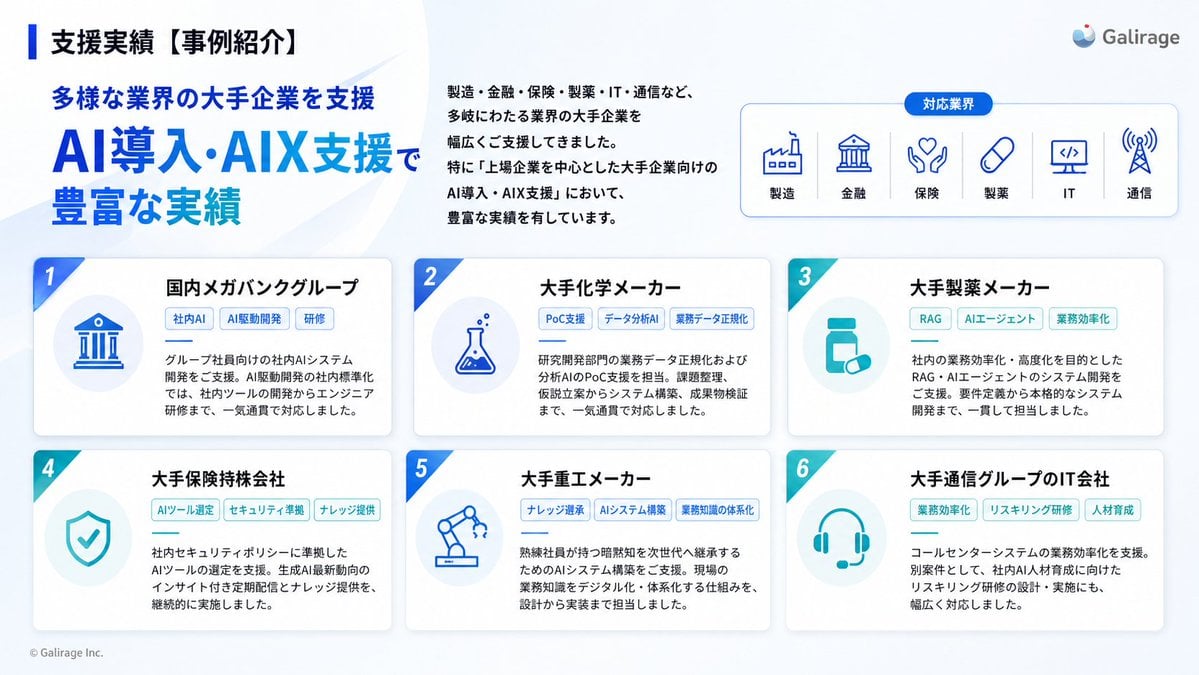
Japanese AI Case Study Slide
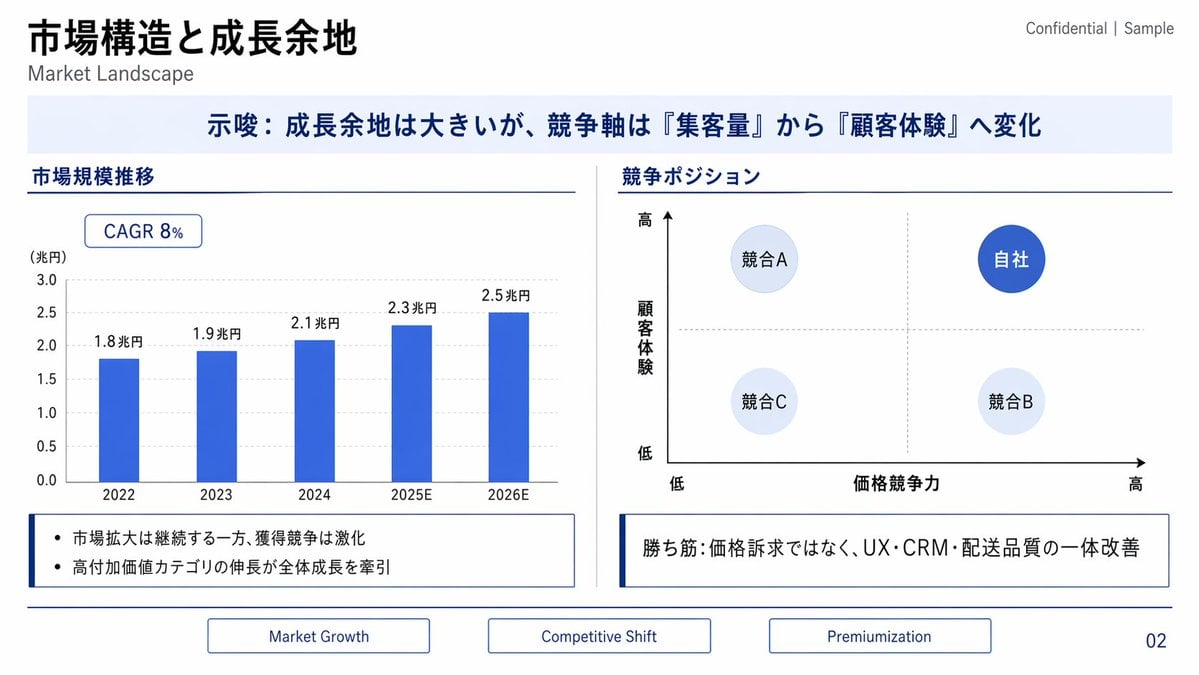
Japanese Market Landscape Slide
Japanese Codex Workshop Slide Deck Grid
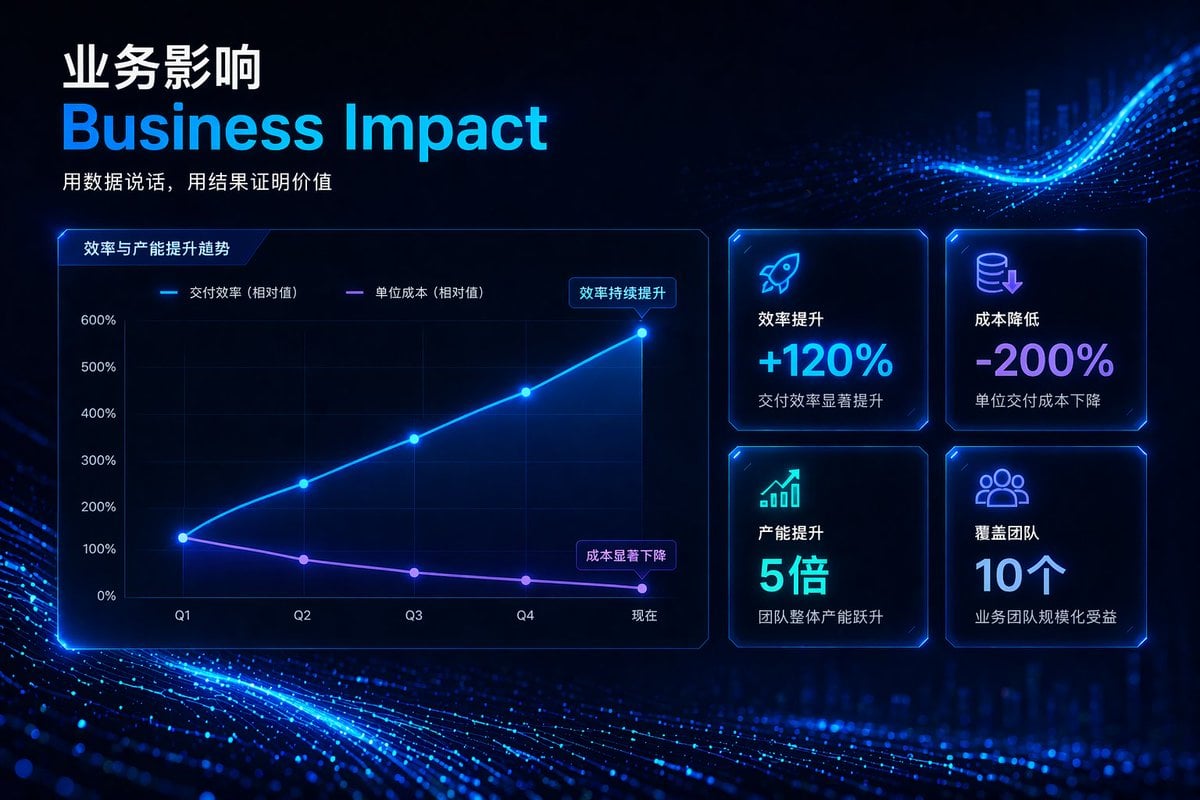
High-Tech Corporate KPI Presentation Slide

Japanese Film Reflection Idol

Six VTuber Japanese Logo Sheet
Make it yours
Japanese Corporate Scope Slide works as-is. These are the safest ways to change it without losing the look.
Swap the setting
Keep the rest of the prompt and replace the location block. The current setting is “#ececec”.
Change one field
Copy a single group, rewrite it, and generate again so you can see what that field is doing.
Keep the frame, change the subject
Hold the composition and light of Japanese Corporate Scope Slide, then swap wardrobe, props or the person for a new take.
| If the result… | Why | Fix |
|---|---|---|
| The result drifts from the preview | Too many fields changed at once. | Reuse Japanese Corporate Scope Slide as-is first, then change one group — subject, light, or setting. |
| GPT Image 2 ignores part of the JSON | Some models flatten or skip nested keys. | Keep the same values and paste them as a short paragraph instead. |
More GPT Image 2 templates
Other prompts made for GPT Image 2.

Realistic Portrait of Woman and Deer

The Vista Modular Condo Poster

AI Model Routing Comparison Infographic

2.5D Anime Art Board

Isometric Productivity Desk Scene

New York Double Exposure Poster

Four-Panel AI Landscape Comparison

NESCAFÉ Coffee Map Poster

Brutalist Cogito Chinese Typography Poster

Cinematic Luxury Terrace Portrait
More image prompts
Fresh picks from across the catalog.

Epic Fantasy Mecha Light Novel Cover
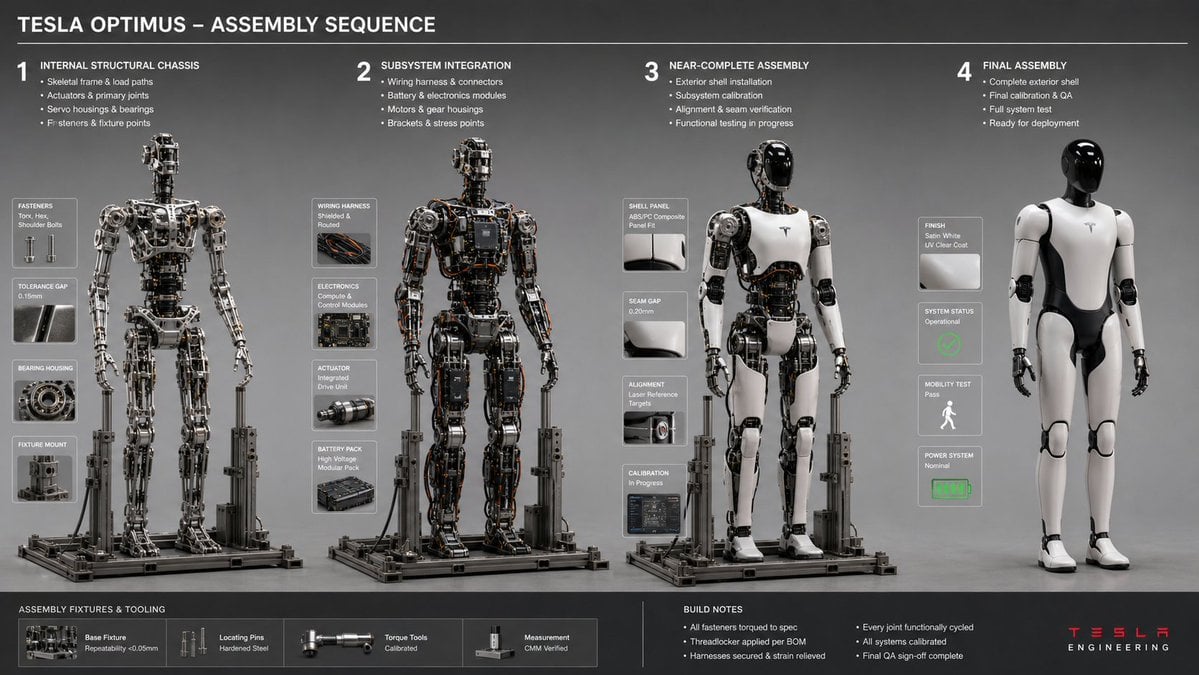
Engineering Assembly Documentation Layout

Cinematic Sci-Fi Action Poster

Luis Miguel as K-Pop Star in Gangnam

Nostalgic Film Point-and-Shoot Portrait

Realistic Basketball Player Sports Portrait
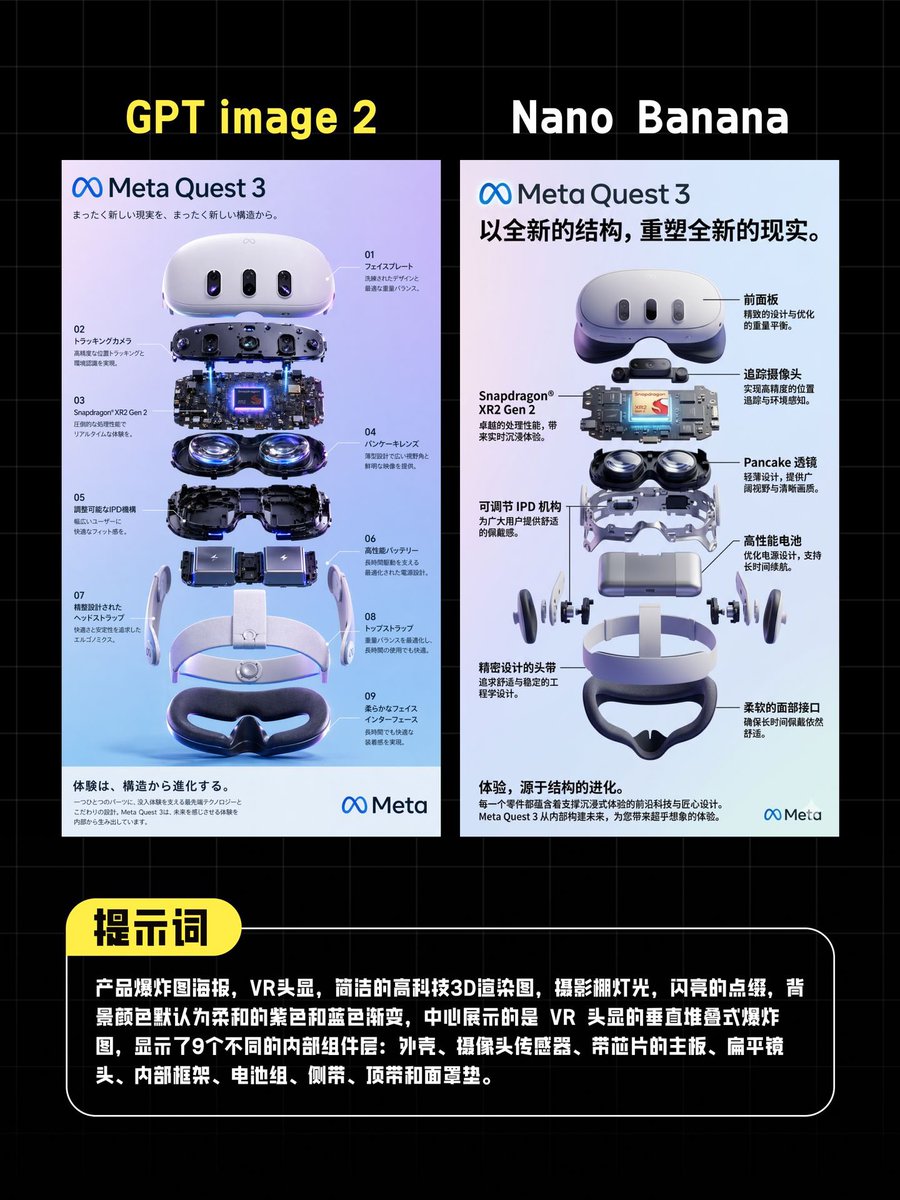
AI VR Poster Comparison

Nostalgic Filipino Chicharrón Ad

AI-Proof Prompt Generation (Japanese)
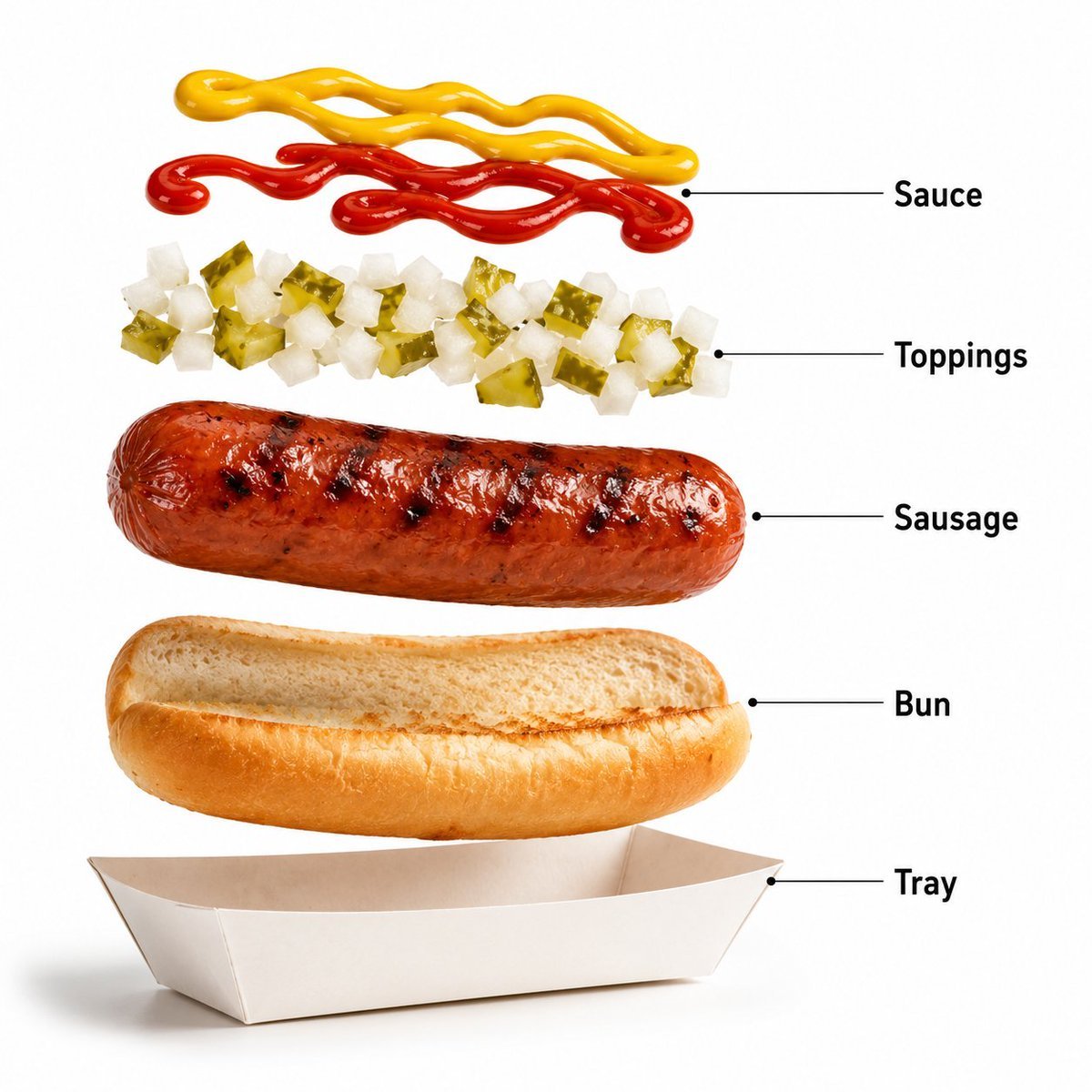
Premium Fast-Food Product Shot
Browse template categories
Japanese Corporate Scope Slide questions
How do I use the Japanese Corporate Scope Slide template?
Add your photo if the template asks for one, edit the prompt if you like — the template's model and format are already selected — and press Generate. Your version opens in PicX Studio.
Can I customize the Japanese Corporate Scope Slide template?
Yes. You can change the subject, setting, lighting, mood, format, and available model controls before creating your image.
Is the Japanese Corporate Scope Slide template free?
Opening and editing this template is free. Generating uses credits, shown on the Generate button when you are signed in.
Which AI model should I use?
Start with GPT Image 2, which is the model associated with this template. You can compare another compatible model for a different finish.
Looking for something else? Browse all templates.

Your photo, any look
Thousands of ready templates for every top image and video model, from one credit balance.