
High-Tech Corporate KPI Presentation Slide
Generates a futuristic, dark-themed presentation slide featuring a dual-line chart and a 2x2 grid of KPI cards, ideal for business impact reports.
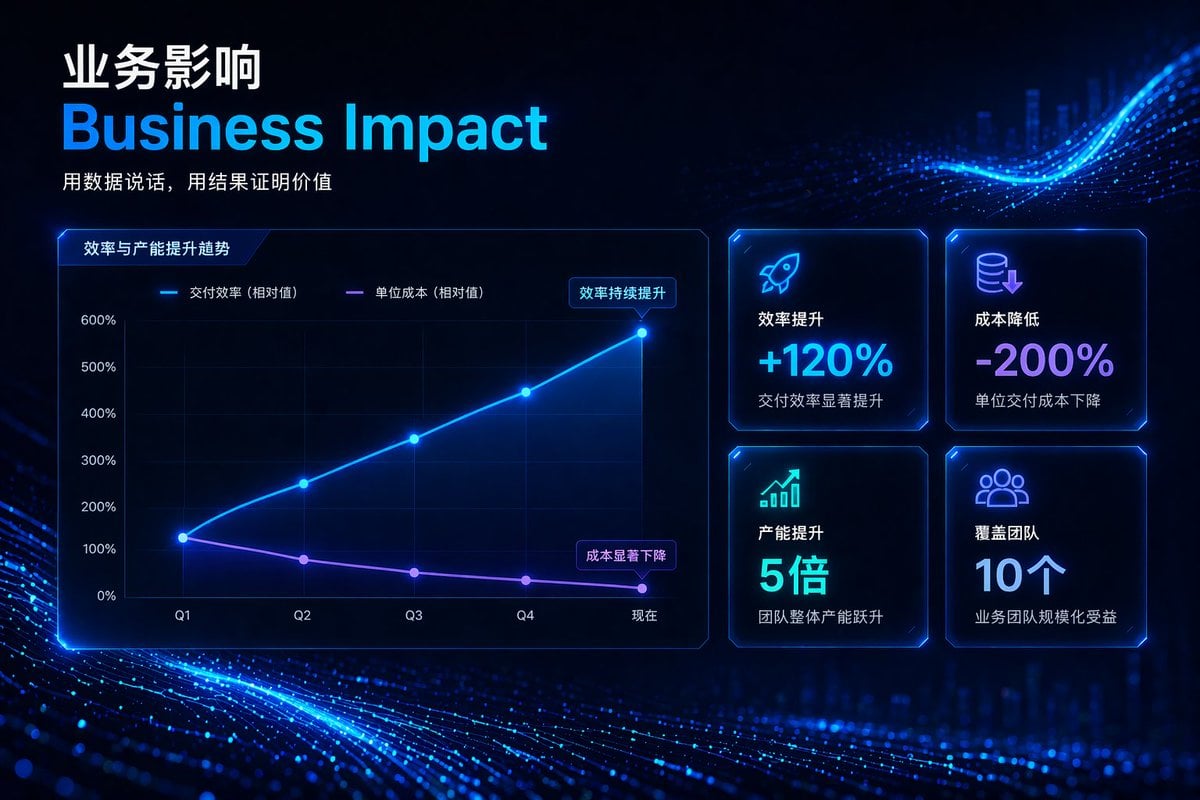
- Prompt included
- Model and format preset
- Free template
The prompt behind this image
Copy the exact prompt behind High-Tech Corporate KPI Presentation Slide, or open it in the studio and make it yours.
- Type
- corporate presentation slide
- Theme
- high-tech, futuristic, dark mode, glowing neon blue and purple accents, abstract digital particle wave background
- Header › Title Primary
- {argument name="main chinese title" default="业务影响"}
- Header › Title Secondary
- {argument name="main english title" default="Business Impact"}
- Header › Tagline
- {argument name="tagline" default="用数据说话,用结果证明价值"}
- Layout › Left Section › Type
- line chart
- Layout › Left Section › Title
- 效率与产能提升趋势
- Layout › Left Section › Y Axis
- 0%, 100%, 200%, 300%, 400%, 500%, 600%
- Layout › Left Section › X Axis
- Q1, Q2, Q3, Q4, 现在
- Layout › Left Section › Lines › 0 › Label
- 交付效率 (相对值)
- Layout › Left Section › Lines › 0 › Color
- neon blue
- Layout › Left Section › Lines › 0 › Trend
- upward curve
- Layout › Left Section › Lines › 0 › Annotation
- 效率持续提升
- Layout › Left Section › Lines › 1 › Label
- 单位成本 (相对值)
- Layout › Left Section › Lines › 1 › Color
- neon purple
- Layout › Left Section › Lines › 1 › Trend
- downward curve
- Layout › Left Section › Lines › 1 › Annotation
- 成本显著下降
- Layout › Right Section › Type
- kpi grid
- Layout › Right Section › Count
- 4
- Layout › Right Section › Arrangement
- 2x2 grid
- Layout › Right Section › Cards › 0 › Icon
- rocket
- Layout › Right Section › Cards › 0 › Title
- 效率提升
- Layout › Right Section › Cards › 0 › Value
- {argument name="kpi 1 value" default="+120%"}
- Layout › Right Section › Cards › 0 › Subtext
- 交付效率显著提升
Raw JSON
{
  "type": "corporate presentation slide",
  "theme": "high-tech, futuristic, dark mode, glowing neon blue and purple accents, abstract digital particle wave background",
  "header": {
    "title_primary": "{argument name=\"main chinese title\" default=\"业务影响\"}",
    "title_secondary": "{argument name=\"main english title\" default=\"Business Impact\"}",
    "tagline": "{argument name=\"tagline\" default=\"用数据说话,用结果证明价值\"}"
  },
  "layout": {
    "left_section": {
      "type": "line chart",
      "title": "效率与产能提升趋势",
      "y_axis": ["0%", "100%", "200%", "300%", "400%", "500%", "600%"],
      "x_axis": ["Q1", "Q2", "Q3", "Q4", "现在"],
      "lines": [
        {
          "label": "交付效率 (相对值)",
          "color": "neon blue",
          "trend": "upward curve",
          "annotation": "效率持续提升"
        },
        {
          "label": "单位成本 (相对值)",
          "color": "neon purple",
          "trend": "downward curve",
          "annotation": "成本显著下降"
        }
      ]
    },
    "right_section": {
      "type": "kpi grid",
      "count": 4,
      "arrangement": "2x2 grid",
      "cards": [
        {
          "icon": "rocket",
          "title": "效率提升",
          "value": "{argument name=\"kpi 1 value\" default=\"+120%\"}",
          "subtext": "交付效率显著提升"
        },
        {
          "icon": "coins with down arrow",
          "title": "成本降低",
          "value": "{argument name=\"kpi 2 value\" default=\"-200%\"}",
          "subtext": "单位交付成本下降"
        },
        {
          "icon": "bar chart with up arrow",
          "title": "产能提升",
          "value": "5倍",
          "subtext": "团队整体产能跃升"
        },
        {
          "icon": "people group",
          "title": "覆盖团队",
          "value": "10个",
          "subtext": "业务团队规模化受益"
        }
      ]
    }
  }
}How to use High-Tech Corporate KPI Presentation Slide in 3 steps
- 1Upload ImagePNG, JPG or paste
Add your photo
Upload the photo the template builds on. The prompt, model and format are already set.
- 2…a portrait of your subject in softgolden-hour light, 85mm…
Personalize
Edit the subject and creative details for your destination.
- 3Generate
Generate
Press Generate — your image is created in PicX Studio, so you can compare it with the original and refine one variable at a time.
More like this
Templates with the same subject, style or setup. Open one to see its prompt.

Premium 4 3 presentation cover slide introducing Chronicle
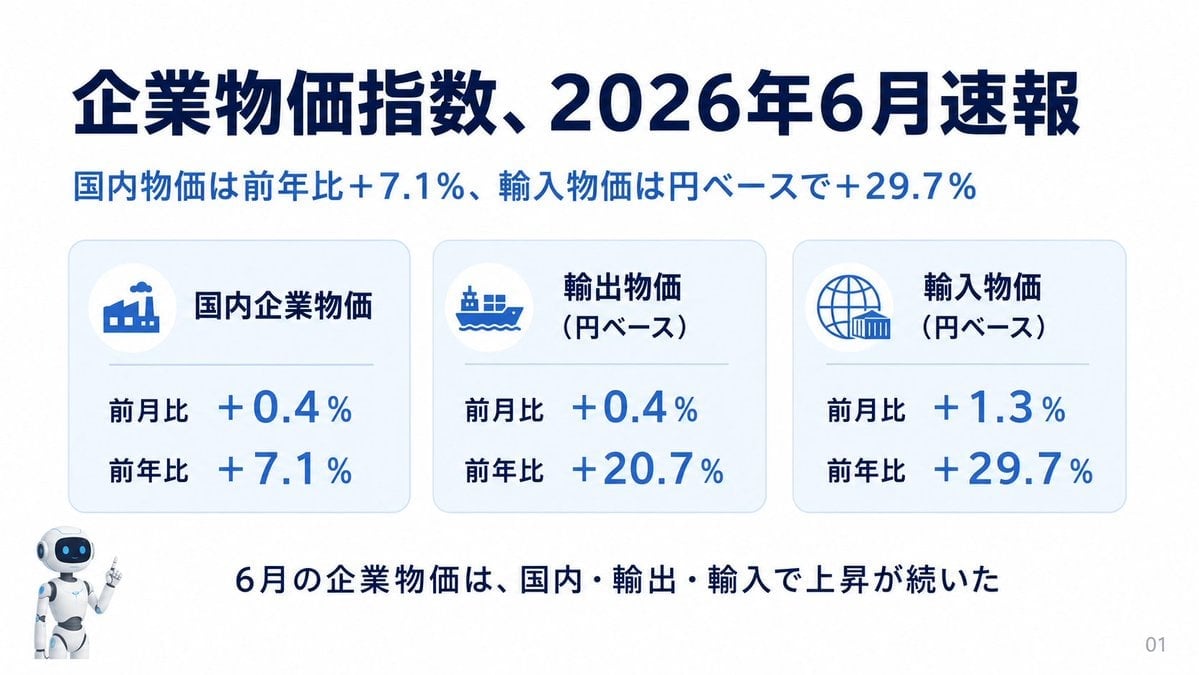
Japanese Corporate Price Index Slide
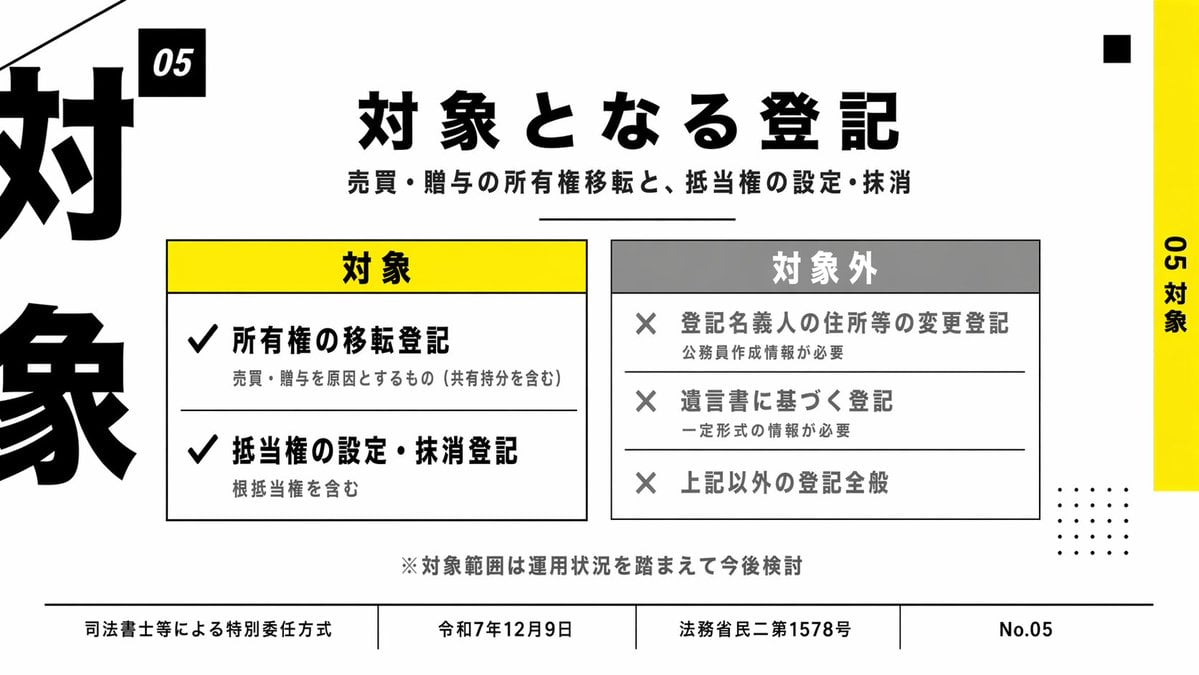
Japanese Corporate Scope Slide

Dark Tech Marketing Slide Collage

Ink-Wash Style Presentation Slides

Otter Scientist Presentation Slide
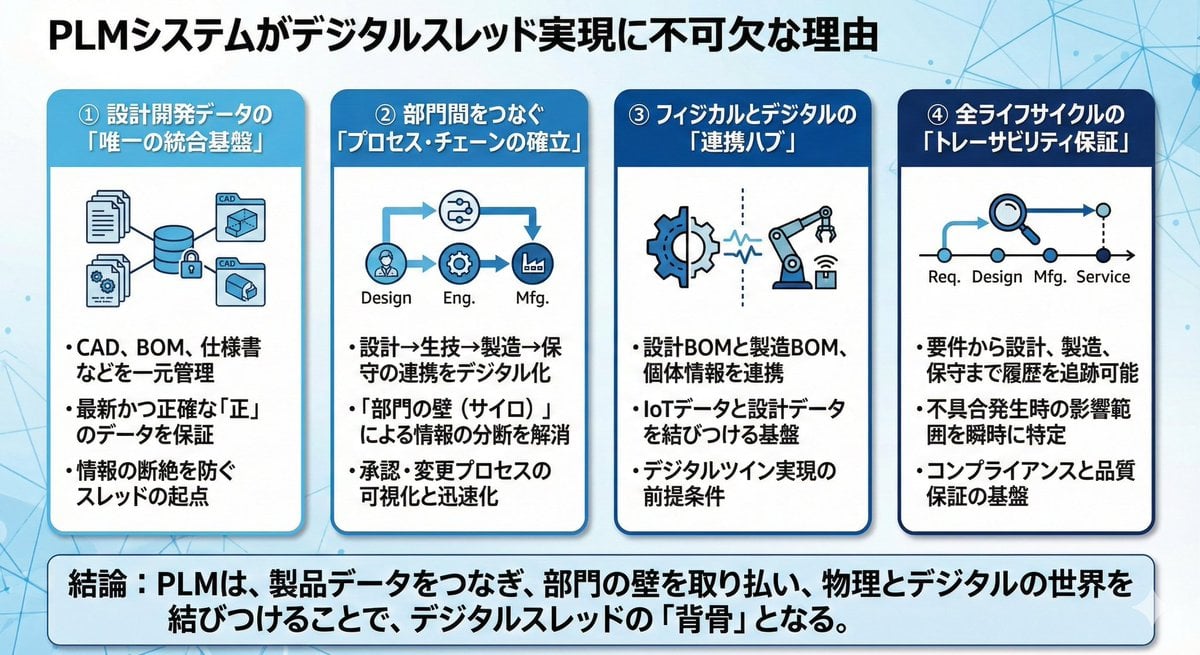
Presentation slide about PLM and digital thread
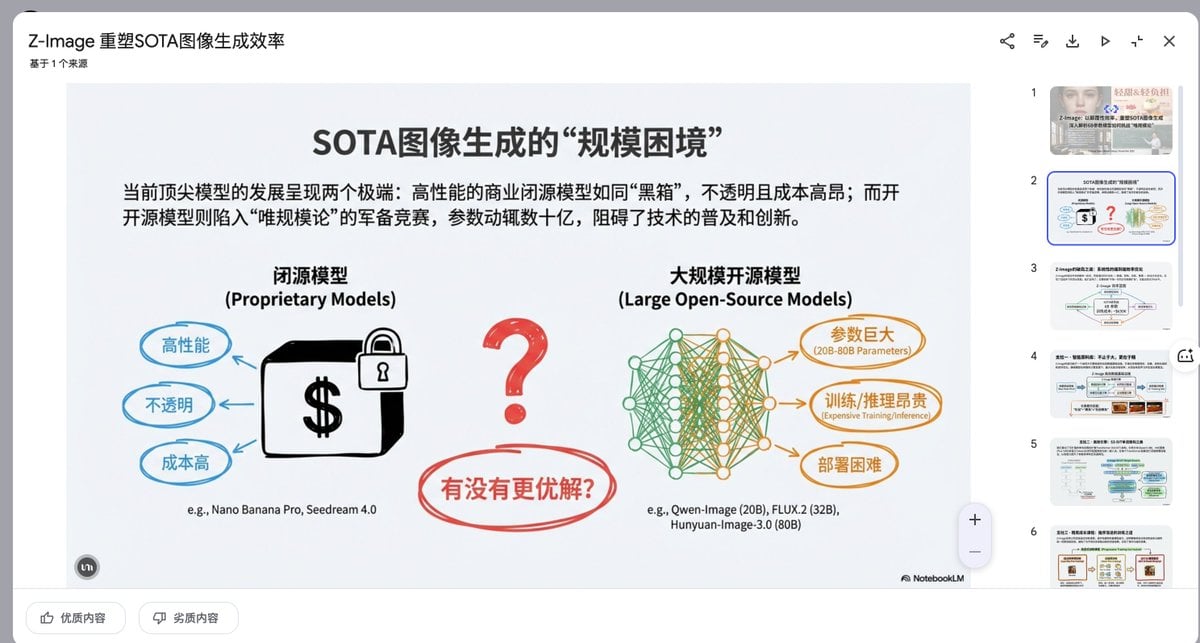
Presentation Slide Generation Prompt

Text-Heavy Presentation Slide Generation

Corporate Tech/Anime Eyecatch Image Prompt
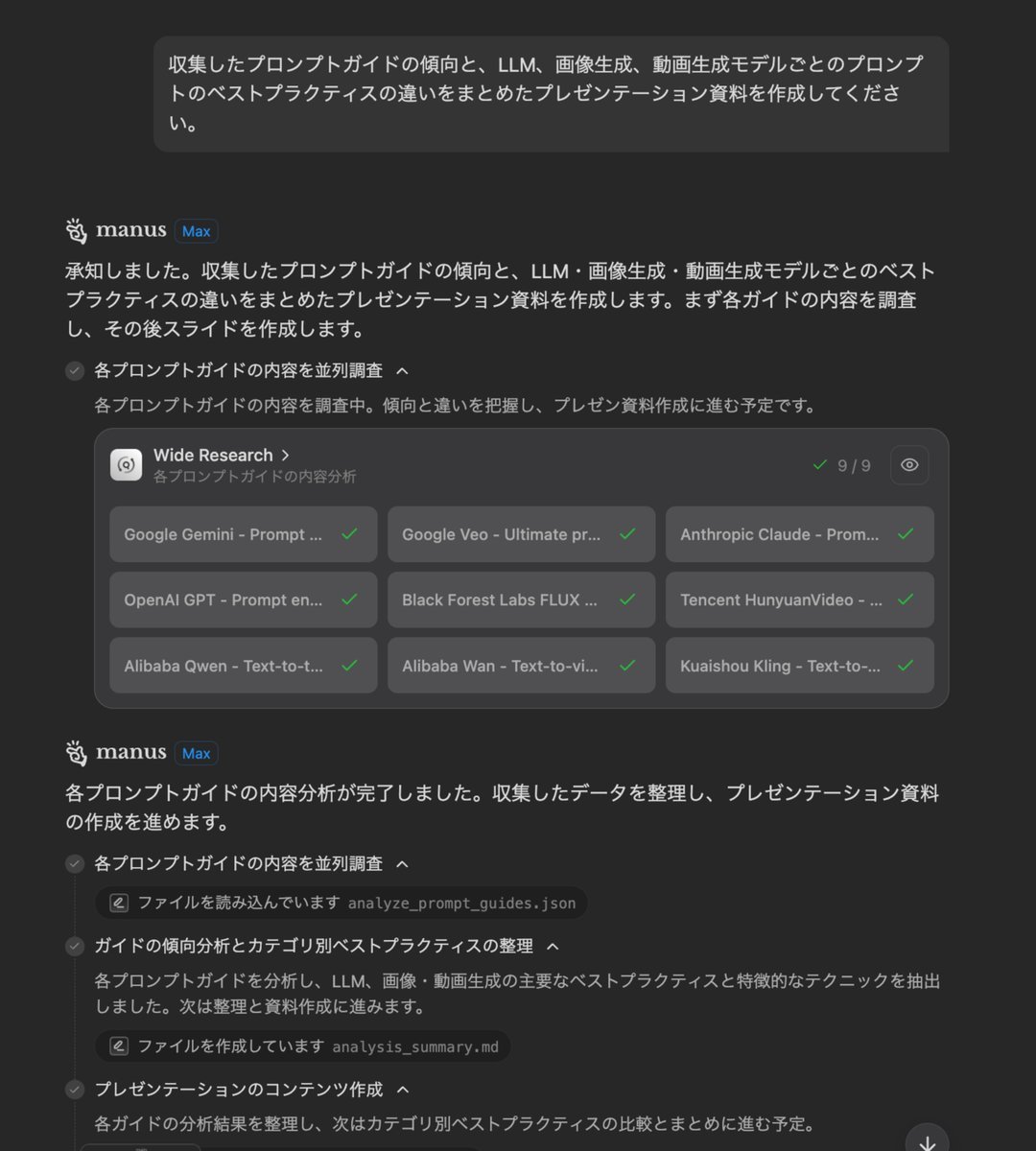
Presentation Slide Generation Prompt
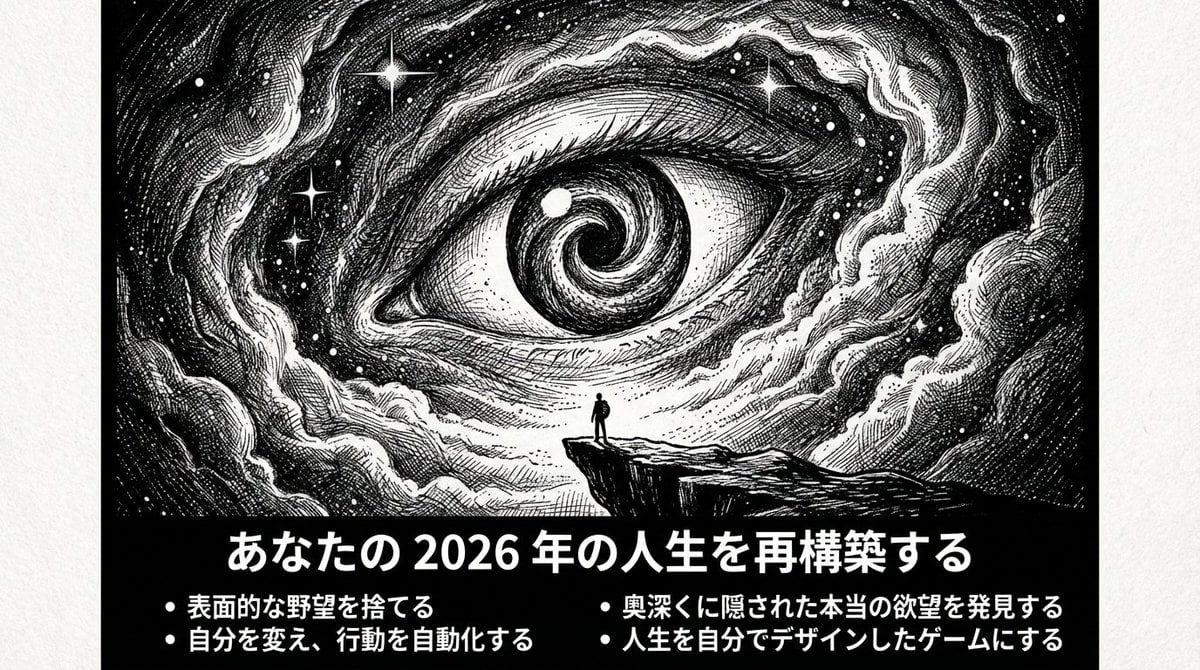
Ultimate Prompt for Dan Koe Style Presentation Slides (PPT) using Nano Banana Pro
Make it yours
High-Tech Corporate KPI Presentation Slide works as-is. These are the safest ways to change it without losing the look.
Change one field
Copy a single group, rewrite it, and generate again so you can see what that field is doing.
Keep the frame, change the subject
Hold the composition and light of High-Tech Corporate KPI Presentation Slide, then swap wardrobe, props or the person for a new take.
| If the result… | Why | Fix |
|---|---|---|
| The result drifts from the preview | Too many fields changed at once. | Reuse High-Tech Corporate KPI Presentation Slide as-is first, then change one group — subject, light, or setting. |
| GPT Image 2 ignores part of the JSON | Some models flatten or skip nested keys. | Keep the same values and paste them as a short paragraph instead. |
More GPT Image 2 templates
Other prompts made for GPT Image 2.

Six VTuber Japanese Logo Sheet

Realistic Portrait of Woman and Deer

The Vista Modular Condo Poster

AI Model Routing Comparison Infographic

2.5D Anime Art Board

Isometric Productivity Desk Scene

New York Double Exposure Poster

Four-Panel AI Landscape Comparison

Japanese Tatami Lifestyle Magazine Cover

NESCAFÉ Coffee Map Poster
More image prompts
Fresh picks from across the catalog.

Ultra-photorealistic Eevee Cosplay Portrait

Mysterious Portrait with Butterflies
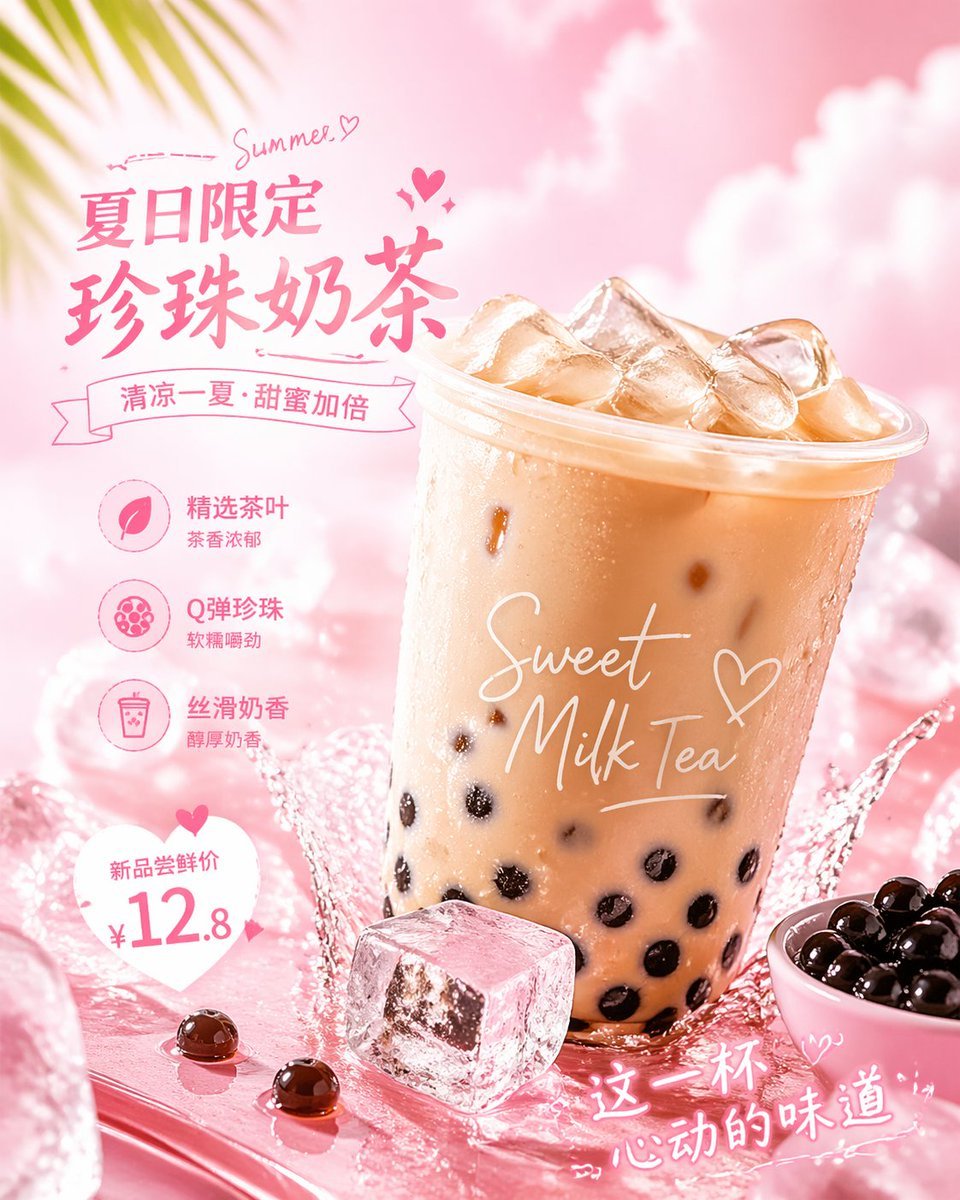
Social Media Ad Designs
Product Photography of Nano Banana Milk Cooler

Anime Visual Novel Confession Scene

Luxury Leather Fashion Ad Poster

Realistic Image Generation with Identity Reference Prompt

Candid Taxi-Ride Dump Photography

Dessert Nomad Dream: Cinematic Food and Travel Fusion

Simple Santa Hat Addition Prompt
Browse template categories
High-Tech Corporate KPI Presentation Slide questions
How do I use the High-Tech Corporate KPI Presentation Slide template?
Add your photo if the template asks for one, edit the prompt if you like — the template's model and format are already selected — and press Generate. Your version opens in PicX Studio.
Can I customize the High-Tech Corporate KPI Presentation Slide template?
Yes. You can change the subject, setting, lighting, mood, format, and available model controls before creating your image.
Is the High-Tech Corporate KPI Presentation Slide template free?
Opening and editing this template is free. Generating uses credits, shown on the Generate button when you are signed in.
Which AI model should I use?
Start with GPT Image 2, which is the model associated with this template. You can compare another compatible model for a different finish.
Looking for something else? Browse all templates.

Your photo, any look
Thousands of ready templates for every top image and video model, from one credit balance.