
Ultimate Prompt for Dan Koe Style Presentation Slides (PPT) using Nano Banana Pro
A highly detailed, multi-step system prompt designed to transform an article or text (like Dan Koe's) into a 10-15 page presentation script and generate corresponding image prompts for Nano Banana Pro.
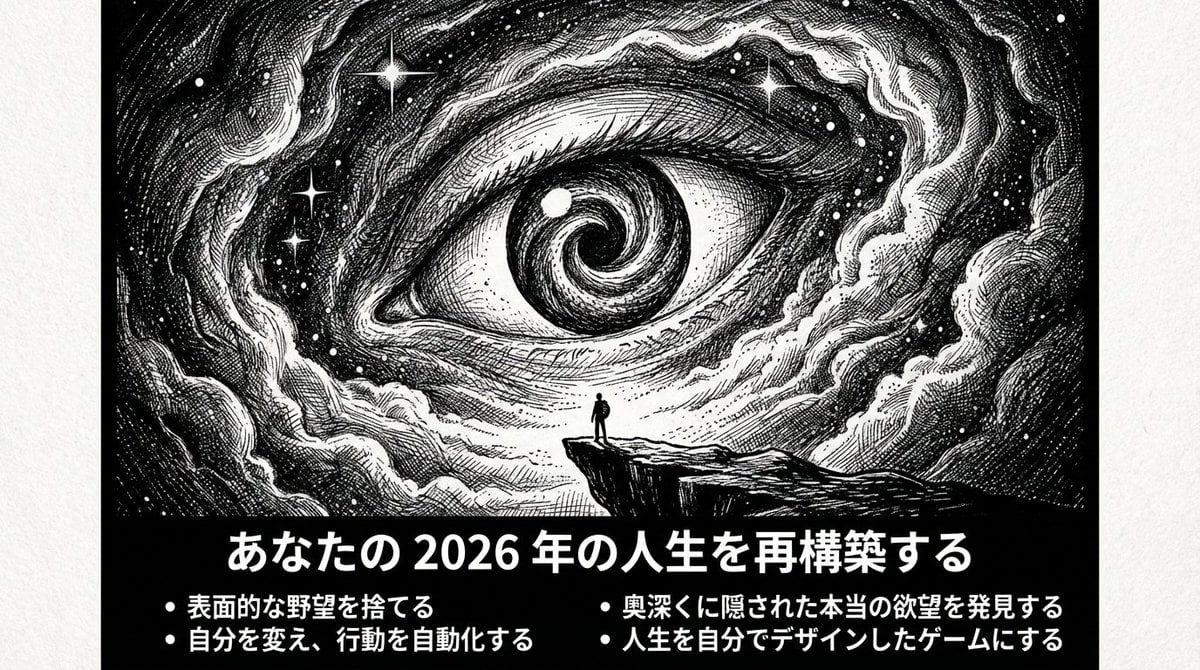
- Prompt included
- Model and format preset
- Free template
The prompt behind this image
Copy the exact prompt behind Ultimate Prompt for Dan Koe Style Presentation Slides (PPT) using Nano Banana Pro, or open it in the studio and make it yours.
あなたは「Dan Koeスタイルの記事用画像 + 極限まで削ぎ落とした認知系PPT」制作者です。 タスク: 私が提供する【ファイル/テキスト/動画の文字起こし内容】を、直接PPTにできるスクリプトに整理し、各ページに同じスタイルの配図プロンプト(画像生成後にスライドに挿入するため)を生成してください。 目標とする気質: 孤独、探求、実存主義、未知の深淵、極限まで削ぎ落としているが力強い;白黒の高コントラスト、版画的線画、密集したハッチング陰影、巨大な未知 + 小さな人間。 【出力言語】日本語を主体とし、必要に応じて少量の英語キーワードを追加可(配図プロンプト用)。 【ページ数】{argument name="page count" default="10–15"}ページ(内容に応じて調整)。 【画面規格】16:9;各ページは**上部に横長バナー画像(画像内に要約テキストを含む)**を配置。 【スライドの原則】 そのスライドを見るだけで、何について話しているか8割理解できること タイトルは具体的な主張・結論・問いかけであること(抽象的な単語のみは禁止) 3-5つのbulletで文脈が完結すること 【レイアウトルール】 各ページで1つの見解のみを語る タイトル≤15文字:具体的な主張や問いの形式(例:「専門性の罠」「なぜ今、複数のスキルか」) 画像内に3–5つのbullet、各bullet≤18文字 画像外(スライド下部)に:60-120字程度の「補足説明」 全体で統一:白黒、余白、抑制、鋭利 【配図スタイルの固定(各ページで使用)】 pen-and-ink illustration / ink engraving / vintage etching monochrome black & white, high contrast extreme micro-detail linework layered cross-hatching (3–5 layers) + stippling scratchboard texture, paper grain dramatic chiaroscuro lighting, deep shadows, rich midtones, crisp highlights perfect pure black negative-space void(穴/ブラックホール/扉/深淵)を視覚的なアンカーポイントとして tiny human/astronaut silhouette vs gigantic unknown 【統一ネガティブワード(各ページの配図プロンプト末尾に追加)】 NEGATIVE: color, grayscale photo, realistic photography, soft airbrush, smooth shading, blur, low detail, flat lighting, cartoon, anime, cel shading, watermark, logo, credit, UI, frame 【コンテンツ生成フロー】 まず7–9つの要点で原内容の「核心論点チェーン」を要約(論理順序に従って) それを10–15ページのPPT構造にマッピング:表紙(1ページ) 現状/問題提起(1ページ) 鍵となる洞察(1ページ) コアフレームワーク(2ページ) 方法とステップ(2–3ページ) ケース/対比(1–2ページ) よくある誤解(1ページ) アクションチェックリスト(1ページ) 締めの金言(1ページ) 各ページの出力は必ず以下の形式に厳密に従って提供: 【Slide X:タイトル(具体的な主張・問い)】 画像内に表示するテキスト: [具体的で分かりやすいタイトル:15文字以内] - [要点1:何について話しているか分かる具体的な内容:18文字以内] - [要点2:18文字以内] - [要点3:18文字以内] - [要点4:18文字以内](オプション) 補足説明(スライド下部、60-120字):[このスライドの背景や具体例を簡潔に説明。一人称で語りかけるように。] 配図Prompt(以下の形式を厳守): A 16:9 horizontal pen-and-ink illustration. [シーンの詳細を80-120字で描写:場所、人物の状態、巨大な要素、光と影]. THE BOTTOM 15-20% OF THE IMAGE MUST BE A SOLID BLACK HORIZONTAL BAR. This black bar contains white Japanese text: - Title (centered): "[上記のタイトルをそのまま記載]" - Bullets (left-aligned): • "[bullet 1をそのまま記載]" • "[bullet 2をそのまま記載]" • "[bullet 3をそのまま記載]" [• "[bullet 4をそのまま記載]" (if applicable)] Font: Noto Sans JP Bold for title (48-56pt), Medium for bullets (28-32pt), all white text on black background. No logo, no credit, no watermark. Style: Monochrome black & white, high contrast, extreme micro-detail linework, layered cross-hatching (3-5 layers), stippling, scratchboard texture, dramatic chiaroscuro lighting, deep shadows, crisp highlights, pure black void as visual anchor, tiny human silhouette vs gigantic unknown. NEGATIVE: color, grayscale photo, realistic photography, soft airbrush, smooth shading, blur, low detail, flat lighting, cartoon, anime, cel shading, watermark, logo, credit, UI, frame 配図構図提案: 主体:[位置と状態] 未知の要素:[配置] 光源:[方向] 必須:下部15-20%に黒バー+白文字テキスト 【表紙の特別ルール】 タイトルはメインテーマを具体的に示す(例:「多重興味が新時代の超能力である理由」) サブタイトルまたは3-4つの
How to use Ultimate Prompt for Dan Koe Style Presentation Slides (PPT) using Nano Banana Pro in 3 steps
- 1
Open
The prompt is already in the box next to the preview, with the template's model and format selected.
- 2…a portrait of your subject in softgolden-hour light, 85mm…
Personalize
Edit the subject and creative details for your destination.
- 3Generate
Generate
Press Generate — your image is created in PicX Studio, so you can compare it with the original and refine one variable at a time.
More like this
Templates with the same subject, style or setup. Open one to see its prompt.
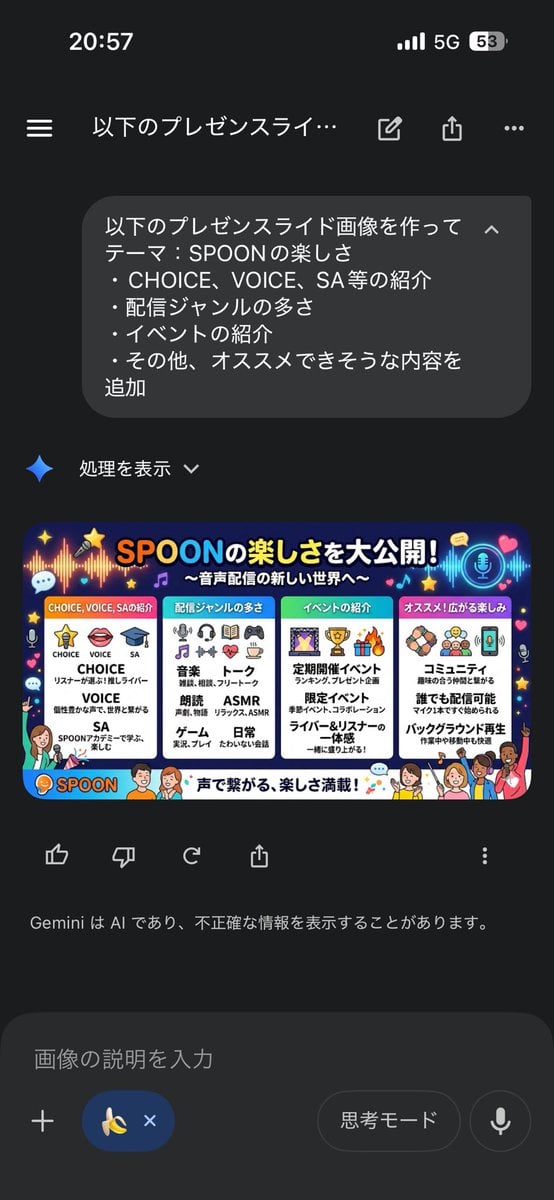
Presentation Slide Generation Template using Nano Banana Pro
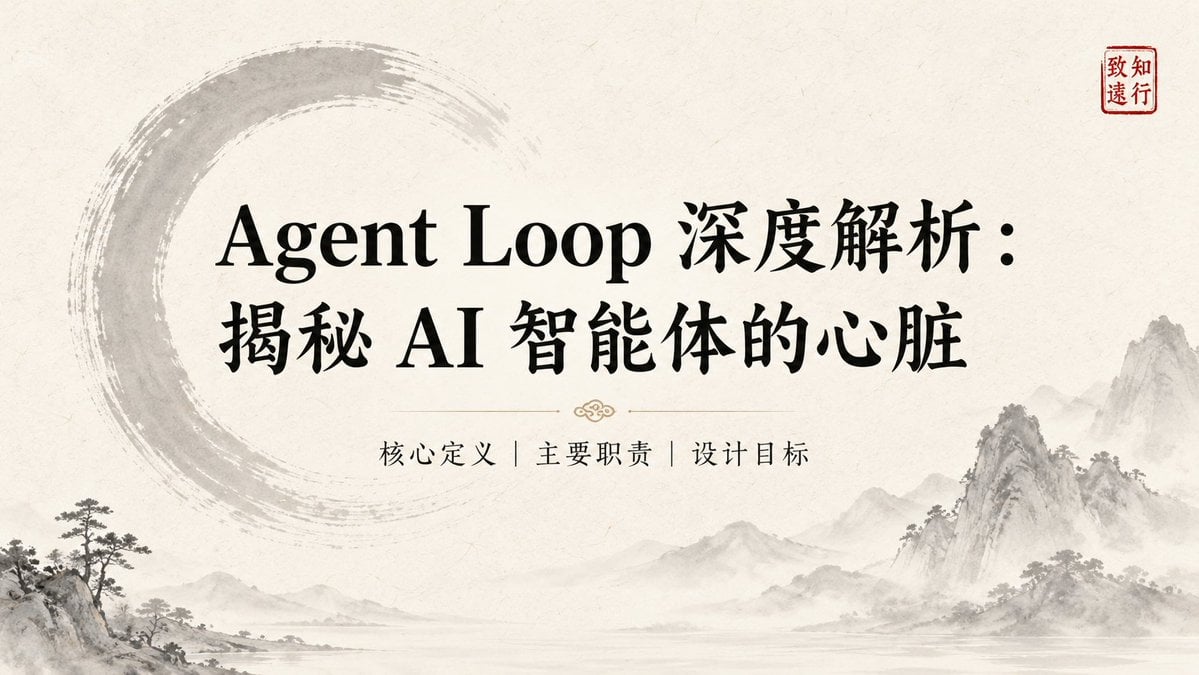
Ink-Wash Style Presentation Slides

Woman in Mall with Chanel Bag - Heart Gesture
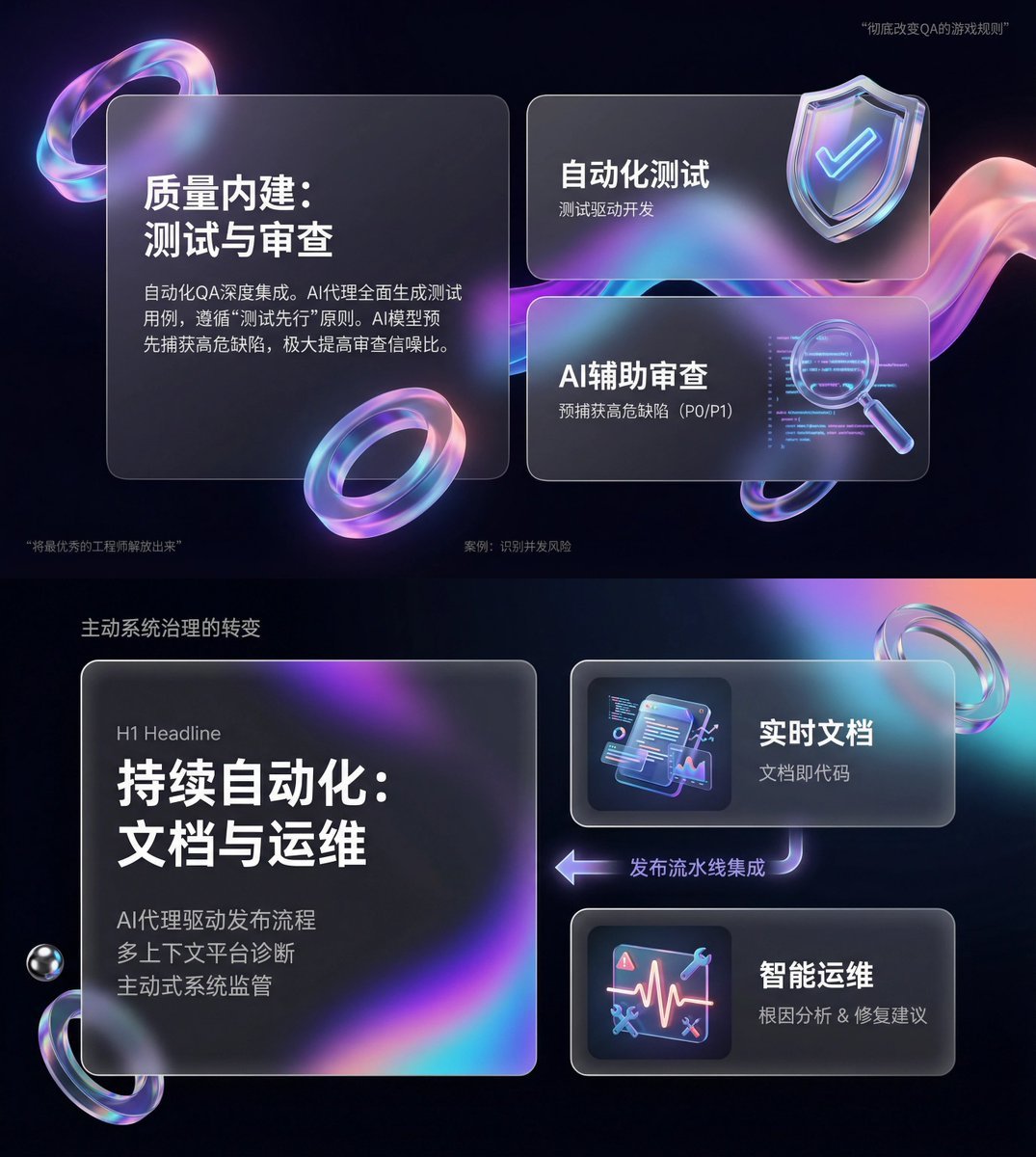
Glassmorphism SaaS-style PPT design prompt for Nano Banana Pro
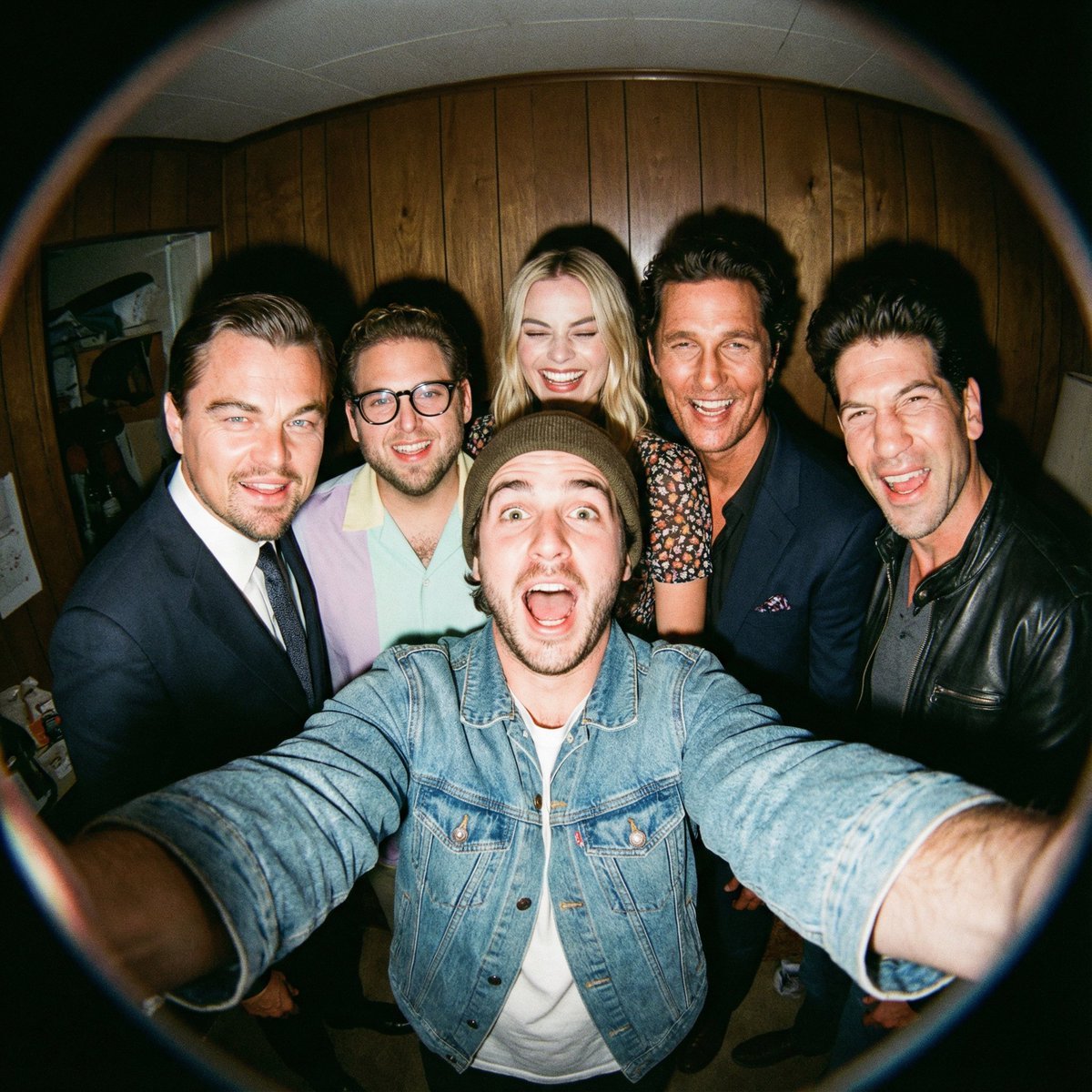
Fisheye selfie with movie characters using Nano Banana Pro
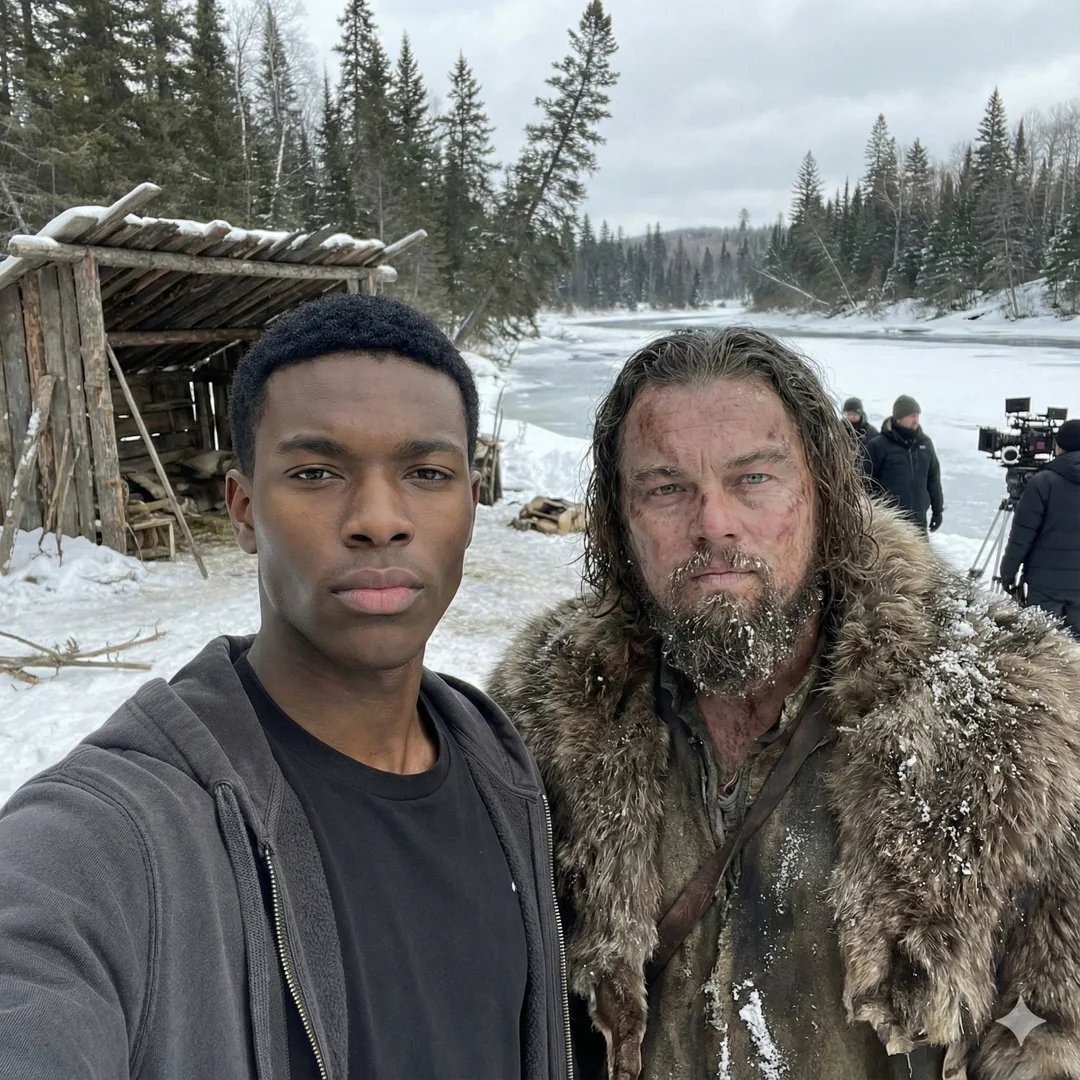
Selfie with movie character using reference face in Nano Banana Pro

Flyer Redesign Prompt using Nano Banana Pro
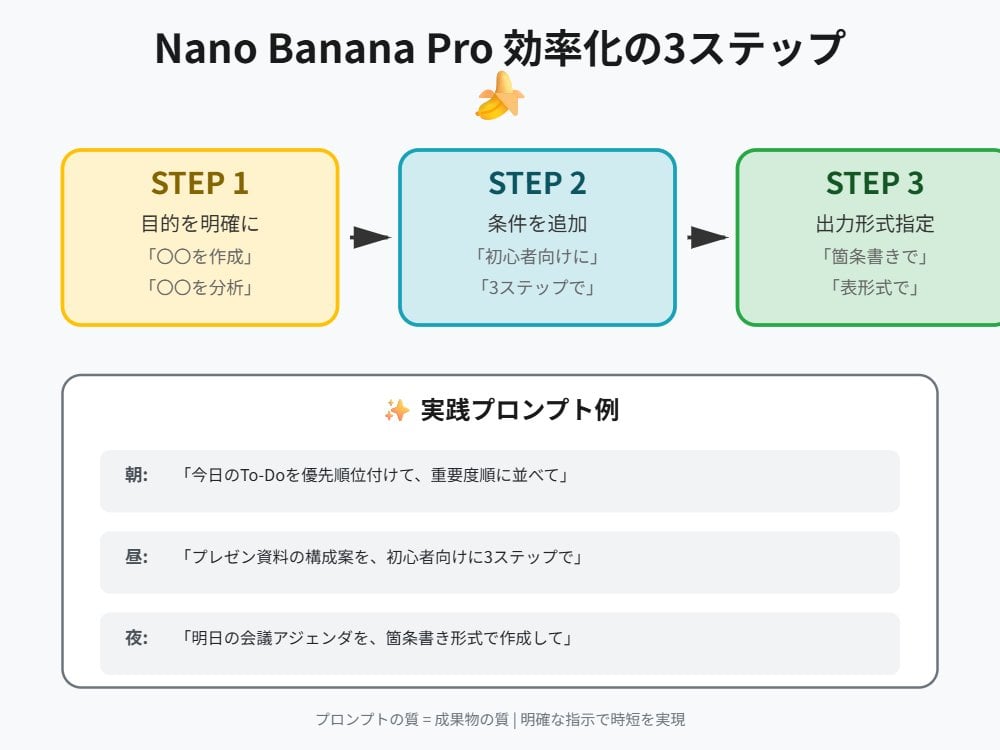
Tip for Using Nano Banana Pro: Adding Examples for Better Understanding
Object Removal from Photo using Nano Banana Pro
Image-to-Image Workflow for RPG Maker Pixel Maps using Nano Banana
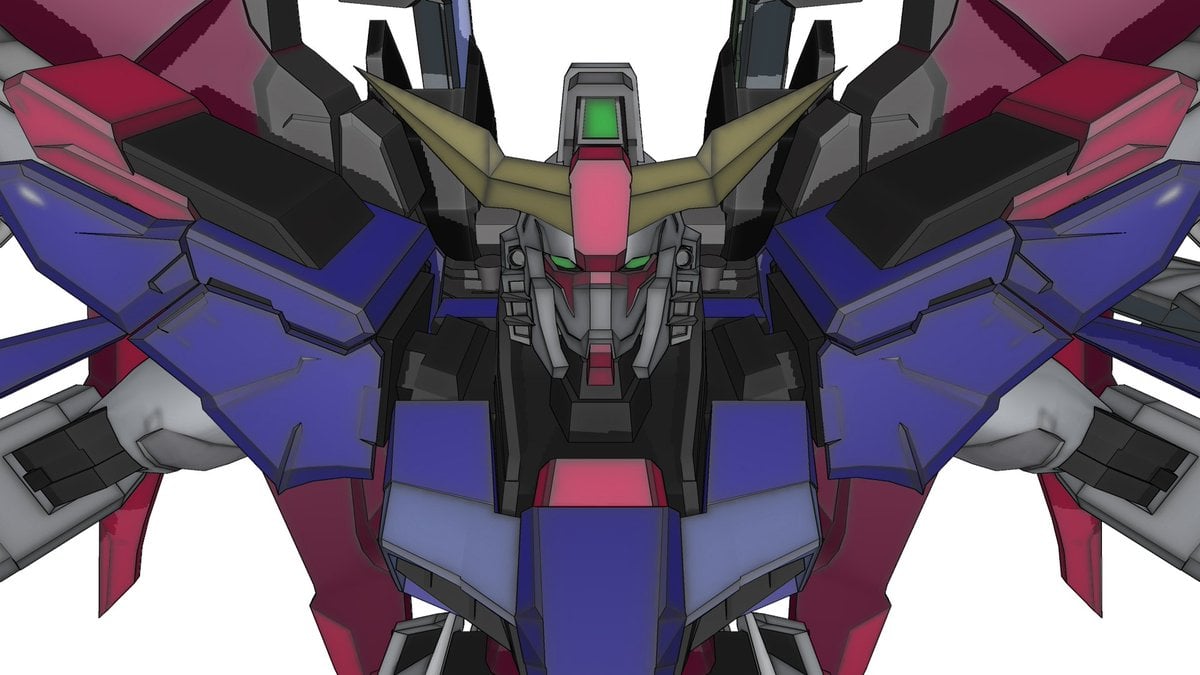
Using Nano Banana Pro as a Shading Tool for MMD Output
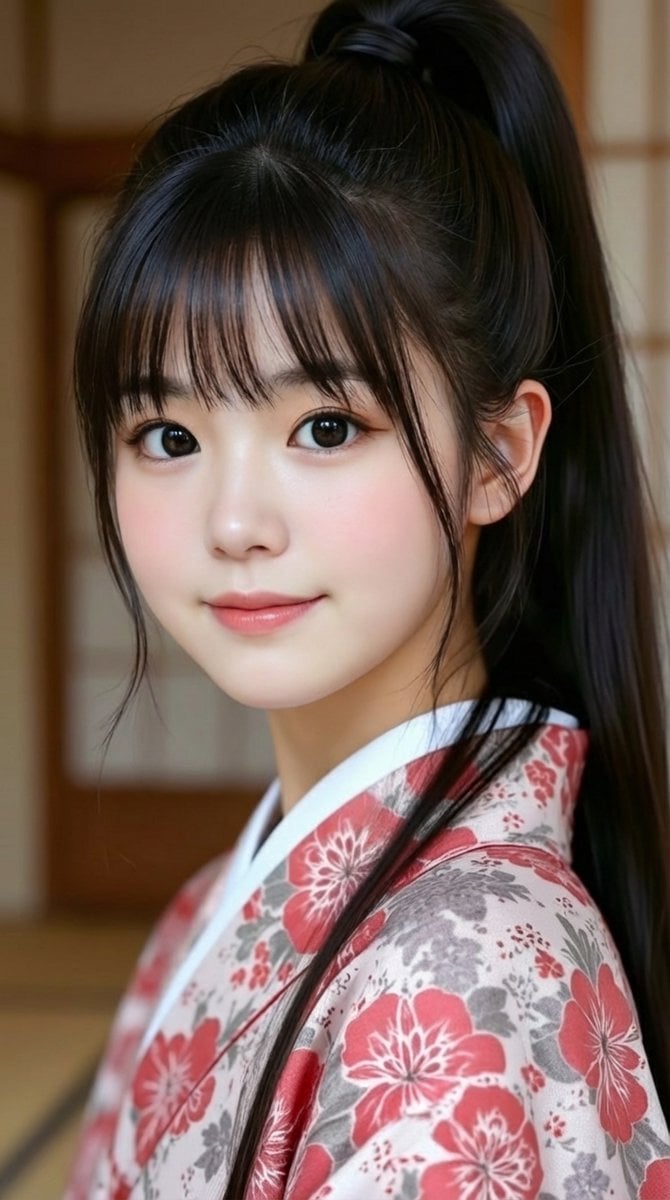
Generating 'Meme Hybrid' Beauties using Nano Banana Pro
Make it yours
Ultimate Prompt for Dan Koe Style Presentation Slides (PPT) using Nano Banana Pro works as-is. These are the safest ways to change it without losing the look.
Change one field
Copy a single group, rewrite it, and generate again so you can see what that field is doing.
Keep the frame, change the subject
Hold the composition and light of Ultimate Prompt for Dan Koe Style Presentation Slides (PPT) using Nano Banana Pro, then swap wardrobe, props or the person for a new take.
| If the result… | Why | Fix |
|---|---|---|
| The result drifts from the preview | Too many fields changed at once. | Reuse Ultimate Prompt for Dan Koe Style Presentation Slides (PPT) using Nano Banana Pro as-is first, then change one group — subject, light, or setting. |
| The model over-stylizes the scene | The prose prompt leaves finish and camera underspecified. | Add one camera or lighting sentence and stay on Nano Banana 2. |
More Nano Banana 2 templates
Other prompts made for Nano Banana 2.

Photorealistic Leaf Shaped Like a Dragon

K-Pop Idol Portrait Grid for Rapid Selection

Poetic Rain Forest Portrait During Golden Hour

Urban Street Portrait with Cartoon Inner Self Duo

Candid Nighttime Photo with Cat Prompt

High-Concept 3D Diorama Generation Prompt

Cinematic Futuristic Studio Portrait Template

Skincare Editorial Photography Collage Prompt

Hyper-Realistic Commercial Product Photography (Splash Effect)

Hyper-Realistic Nightclub Portrait Prompt
More image prompts
Fresh picks from across the catalog.
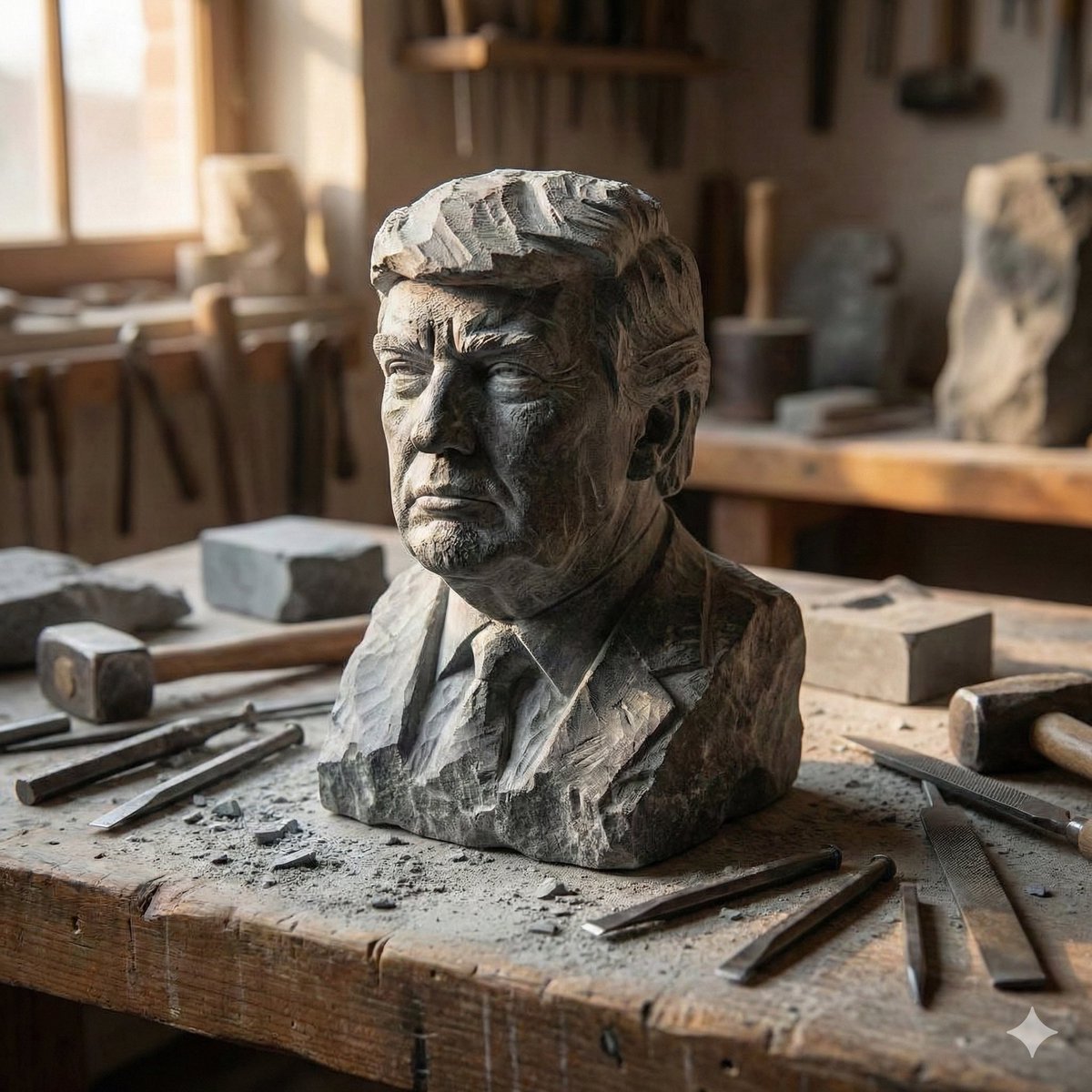
Stone-Carved Statue Prompt for Nano Banana Pro
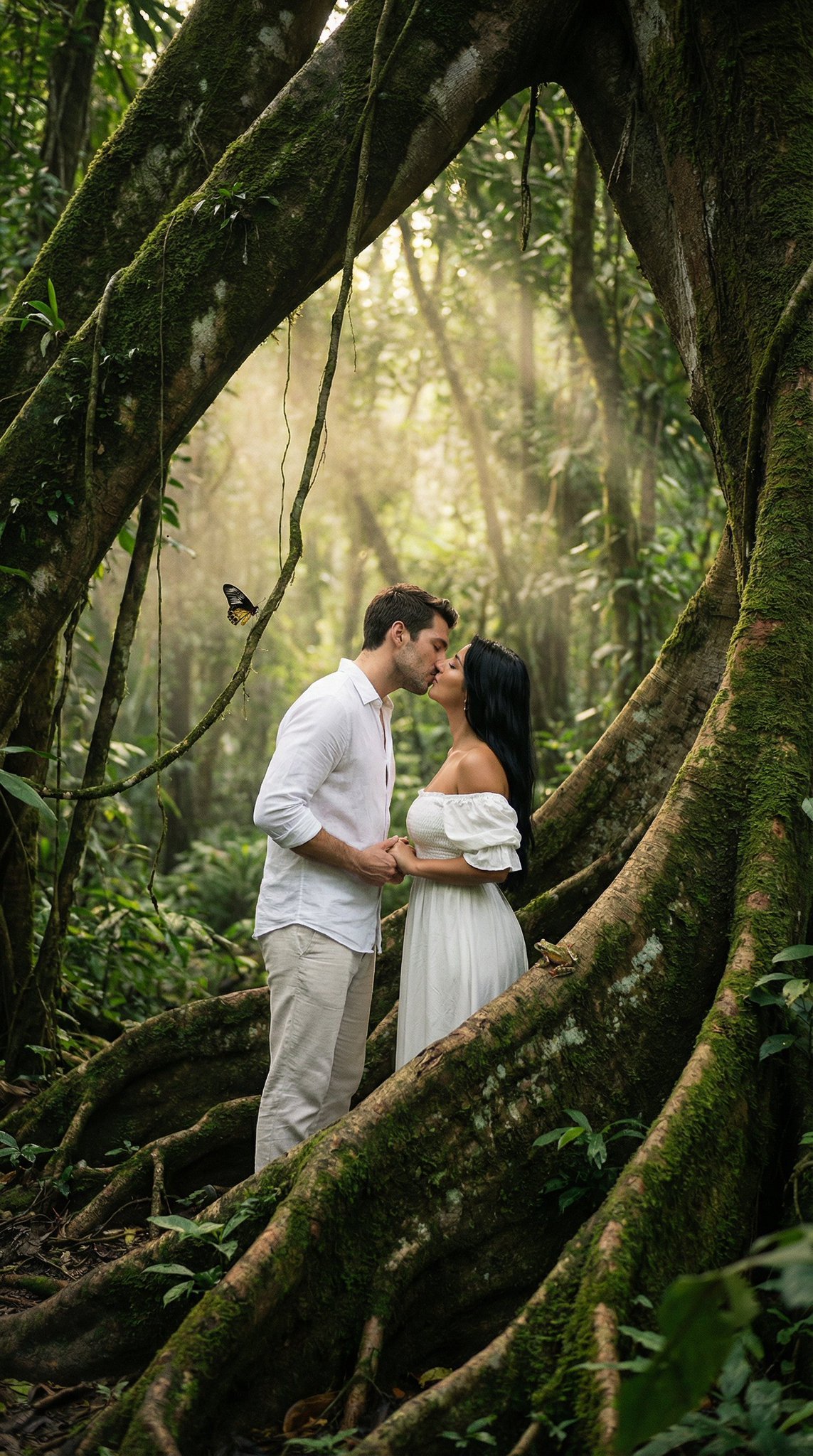
Seedance 2 0 Bullet Time Selfie Modular
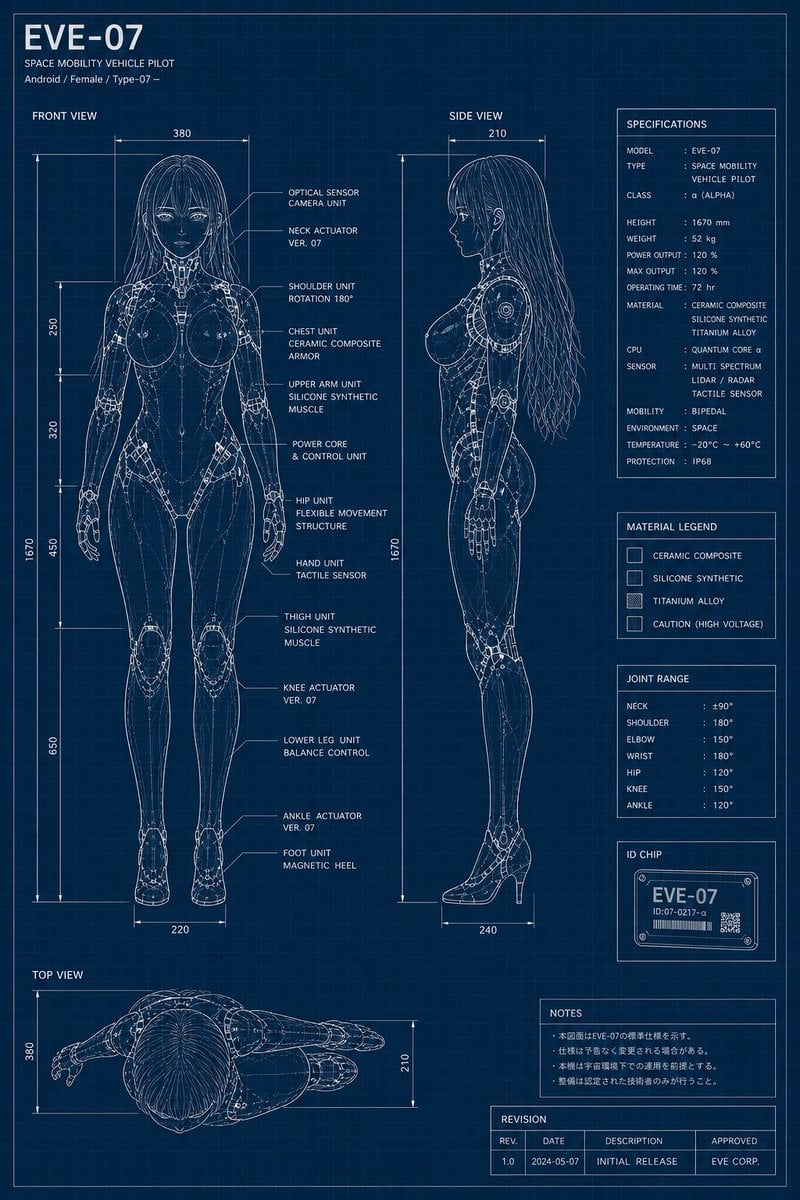
EVE-07 Android Blueprint Sheet
Existential Exhaustion Photorealistic Portrait
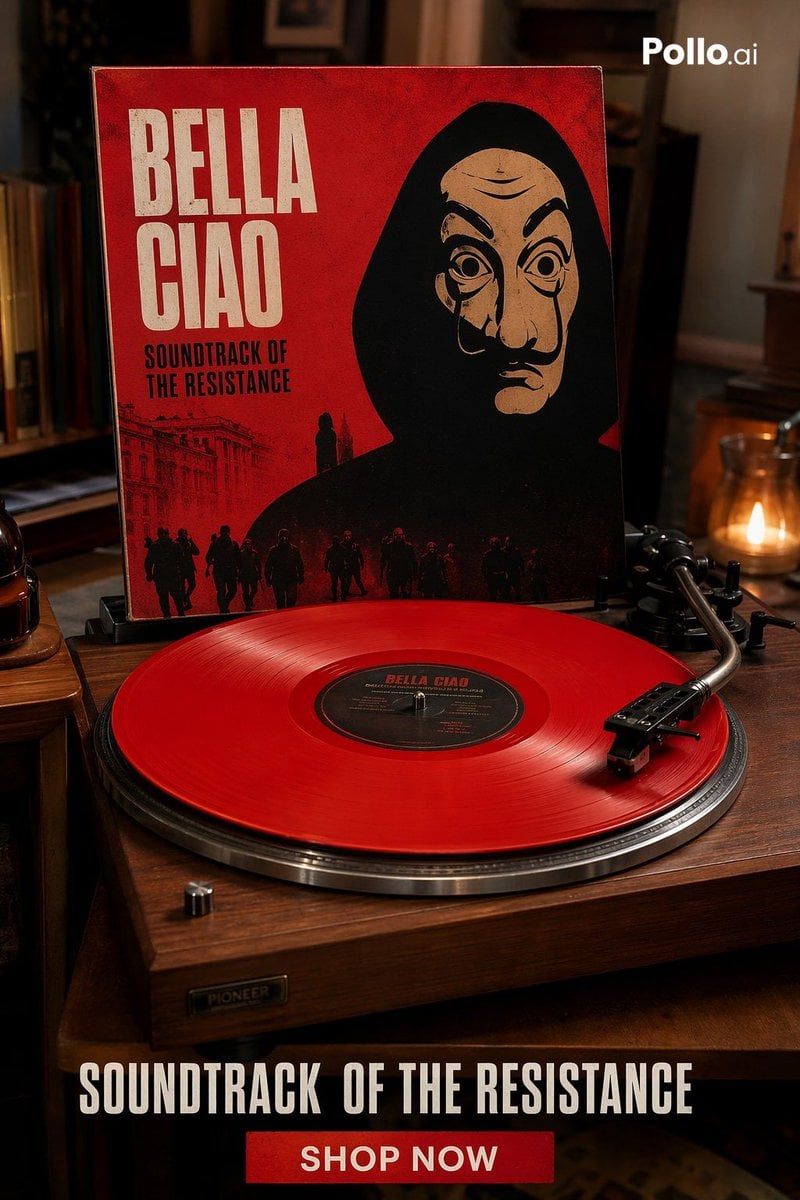
Red Vinyl Soundtrack Ad
Magnetic Iron Filings Logo Scene
Winter Cabin Scene with Frosted Window and Coca-Cola Can
Surreal Food Still Life Prompt (Shrimp Transformation)
Worm's-Eye View Cinematic Portrait Prompt with Identity Lock
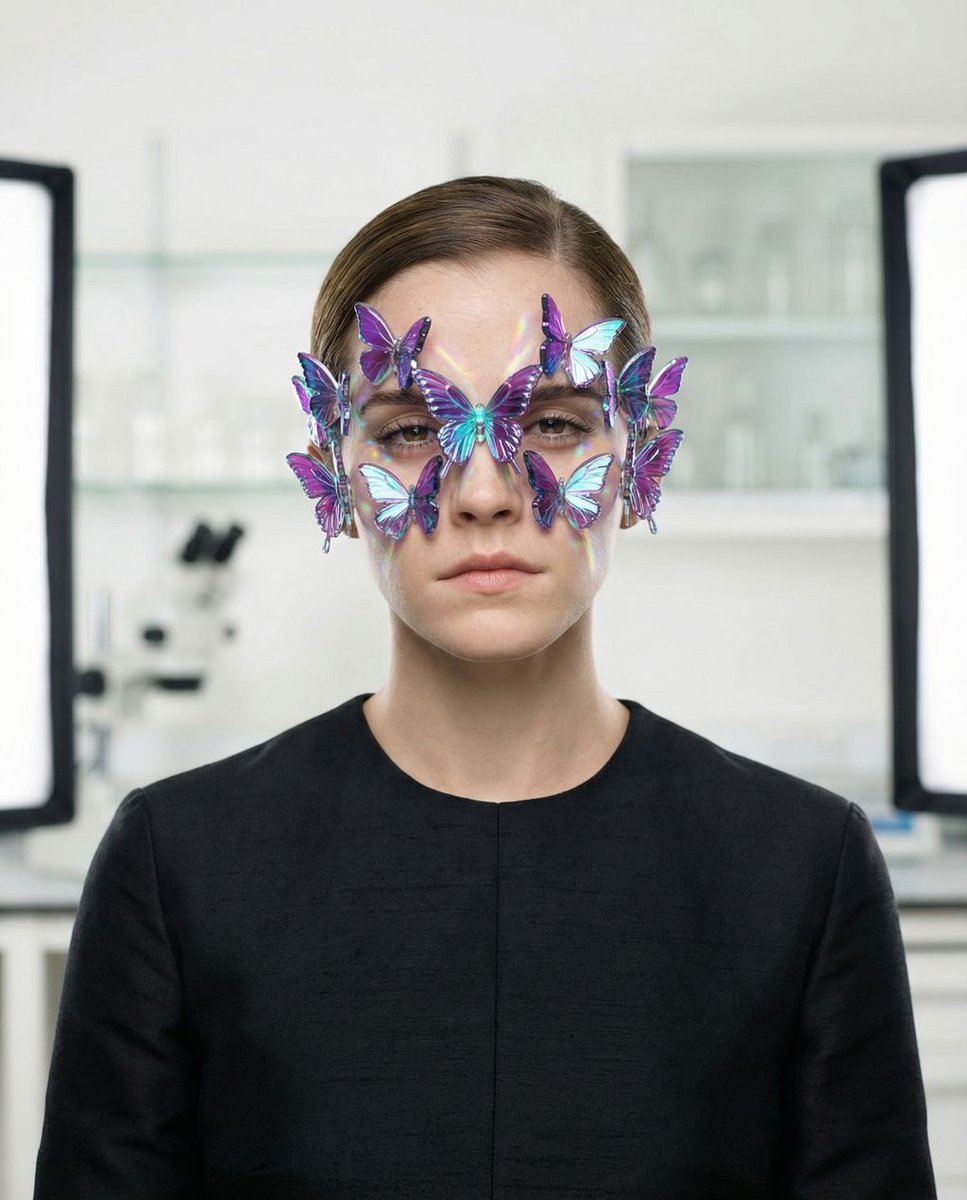
Surreal High-Fashion Portrait Prompt for Gemini Nano Banana Pro
Browse template categories
Ultimate Prompt for Dan Koe Style Presentation Slides (PPT) using Nano Banana Pro questions
How do I use the Ultimate Prompt for Dan Koe Style Presentation Slides (PPT) using Nano Banana Pro template?
Add your photo if the template asks for one, edit the prompt if you like — the template's model and format are already selected — and press Generate. Your version opens in PicX Studio.
Can I customize the Ultimate Prompt for Dan Koe Style Presentation Slides (PPT) using Nano Banana Pro template?
Yes. You can change the subject, setting, lighting, mood, format, and available model controls before creating your image.
Is the Ultimate Prompt for Dan Koe Style Presentation Slides (PPT) using Nano Banana Pro template free?
Opening and editing this template is free. Generating uses credits, shown on the Generate button when you are signed in.
Which AI model should I use?
Start with Nano Banana 2, which is the model associated with this template. You can compare another compatible model for a different finish.
Looking for something else? Browse all templates.

Your photo, any look
Thousands of ready templates for every top image and video model, from one credit balance.