
Glassmorphism SaaS-style PPT design prompt for Nano Banana Pro
A comprehensive UI/UX presentation design prompt that lets Nano Banana Pro generate 16:9 slides in a futuristic glass card style, combining Apple Keynote minimalism and modern SaaS aesthetics.
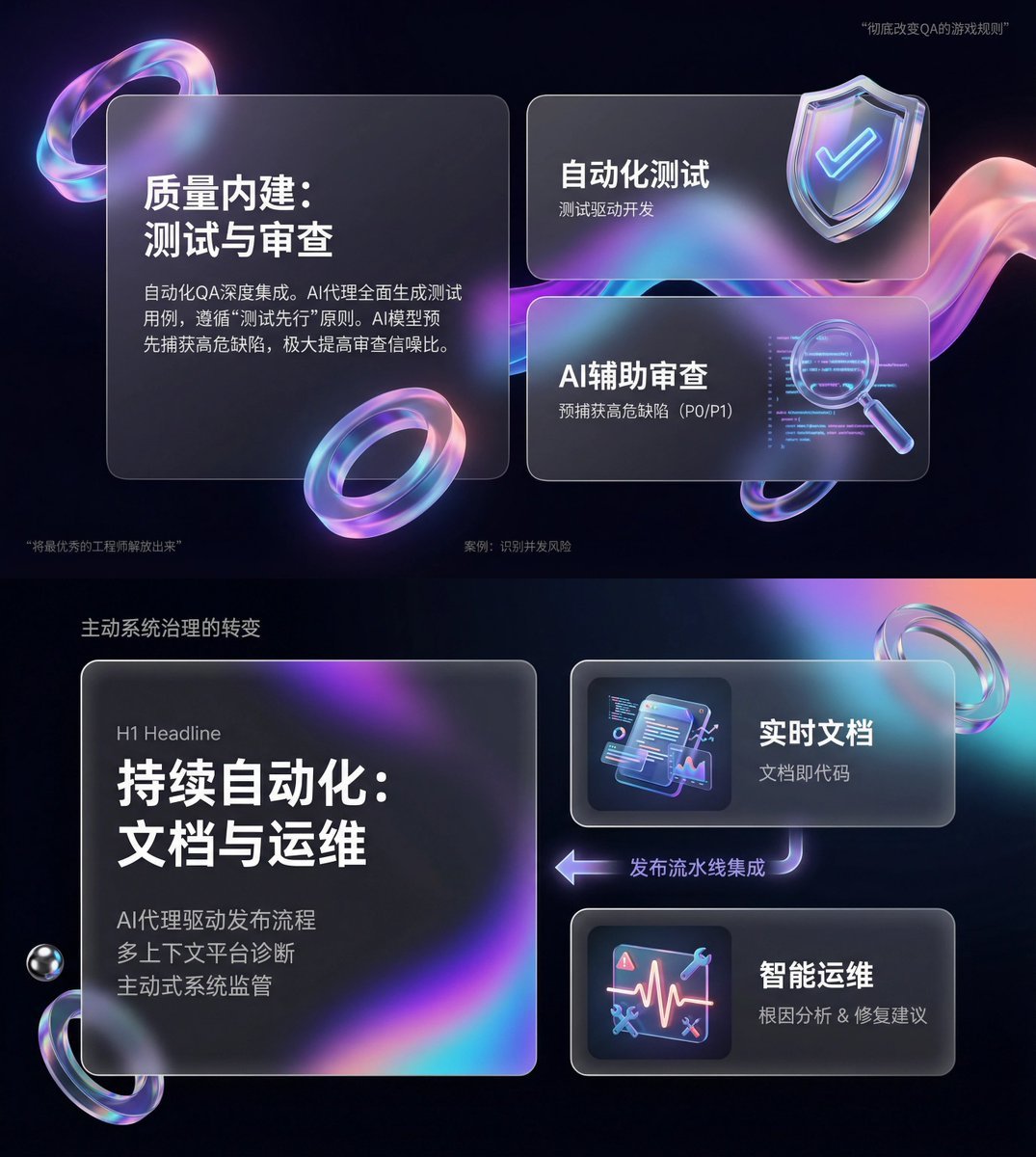
- Prompt included
- Model and format preset
- Free template
The prompt behind this image
Copy the exact prompt behind Glassmorphism SaaS-style PPT design prompt for Nano Banana Pro, or open it in the studio and make it yours.
You are an expert UI/UX presentation designer. Please generate a high-fidelity, futuristic-tech-feel 16:9 presentation slide. Based on visually balanced aesthetics, automatically choose the single most perfect composition among a cover, a grid layout, or a data visualization. For the global visual language, the style should seamlessly blend the minimalism of Apple Keynote, modern SaaS product design, and glassmorphism. The overall mood should be premium, immersive, clean, and airy. Lighting should use cinematic volumetric light, soft ray-traced reflections, and ambient occlusion. For the color scheme, choose deep void black or pure ceramic white as the base, accented with flowing aurora gradient colors — neon purple, electric blue, soft coral orange, and cyan — as background and UI highlight touches. For the content modules, please intelligently integrate the following elements: 1. Typography engine: use a Bento box grid system, organizing content into modular rounded-rectangle containers. The container material must be frosted glass with a blur effect, with refined white edges and soft drop shadows, and must strictly preserve generous internal whitespace, avoiding crowding. 2. Insert gift-textured 3D objects — render unique, premium abstract 3D artifacts as visual anchors. Their appearance should resemble physical, expensive gifts or collectibles, in materials such as polished metal, iridescent acrylic, transparent glass, or soft silicone, in shapes such as floating capsules, spheres, shields, Möbius strips, or fluid waves. 3. For fonts and data, use a clean sans-serif font with high contrast. If there are charts, use glowing 3D donut charts, capsule-shaped progress bars, or floating numbers — charts should look like glowing neon toys. Composition logic reference: If generating a cover, place one large, complex 3D glass object at the center, overlaid with bold large text, with an extended aurora wave background. If generating a content page, use a Bento grid layout, placing 3D icons in small cards and text in large cards. If generating a data page, use a split-screen design, with text typography on the left and a huge floating glowing 3D data visualization chart on the right. Rendering quality requirements: Unreal Engine 5 rendering, 8K resolution, ultra-detailed textures, UI design sense, UX interface, Dribbble trending, award-winning design.
How to use Glassmorphism SaaS-style PPT design prompt for Nano Banana Pro in 3 steps
- 1
Open
The prompt is already in the box next to the preview, with the template's model and format selected.
- 2…a portrait of your subject in softgolden-hour light, 85mm…
Personalize
Edit the subject and creative details for your destination.
- 3Generate
Generate
Press Generate — your image is created in PicX Studio, so you can compare it with the original and refine one variable at a time.
More like this
Templates with the same subject, style or setup. Open one to see its prompt.

Woman in Mall with Chanel Bag - Heart Gesture
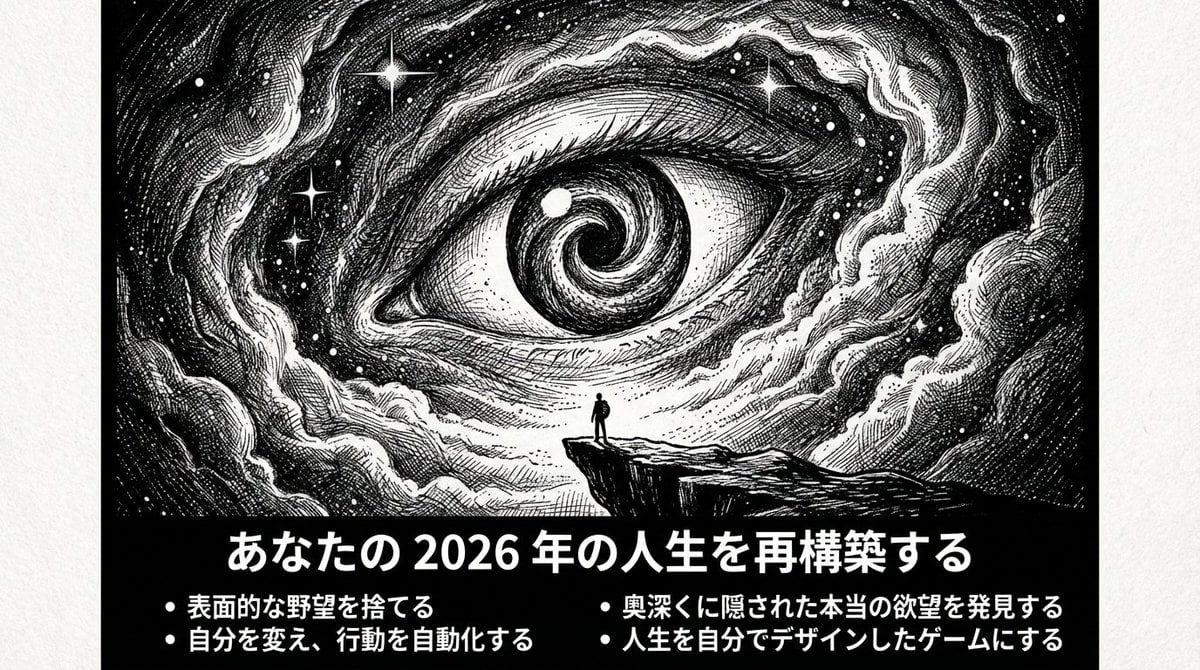
Ultimate Prompt for Dan Koe Style Presentation Slides (PPT) using Nano Banana Pro

VFX Comparison Image Prompt (Before/After) for Nano Banana Pro

Nano Banana Prompt for Consistent Character Jumpshots

Cinematic Camera Instructions for Nano Banana Pro

Manga Generation Prompt Template for Nano Banana Pro

Hyper-Realistic Commercial Food Photography Prompt for Gemini Nano Banana Pro
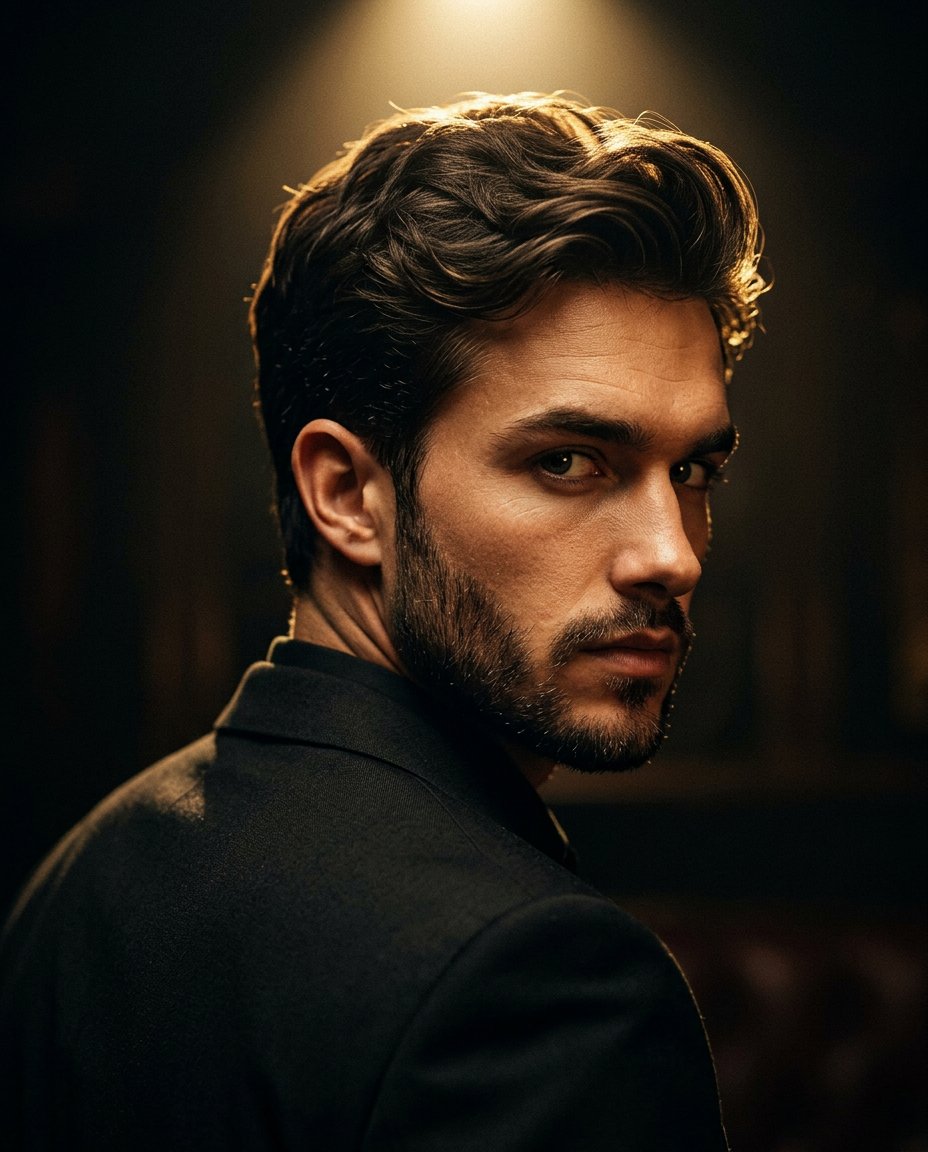
Cinematic Portrait Prompt for Google Nano Banana Pro

Multi-Frame Lifestyle Portrait Prompt for Nano Banana Pro

Low-Key Product Photography Prompt for Gemini Nano Banana Pro

Masterpiece Political Caricature Prompt for Nano Banana 2
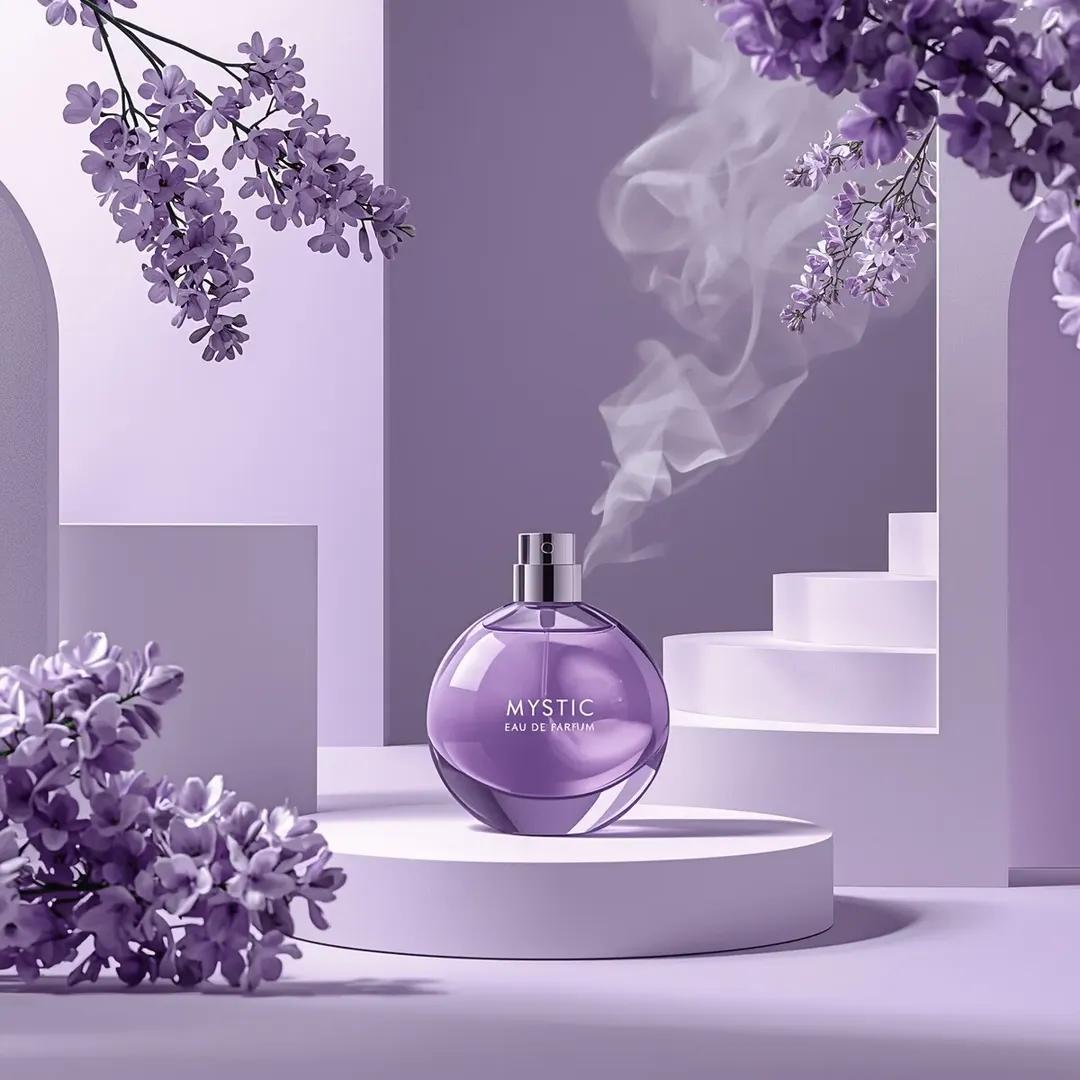
Commercial Perfume Photography Prompt for Nano Banana Pro
Make it yours
Glassmorphism SaaS-style PPT design prompt for Nano Banana Pro works as-is. These are the safest ways to change it without losing the look.
Change one field
Copy a single group, rewrite it, and generate again so you can see what that field is doing.
Keep the frame, change the subject
Hold the composition and light of Glassmorphism SaaS-style PPT design prompt for Nano Banana Pro, then swap wardrobe, props or the person for a new take.
| If the result… | Why | Fix |
|---|---|---|
| The result drifts from the preview | Too many fields changed at once. | Reuse Glassmorphism SaaS-style PPT design prompt for Nano Banana Pro as-is first, then change one group — subject, light, or setting. |
| The model over-stylizes the scene | The prose prompt leaves finish and camera underspecified. | Add one camera or lighting sentence and stay on Nano Banana 2. |
More Nano Banana 2 templates
Other prompts made for Nano Banana 2.

Photorealistic Leaf Shaped Like a Dragon

K-Pop Idol Portrait Grid for Rapid Selection

Poetic Rain Forest Portrait During Golden Hour

Urban Street Portrait with Cartoon Inner Self Duo

Candid Nighttime Photo with Cat Prompt

High-Concept 3D Diorama Generation Prompt

Cinematic Futuristic Studio Portrait Template

Skincare Editorial Photography Collage Prompt

Hyper-Realistic Commercial Product Photography (Splash Effect)

Hyper-Realistic Nightclub Portrait Prompt
More image prompts
Fresh picks from across the catalog.

Detailed JSON-structured prompt for a lifestyle portrait photograph
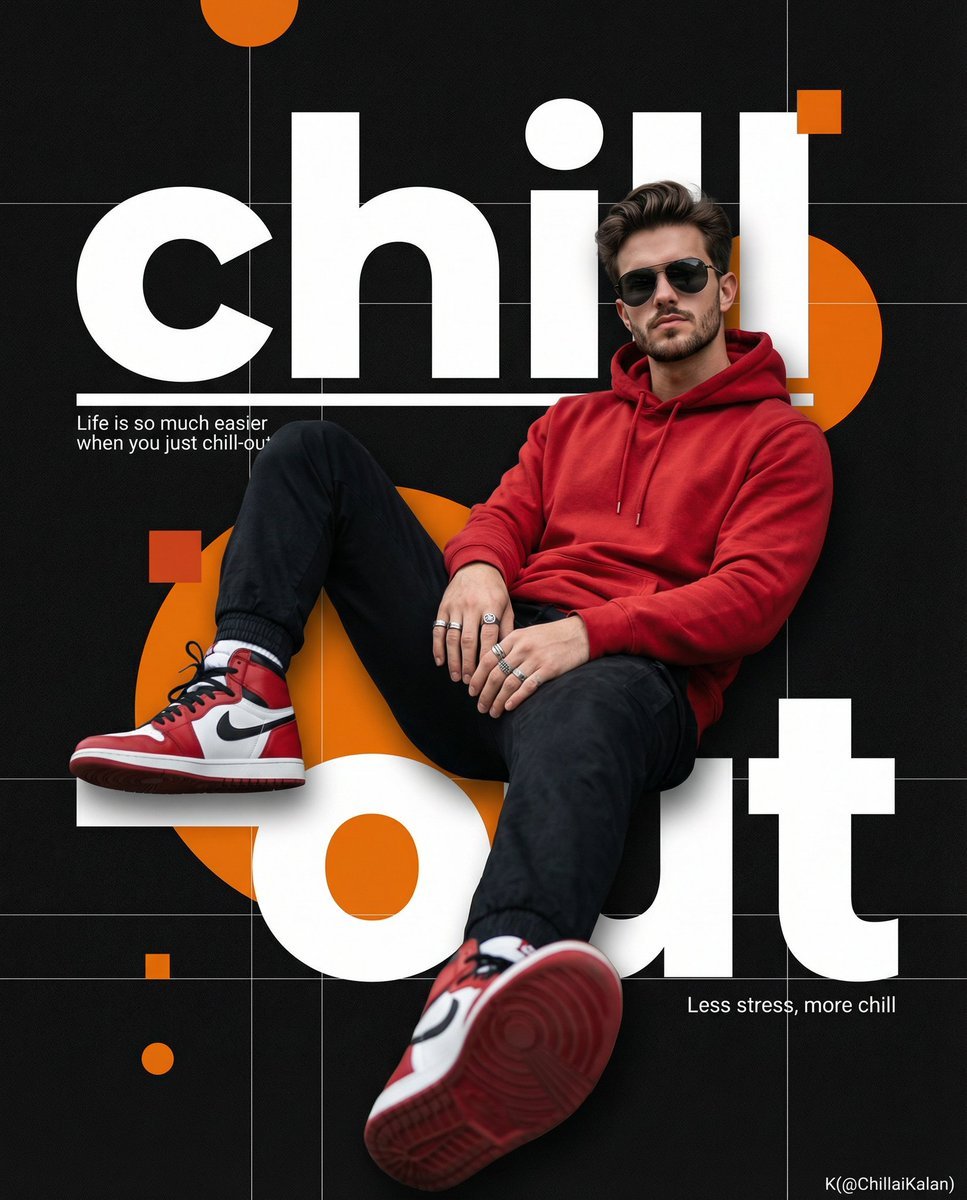
Hyper-Realistic Cinematic Poster Prompt for Nano Banana Pro
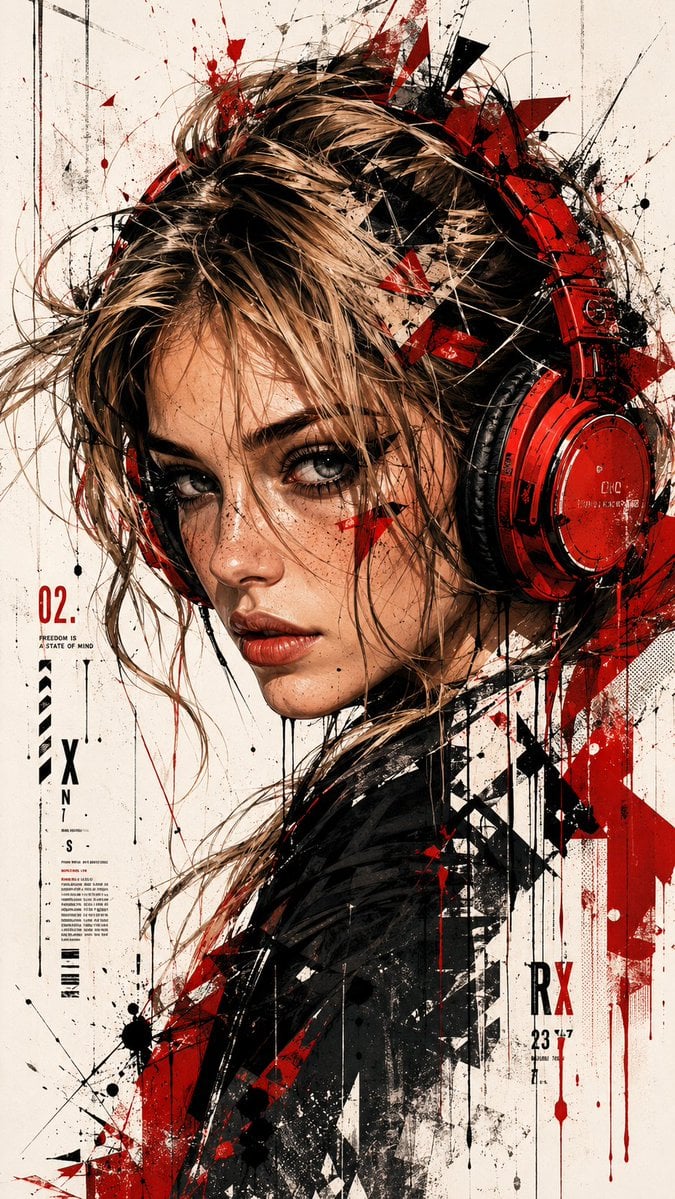
Trash Polka Urban Digital Painting
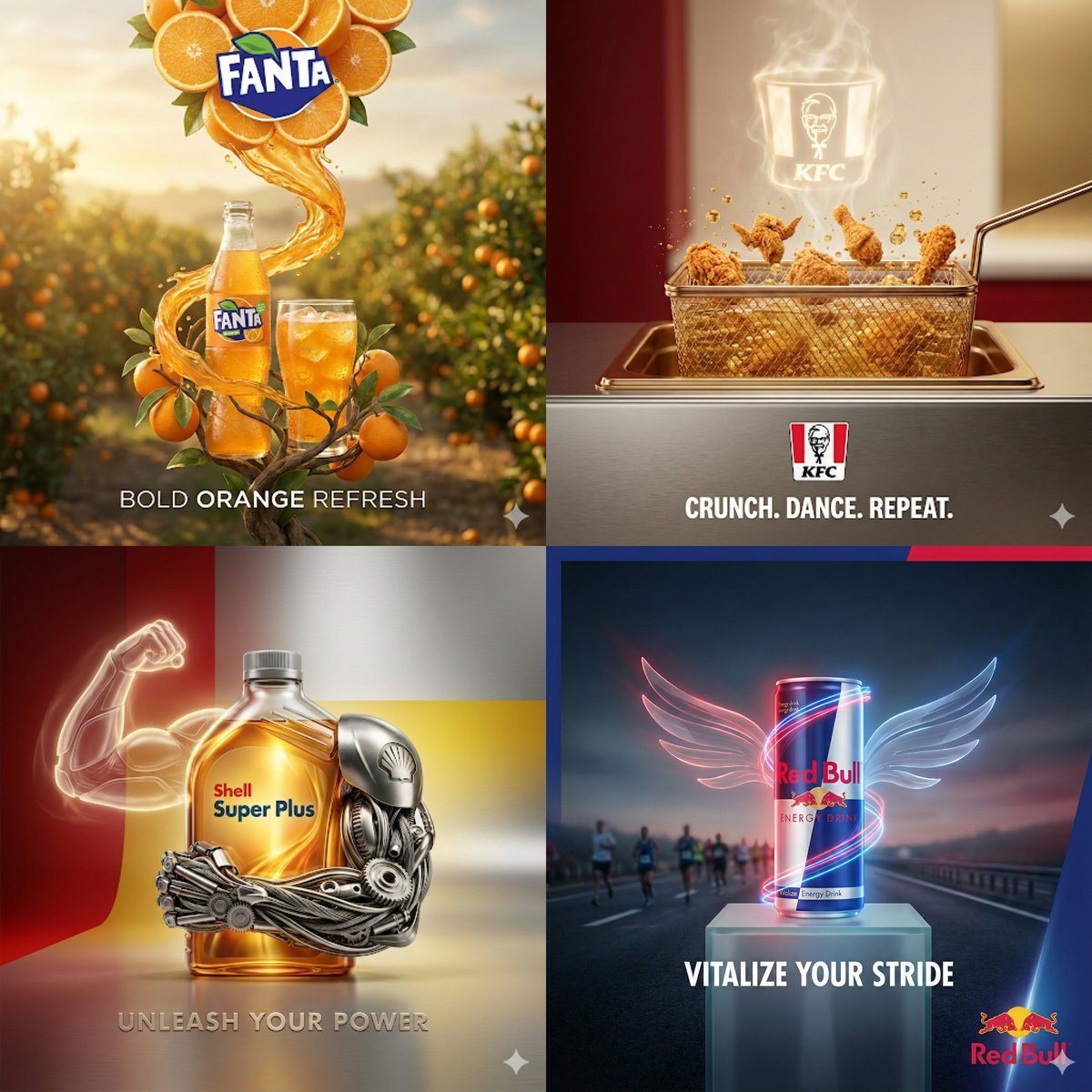
Surreal Advertising Concept Grid
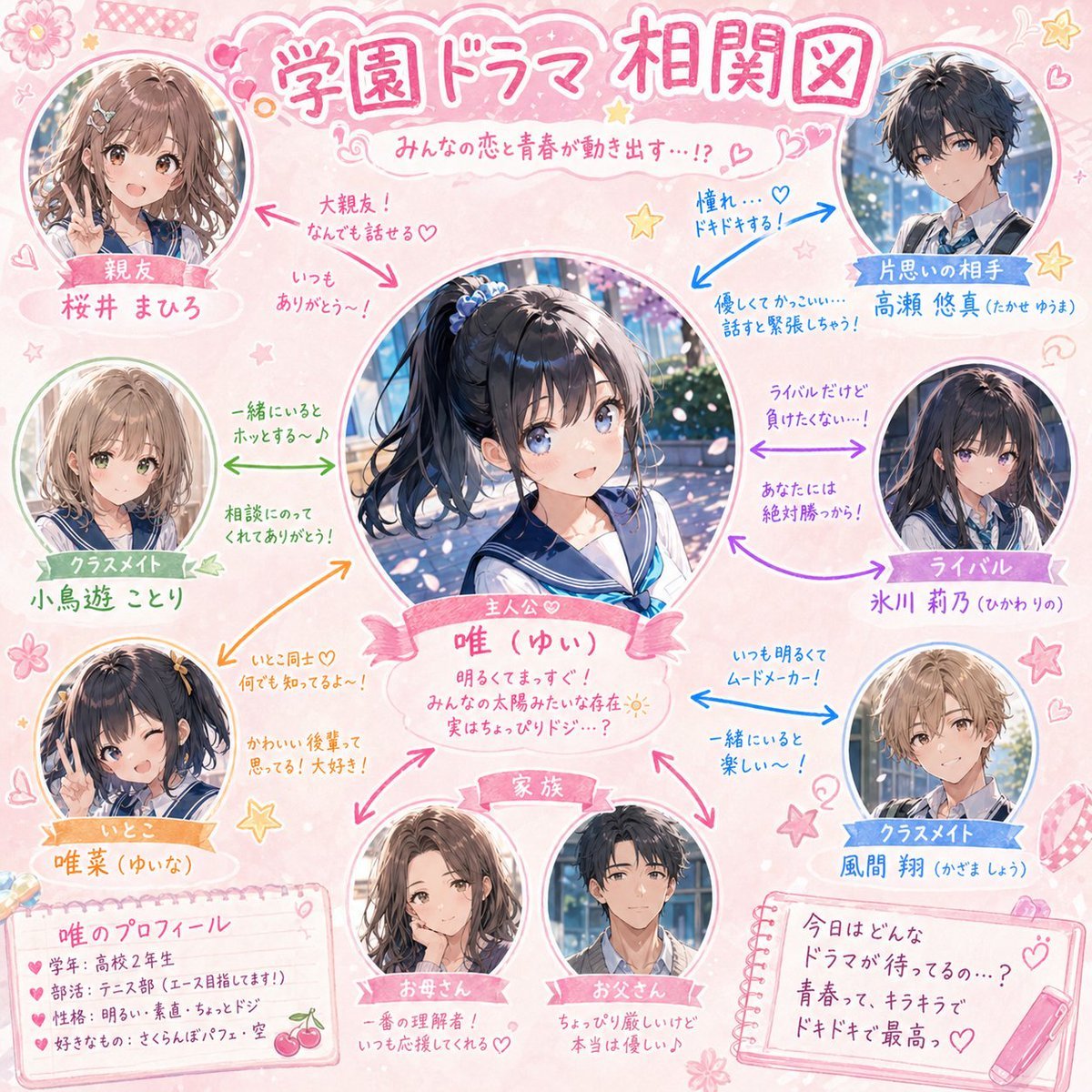
School Drama Relationship Chart Generator

Urban Streetwear Sidewalk Portrait
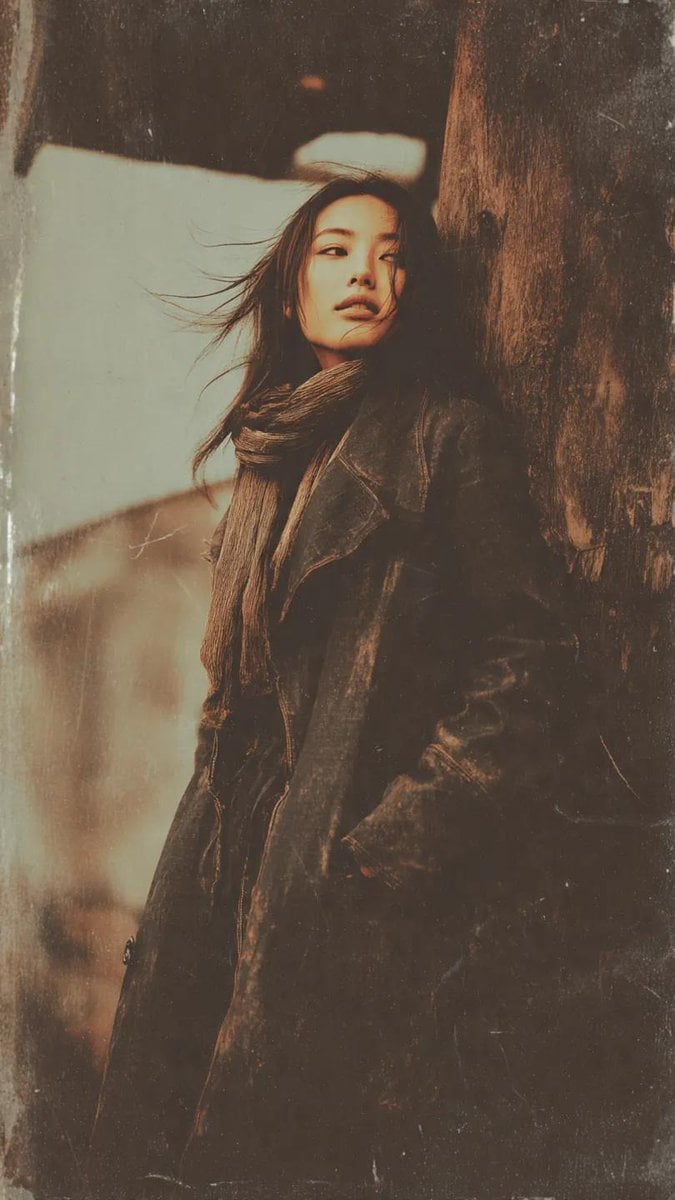
Gritty Grunge Portrait of a Japanese Woman
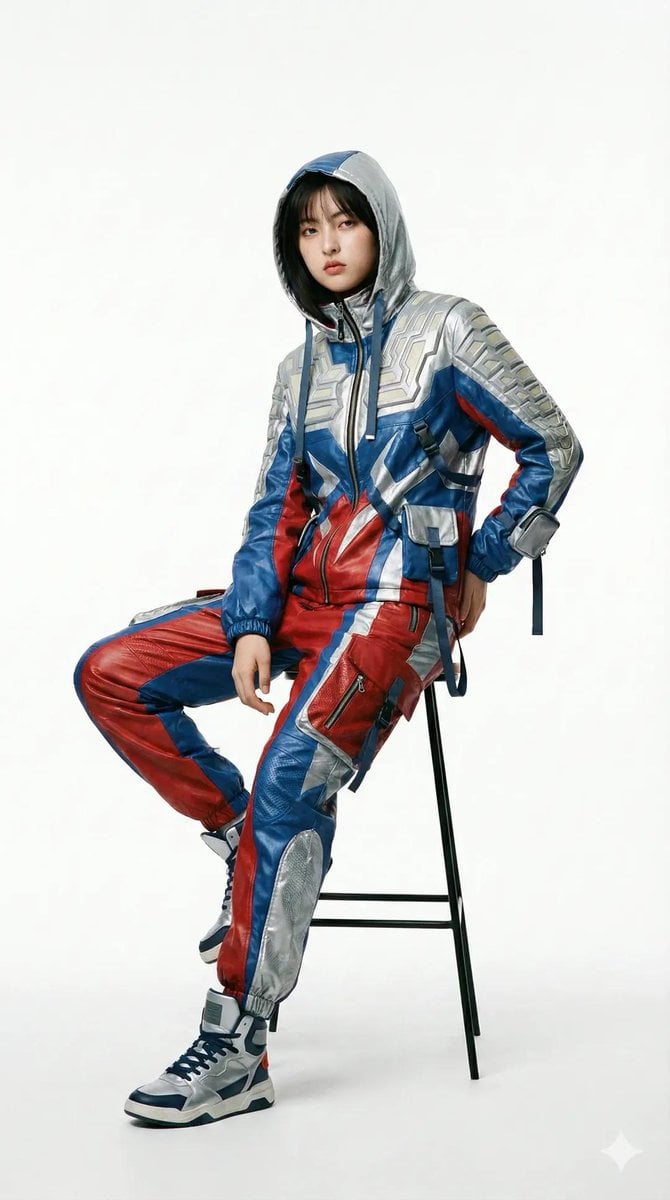
Editorial Fashion Photography with Structural Mimicry Prompt
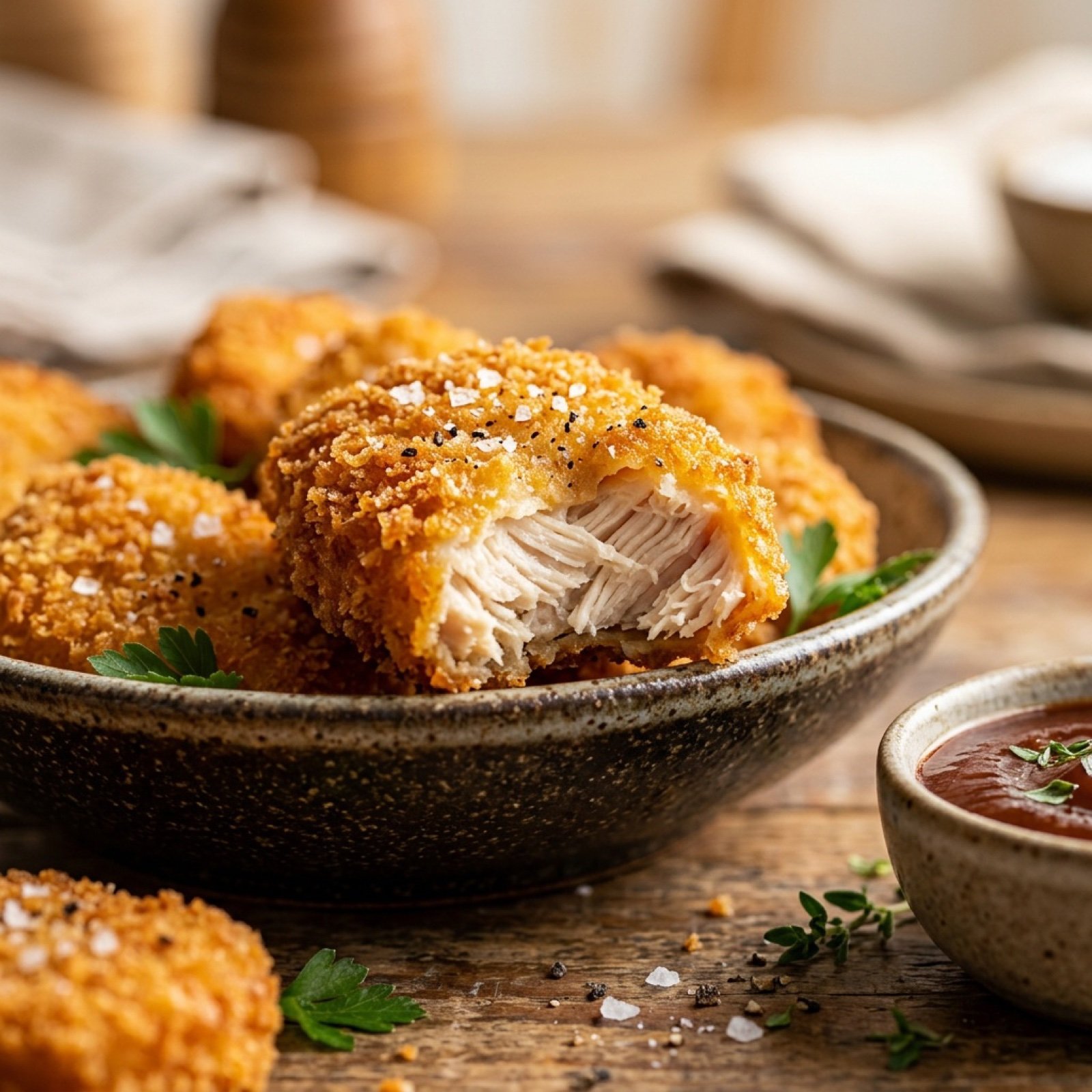
Cinematic Close-Up of Crispy Chicken Nuggets
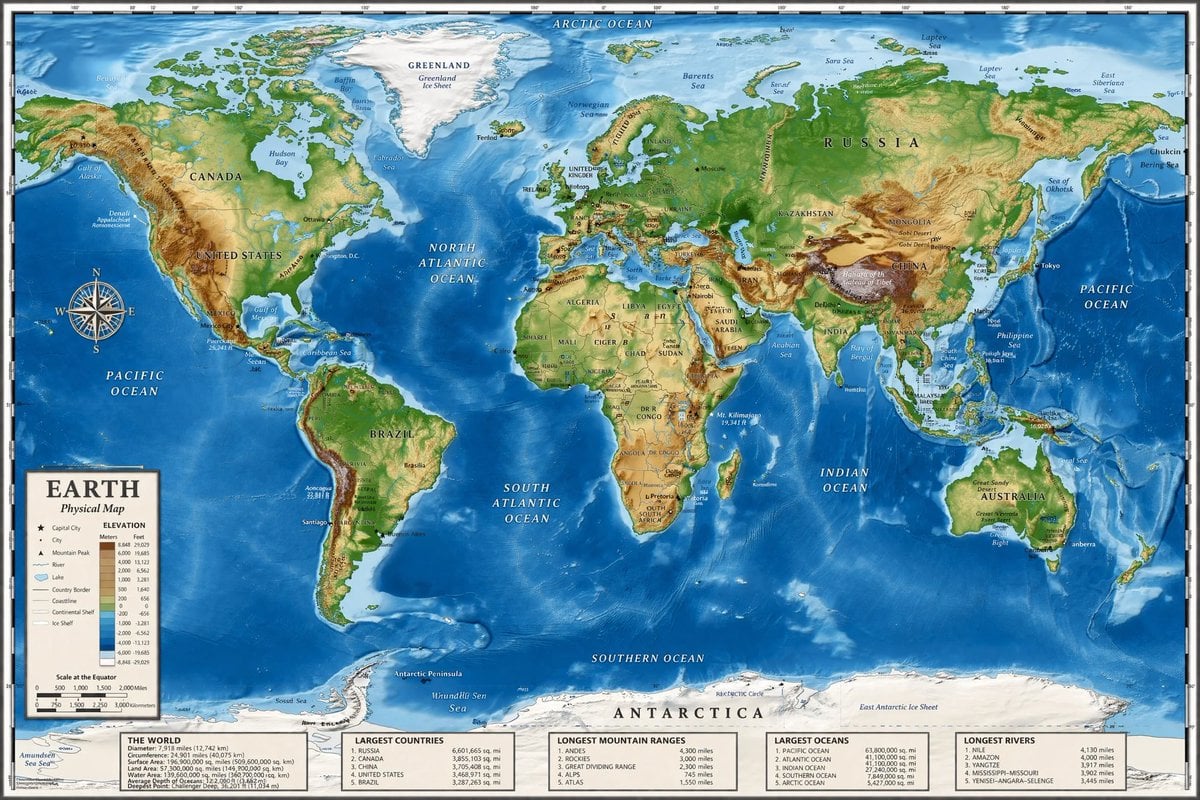
Detailed Physical World Map with Info Panels
Browse template categories
Glassmorphism SaaS-style PPT design prompt for Nano Banana Pro questions
How do I use the Glassmorphism SaaS-style PPT design prompt for Nano Banana Pro template?
Add your photo if the template asks for one, edit the prompt if you like — the template's model and format are already selected — and press Generate. Your version opens in PicX Studio.
Can I customize the Glassmorphism SaaS-style PPT design prompt for Nano Banana Pro template?
Yes. You can change the subject, setting, lighting, mood, format, and available model controls before creating your image.
Is the Glassmorphism SaaS-style PPT design prompt for Nano Banana Pro template free?
Opening and editing this template is free. Generating uses credits, shown on the Generate button when you are signed in.
Which AI model should I use?
Start with Nano Banana 2, which is the model associated with this template. You can compare another compatible model for a different finish.
Looking for something else? Browse all templates.

Your photo, any look
Thousands of ready templates for every top image and video model, from one credit balance.