
Magnetic Iron Filings Logo Scene
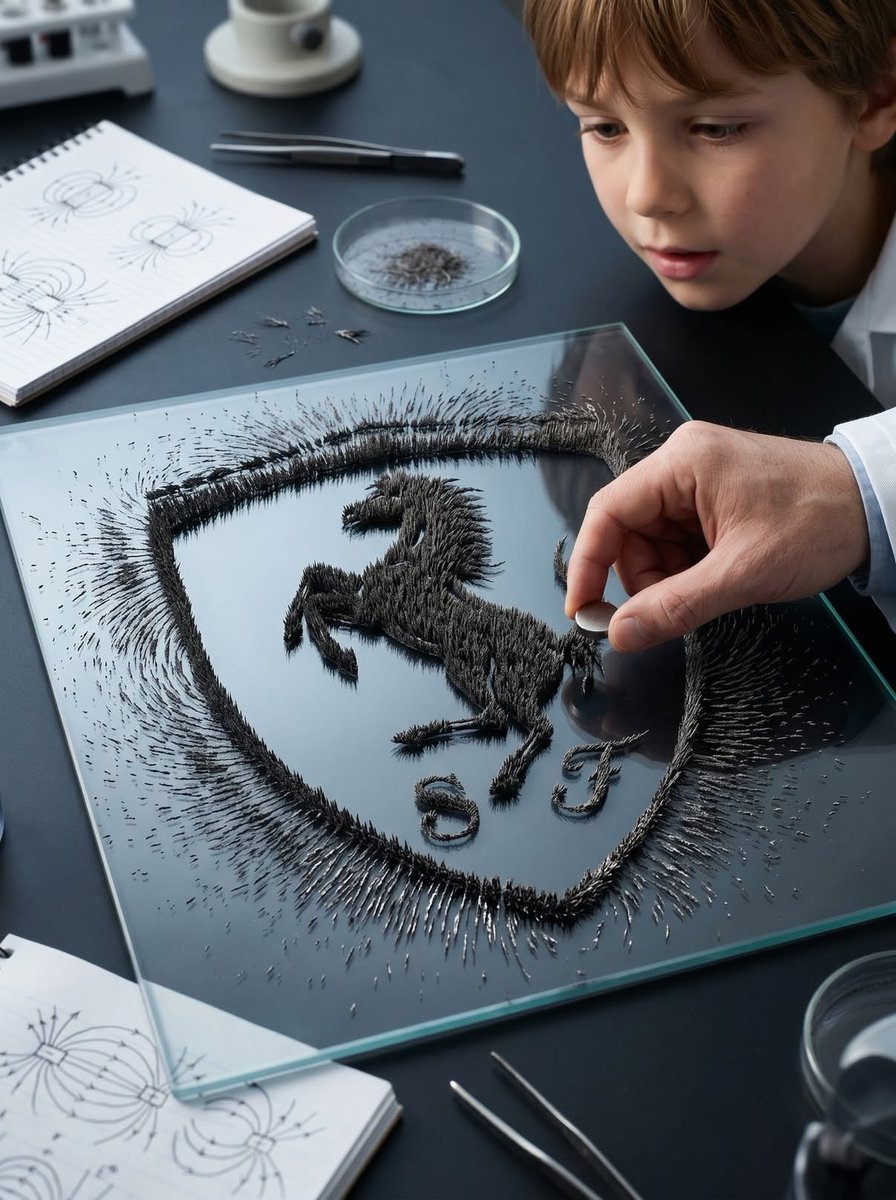
A creative prompt that visualizes a logo silhouette using hyper-realistic magnetic iron filings on a surface in a laboratory environment.
- Prompt included
- Model and format preset
- Free template
The prompt behind this image
Copy the exact prompt behind Magnetic Iron Filings Logo Scene, or open it in the studio and make it yours.
Transform the {argument name="logo source" default="uploaded logo"} into a hyper-realistic scene where the logo silhouette is formed by {argument name="material" default="iron filings"} reacting to a magnetic field. The logo must keep its exact shape and proportions, appearing as if a magnet shaped like the logo (or hidden beneath the surface) is influencing the filings to align naturally into that recognizable formation. Material details: Fine iron filings with sharp, spiky, needle-like structures. Dense clustering along magnetic field lines forming the logo silhouette. Variation in density — thick near magnetic poles, thinner outward. Matte dark metallic texture with subtle reflections. Physics behavior: Iron filings must follow realistic magnetic field patterns — radial and curved lines forming spikes and ridges. Stronger attraction zones create thicker, raised clusters. Outer areas show softer, more dispersed alignment. Natural randomness and slight irregularity — no perfect edges. Some loose filings scattered beyond the main shape. Surface interaction: Flat surface such as a {argument name="surface type" default="lab table, glass plate, or matte black tray"}. Filings resting on surface but visibly lifted in areas due to magnetic force (spiky texture). Subtle dust and micro particles around. Environment & human presence: Realistic classroom, science lab, or creative studio environment. A person partially visible — hands holding or moving a magnet beneath the surface or nearby. Possibly a child or adult observing or interacting (adds emotional curiosity). Other subtle elements: notebooks, tools, or lab items out of focus. Lighting: Directional overhead light creating shadows from raised filings. Subtle highlights on metallic edges. Balanced natural or indoor lighting. Atmosphere: Curiosity. Discovery. Educational yet visually satisfying. Quiet but engaging moment. Camera & composition: Top-down or slightly angled close-up view. Logo clearly visible through iron filing formation. Human hands or interaction slightly off-center for storytelling. Format: Aspect ratio: STRICT 4:5 vertical. No text overlays. Style: Hyper-real macro + environmental photography. Physically accurate magnetic behavior. Cinematic yet grounded realism.
Reference images included
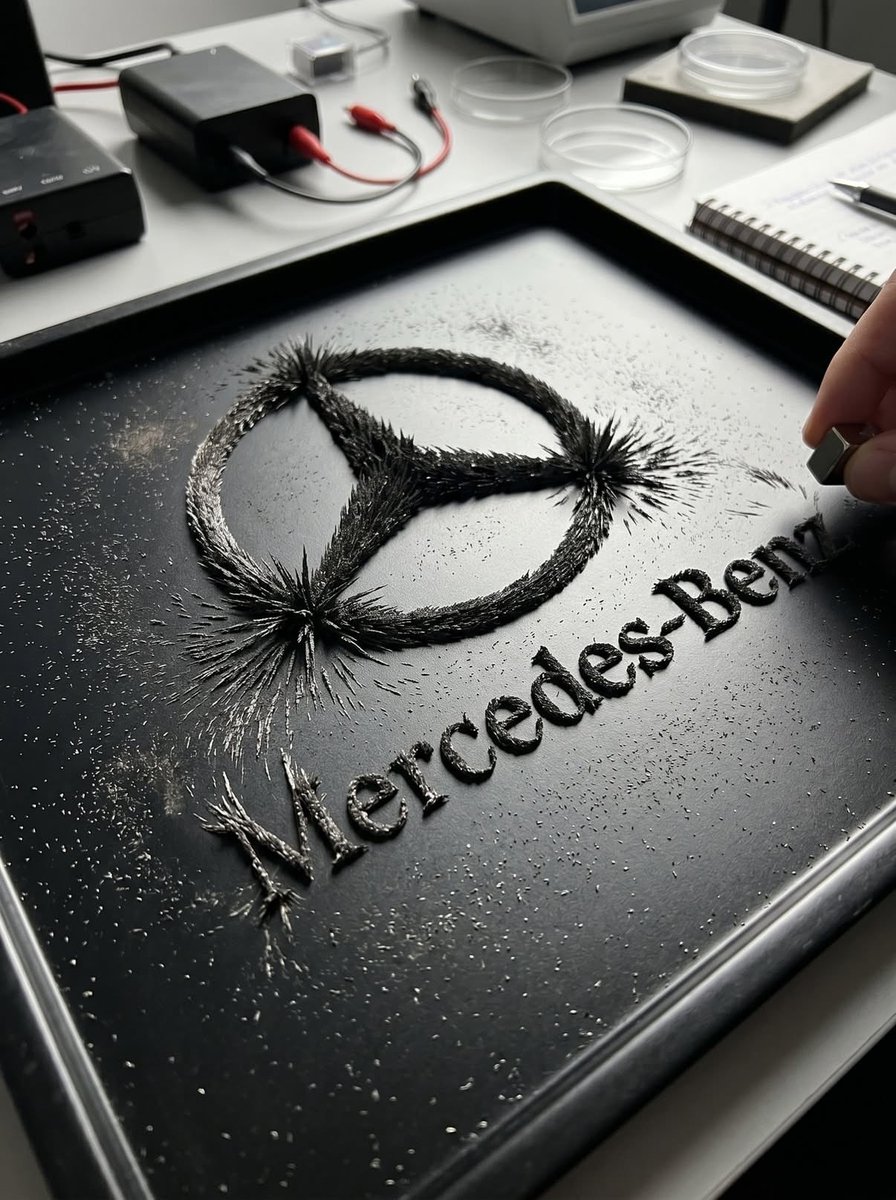
Magnetic Iron Filings Logo Scene needs input media to work. They load alongside the prompt when you open it in the studio.
How to use Magnetic Iron Filings Logo Scene in 3 steps
- 1Upload ImagePNG, JPG or paste
Add your photo
Upload the photo the template builds on. The prompt, model and format are already set.
- 2…a portrait of your subject in softgolden-hour light, 85mm…
Personalize
Edit the subject and creative details for your destination.
- 3Generate
Generate
Press Generate — your image is created in PicX Studio, so you can compare it with the original and refine one variable at a time.
More like this
Templates with the same subject, style or setup. Open one to see its prompt.

Moss Logo Minimalist Brand Flat Lay
Ultra-Realistic Magnetic Portrait

Ironic Always Working Ocean Meme
Photorealistic Magnetic Beauty Portrait
Ironic Ocean Office Meme

Modern Queen on Iron Throne Poster

Six VTuber Japanese Logo Sheet

Japanese Kawaii Logo Model Comparison
Unified Illustration and Logo Collage

Cinematic Tropical Island Brand Logo
Vector Cyberpunk Logo Art

National Identity Logo Generator
Make it yours
Magnetic Iron Filings Logo Scene works as-is. These are the safest ways to change it without losing the look.
Change one field
Copy a single group, rewrite it, and generate again so you can see what that field is doing.
Keep the frame, change the subject
Hold the composition and light of Magnetic Iron Filings Logo Scene, then swap wardrobe, props or the person for a new take.
| If the result… | Why | Fix |
|---|---|---|
| The result drifts from the preview | Too many fields changed at once. | Reuse Magnetic Iron Filings Logo Scene as-is first, then change one group — subject, light, or setting. |
| The model over-stylizes the scene | The prose prompt leaves finish and camera underspecified. | Add one camera or lighting sentence and stay on GPT Image 2. |
More GPT Image 2 templates
Other prompts made for GPT Image 2.

Realistic Portrait of Woman and Deer

The Vista Modular Condo Poster

AI Model Routing Comparison Infographic

2.5D Anime Art Board

Isometric Productivity Desk Scene

New York Double Exposure Poster

Four-Panel AI Landscape Comparison

Japanese Tatami Lifestyle Magazine Cover

NESCAFÉ Coffee Map Poster

Brutalist Cogito Chinese Typography Poster
More image prompts
Fresh picks from across the catalog.

Foggy pine forest cinematic portrait
Horned Seven-Tailed Mountain Beast
Show Me 10 Years Later

Magic Prompt for Automatic Infographic Generation with Nano Banana Pro
Black and White Portrait with 35mm Lens Look
Glam Spa to Tiara Story Grid (3x3 Identity Lock)
Candid street photography on a train platform

VOGUE Paris Haute Couture Cover

Cinematic Sakura Ronin Poster
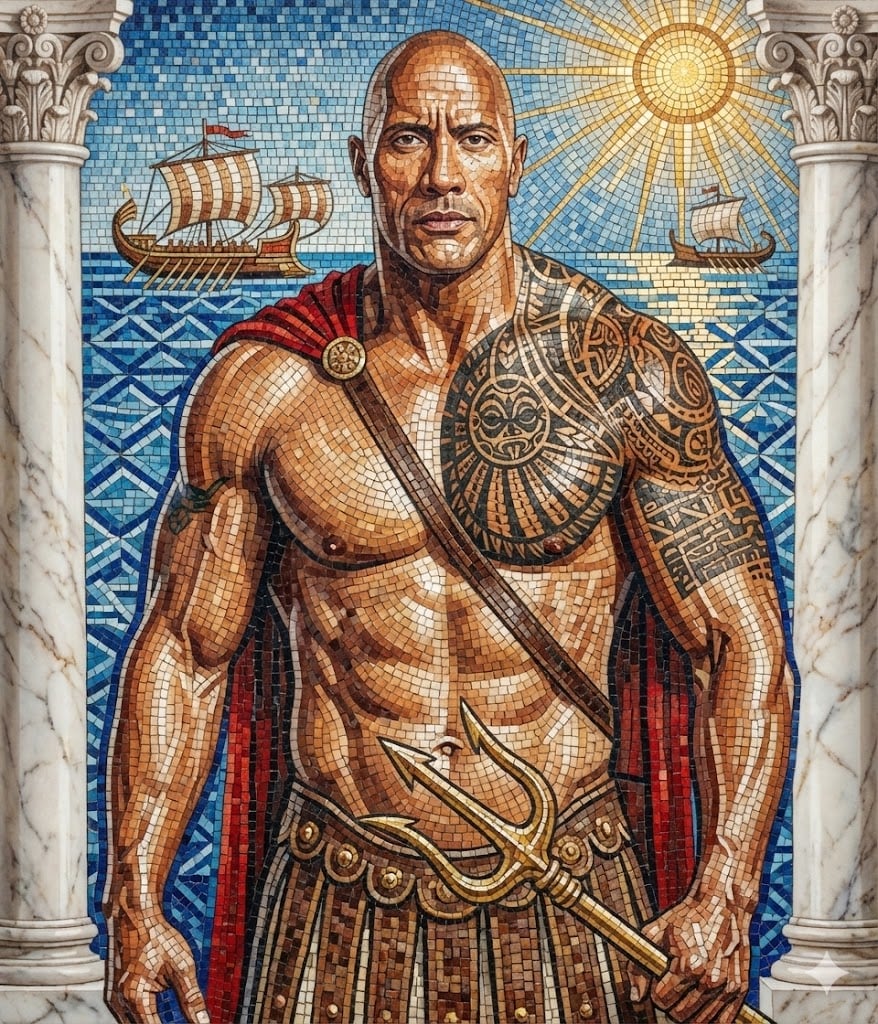
Subject Reimagined as Roman God in Mosaic Art Style
Browse template categories
Magnetic Iron Filings Logo Scene questions
How do I use the Magnetic Iron Filings Logo Scene template?
Add your photo if the template asks for one, edit the prompt if you like — the template's model and format are already selected — and press Generate. Your version opens in PicX Studio.
Can I customize the Magnetic Iron Filings Logo Scene template?
Yes. You can change the subject, setting, lighting, mood, format, and available model controls before creating your image.
Is the Magnetic Iron Filings Logo Scene template free?
Opening and editing this template is free. Generating uses credits, shown on the Generate button when you are signed in.
Which AI model should I use?
Start with GPT Image 2, which is the model associated with this template. You can compare another compatible model for a different finish.
Looking for something else? Browse all templates.

Your photo, any look
Thousands of ready templates for every top image and video model, from one credit balance.