
Cinematic Sakura Ronin Poster
This prompt generates a dramatic film-style poster of a lone female ronin with falling cherry blossoms, a katana, fiery shrine backdrop, and precise title typography for cinematic key art or poster mockups.
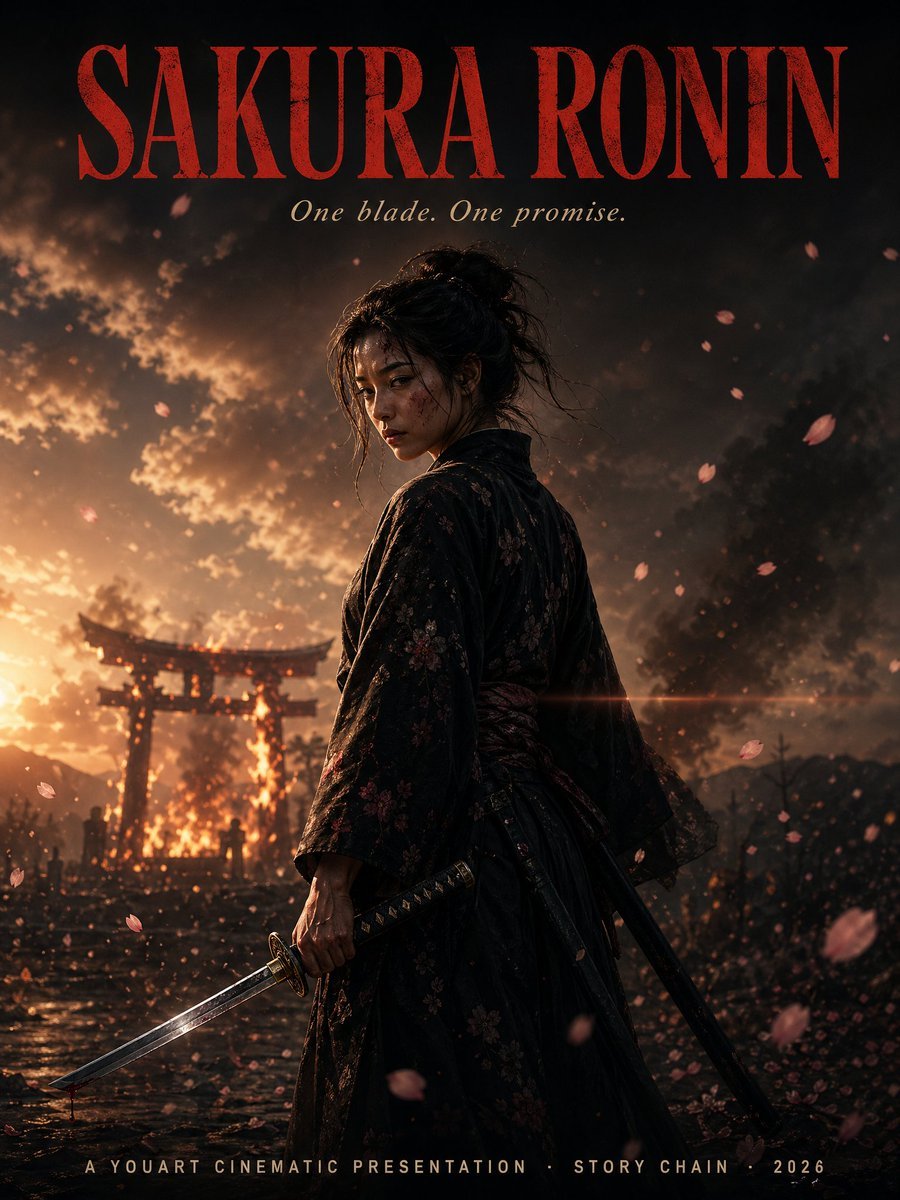
- Prompt included
- Model and format preset
- Free template
The prompt behind this image
Copy the exact prompt behind Cinematic Sakura Ronin Poster, or open it in the studio and make it yours.
A cinematic vertical movie-poster composition for a samurai drama titled {argument name="title text" default="SAKURA RONIN"}. Place a lone female ronin in the center foreground, shown from about mid-thigh up in a three-quarter back view, her head turned slightly toward camera, with dark messy hair tied in a loose bun and a few stray strands. She wears a dark black-to-deep-burgundy floral kimono with subtle sakura patterns and a tied obi, realistic textured fabric, weathered and dramatic. In her right hand she grips a katana angled downward toward the lower left corner; a second sheathed sword hangs at her side. Her stance is calm, resolute, and battle-worn. Fill the scene with falling sakura petals, some sharp and some motion-blurred in the foreground and background. Set the background at dusk with a blazing fire behind a Japanese torii gate, smoke billowing into a stormy sky, wet reflective ground, tiny silhouetted figures near the gate, distant mountains, drifting embers, and a strong warm backlight from the left. Use high-contrast cinematic lighting with orange fire glow against deep shadowy blacks, volumetric smoke, dramatic rim light on the ronin, shallow depth of field, anamorphic lens flare crossing the mid-frame, ultra-detailed photorealistic rendering, moody epic atmosphere, premium film poster styling. Add precise typography integrated into the poster: at the very top, huge tall condensed serif letters in dark crimson reading {argument name="title text" default="SAKURA RONIN"}; directly below, a smaller elegant italic serif tagline in pale ivory reading {argument name="tagline text" default="One blade. One promise."}; at the bottom center, small spaced uppercase credits in light beige reading {argument name="bottom credits" default="A YOUART CINEMATIC PRESENTATION · STORY CHAIN · 2026"}. Ensure the text is clean, centered, and highly legible. 2 swords total are visible: 1 unsheathed katana in hand and 1 sheathed sword at her hip.
How to use Cinematic Sakura Ronin Poster in 3 steps
- 1Upload ImagePNG, JPG or paste
Add your photo
Upload the photo the template builds on. The prompt, model and format are already set.
- 2…a portrait of your subject in softgolden-hour light, 85mm…
Personalize
Edit the subject and creative details for your destination.
- 3Generate
Generate
Press Generate — your image is created in PicX Studio, so you can compare it with the original and refine one variable at a time.
More like this
Templates with the same subject, style or setup. Open one to see its prompt.

Japan Travel Brochure Poster

Cartoon TV Show Poster Pack

Trendy Cafe Drink Promo Poster

Urban Fashion Editorial Collage Streetwear Poster

Premium Fashion Editorial Cover Layout System

Polo Ralph Lauren Luxury American Heritage Fashion Campaign

Monochrome Halftone Editorial Fashion Poster

Retro Mirror Luxury Fashion Campaign Poster

Luxury Fashion Campaign Typography Poster System

Premium Fashion Editorial Campaign Poster System

Ultra-Stylized High-Fashion Streetwear Poster

Urban Fashion Editorial Collage Poster
Make it yours
Cinematic Sakura Ronin Poster works as-is. These are the safest ways to change it without losing the look.
Change one field
Copy a single group, rewrite it, and generate again so you can see what that field is doing.
Keep the frame, change the subject
Hold the composition and light of Cinematic Sakura Ronin Poster, then swap wardrobe, props or the person for a new take.
| If the result… | Why | Fix |
|---|---|---|
| The result drifts from the preview | Too many fields changed at once. | Reuse Cinematic Sakura Ronin Poster as-is first, then change one group — subject, light, or setting. |
| The model over-stylizes the scene | The prose prompt leaves finish and camera underspecified. | Add one camera or lighting sentence and stay on GPT Image 2. |
More GPT Image 2 templates
Other prompts made for GPT Image 2.

Six VTuber Japanese Logo Sheet

Realistic Portrait of Woman and Deer

The Vista Modular Condo Poster

AI Model Routing Comparison Infographic

2.5D Anime Art Board

Isometric Productivity Desk Scene

New York Double Exposure Poster

Four-Panel AI Landscape Comparison

Japanese Tatami Lifestyle Magazine Cover

NESCAFÉ Coffee Map Poster
More image prompts
Fresh picks from across the catalog.

Epic Fantasy Double-Exposure Poster
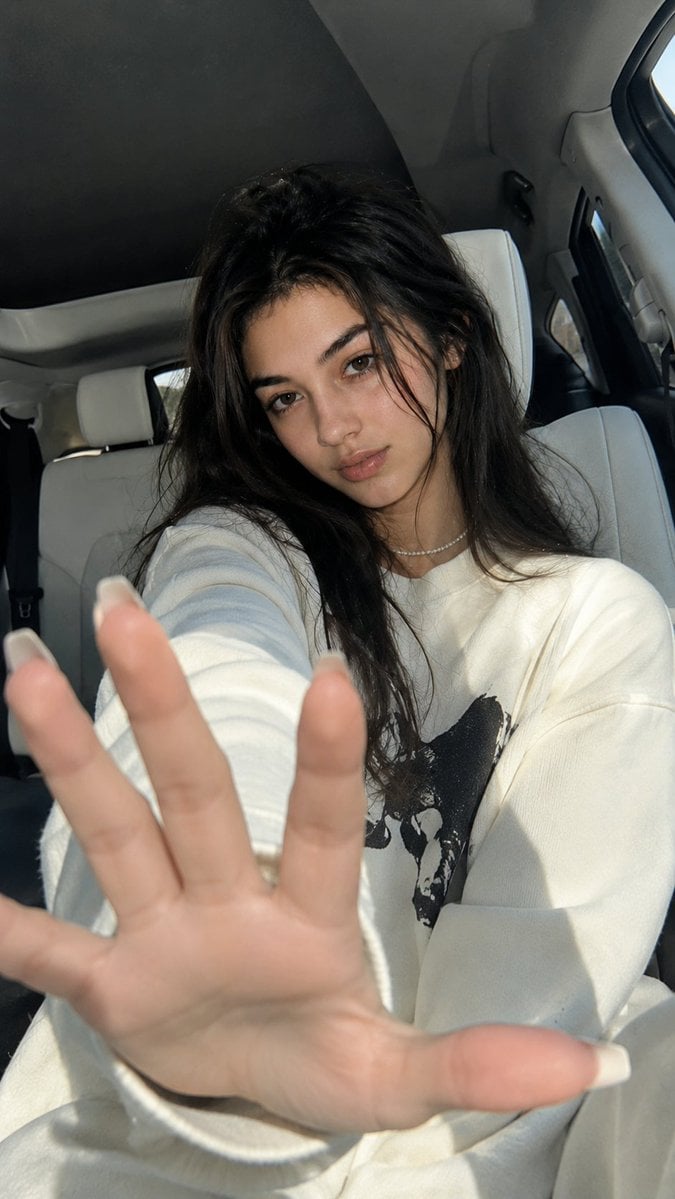
Korean Luxury Car Portrait
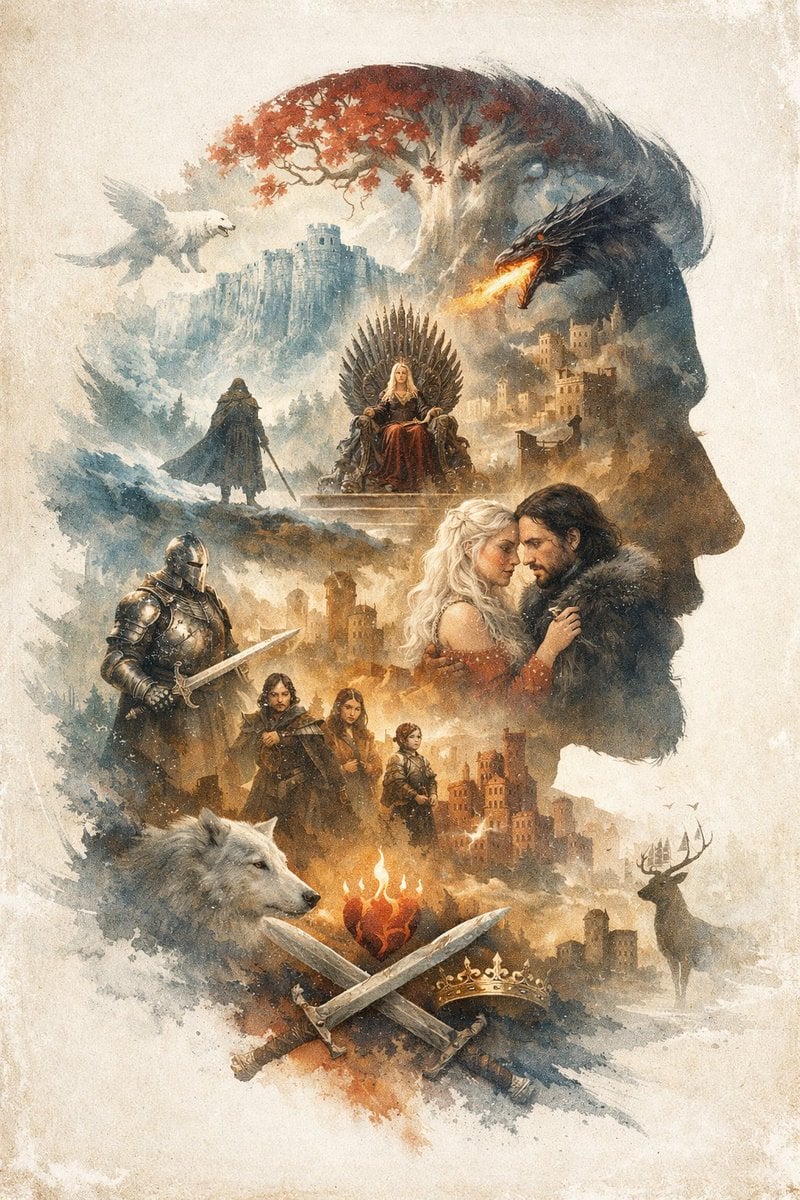
Epic Fantasy Double Exposure Silhouette
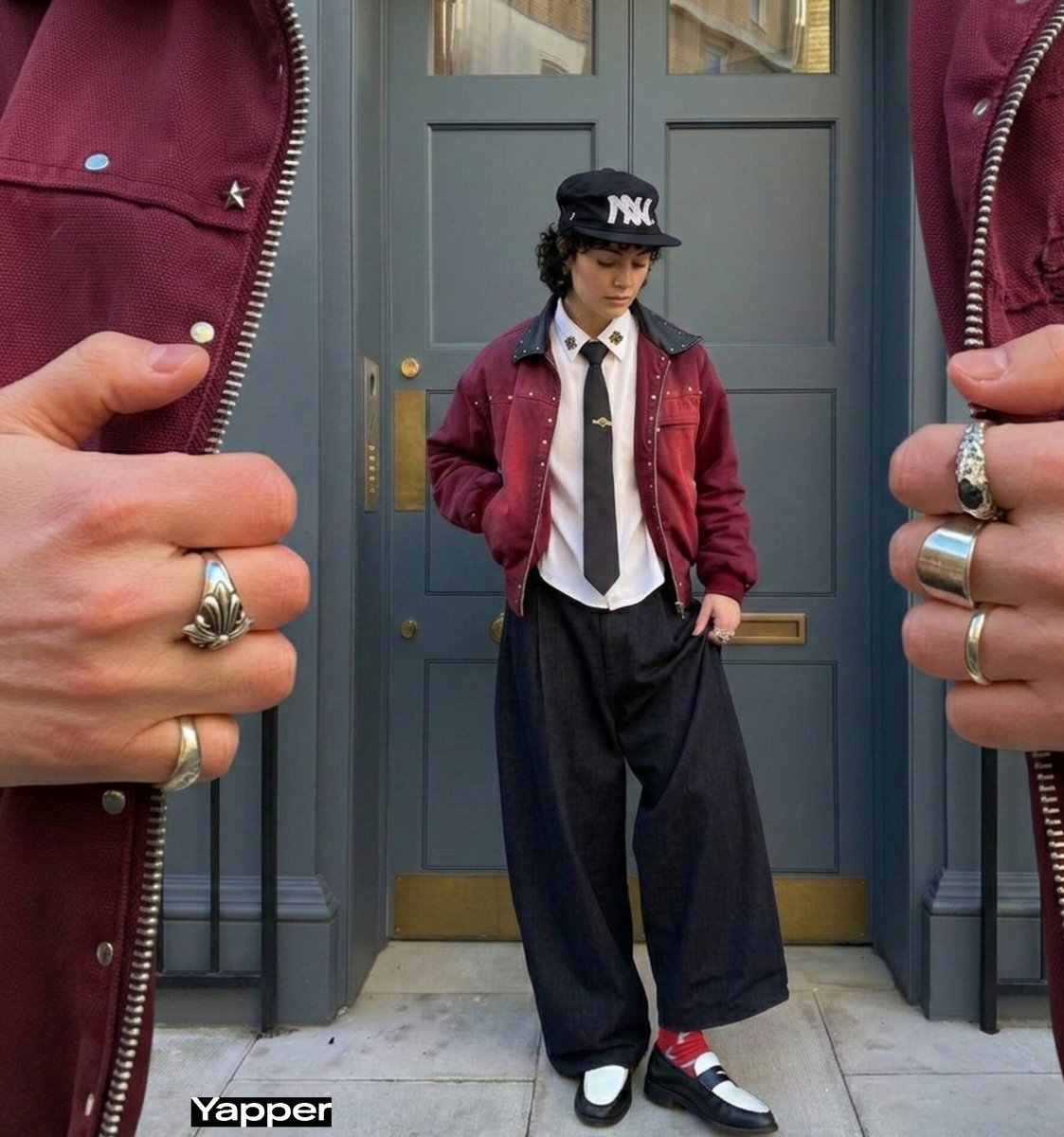
Surreal Macro Fashion Composition
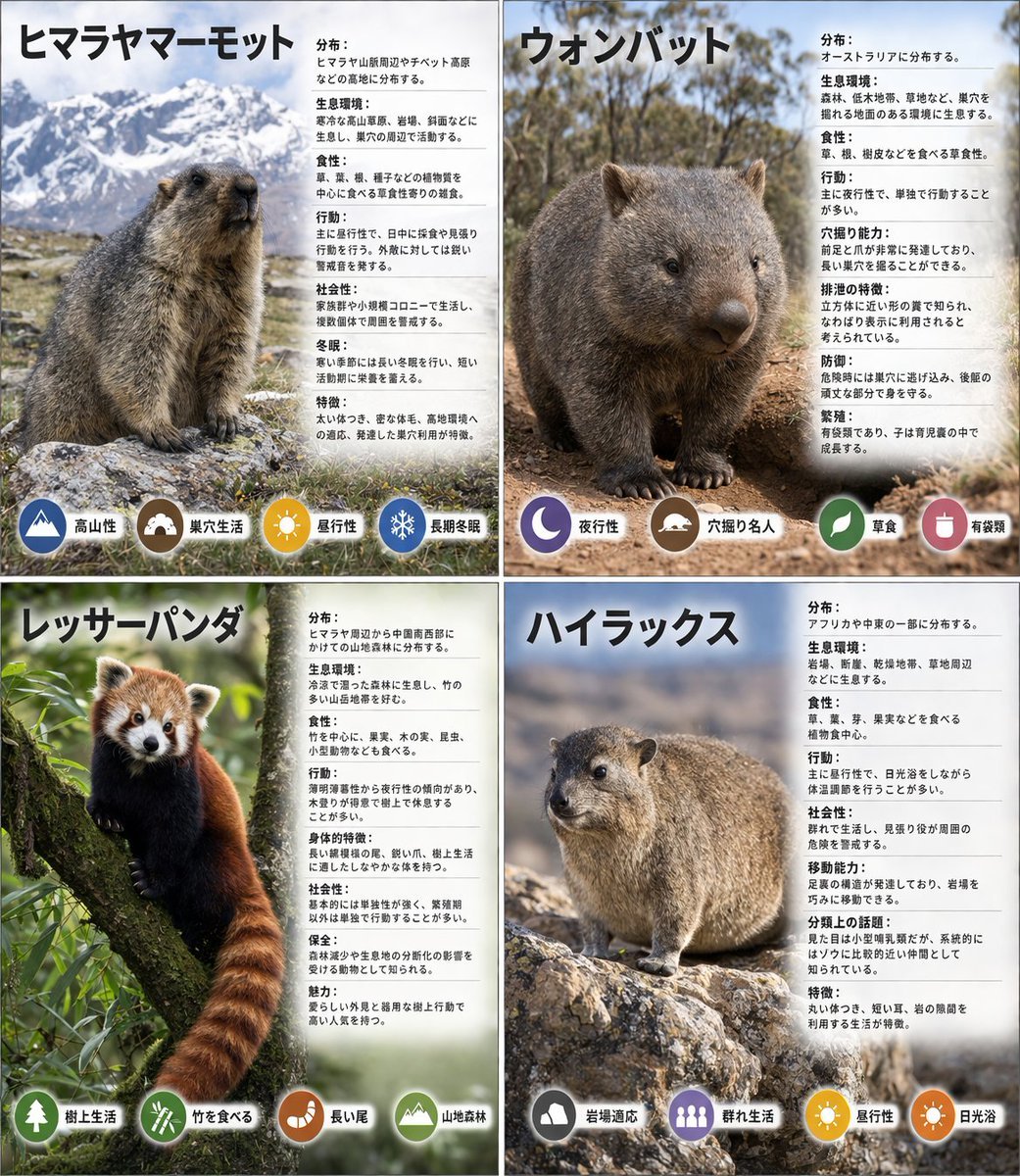
Panel Animal Infographic Grid
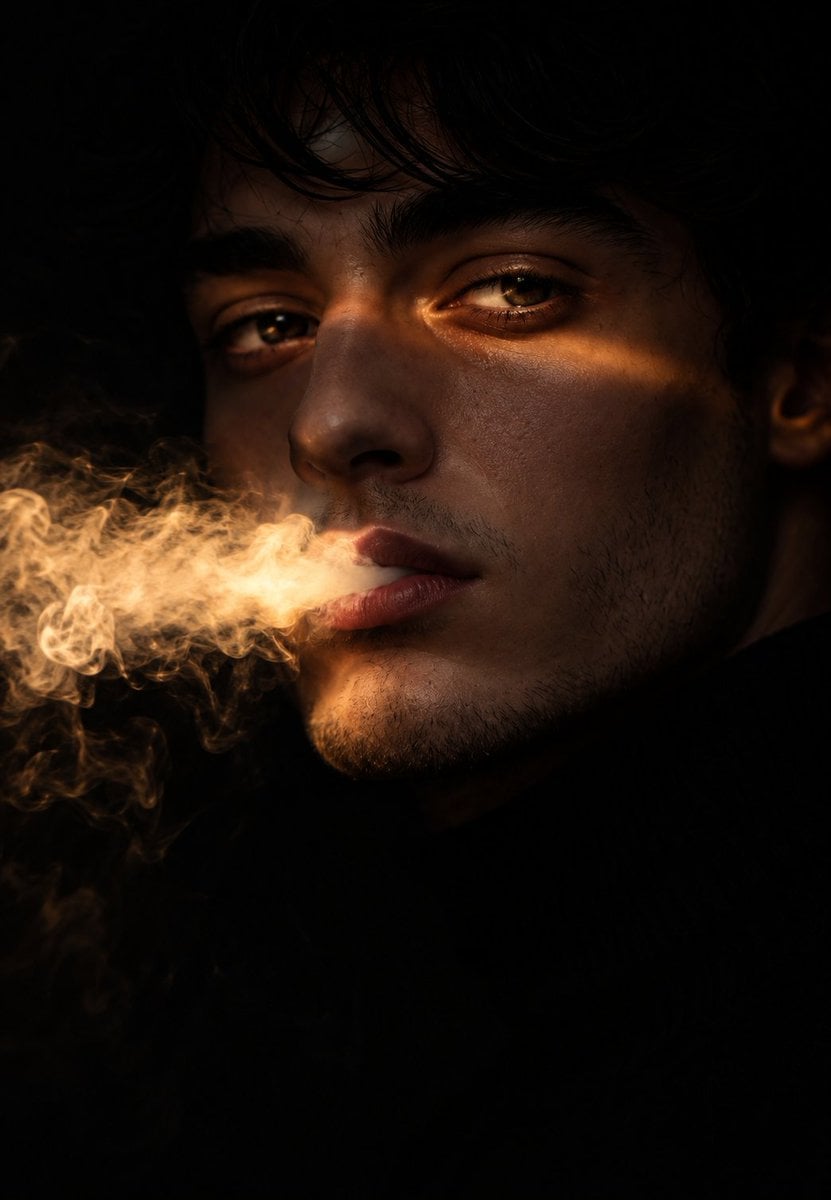
Chiaroscuro Smoke Exhale Portrait
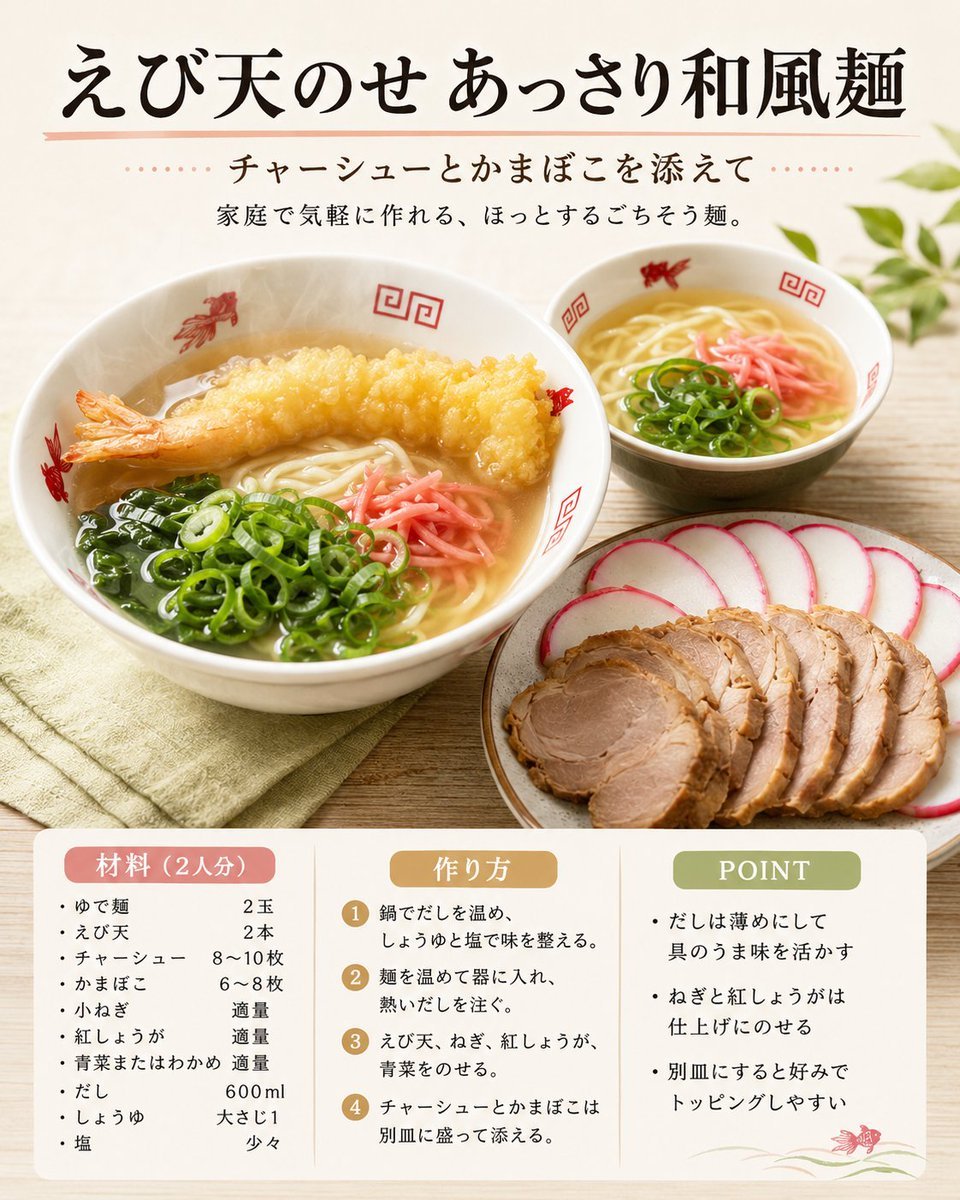
Japanese Tempura Noodle Recipe Card

Weekend Farmers Market Mirror Selfie (Reference Image Required)
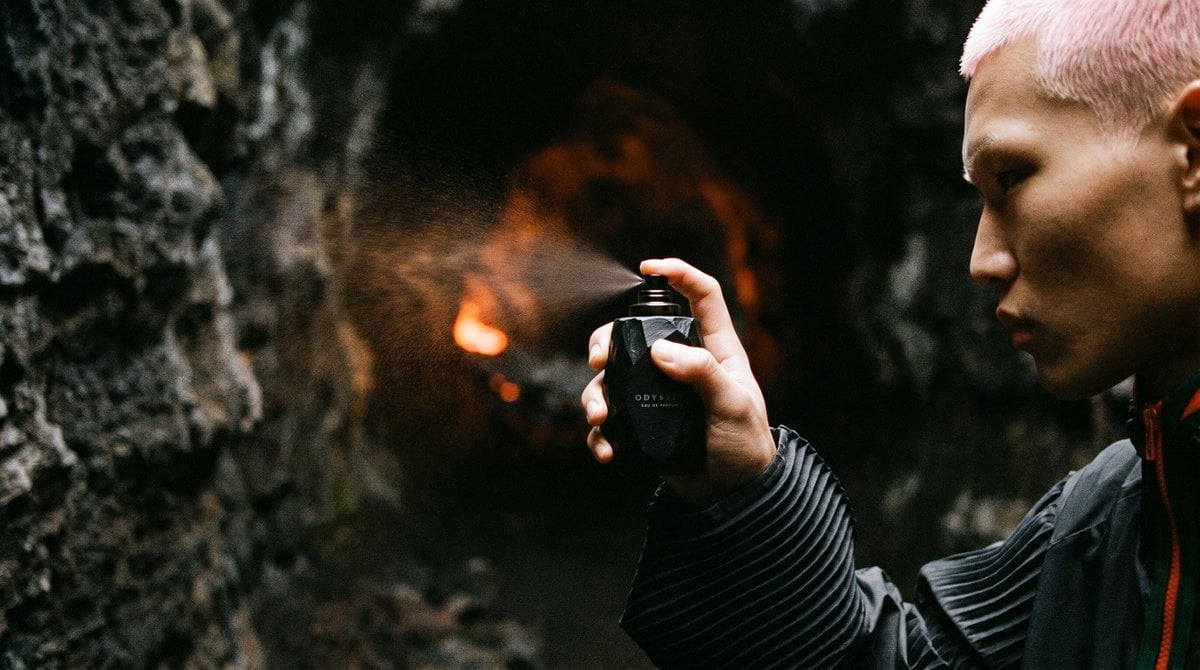
Cave Fragrance Spray Campaign
Cozy Winter Portrait with White Hare
Browse template categories
Cinematic Sakura Ronin Poster questions
How do I use the Cinematic Sakura Ronin Poster template?
Add your photo if the template asks for one, edit the prompt if you like — the template's model and format are already selected — and press Generate. Your version opens in PicX Studio.
Can I customize the Cinematic Sakura Ronin Poster template?
Yes. You can change the subject, setting, lighting, mood, format, and available model controls before creating your image.
Is the Cinematic Sakura Ronin Poster template free?
Opening and editing this template is free. Generating uses credits, shown on the Generate button when you are signed in.
Which AI model should I use?
Start with GPT Image 2, which is the model associated with this template. You can compare another compatible model for a different finish.
Looking for something else? Browse all templates.

Your photo, any look
Thousands of ready templates for every top image and video model, from one credit balance.