How do I use the Cozy Winter Portrait with White Hare template?
Choose the primary action to open PicX Studio with the available template settings. Review the model and format, personalize the creative direction, and generate when ready.
A descriptive prompt for generating a cozy, intimate winter portrait of a girl cradling a calm white hare. Change the subject, setting, or lighting one variable at a time.

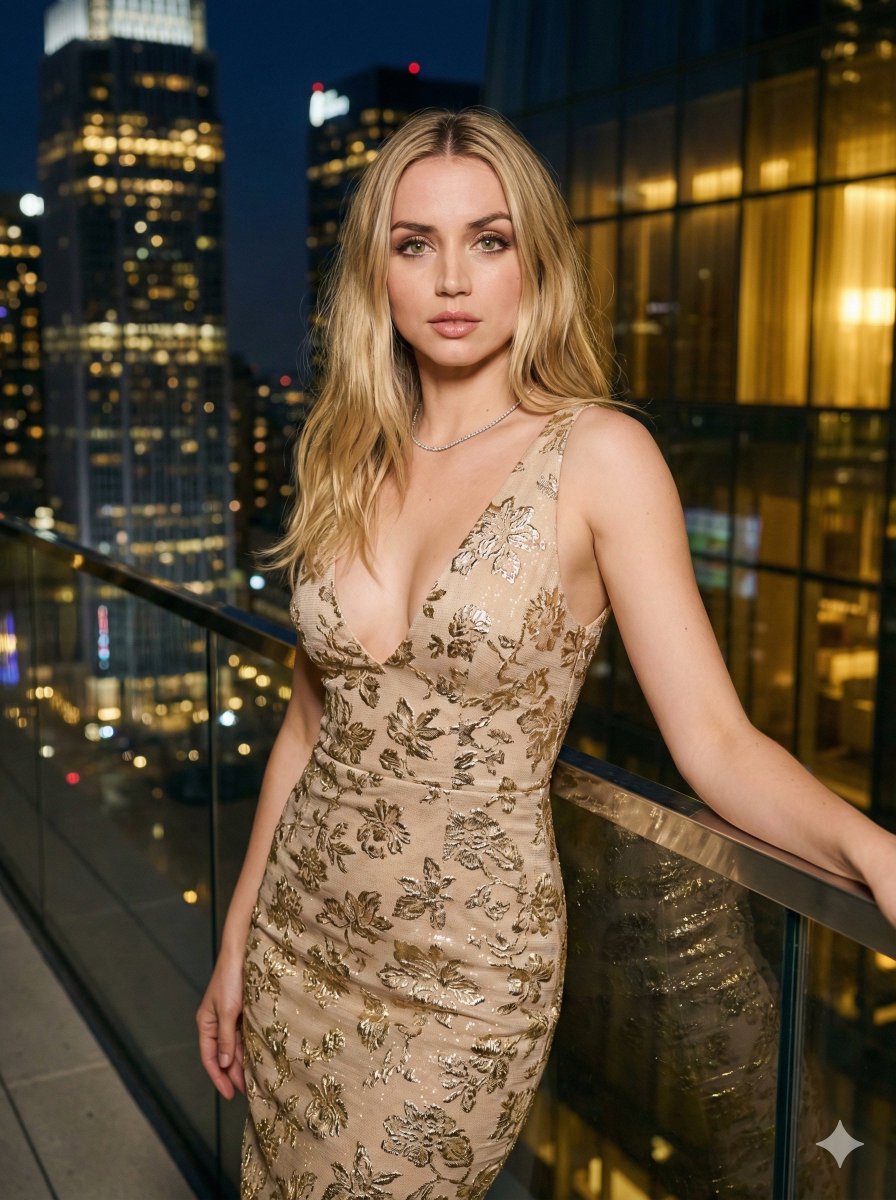
A cozy, intimate winter portrait. A girl from photo with a warm smile and rosy cheeks from the cold cradles a calm white hare in her arms. She is wearing a soft, chunky-knit {argument name="sweater color" default="cream colored"} sweater dress. Her hair is styled in loose messy braids. The makeup is natural and fresh, emphasizing the frost-kissed glow of her skin. The setting, is a quiet, sheltered spot near a rustic wooden fence, with a soft blanket of snow everywhere. A soft, warm backlight from the low winter sun filters through the trees, creating a gentle glow around them and highlighting, the delicate detajleot the hare's fur. The mood is heartwarming, peaceful, and full of quiet joy.
Choose the primary action to open PicX Studio with the available template settings. Review the model and format, personalize the creative direction, and generate when ready.
Yes. You can change the subject, setting, lighting, mood, format, and available model controls before creating your image.
This template is free to open and customize. Generation usage is shown in PicX Studio before you create.
Start with Nano Banana 2, which is the model associated with this template. You can compare another compatible model for a different finish.
© 2026 PicX Studio. All rights reserved.

Follow a topic to a crawlable collection of related PicX Studio templates.
43,474 public templates available. Verified via the PicX Studio public templates API; refreshed hourly.


![69-untitled — FORMAT: 15s / 145 BPM / 14 SHOTS
SUBJECT: @[image1]
WARDROBE: Clean modern outfit
ENVIRONMENT: Street / indoor transitions
MOOD: Discovery → contr](/_next/image?url=https%3A%2F%2Fcdn.picxstudio.com%2Fuploads%2Fpost69_img0_d45faecf-38c3-4bcb-81a4-f6eb1cf42bb2.jpg&w=828&q=100)









![118-google-nano-banana-pro-skincare-product- — A professional skincare shot of a [product container] with [cap/lid], labeled [brand, product, descriptor, volume](/_next/image?url=https%3A%2F%2Fcdn.picxstudio.com%2Fuploads%2Fpost118_img0_332898b8-29ea-42a9-87ab-9ed746a3f944.jpg&w=828&q=100)










![Naive doodle-style subject illustration — A doodle-style {argument name="subject" default="[subject]"}, naive lines, humorous shape exaggeration](https://pbs.twimg.com/media/G6Wl2YxbsAARB2b.jpg)














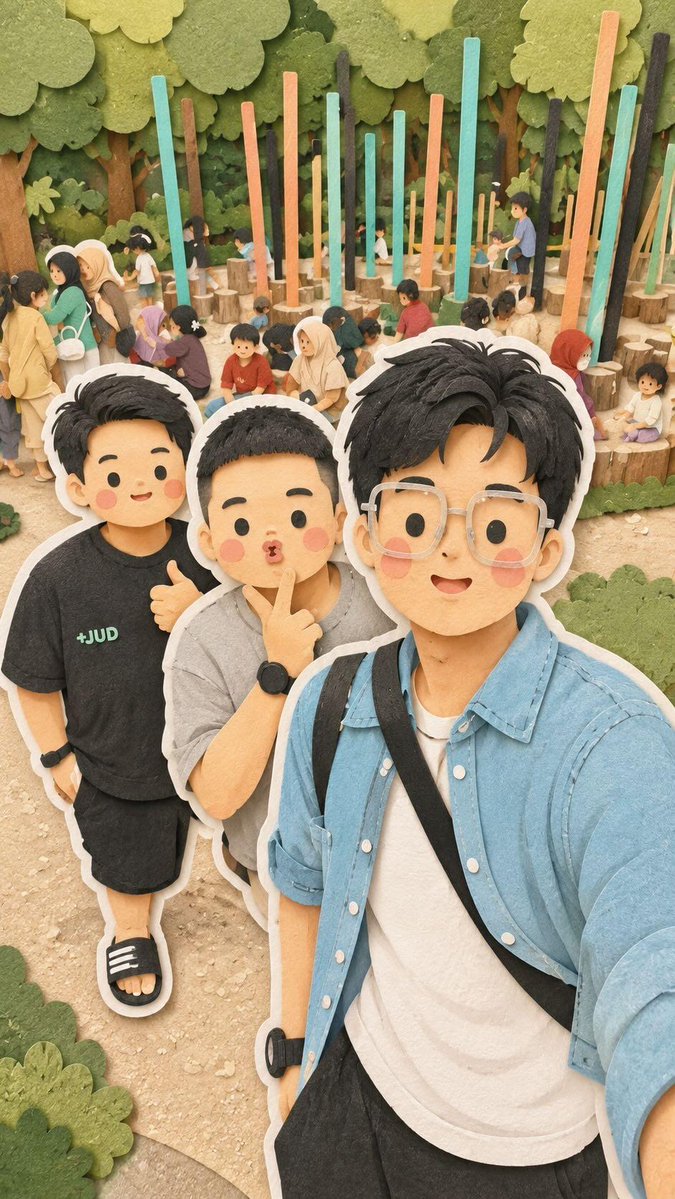










![9-Panel Christmas Movie Scene Collage Prompt — [全局指令]: 一个3x3的网格拼贴画,所有9个格子里必须是完全同一位女性。严格保持与参考图一致的面部特征。不要改变她的五官,只改变她的表情、妆容和造型以匹配各电影主题。
格1:《{argument…](https://pbs.twimg.com/media/G8SwYQca4AItIvC.jpg)