
Hyper-Realistic Reflection Portrait Prompt
A highly detailed, hyper-realistic prompt for Nano Banana Pro describing a woman's reflection on an iPad screen placed on an airplane tray table.
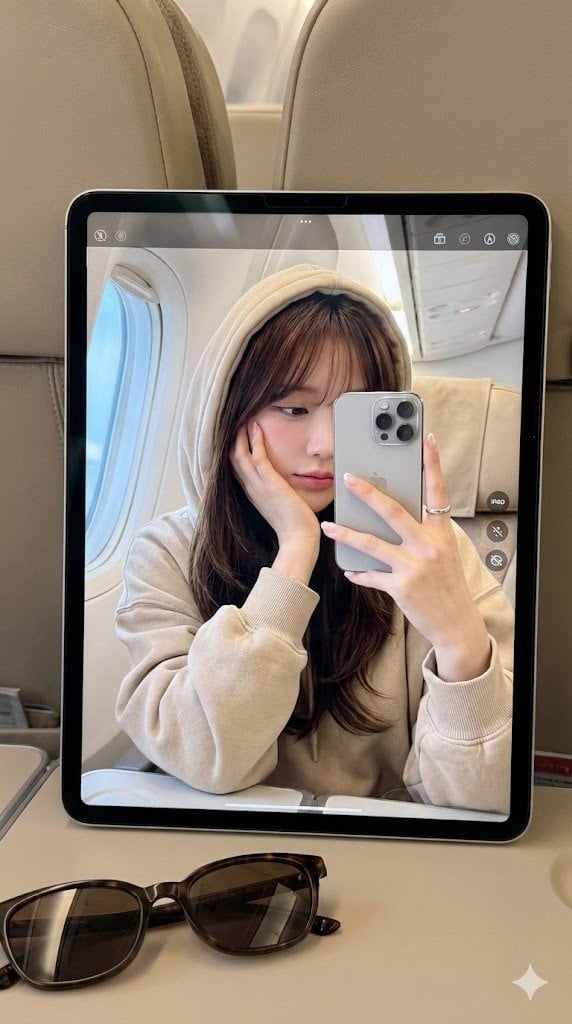
- Prompt included
- Model and format preset
- Free template
The prompt behind this image
Copy the exact prompt behind Hyper-Realistic Reflection Portrait Prompt, or open it in the studio and make it yours.
This is a highly realistic, tightly composed image, showing a fair-skinned, flawless-complexioned woman reflected on the screen of an iPad placed on an airplane's fold-down tray table, with a pair of sunglasses as an accent in the foreground. Around the iPad are beige-gray airplane cabin seats. On the iPad screen, the woman is reclining diagonally in her seat, her left hand cupping her chin with a finger lightly touching her temple, in a relaxed pose. Her right hand holds a {argument name="phone model" default="iPhone 16 Pro Max"} to take the photo, with part of her face appearing on the tablet screen. Her expression is soft, her gaze slightly downward, giving a dreamy, tranquil feeling. She wears an oversized {argument name="top color" default="beige"} hoodie, the fabric thick and soft, with the hood pulled up over her head. On her wrist is a simple silver ring, and her nails have a French manicure. Her hair is {argument name="hair color" default="deep brown"} with subtle highlights, long and straight, richly layered and full, with center-parted bangs gently covering her forehead, framing her face. Her skin is fair and luminous, flawless, with delicate Korean-style light makeup. Her cheeks carry a faint blush, her lips wear a dewy rose-pink lipstick, her eyeliner is fine, and her lashes curl upward. Through the reflection, the environment in the frame is simple yet full of life: the interior of a premium/business-class airplane cabin. The large window reflects the soft blue light of the sky outside. The iPad's camera interface — the shutter button, small icons, and the dock — is clearly visible on the screen. Soft, warm pastel tones. Edited in a "Korean soft-light" style. 9:16 portrait aspect ratio, HD, high quality. **Please do not change the face.
How to use Hyper-Realistic Reflection Portrait Prompt in 3 steps
- 1Upload ImagePNG, JPG or paste
Add your photo
Upload the photo the template builds on. The prompt, model and format are already set.
- 2…a portrait of your subject in softgolden-hour light, 85mm…
Personalize
Edit the subject and creative details for your destination.
- 3Generate
Generate
Press Generate — your image is created in PicX Studio, so you can compare it with the original and refine one variable at a time.
More like this
Templates with the same subject, style or setup. Open one to see its prompt.

Found Photograph: Us, 1970

80s Couple Studio Portrait

80s Bollywood Star

80s Golden Hour Cinema

Me in 1985

1985 Studio Portrait

Hyper-Realistic Minecraft POV Portrait

Rooftop Fisheye — Cat-Ear Balaclava at Golden Hour

Rainy Café Window Moody Portrait

untitled

2025 Aesthetic Photography

Nano Banana Is So Addictive
Make it yours
Hyper-Realistic Reflection Portrait Prompt works as-is. These are the safest ways to change it without losing the look.
Change one field
Copy a single group, rewrite it, and generate again so you can see what that field is doing.
Keep the frame, change the subject
Hold the composition and light of Hyper-Realistic Reflection Portrait Prompt, then swap wardrobe, props or the person for a new take.
| If the result… | Why | Fix |
|---|---|---|
| The result drifts from the preview | Too many fields changed at once. | Reuse Hyper-Realistic Reflection Portrait Prompt as-is first, then change one group — subject, light, or setting. |
| The model over-stylizes the scene | The prose prompt leaves finish and camera underspecified. | Add one camera or lighting sentence and stay on Nano Banana 2. |
More Nano Banana 2 templates
Other prompts made for Nano Banana 2.

Photorealistic Leaf Shaped Like a Dragon

K-Pop Idol Portrait Grid for Rapid Selection

Poetic Rain Forest Portrait During Golden Hour

Urban Street Portrait with Cartoon Inner Self Duo

Candid Nighttime Photo with Cat Prompt

High-Concept 3D Diorama Generation Prompt

Cinematic Futuristic Studio Portrait Template

Skincare Editorial Photography Collage Prompt

Hyper-Realistic Commercial Product Photography (Splash Effect)

Hyper-Realistic Nightclub Portrait Prompt
More image prompts
Fresh picks from across the catalog.
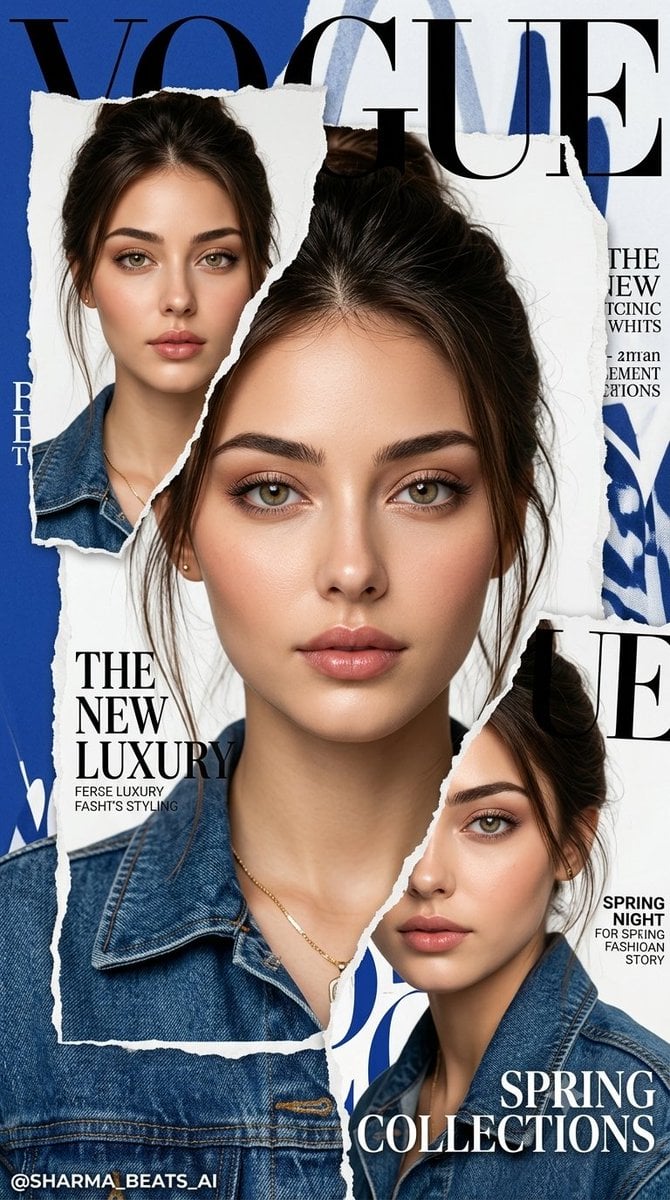
Luxury Vogue Fashion Editorial Poster
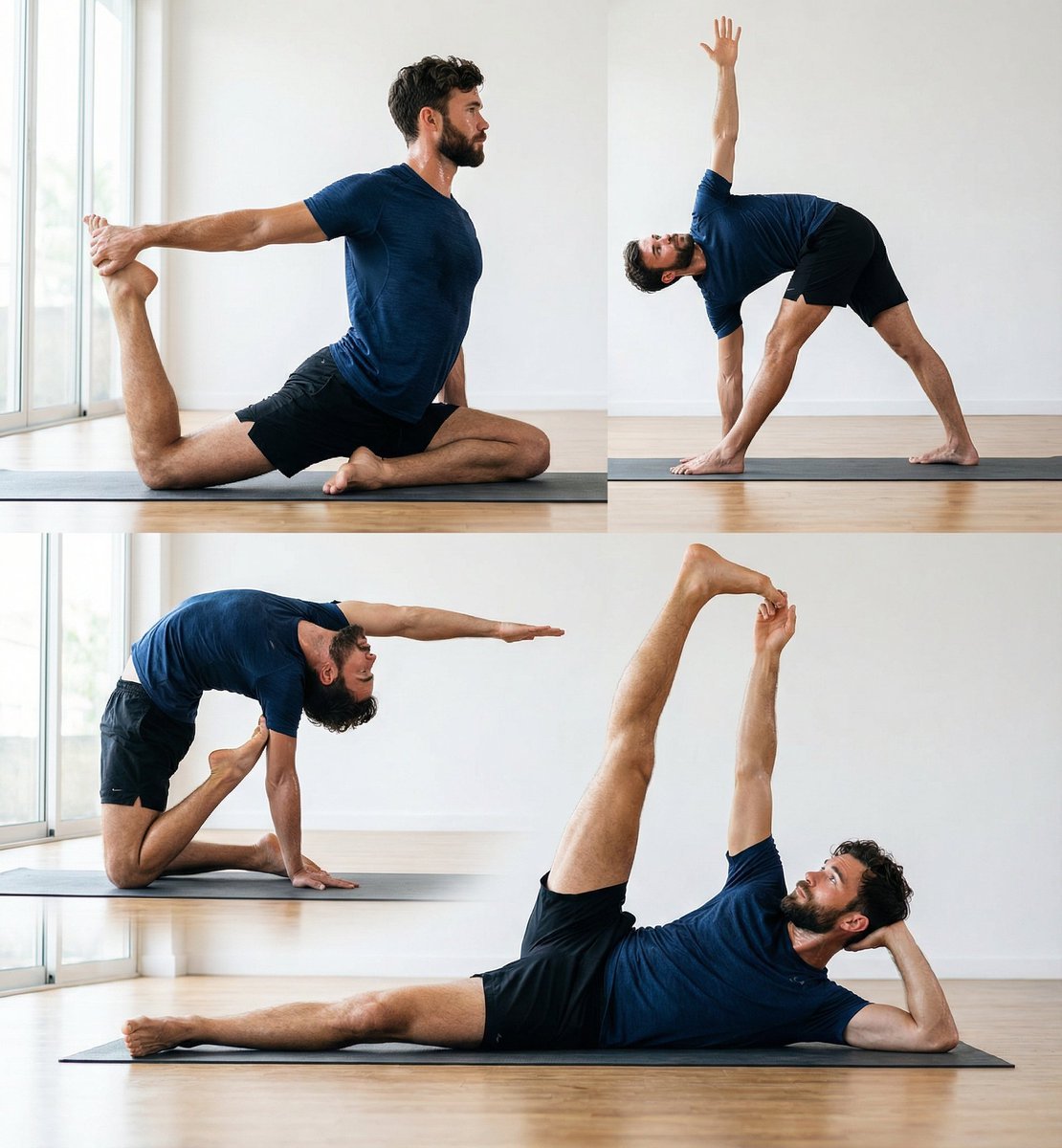
Pose transfer for fitness shots
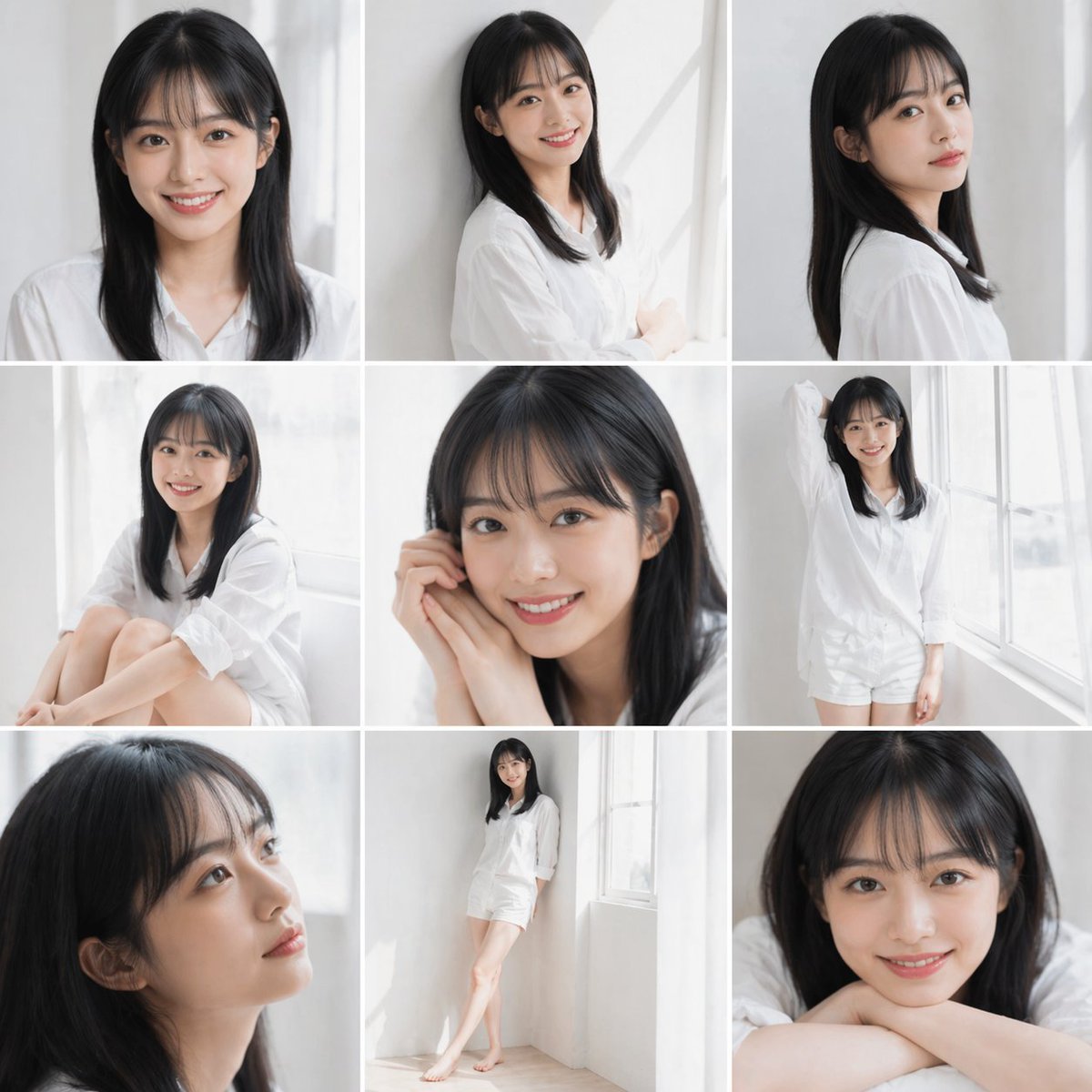
Clean Japanese/Korean Style Photoshoot
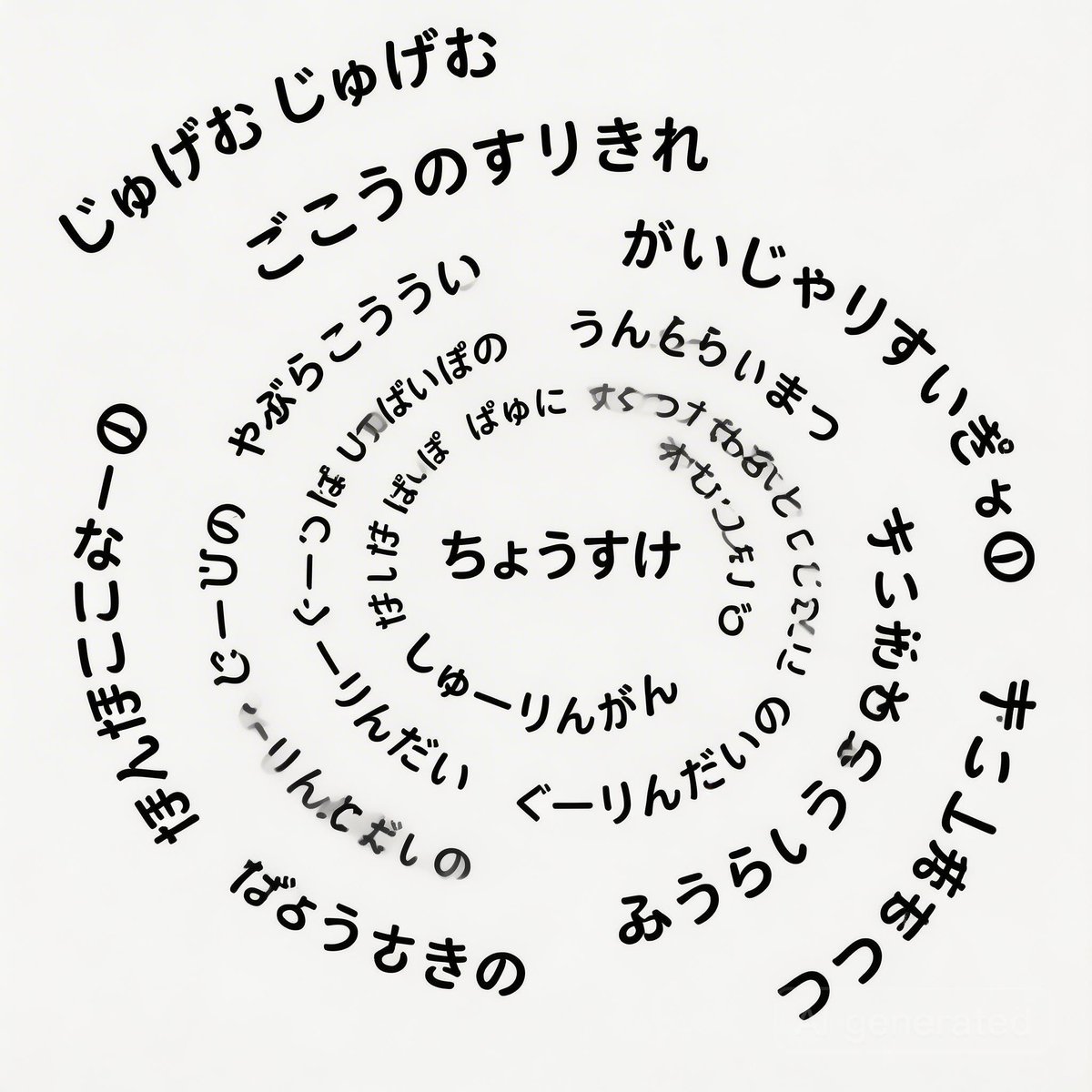
Japanese Text Spiral Generation Prompt (Jugemu)
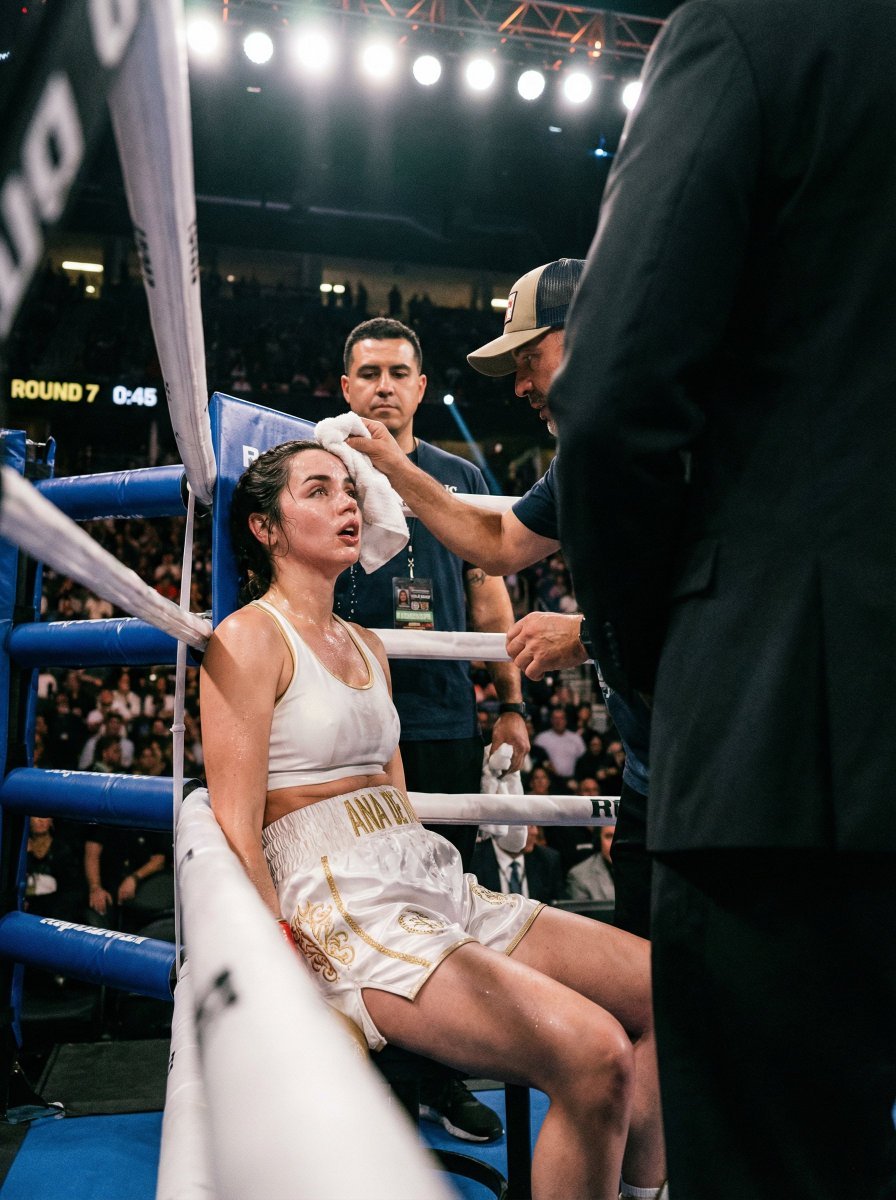
Ultra-Realistic Boxing Documentary Photo
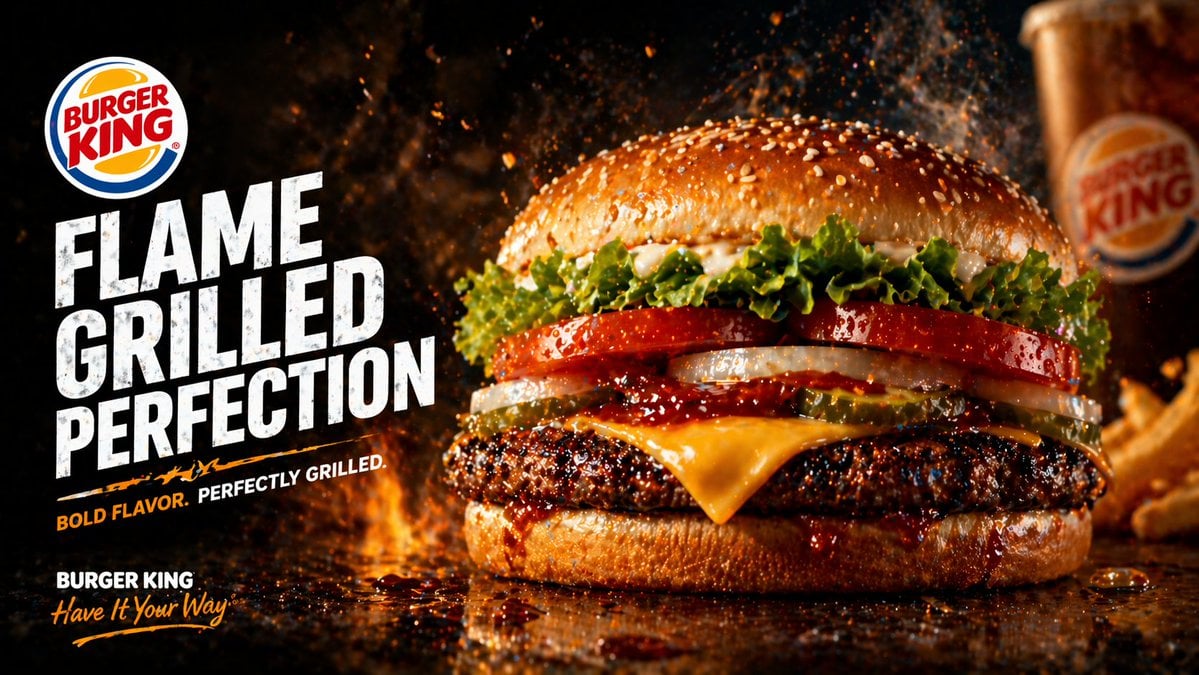
Flame-Grilled Burger Ad Poster

Image generation prompt for Nano Banana Pro

AC Milan Mbappé Transfer Poster
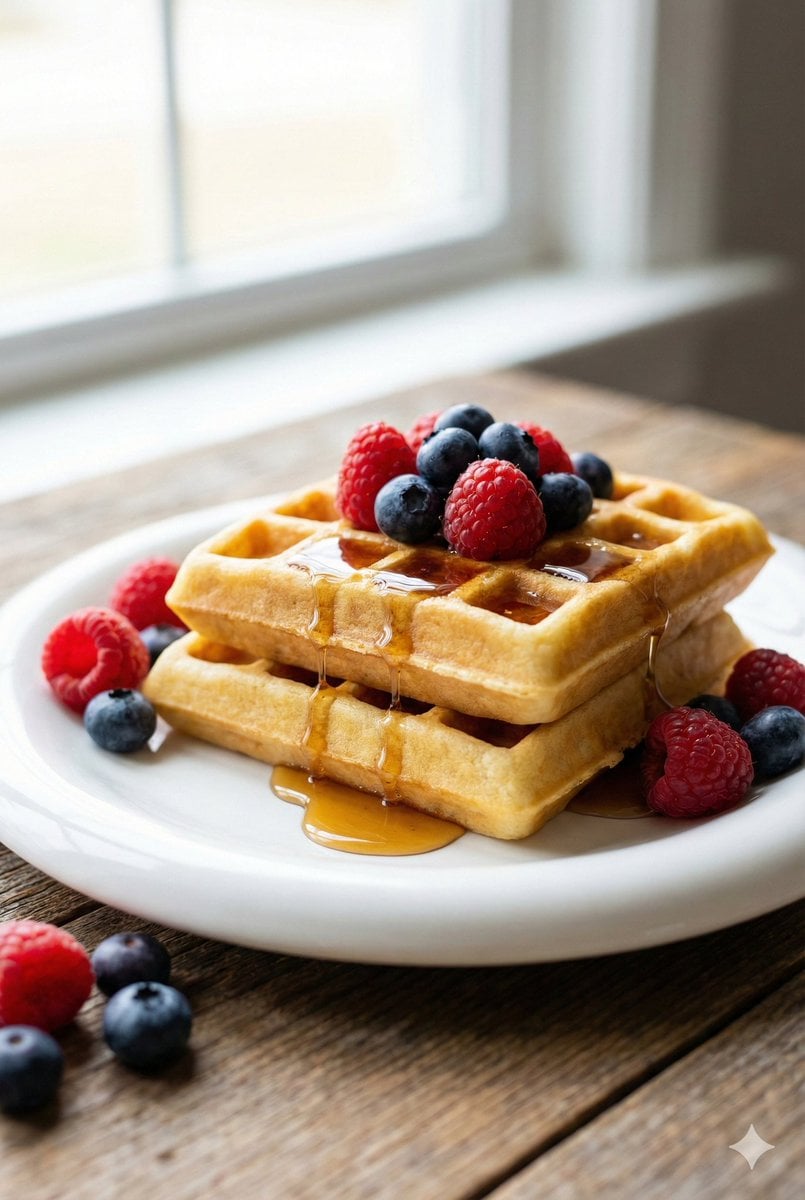
Eye-Level Belgian Waffles Food Photography Prompt
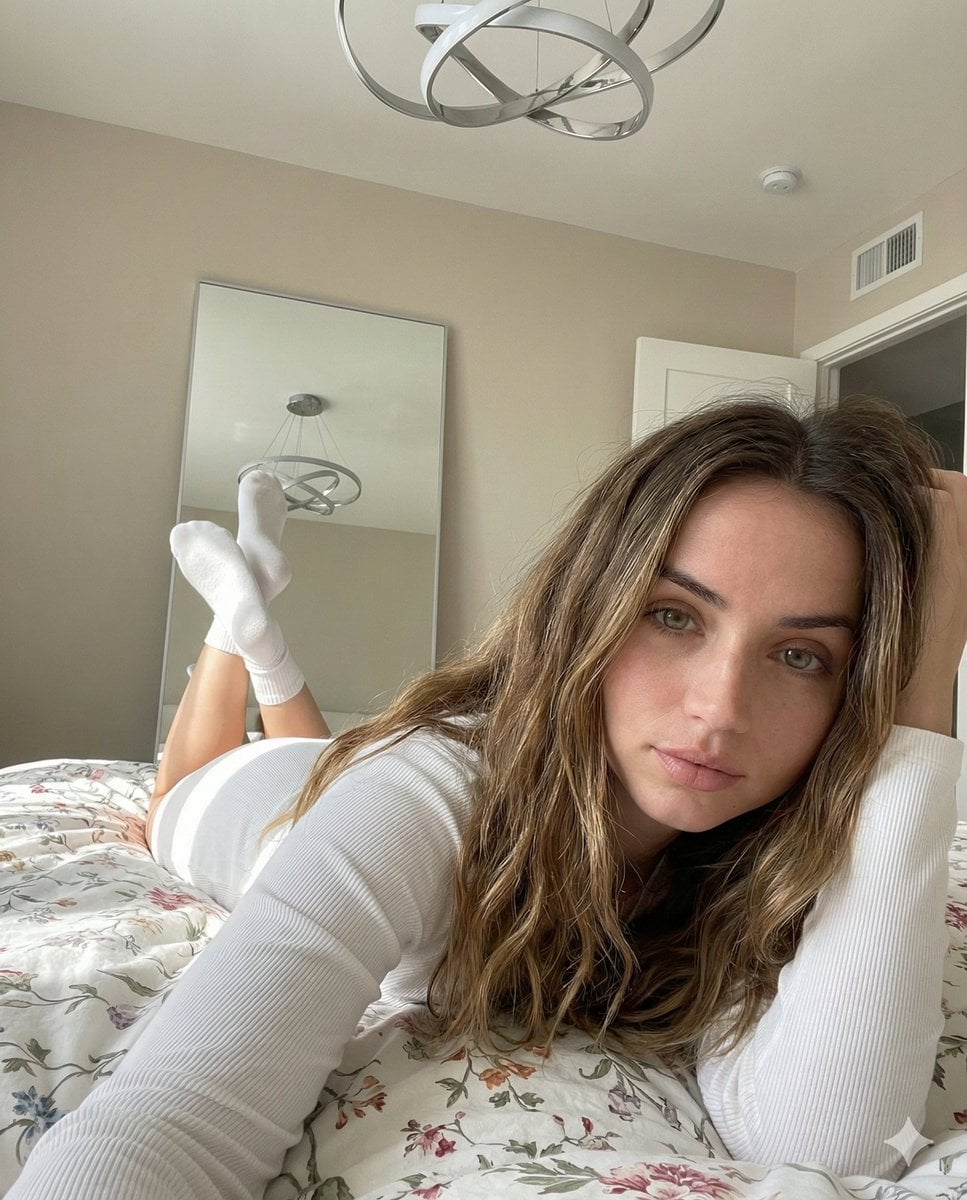
Cozy, Intimate Bedroom Portrait with High Angle Selfie Aesthetic
Browse template categories
Hyper-Realistic Reflection Portrait Prompt questions
How do I use the Hyper-Realistic Reflection Portrait Prompt template?
Add your photo if the template asks for one, edit the prompt if you like — the template's model and format are already selected — and press Generate. Your version opens in PicX Studio.
Can I customize the Hyper-Realistic Reflection Portrait Prompt template?
Yes. You can change the subject, setting, lighting, mood, format, and available model controls before creating your image.
Is the Hyper-Realistic Reflection Portrait Prompt template free?
Opening and editing this template is free. Generating uses credits, shown on the Generate button when you are signed in.
Which AI model should I use?
Start with Nano Banana 2, which is the model associated with this template. You can compare another compatible model for a different finish.
Looking for something else? Browse all templates.

Your photo, any look
Thousands of ready templates for every top image and video model, from one credit balance.