How do I use the Luxury Vogue Fashion Editorial Poster template?
Choose the primary action to open PicX Studio with the available template settings. Review the model and format, personalize the creative direction, and generate when ready.
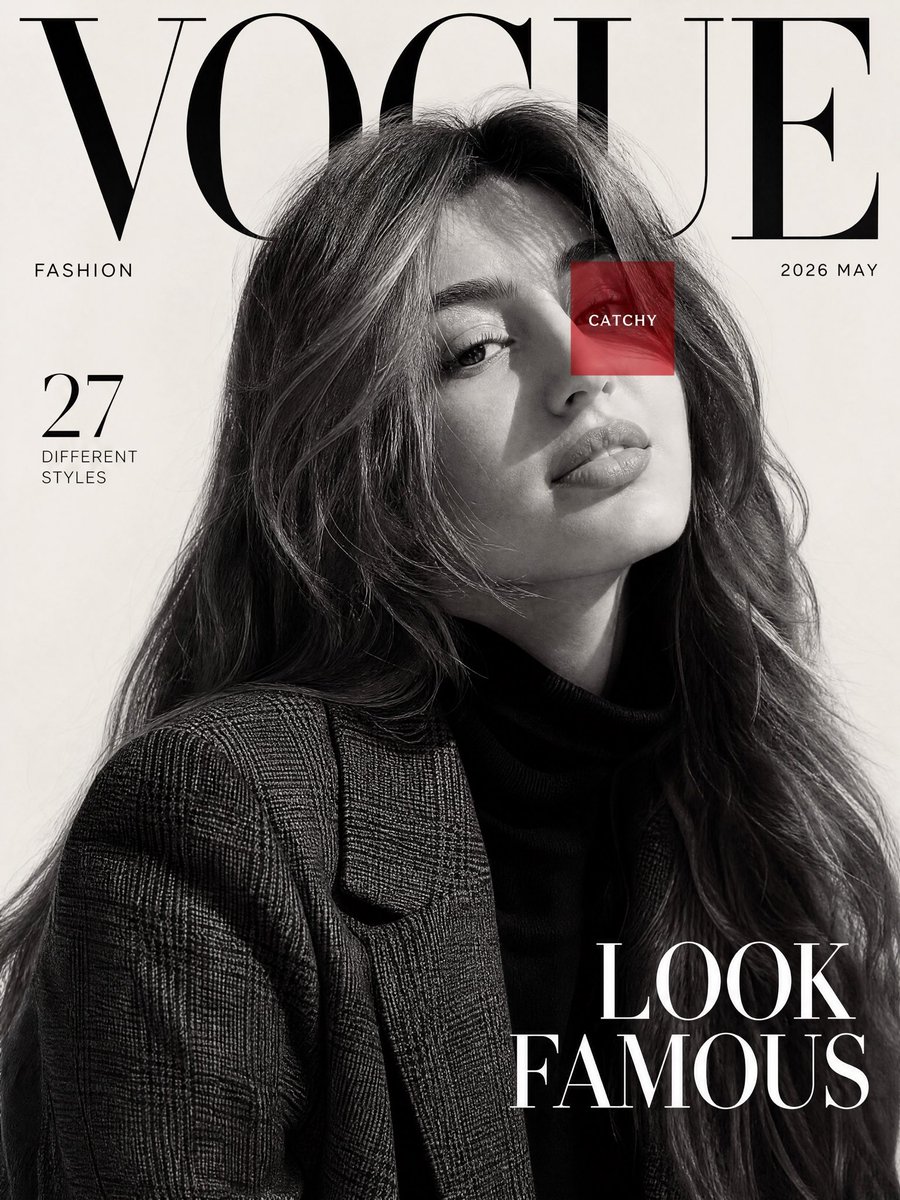
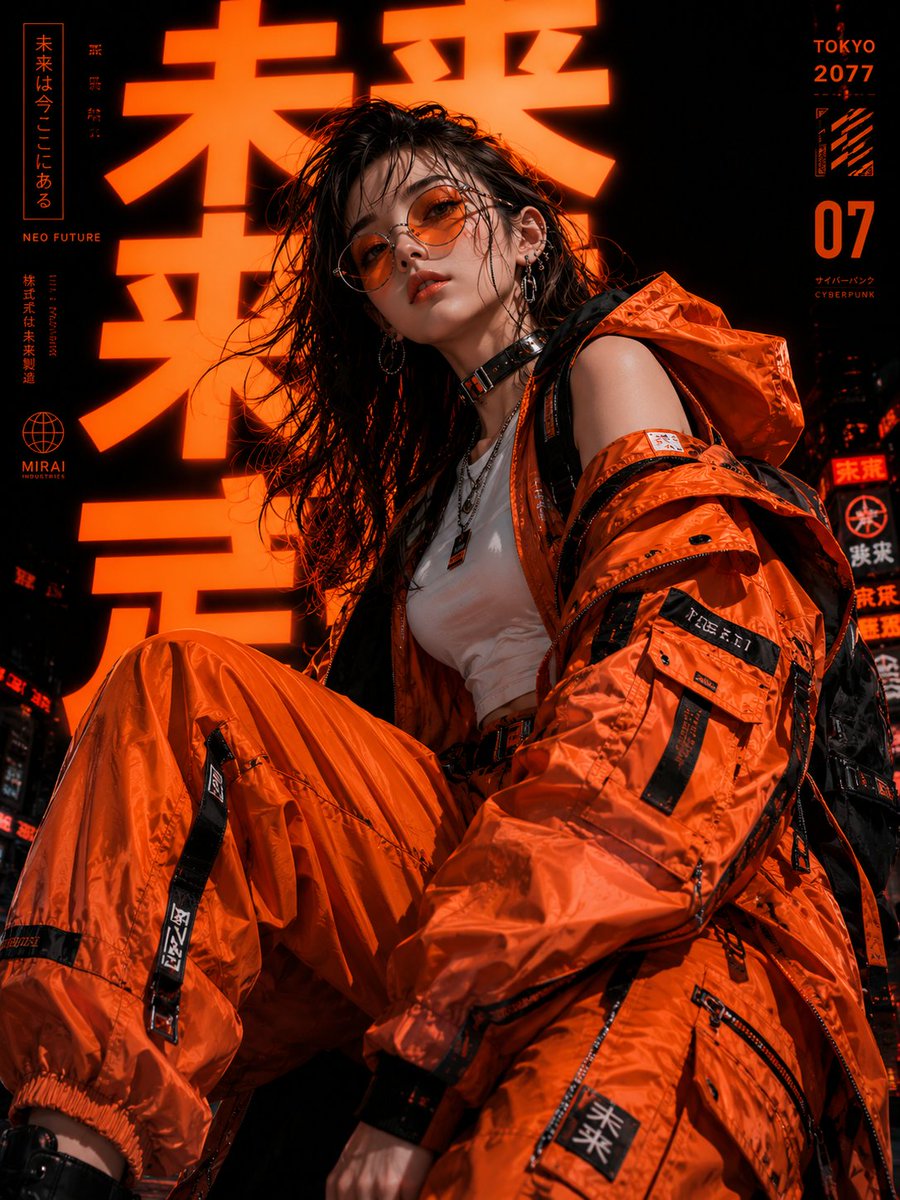
A sophisticated prompt for creating high-fashion magazine posters featuring layered collage elements and precise facial identity preservation from reference pho
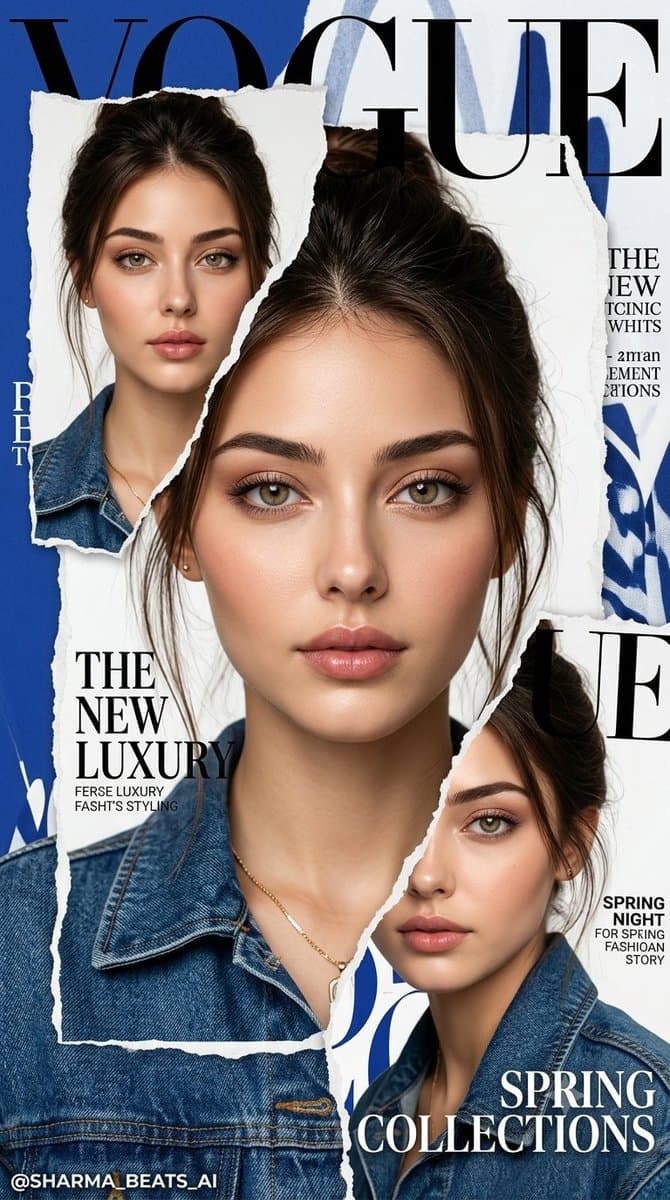
( Use uploded photo with exact face & hair ) { "prompt_name": "LUXURY_VOGUE_TORN_PAPER_EDITORIAL", "style_analysis": { "gender": "female", "camera_angle": "mixed fashion portrait composition with close-up crop layers", "pose": "elegant editorial pose with soft hand placement and flowing posture", "lens_feel": "85mm luxury fashion lens with crisp facial focus", "expression": "calm, dreamy, sophisticated luxury mood", "hair": "long straight same hair with natural wind flow", "outfit": "denim jacket, luxury minimal fashion styling, premium accessories", "lighting": "soft studio lighting with clean highlights and balanced shadows", "color_palette": "royal blue, white, soft skin tones, dark navy accents", "background": "minimal bold blue editorial backdrop with layered typography", "effects": "torn paper collage layers, magazine cutout composition, glossy fashion finish", "mood": "high-fashion Vogue editorial, luxury K-fashion campaign aesthetic" }, "generated_prompt": "Create a hyper-realistic luxury Vogue-style editorial poster using uploaded face as exact identity reference. Preserve 10000% facial identity, jawline, eyes, lips, skin texture, hairline, and natural asymmetry with zero morphing. Design a premium magazine collage composition with torn paper layers, elegant close-up facial crops, flowing same hair, soft editorial hand pose, denim luxury fashion styling, minimal accessories, bold royal blue background, oversized typography layout, glossy magazine aesthetic, clean studio lighting, soft cinematic shadows, premium Korean fashion campaign vibe, ultra detailed skin and fabric texture, crisp facial focus, luxury editorial composition, 16K ultra HD, 9:16 vertical.", "signature": { "text": "@SHARMA_BEATS_AI", "font_style": "Autography", "placement": "bottom left corner" }, "identity_lock": { "source": "uploaded_user_image", "strength": "maximum", "preserve": [ "exact face structure", "skin tone", "eyes", "nose", "lips", "hair texture", "natural facial details" ], "forbidden": [ "face morphing", "beauty filters", "AI smooth skin", "identity drift", "cut-paste face effect" ] }, "negative_prompt": [ "anime", "cartoon", "cgi", "3d render", "blur", "low quality", "bad anatomy", "extra fingers", "plastic skin", "watermark", "text artifacts", "face mismatch", "oversharpen", "flat lighting" ], "output_settings": { "quality": "16K Ultra HD", "aspect_ratio": "9:16", "realism": "hyper-realistic luxury editorial", "style_accuracy": "same-to-same" } }{ "task": "Exact Style Recreation with Face Lock", "input": { "style_prompt": "PASTE GENERATED STYLE JSON HERE", "face_image": "uploaded_user_image" }, "identity_lock": { "source": "uploaded_user_image", "strength": "maximum", "preserve": [ "exact face structure", "skin tone", "eye/nose/lips", "natural texture", "hair (NO CHANGE)" ], "forbidden": [ "face change", "beauty filter", "reshaping", "AI smooth skin" ] }, "generation_rules": [ "apply 100% same style from style_prompt", "keep exact pose, lighting, composition", "match subject size & framing", "blend face naturally (no cut-paste look)" ], "output": { "quality": "16K ultra HD", "aspect_ratio": "9:16", "realism": "hyper-realistic, no AI detectable" }, "negative": [ "cartoon, anime, cgi, blur, distortion, watermark, text, bad anatomy, face mismatch" ] }
Choose the primary action to open PicX Studio with the available template settings. Review the model and format, personalize the creative direction, and generate when ready.
Yes. You can change the subject, setting, lighting, mood, format, and available model controls before creating your image.
This template is free to open and customize. Generation usage is shown in PicX Studio before you create.
Start with GPT Image 2, which is the model associated with this template. You can compare another compatible model for a different finish.
© 2026 PicX Studio. All rights reserved.

Follow a topic to a crawlable collection of related PicX Studio templates.