
Cinematic Moment of Fate Re-creation
Analyzes an existing illustration's narrative to recreate a pivotal moment as a candid-style image with cinematic depth and intentional imperfections.
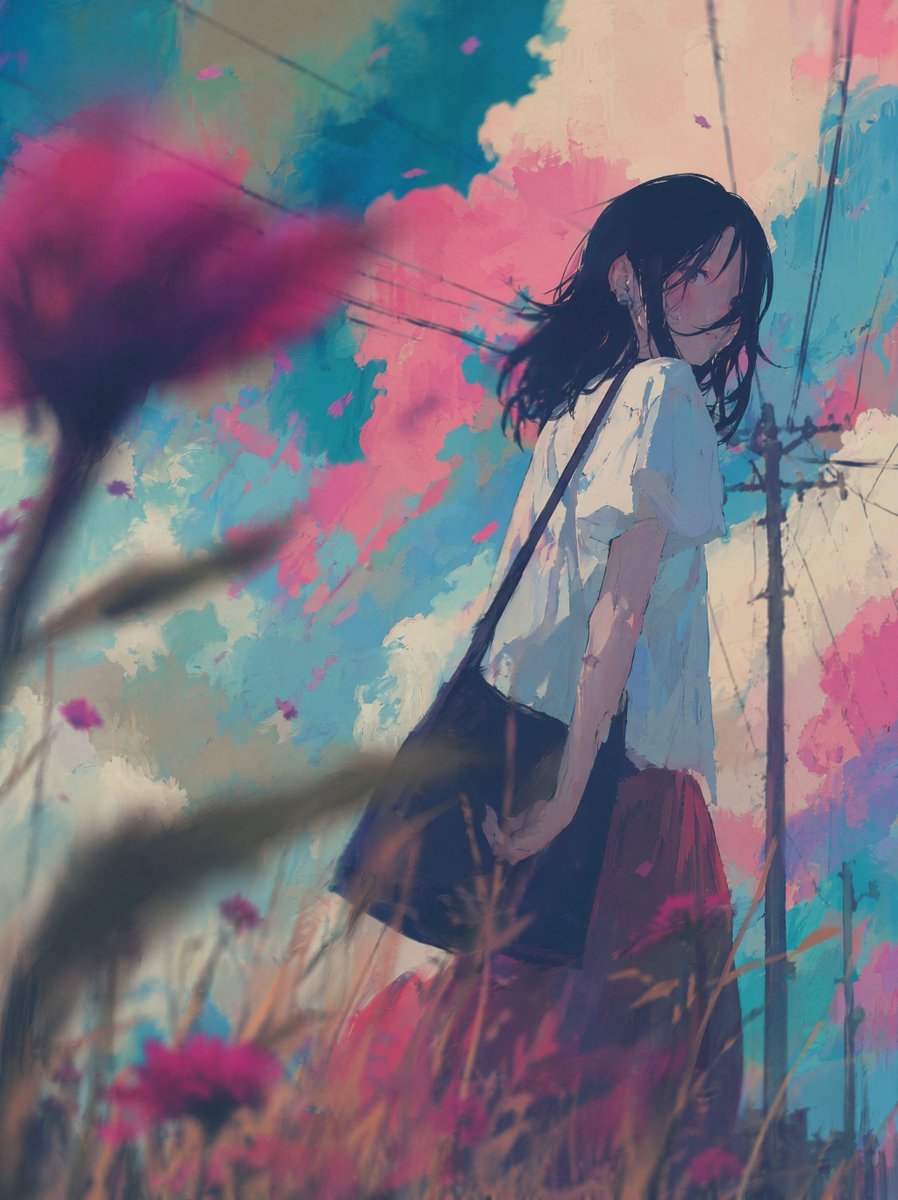
- Prompt included
- Model and format preset
- Free template
The prompt behind this image
Copy the exact prompt behind Cinematic Moment of Fate Re-creation, or open it in the studio and make it yours.
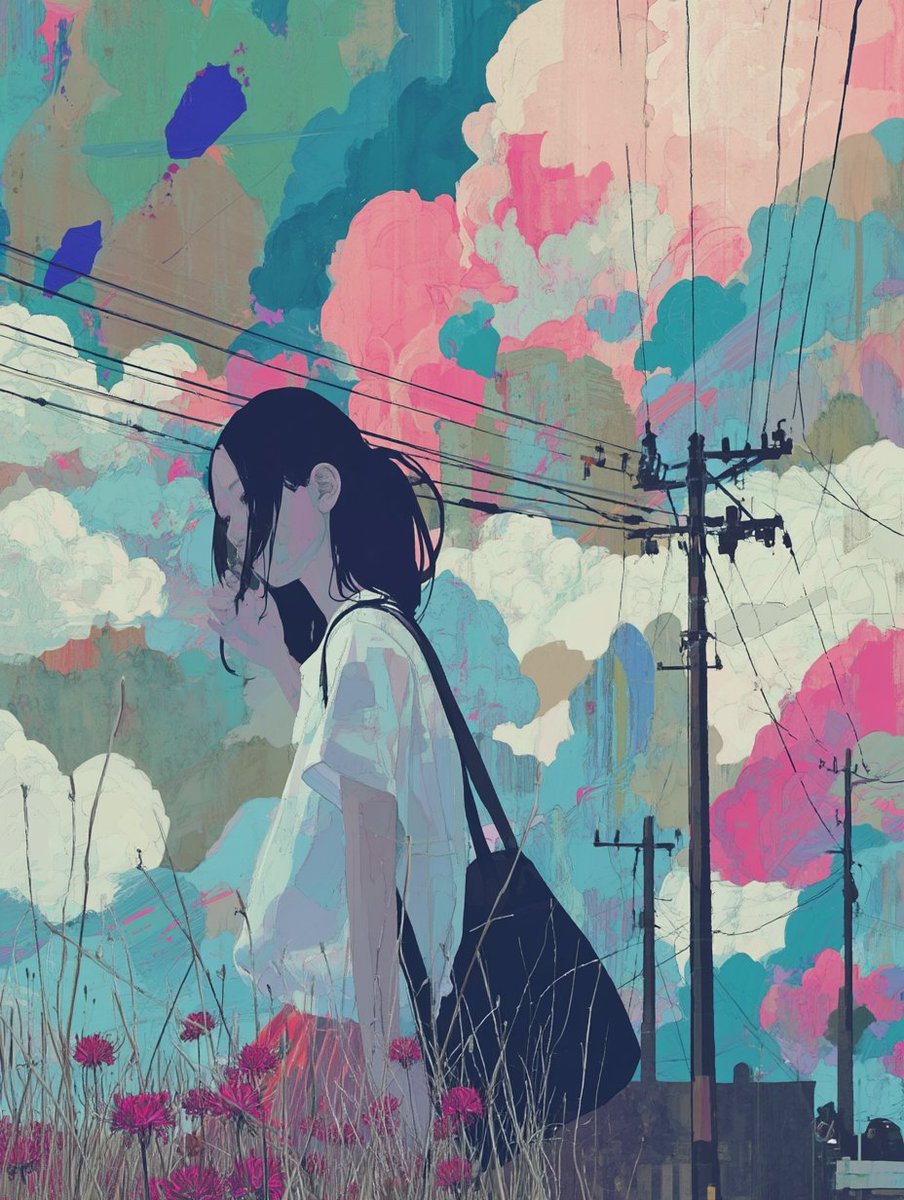
Analyze the narrative of this illustration and identify the single most critical moment of fate within the story. [Scene Construction] - Recreate that decisive moment as a new illustration - The scene should feel candid and unposed — as if captured accidentally by a camera - The subject is caught mid-action, unaware of being observed - The composition is slightly off-balance, as if the photographer moved suddenly [Depth & Lens] - Place an out-of-focus object in the foreground close to the lens — a branch, fabric, foliage, architectural element, or any environmental object native to the scene - Human hands or body parts must never appear in the foreground - This foreground element creates strong depth separation - Apply shallow depth of field: the focal point is sharp, everything else falls into natural bokeh - Slight motion blur on peripheral elements suggests a fleeting moment [Imperfection] - The framing is imperfect — subject may be slightly off-center or partially cropped - Focus is not perfectly locked — the sharpest point is close but not clinical - The image feels like it was taken one second before or after the "perfect" shot [Atmosphere] - The emotional weight of the story's turning point must be felt in the image - Light and shadow reflect the tension of the moment - Preserve the original art style and color palette of the source illustration
Reference images included
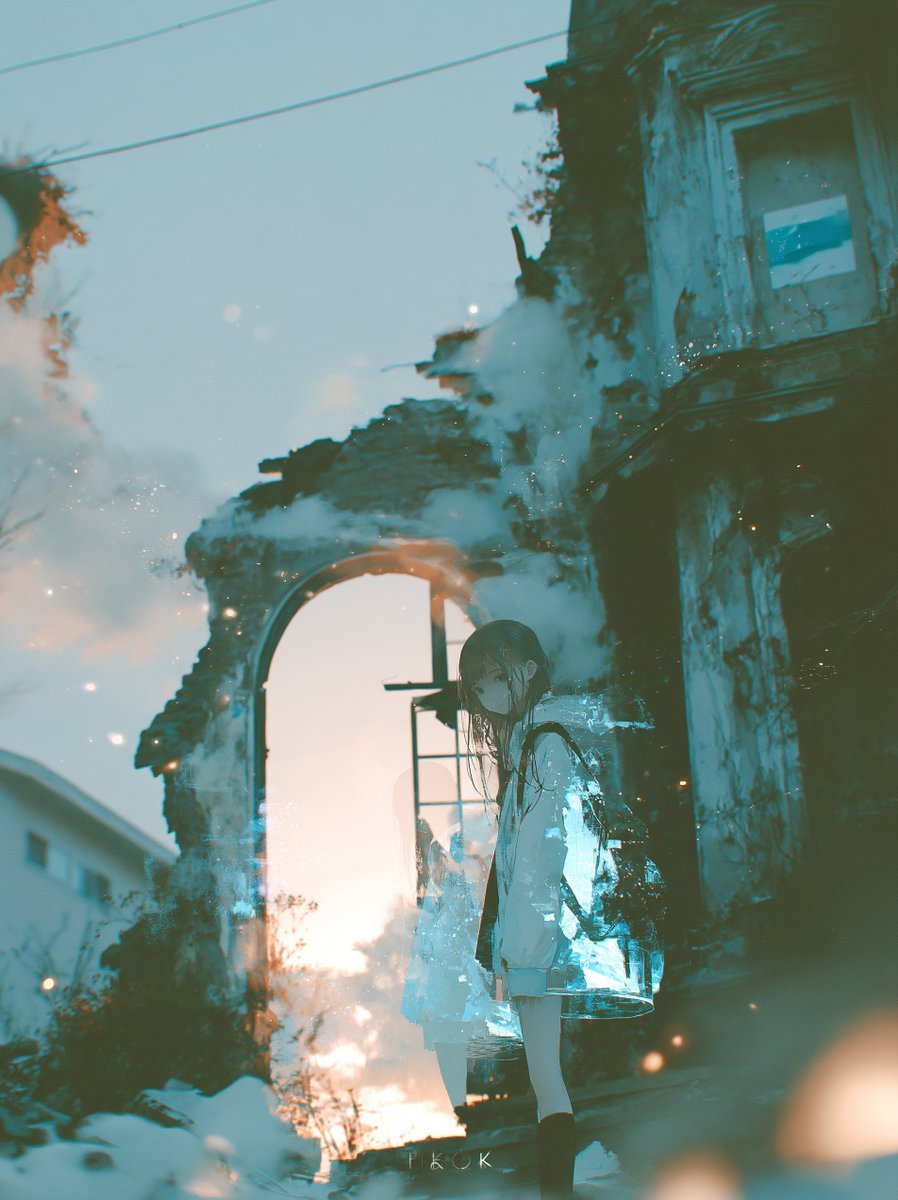
Cinematic Moment of Fate Re-creation needs input media to work. They load alongside the prompt when you open it in the studio.
How to use Cinematic Moment of Fate Re-creation in 3 steps
- 1Upload ImagePNG, JPG or paste
Add your photo
Upload the photo the template builds on. The prompt, model and format are already set.
- 2…a portrait of your subject in softgolden-hour light, 85mm…
Personalize
Edit the subject and creative details for your destination.
- 3Generate
Generate
Press Generate — your image is created in PicX Studio, so you can compare it with the original and refine one variable at a time.
More like this
Templates with the same subject, style or setup. Open one to see its prompt.
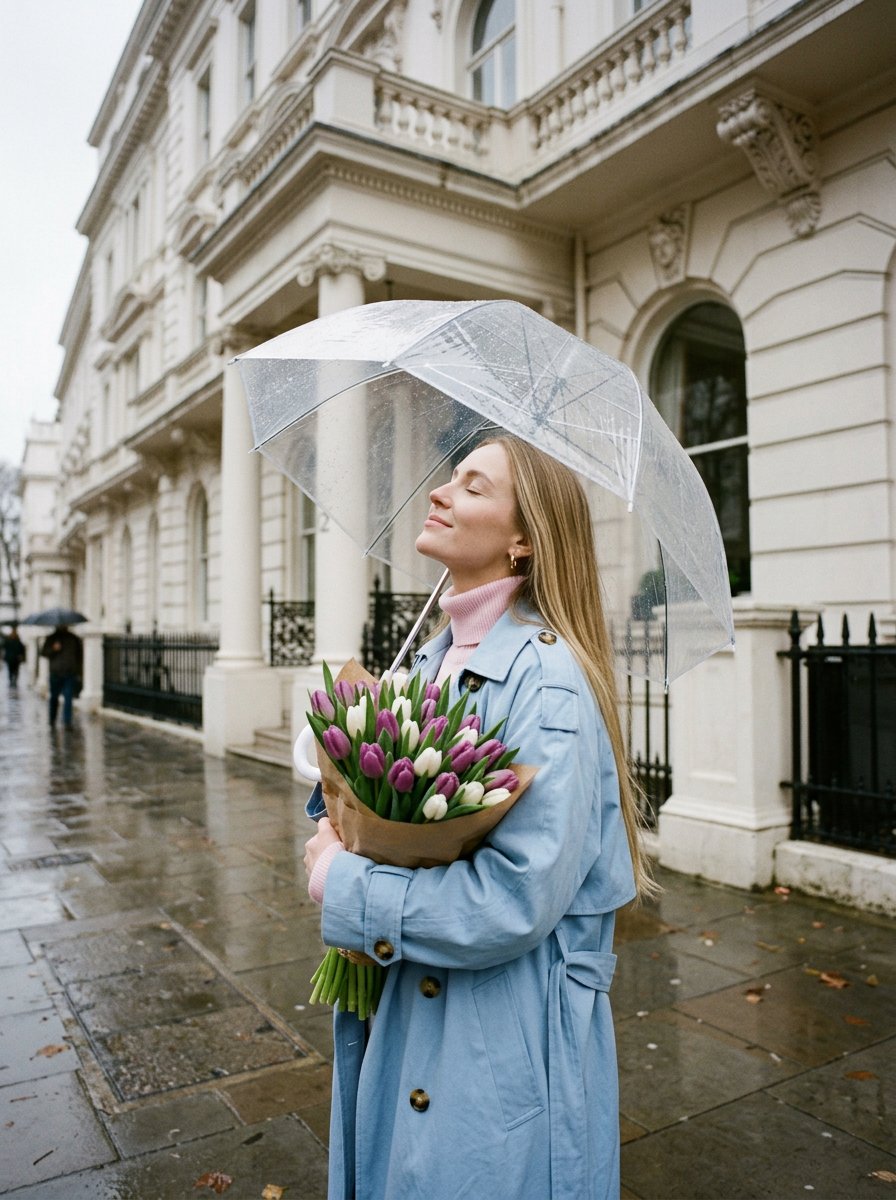
Romantic Rainy City Moment
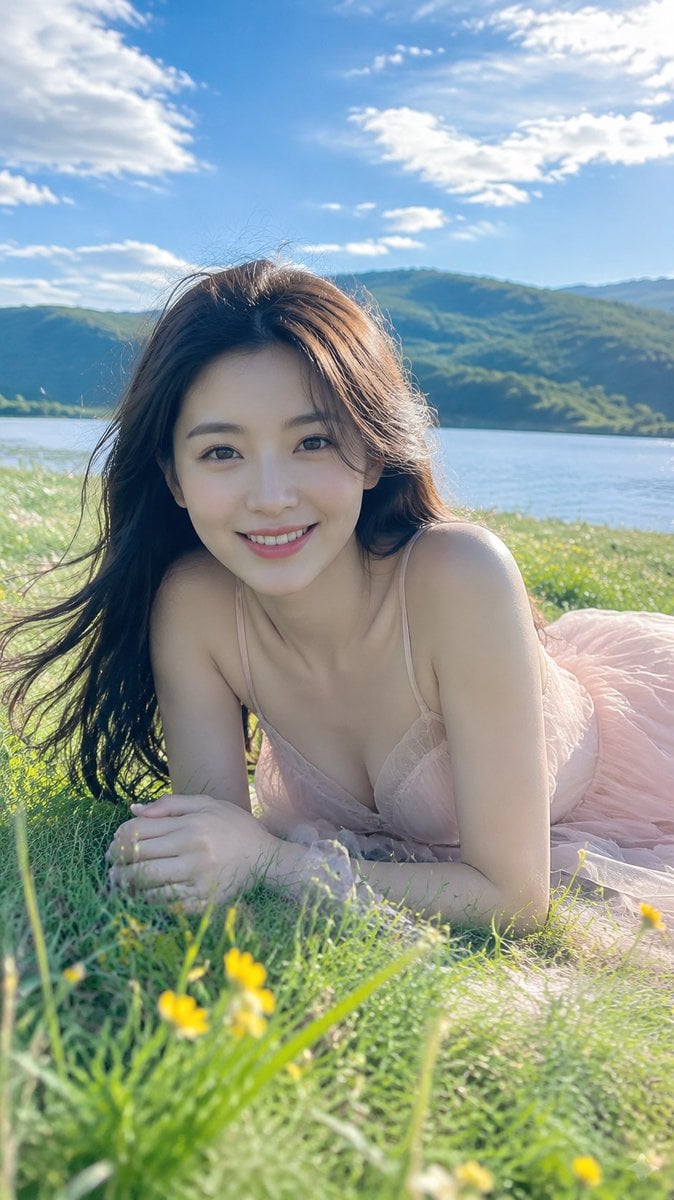
Alpine Lake Candid — Mountain Air Moment
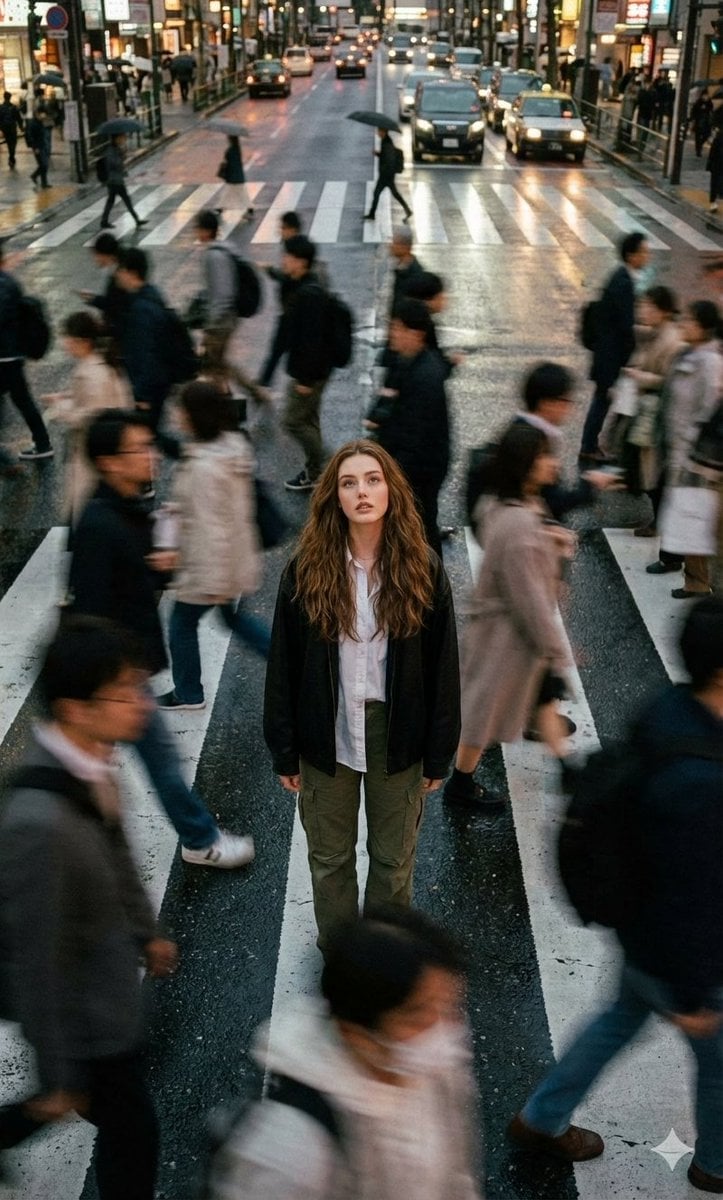
Cinematic street photography capturing a moment in motion with a crowd
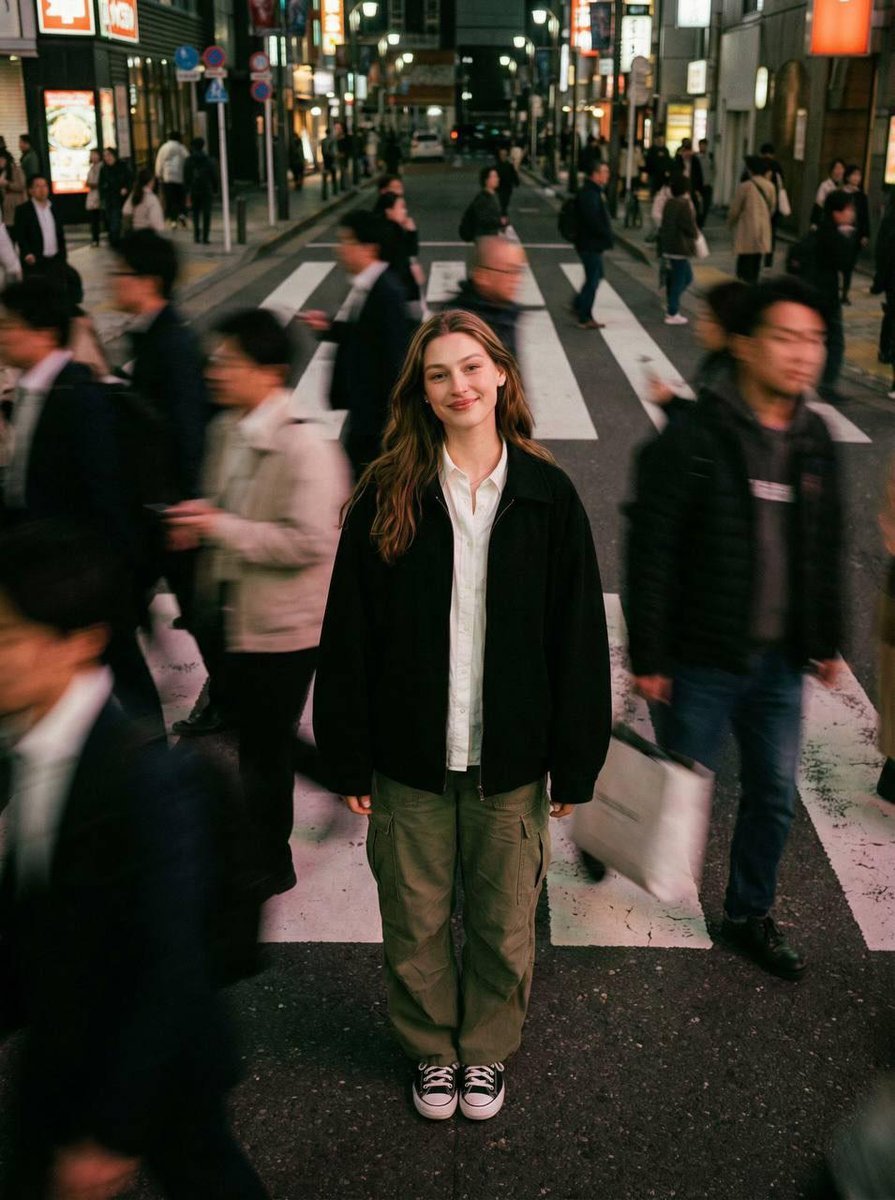
Cinematic street photography capturing a moment in motion with a crowd
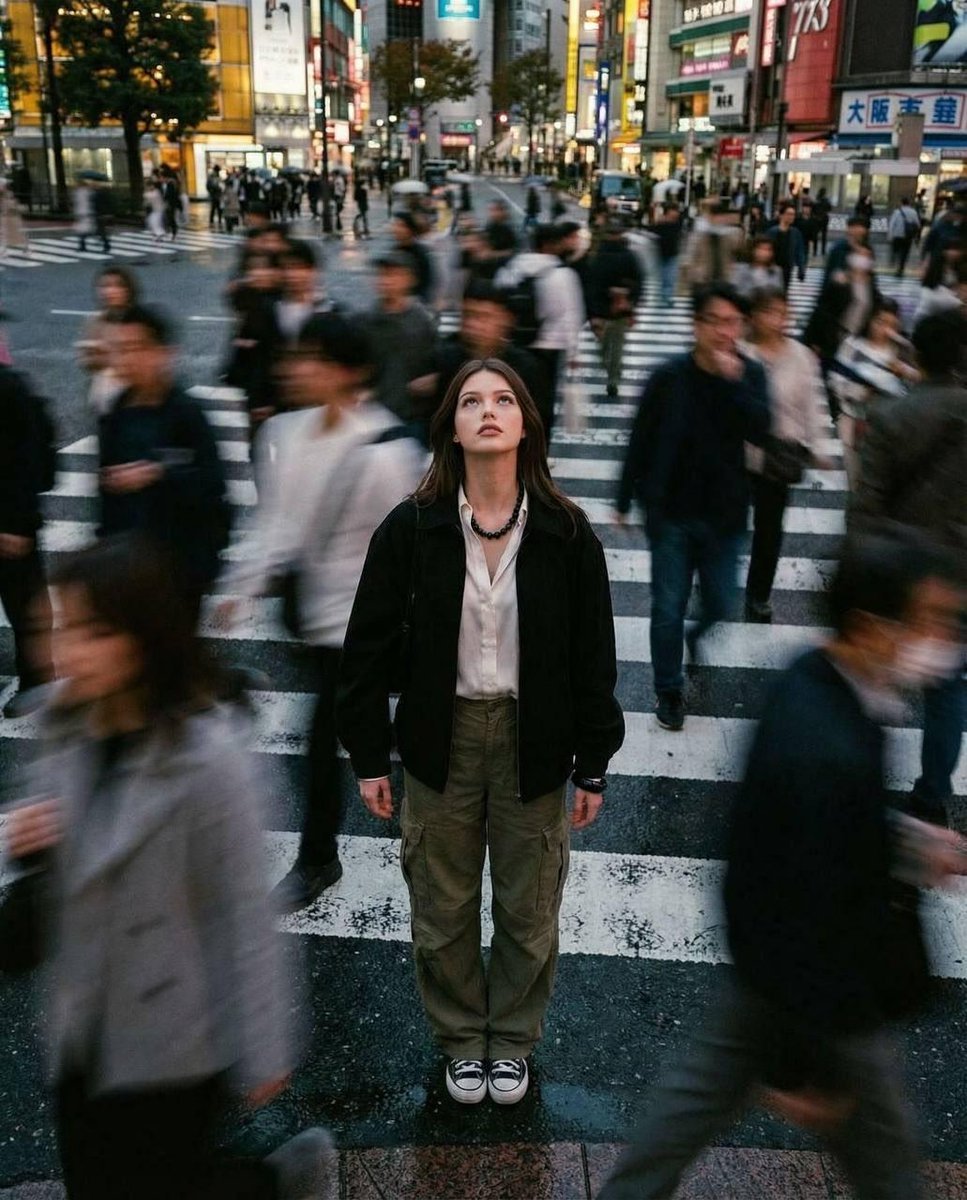
Cinematic street photography capturing a moment in motion with a crowd
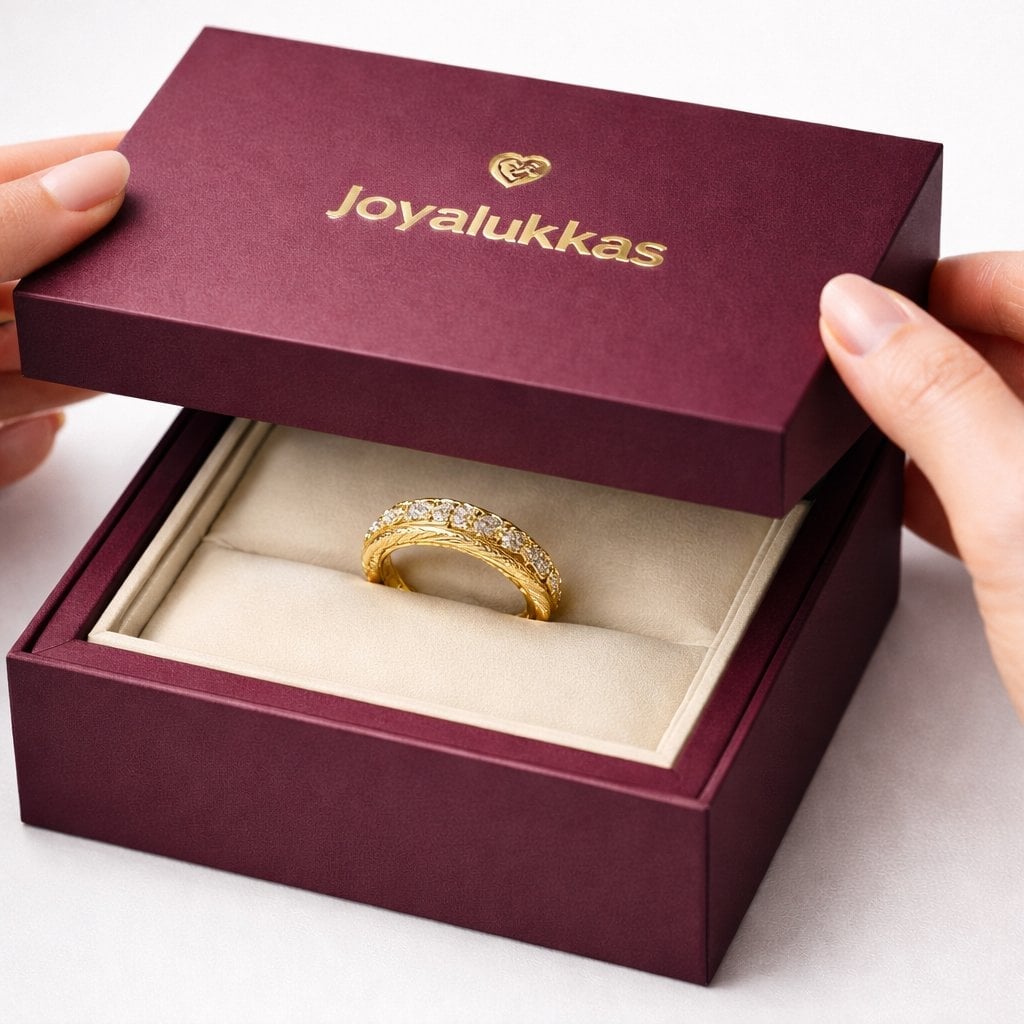
Luxury packaging reveal scene, premium unboxing moment, pristine hands
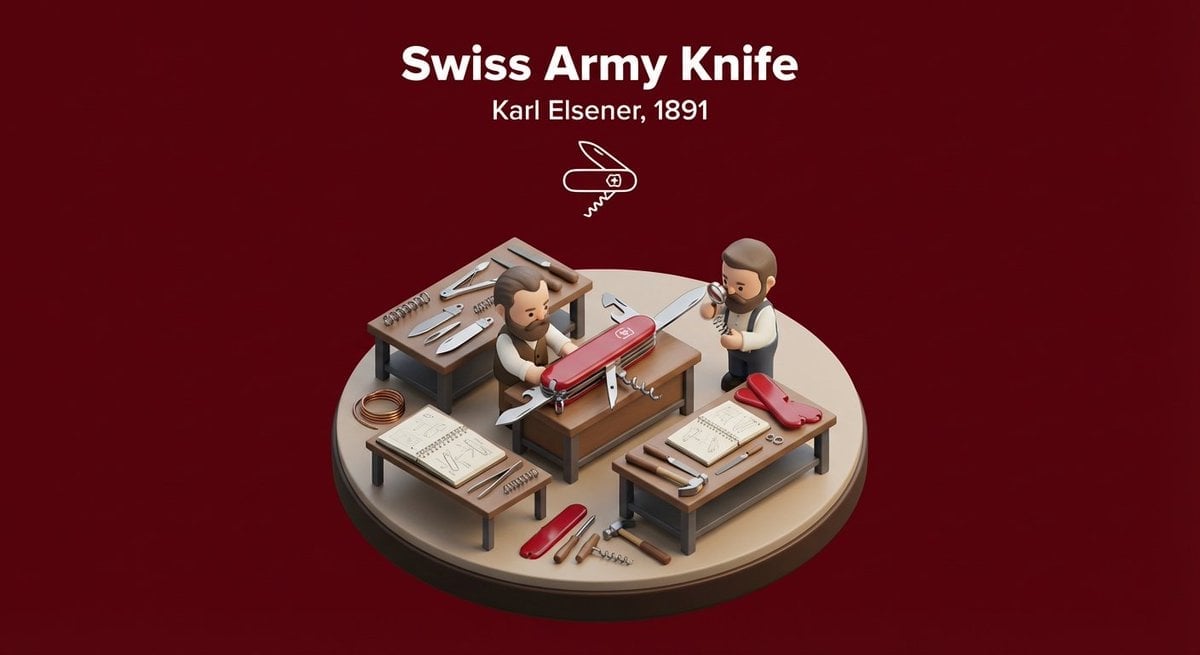
Miniature 3D isometric diorama showing the invention of at the moment
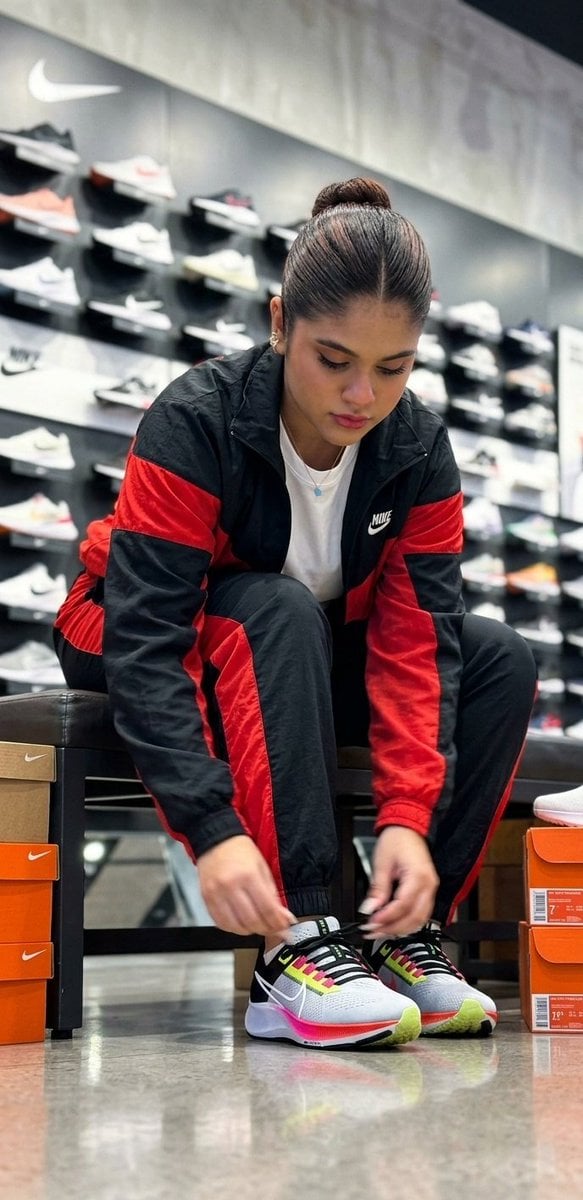
Candid Sneaker Shopping Moment
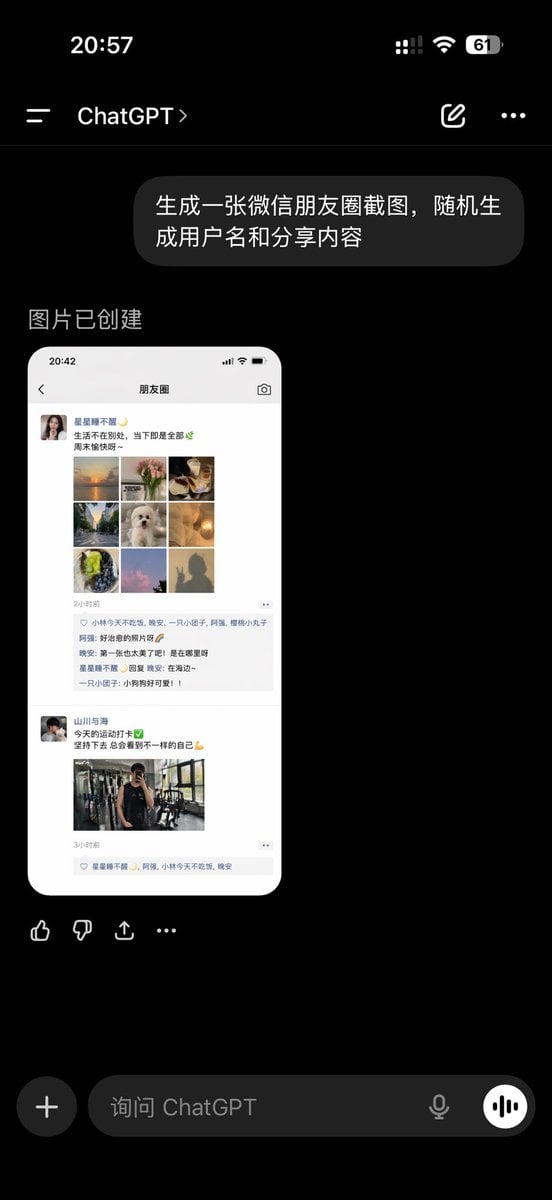
ChatGPT App Showing WeChat Moments Screenshot
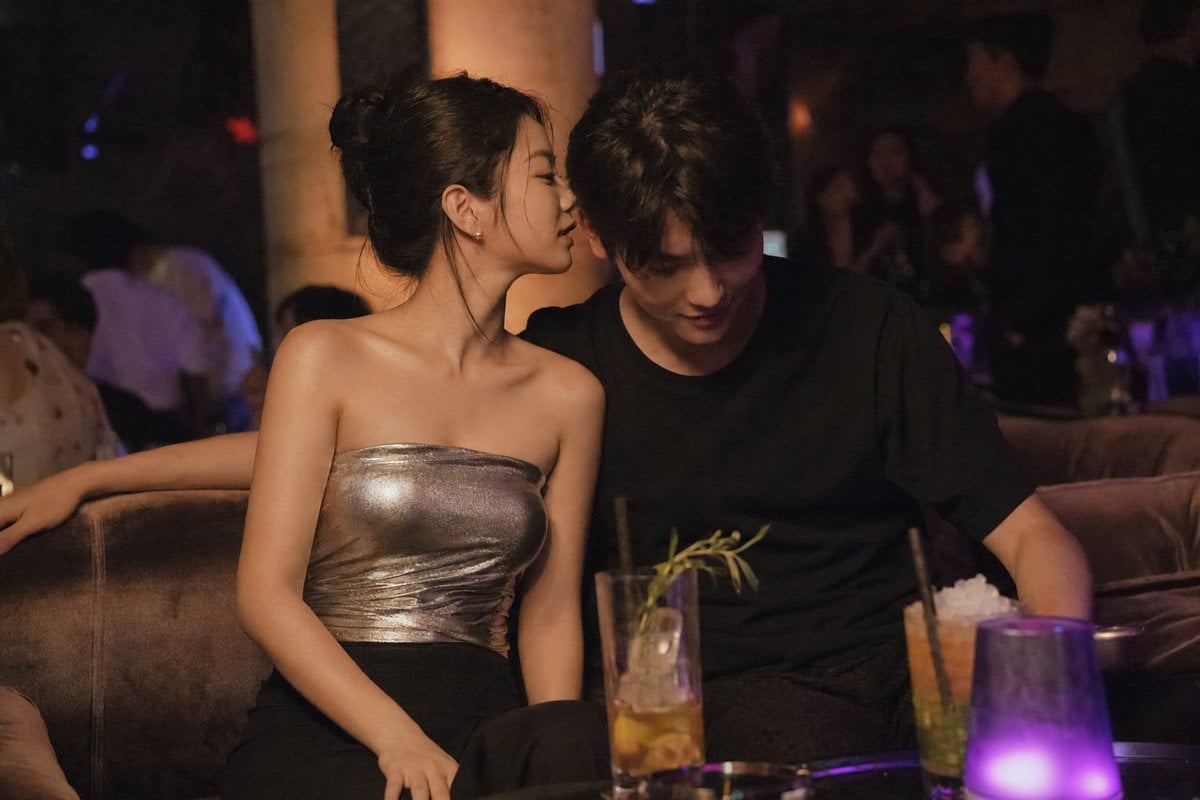
Intimate Club VIP Lounge Moment
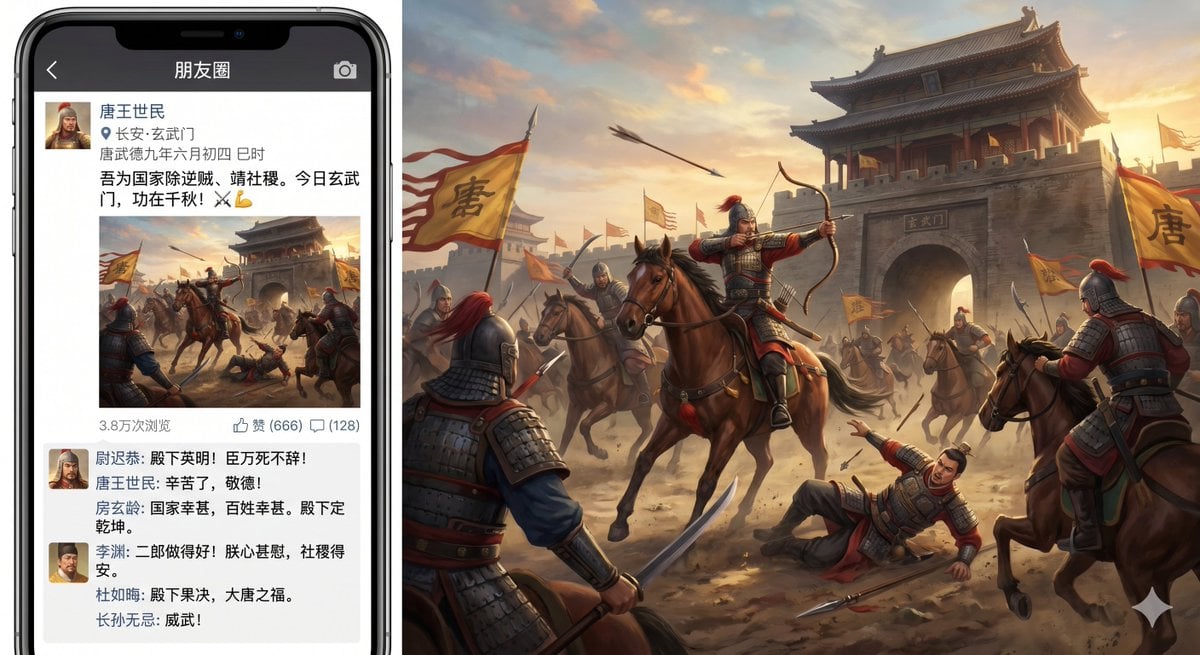
Xuanwu Gate Incident Moments Post
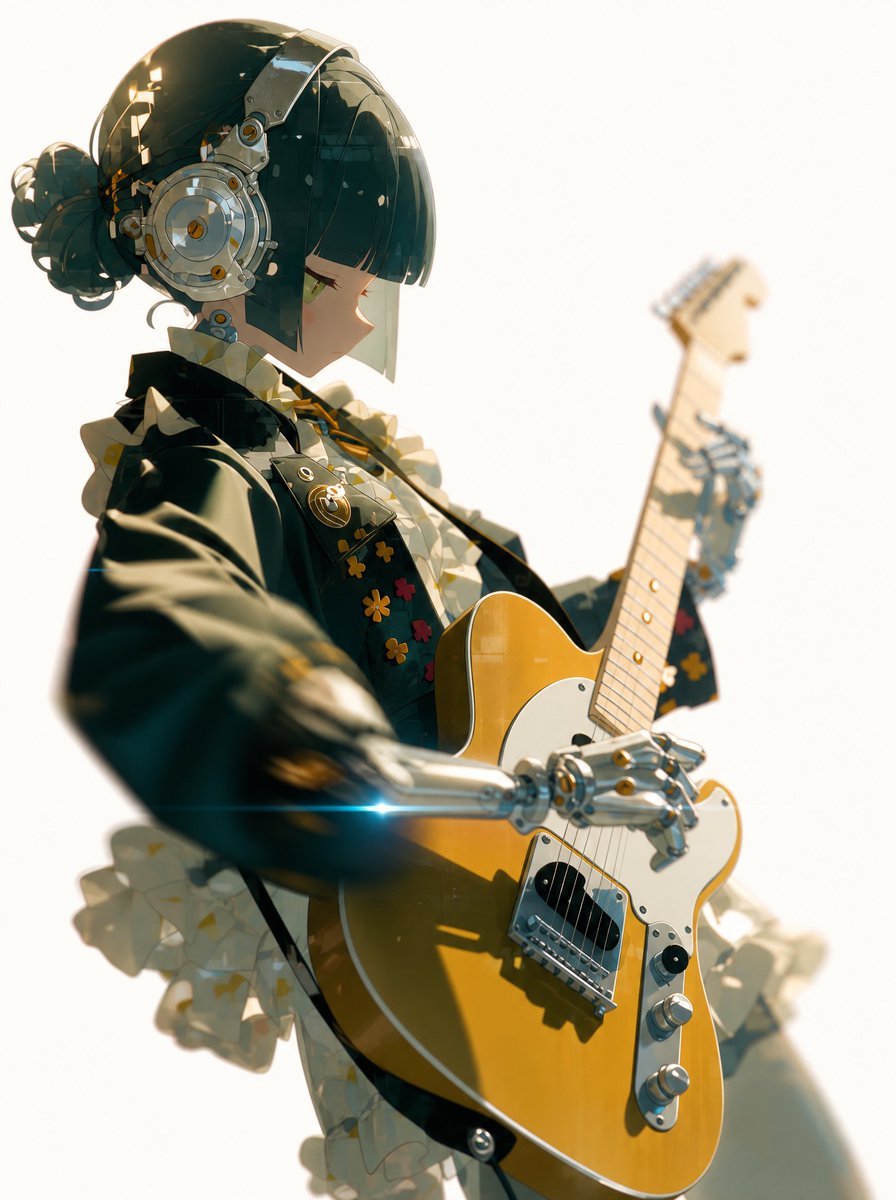
Cyber Idol Guitarist Live Moment
Make it yours
Cinematic Moment of Fate Re-creation works as-is. These are the safest ways to change it without losing the look.
Change one field
Copy a single group, rewrite it, and generate again so you can see what that field is doing.
Keep the frame, change the subject
Hold the composition and light of Cinematic Moment of Fate Re-creation, then swap wardrobe, props or the person for a new take.
| If the result… | Why | Fix |
|---|---|---|
| The result drifts from the preview | Too many fields changed at once. | Reuse Cinematic Moment of Fate Re-creation as-is first, then change one group — subject, light, or setting. |
| The model over-stylizes the scene | The prose prompt leaves finish and camera underspecified. | Add one camera or lighting sentence and stay on GPT Image 2. |
More GPT Image 2 templates
Other prompts made for GPT Image 2.

Six VTuber Japanese Logo Sheet

Realistic Portrait of Woman and Deer

The Vista Modular Condo Poster

AI Model Routing Comparison Infographic

2.5D Anime Art Board

Isometric Productivity Desk Scene

New York Double Exposure Poster

Four-Panel AI Landscape Comparison

Japanese Tatami Lifestyle Magazine Cover

NESCAFÉ Coffee Map Poster
More image prompts
Fresh picks from across the catalog.
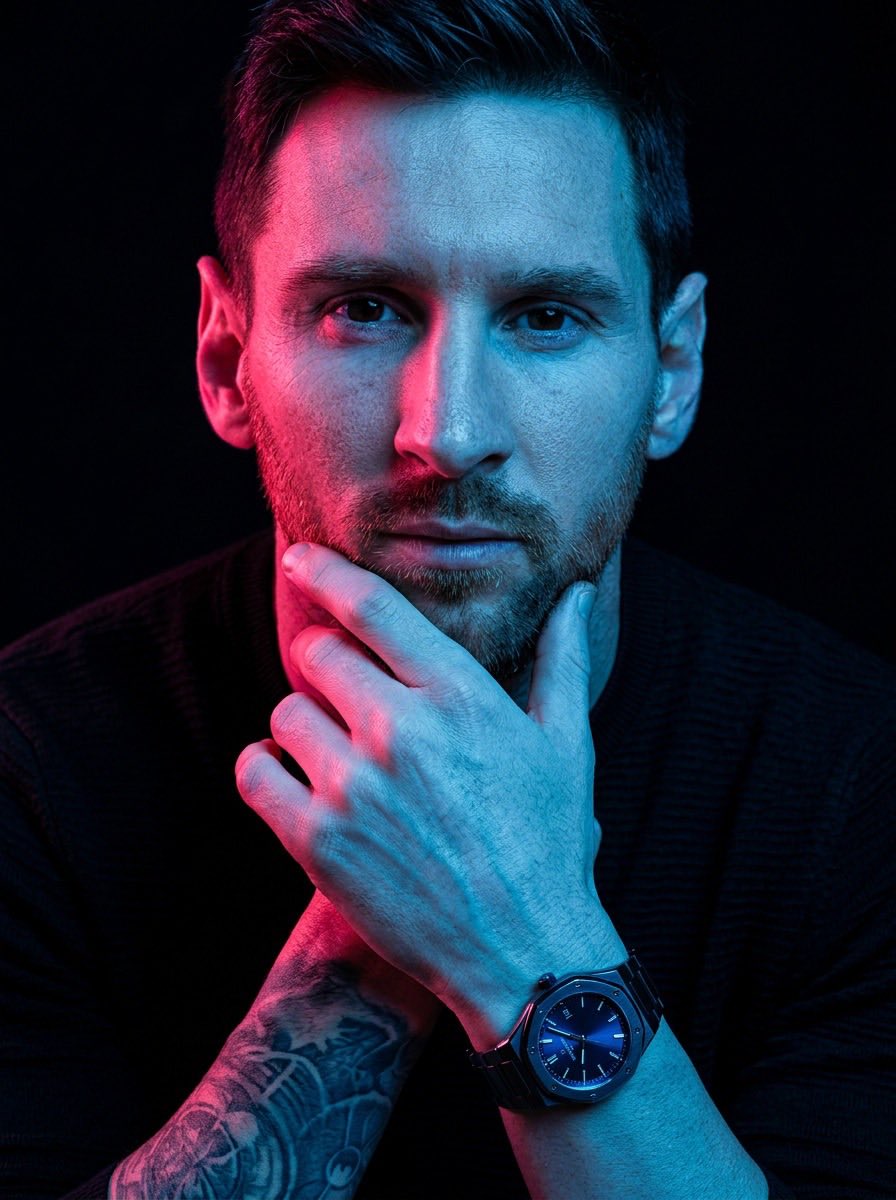
Cyberpunk Cinematic Portrait Prompt
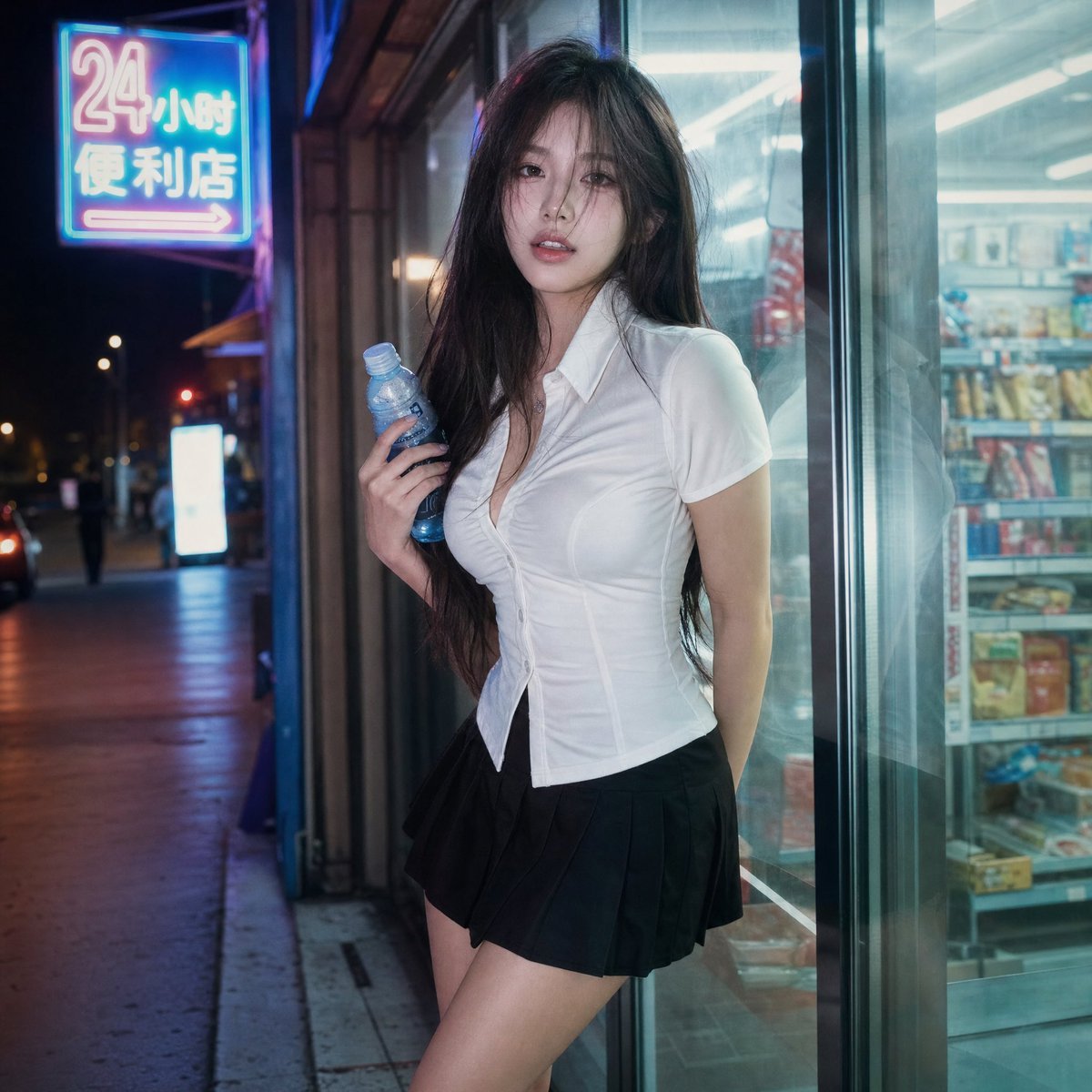
Cinematic Night Portrait Photography
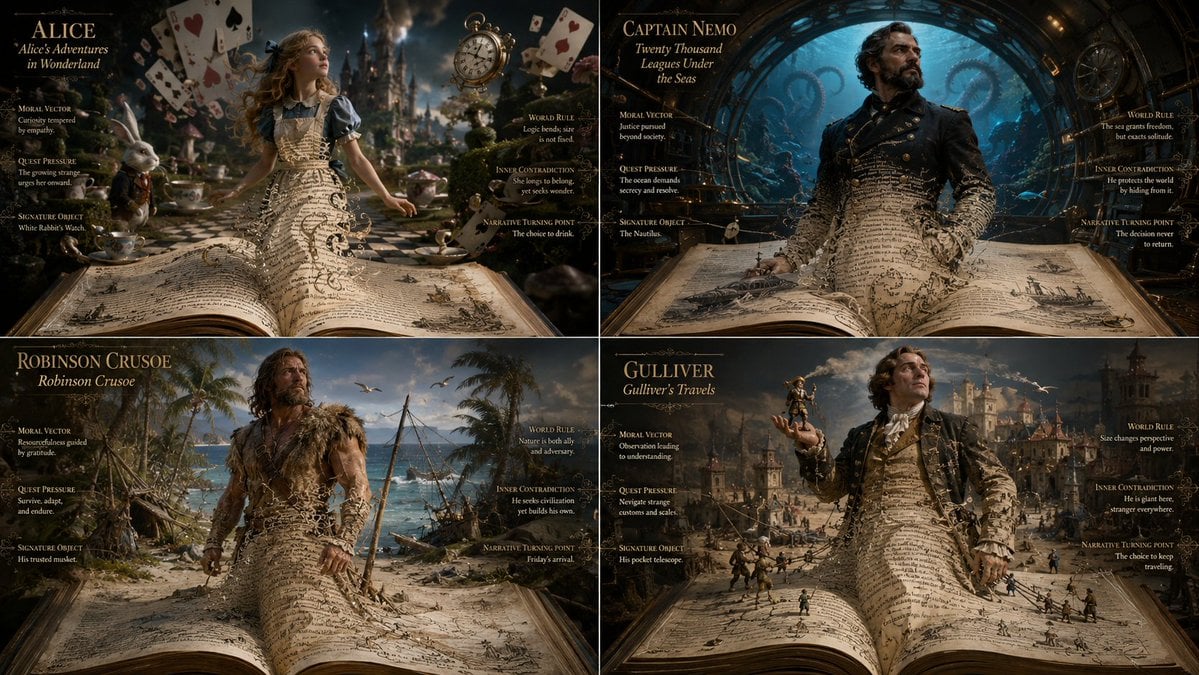
Living Manuscript Book Hero Grid
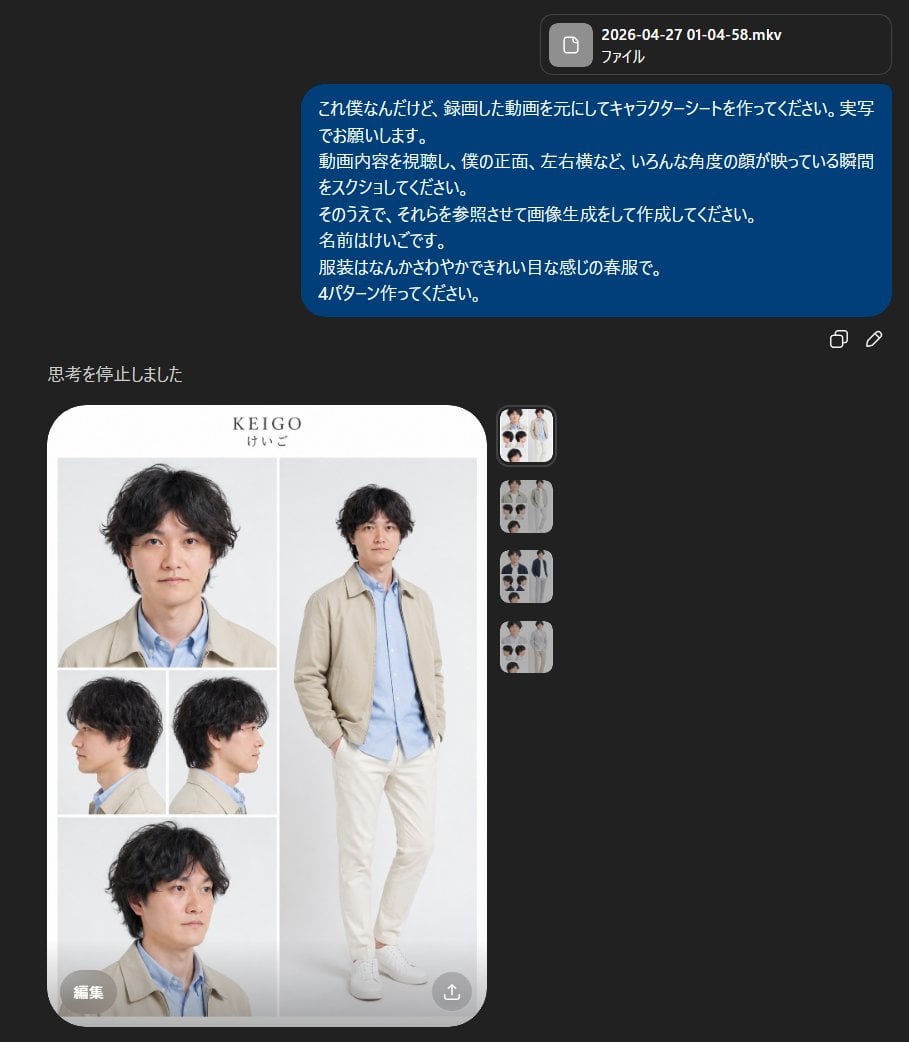
Realistic Male Character Sheet
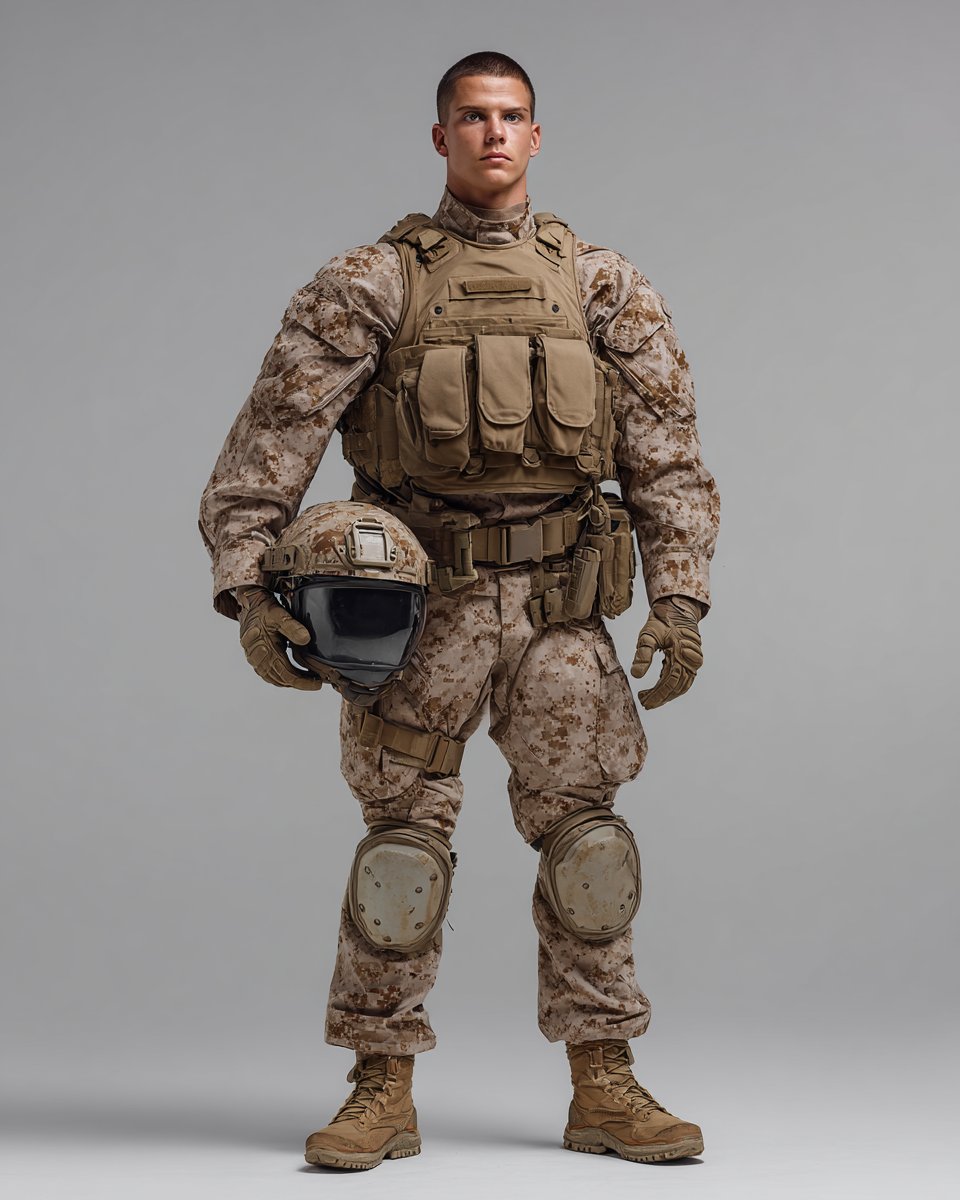
Knolling Style Flat-Lay Prompt with Labeled Disassembled Parts
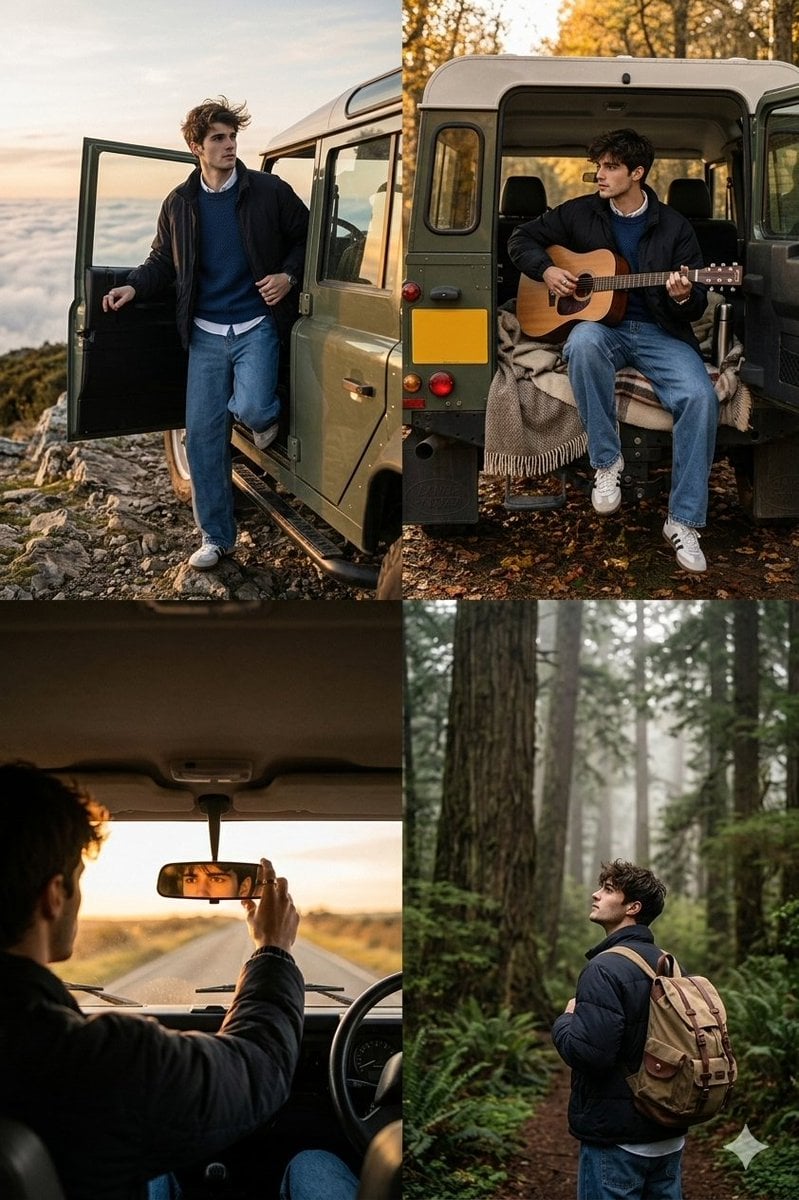
Cinematic Road Trip Collage with Identity Preservation
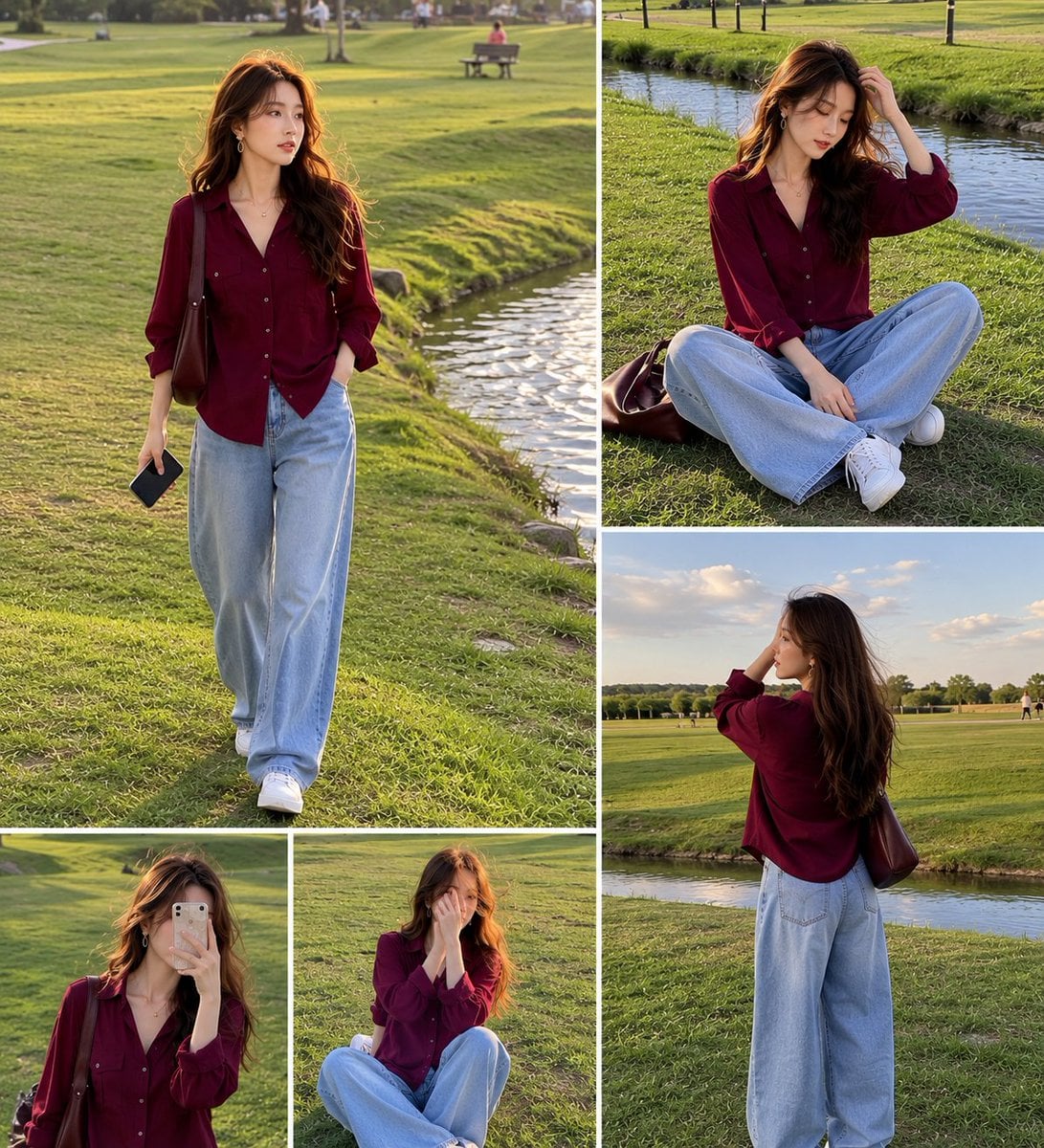
Lifestyle Fashion Collage of a Young Woman
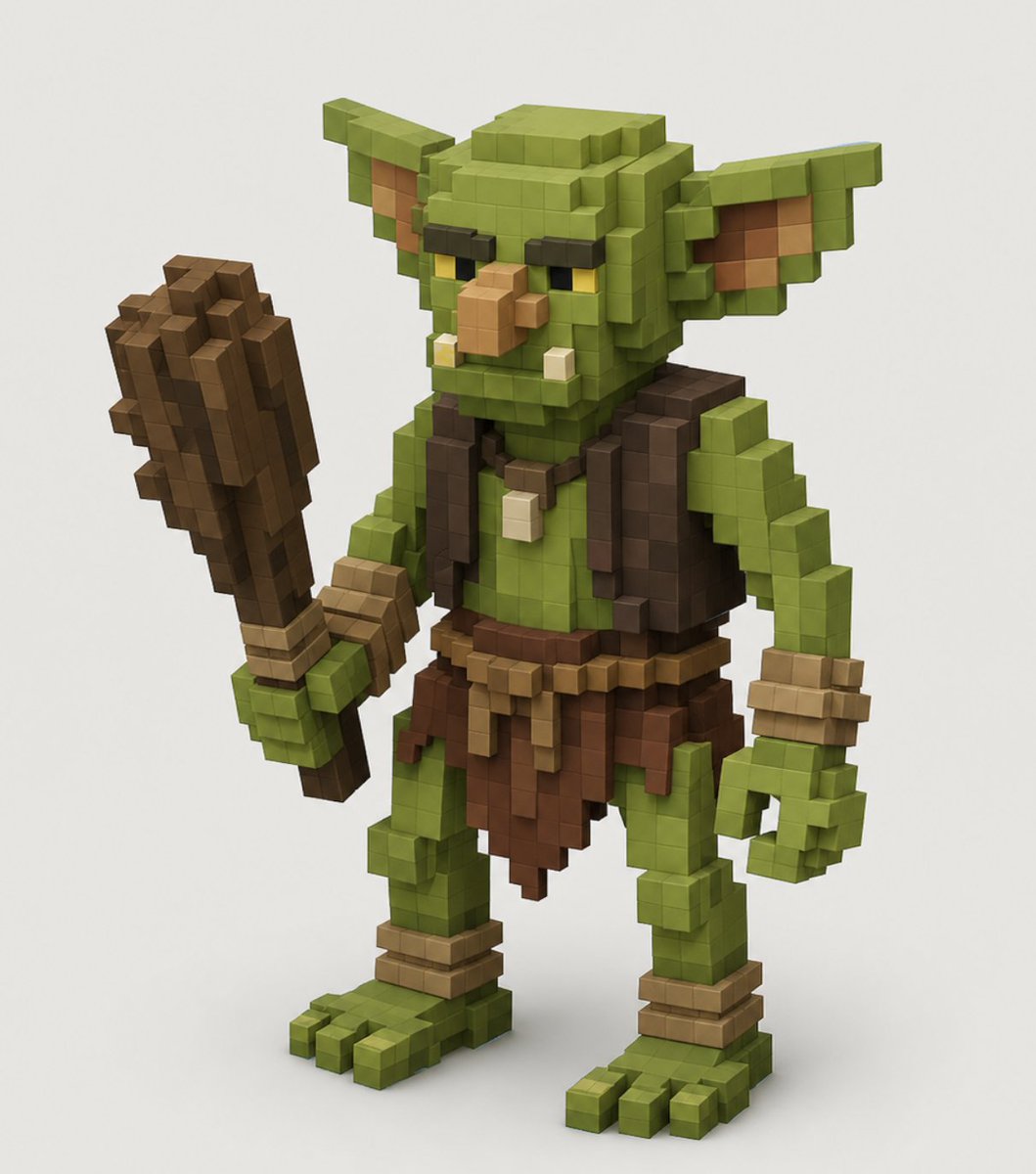
Voxel Goblin Warrior

Premium Male Editorial Portrait
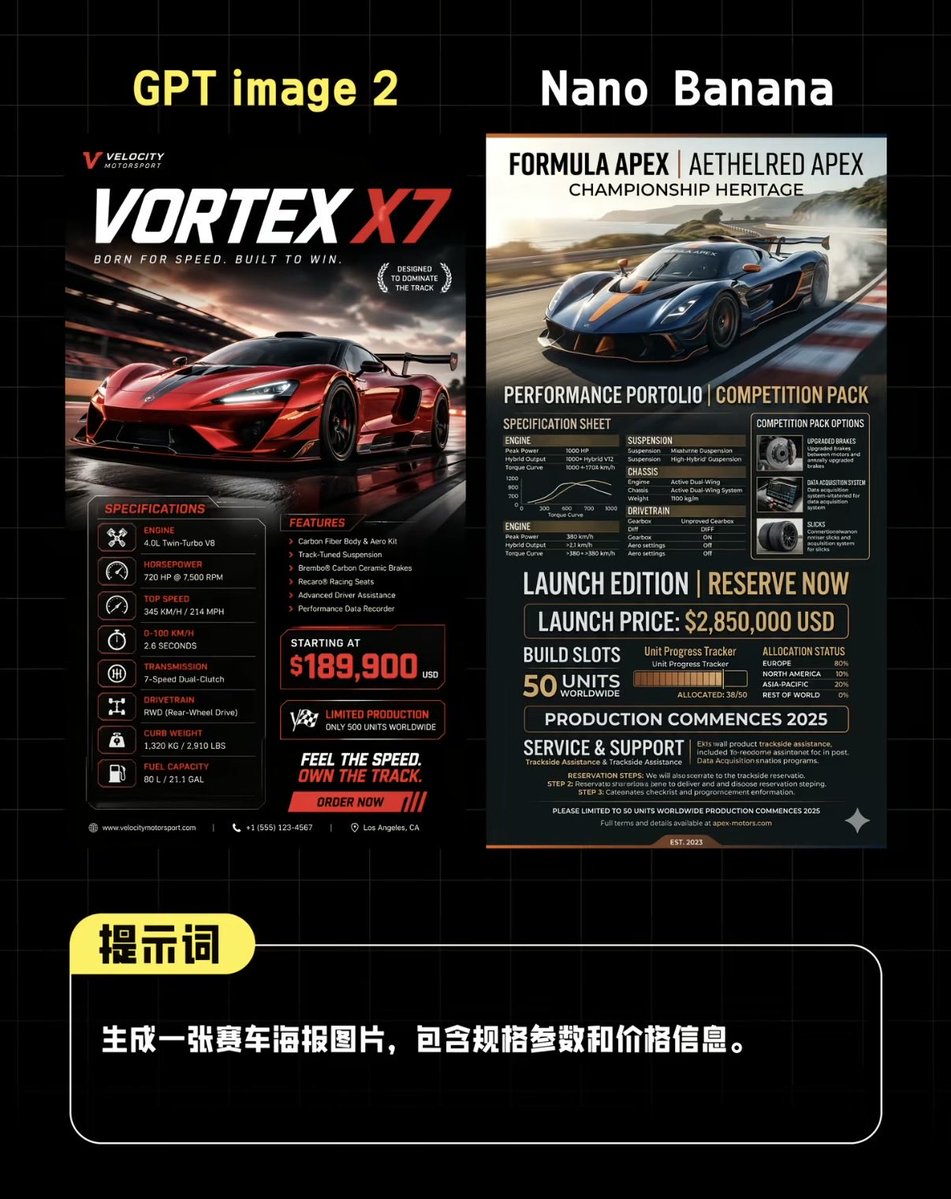
AI Supercar Poster Comparison
Browse template categories
Cinematic Moment of Fate Re-creation questions
How do I use the Cinematic Moment of Fate Re-creation template?
Add your photo if the template asks for one, edit the prompt if you like — the template's model and format are already selected — and press Generate. Your version opens in PicX Studio.
Can I customize the Cinematic Moment of Fate Re-creation template?
Yes. You can change the subject, setting, lighting, mood, format, and available model controls before creating your image.
Is the Cinematic Moment of Fate Re-creation template free?
Opening and editing this template is free. Generating uses credits, shown on the Generate button when you are signed in.
Which AI model should I use?
Start with GPT Image 2, which is the model associated with this template. You can compare another compatible model for a different finish.
Looking for something else? Browse all templates.

Your photo, any look
Thousands of ready templates for every top image and video model, from one credit balance.