
Voxel Goblin Warrior
A text prompt for generating a detailed Minecraft-style voxel goblin warrior character render for fantasy game art or collectible-style concepts.
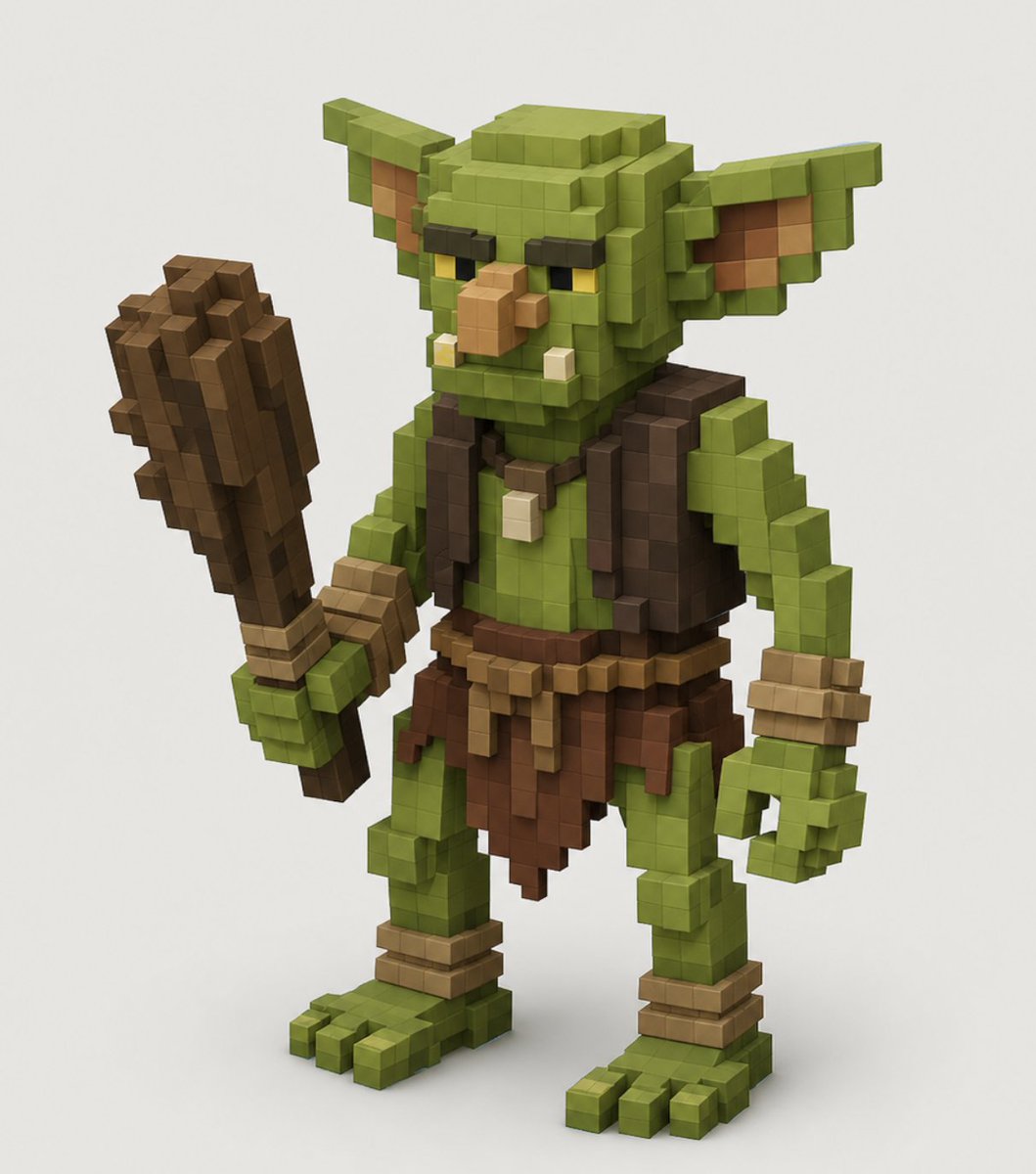
- Prompt included
- Model and format preset
- Free template
The prompt behind this image
Copy the exact prompt behind Voxel Goblin Warrior, or open it in the studio and make it yours.
Create a high-quality voxel art 3D render of a single fantasy goblin warrior character, centered on a clean off-white studio background. The character is built entirely from visible cube blocks in a Minecraft-like voxel style, with crisp grid-aligned geometry, soft ambient occlusion, and subtle studio shadows under the feet. Show the goblin in a three-quarter front view, standing upright with a slightly hunched, mischievous posture. The goblin has {argument name="skin color" default="olive green"} skin, a large square head, long pointed ears extending horizontally, dark heavy brow ridges, narrow yellow eyes, a protruding tan blocky nose, two small lower tusks, and a stern grumpy expression. Outfit details: a dark brown sleeveless vest, a brown ragged loincloth skirt, a simple belt with tan hanging strips, wrist wraps, ankle wraps, and a small bone or tooth pendant necklace. The left hand grips one large crude wooden club made of stacked brown voxel blocks, held upright beside the body; the right hand hangs open in a curled blocky claw shape. Use earthy colors, realistic voxel lighting, bevel-free cubic forms, detailed layered block construction, and a polished game-character collectible render look. No text, no watermark, no extra characters, no environment props beyond the ground shadow.
How to use Voxel Goblin Warrior in 3 steps
- 1Upload ImagePNG, JPG or paste
Add your photo
Upload the photo the template builds on. The prompt, model and format are already set.
- 2…a portrait of your subject in softgolden-hour light, 85mm…
Personalize
Edit the subject and creative details for your destination.
- 3Generate
Generate
Press Generate — your image is created in PicX Studio, so you can compare it with the original and refine one variable at a time.
More like this
Templates with the same subject, style or setup. Open one to see its prompt.
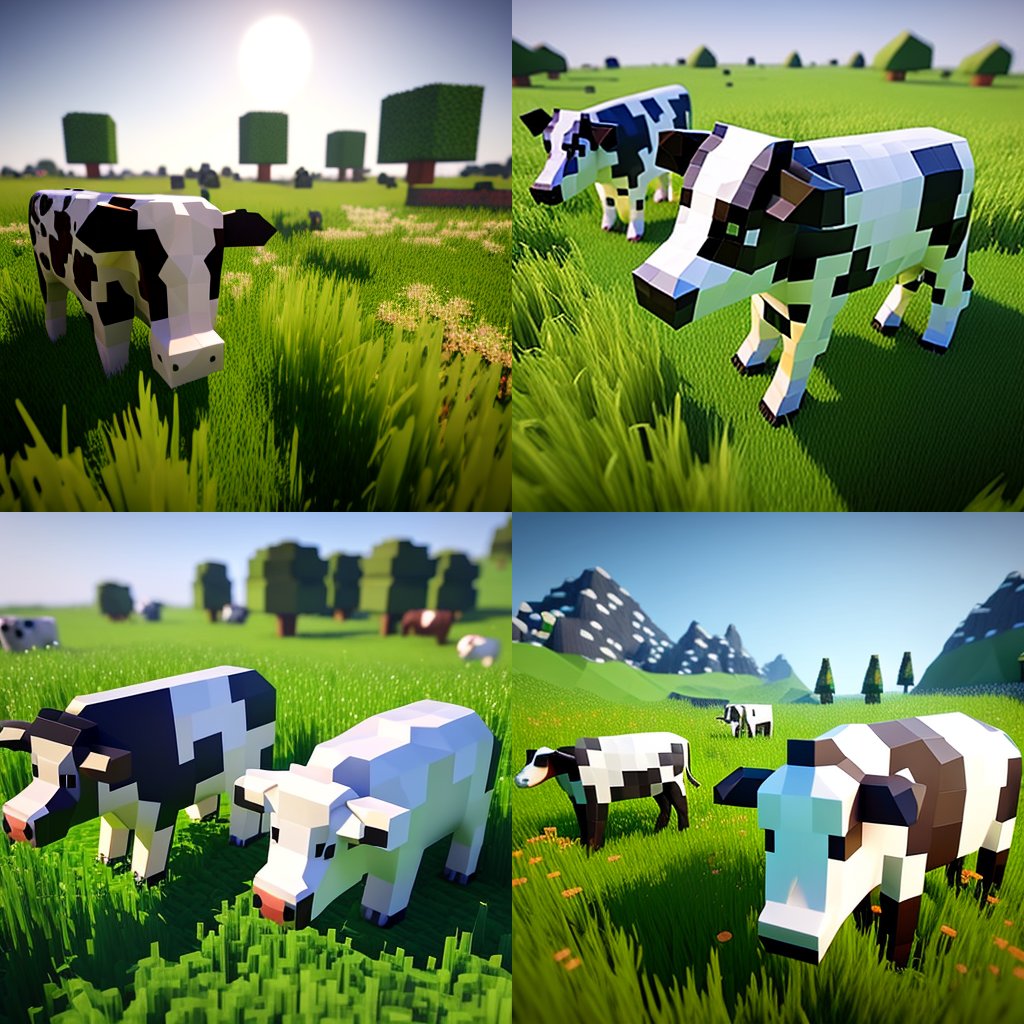
Hyper-Realistic Minecraft Cows Grazing

Hyper-Realistic Minecraft POV Portrait

Minecraft Homage Illustrious Style

Minecraft Voxel Pixel Art Aesthetic System

Minecraft Next-Gen Voxel World Screenshot

Minecraft Japanese Research Lab Exploration

Minecraft Fantasy Kingdom Voxel Landscape
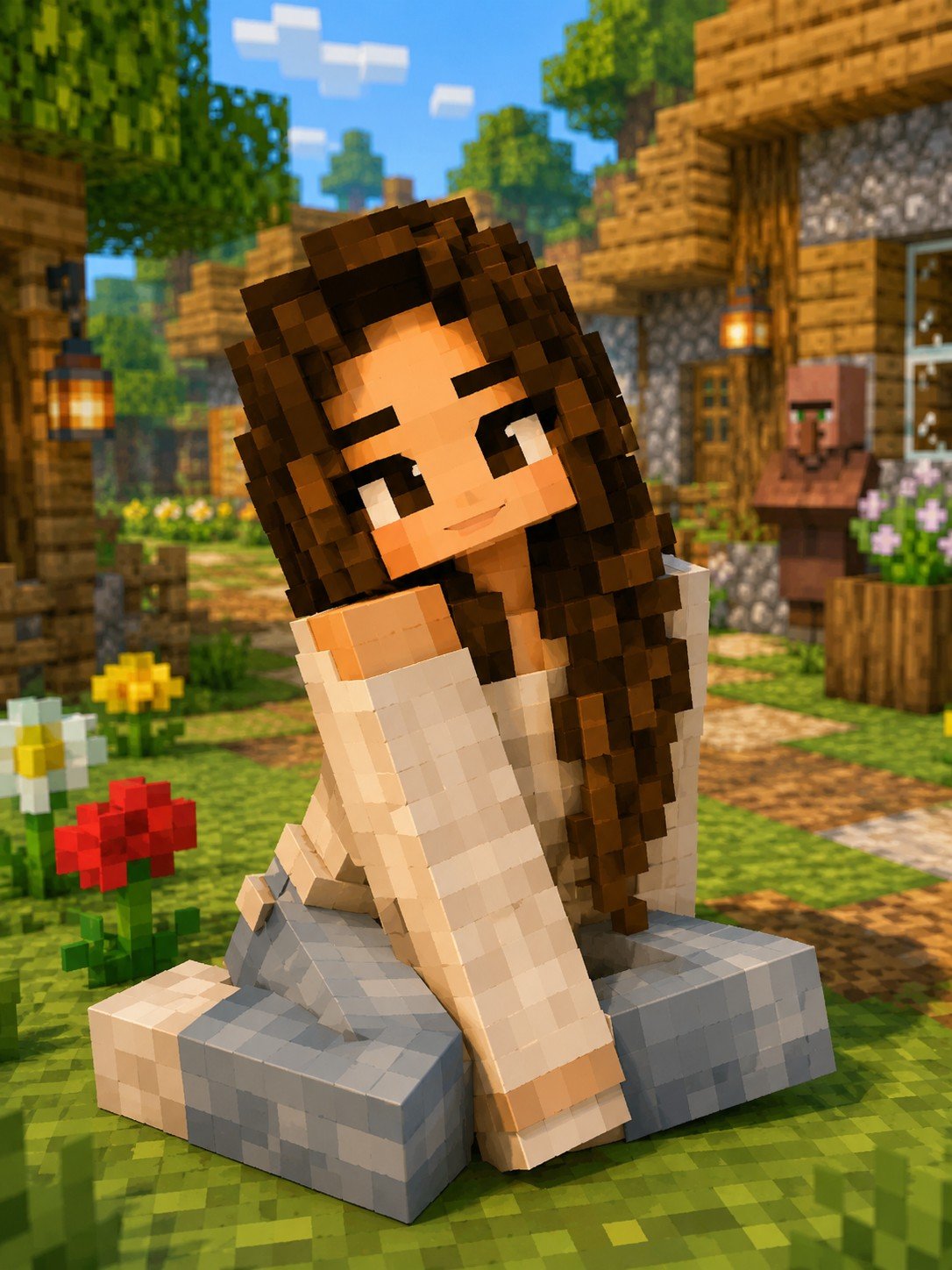
Minecraft Voxel Character Village Portrait
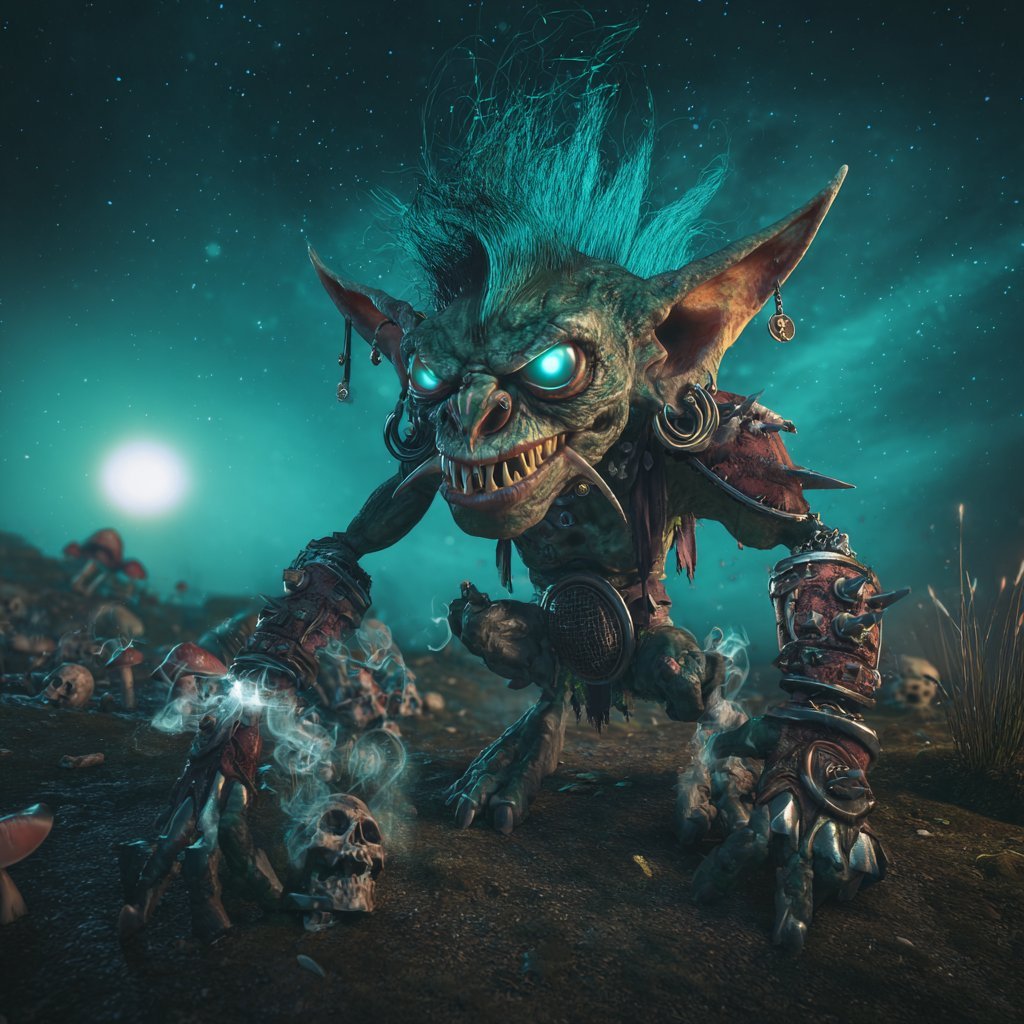
Cinematic Teal Goblin Warrior
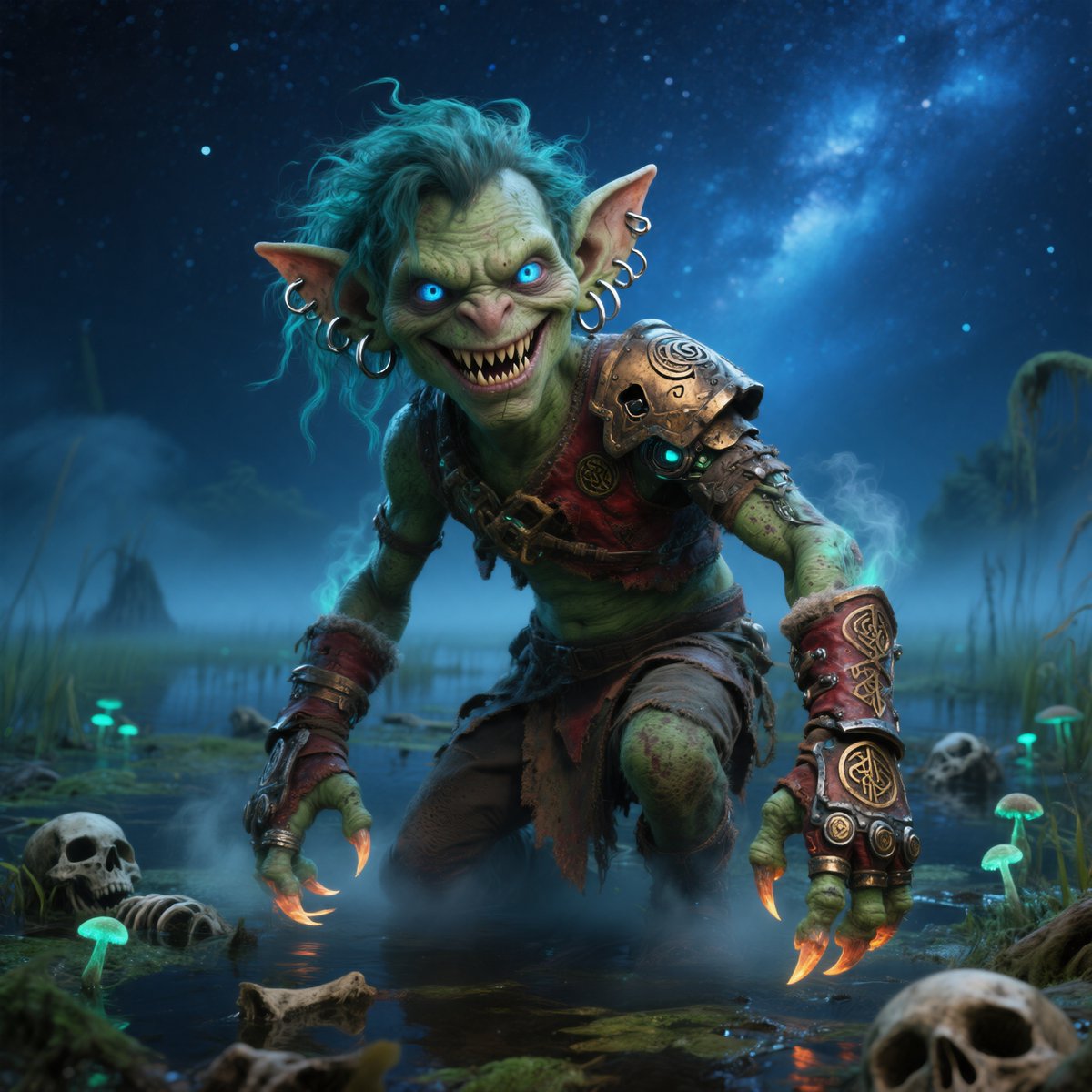
Moonlit Swamp Goblin Warrior
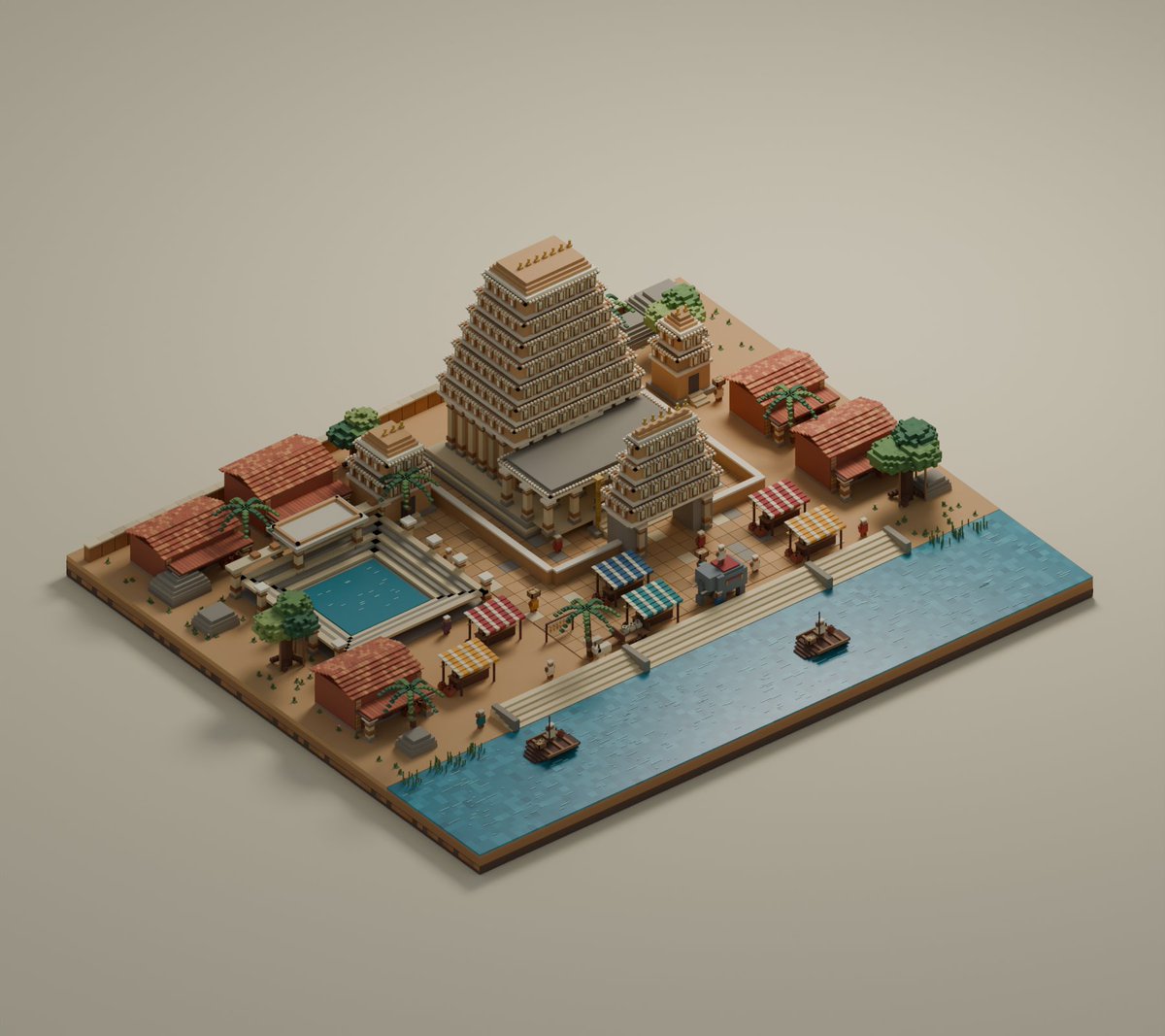
Isometric Voxel River Temple City
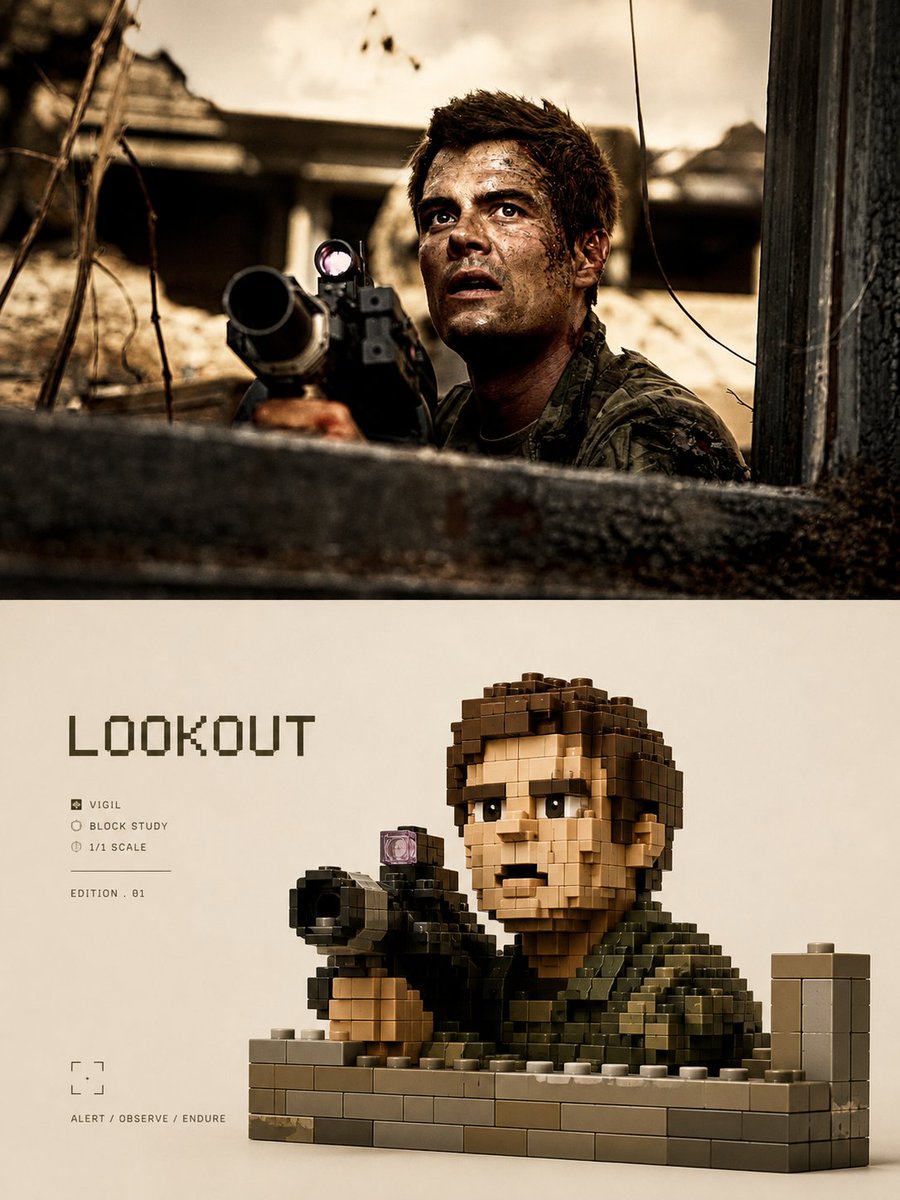
LEGO Voxel Art Poster Style
Make it yours
Voxel Goblin Warrior works as-is. These are the safest ways to change it without losing the look.
Change one field
Copy a single group, rewrite it, and generate again so you can see what that field is doing.
Keep the frame, change the subject
Hold the composition and light of Voxel Goblin Warrior, then swap wardrobe, props or the person for a new take.
| If the result… | Why | Fix |
|---|---|---|
| The result drifts from the preview | Too many fields changed at once. | Reuse Voxel Goblin Warrior as-is first, then change one group — subject, light, or setting. |
| The model over-stylizes the scene | The prose prompt leaves finish and camera underspecified. | Add one camera or lighting sentence and stay on GPT Image 2. |
More GPT Image 2 templates
Other prompts made for GPT Image 2.

Six VTuber Japanese Logo Sheet

Realistic Portrait of Woman and Deer

The Vista Modular Condo Poster

AI Model Routing Comparison Infographic

2.5D Anime Art Board

Isometric Productivity Desk Scene

New York Double Exposure Poster

Four-Panel AI Landscape Comparison

Japanese Tatami Lifestyle Magazine Cover

NESCAFÉ Coffee Map Poster
More image prompts
Fresh picks from across the catalog.
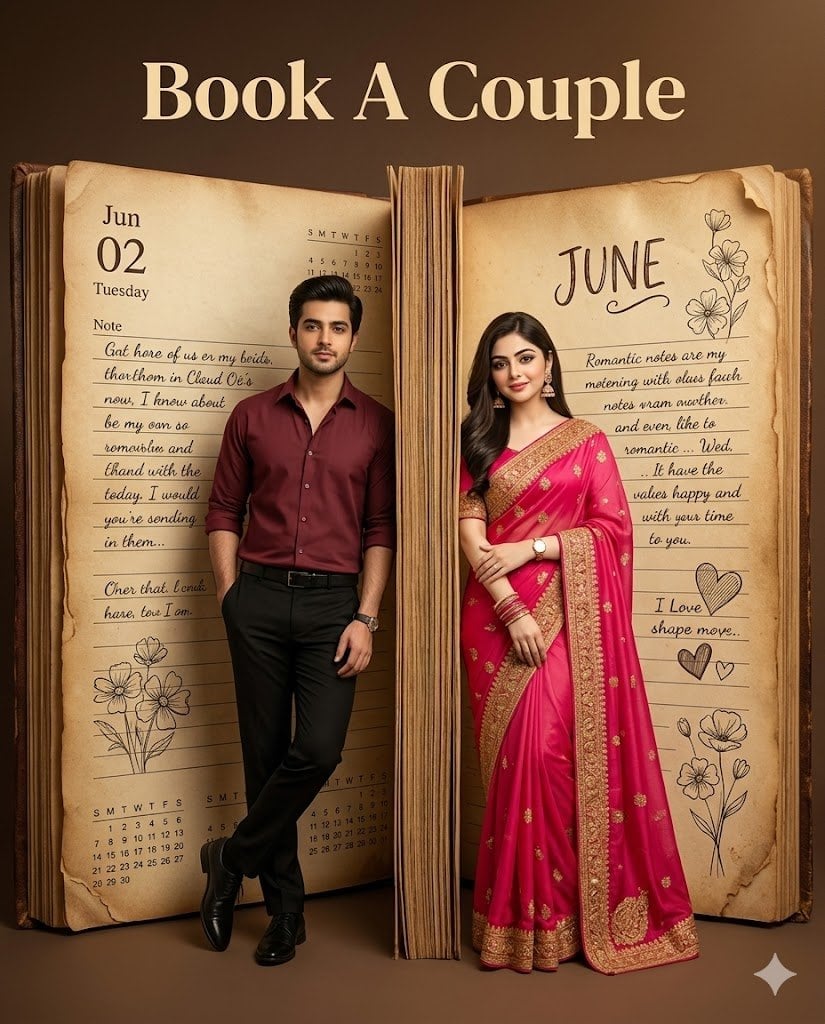
Giant Vintage Diary Couple Poster
Royal Prince Potato Chips Package
Late-Night Coastal Portrait with Flash and Sunset Glow
Cinematic Character Design Board
Realistic Blue Water Goddess Cosplay
Seedance - Character Transition
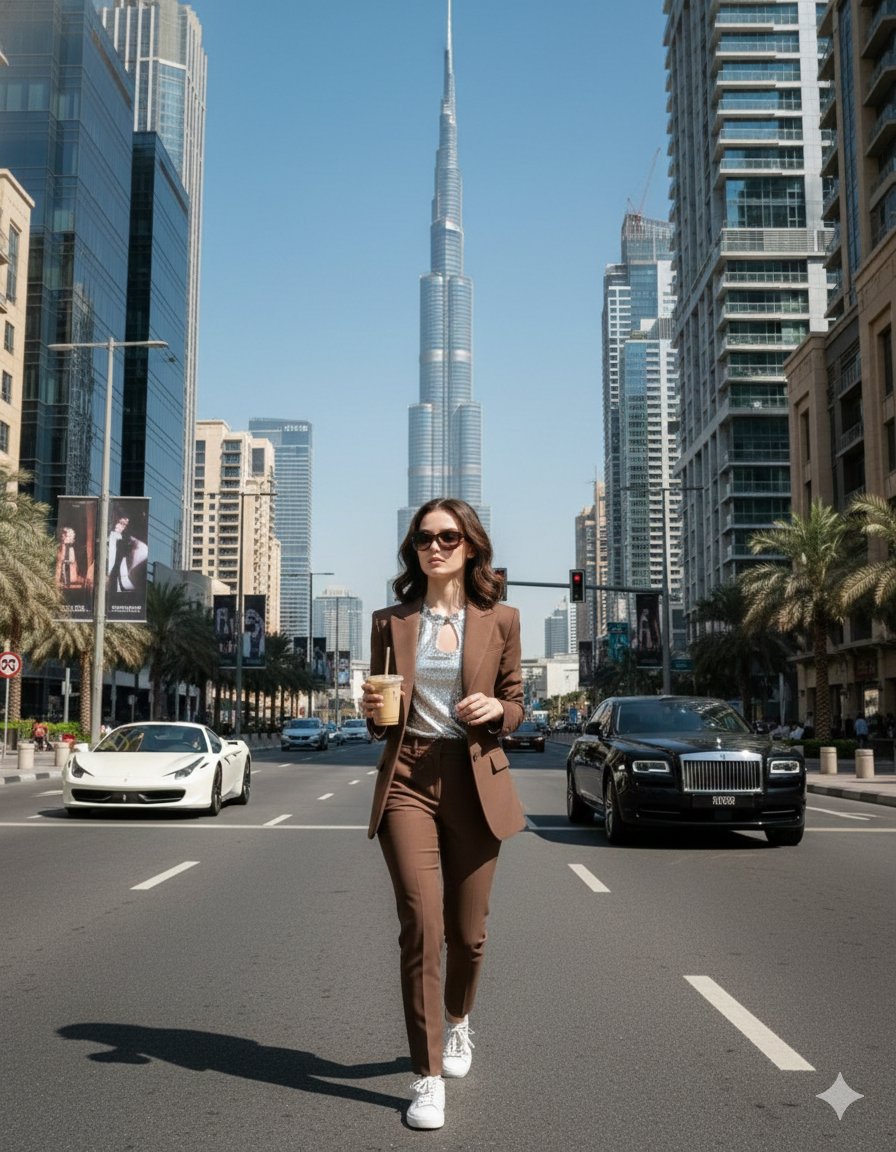
Four Prompts for Ultra-Realistic Female Portraits (Dubai, Floral, 90s, Western)
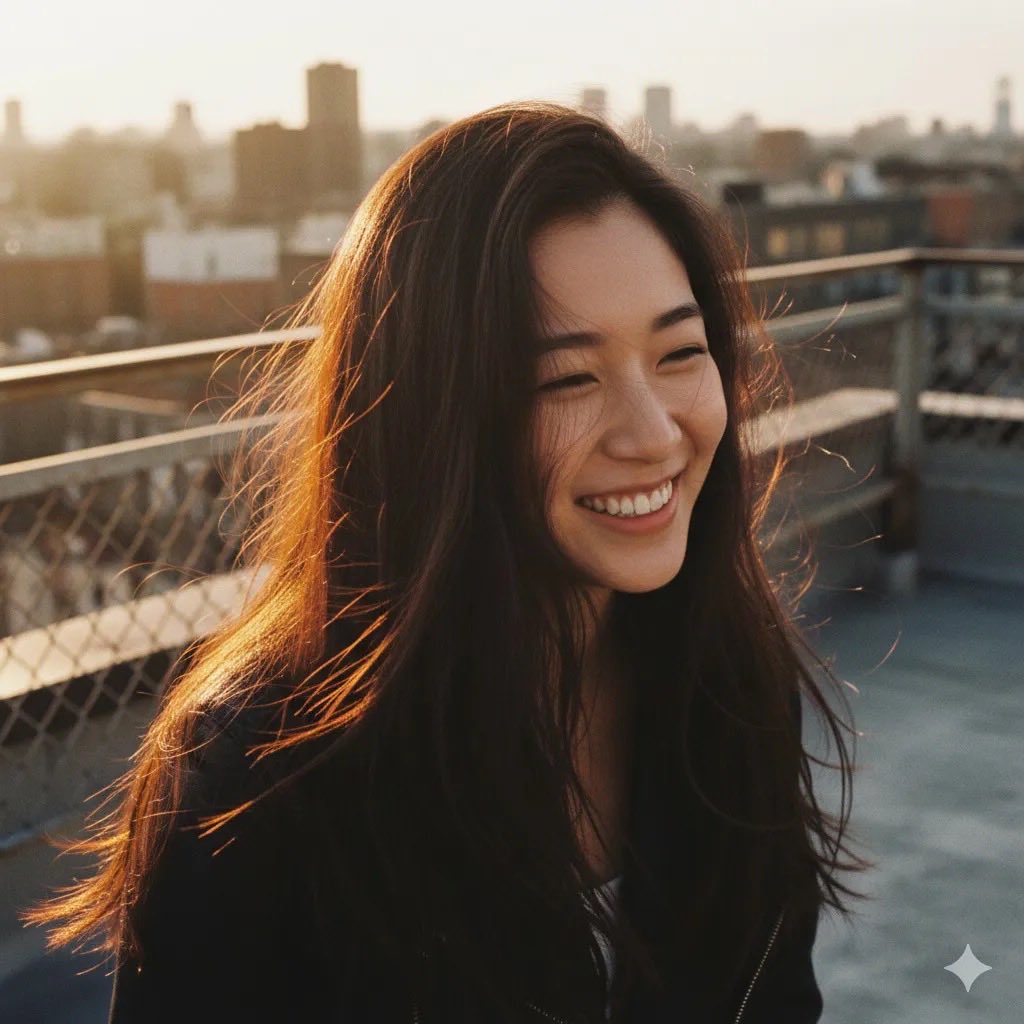
Rooftop Golden Hour Cinematic Portrait
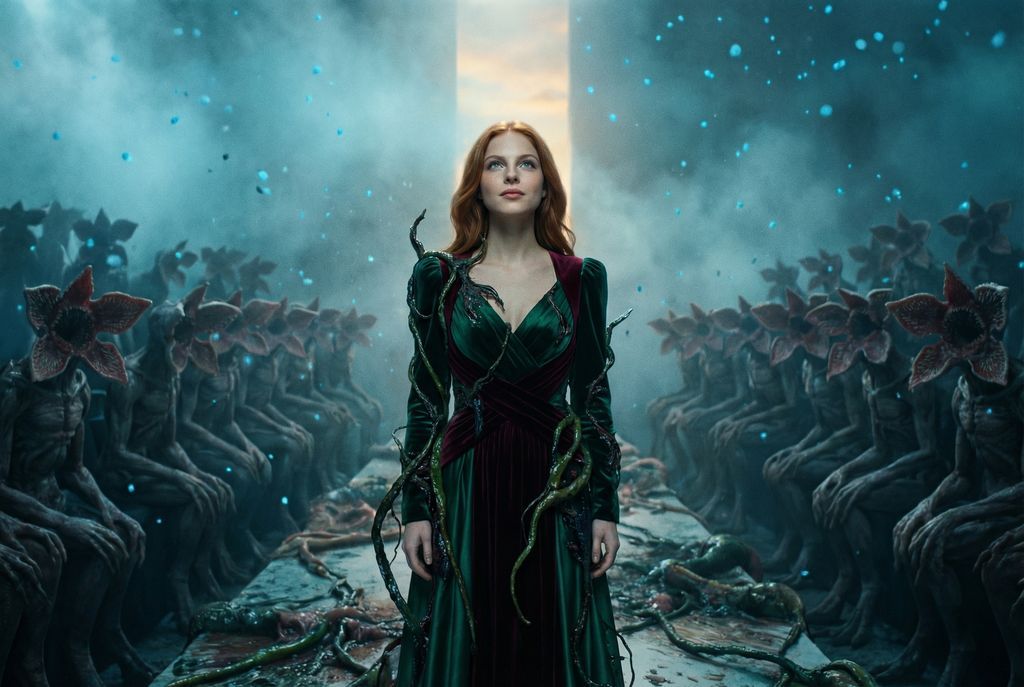
Stranger Things Inspired High-Fashion Editorial Prompt
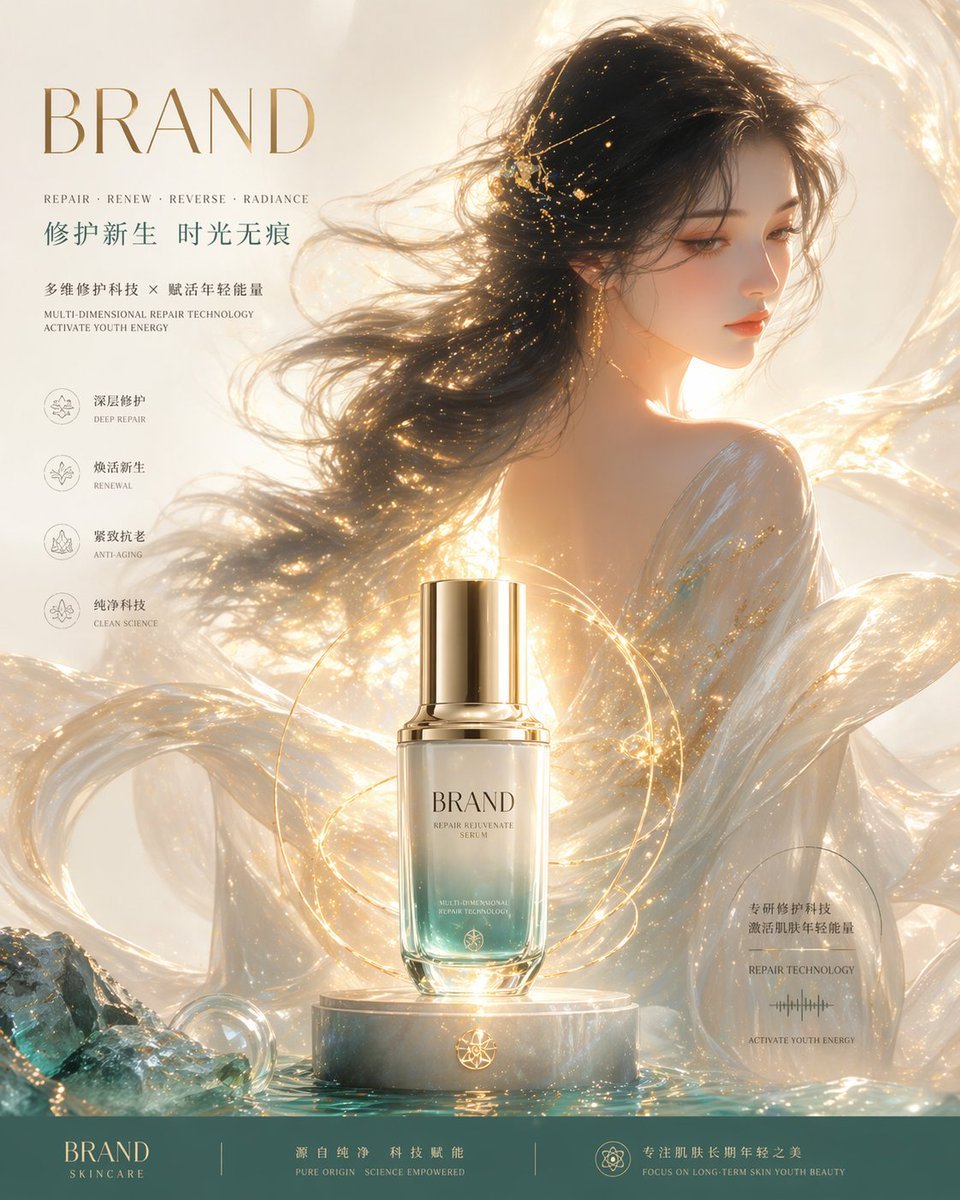
Luxury Skincare Brand Key Visual (KV)
Featured in prompt roundups
Hand-picked collections that include this template.
Browse template categories
Voxel Goblin Warrior questions
How do I use the Voxel Goblin Warrior template?
Add your photo if the template asks for one, edit the prompt if you like — the template's model and format are already selected — and press Generate. Your version opens in PicX Studio.
Can I customize the Voxel Goblin Warrior template?
Yes. You can change the subject, setting, lighting, mood, format, and available model controls before creating your image.
Is the Voxel Goblin Warrior template free?
Opening and editing this template is free. Generating uses credits, shown on the Generate button when you are signed in.
Which AI model should I use?
Start with GPT Image 2, which is the model associated with this template. You can compare another compatible model for a different finish.
Looking for something else? Browse all templates.

Your photo, any look
Thousands of ready templates for every top image and video model, from one credit balance.