
Realistic Blue Water Goddess Cosplay
Generates a polished realistic cosplay portrait of a blue-haired fantasy goddess character by a pool, suitable for character-to-cosplay concepts.
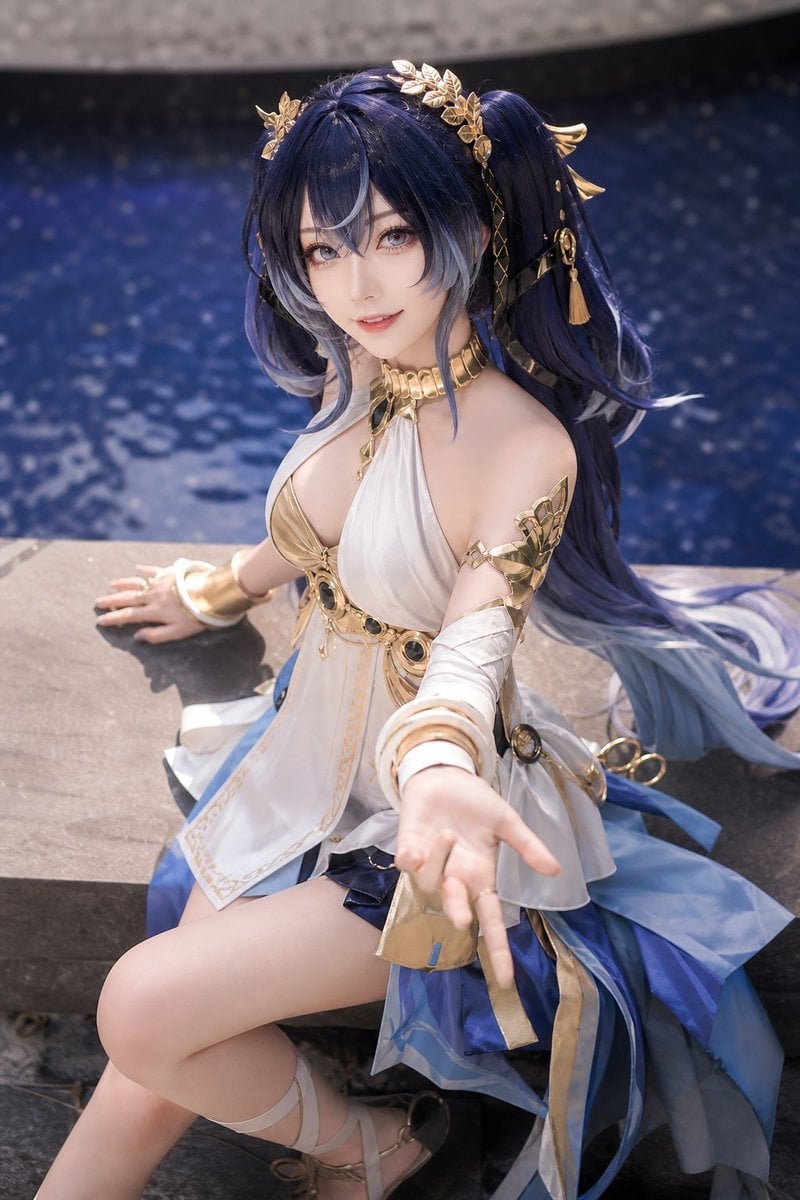
- Prompt included
- Model and format preset
- Free template
The prompt behind this image
Copy the exact prompt behind Realistic Blue Water Goddess Cosplay, or open it in the studio and make it yours.
Create a realistic high-quality cosplay portrait of an adult woman styled as an elegant fantasy water-priestess character, seated on a stone ledge beside a dark blue swimming pool with sparkling bokeh water in the background. She has very long deep navy-blue twin-tail hair fading to pale silver-blue at the ends, decorated with ornate gold laurel hairpieces, small wing-like gold ornaments, dangling tassels, and black-and-gold ribbons. Her face is intentionally covered by a centered soft-edged square blur for privacy. She wears a luxurious white-and-royal-blue goddess costume with gold trim: a white halter-style draped bodice, gold collar necklace, gold chest and waist ornaments with dark gem accents, one exposed shoulder with gold arm armor, white wrapped sleeves, multiple gold bangles, a layered translucent blue skirt, flowing ribbons, and strappy gold sandals. Pose her sitting sideways with one knee raised, one hand resting behind her on the stone, and the other arm reaching toward the camera in a welcoming gesture, creating strong foreground perspective. Use natural daylight, shallow depth of field, realistic skin and fabric textures, glossy metallic gold details, soft highlights, and a polished professional cosplay photography look. Customize the character inspiration as {argument name="character name" default="fantasy blue-haired water goddess"}, the hair color as {argument name="hair color" default="deep navy blue fading to silver-blue"}, the costume palette as {argument name="costume colors" default="white, royal blue, and metallic gold"}, the setting as {argument name="setting" default="stone ledge beside a dark blue pool"}, and the pose as {argument name="pose" default="seated sideways, reaching one hand toward the viewer"}.
How to use Realistic Blue Water Goddess Cosplay in 3 steps
- 1Upload ImagePNG, JPG or paste
Add your photo
Upload the photo the template builds on. The prompt, model and format are already set.
- 2…a portrait of your subject in softgolden-hour light, 85mm…
Personalize
Edit the subject and creative details for your destination.
- 3Generate
Generate
Press Generate — your image is created in PicX Studio, so you can compare it with the original and refine one variable at a time.
More like this
Templates with the same subject, style or setup. Open one to see its prompt.

Minimalist Skincare Product Water Stone Still
Minimalist Skincare Product Water Stone Still

Monochrome Portrait Jersey Accent Poster
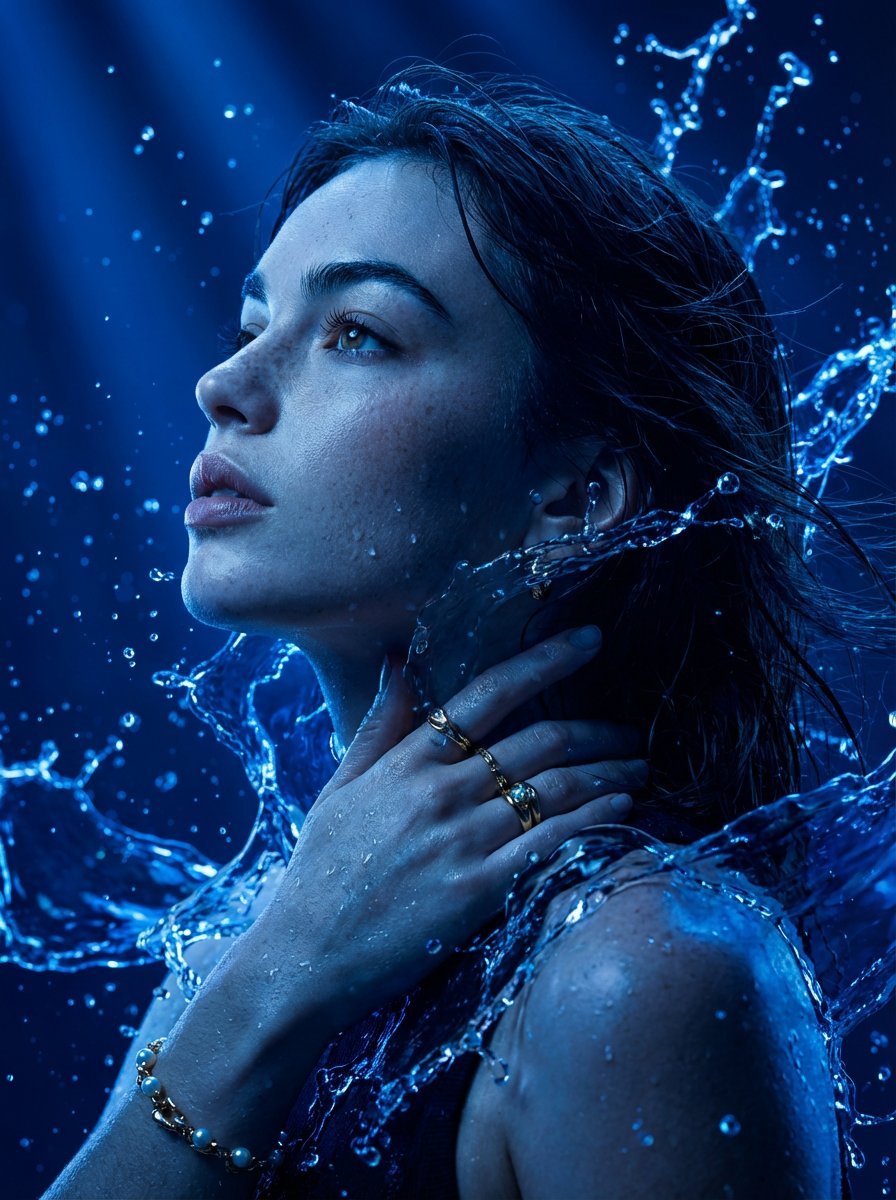
Cinematic Portrait Drenched in Electric Blue Water Splashes

Cosmetic Tube Product — Nano Banana 2

Nano Banana - Evening Champagne Blue
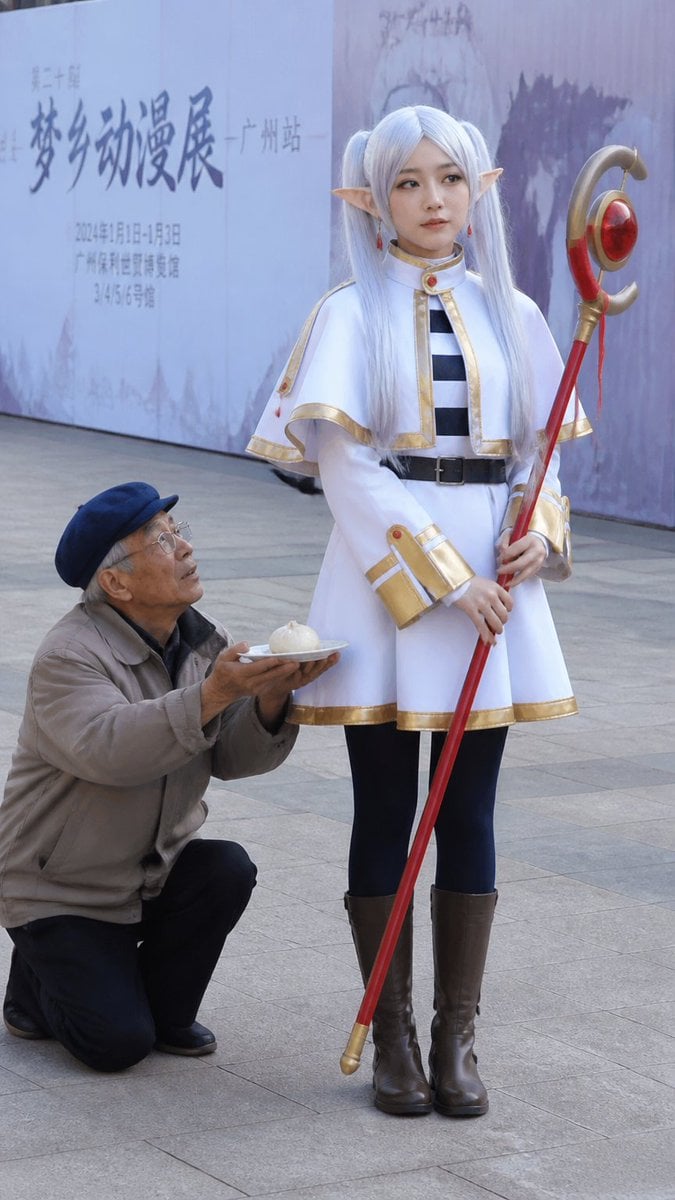
Anime Cosplayer Convention Photography
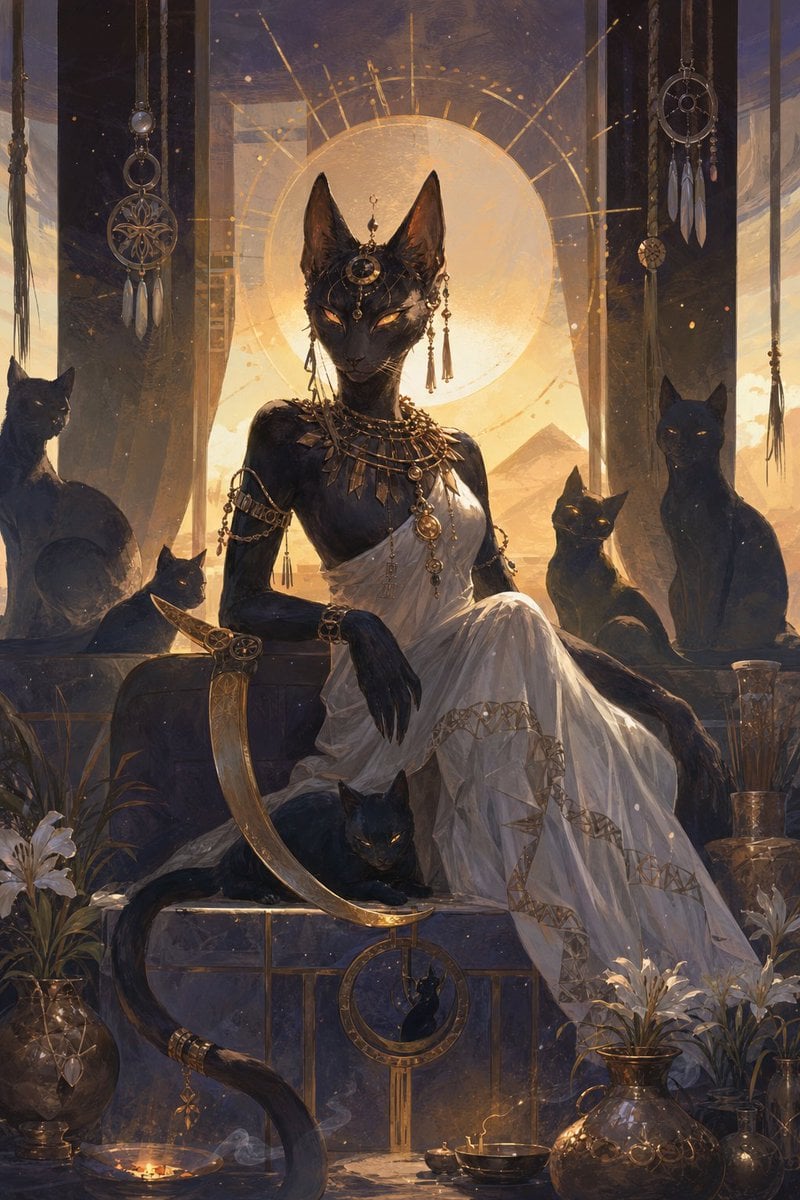
Egyptian Black Cat Goddess
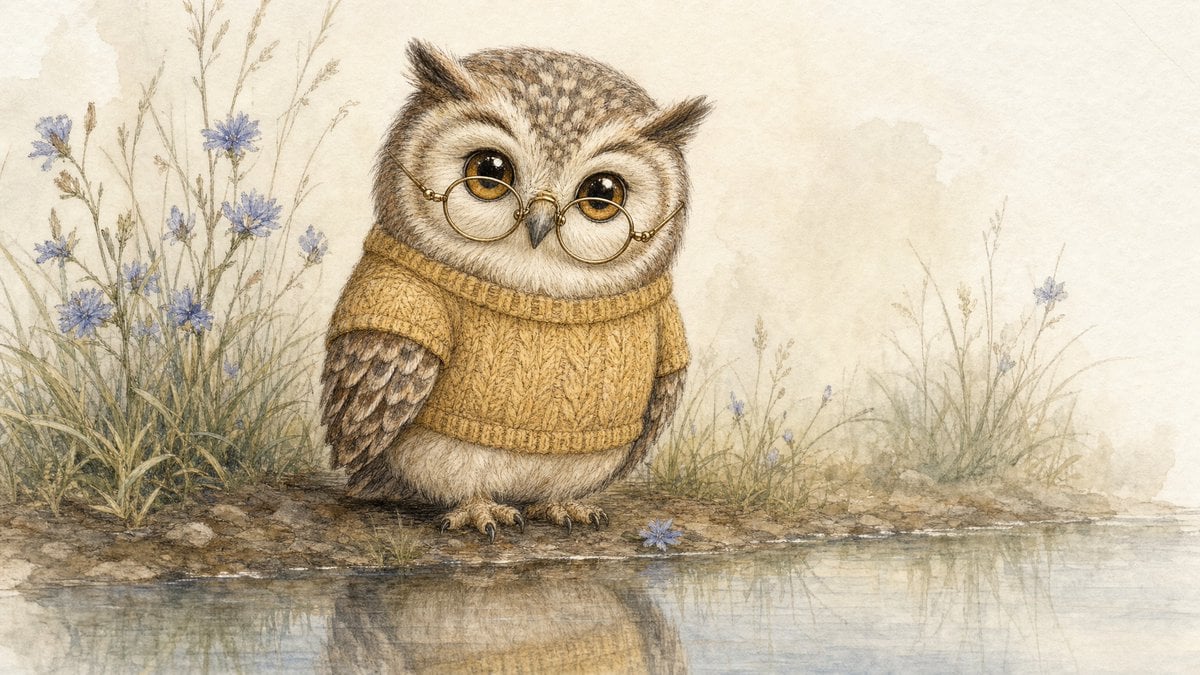
Watercolor Owl in Yellow Sweater
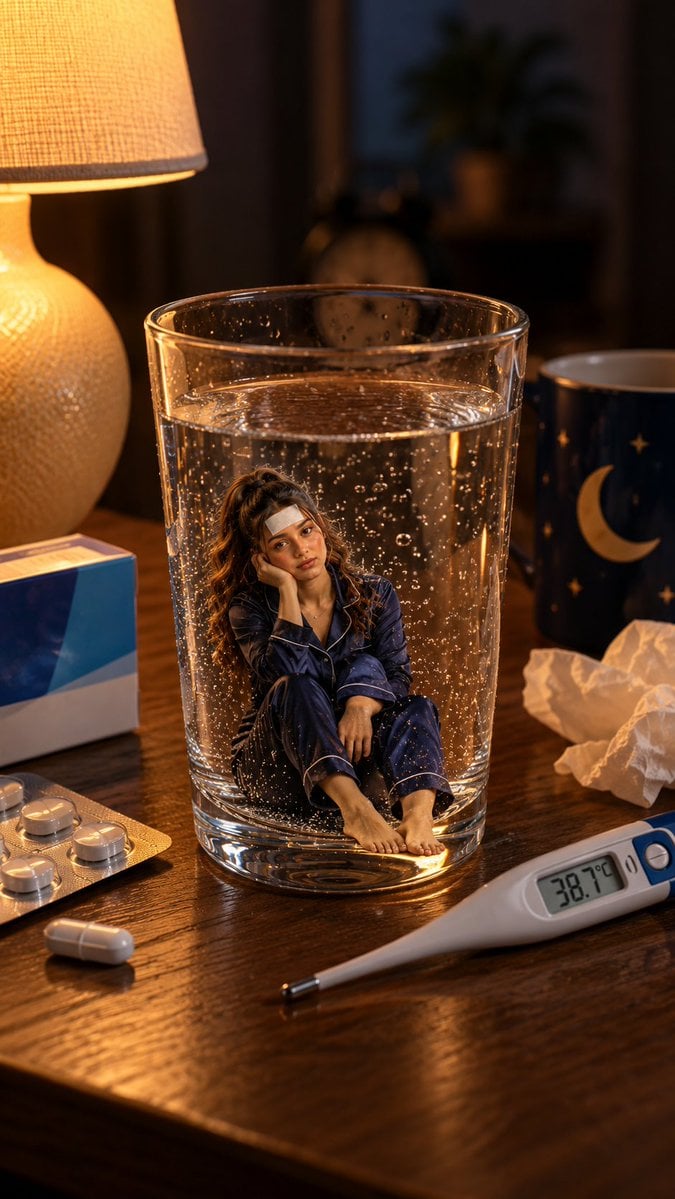
Mini Sick Woman in Water Glass
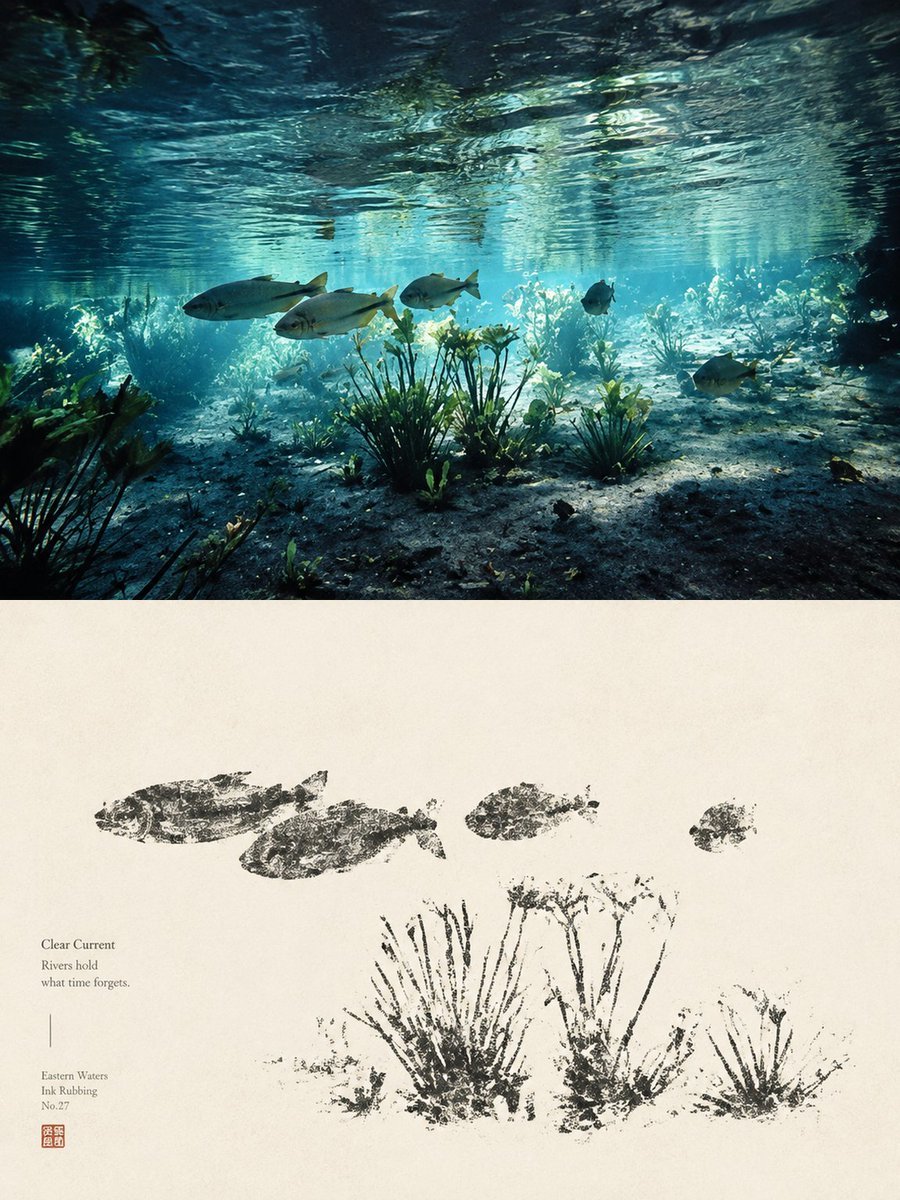
Underwater River Ink Rubbing Diptych

Underwater Macro Face Portrait
Make it yours
Realistic Blue Water Goddess Cosplay works as-is. These are the safest ways to change it without losing the look.
Change one field
Copy a single group, rewrite it, and generate again so you can see what that field is doing.
Keep the frame, change the subject
Hold the composition and light of Realistic Blue Water Goddess Cosplay, then swap wardrobe, props or the person for a new take.
| If the result… | Why | Fix |
|---|---|---|
| The result drifts from the preview | Too many fields changed at once. | Reuse Realistic Blue Water Goddess Cosplay as-is first, then change one group — subject, light, or setting. |
| The model over-stylizes the scene | The prose prompt leaves finish and camera underspecified. | Add one camera or lighting sentence and stay on GPT Image 2. |
More GPT Image 2 templates
Other prompts made for GPT Image 2.

Six VTuber Japanese Logo Sheet

Realistic Portrait of Woman and Deer

The Vista Modular Condo Poster

AI Model Routing Comparison Infographic

2.5D Anime Art Board

Isometric Productivity Desk Scene

New York Double Exposure Poster

Four-Panel AI Landscape Comparison

Japanese Tatami Lifestyle Magazine Cover

NESCAFÉ Coffee Map Poster
More image prompts
Fresh picks from across the catalog.

South Asian Doctor Mirror Selfie Prompt
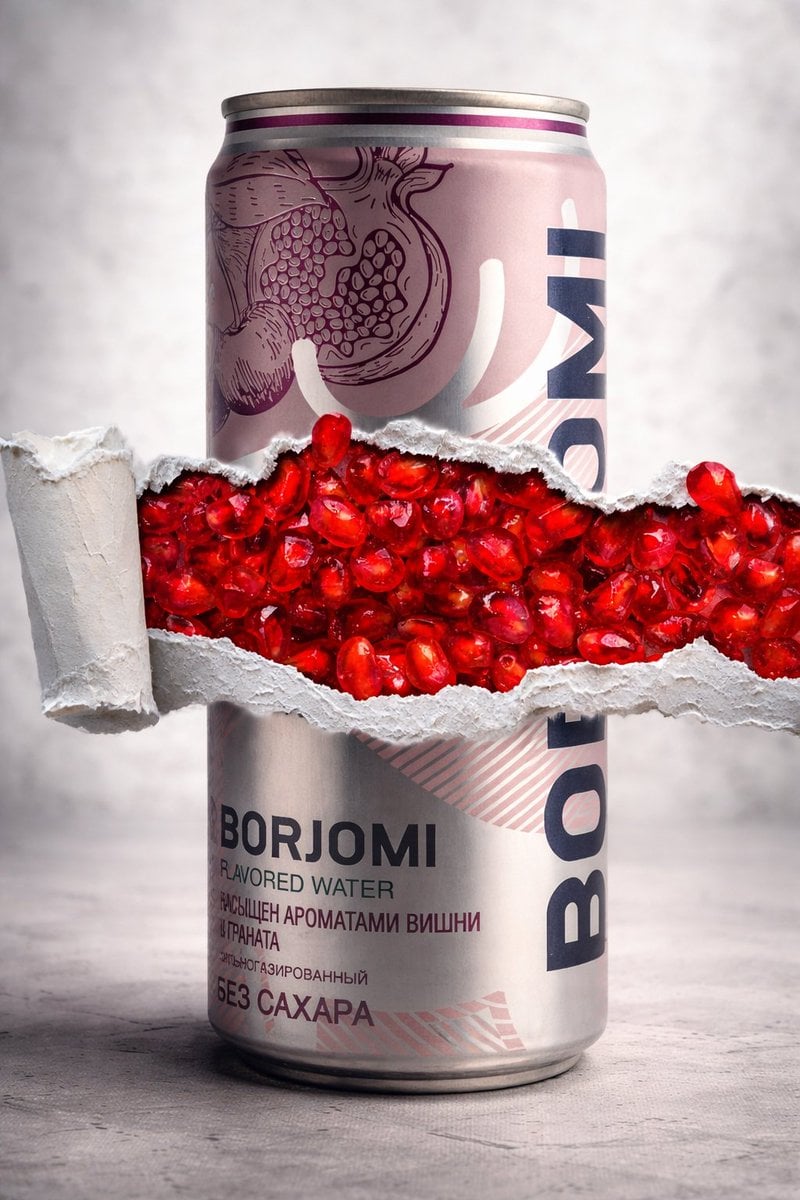
8K Product Photography with Conceptual Cutaway (Borjomi)
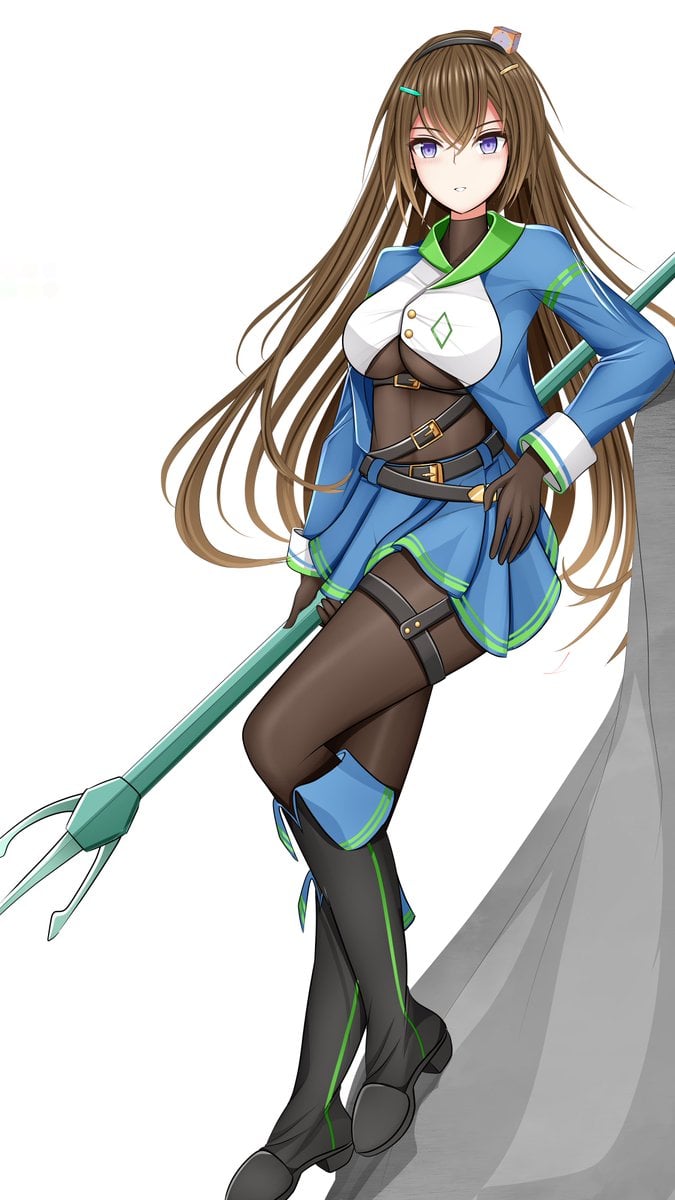
Prompt for Changing Character Pose using Reference Image
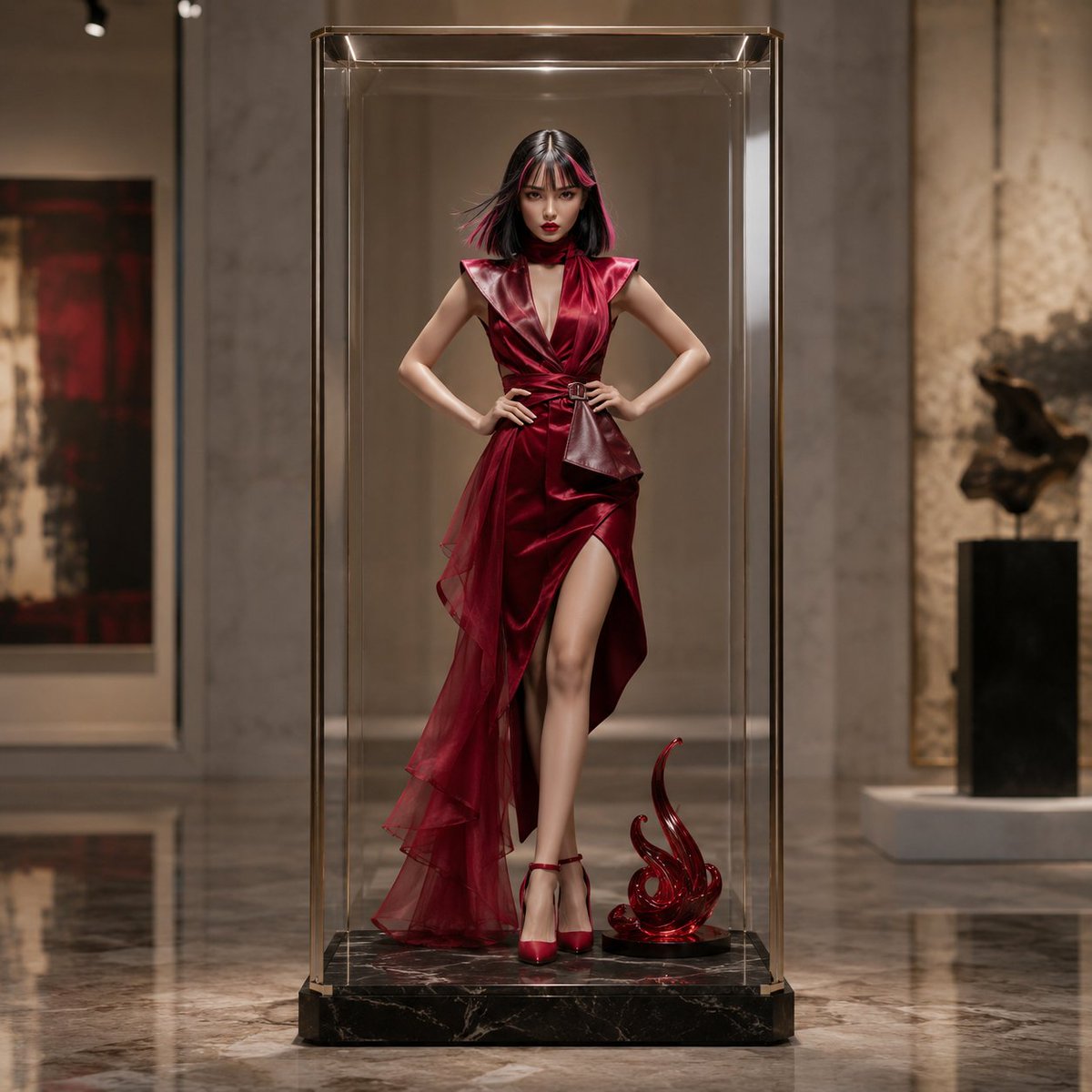
Luxury Art Figure Museum Display
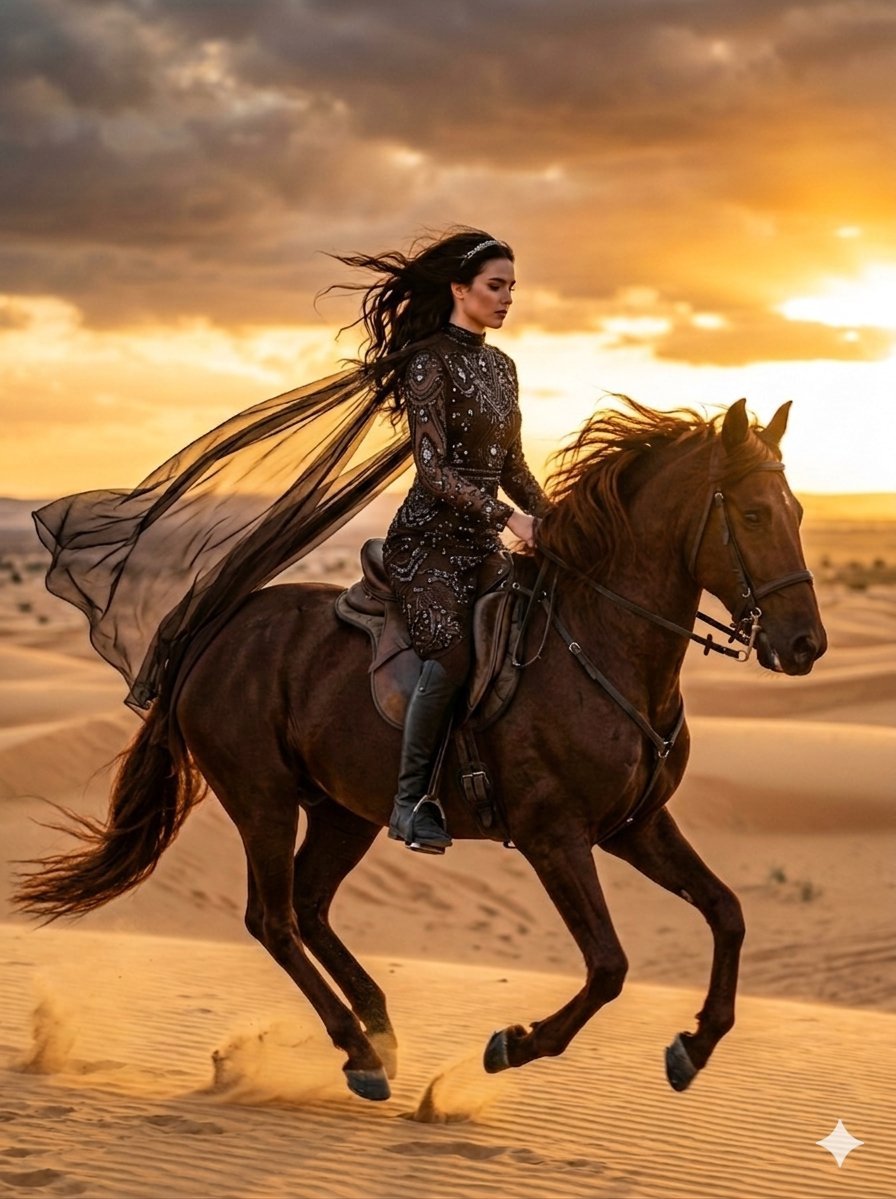
Cinematic Desert Horse Rider

Shear and moment diagram for a loaded beam

Ultra-Photorealistic Saree Mirror Selfie Prompt

ValueWalk Formal and Casual Shoe Campaign
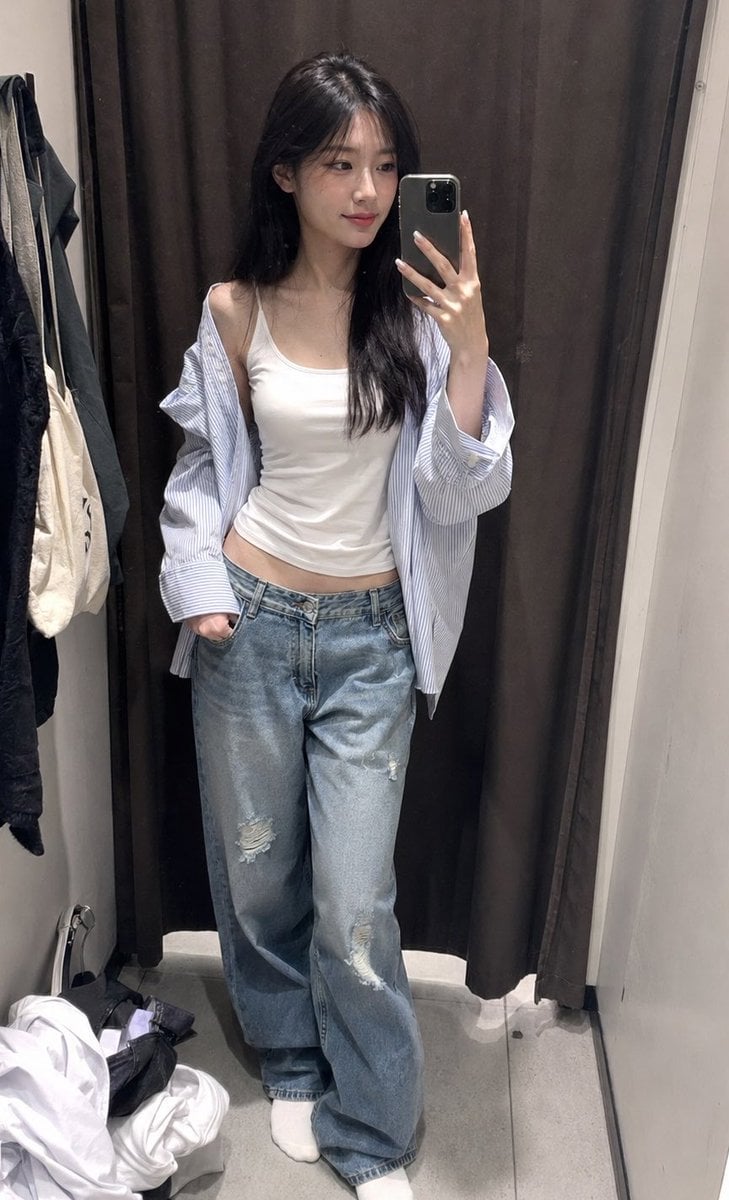
ZARA Fitting Room Mirror Selfie

Forbes-Style 30 Under 30 Cover
Browse template categories
Realistic Blue Water Goddess Cosplay questions
How do I use the Realistic Blue Water Goddess Cosplay template?
Add your photo if the template asks for one, edit the prompt if you like — the template's model and format are already selected — and press Generate. Your version opens in PicX Studio.
Can I customize the Realistic Blue Water Goddess Cosplay template?
Yes. You can change the subject, setting, lighting, mood, format, and available model controls before creating your image.
Is the Realistic Blue Water Goddess Cosplay template free?
Opening and editing this template is free. Generating uses credits, shown on the Generate button when you are signed in.
Which AI model should I use?
Start with GPT Image 2, which is the model associated with this template. You can compare another compatible model for a different finish.
Looking for something else? Browse all templates.

Your photo, any look
Thousands of ready templates for every top image and video model, from one credit balance.