
Underwater River Ink Rubbing Diptych
Generates a museum-style vertical diptych combining a realistic clear river scene with a traditional ink-rubbing poster interpretation.
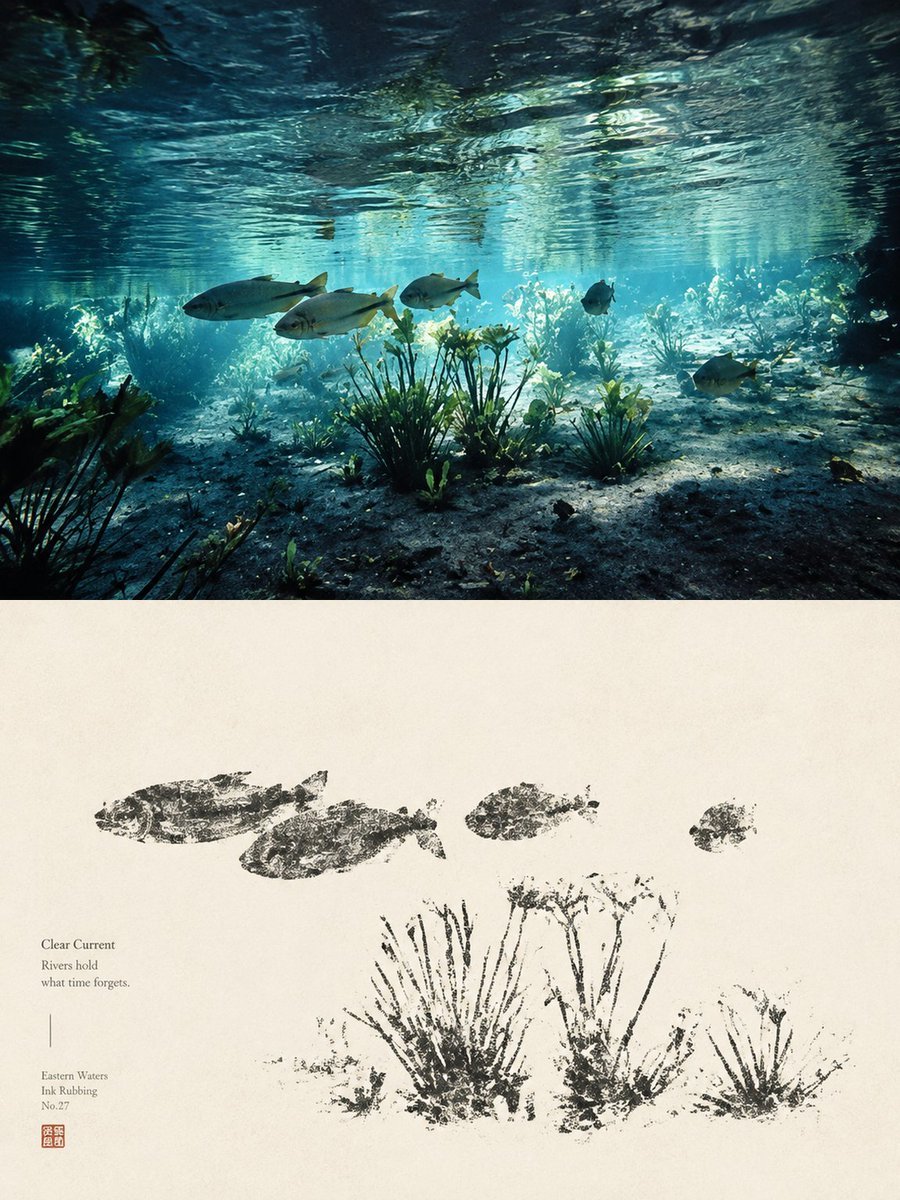
- Prompt included
- Model and format preset
- Free template
The prompt behind this image
Copy the exact prompt behind Underwater River Ink Rubbing Diptych, or open it in the studio and make it yours.
Goal: Create a vertical fine-art diptych poster that contrasts a realistic underwater river scene with a traditional Chinese-style ink rubbing interpretation of the same scene, inspired by cultural relic rubbings and quiet Eastern water aesthetics. Canvas: Portrait orientation, 3:4 ratio. Divide the image into 2 horizontal panels: the top panel occupies about 45% of the canvas and is a vivid underwater photograph-like scene; the bottom panel occupies about 55% and is an aged ivory paper artwork. Top panel: Show a clear shallow river viewed from underwater, with rippling water surface across the top, turquoise-blue sunlight beams, sandy and rocky riverbed, and aquatic vegetation. Include exactly 5 visible fish: 3 larger silver fish swimming left-to-right across the middle-left, 1 small dark fish near the center-right, and 1 medium fish near the lower-right. Add several rooted aquatic plants, including 3 prominent plant clusters in the foreground, with soft caustic light and natural depth haze. The mood should feel calm, transparent, ancient, and poetic. Bottom panel: Reinterpret the same scene as a sparse black ink rubbing on warm handmade paper. Use rough, broken, stamped textures like stone-rubbing or bronze-inscription transfer marks, not smooth brush painting. Include exactly 4 fish rubbing silhouettes across the upper half: 2 larger fish on the left, 1 smaller fish near the center, and 1 small fish on the right. Include exactly 3 main aquatic plant rubbing clusters along the lower half, with irregular stems, speckled ink gaps, and distressed edges. Text content on the lower-left of the paper panel: Set small refined serif text in dark gray. Include the title {argument name="title text" default="Clear Current"}, then the short poem {argument name="poem text" default="Rivers hold\nwhat time forgets."}. Beneath a thin vertical divider line, add {argument name="series text" default="Eastern Waters\nInk Rubbing\nNo.27"}. Add a small square red seal stamp below the text. Visual style: Elegant museum-poster composition, minimal and contemplative. The top is cinematic underwater realism with teal, cyan, and deep shadow tones; the bottom is monochrome black ink on cream rice paper with subtle grain, stains, and natural fiber texture. Strong contrast between living water above and archaeological ink impression below. Constraints: Keep the two panels cleanly separated by a straight horizontal boundary. Do not add extra fish beyond the specified counts. Avoid modern UI elements, frames, captions outside the lower-left text block, or decorative borders. Maintain a quiet Chinese antiquarian aesthetic, as if a river ecosystem has been transformed into a cultural relic rubbing.
How to use Underwater River Ink Rubbing Diptych in 3 steps
- 1Upload ImagePNG, JPG or paste
Add your photo
Upload the photo the template builds on. The prompt, model and format are already set.
- 2…a portrait of your subject in softgolden-hour light, 85mm…
Personalize
Edit the subject and creative details for your destination.
- 3Generate
Generate
Press Generate — your image is created in PicX Studio, so you can compare it with the original and refine one variable at a time.
More like this
Templates with the same subject, style or setup. Open one to see its prompt.

Vintage Lithograph Retro World Cup Poster
Vintage Lithograph Retro World Cup Poster
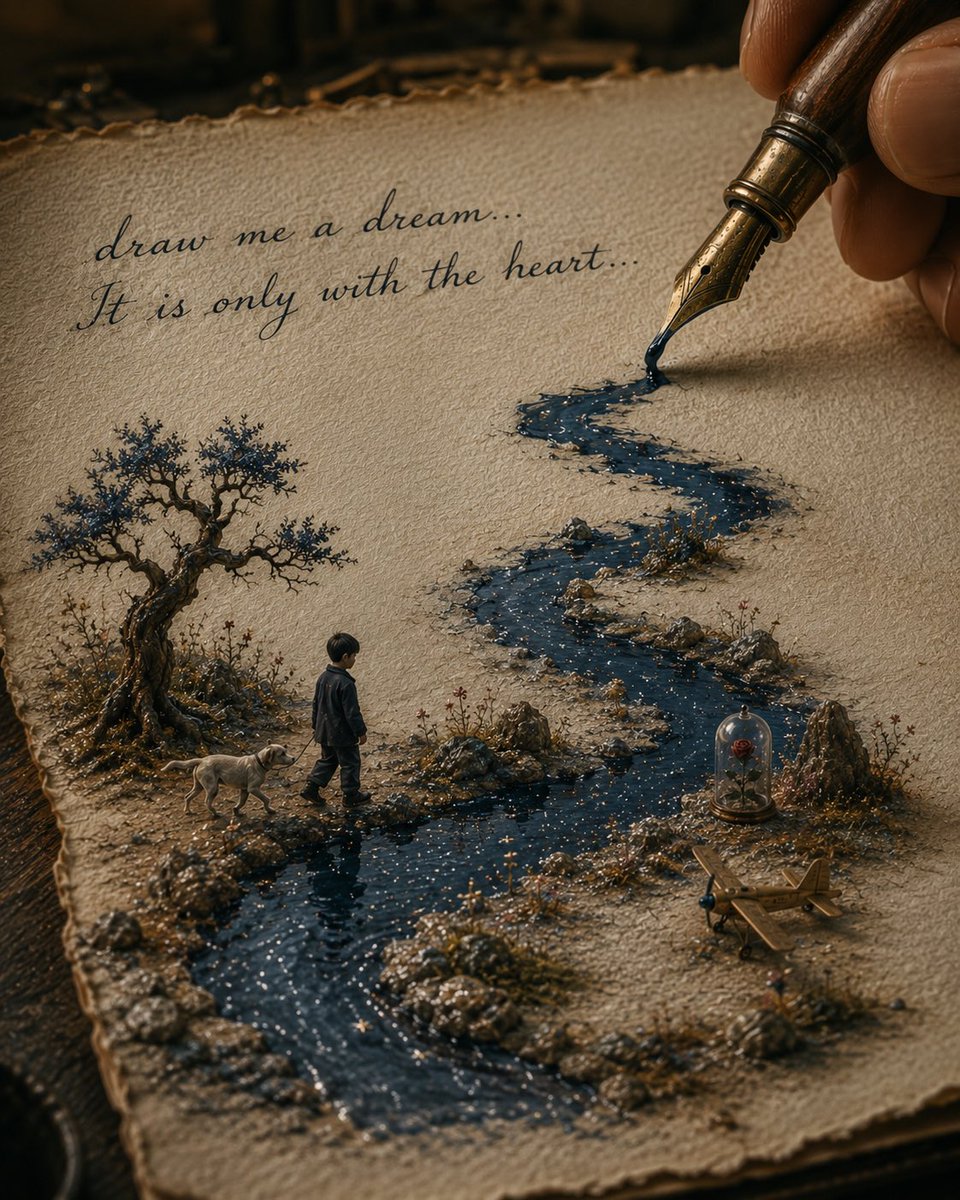
Ink River Fairy Tale Diorama
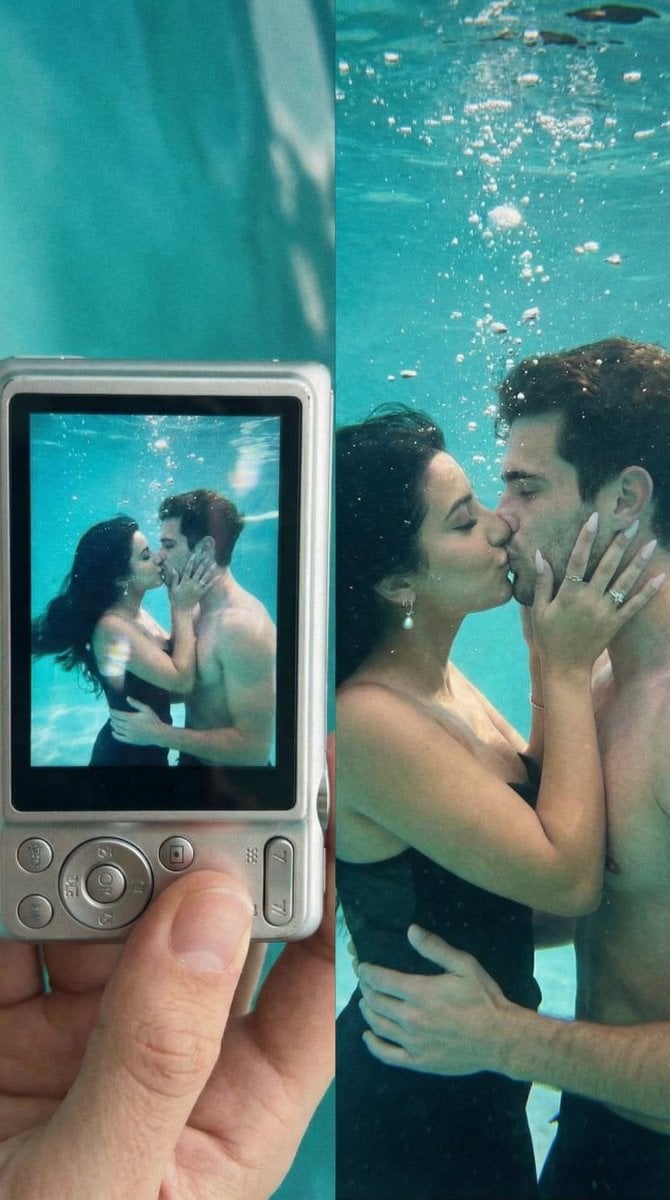
Underwater Kiss Diptych with Digital Camera Screen
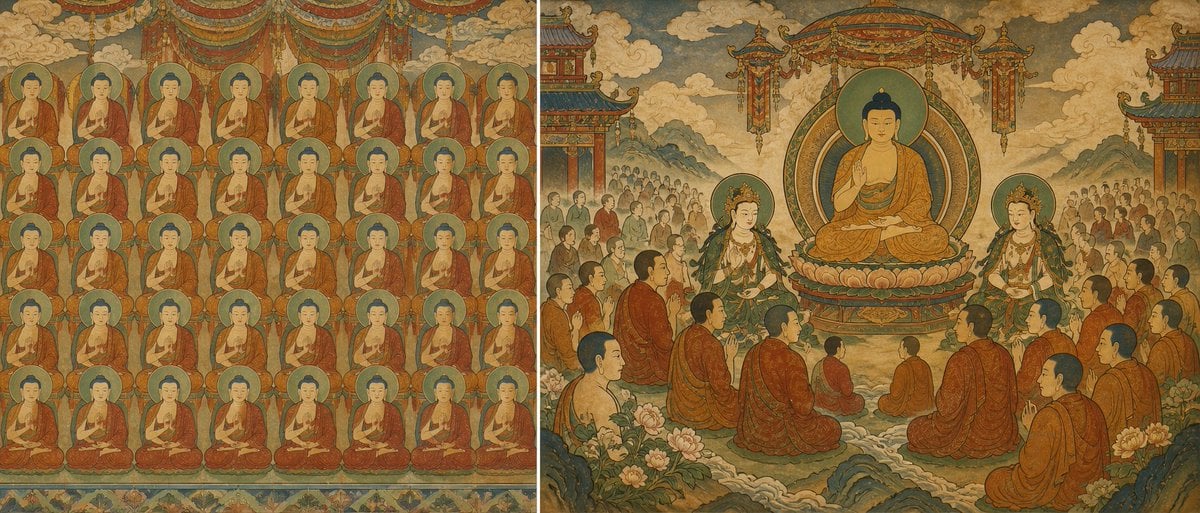
Buddhist Mural Composition Diptych
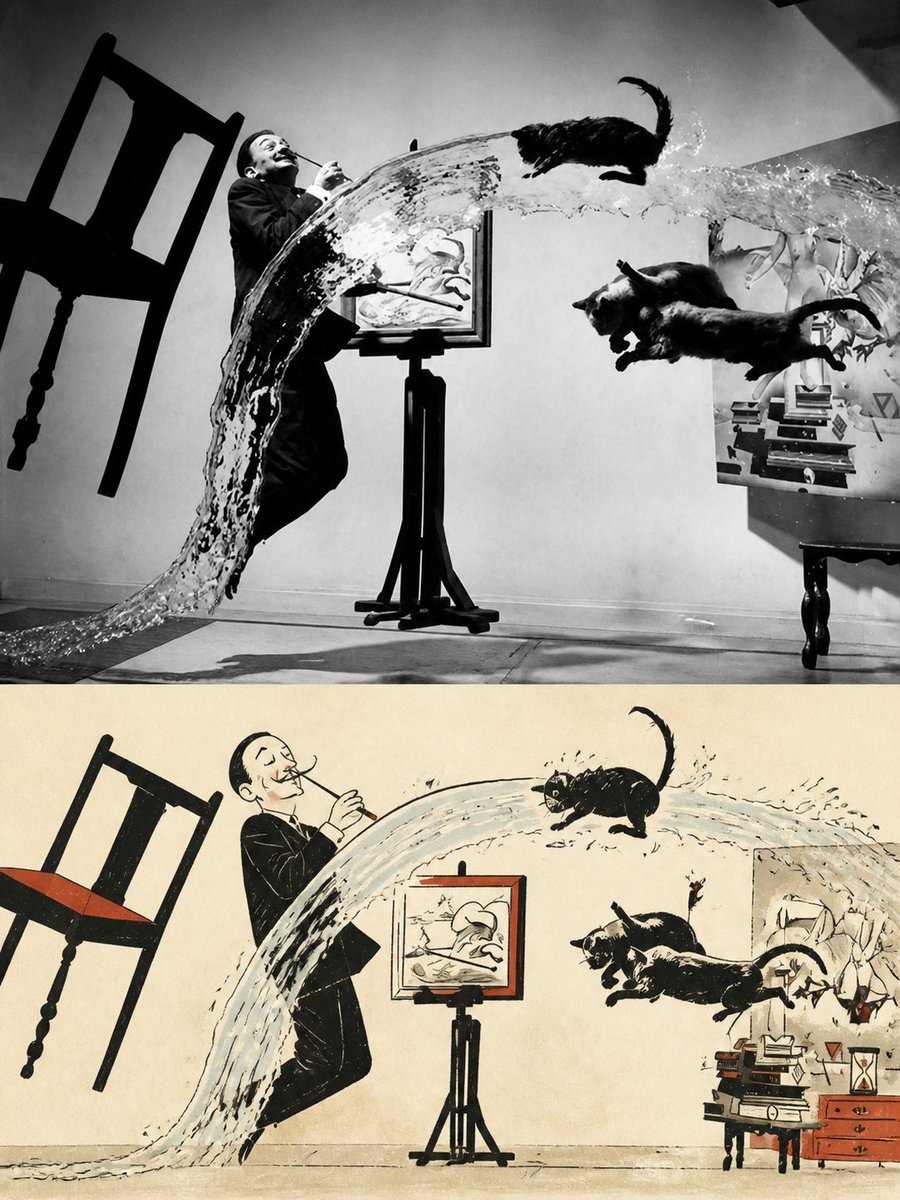
Surreal Photo to Watercolor Diptych
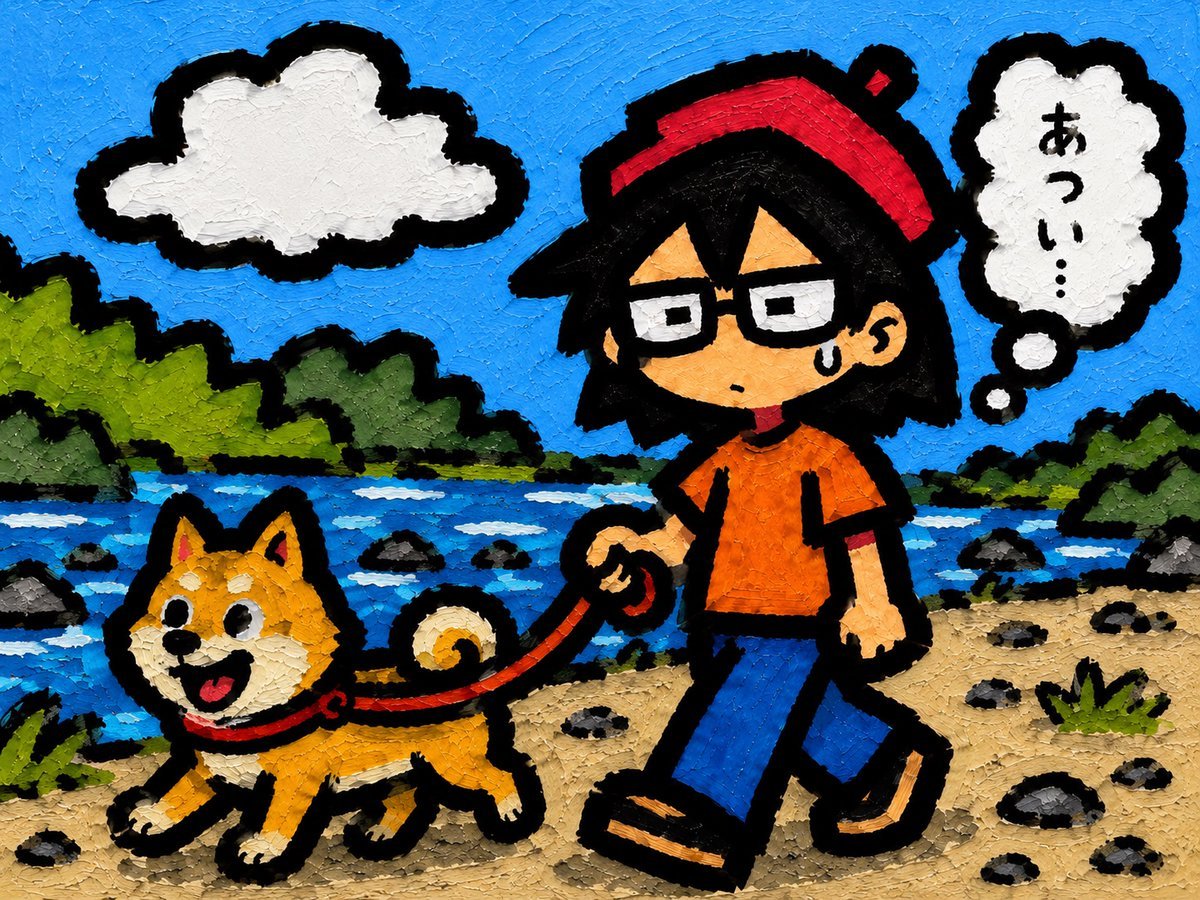
Riverside Dog Walk Character Expansion
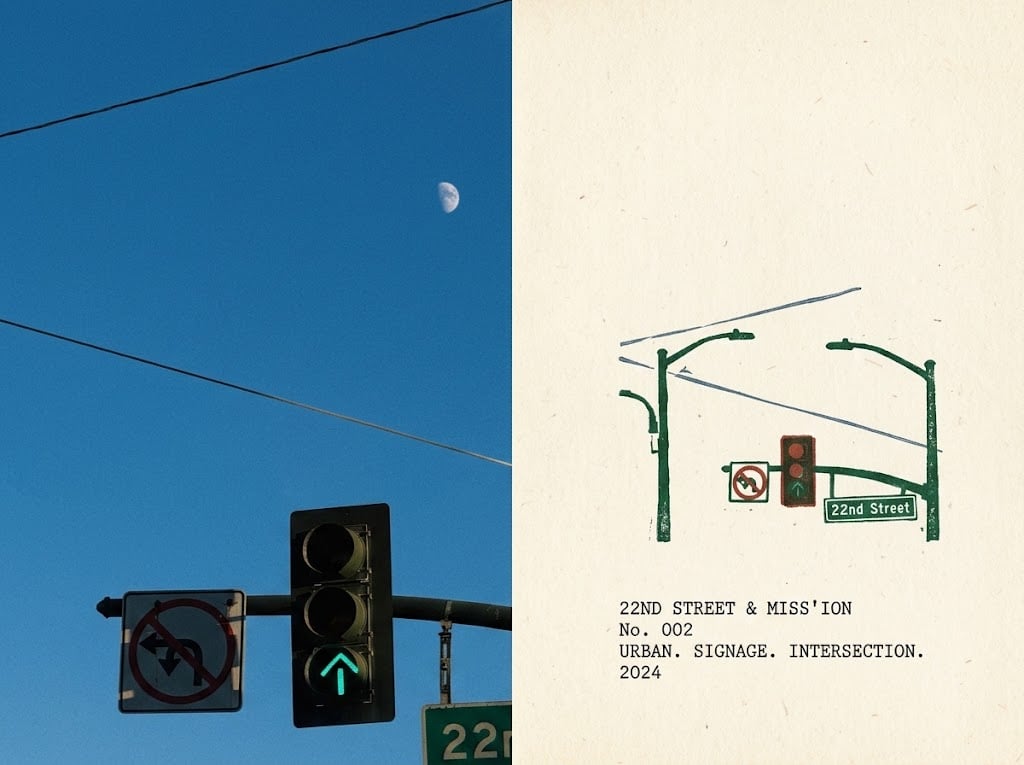
Urban Intersection Photo and Sketch Diptych
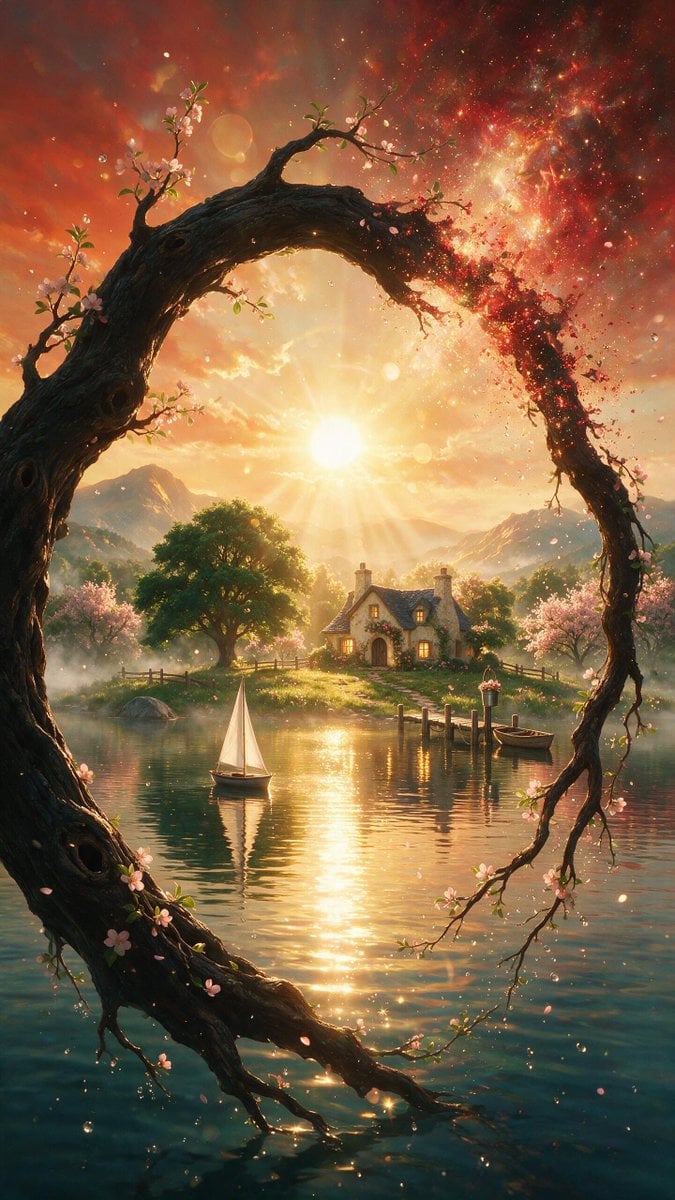
Surreal Landscape and Ethereal River Scenes

Ethereal River of Light in Space
Isometric Voxel River Temple City
Minimal Ink Vignette Archive
Make it yours
Underwater River Ink Rubbing Diptych works as-is. These are the safest ways to change it without losing the look.
Change one field
Copy a single group, rewrite it, and generate again so you can see what that field is doing.
Keep the frame, change the subject
Hold the composition and light of Underwater River Ink Rubbing Diptych, then swap wardrobe, props or the person for a new take.
| If the result… | Why | Fix |
|---|---|---|
| The result drifts from the preview | Too many fields changed at once. | Reuse Underwater River Ink Rubbing Diptych as-is first, then change one group — subject, light, or setting. |
| The model over-stylizes the scene | The prose prompt leaves finish and camera underspecified. | Add one camera or lighting sentence and stay on GPT Image 2. |
More GPT Image 2 templates
Other prompts made for GPT Image 2.

Six VTuber Japanese Logo Sheet

Realistic Portrait of Woman and Deer

The Vista Modular Condo Poster

AI Model Routing Comparison Infographic

2.5D Anime Art Board

Isometric Productivity Desk Scene

New York Double Exposure Poster

Four-Panel AI Landscape Comparison

Japanese Tatami Lifestyle Magazine Cover

NESCAFÉ Coffee Map Poster
More image prompts
Fresh picks from across the catalog.
Rolling Steel Gear on Mountain Ridge
Studio Product Render From Blueprint

Ultra-realistic Product Shot with Dramatic Split Lighting

3D Polished Character Portrait (Pastel Anime Style)

Surreal Cinematic Digital Illustration Prompt

Burj Khalifa Epic Infographic Poster
Samurai War Tent Cinematic Shot
Dromedary Camel in Desert
Nano Banana Pro Prompt Sharing
Kawaii Cafe Food Scrapbook Poster
Browse template categories
Underwater River Ink Rubbing Diptych questions
How do I use the Underwater River Ink Rubbing Diptych template?
Add your photo if the template asks for one, edit the prompt if you like — the template's model and format are already selected — and press Generate. Your version opens in PicX Studio.
Can I customize the Underwater River Ink Rubbing Diptych template?
Yes. You can change the subject, setting, lighting, mood, format, and available model controls before creating your image.
Is the Underwater River Ink Rubbing Diptych template free?
Opening and editing this template is free. Generating uses credits, shown on the Generate button when you are signed in.
Which AI model should I use?
Start with GPT Image 2, which is the model associated with this template. You can compare another compatible model for a different finish.
Looking for something else? Browse all templates.

Your photo, any look
Thousands of ready templates for every top image and video model, from one credit balance.